

in progress...

Compra WinSizeNG - Resize your desktop applications PC

Ti interessa WinSizeNG - Resize your desktop applications? Stiamo tracciando i prezzi dagli store affidabili. Aggiungi WinSizeNG - Resize your desktop applications alla wishlist e ti avviseremo quando saranno disponibili offerte.

Uscita: 10 ott 2024
Publisher: Eduardo Bezerra
Sviluppatore: Eduardo Bezerra
Official
Non disponibile
Keyshops
Non disponibile
Compra nello store ufficiale:
Non disponibile
Compra nei keyshop:
Non disponibile

Nessuna offerta al momento, ma non preoccuparti: ti informeremo quando ne comparirà una nuova.

Create Alert Create deal Alert

Info su WinSizeNG - Resize your desktop applications

WinSizeNG - Resize your desktop applications - info sul gioco

Overview of WinSizeNG

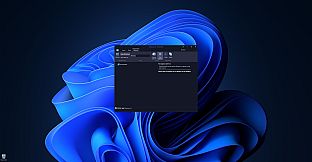
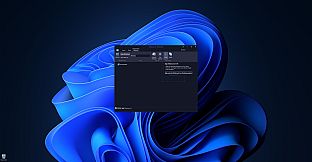
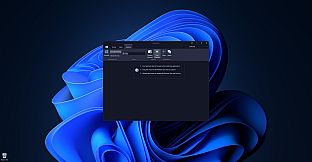
WinSizeNG is a utility designed for rapid resizing and repositioning of application windows on your desktop.

It streamlines workflow, particularly when used in conjunction with workspace managers like PowerToys Workspaces, offering a faster alternative to tools like FancyZones.

Unlike applications that simply remember window positions on close, WinSizeNG allows you to quickly capture and apply window dimensions to multiple applications simultaneously.

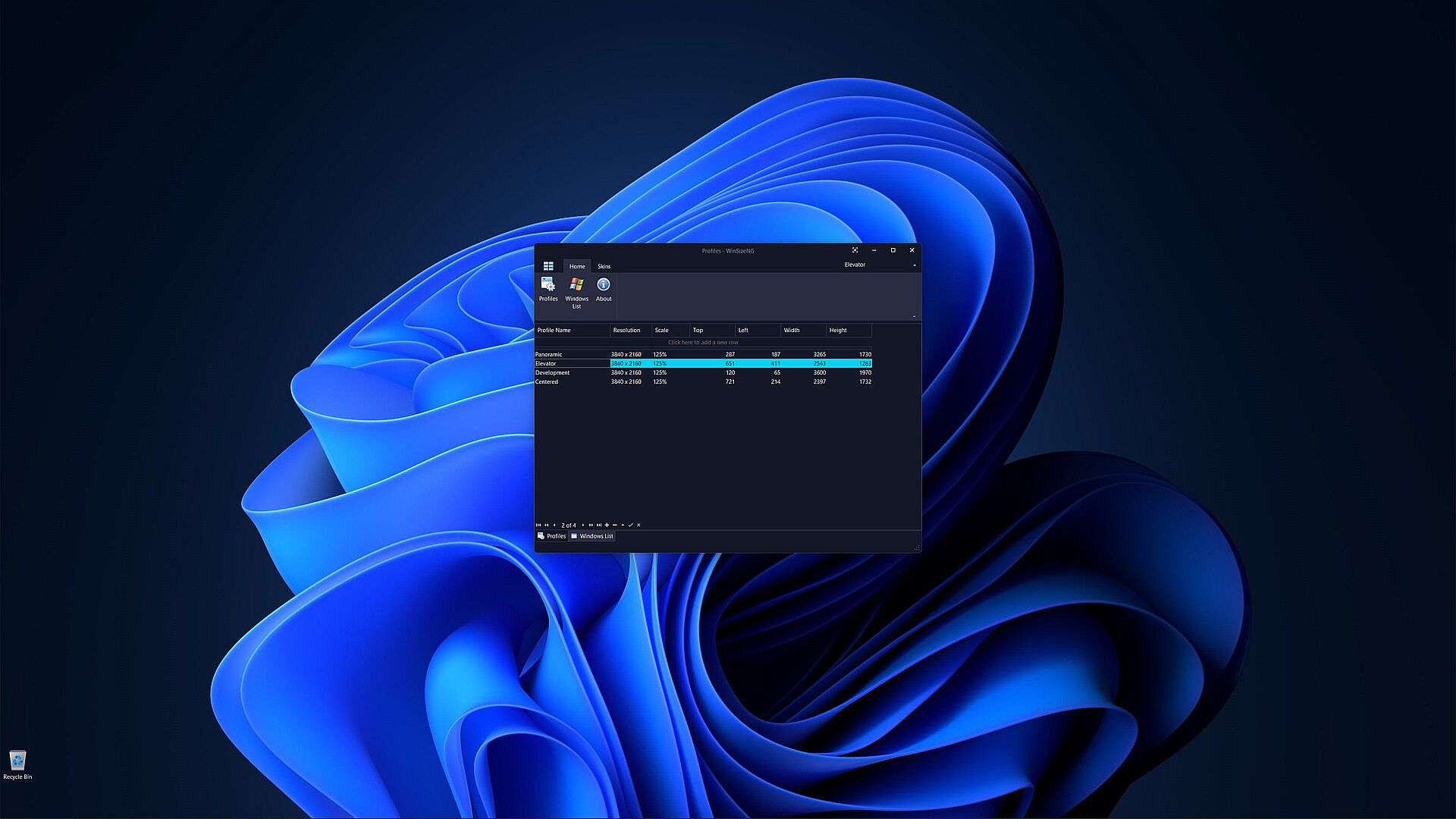
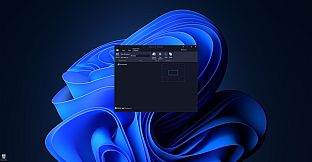
One of the primary features of WinSizeNG is its ability to capture a window's size and position and create a profile of its dimensions.

Users can create multiple profiles for different resolutions, scales, sizes, and positions.

It offers a quick and efficient way to manage window layouts, enhancing your productivity.

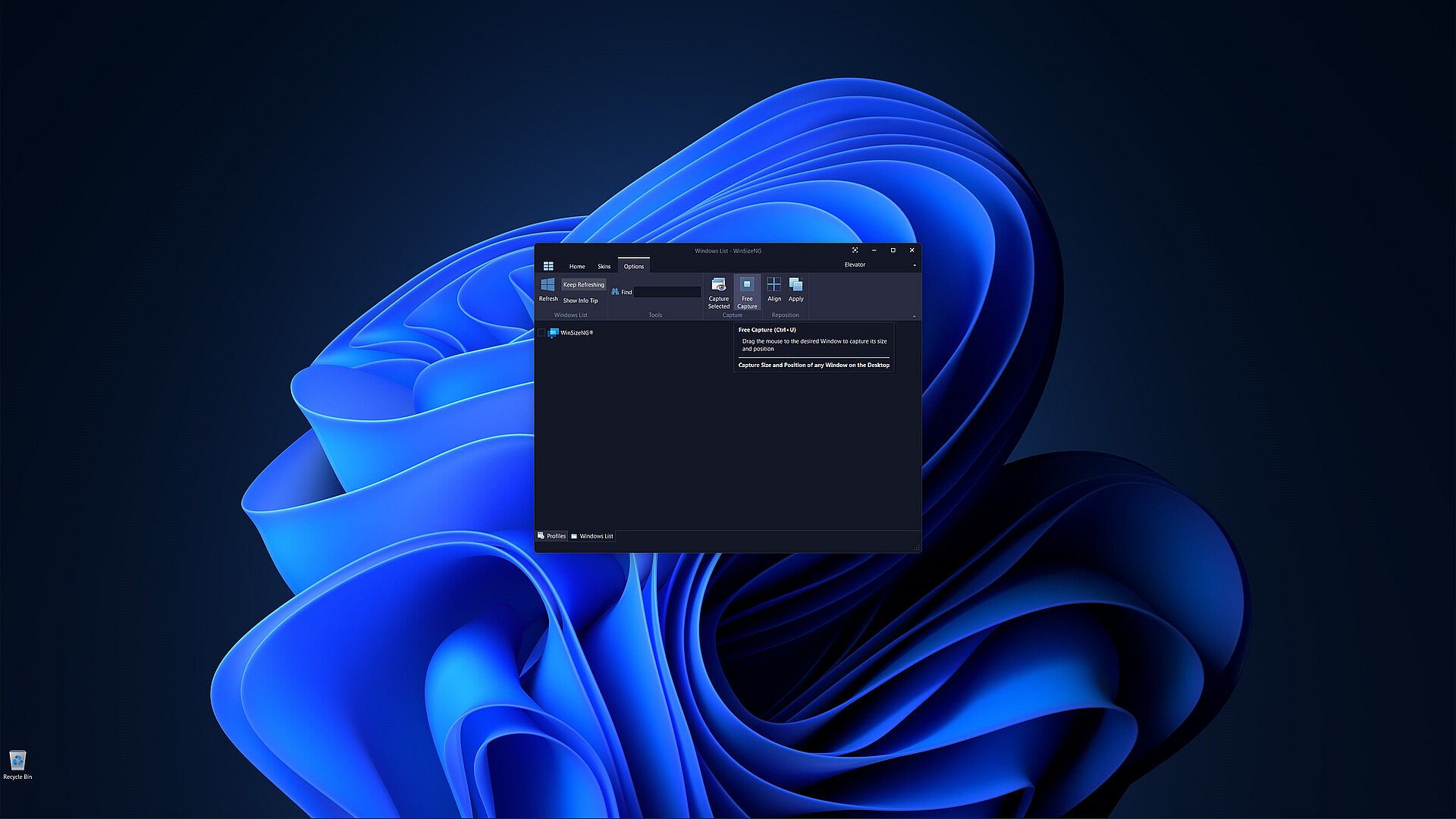
All non-minimized windows will appear in a list, allowing users to select any number of windows, choose a profile, and click to resize and reposition them.

WinSizeNG complements PowerToys Workspaces by enabling users to rapidly create and manage new profiles tailored to their needs.

Key Features of WinSizeNG

Window Resizing and Repositioning: Users can easily resize and move any application window on their desktop.

Profile Creation: WinSizeNG can capture the size and position of a window and create a profile for future use. Users can maintain multiple profiles, accommodating various resolutions, scaling, sizes, and positions.

Windows List: All non-minimized windows are displayed in a selectable list, allowing users to choose multiple windows for resizing and repositioning.

Profiles Management:

  • Create Profiles: Users can create profiles with different resolutions and dimensions using CTRL+P.

  • Windows List: Access a list of all non-minimized windows with CTRL+L.

  • About: View information about the WinSizeNG application and its version using CTRL+H.

  • Refresh: Update the displayed list of windows with CTRL+R.

  • Keep Refreshing: Automatically refresh the window list every 4 seconds with CTRL+K.

Windows Information:

  • Show Info Tip: Display the Process ID, Window Handle, Name, and Class of selected items using CTRL+I.

  • Search: Quickly find and select windows by partial or full name with incremental search support.

Window Management:

  • Always On Top: Keep the WinSizeNG application visible above all other windows, even when not active, using CTRL+T.

  • Capture: Select a window from the list to capture its size and position with CTRL+S.

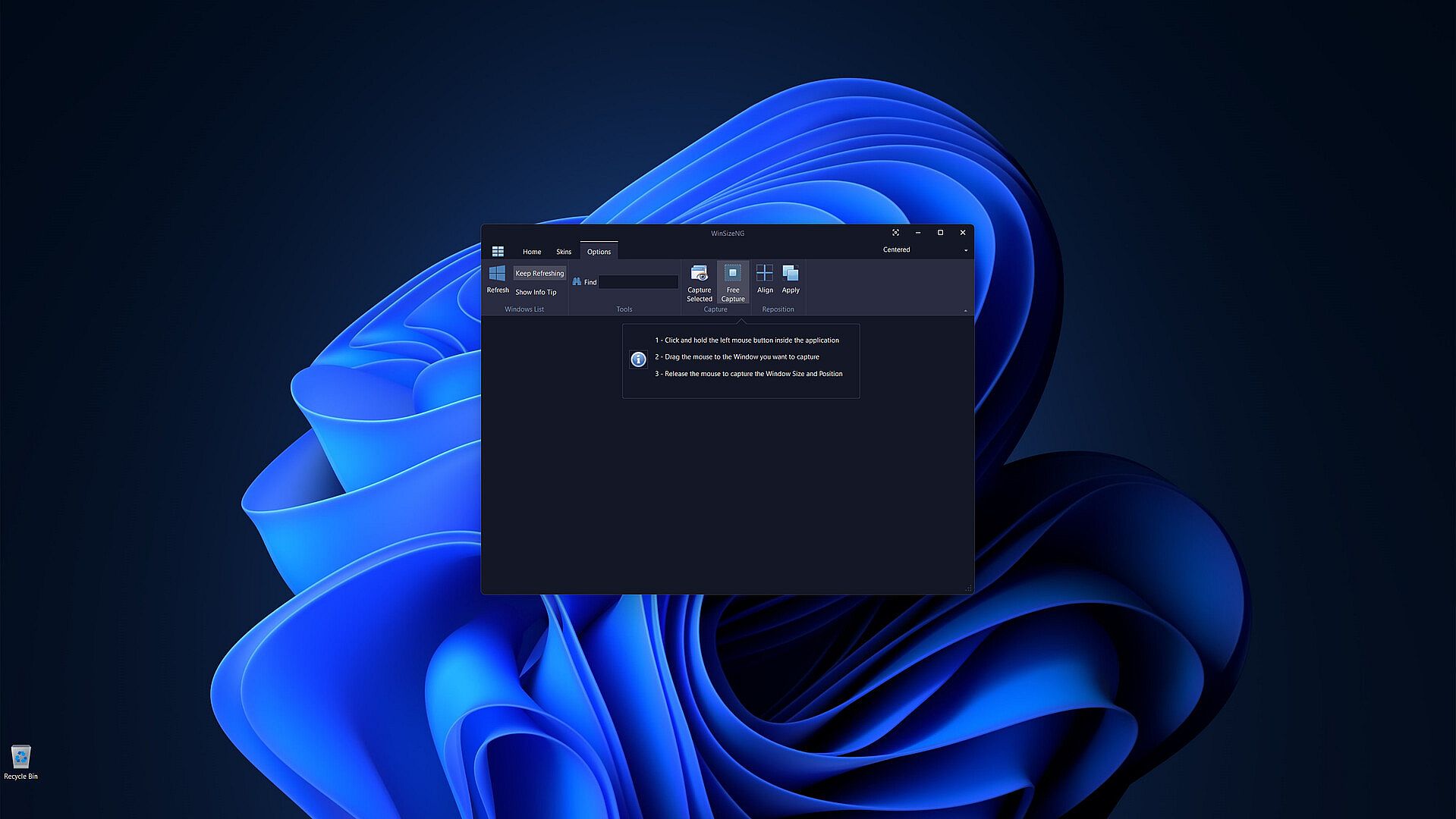
  • Free Capture: Drag the mouse to any desired window to capture its size and position using CTRL+U.

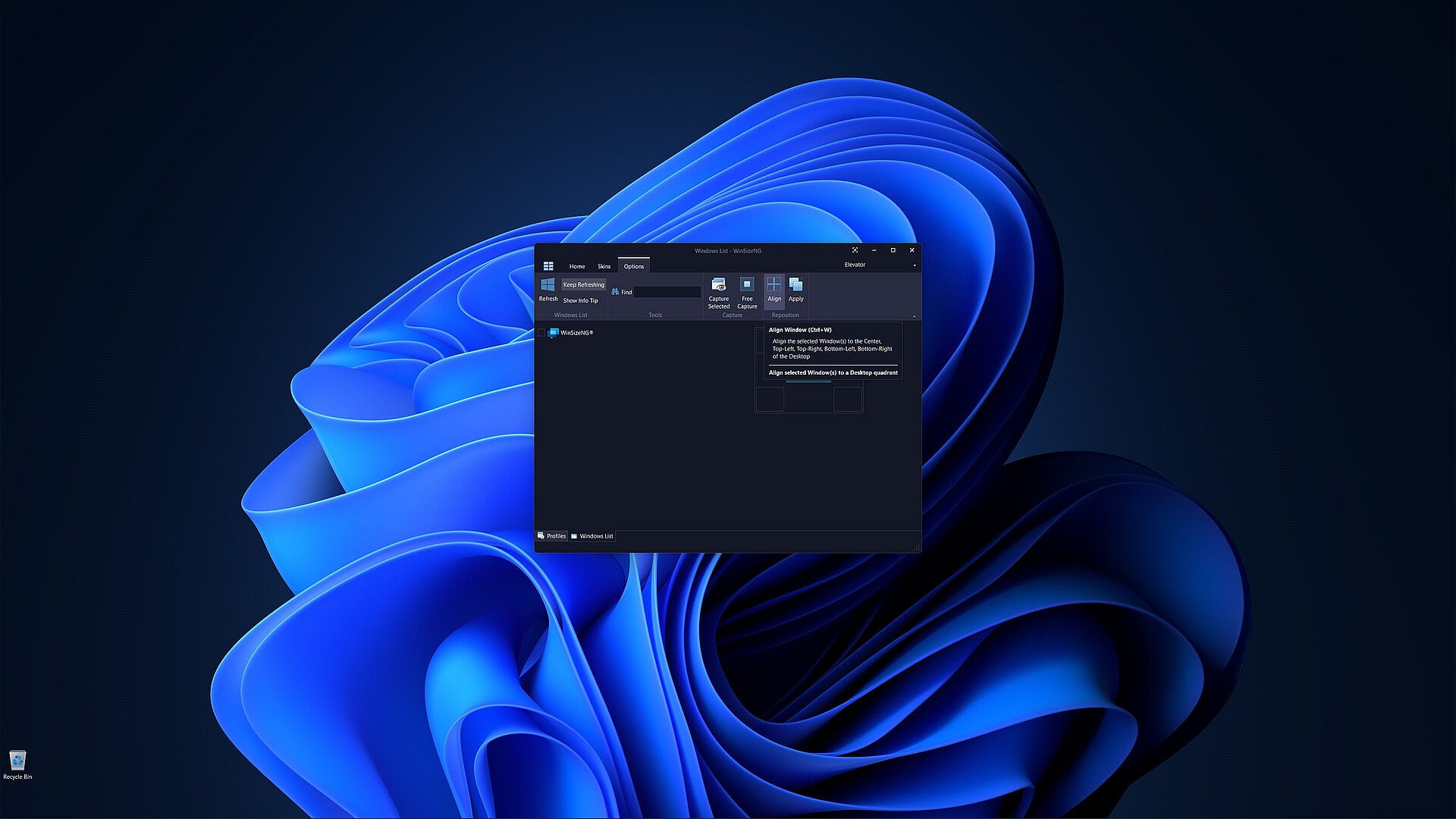
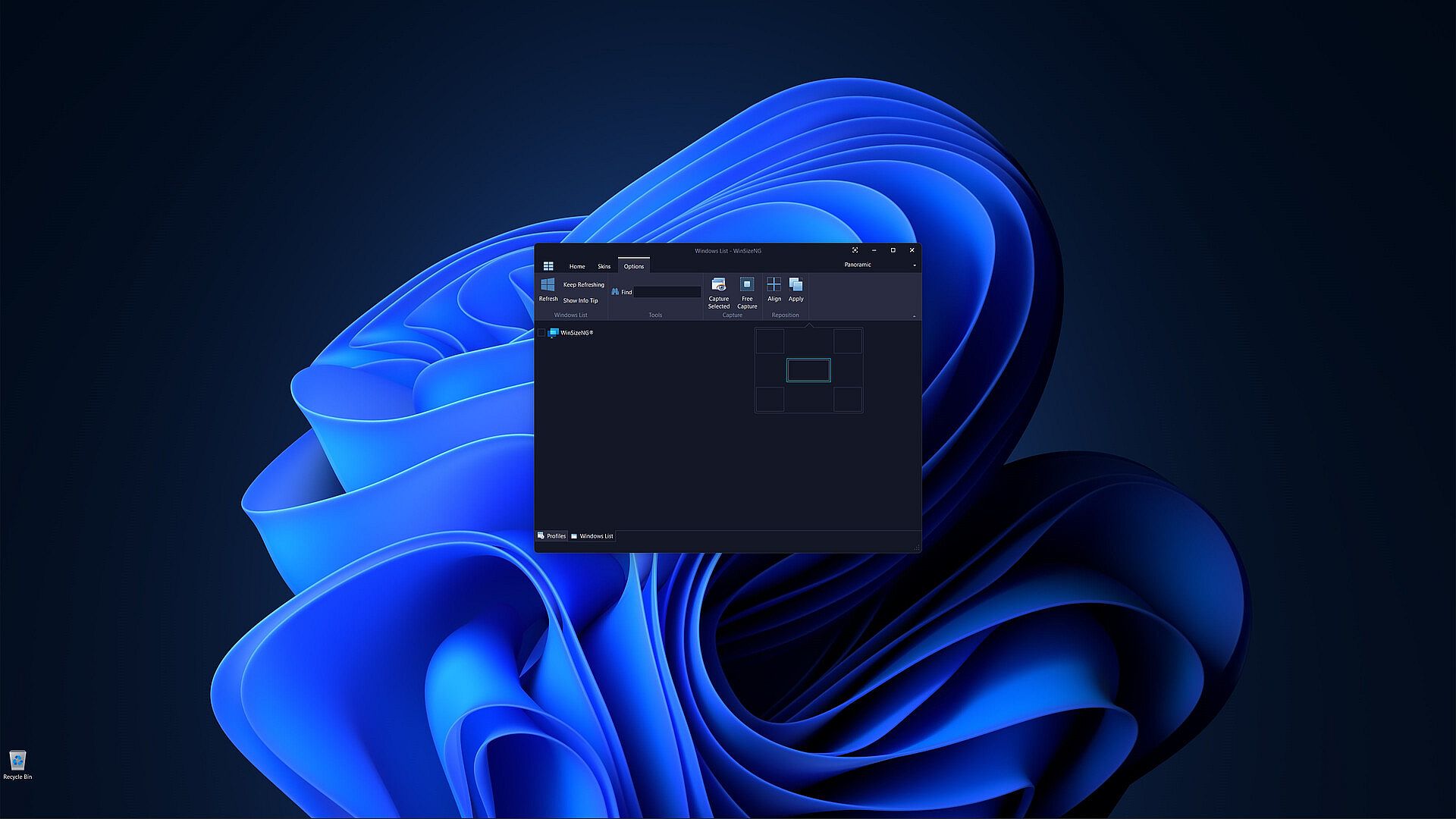
  • Align: Align selected windows to the center, top-left, top-right, bottom-left, or bottom-right of the desktop with CTRL+W.

  • Apply: Apply the chosen profile to selected windows to adjust their size and position using CTRL+Y.

Customization: Users can choose from a variety of skins to personalize their experience.

Storico prezzi

Minimo storico
Keyshop
-
-
-
Store ufficiali
-
-
-

FAQ

8 domande

Prima di cercare una CD Key WinSizeNG - Resize your desktop applications economica, dai un'occhiata alle info essenziali. Sviluppato da Eduardo Bezerra. Pubblicato da Eduardo Bezerra. Data di uscita su PC: 10 ott 2024. Generi: Utilities, Software Training.

Q Posso giocare a WinSizeNG - Resize your desktop applications su Steam Deck?

No, al momento. Valve indica WinSizeNG - Resize your desktop applications come Unsupported, quindi non si avvia via Proton. Tieni d'occhio XD.deals: tracciamo progressi di Proton e fix della community e lo segnaleremo appena sarà possibile giocare a WinSizeNG - Resize your desktop applications su Steam Deck.

. Esiste una versione Steam di WinSizeNG - Resize your desktop applications. Scegli un'offerta con tag Steam Key su XD.deals, riscattala nel client desktop e gioca a WinSizeNG - Resize your desktop applications su Steam PC.

Sì. Dopo aver riscattato la chiave Steam, puoi avviare WinSizeNG - Resize your desktop applications in Modalità Offline su Steam. I salvataggi si sincronizzeranno quando tornerai online.

, puoi acquistare una Steam Key di WinSizeNG - Resize your desktop applications direttamente su Steam. Su XD.deals aggregiamo tutte le offerte DRM Steam disponibili così puoi confrontare le offerte Steam economiche di WinSizeNG - Resize your desktop applications in un unico posto.

Al momento non abbiamo offerte attive per WinSizeNG - Resize your desktop applications - sia gli store ufficiali (0) sia i keyshop (0) mostrano il gioco esaurito o temporaneamente non disponibile...

Con XD.deals i gamer PC vedono subito dove comprare una chiave Steam WinSizeNG - Resize your desktop applications PC economica. Il nostro motore di comparazione in tempo reale e il database coupon tracciano store ufficiali e keyshop affidabili così non devi farlo tu. In questo momento rileviamo 0 offerte attive tra store e keyshop.

Non ancora. Non c'è una pagina Steam per WinSizeNG - Resize your desktop applications al momento, quindi oggi non puoi comprare WinSizeNG - Resize your desktop applications su Steam. In alternativa, guarda le altre offerte per WinSizeNG - Resize your desktop applications su XD.deals: store ufficiali e keyshop spesso offrono versioni DRM-free o chiavi per altri launcher mentre aspetti un'eventuale uscita su Steam.

No - XD.deals non è uno store. Siamo un servizio di comparazione prezzi che traccia le migliori offerte per WinSizeNG - Resize your desktop applications tra store ufficiali e keyshop verificati. Clicca "Vai allo store" accanto all'offerta scelta e verrai reindirizzato al sito del rivenditore per completare l'acquisto e ricevere lì la chiave.

Vuoi comprare al momento giusto? Imposta un avviso prezzo su XD.deals e prendi una chiave Steam WinSizeNG - Resize your desktop applications scontata quando raggiunge il prossimo minimo storico.

Crea avviso