

Comprar WinSizeNG - Resize your desktop applications PC

¿Te interesa WinSizeNG - Resize your desktop applications? Estamos siguiendo precios en tiendas de confianza. Añade WinSizeNG - Resize your desktop applications a tu lista de deseos y te avisaremos cuando haya ofertas.

Lanzamiento: 10 oct 2024
Desarrollador: Eduardo Bezerra
Official
No disponible
Keyshops
No disponible
Comprar en tienda oficial:
No disponible
Comprar en keyshops:
No disponible

No hay entradas, pero no te preocupes: te avisaremos cuando aparezca una nueva oferta.

Create Alert Create deal Alert

Sobre WinSizeNG - Resize your desktop applications

WinSizeNG - Resize your desktop applications - sobre el juego

Overview of WinSizeNG

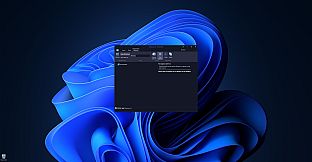
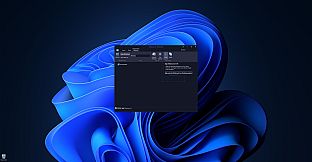
WinSizeNG is a utility designed for rapid resizing and repositioning of application windows on your desktop.

It streamlines workflow, particularly when used in conjunction with workspace managers like PowerToys Workspaces, offering a faster alternative to tools like FancyZones.

Unlike applications that simply remember window positions on close, WinSizeNG allows you to quickly capture and apply window dimensions to multiple applications simultaneously.

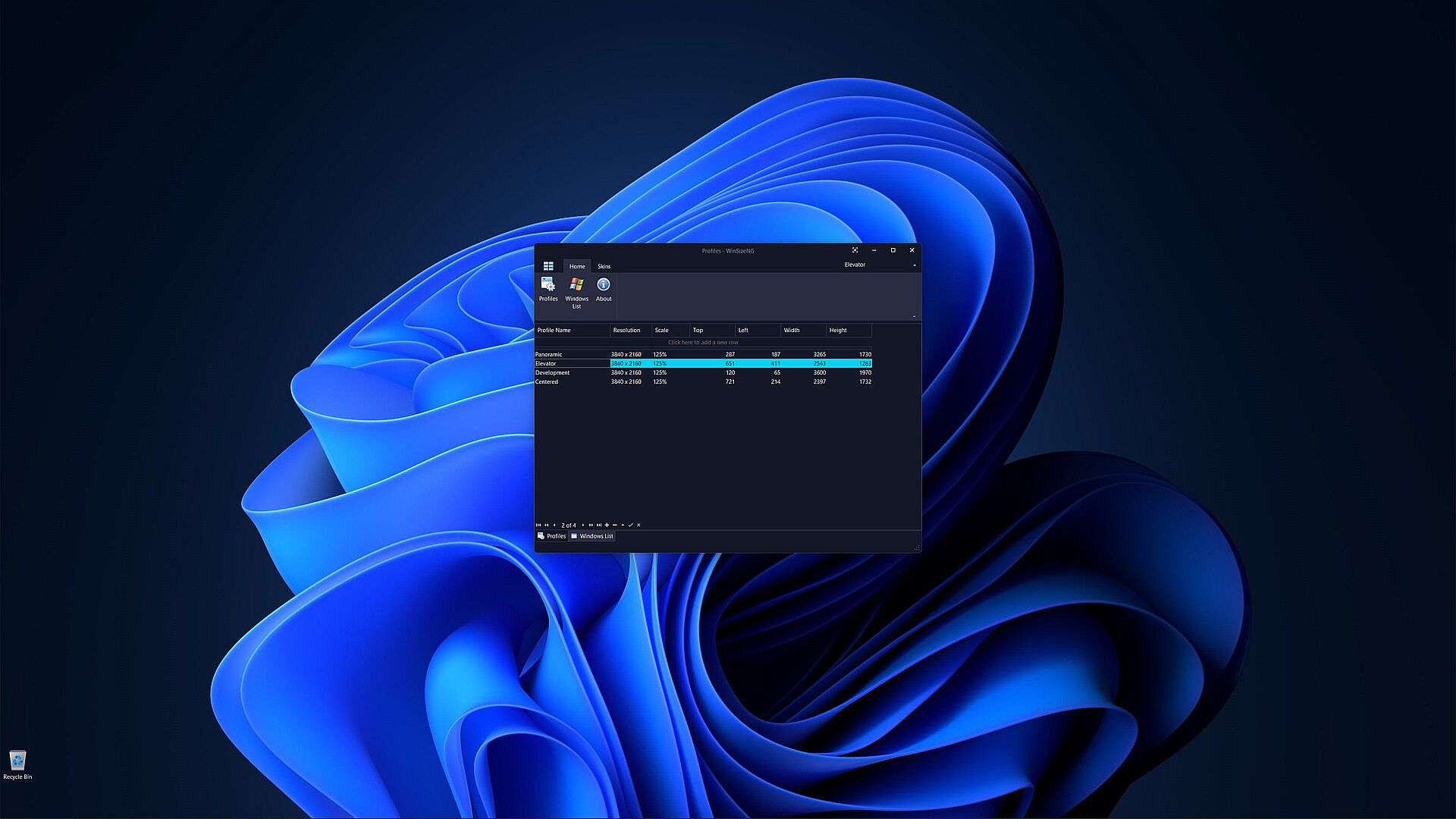
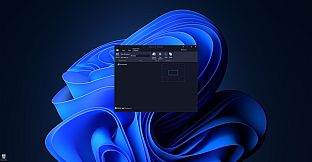
One of the primary features of WinSizeNG is its ability to capture a window's size and position and create a profile of its dimensions.

Users can create multiple profiles for different resolutions, scales, sizes, and positions.

It offers a quick and efficient way to manage window layouts, enhancing your productivity.

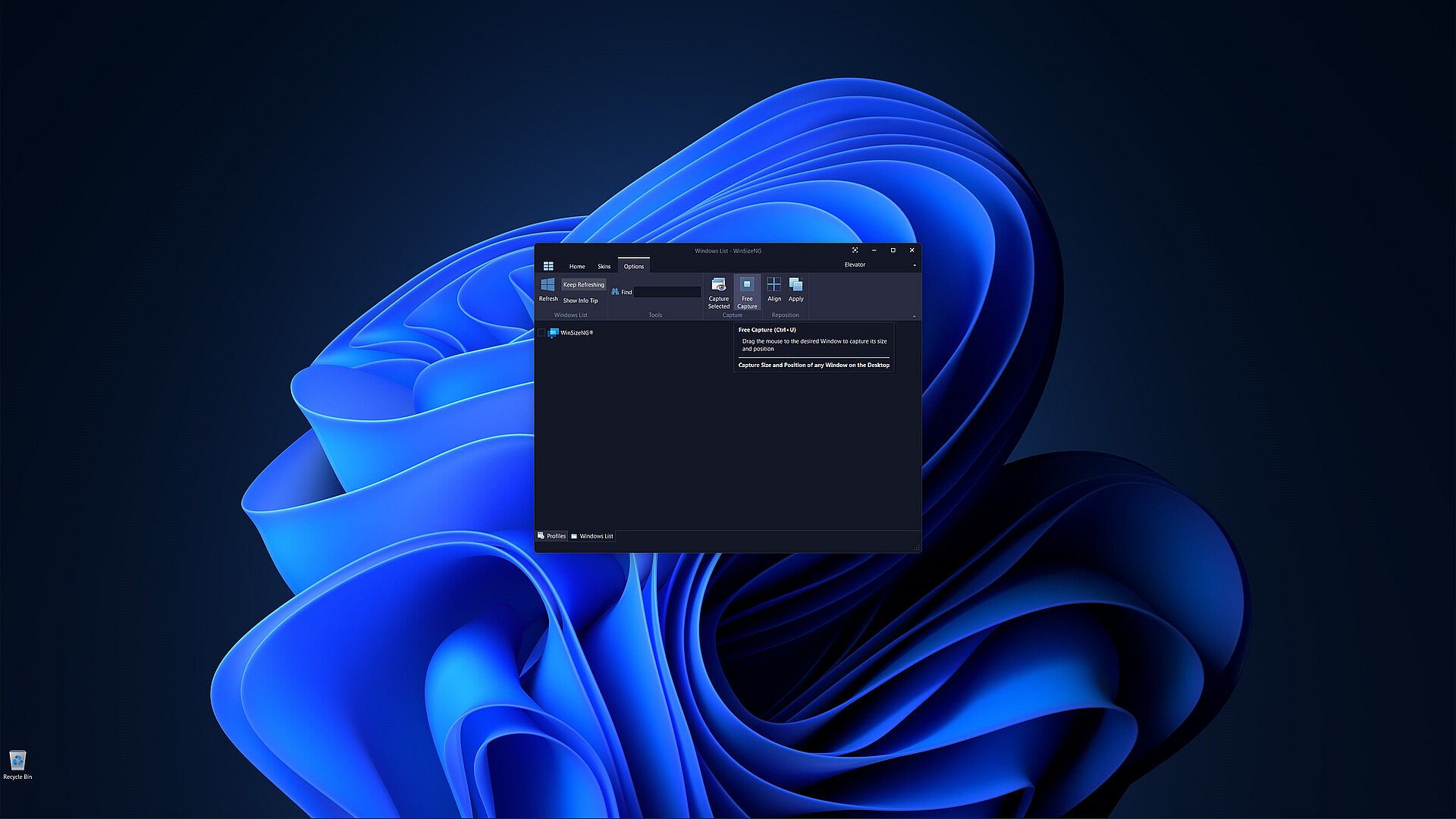
All non-minimized windows will appear in a list, allowing users to select any number of windows, choose a profile, and click to resize and reposition them.

WinSizeNG complements PowerToys Workspaces by enabling users to rapidly create and manage new profiles tailored to their needs.

Key Features of WinSizeNG

Window Resizing and Repositioning: Users can easily resize and move any application window on their desktop.

Profile Creation: WinSizeNG can capture the size and position of a window and create a profile for future use. Users can maintain multiple profiles, accommodating various resolutions, scaling, sizes, and positions.

Windows List: All non-minimized windows are displayed in a selectable list, allowing users to choose multiple windows for resizing and repositioning.

Profiles Management:

  • Create Profiles: Users can create profiles with different resolutions and dimensions using CTRL+P.

  • Windows List: Access a list of all non-minimized windows with CTRL+L.

  • About: View information about the WinSizeNG application and its version using CTRL+H.

  • Refresh: Update the displayed list of windows with CTRL+R.

  • Keep Refreshing: Automatically refresh the window list every 4 seconds with CTRL+K.

Windows Information:

  • Show Info Tip: Display the Process ID, Window Handle, Name, and Class of selected items using CTRL+I.

  • Search: Quickly find and select windows by partial or full name with incremental search support.

Window Management:

  • Always On Top: Keep the WinSizeNG application visible above all other windows, even when not active, using CTRL+T.

  • Capture: Select a window from the list to capture its size and position with CTRL+S.

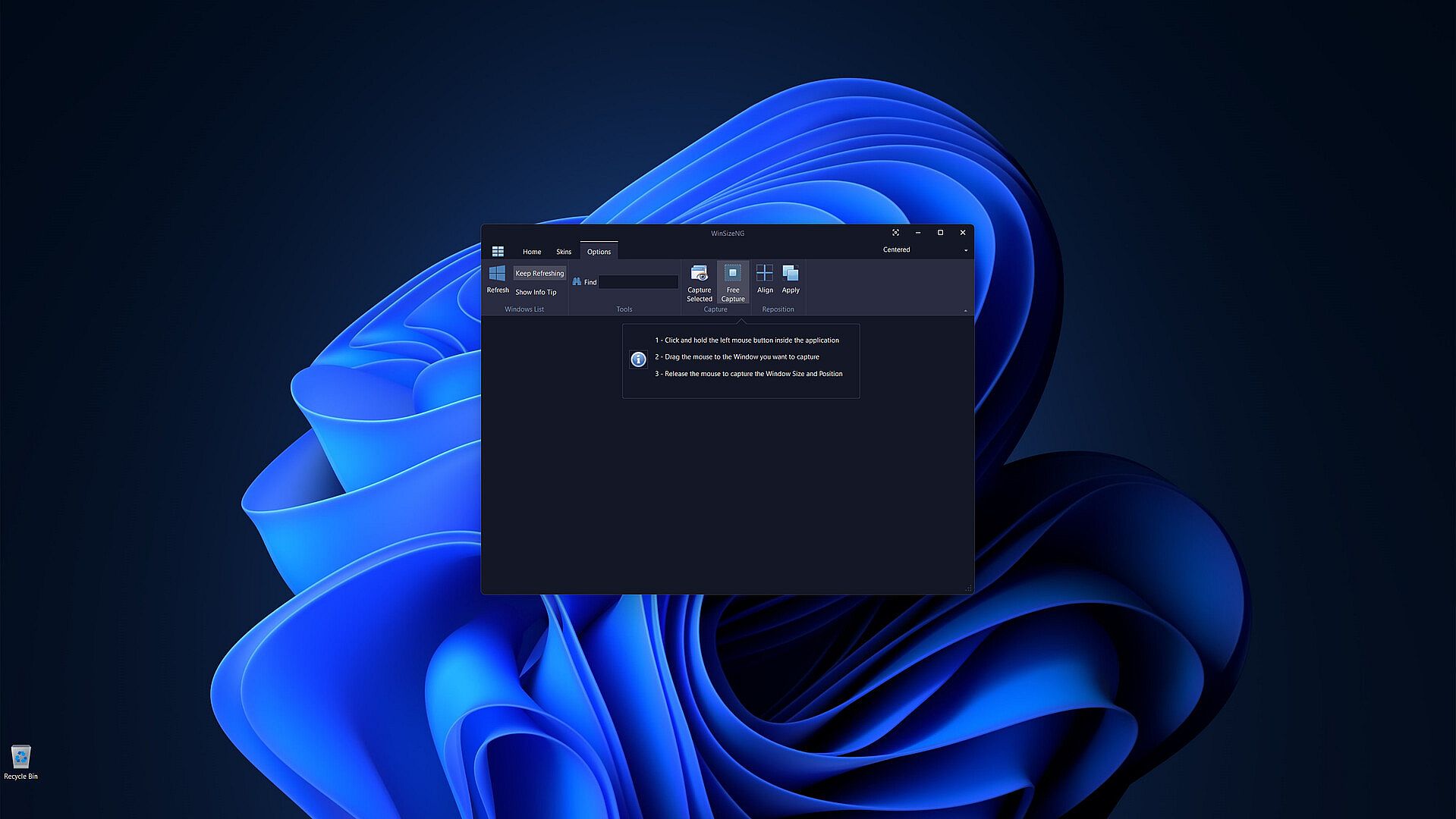
  • Free Capture: Drag the mouse to any desired window to capture its size and position using CTRL+U.

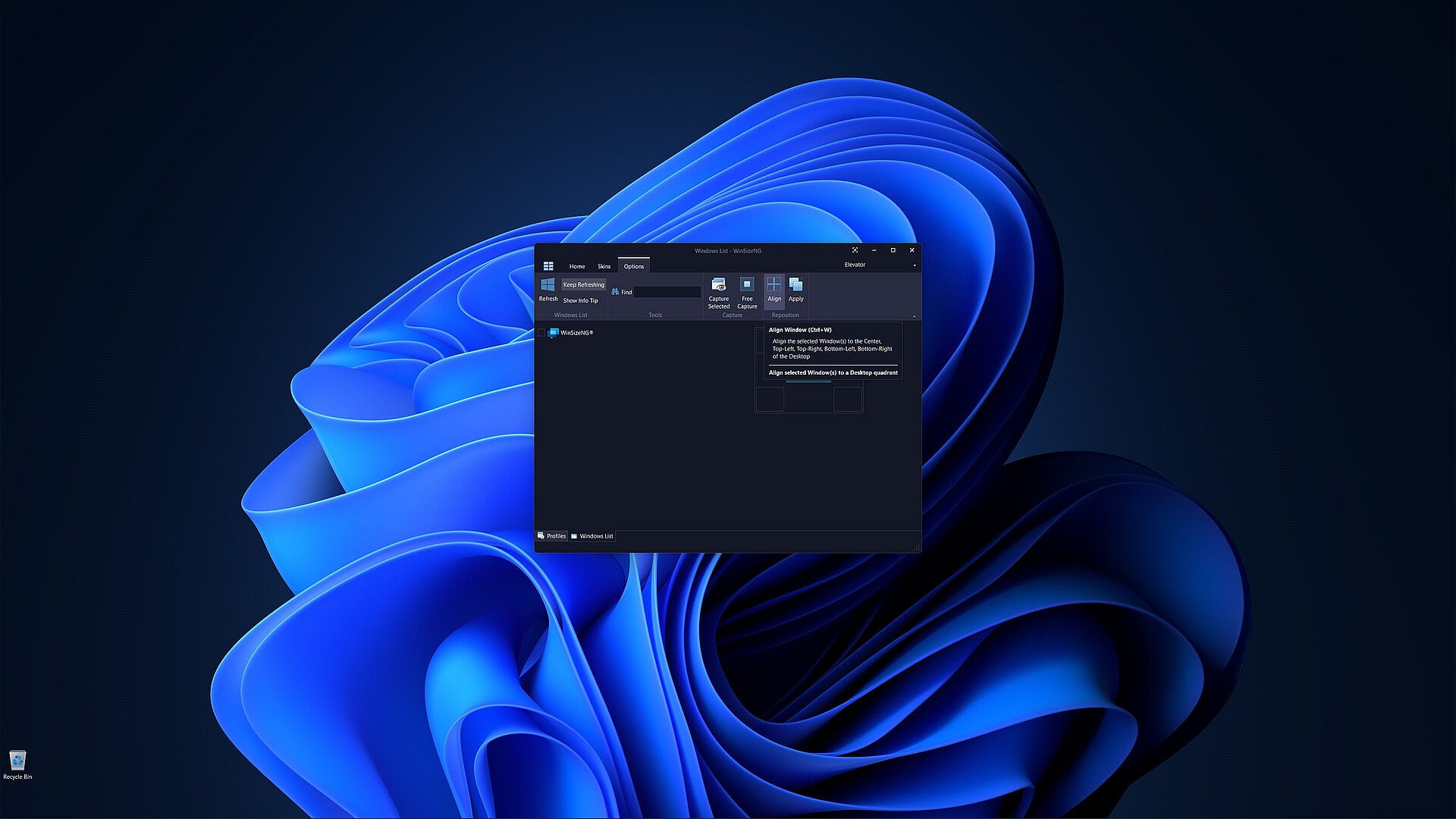
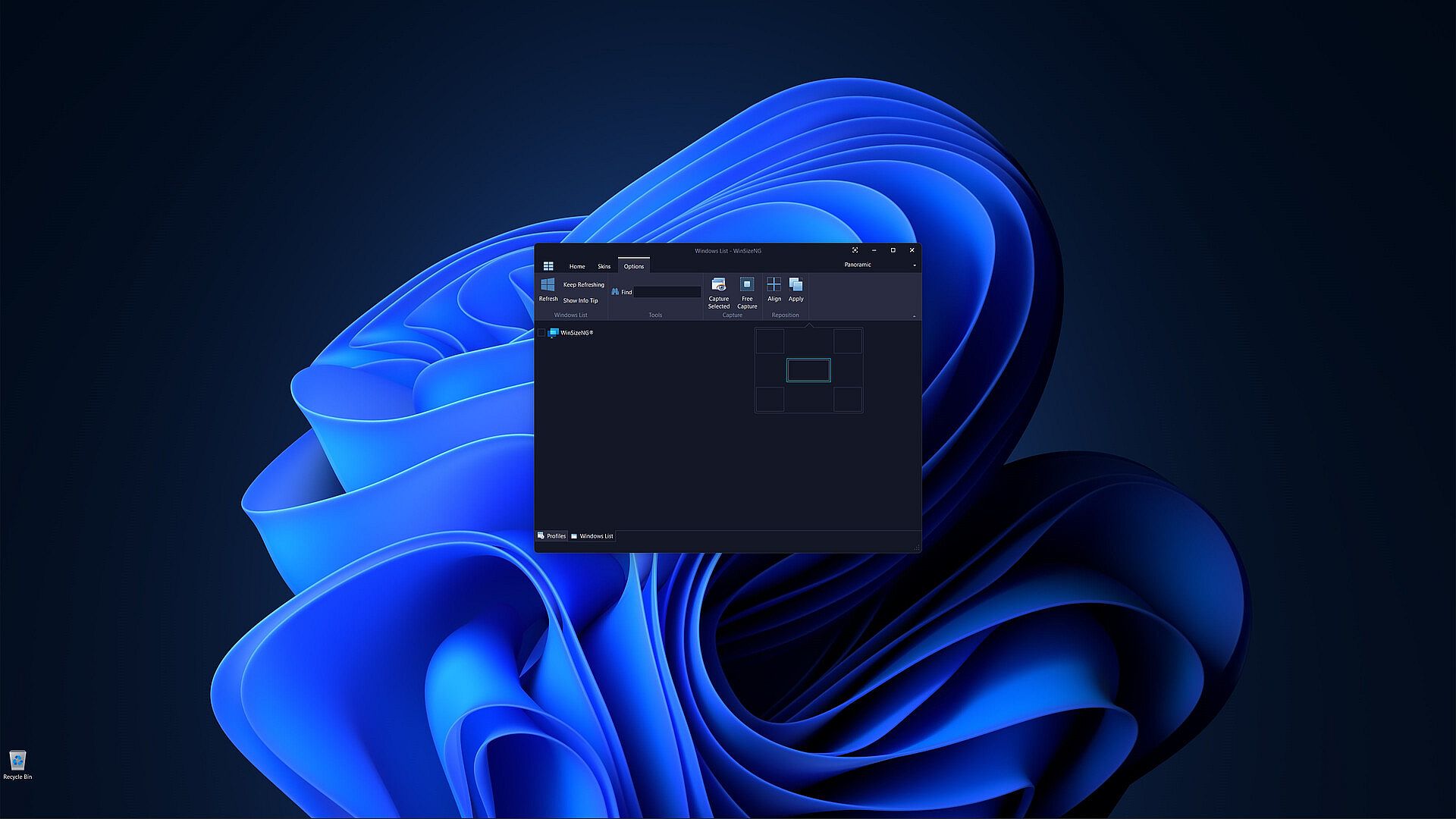
  • Align: Align selected windows to the center, top-left, top-right, bottom-left, or bottom-right of the desktop with CTRL+W.

  • Apply: Apply the chosen profile to selected windows to adjust their size and position using CTRL+Y.

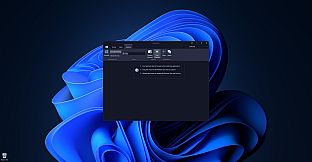
Customization: Users can choose from a variety of skins to personalize their experience.

Historial de precios

Mínimo histórico
Keyshops
-
-
-
Tiendas oficiales
-
-
-

FAQ

8 preguntas

Antes de buscar una CD Key barata de WinSizeNG - Resize your desktop applications, revisa lo esencial. Desarrollado por Eduardo Bezerra. Publicado por Eduardo Bezerra. Fecha de lanzamiento en PC: 10 oct 2024. Géneros: Utilities, Software Training.

Q ¿Puedo jugar a WinSizeNG - Resize your desktop applications en Steam Deck?

No, ahora mismo no. Valve marca WinSizeNG - Resize your desktop applications como No compatible con Steam Deck, así que no se inicia con Proton por el momento. Mantente atento a XD.deals: seguimos avances de Proton y soluciones de la comunidad, y lo marcaremos en cuanto haya una forma de jugar a WinSizeNG - Resize your desktop applications en Steam Deck.

. Existe una versión de WinSizeNG - Resize your desktop applications en Steam. Elige cualquier oferta marcada como Steam Key en XD.deals, canjéala en el cliente de escritorio y juega a WinSizeNG - Resize your desktop applications en Steam para PC.

Sí. Una vez canjeada tu clave de Steam, puedes iniciar WinSizeNG - Resize your desktop applications en Modo sin conexión desde Steam. Tus partidas se sincronizarán la próxima vez que te conectes.

, puedes comprar una Steam Key de WinSizeNG - Resize your desktop applications directamente en la tienda de Steam. En XD.deals agregamos todas las ofertas con DRM de Steam para que compares ofertas baratas de WinSizeNG - Resize your desktop applications en Steam en un solo lugar.

Por el momento no tenemos ofertas activas para WinSizeNG - Resize your desktop applications — tanto las tiendas oficiales (0) como los keyshops (0) lo muestran agotado o temporalmente no disponible…

Con XD.deals, los jugadores de PC pueden ver al instante dónde comprar una clave Steam para PC de WinSizeNG - Resize your desktop applications barata. Nuestro motor de comparación en tiempo real y nuestra base de cupones seleccionados siguen todas las tiendas oficiales y keyshops de confianza para que no tengas que hacerlo tú. Ahora mismo detectamos este juego en 0 ofertas activas de tiendas y keyshops.

Todavía no. Ahora mismo no hay ficha de WinSizeNG - Resize your desktop applications en Steam, así que no puedes comprar WinSizeNG - Resize your desktop applications en Steam hoy. En su lugar, revisa otras ofertas de WinSizeNG - Resize your desktop applications en XD.deals: tiendas oficiales y keyshops a menudo ofrecen versiones sin DRM o claves para otros launchers mientras esperas un futuro lanzamiento en Steam.

No: XD.deals no es una tienda. Somos un servicio de comparación que rastrea las mejores ofertas de WinSizeNG - Resize your desktop applications en tiendas oficiales y keyshops verificados. Haz clic en "Comprar ahora" junto a la oferta que quieras y te redirigiremos a la web del vendedor para completar la compra y recibir allí la clave.

¿Listo para jugar? Crea una alerta de precio en XD Deals y consigue una clave de Steam de WinSizeNG - Resize your desktop applications con descuento en cuanto alcance su próximo mínimo histórico.

Crear alerta