






Buy MyDockFinder PC

Interested in MyDockFinder? We're tracking prices from trusted stores. Add MyDockFinder to your wishlist and we'll notify you when deals become available.

Release: 25 Nov 2021
Steam:
Mostly Positive (5k)
Official
Unavailable
Keyshops
Unavailable
Buy in Official Store:
Unavailable
Buy in Keyshops:
Unavailable

No entries, but don't worry, we will inform you once the new offer appears.

Create Alert Create deal Alert

About MyDockFinder

MyDockFinder - about the game
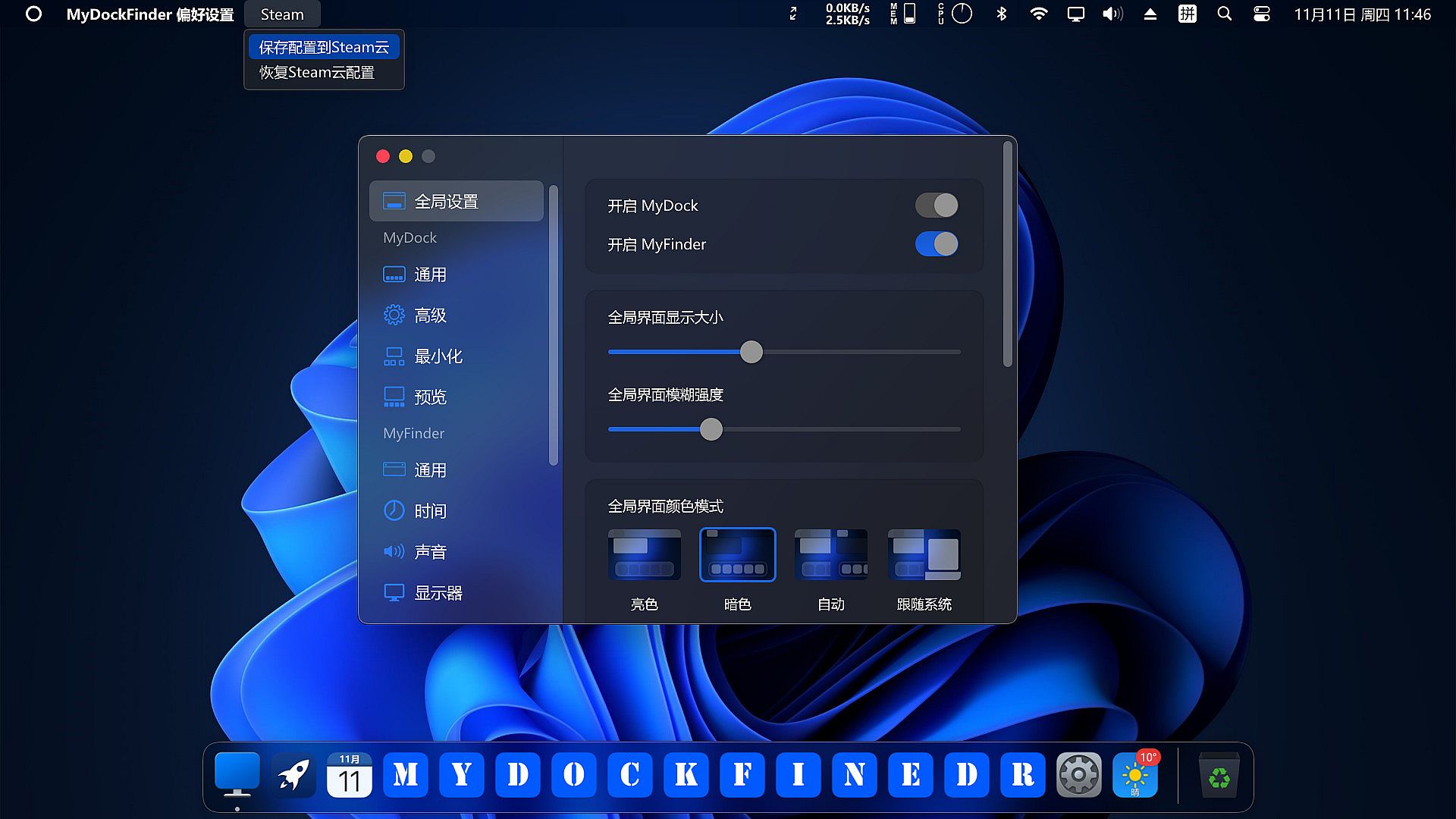
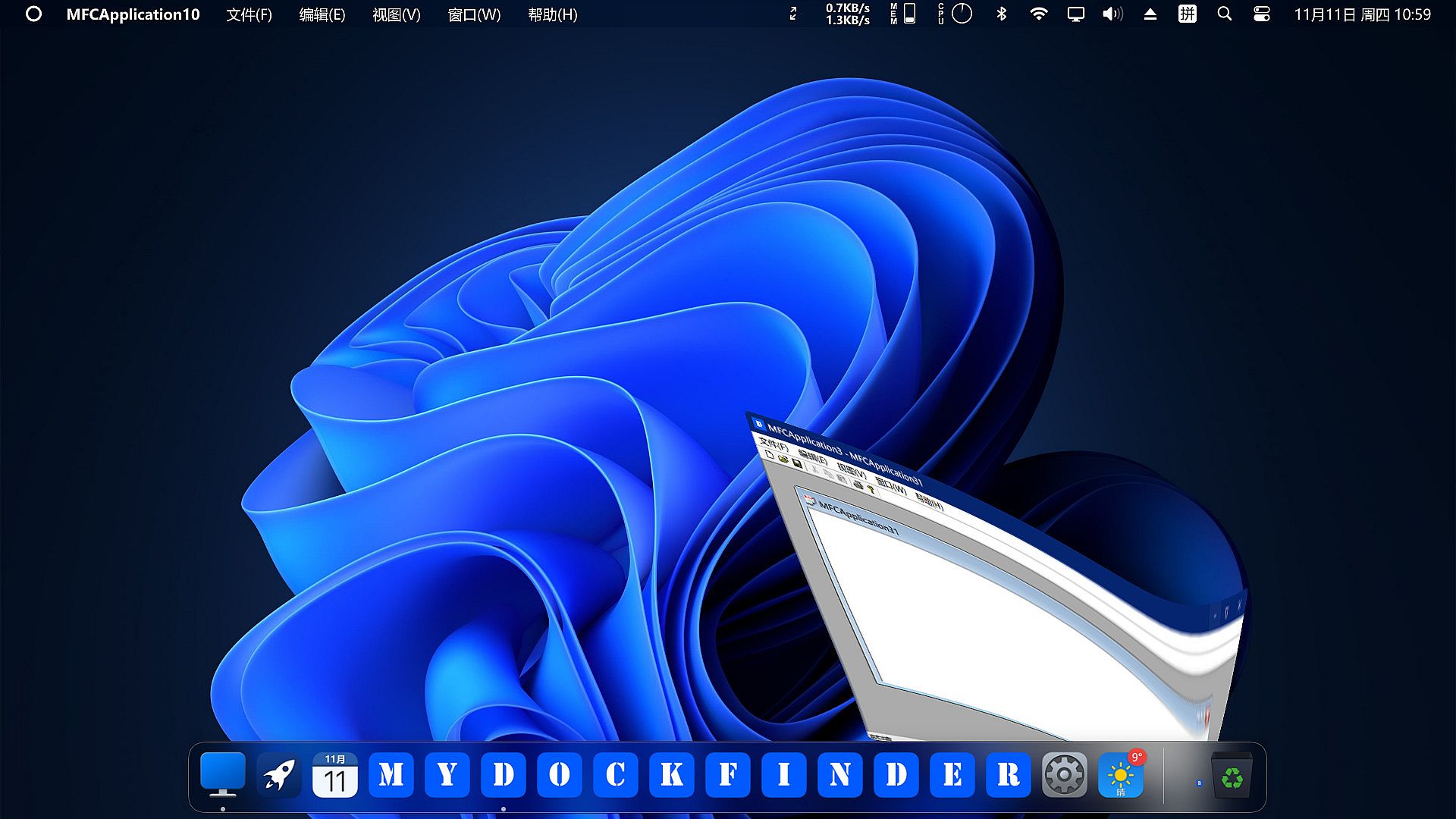
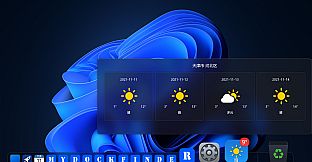
MyDockFinder delivers quick system startup and control through drag-and-drop access to favorite programs and files. Drag items to launch apps instantly or open documents directly, with GPU-powered WinUI rendering smooth animations, Bezier-rounded corners, and adjustable blur effects. Manage window minimization with three animation options, plus global real-time dynamic blur across 4K resolutions and multi-display setups. Core utilities include MyDock for rapid app launches with customizable icons and unified masks, alongside MyFinder for monitoring CPU, memory, disk, network, and temperature, plus WiFi, Bluetooth, brightness, volume, and media controls. Switch light/dark modes, preview windows, check weather, and view download progress bars. PC users seeking efficient system oversight and one-person developed utilities with regular updates will find these tools essential for streamlined workflows.

MyDockFinder

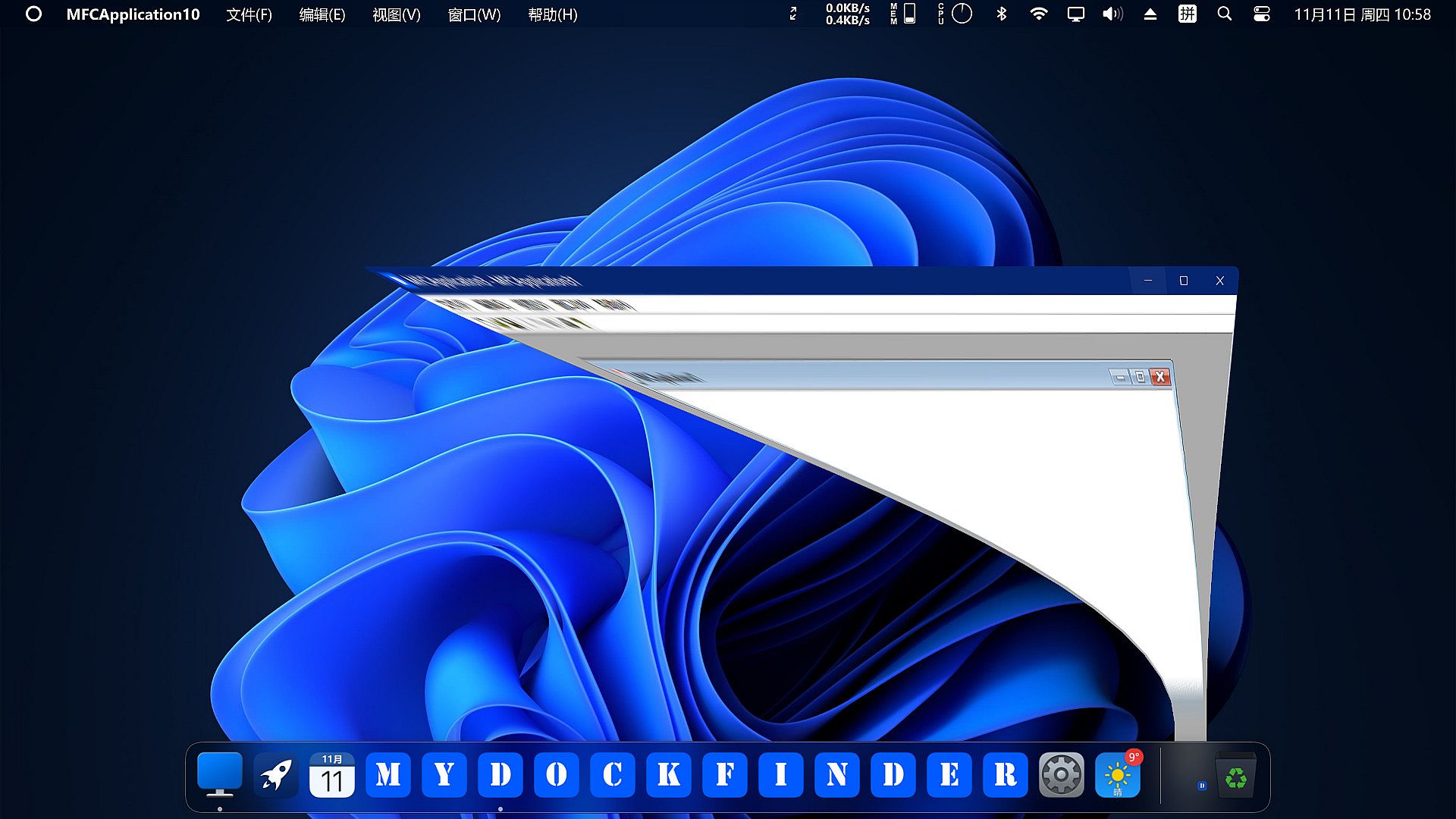
MyDockFinder is a software for quick system startup and control viewing system functions. You can drag and drop to add your favorite programs or files, and drag and drop to directly use the program to open the file. Based on WinUI using GPU rendering, smooth animation effects, Bezier curve rounded corners and blur and the blur intensity can be adjusted. Minimize the animation of all windows in the management system.

Regular and continuous updates. If the program crashes sometimes, please leave a message below to report the problem. The next few versions will bring many features such as creative workshops, more achievements, and skin changes, so stay tuned!
The development progress by one person is slow, and each update takes two to three weeks or even a month.
Main functions
  • Global real-time dynamic blur effect can adjust the blur intensity
  • Support 4K high resolution and multi-display environment
  • The light and dark mode of the system can be modified simultaneously
  • Steam cloud backup configuration file (manual backup, steam achievement)
MyDock
  • Dock icons can quickly launch applications
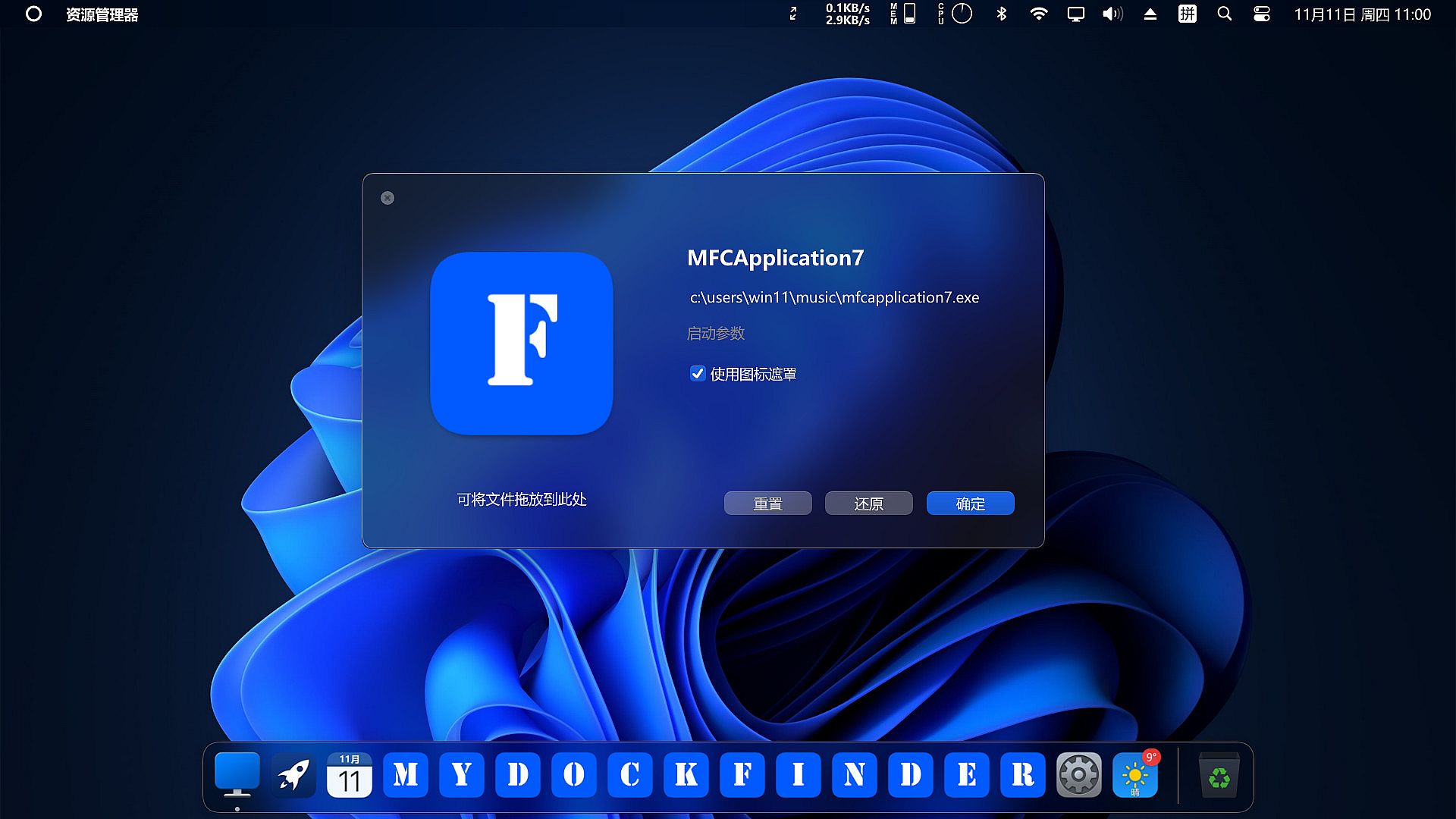
  • You can manually modify the icon
  • Window minimization animation (three effects are optional)
  • Starting station quick start program panel
  • Special program message reminder function
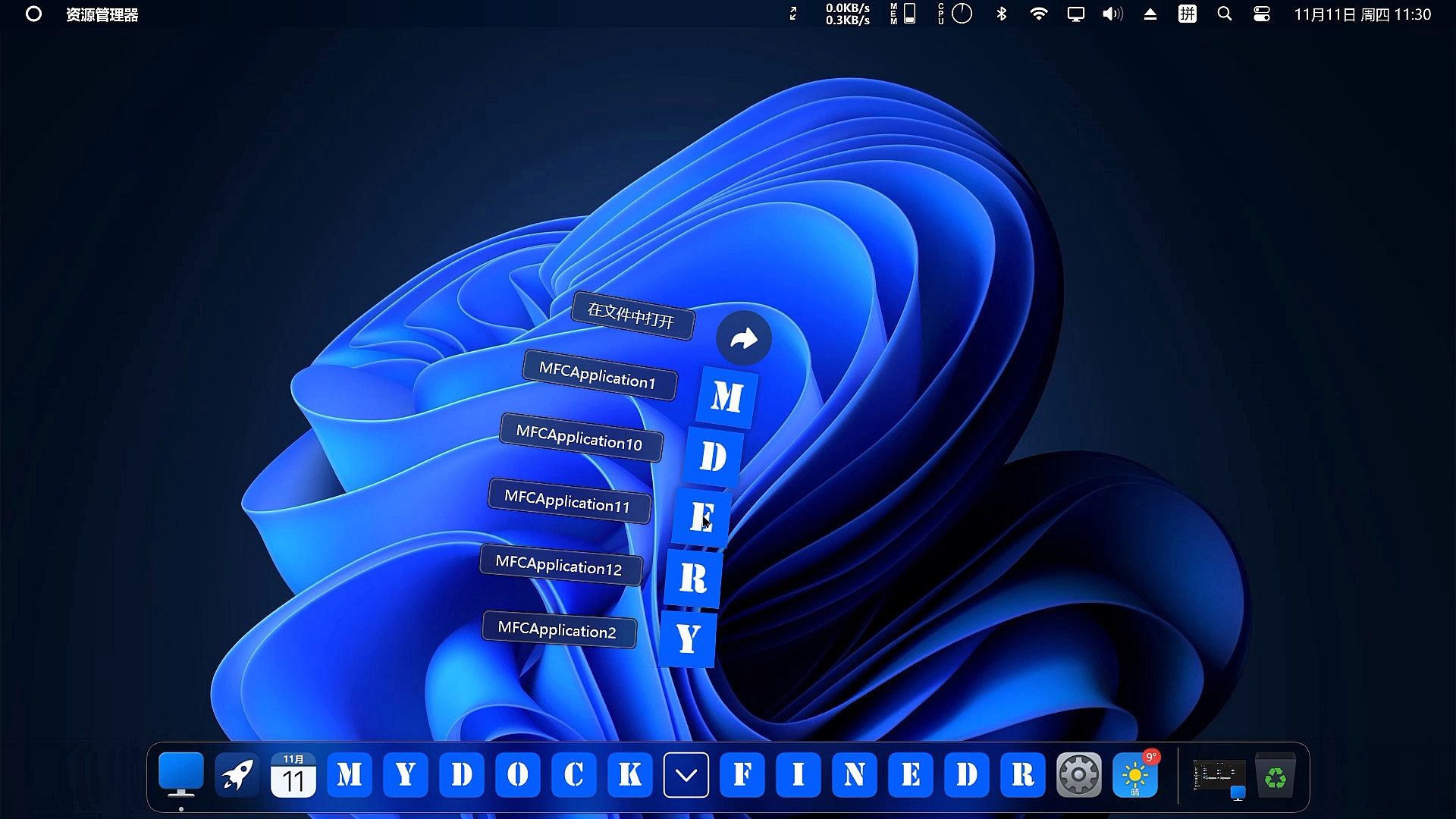
  • Quickly view all files in the open folder
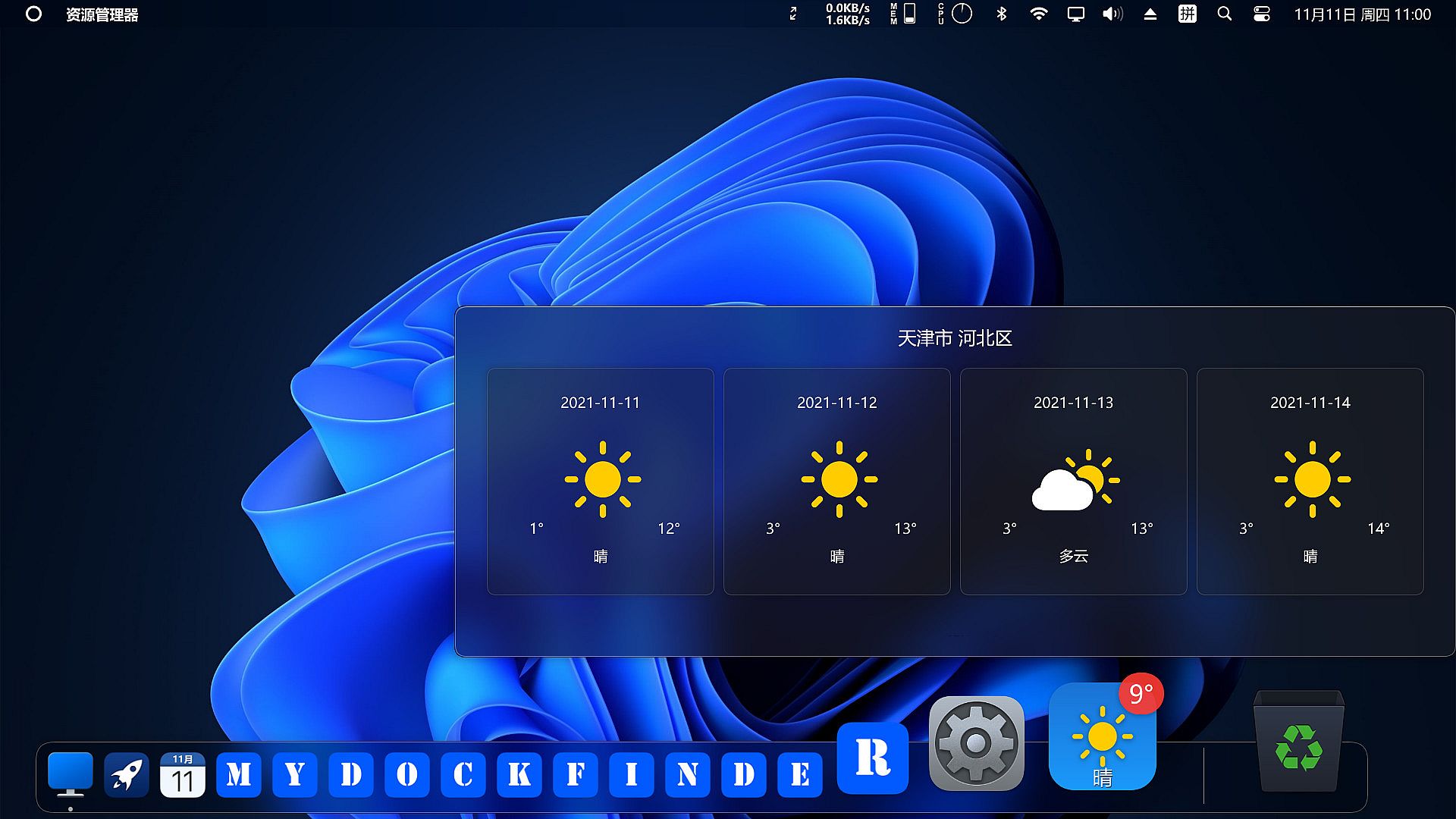
  • View current city weather details
  • Window preview management application window
  • Display the progress bar of application downloading and playing media
  • Apply a unified mask to the icons to make them more coordinated
  • Multiple hidden display modes
  • Each application can set an independent hidden mode
MyFinder
  • Quickly shut down, restart, log off the computer
  • CPU, memory, disk, network speed, temperature monitoring(Need to manually open, steam achievement)
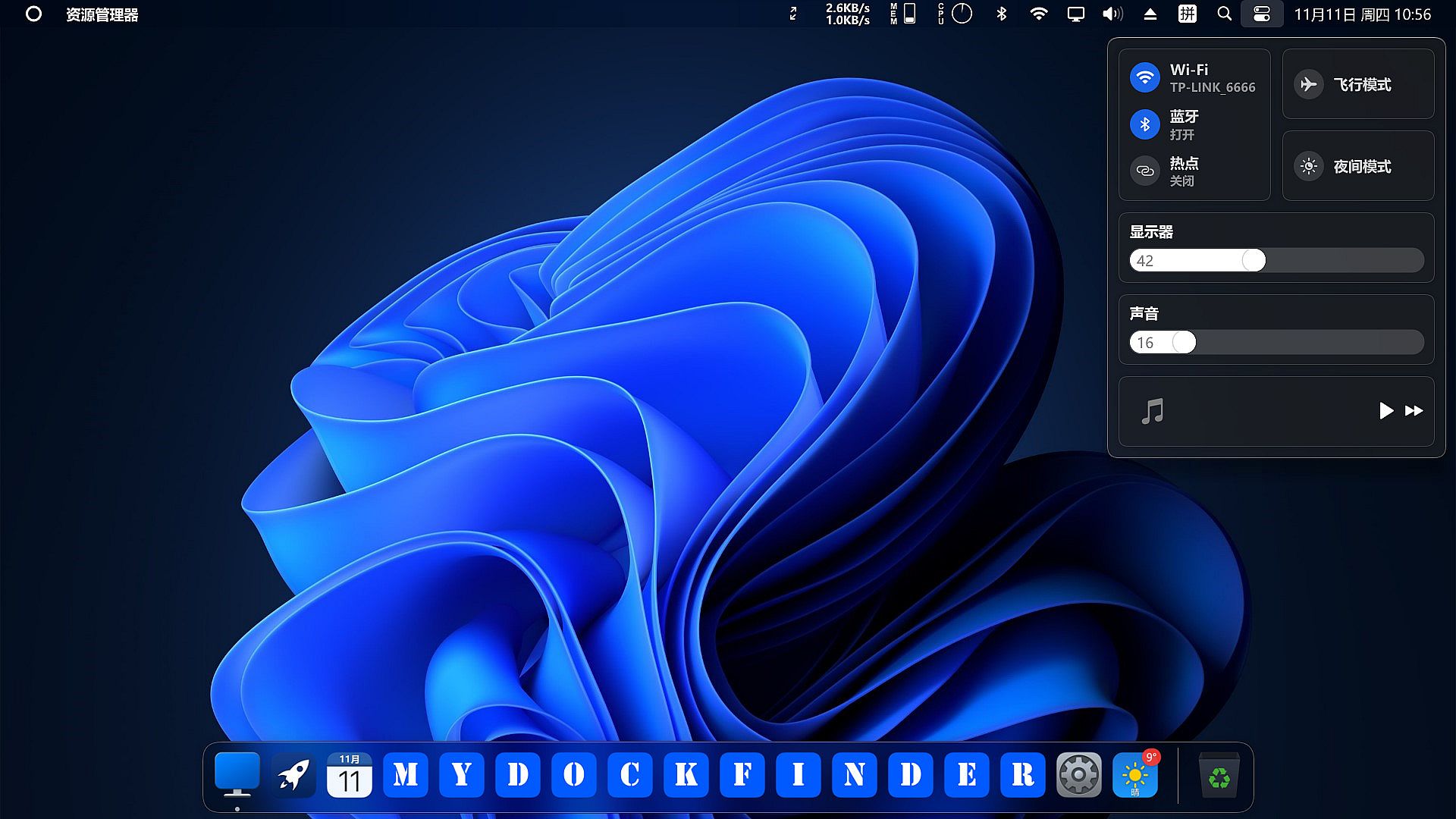
  • Manage WiFi network connection
  • System tray icon display management operation
  • Bluetooth connection pairing
  • Adjust the brightness of the monitor, including desktop monitors (Adjusting the brightness of the desktop monitor may damage your monitor, the HDMI interface may fail, and the DP interface can adjust the brightness perfectly)
  • Quickly adjust the volume, switch the audio output device, you can modify the volume of each program separately
  • The right mouse button of all function buttons can display the corresponding system functions
  • Media control function
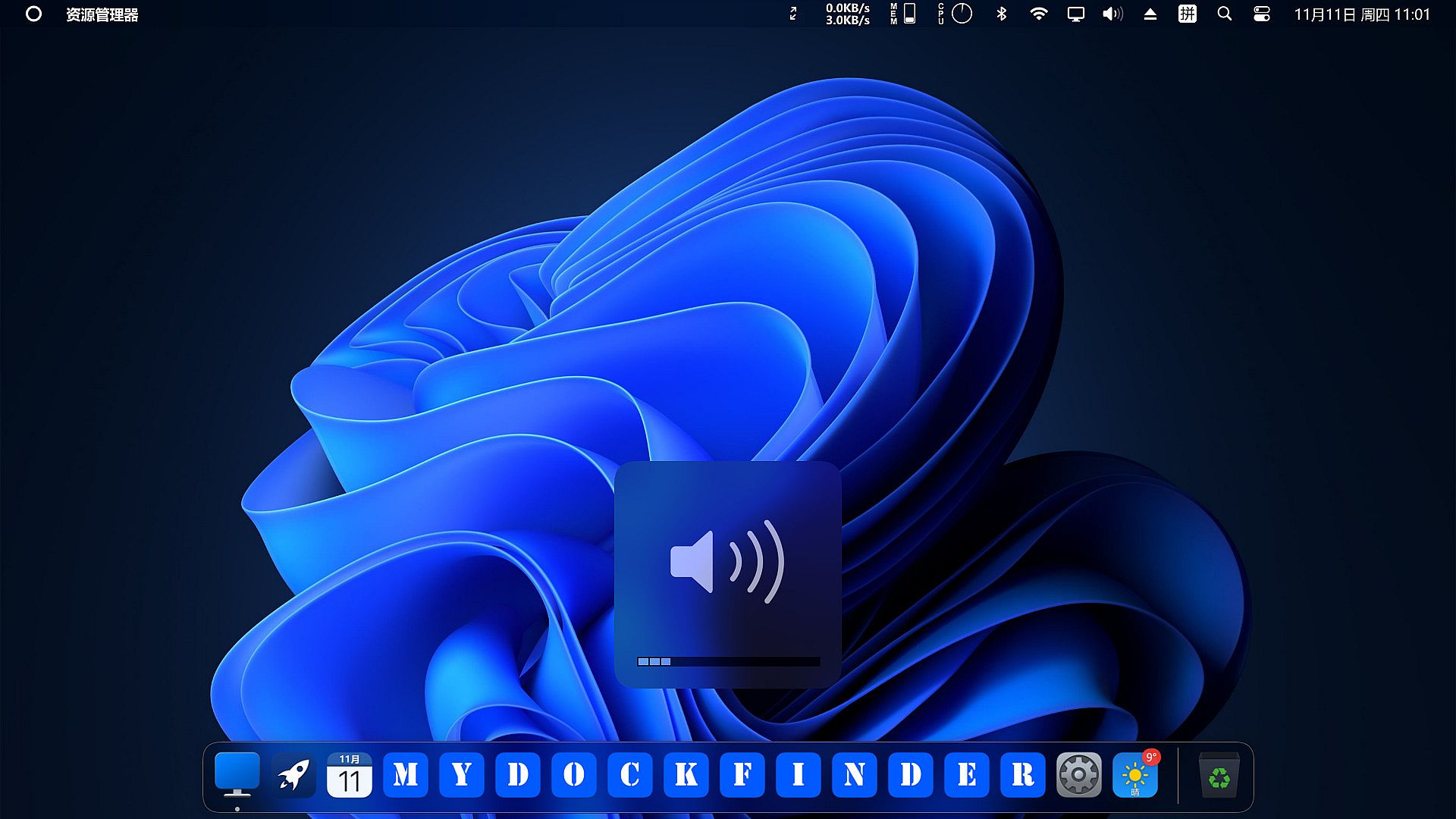
  • Volume change prompt
  • Immersive display, better fusion window background

Interface:
ArabicBulgarianCzechGermanGreekEnglishSpanish - SpainFrenchHungarianItalianJapaneseKoreanDutchPolishPortuguese - PortugalPortuguese - BrazilRussianSlovakSwedishThaiTurkishUkrainianVietnameseSimplified ChineseTraditional Chinese

Age rating

Unavailable
Steam:
Mostly Positive (5k)

Minimum:

  • OS: Windows 10 (version 1809 and higher), supports Windows 11
  • Processor: Dual-core processor 1.2GHz
  • Memory: 512 MB RAM
  • Graphics: Support DirectX11 graphics card, 256M video memory
  • DirectX: Version 11
  • Storage: 20 MB available space
  • Additional Notes: Broadband Internet connection; VC++2019 runtime library 32 and 64 bit .NET framework 4.8

Recommended:

  • OS: Windows 10 version 21H1 or Windows 11 22000.318
  • Processor: Dual-core processor 1.6GHz
  • Memory: 2 GB RAM
  • Graphics: Support DirectX11 graphics card, 512M video memory
  • DirectX: Version 11
  • Storage: 20 MB available space
  • Additional Notes: Broadband Internet connection; VC++2019 runtime library 32 and 64 bit .NET framework 4.8
Historical low
Price history from official stores
-
-
-
Price history from keyshops
-
-
-

FAQ

8 questions

Before you start looking for a cheap MyDockFinder key, check the essentials. Developed by MyDockFinder. Published by MyDockFinder. PC released date: 25 Nov 2021. Genres: Utilities. Categories: Steam Workshop, Steam Achievements, Steam Cloud.

Q

Where to buy a cheap MyDockFinder Steam key?

There are currently no active offers for MyDockFinder. Set a price alert on XD.deals and we will notify you the moment a deal becomes available.

We don't have a current Steam Store price for MyDockFinder. The game may be temporarily unavailable or not yet listed on Steam.

Our price tracker covers both official retailers and key marketplaces, so you can find MyDockFinder on sale even outside seasonal promotions. We currently detect 0 active offers from official stores and keyshops. Check the table above, compare against the historical low, and set an alert so you never miss the next price drop.

Based on our data, MyDockFinder is not currently available on GeForce NOW. You will need to run it locally on your PC. Browse games available on GeForce NOW.

Yes. MyDockFinder has an official page on the Steam Store, but we currently don't track any third-party offers with Steam DRM. Check back later or set a price alert.

Not at this time. Valve marks MyDockFinder as Unsupported on Steam Deck. Keep an eye on XD.deals - we track Proton updates and community fixes. Browse games that are Steam Deck Verified or Steam Deck Playable.

MyDockFinder does not appear to be available on PC Game Pass, EA Play, Ubisoft+ or any other PC subscription service at this time. Your only option is purchasing the game - use XD.deals to find the best price.

No - XD.deals is not a store. We are a price-comparison service that tracks the best MyDockFinder deals across official stores and verified keyshops. Click "Go to Store" next to any offer and you will be redirected to the retailer's website to complete your purchase.

Want to buy at the best moment? Set a price alert on XD.deals and get notified when MyDockFinder hits its next historical low.

Create Alert
Join our Discord
Get instant help from our community and stay updated on the latest deals
Set Price Alerts
Get notified by email when game prices drop to your target
Create Free Account
Unlock wishlists, price alerts, and Steam sync