



in progress...

Buy WinSizeNG - Resize your desktop applications PC

Interested in WinSizeNG - Resize your desktop applications? We're tracking prices from trusted stores. Add WinSizeNG - Resize your desktop applications to your wishlist and we'll notify you when deals become available.

Release: 10 Oct 2024
Publisher: Eduardo Bezerra
Developer: Eduardo Bezerra
Official
Unavailable
Keyshops
Unavailable
Buy in Official Store:
Unavailable
Buy in Keyshops:
Unavailable

No entries, but don''t worry, we will inform you once the new offer appears.

Create Alert Create deal Alert

About WinSizeNG - Resize your desktop applications

WinSizeNG - Resize your desktop applications - about the game

Overview of WinSizeNG

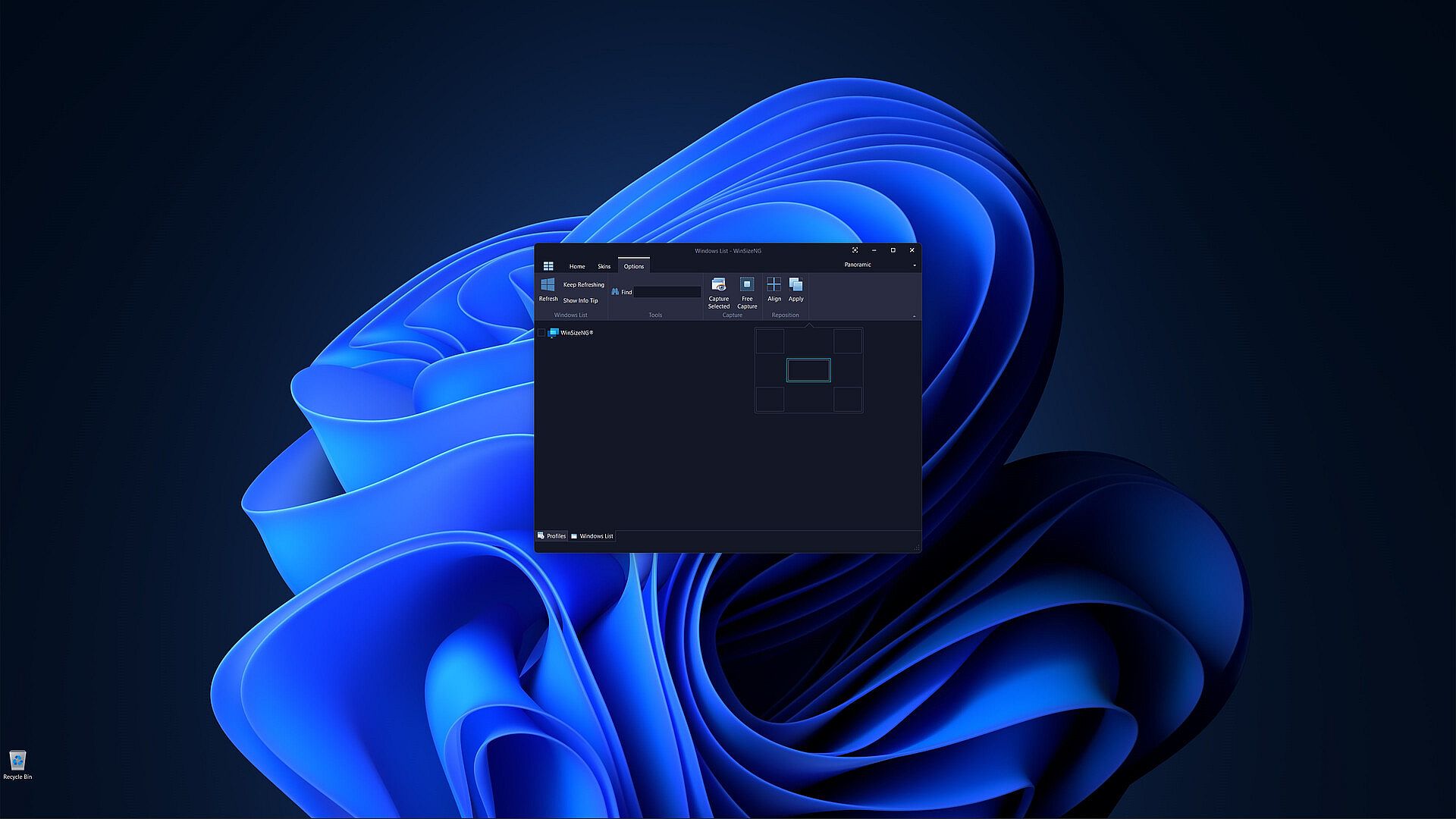
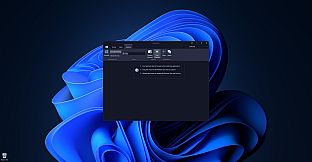
WinSizeNG is a utility designed for rapid resizing and repositioning of application windows on your desktop.

It streamlines workflow, particularly when used in conjunction with workspace managers like PowerToys Workspaces, offering a faster alternative to tools like FancyZones.

Unlike applications that simply remember window positions on close, WinSizeNG allows you to quickly capture and apply window dimensions to multiple applications simultaneously.

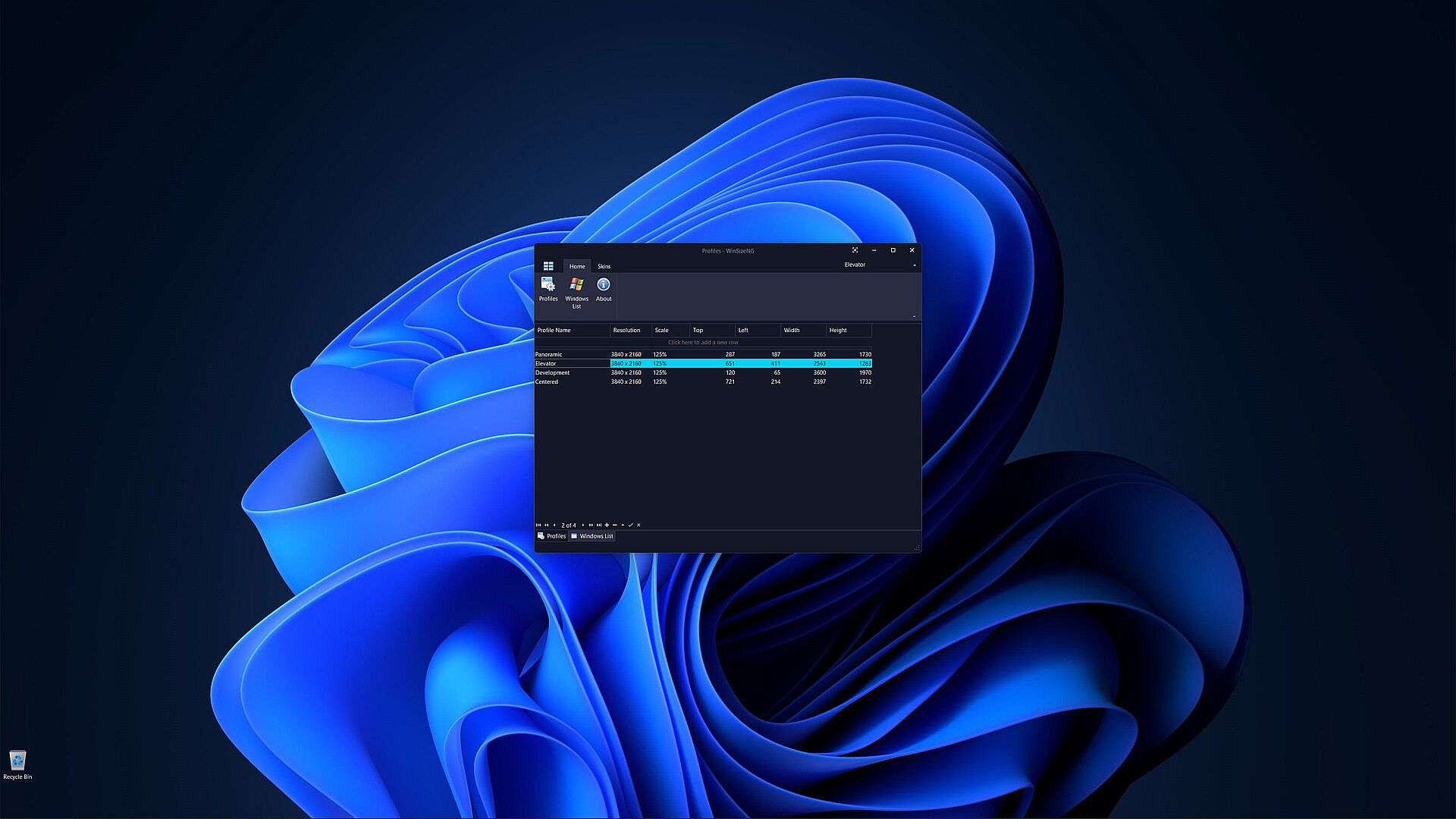
One of the primary features of WinSizeNG is its ability to capture a window's size and position and create a profile of its dimensions.

Users can create multiple profiles for different resolutions, scales, sizes, and positions.

It offers a quick and efficient way to manage window layouts, enhancing your productivity.

All non-minimized windows will appear in a list, allowing users to select any number of windows, choose a profile, and click to resize and reposition them.

WinSizeNG complements PowerToys Workspaces by enabling users to rapidly create and manage new profiles tailored to their needs.

Key Features of WinSizeNG

Window Resizing and Repositioning: Users can easily resize and move any application window on their desktop.

Profile Creation: WinSizeNG can capture the size and position of a window and create a profile for future use. Users can maintain multiple profiles, accommodating various resolutions, scaling, sizes, and positions.

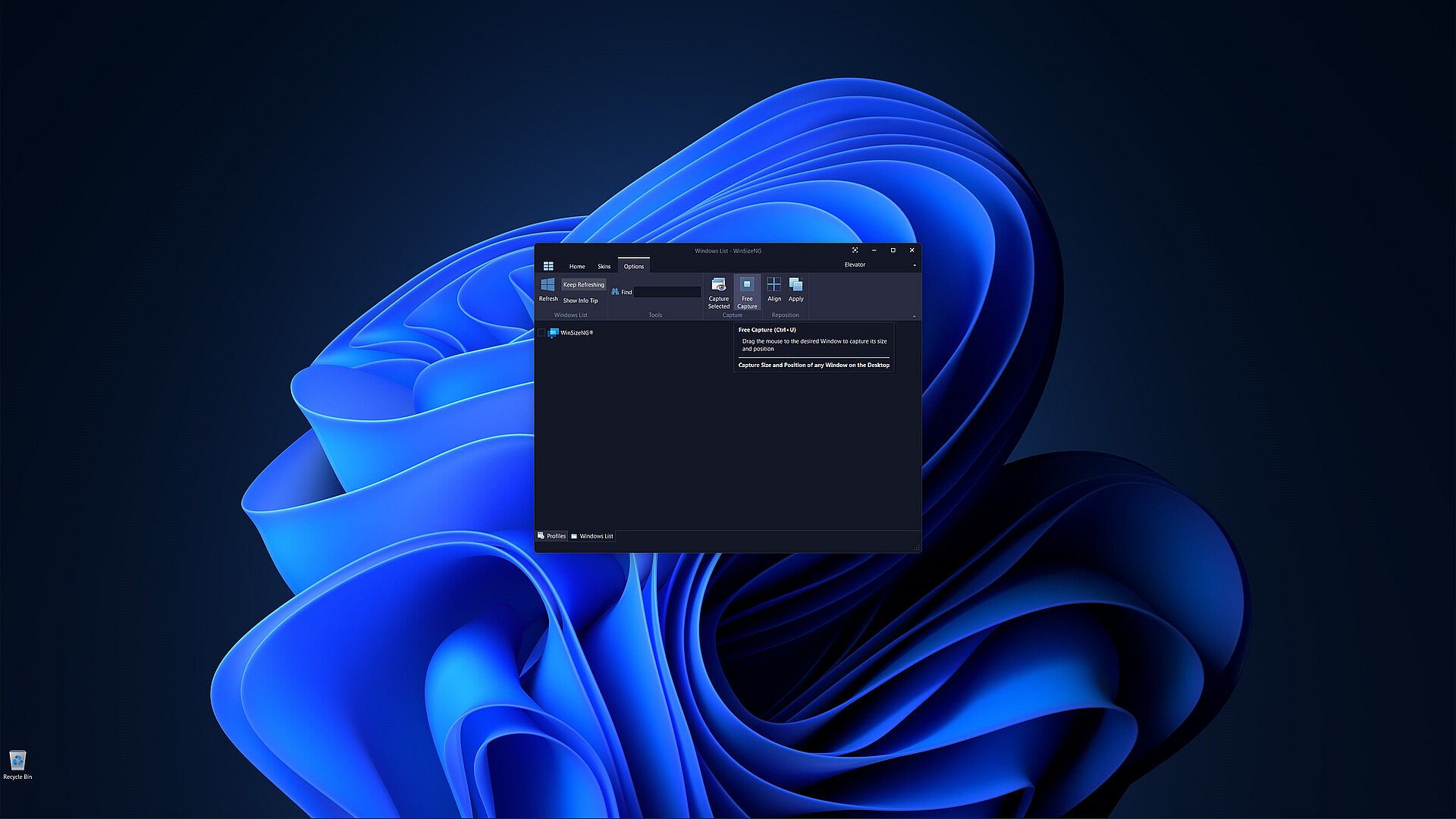
Windows List: All non-minimized windows are displayed in a selectable list, allowing users to choose multiple windows for resizing and repositioning.

Profiles Management:

  • Create Profiles: Users can create profiles with different resolutions and dimensions using CTRL+P.

  • Windows List: Access a list of all non-minimized windows with CTRL+L.

  • About: View information about the WinSizeNG application and its version using CTRL+H.

  • Refresh: Update the displayed list of windows with CTRL+R.

  • Keep Refreshing: Automatically refresh the window list every 4 seconds with CTRL+K.

Windows Information:

  • Show Info Tip: Display the Process ID, Window Handle, Name, and Class of selected items using CTRL+I.

  • Search: Quickly find and select windows by partial or full name with incremental search support.

Window Management:

  • Always On Top: Keep the WinSizeNG application visible above all other windows, even when not active, using CTRL+T.

  • Capture: Select a window from the list to capture its size and position with CTRL+S.

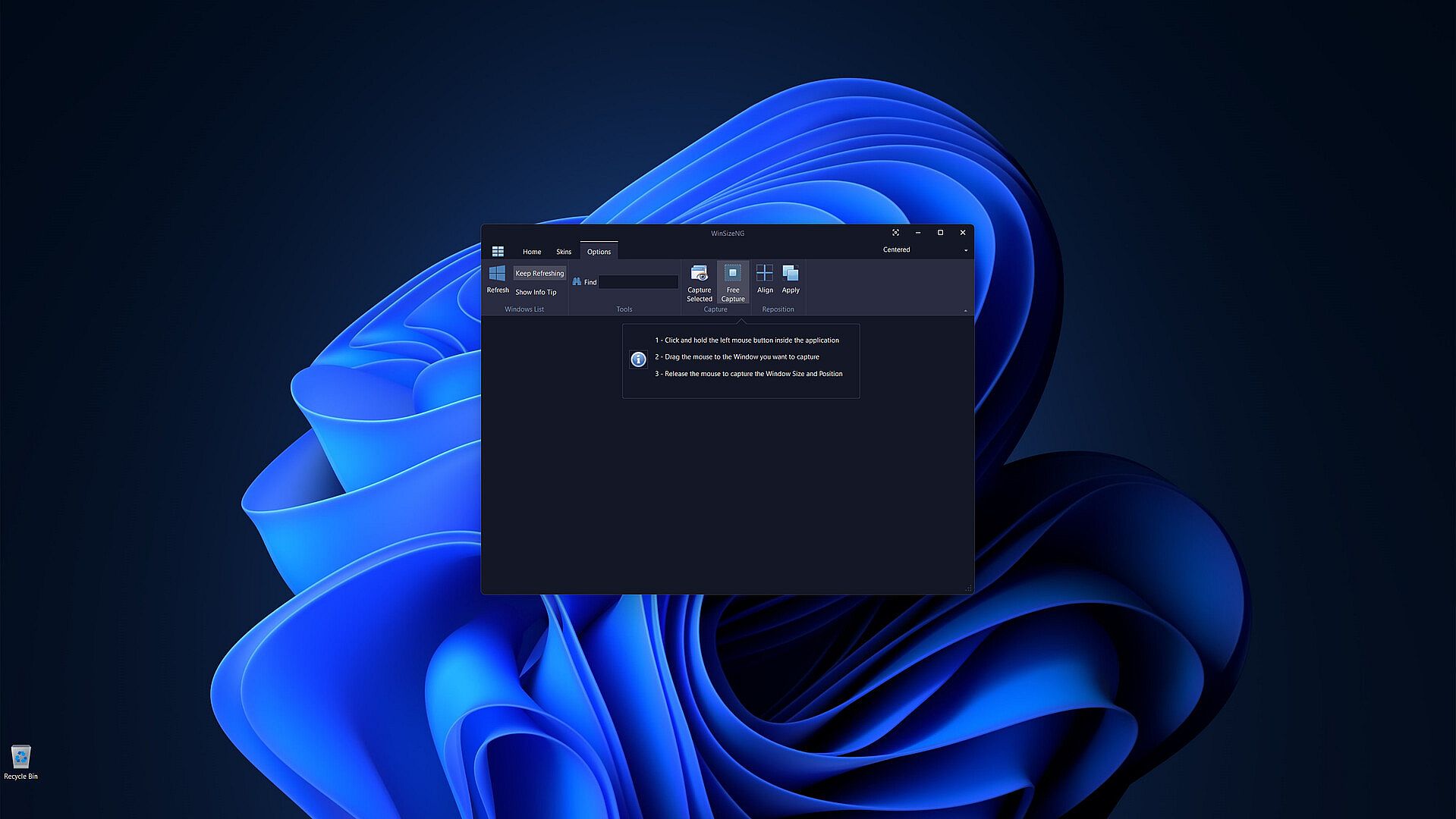
  • Free Capture: Drag the mouse to any desired window to capture its size and position using CTRL+U.

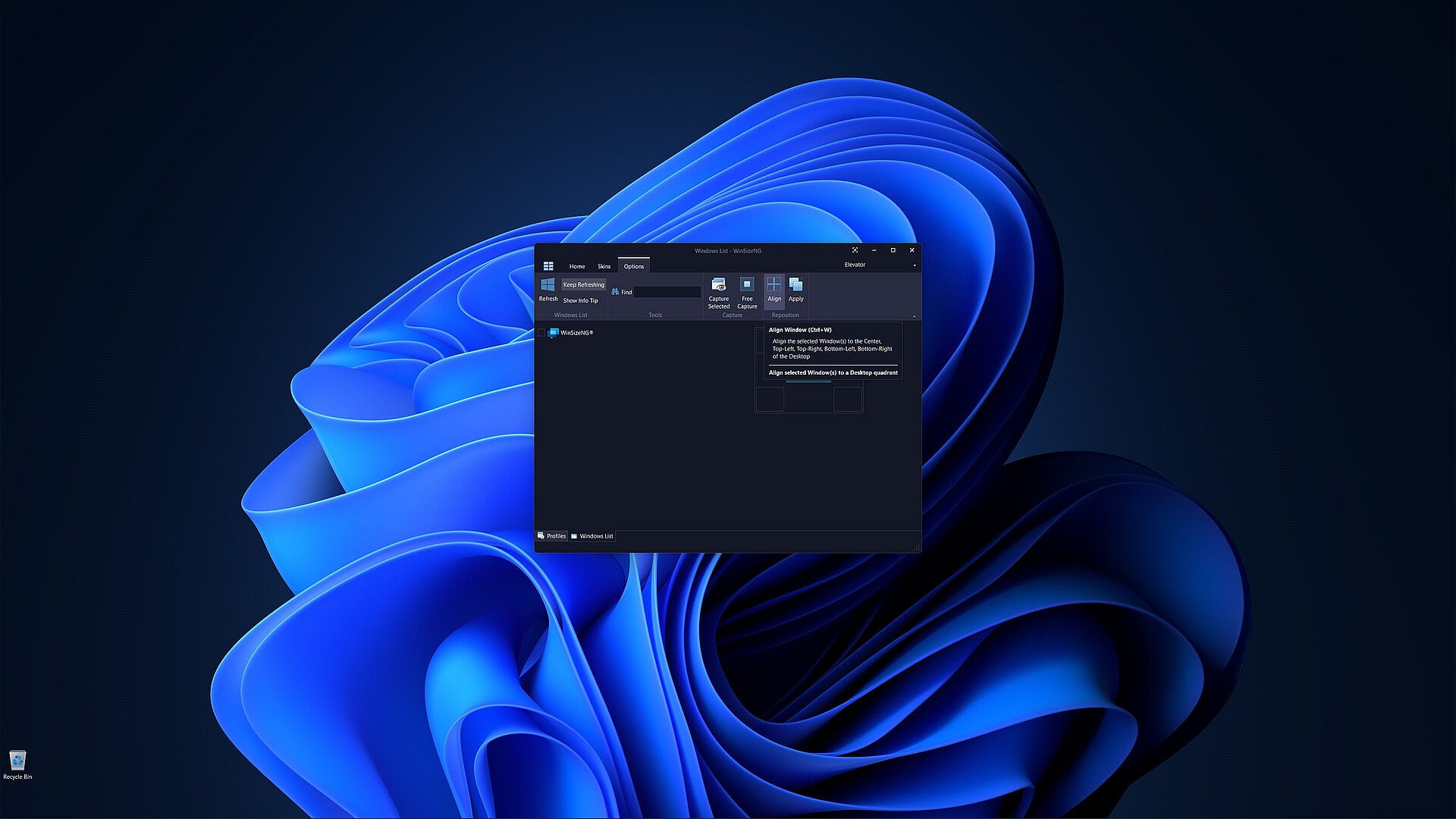
  • Align: Align selected windows to the center, top-left, top-right, bottom-left, or bottom-right of the desktop with CTRL+W.

  • Apply: Apply the chosen profile to selected windows to adjust their size and position using CTRL+Y.

Customization: Users can choose from a variety of skins to personalize their experience.

Price history

Historical low
Keyshops
-
-
-
Official Stores
-
-
-

FAQ

8 questions

Before you start looking for a cheap WinSizeNG - Resize your desktop applications CD Key, take a moment to check the essentials. Developed by Eduardo Bezerra. Published by Eduardo Bezerra. PC released date: 10 Oct 2024. Genres: Utilities, Software Training.

Q Can I play WinSizeNG - Resize your desktop applications on Steam Deck?

No, not right now. Valve marks WinSizeNG - Resize your desktop applications as Steam Deck Unsupported , so it won't launch via Proton at this time. Keep an eye on XD.deals - we track Proton breakthroughs and community fixes, and we'll flag it the moment there's a working way to play WinSizeNG - Resize your desktop applications on Steam Deck.

Yes. A WinSizeNG - Resize your desktop applications Steam version exists. Pick any offer tagged Steam Key on XD.deals, redeem it in the desktop client, and play WinSizeNG - Resize your desktop applications on Steam PC.

Yes. Once your Steam key is redeemed, you can launch WinSizeNG - Resize your desktop applications in Offline Mode via Steam. Your save files will sync the next time you go online.

Yes, you can buy a WinSizeNG - Resize your desktop applications Steam Key directly on the Steam Store. At XD.deals, we aggregate all available Steam DRM offers so you can compare cheap WinSizeNG - Resize your desktop applications steam deals in one place.

At the moment we don't have any live offers for WinSizeNG - Resize your desktop applications - both official stores ({1}) and keyshops ({2}) show the game as sold out or temporarily unavailable…

With XD.deals, PC gamers can instantly see where to buy a cheap WinSizeNG - Resize your desktop applications PC Steam key. Our real-time price-comparison engine and curated coupon database track every official store and trusted keyshop so you dont have to. Right now we detect this game in {1} live offers from stores and keyshops.

Not yet. There's no WinSizeNG - Resize your desktop applications Steam listing right now, so you can't buy WinSizeNG - Resize your desktop applications on Steam today. Instead, browse the other WinSizeNG - Resize your desktop applications offers on XD.deals - official stores and keyshops often provide DRM-free or launcher-key versions you can play while waiting for a future Steam release.

No - XD.deals itself isn't a store. We're a price-comparison service that tracks the best offers for WinSizeNG - Resize your desktop applications across official stores and verified keyshops. Click "Shop Now" next to the deal you want, and you'll be redirected to the retailer's website to complete your purchase and receive the key there.

Ready to ride? Set a price alert on XD Deals and grab a discounted WinSizeNG - Resize your desktop applications Steam key the moment it reaches its next historical low.

Create Alert