

in progress...

WinSizeNG - Resize your desktop applications PC kaufen

Interessiert an WinSizeNG - Resize your desktop applications? Wir tracken Preise von vertrauenswürdigen Shops. Füge WinSizeNG - Resize your desktop applications zu deiner Wunschliste hinzu und wir benachrichtigen dich, sobald Angebote verfügbar sind.

Veröffentlichung: 10 Okt. 2024
Publisher: Eduardo Bezerra
Entwickler: Eduardo Bezerra
Official
Nicht verfügbar
Keyshops
Nicht verfügbar
Im offiziellen Store kaufen:
Nicht verfügbar
Im Keyshop kaufen:
Nicht verfügbar

Noch keine Angebote. Wir informieren dich, sobald neue Preise verfügbar sind.

Create Alert Create deal Alert

Über WinSizeNG - Resize your desktop applications

WinSizeNG - Resize your desktop applications - Spielbeschreibung

Overview of WinSizeNG

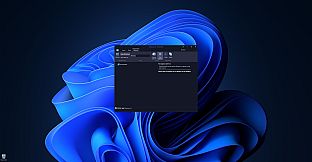
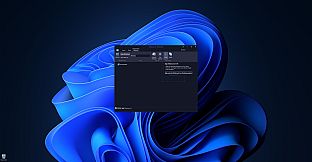
WinSizeNG is a utility designed for rapid resizing and repositioning of application windows on your desktop.

It streamlines workflow, particularly when used in conjunction with workspace managers like PowerToys Workspaces, offering a faster alternative to tools like FancyZones.

Unlike applications that simply remember window positions on close, WinSizeNG allows you to quickly capture and apply window dimensions to multiple applications simultaneously.

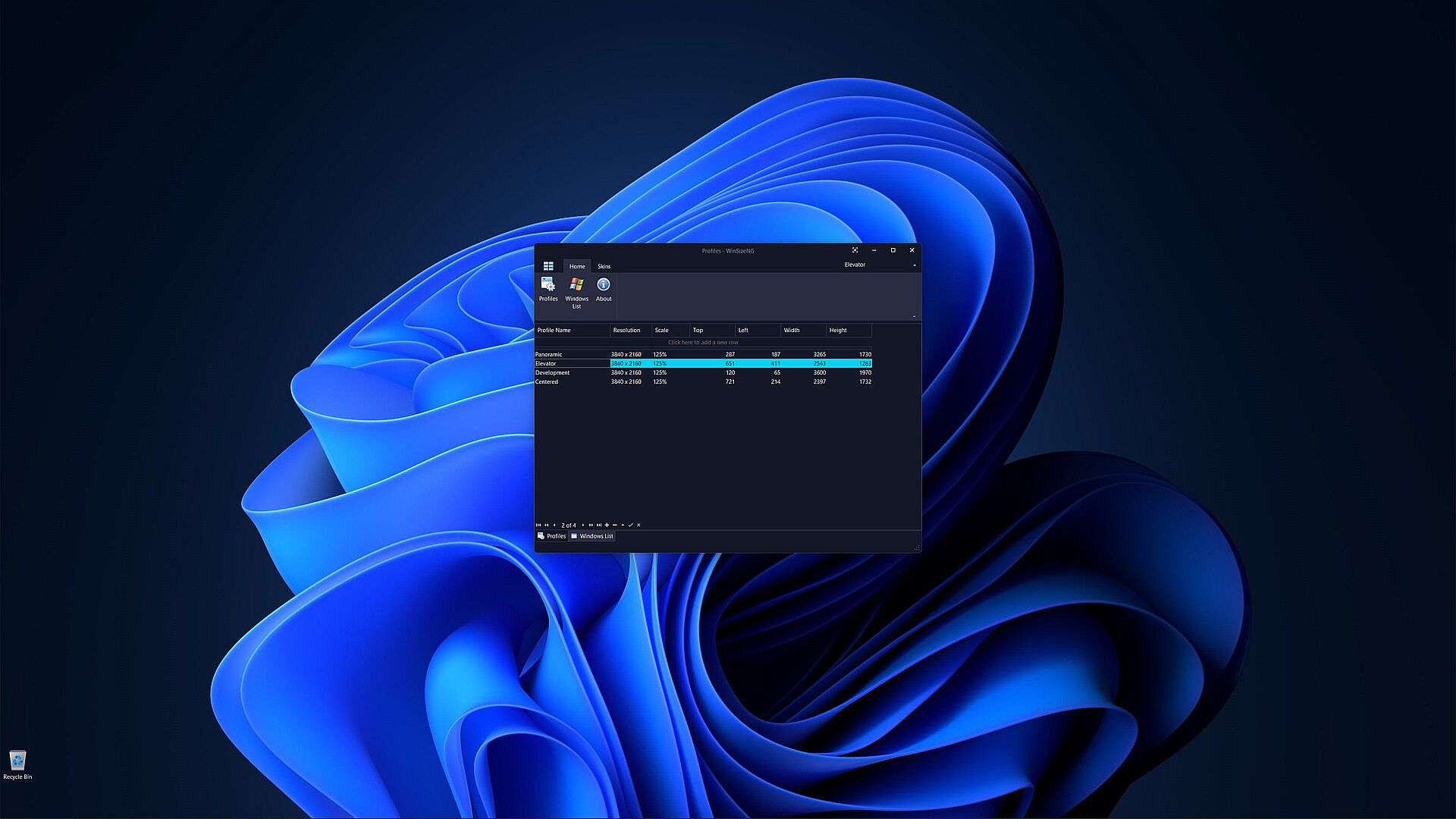
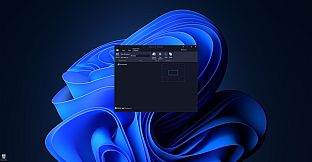
One of the primary features of WinSizeNG is its ability to capture a window's size and position and create a profile of its dimensions.

Users can create multiple profiles for different resolutions, scales, sizes, and positions.

It offers a quick and efficient way to manage window layouts, enhancing your productivity.

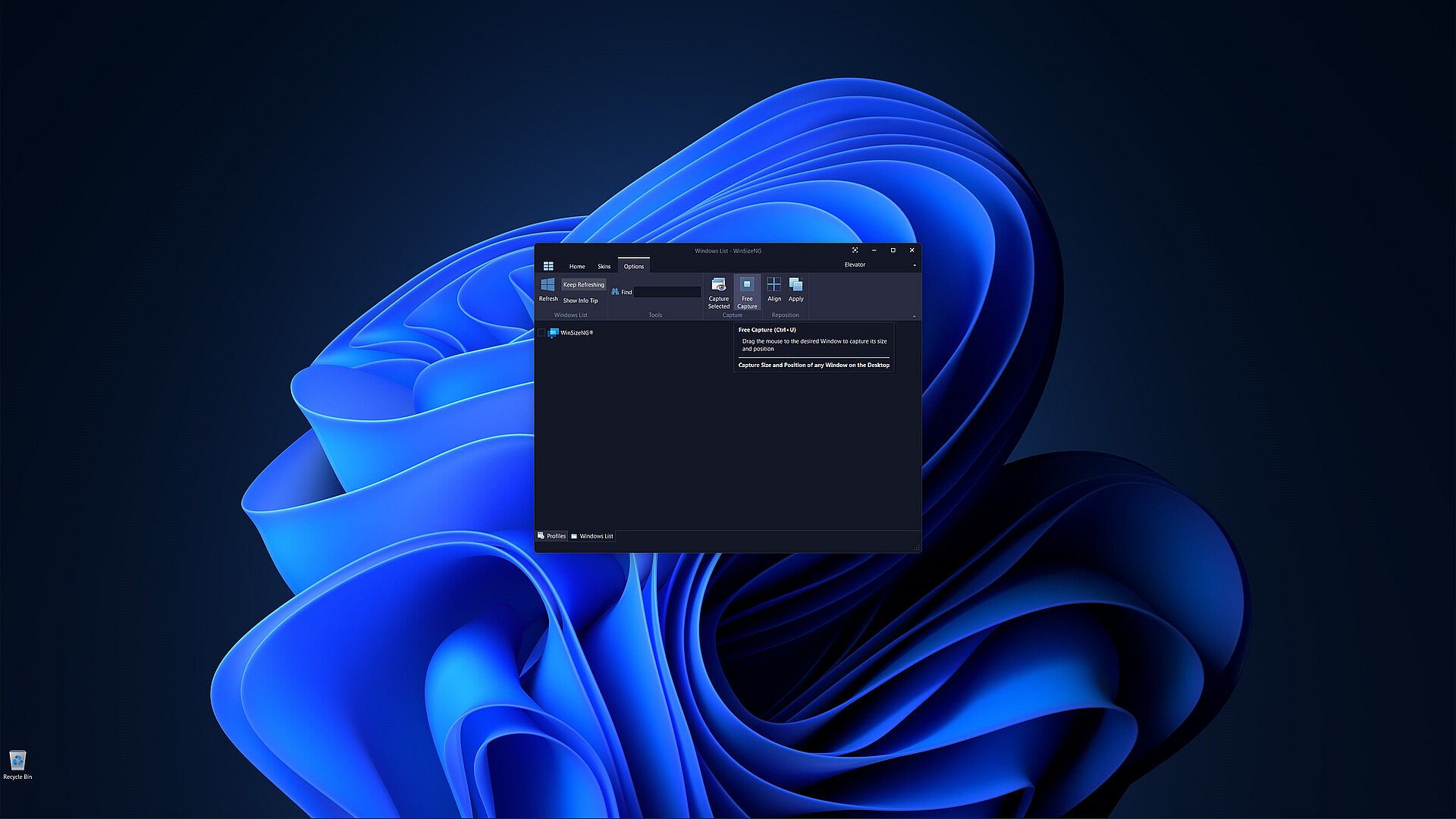
All non-minimized windows will appear in a list, allowing users to select any number of windows, choose a profile, and click to resize and reposition them.

WinSizeNG complements PowerToys Workspaces by enabling users to rapidly create and manage new profiles tailored to their needs.

Key Features of WinSizeNG

Window Resizing and Repositioning: Users can easily resize and move any application window on their desktop.

Profile Creation: WinSizeNG can capture the size and position of a window and create a profile for future use. Users can maintain multiple profiles, accommodating various resolutions, scaling, sizes, and positions.

Windows List: All non-minimized windows are displayed in a selectable list, allowing users to choose multiple windows for resizing and repositioning.

Profiles Management:

  • Create Profiles: Users can create profiles with different resolutions and dimensions using CTRL+P.

  • Windows List: Access a list of all non-minimized windows with CTRL+L.

  • About: View information about the WinSizeNG application and its version using CTRL+H.

  • Refresh: Update the displayed list of windows with CTRL+R.

  • Keep Refreshing: Automatically refresh the window list every 4 seconds with CTRL+K.

Windows Information:

  • Show Info Tip: Display the Process ID, Window Handle, Name, and Class of selected items using CTRL+I.

  • Search: Quickly find and select windows by partial or full name with incremental search support.

Window Management:

  • Always On Top: Keep the WinSizeNG application visible above all other windows, even when not active, using CTRL+T.

  • Capture: Select a window from the list to capture its size and position with CTRL+S.

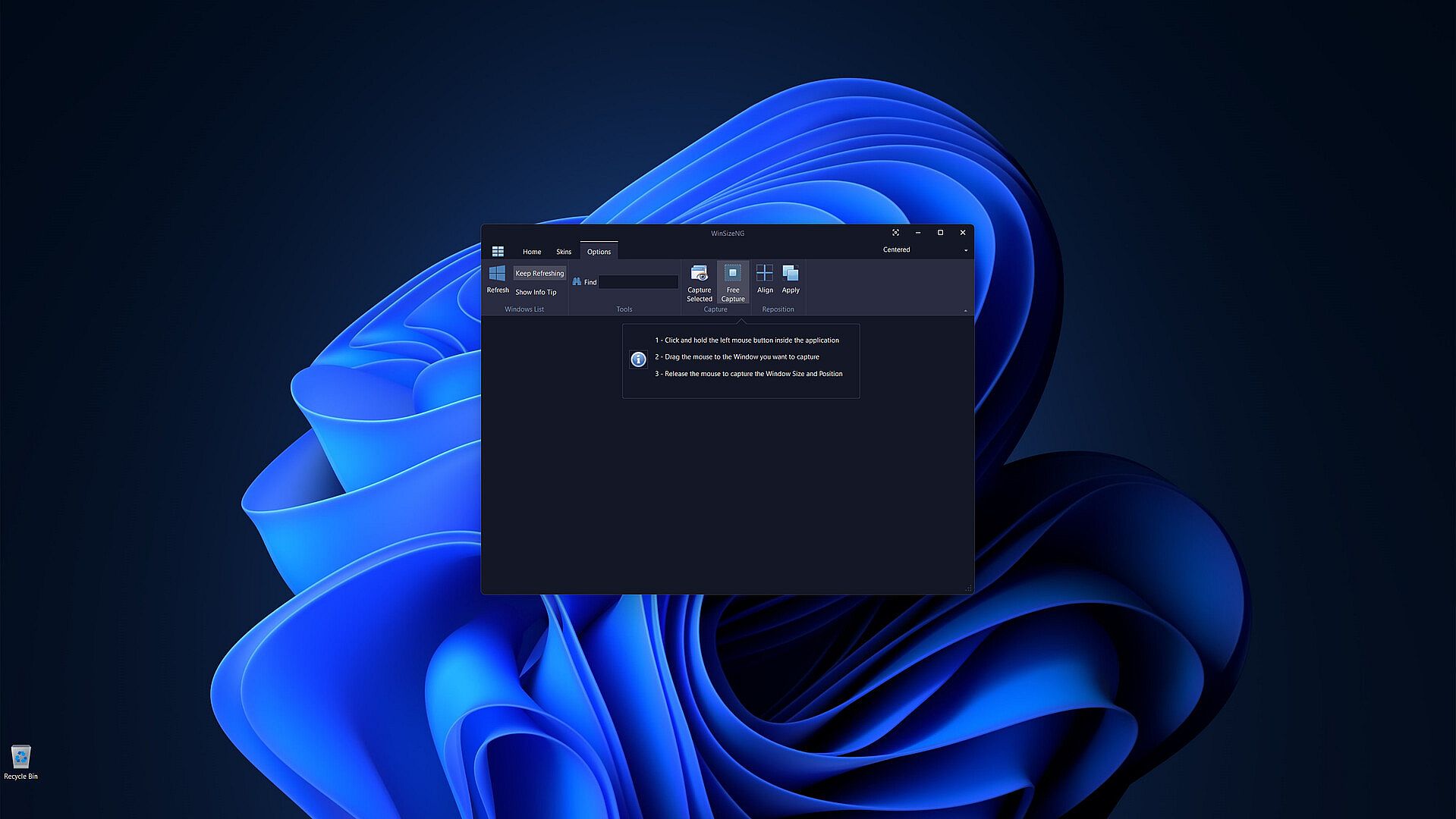
  • Free Capture: Drag the mouse to any desired window to capture its size and position using CTRL+U.

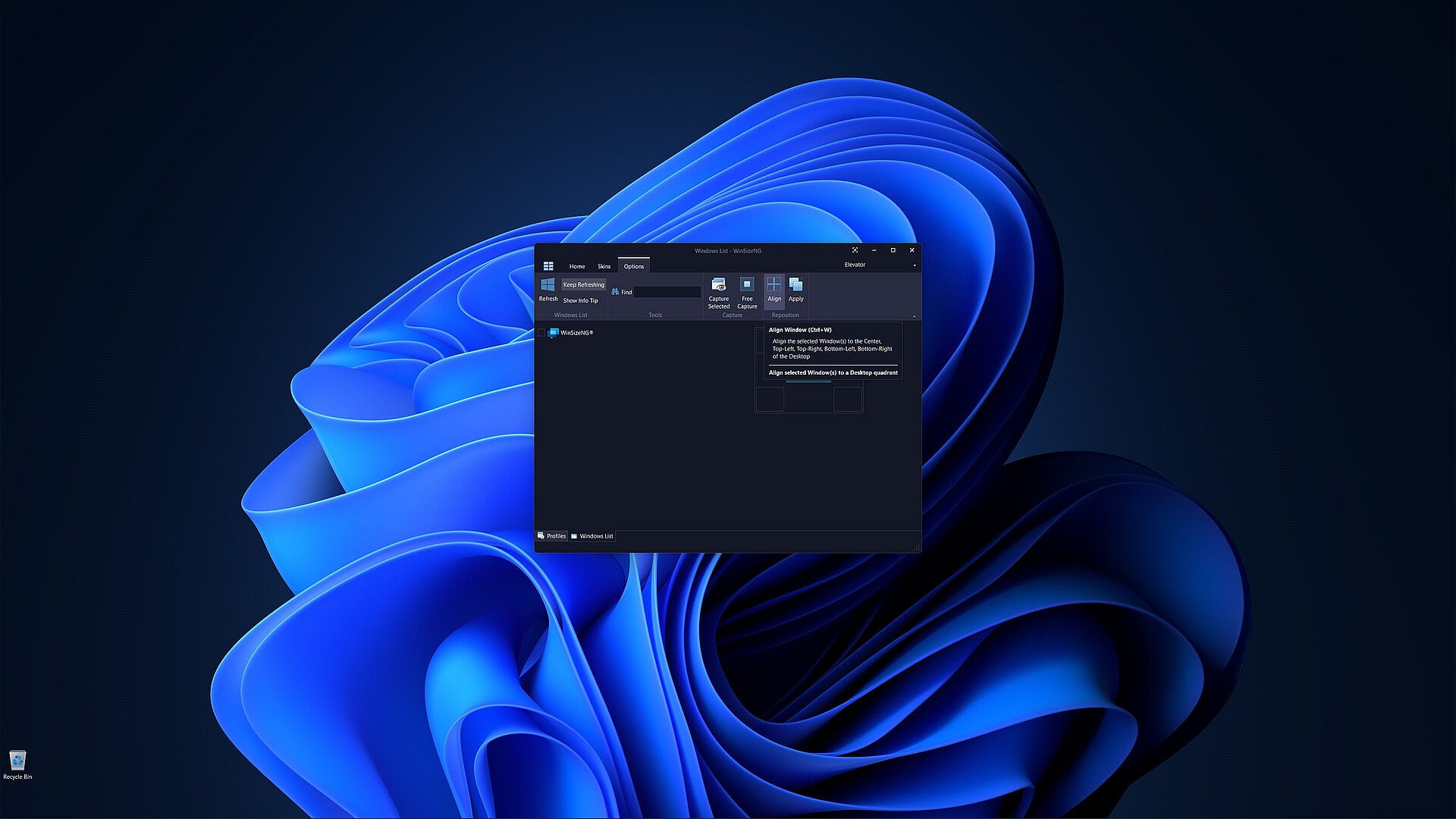
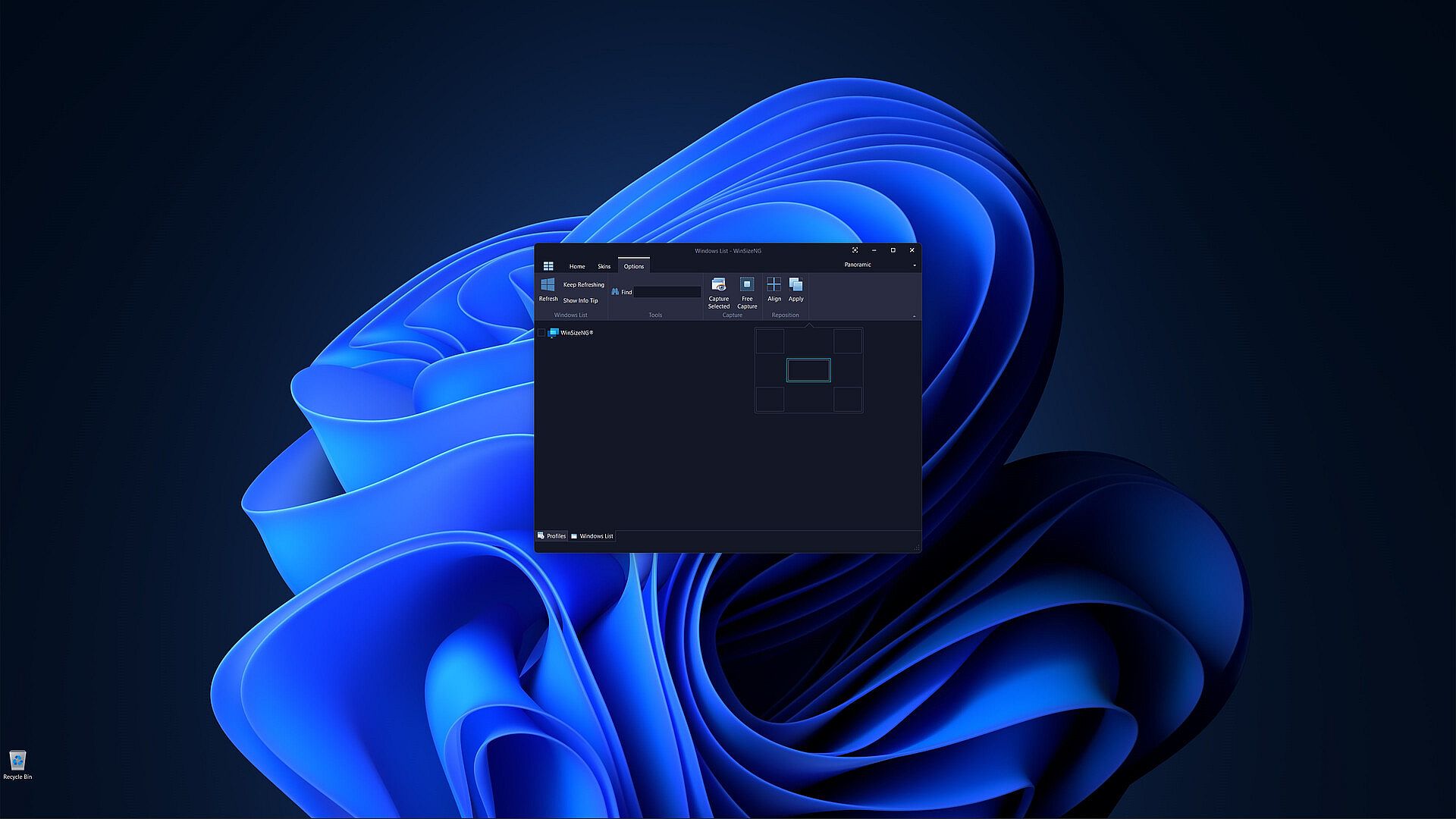
  • Align: Align selected windows to the center, top-left, top-right, bottom-left, or bottom-right of the desktop with CTRL+W.

  • Apply: Apply the chosen profile to selected windows to adjust their size and position using CTRL+Y.

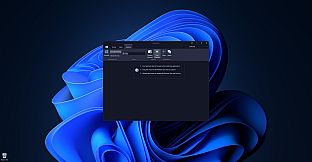
Customization: Users can choose from a variety of skins to personalize their experience.

Preisverlauf

Historical low
Keyshops
-
-
-
Official Stores
-
-
-

FAQ

8 Fragen

Bevor du nach einem günstigen WinSizeNG - Resize your desktop applications CD Key suchst, wirf einen Blick auf die wichtigsten Fakten. Entwickelt von Eduardo Bezerra. Veröffentlicht von Eduardo Bezerra. PC Release-Datum: 10 Okt. 2024. Genres: Utilities, Software Training.

Q Kann ich WinSizeNG - Resize your desktop applications auf dem Steam Deck spielen?

Nein, derzeit nicht. Valve kennzeichnet WinSizeNG - Resize your desktop applications als nicht unterstützt auf dem Steam Deck. Es startet aktuell nicht über Proton. Behalte XD.deals im Blick - wir melden dir sofort, wenn ein Weg gefunden ist, WinSizeNG - Resize your desktop applications auf dem Steam Deck zu spielen.

Ja. Es gibt eine Steam-Version von WinSizeNG - Resize your desktop applications. Wähle ein Angebot mit dem Tag Steam Key auf XD.deals, aktiviere es im Steam-Client und spiele WinSizeNG - Resize your desktop applications auf deinem PC.

Ja. Nachdem du deinen Steam Key eingelöst hast, kannst du WinSizeNG - Resize your desktop applications im Offline-Modus von Steam starten. Deine Spielstände synchronisieren sich, sobald du wieder online bist.

Ja, du kannst einen WinSizeNG - Resize your desktop applications Steam Key direkt im Steam Store kaufen. Auf XD.deals listen wir alle verfügbaren Steam-DRM-Angebote, damit du günstige WinSizeNG - Resize your desktop applications Steam Deals auf einen Blick vergleichen kannst.

Momentan haben wir keine aktiven Angebote für WinSizeNG - Resize your desktop applications - sowohl offizielle Shops (0) als auch Keyshops (0) zeigen das Spiel als ausverkauft oder vorübergehend nicht verfügbar...

Mit XD.deals sehen PC-Spieler sofort, wo sie einen günstigen WinSizeNG - Resize your desktop applications PC Steam Key kaufen können. Unsere Preisvergleichs-Engine in Echtzeit und unsere kuratierte Gutscheindatenbank überwachen jeden offiziellen Shop und vertrauenswürdigen Keyshop. Aktuell erkennen wir dieses Spiel in 0 Live-Angeboten von Shops und Keyshops.

Noch nicht. Aktuell gibt es keinen WinSizeNG - Resize your desktop applications Steam-Eintrag, daher kannst du WinSizeNG - Resize your desktop applications heute nicht auf Steam kaufen. Schau dir stattdessen die anderen WinSizeNG - Resize your desktop applications Angebote auf XD.deals an - offizielle Shops und Keyshops bieten oft DRM‑freie oder Launcher‑Key-Versionen.

Nein - XD.deals ist kein Shop. Wir sind ein Preisvergleichs-Service, der die besten Angebote für WinSizeNG - Resize your desktop applications aus offiziellen Shops und verifizierten Keyshops verfolgt. Klicke 'Jetzt kaufen' neben dem gewünschten Deal, um zum Händler zu wechseln und dort den Key zu erhalten.

Bereit zum Zocken? Setze einen Preisalarm auf XD.deals und sichere dir einen reduzierten WinSizeNG - Resize your desktop applications Steam Key, sobald er sein nächstes Allzeit-Tief erreicht.

Create Alert