

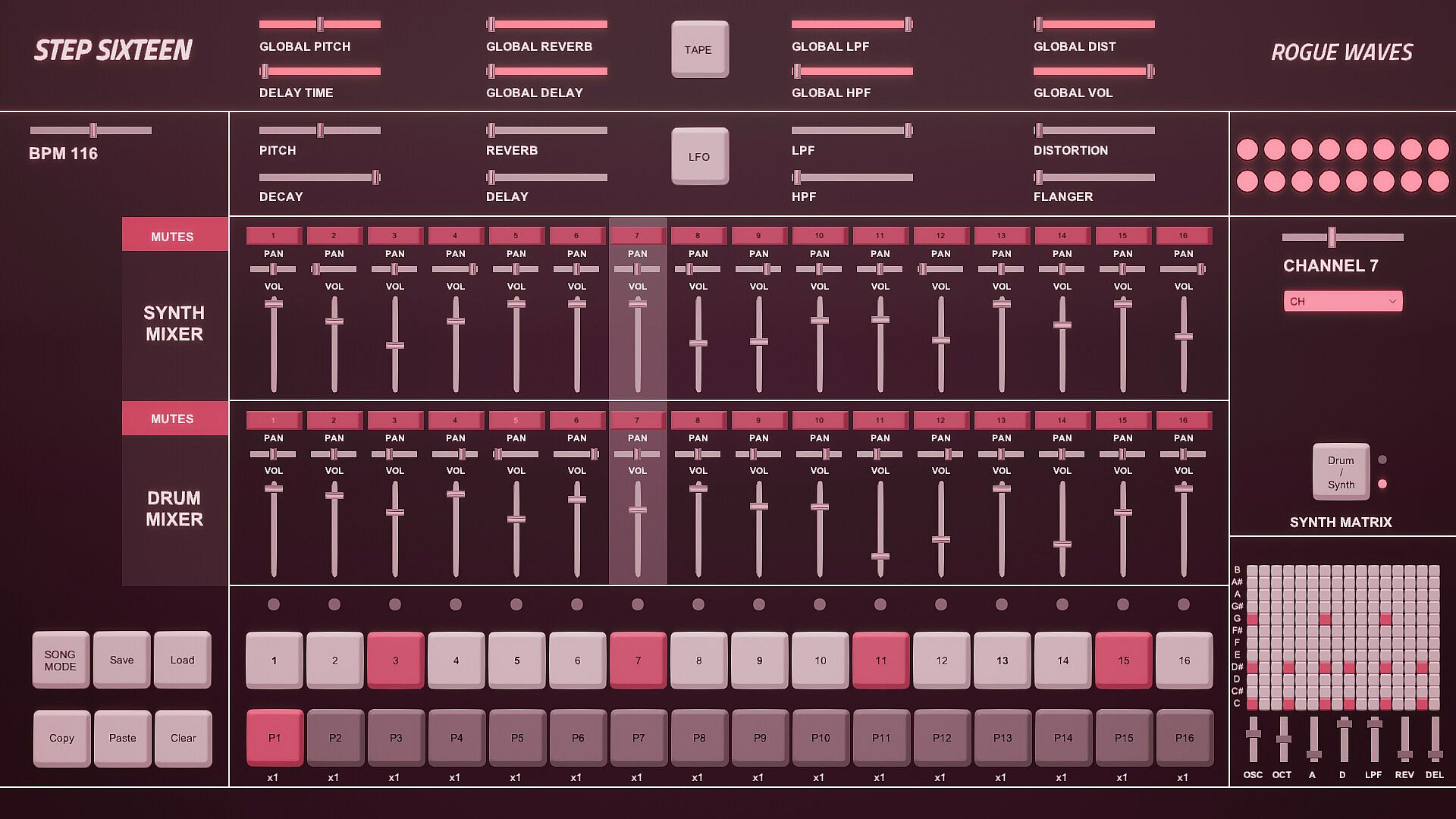
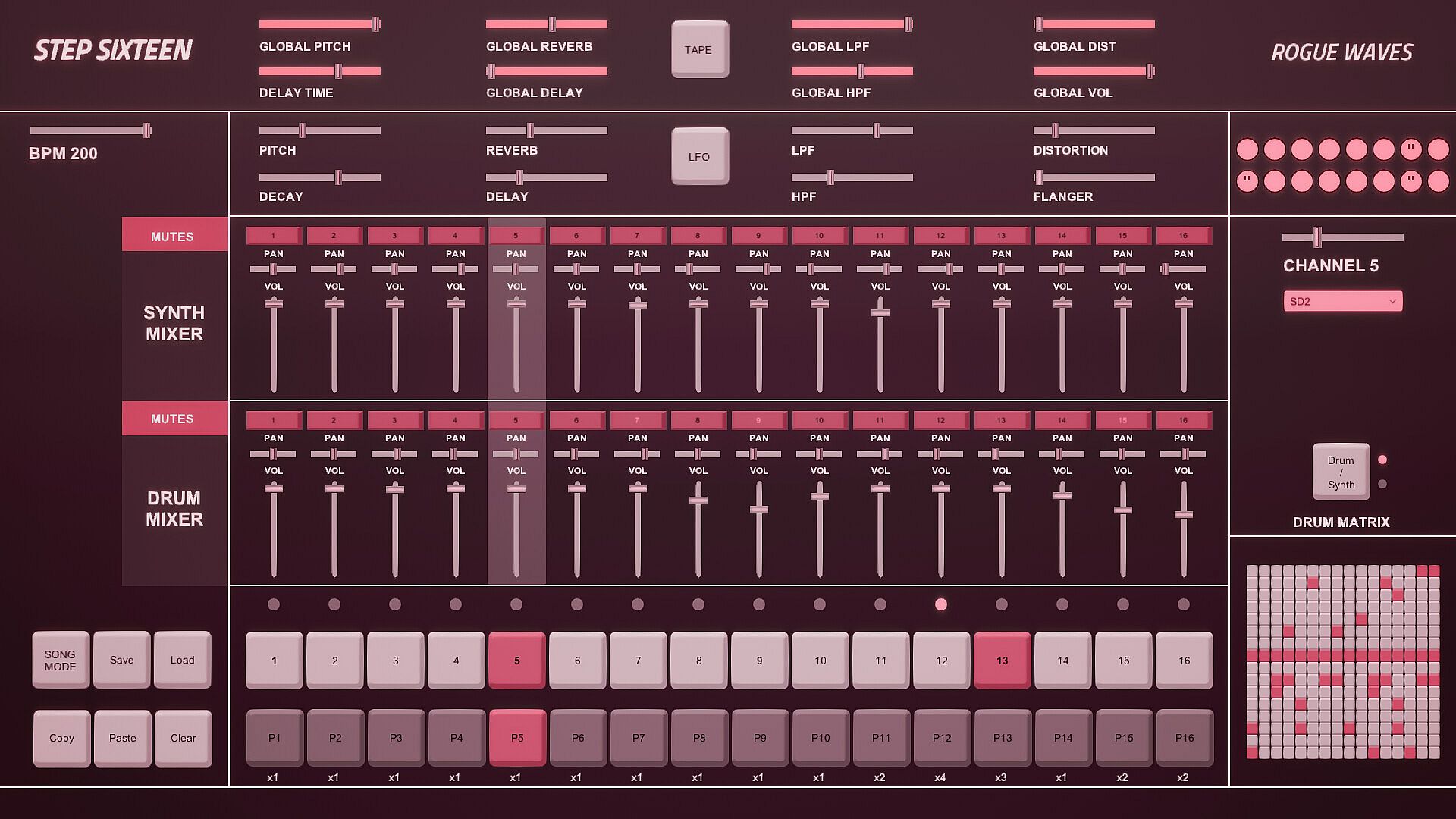
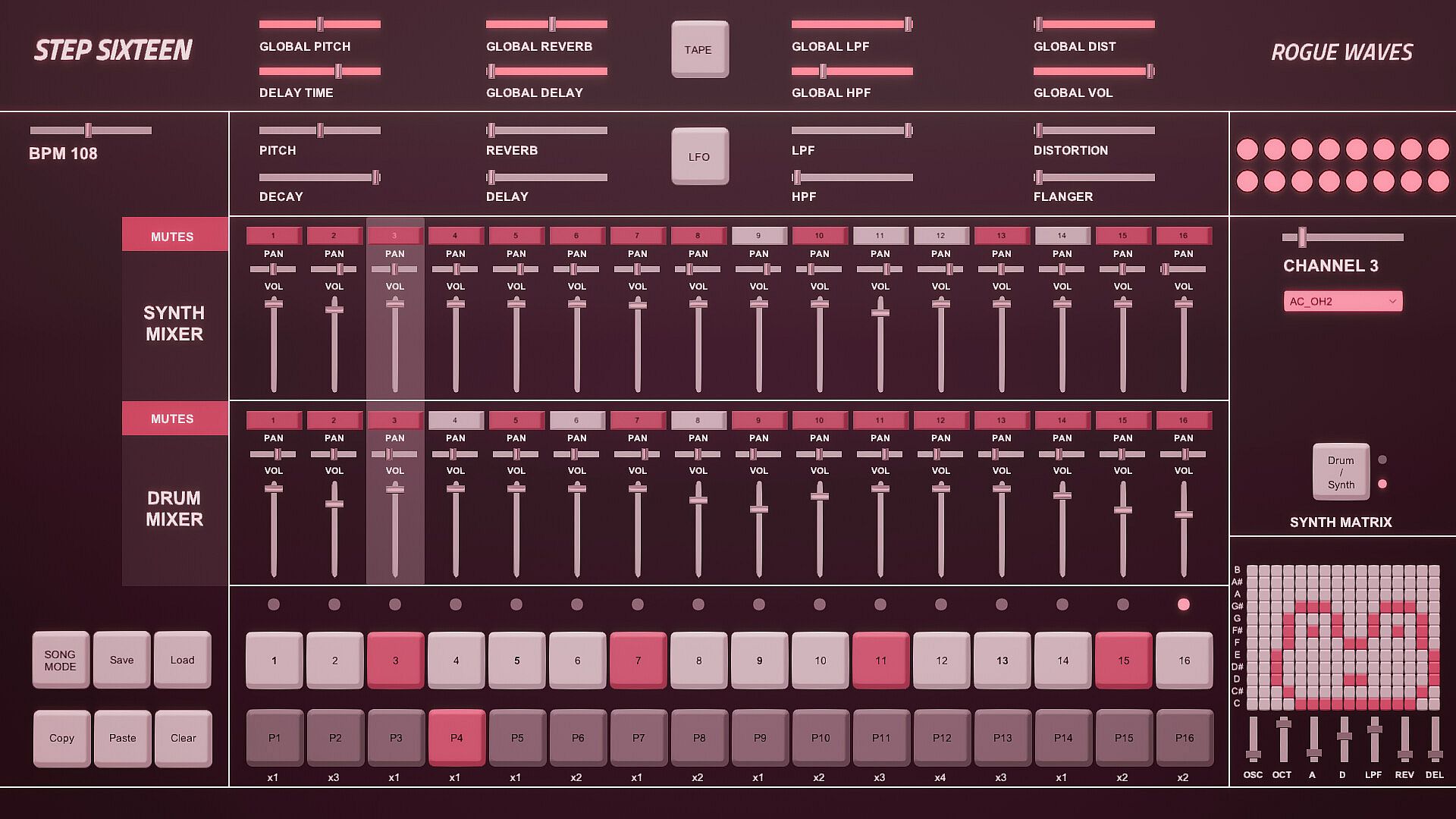
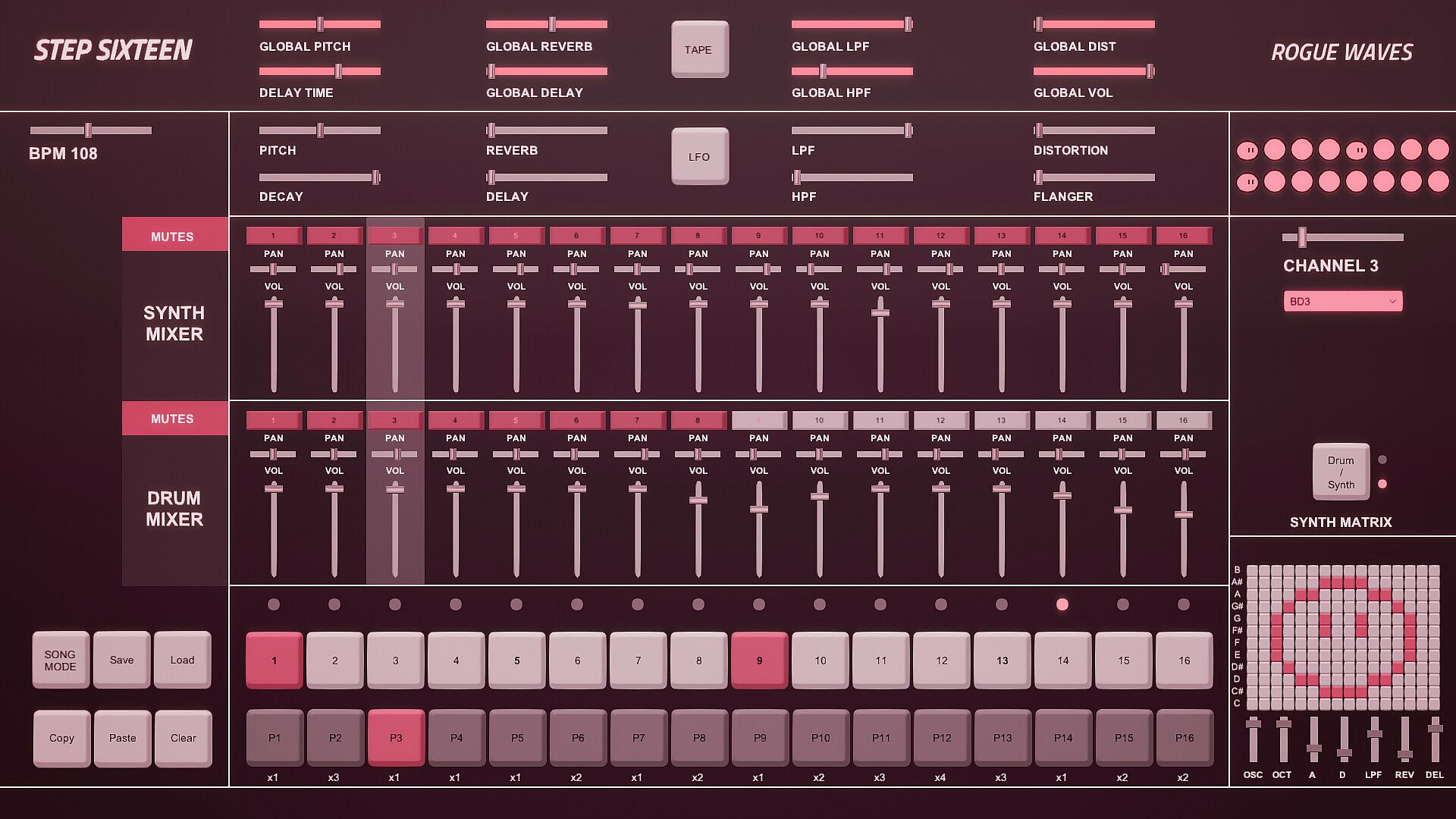
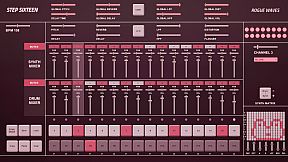
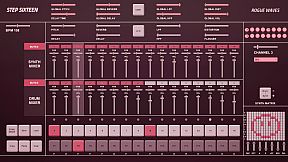
All you need to get started making electronic music - with Step Sixteen you can create your own beats, melodies or songs in no time. Use the drum channels to create wild rhythms or the synth matrix to create bass lines, arpeggios, chords or melodies.
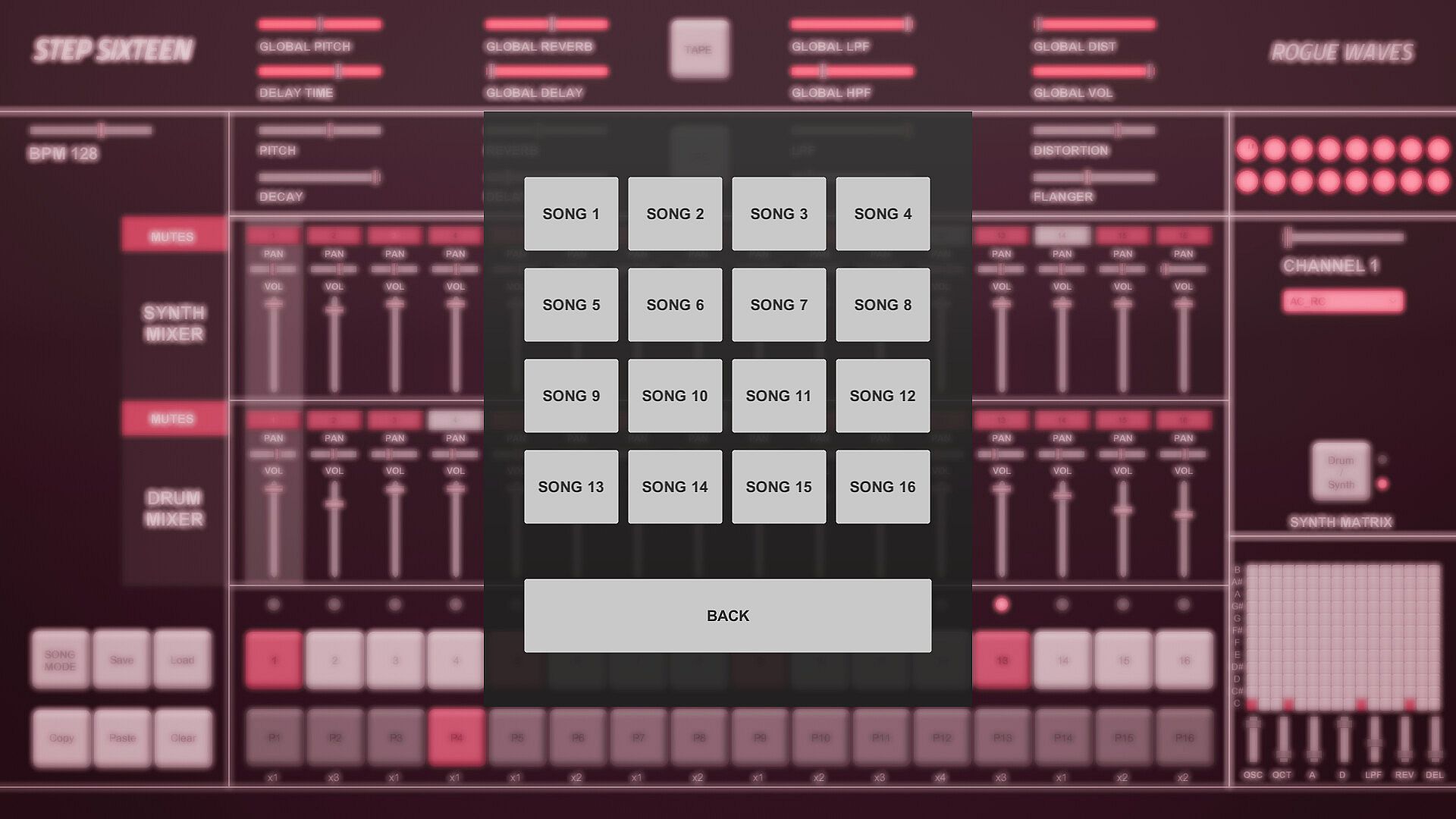
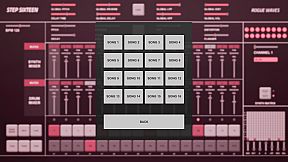
Chain patterns together and sequence them in Song Mode to create full songs.
Keyboard Controls
Press Spacebar to start or stop the sequencer.
Press Enter to Access the Main Menu.
Mouse Controls
Use the mouse to click buttons, patch dropdown menus, pattern repeat numbers and to change slider values. [NOTE: Click read more below for more details]
1. Step Indicator LEDs [1-16]
Displays the current step of the sequence when the sequencer is running. Press spacebar to start the sequencer.[Note] Clicking a step indicator will copy its step button value, click another step indicator to paste the step.
2. Step Buttons [1- 16]
These are used to trigger the drum sounds. Click to turn a step on/off. Each channel has its own 16 step buttons.3. Pattern Buttons [1-16]
These are used to select a pattern. When in Song Mode patterns will be played back in order.[Note] In Song Mode pattern changes are quantised to occur at the end of the bar.
4. User Buttons.
The Song Mode Button enables patterns to be played back sequentially.The Save Button allows the user to save changes to the current song
The Load button allows the user to load what was saved.
The Copy Button allows the user to copy the currently selected pattern
The Paste Button enables the user to paste a copied pattern to another pattern.
The Clear Button clears the currently selected pattern.
[Note] Saving also automatically occurs when the program is closed.
5. Pattern Repeats.
When in Song Mode these determine how many times a pattern will repeat before progressing to the next pattern.Repeat can be set to x1 (plays once), x2, x3 or x4.
Click on a repeat number to increment its value.
6. Matrix Section.
If the current matrix is set to Drum Matrix the user can input steps across all drum channels without having to change channels.Channels are displayed on the vertical axis while steps are represented on the horizontal axis.
If the current matrix is set to Synth Matrix the user can input steps on the currently selected synth channels.
Notes/pitch are displayed on the vertical axis while steps are represented on the horizontal axis.
7. Matrix Switch.
Toggles between the Drum and Synth Matrix. An LED is also used to indicate which matrix is displayed.8. Patch Drop Down Menu.
Click this menu to select the sound/patch for the currently selected Channel.
There are 27 sounds to choose from spanning a variety of electronic and acoustic percussive sounds.
[Note] The same sound/patch can be loaded on multiple channels.
9. Channel Selection Slider.
Use this slider to select the active channel.
The active channel is displayed in the text below and is also highlighted in the mixer section.
There are 16 channels to choose from.
10. Drum Dancers [1-16].
Each drum channel has a dancer that will dance according to the rhythm programmed on that channel.11. FX Buttons.
The Tape FX Button performs a classic tape stop effect. toggle it off to resume playback.The LFO FX Button randomises the pitch of all steps.
12. Global Sliders.
These parameters are applied across all channels.There are global controls for Pitch, Delay Time, Reverb, Delay, LPF (Low Pass Filter), HPF (High Pass Filter), Distortion and Volume.
13. BPM Slider.
Used to set the BPM (beats per minute). This determines how fast/slow the sequencer plays back.14. Channel Sliders.
These parameters are used to shape the current channel's sound.There are controls for Pitch, Decay, Reverb, Delay, LPF (Low Pass Filter), HPF (High Pass Filter), Distortion and Flanger.
15. Synth Mixer Mutes [1-16].
These are used to mute/unmute synth channels 1-16.Each mute button’s channel number will be lit when a sound is triggered on its channel.
16. Synth Mixer Pan.
Used to set the speaker panning for synth channels 1-16.17. Synth Mixer Volume.
Used to set the volume level for synth channels 1-16.18. Drum Mixer Mutes [1-16].
These are used to mute/unmute drum channels 1-16.Each mute button’s channel number will be lit when a sound is triggered on its channel.