







Buy On-Together: Virtual Co-Working PC Key

★ ★ ★ ★ ★

Where to buy On-Together: Virtual Co-Working at the best price? As of 8 Oct. 2026 the cheapest option is C$6.49 at Steam, out of 4 offers across 4 stores. The range reaches C$27.00, so the distance between the first and the last listing can be wide even with a handful of sellers. You activate the key in Steam or another client, and it is worth checking the price history first. This game has been cheaper before, on 76% of the days we have data for. A price alert will let you know when the next drop comes. On PC you buy a key that you activate in Steam or another client, and this is the widest market we track, with more than a quarter of games carrying a keyshop offer.

Release: 19 Jan. 2026
GigaPuff
Metacritic:
tbd tbd
Buy in Official Store:
-50%
C$6.49
Historical low
Buy in Keyshops:
C$22.43
See price history

Official Stores (1)

DRM:
Steam
Steam
Steam
On-Together: Virtual Co-Working
Windows
+2
2w ago
DRM:
Steam
Ends in 15 hours
Steam
C$12.99 C$6.49
Ends in 15 hours
Historical Low Deal
Historical low
-50%

Keyshops (3)

DRM:
Steam
Steam
G2Play
On-Together: Virtual Co-Working PC Steam CD Key
Windows
+2
10h ago
DRM:
Steam
G2Play
~C$22.43
-8% with XD8DEALScopy
PremiumCDKeys
On-Together: Virtual Co-Working Steam (PC) - Steam CD Key - GLOBAL
Windows
+2
3h ago
DRM:
Steam
PremiumCDKeys
C$23.04
-10% with XD_DEALScopy
Kinguin
On-Together: Virtual Co-Working PC Steam CD Key
Windows
+2
11h ago
DRM:
Steam
Kinguin
~C$27.00
-8% with XD8DEALScopy

About On-Together: Virtual Co-Working

On-Together: Virtual Co-Working - about the game

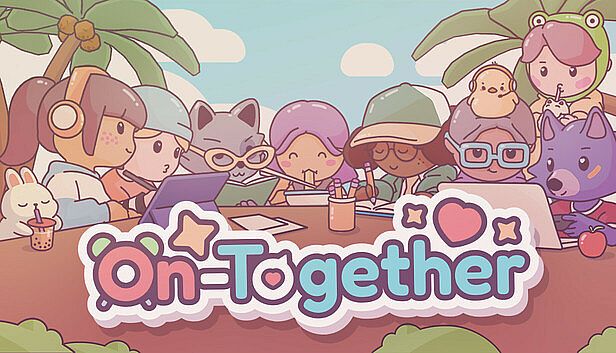
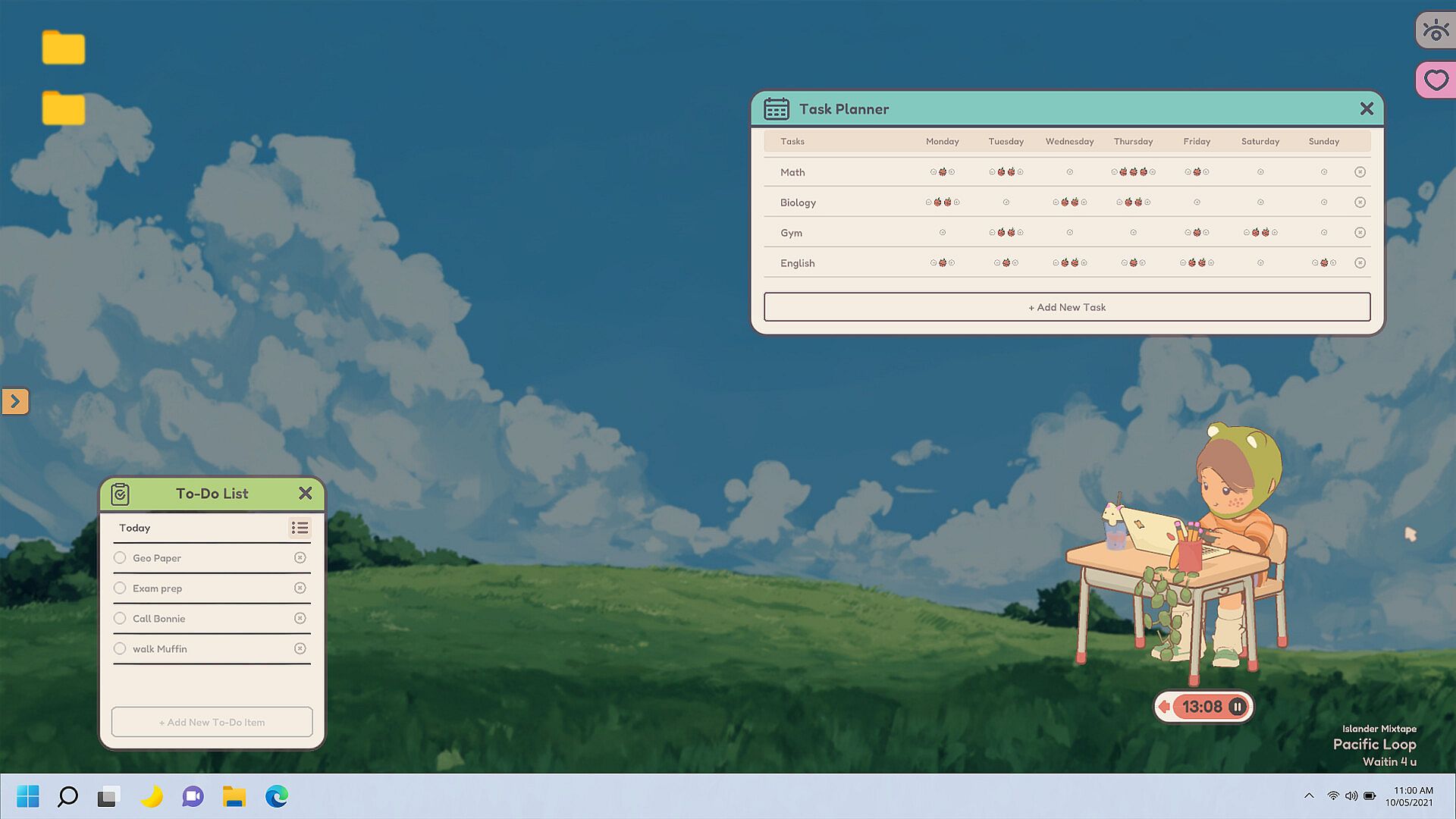
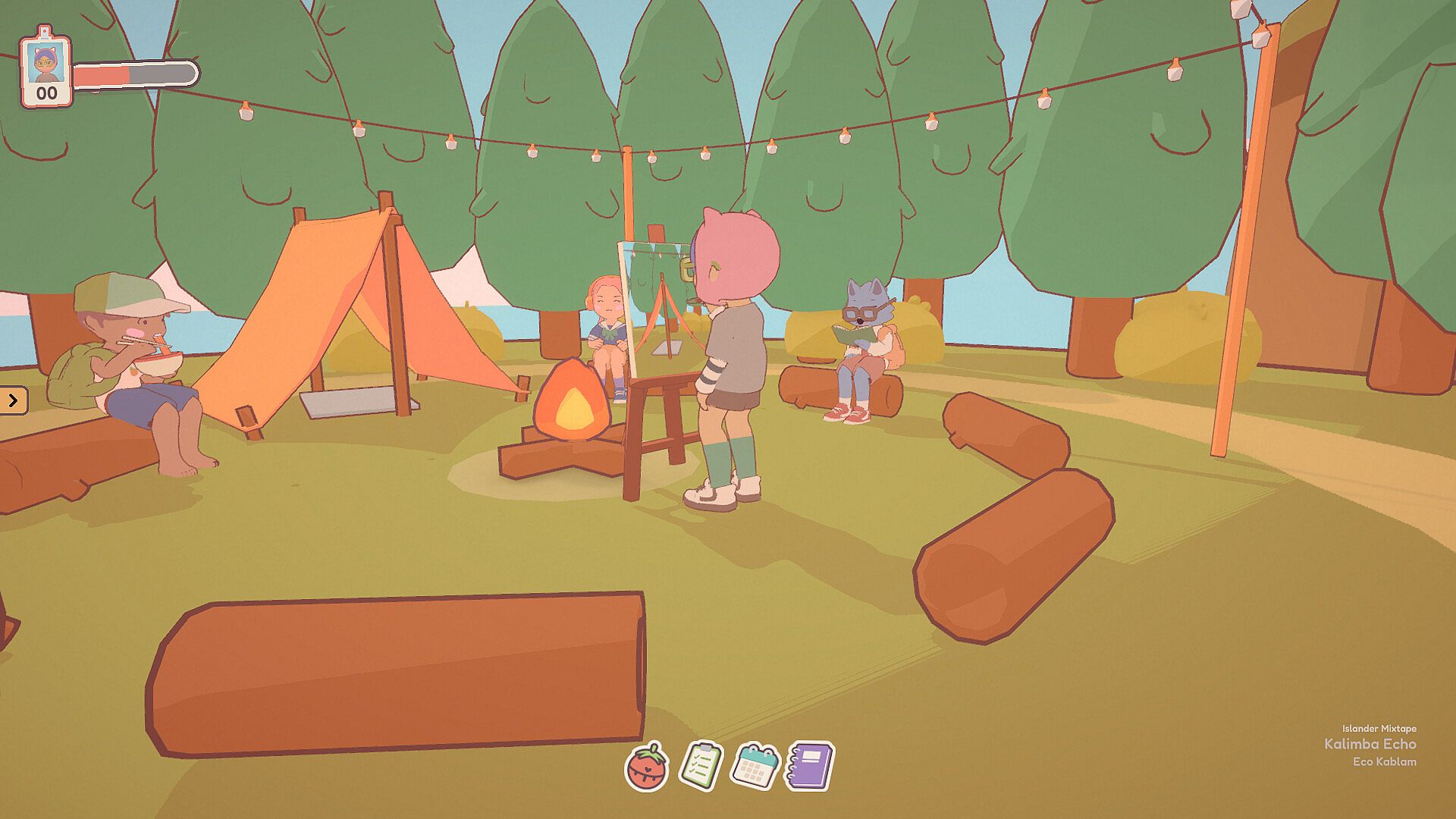
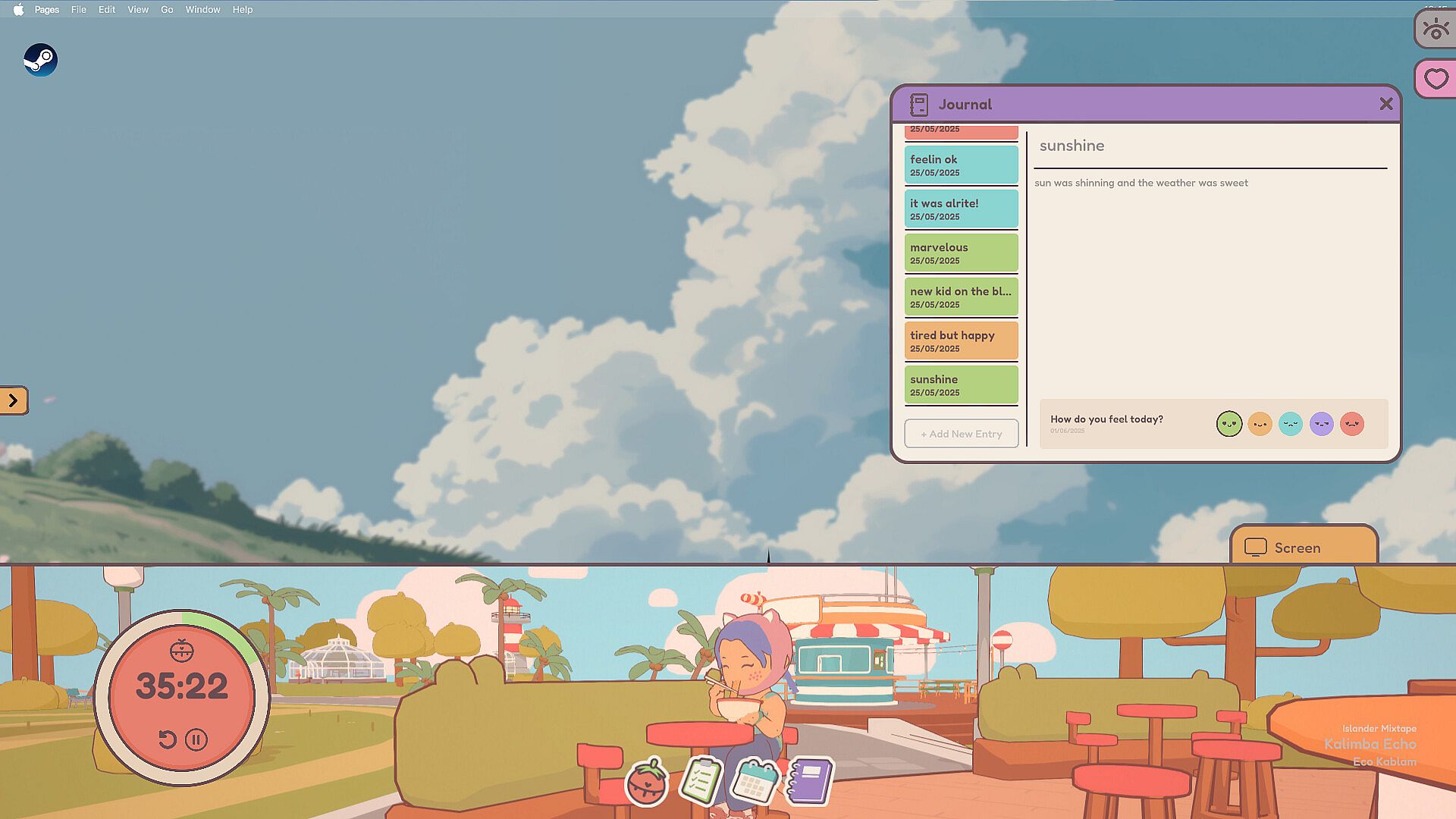
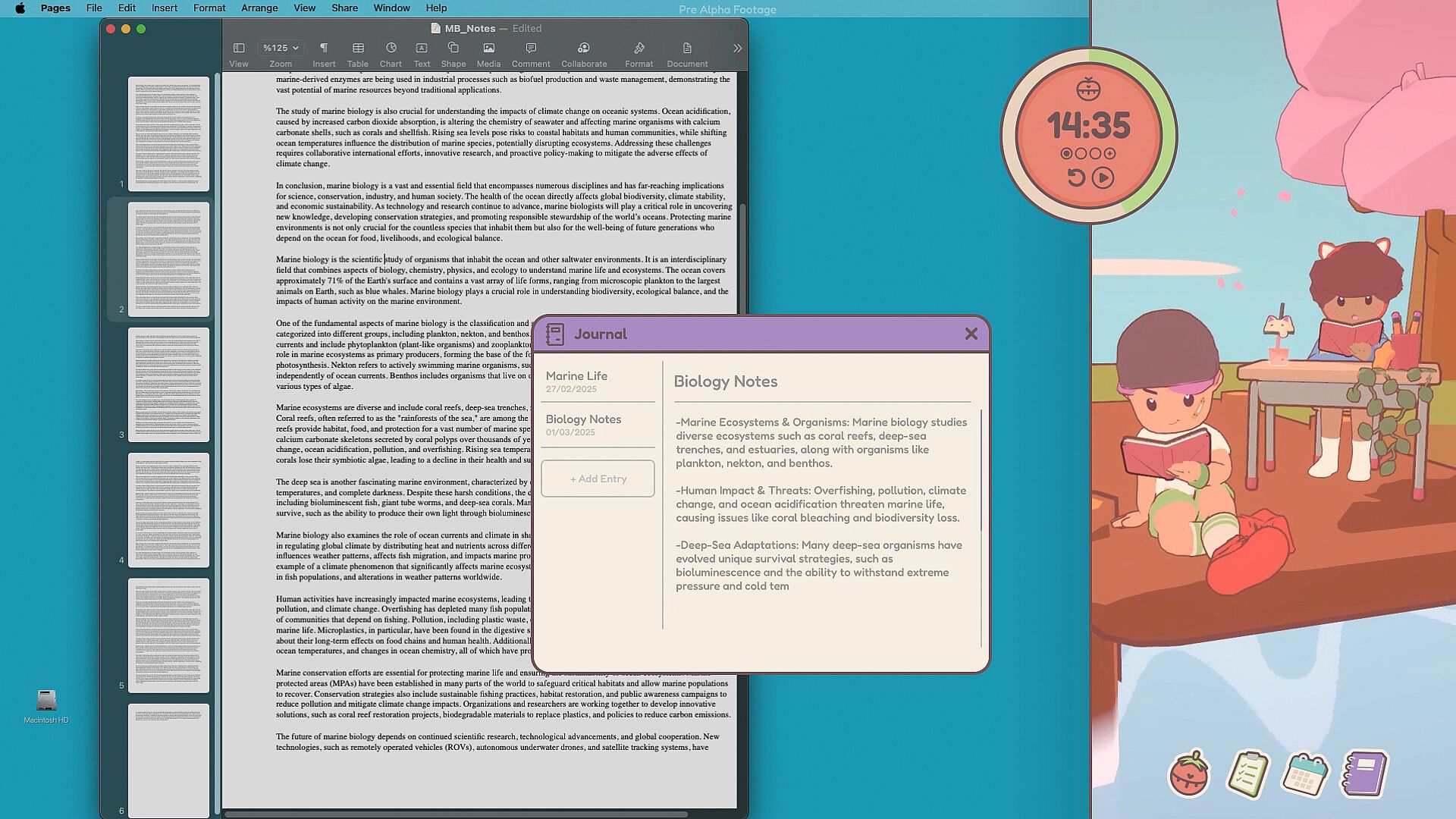
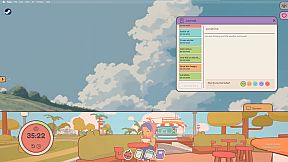
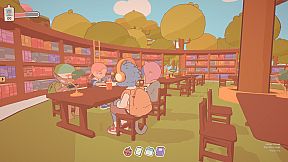
On-Together: Virtual Co-Working is an indie casual simulation game for PC that creates a shared digital workspace for focused work or study sessions alongside friends and other players. Avatars gather in the corner of the screen while users handle real tasks, blending quiet companionship with built-in tools for staying on track.

Gameplay

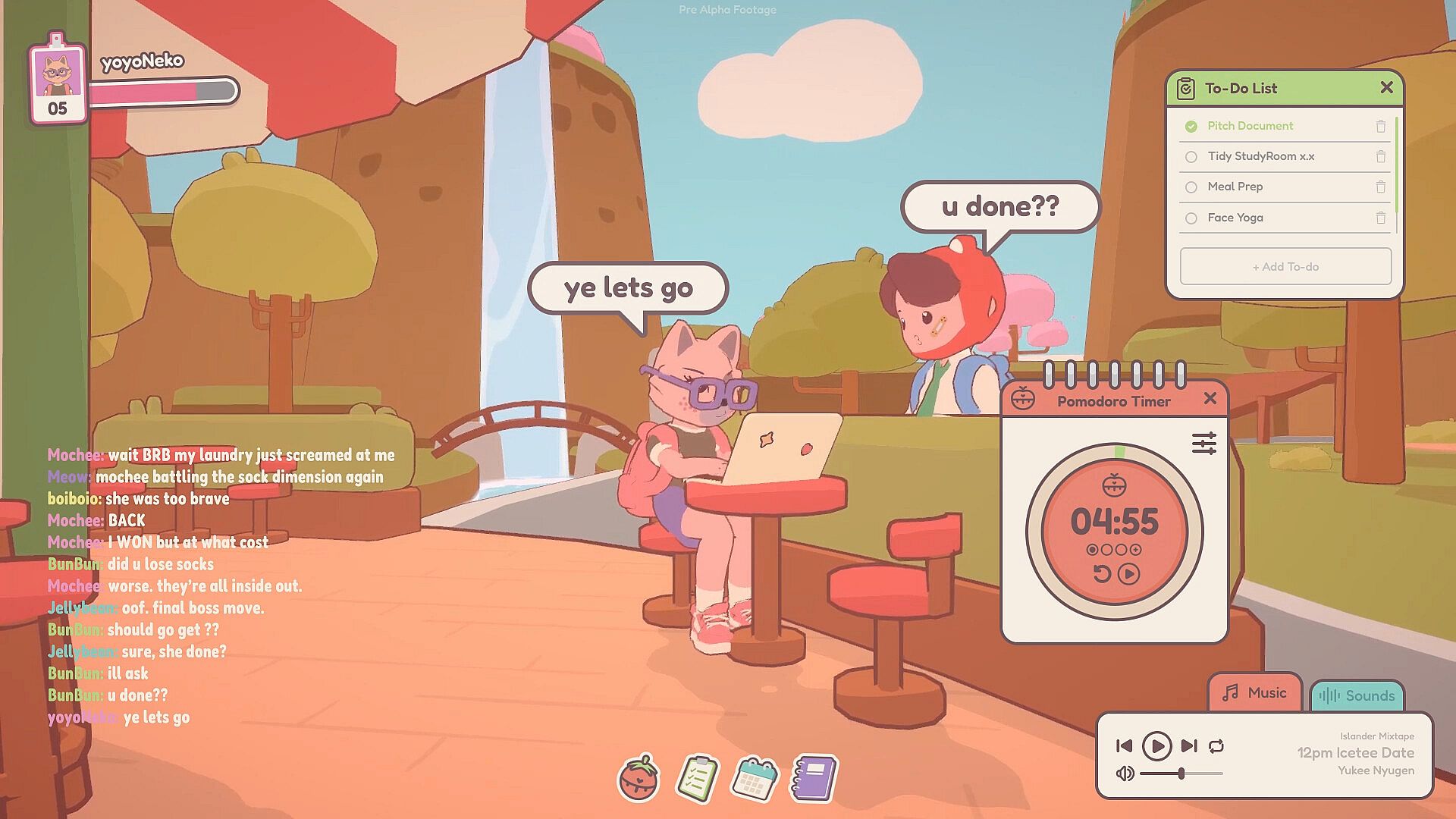
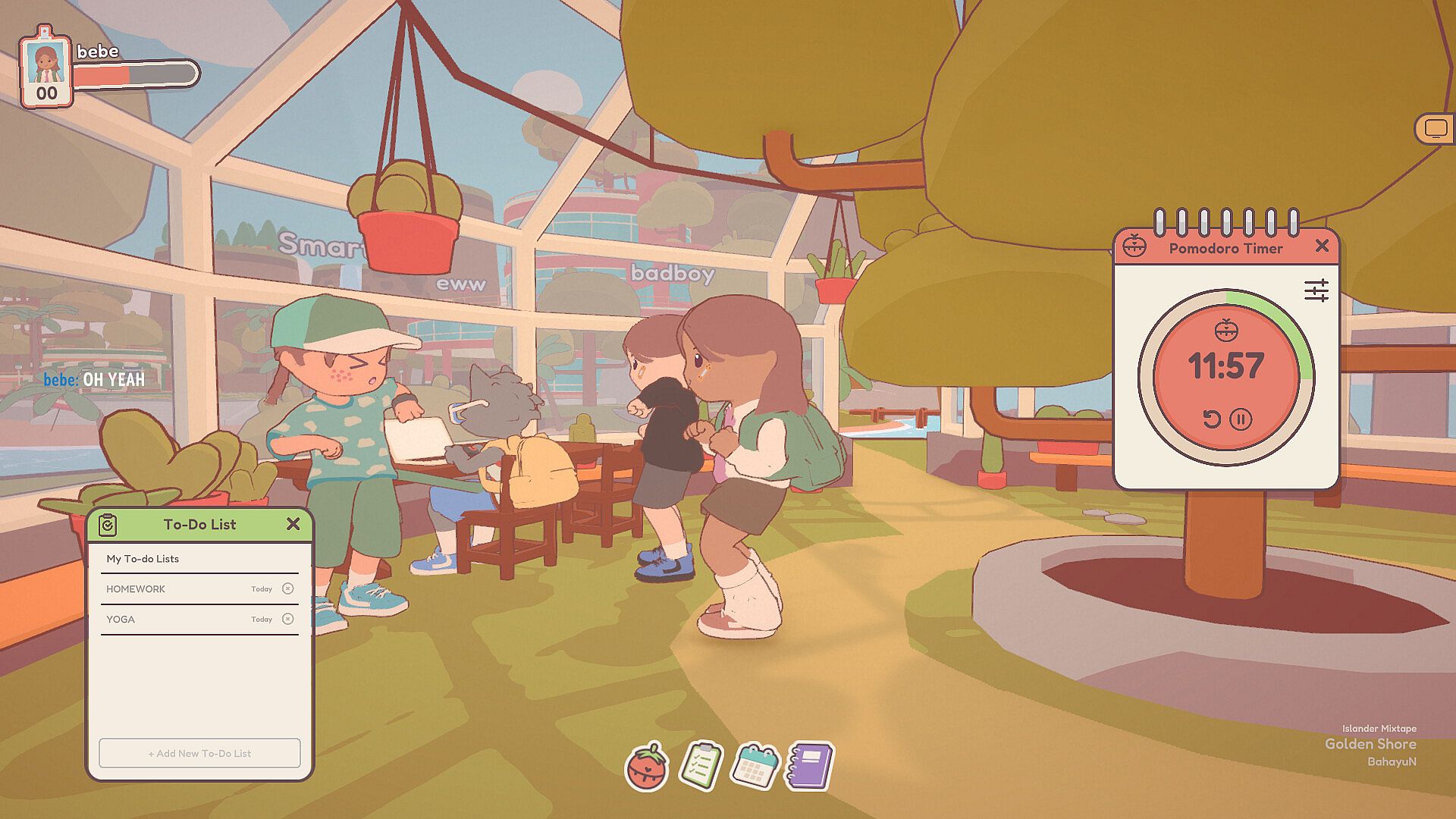
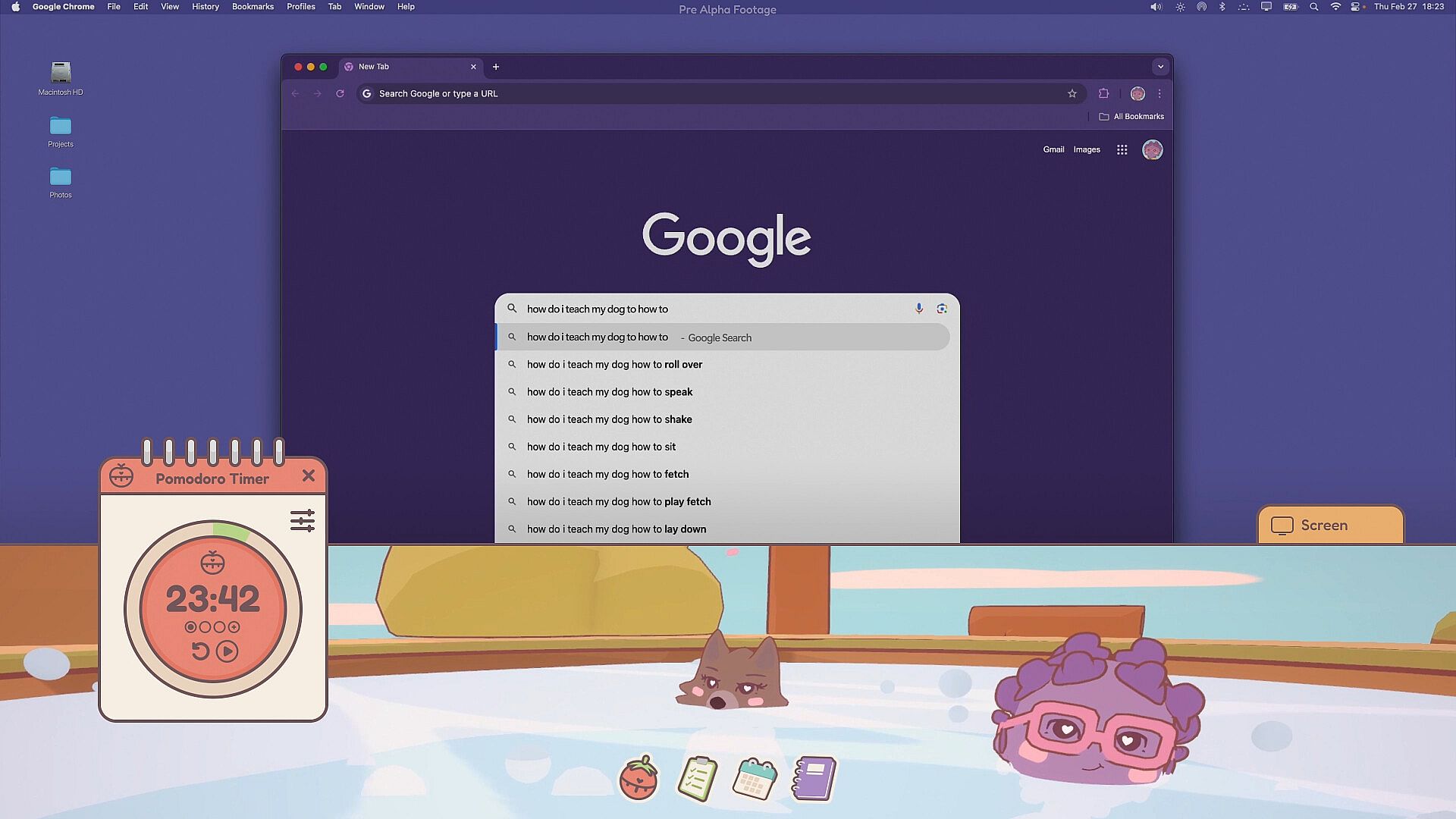
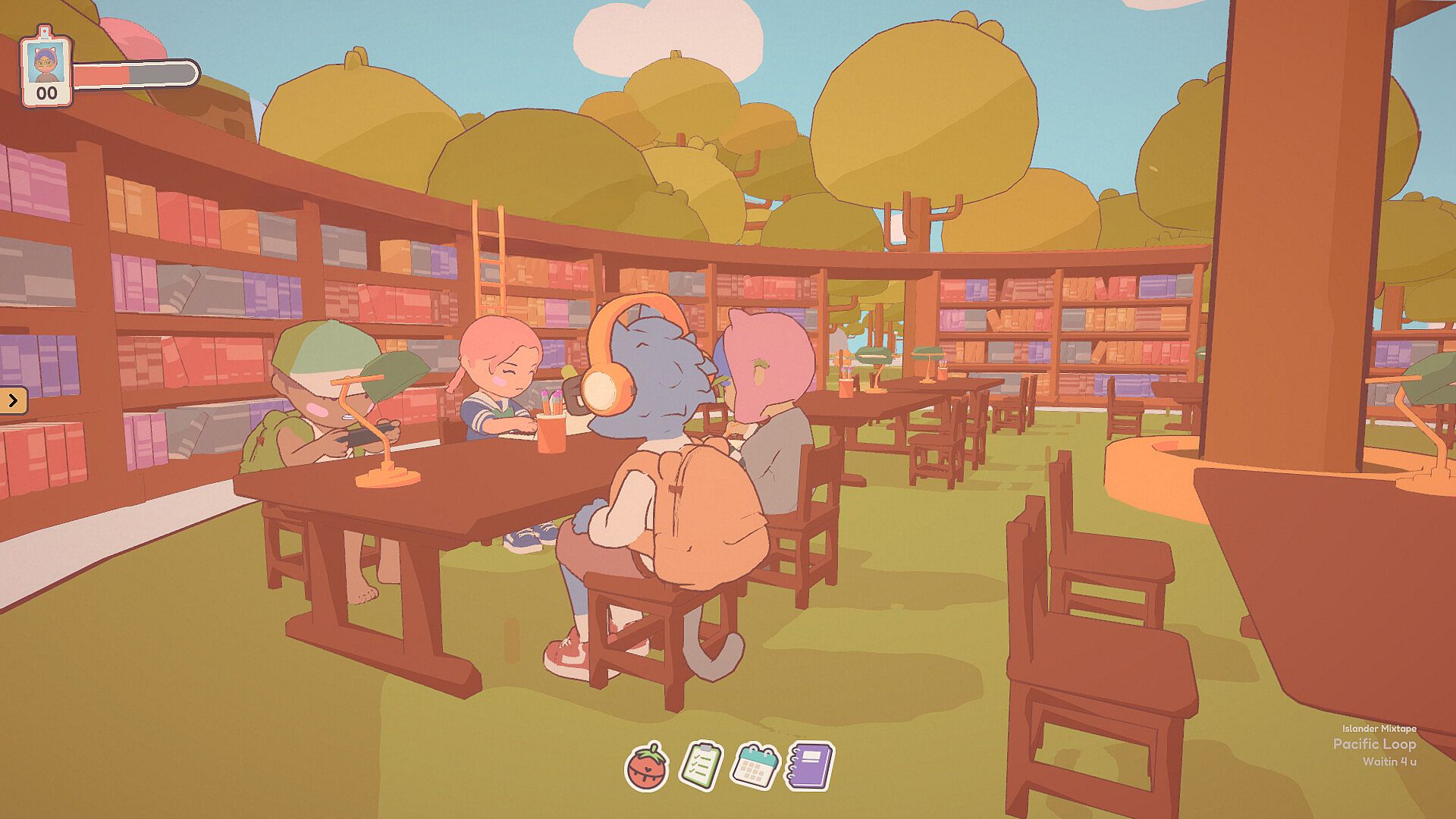
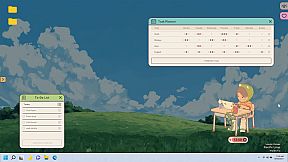
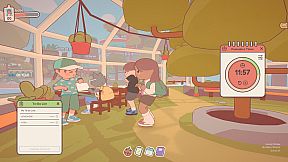
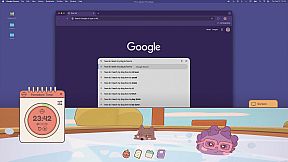
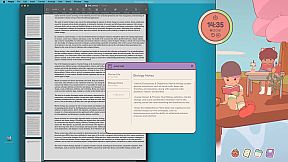
The core loop centers on selecting a virtual location and settling in with your customized avatar to mirror real-life activities. Avatars perform matching animations such as reading, handling chores, or painting, which helps maintain a sense of presence without pulling attention away from the actual task. A customizable Pomodoro timer and to-do list sit alongside a journal and weekly planner to support organization during sessions.

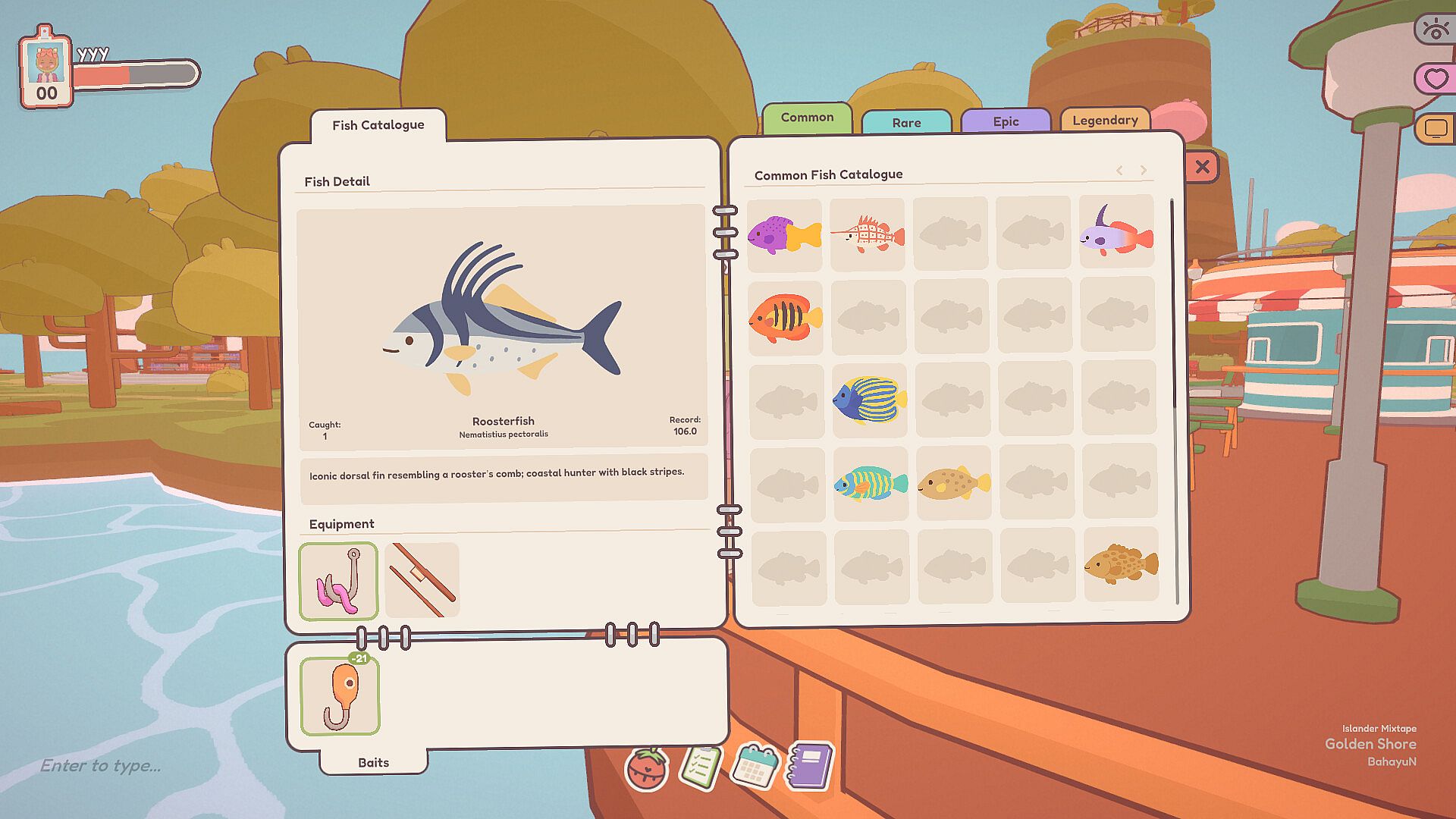
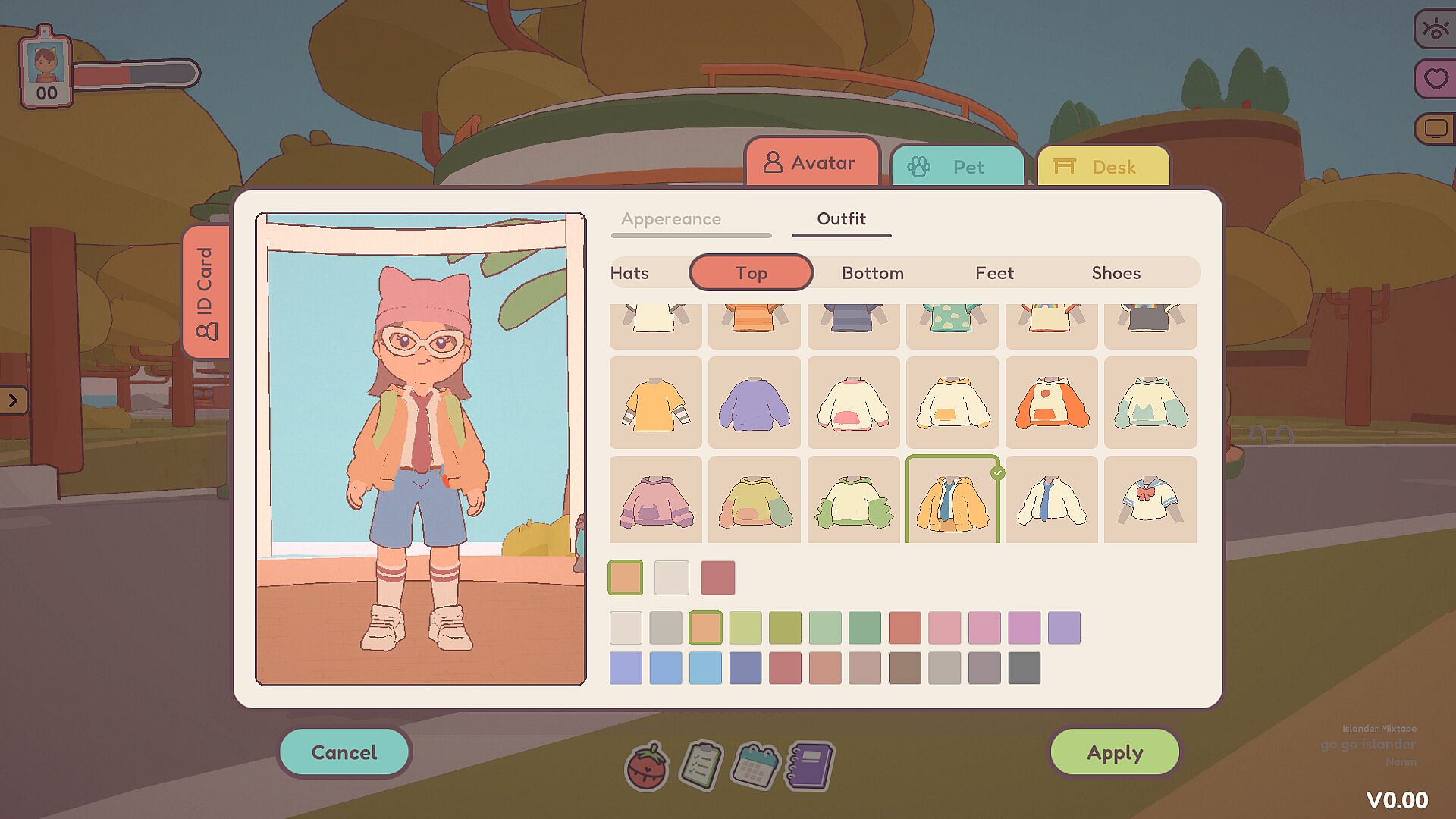
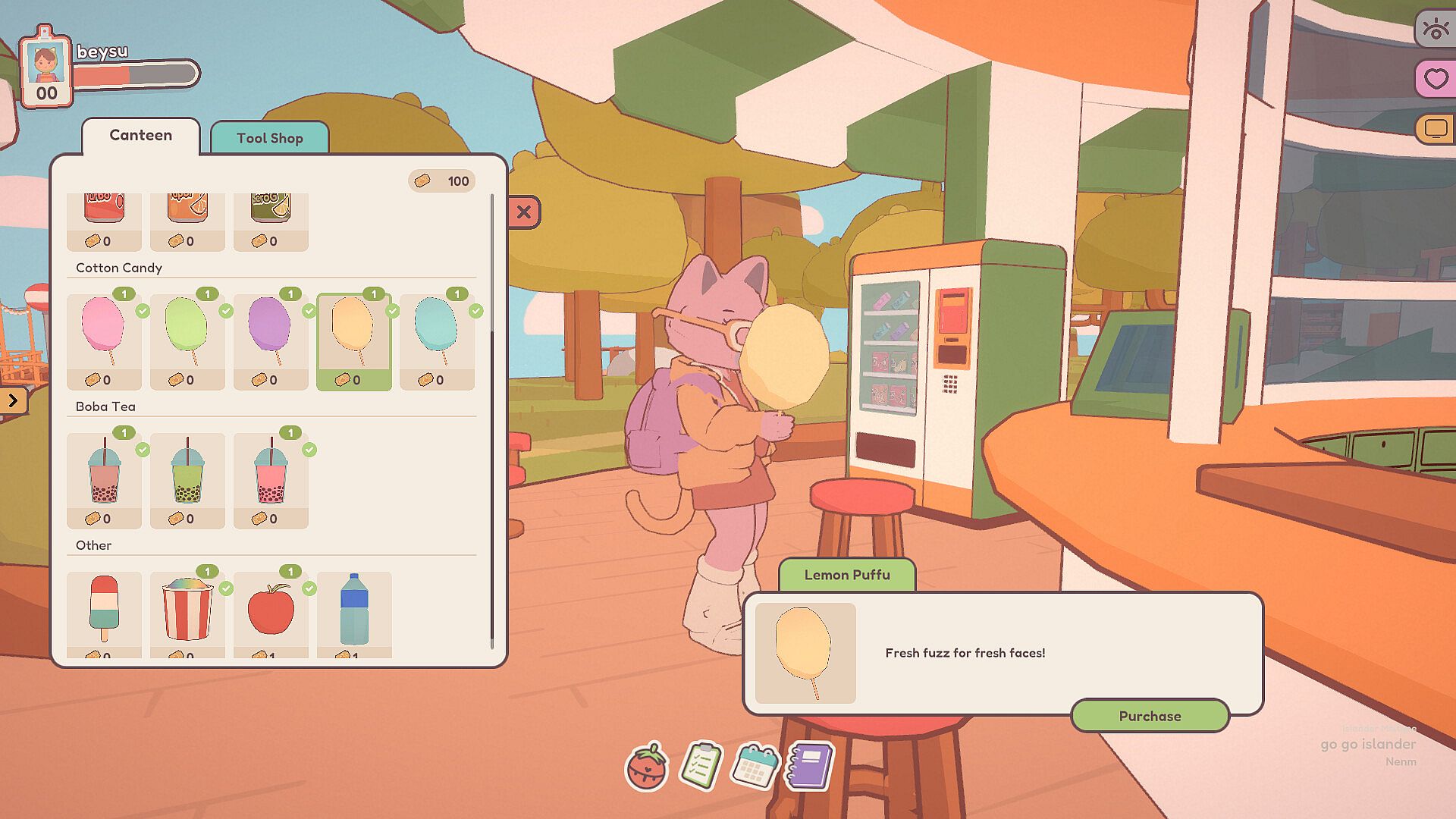
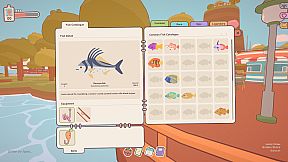
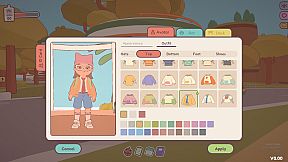
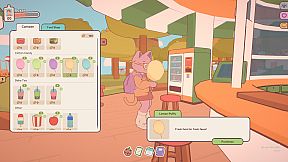
Players earn tickets through focused time that unlock new clothing options, power-ups, pet companions, and additional items. Customization covers a wide range of human and animal appearances, letting each avatar reflect personal style. Regular breaks shift into lighter activities that keep the experience engaging over longer periods.

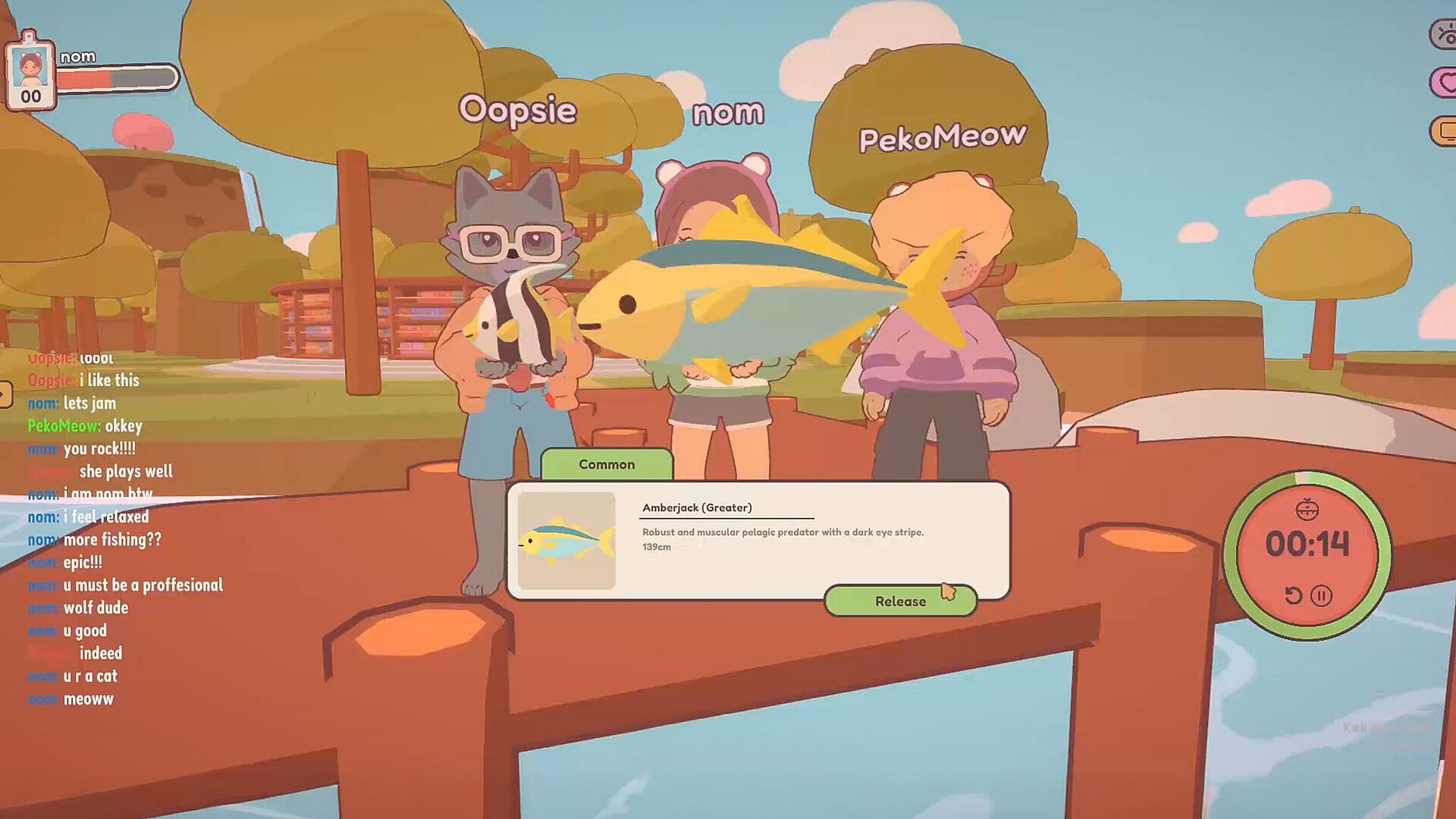
Avatars remain visible in the corner during work, creating a subtle social layer even when users are not actively chatting. The system supports both private groups and open sessions with strangers, allowing flexible connections across different time zones.

Game Modes

Display options form the main modes of interaction. Fullscreen mode turns the game into a dedicated environment for immersion in one of the available locations. Side-screen docking keeps the workspace visible without blocking primary applications. Transparent sticker mode overlays avatars directly on the desktop, letting them stay present while other programs run in the foreground.

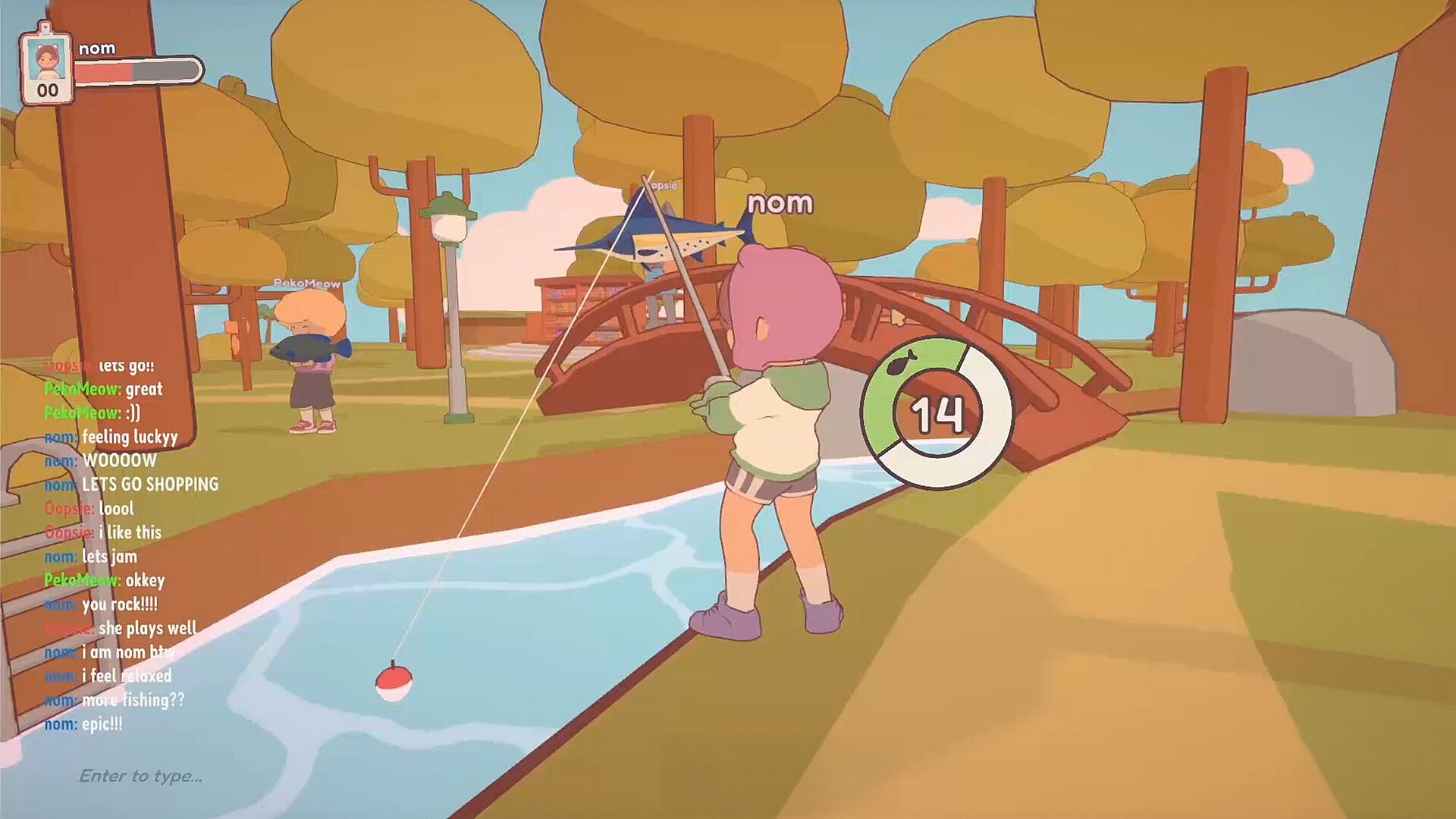
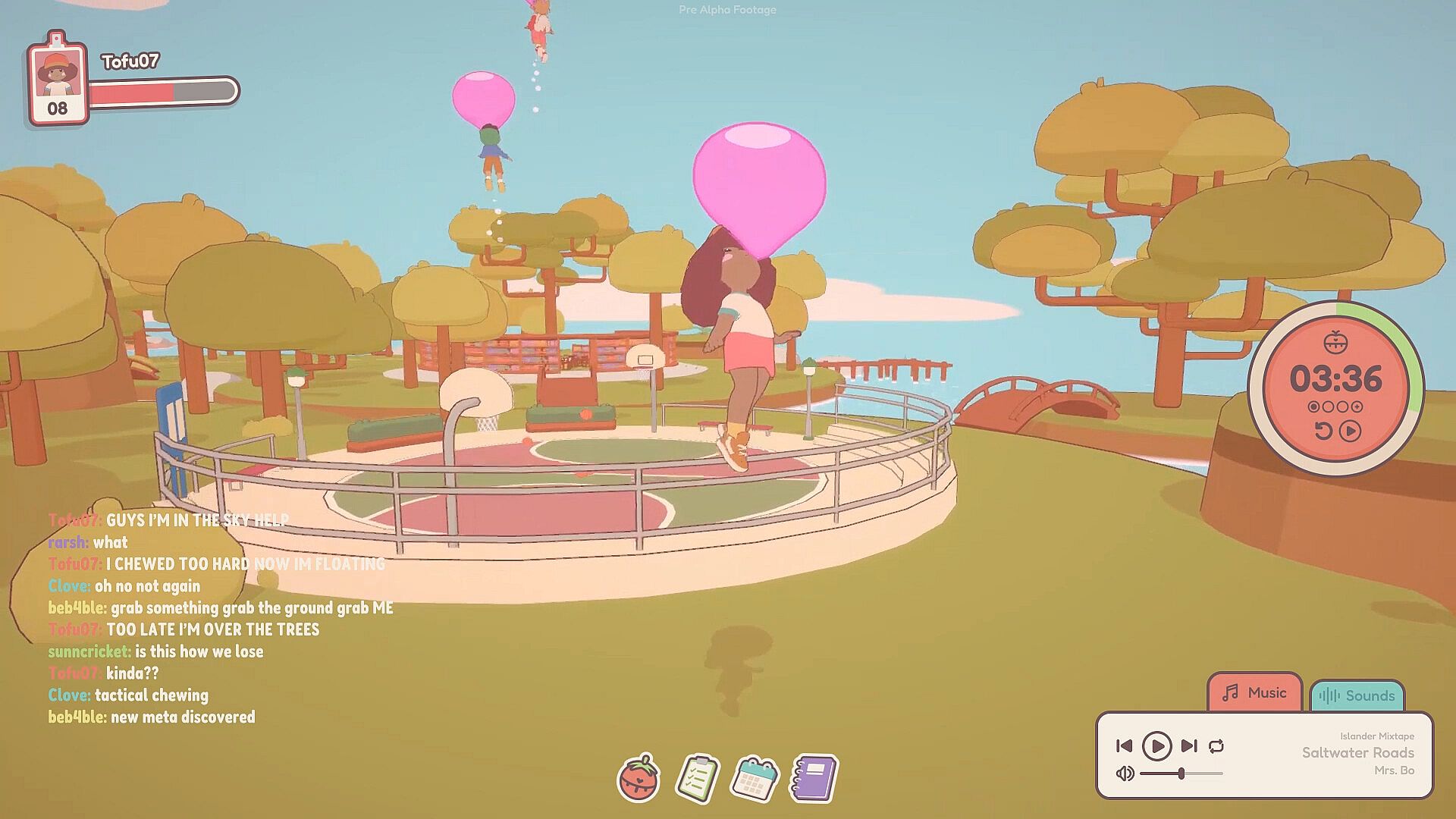
Lobbies serve as another layer, where users create or join shared spaces tailored to specific activities. These allow groups to coordinate focus periods or casual meetups without rigid scheduling. The variety of locations, including a library, treehouse, and floating lily pads, changes the visual atmosphere to suit different moods or tasks.

Customization and Progression

Avatar creation starts with broad choices across species and styles, then expands through earned rewards. Tickets accumulate steadily from focus sessions and convert into new outfits, accessories, and companions that appear alongside the main character. This progression ties directly to productive time rather than separate grinding activities.

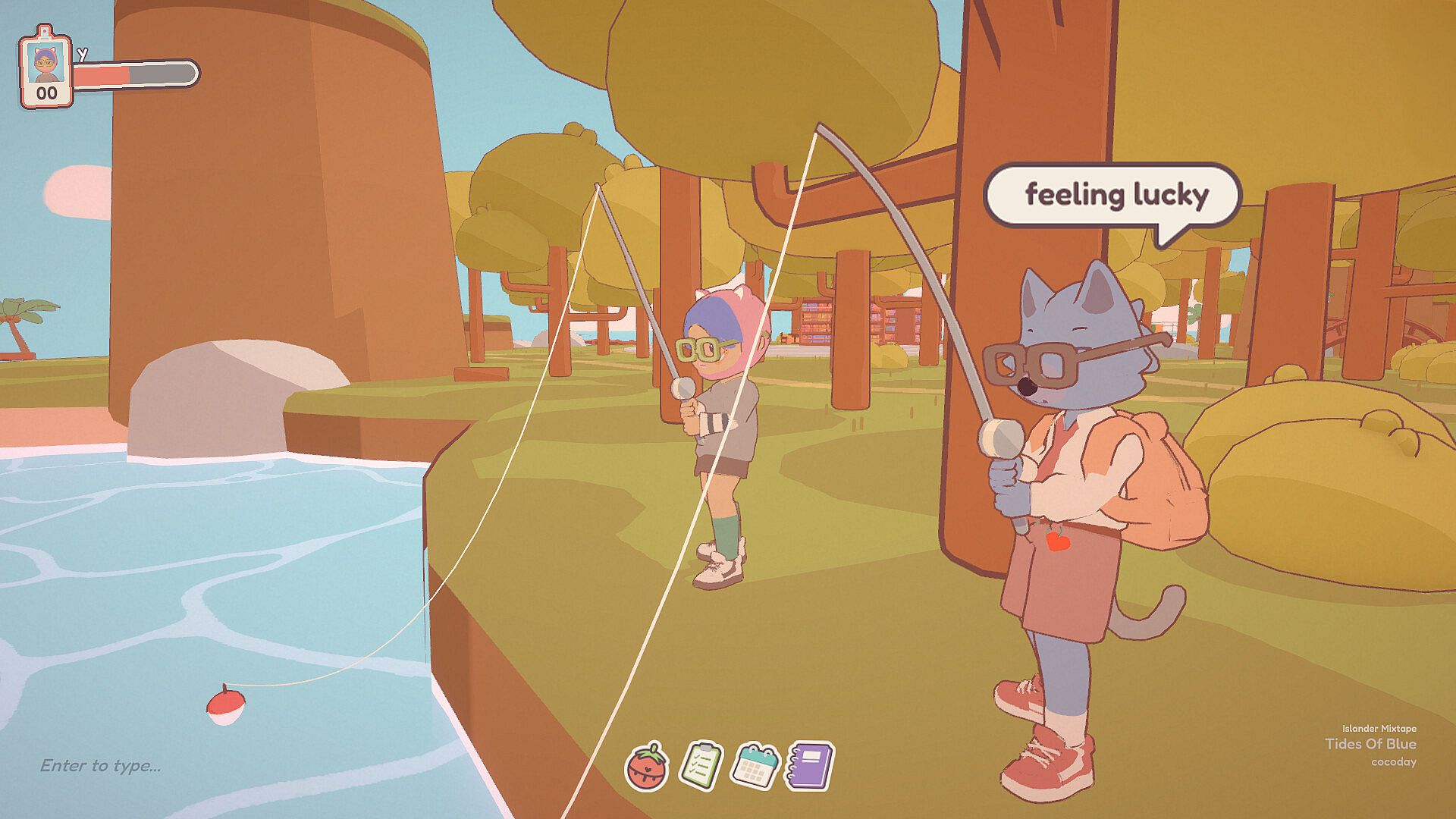
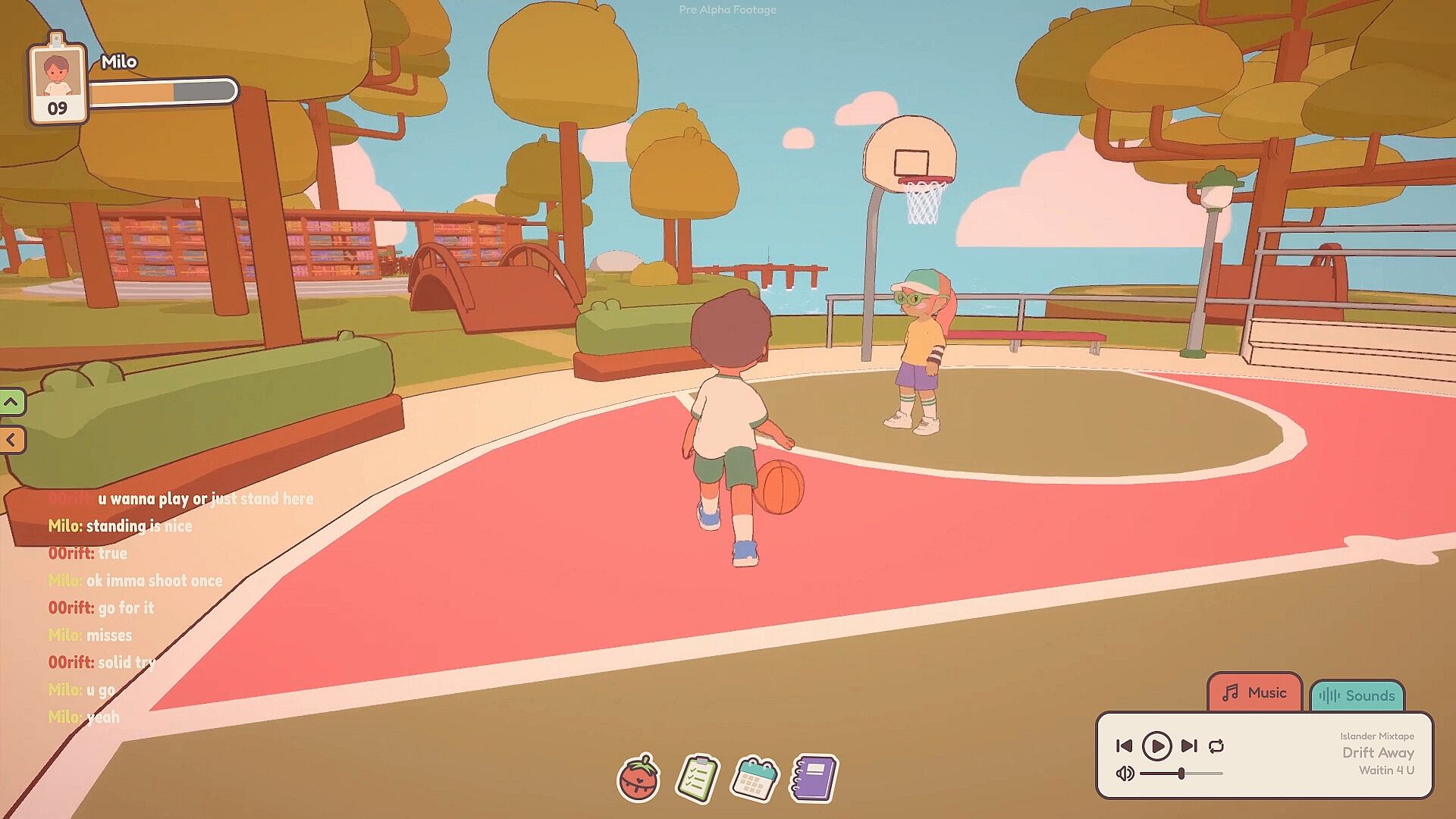
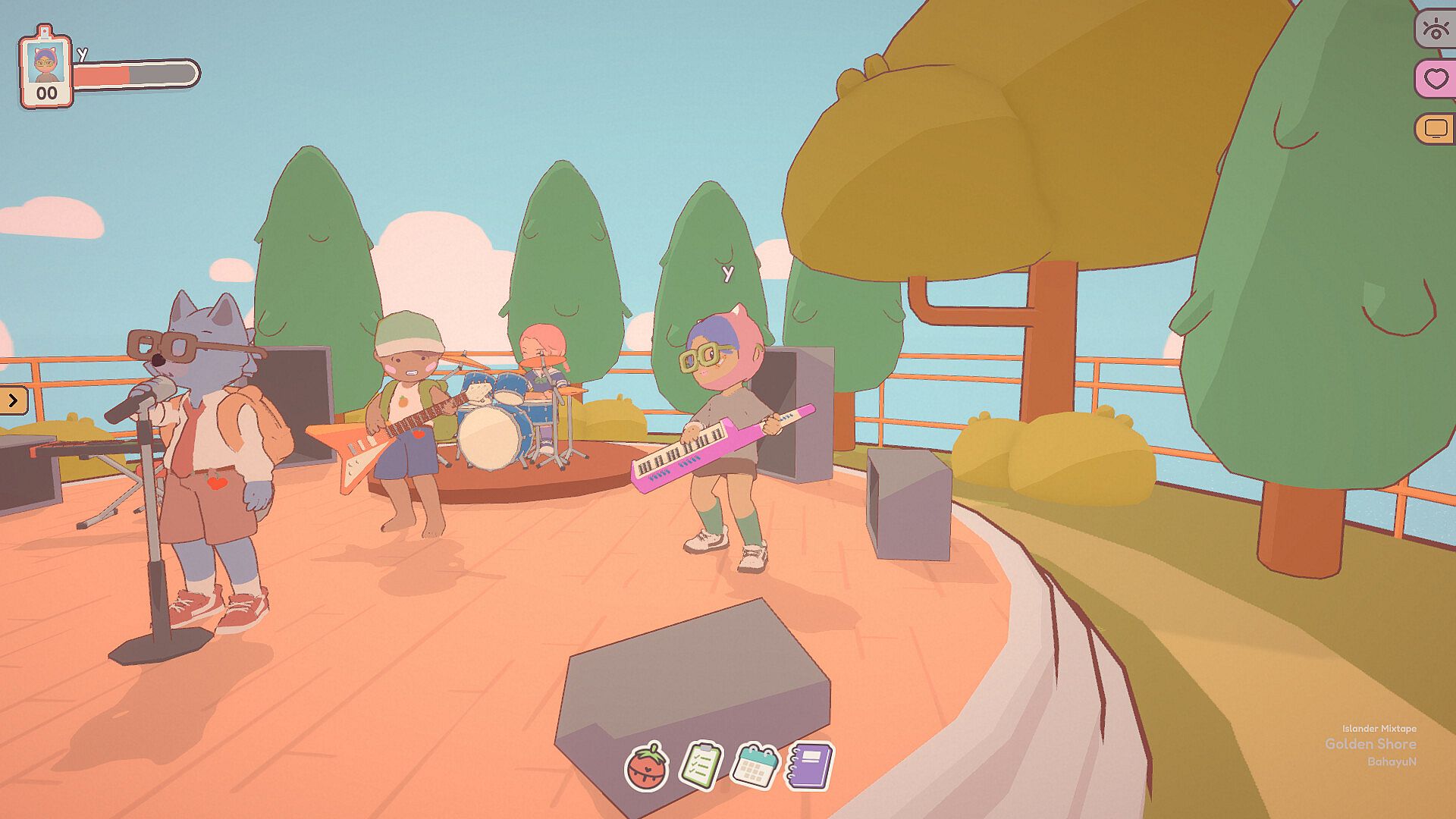
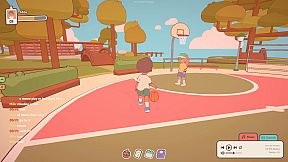
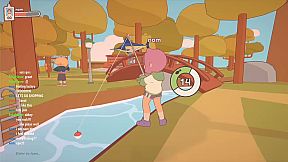
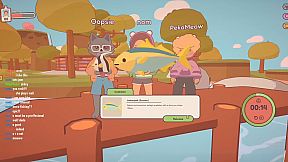
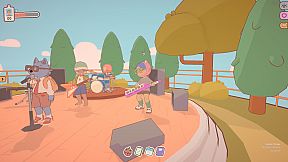
Minigames provide short diversions during breaks. Options include basketball, fishing, and music jams that encourage light interaction without demanding intense focus. These elements fit naturally into the overall rhythm of work and rest cycles.

Is It Worth Playing?

The game appeals most to people who work or study remotely and value quiet company during tasks. Its overlay options and productivity tools integrate smoothly with existing routines, while the social features reduce isolation without requiring constant conversation. Reviews highlight the charming presentation and genuine sense of motivation from seeing others engaged in similar activities.

Player feedback describes the experience as relaxing and effective for maintaining focus cycles. The low-pressure design suits those who want optional community rather than competitive or high-stakes elements. Availability on PC makes it accessible for anyone with a standard setup, and the current state shows steady support for new users exploring its features.

Overall, it delivers a practical blend of simulation and casual interaction for productivity-focused players seeking a cozy third space. Those who enjoy gentle multiplayer elements alongside personal task management will find it a consistent fit for daily use.


Interface:
EnglishSpanish - Latin AmericaFrenchJapanesePortuguese - BrazilRussianSimplified Chinese
Audio:
English
Subtitles:
EnglishSpanish - Latin AmericaFrenchJapanesePortuguese - BrazilRussianSimplified Chinese

Age rating

Unavailable
Metacritic:
tbd tbd

Minimum:

  • Processor: 2 Ghz
  • Memory: 2 GB RAM
  • Graphics: 256 mb video memory, shader model 3.0+
  • DirectX: Version 10
  • Storage: 500 MB available space
  • Additional Notes: Broadband Internet connection

Recommended:

  • OS: Windows 10

Minimum:

  • OS: Any
  • Processor: Apple M1
  • Memory: 8 MB RAM
  • Storage: 2 GB available space

Recommended:

  • Processor: Apple M1 Pro
  • Storage: 1 GB available space
Historical low
Price history from official stores
C$6.49
Steam
2 weeks ago
Price history from keyshops
C$9.24
G2Play
3 months ago

FAQ

9 questions

Before you start looking for a cheap On-Together: Virtual Co-Working PC key, check the essentials. Developed by GigaPuff. Published by Future Friends Games. PC released date: 19 Jan. 2026. Genres: Indie, Casual, Simulation. Categories: Multi-player, Family Sharing, Co-op, Single-player, Stats, Steam Achievements, Steam Cloud, Online Co-op.

Q

Where to buy a cheap On-Together: Virtual Co-Working Steam key or CD key?

Using our price comparison and verified discount codes, you can buy a On-Together: Virtual Co-Working key for as low as C$6.49. This deal is available at Steam and is among the cheapest offers on the market. All keys listed on XD.deals are delivered digitally and eligible for instant download after payment. Prices already include processing fees and applied promo codes, so you always see the lowest On-Together: Virtual Co-Working price on PC. Check the On-Together: Virtual Co-Working price history to buy at the best moment.

As of our last update (we refresh Steam pricing multiple times a day), the On-Together: Virtual Co-Working Steam price is C$6.49.

Our price tracker covers both official retailers and key marketplaces, so you can find On-Together: Virtual Co-Working on sale even outside seasonal promotions. We currently detect 4 active offers from official stores and keyshops. Check the table above, compare against the historical low, and set an alert so you never miss the next price drop.

Based on our data, On-Together: Virtual Co-Working is not currently available on GeForce NOW. You will need to run it locally on your PC. Browse games available on GeForce NOW.

The cheapest offer came most often from Kinguin: 54 of 106 days with data. The price reached its historical low on only 1 day out of 106 days with data. The current price is high against its own history: it was cheaper on 76% of days with data. Half of all readings fell between C$12.86 and C$20.01.

Yes. On-Together: Virtual Co-Working has an official page on the Steam Store. You can also buy a On-Together: Virtual Co-Working Steam key from third-party sellers. Our price comparison currently includes 4 offers with Steam DRM. Pick one to ensure your On-Together: Virtual Co-Working download happens on Valve's platform.

Yes. On-Together: Virtual Co-Working is Steam Deck Verified - it launches out-of-the-box, displays correct controller glyphs and runs stable. On-Together: Virtual Co-Working works perfectly on Steam Deck.

According to our data On-Together: Virtual Co-Working is not currently available on PC Game Pass, EA Play or Ubisoft+. We are still filling in the catalogues of these services, so it is worth confirming the status at the source before you decide. If you are buying, XD.deals will help you find the lowest price.

No - XD.deals is not a store. We are a price-comparison service that tracks the best On-Together: Virtual Co-Working deals across official stores and verified keyshops. Click "Go to Store" next to any offer and you will be redirected to the retailer's website to complete your purchase.

Best prices for On-Together: Virtual Co-Working

1 Steam Steam Official
-50% C$6.49
2 G2Play G2Play Keyshop
C$22.43
3 PremiumCDKeys PremiumCDKeys Keyshop
C$23.04
4 Kinguin Kinguin Keyshop
C$27.00

Want to buy at the best moment? Set a price alert on XD.deals and get notified when On-Together: Virtual Co-Working hits its next historical low.

Create Alert
Join our Discord
Get instant help from our community and stay updated on the latest deals
Set Price Alerts
Get notified by email when game prices drop to your target
Create Free Account
Unlock wishlists, price alerts, and Steam sync