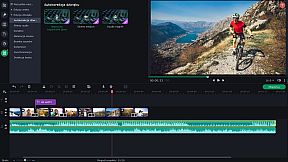
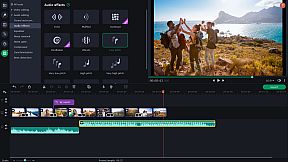
Movavi Slideshow Maker 8 offers the quickest path to craft polished slideshows from holiday photos, gaming clips, or work visuals on PC. Import footage, apply upgraded Pan & Zoom presets, and link transitions with built-in audio sounds. Tweak clips by cropping, rotating, boosting colors, normalizing audio, and syncing slides to music rhythm, all lag-free with Fast Track HD for HD files.
Use the Slideshow Wizard to auto-build presentations from themes and files, then refine with motion tracking, object tracking, Chroma Key backgrounds, slow-motion effects, and sound visualizers. Adjust audio speed without tone shifts, track vertical videos for tablets, and export to AVI, MOV, or MP4 with quality controls. Ideal for beginners and creators seeking fast photo editing and video production tools.
Movavi Slideshow Maker
is the fastest and easiest way to make a stunning slideshow for any purpose: a birthday gift, a compilation of your best gaming moments, a work presentation, and more.
New features:
- Fast Track HD
- Upgraded Pan & Zoom tool
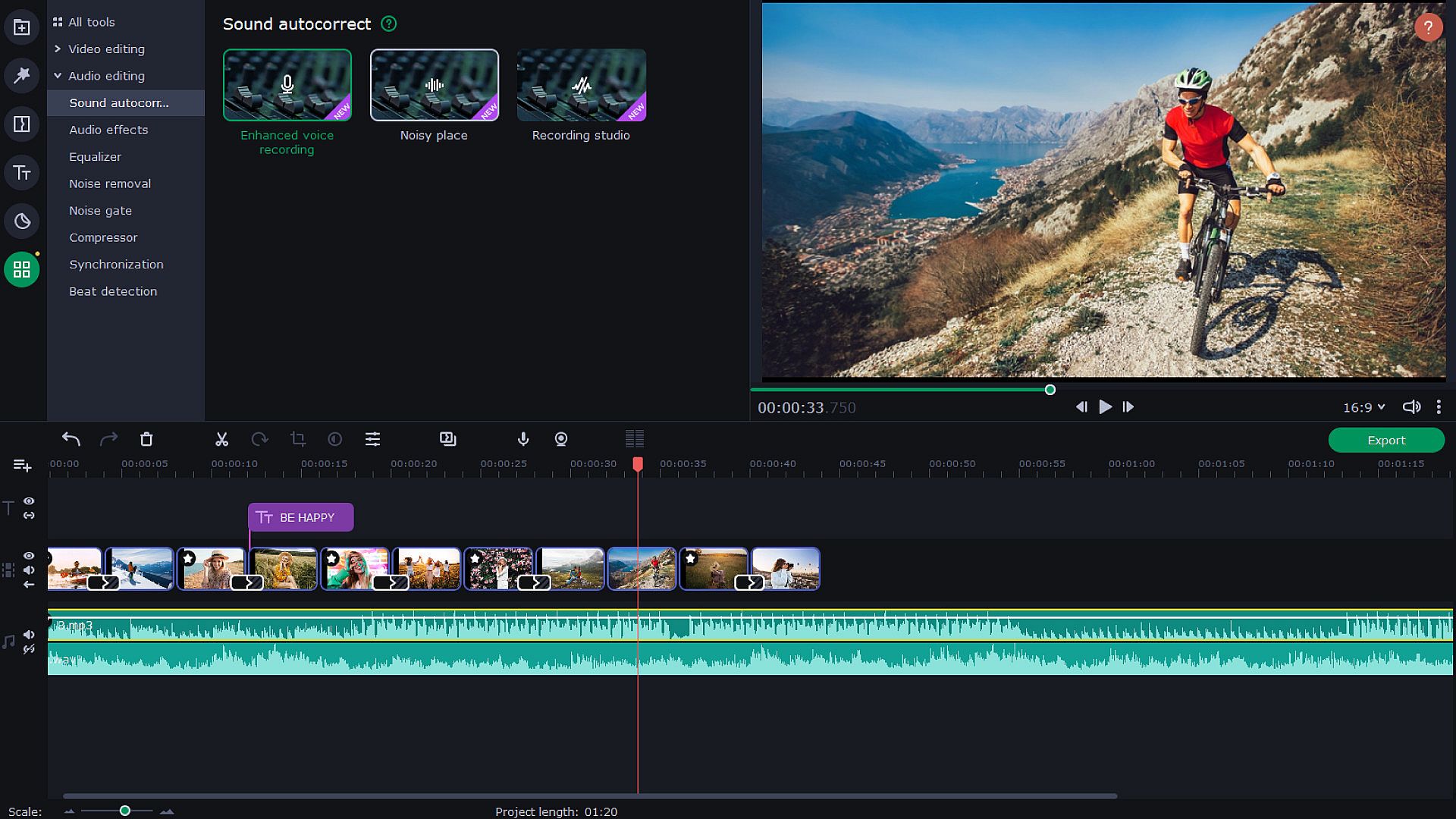
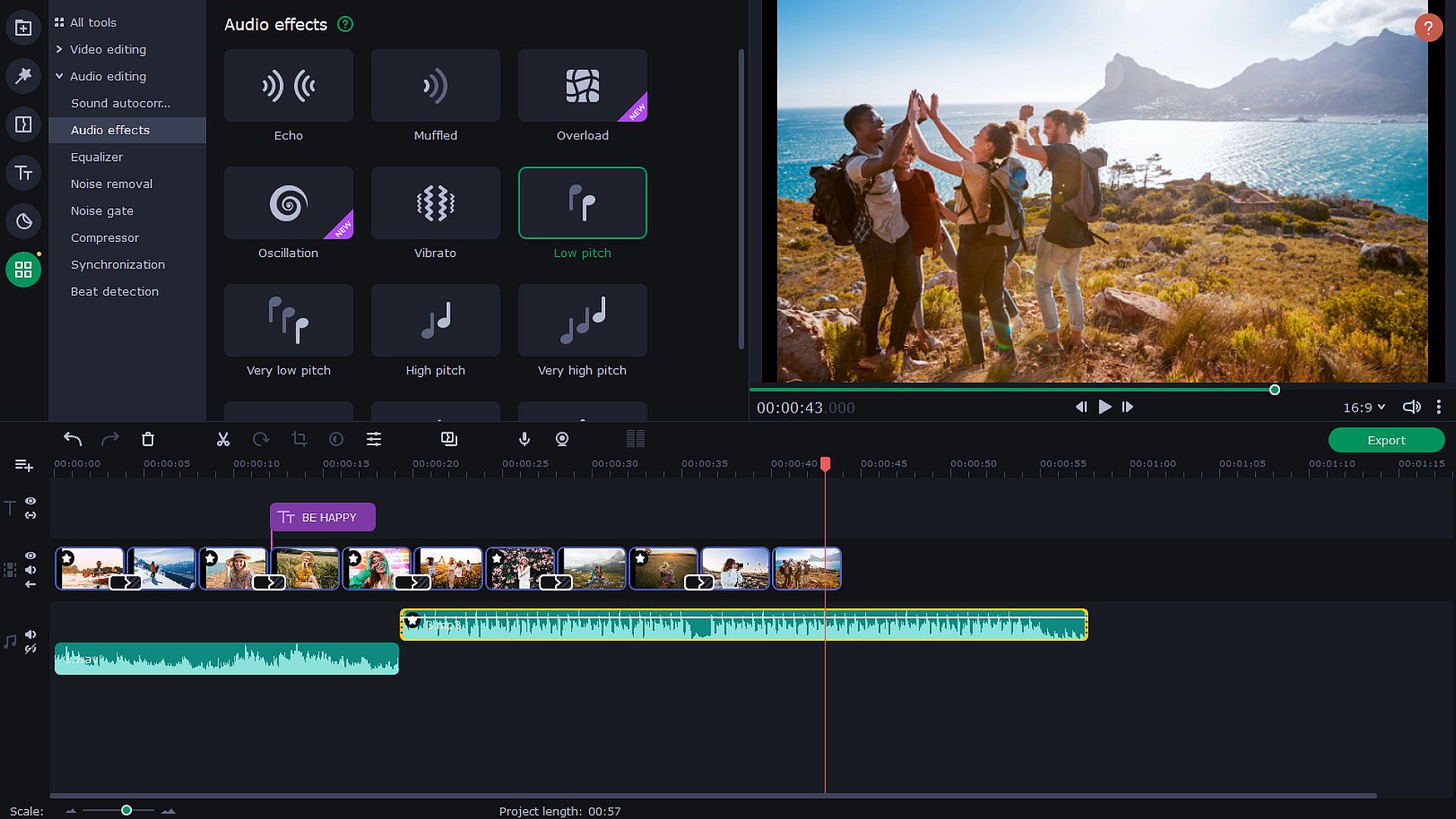
- Audio enhancement tools and effects
- Sound visualization
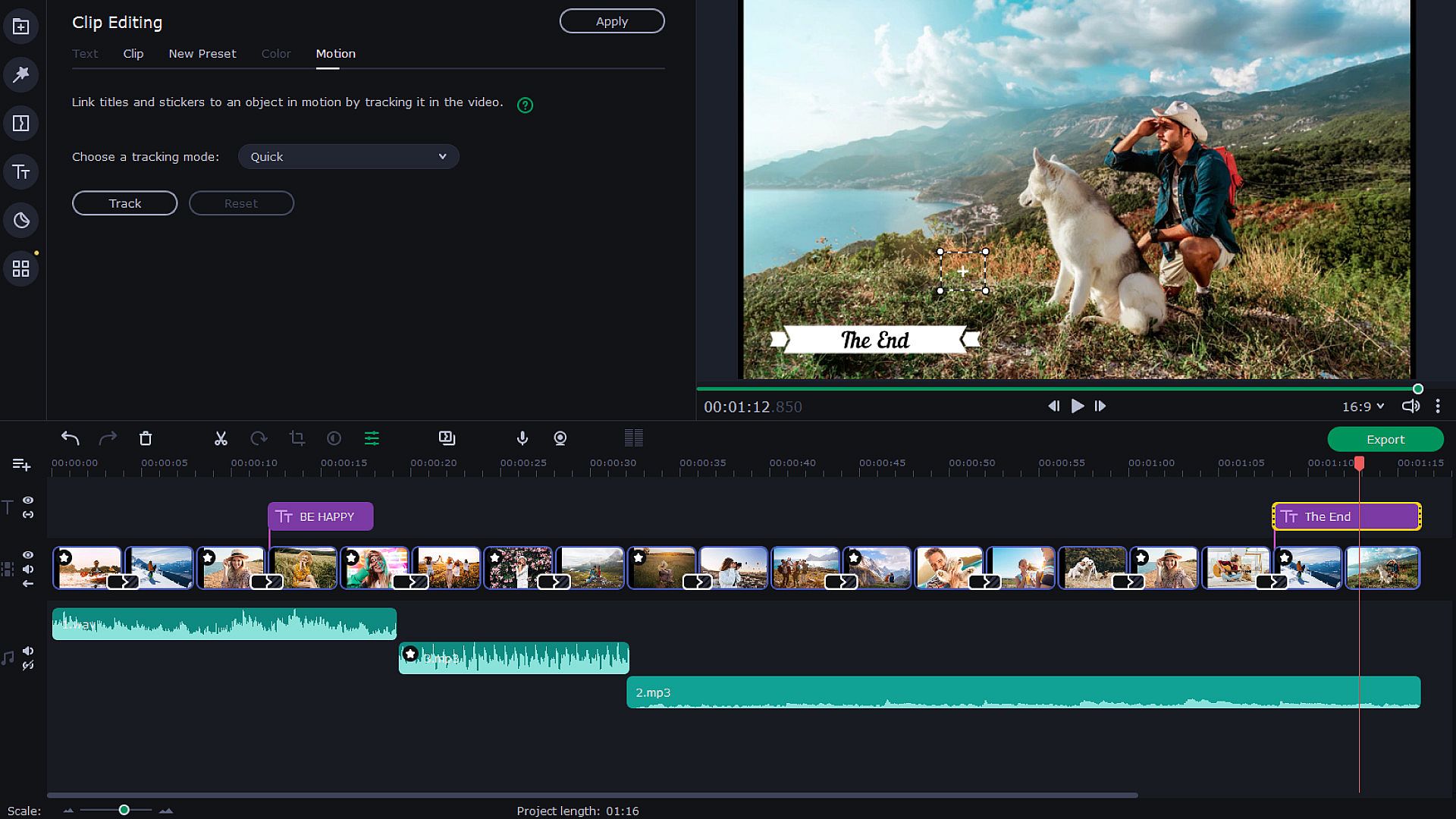
- Motion tracking
- Transitions with built-in audio
- Change audio speed without changing the tone
- Vertical screen adaptation
- Object tracking
- Export video quality controls
Let Your Creativity Flow
Upload any footage you have: holiday pictures, funny videos, or even game screenshots. Move, split and cut slides, and join them together with spectacular transitions — especially, transitions with built-in sounds. Make as many adjustments as you need: crop and rotate pictures, boost colors, normalize sound in clips, and more. Add the music of your choice and have the slides advance following the rhythm of that music. You can also add a voice-over and record images from your webcam or an external device. The program can now also detect vertical videos and will ask you to change aspect ratios after you upload your file. It is also possible to watch videos on tablets and laptops. Thanks to the Fast Track HD technology, you can now work with HD movies with no lags.
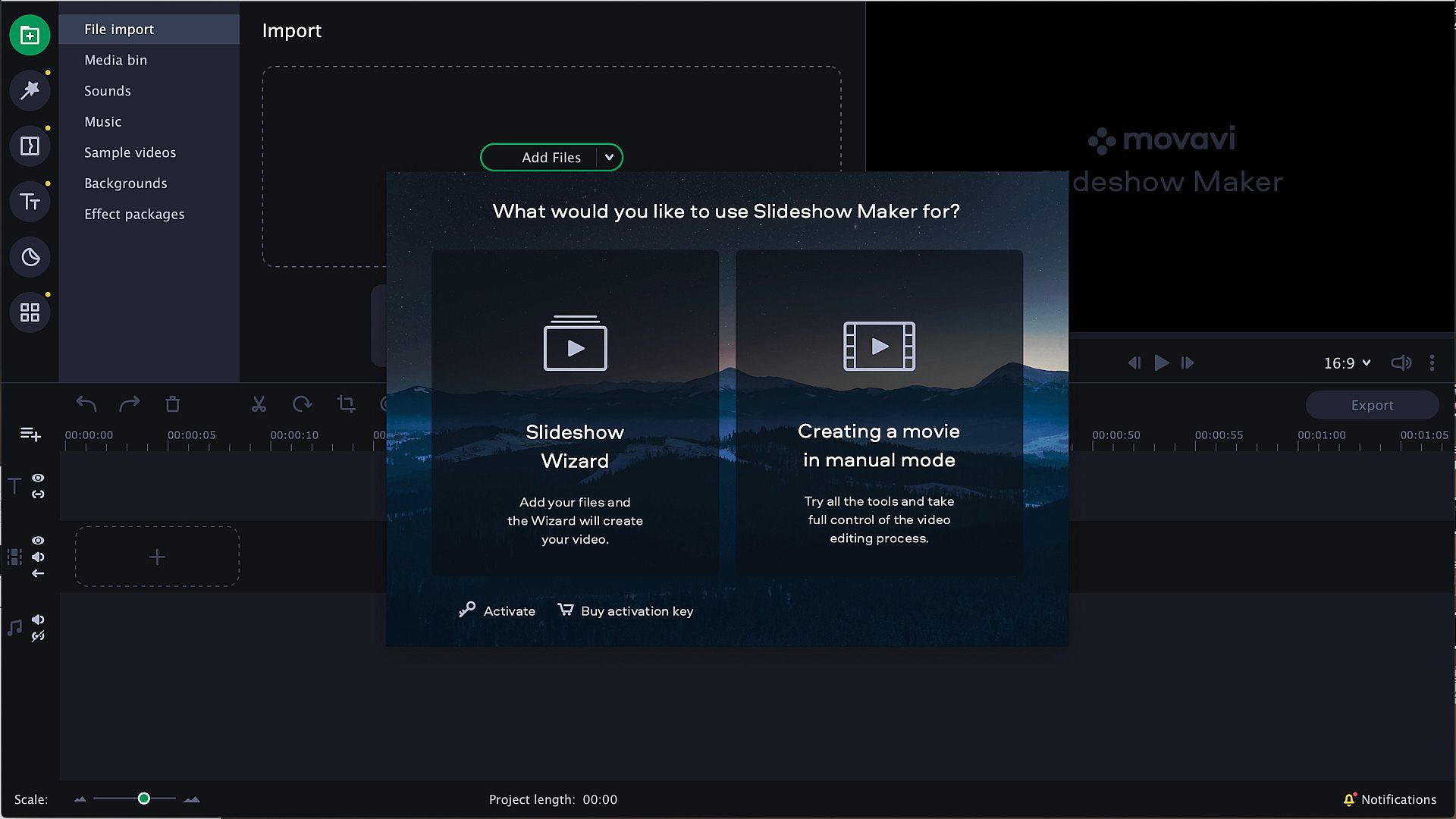
Start with the Slideshow Wizard
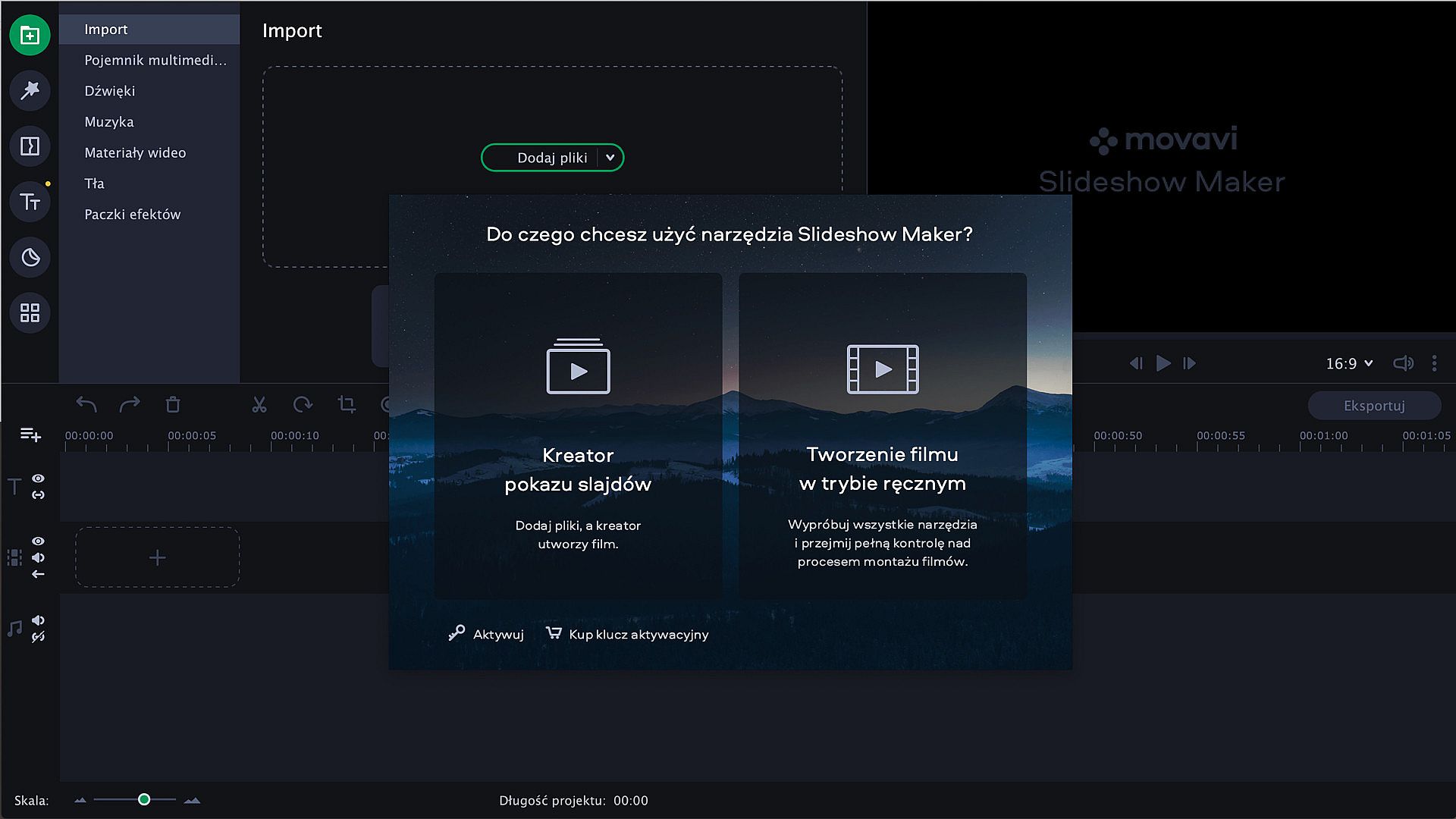
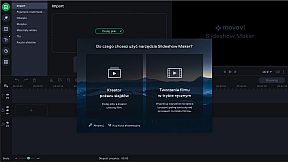
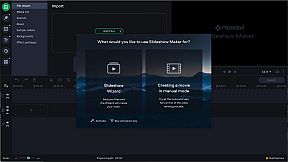
Try the Slideshow Wizard if you’re just starting to use the program. It’s an automated approach that helps you create videos in no time. All you need to do is import your files and choose a theme. The program will create a presentation in the blink of an eye. You can also set the target video length and change the titles. Already have a favorite transition style? Create a custom theme and use it whenever you want.
Give It the Perfect Look
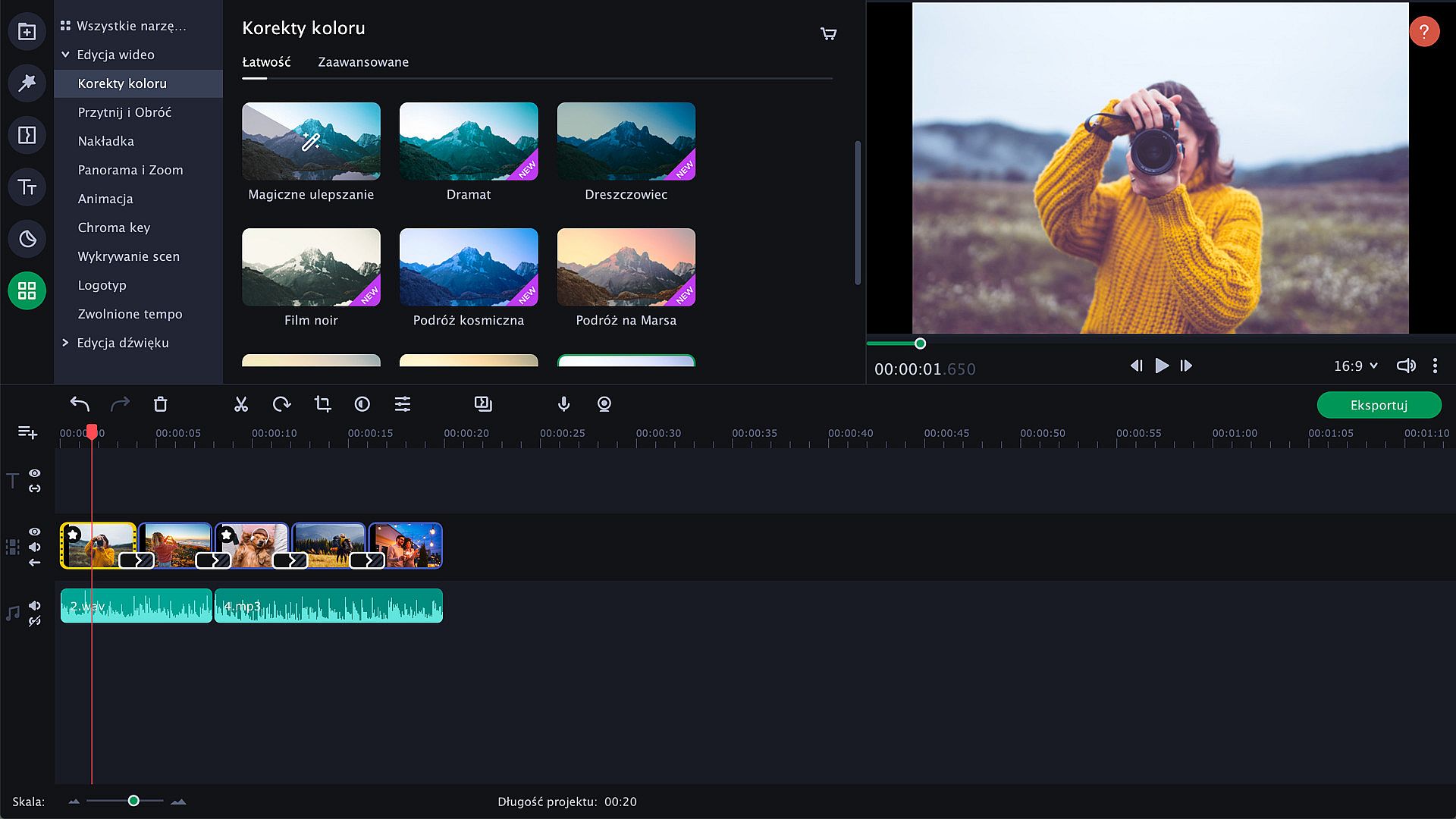
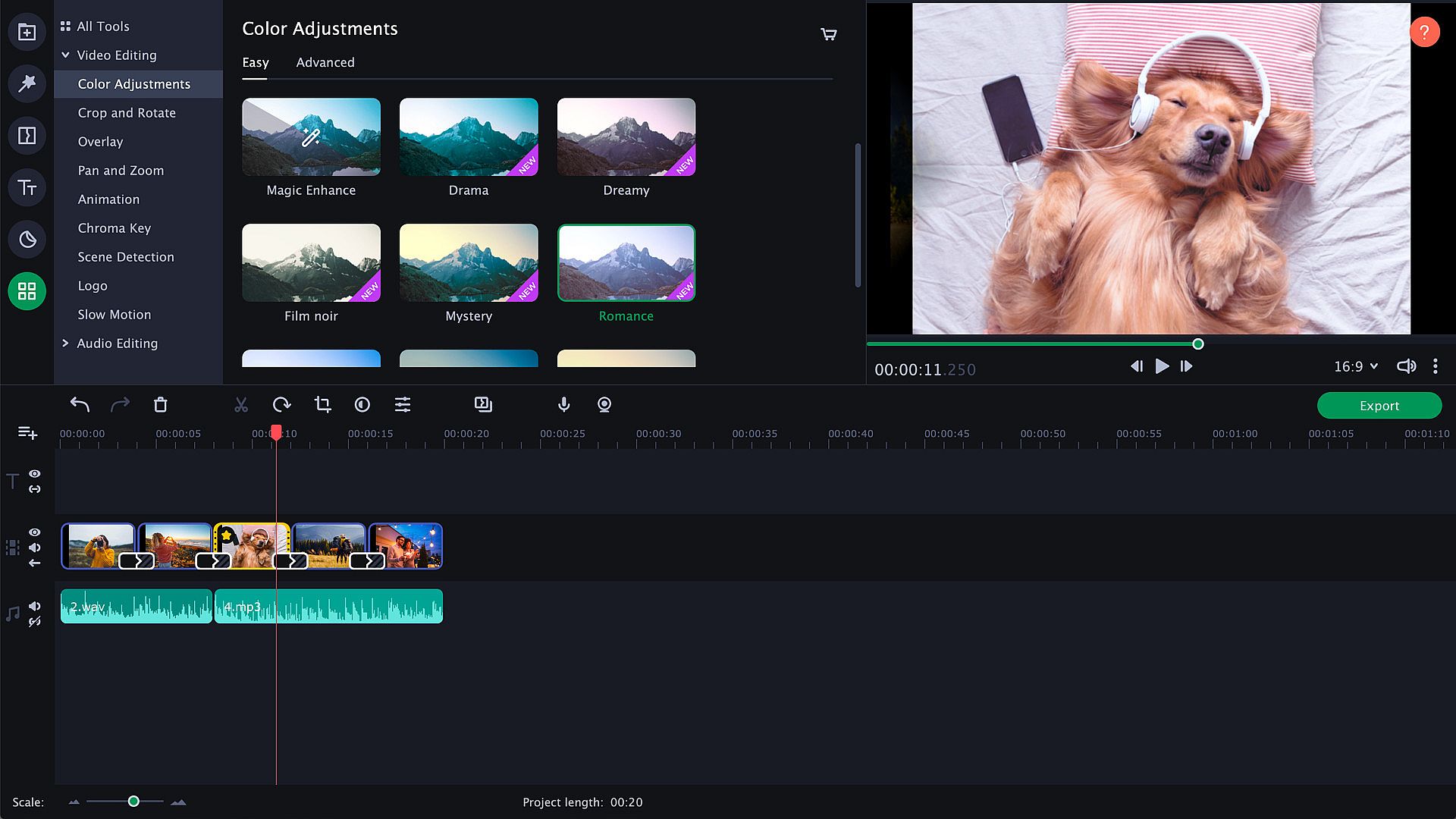
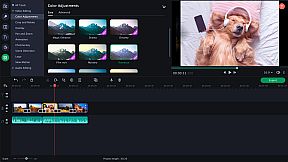
Try zooming in and out of pictures, use the fade-to-black effect, or make your slides roll over. Thanks to the upgraded Pan & Zoom tool, you can now use several presets one by one. Use filters to sharpen details, reduce camera shake, and make your images brighter and more colorful. Use the Transition Wizard to join all clips at once and smooth out the flow of your presentation. You can make it even more dynamic by adding transitions to both main and supplementaryl tracks! Another cool feature is object tracking: now you can choose scenes featuring your favorite characters and work with them only.
Audio enhancement
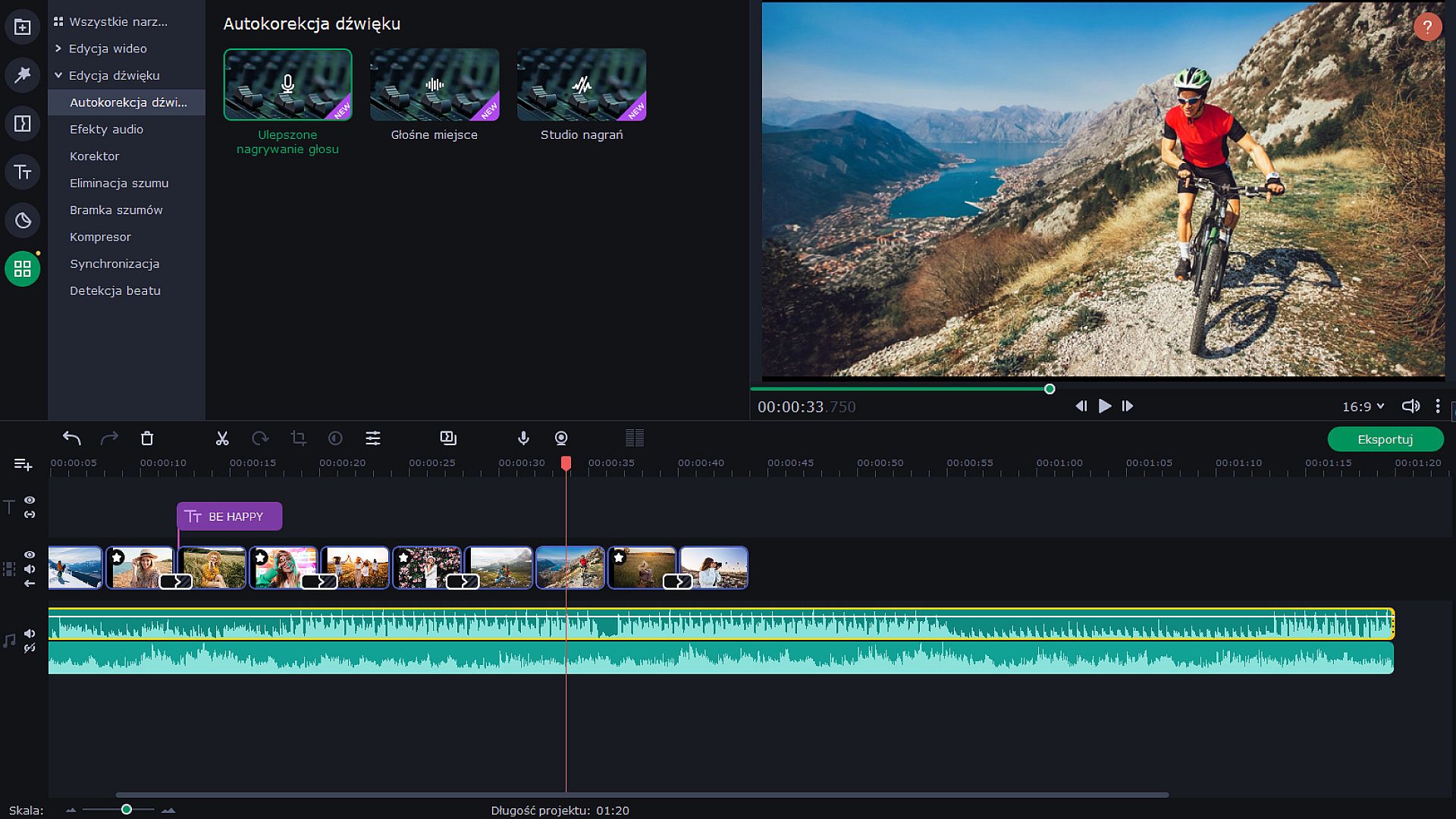
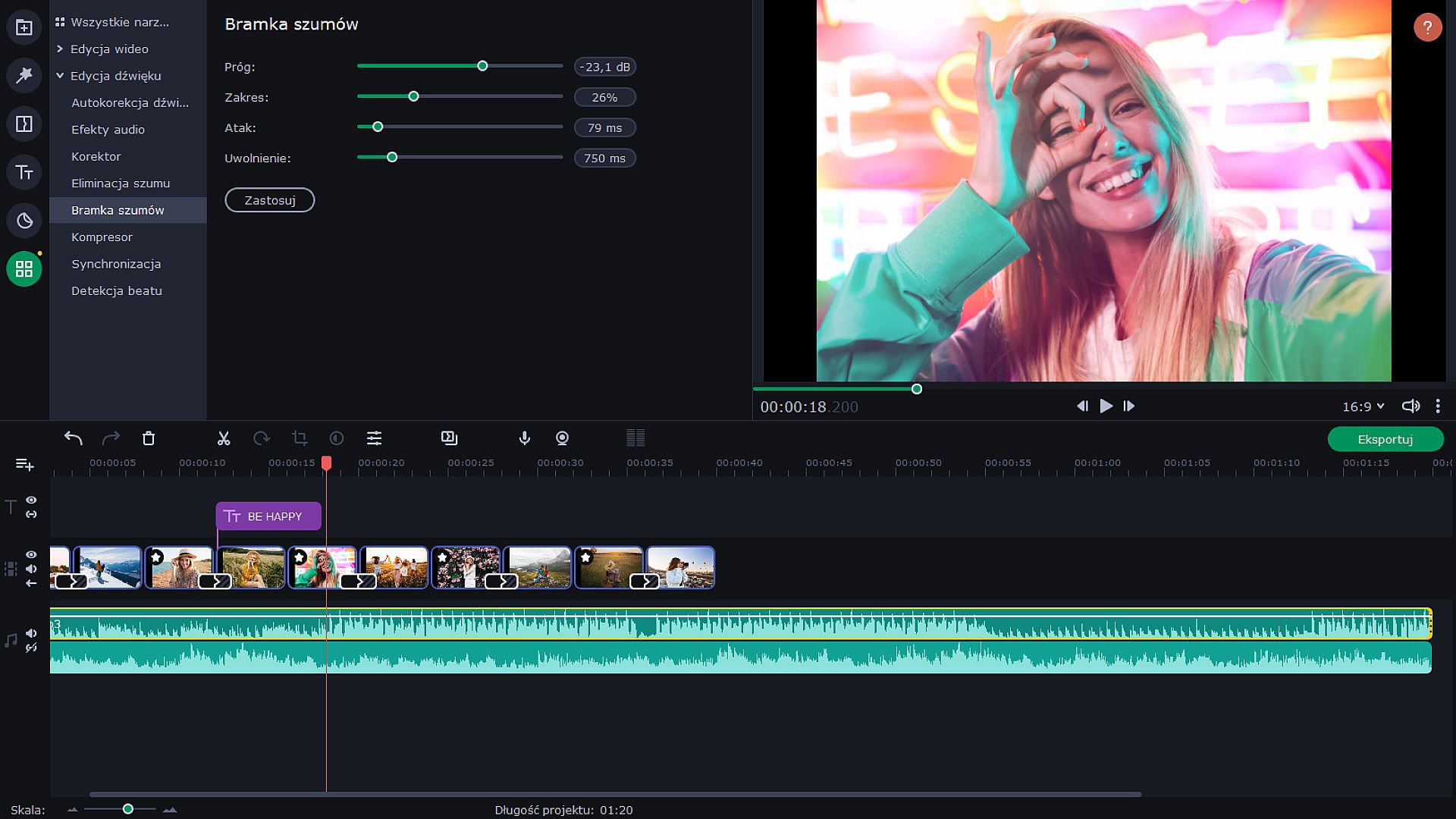
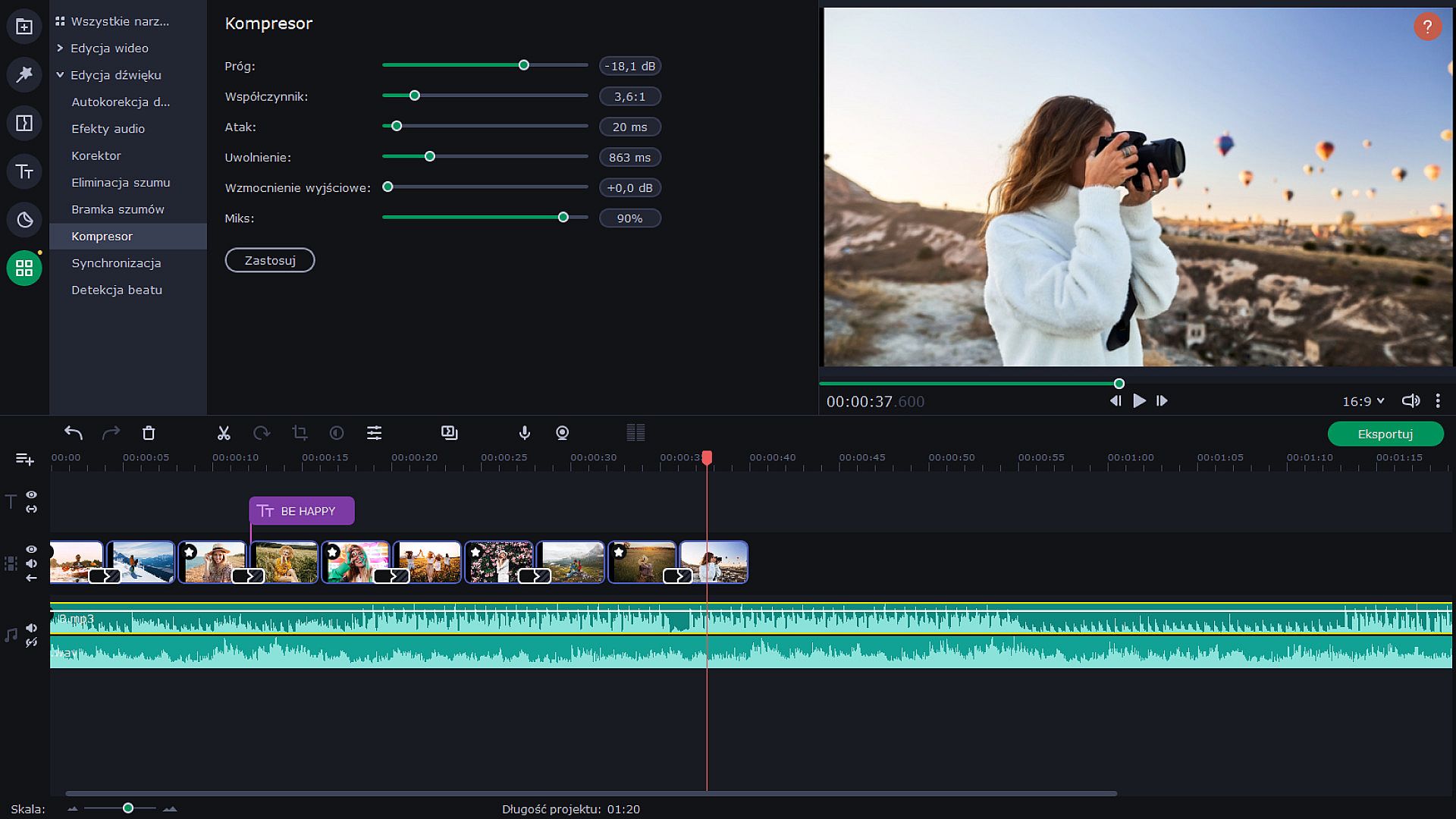
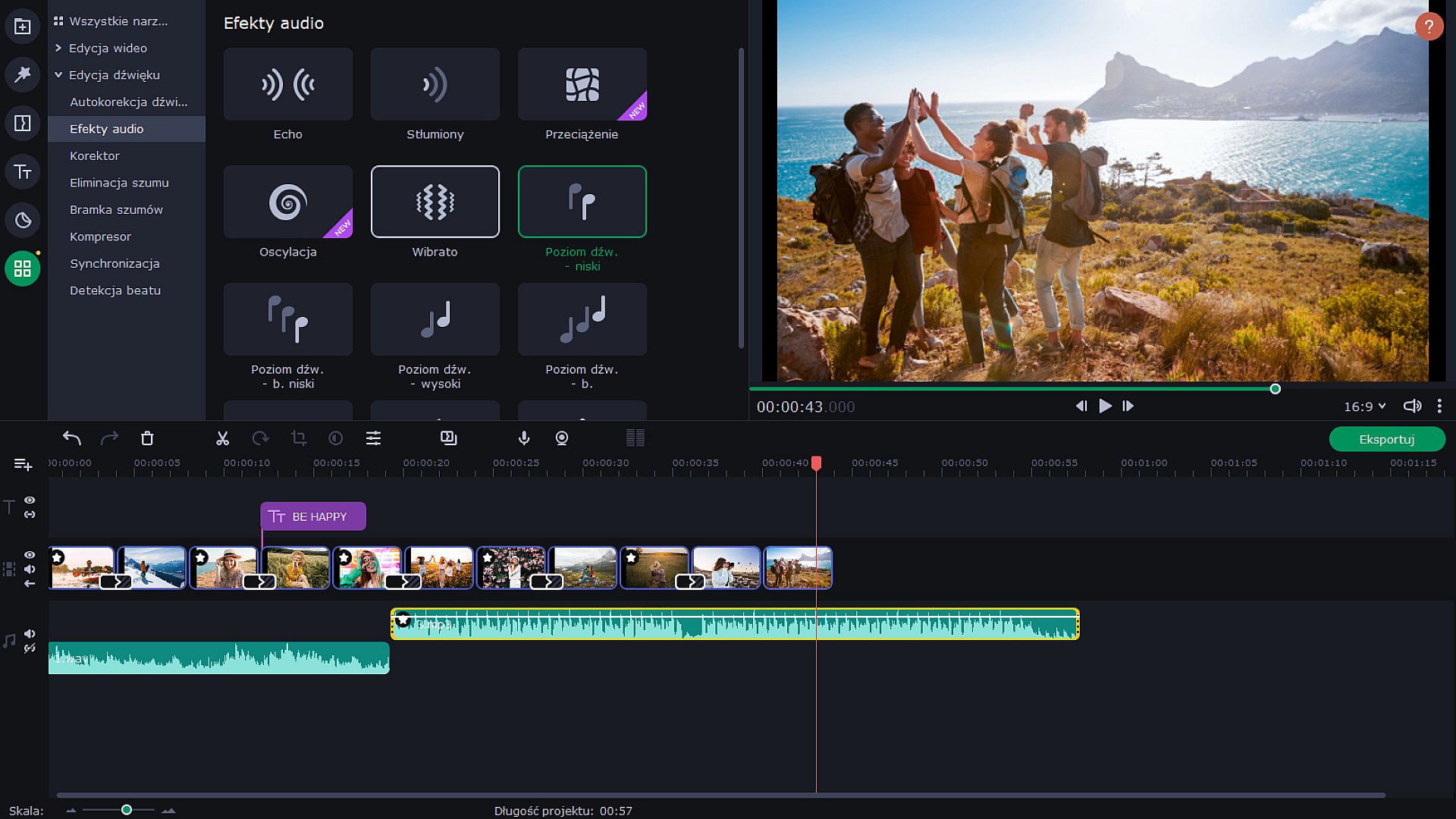
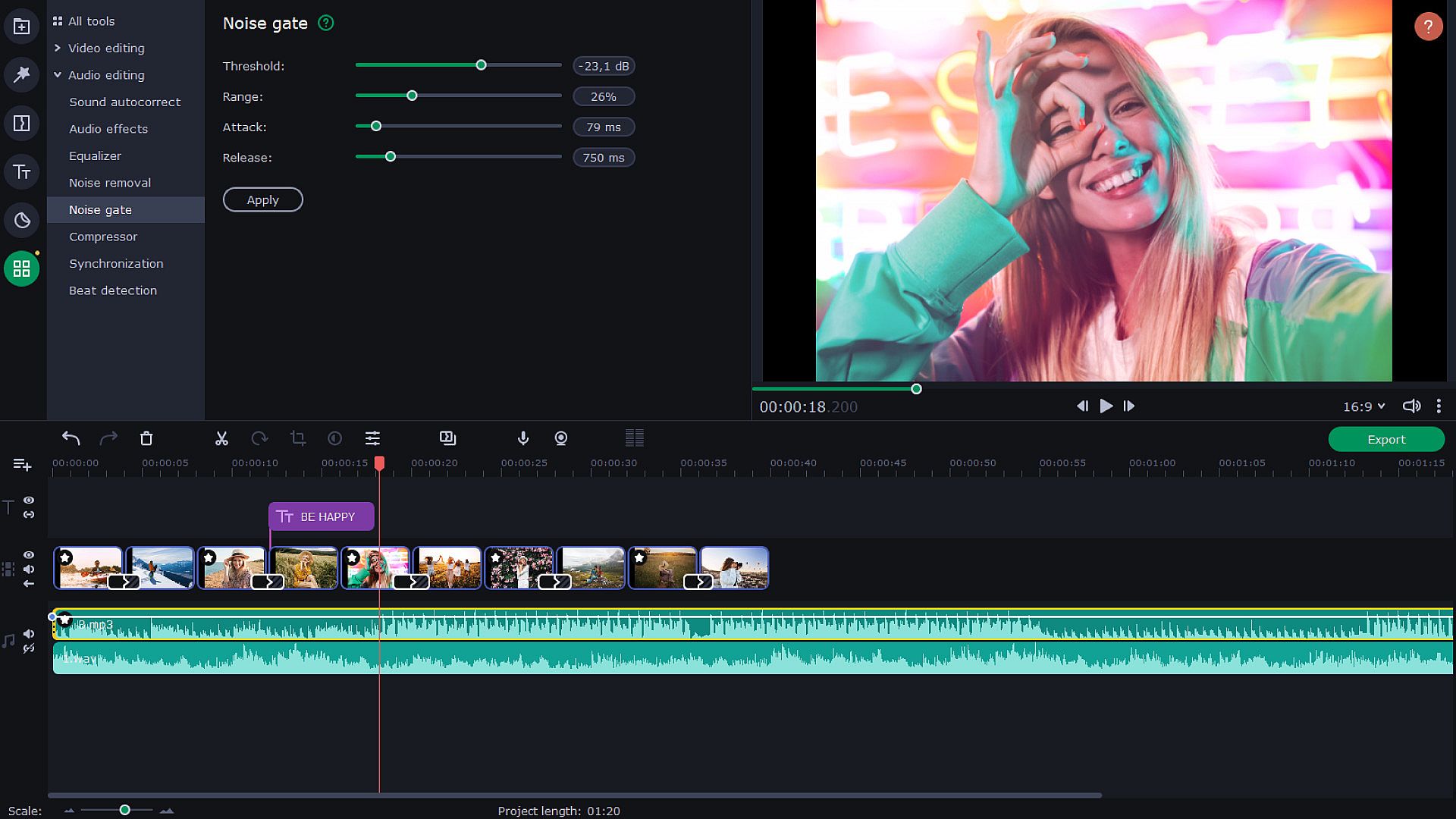
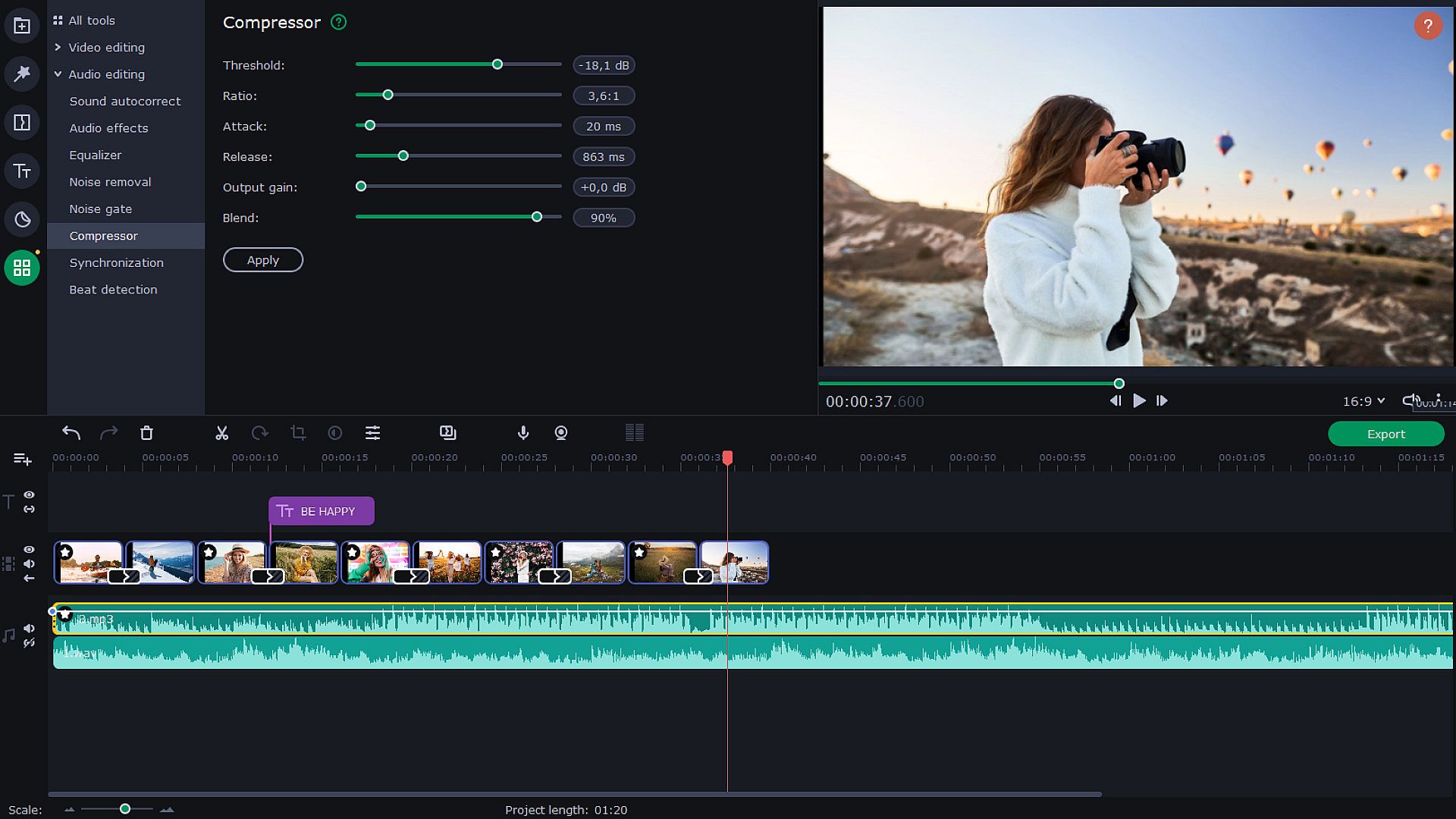
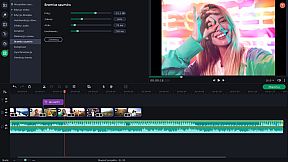
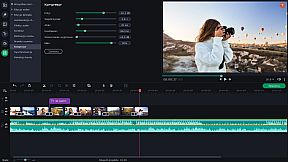
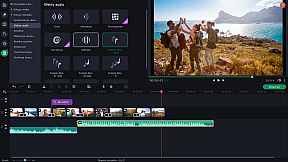
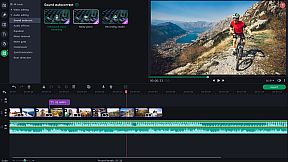
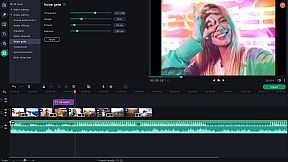
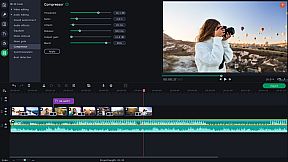
Use new audio tools to optimize videos with poor audio quality. Choose the decibel level and get rid of any noises lower than that. Lower the difference between loud and soft noises. With audio effects, you can distort music and voice. But you can also save the original sound — for example, change audio speed without changing the tone. Sound visualizer will help you to eliminate noise jumps during the montage.
Try Hollywood-Style Directing
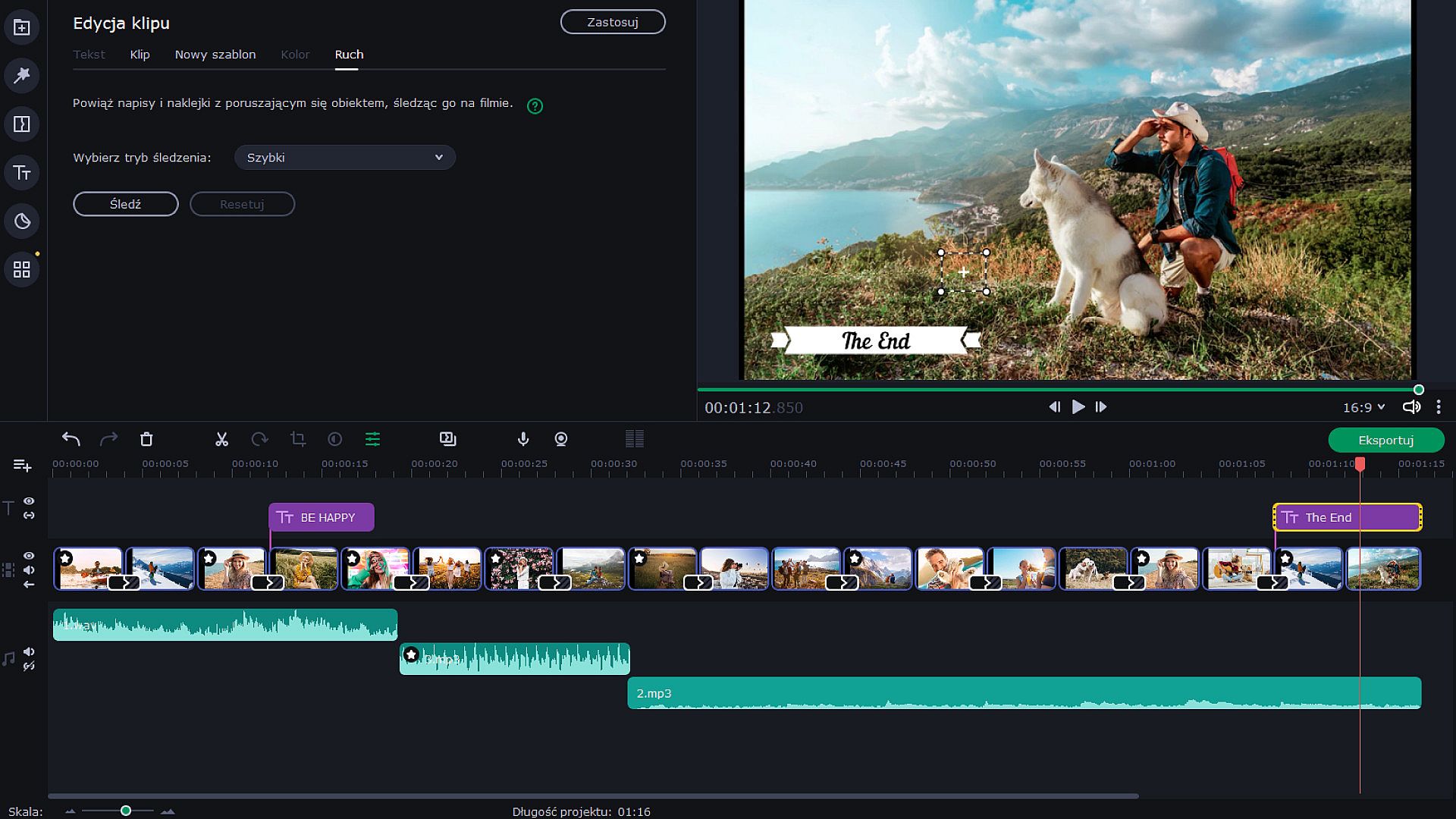
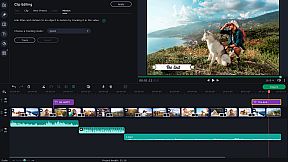
Add a Hollywood touch to your visuals and throw in some special effects. Use Chroma Key to change the background and place your characters in completely different surroundings. Add dynamic elements with the Pan & Zoom tool. Slow-motion will create suspense and have your viewers on the edge of their seats. If you want to cut out scenes with a particular character, try the Scene Detection. Thanks to the Motion Tracking tool, you can now link titles to any moving objects.
Save and Show!
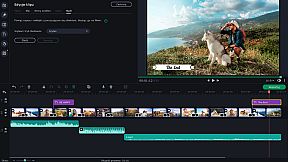
After the presentation is complete, save it in a popular format like AVI, MOV, or MP4, or use a device-specific conversion profile. . Use video quality controls on the export. You can also easily share your video with friends and instantly upload it to YouTube right from within the program.