
in progress...

Buy DiyMachinery (自定义机械) PC

Where can you buy cheapest DiyMachinery (自定义机械) PC Steam key? Check and compare prices from 1 stores to locate the best and the cheapest option for you among 1 offers featured on XD.deals. Now the lowest DiyMachinery (自定义机械) PC price on keyshops can be obtained on C$1.19 (0% off).

Release: 16 May 2018
me
me
Metacritic:
tbd tbd
Steam:
Overwhelmingly Negative (2)
Keyshops
Unavailable
Buy in Official Store:
C$1.19
Buy in Keyshops:
See price history

Official Stores (1)

DRM:
Steam
Steam
Steam
DiyMachinery (自定义机械)
Windows
1y ago
DRM:
Steam
Steam
C$1.19
Historical Low Deal
Historical low

About DiyMachinery (自定义机械)

DiyMachinery (自定义机械) - about the game

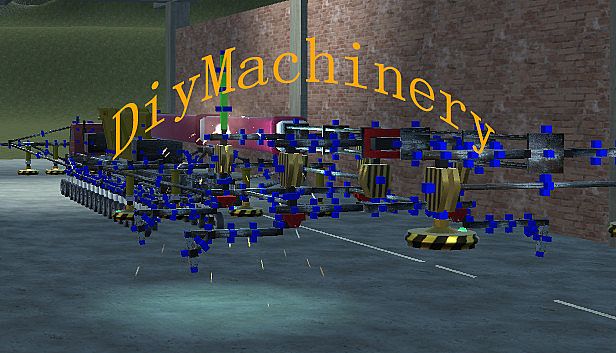
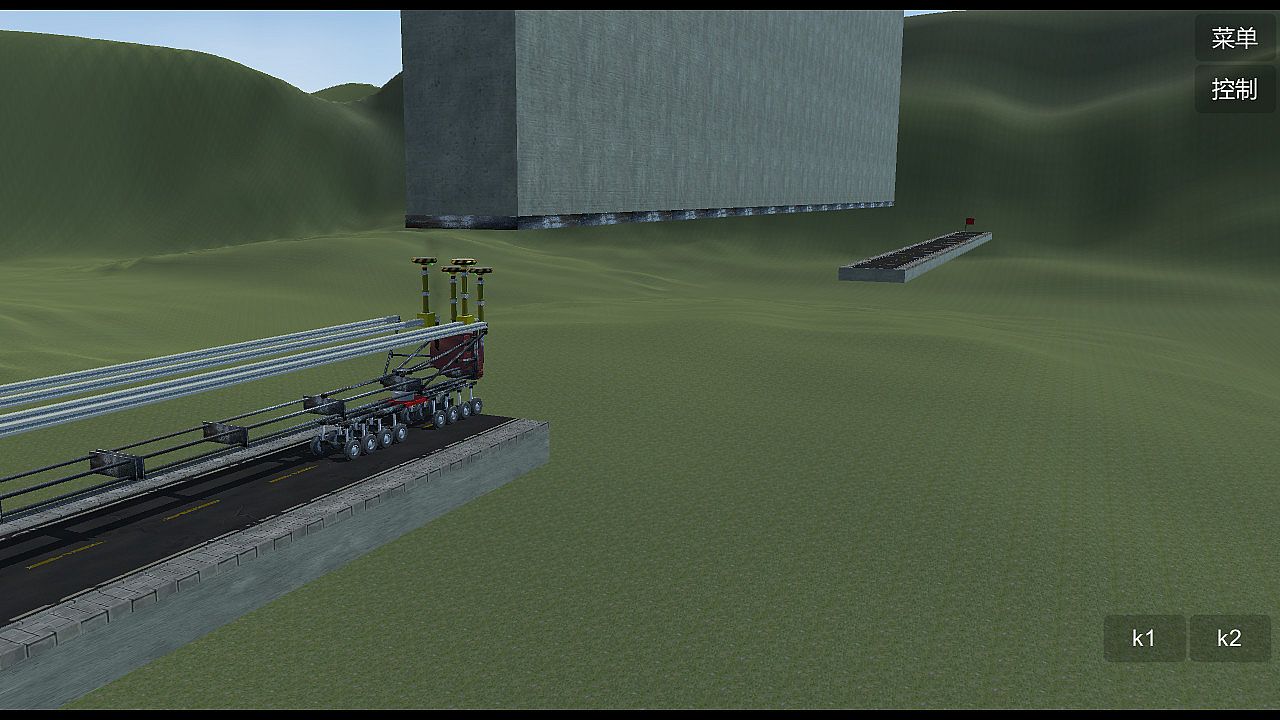
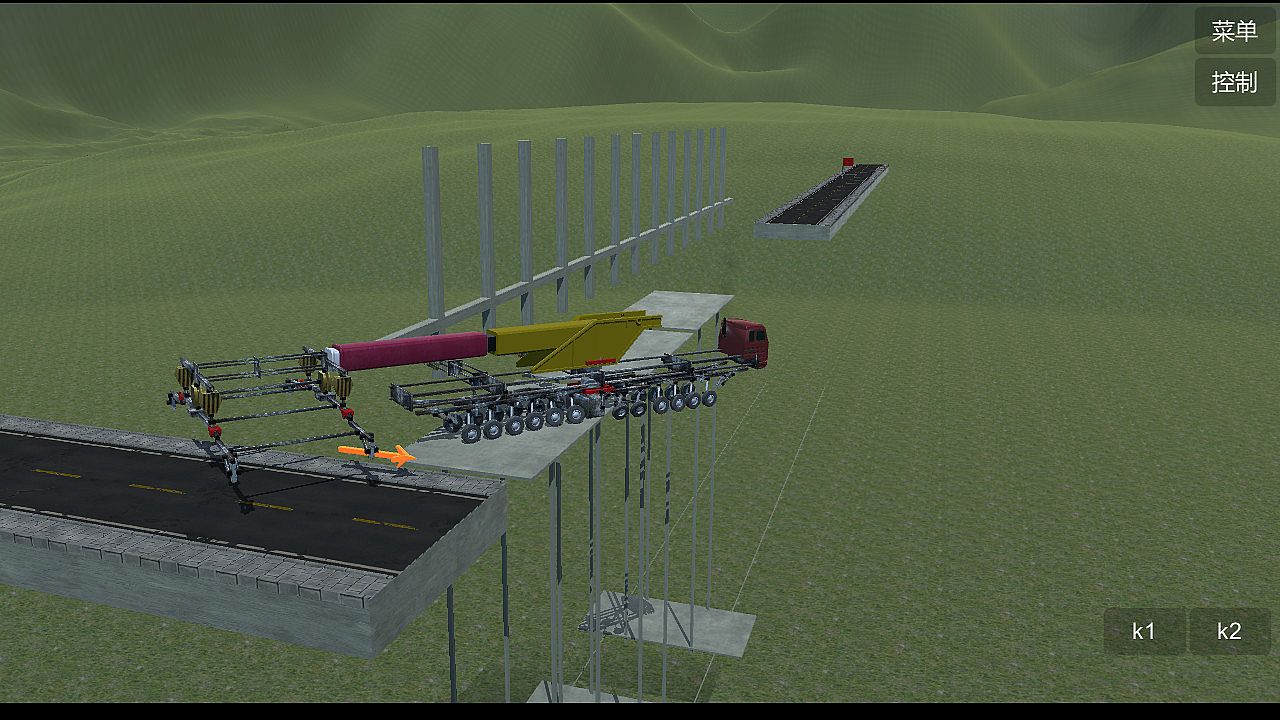
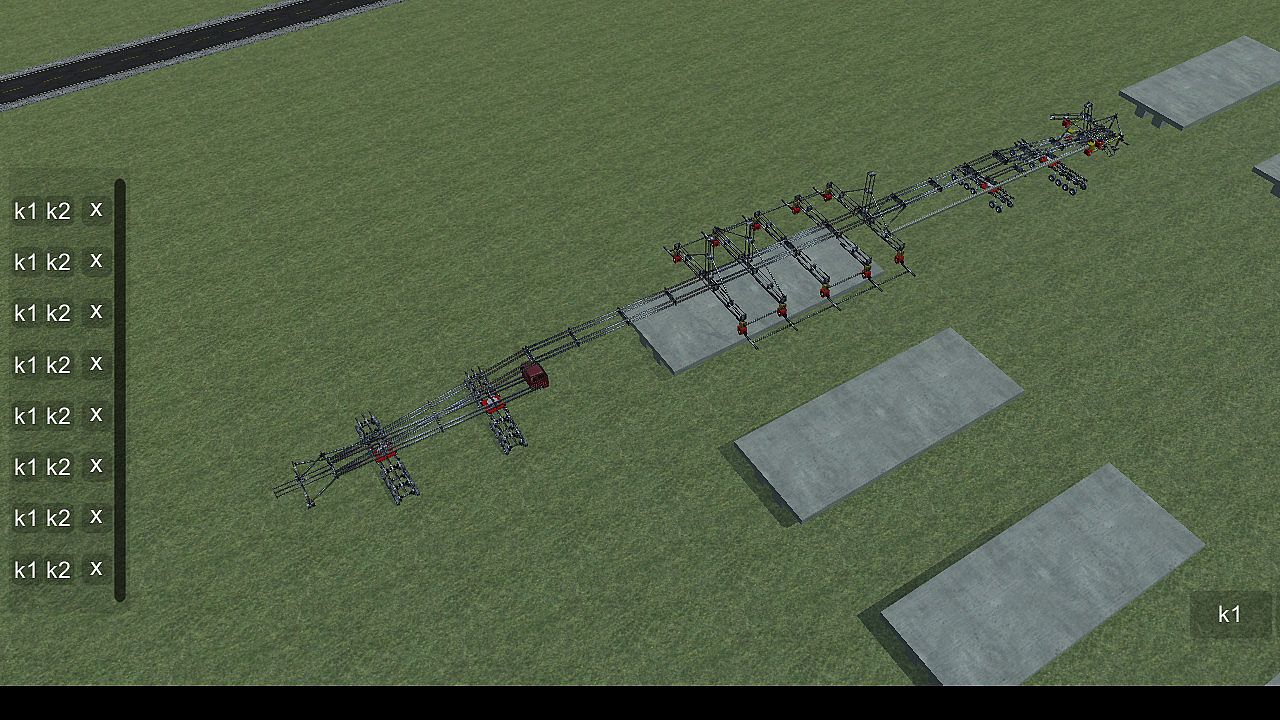
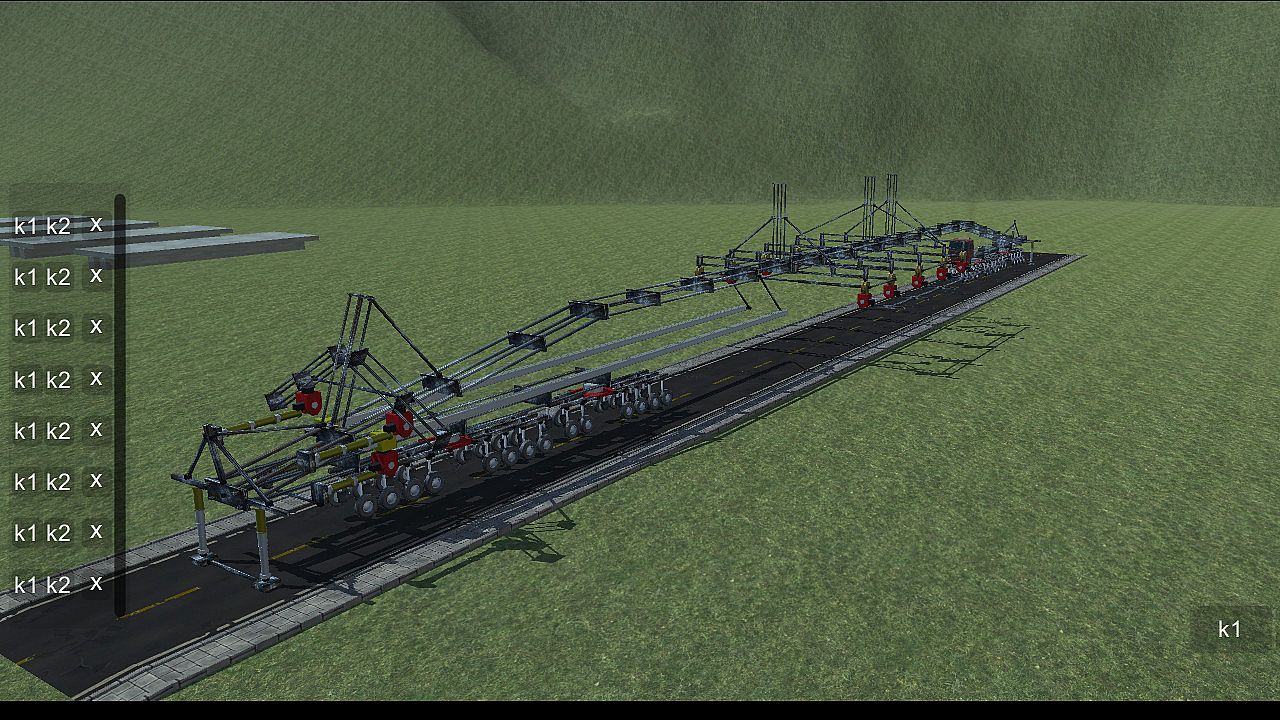
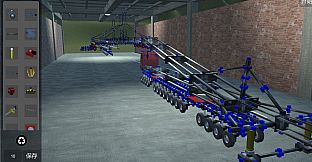
DiyMachinery It's a physical game, 22 basic parts build machines complete over, over, hanging, climbing, bridging... Such as obstacles. There is no hierarchy, so long as your computer is good, you can build big, interesting machines. This game requires a lot of logical thinking, observation, manipulation, and spatial imagination. If you like research and thinking, don't miss it.

This game is a skill and requires a high IQ to play.
builds basic operations:
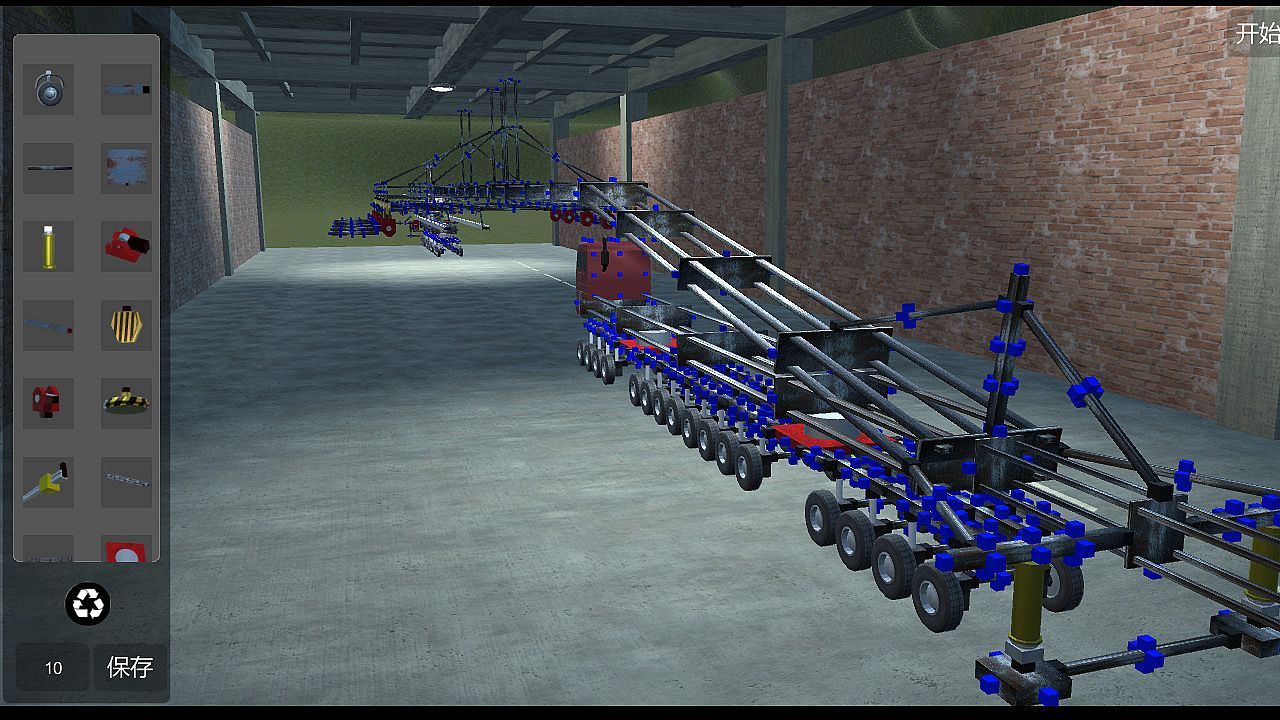
Click the blue box, click on the component interface you want to build components, click on the components, press Q, W, E, A, S, D and other keyboard keys to rotate.
The Z key removes the selected component.
Ctrl+c copies the selected components, then selects the blue box Ctrl+v to paste.
Click a blue square, click on the other block, and then press the X key to weld two blue squares. If the steering wheel is welded, the component will disconnect (also press the lower right corner of the game button).
adds an operating group:
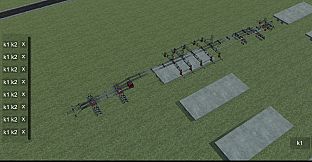
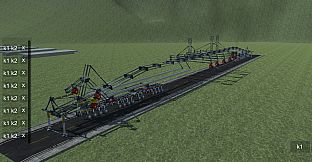
Method 1: hold the Ctrl key for multiple selection, then click Add group button, the lower left corner of the game interface will appear, the K1 and K2 buttons in the list are the function of the control component, such as the hydraulic top bar: press the K1 top, then stop by K1, the K2, and then stop by a K2, basically all the operable components are this Class operation.
Method 2: click the controller button in the upper right corner, enter the controller interface, drag the icon to organize the operation group, then select the line to operate, and then press the K1 K2 big button in the lower right corner to control the selected line. (this method does not conflict with the first method, that is to say, you set the first method will not affect the second method, and vice versa).
wheel:
The system automatically opens the turning functions of the front wheels. You can also click the wheel to open the wheel control interface to control the turn, turn, and turn off the power.
car head:
You can control the suspension force of the wheel and the number of turning wheels by clicking the front end and opening the control interface.
slide
The slide is the long one. When you build it, you can adjust the length by clicking the slide rail.
summary:

This game can exercise your brain, saying it is easy and easy to say, it's complicated to say that the component is also the two or three methods of operation, see what you build and match. If you can completely pass it, you are more cattle than my author, and the technology that finally needs the bridge is different from the technology of the high iron bridge. You can be an engineer, too.

Interface:
EnglishSimplified Chinese
Subtitles:
EnglishSimplified Chinese

Age rating

Unavailable
Metacritic:
tbd tbd
Steam:
Overwhelmingly Negative (2)

System requirements

Minimum:

    Minimum:
    • OS *: Windows xp
    • Processor: 四核
    • Memory: 4096 MB RAM
    • Graphics: GTX 550
    • Storage: 400 MB available space

Recommended:

  • Processor: 四核
  • Memory: 4096 MB RAM
  • Graphics: GTX 550
  • Storage: 400 MB available space
Historical low
Price history from official stores
-
-
-
Price history from keyshops
-
-
-
Join our Discord
Get instant help from our community and stay updated on the latest deals
Set Price Alerts
Get notified by email when game prices drop to your target
Create Free Account
Unlock wishlists, price alerts, and Steam sync

FAQ

8 questions

Before you start looking for a cheap DiyMachinery (自定义机械) CD Key, take a moment to check the essentials. Developed by me. Published by me. PC released date: 16 May 2018. Genres: Strategy, Indie, Simulation, Adventure. Categories: Family Sharing, Single-player. DiyMachinery (自定义机械) reviews: Metascore: tbd. Metacritic users: tbd. Steam reviews: 2 user reviews for this game.

Q Can I play DiyMachinery (自定义机械) on Steam Deck?

No, not right now. Valve marks DiyMachinery (自定义机械) as Steam Deck Unsupported, so it won't launch via Proton at this time. Keep an eye on XD.deals - we track Proton breakthroughs and community fixes, and we'll flag it the moment there's a working way to play DiyMachinery (自定义机械) on Steam Deck.

Yes. A DiyMachinery (自定义机械) Steam version exists. Pick any offer tagged Steam Key on XD.deals, redeem it in the desktop client, and play DiyMachinery (自定义机械) on Steam PC.

Yes. Once your Steam key is redeemed, you can launch DiyMachinery (自定义机械) in Offline Mode via Steam. Your save files will sync the next time you go online.

Yes, you can buy a DiyMachinery (自定义机械) Steam Key directly on the Steam Store. At XD.deals, we aggregate all available Steam DRM offers so you can compare cheap DiyMachinery (自定义机械) steam deals in one place.

You'll find every live sale & discount for DiyMachinery (自定义机械) right here on XD.deals. Our price tracker currently lists 1 official-store offers and 0 keyshop deals. Check the table above for the lowest price, compare against the game's historical low, and set a price alert so you never miss the next drop.

With XD.deals, PC gamers can instantly see where to buy a cheap DiyMachinery (自定义机械) PC Steam key. Our real-time price-comparison engine and curated coupon database track every official store and trusted keyshop so you dont have to. Right now we detect this game in {1} live offers from stores and keyshops.

Yes. An official DiyMachinery (自定义机械) Steam store page is live, so you can buy DiyMachinery (自定义机械) on Steam or buy any DiyMachinery (自定义机械) PC Steam Key on XD.deals and redeem it instantly.

No - XD.deals itself isn't a store. We're a price-comparison service that tracks the best offers for DiyMachinery (自定义机械) across official stores and verified keyshops. Click "Shop Now" next to the deal you want, and you'll be redirected to the retailer's website to complete your purchase and receive the key there.

Best prices for DiyMachinery (自定义机械)

1 Steam Steam Official
C$1.19

Ready to ride? Set a price alert on XD Deals and grab a discounted DiyMachinery (自定义机械) Steam key the moment it reaches its next historical low.

Create Alert