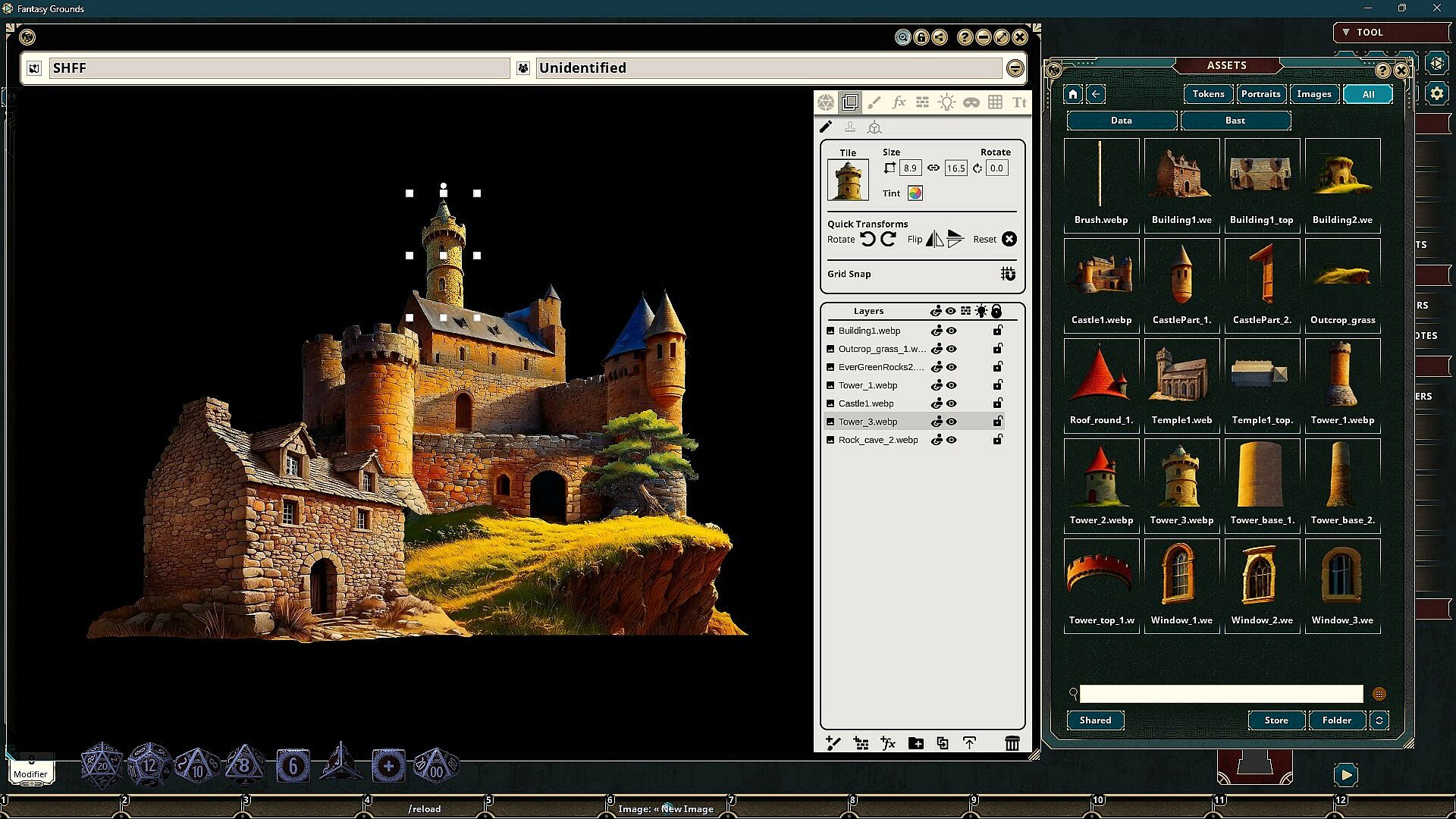
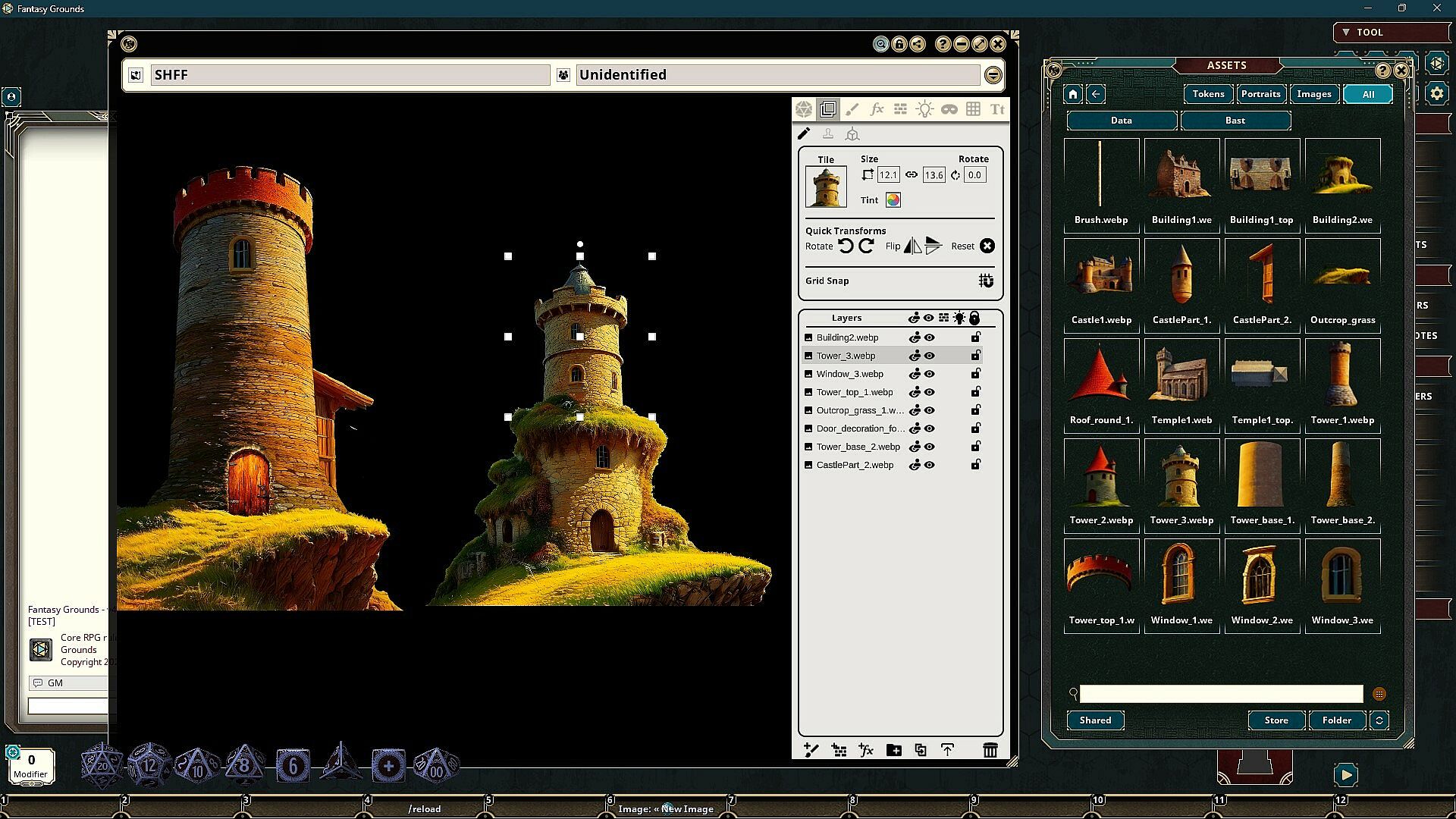
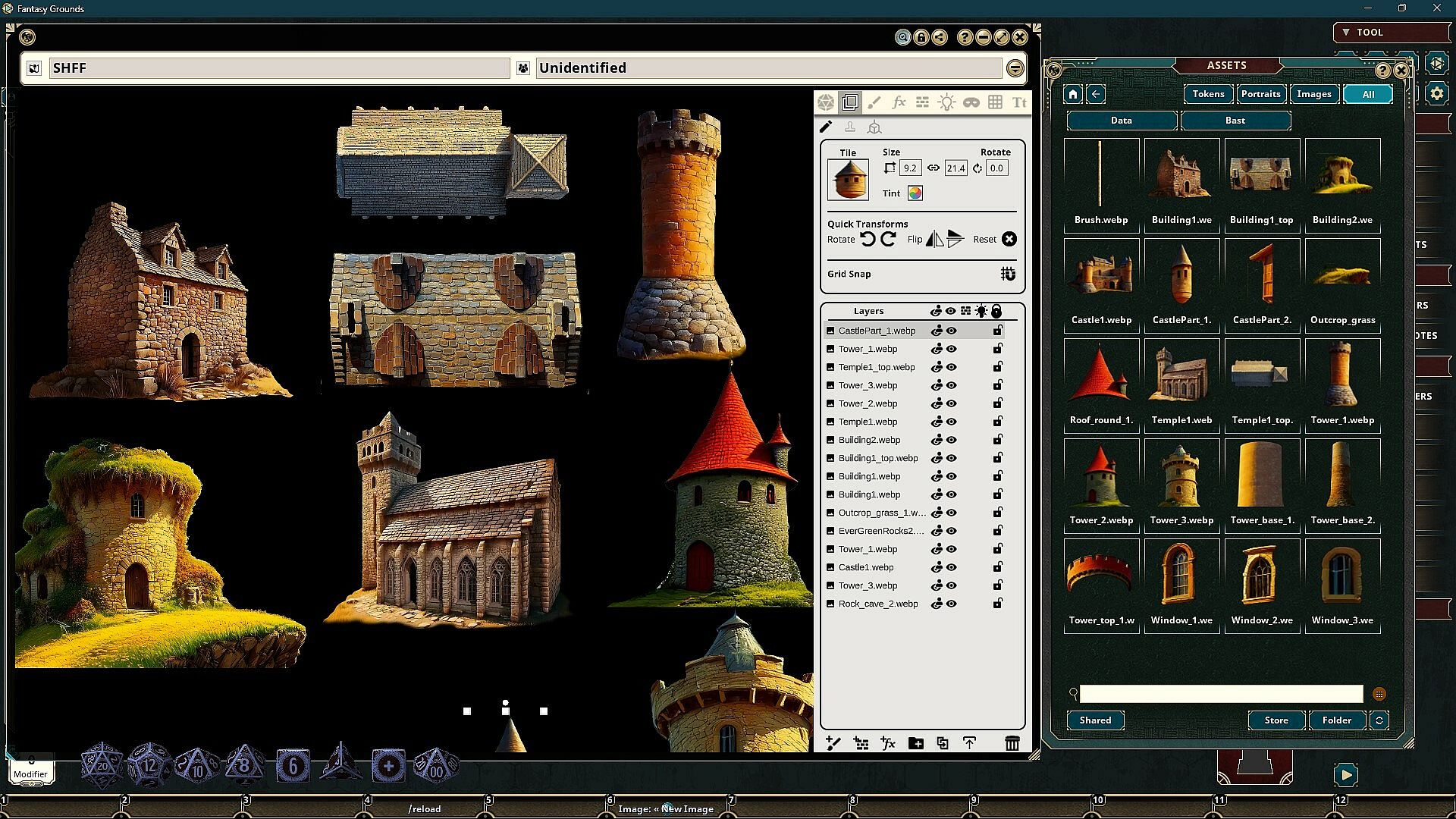
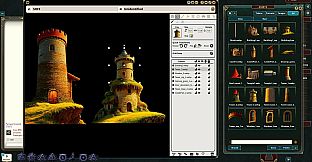
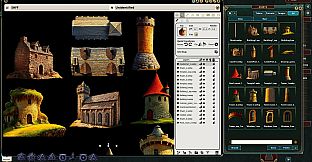
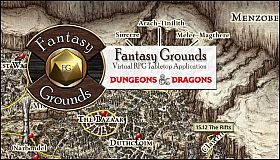
Craft immersive overland, regional, and world maps in Fantasy Grounds VTT with this art collection from in-house artist Joshua Watmough. Optimized images work seamlessly with the platform's image tools, including brushes for coasts, rivers, and borders. Add places of interest like castles and towns in top-down or forward views, plus natural elements such as forests, mountains, and hills.
Fill maps with biome textures for deserts, grasslands, frozen areas, and water, alongside backgrounds and decorations. Place top-labeled images directly on 2D maps, or use forward ones in object layers for 3D views like Free Camera or Token View. RPG and strategy GMs building detailed tabletop worlds find these assets ready to deploy.
FG Immersive Overland Map Pack
The Immersive Overland Map Pack features images and art produced by our in-house artist, Joshua Watmough. They have been organized and optimized for use with Fantasy Grounds VTT and the image tools. This art pack consists of images that can be used to create regional, world, and overland maps. This pack includes the following items:
- Brushes include coasts, rivers, regional borders, and more
- Many types of places of interest for both top and forward, such as castles, towns, and more
- Natural map elements, such as forests, mountains, hills, and so on
- Fills include several ground textures for many biomes, such as desert, grassy, frozen, and more, as well as water textures and more
- Backgrounds and set dressings
Image Decorations are great for placing directly on a top-down map for images labeled with the "top" keyword. Images with the "forward" keyword are best used for the Front image of an Object that you place. You will access this in your Image window under Layers > Objects. Select either Top or Front and drag the image there before placing it. You can test the result on your map by changing your view from 2D to Free Camera 3D or Token View 3D.
Adapted for Fantasy Grounds by: Joshua WatmoughRequires: The free Fantasy Grounds virtual tabletop (VTT) software and any ruleset.
Screenshots may differ from what you see in-game based on the extension and ruleset you have loaded.