


Comprar Stop Sign VR Tools PC

Onde pode comprar a chave PC Steam de Stop Sign VR Tools mais barata? Verifique e compare preços de 1 lojas para encontrar a melhor e mais barata opção entre 1 ofertas apresentadas no XD.deals. Agora o preço PC mais baixo de Stop Sign VR Tools em keyshops pode ser obtido em 3,99 € (20% de desconto).

Lançamento: 17 dez. 2019
Steam:
Very Positive (59)
Keyshops
Indisponível
Comprar em Loja Oficial:
-20%
3,99 €
Comprar em Keyshops:
Ver histórico de preços

Lojas Oficiais (1)

DRM:
Steam
Steam
Steam
Stop Sign VR Tools
Windows
+1
há 11sem
DRM:
Steam
Steam
4,99 € 3,99 €
Historical Low Deal
Historical low
-20%

Sobre Stop Sign VR Tools

Stop Sign VR Tools - sobre o jogo

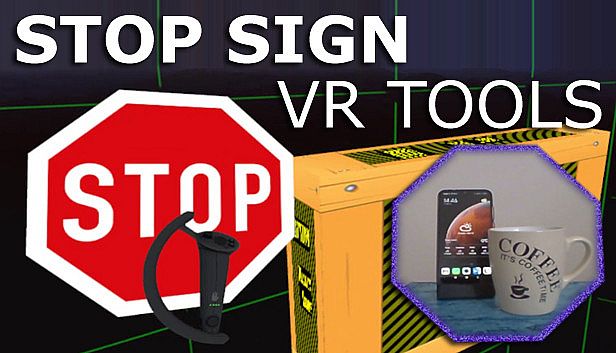
Stop Sign VR Tools runs alongside your SteamVR games, delivering essential safety features through independent modules. Cam Circle pulls live headset camera feeds into a quick-view circle, triggered by double-tapping the headset or gripping both controllers-ideal for spotting real-world items without removing your gear. It auto-activates on headset donning and supports 3D pass-through for Index or Vive Pro users. Boundary++ flashes targeted grids near walls and ceilings, pulling in WMR or Oculus boundaries automatically, while Warning Boxes shield gear like TVs with predictive audio, visual, and haptic alerts. A HUD pops up during backward collisions, and extras fix grey screens in Mixed VR seated play. Indie VR players fine-tune everything via dashboard or desktop editor for seamless, low-impact protection.

Stop Sign VR Tools has grown into a set of tools that run while you play a SteamVR game. Each tool can be enabled and configured separately. Currently, there are four main tools and a few extras:

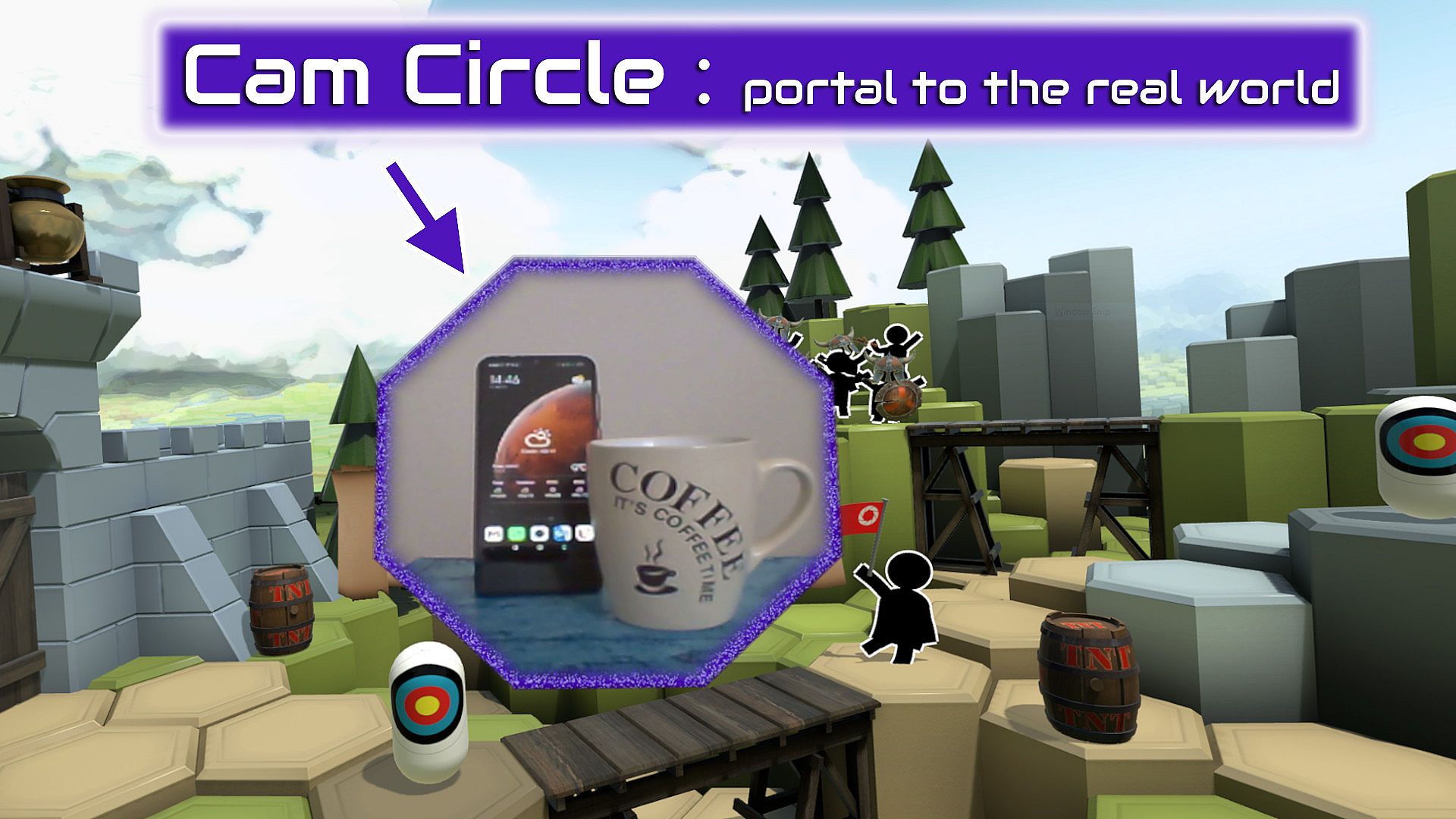
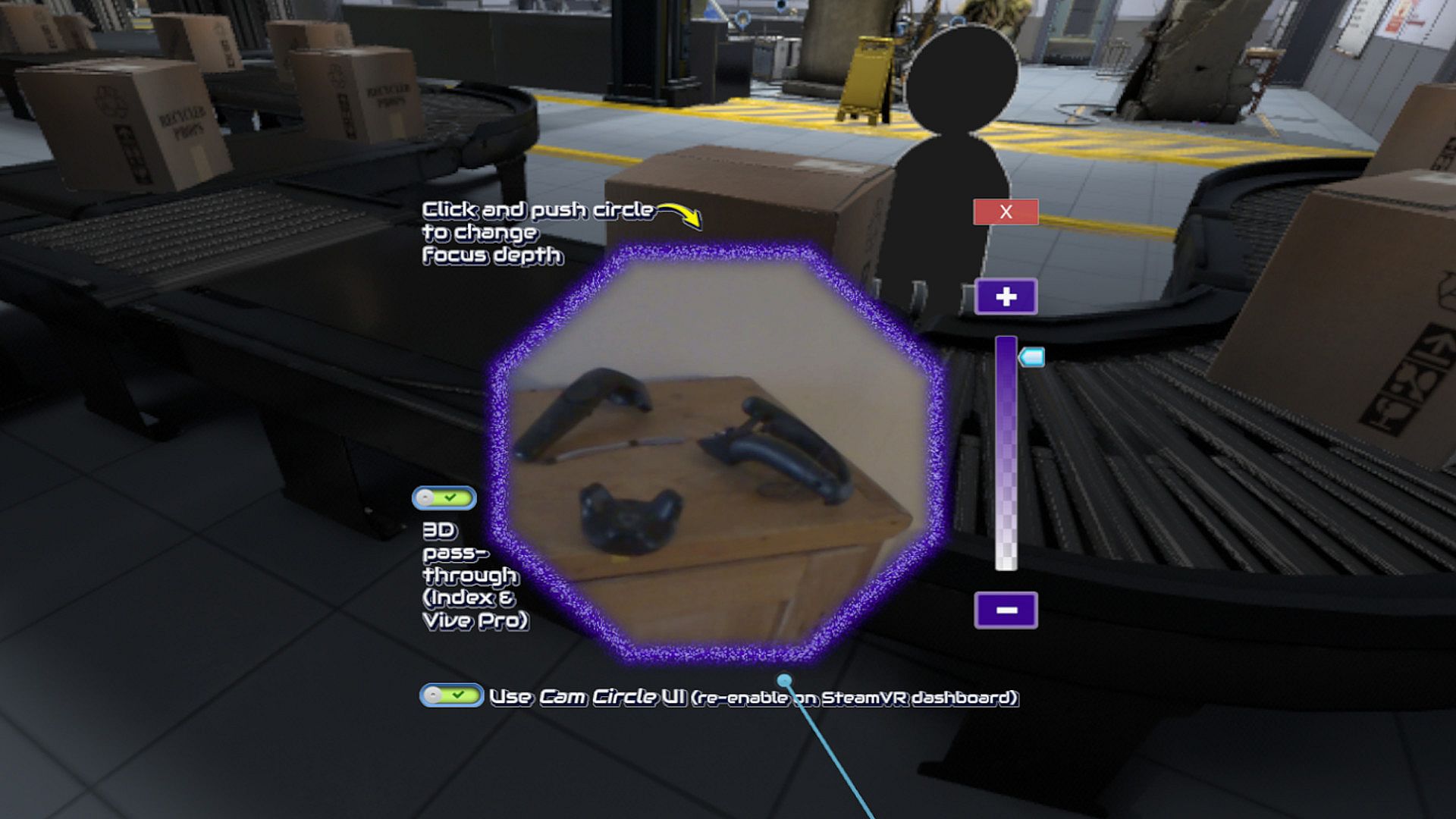
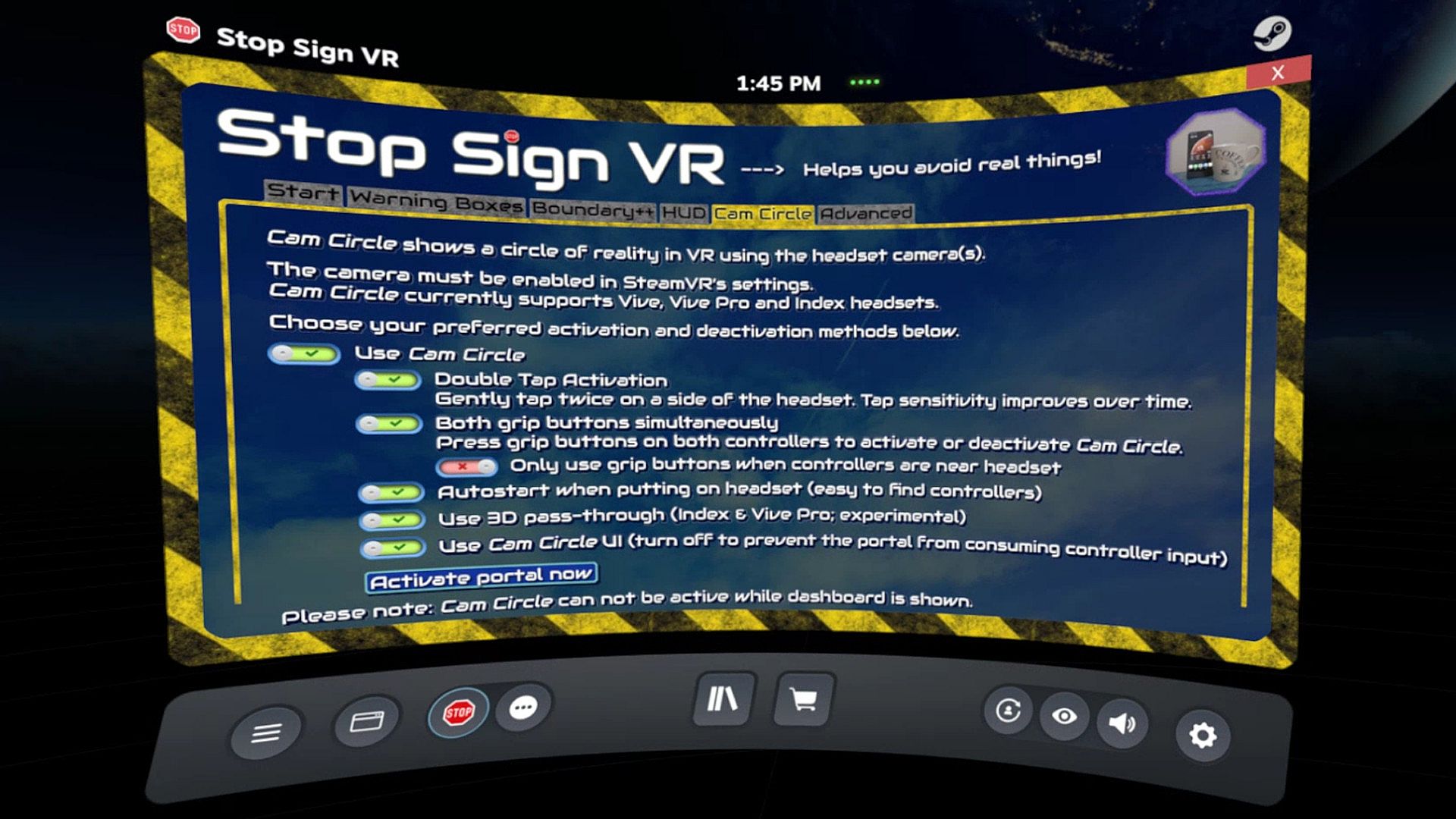
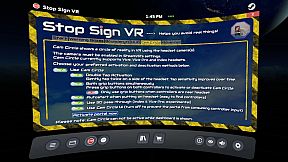
Cam Circle uses the headset cameras to show a live view of the real world in a circle in front of you. It has easy shortcuts and activates almost instantly. You can activate Cam Circle by double tapping the headset, or by pressing both grip buttons at the same time. Cam Circle is very useful for quick looks outside the headset and for picking up the controllers after putting on the headset. You can even set it to automatically activate when you put on the headset.
If you use an Index or Vive Pro, Cam Circle can show the pass-through video in 3D. On a Vive it's monoscopic (2D). Cam Circle is not (yet) available for WMR or Oculus headsets.

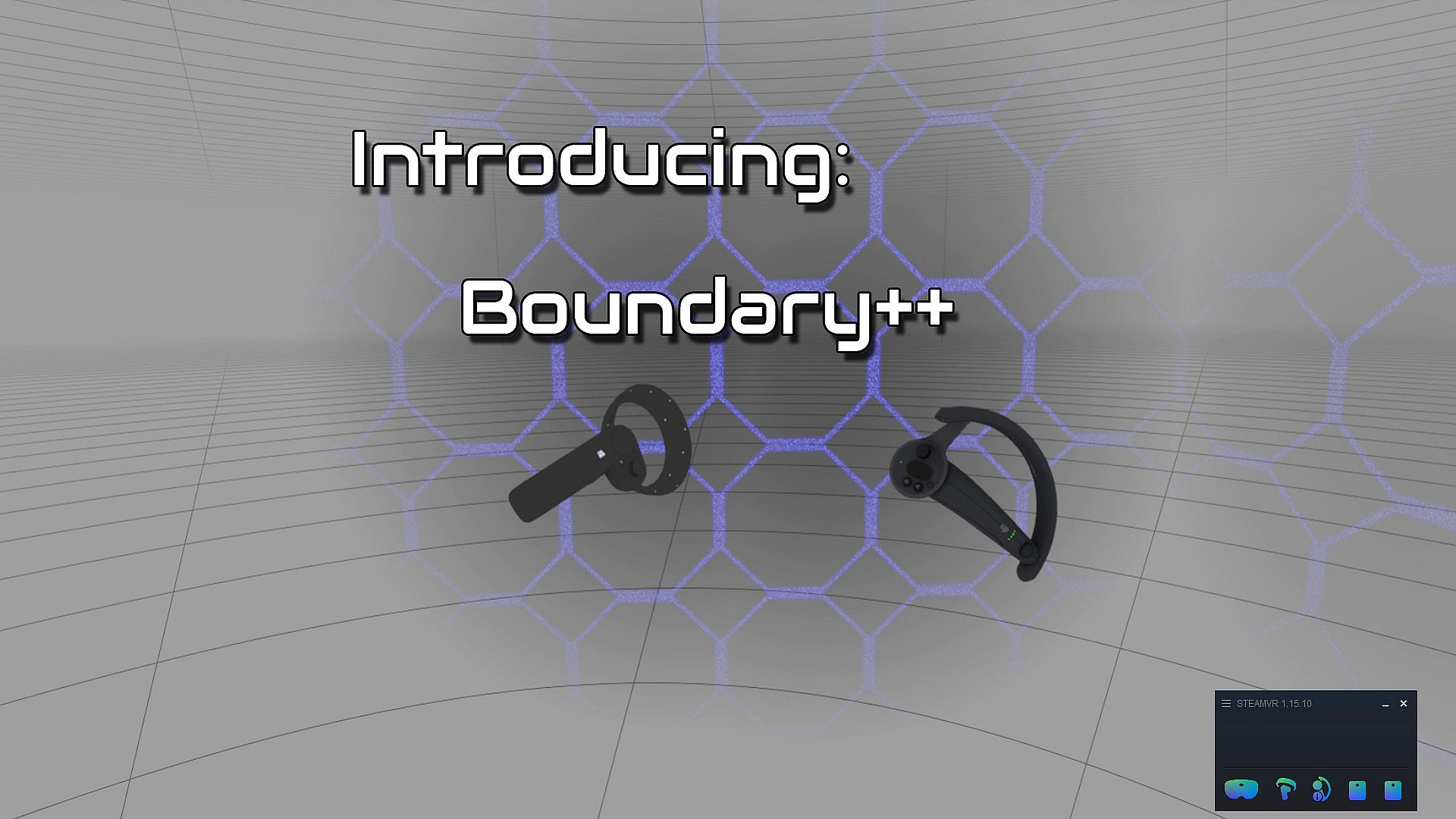
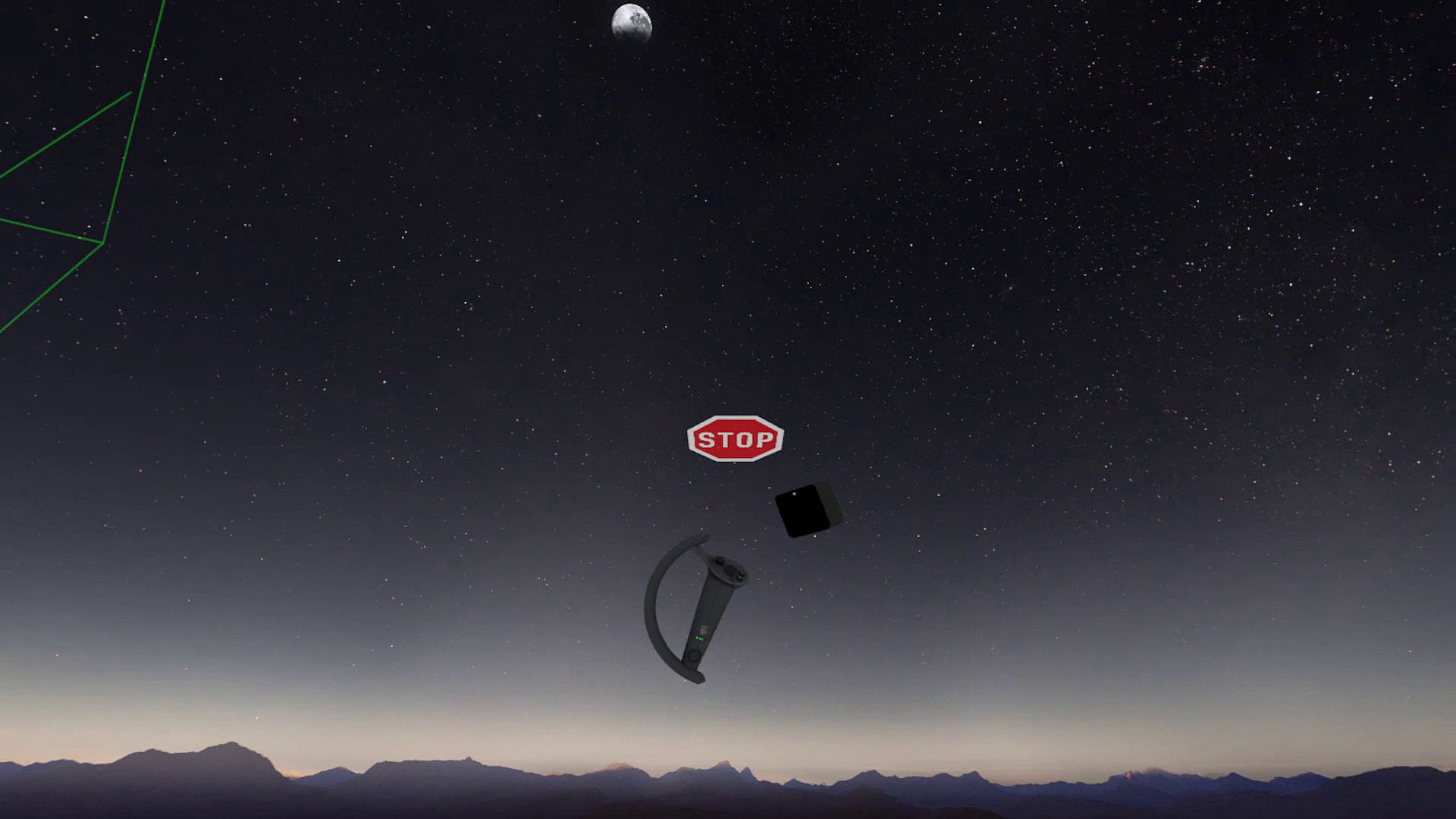
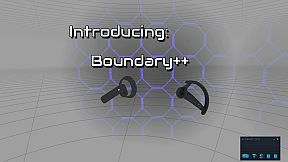
Boundary++ is a new warning grid system that will show up when you approach your walls and ceiling. It works with native SteamVR headsets, Windows Mixed Reality (WMR) headsets, Oculus PC connected headsets and 'Mixed VR' sets (e.g. a WMR headset with Valve Index controllers). It will automatically import the WMR boundaries or Oculus Guardian (when using a Rift-S).
Boundary++ will not light up the whole play area, but it will only show where you are actually near your boundaries. It can be used together with the default SteamVR chaperone, or just by itself.

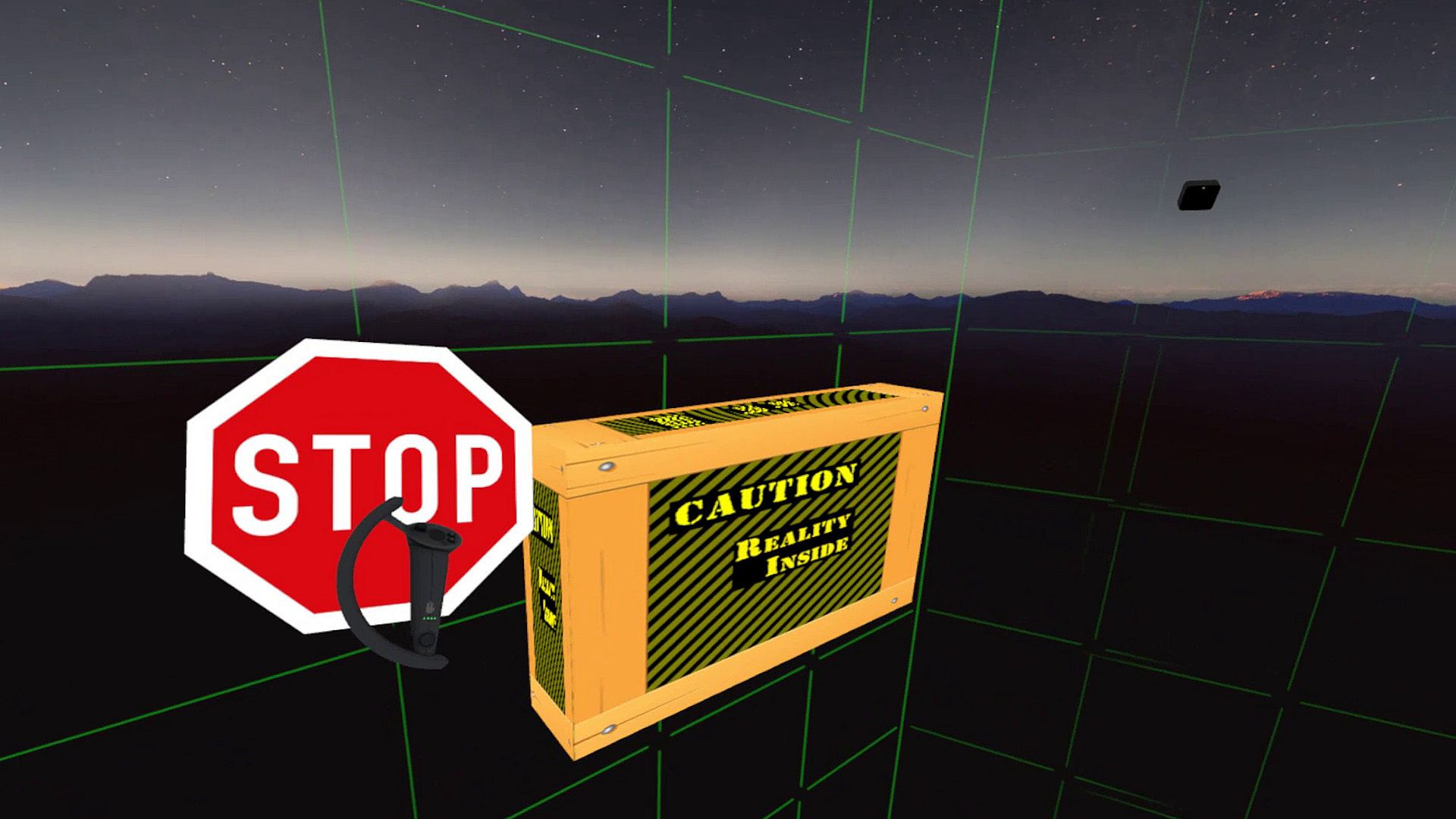
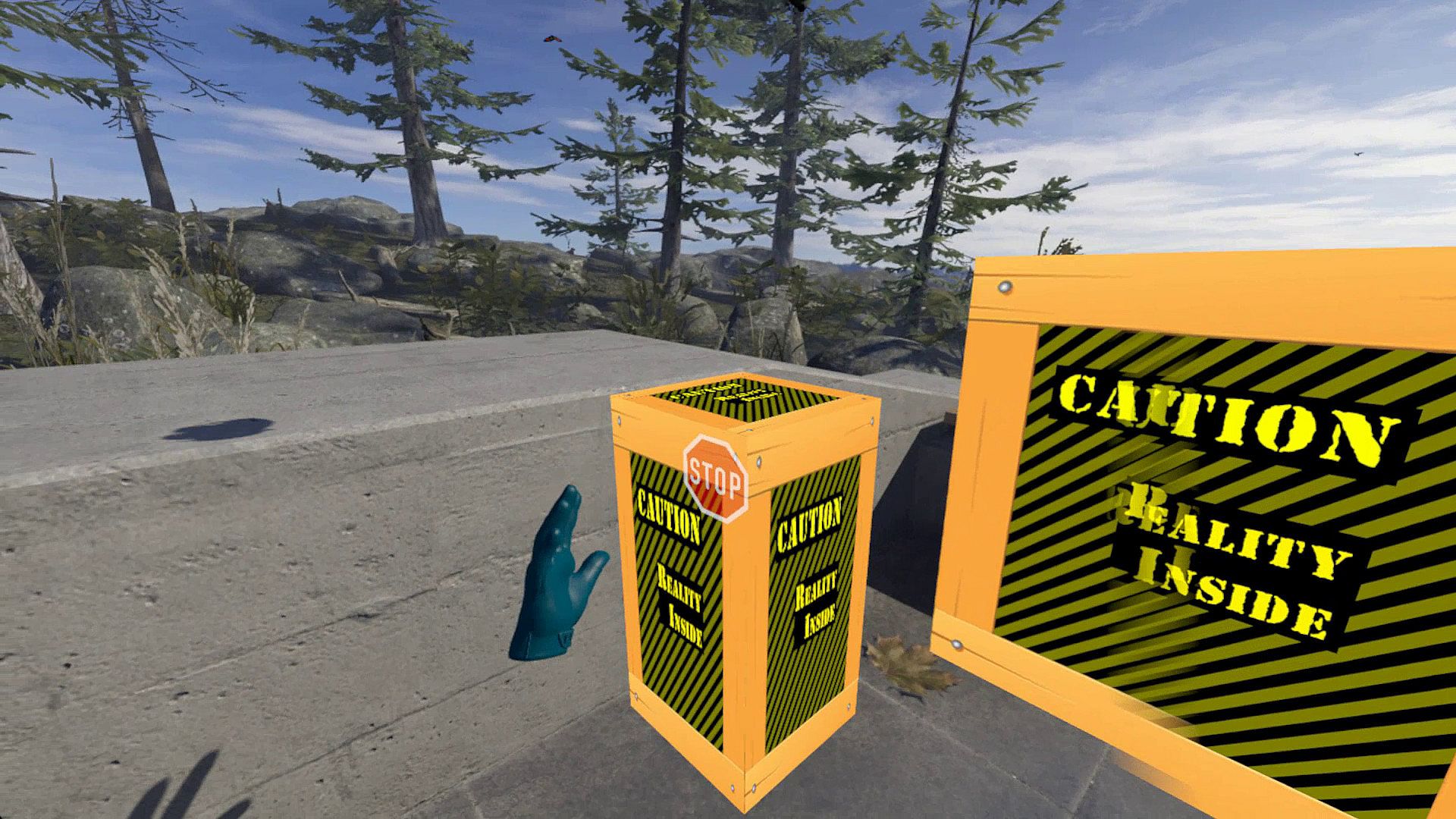
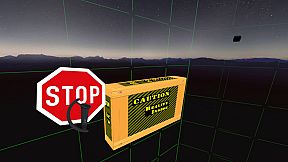
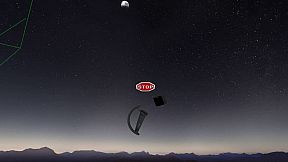
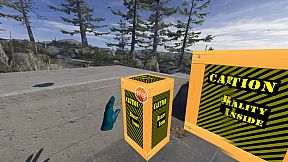
Warning Boxes are virtual boxes that you place around your valuable real equipment, such as TVs, ceiling fans, room lighting and so on. They help you avoid hitting real stuff in and around your VR play area.
While you are playing a game a prediction algorithm warns you of possible impacts using sound, images and haptic feedback.
The boxes will fade out when you move away from them. The fade-out and full-visibility distances can be configured for each box separately.
If you can't find your boxes because they're faded out, press the system button and look around.

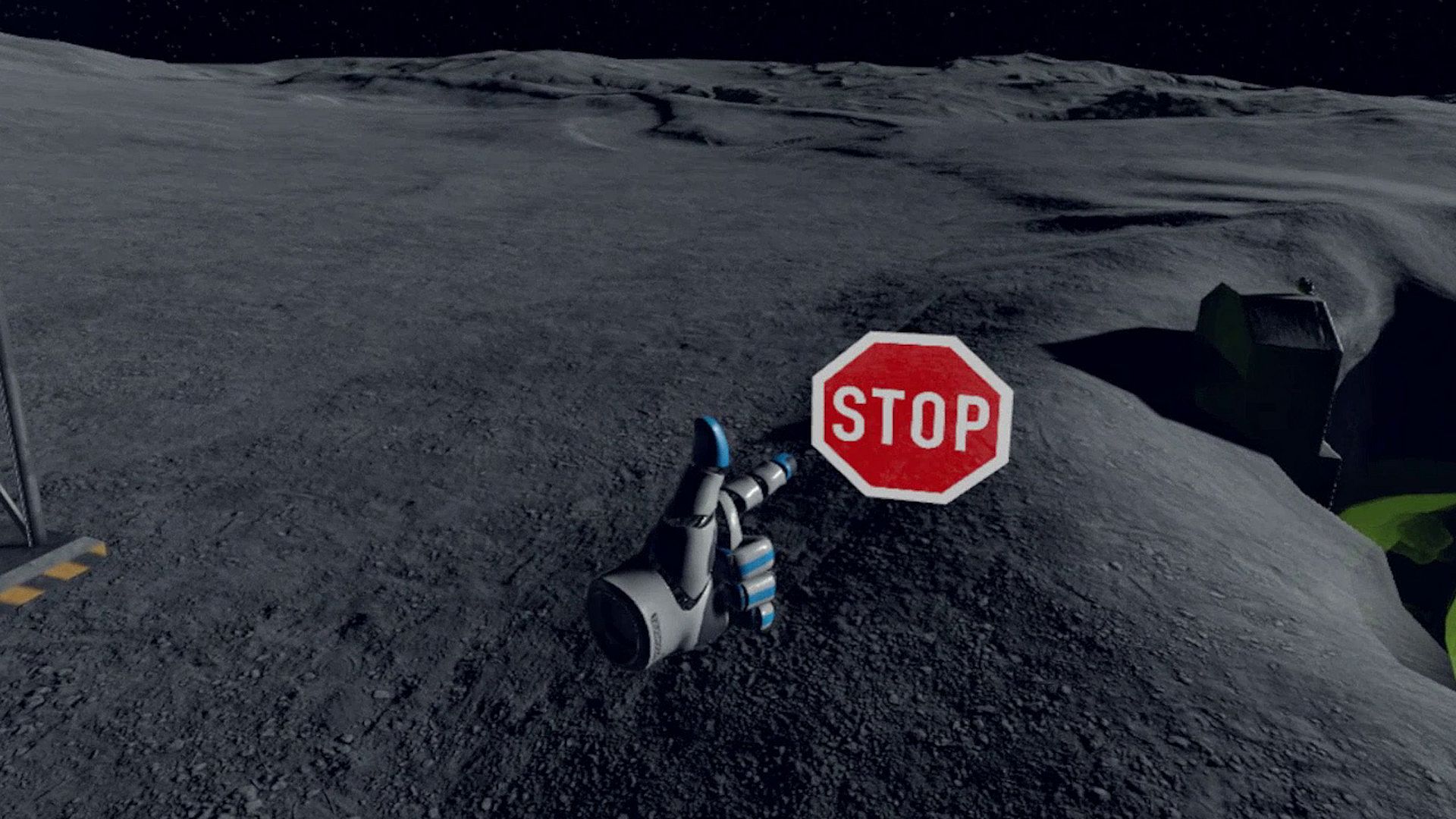
The HUD is a Heads-Up Display that will show up when you are moving backwards into a wall or other boundary object, such as a Warning Box.

Extras and other info:
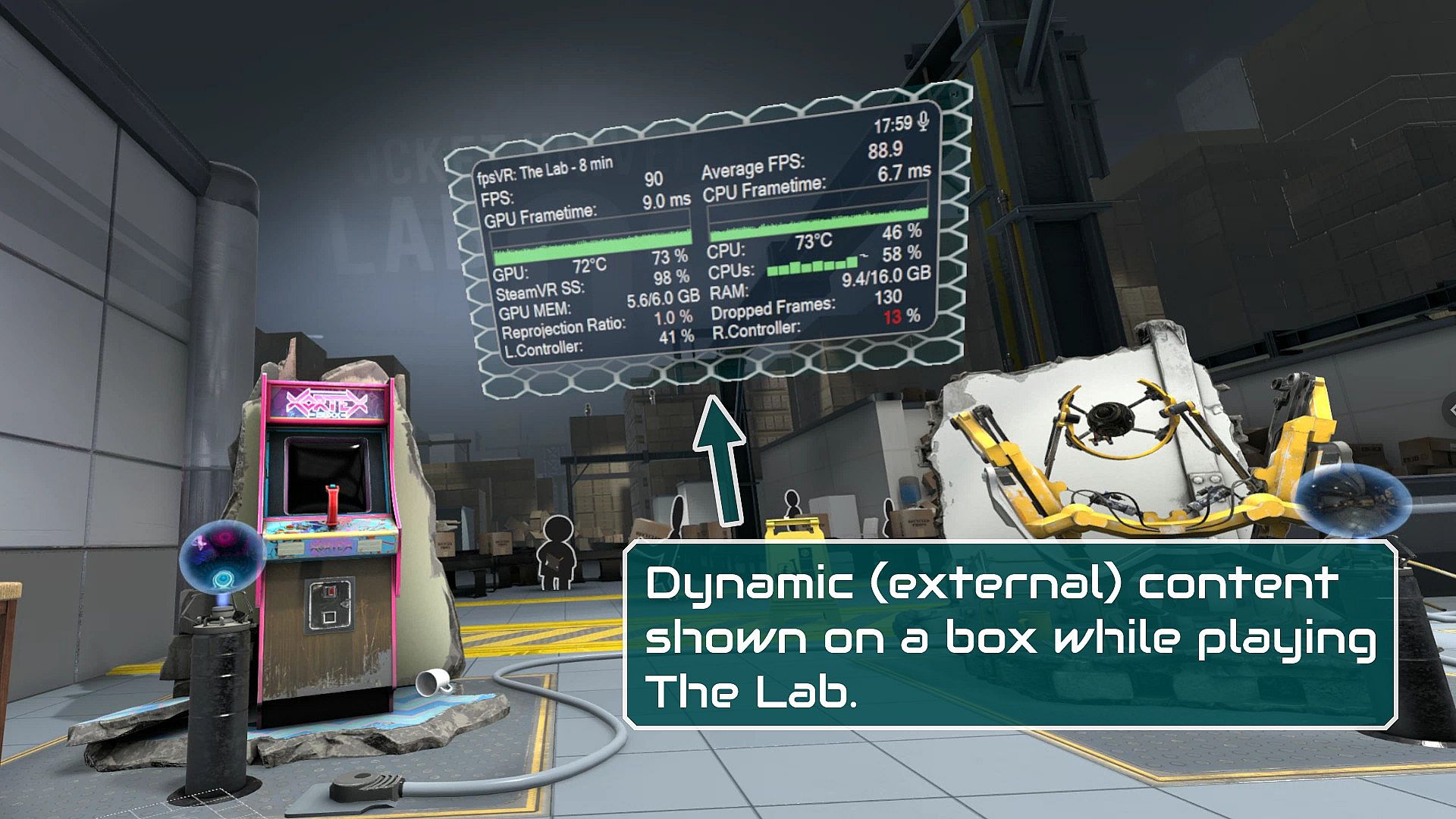
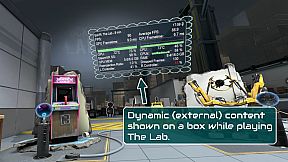
  • A box can be configured to show content by other overlay apps. E.g. a box can show the fpsVR overlay on one of its sides, or it can show the content of a Desktop+ overlay.
  • Do you use a Mixed VR set and experience grey screens with seated games? This app has a fix for that problem. You can find it on the Boundary++ settings page on the SteamVR dashboard.
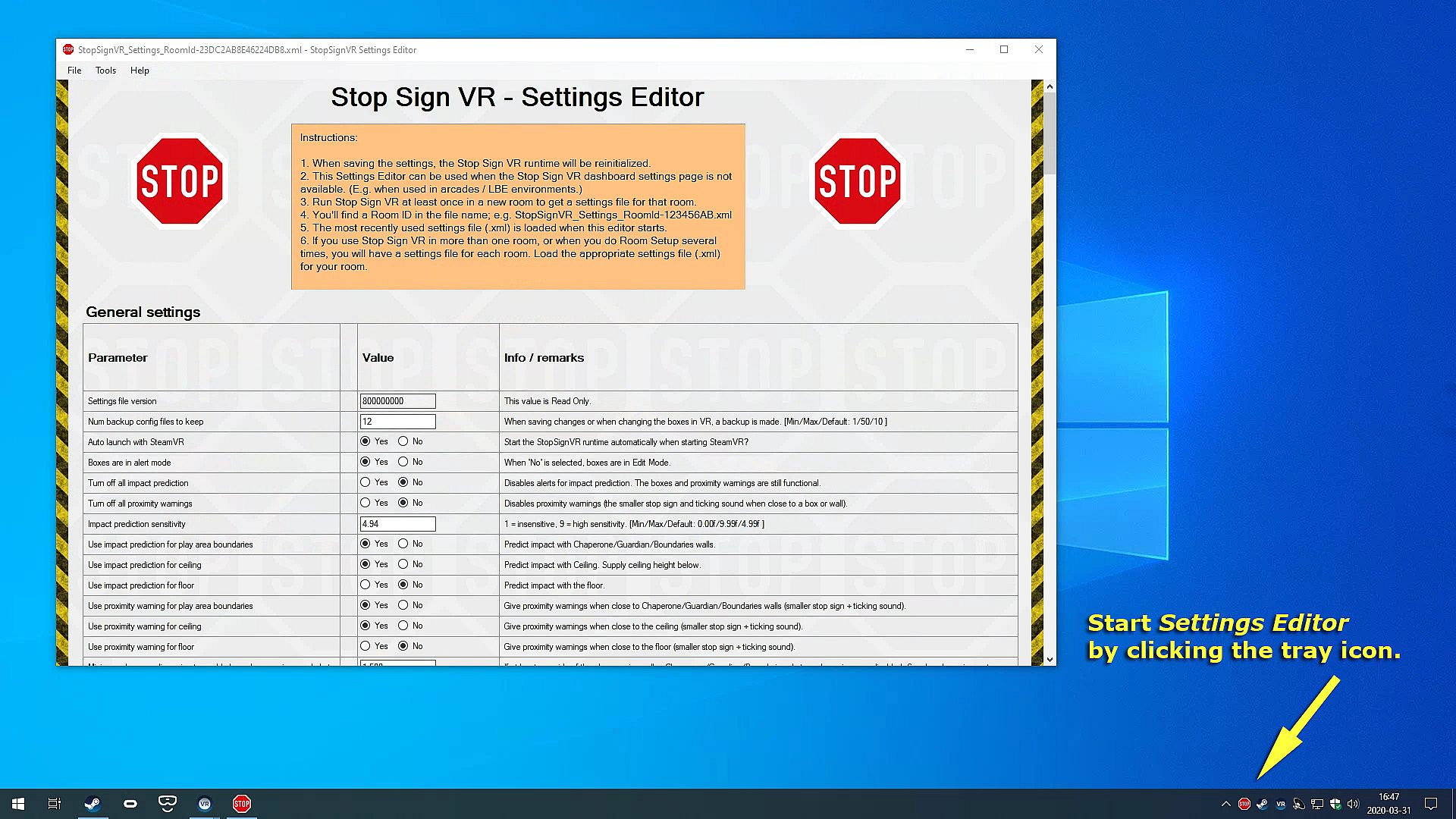
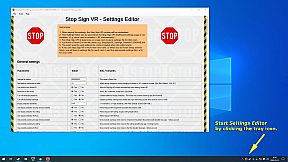
  • All basic settings are accessible on the SteamVR dashboard pages for Stop Sign VR. Next to the basic settings there are many things that can be configured and fine-tuned using the separate Settings Editor program in Windows (not in VR). Also use this Settings Editor to add more virtual boxes, delete or edit them. You can start the Settings Editor from the Windows System Tray, next to the clock in the bottom right corner of your desktop.
  • The Stop Sign VR Tools runtime is 100% coded in C++ and optimized to spend very little CPU/GPU cycles. It does not harm the performance of other VR software.
  • The alert sounds are spatialized by Steam Audio's HRTF-based binaural rendering so you will hear where the closest wall or object is, even if you can't see it.

Interface:
English

Classificação etária

Indisponível
Steam:
Very Positive (59)

Requisitos do sistema

Mínimo:

  • SO: Windows 10
  • Processador: Core i5 or better
  • Memória: 2048 MB RAM
  • Gráficos: GTX 960 or better
  • DirectX: Version 11
  • Armazenamento: 16 MB available space

Recomendado:

  • SO: Windows 10
  • Processador: Core i5 or better
  • Memória: 2048 MB RAM
  • Gráficos: GTX 960 or better
  • DirectX: Version 11
  • Armazenamento: 16 MB available space
Mínimo histórico
Histórico de preços das lojas oficiais
-
-
-
Histórico de preços dos keyshops
-
-
-
Junte-se ao nosso Discord
Obtenha ajuda instantânea da nossa comunidade e mantenha-se atualizado sobre as últimas ofertas
Definir Alertas de Preço
Seja notificado por email quando os preços dos jogos baixarem para o seu objetivo
Criar Conta Gratuita
Desbloqueie listas de desejos, alertas de preço e sincronização Steam

FAQ

8 perguntas

Antes de começar a procurar uma CD Key barata de Stop Sign VR Tools, reserve um momento para verificar o essencial. Desenvolvido por Reality Inside Ltd.. Publicado por Reality Inside Ltd.. Data de lançamento PC: 17 dez. 2019. Géneros: Action, Indie, Sports, Early Access. Categorias: Family Sharing, Single-player, Tracked Controller Support, VR Only. Avaliações de Stop Sign VR Tools: Avaliações Steam: 86% of the 59 user reviews for this game are positive.

Q Posso jogar Stop Sign VR Tools no Steam Deck?

Sim. A compatibilidade de Stop Sign VR Tools com Steam Deck é Verificada. Isso significa que o jogo arranca automaticamente, mostra os botões corretos do controlador e oferece desempenho estável - Stop Sign VR Tools funciona perfeitamente no Steam Deck.

Sim. Existe uma versão Steam de Stop Sign VR Tools. Escolha qualquer oferta com a etiqueta Chave Steam no XD.deals, resgate-a no cliente desktop e jogue Stop Sign VR Tools no Steam PC.

Sim. Depois de resgatar a sua chave Steam, pode iniciar Stop Sign VR Tools no Modo Offline via Steam. Os seus ficheiros de gravação serão sincronizados da próxima vez que ficar online.

Sim, pode comprar uma Chave Steam de Stop Sign VR Tools diretamente na Steam Store. No XD.deals, agregamos todas as ofertas Steam DRM disponíveis para que possa comparar ofertas Steam baratas de Stop Sign VR Tools num só lugar.

Encontrará todas as promoções e descontos ativos de Stop Sign VR Tools aqui mesmo no XD.deals. O nosso rastreador de preços lista atualmente 1 ofertas de lojas oficiais e 0 ofertas de keyshops. Verifique a tabela acima para o preço mais baixo, compare com o mínimo histórico do jogo e defina um alerta de preço para nunca perder a próxima descida.

Com o XD.deals, os jogadores de PC podem ver instantaneamente onde comprar uma chave PC Steam barata de Stop Sign VR Tools. O nosso motor de comparação de preços em tempo real e base de dados de cupões curada acompanham todas as lojas oficiais e keyshops de confiança para que não tenha de o fazer. Neste momento detetamos este jogo em 1 ofertas ativas de lojas e keyshops.

Sim. Uma página oficial de Stop Sign VR Tools na Steam Store está ativa, então pode comprar Stop Sign VR Tools no Steam ou comprar qualquer Chave PC Steam de Stop Sign VR Tools no XD.deals e resgatá-la instantaneamente.

Não - o XD.deals em si não é uma loja. Somos um serviço de comparação de preços que acompanha as melhores ofertas de Stop Sign VR Tools em lojas oficiais e keyshops verificadas. Clique em "Comprar agora" junto à oferta desejada e será redirecionado para o site do vendedor para concluir a compra e receber a chave lá.

Melhores preços para Stop Sign VR Tools

1 Steam Steam Official
-20% 3,99 €

Pronto para começar? Defina um alerta de preço no XD Deals e obtenha uma chave Steam com desconto de Stop Sign VR Tools assim que atingir o próximo mínimo histórico.

Criar Alerta