


Stop Sign VR Tools PC kaufen

Wo kannst du den günstigsten Stop Sign VR Tools Steam-Key für {6} kaufen? Vergleiche Preise aus 1 Shops und finde unter 1 Angeboten auf XD Deals die beste Option. Aktuell liegt der niedrigste Stop Sign VR Tools {6} Preis im Keyshop bei 3,99 € (20% Rabatt).

Veröffentlichung: 17 Dez. 2019
Steam:
Very Positive (59)
Keyshops
Nicht verfügbar
Im offiziellen Store kaufen:
-20%
3,99 €
Im Keyshop kaufen:
Preisverlauf anzeigen

Offizielle Shops (1)

DRM:
Steam
Steam
Steam
Stop Sign VR Tools
Windows
+1
vor 15W
DRM:
Steam
Steam
4,99 € 3,99 €
Historical Low Deal
Historical low
-20%

Über Stop Sign VR Tools

Stop Sign VR Tools - Spielbeschreibung
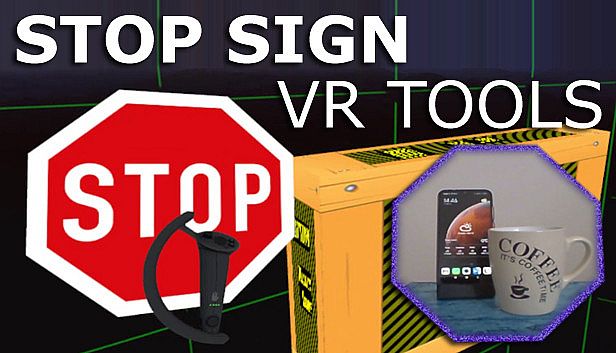
Stop Sign VR Tools läuft parallel zu deinen SteamVR-Spielen und sorgt mit unabhängigen Modulen für unverzichtbare Sicherheitsfeatures. Cam Circle holt den Live-Feed der Headset-Kamera in einen schnellen Rundblick, der durch Doppel-Tap am Headset oder Greifen beider Controller aktiviert wird - perfekt, um reale Objekte zu checken, ohne die Ausrüstung abzulegen. Er schaltet sich automatisch beim Aufsetzen ein und bietet 3D-Pass-Through für Index- oder Vive-Pro-Nutzer. Boundary++ zeigt gezielte Gitter nah an Wänden und Decken an, integriert WMR- oder Oculus-Boundaries automatisch, während Warning Boxes Geräte wie Fernseher mit vorausschauenden Audio-, Visual- und Haptik-Warnungen schützen. Bei Rückwärts-Kollisionen poppt ein HUD auf, und Zusatzfeatures beheben graue Bildschirme im Mixed-VR-Sitzmodus. Indie-VR-Spieler passen alles über Dashboard oder Desktop-Editor an - für nahtlosen, ressourcenschonenden Schutz.

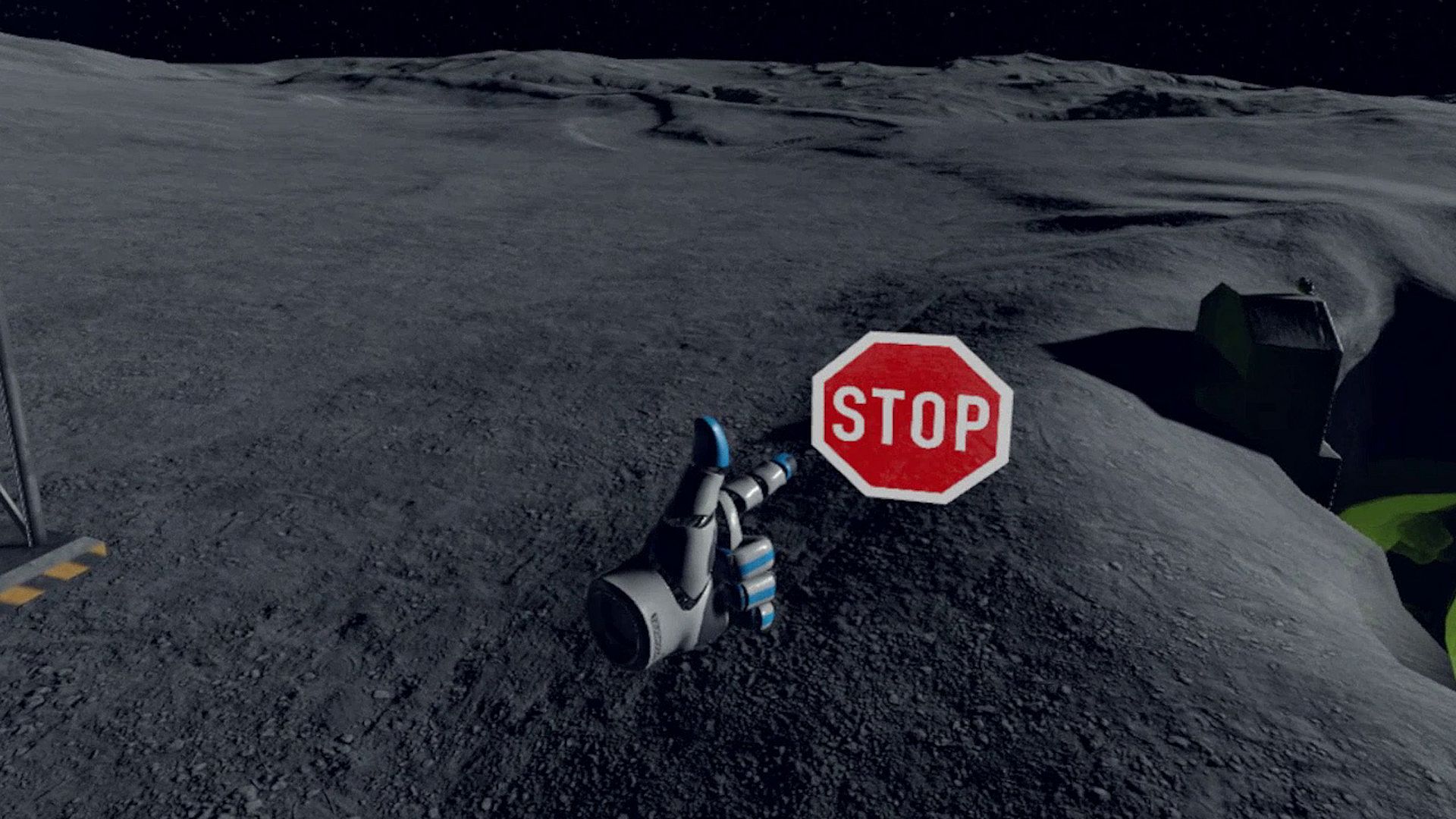
Stop Sign VR Tools has grown into a set of tools that run while you play a SteamVR game. Each tool can be enabled and configured separately. Currently, there are four main tools and a few extras:

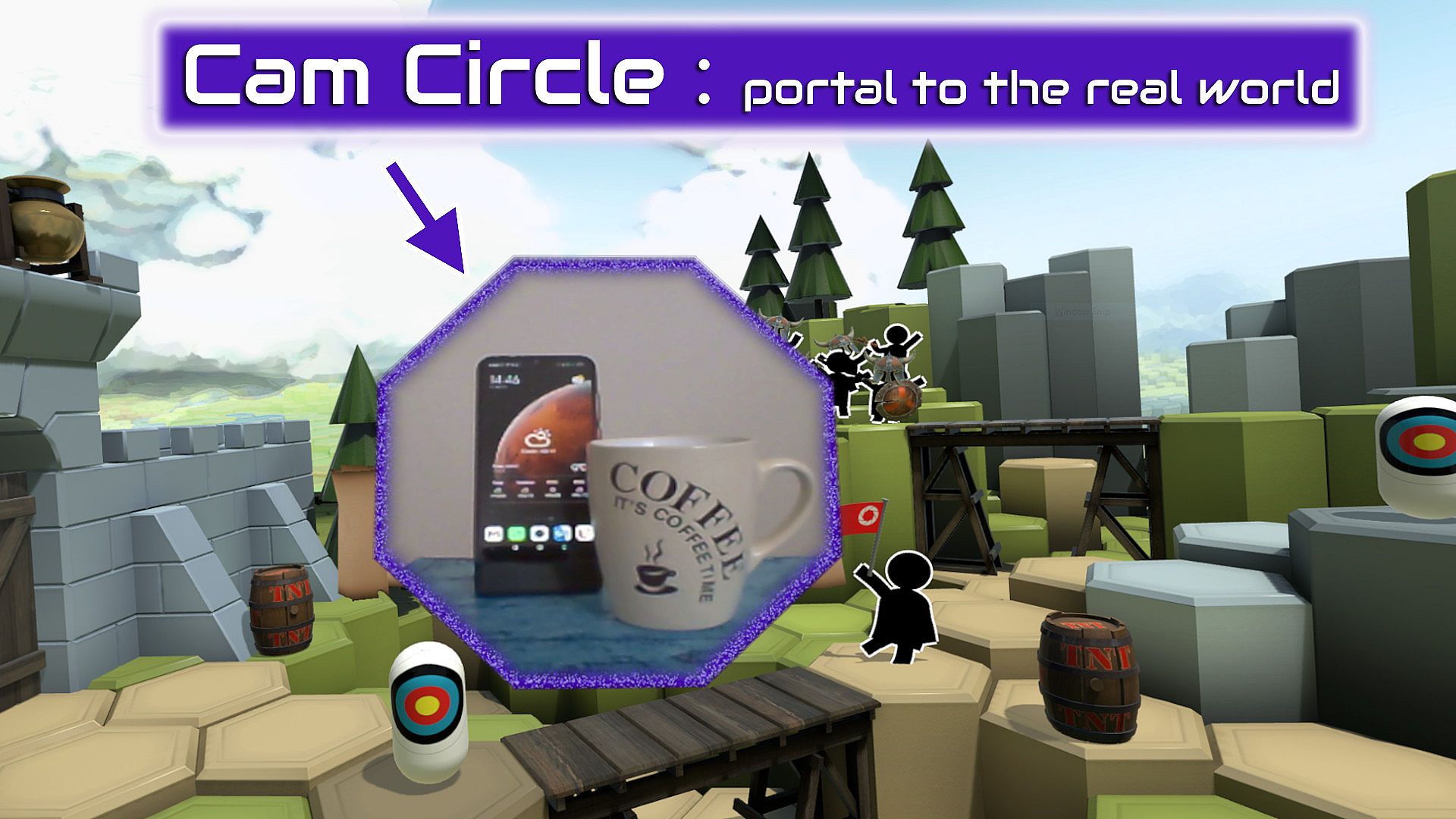
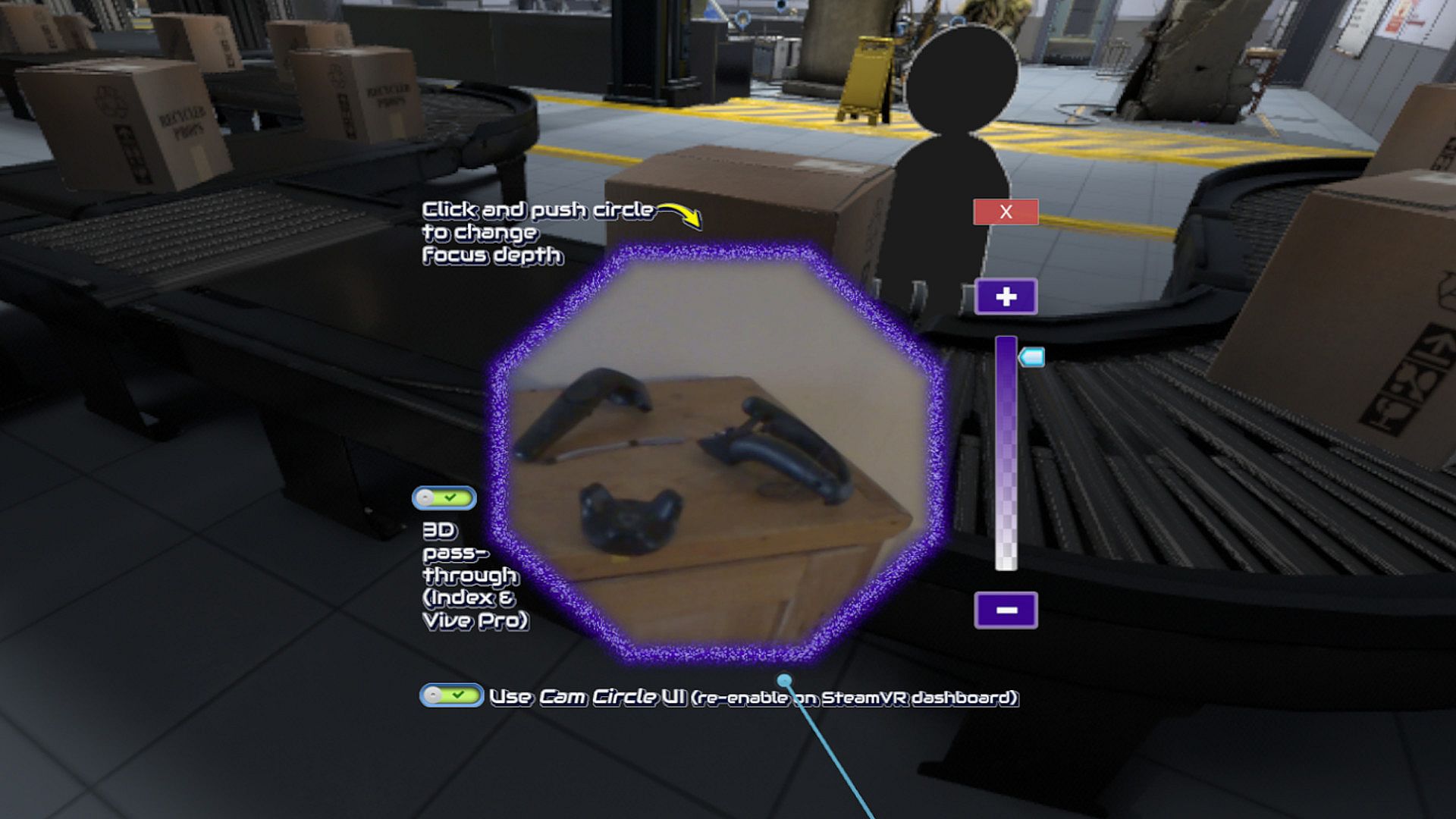
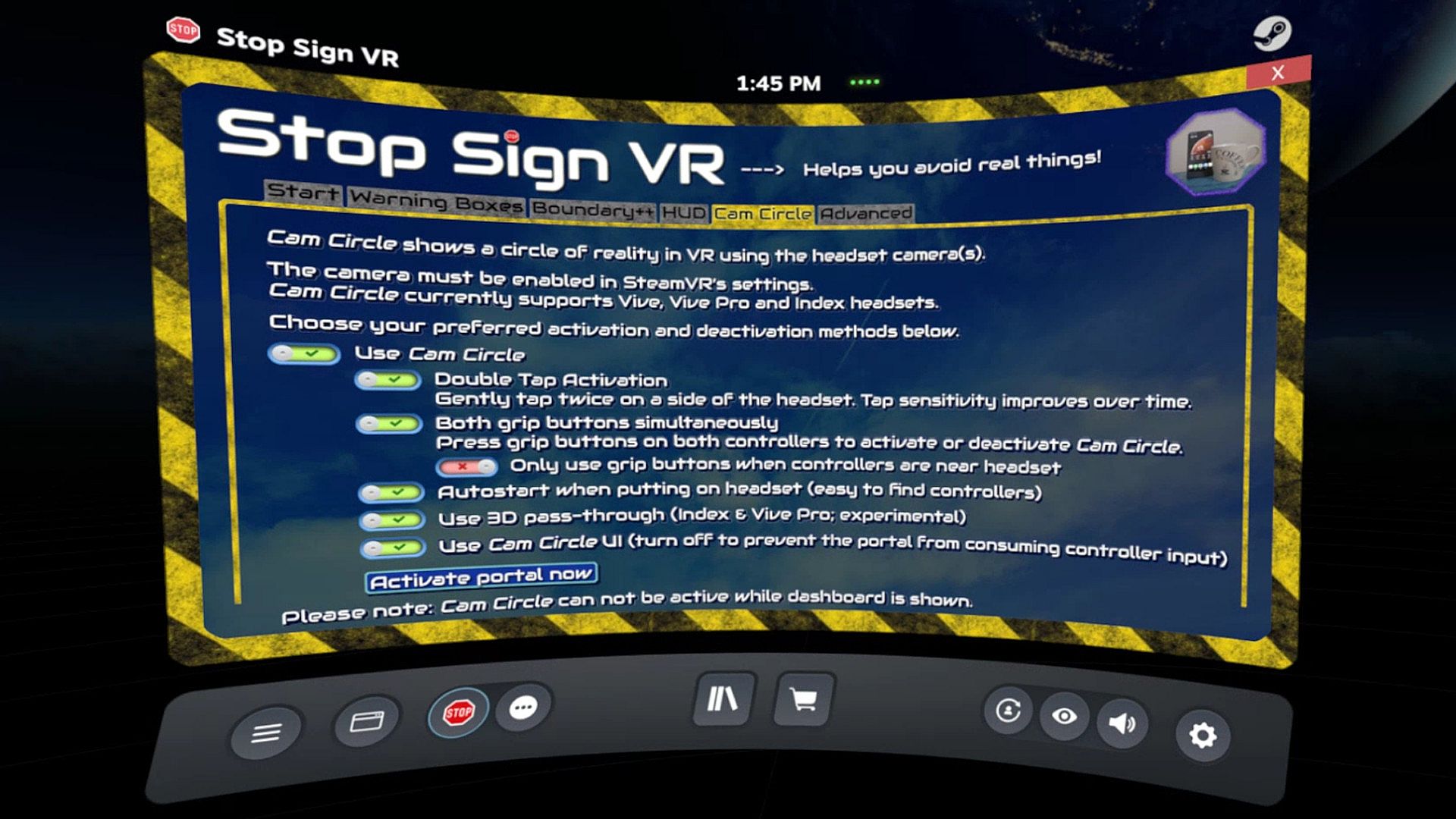
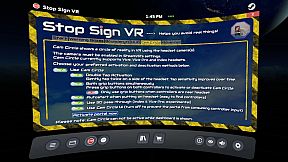
Cam Circle uses the headset cameras to show a live view of the real world in a circle in front of you. It has easy shortcuts and activates almost instantly. You can activate Cam Circle by double tapping the headset, or by pressing both grip buttons at the same time. Cam Circle is very useful for quick looks outside the headset and for picking up the controllers after putting on the headset. You can even set it to automatically activate when you put on the headset.
If you use an Index or Vive Pro, Cam Circle can show the pass-through video in 3D. On a Vive it's monoscopic (2D). Cam Circle is not (yet) available for WMR or Oculus headsets.

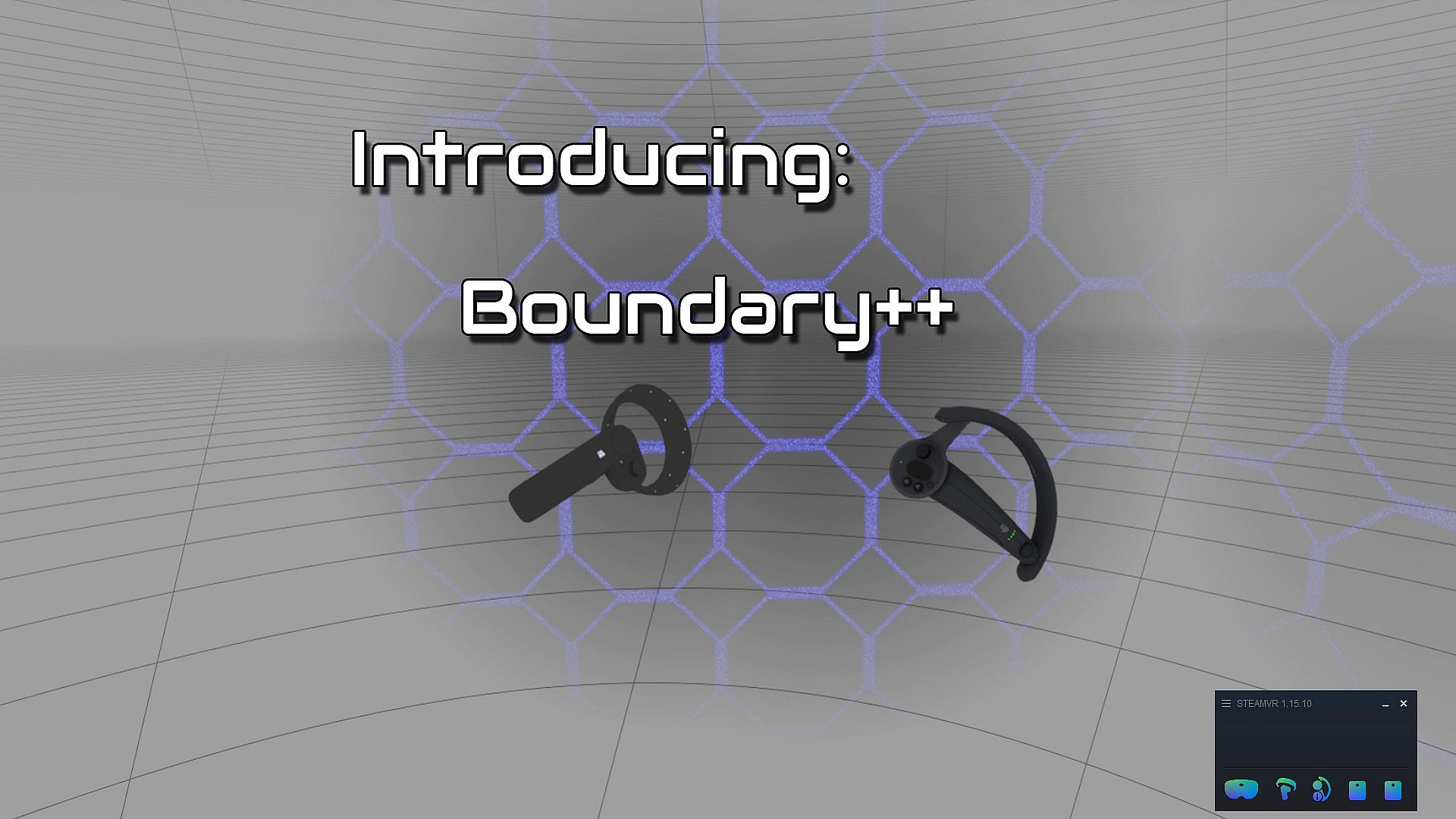
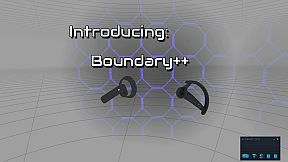
Boundary++ is a new warning grid system that will show up when you approach your walls and ceiling. It works with native SteamVR headsets, Windows Mixed Reality (WMR) headsets, Oculus PC connected headsets and 'Mixed VR' sets (e.g. a WMR headset with Valve Index controllers). It will automatically import the WMR boundaries or Oculus Guardian (when using a Rift-S).
Boundary++ will not light up the whole play area, but it will only show where you are actually near your boundaries. It can be used together with the default SteamVR chaperone, or just by itself.

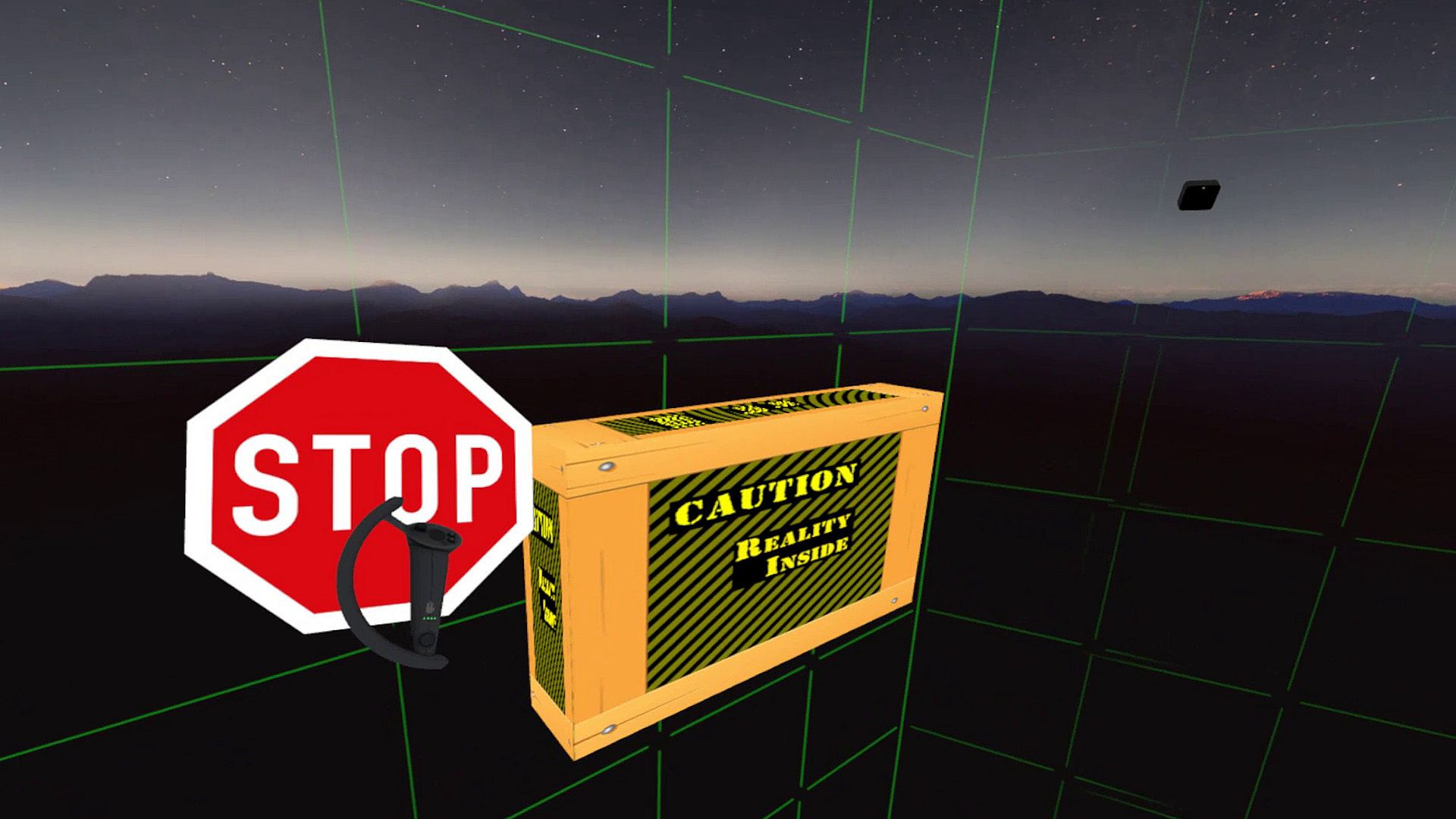
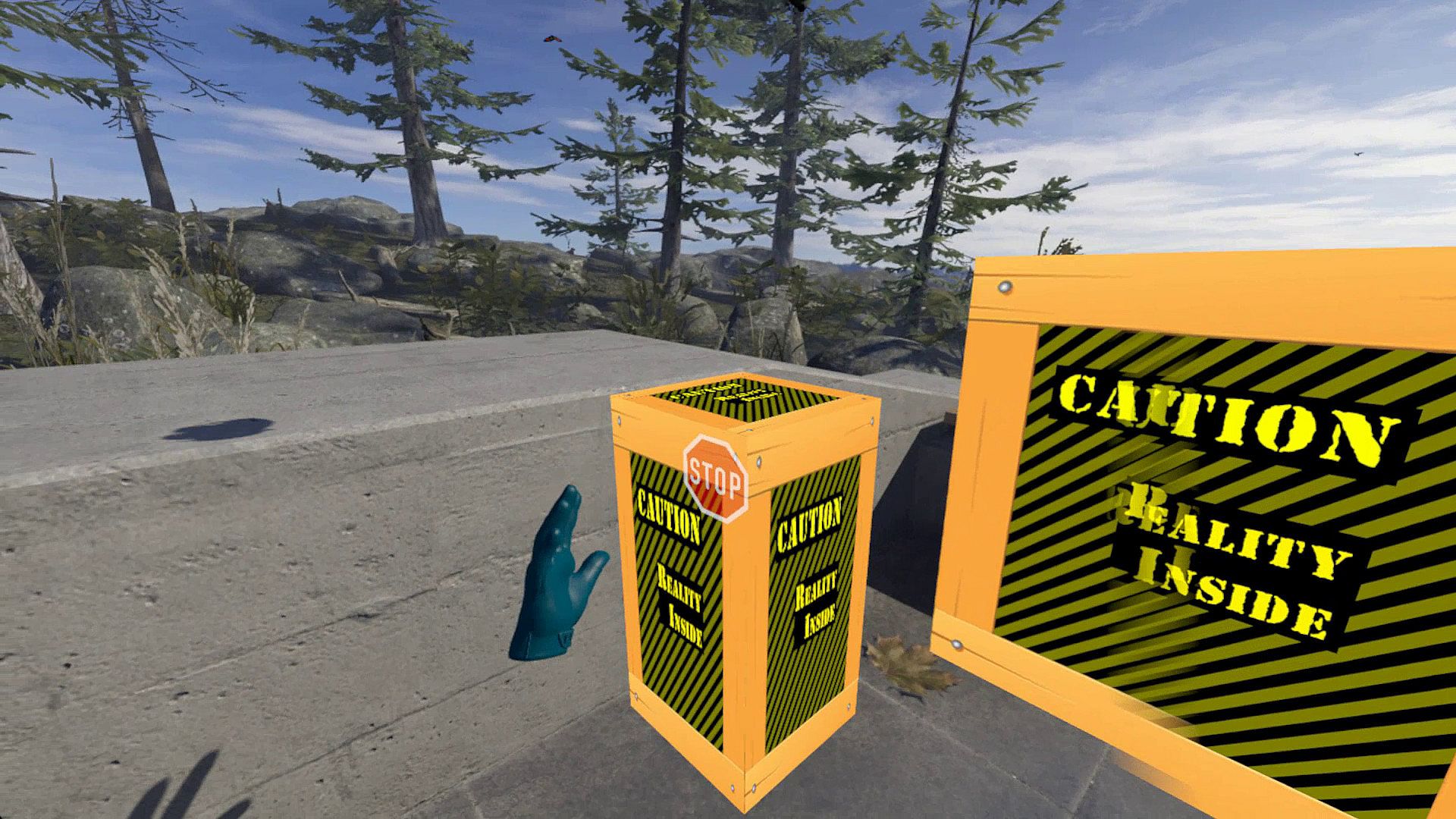
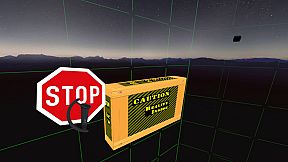
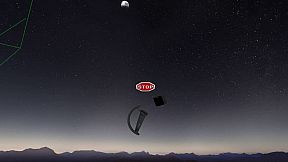
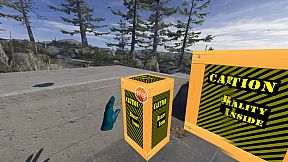
Warning Boxes are virtual boxes that you place around your valuable real equipment, such as TVs, ceiling fans, room lighting and so on. They help you avoid hitting real stuff in and around your VR play area.
While you are playing a game a prediction algorithm warns you of possible impacts using sound, images and haptic feedback.
The boxes will fade out when you move away from them. The fade-out and full-visibility distances can be configured for each box separately.
If you can't find your boxes because they're faded out, press the system button and look around.

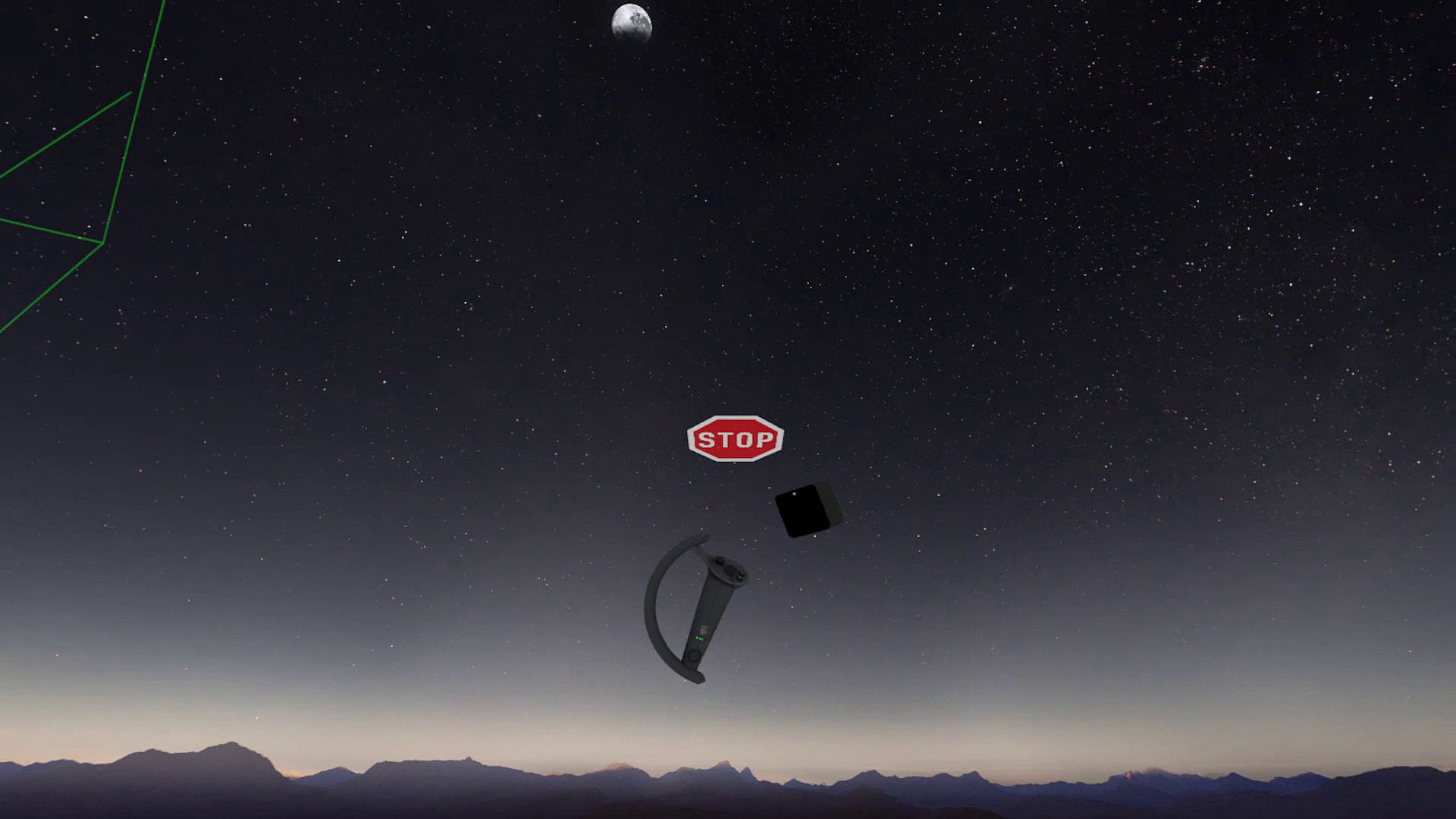
The HUD is a Heads-Up Display that will show up when you are moving backwards into a wall or other boundary object, such as a Warning Box.

Extras and other info:
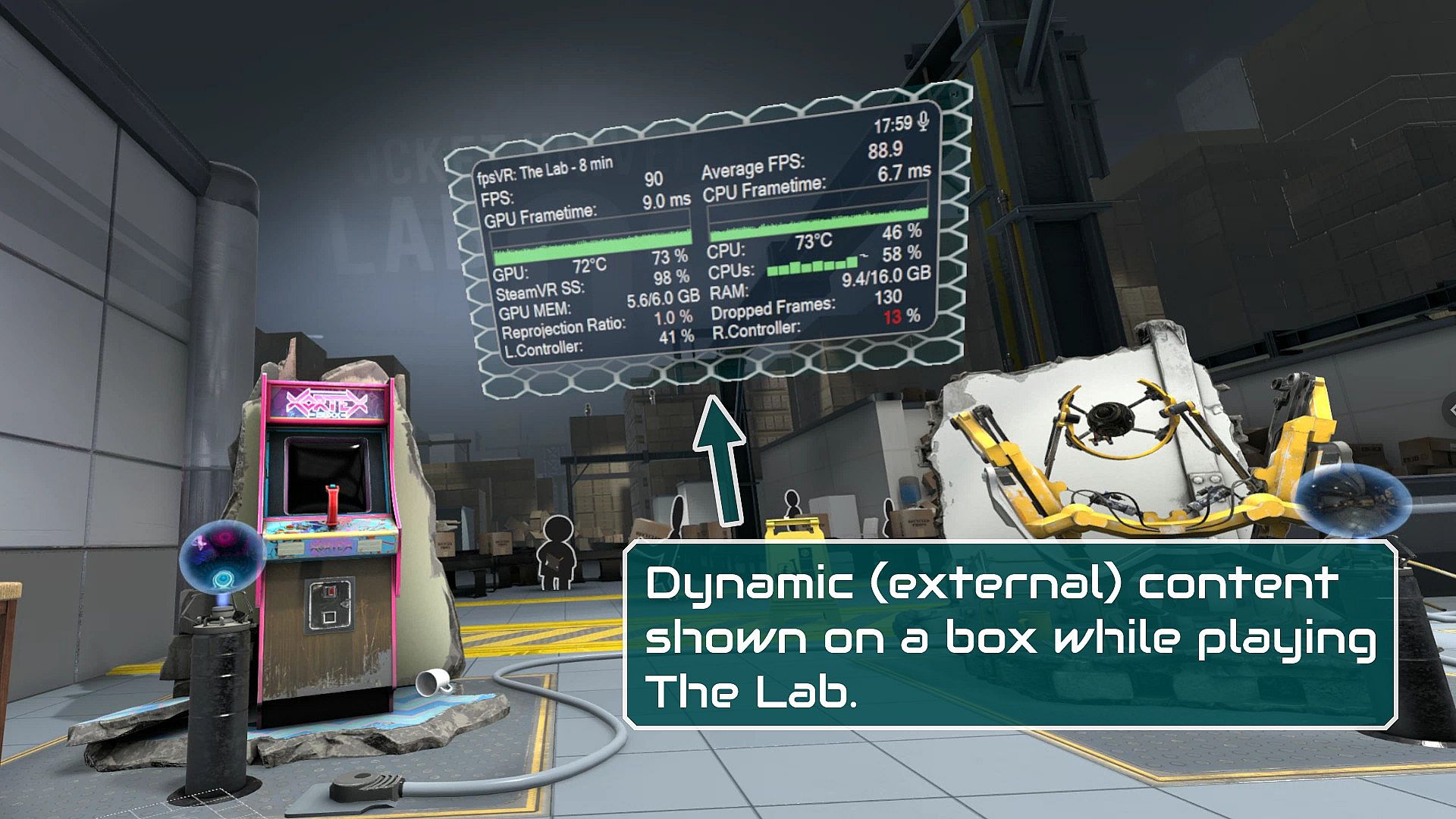
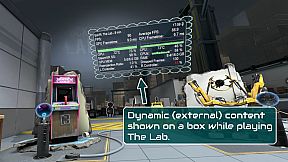
  • A box can be configured to show content by other overlay apps. E.g. a box can show the fpsVR overlay on one of its sides, or it can show the content of a Desktop+ overlay.
  • Do you use a Mixed VR set and experience grey screens with seated games? This app has a fix for that problem. You can find it on the Boundary++ settings page on the SteamVR dashboard.
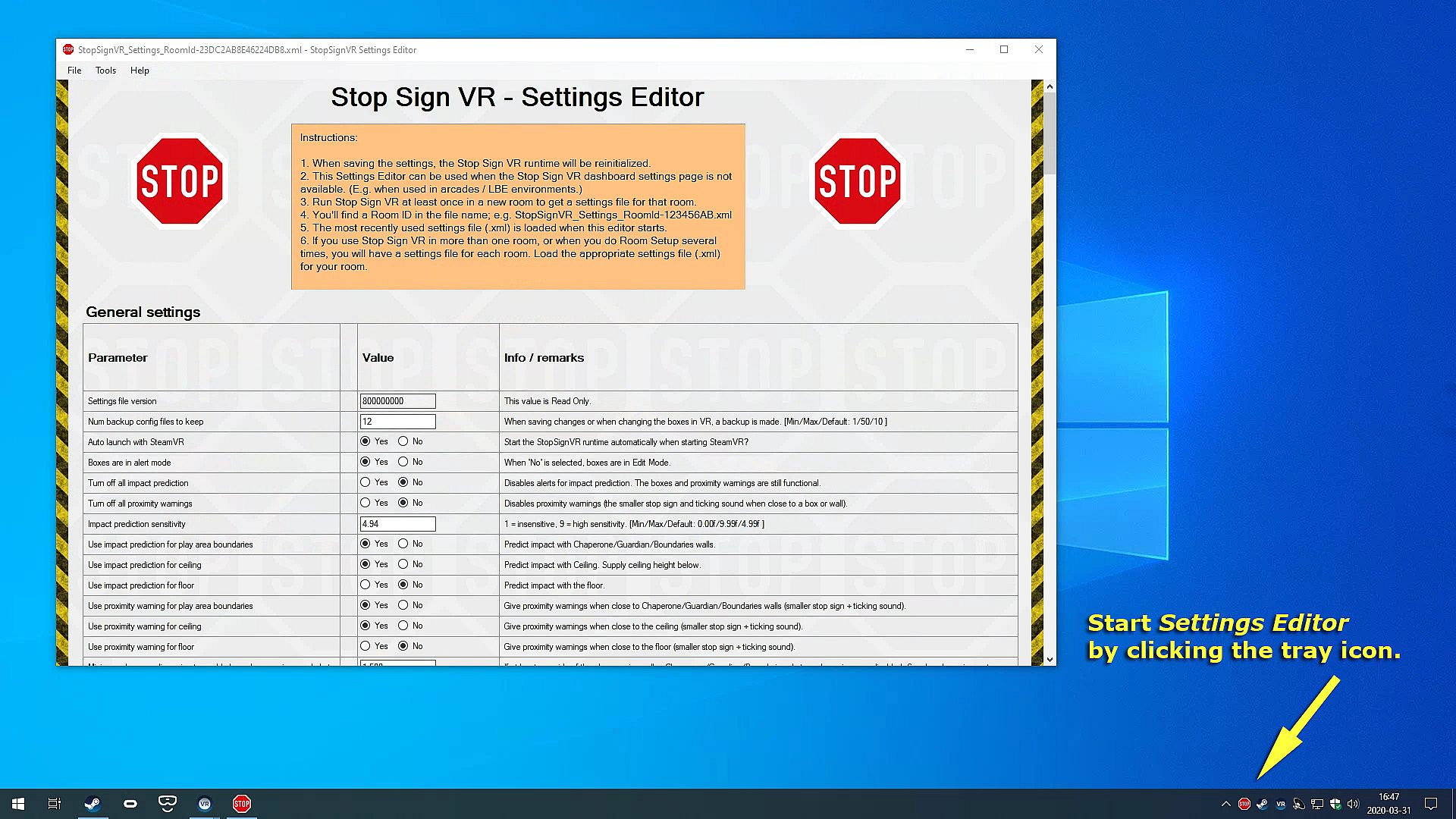
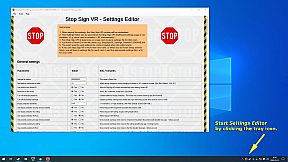
  • All basic settings are accessible on the SteamVR dashboard pages for Stop Sign VR. Next to the basic settings there are many things that can be configured and fine-tuned using the separate Settings Editor program in Windows (not in VR). Also use this Settings Editor to add more virtual boxes, delete or edit them. You can start the Settings Editor from the Windows System Tray, next to the clock in the bottom right corner of your desktop.
  • The Stop Sign VR Tools runtime is 100% coded in C++ and optimized to spend very little CPU/GPU cycles. It does not harm the performance of other VR software.
  • The alert sounds are spatialized by Steam Audio's HRTF-based binaural rendering so you will hear where the closest wall or object is, even if you can't see it.

Oberfläche:
English

Altersfreigabe

Keine Angabe
Steam:
Very Positive (59)

Minimum:

  • Prozessor: Core i5
  • Arbeitsspeicher: 2048 MB RAM
  • Grafik: GTX 960
  • DirectX: Version 11
  • Speicherplatz: 16 MB available space

Empfohlen:

  • Betriebssystem: Windows 10
  • Prozessor: Core i5 or better
  • Arbeitsspeicher: 2048 MB RAM
  • Grafik: GTX 960 or better
  • DirectX: Version 11
  • Speicherplatz: 16 MB available space
Historisches Tief
Preisverlauf von offiziellen Shops
-
-
-
Preisverlauf von Keyshops
-
-
-

FAQ

8 Fragen

Bevor du nach einem günstigen Stop Sign VR Tools Key suchst, prüfe die wichtigsten Fakten. Entwickelt von Reality Inside Ltd.. Veröffentlicht von Reality Inside Ltd.. PC Release-Datum: 17 Dez. 2019. Genres: Action, Indie, Sports, Early Access. Kategorien: Family Sharing, Single-player, Tracked Controller Support, VR Only.

Q

Wo kann ich einen günstigen Stop Sign VR Tools Steam Key kaufen?

Mit unserem Preisvergleich und verifizierten Rabattcodes kannst du einen Stop Sign VR Tools Key schon ab 3,99 € kaufen. Dieses Angebot ist bei Steam verfügbar und gehört zu den günstigsten auf dem Markt. Alle auf XD.deals gelisteten Keys werden digital geliefert und können nach der Zahlung sofort heruntergeladen werden. Die Preise enthalten bereits Bearbeitungsgebühren und eingelöste Promo-Codes, sodass du immer den niedrigsten Stop Sign VR Tools Preis auf PC siehst. Sieh dir den Stop Sign VR Tools Preisverlauf an, um zum besten Zeitpunkt zu kaufen.

Laut unserem letzten Update (wir aktualisieren Steam-Preise mehrmals täglich) beträgt der Stop Sign VR Tools Steam-Preis 3,99 €. Du kannst zusätzlich ca. 6% sparen, indem du mit einer vergünstigten Steam-Geschenkkarte zahlst.

Unser Preistracker deckt sowohl offizielle Händler als auch Key-Marktplätze ab, sodass du Stop Sign VR Tools im Angebot auch außerhalb saisonaler Aktionen finden kannst. Wir erkennen derzeit 1 aktives Angebot von offiziellen Shops und Keyshops. Prüfe die Tabelle oben, vergleiche mit dem historischen Tief und setze einen Alarm, damit du den nächsten Preissturz nicht verpasst.

Laut unseren Daten ist Stop Sign VR Tools derzeit nicht auf GeForce NOW verfügbar. Du musst es lokal auf deinem PC ausführen. Stöbre durch Spiele, die auf GeForce NOW verfügbar sind.

Ja. Stop Sign VR Tools hat eine offizielle Steam-Shop-Seite. Du kannst auch einen Stop Sign VR Tools Steam Key von Drittanbietern kaufen. Unser Preisvergleich umfasst derzeit 1 Angebot mit Steam-DRM. Wähle eines davon, um sicherzustellen, dass dein Stop Sign VR Tools Download über Valves Plattform läuft.

Ja. Stop Sign VR Tools ist Steam Deck Verified - es startet ohne Anpassungen, zeigt korrekte Controller-Symbole und läuft stabil. Stop Sign VR Tools funktioniert perfekt auf dem Steam Deck.

Stop Sign VR Tools scheint derzeit nicht im PC Game Pass, bei EA Play, Ubisoft+ oder einem anderen PC-Abonnement verfügbar zu sein. Deine einzige Option ist der Kauf - nutze XD.deals, um den besten Preis zu finden.

Nein - XD.deals ist kein Shop. Wir sind ein Preisvergleich, der die besten Stop Sign VR Tools-Deals bei offiziellen Shops und verifizierten Keyshops verfolgt. Klicke neben einem Angebot auf "Zum Shop" und du wirst zur Webseite des Händlers weitergeleitet, um deinen Kauf abzuschließen.

Beste Preise für Stop Sign VR Tools

1 Steam Steam Official
-20% 3,99 €

Zum besten Zeitpunkt kaufen? Setze einen Preisalarm auf XD.deals und werde benachrichtigt, wenn Stop Sign VR Tools sein nächstes historisches Tief erreicht.

Alarm erstellen
Tritt unserem Discord bei
Erhalte Hilfe von der Community und bleibe über Angebote informiert
Preisalarme einrichten
Erhalte E-Mail-Benachrichtigungen wenn Preise fallen
Kostenloses Konto erstellen
Schalte Wunschlisten, Preisalarme und Steam-Sync frei