


Stop Sign VR Tools PC

Gdzie znale藕膰 najlepsz膮 ofert臋 na Stop Sign VR Tools na {6}? Por贸wnaj ceny z 1 sklep贸w i wybierz najlepsz膮 opcj臋 spo艣r贸d 1 ofert dost臋pnych na XD.deals. Obecnie najni偶sza cena Stop Sign VR Tools w keyshopach jest na 21,99聽z艂 (0% taniej).

Steam:
Very Positive (59)
Keyshops
Brak dost臋pno艣ci
Kup w oficjalnym sklepie:
21,99聽z艂
Kup w keyshopach:
Zobacz histori臋 cen

Sklepy oficjalne (1)

DRM:
Steam
Steam
Steam
Stop Sign VR Tools
Windows
+1
1tyg temu
DRM:
Steam
Steam
21,99聽z艂

O Stop Sign VR Tools

Stop Sign VR Tools - o grze
Stop Sign VR Tools dzia艂a r贸wnolegle z grami SteamVR, oferuj膮c kluczowe funkcje bezpiecze艅stwa za po艣rednictwem niezale偶nych modu艂贸w. Cam Circle wy艣wietla obraz na 偶ywo z kamery headsetu w formie szybkiego okr臋gu widokowego - aktywuje si臋 podw贸jnym stukni臋ciem w headset lub chwytem obu kontroler贸w, co idealnie nadaje si臋 do zauwa偶enia przedmiot贸w z realnego 艣wiata bez zdejmowania sprz臋tu. Automatycznie w艂膮cza si臋 po za艂o偶eniu headsetu i obs艂uguje tryb 3D pass-through dla u偶ytkownik贸w Index lub Vive Pro. Boundary++ b艂yska siatkami blisko 艣cian i sufit贸w, automatycznie pobieraj膮c granice WMR lub Oculus, natomiast Warning Boxes chroni膮 sprz臋t taki jak telewizory dzi臋ki predykcyjnym alertom audio, wizualnym i haptycznym. HUD pojawia si臋 przy kolizjach wstecznych, a dodatkowe funkcje eliminuj膮 szare ekrany w trybie Mixed VR podczas siedz膮cej rozgrywki. Gracze indie VR mog膮 precyzyjnie dostosowa膰 wszystko przez dashboard lub edytor desktopowy, zapewniaj膮c p艂ynn膮 i niskonak艂adow膮 ochron臋.

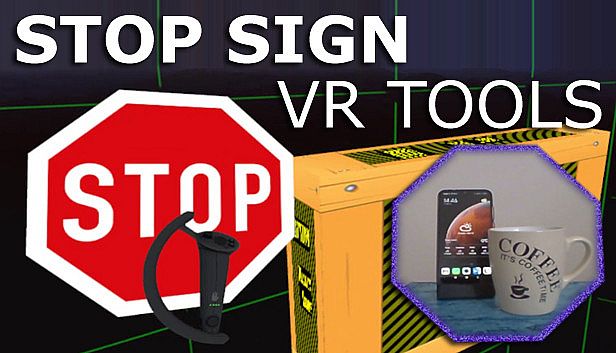
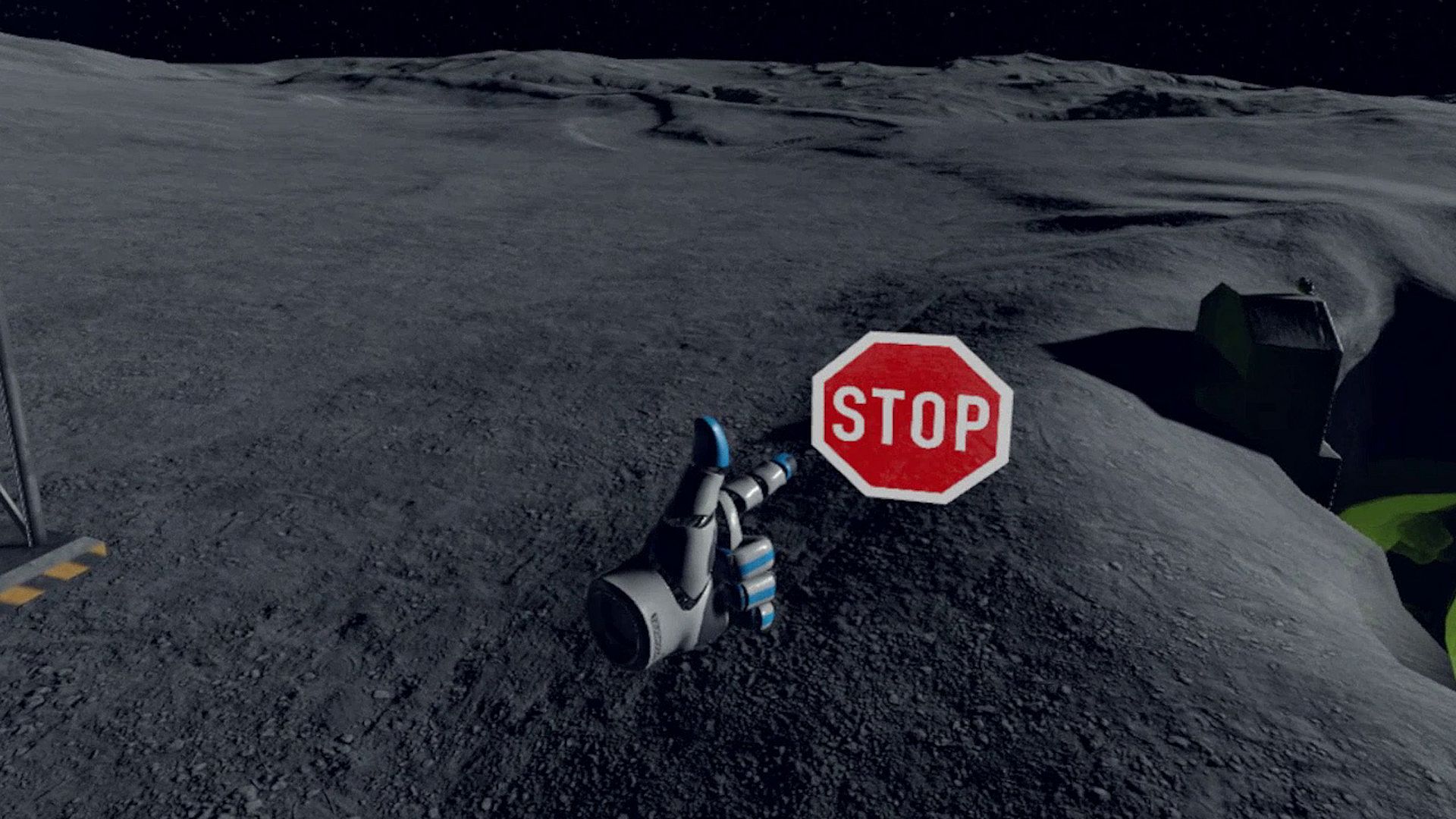
Stop Sign VR Tools has grown into a set of tools that run while you play a SteamVR game. Each tool can be enabled and configured separately. Currently, there are four main tools and a few extras:

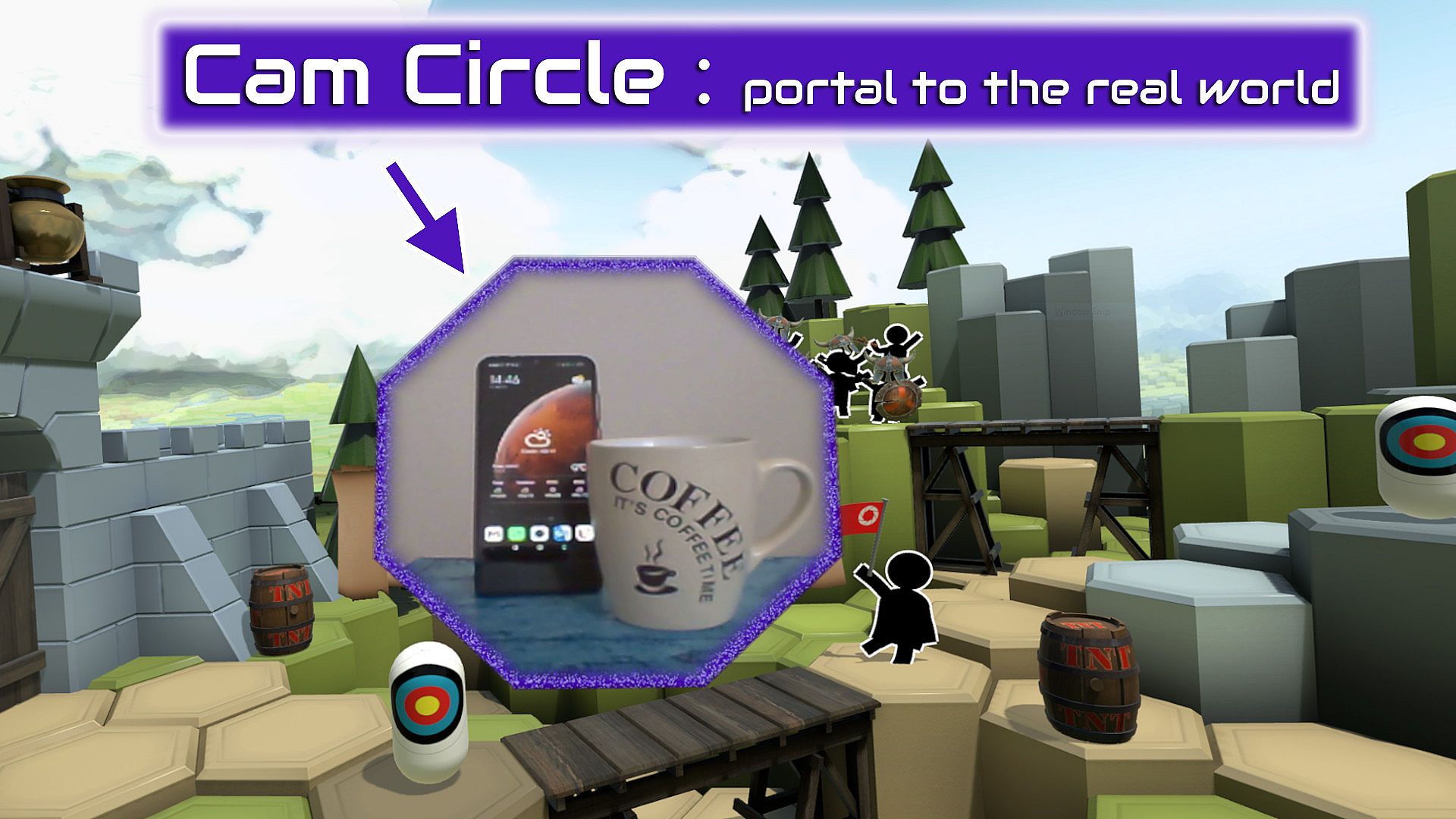
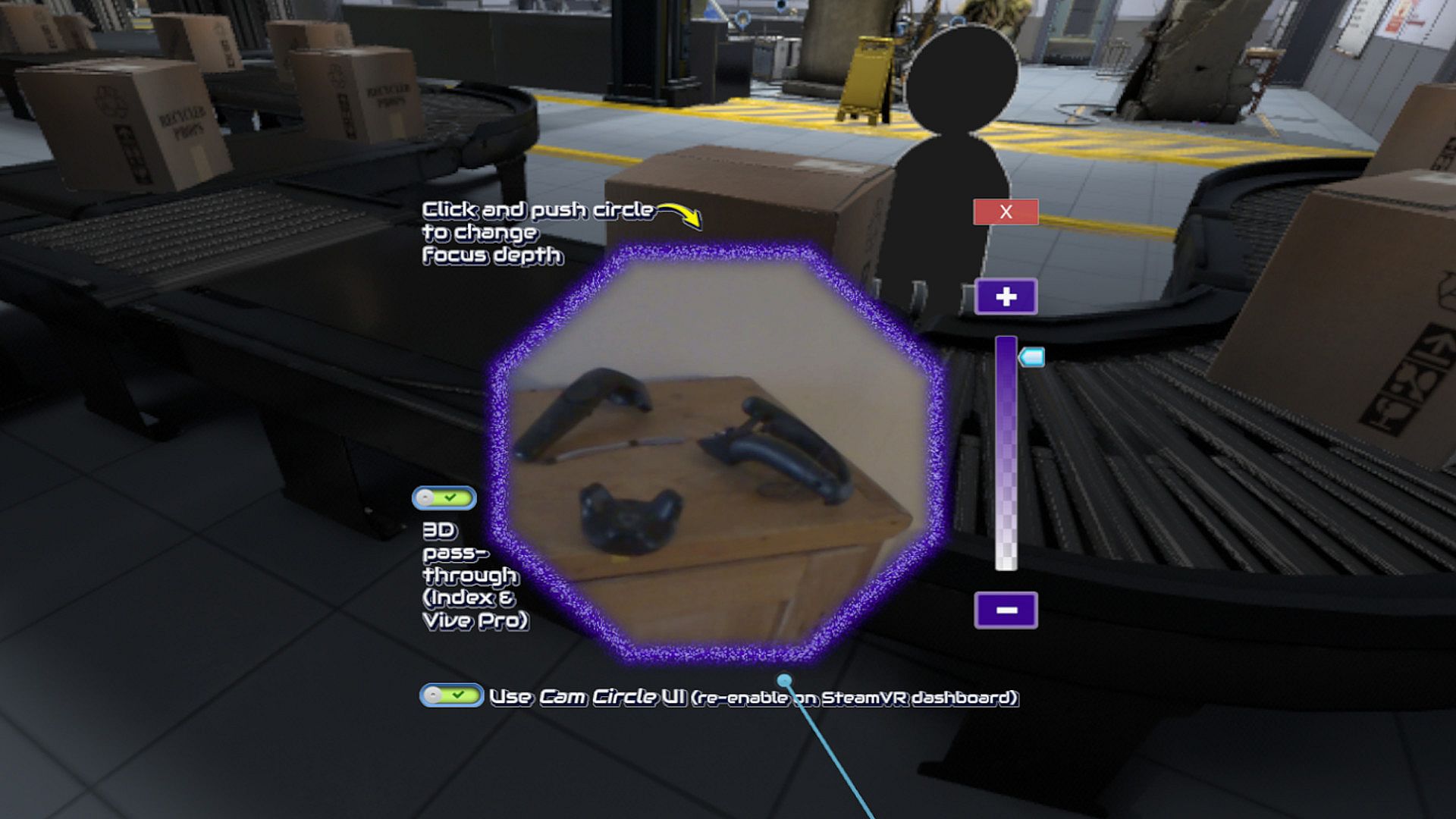
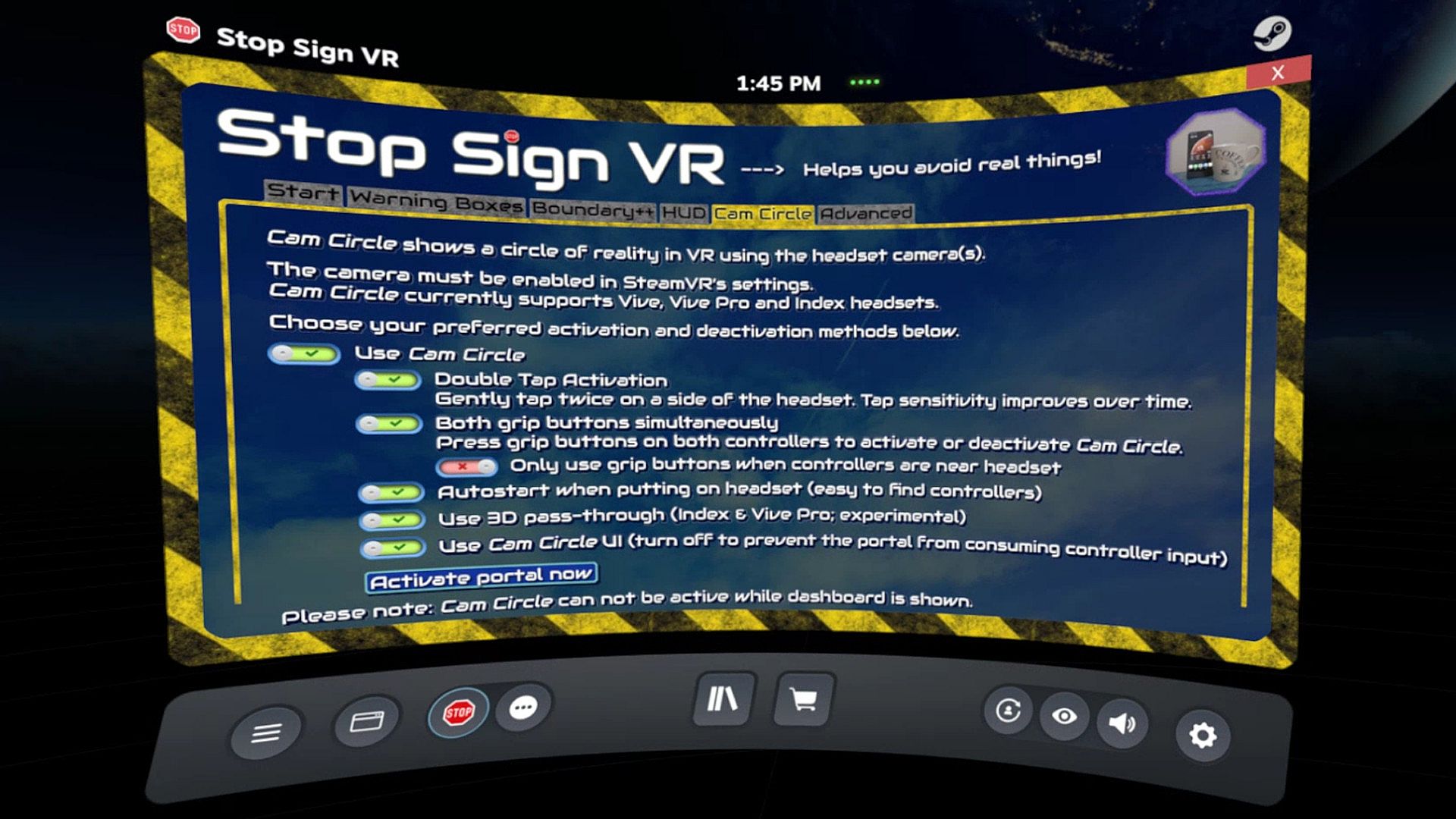
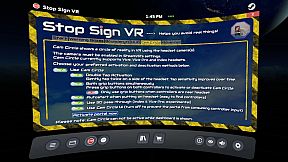
Cam Circle uses the headset cameras to show a live view of the real world in a circle in front of you. It has easy shortcuts and activates almost instantly. You can activate Cam Circle by double tapping the headset, or by pressing both grip buttons at the same time. Cam Circle is very useful for quick looks outside the headset and for picking up the controllers after putting on the headset. You can even set it to automatically activate when you put on the headset.
If you use an Index or Vive Pro, Cam Circle can show the pass-through video in 3D. On a Vive it's monoscopic (2D). Cam Circle is not (yet) available for WMR or Oculus headsets.

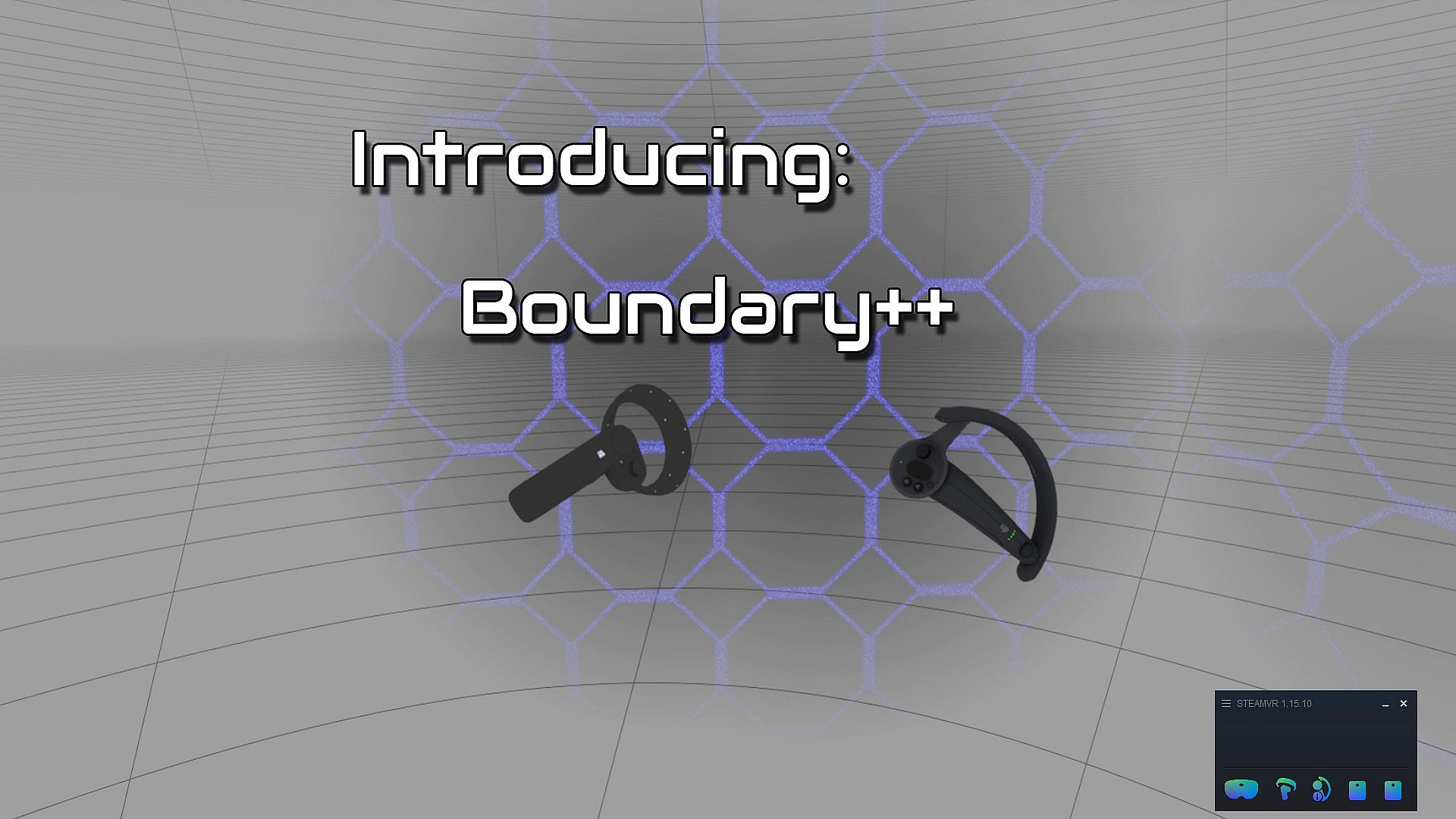
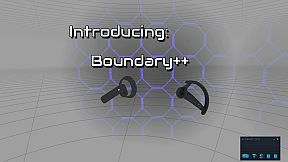
Boundary++ is a new warning grid system that will show up when you approach your walls and ceiling. It works with native SteamVR headsets, Windows Mixed Reality (WMR) headsets, Oculus PC connected headsets and 'Mixed VR' sets (e.g. a WMR headset with Valve Index controllers). It will automatically import the WMR boundaries or Oculus Guardian (when using a Rift-S).
Boundary++ will not light up the whole play area, but it will only show where you are actually near your boundaries. It can be used together with the default SteamVR chaperone, or just by itself.

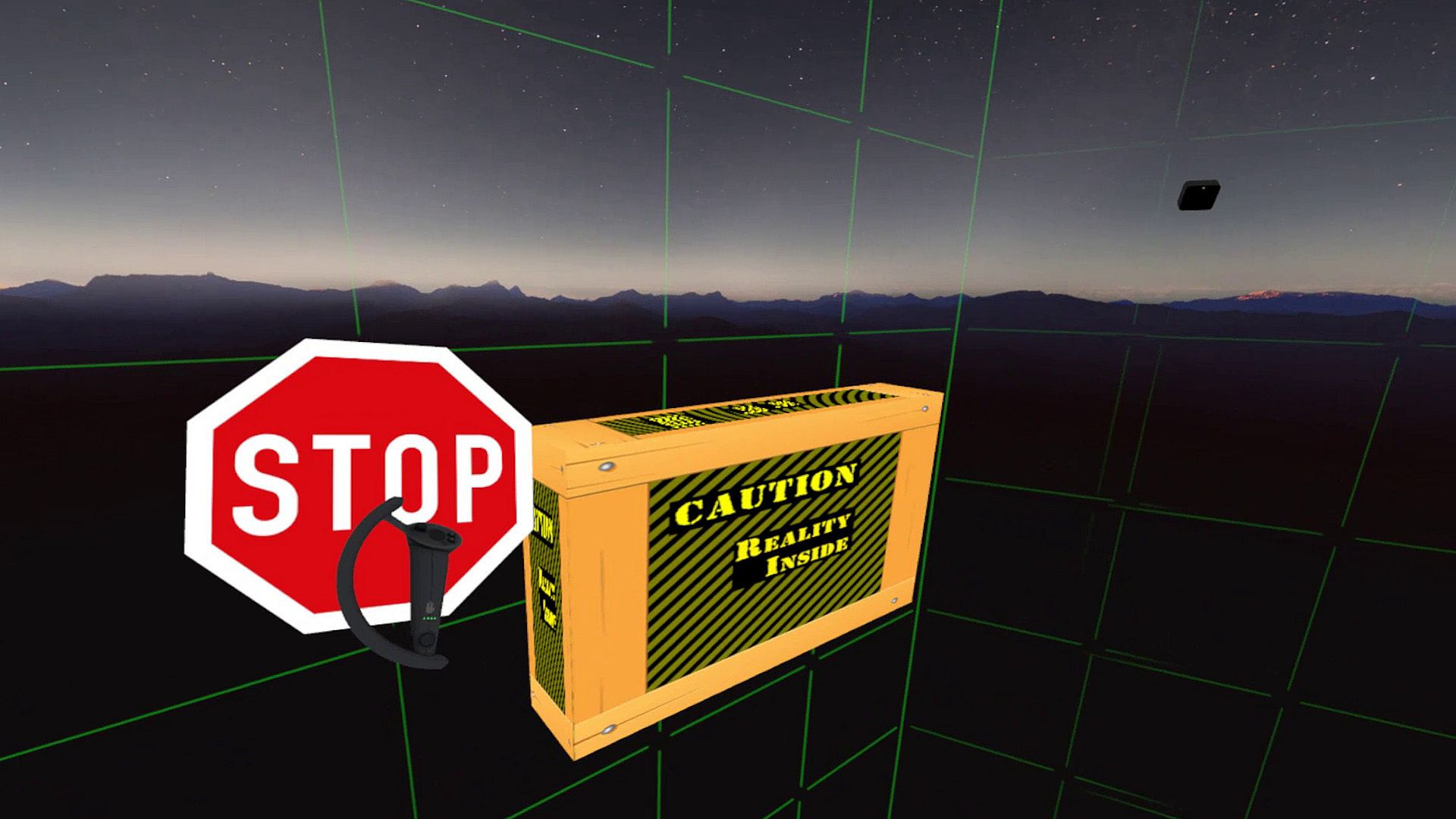
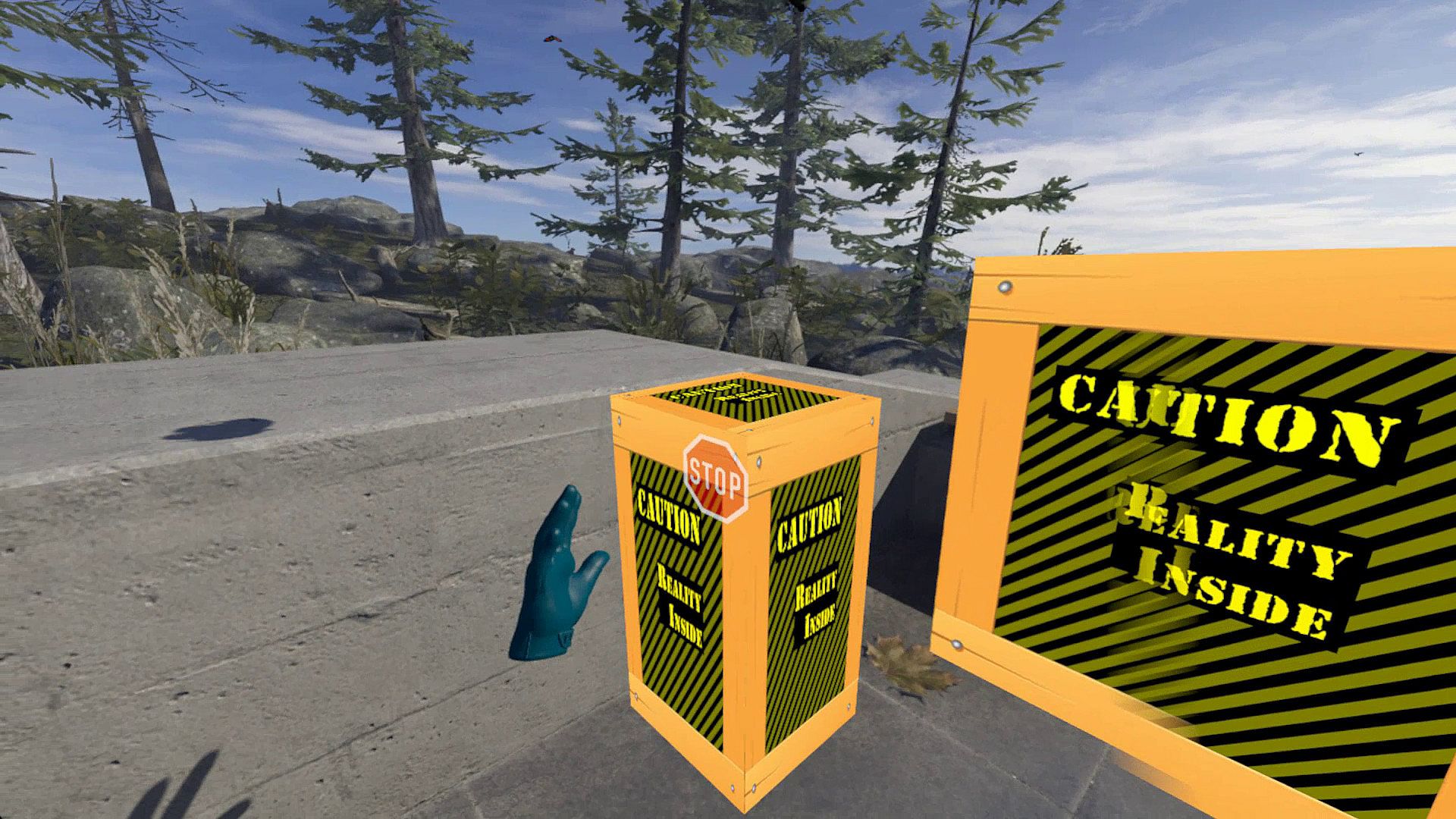
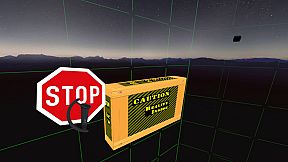
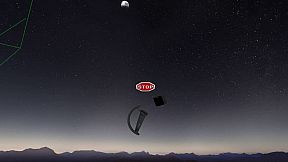
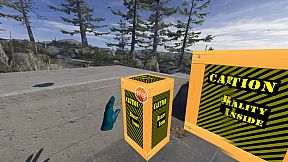
Warning Boxes are virtual boxes that you place around your valuable real equipment, such as TVs, ceiling fans, room lighting and so on. They help you avoid hitting real stuff in and around your VR play area.
While you are playing a game a prediction algorithm warns you of possible impacts using sound, images and haptic feedback.
The boxes will fade out when you move away from them. The fade-out and full-visibility distances can be configured for each box separately.
If you can't find your boxes because they're faded out, press the system button and look around.

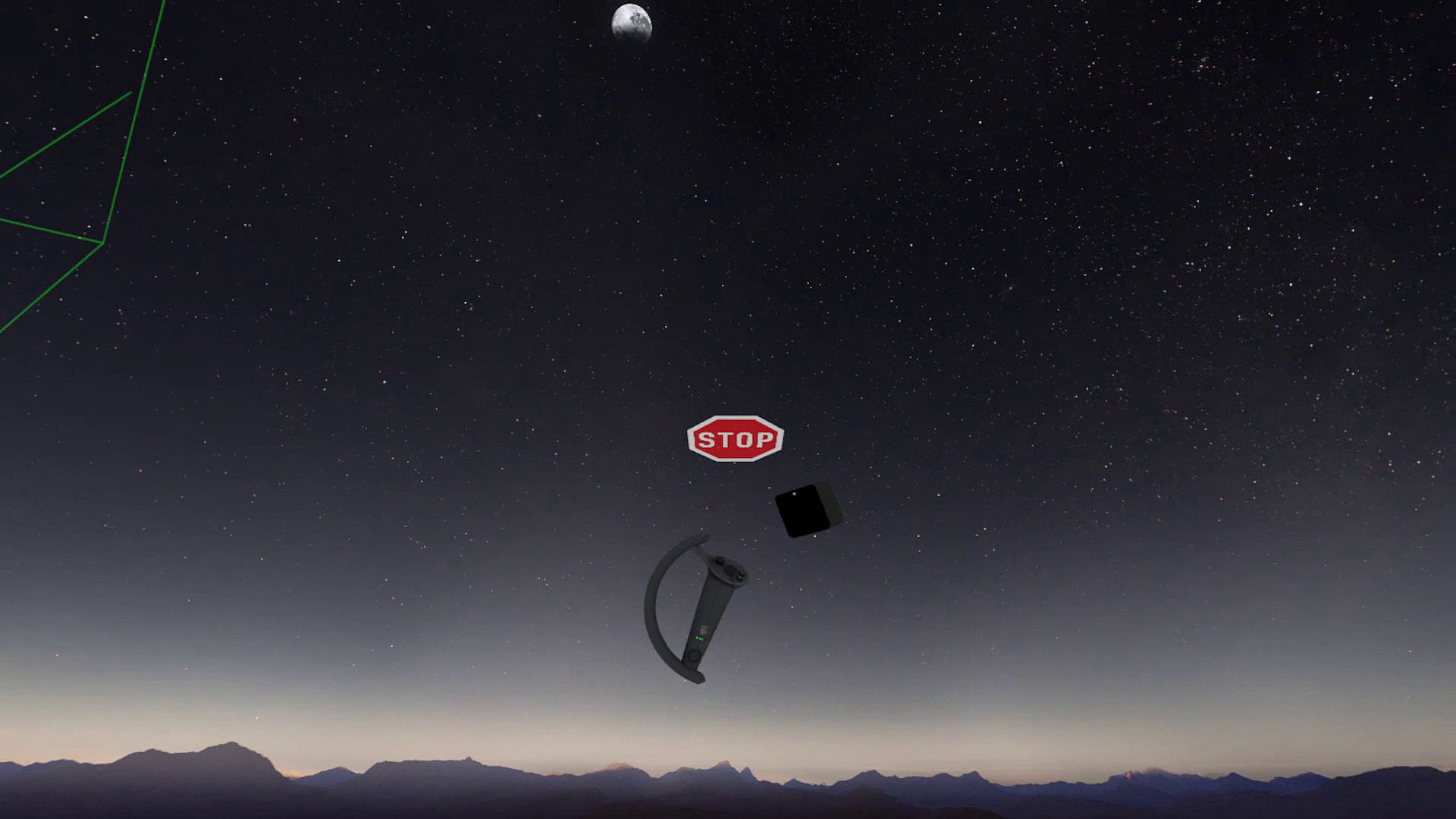
The HUD is a Heads-Up Display that will show up when you are moving backwards into a wall or other boundary object, such as a Warning Box.

Extras and other info:
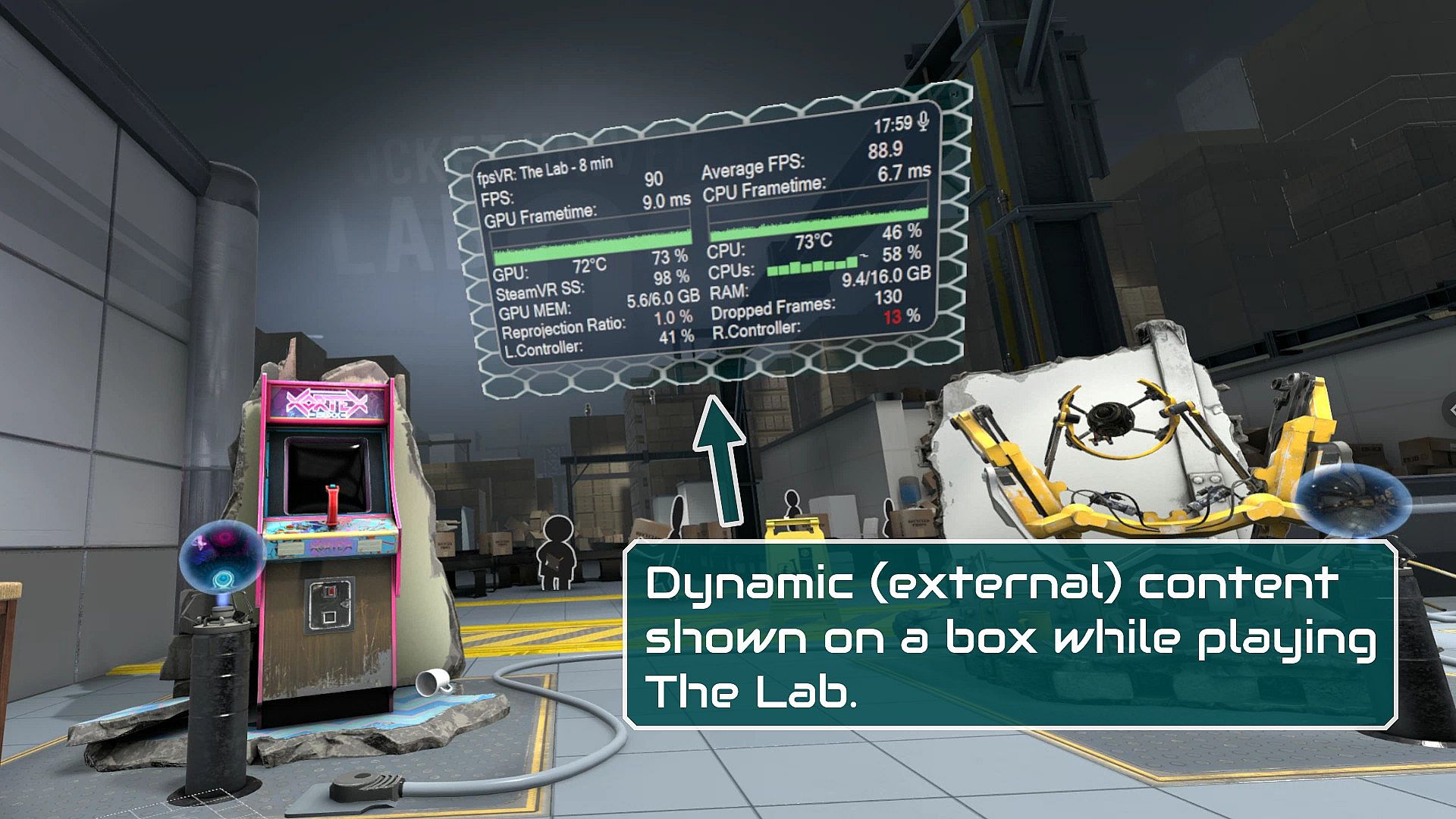
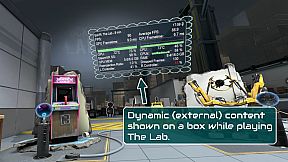
  • A box can be configured to show content by other overlay apps. E.g. a box can show the fpsVR overlay on one of its sides, or it can show the content of a Desktop+ overlay.
  • Do you use a Mixed VR set and experience grey screens with seated games? This app has a fix for that problem. You can find it on the Boundary++ settings page on the SteamVR dashboard.
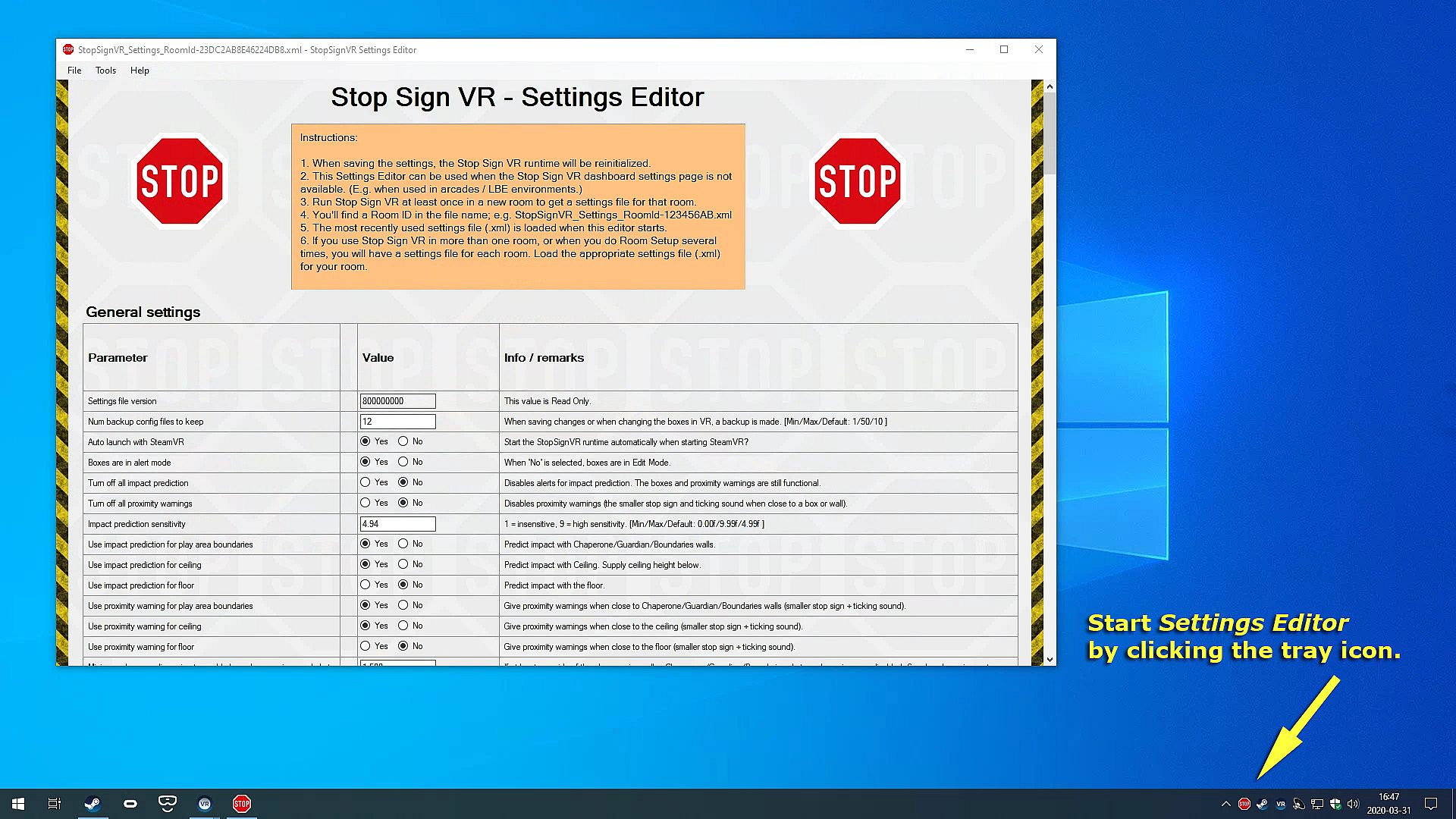
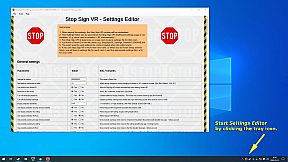
  • All basic settings are accessible on the SteamVR dashboard pages for Stop Sign VR. Next to the basic settings there are many things that can be configured and fine-tuned using the separate Settings Editor program in Windows (not in VR). Also use this Settings Editor to add more virtual boxes, delete or edit them. You can start the Settings Editor from the Windows System Tray, next to the clock in the bottom right corner of your desktop.
  • The Stop Sign VR Tools runtime is 100% coded in C++ and optimized to spend very little CPU/GPU cycles. It does not harm the performance of other VR software.
  • The alert sounds are spatialized by Steam Audio's HRTF-based binaural rendering so you will hear where the closest wall or object is, even if you can't see it.

Interfejs:
English

Klasyfikacja wiekowa

Brak informacji
Steam:
Very Positive (59)

Minimalne:

  • Procesor: Core i5
  • Pami臋膰: 2048 MB RAM
  • Grafika: GTX 960
  • DirectX: Version 11
  • Dysk: 16 MB available space

Zalecane:

  • System operacyjny: Windows 10
  • Procesor: Core i5 or better
  • Pami臋膰: 2048 MB RAM
  • Grafika: GTX 960 or better
  • DirectX: Version 11
  • Dysk: 16 MB available space
Historycznie najni偶sza cena
Historia cen ze sklep贸w oficjalnych
-
-
-
Historia cen z keyshop贸w
-
-
-

FAQ

8 pyta艅

Zanim zaczniesz szuka膰 taniego klucza Stop Sign VR Tools, sprawd藕 najwa偶niejsze informacje. Tw贸rcy: Reality Inside Ltd.. Wydawca: Reality Inside Ltd.. Data premiery na PC: 17 gru 2019. Gatunki: Action, Indie, Sports, Early Access. Kategorie: Family Sharing, Single-player, Tracked Controller Support, VR Only.

Q

Gdzie kupi膰 tani klucz Steam do Stop Sign VR Tools?

Korzystaj膮c z naszej por贸wnywarki cen i zweryfikowanych kod贸w rabatowych, mo偶esz kupi膰 klucz do Stop Sign VR Tools ju偶 od 21,99聽z艂. Ta oferta jest dost臋pna w Steam i nale偶y do najta艅szych na rynku. Wszystkie klucze na XD.deals s膮 dostarczane cyfrowo z mo偶liwo艣ci膮 natychmiastowego pobrania po p艂atno艣ci. Ceny uwzgl臋dniaj膮 ju偶 prowizje i kody promocyjne, wi臋c zawsze widzisz najni偶sz膮 cen臋 Stop Sign VR Tools na PC. Sprawd藕 histori臋 cen Stop Sign VR Tools, aby kupi膰 w najlepszym momencie.

Przy ostatniej aktualizacji (od艣wie偶amy ceny Steam kilka razy dziennie) cena Stop Sign VR Tools na Steam wynosi艂a 21,99聽z艂. Mo偶esz zaoszcz臋dzi膰 dodatkowe ~6% p艂ac膮c zdyskontowan膮 kart膮 podarunkow膮 Steam.

Nasz tracker cen obejmuje oficjalne sklepy i keyshopy, wi臋c znajdziesz Stop Sign VR Tools w promocji nawet poza sezonowymi wyprzeda偶ami. Obecnie wykrywamy 1 aktywna oferta z oficjalnych sklep贸w i keyshop贸w. Sprawd藕 tabel臋 powy偶ej, por贸wnaj z historycznie najni偶sz膮 cen膮 i ustaw alert, aby nie przegapi膰 kolejnego spadku.

Wed艂ug naszych danych Stop Sign VR Tools nie jest obecnie dost臋pne na GeForce NOW. Musisz uruchomi膰 gr臋 lokalnie na swoim PC. Przegl膮daj gry dost臋pne na GeForce NOW.

Tak. Stop Sign VR Tools ma oficjaln膮 stron臋 w sklepie Steam. Mo偶esz te偶 kupi膰 klucz Steam do Stop Sign VR Tools od zewn臋trznych sprzedawc贸w. Nasza por贸wnywarka zawiera obecnie 1 oferta z DRM Steam. Wybierz jedn膮, aby mie膰 pewno艣膰, 偶e pobierzesz Stop Sign VR Tools na platformie Valve.

Tak. Stop Sign VR Tools jest zweryfikowane na Steam Deck (Verified) - gra uruchamia si臋 od razu, wy艣wietla prawid艂owe ikony kontrolera i dzia艂a stabilnie. Stop Sign VR Tools dzia艂a doskonale na Steam Deck.

Stop Sign VR Tools nie jest obecnie dost臋pne w PC Game Pass, EA Play, Ubisoft+ ani 偶adnej innej subskrypcji na PC. Jedyn膮 opcj膮 jest zakup gry - u偶yj XD.deals, aby znale藕膰 najlepsz膮 cen臋.

Nie - XD.deals nie jest sklepem. Jeste艣my por贸wnywark膮 cen, kt贸ra 艣ledzi najlepsze oferty na Stop Sign VR Tools w oficjalnych sklepach i zweryfikowanych keyshopach. Kliknij "Przejd藕 do sklepu" przy wybranej ofercie, a przekierujemy Ci臋 na stron臋 sprzedawcy.

Najlepsze ceny za Stop Sign VR Tools

1 Steam Steam Official
21,99聽z艂

Chcesz kupi膰 w najlepszym momencie? Ustaw alert cenowy na XD.deals i otrzymaj powiadomienie, gdy Stop Sign VR Tools osi膮gnie historycznie najni偶sz膮 cen臋.

Utw贸rz alert
Do艂膮cz do Discorda
Uzyskaj szybk膮 pomoc od spo艂eczno艣ci i b膮d藕 na bie偶膮co z promocjami
Ustaw alerty cenowe
Otrzymuj powiadomienia e-mail, gdy cena gry spadnie do Twojego poziomu
Za艂贸偶 darmowe konto
Odblokuj wishlisty, alerty cenowe i synchronizacj臋 ze Steam