



in progress...

Buy Stop Sign VR Tools PC

Where can you buy cheapest Stop Sign VR Tools PC Steam key? Check and compare prices from 1 stores to locate the best and the cheapest option for you among 1 offers featured on XD.deals. Now the lowest Stop Sign VR Tools PC price on keyshops can be obtained on A$8.50 (0% off).

Steam:
Very Positive (59)
Keyshops
Unavailable
Buy in Official Store:
A$8.50
Buy in Keyshops:
See price history

Official Stores (1)

DRM:
Steam
Steam
Steam
Stop Sign VR Tools
Windows
+1
2w ago
DRM:
Steam
Steam
A$8.50

About Stop Sign VR Tools

Stop Sign VR Tools - about the game

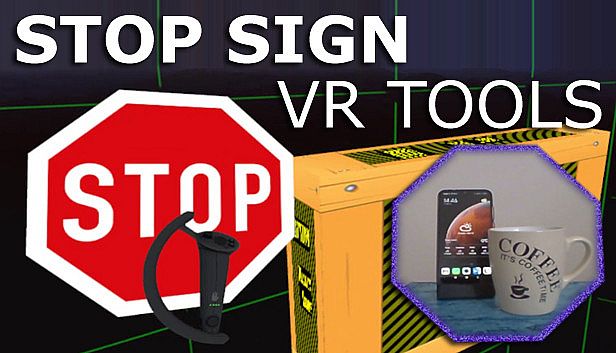
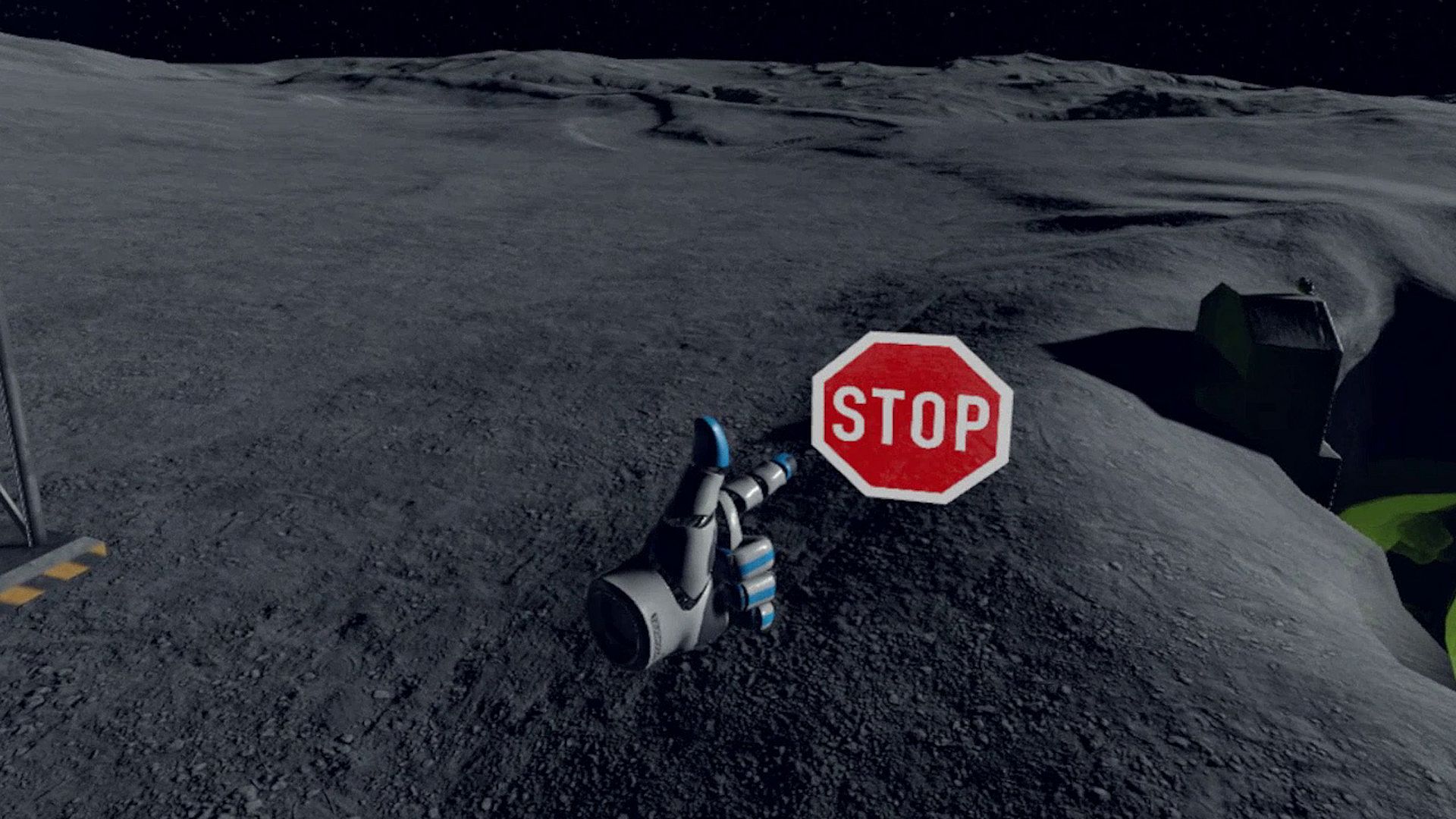
Stop Sign VR Tools runs alongside your SteamVR games, delivering essential safety features through independent modules. Cam Circle pulls live headset camera feeds into a quick-view circle, triggered by double-tapping the headset or gripping both controllers-ideal for spotting real-world items without removing your gear. It auto-activates on headset donning and supports 3D pass-through for Index or Vive Pro users. Boundary++ flashes targeted grids near walls and ceilings, pulling in WMR or Oculus boundaries automatically, while Warning Boxes shield gear like TVs with predictive audio, visual, and haptic alerts. A HUD pops up during backward collisions, and extras fix grey screens in Mixed VR seated play. Indie VR players fine-tune everything via dashboard or desktop editor for seamless, low-impact protection.

Stop Sign VR Tools has grown into a set of tools that run while you play a SteamVR game. Each tool can be enabled and configured separately. Currently, there are four main tools and a few extras:

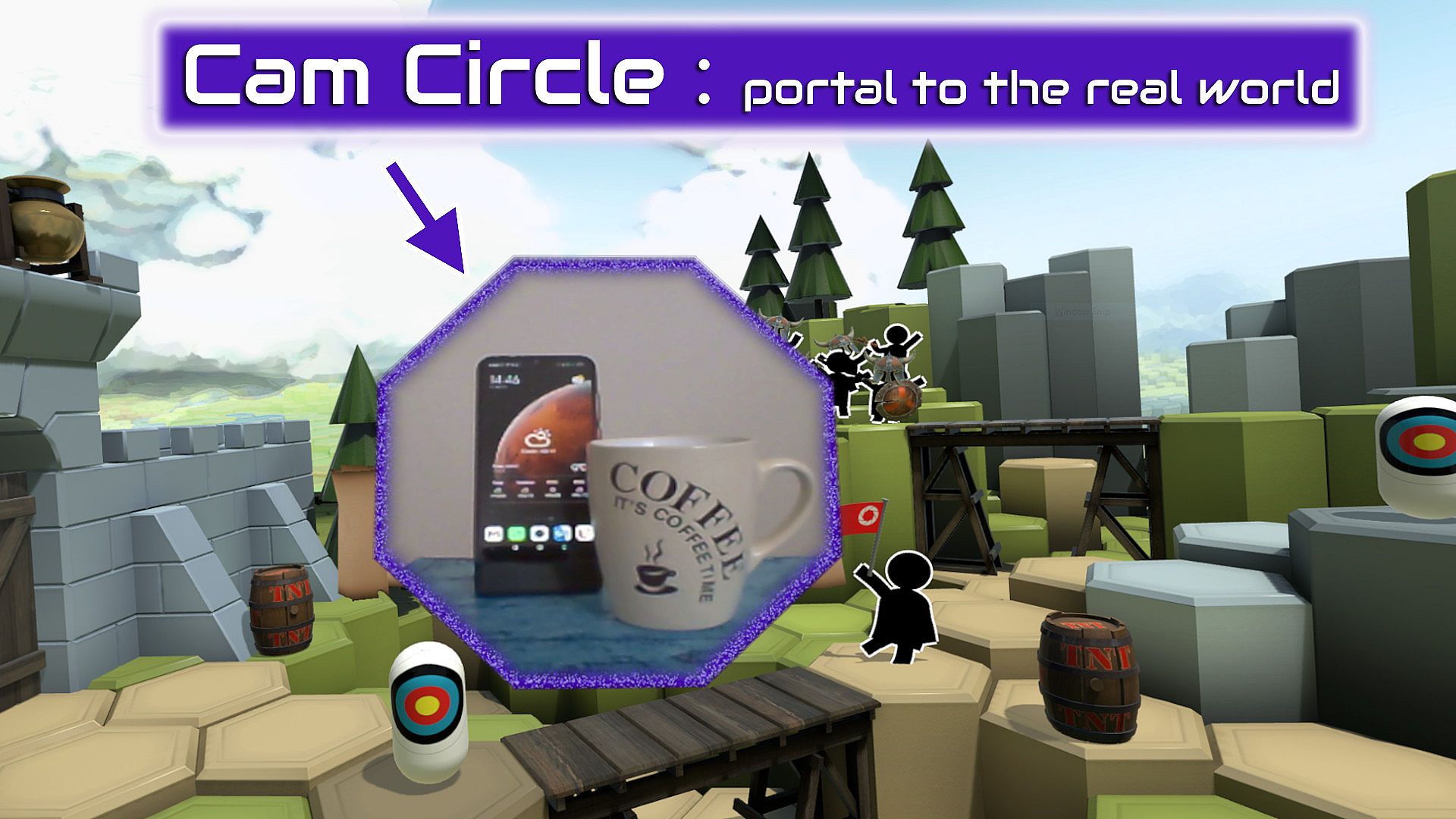
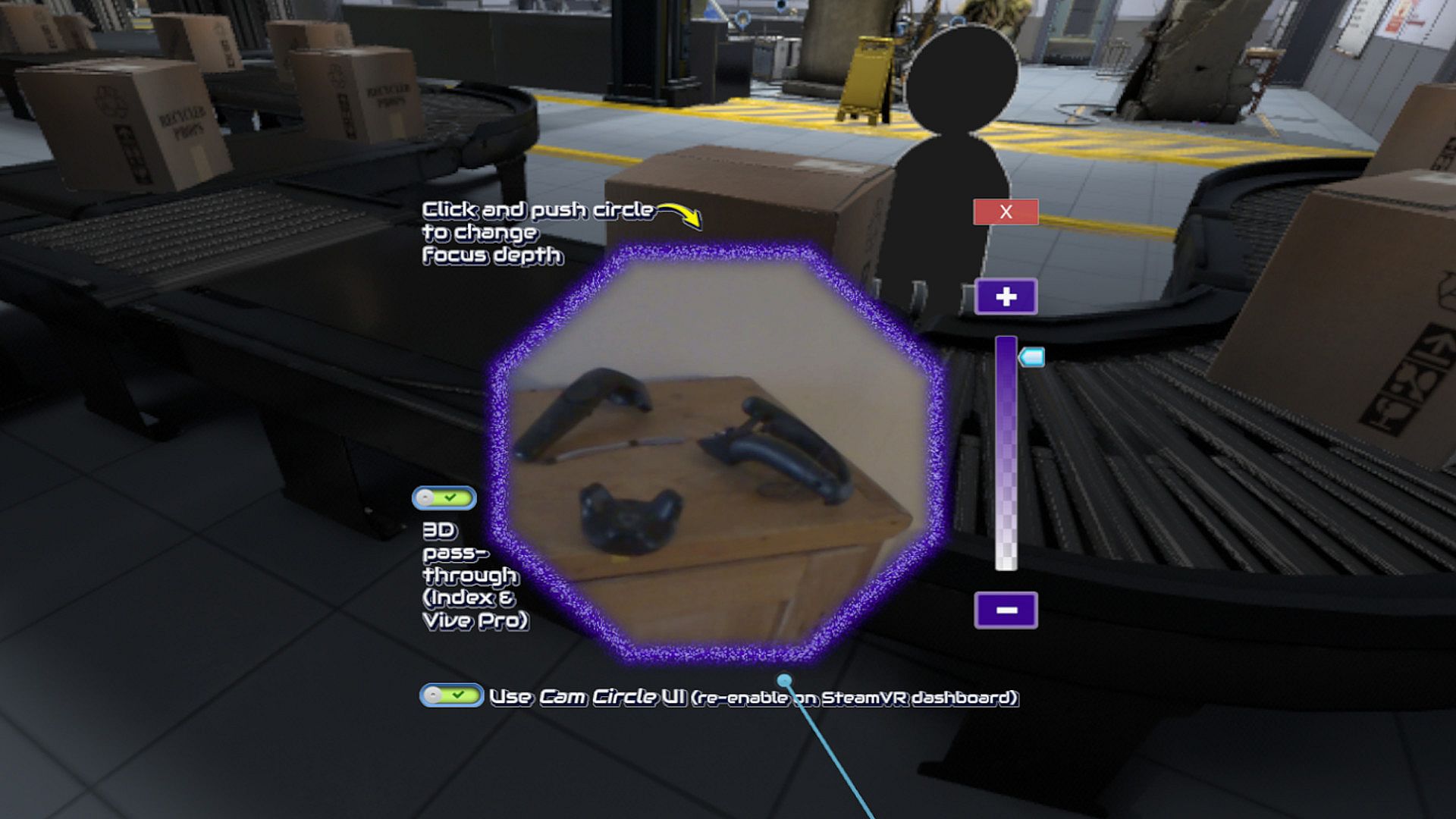
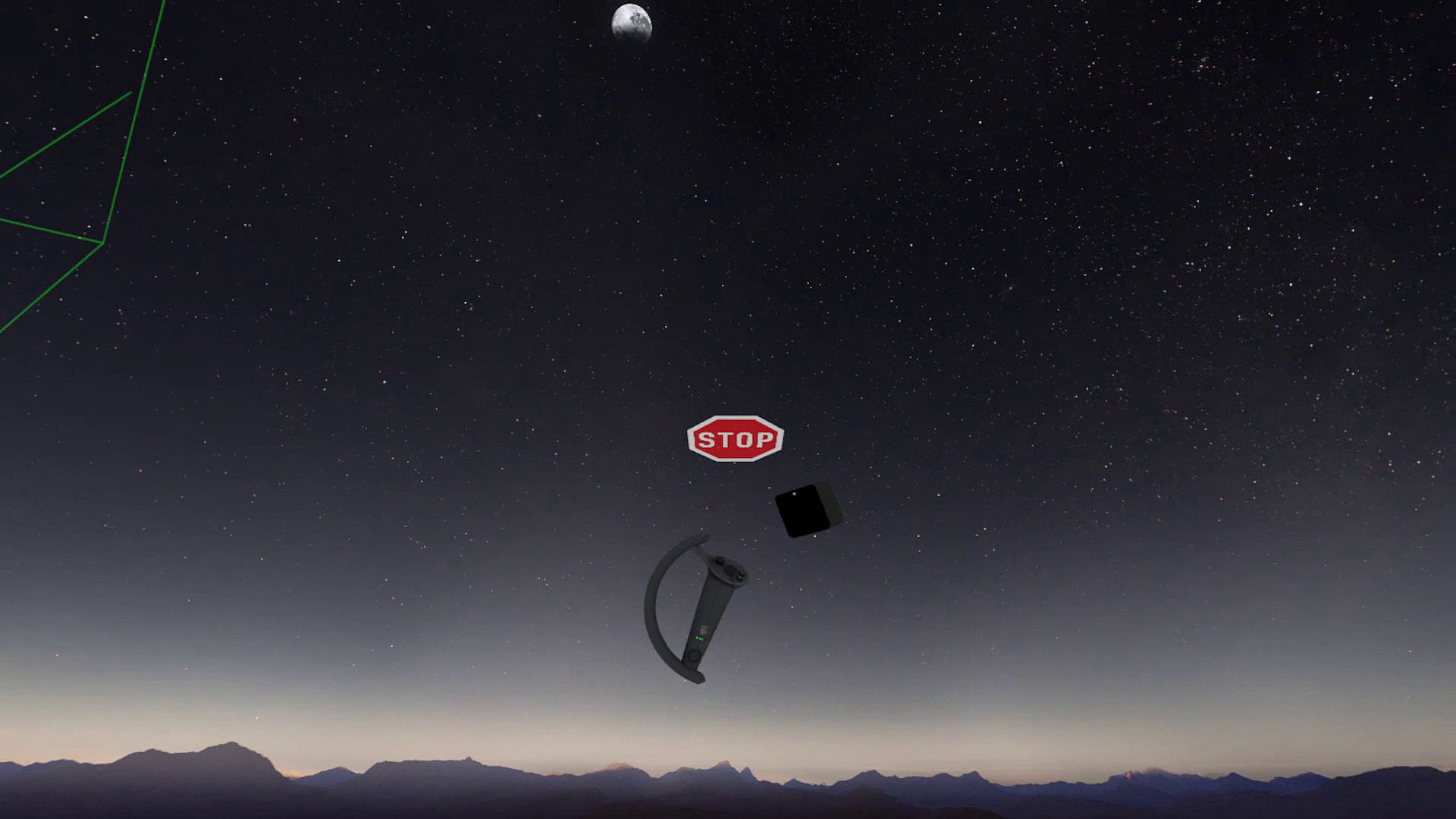
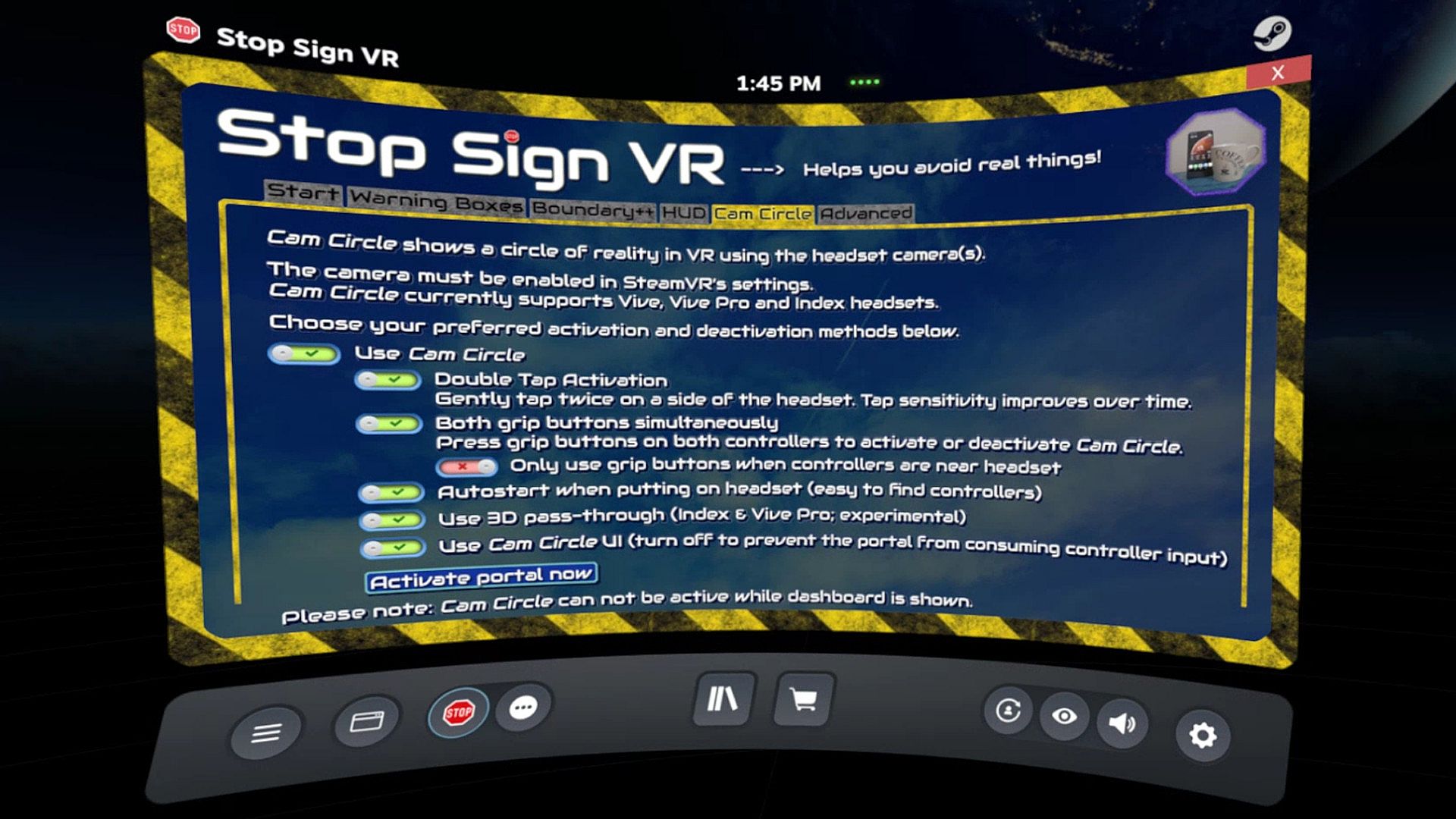
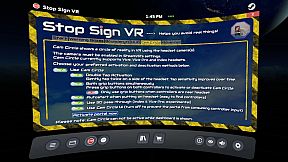
Cam Circle uses the headset cameras to show a live view of the real world in a circle in front of you. It has easy shortcuts and activates almost instantly. You can activate Cam Circle by double tapping the headset, or by pressing both grip buttons at the same time. Cam Circle is very useful for quick looks outside the headset and for picking up the controllers after putting on the headset. You can even set it to automatically activate when you put on the headset.
If you use an Index or Vive Pro, Cam Circle can show the pass-through video in 3D. On a Vive it's monoscopic (2D). Cam Circle is not (yet) available for WMR or Oculus headsets.

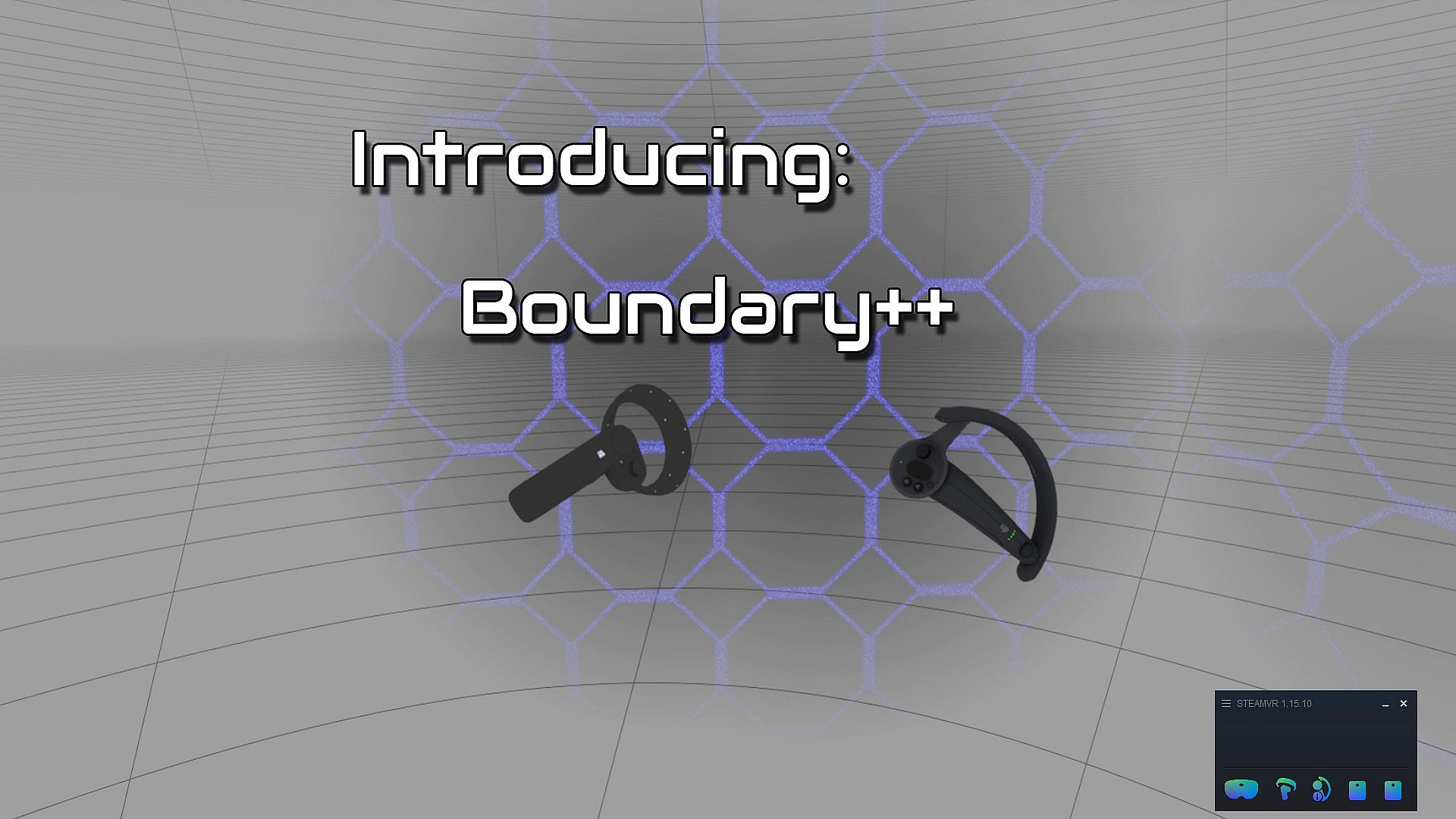
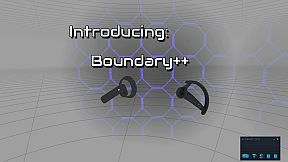
Boundary++ is a new warning grid system that will show up when you approach your walls and ceiling. It works with native SteamVR headsets, Windows Mixed Reality (WMR) headsets, Oculus PC connected headsets and 'Mixed VR' sets (e.g. a WMR headset with Valve Index controllers). It will automatically import the WMR boundaries or Oculus Guardian (when using a Rift-S).
Boundary++ will not light up the whole play area, but it will only show where you are actually near your boundaries. It can be used together with the default SteamVR chaperone, or just by itself.

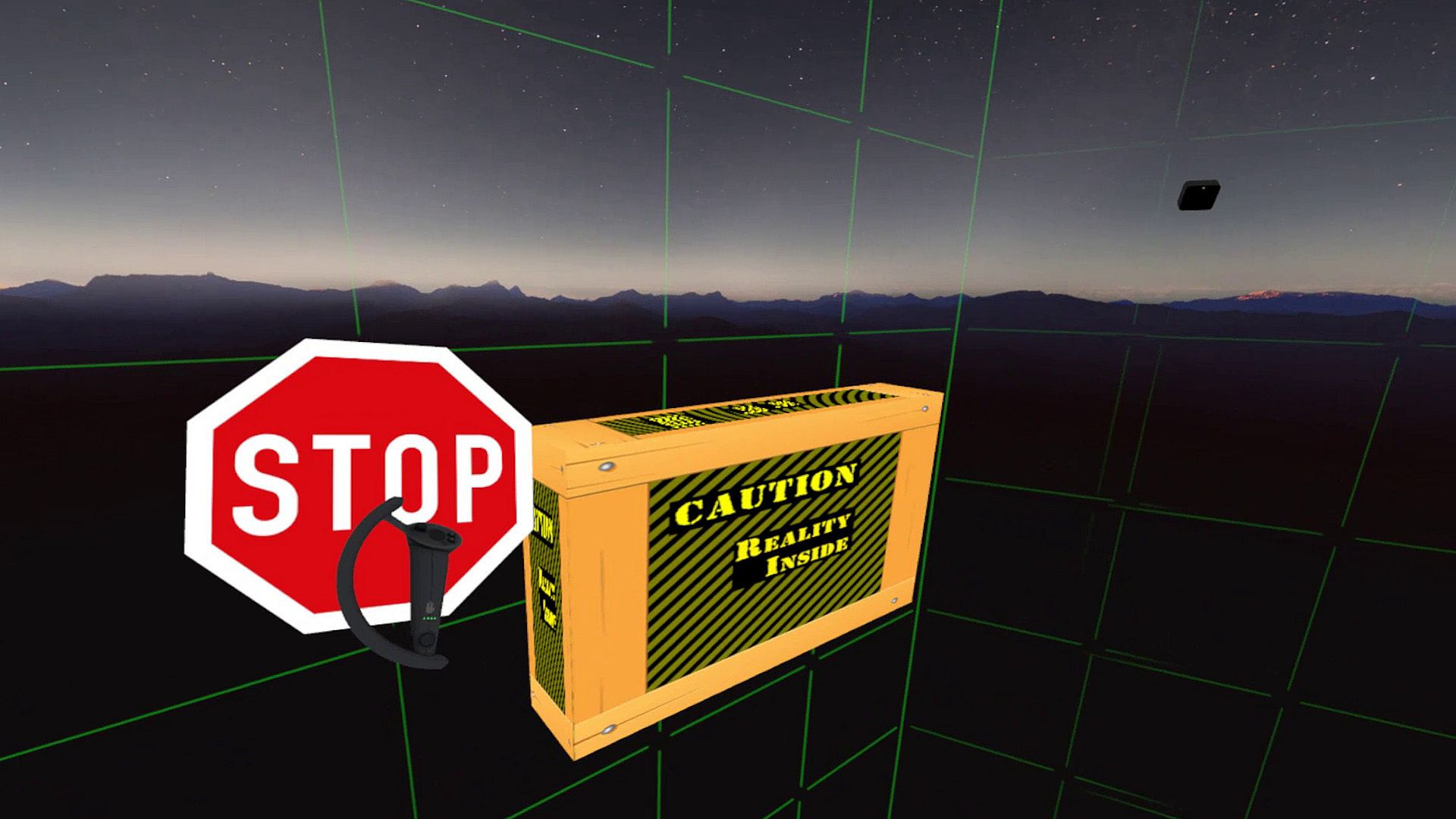
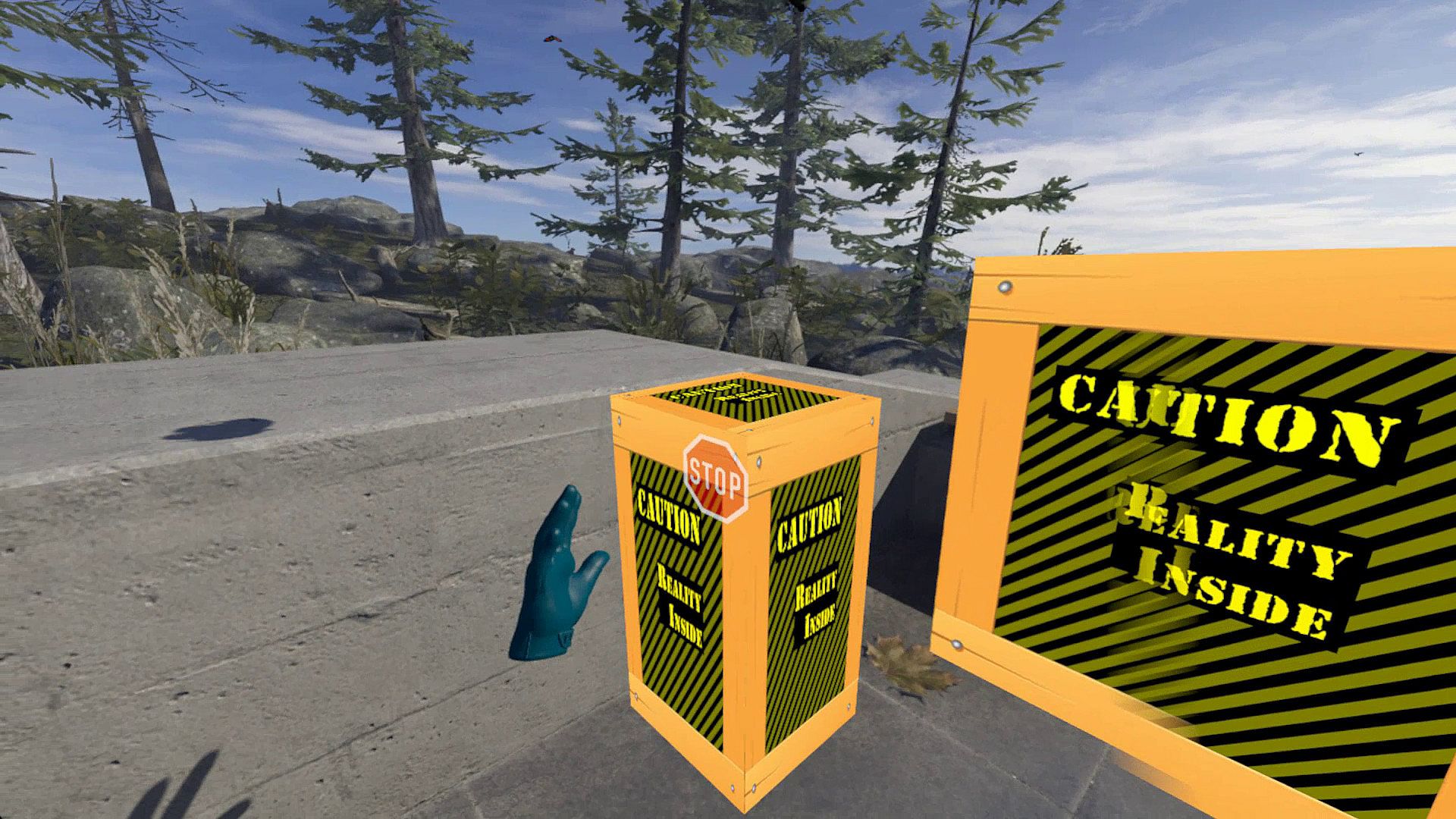
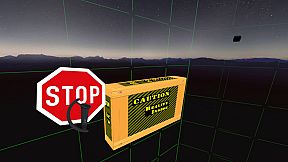
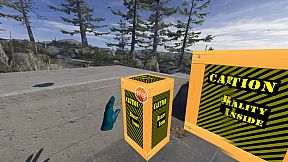
Warning Boxes are virtual boxes that you place around your valuable real equipment, such as TVs, ceiling fans, room lighting and so on. They help you avoid hitting real stuff in and around your VR play area.
While you are playing a game a prediction algorithm warns you of possible impacts using sound, images and haptic feedback.
The boxes will fade out when you move away from them. The fade-out and full-visibility distances can be configured for each box separately.
If you can't find your boxes because they're faded out, press the system button and look around.

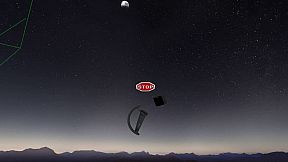
The HUD is a Heads-Up Display that will show up when you are moving backwards into a wall or other boundary object, such as a Warning Box.

Extras and other info:
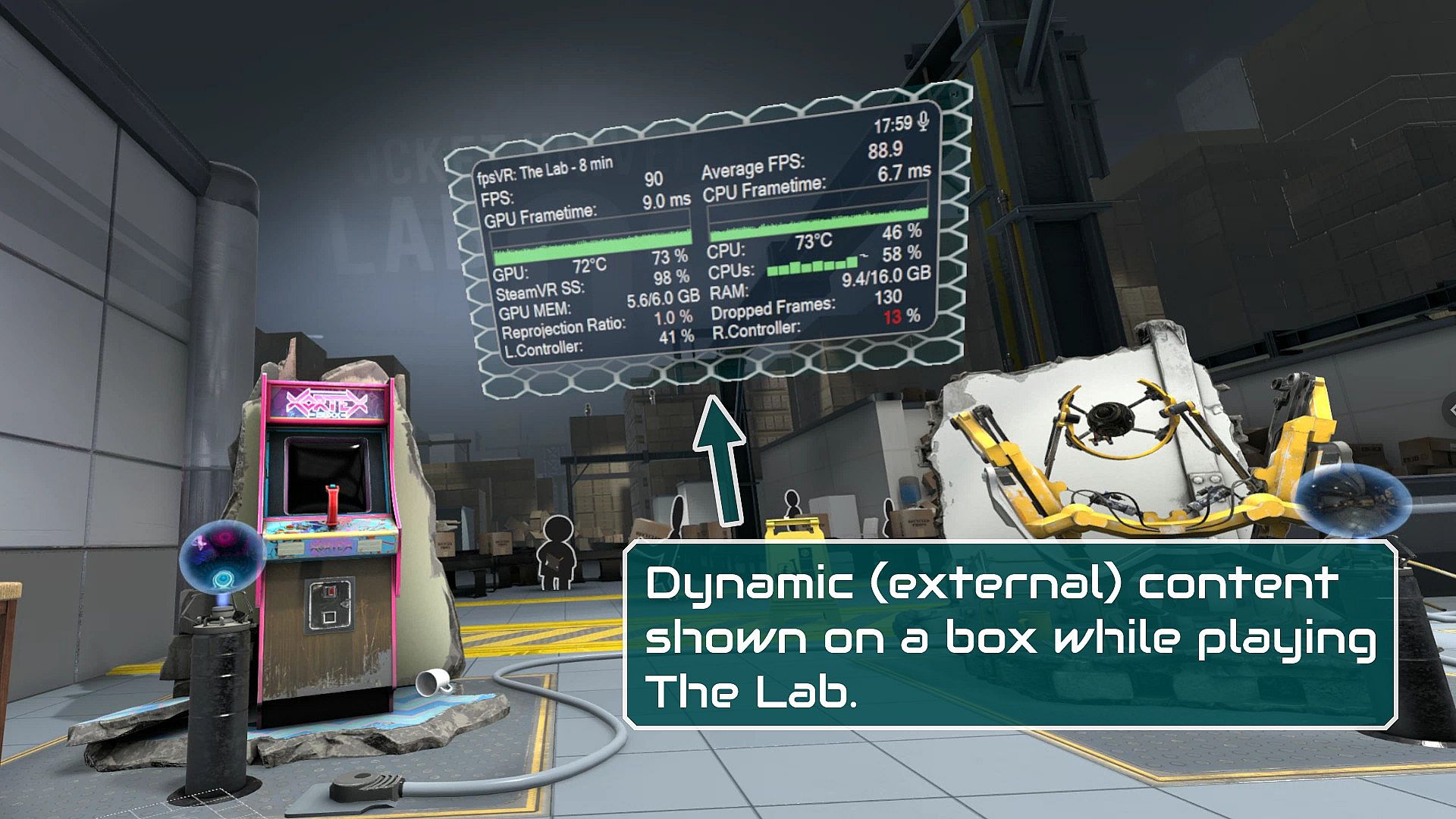
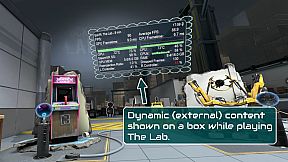
  • A box can be configured to show content by other overlay apps. E.g. a box can show the fpsVR overlay on one of its sides, or it can show the content of a Desktop+ overlay.
  • Do you use a Mixed VR set and experience grey screens with seated games? This app has a fix for that problem. You can find it on the Boundary++ settings page on the SteamVR dashboard.
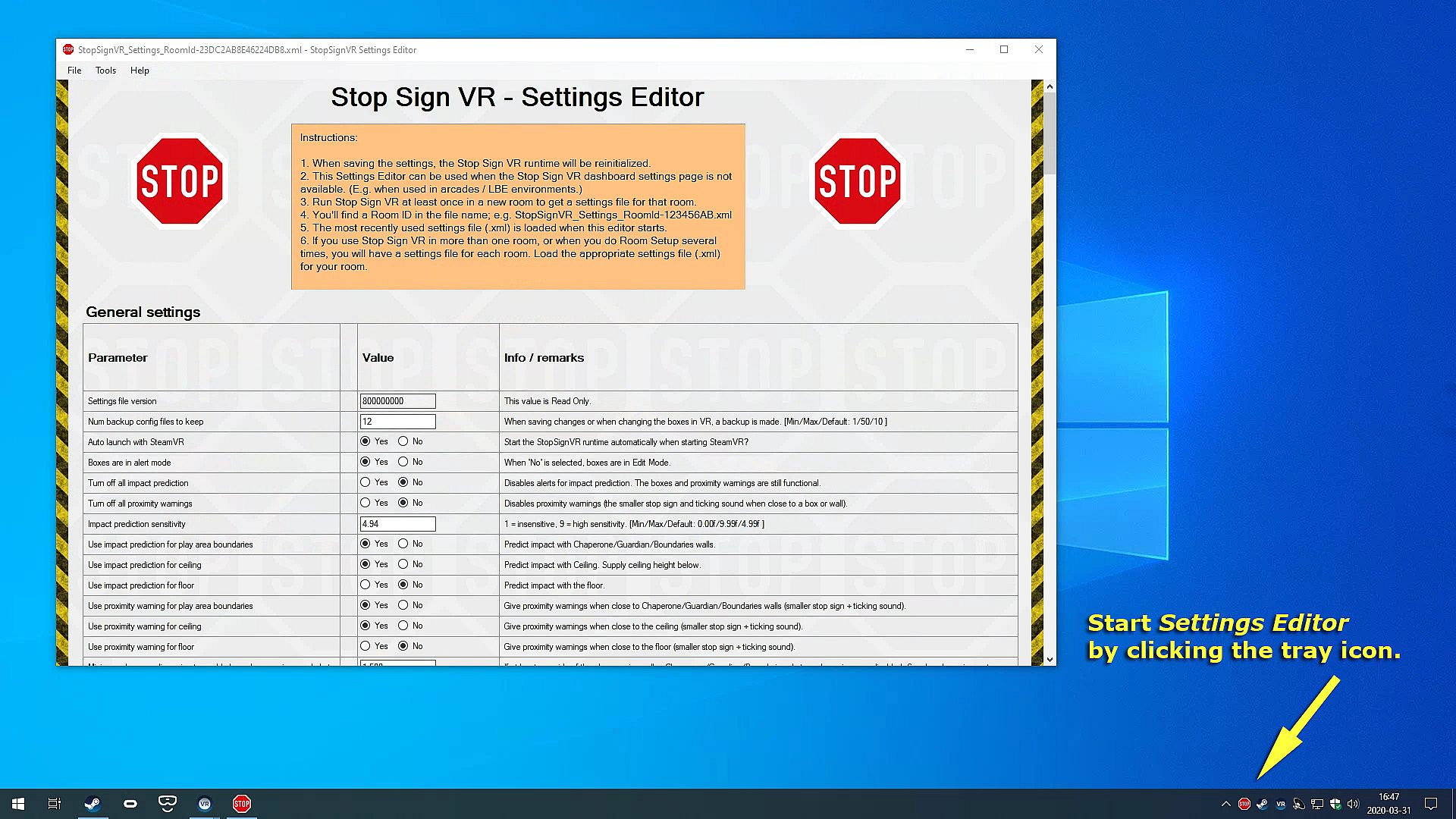
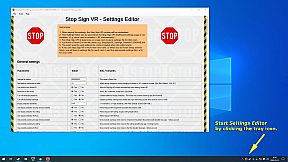
  • All basic settings are accessible on the SteamVR dashboard pages for Stop Sign VR. Next to the basic settings there are many things that can be configured and fine-tuned using the separate Settings Editor program in Windows (not in VR). Also use this Settings Editor to add more virtual boxes, delete or edit them. You can start the Settings Editor from the Windows System Tray, next to the clock in the bottom right corner of your desktop.
  • The Stop Sign VR Tools runtime is 100% coded in C++ and optimized to spend very little CPU/GPU cycles. It does not harm the performance of other VR software.
  • The alert sounds are spatialized by Steam Audio's HRTF-based binaural rendering so you will hear where the closest wall or object is, even if you can't see it.

Interface:
English

Age rating

Unavailable
Steam:
Very Positive (59)

System requirements

Minimum:

  • OS: Windows 10
  • Processor: Core i5 or better
  • Memory: 2048 MB RAM
  • Graphics: GTX 960 or better
  • DirectX: Version 11
  • Storage: 16 MB available space

Recommended:

  • OS: Windows 10
  • Processor: Core i5 or better
  • Memory: 2048 MB RAM
  • Graphics: GTX 960 or better
  • DirectX: Version 11
  • Storage: 16 MB available space
Historical low
Price history from official stores
-
-
-
Price history from keyshops
-
-
-
Join our Discord
Get instant help from our community and stay updated on the latest deals
Set Price Alerts
Get notified by email when game prices drop to your target
Create Free Account
Unlock wishlists, price alerts, and Steam sync

FAQ

8 questions

Before you start looking for a cheap Stop Sign VR Tools CD Key, take a moment to check the essentials. Developed by Reality Inside Ltd.. Published by Reality Inside Ltd.. PC released date: 17 Dec 2019. Genres: Action, Indie, Sports, Early Access. Categories: Family Sharing, Single-player, Tracked Controller Support, VR Only. Stop Sign VR Tools reviews: Steam reviews: 86% of the 59 user reviews for this game are positive.

Q Can I play Stop Sign VR Tools on Steam Deck?

Yes. Stop Sign VR Tools Steam Deck compatibility is Verified. That means the game boots out-of-the-box, shows correct controller glyphs and delivers stable performance - Stop Sign VR Tools runs perfectly on Steam Deck.

Yes. A Stop Sign VR Tools Steam version exists. Pick any offer tagged Steam Key on XD.deals, redeem it in the desktop client, and play Stop Sign VR Tools on Steam PC.

Yes. Once your Steam key is redeemed, you can launch Stop Sign VR Tools in Offline Mode via Steam. Your save files will sync the next time you go online.

Yes, you can buy a Stop Sign VR Tools Steam Key directly on the Steam Store. At XD.deals, we aggregate all available Steam DRM offers so you can compare cheap Stop Sign VR Tools steam deals in one place.

You'll find every live sale & discount for Stop Sign VR Tools right here on XD.deals. Our price tracker currently lists 1 official-store offers and 0 keyshop deals. Check the table above for the lowest price, compare against the game's historical low, and set a price alert so you never miss the next drop.

With XD.deals, PC gamers can instantly see where to buy a cheap Stop Sign VR Tools PC Steam key. Our real-time price-comparison engine and curated coupon database track every official store and trusted keyshop so you dont have to. Right now we detect this game in {1} live offers from stores and keyshops.

Yes. An official Stop Sign VR Tools Steam store page is live, so you can buy Stop Sign VR Tools on Steam or buy any Stop Sign VR Tools PC Steam Key on XD.deals and redeem it instantly.

No - XD.deals itself isn't a store. We're a price-comparison service that tracks the best offers for Stop Sign VR Tools across official stores and verified keyshops. Click "Shop Now" next to the deal you want, and you'll be redirected to the retailer's website to complete your purchase and receive the key there.

Best prices for Stop Sign VR Tools

1 Steam Steam Official
A$8.50

Ready to ride? Set a price alert on XD Deals and grab a discounted Stop Sign VR Tools Steam key the moment it reaches its next historical low.

Create Alert