

liteCam Game: 100 FPS Game Capture PC

Interesuje Cię liteCam Game: 100 FPS Game Capture? Śledzimy ceny w zaufanych sklepach. Dodaj liteCam Game: 100 FPS Game Capture do wishlisty, a powiadomimy Cię, gdy pojawią się pierwsze oferty.

Premiera: 24 lut 2014
Wydawca: Rsupport Inc.
Developer: Rsupport Inc.
Steam:
Mixed (469)
Official
Brak dostępności
Keyshops
Brak dostępności
Kup w oficjalnym sklepie:
Brak dostępności
Kup w keyshopach:
Brak dostępności

Brak ofert, ale spokojnie - damy znać, gdy pojawi się nowa.

Create Alert Create deal Alert

O liteCam Game: 100 FPS Game Capture

liteCam Game: 100 FPS Game Capture - o grze

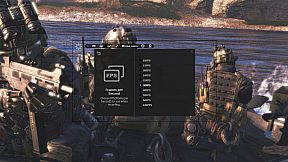
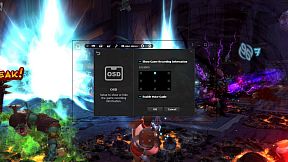
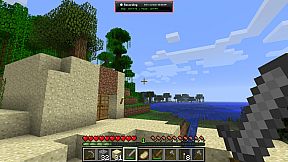
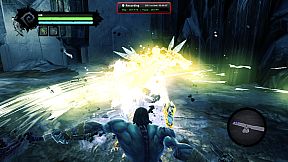
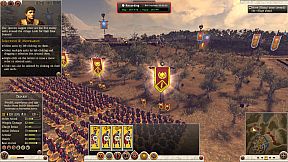
Capture smooth gameplay footage up to 100 FPS with minimal performance impact on your PC. This video production utility records DirectX 7-11 and OpenGL games like League of Legends, World of Warcraft, and GTA without lag. Add webcam overlay for live commentary via picture-in-picture, trim clips easily, and convert AVI files to MP4 or WMV right in the app. Schedule recordings with timers, trigger them via hotkeys, or upload directly to YouTube. Save screenshots in PNG, BMP, or JPG formats. Steam users and gamers seeking high-quality screen capture tools with built-in editing will find it ideal for quick, efficient video production.

Discover the ultimate game recorder - liteCam Game: 100FPS Game Capture!

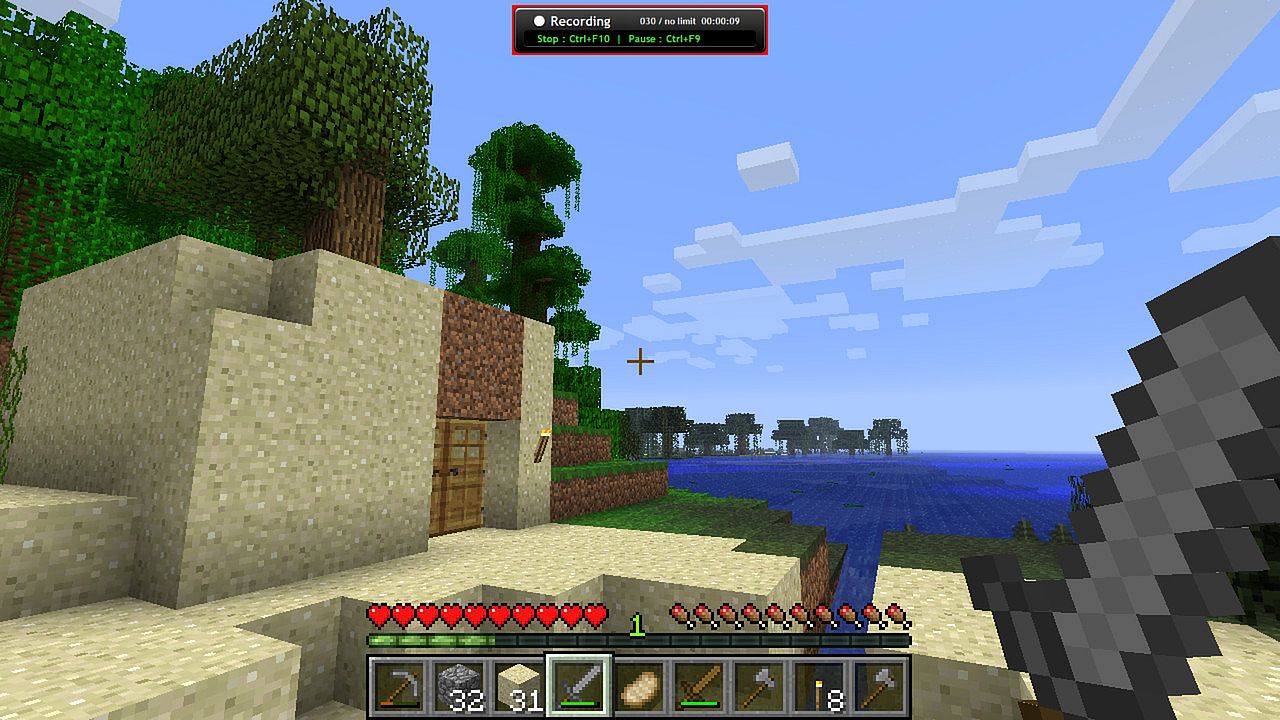
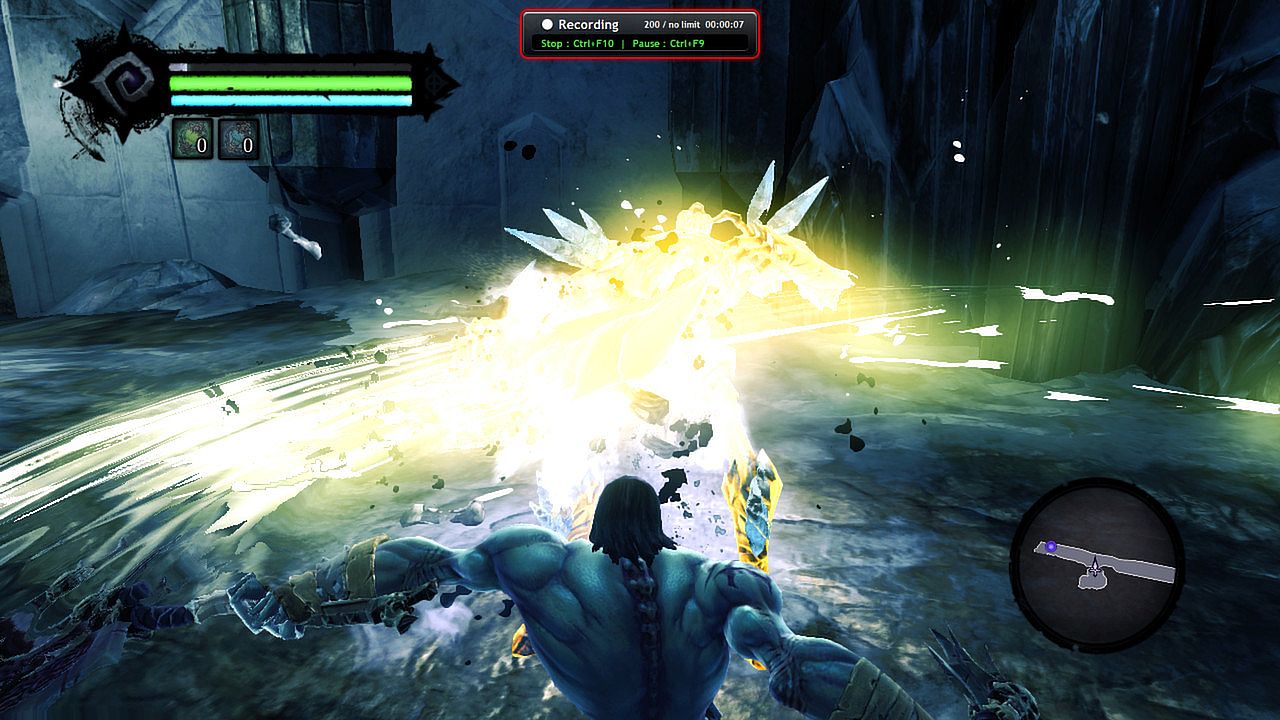
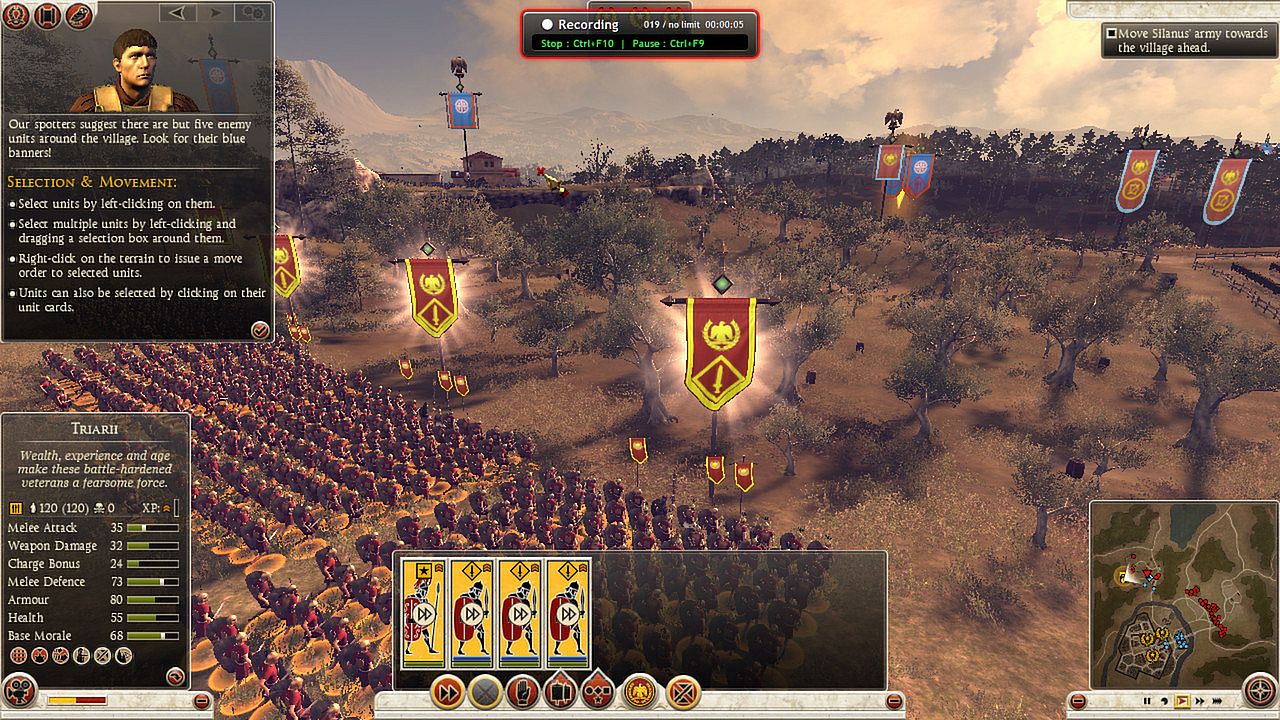
‘liteCam Game: 100FPS Game Capture’ is a next-gen game recording software for Steam users. ‘liteCam Game: 100FPS Game Capture’ has a minimal impact on actual game performance while recording and can record up to 100 FPS. You can record most DirectX 7, 8, 9, 10, 11 and OpenGL games such as League of Legends, World of Warcraft, Minecraft, Need for Speed, GTA , Grid 2 and many more pc games with no lag.

liteCam Game Official Website:
Why 'liteCam Game: 100FPS Game Capture' is the best game recording software?
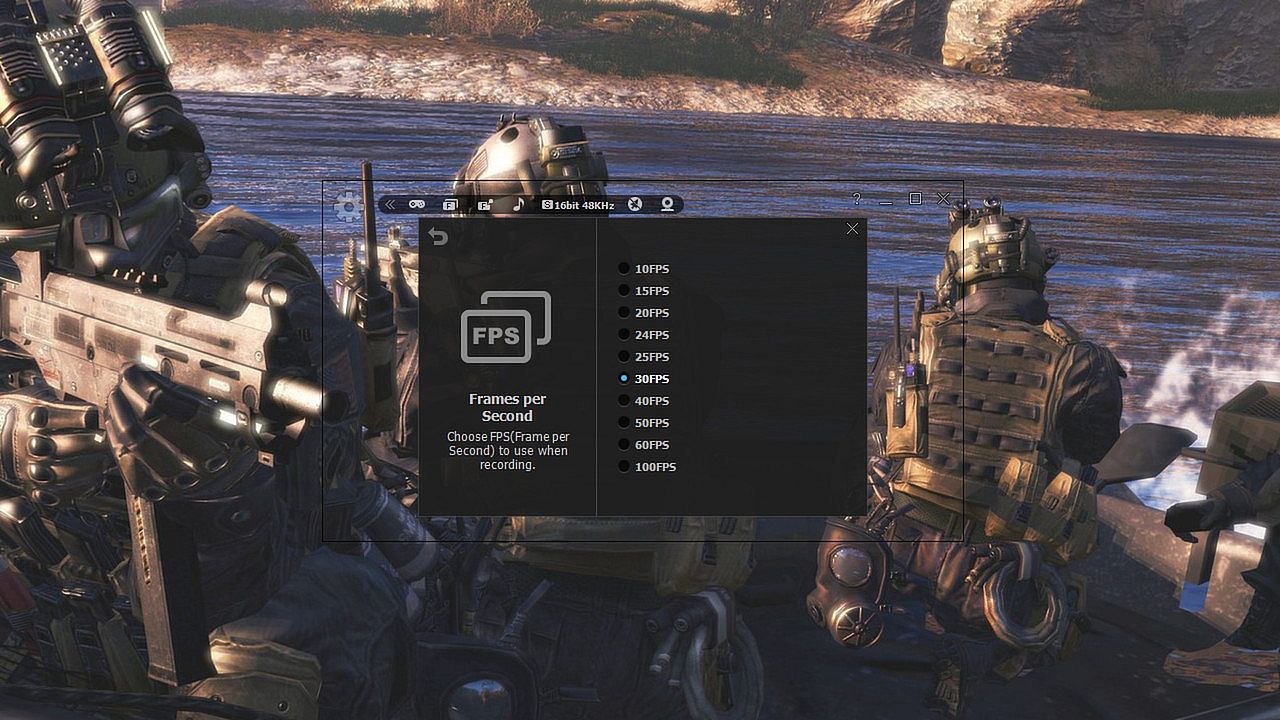
First, ‘liteCam Game: 100FPS Game Capture’ ensures that your recorded game video has a stunning HD vibrantly colored. By default, it captures your game footage at 100FPS for the smoothest videos.


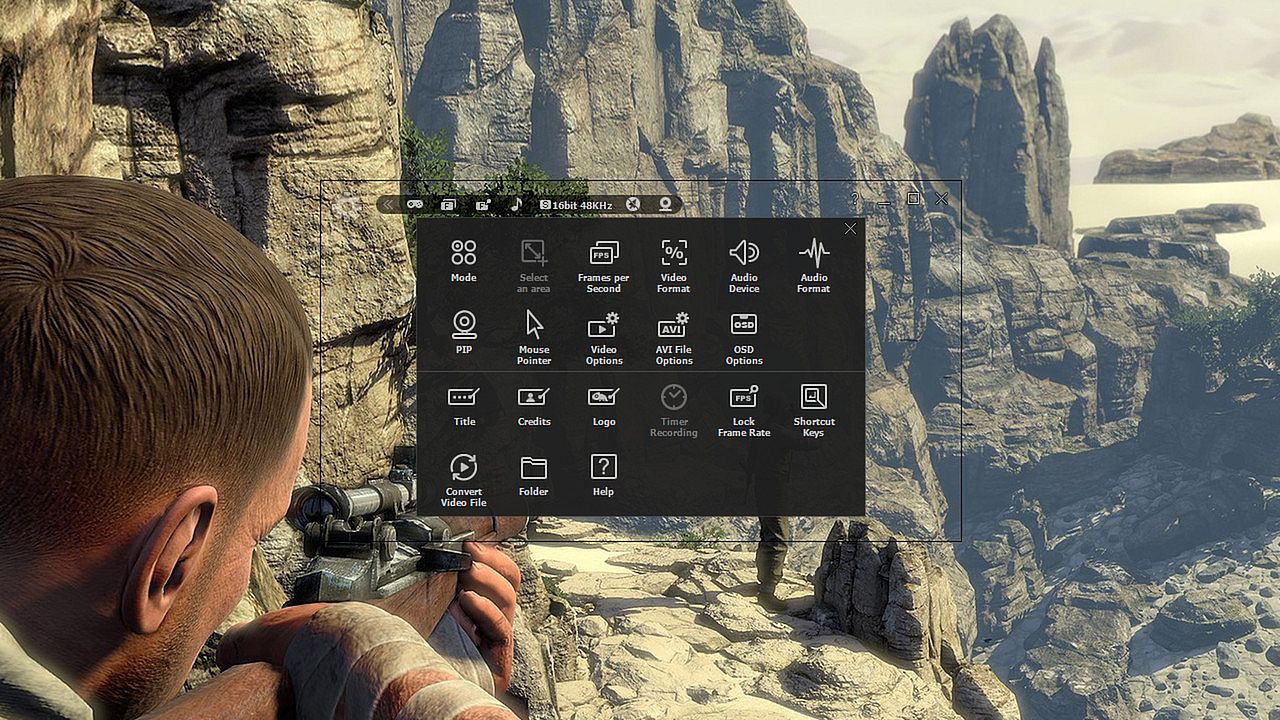
Second, ‘liteCam Game: 100FPS Game Capture’ consists of an easy-to-use interface to record gameplay instantly. You can easily record your webcam video with live commentary, so no need to look for webcam recording software.


Third, ‘liteCam Game: 100FPS Game Capture’ has no time limit on capturing your game play with a small file size.


Fourth, you can customize the recording option. ‘liteCam Game: 100FPS Game Capture’ allows you to import your preferred codec and use it to record your gameplay.


Fifth, ‘liteCam Game: 100FPS Game Capture’ saves the recorded videos in AVI file format. Inside the program, there is a converter function, so you can easily convert your videos to MP4 and WMV without interruption. ‘liteCam Game: 100FPS Game Capture’ also supports direct upload to YouTube from your computer.


Sixth, ‘liteCam Game: 100FPS Game Capture’ does not require the video editing software. You can simple trim the part of your recorded videos in the preview mode with a simple mouse movement. Also you can add video titles, ending credits and your pictures quickly.


Please note that ‘liteCam Game: 100FPS Game Capture’ might drop frames when recording if your computer becomes overburdened or the game play limit FPS less than 100FPS. Here is recommended hardware spec to improve performance;

CPU:
Intel Core i7 and above
Intel Core i5 4670 and above

Graphic card/Video card:
GetForce GTX 760 and above
Radeon R9 270X and above

For Windows 7 and above
Use SSD storage
Amazing Features from ‘liteCam Game: 100FPS Game Capture’

  • Game Recording: Capture any game play with ‘liteCam Game: 100FPS Game Capture’. It can Capture most DirectX 7, 8, 9, 10, 11 and OpenGL games
  • Video Recording: ‘liteCam Game: 100FPS Game Capture’ can record any video on the user computer screen. Record videos from YouTube, Hulu, Vimeo, Daily Motion, and etc
  • Trimming: ‘liteCam Game: 100FPS Game Capture’ is equipped with a simple trimming tool. User can trim any video they recorded.
  • Adding logos, credits, and title: No other recording software can let you add logos, credits, and title except 'liteCam Game: 100FPS Game Capture'.
  • Converting Tools: ‘liteCam Game: 100FPS Game Capture’ produces AVI video files. At the same time with 'liteCam Game: 100FPS Game Capture' you can convert recorded videos to MP4 or WMV
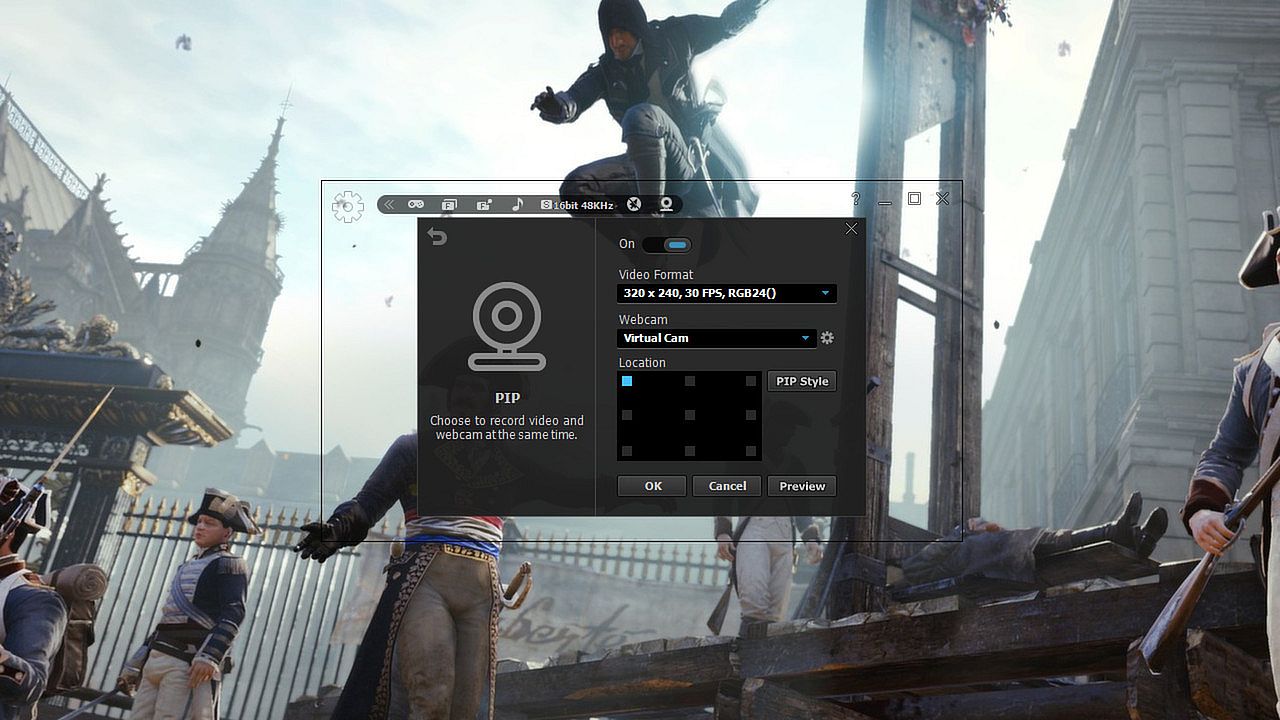
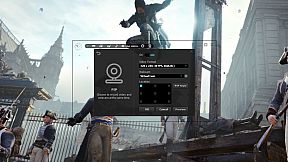
  • Webcam --> PIP: ‘liteCam Game: 100FPS Game Capture’ has a PIP function for users to show their active speech while capturing Game play or recording videos. This will surely build up the trust on your videos.
  • Upload to YouTube: ‘liteCam Game: 100FPS Game Capture’ can directly upload recorded videos to YouTube.
  • Timer Recording: ‘liteCam Game: 100FPS Game Capture’ can help you schedule your video recording. You can set 'liteCam Game: 100FPS Game Capture' to record any video you want.
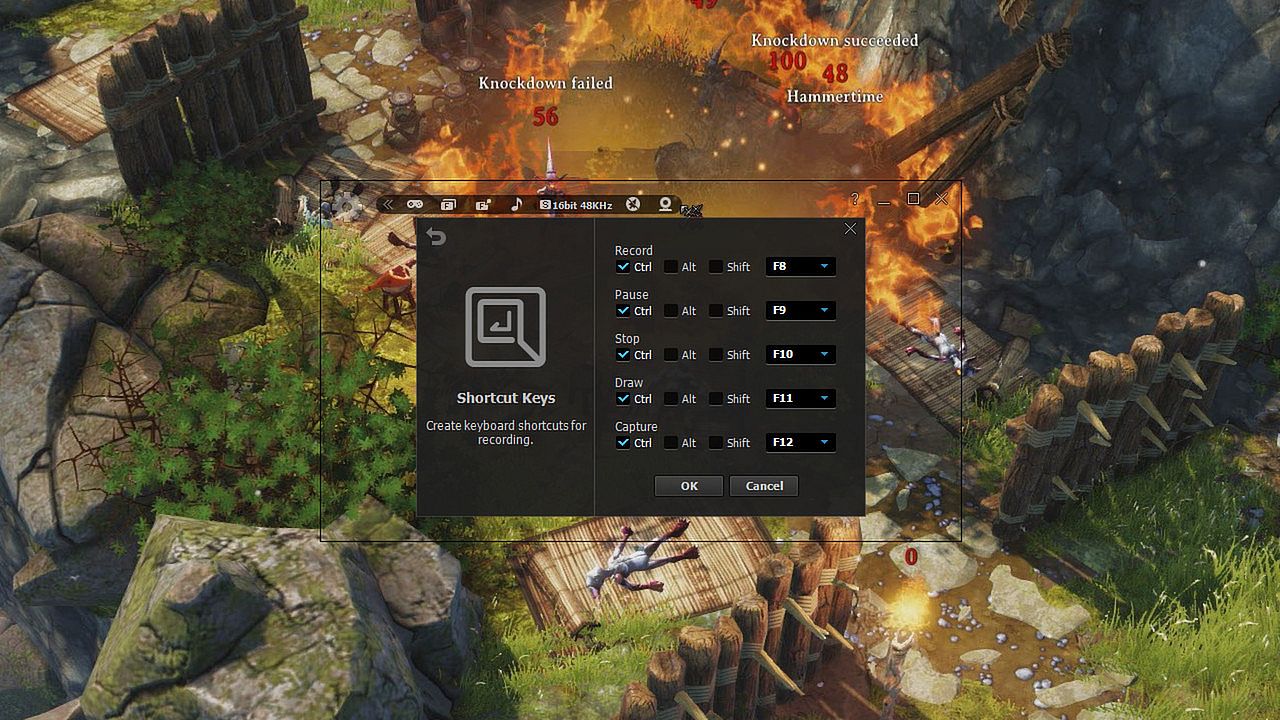
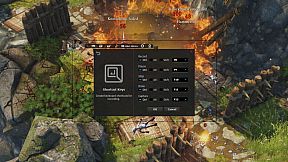
  • Hotkey Recording: ‘liteCam Game: 100FPS Game Capture’ will let you use Hotkeys to help provide an easier and usually quicker method of navigating when recording Games.
  • Screen Capture: User can capture screenshots of videos and games and save them as PNG, BMP, or JPG files format
Users' Video in YouTube
LITECAM VS FRAPS top game capture softwares

Testing out new screen recorder - Amazing Quality

CoH 2 on Dell Inspiron n5110
Steam:
Mixed (469)

Historia cen

Historycznie najniższa cena
Keyshopy
-
-
-
Sklepy oficjalne
-
-
-

FAQ

8 pytań

Zanim zaczniesz szukać taniego klucza liteCam Game: 100 FPS Game Capture (CD Key), sprawdź najważniejsze informacje. Twórcy: Rsupport Inc.. Wydawca: Rsupport Inc.. Data premiery na PC: 24 lut 2014. Gatunki: Utilities, Video Production. Kategorie: Single-player. Recenzje liteCam Game: 100 FPS Game Capture: Recenzje Steam: 49% of the 469 user reviews for this game are positive.

Q Czy liteCam Game: 100 FPS Game Capture działa na Steam Decku?

Nie, na ten moment. Valve oznacza liteCam Game: 100 FPS Game Capture jako Unsupported, więc gra nie uruchamia się przez Proton. Śledź XD.deals - monitorujemy postępy Protona i społecznościowe obejścia, a gdy pojawi się działające rozwiązanie, oznaczymy możliwość uruchomienia liteCam Game: 100 FPS Game Capture na Steam Decku.

Tak. Istnieje wersja liteCam Game: 100 FPS Game Capture na Steam. Wybierz ofertę oznaczoną jako Steam Key na XD.deals, aktywuj ją w kliencie Steam i graj w liteCam Game: 100 FPS Game Capture na PC.

Tak. Po aktywacji klucza Steam możesz uruchomić liteCam Game: 100 FPS Game Capture w trybie Offline w Steam. Zapisy zsynchronizują się przy następnym połączeniu z internetem.

Tak, możesz kupić klucz Steam do liteCam Game: 100 FPS Game Capture bezpośrednio w sklepie Steam. W XD.deals zbieramy wszystkie oferty z DRM Steam, abyś mógł porównać tanie promocje na liteCam Game: 100 FPS Game Capture na Steam w jednym miejscu.

Obecnie nie mamy aktywnych ofert dla liteCam Game: 100 FPS Game Capture - zarówno w oficjalnych sklepach (0), jak i w keyshopach (0) gra jest wyprzedana lub chwilowo niedostępna...

Dzięki XD.deals gracze PC mogą od razu sprawdzić, gdzie kupić tani klucz liteCam Game: 100 FPS Game Capture na PC (Steam). Nasz silnik porównujący ceny w czasie rzeczywistym oraz baza kuponów śledzą oficjalne sklepy i zaufane keyshopy, żebyś nie musiał. Obecnie wykrywamy 0 aktywnych ofert z oficjalnych sklepów i keyshopów.

Jeszcze nie. Obecnie nie ma listingu liteCam Game: 100 FPS Game Capture na Steam, więc nie możesz kupić liteCam Game: 100 FPS Game Capture na Steam. Zamiast tego sprawdź inne oferty liteCam Game: 100 FPS Game Capture na XD.deals - oficjalne sklepy i keyshopy często oferują wersje bez DRM lub klucze do innych launcherów, zanim tytuł trafi na Steam.

Nie - XD.deals nie jest sklepem. Jesteśmy porównywarką cen, która śledzi najlepsze oferty na liteCam Game: 100 FPS Game Capture w oficjalnych sklepach i zweryfikowanych keyshopach. Kliknij "Przejdź do sklepu" przy wybranej ofercie, a przekierujemy Cię na stronę sprzedawcy, gdzie dokończysz zakup i odbierzesz klucz.

Chcesz kupić w najlepszym momencie? Ustaw alert cenowy na XD.deals i otrzymaj powiadomienie, gdy liteCam Game: 100 FPS Game Capture ponownie osiągnie historycznie najniższą cenę.

Utwórz alert