


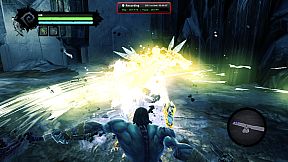

in progress...

Buy liteCam Game: 100 FPS Game Capture PC

Interested in liteCam Game: 100 FPS Game Capture? We're tracking prices from trusted stores. Add liteCam Game: 100 FPS Game Capture to your wishlist and we'll notify you when deals become available.

Release: 24 Feb 2014
Publisher: Rsupport Inc.
Developer: Rsupport Inc.
Steam:
Mixed (469)
Official
Unavailable
Keyshops
Unavailable
Buy in Official Store:
Unavailable
Buy in Keyshops:
Unavailable

No entries, but don''t worry, we will inform you once the new offer appears.

Create Alert Create deal Alert

About liteCam Game: 100 FPS Game Capture

liteCam Game: 100 FPS Game Capture - about the game

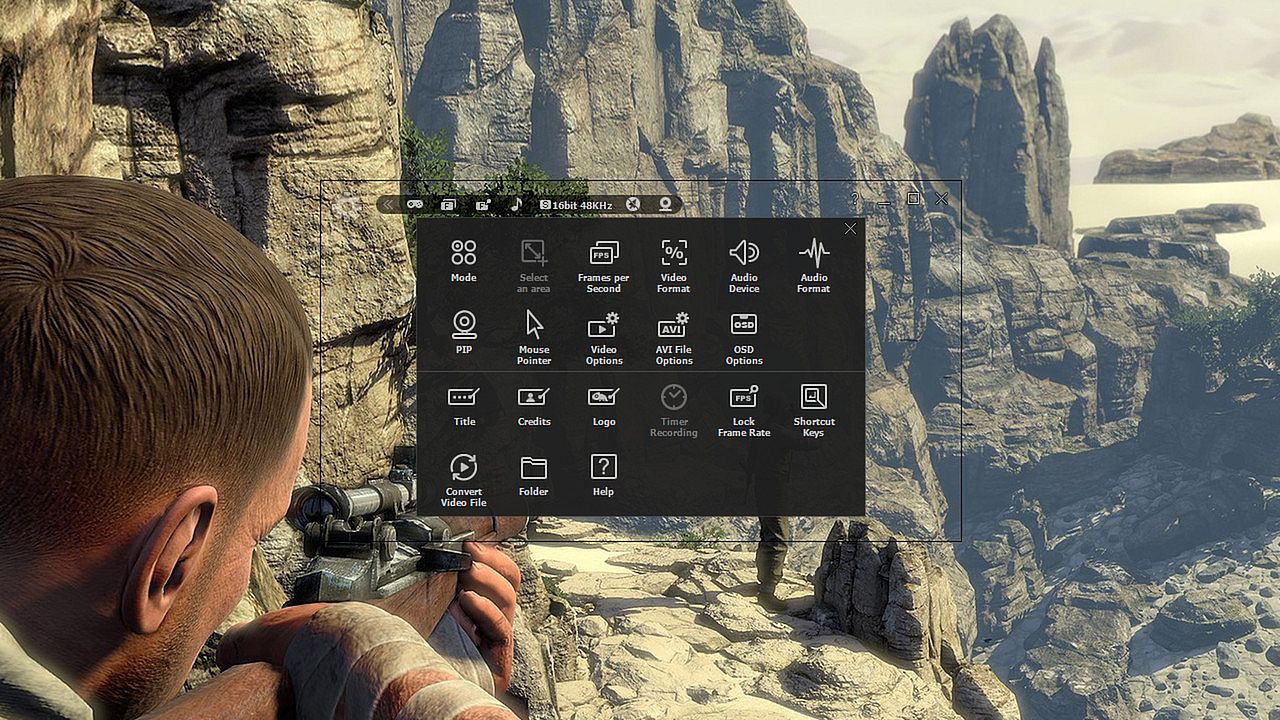
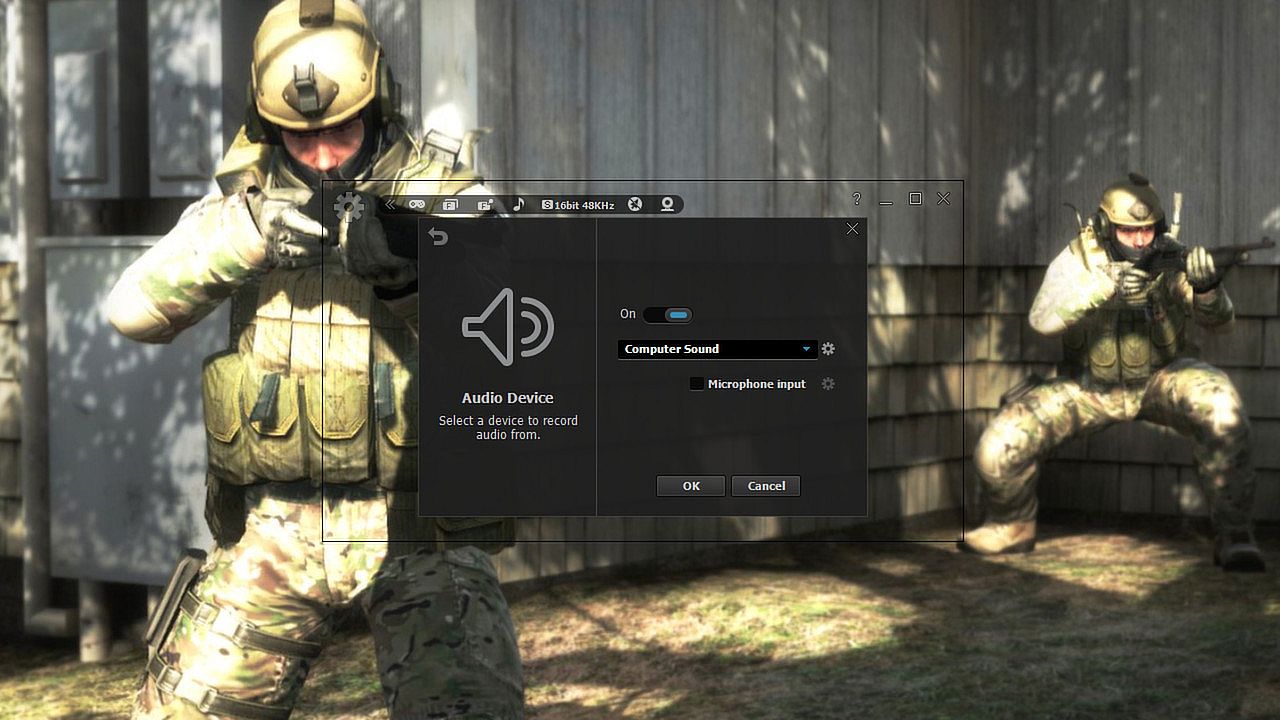
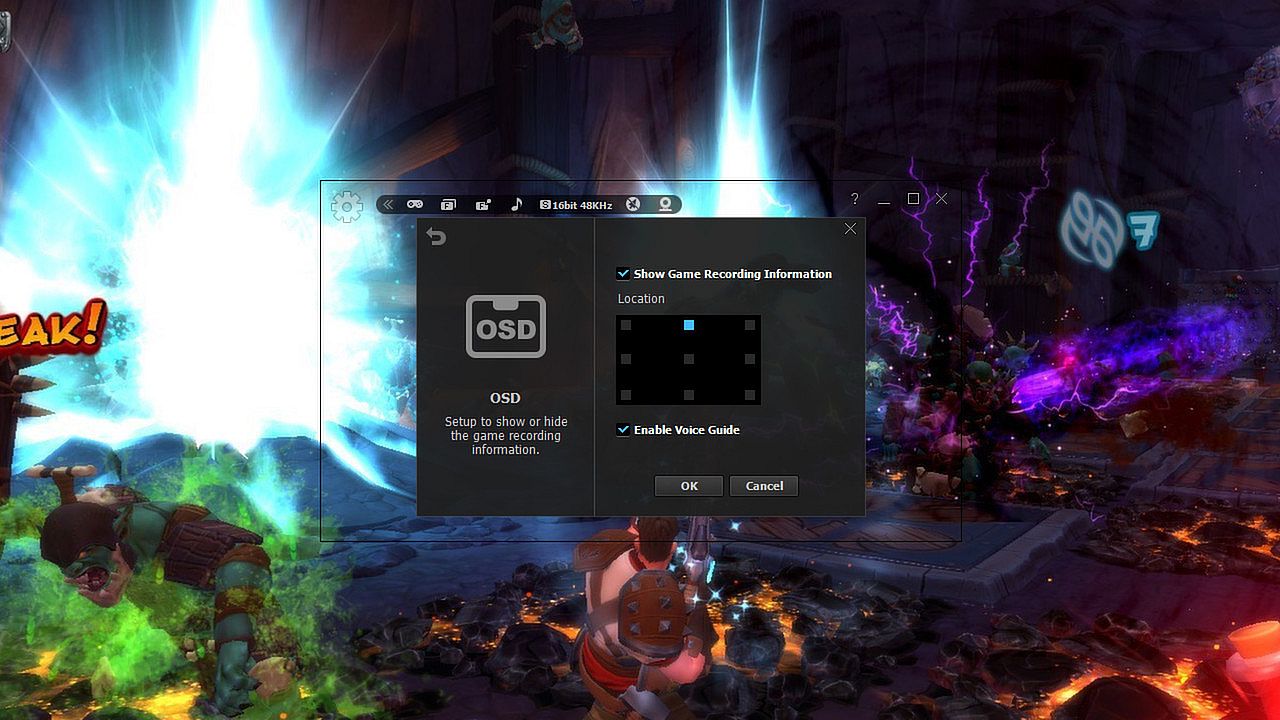
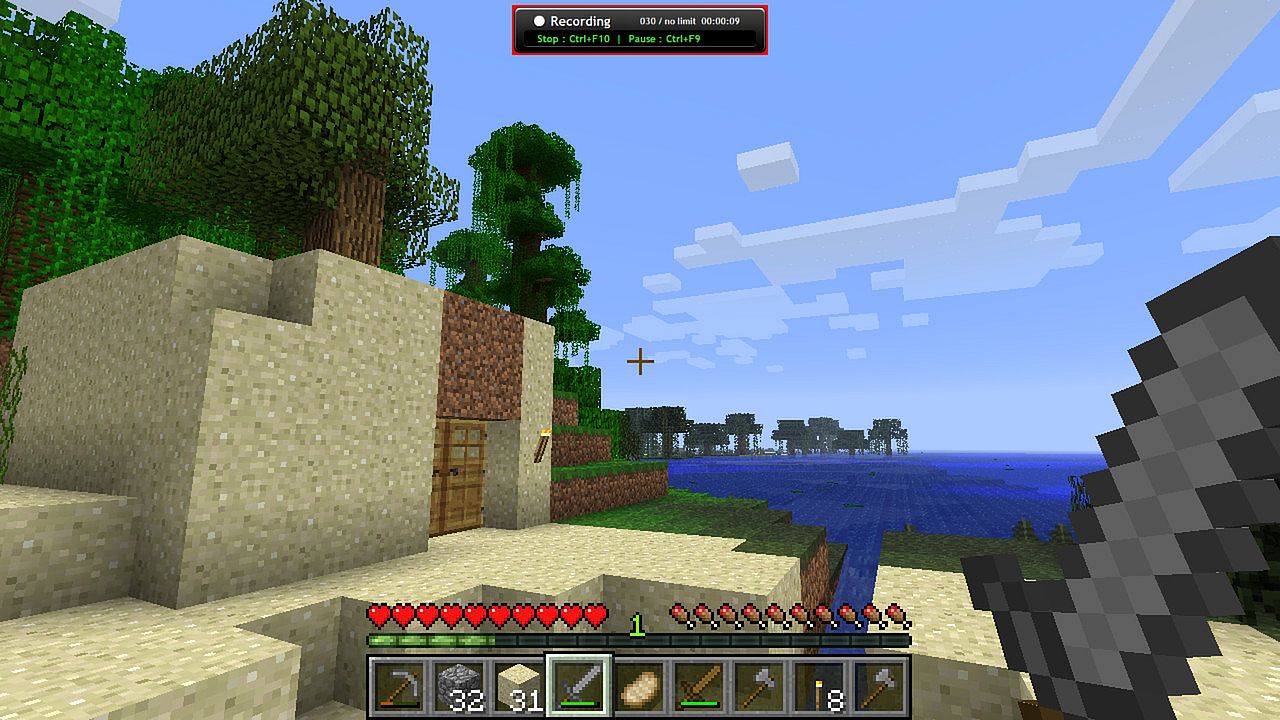
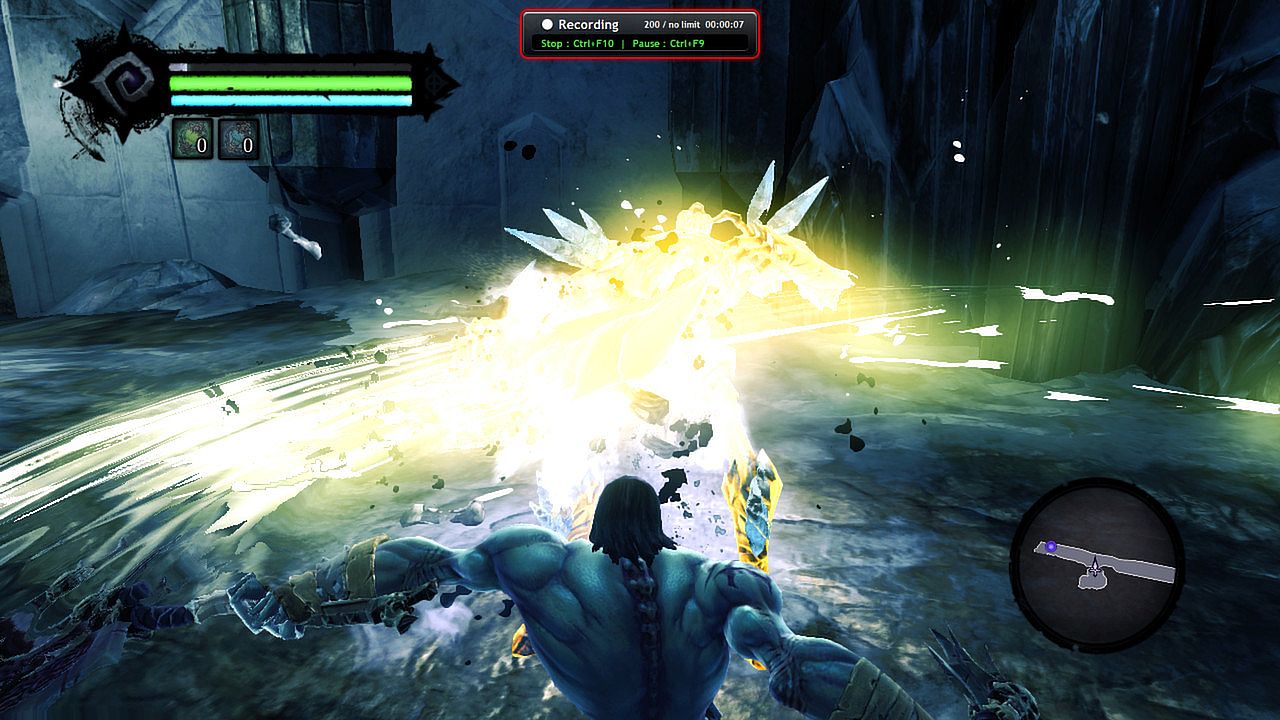
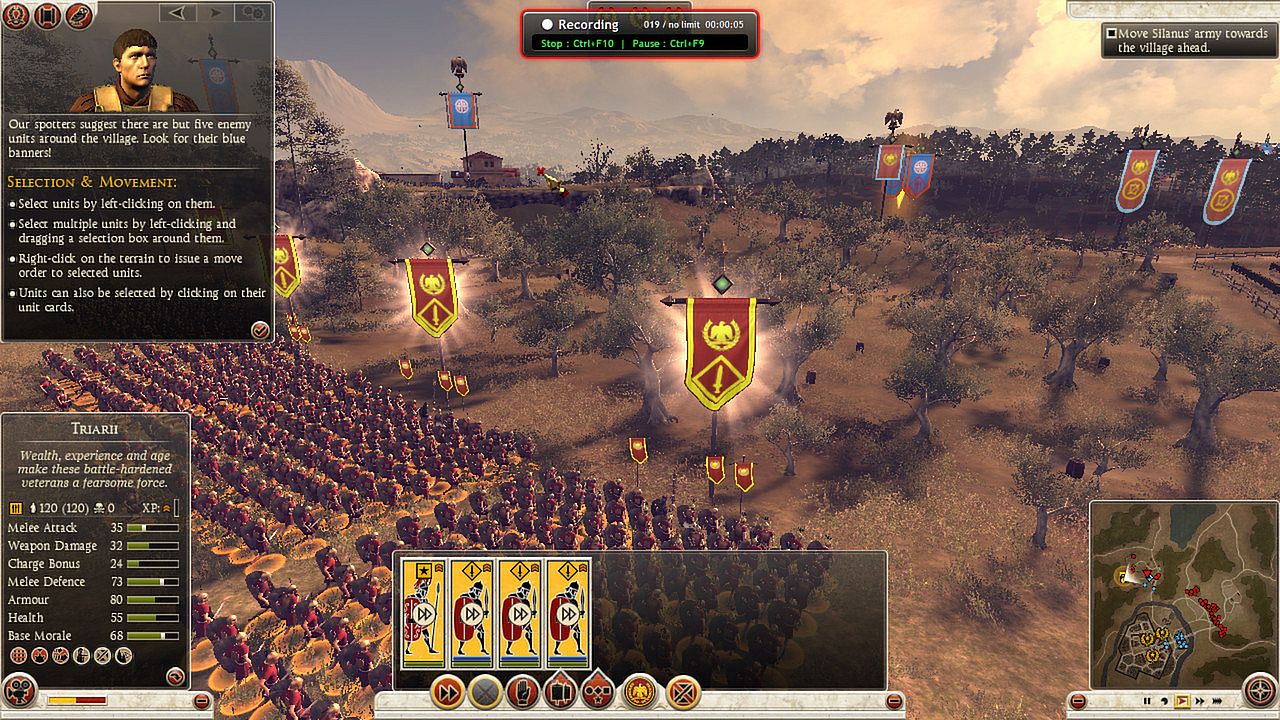
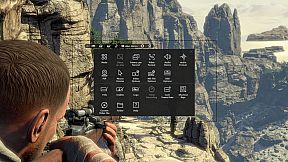
Capture smooth gameplay footage up to 100 FPS with minimal performance impact on your PC. This video production utility records DirectX 7-11 and OpenGL games like League of Legends, World of Warcraft, and GTA without lag. Add webcam overlay for live commentary via picture-in-picture, trim clips easily, and convert AVI files to MP4 or WMV right in the app. Schedule recordings with timers, trigger them via hotkeys, or upload directly to YouTube. Save screenshots in PNG, BMP, or JPG formats. Steam users and gamers seeking high-quality screen capture tools with built-in editing will find it ideal for quick, efficient video production.

Discover the ultimate game recorder - liteCam Game: 100FPS Game Capture!

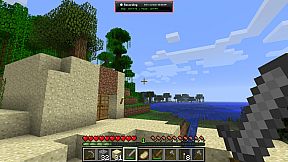
ā€˜liteCam Game: 100FPS Game Capture’ is a next-gen game recording software for Steam users. ā€˜liteCam Game: 100FPS Game Capture’ has a minimal impact on actual game performance while recording and can record up to 100 FPS. You can record most DirectX 7, 8, 9, 10, 11 and OpenGL games such as League of Legends, World of Warcraft, Minecraft, Need for Speed, GTA , Grid 2 and many more pc games with no lag.

liteCam Game Official Website:
Why 'liteCam Game: 100FPS Game Capture' is the best game recording software?
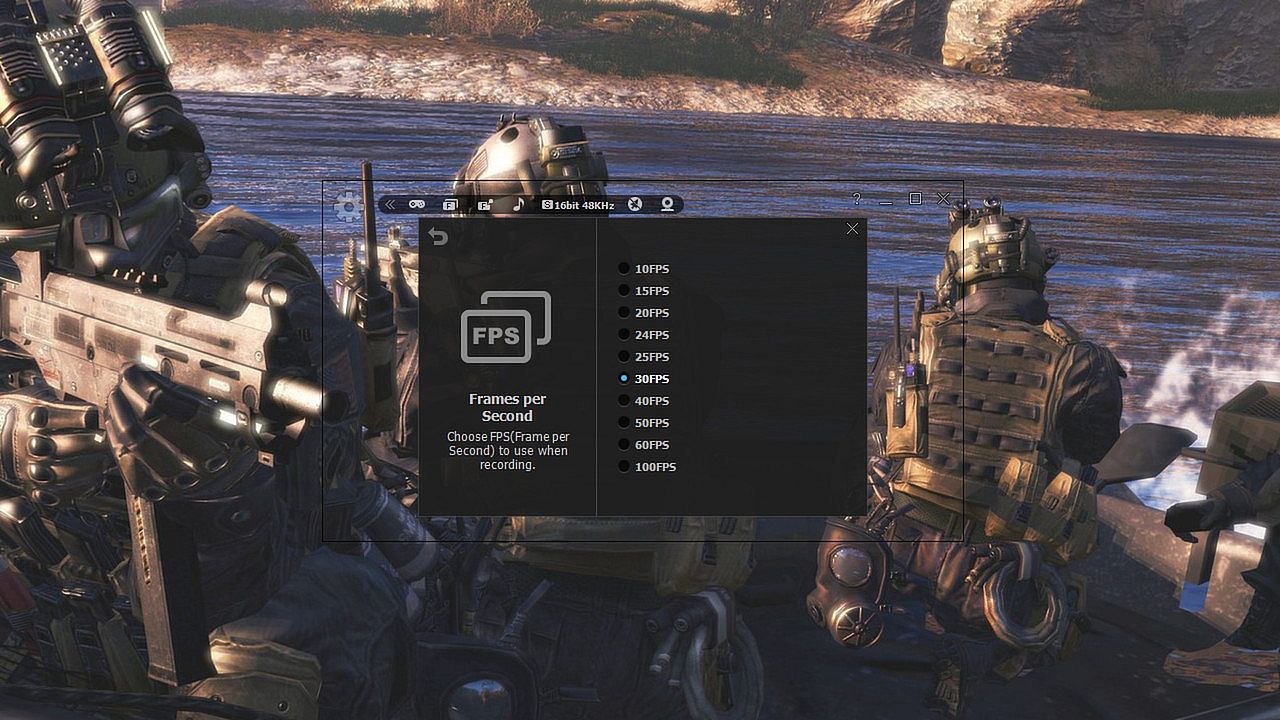
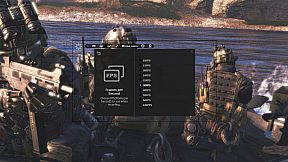
First, ā€˜liteCam Game: 100FPS Game Capture’ ensures that your recorded game video has a stunning HD vibrantly colored. By default, it captures your game footage at 100FPS for the smoothest videos.


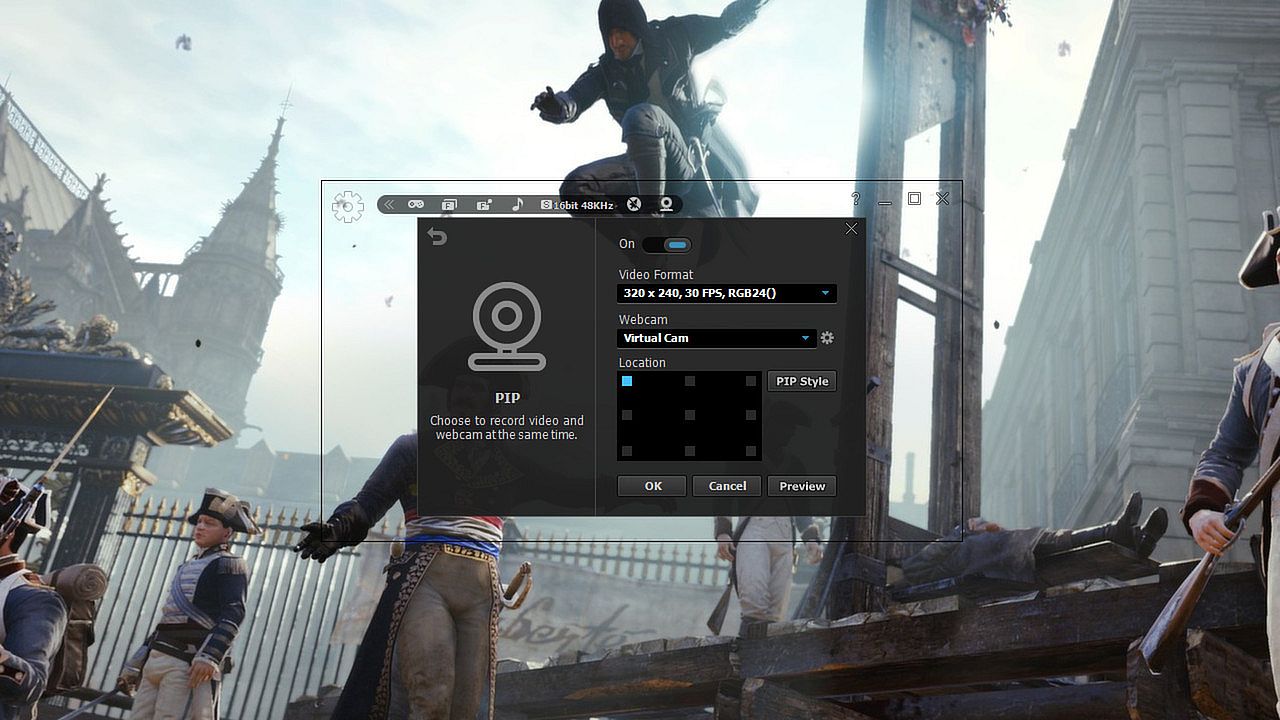
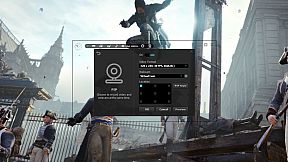
Second, ā€˜liteCam Game: 100FPS Game Capture’ consists of an easy-to-use interface to record gameplay instantly. You can easily record your webcam video with live commentary, so no need to look for webcam recording software.


Third, ā€˜liteCam Game: 100FPS Game Capture’ has no time limit on capturing your game play with a small file size.


Fourth, you can customize the recording option. ā€˜liteCam Game: 100FPS Game Capture’ allows you to import your preferred codec and use it to record your gameplay.


Fifth, ā€˜liteCam Game: 100FPS Game Capture’ saves the recorded videos in AVI file format. Inside the program, there is a converter function, so you can easily convert your videos to MP4 and WMV without interruption. ā€˜liteCam Game: 100FPS Game Capture’ also supports direct upload to YouTube from your computer.


Sixth, ā€˜liteCam Game: 100FPS Game Capture’ does not require the video editing software. You can simple trim the part of your recorded videos in the preview mode with a simple mouse movement. Also you can add video titles, ending credits and your pictures quickly.


Please note that ā€˜liteCam Game: 100FPS Game Capture’ might drop frames when recording if your computer becomes overburdened or the game play limit FPS less than 100FPS. Here is recommended hardware spec to improve performance;

CPU:
Intel Core i7 and above
Intel Core i5 4670 and above

Graphic card/Video card:
GetForce GTX 760 and above
Radeon R9 270X and above

For Windows 7 and above
Use SSD storage
Amazing Features from ā€˜liteCam Game: 100FPS Game Capture’

  • Game Recording: Capture any game play with ā€˜liteCam Game: 100FPS Game Capture’. It can Capture most DirectX 7, 8, 9, 10, 11 and OpenGL games
  • Video Recording: ā€˜liteCam Game: 100FPS Game Capture’ can record any video on the user computer screen. Record videos from YouTube, Hulu, Vimeo, Daily Motion, and etc
  • Trimming: ā€˜liteCam Game: 100FPS Game Capture’ is equipped with a simple trimming tool. User can trim any video they recorded.
  • Adding logos, credits, and title: No other recording software can let you add logos, credits, and title except 'liteCam Game: 100FPS Game Capture'.
  • Converting Tools: ā€˜liteCam Game: 100FPS Game Capture’ produces AVI video files. At the same time with 'liteCam Game: 100FPS Game Capture' you can convert recorded videos to MP4 or WMV
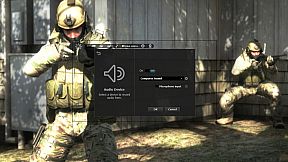
  • Webcam --> PIP: ā€˜liteCam Game: 100FPS Game Capture’ has a PIP function for users to show their active speech while capturing Game play or recording videos. This will surely build up the trust on your videos.
  • Upload to YouTube: ā€˜liteCam Game: 100FPS Game Capture’ can directly upload recorded videos to YouTube.
  • Timer Recording: ā€˜liteCam Game: 100FPS Game Capture’ can help you schedule your video recording. You can set 'liteCam Game: 100FPS Game Capture' to record any video you want.
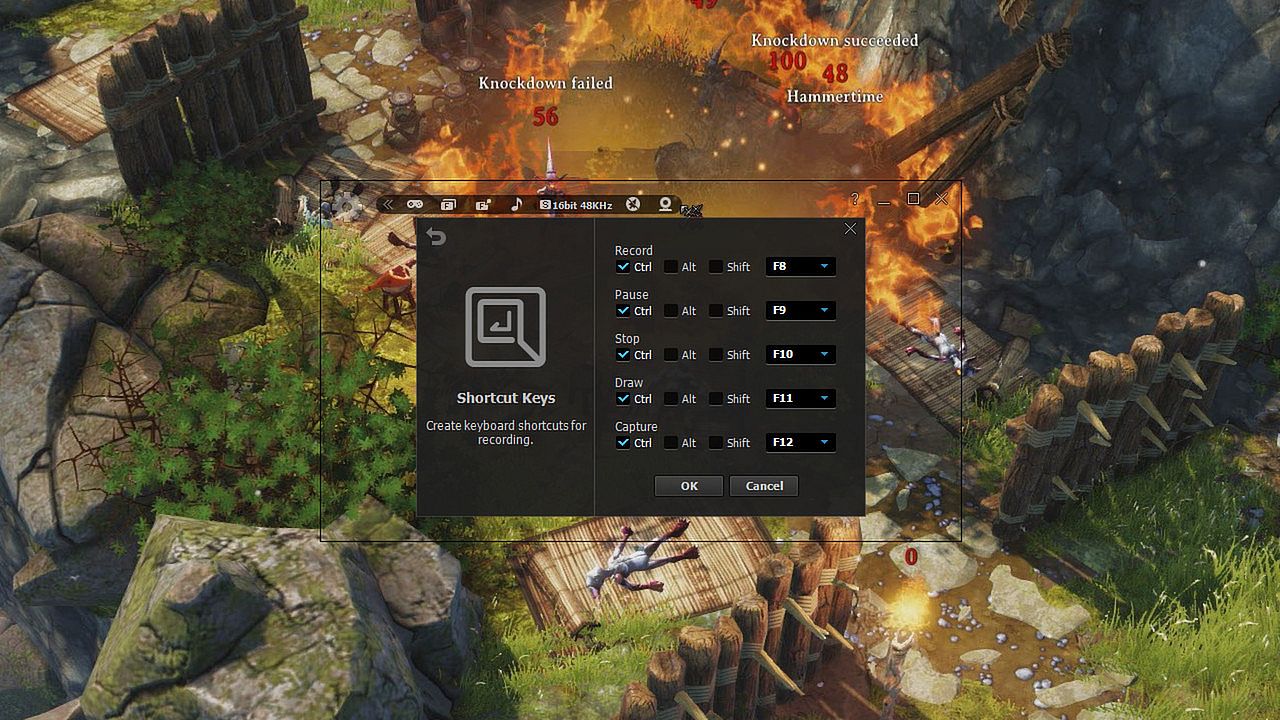
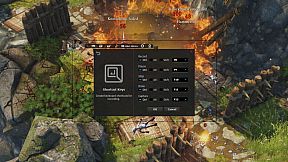
  • Hotkey Recording: ā€˜liteCam Game: 100FPS Game Capture’ will let you use Hotkeys to help provide an easier and usually quicker method of navigating when recording Games.
  • Screen Capture: User can capture screenshots of videos and games and save them as PNG, BMP, or JPG files format
Users' Video in YouTube
LITECAM VS FRAPS top game capture softwares

Testing out new screen recorder - Amazing Quality

CoH 2 on Dell Inspiron n5110

Steam:
Mixed (469)

Price history

Historical low
Keyshops
-
-
-
Official Stores
-
-
-

FAQ

8 questions

Before you start looking for a cheap liteCam Game: 100 FPS Game Capture CD Key, take a moment to check the essentials. Developed by Rsupport Inc.. Published by Rsupport Inc.. PC released date: 24 Feb 2014. Genres: Utilities, Video Production. Categories: Single-player. liteCam Game: 100 FPS Game Capture reviews: Steam reviews: 49% of the 469 user reviews for this game are positive.

Q Can I play liteCam Game: 100 FPS Game Capture on Steam Deck?

No, not right now. Valve marks liteCam Game: 100 FPS Game Capture as Steam Deck Unsupported , so it won't launch via Proton at this time. Keep an eye on XD.deals - we track Proton breakthroughs and community fixes, and we'll flag it the moment there's a working way to play liteCam Game: 100 FPS Game Capture on Steam Deck.

Yes. A liteCam Game: 100 FPS Game Capture Steam version exists. Pick any offer tagged Steam Key on XD.deals, redeem it in the desktop client, and play liteCam Game: 100 FPS Game Capture on Steam PC.

Yes. Once your Steam key is redeemed, you can launch liteCam Game: 100 FPS Game Capture in Offline Mode via Steam. Your save files will sync the next time you go online.

Yes, you can buy a liteCam Game: 100 FPS Game Capture Steam Key directly on the Steam Store. At XD.deals, we aggregate all available Steam DRM offers so you can compare cheap liteCam Game: 100 FPS Game Capture steam deals in one place.

At the moment we don't have any live offers for liteCam Game: 100 FPS Game Capture - both official stores ({1}) and keyshops ({2}) show the game as sold out or temporarily unavailable…

With XD.deals, PC gamers can instantly see where to buy a cheap liteCam Game: 100 FPS Game Capture PC Steam key. Our real-time price-comparison engine and curated coupon database track every official store and trusted keyshop so you dont have to. Right now we detect this game in {1} live offers from stores and keyshops.

Not yet. There's no liteCam Game: 100 FPS Game Capture Steam listing right now, so you can't buy liteCam Game: 100 FPS Game Capture on Steam today. Instead, browse the other liteCam Game: 100 FPS Game Capture offers on XD.deals - official stores and keyshops often provide DRM-free or launcher-key versions you can play while waiting for a future Steam release.

No - XD.deals itself isn't a store. We're a price-comparison service that tracks the best offers for liteCam Game: 100 FPS Game Capture across official stores and verified keyshops. Click "Shop Now" next to the deal you want, and you'll be redirected to the retailer's website to complete your purchase and receive the key there.

Ready to ride? Set a price alert on XD Deals and grab a discounted liteCam Game: 100 FPS Game Capture Steam key the moment it reaches its next historical low.

Create Alert