

in progress...

liteCam Game: 100 FPS Game Capture PC kaufen

Wo kannst du den günstigsten liteCam Game: 100 FPS Game Capture Steam-Key für PC kaufen? Vergleiche Preise aus 1 Shops und finde unter 1 Angeboten auf XD Deals die beste Option. Aktuell liegt der niedrigste liteCam Game: 100 FPS Game Capture PC Preis im Keyshop bei 14,99 € (0% Rabatt).

Veröffentlichung: 24 Feb. 2014
Publisher: Rsupport Inc.
Entwickler: Rsupport Inc.
Steam:
Mixed (469)
Keyshops
Nicht verfügbar
Im offiziellen Store kaufen:
14,99 €
Im Keyshop kaufen:
Preisverlauf anzeigen

Offizielle Shops (1)

DRM:
Steam
Steam
Steam
liteCam Game: 100 FPS Game Capture
Windows
vor 1J
DRM:
Steam
Steam
14,99 €
Historical Low Deal
Historical low

Über liteCam Game: 100 FPS Game Capture

liteCam Game: 100 FPS Game Capture - Spielbeschreibung

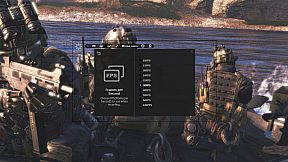
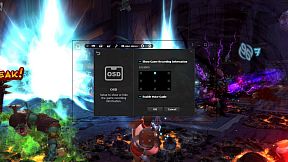
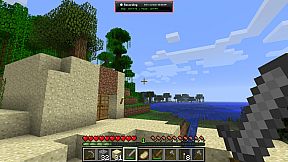
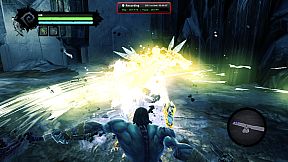
Capture smooth gameplay footage up to 100 FPS with minimal performance impact on your PC. This video production utility records DirectX 7-11 and OpenGL games like League of Legends, World of Warcraft, and GTA without lag. Add webcam overlay for live commentary via picture-in-picture, trim clips easily, and convert AVI files to MP4 or WMV right in the app. Schedule recordings with timers, trigger them via hotkeys, or upload directly to YouTube. Save screenshots in PNG, BMP, or JPG formats. Steam users and gamers seeking high-quality screen capture tools with built-in editing will find it ideal for quick, efficient video production.

Discover the ultimate game recorder - liteCam Game: 100FPS Game Capture!

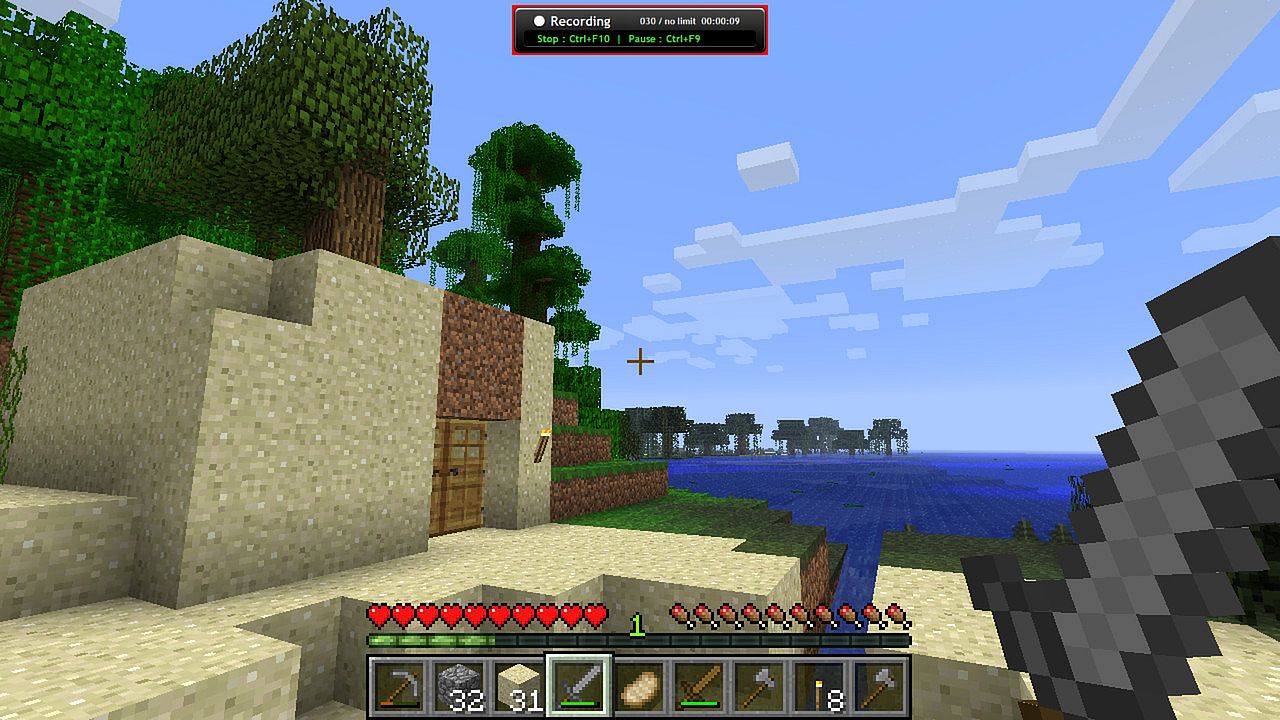
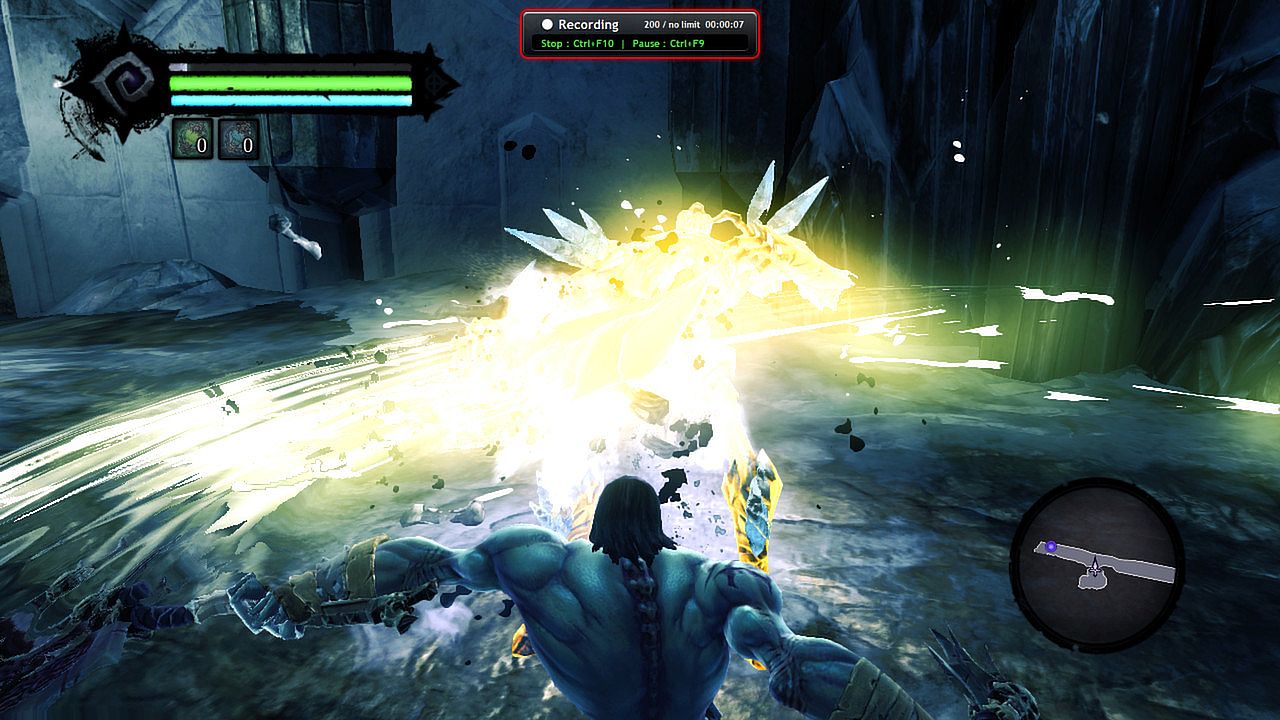
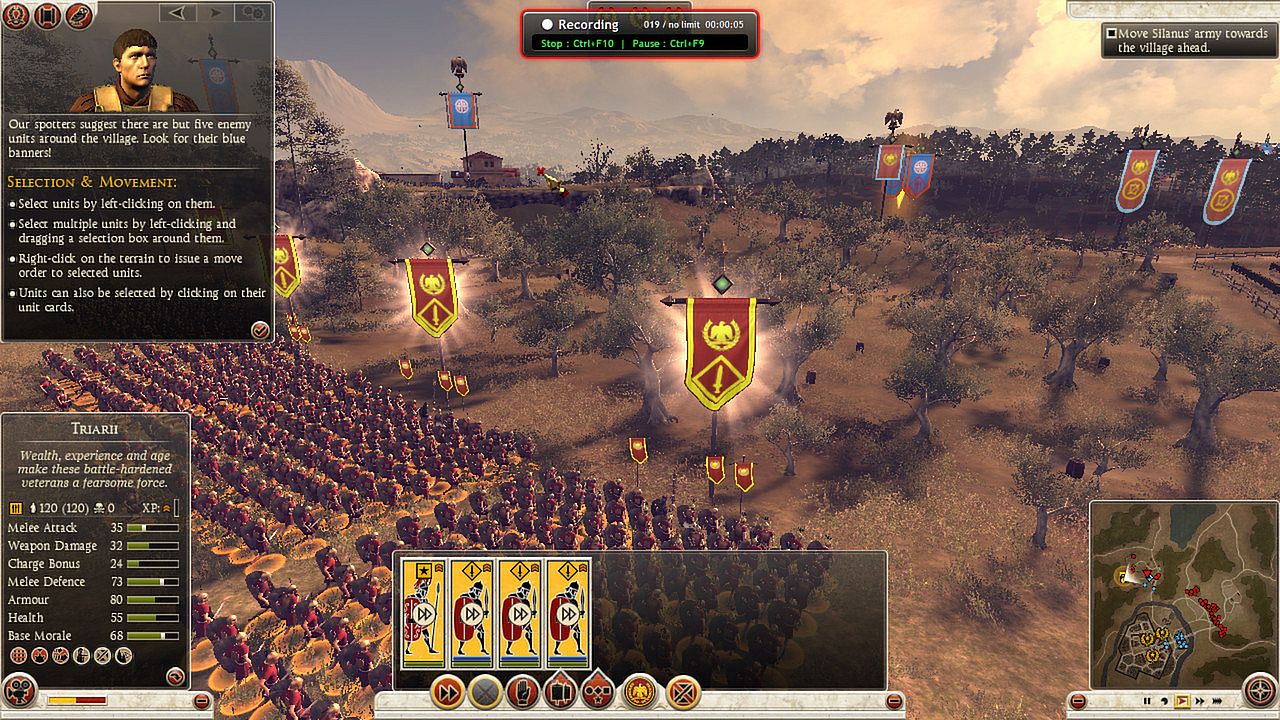
‘liteCam Game: 100FPS Game Capture’ is a next-gen game recording software for Steam users. ‘liteCam Game: 100FPS Game Capture’ has a minimal impact on actual game performance while recording and can record up to 100 FPS. You can record most DirectX 7, 8, 9, 10, 11 and OpenGL games such as League of Legends, World of Warcraft, Minecraft, Need for Speed, GTA , Grid 2 and many more pc games with no lag.

liteCam Game Official Website:
Why 'liteCam Game: 100FPS Game Capture' is the best game recording software?
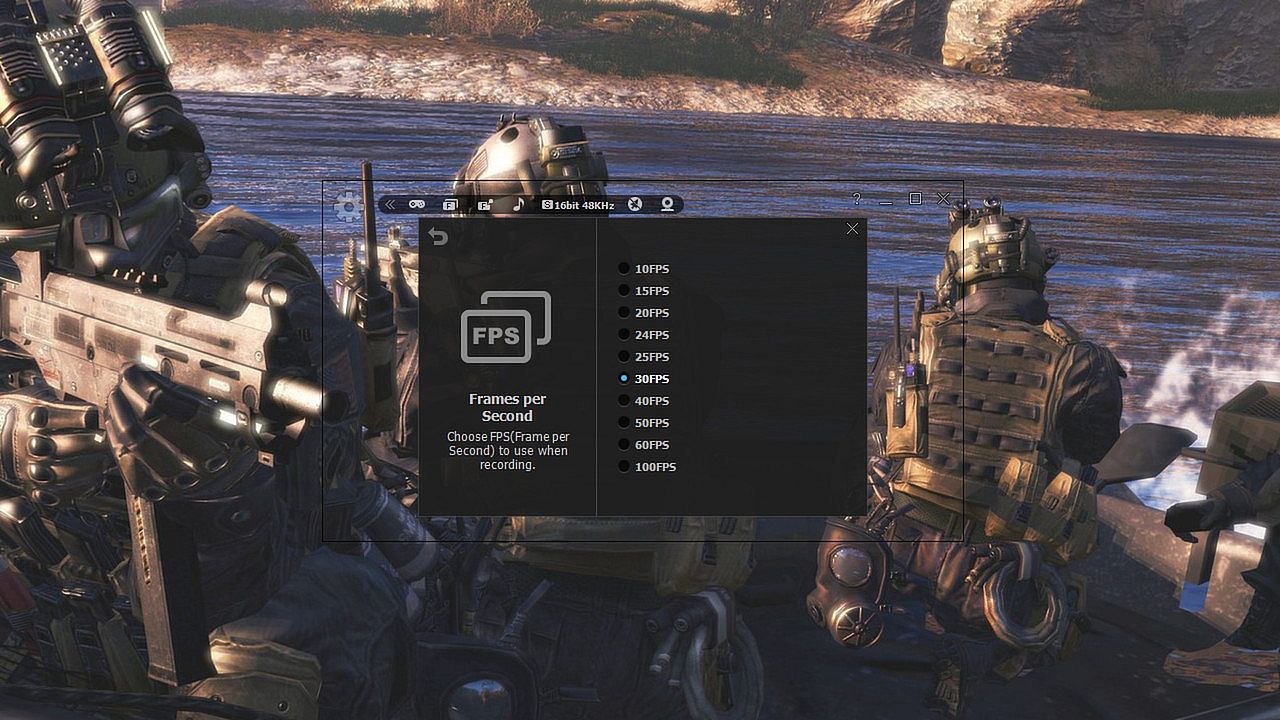
First, ‘liteCam Game: 100FPS Game Capture’ ensures that your recorded game video has a stunning HD vibrantly colored. By default, it captures your game footage at 100FPS for the smoothest videos.


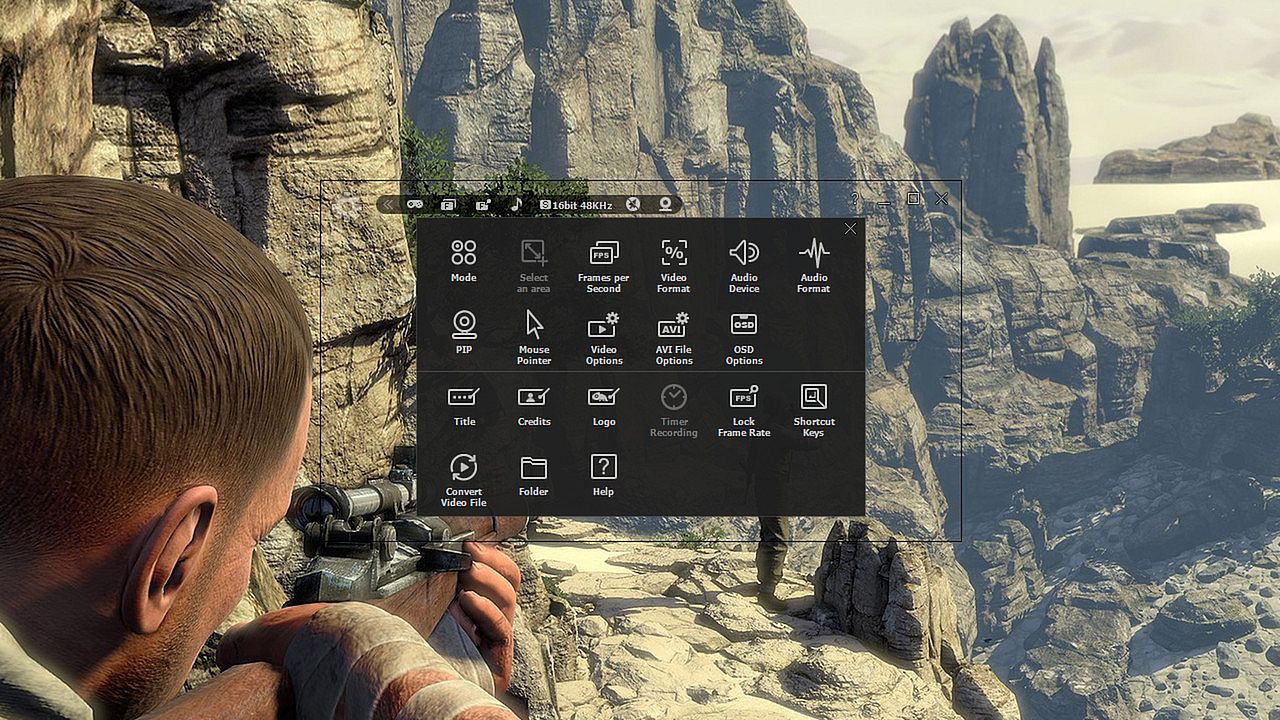
Second, ‘liteCam Game: 100FPS Game Capture’ consists of an easy-to-use interface to record gameplay instantly. You can easily record your webcam video with live commentary, so no need to look for webcam recording software.


Third, ‘liteCam Game: 100FPS Game Capture’ has no time limit on capturing your game play with a small file size.


Fourth, you can customize the recording option. ‘liteCam Game: 100FPS Game Capture’ allows you to import your preferred codec and use it to record your gameplay.


Fifth, ‘liteCam Game: 100FPS Game Capture’ saves the recorded videos in AVI file format. Inside the program, there is a converter function, so you can easily convert your videos to MP4 and WMV without interruption. ‘liteCam Game: 100FPS Game Capture’ also supports direct upload to YouTube from your computer.


Sixth, ‘liteCam Game: 100FPS Game Capture’ does not require the video editing software. You can simple trim the part of your recorded videos in the preview mode with a simple mouse movement. Also you can add video titles, ending credits and your pictures quickly.


Please note that ‘liteCam Game: 100FPS Game Capture’ might drop frames when recording if your computer becomes overburdened or the game play limit FPS less than 100FPS. Here is recommended hardware spec to improve performance;

CPU:
Intel Core i7 and above
Intel Core i5 4670 and above

Graphic card/Video card:
GetForce GTX 760 and above
Radeon R9 270X and above

For Windows 7 and above
Use SSD storage
Amazing Features from ‘liteCam Game: 100FPS Game Capture’

  • Game Recording: Capture any game play with ‘liteCam Game: 100FPS Game Capture’. It can Capture most DirectX 7, 8, 9, 10, 11 and OpenGL games
  • Video Recording: ‘liteCam Game: 100FPS Game Capture’ can record any video on the user computer screen. Record videos from YouTube, Hulu, Vimeo, Daily Motion, and etc
  • Trimming: ‘liteCam Game: 100FPS Game Capture’ is equipped with a simple trimming tool. User can trim any video they recorded.
  • Adding logos, credits, and title: No other recording software can let you add logos, credits, and title except 'liteCam Game: 100FPS Game Capture'.
  • Converting Tools: ‘liteCam Game: 100FPS Game Capture’ produces AVI video files. At the same time with 'liteCam Game: 100FPS Game Capture' you can convert recorded videos to MP4 or WMV
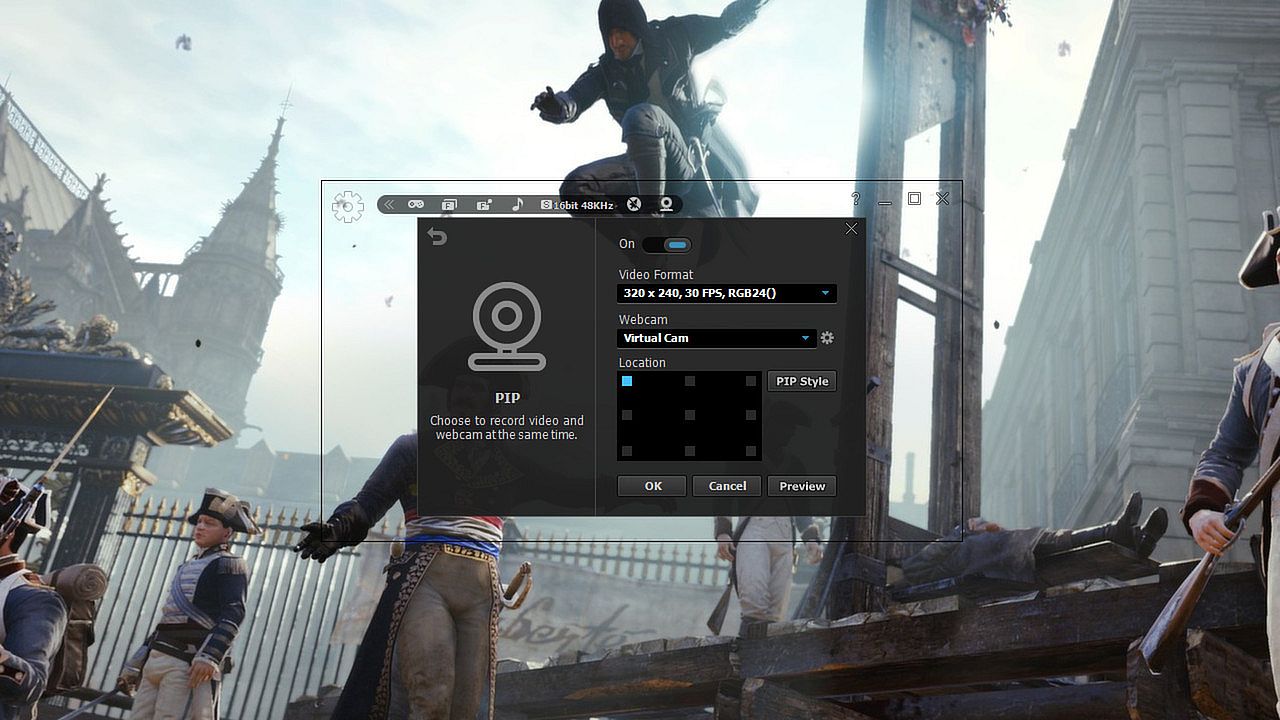
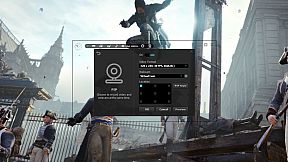
  • Webcam --> PIP: ‘liteCam Game: 100FPS Game Capture’ has a PIP function for users to show their active speech while capturing Game play or recording videos. This will surely build up the trust on your videos.
  • Upload to YouTube: ‘liteCam Game: 100FPS Game Capture’ can directly upload recorded videos to YouTube.
  • Timer Recording: ‘liteCam Game: 100FPS Game Capture’ can help you schedule your video recording. You can set 'liteCam Game: 100FPS Game Capture' to record any video you want.
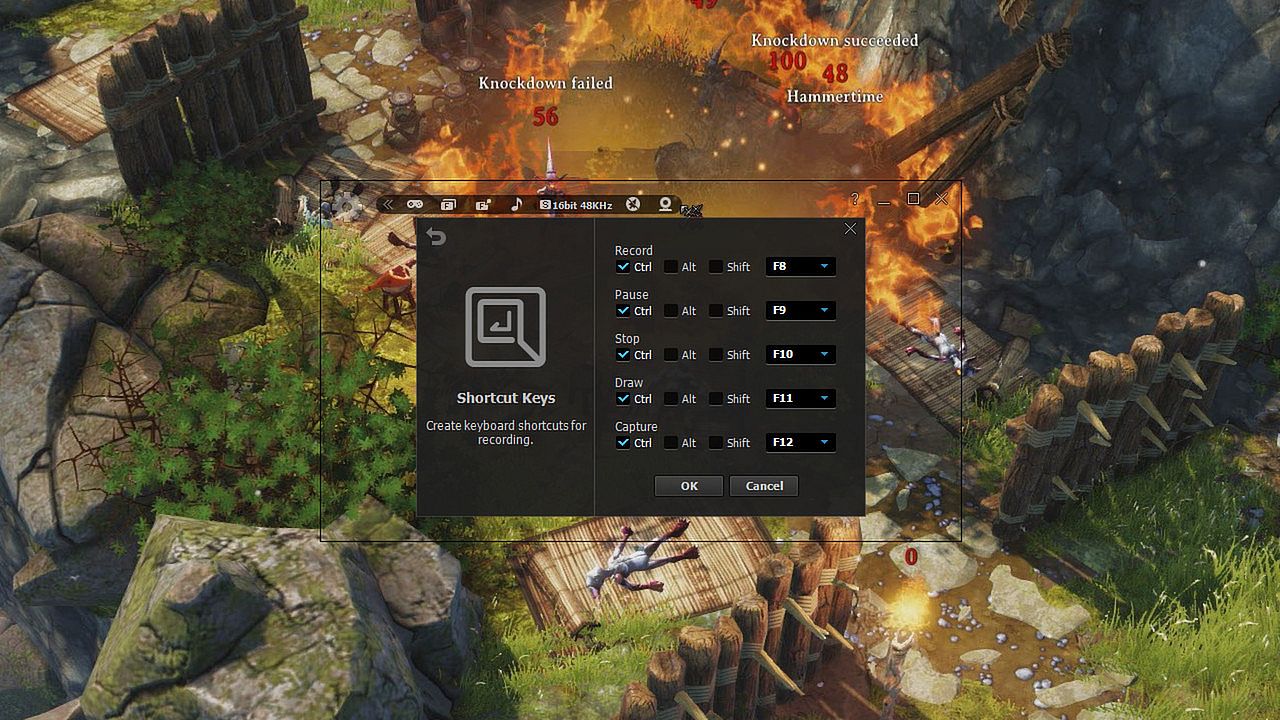
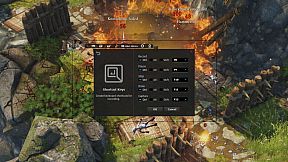
  • Hotkey Recording: ‘liteCam Game: 100FPS Game Capture’ will let you use Hotkeys to help provide an easier and usually quicker method of navigating when recording Games.
  • Screen Capture: User can capture screenshots of videos and games and save them as PNG, BMP, or JPG files format
Users' Video in YouTube
LITECAM VS FRAPS top game capture softwares

Testing out new screen recorder - Amazing Quality

CoH 2 on Dell Inspiron n5110
Steam:
Mixed (469)

Preisverlauf

Historical low
Keyshops
-
-
-
Official Stores
-
-
-

FAQ

8 Fragen

Bevor du nach einem günstigen liteCam Game: 100 FPS Game Capture CD Key suchst, wirf einen Blick auf die wichtigsten Fakten. Entwickelt von Rsupport Inc.. Veröffentlicht von Rsupport Inc.. PC Release-Datum: 24 Feb. 2014. Genres: Utilities, Video Production. Kategorien: Single-player. liteCam Game: 100 FPS Game Capture Bewertungen: Steam Rezensionen: 49% of the 469 user reviews for this game are positive.

Q Kann ich liteCam Game: 100 FPS Game Capture auf dem Steam Deck spielen?

Nein, derzeit nicht. Valve kennzeichnet liteCam Game: 100 FPS Game Capture als nicht unterstützt auf dem Steam Deck. Es startet aktuell nicht über Proton. Behalte XD.deals im Blick - wir melden dir sofort, wenn ein Weg gefunden ist, liteCam Game: 100 FPS Game Capture auf dem Steam Deck zu spielen.

Ja. Es gibt eine Steam-Version von liteCam Game: 100 FPS Game Capture. Wähle ein Angebot mit dem Tag Steam Key auf XD.deals, aktiviere es im Steam-Client und spiele liteCam Game: 100 FPS Game Capture auf deinem PC.

Ja. Nachdem du deinen Steam Key eingelöst hast, kannst du liteCam Game: 100 FPS Game Capture im Offline-Modus von Steam starten. Deine Spielstände synchronisieren sich, sobald du wieder online bist.

Ja, du kannst einen liteCam Game: 100 FPS Game Capture Steam Key direkt im Steam Store kaufen. Auf XD.deals listen wir alle verfügbaren Steam-DRM-Angebote, damit du günstige liteCam Game: 100 FPS Game Capture Steam Deals auf einen Blick vergleichen kannst.

Alle aktuellen Sales und Rabatte für liteCam Game: 100 FPS Game Capture findest du hier bei XD.deals. Unser Preis-Tracker listet derzeit 1 Angebote aus offiziellen Shops und 0 Deals aus Keyshops. Sieh oben nach dem niedrigsten Preis, vergleiche ihn mit dem historischen Tiefstpreis des Spiels und setze einen Preisalarm, damit du keinen Preissturz verpasst.

Mit XD.deals sehen PC-Spieler sofort, wo sie einen günstigen liteCam Game: 100 FPS Game Capture PC Steam Key kaufen können. Unsere Preisvergleichs-Engine in Echtzeit und unsere kuratierte Gutscheindatenbank überwachen jeden offiziellen Shop und vertrauenswürdigen Keyshop. Aktuell erkennen wir dieses Spiel in 1 Live-Angeboten von Shops und Keyshops.

Ja. Eine offizielle liteCam Game: 100 FPS Game Capture Steam-Seite ist online, sodass du liteCam Game: 100 FPS Game Capture auf Steam kaufen oder jeden liteCam Game: 100 FPS Game Capture PC Steam Key auf XD.deals erwerben und sofort einlösen kannst.

Nein - XD.deals ist kein Shop. Wir sind ein Preisvergleichs-Service, der die besten Angebote für liteCam Game: 100 FPS Game Capture aus offiziellen Shops und verifizierten Keyshops verfolgt. Klicke 'Jetzt kaufen' neben dem gewünschten Deal, um zum Händler zu wechseln und dort den Key zu erhalten.

Bereit zum Zocken? Setze einen Preisalarm auf XD.deals und sichere dir einen reduzierten liteCam Game: 100 FPS Game Capture Steam Key, sobald er sein nächstes Allzeit-Tief erreicht.

Create Alert