

Comprar liteCam Game: 100 FPS Game Capture PC

¿Dónde puedes comprar la clave Steam para PC de liteCam Game: 100 FPS Game Capture más barata? Compara precios en 1 tiendas para encontrar la mejor opción entre 1 ofertas en XD.deals. Ahora el precio más bajo de liteCam Game: 100 FPS Game Capture para PC en keyshops se puede conseguir en 14,99 € (0% de descuento).

Lanzamiento: 24 feb 2014
Editor: Rsupport Inc.
Desarrollador: Rsupport Inc.
Steam:
Mixed (469)
Keyshops
No disponible
Comprar en tienda oficial:
14,99 €
Comprar en keyshops:
Ver historial de precios

Tiendas oficiales (1)

DRM:
Steam
Steam
Steam
liteCam Game: 100 FPS Game Capture
Windows
hace 1a
DRM:
Steam
Steam
14,99 €
Historical Low Deal
Historical low

Sobre liteCam Game: 100 FPS Game Capture

liteCam Game: 100 FPS Game Capture - sobre el juego

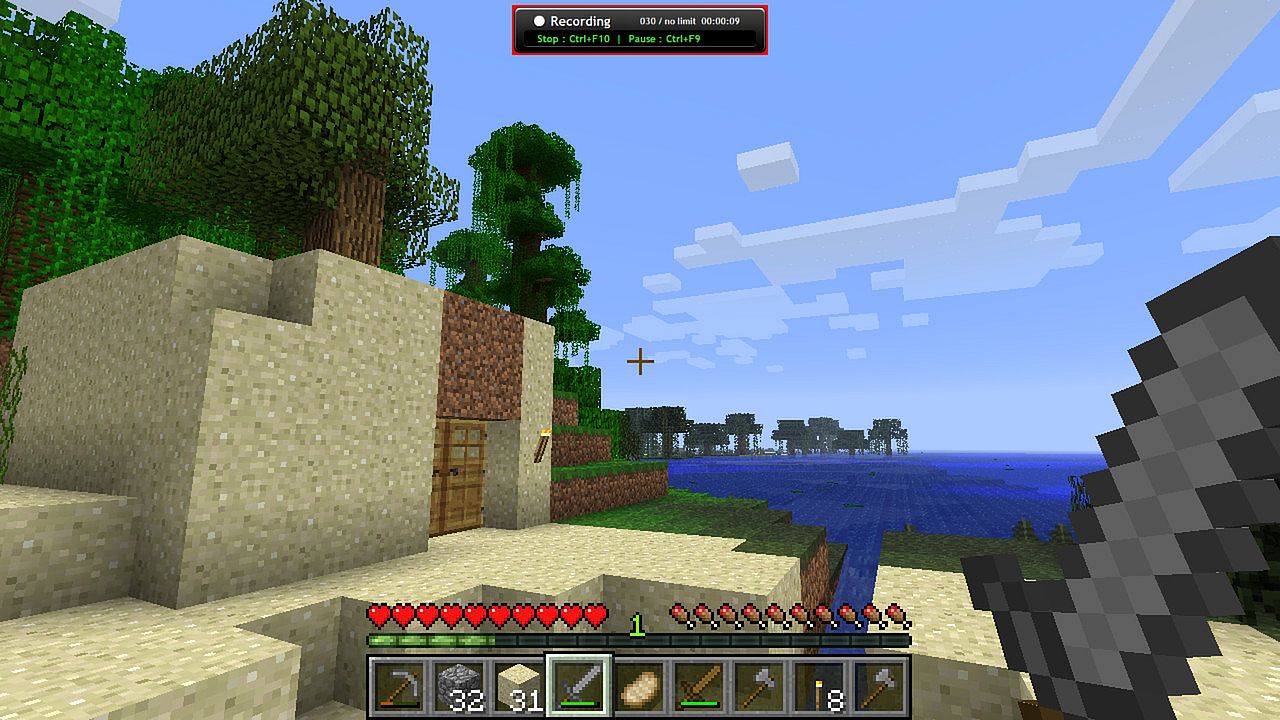
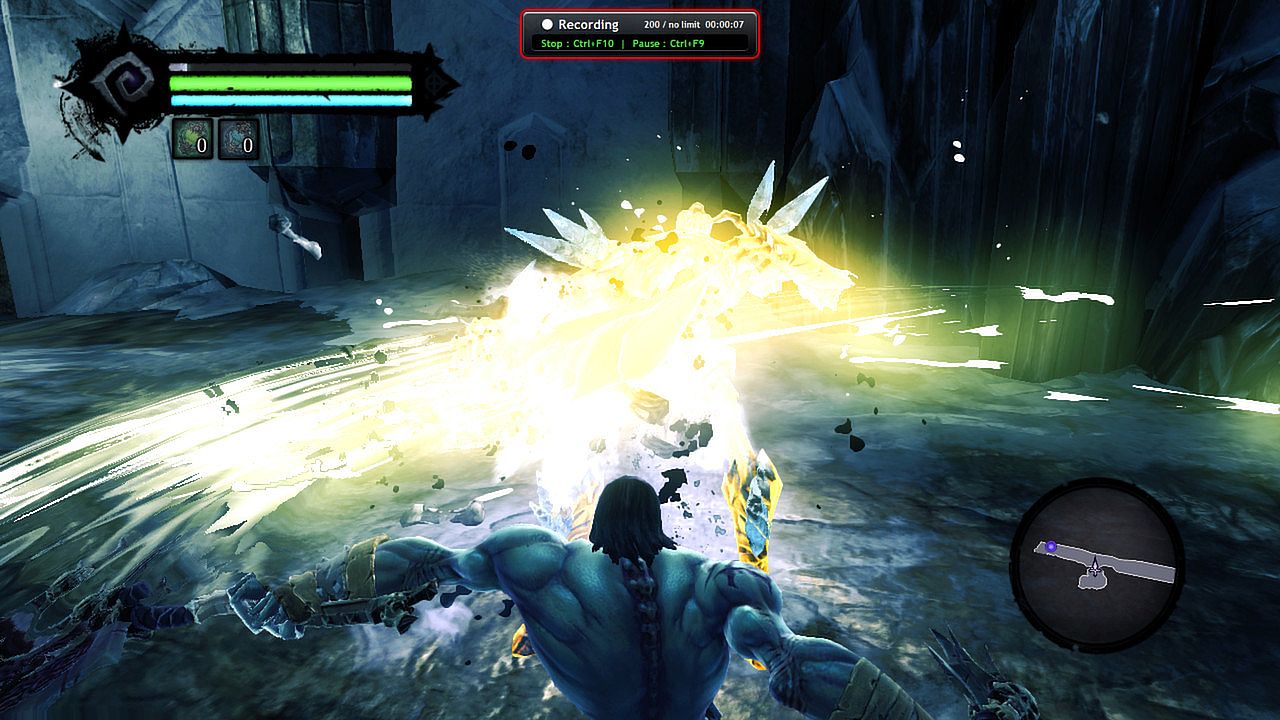
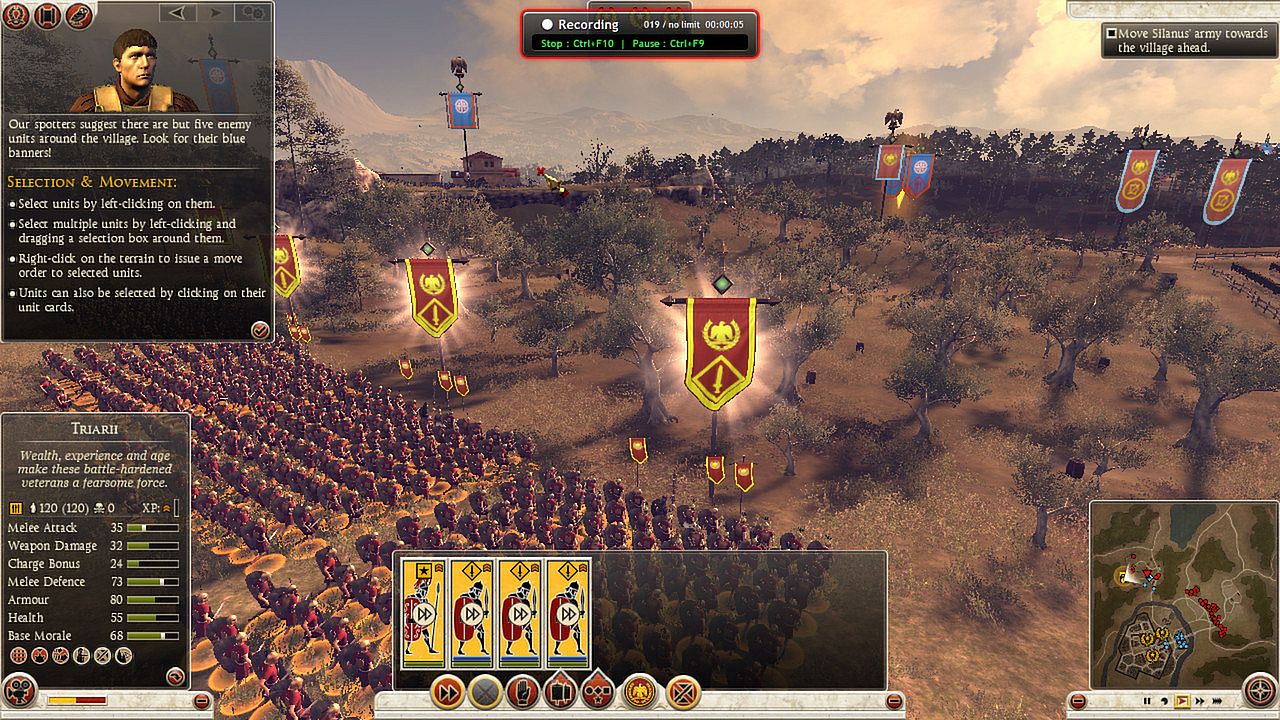
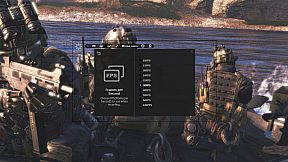
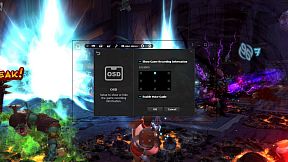
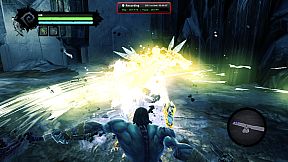
Capture smooth gameplay footage up to 100 FPS with minimal performance impact on your PC. This video production utility records DirectX 7-11 and OpenGL games like League of Legends, World of Warcraft, and GTA without lag. Add webcam overlay for live commentary via picture-in-picture, trim clips easily, and convert AVI files to MP4 or WMV right in the app. Schedule recordings with timers, trigger them via hotkeys, or upload directly to YouTube. Save screenshots in PNG, BMP, or JPG formats. Steam users and gamers seeking high-quality screen capture tools with built-in editing will find it ideal for quick, efficient video production.

Discover the ultimate game recorder - liteCam Game: 100FPS Game Capture!

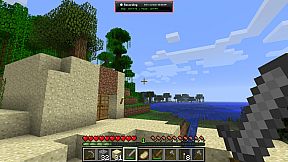
‘liteCam Game: 100FPS Game Capture’ is a next-gen game recording software for Steam users. ‘liteCam Game: 100FPS Game Capture’ has a minimal impact on actual game performance while recording and can record up to 100 FPS. You can record most DirectX 7, 8, 9, 10, 11 and OpenGL games such as League of Legends, World of Warcraft, Minecraft, Need for Speed, GTA , Grid 2 and many more pc games with no lag.

liteCam Game Official Website:
Why 'liteCam Game: 100FPS Game Capture' is the best game recording software?
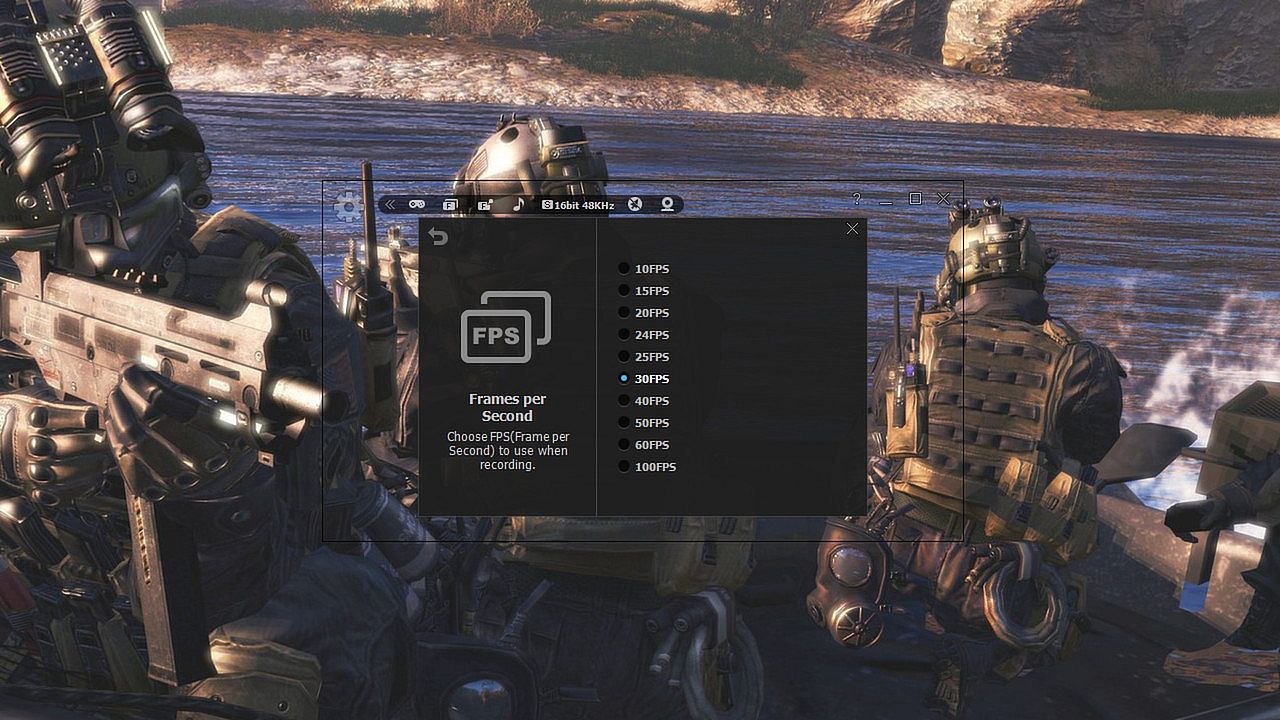
First, ‘liteCam Game: 100FPS Game Capture’ ensures that your recorded game video has a stunning HD vibrantly colored. By default, it captures your game footage at 100FPS for the smoothest videos.


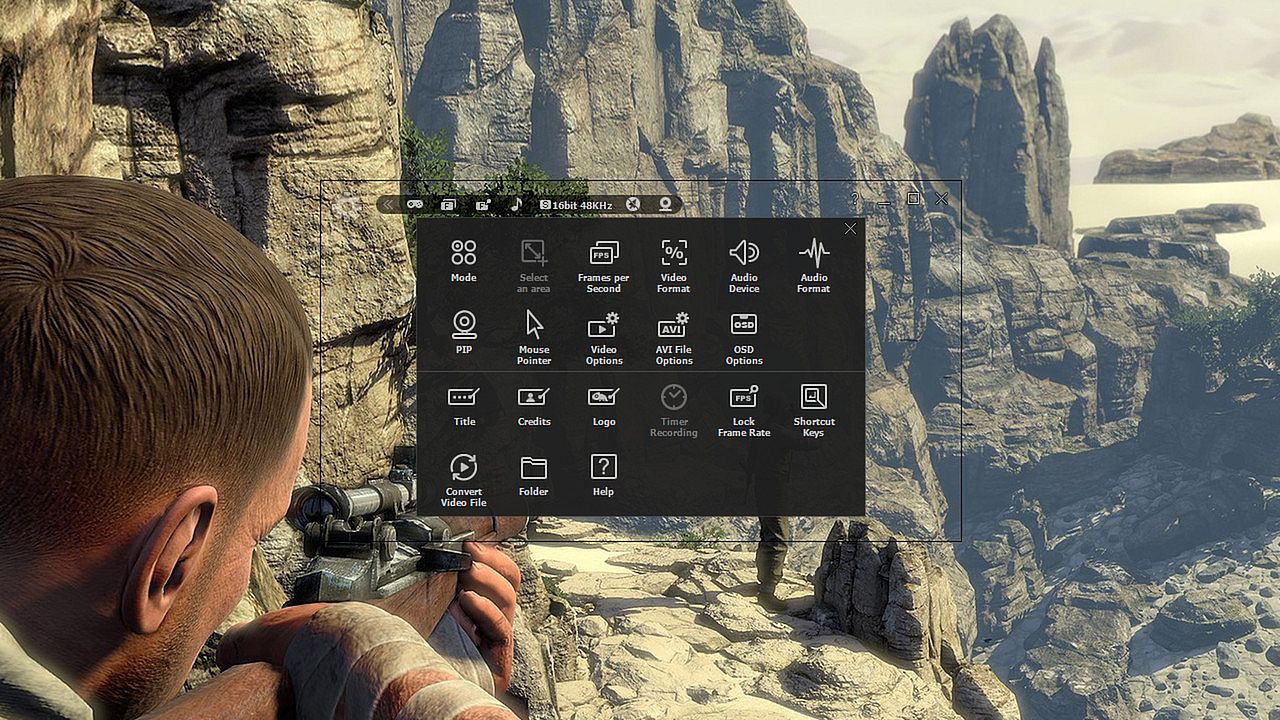
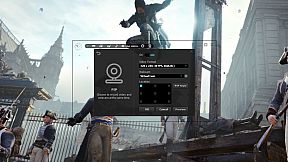
Second, ‘liteCam Game: 100FPS Game Capture’ consists of an easy-to-use interface to record gameplay instantly. You can easily record your webcam video with live commentary, so no need to look for webcam recording software.


Third, ‘liteCam Game: 100FPS Game Capture’ has no time limit on capturing your game play with a small file size.


Fourth, you can customize the recording option. ‘liteCam Game: 100FPS Game Capture’ allows you to import your preferred codec and use it to record your gameplay.


Fifth, ‘liteCam Game: 100FPS Game Capture’ saves the recorded videos in AVI file format. Inside the program, there is a converter function, so you can easily convert your videos to MP4 and WMV without interruption. ‘liteCam Game: 100FPS Game Capture’ also supports direct upload to YouTube from your computer.


Sixth, ‘liteCam Game: 100FPS Game Capture’ does not require the video editing software. You can simple trim the part of your recorded videos in the preview mode with a simple mouse movement. Also you can add video titles, ending credits and your pictures quickly.


Please note that ‘liteCam Game: 100FPS Game Capture’ might drop frames when recording if your computer becomes overburdened or the game play limit FPS less than 100FPS. Here is recommended hardware spec to improve performance;

CPU:
Intel Core i7 and above
Intel Core i5 4670 and above

Graphic card/Video card:
GetForce GTX 760 and above
Radeon R9 270X and above

For Windows 7 and above
Use SSD storage
Amazing Features from ‘liteCam Game: 100FPS Game Capture’

  • Game Recording: Capture any game play with ‘liteCam Game: 100FPS Game Capture’. It can Capture most DirectX 7, 8, 9, 10, 11 and OpenGL games
  • Video Recording: ‘liteCam Game: 100FPS Game Capture’ can record any video on the user computer screen. Record videos from YouTube, Hulu, Vimeo, Daily Motion, and etc
  • Trimming: ‘liteCam Game: 100FPS Game Capture’ is equipped with a simple trimming tool. User can trim any video they recorded.
  • Adding logos, credits, and title: No other recording software can let you add logos, credits, and title except 'liteCam Game: 100FPS Game Capture'.
  • Converting Tools: ‘liteCam Game: 100FPS Game Capture’ produces AVI video files. At the same time with 'liteCam Game: 100FPS Game Capture' you can convert recorded videos to MP4 or WMV
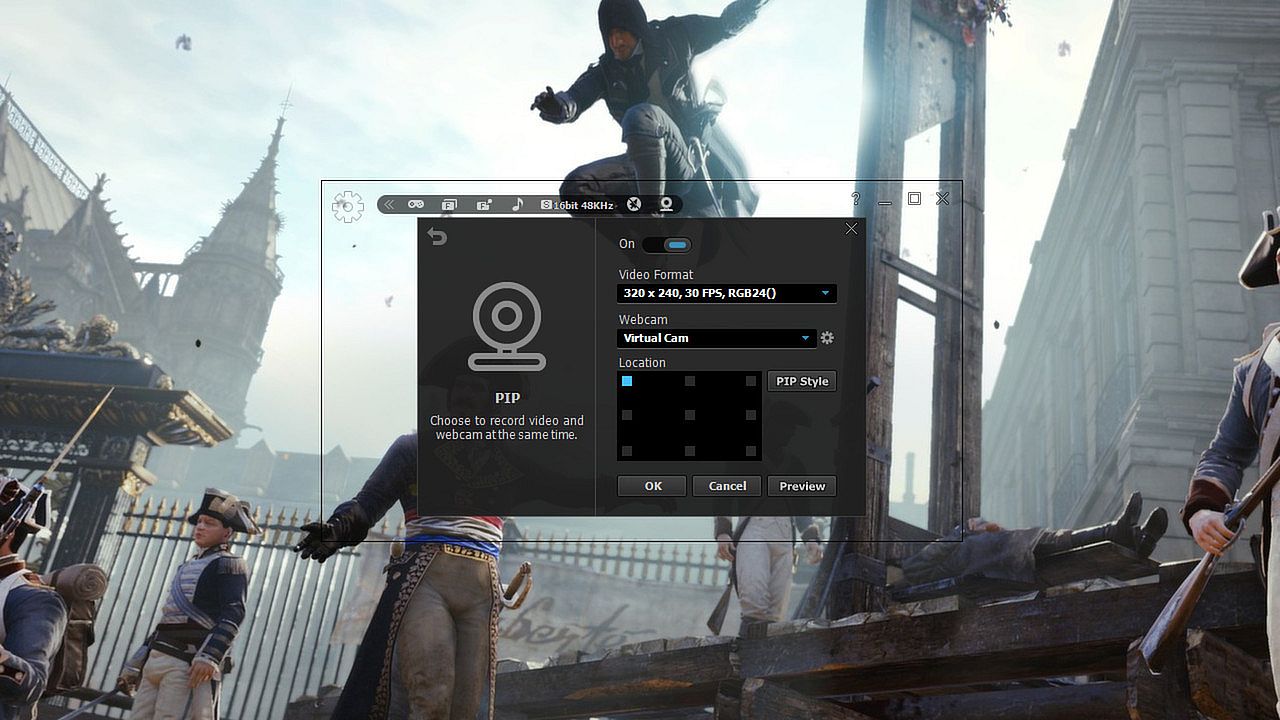
  • Webcam --> PIP: ‘liteCam Game: 100FPS Game Capture’ has a PIP function for users to show their active speech while capturing Game play or recording videos. This will surely build up the trust on your videos.
  • Upload to YouTube: ‘liteCam Game: 100FPS Game Capture’ can directly upload recorded videos to YouTube.
  • Timer Recording: ‘liteCam Game: 100FPS Game Capture’ can help you schedule your video recording. You can set 'liteCam Game: 100FPS Game Capture' to record any video you want.
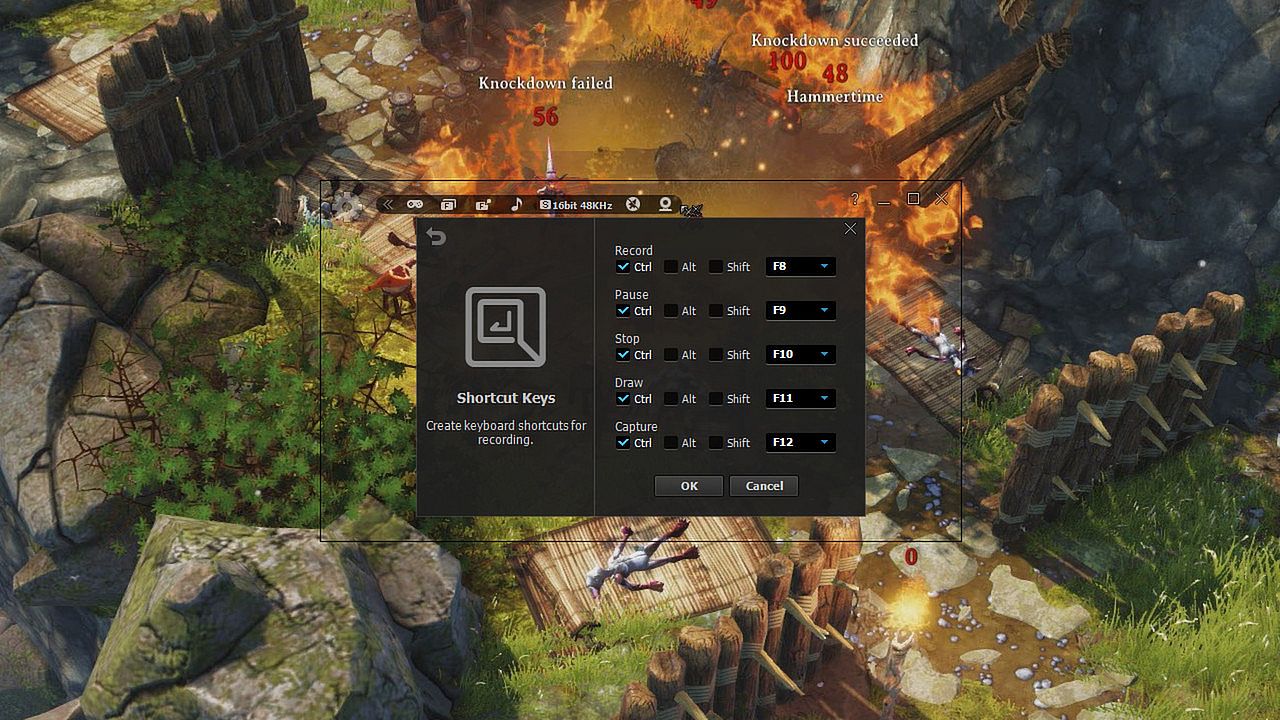
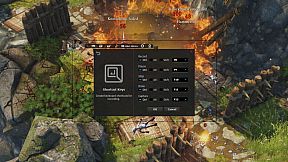
  • Hotkey Recording: ‘liteCam Game: 100FPS Game Capture’ will let you use Hotkeys to help provide an easier and usually quicker method of navigating when recording Games.
  • Screen Capture: User can capture screenshots of videos and games and save them as PNG, BMP, or JPG files format
Users' Video in YouTube
LITECAM VS FRAPS top game capture softwares

Testing out new screen recorder - Amazing Quality

CoH 2 on Dell Inspiron n5110
Steam:
Mixed (469)

Historial de precios

Mínimo histórico
Keyshops
-
-
-
Tiendas oficiales
-
-
-

FAQ

8 preguntas

Antes de buscar una CD Key barata de liteCam Game: 100 FPS Game Capture, revisa lo esencial. Desarrollado por Rsupport Inc.. Publicado por Rsupport Inc.. Fecha de lanzamiento en PC: 24 feb 2014. Géneros: Utilities, Video Production. Categorías: Single-player. Reseñas de liteCam Game: 100 FPS Game Capture: Reseñas de Steam: 49% of the 469 user reviews for this game are positive.

Q ¿Puedo jugar a liteCam Game: 100 FPS Game Capture en Steam Deck?

No, ahora mismo no. Valve marca liteCam Game: 100 FPS Game Capture como No compatible con Steam Deck, así que no se inicia con Proton por el momento. Mantente atento a XD.deals: seguimos avances de Proton y soluciones de la comunidad, y lo marcaremos en cuanto haya una forma de jugar a liteCam Game: 100 FPS Game Capture en Steam Deck.

. Existe una versión de liteCam Game: 100 FPS Game Capture en Steam. Elige cualquier oferta marcada como Steam Key en XD.deals, canjéala en el cliente de escritorio y juega a liteCam Game: 100 FPS Game Capture en Steam para PC.

Sí. Una vez canjeada tu clave de Steam, puedes iniciar liteCam Game: 100 FPS Game Capture en Modo sin conexión desde Steam. Tus partidas se sincronizarán la próxima vez que te conectes.

, puedes comprar una Steam Key de liteCam Game: 100 FPS Game Capture directamente en la tienda de Steam. En XD.deals agregamos todas las ofertas con DRM de Steam para que compares ofertas baratas de liteCam Game: 100 FPS Game Capture en Steam en un solo lugar.

Encontrarás todas las ofertas y descuentos activos de liteCam Game: 100 FPS Game Capture aquí mismo, en XD.deals. Nuestro rastreador lista actualmente 1 ofertas de tiendas oficiales y 0 ofertas de keyshops. Mira la tabla de arriba para ver el precio más bajo, compáralo con el mínimo histórico del juego y crea una alerta para no perderte la próxima bajada.

Con XD.deals, los jugadores de PC pueden ver al instante dónde comprar una clave Steam para PC de liteCam Game: 100 FPS Game Capture barata. Nuestro motor de comparación en tiempo real y nuestra base de cupones seleccionados siguen todas las tiendas oficiales y keyshops de confianza para que no tengas que hacerlo tú. Ahora mismo detectamos este juego en 1 ofertas activas de tiendas y keyshops.

. La página oficial de liteCam Game: 100 FPS Game Capture en Steam está disponible, así que puedes comprar liteCam Game: 100 FPS Game Capture en Steam o comprar cualquier Steam Key para PC de liteCam Game: 100 FPS Game Capture en XD.deals y canjearla al instante.

No: XD.deals no es una tienda. Somos un servicio de comparación que rastrea las mejores ofertas de liteCam Game: 100 FPS Game Capture en tiendas oficiales y keyshops verificados. Haz clic en "Comprar ahora" junto a la oferta que quieras y te redirigiremos a la web del vendedor para completar la compra y recibir allí la clave.

¿Listo para jugar? Crea una alerta de precio en XD Deals y consigue una clave de Steam de liteCam Game: 100 FPS Game Capture con descuento en cuanto alcance su próximo mínimo histórico.

Crear alerta