










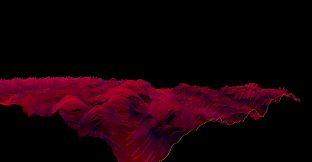
Bonk'd Audio Visualizer PC

Gdzie znale藕膰 najlepsz膮 ofert臋 na Bonk'd Audio Visualizer na PC (Steam)? Por贸wnaj ceny z 1 sklep贸w i wybierz najlepsz膮 opcj臋 spo艣r贸d 1 ofert dost臋pnych na XD.deals. Obecnie najni偶sza cena Bonk'd Audio Visualizer na PC w keyshopach jest na 7,19聽z艂 (0% taniej).

Premiera: 16 cze 2022
Developer: Bonk'd Industries
Steam:
Overwhelmingly Negative (9)
Keyshops
Brak dost臋pno艣ci
Kup w oficjalnym sklepie:
7,19聽z艂
Kup w keyshopach:
Zobacz histori臋 cen

Sklepy oficjalne (1)

DRM:
Steam
Steam
Steam
Bonk'd Audio Visualizer
Windows
+2
51tyg temu
DRM:
Steam
Steam
7,19聽z艂
Historical Low Deal
Historical low

O Bonk'd Audio Visualizer

Bonk'd Audio Visualizer - o grze

Features
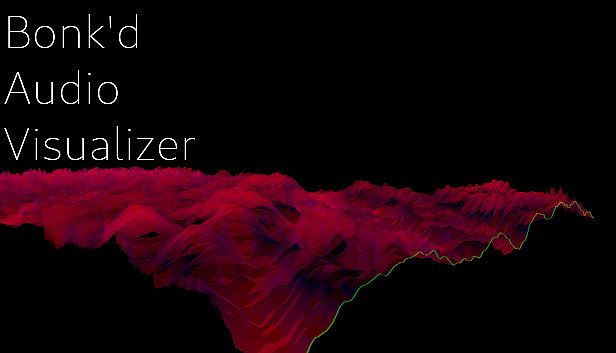
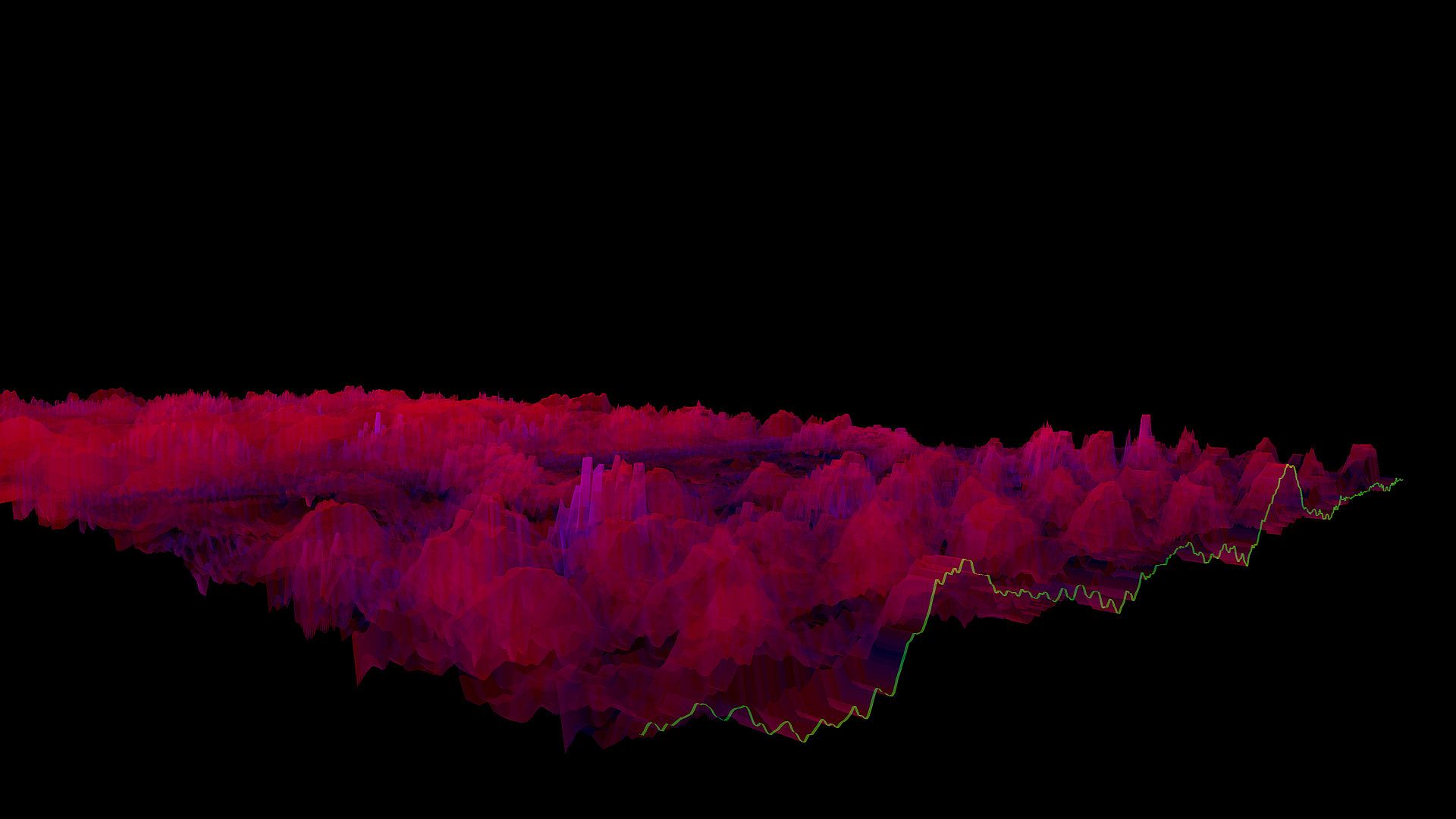
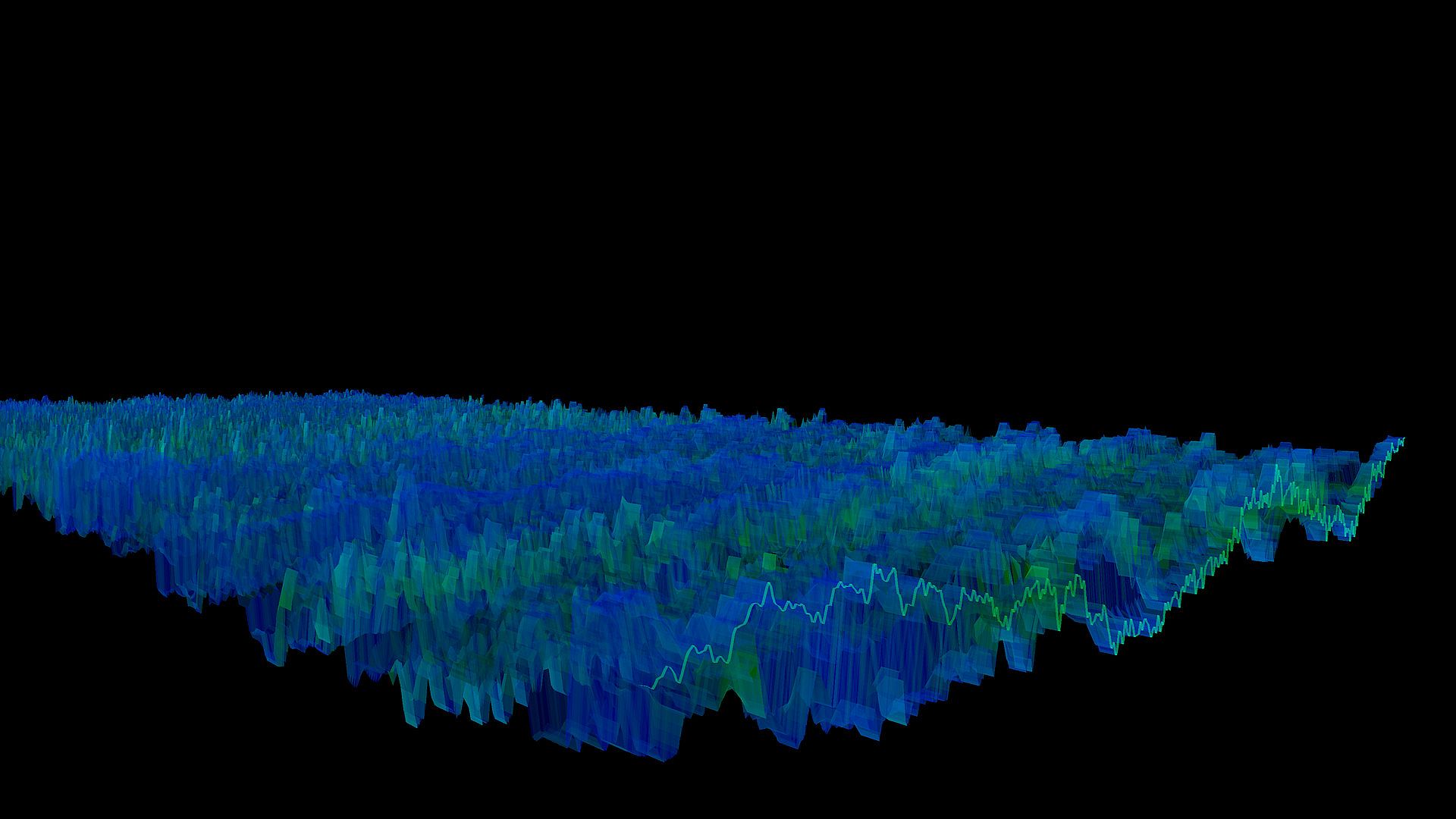
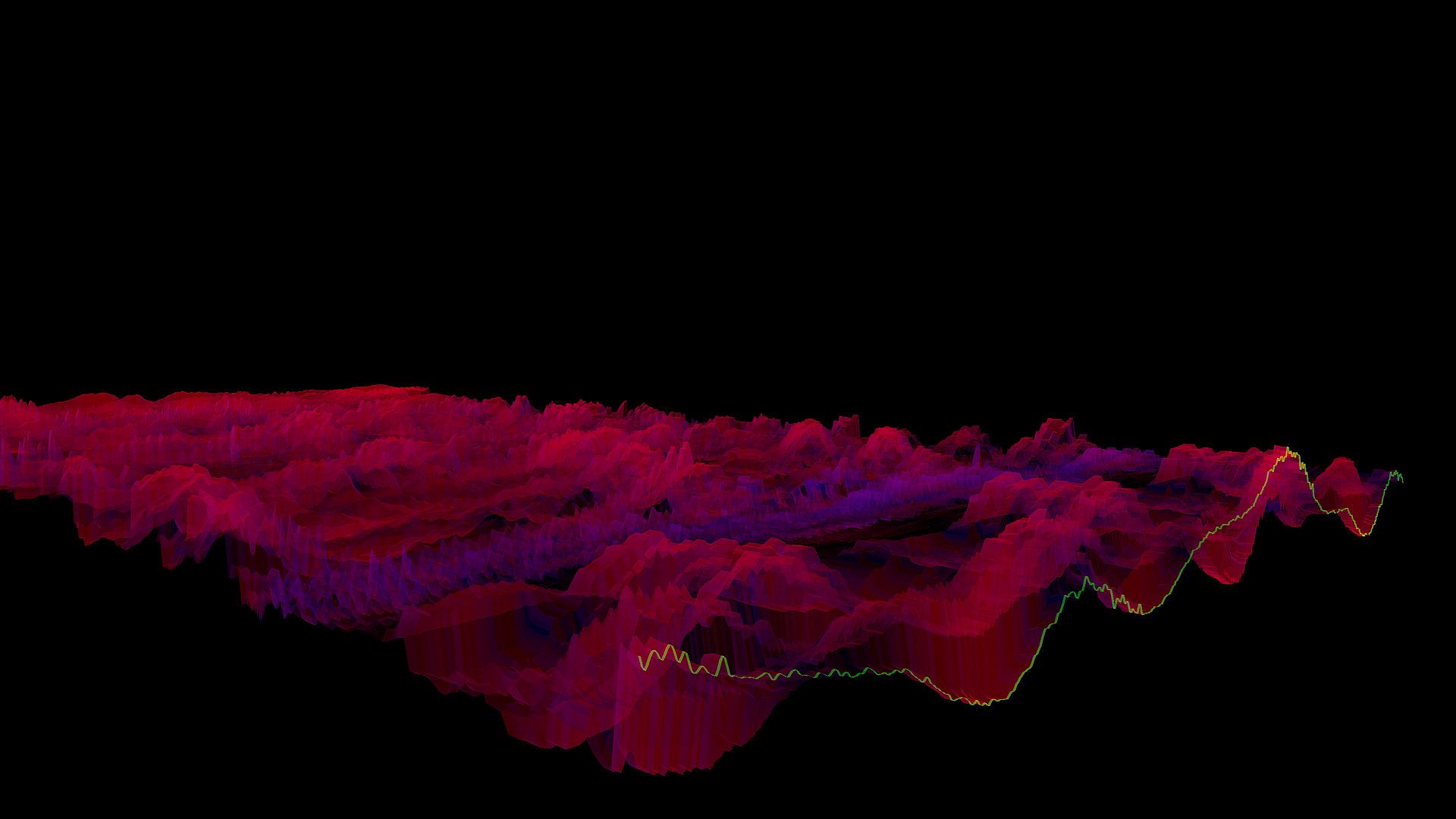
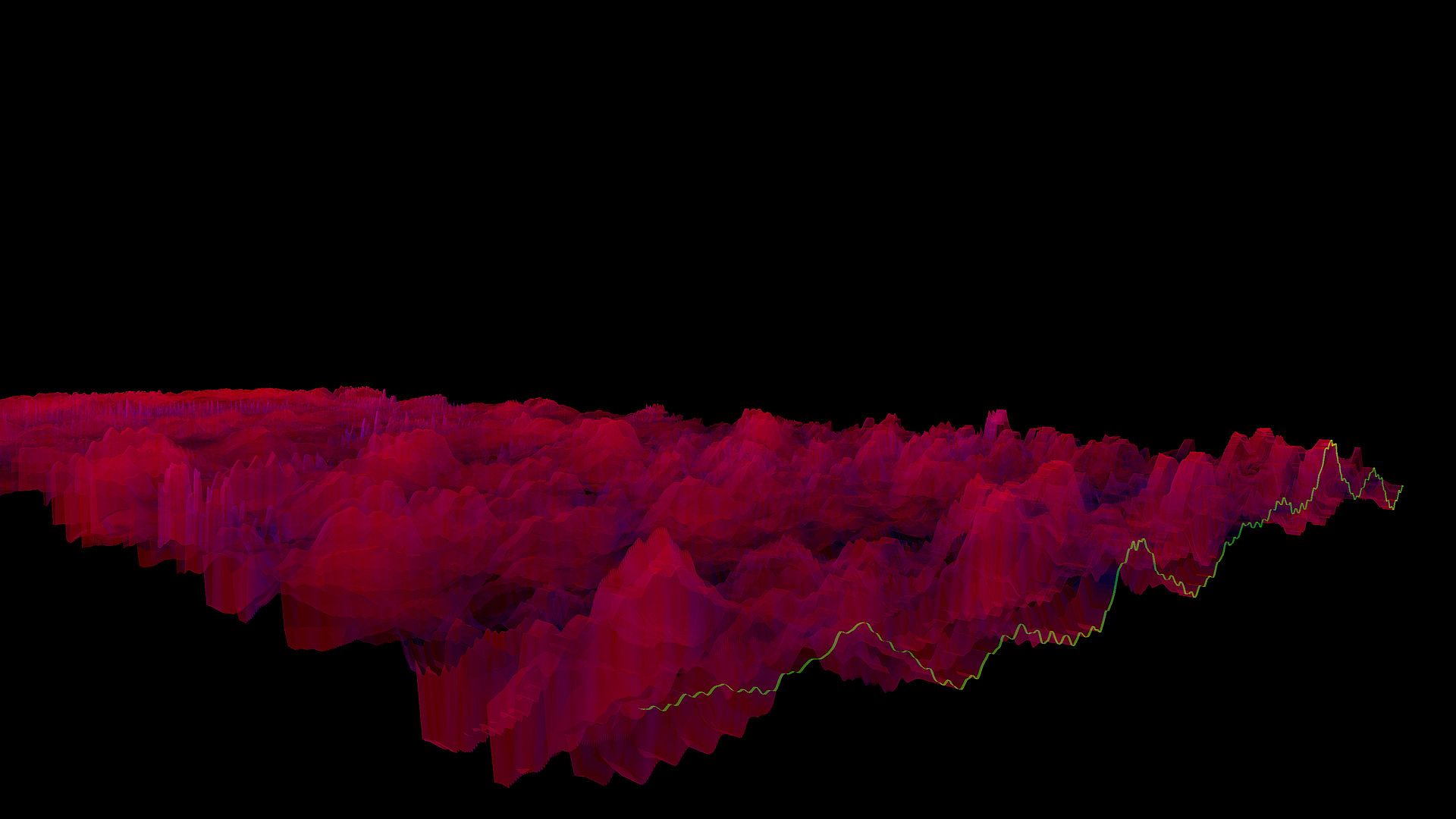
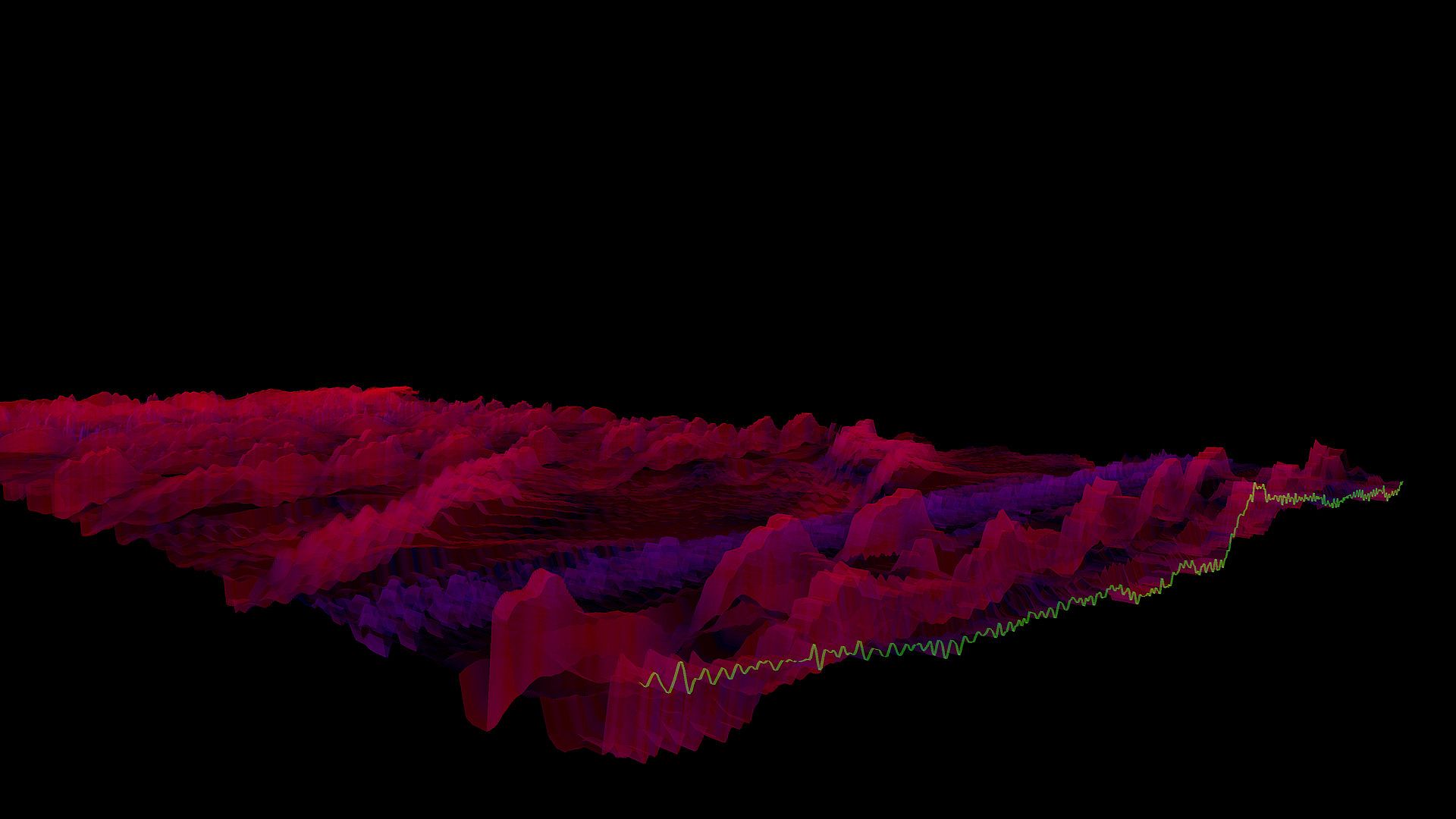
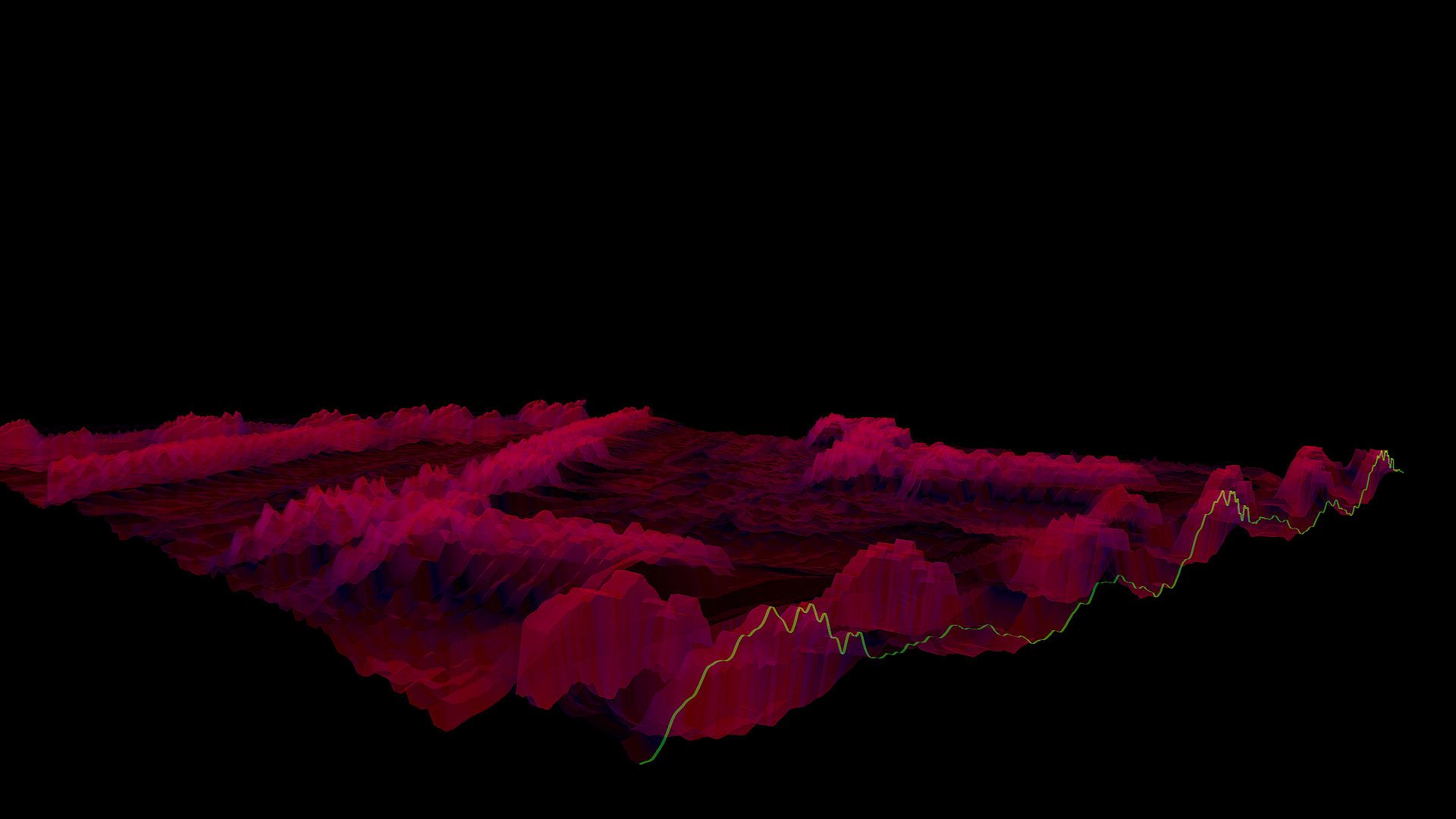
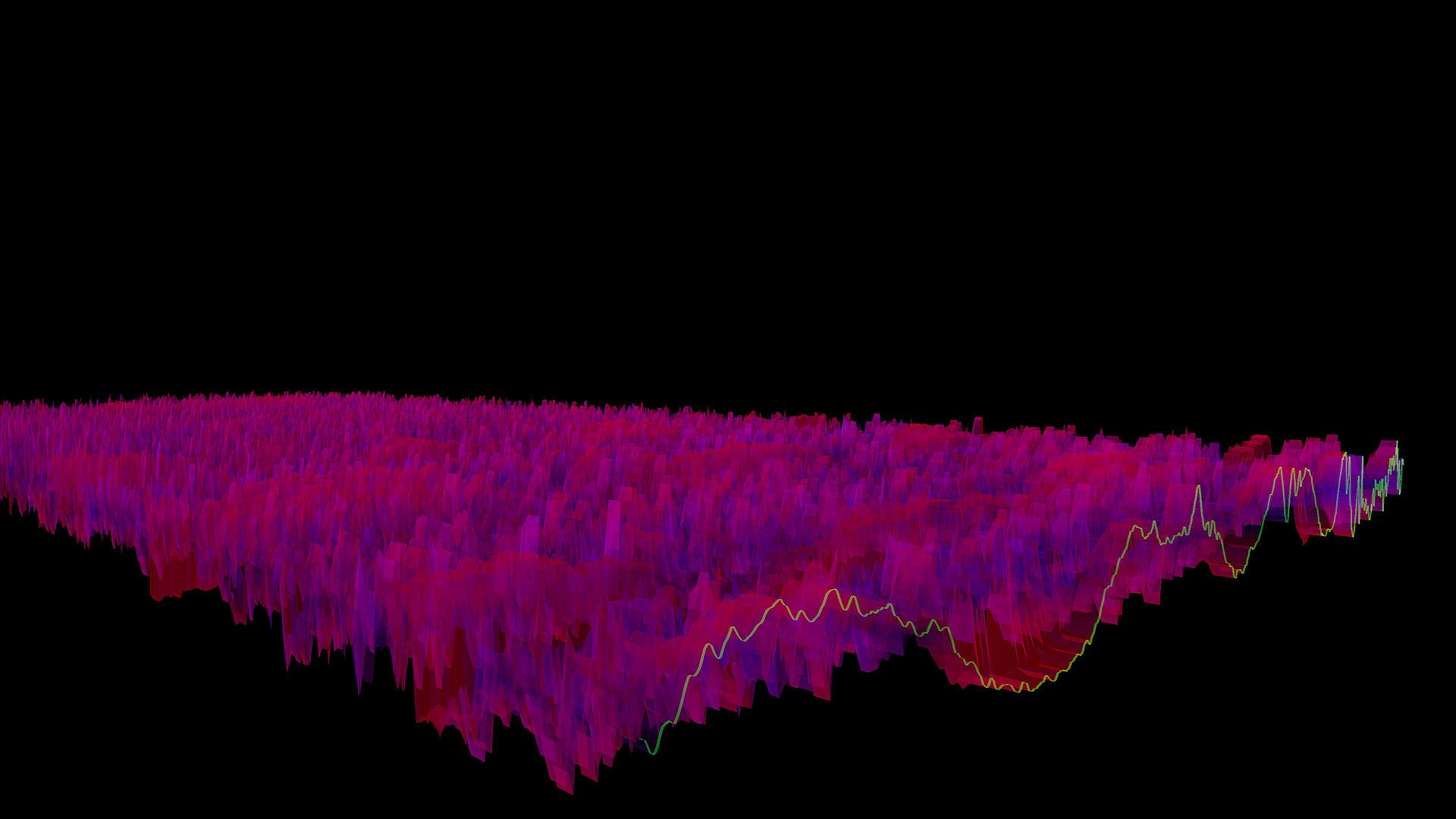
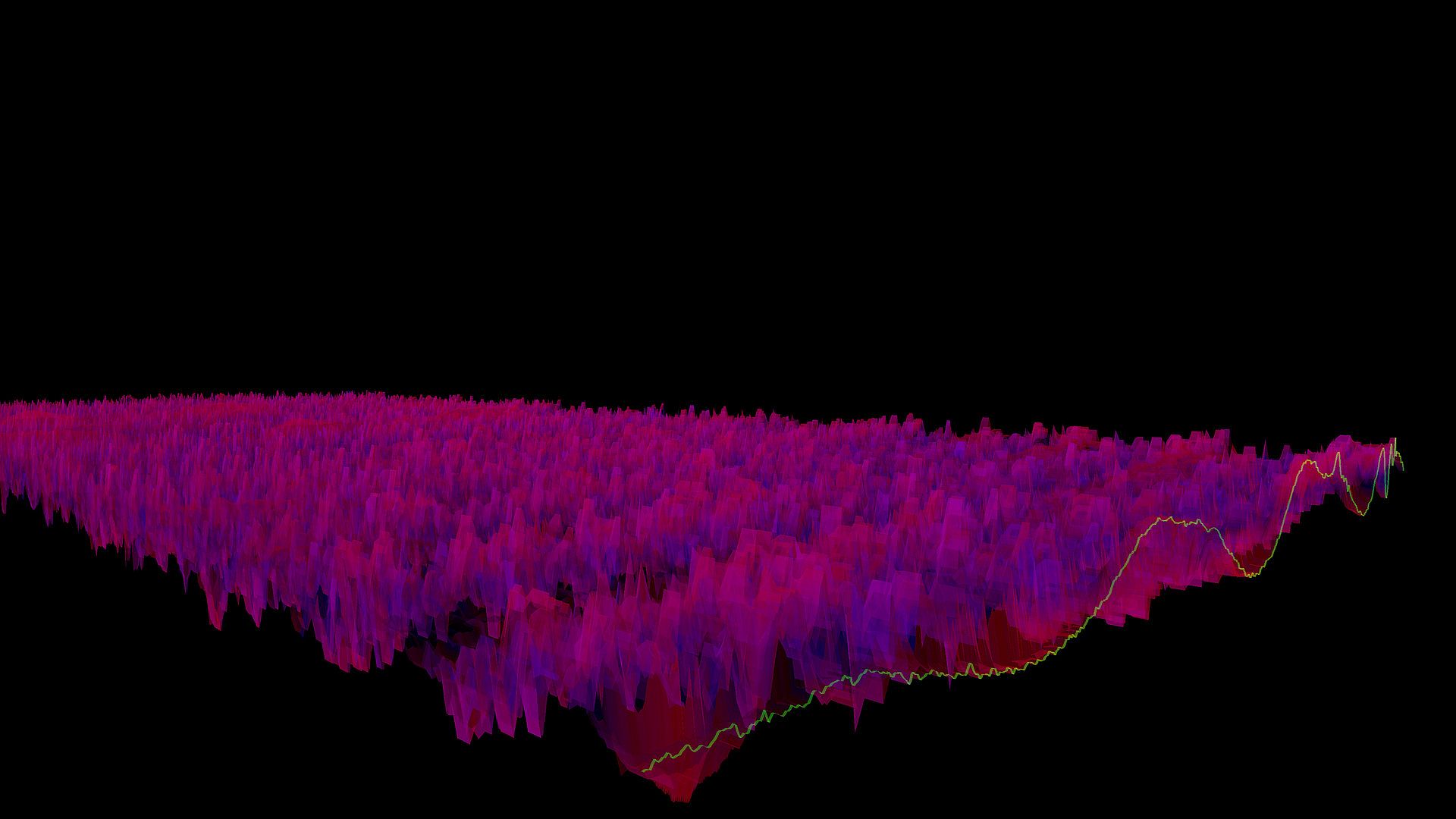
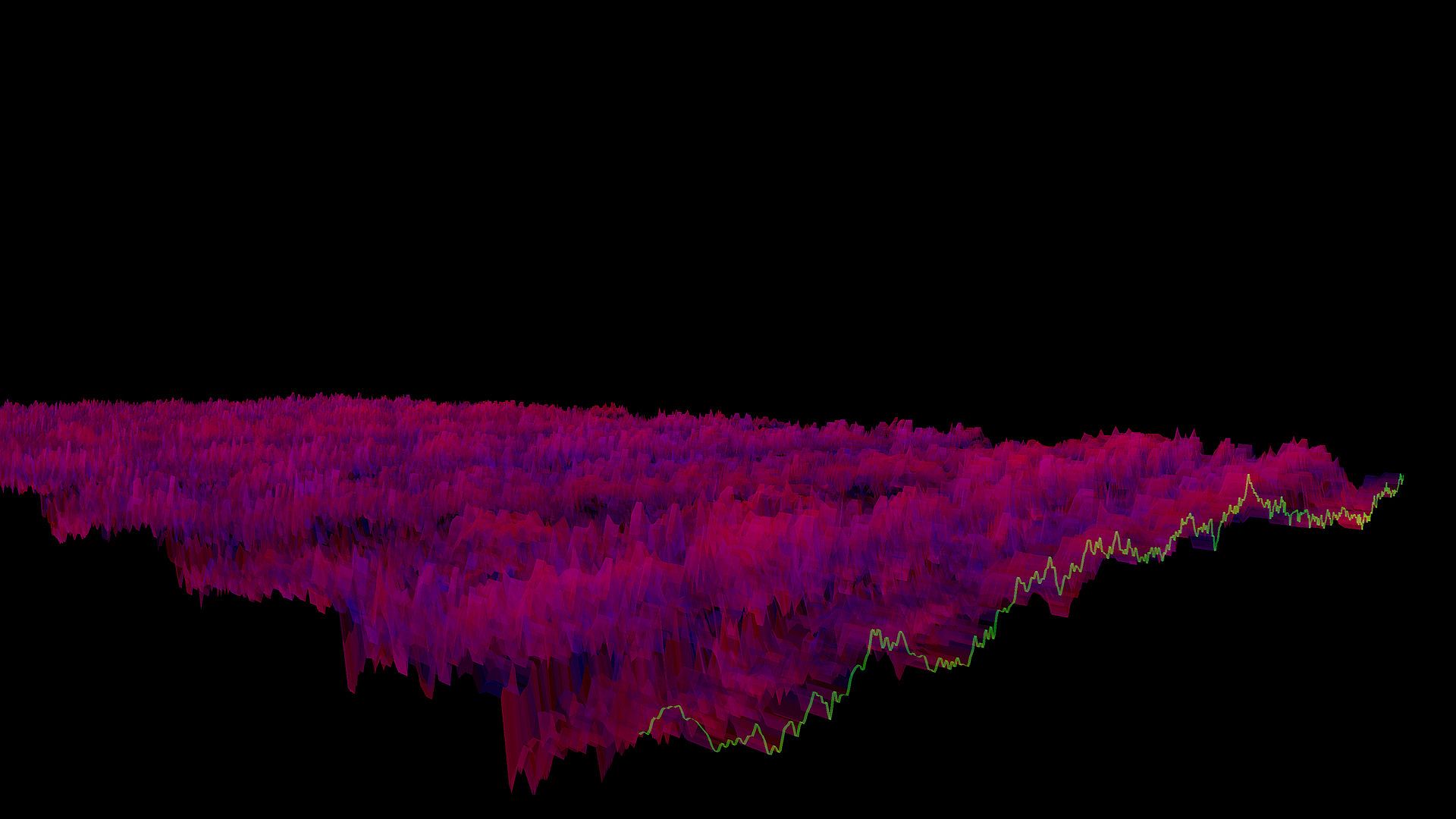
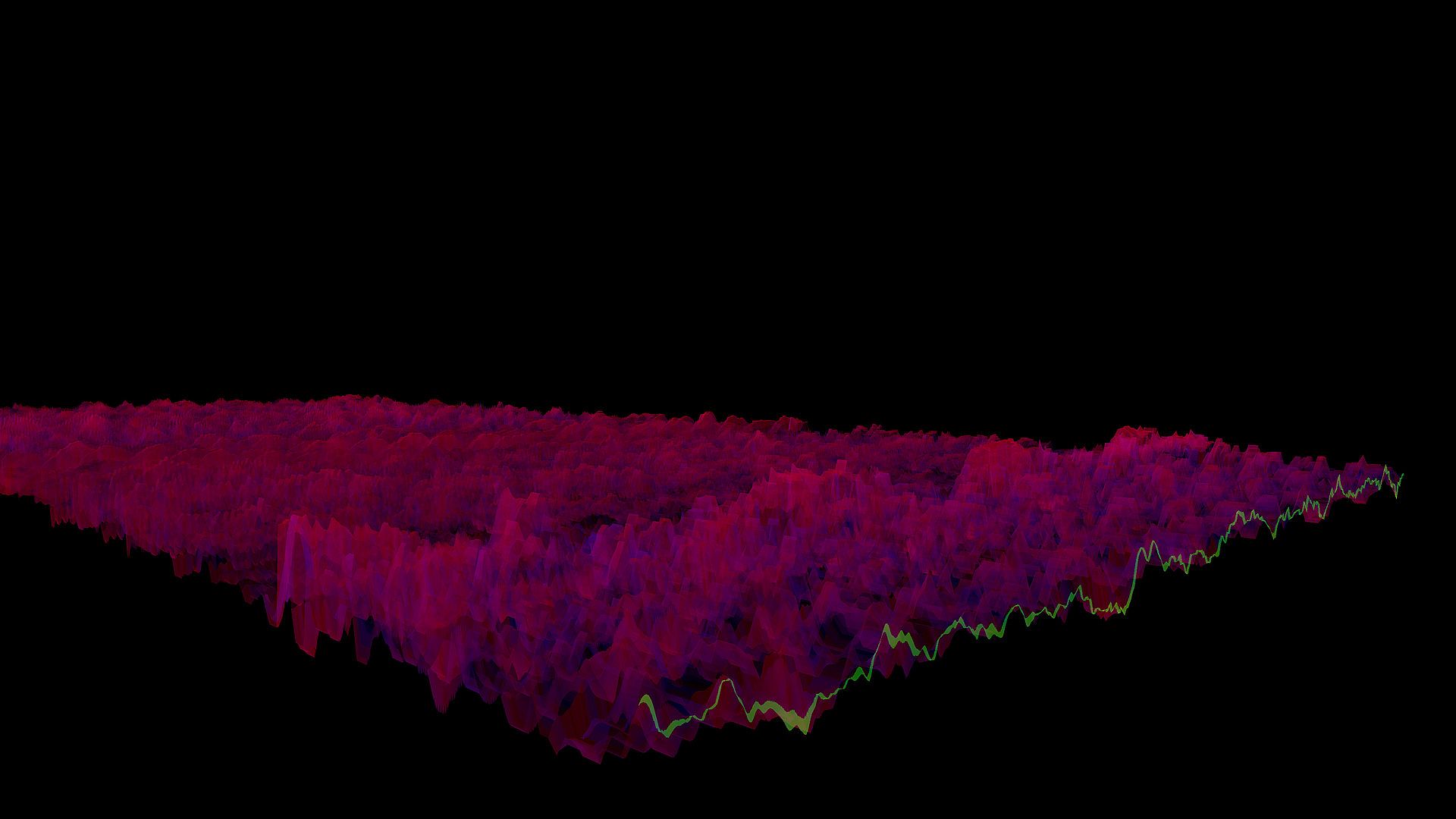
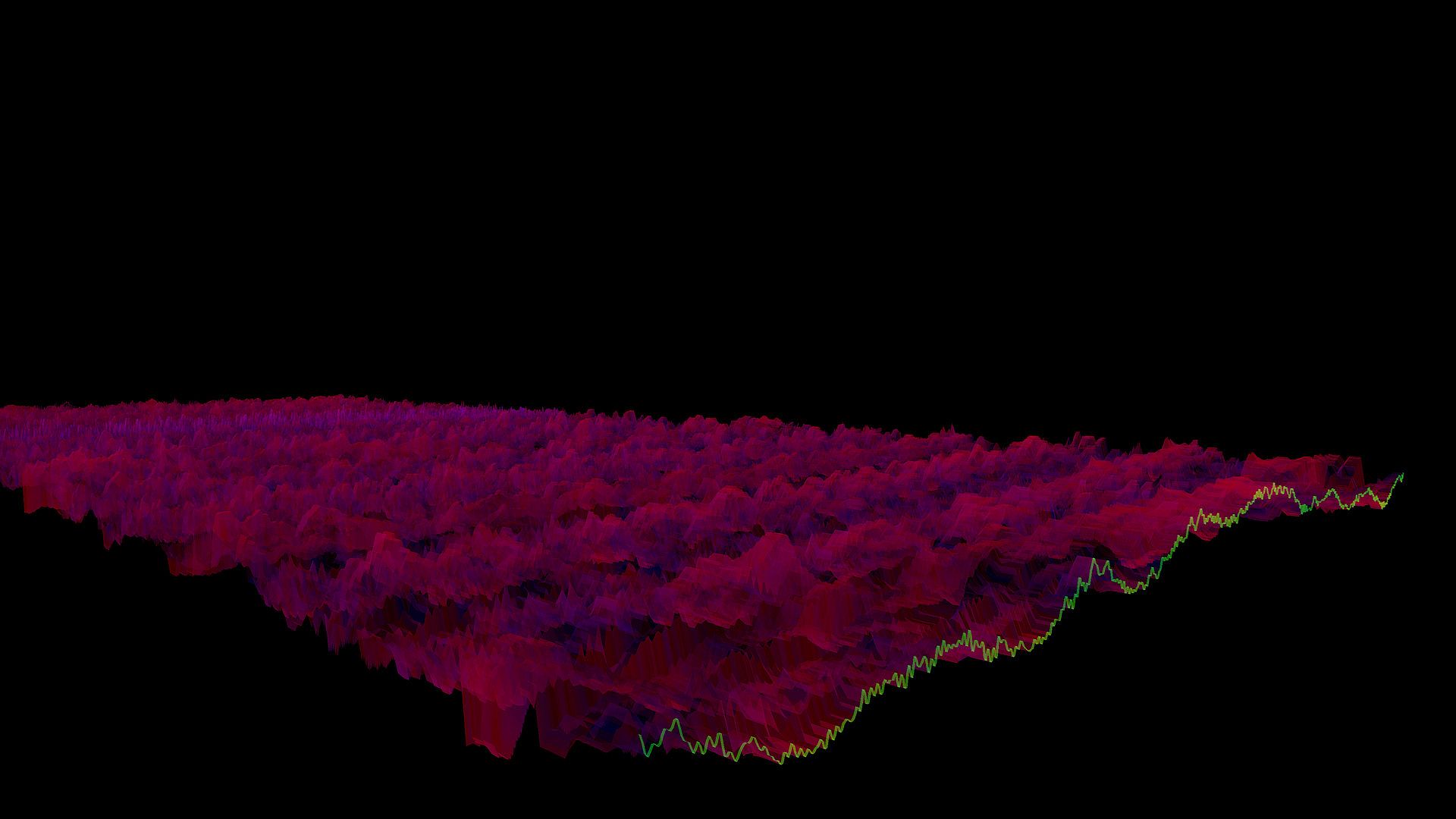
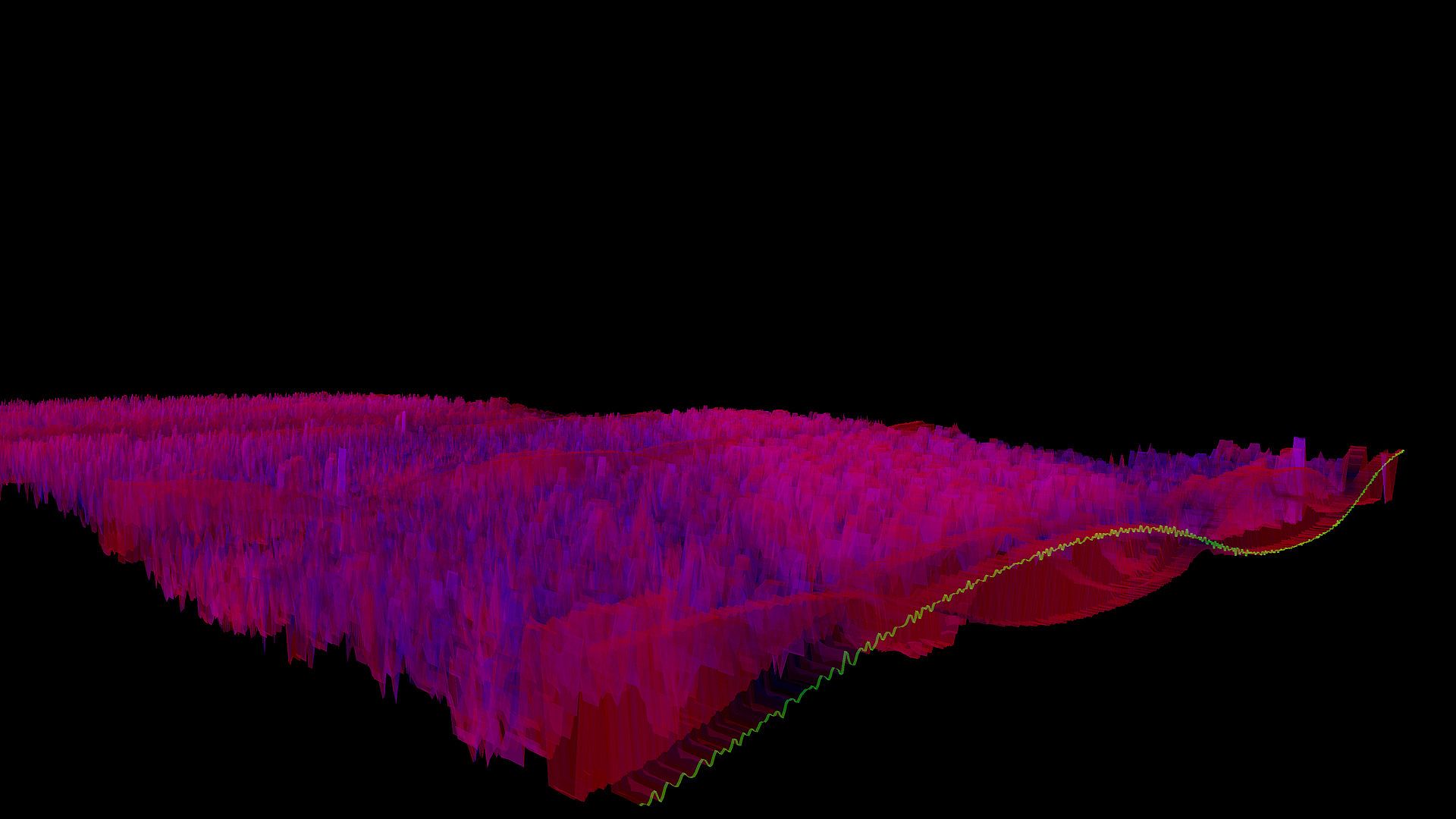
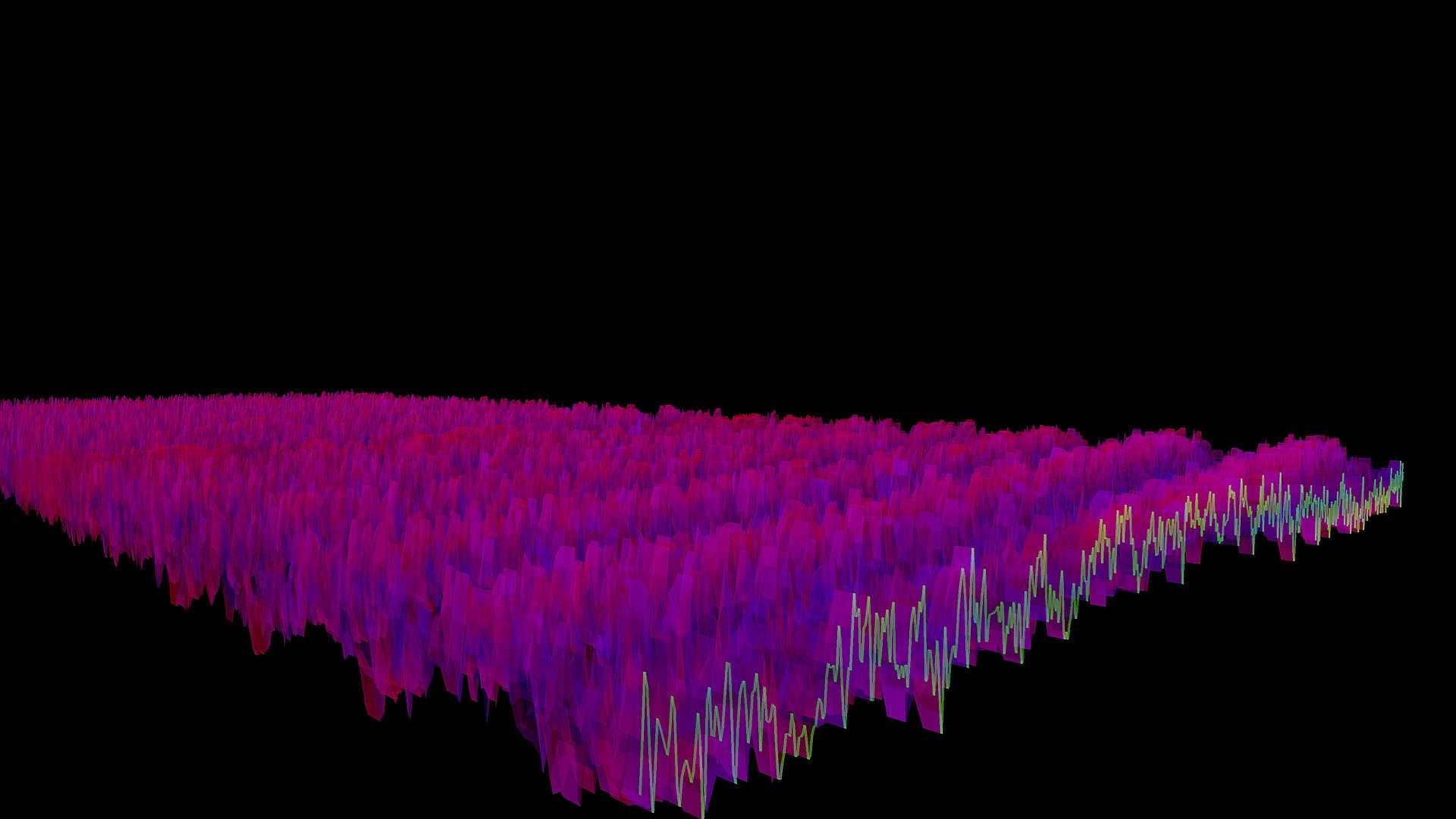
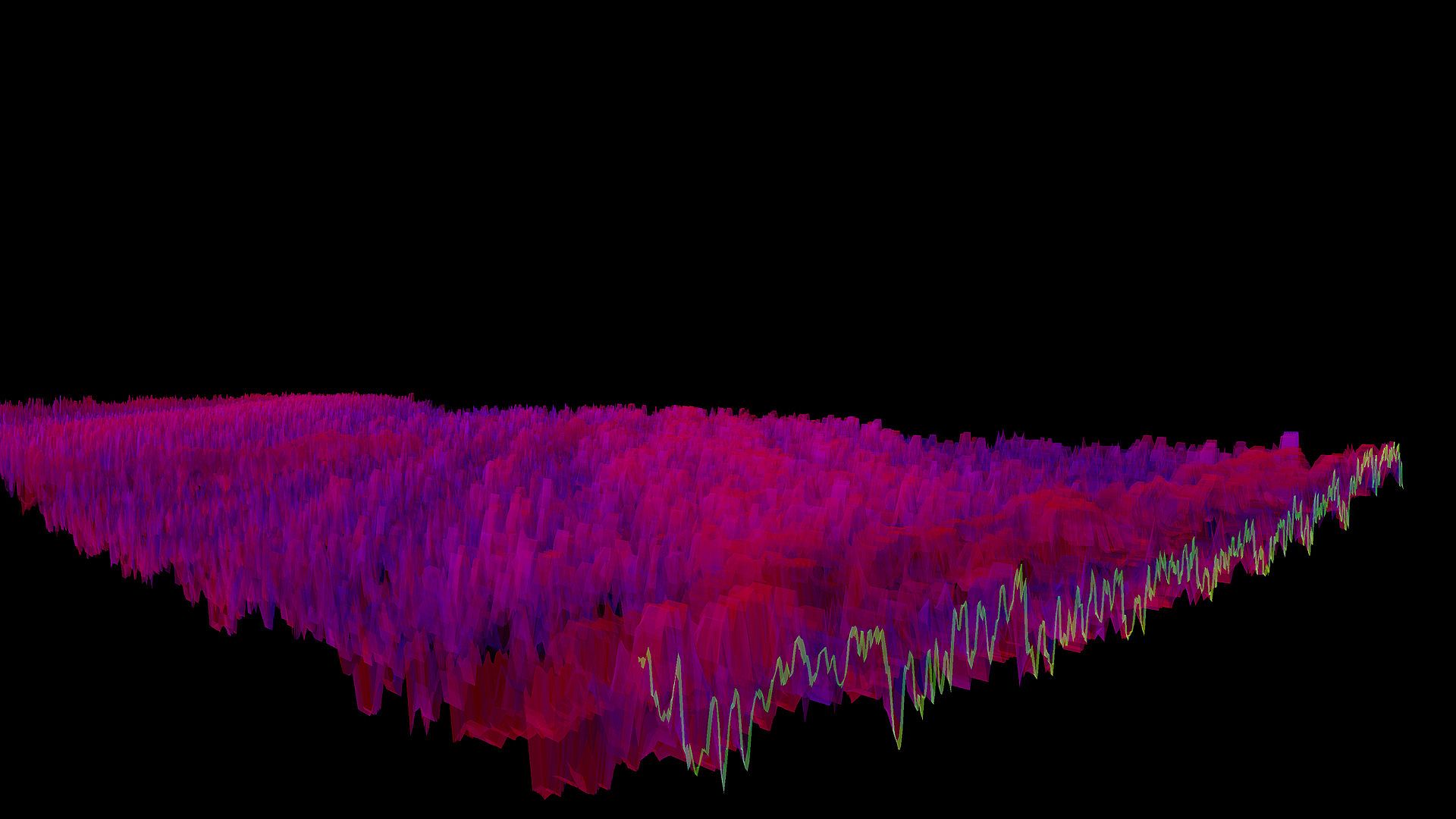
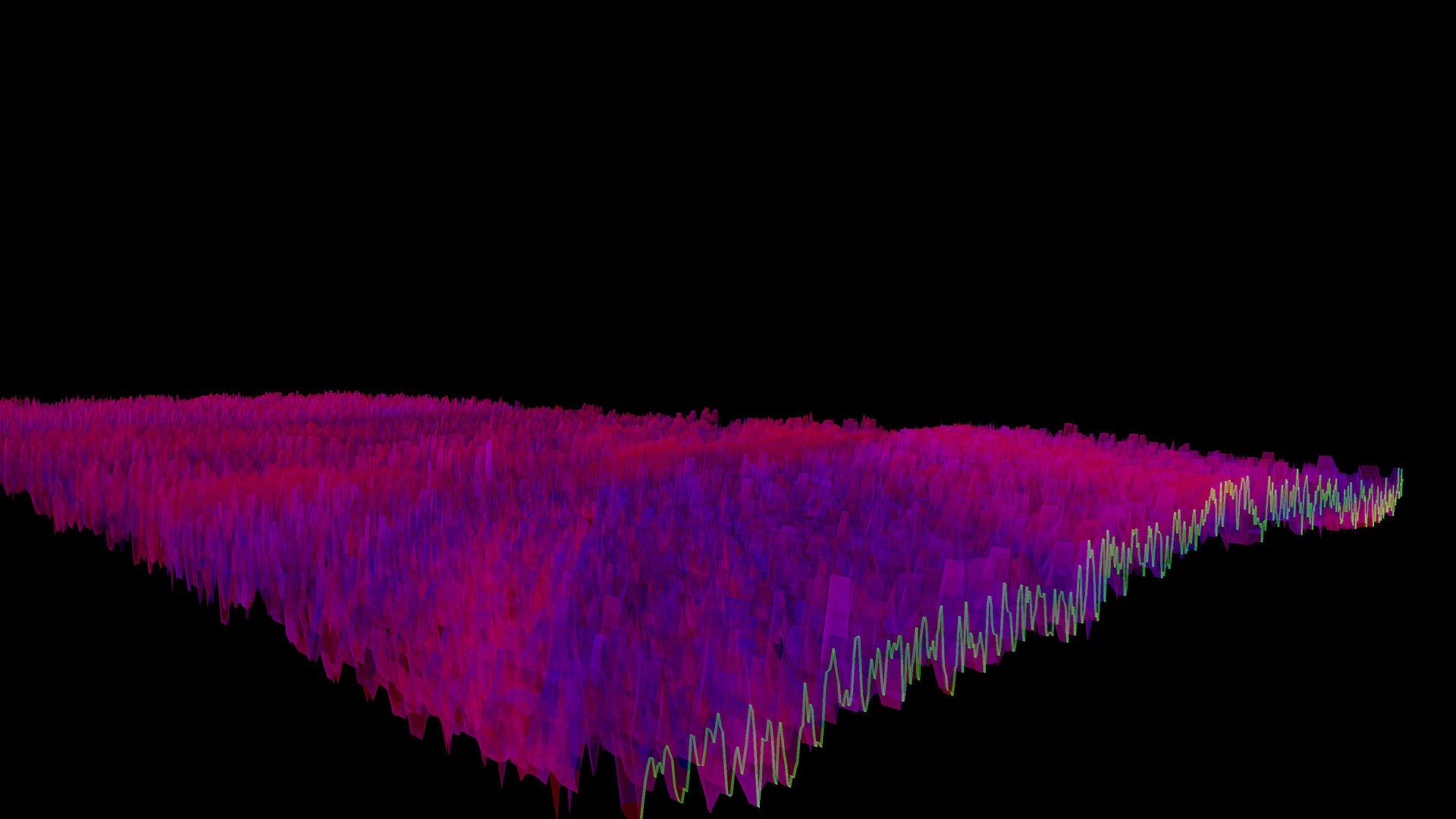
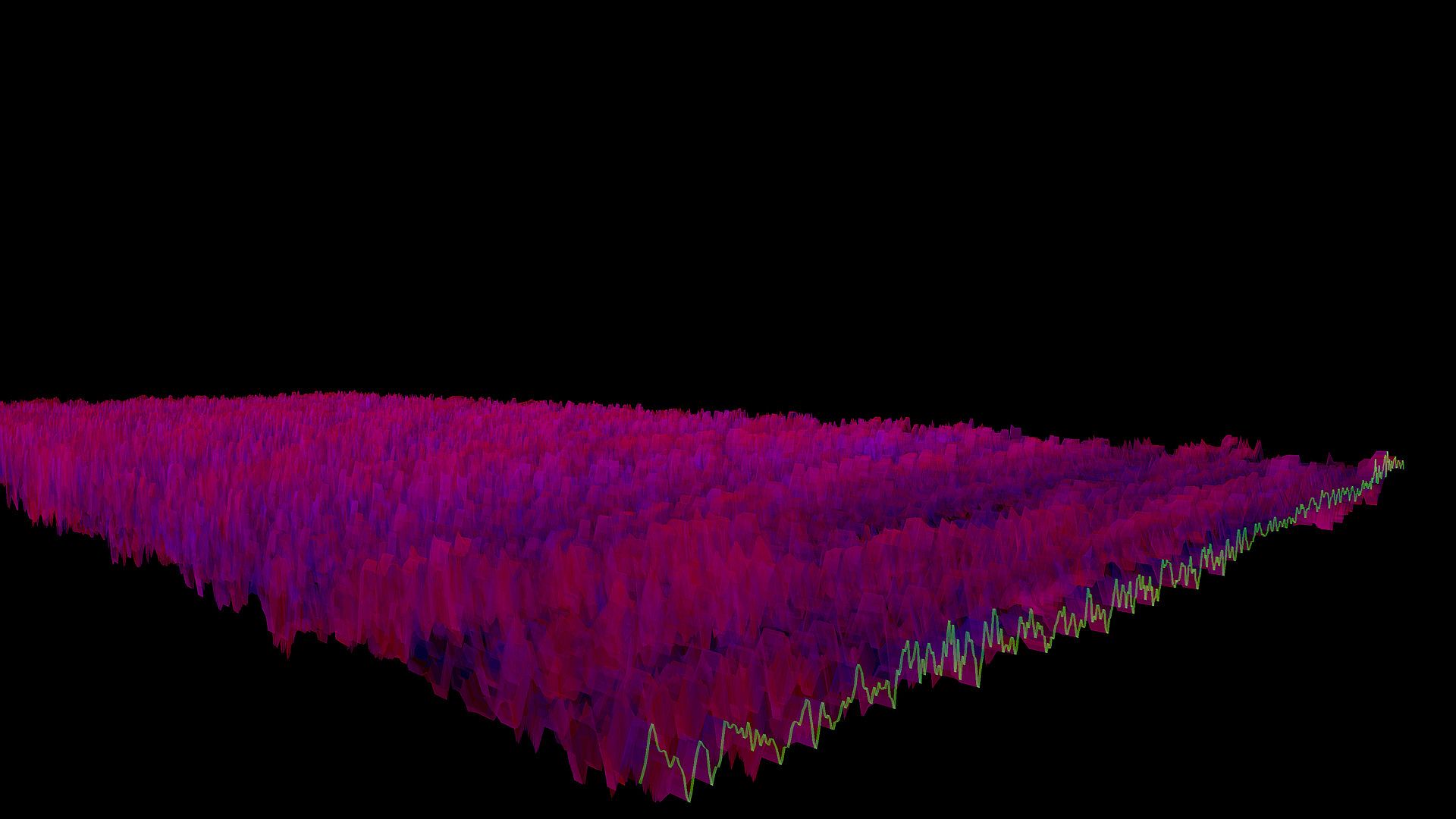
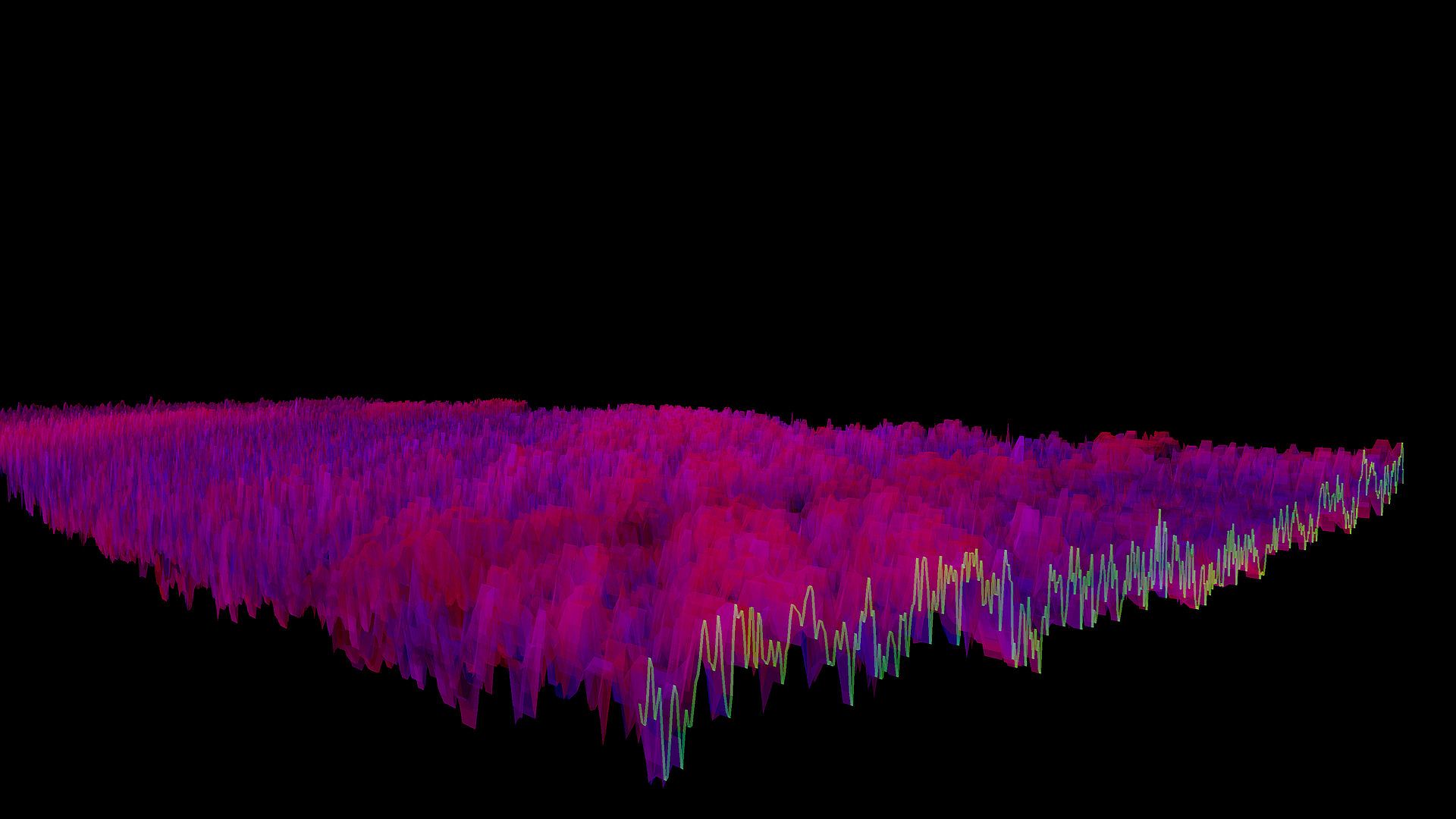
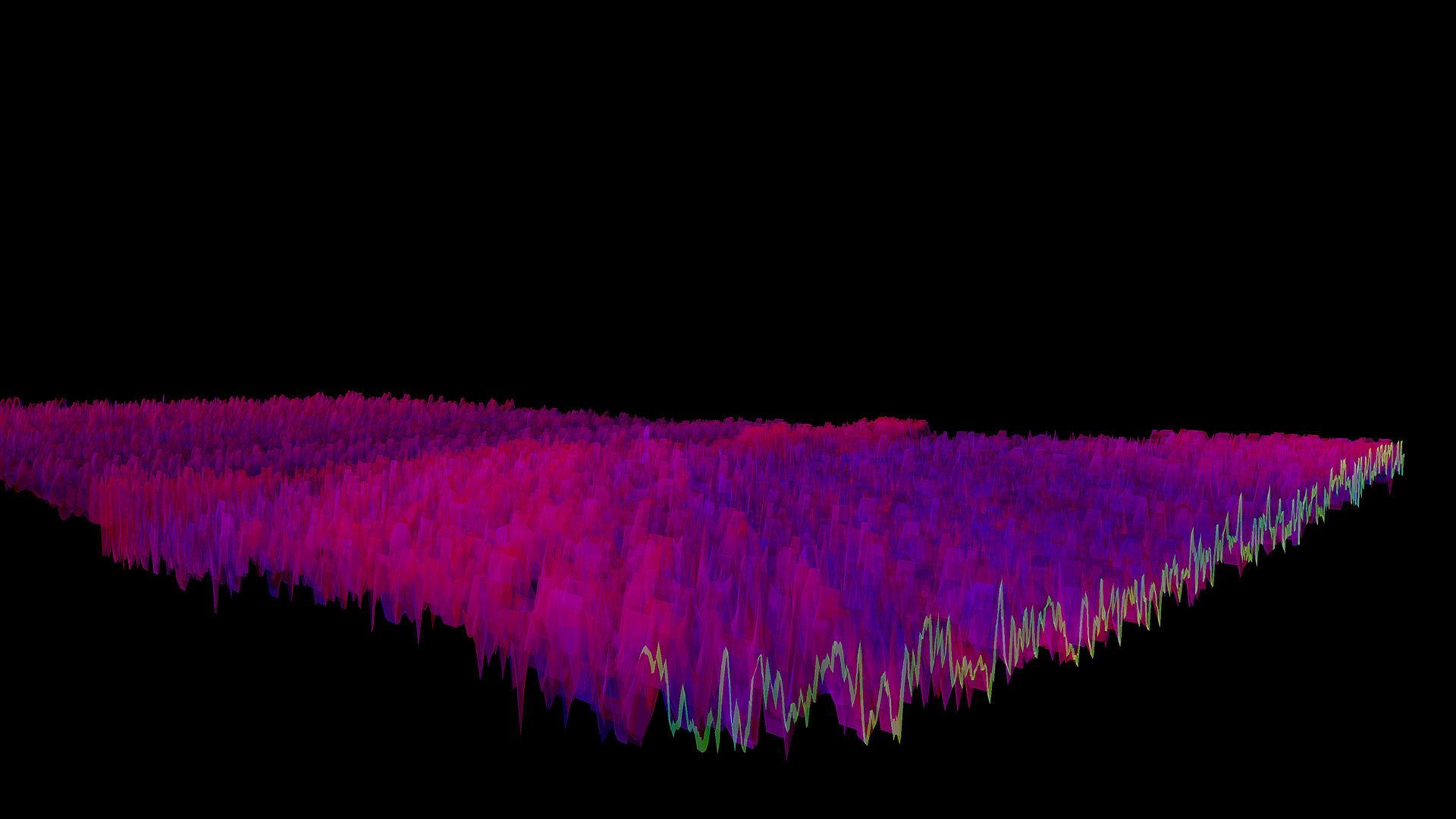
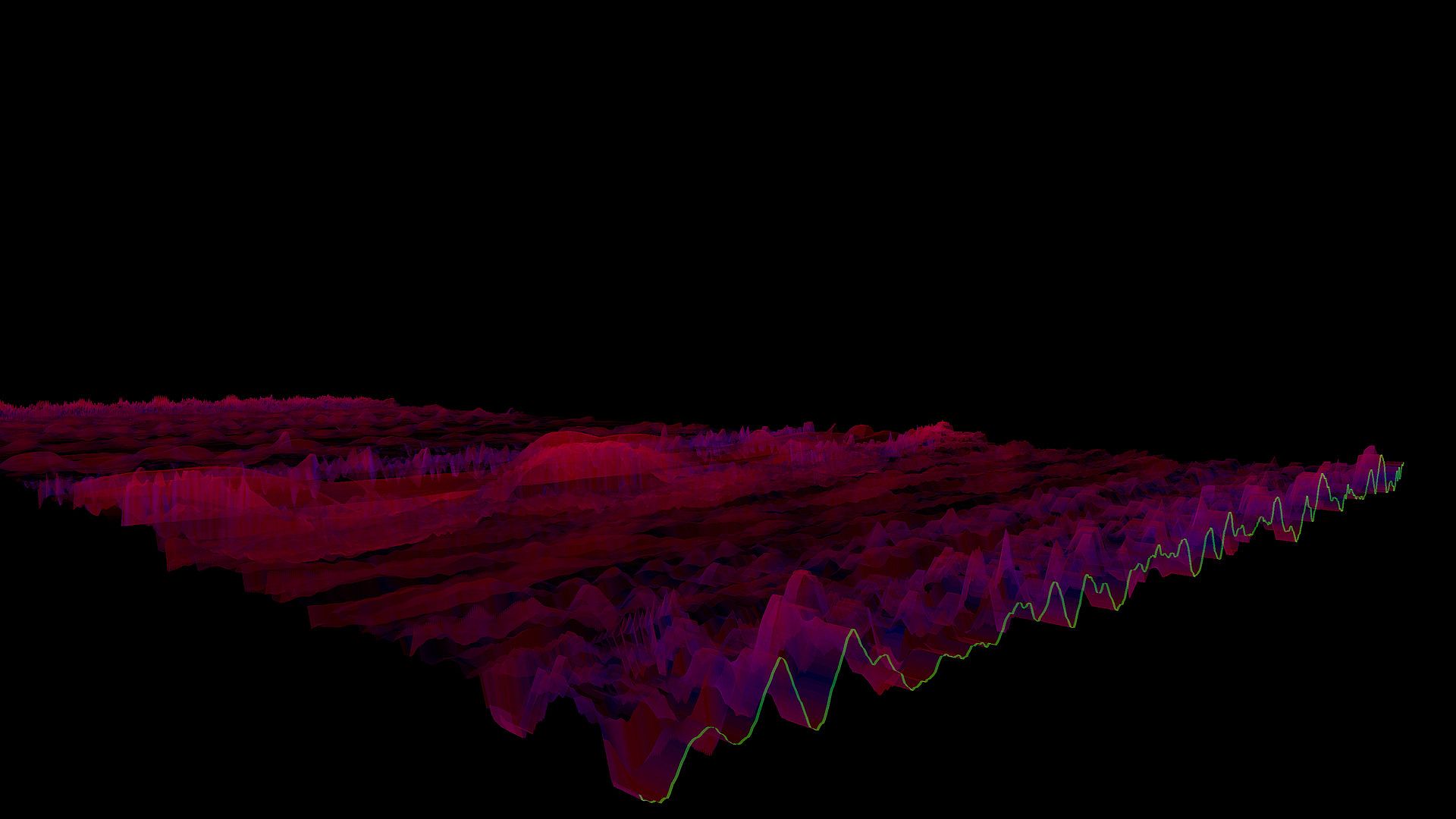
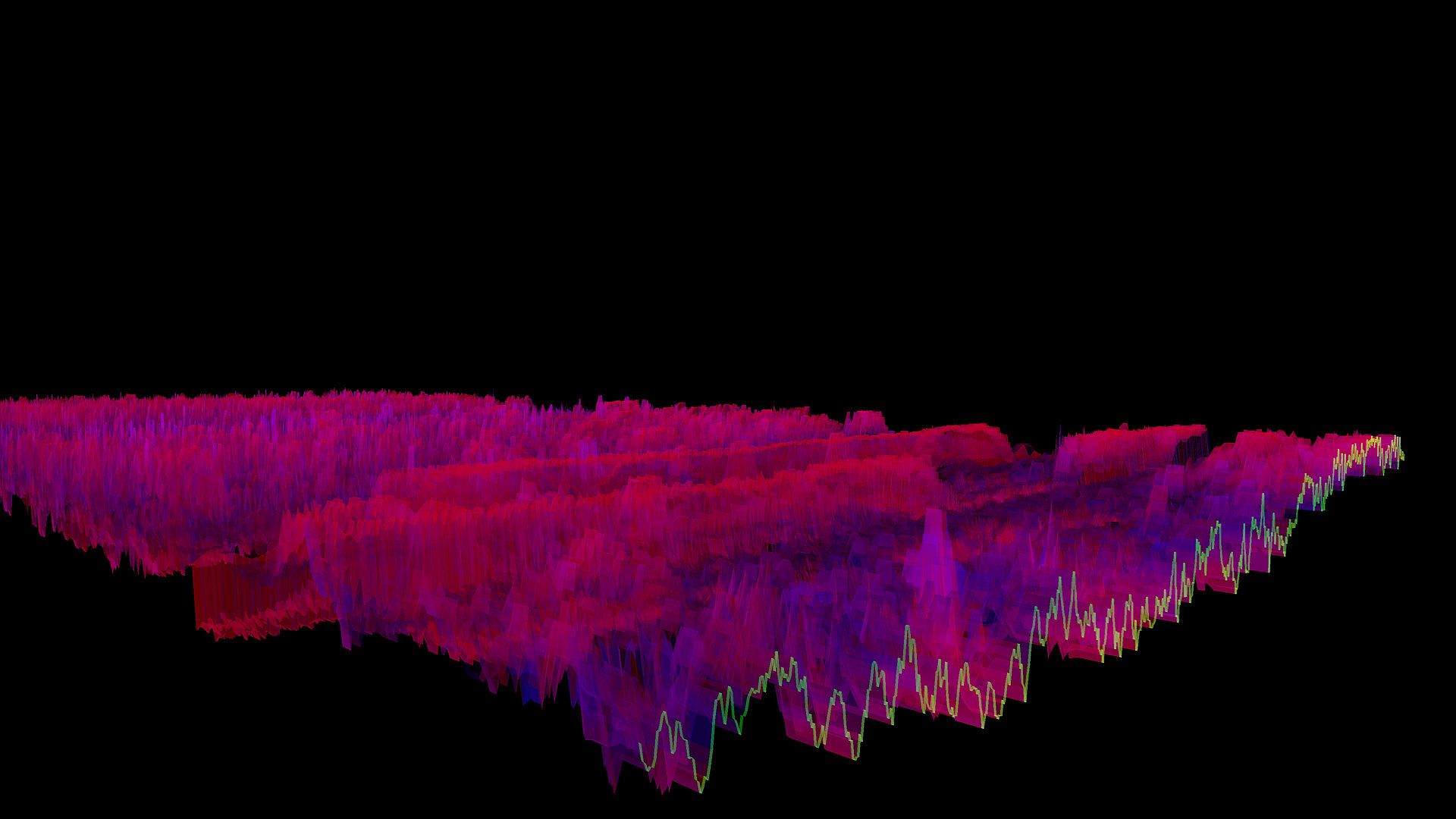
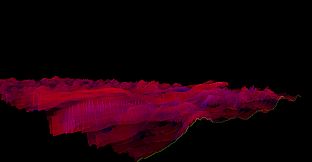
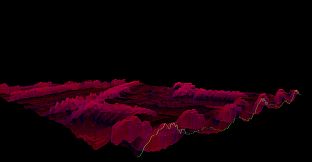
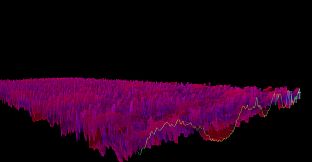
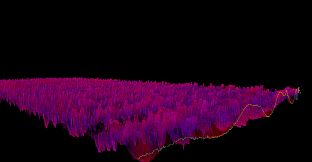
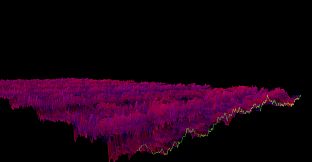
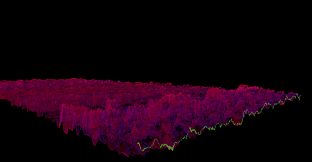
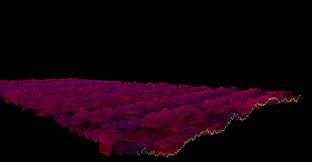
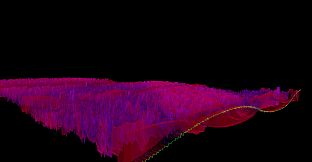
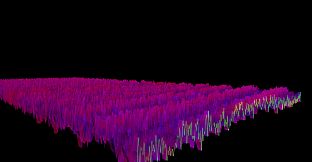
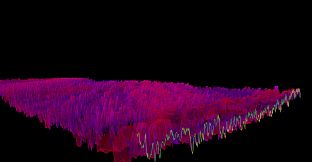
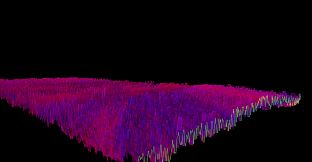
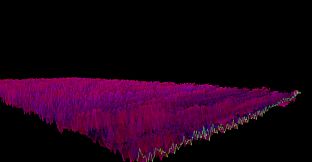
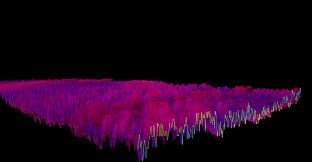
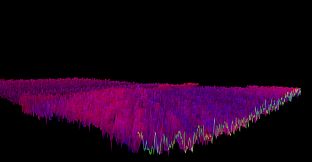
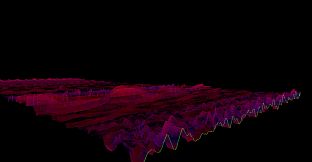
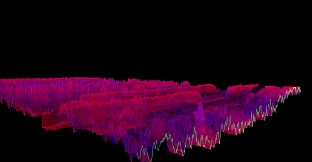
The Bonk'd Audio Visualizer is a 3D audio visualizer written in C/C++ with Vulkan, designed for Linux first, Windows second. It is designed to be lightweight, fast, and low latency. Future planned features include:

-Desktop background rendering
-Customizable colors (can be customized with command line options right now)
-Customizable speed (can be customized with command line options right now)
-Customizable wave heights/sample rate/sample size (also customizable via command line options right now)

Stretch goals depending on reception:

-VR
-Control of viewport
-Gamification of some sort
Usage
Simply start Bonk'd Audio Visualizer and start playing your favorite music and enjoy! Fruther configuration can be changed with launch options, explained in the Manual.txt included with game files, soon to be available through a configuration file, and then potentially a UI to change things live. Hit escape to close the program.
Notes
If you're running on Linux by default the application uses PipeWire, an option to use straight ALSA is available with -alsa in the launch options, it presently connects to the mic instead of the default output device, a fix is in the works. Testing was completed on Fedora 36, but any linux with Pipewire and proper Vulkan drivers should work with the default settings just fine.

Many features are available through launch parameters, customization of the rendering, swapping starting monitors, switching audio interface, and forcing usage of integrated or dedicated GPUs are just a few of the available options through launch parameters. These features are being moved into a config file, and then later into a GUI application, but have been provided as launch options to give access to them as early as possible.

For convenience, the launch parameters are listed below, and are included in the Manual.txt in the software installation.

Available options:

Option syntax >>>> description
-wh (integer) >>>>> set wave height, default is 25
-a (real number) >>>>> set alpha (transparency) default 0.25
-mt (integer) >>>> set move time default 6
-alsa >>>>> use ALSA instead of PipeWire (linux only)
-window >>>>> run windowed instead of fullscreen
-fi >>>>> force use of integrated GPU*
-fd >>>>> force use of dedicated GPU*
-debug >>>>>> print debug output to bav_log.log
-display >>>>> set which display to render to (fullscreen only)


*Steam appears to "hide" GPUs from Vulkan when multiple GPUs are present on a machine. You can run the program from command line/terminal with the force parameters and they will function as expected, but through Steam you may run into trouble with them. There may be ways to circumvent this with environment variables or how you run steam, but I've not found a surefire way to do so, ymmv.

Trailer music graciously provided by NCS, link to song:
Interfejs:
English
Audio:
English
Napisy:
English
Steam:
Overwhelmingly Negative (9)

Wymagania sprz臋towe

Minimalne:

  • System operacyjny: Windows 10
  • Procesor: AMD Ryzen 1700
  • Pami臋膰: 300 MB RAM
  • Grafika: R9 280X
  • Dysk: 10 MB available space

Zalecane:

  • System operacyjny: Windows 10
  • Procesor: AMD Ryzen 1700
  • Pami臋膰: 300 MB RAM
  • Grafika: R9 280X
  • Dysk: 10 MB available space

Minimalne:

  • System operacyjny: Linux with Pipewire (Fedora, partially Ubuntu) and Vulkan Drivers
  • Procesor: AMD Ryzen 1600
  • Pami臋膰: 200 MB RAM
  • Grafika: R9 280
  • Dysk: 10 MB available space
  • Dodatkowe uwagi: ALSA can be used instead of Pipewire with the -alsa option, presently it connects to the mic instead of the default output device, this is being worked on

Zalecane:

  • System operacyjny: Linux with Pipewire (Fedora, partially Ubuntu) and Vulkan Drivers
  • Procesor: AMD Ryzen 1600
  • Pami臋膰: 200 MB RAM
  • Grafika: R9 280
  • Dysk: 10 MB available space
  • Dodatkowe uwagi: ALSA can be used instead of Pipewire with the -alsa option, presently it connects to the mic instead of the default output device, this is being worked on

Historia cen

Historycznie najni偶sza cena
Keyshopy
-
-
-
Sklepy oficjalne
-
-
-

FAQ

8 pyta艅

Zanim zaczniesz szuka膰 taniego klucza Bonk'd Audio Visualizer (CD Key), sprawd藕 najwa偶niejsze informacje. Tw贸rcy: Bonk'd Industries. Wydawca: Bonk'd Industries. Data premiery na PC: 16 cze 2022. Gatunki: Indie, Casual. Kategorie: Family Sharing, Single-player. Recenzje Bonk'd Audio Visualizer: Recenzje Steam: 9 user reviews for this game.

Q Czy Bonk'd Audio Visualizer dzia艂a na Steam Decku?

Tak. Kompatybilno艣膰 Bonk'd Audio Visualizer ze Steam Deckiem jest zweryfikowana (Verified). Oznacza to, 偶e gra uruchamia si臋 bez kombinowania, ma poprawne oznaczenia przycisk贸w i stabilne dzia艂anie - Bonk'd Audio Visualizer dzia艂a 艣wietnie na Steam Decku.

Tak. Istnieje wersja Bonk'd Audio Visualizer na Steam. Wybierz ofert臋 oznaczon膮 jako Steam Key na XD.deals, aktywuj j膮 w kliencie Steam i graj w Bonk'd Audio Visualizer na PC.

Tak. Po aktywacji klucza Steam mo偶esz uruchomi膰 Bonk'd Audio Visualizer w trybie Offline w Steam. Zapisy zsynchronizuj膮 si臋 przy nast臋pnym po艂膮czeniu z internetem.

Tak, mo偶esz kupi膰 klucz Steam do Bonk'd Audio Visualizer bezpo艣rednio w sklepie Steam. W XD.deals zbieramy wszystkie oferty z DRM Steam, aby艣 m贸g艂 por贸wna膰 tanie promocje na Bonk'd Audio Visualizer na Steam w jednym miejscu.

Wszystkie aktywne promocje i zni偶ki na Bonk'd Audio Visualizer znajdziesz tutaj, na XD.deals. Nasz tracker pokazuje obecnie 1 ofert z oficjalnych sklep贸w oraz 0 ofert z keyshop贸w. Sprawd藕 tabel臋 powy偶ej, zobacz najni偶sz膮 cen臋, por贸wnaj z historycznie najni偶sz膮 cen膮 i ustaw alert, aby nie przegapi膰 kolejnego spadku.

Dzi臋ki XD.deals gracze PC mog膮 od razu sprawdzi膰, gdzie kupi膰 tani klucz Bonk'd Audio Visualizer na PC (Steam). Nasz silnik por贸wnuj膮cy ceny w czasie rzeczywistym oraz baza kupon贸w 艣ledz膮 oficjalne sklepy i zaufane keyshopy, 偶eby艣 nie musia艂. Obecnie wykrywamy 1 aktywnych ofert z oficjalnych sklep贸w i keyshop贸w.

Tak. Oficjalna strona Bonk'd Audio Visualizer na Steam jest dost臋pna, wi臋c mo偶esz kupi膰 Bonk'd Audio Visualizer na Steam albo wybra膰 klucz Steam do Bonk'd Audio Visualizer na PC na XD.deals i aktywowa膰 go od razu.

Nie - XD.deals nie jest sklepem. Jeste艣my por贸wnywark膮 cen, kt贸ra 艣ledzi najlepsze oferty na Bonk'd Audio Visualizer w oficjalnych sklepach i zweryfikowanych keyshopach. Kliknij "Przejd藕 do sklepu" przy wybranej ofercie, a przekierujemy Ci臋 na stron臋 sprzedawcy, gdzie doko艅czysz zakup i odbierzesz klucz.

Chcesz kupi膰 w najlepszym momencie? Ustaw alert cenowy na XD.deals i otrzymaj powiadomienie, gdy Bonk'd Audio Visualizer ponownie osi膮gnie historycznie najni偶sz膮 cen臋.

Utw贸rz alert