













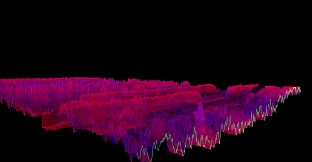

Comprar Bonk'd Audio Visualizer PC

¿Dónde puedes comprar la clave Steam para PC de Bonk'd Audio Visualizer más barata? Compara precios en 1 tiendas para encontrar la mejor opción entre 1 ofertas en XD.deals. Ahora el precio más bajo de Bonk'd Audio Visualizer para PC en keyshops se puede conseguir en 1,59 € (0% de descuento).

Lanzamiento: 16 jun 2022
Desarrollador: Bonk'd Industries
Steam:
Overwhelmingly Negative (9)
Keyshops
No disponible
Comprar en tienda oficial:
1,59 €
Comprar en keyshops:
Ver historial de precios

Tiendas oficiales (1)

DRM:
Steam
Steam
Steam
Bonk'd Audio Visualizer
Windows
+2
hace 51sem
DRM:
Steam
Steam
1,59 €
Historical Low Deal
Historical low

Sobre Bonk'd Audio Visualizer

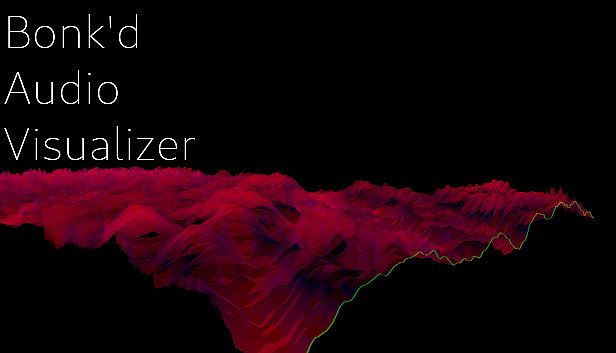
Bonk'd Audio Visualizer - sobre el juego

Features
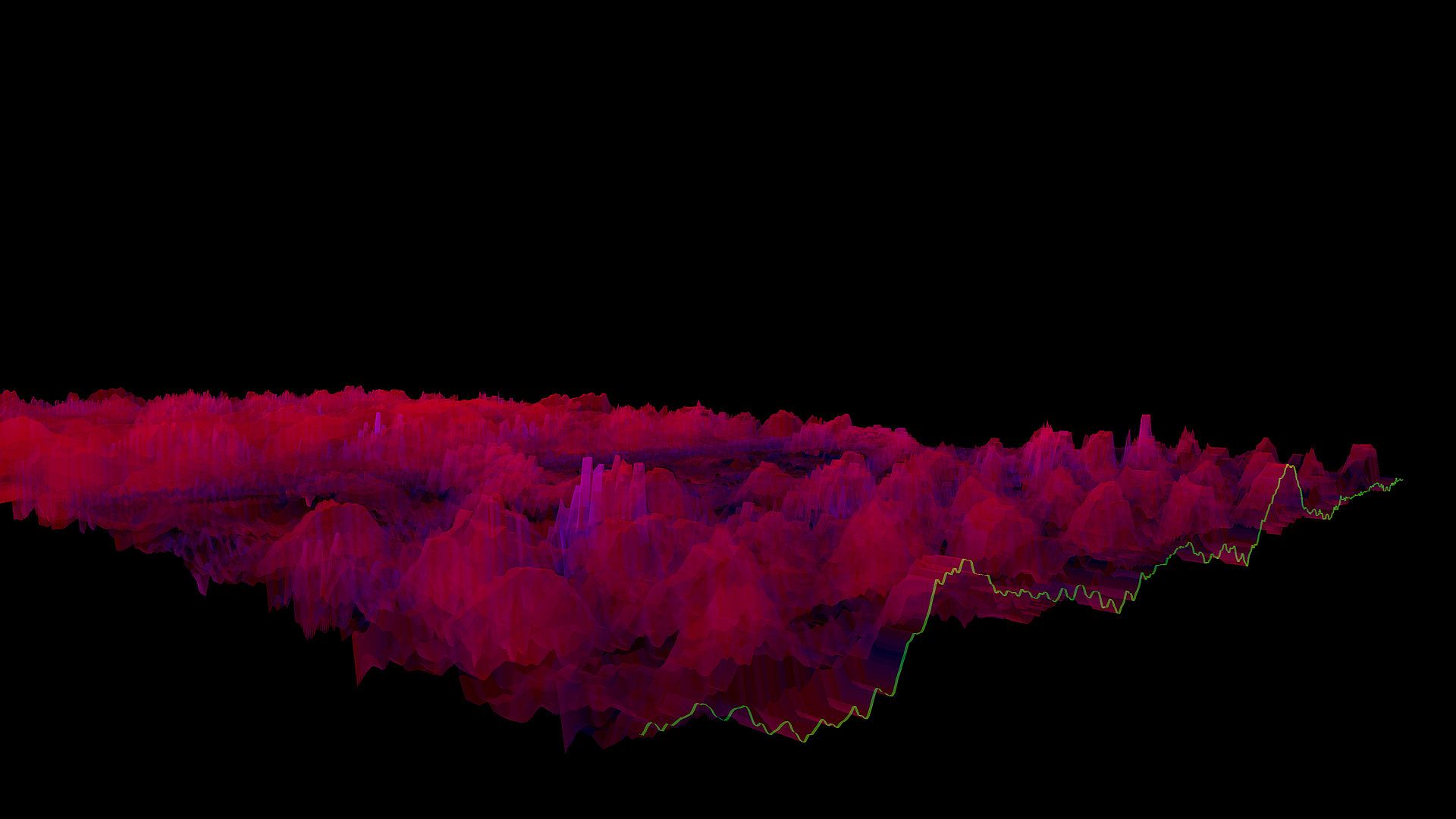
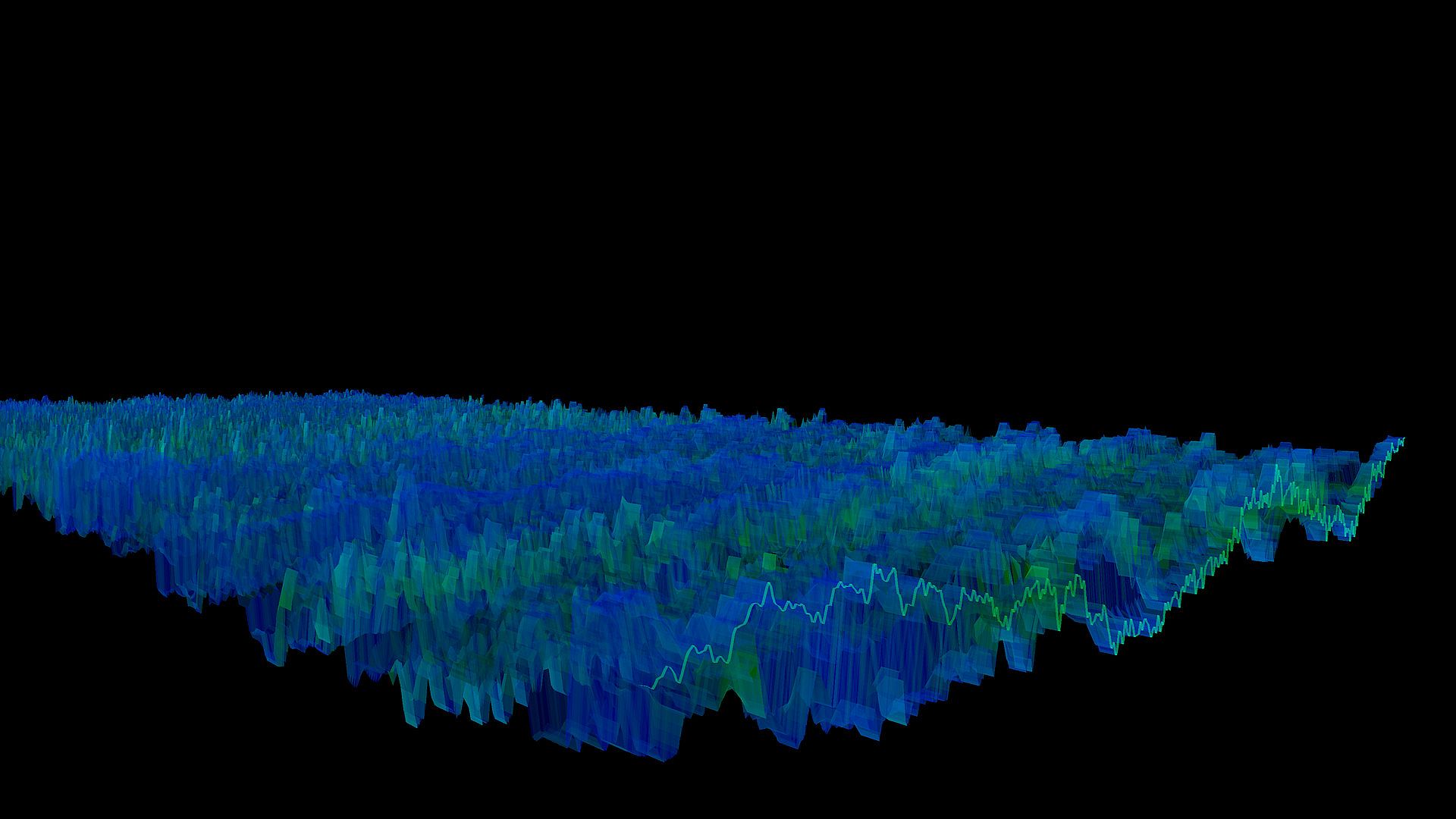
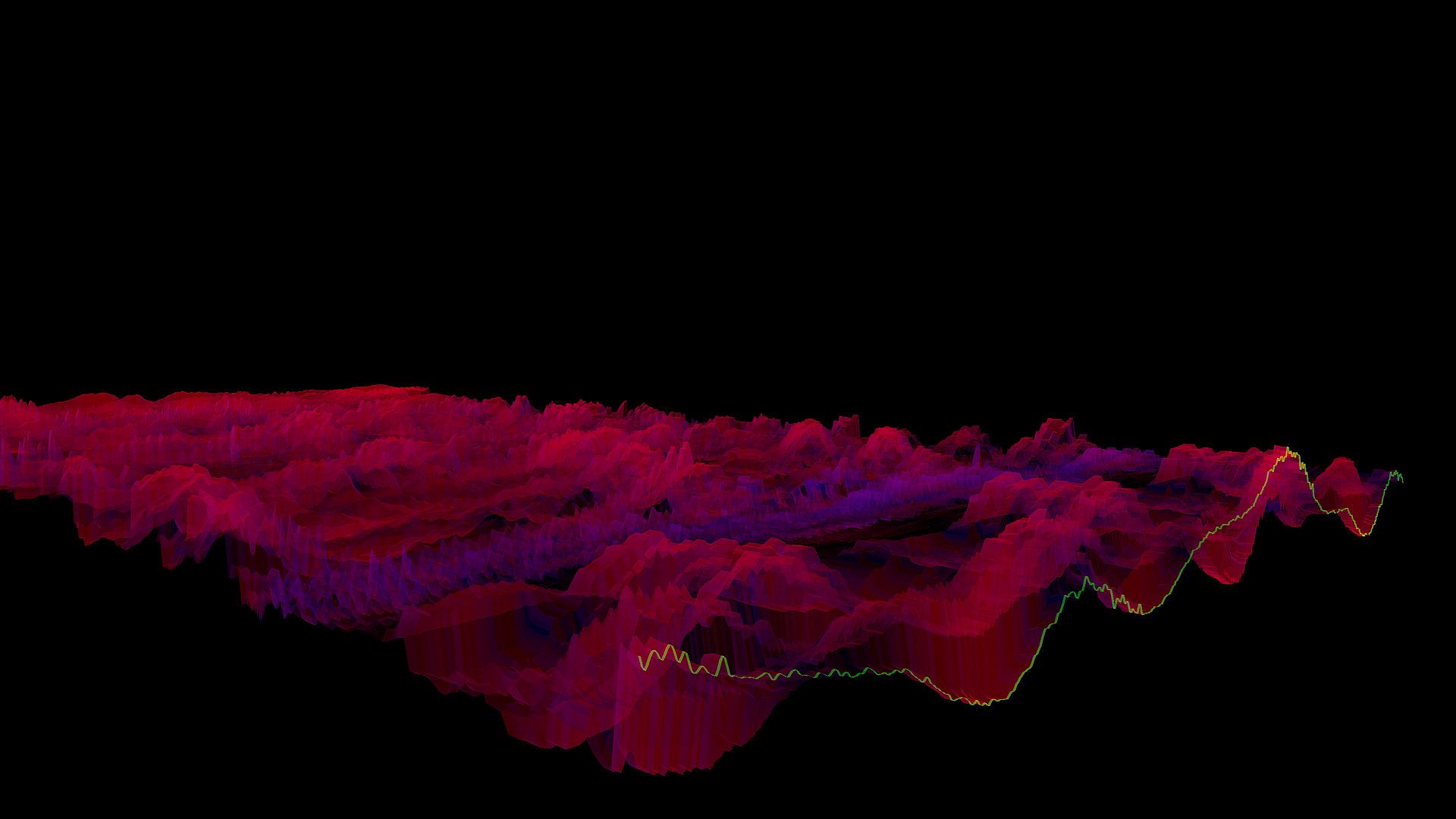
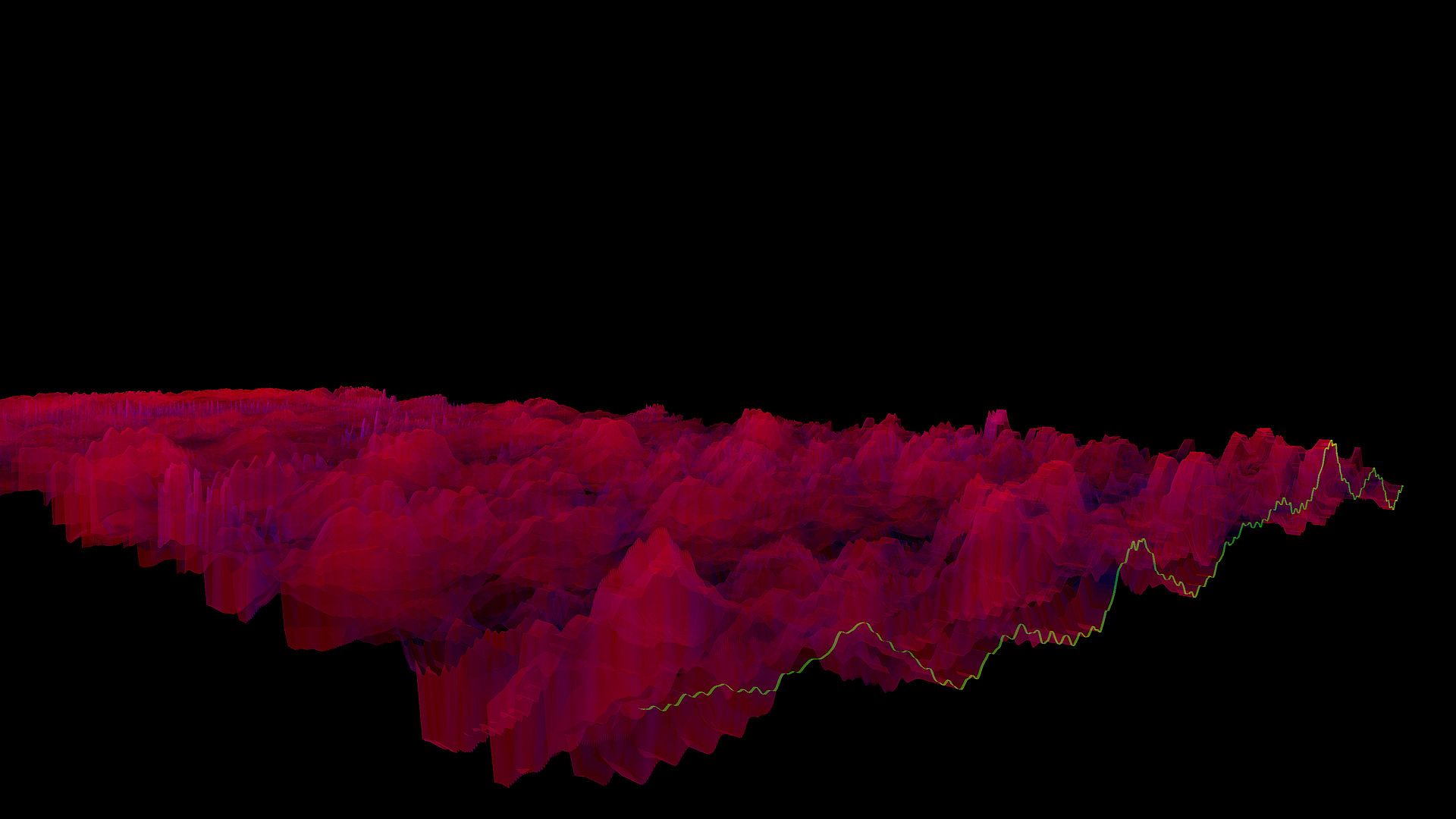
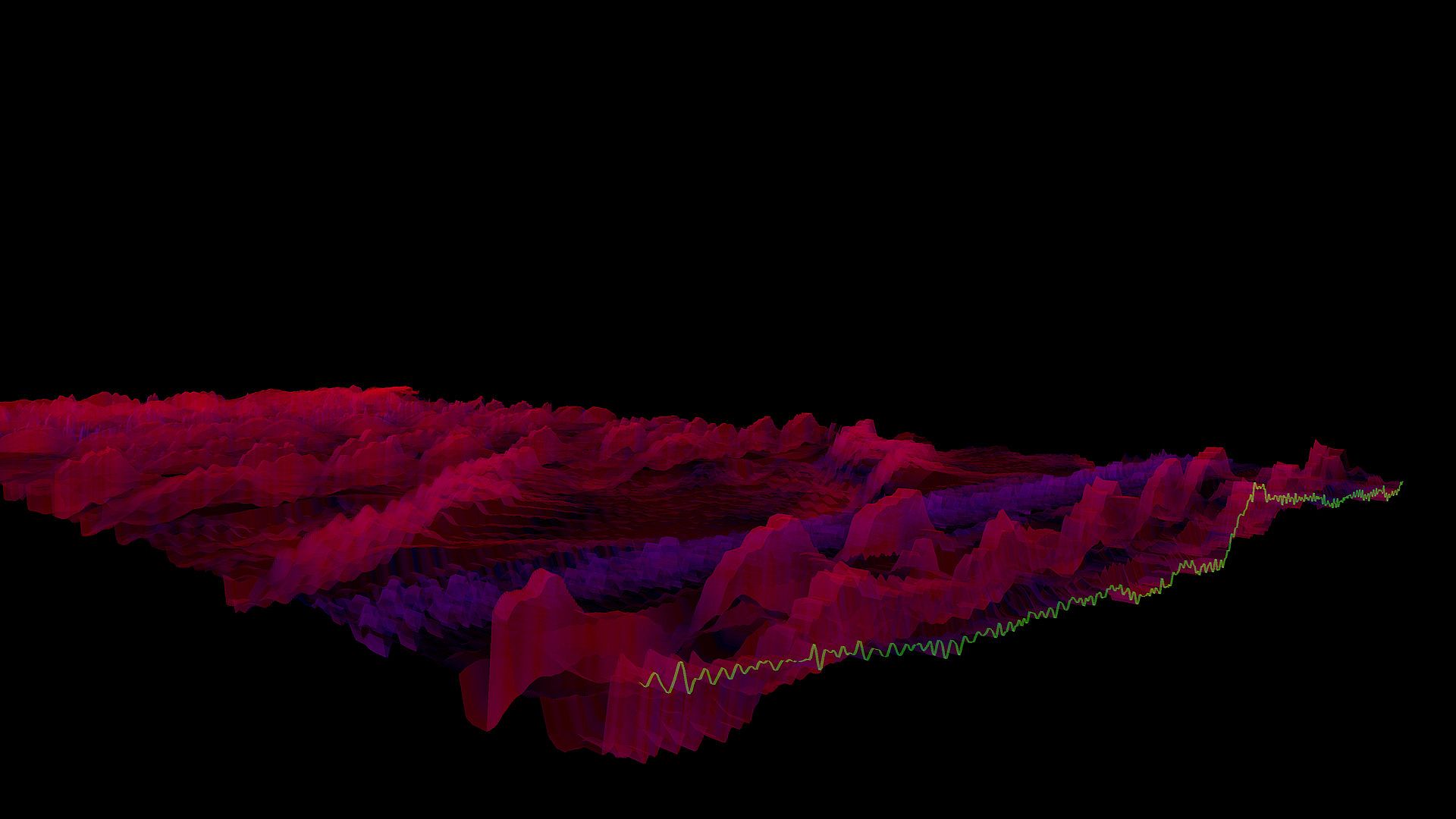
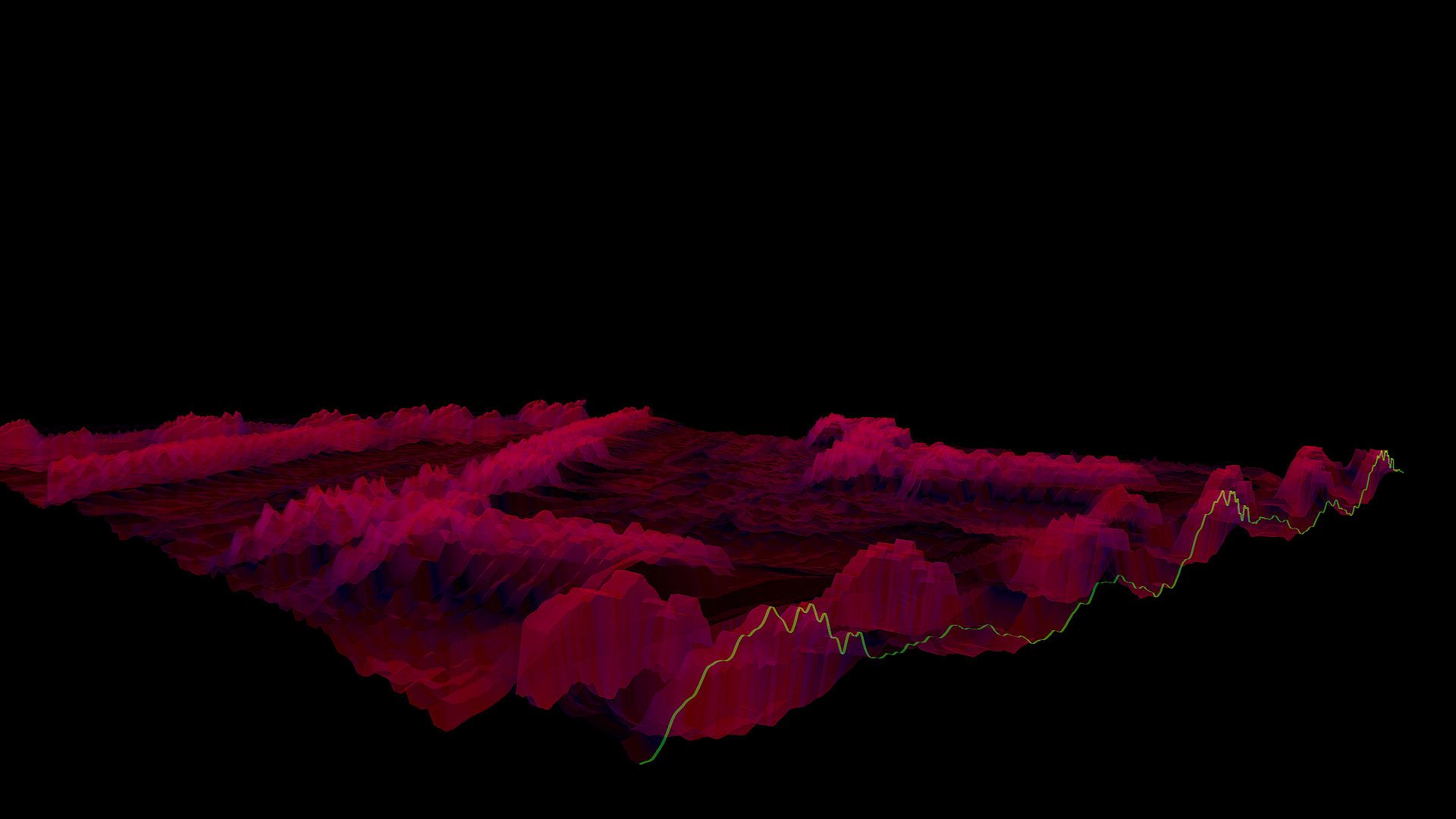
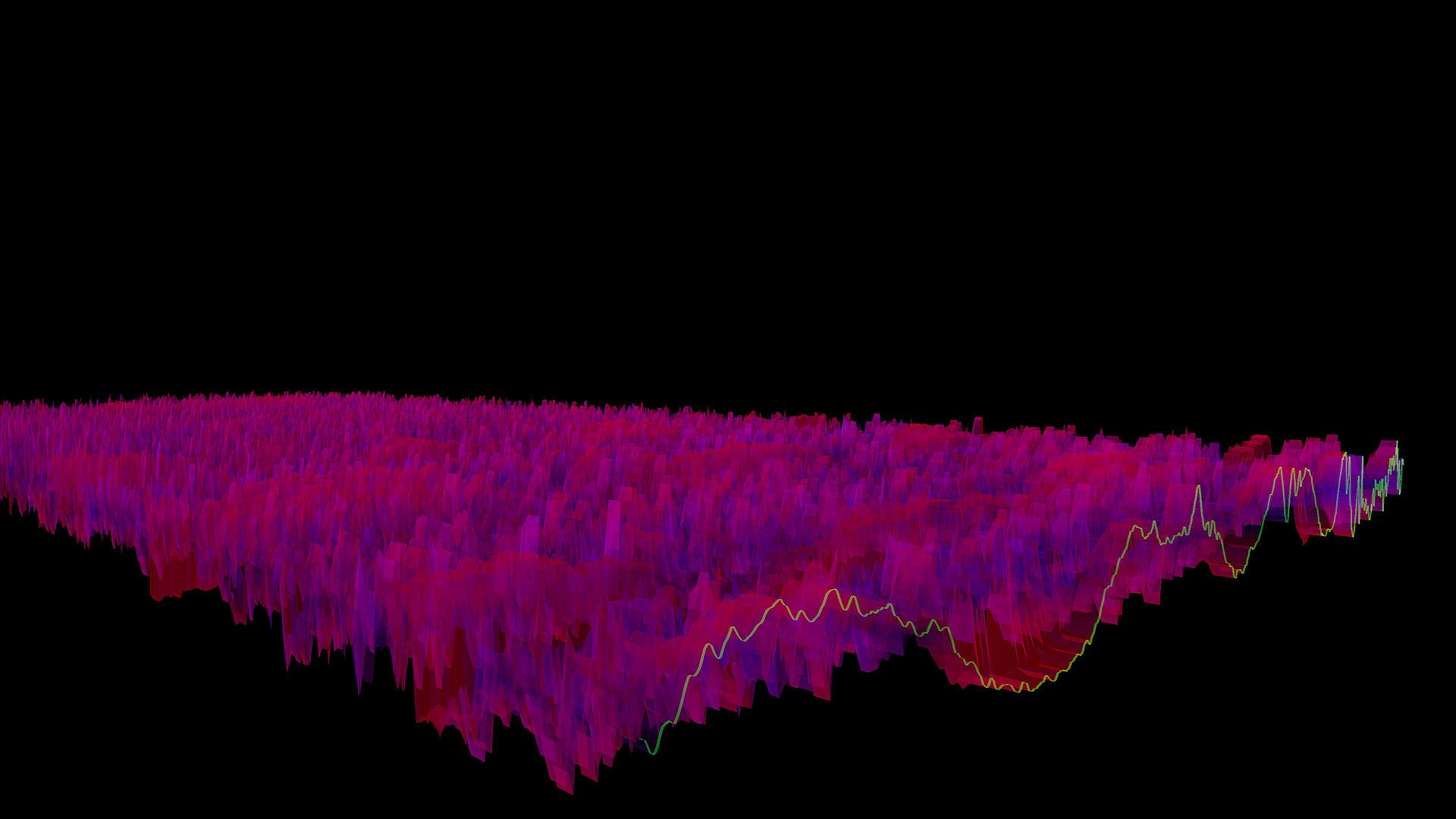
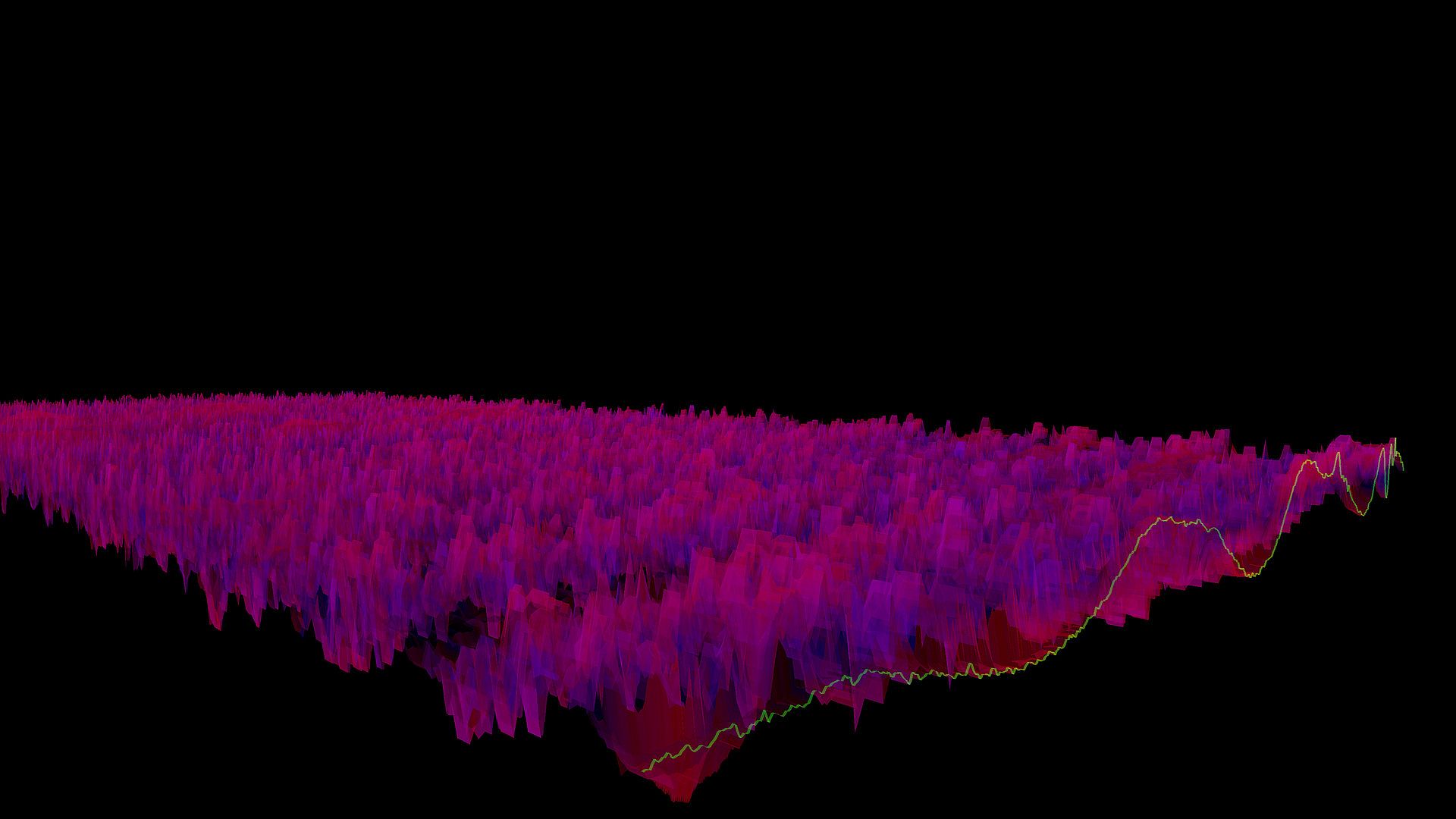
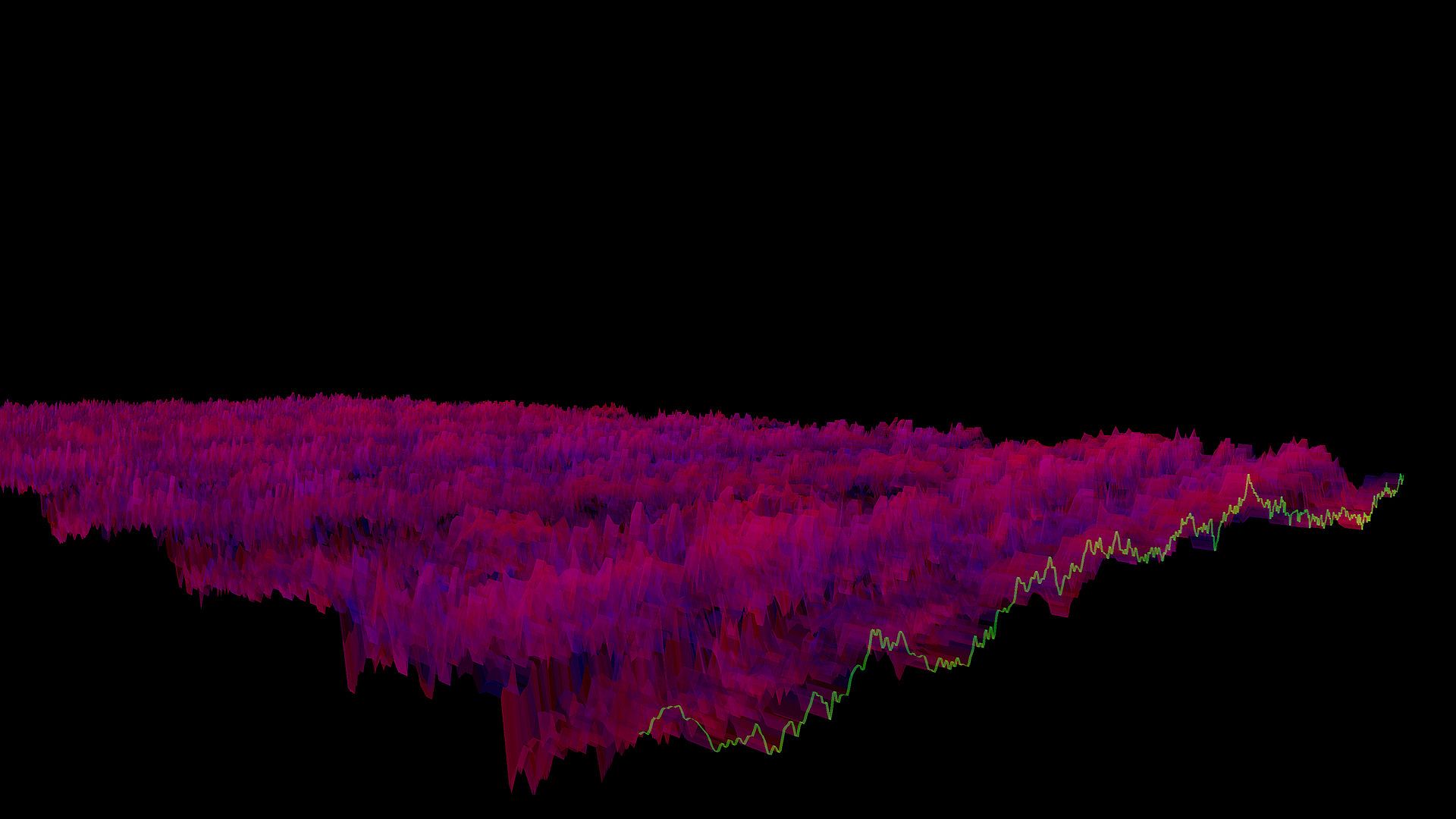
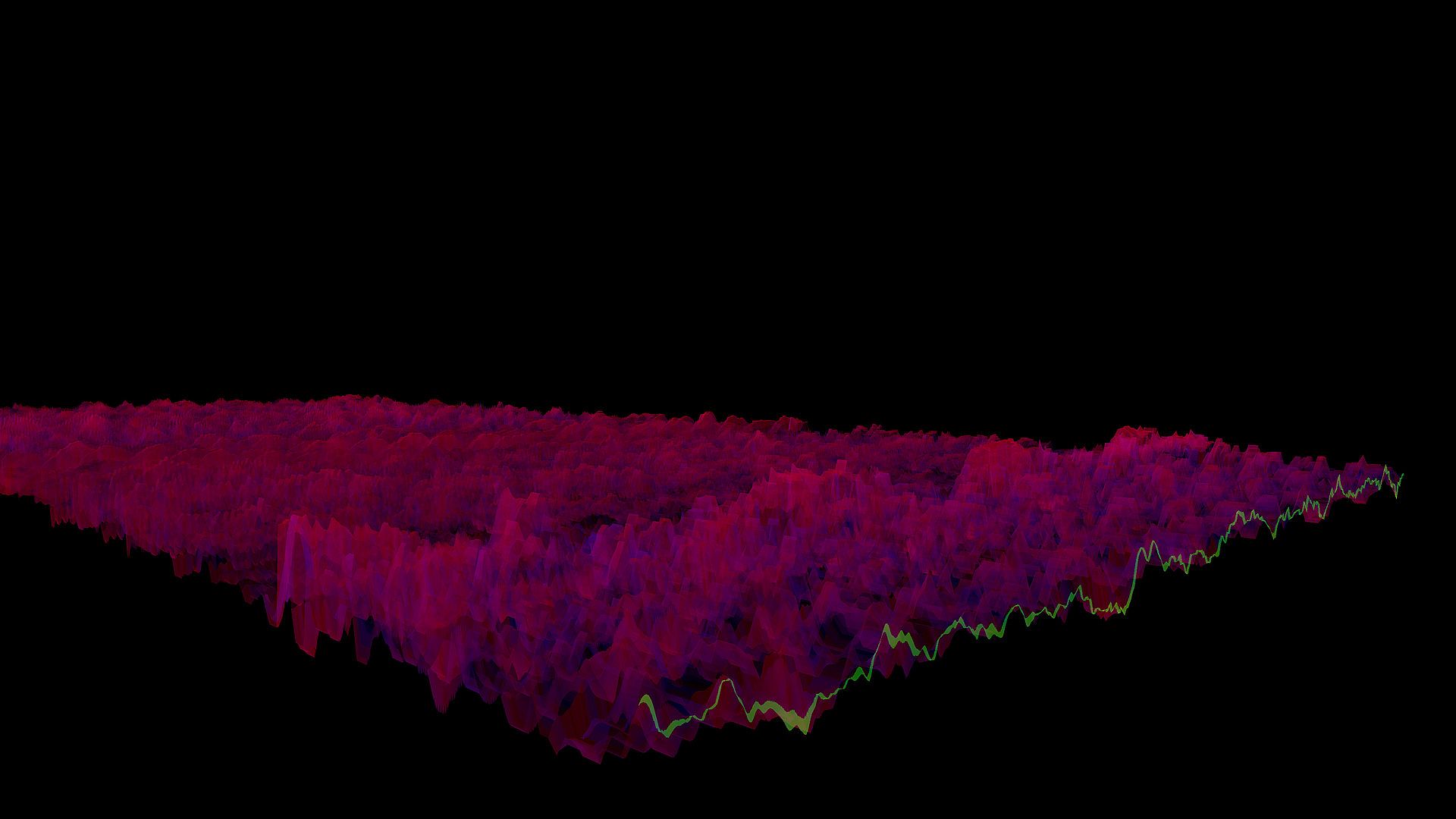
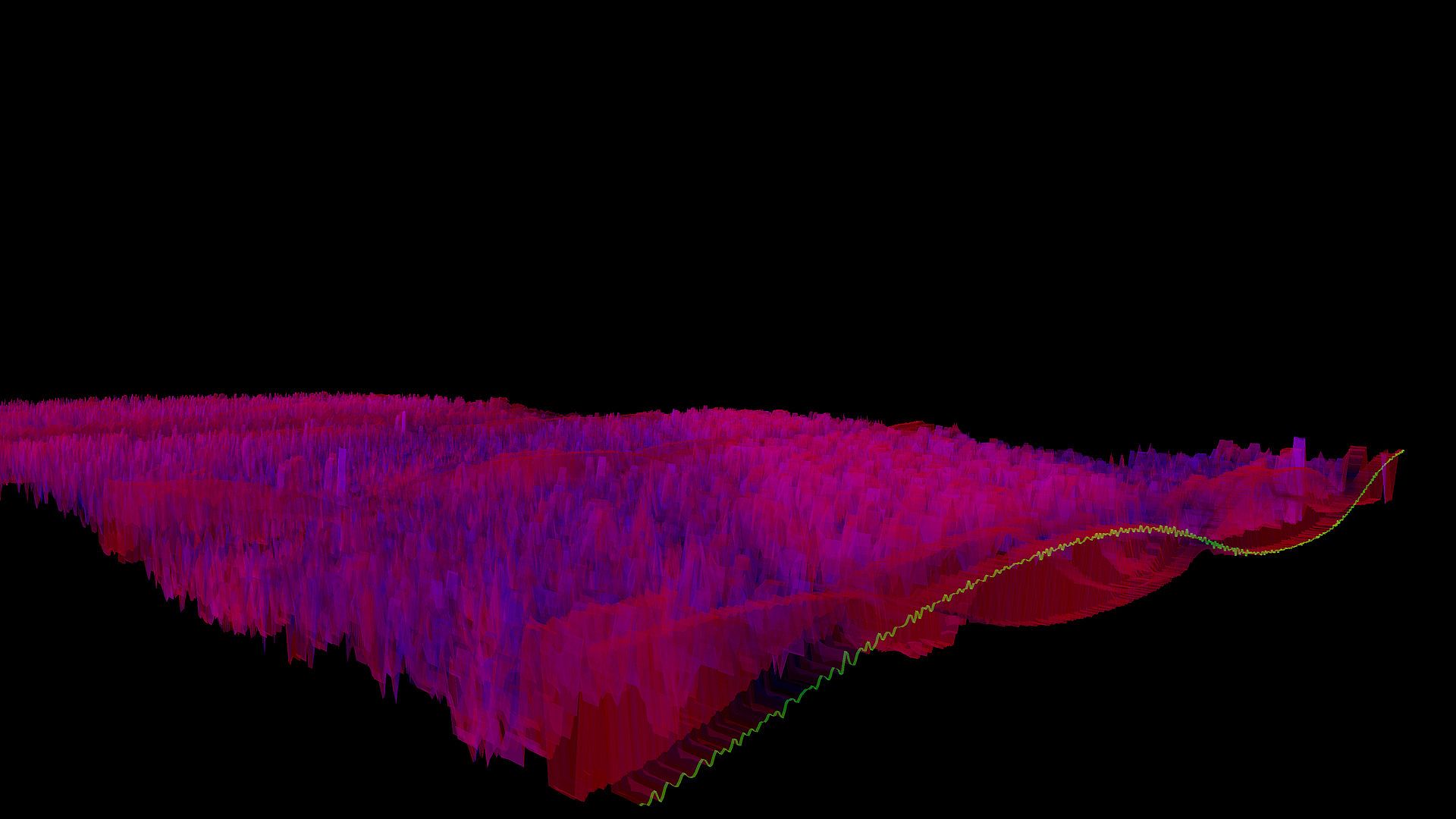
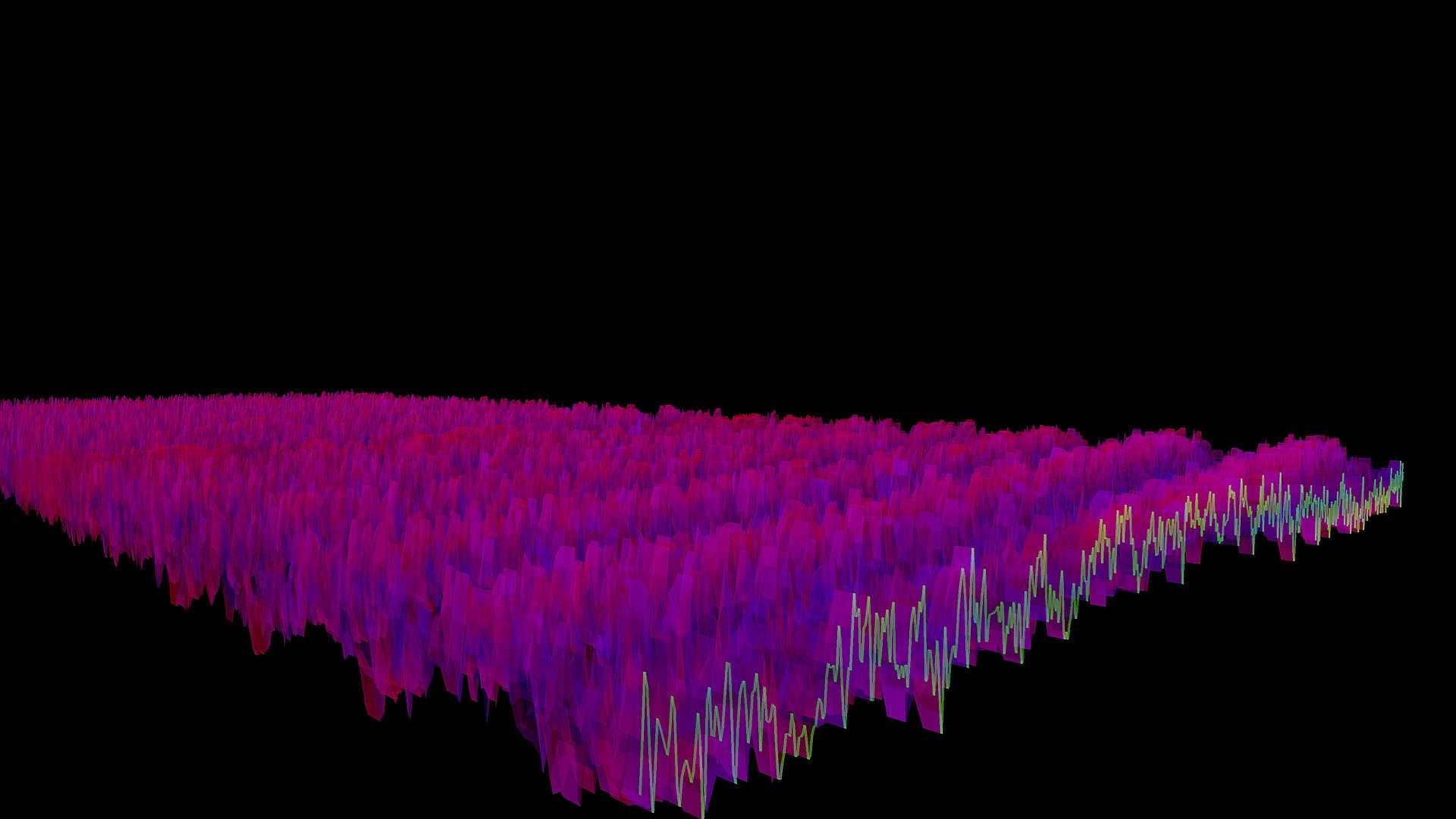
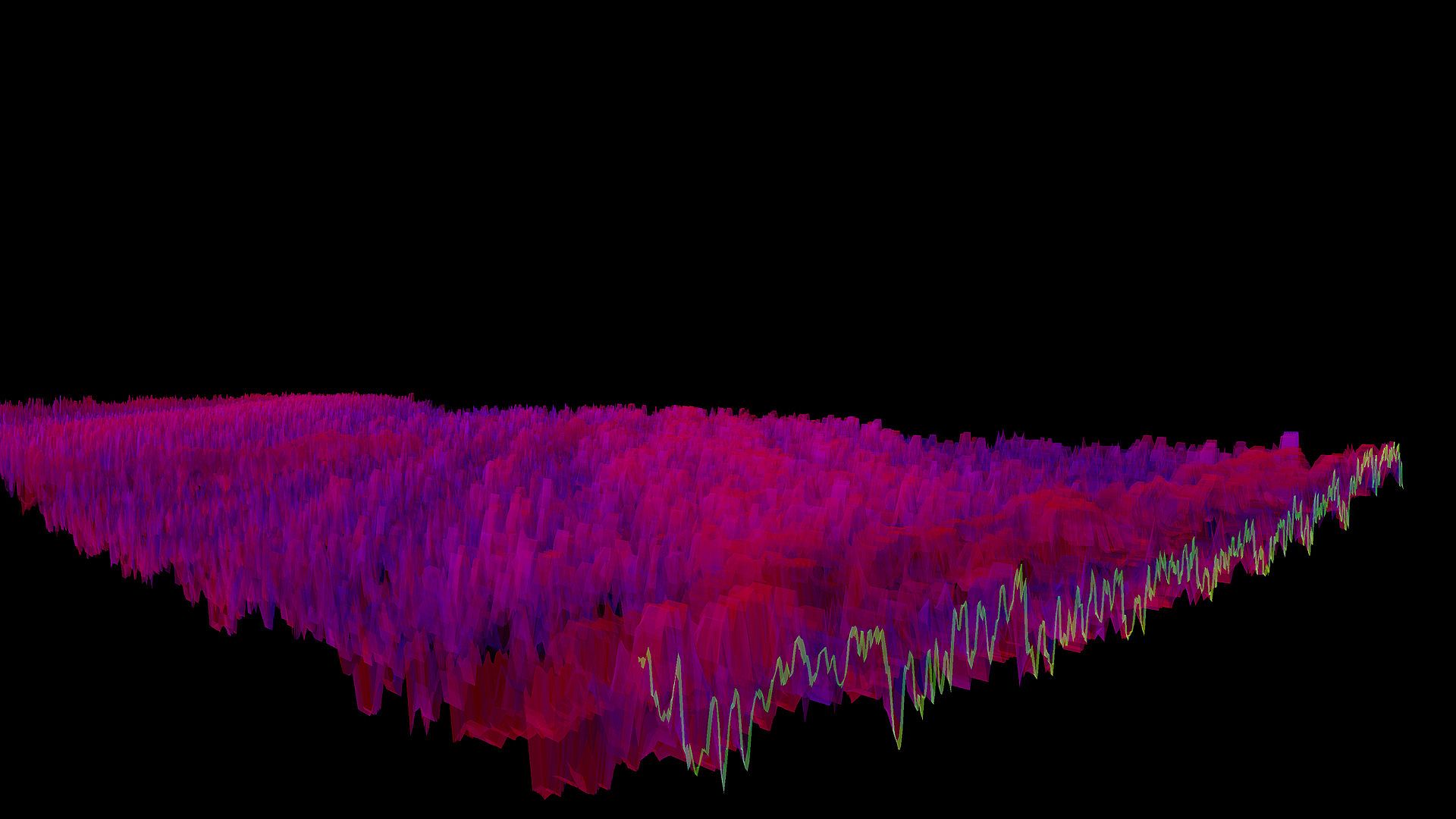
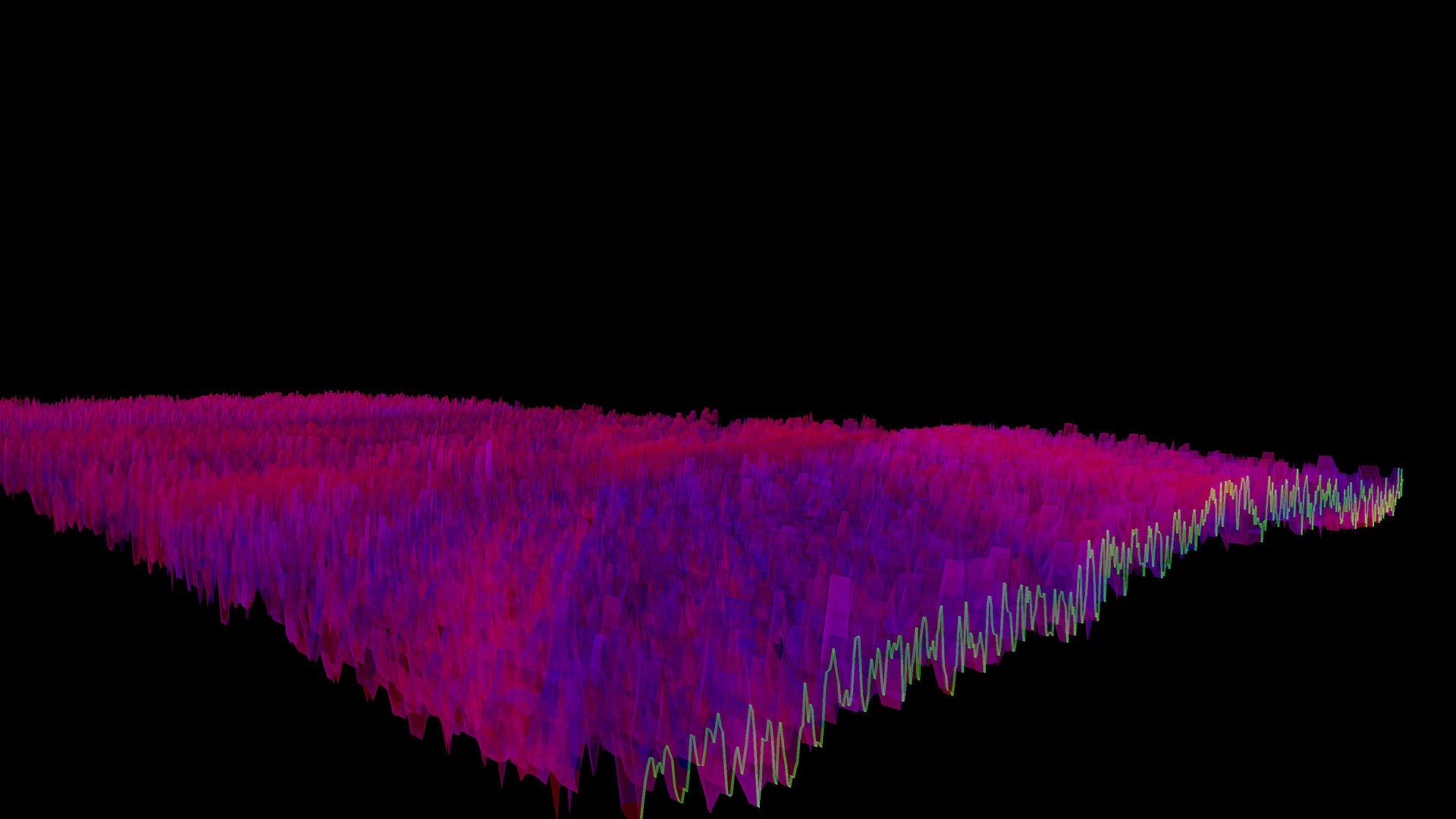
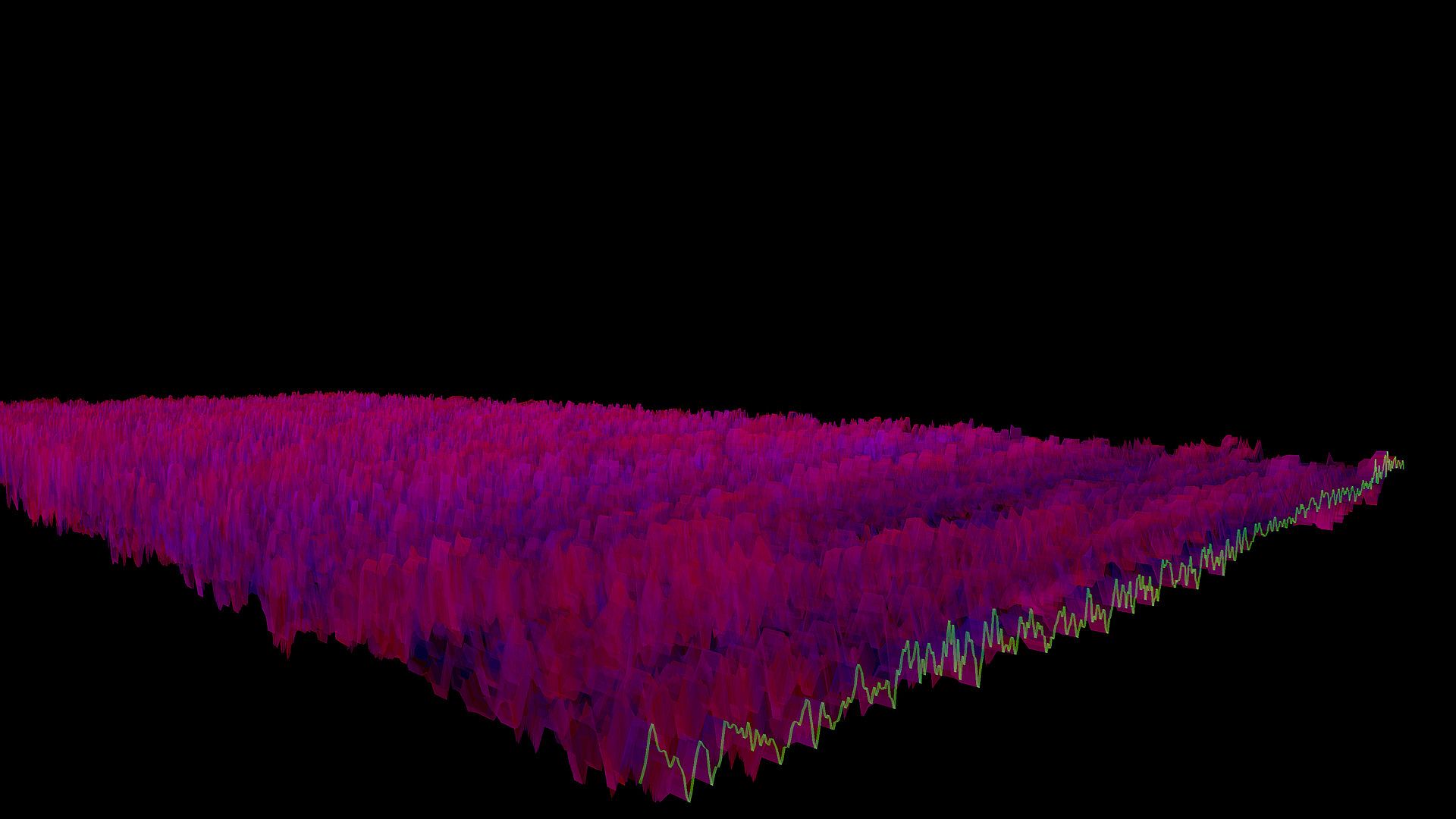
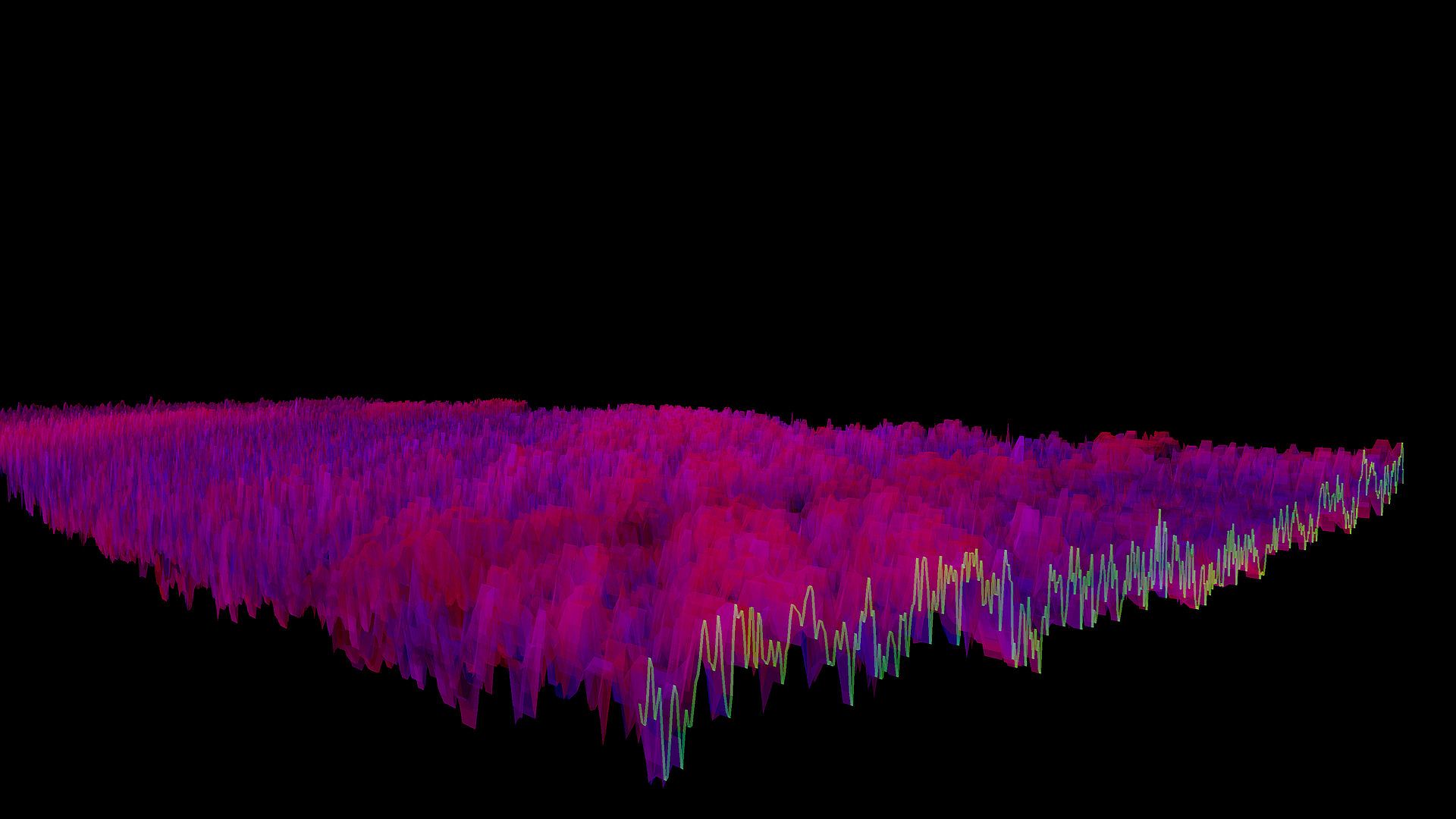
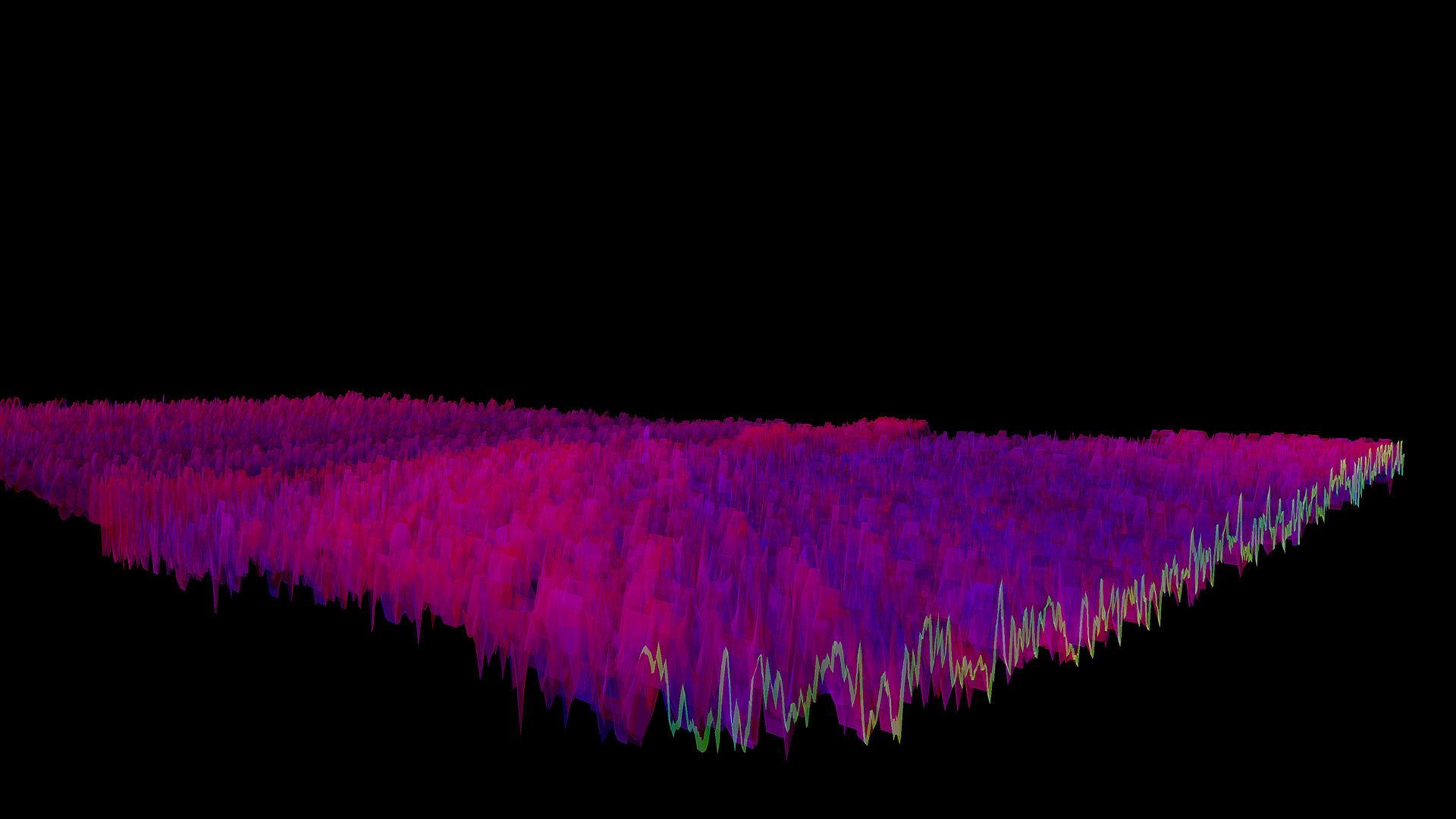
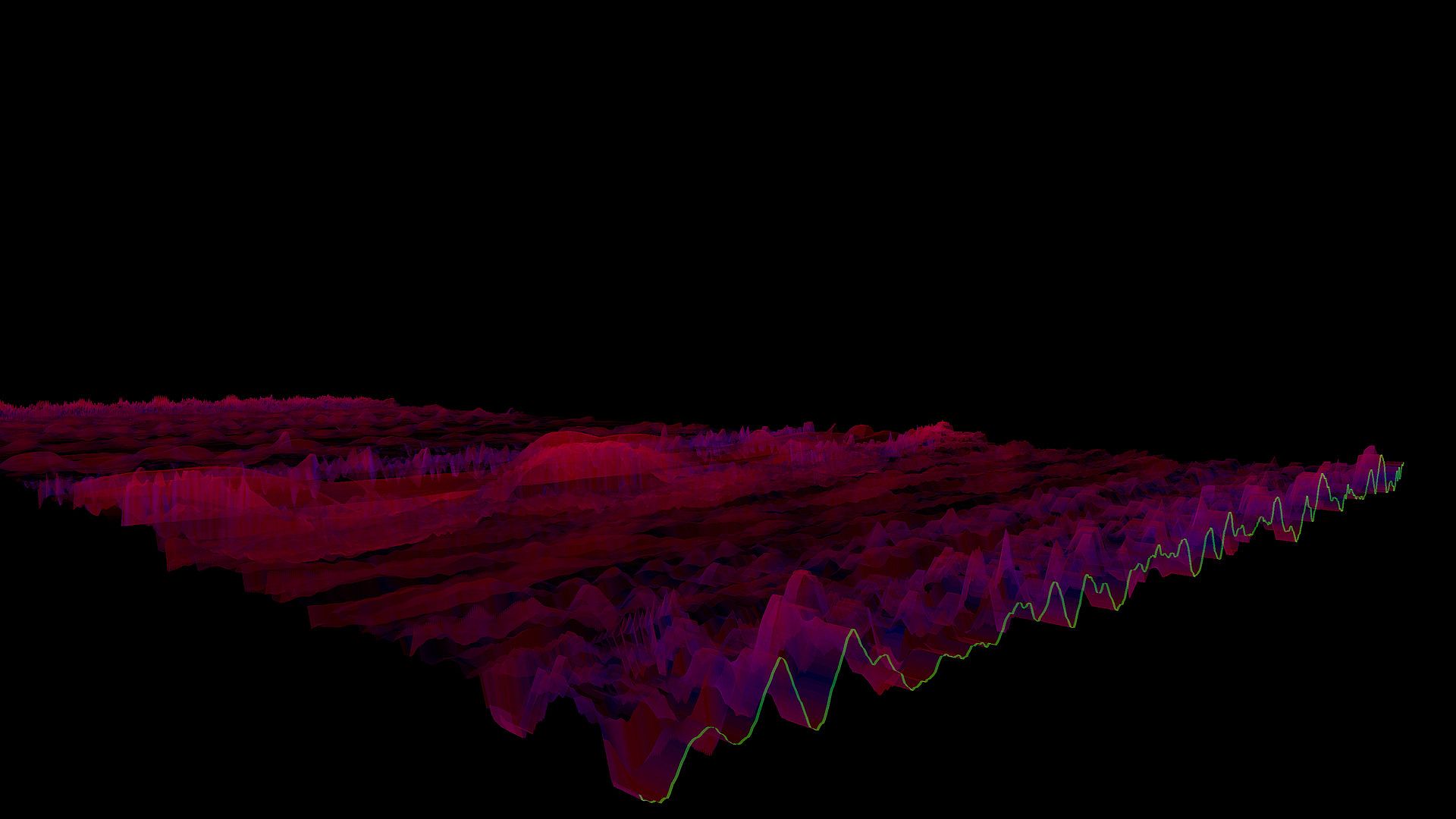
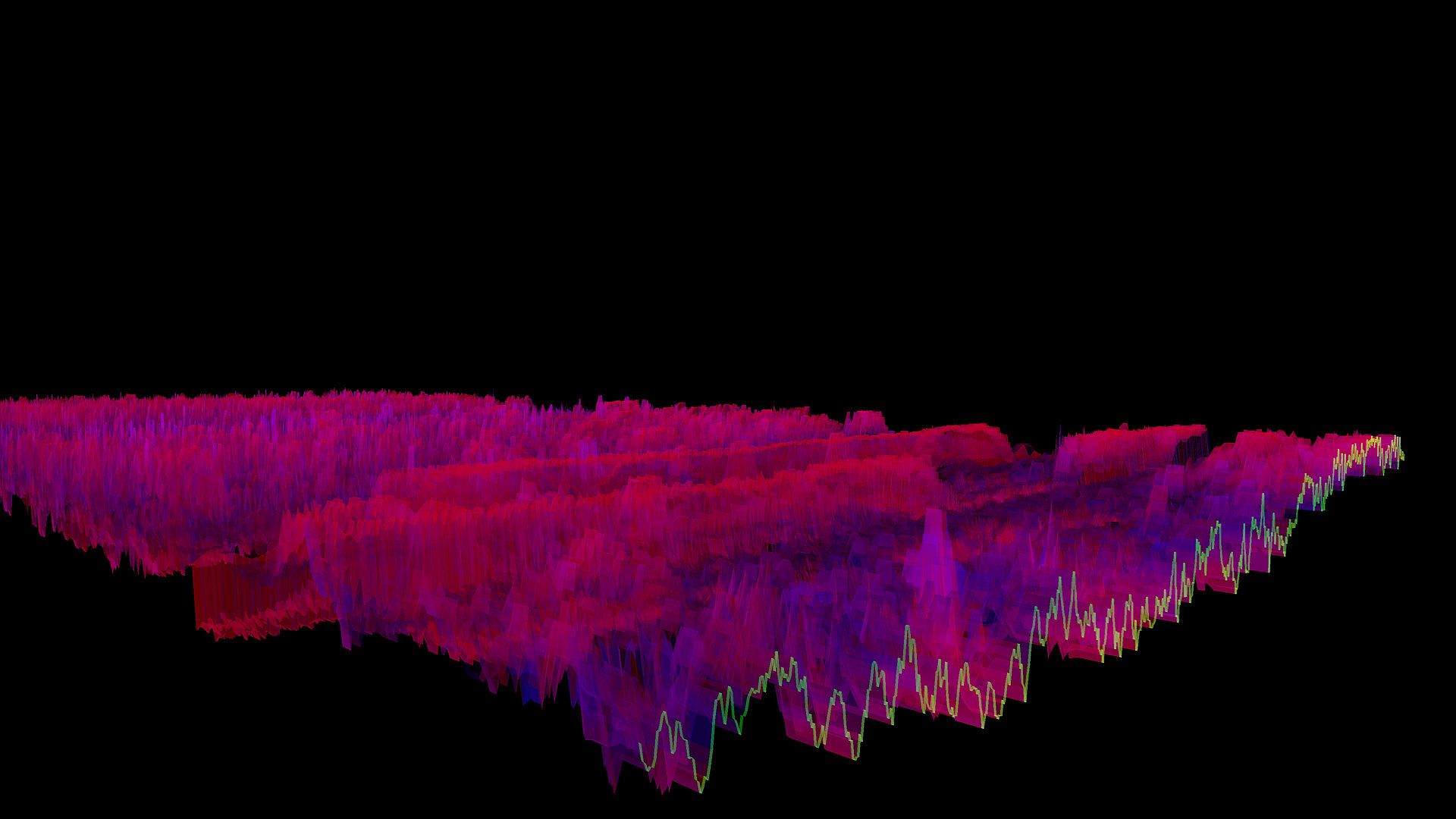
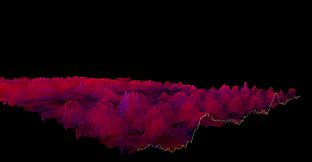
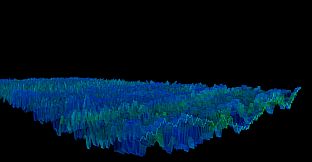
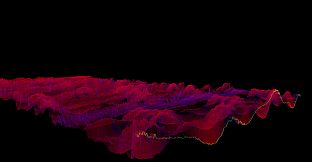
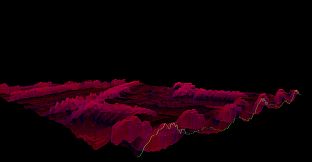
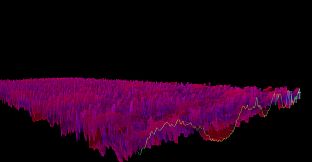
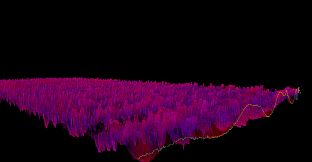
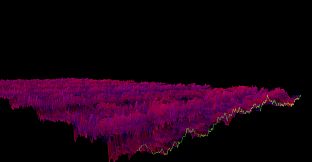
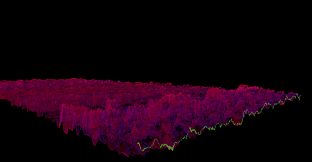
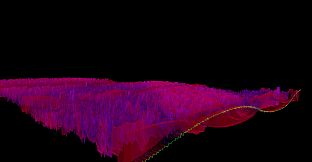
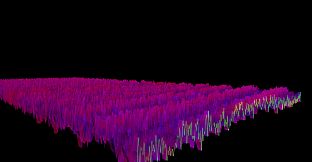
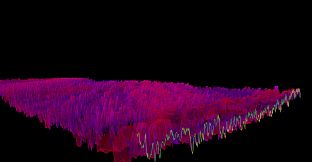
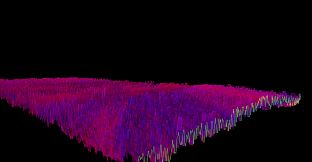
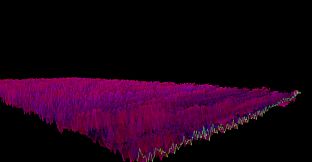
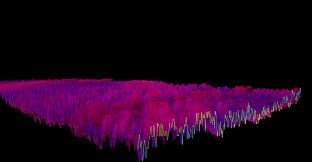
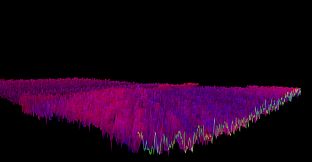
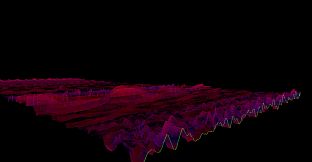
The Bonk'd Audio Visualizer is a 3D audio visualizer written in C/C++ with Vulkan, designed for Linux first, Windows second. It is designed to be lightweight, fast, and low latency. Future planned features include:

-Desktop background rendering
-Customizable colors (can be customized with command line options right now)
-Customizable speed (can be customized with command line options right now)
-Customizable wave heights/sample rate/sample size (also customizable via command line options right now)

Stretch goals depending on reception:

-VR
-Control of viewport
-Gamification of some sort
Usage
Simply start Bonk'd Audio Visualizer and start playing your favorite music and enjoy! Fruther configuration can be changed with launch options, explained in the Manual.txt included with game files, soon to be available through a configuration file, and then potentially a UI to change things live. Hit escape to close the program.
Notes
If you're running on Linux by default the application uses PipeWire, an option to use straight ALSA is available with -alsa in the launch options, it presently connects to the mic instead of the default output device, a fix is in the works. Testing was completed on Fedora 36, but any linux with Pipewire and proper Vulkan drivers should work with the default settings just fine.

Many features are available through launch parameters, customization of the rendering, swapping starting monitors, switching audio interface, and forcing usage of integrated or dedicated GPUs are just a few of the available options through launch parameters. These features are being moved into a config file, and then later into a GUI application, but have been provided as launch options to give access to them as early as possible.

For convenience, the launch parameters are listed below, and are included in the Manual.txt in the software installation.

Available options:

Option syntax >>>> description
-wh (integer) >>>>> set wave height, default is 25
-a (real number) >>>>> set alpha (transparency) default 0.25
-mt (integer) >>>> set move time default 6
-alsa >>>>> use ALSA instead of PipeWire (linux only)
-window >>>>> run windowed instead of fullscreen
-fi >>>>> force use of integrated GPU*
-fd >>>>> force use of dedicated GPU*
-debug >>>>>> print debug output to bav_log.log
-display >>>>> set which display to render to (fullscreen only)


*Steam appears to "hide" GPUs from Vulkan when multiple GPUs are present on a machine. You can run the program from command line/terminal with the force parameters and they will function as expected, but through Steam you may run into trouble with them. There may be ways to circumvent this with environment variables or how you run steam, but I've not found a surefire way to do so, ymmv.

Trailer music graciously provided by NCS, link to song:
Interfaz:
English
Audio:
English
Subtítulos:
English
Steam:
Overwhelmingly Negative (9)

Requisitos del sistema

Mínimo:

  • Sistema operativo: Windows 10
  • Procesador: AMD Ryzen 1700
  • Memoria: 300 MB RAM
  • Gráficos: R9 280X
  • Almacenamiento: 10 MB available space

Recomendado:

  • Sistema operativo: Windows 10
  • Procesador: AMD Ryzen 1700
  • Memoria: 300 MB RAM
  • Gráficos: R9 280X
  • Almacenamiento: 10 MB available space

Mínimo:

  • Sistema operativo: Linux with Pipewire (Fedora, partially Ubuntu) and Vulkan Drivers
  • Procesador: AMD Ryzen 1600
  • Memoria: 200 MB RAM
  • Gráficos: R9 280
  • Almacenamiento: 10 MB available space
  • Notas adicionales: ALSA can be used instead of Pipewire with the -alsa option, presently it connects to the mic instead of the default output device, this is being worked on

Recomendado:

  • Sistema operativo: Linux with Pipewire (Fedora, partially Ubuntu) and Vulkan Drivers
  • Procesador: AMD Ryzen 1600
  • Memoria: 200 MB RAM
  • Gráficos: R9 280
  • Almacenamiento: 10 MB available space
  • Notas adicionales: ALSA can be used instead of Pipewire with the -alsa option, presently it connects to the mic instead of the default output device, this is being worked on

Historial de precios

Mínimo histórico
Keyshops
-
-
-
Tiendas oficiales
-
-
-

FAQ

8 preguntas

Antes de buscar una CD Key barata de Bonk'd Audio Visualizer, revisa lo esencial. Desarrollado por Bonk'd Industries. Publicado por Bonk'd Industries. Fecha de lanzamiento en PC: 16 jun 2022. Géneros: Indie, Casual. Categorías: Family Sharing, Single-player. Reseñas de Bonk'd Audio Visualizer: Reseñas de Steam: 9 user reviews for this game.

Q ¿Puedo jugar a Bonk'd Audio Visualizer en Steam Deck?

. La compatibilidad de Bonk'd Audio Visualizer con Steam Deck está Verificada. Eso significa que el juego arranca sin problemas, muestra los iconos correctos del mando y ofrece un rendimiento estable: Bonk'd Audio Visualizer funciona perfectamente en Steam Deck.

. Existe una versión de Bonk'd Audio Visualizer en Steam. Elige cualquier oferta marcada como Steam Key en XD.deals, canjéala en el cliente de escritorio y juega a Bonk'd Audio Visualizer en Steam para PC.

Sí. Una vez canjeada tu clave de Steam, puedes iniciar Bonk'd Audio Visualizer en Modo sin conexión desde Steam. Tus partidas se sincronizarán la próxima vez que te conectes.

, puedes comprar una Steam Key de Bonk'd Audio Visualizer directamente en la tienda de Steam. En XD.deals agregamos todas las ofertas con DRM de Steam para que compares ofertas baratas de Bonk'd Audio Visualizer en Steam en un solo lugar.

Encontrarás todas las ofertas y descuentos activos de Bonk'd Audio Visualizer aquí mismo, en XD.deals. Nuestro rastreador lista actualmente 1 ofertas de tiendas oficiales y 0 ofertas de keyshops. Mira la tabla de arriba para ver el precio más bajo, compáralo con el mínimo histórico del juego y crea una alerta para no perderte la próxima bajada.

Con XD.deals, los jugadores de PC pueden ver al instante dónde comprar una clave Steam para PC de Bonk'd Audio Visualizer barata. Nuestro motor de comparación en tiempo real y nuestra base de cupones seleccionados siguen todas las tiendas oficiales y keyshops de confianza para que no tengas que hacerlo tú. Ahora mismo detectamos este juego en 1 ofertas activas de tiendas y keyshops.

. La página oficial de Bonk'd Audio Visualizer en Steam está disponible, así que puedes comprar Bonk'd Audio Visualizer en Steam o comprar cualquier Steam Key para PC de Bonk'd Audio Visualizer en XD.deals y canjearla al instante.

No: XD.deals no es una tienda. Somos un servicio de comparación que rastrea las mejores ofertas de Bonk'd Audio Visualizer en tiendas oficiales y keyshops verificados. Haz clic en "Comprar ahora" junto a la oferta que quieras y te redirigiremos a la web del vendedor para completar la compra y recibir allí la clave.

¿Listo para jugar? Crea una alerta de precio en XD Deals y consigue una clave de Steam de Bonk'd Audio Visualizer con descuento en cuanto alcance su próximo mínimo histórico.

Crear alerta