












in progress...

Bonk'd Audio Visualizer PC kaufen

Wo kannst du den günstigsten Bonk'd Audio Visualizer Steam-Key für PC kaufen? Vergleiche Preise aus 1 Shops und finde unter 1 Angeboten auf XD Deals die beste Option. Aktuell liegt der niedrigste Bonk'd Audio Visualizer PC Preis im Keyshop bei 1,59 € (0% Rabatt).

Veröffentlichung: 16 Juni 2022
Publisher: Bonk'd Industries
Entwickler: Bonk'd Industries
Steam:
Overwhelmingly Negative (9)
Keyshops
Nicht verfĂĽgbar
Im offiziellen Store kaufen:
1,59 €
Im Keyshop kaufen:
Preisverlauf anzeigen

Offizielle Shops (1)

DRM:
Steam
Steam
Steam
Bonk'd Audio Visualizer
Windows
+2
vor 51W
DRM:
Steam
Steam
1,59 €
Historical Low Deal
Historical low

Ăśber Bonk'd Audio Visualizer

Bonk'd Audio Visualizer - Spielbeschreibung

Features
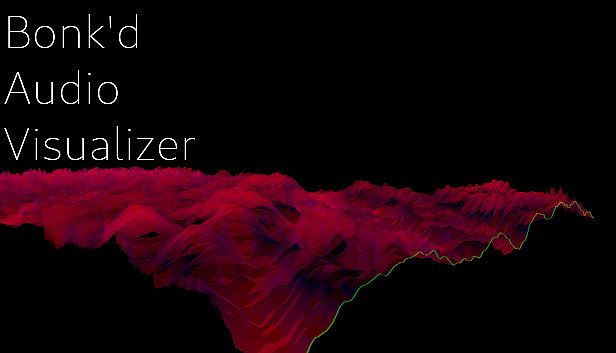
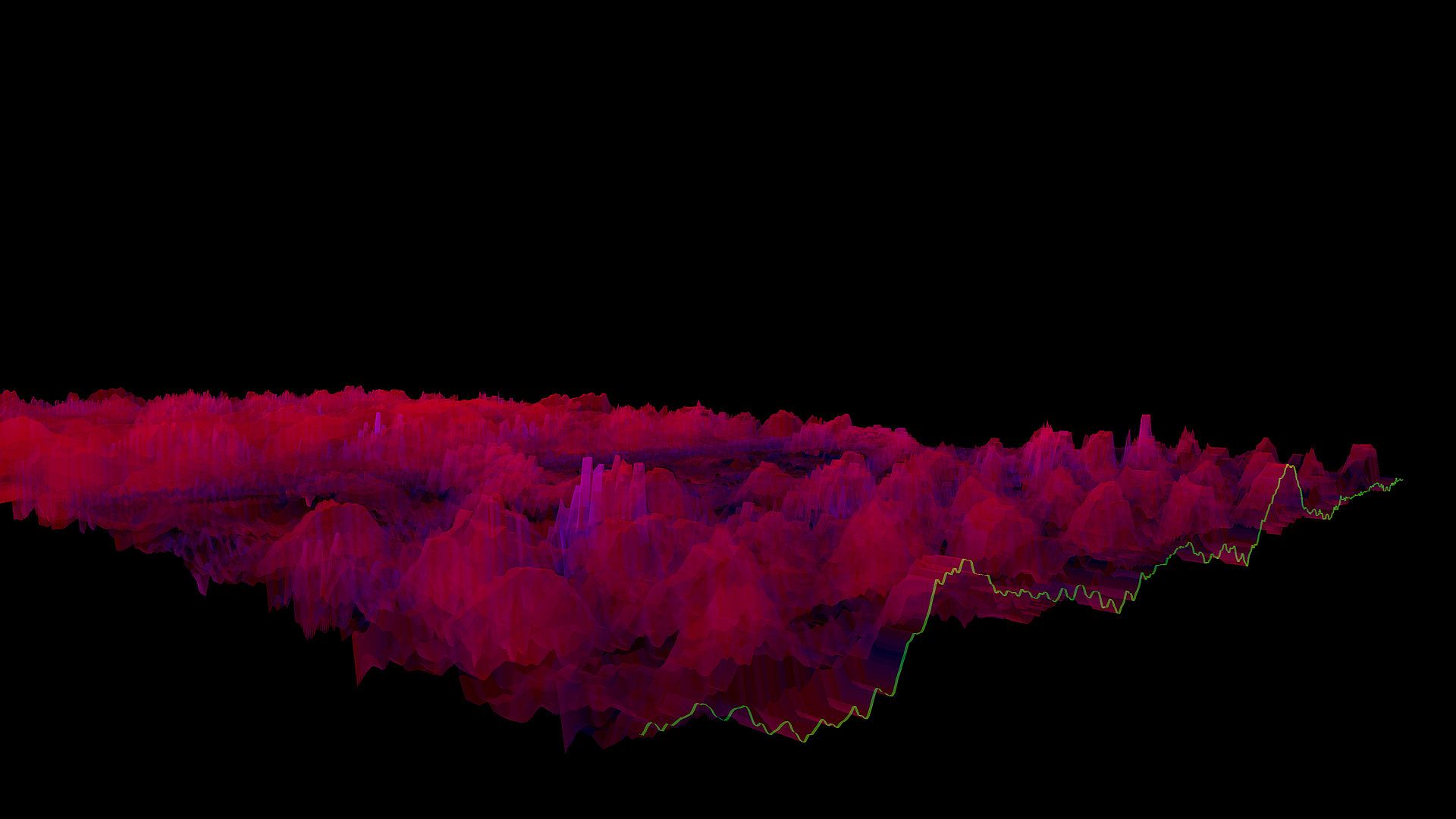
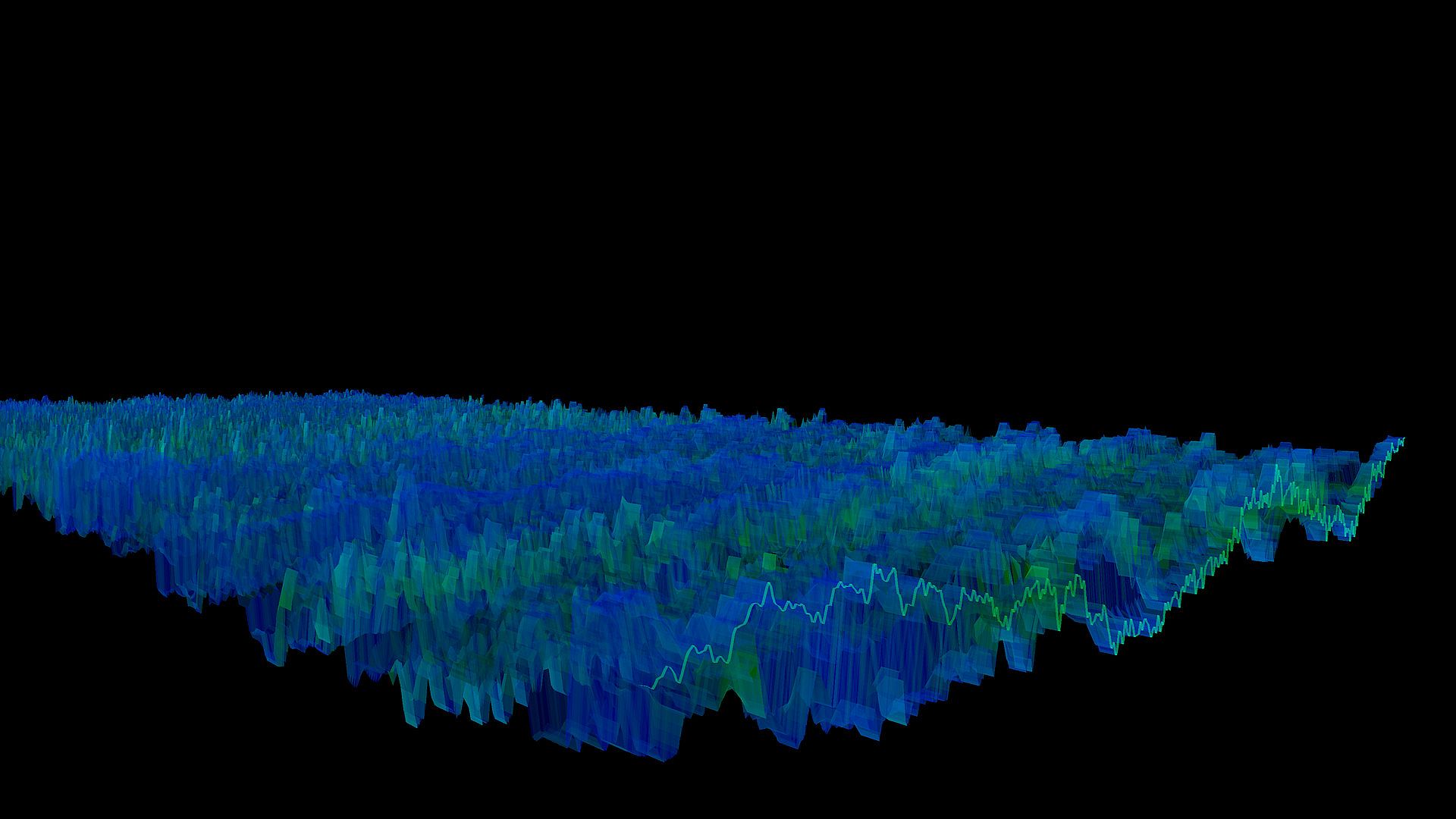
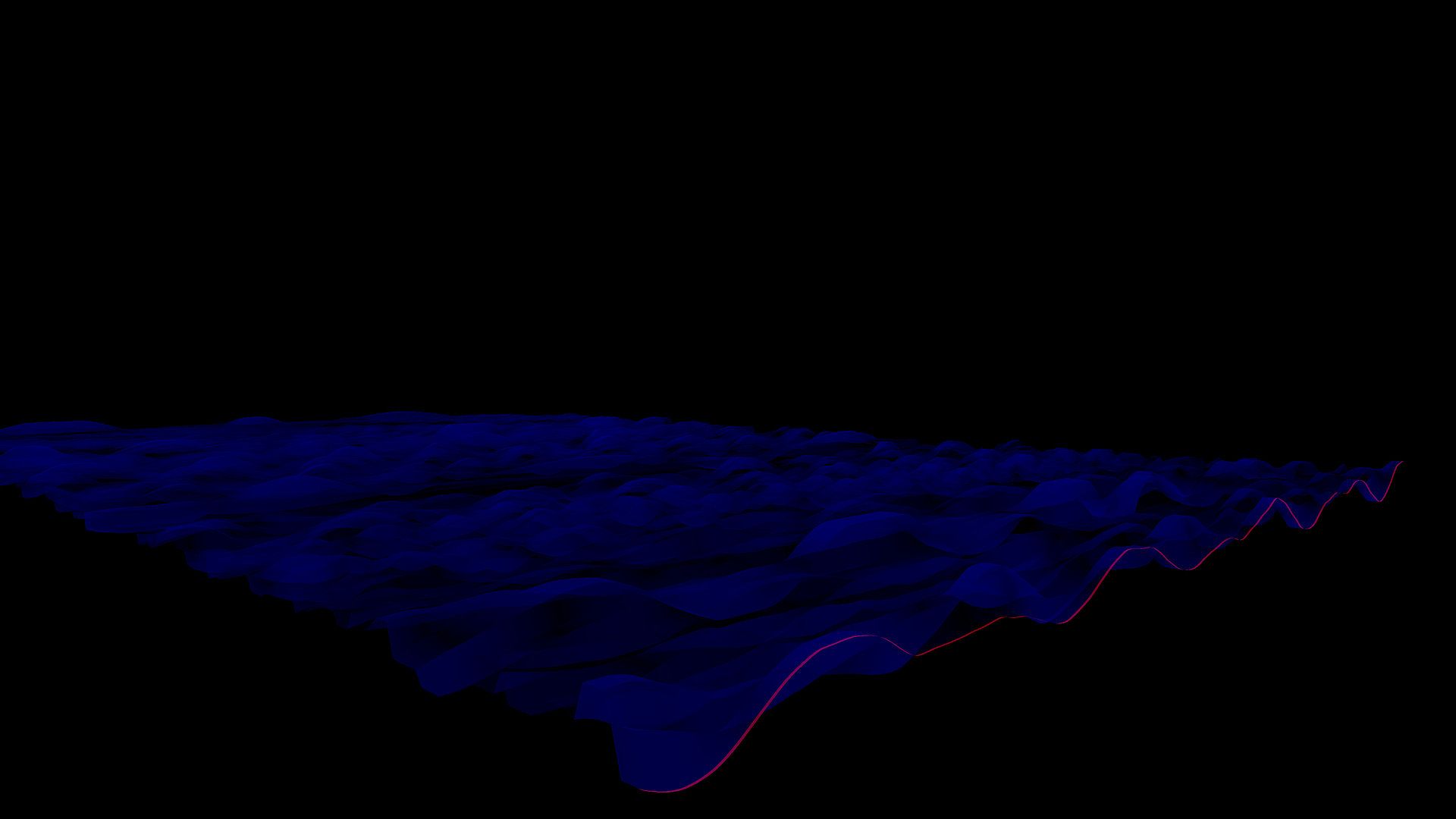
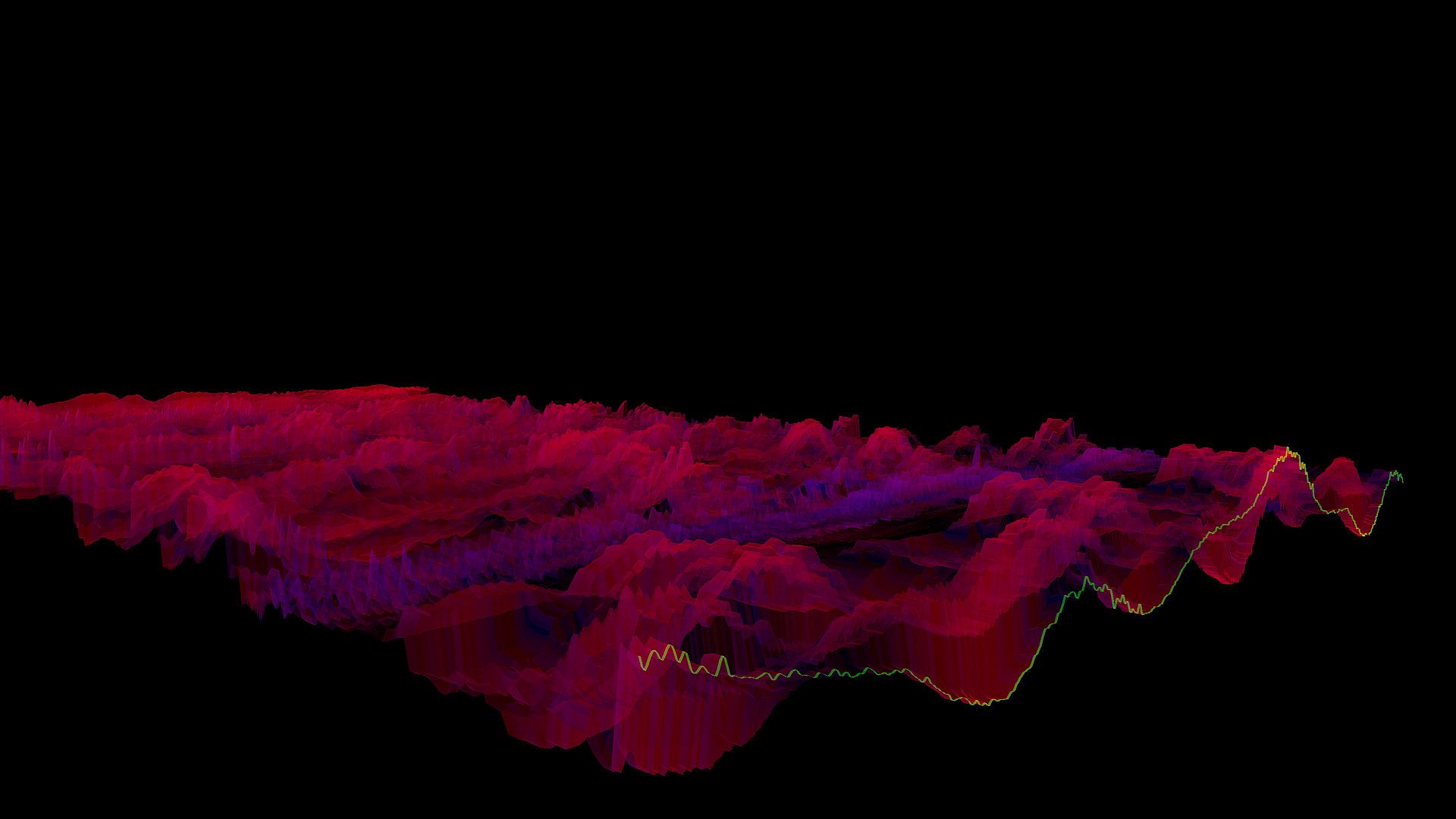
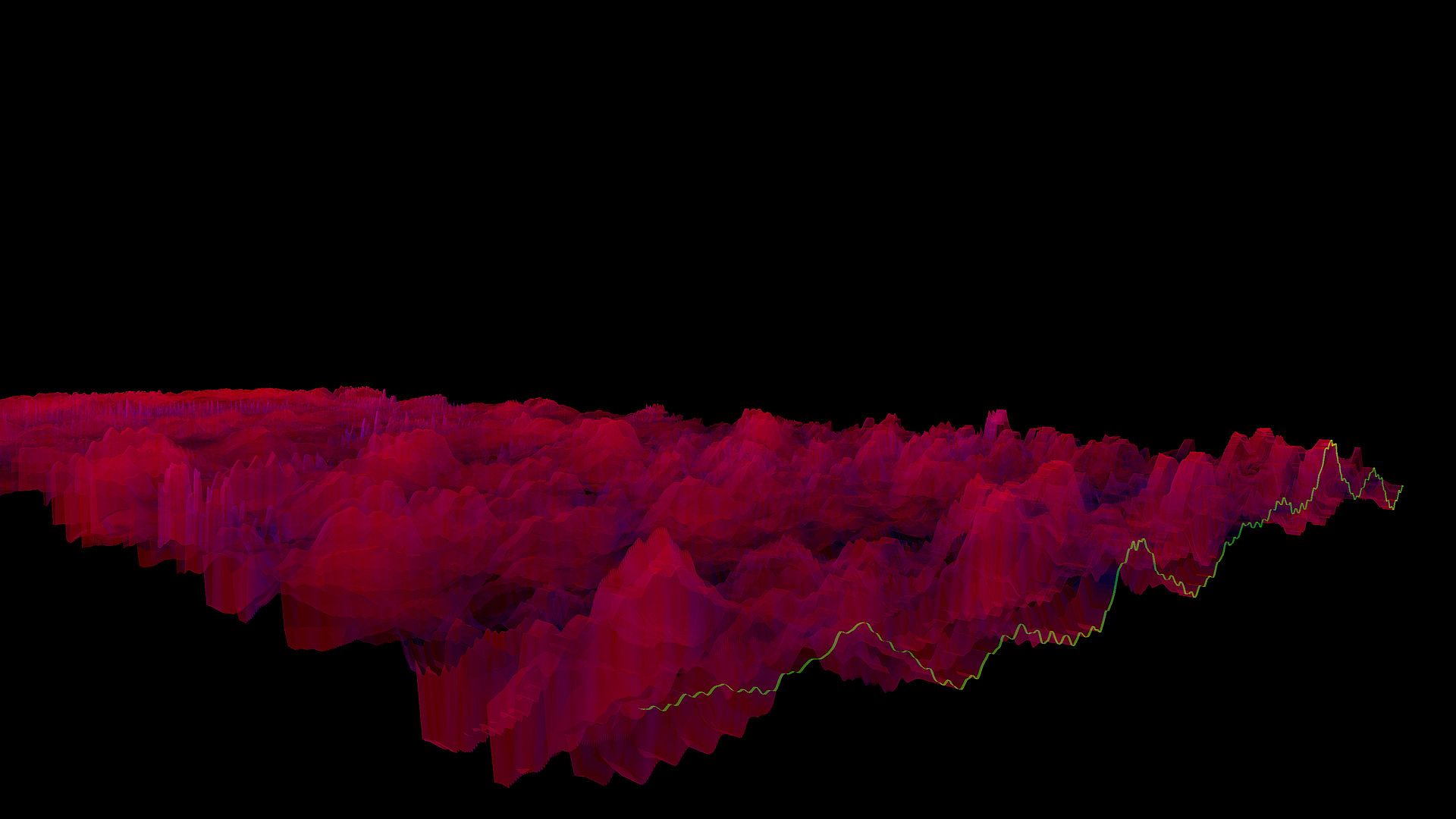
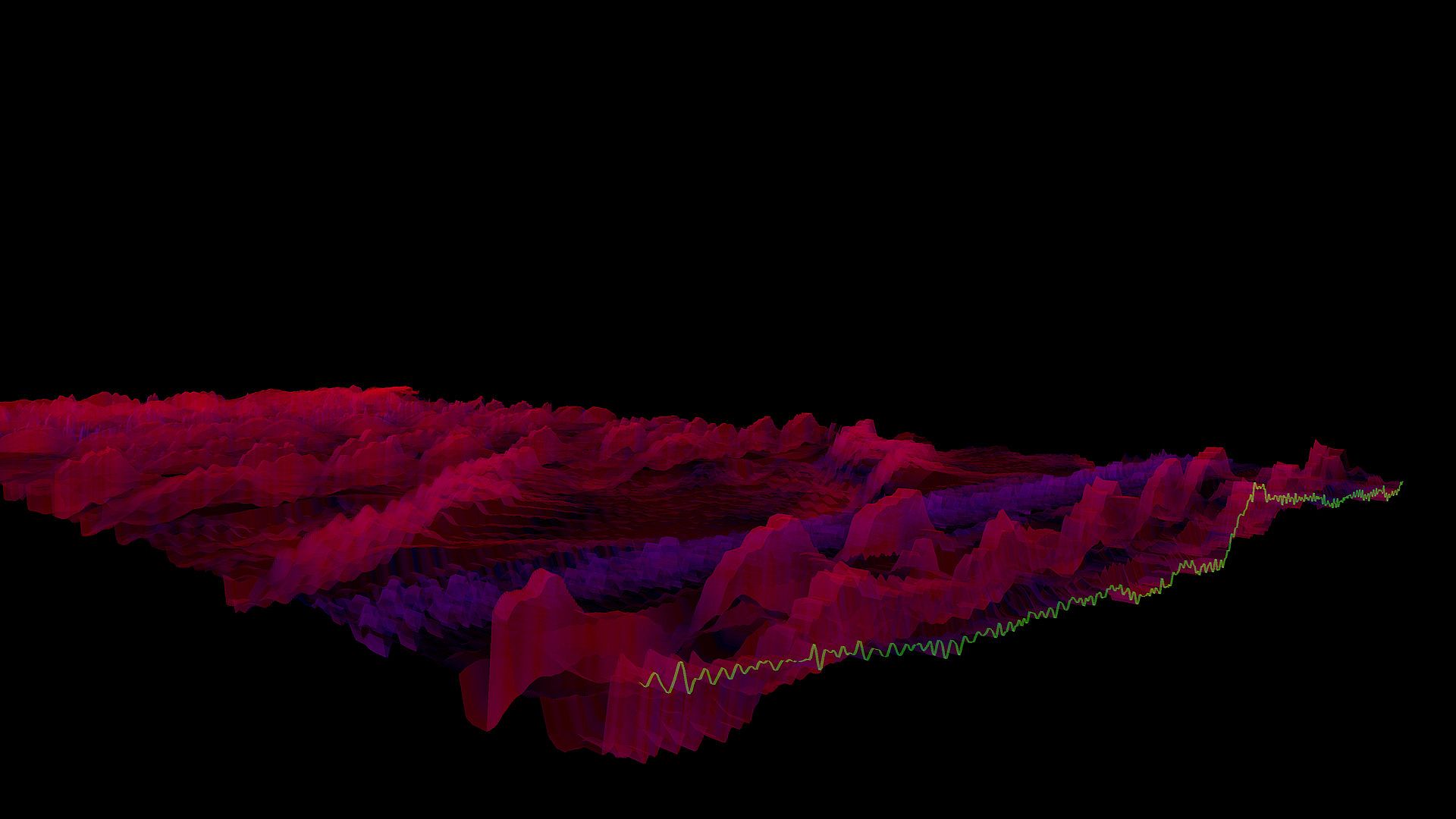
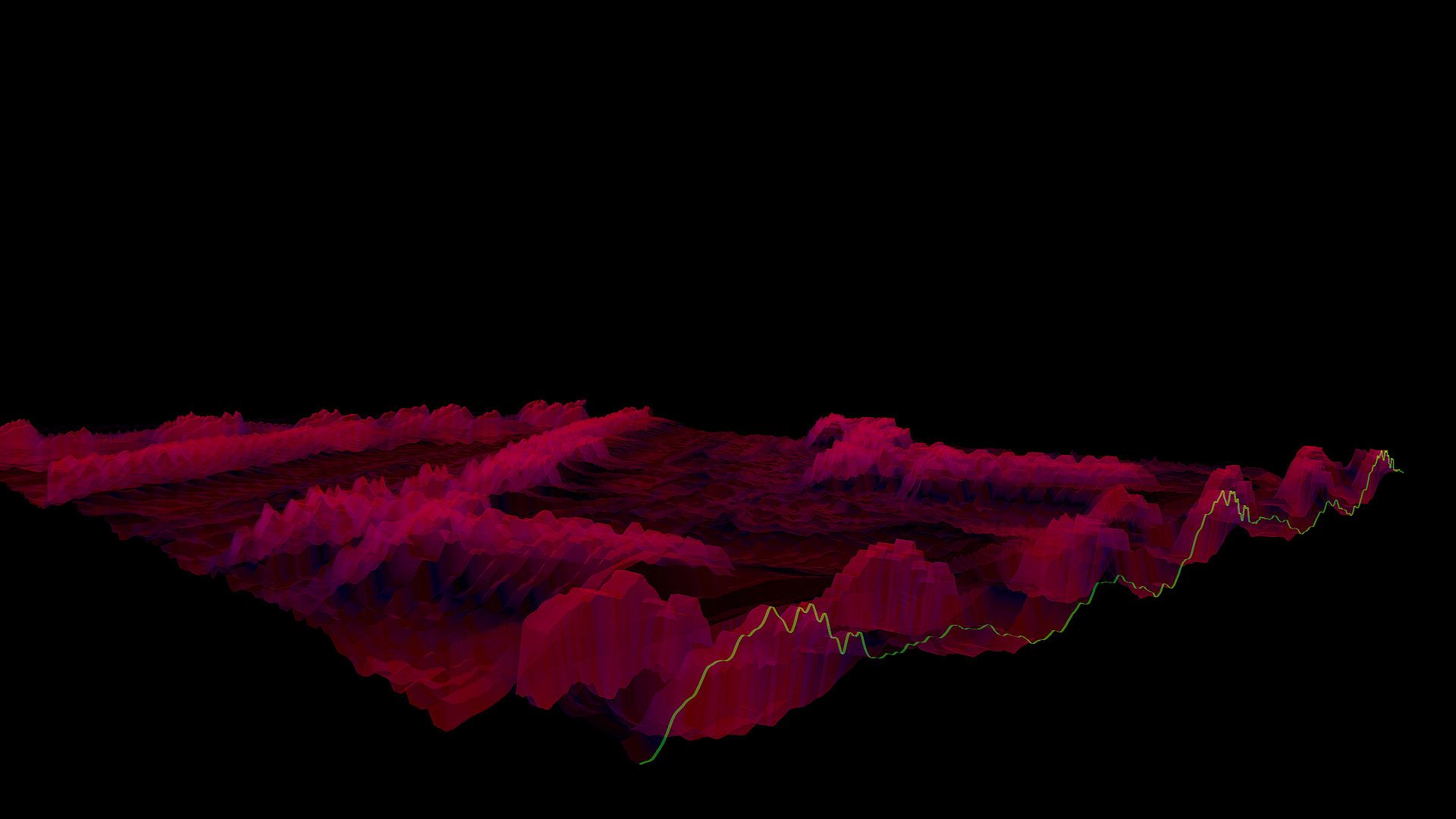
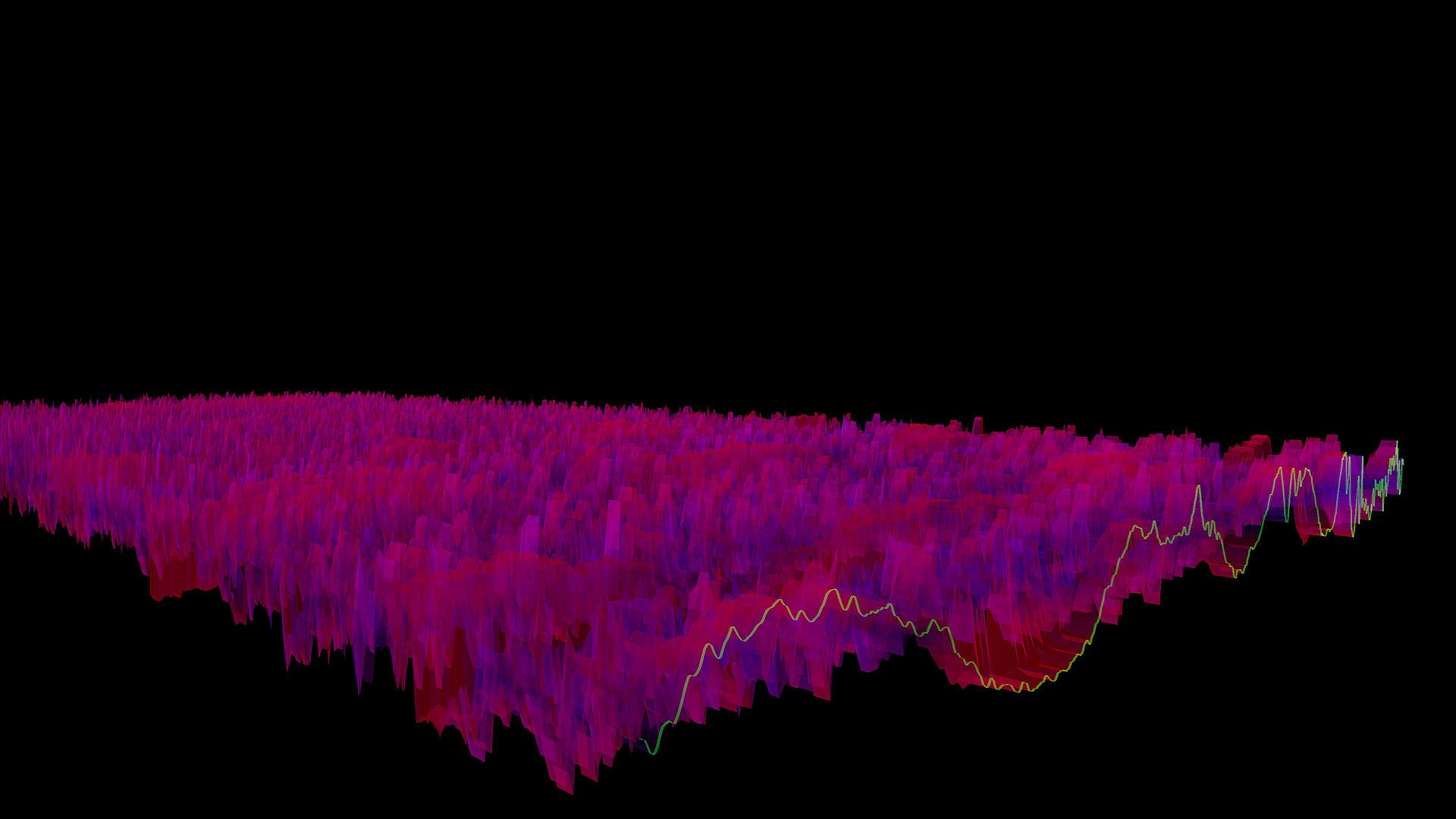
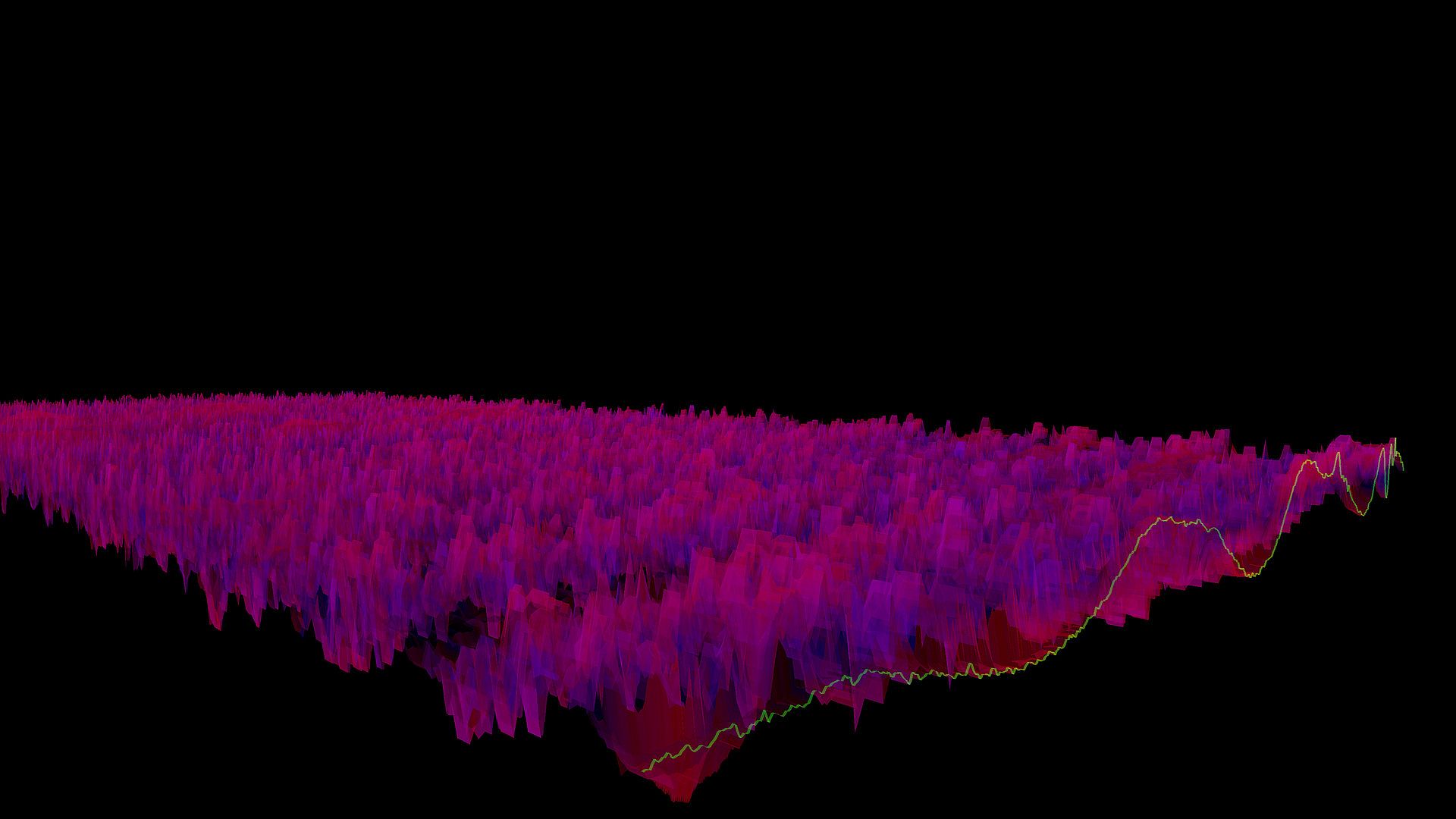
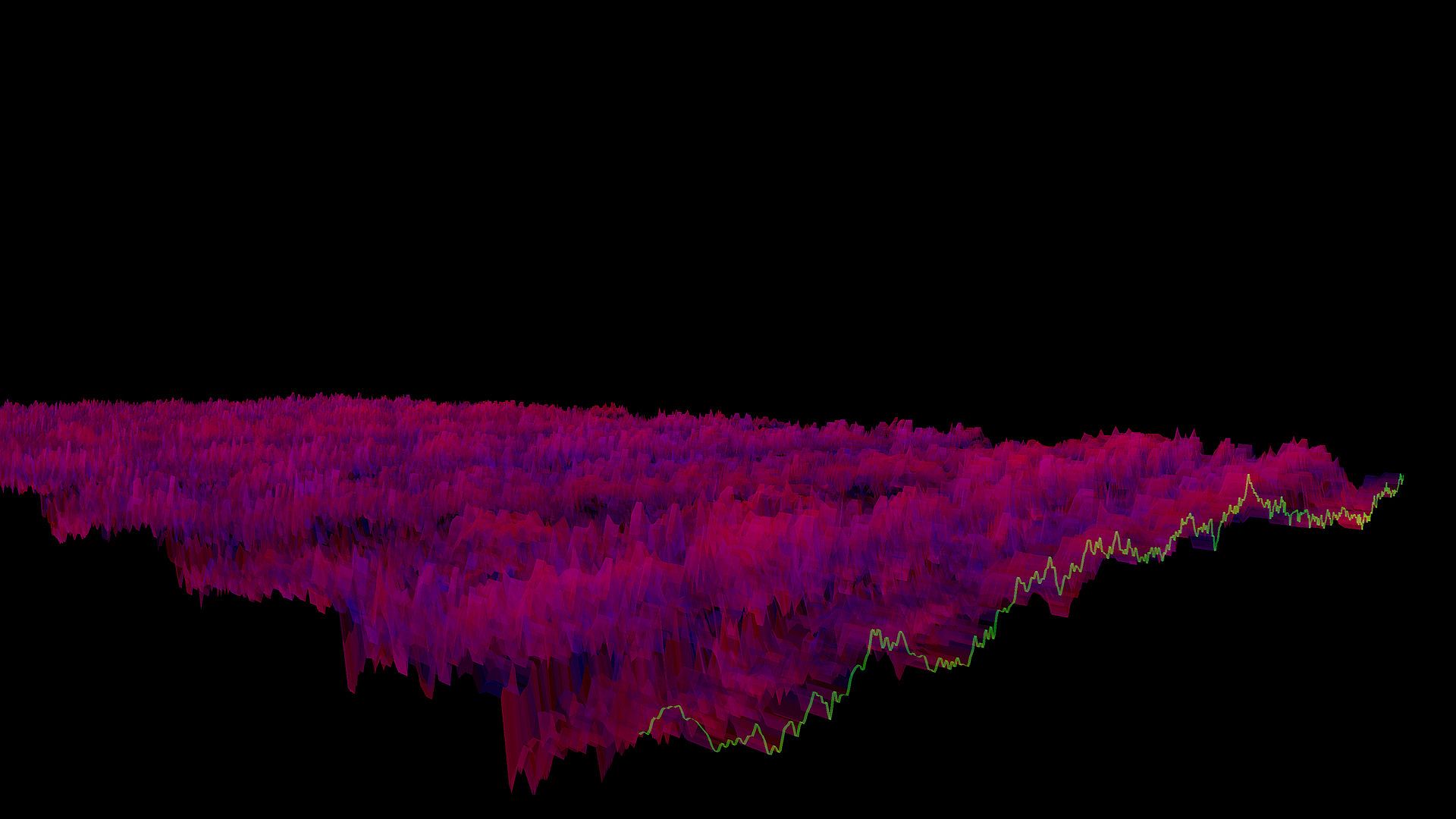
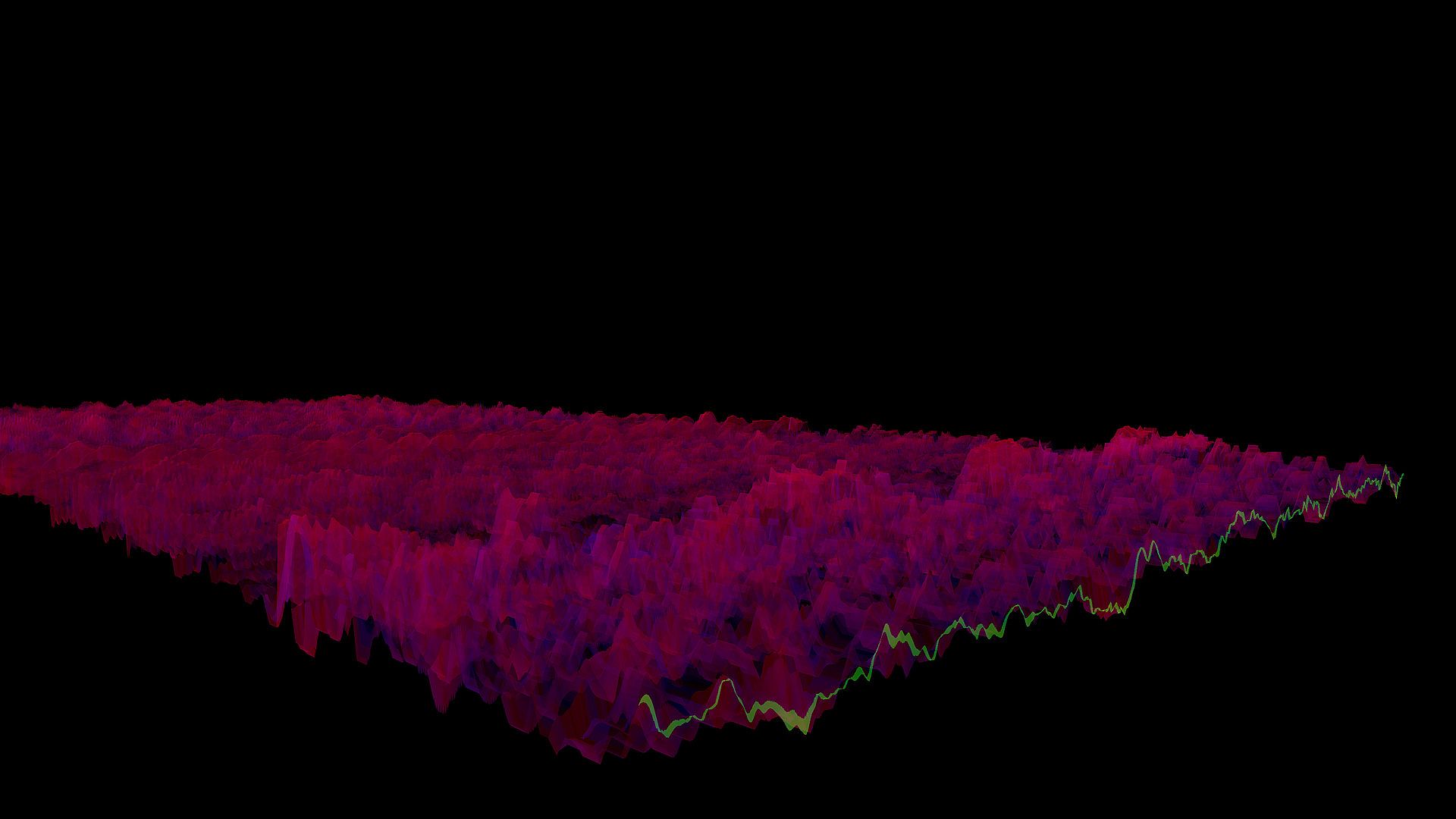
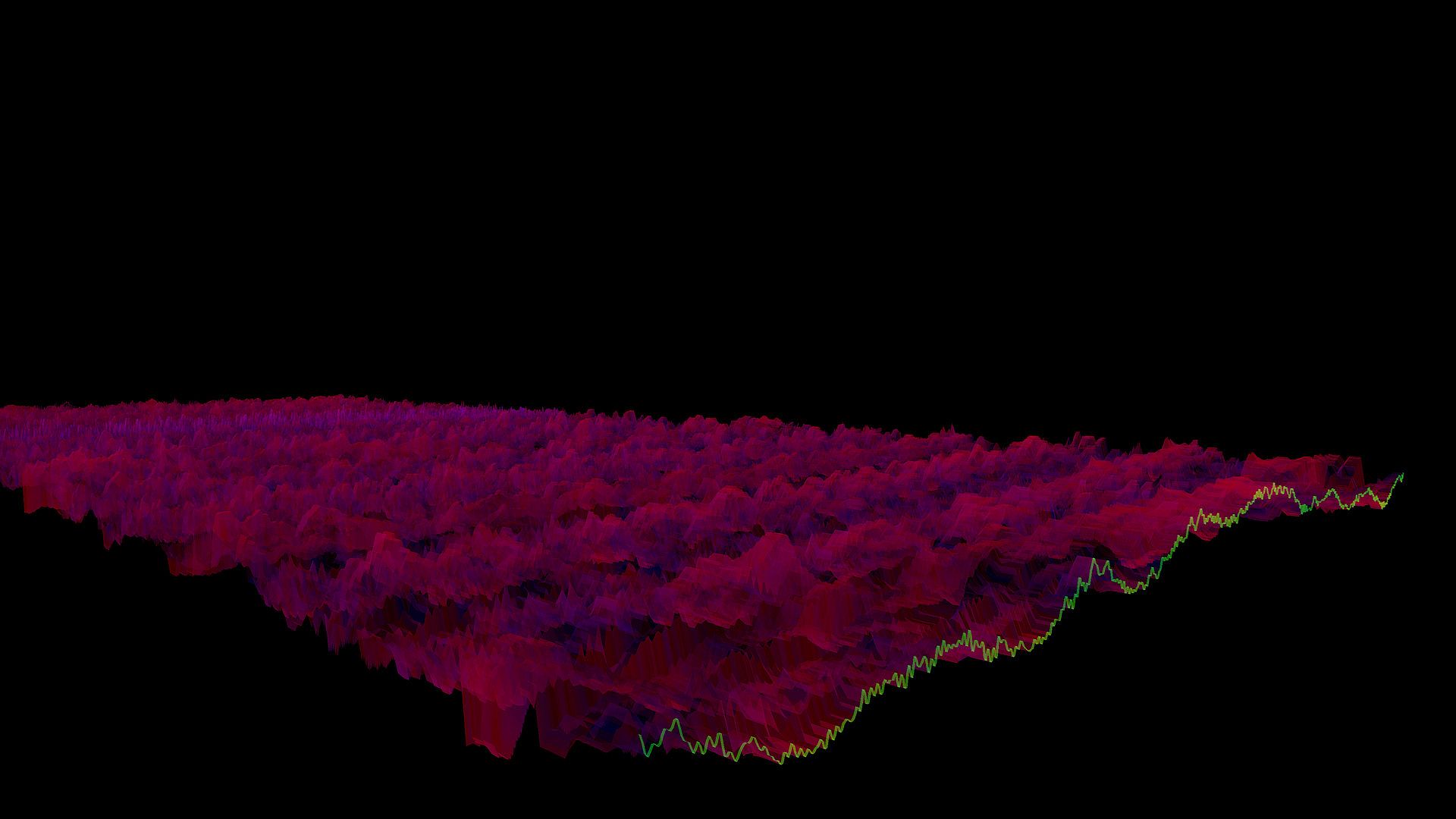
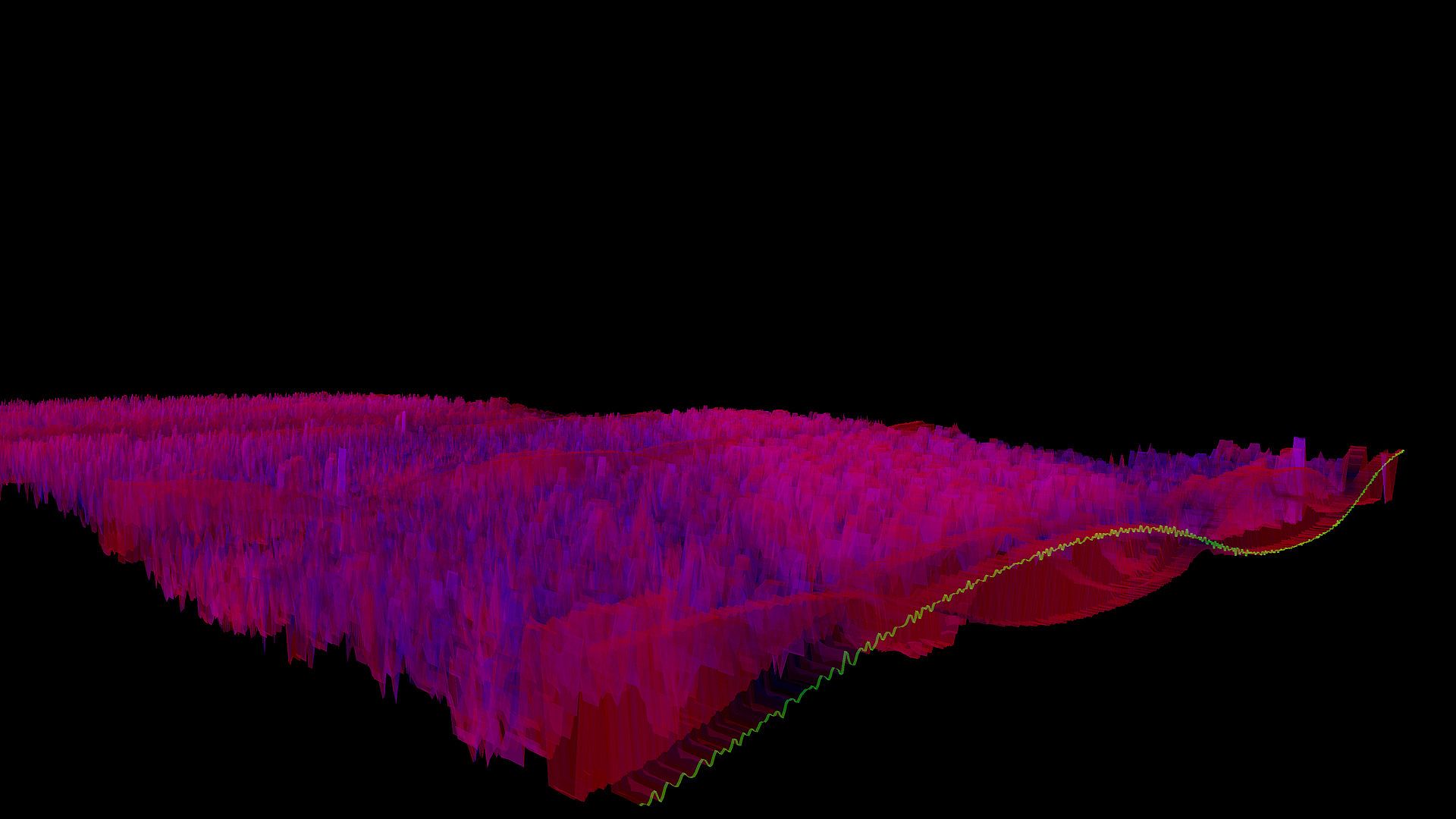
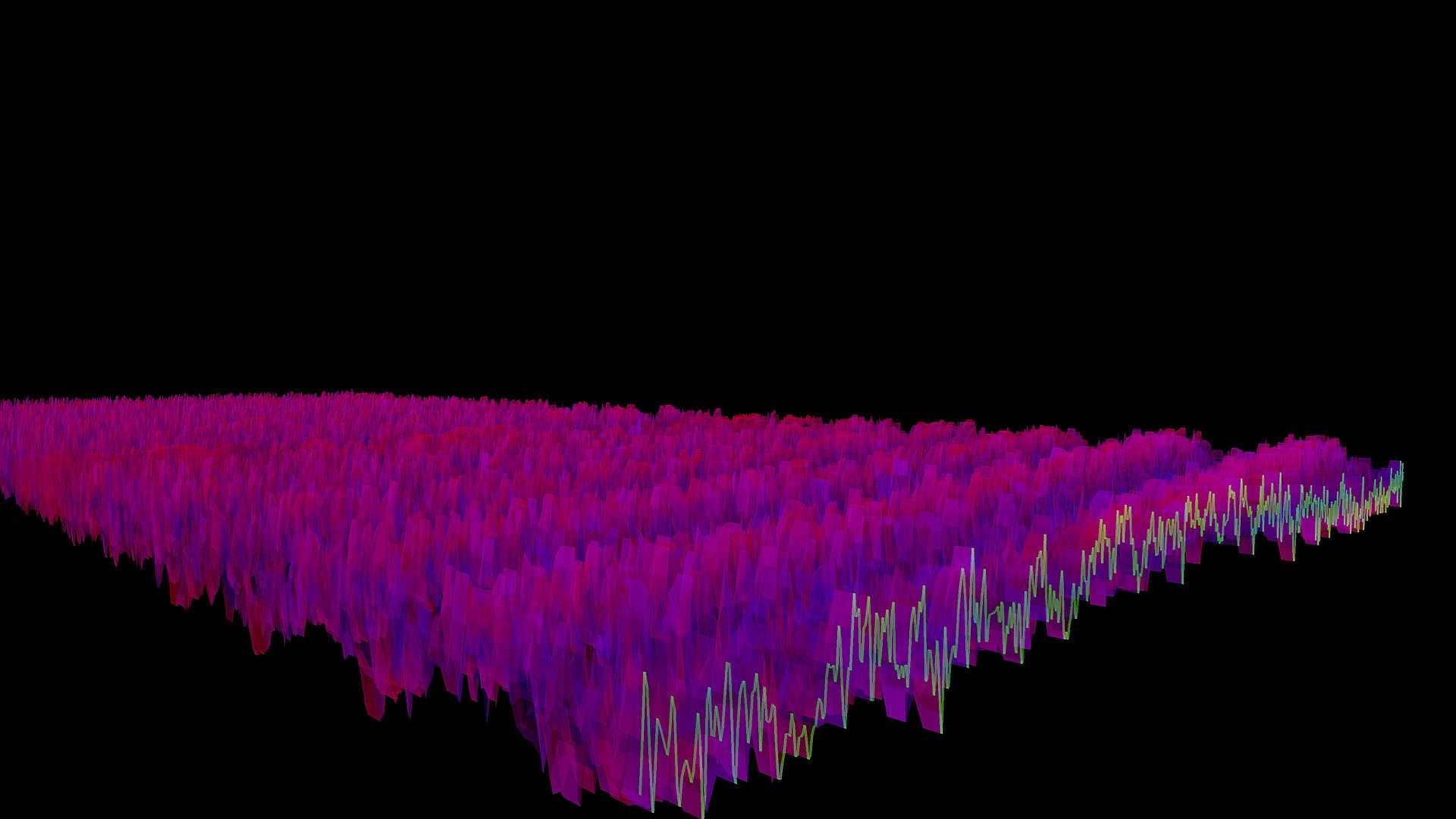
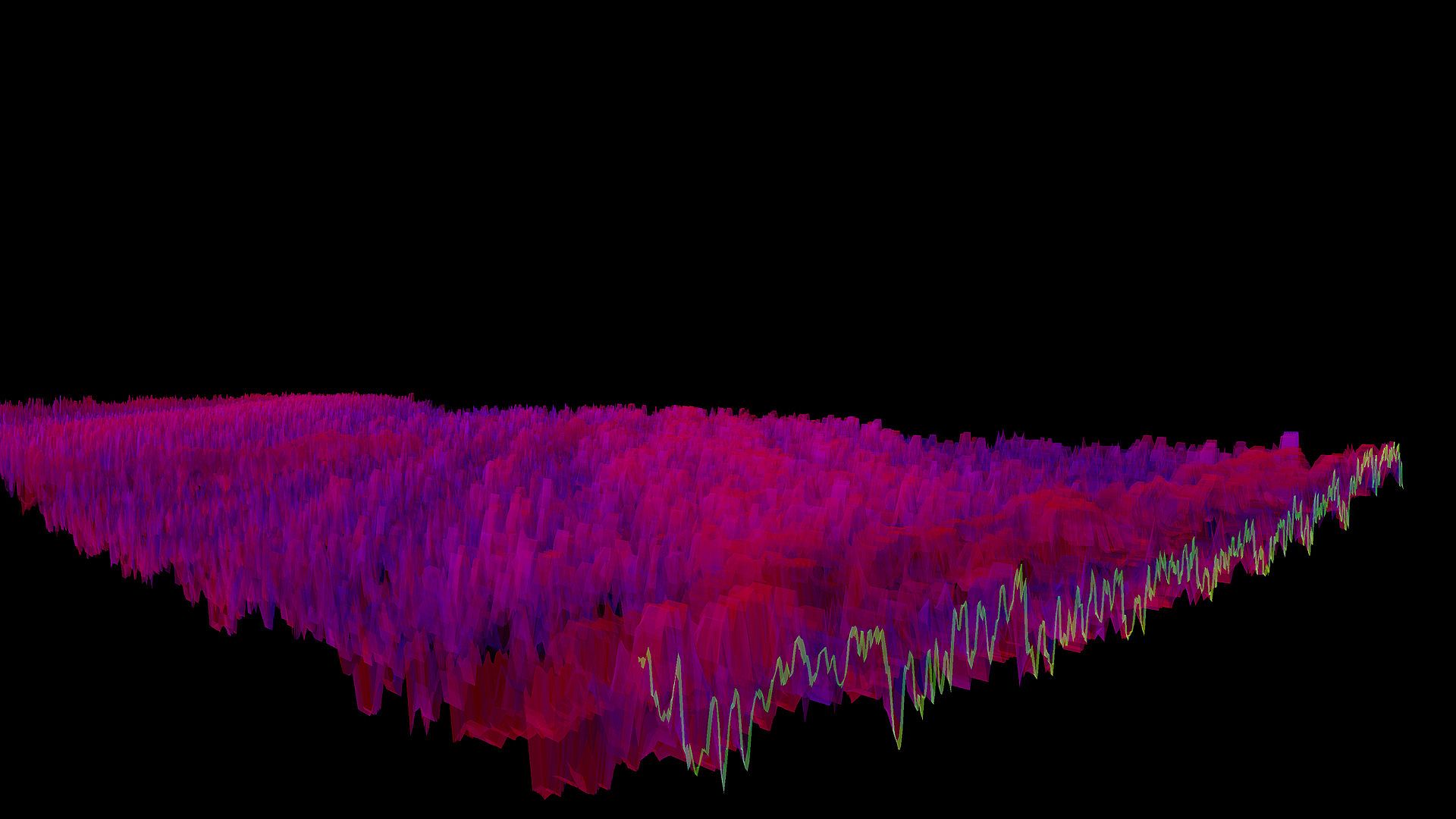
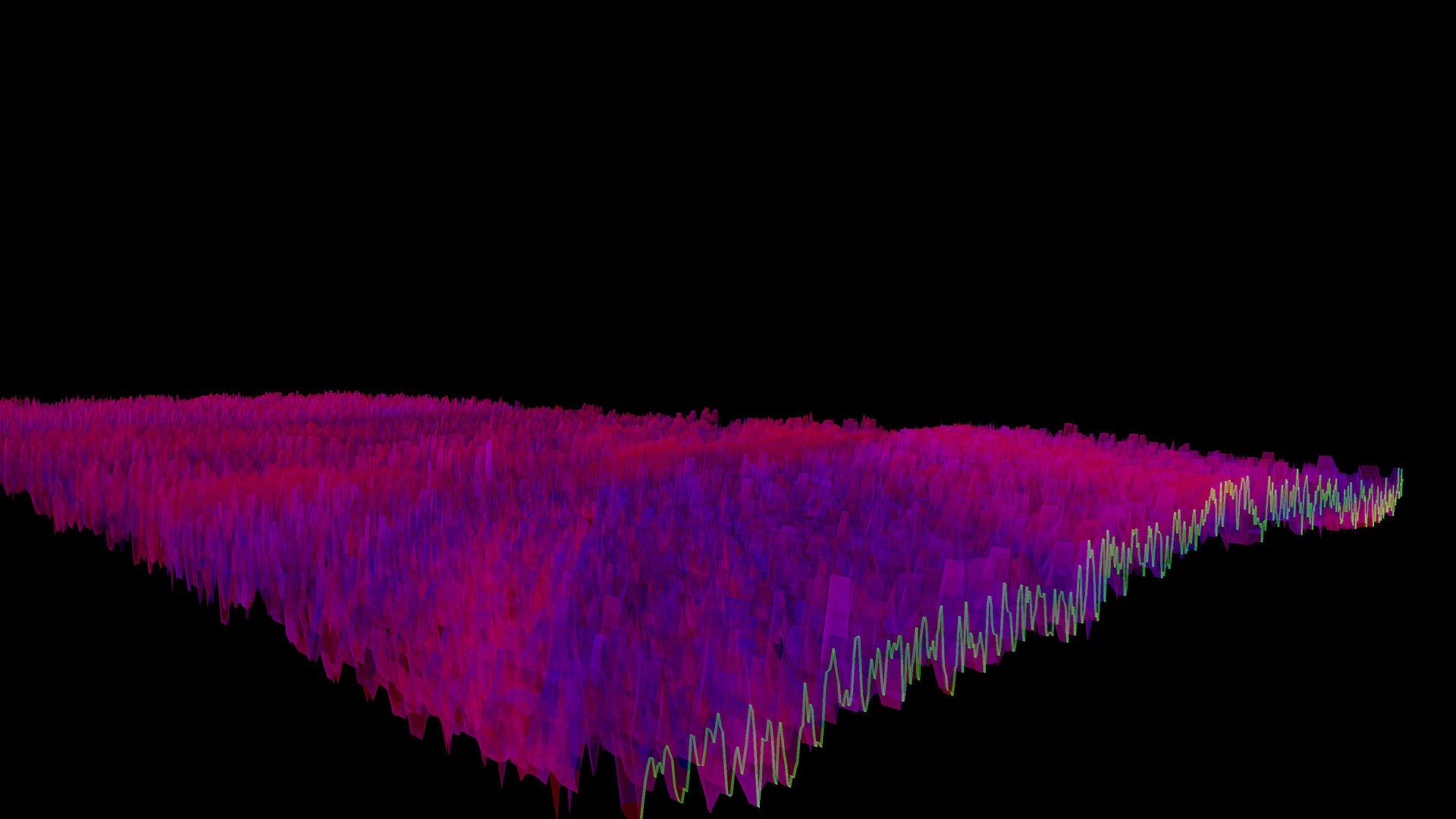
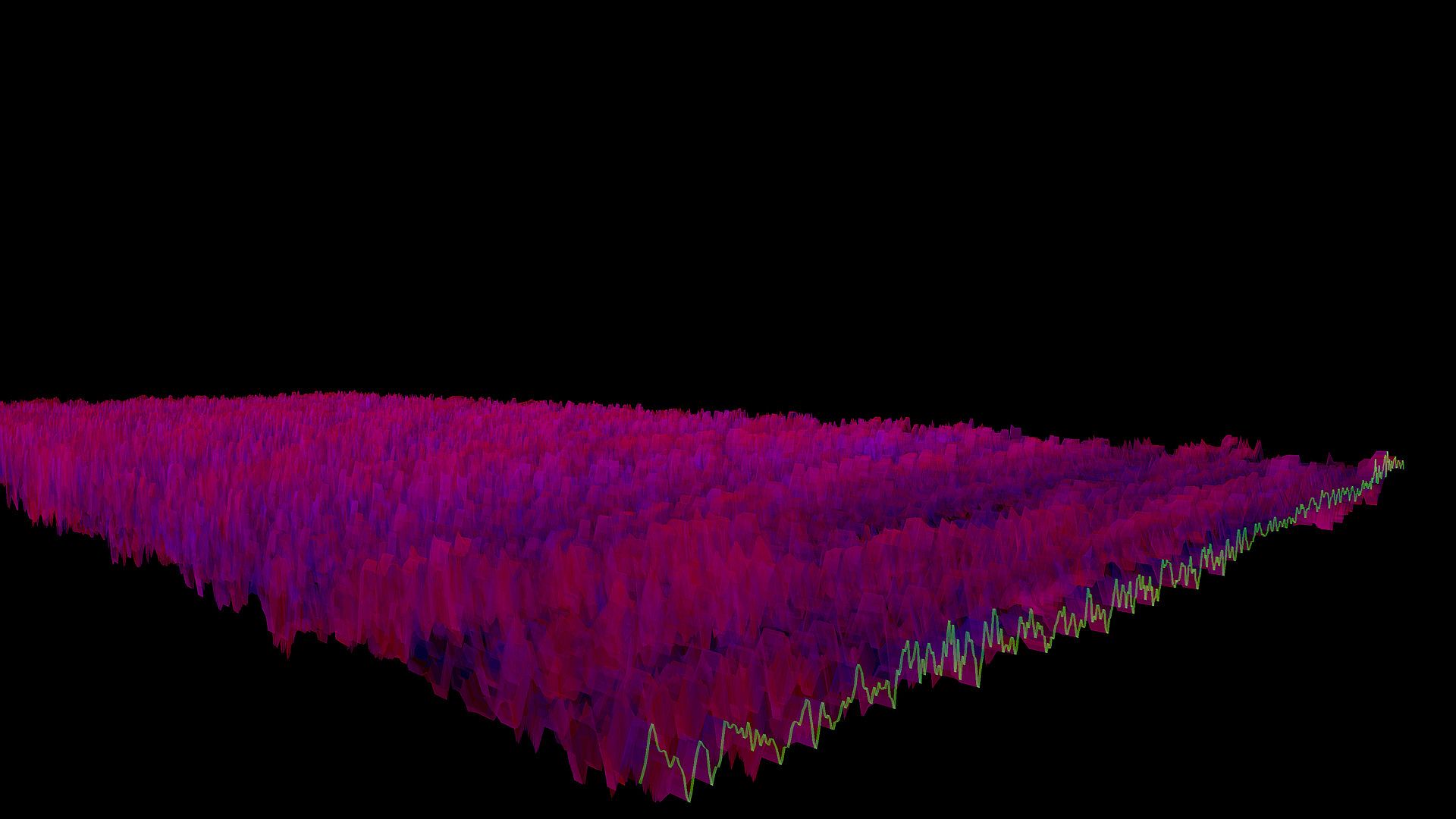
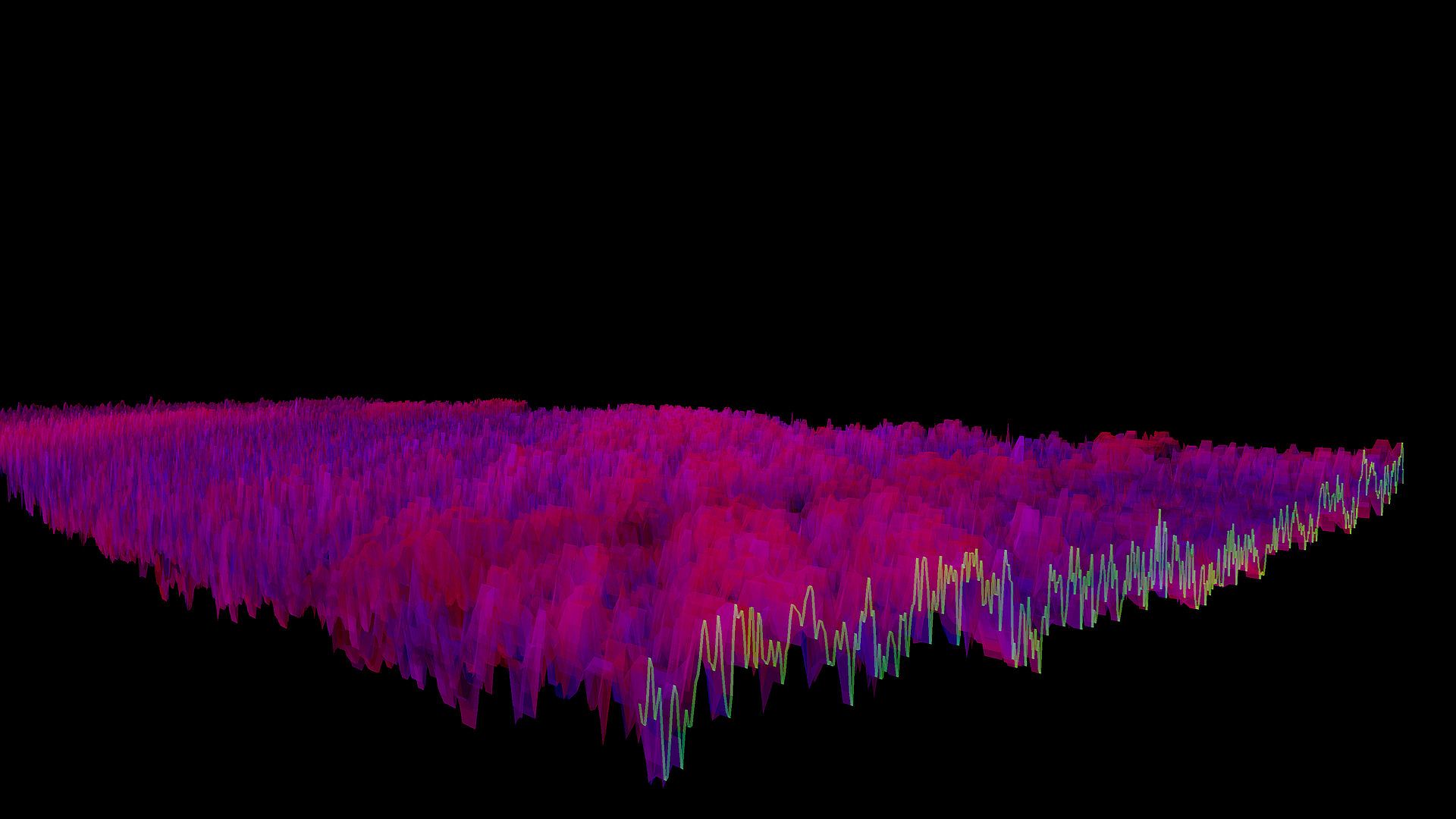
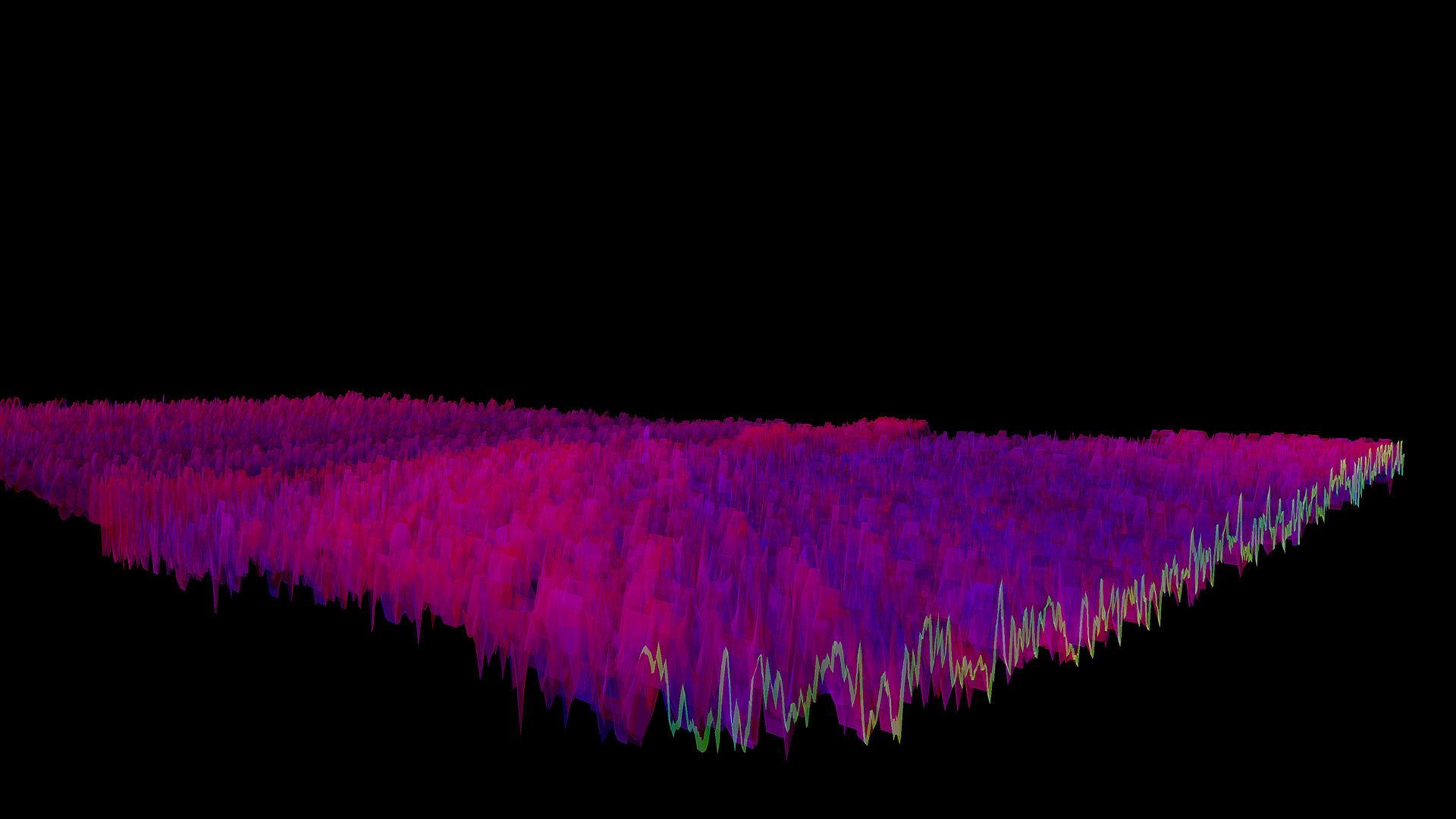
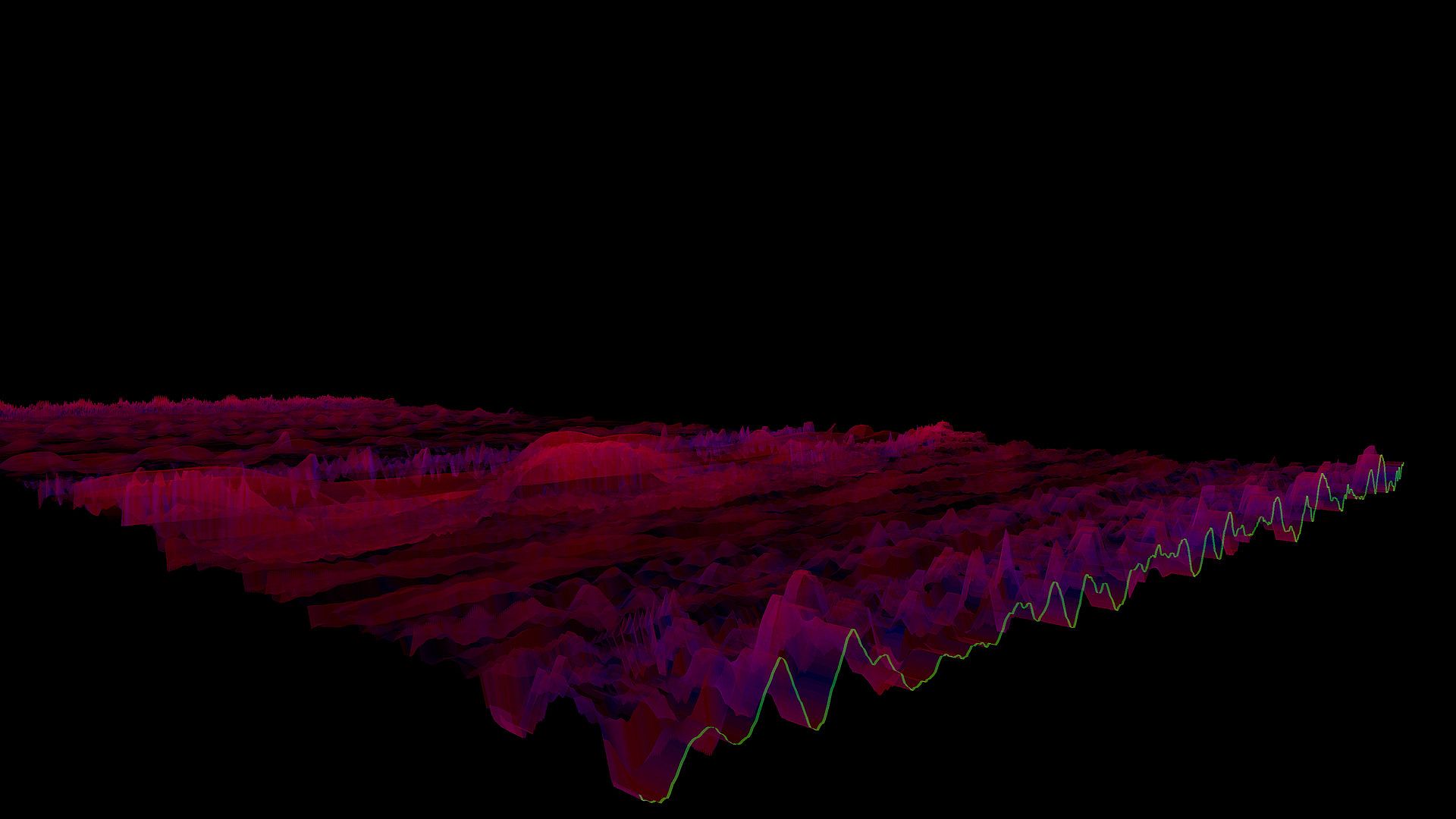
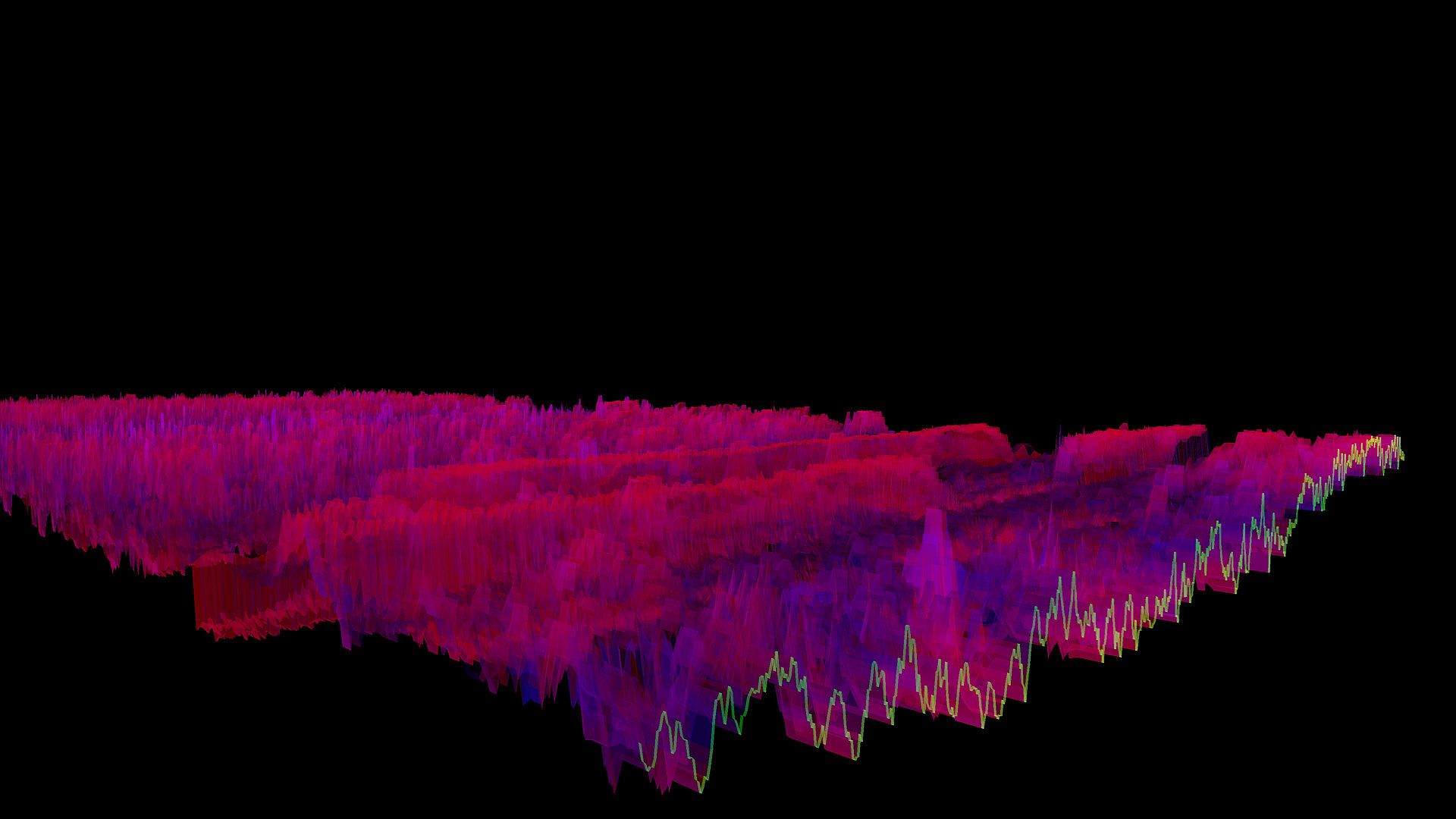
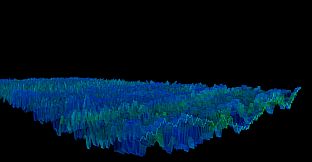
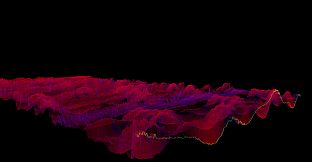
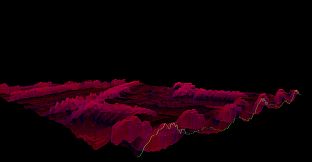
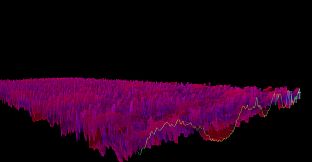
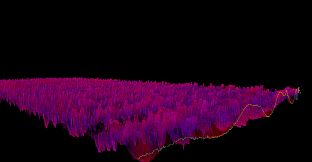
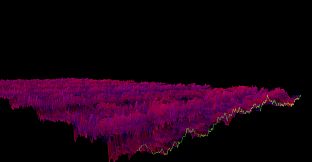
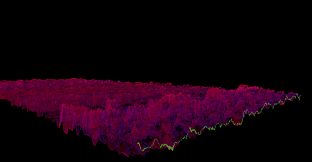
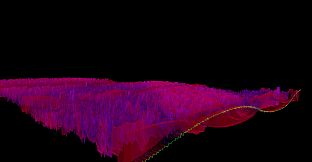
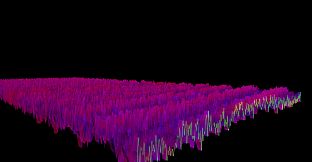
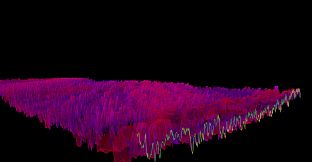
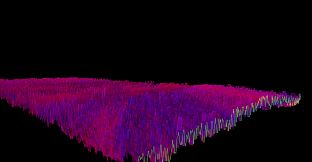
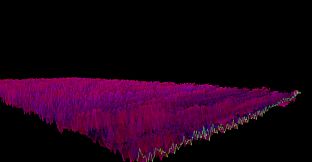
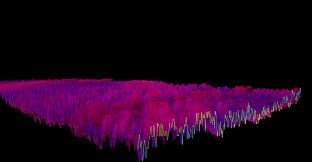
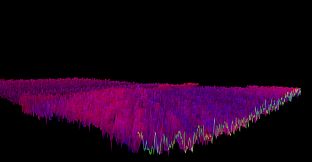
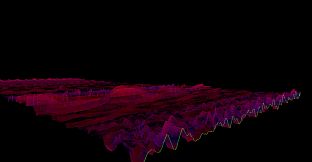
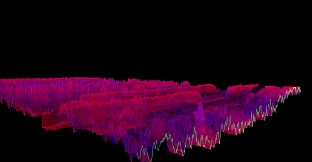
The Bonk'd Audio Visualizer is a 3D audio visualizer written in C/C++ with Vulkan, designed for Linux first, Windows second. It is designed to be lightweight, fast, and low latency. Future planned features include:

-Desktop background rendering
-Customizable colors (can be customized with command line options right now)
-Customizable speed (can be customized with command line options right now)
-Customizable wave heights/sample rate/sample size (also customizable via command line options right now)

Stretch goals depending on reception:

-VR
-Control of viewport
-Gamification of some sort
Usage
Simply start Bonk'd Audio Visualizer and start playing your favorite music and enjoy! Fruther configuration can be changed with launch options, explained in the Manual.txt included with game files, soon to be available through a configuration file, and then potentially a UI to change things live. Hit escape to close the program.
Notes
If you're running on Linux by default the application uses PipeWire, an option to use straight ALSA is available with -alsa in the launch options, it presently connects to the mic instead of the default output device, a fix is in the works. Testing was completed on Fedora 36, but any linux with Pipewire and proper Vulkan drivers should work with the default settings just fine.

Many features are available through launch parameters, customization of the rendering, swapping starting monitors, switching audio interface, and forcing usage of integrated or dedicated GPUs are just a few of the available options through launch parameters. These features are being moved into a config file, and then later into a GUI application, but have been provided as launch options to give access to them as early as possible.

For convenience, the launch parameters are listed below, and are included in the Manual.txt in the software installation.

Available options:

Option syntax >>>> description
-wh (integer) >>>>> set wave height, default is 25
-a (real number) >>>>> set alpha (transparency) default 0.25
-mt (integer) >>>> set move time default 6
-alsa >>>>> use ALSA instead of PipeWire (linux only)
-window >>>>> run windowed instead of fullscreen
-fi >>>>> force use of integrated GPU*
-fd >>>>> force use of dedicated GPU*
-debug >>>>>> print debug output to bav_log.log
-display >>>>> set which display to render to (fullscreen only)


*Steam appears to "hide" GPUs from Vulkan when multiple GPUs are present on a machine. You can run the program from command line/terminal with the force parameters and they will function as expected, but through Steam you may run into trouble with them. There may be ways to circumvent this with environment variables or how you run steam, but I've not found a surefire way to do so, ymmv.

Trailer music graciously provided by NCS, link to song:
Oberfläche:
English
Audio:
English
Untertitel:
English
Steam:
Overwhelmingly Negative (9)

Systemanforderungen

Minimum:

  • Betriebssystem: Windows 10
  • Prozessor: AMD Ryzen 1700
  • Arbeitsspeicher: 300 MB RAM
  • Grafik: R9 280X
  • Speicherplatz: 10 MB available space

Empfohlen:

  • Betriebssystem: Windows 10
  • Prozessor: AMD Ryzen 1700
  • Arbeitsspeicher: 300 MB RAM
  • Grafik: R9 280X
  • Speicherplatz: 10 MB available space

Minimum:

  • Betriebssystem: Linux with Pipewire (Fedora, partially Ubuntu) and Vulkan Drivers
  • Prozessor: AMD Ryzen 1600
  • Arbeitsspeicher: 200 MB RAM
  • Grafik: R9 280
  • Speicherplatz: 10 MB available space
  • Zusätzliche Hinweise: ALSA can be used instead of Pipewire with the -alsa option, presently it connects to the mic instead of the default output device, this is being worked on

Empfohlen:

  • Betriebssystem: Linux with Pipewire (Fedora, partially Ubuntu) and Vulkan Drivers
  • Prozessor: AMD Ryzen 1600
  • Arbeitsspeicher: 200 MB RAM
  • Grafik: R9 280
  • Speicherplatz: 10 MB available space
  • Zusätzliche Hinweise: ALSA can be used instead of Pipewire with the -alsa option, presently it connects to the mic instead of the default output device, this is being worked on

Preisverlauf

Historical low
Keyshops
-
-
-
Official Stores
-
-
-

FAQ

8 Fragen

Bevor du nach einem günstigen Bonk'd Audio Visualizer CD Key suchst, wirf einen Blick auf die wichtigsten Fakten. Entwickelt von Bonk'd Industries. Veröffentlicht von Bonk'd Industries. PC Release-Datum: 16 Juni 2022. Genres: Indie, Casual. Kategorien: Family Sharing, Single-player. Bonk'd Audio Visualizer Bewertungen: Steam Rezensionen: 9 user reviews for this game.

Q Kann ich Bonk'd Audio Visualizer auf dem Steam Deck spielen?

Ja. Bonk'd Audio Visualizer ist für Steam Deck verifiziert. Das Spiel startet ohne Anpassungen, zeigt korrekte Controller-Glyphen und läuft stabil - Bonk'd Audio Visualizer funktioniert perfekt auf dem Steam Deck.

Ja. Es gibt eine Steam-Version von Bonk'd Audio Visualizer. Wähle ein Angebot mit dem Tag Steam Key auf XD.deals, aktiviere es im Steam-Client und spiele Bonk'd Audio Visualizer auf deinem PC.

Ja. Nachdem du deinen Steam Key eingelöst hast, kannst du Bonk'd Audio Visualizer im Offline-Modus von Steam starten. Deine Spielstände synchronisieren sich, sobald du wieder online bist.

Ja, du kannst einen Bonk'd Audio Visualizer Steam Key direkt im Steam Store kaufen. Auf XD.deals listen wir alle verfĂĽgbaren Steam-DRM-Angebote, damit du gĂĽnstige Bonk'd Audio Visualizer Steam Deals auf einen Blick vergleichen kannst.

Alle aktuellen Sales und Rabatte fĂĽr Bonk'd Audio Visualizer findest du hier bei XD.deals. Unser Preis-Tracker listet derzeit 1 Angebote aus offiziellen Shops und 0 Deals aus Keyshops. Sieh oben nach dem niedrigsten Preis, vergleiche ihn mit dem historischen Tiefstpreis des Spiels und setze einen Preisalarm, damit du keinen Preissturz verpasst.

Mit XD.deals sehen PC-Spieler sofort, wo sie einen günstigen Bonk'd Audio Visualizer PC Steam Key kaufen können. Unsere Preisvergleichs-Engine in Echtzeit und unsere kuratierte Gutscheindatenbank überwachen jeden offiziellen Shop und vertrauenswürdigen Keyshop. Aktuell erkennen wir dieses Spiel in 1 Live-Angeboten von Shops und Keyshops.

Ja. Eine offizielle Bonk'd Audio Visualizer Steam-Seite ist online, sodass du Bonk'd Audio Visualizer auf Steam kaufen oder jeden Bonk'd Audio Visualizer PC Steam Key auf XD.deals erwerben und sofort einlösen kannst.

Nein - XD.deals ist kein Shop. Wir sind ein Preisvergleichs-Service, der die besten Angebote für Bonk'd Audio Visualizer aus offiziellen Shops und verifizierten Keyshops verfolgt. Klicke 'Jetzt kaufen' neben dem gewünschten Deal, um zum Händler zu wechseln und dort den Key zu erhalten.

Bereit zum Zocken? Setze einen Preisalarm auf XD.deals und sichere dir einen reduzierten Bonk'd Audio Visualizer Steam Key, sobald er sein nächstes Allzeit-Tief erreicht.

Create Alert