















in progress...

Compra Bonk'd Audio Visualizer PC

Dove comprare la chiave Steam Bonk'd Audio Visualizer PC più economica? Confronta i prezzi da 1 store e scegli la soluzione migliore tra 1 offerte su XD.deals. Al momento il prezzo PC più basso per Bonk'd Audio Visualizer nei keyshop è su 1,59 € (0% di sconto).

Uscita: 16 giu 2022
Publisher: Bonk'd Industries
Sviluppatore: Bonk'd Industries
Steam:
Overwhelmingly Negative (9)
Keyshops
Non disponibile
Compra nello store ufficiale:
1,59 €
Compra nei keyshop:
Vedi storico prezzi

Store ufficiali (1)

DRM:
Steam
Steam
Steam
Bonk'd Audio Visualizer
Windows
+2
51sett fa
DRM:
Steam
Steam
1,59 €
Historical Low Deal
Historical low

Info su Bonk'd Audio Visualizer

Bonk'd Audio Visualizer - info sul gioco

Features
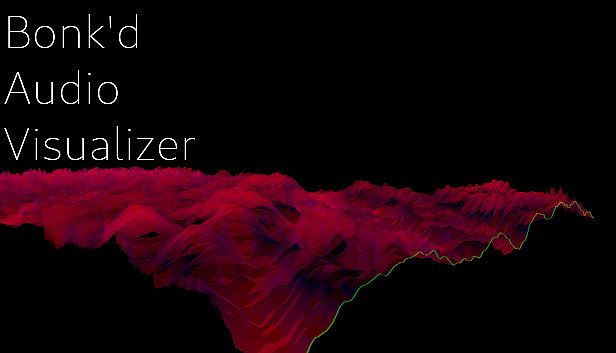
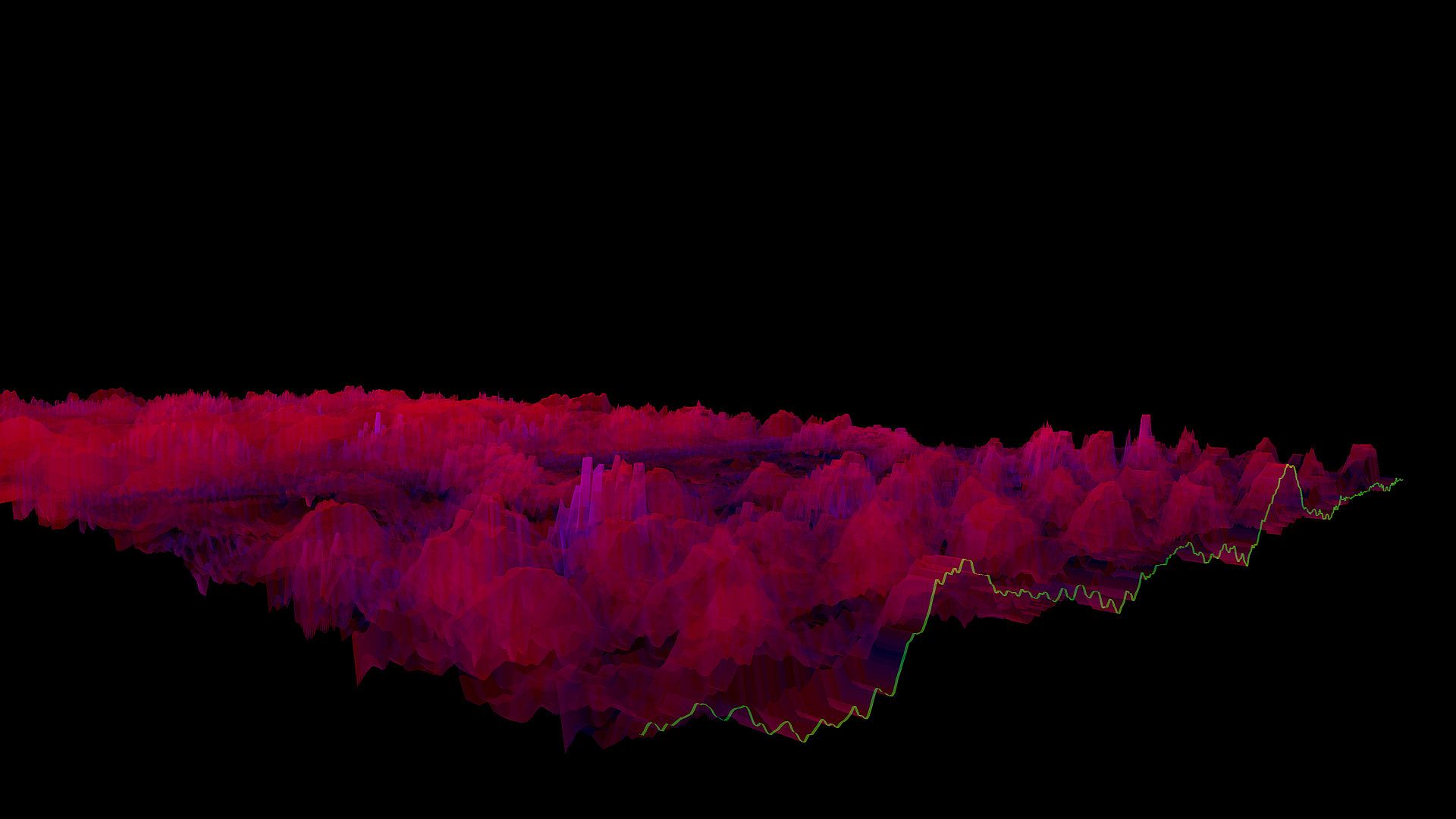
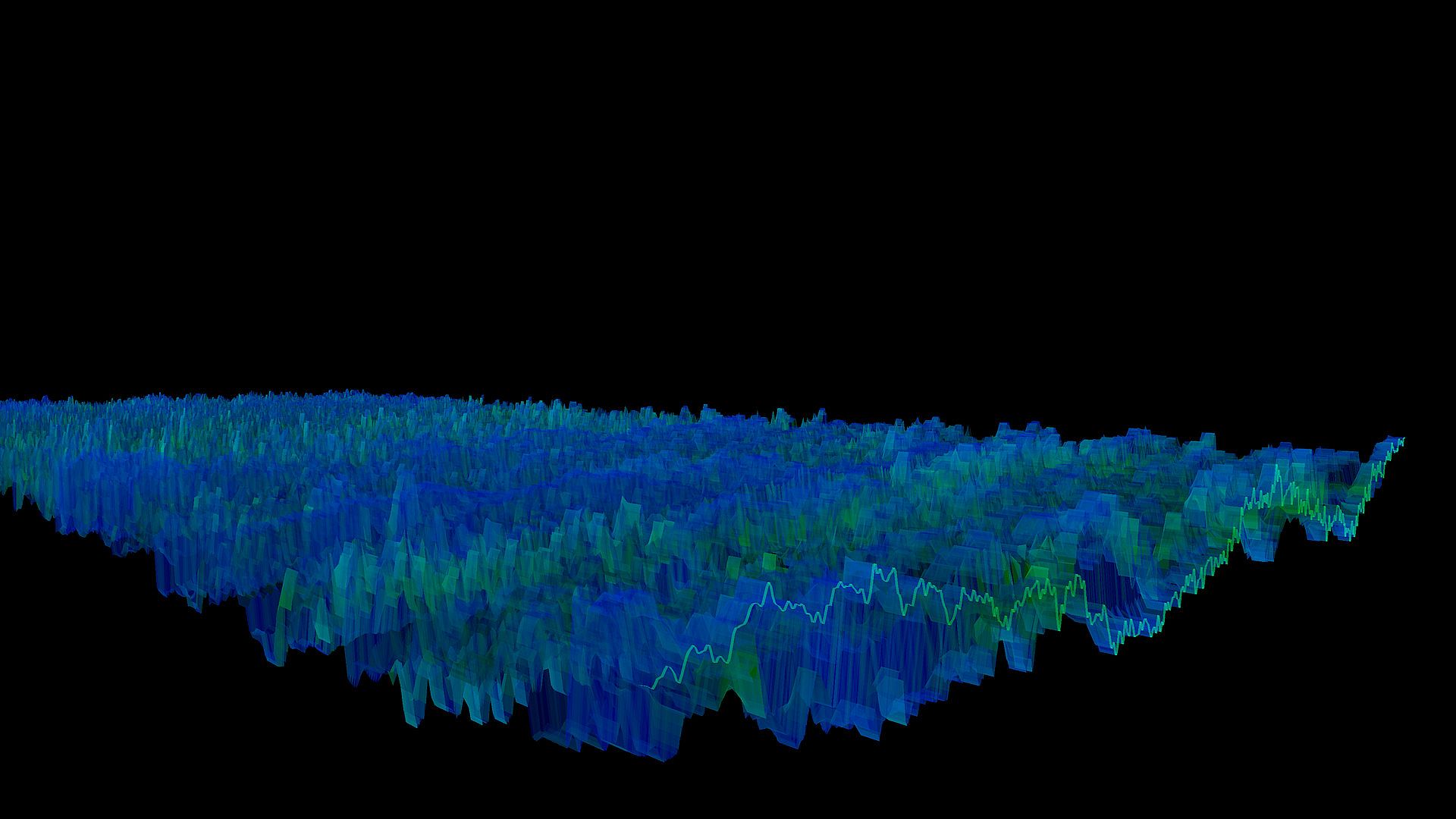
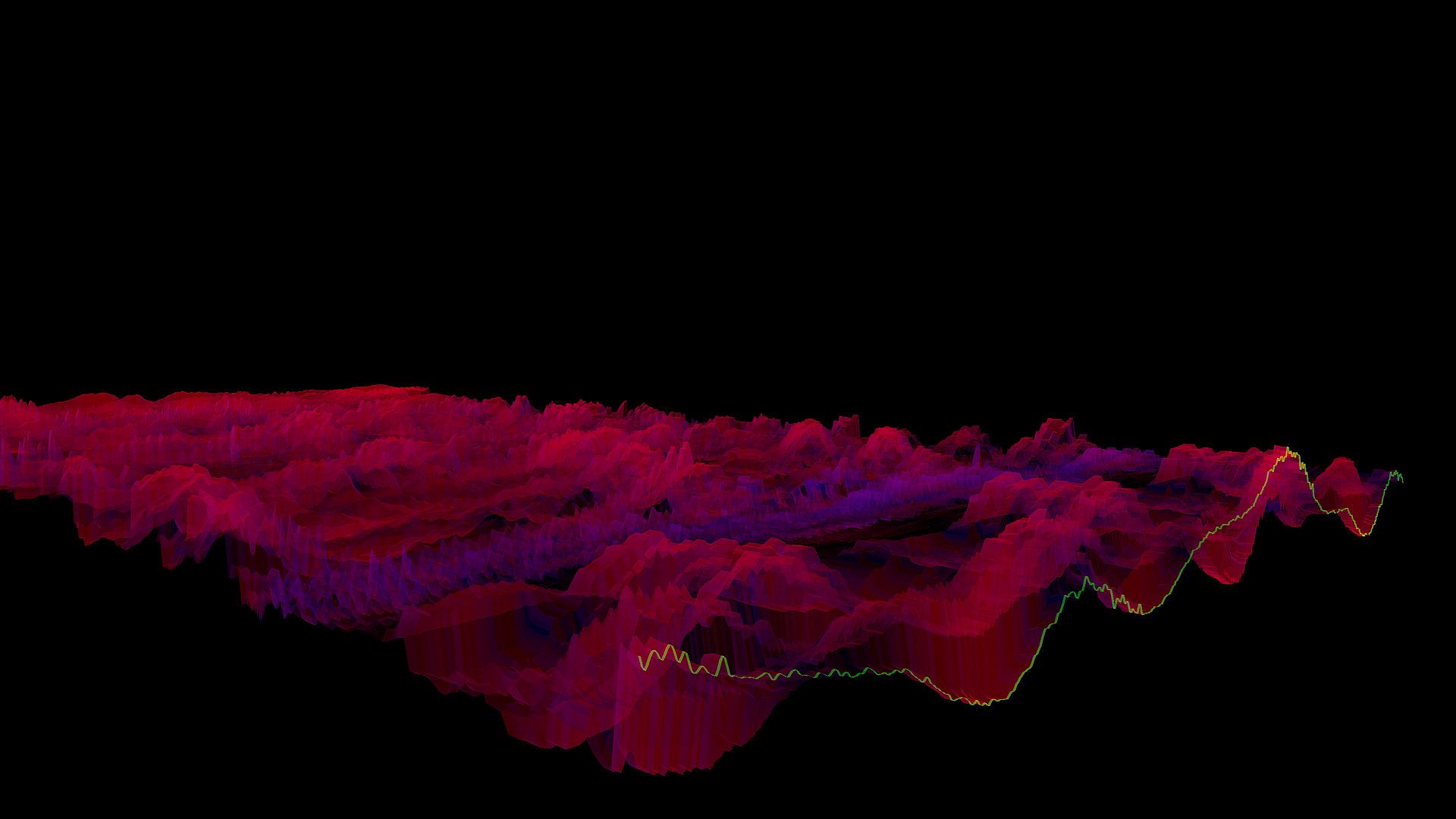
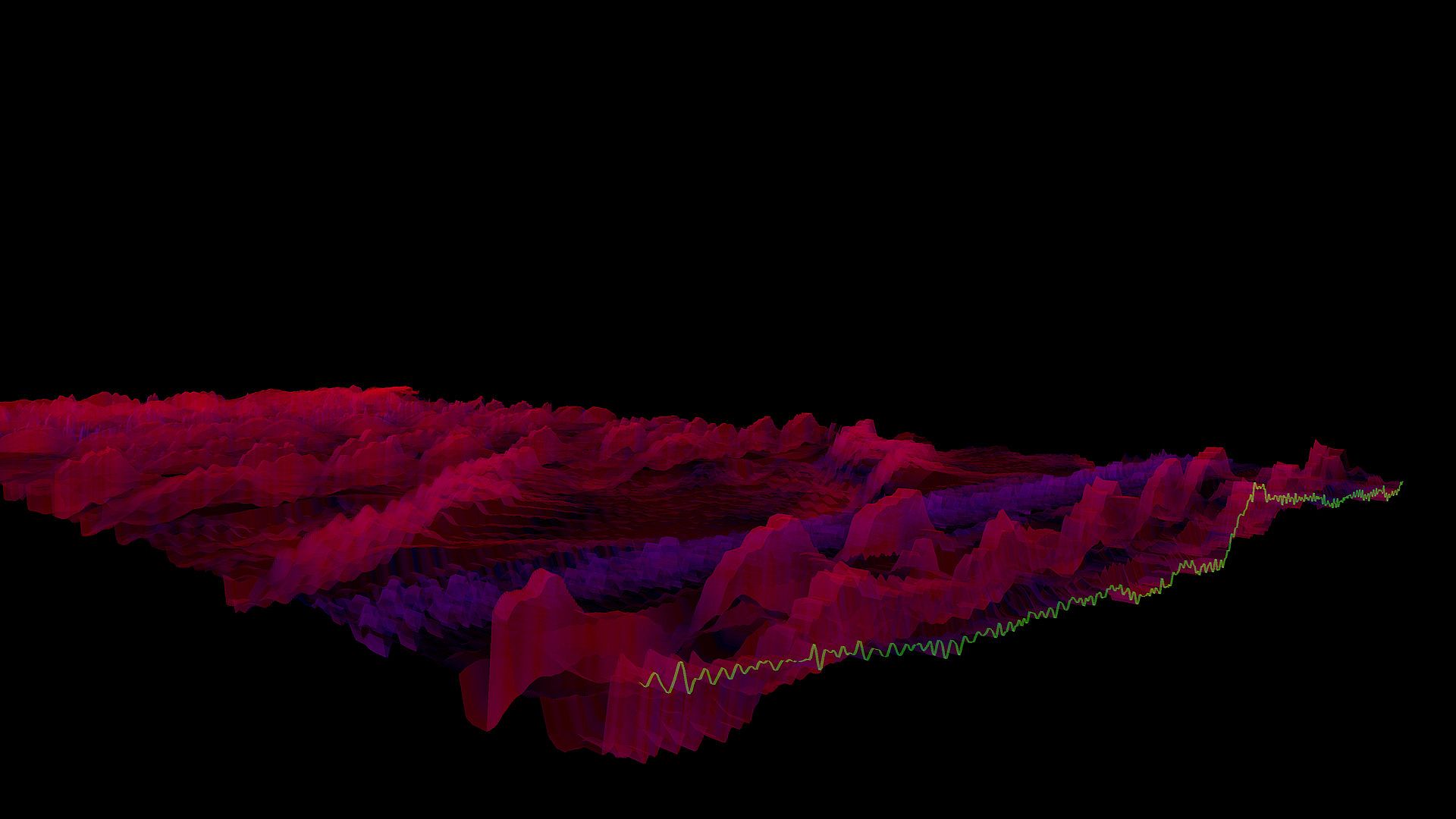
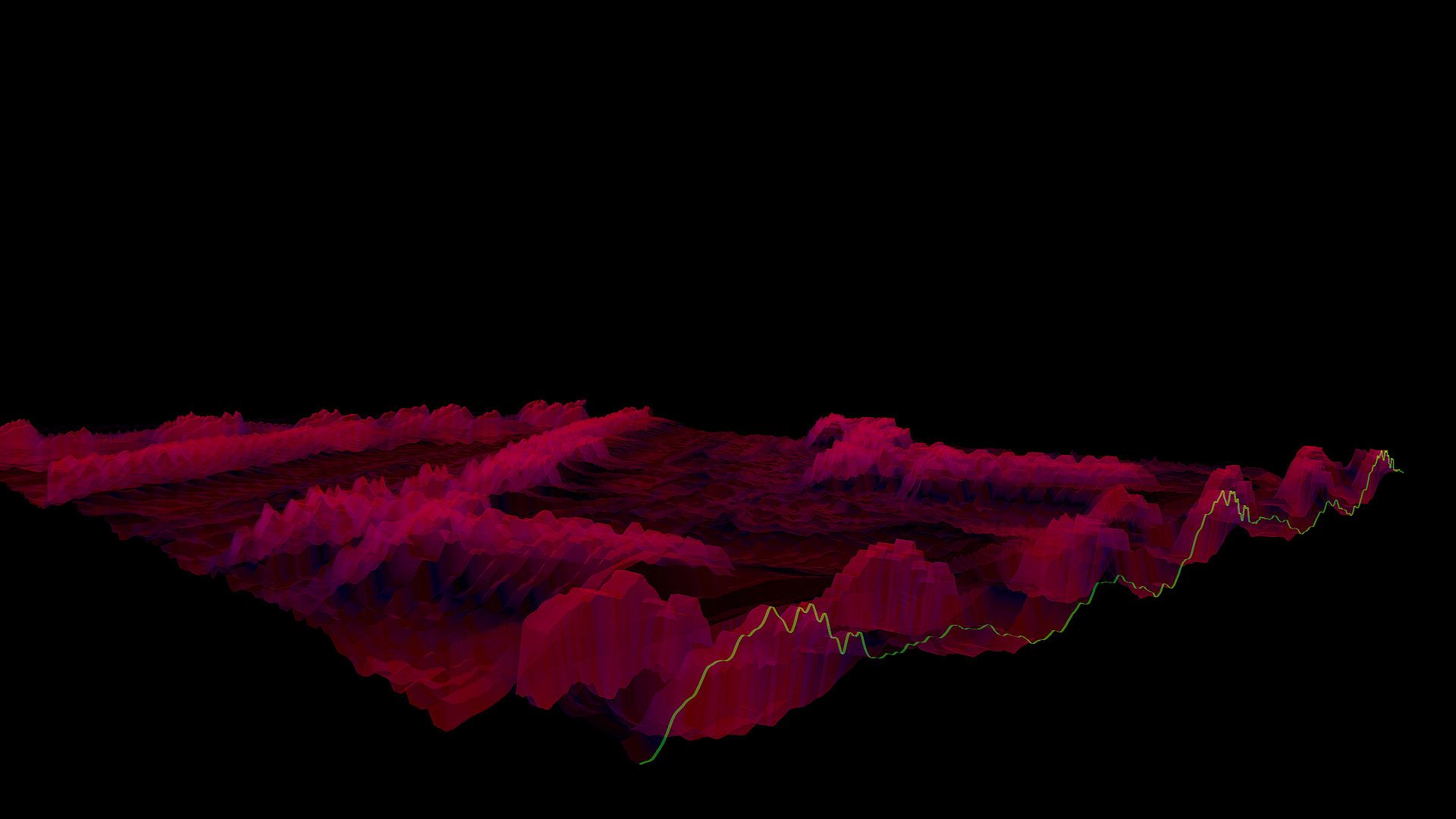
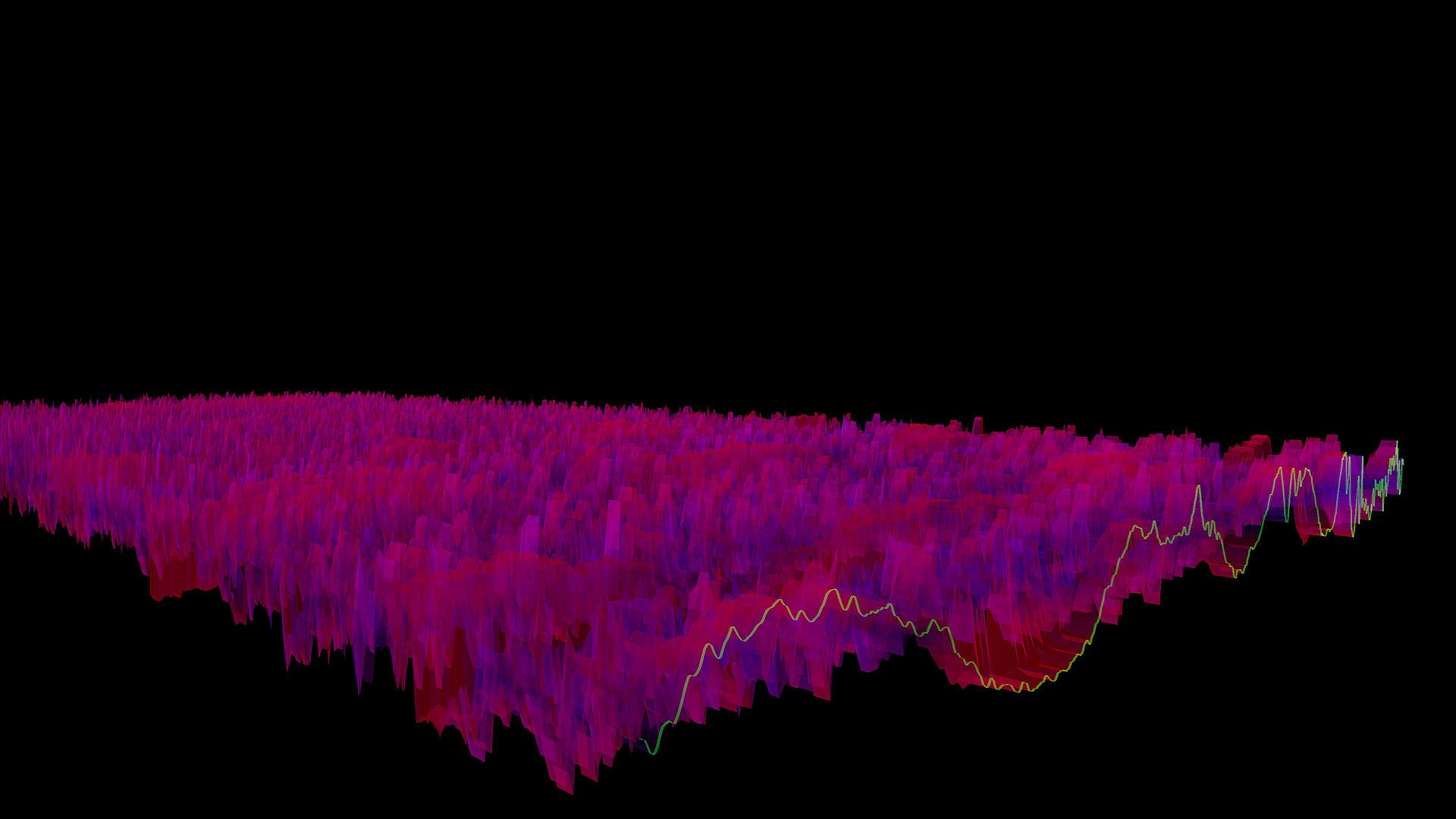
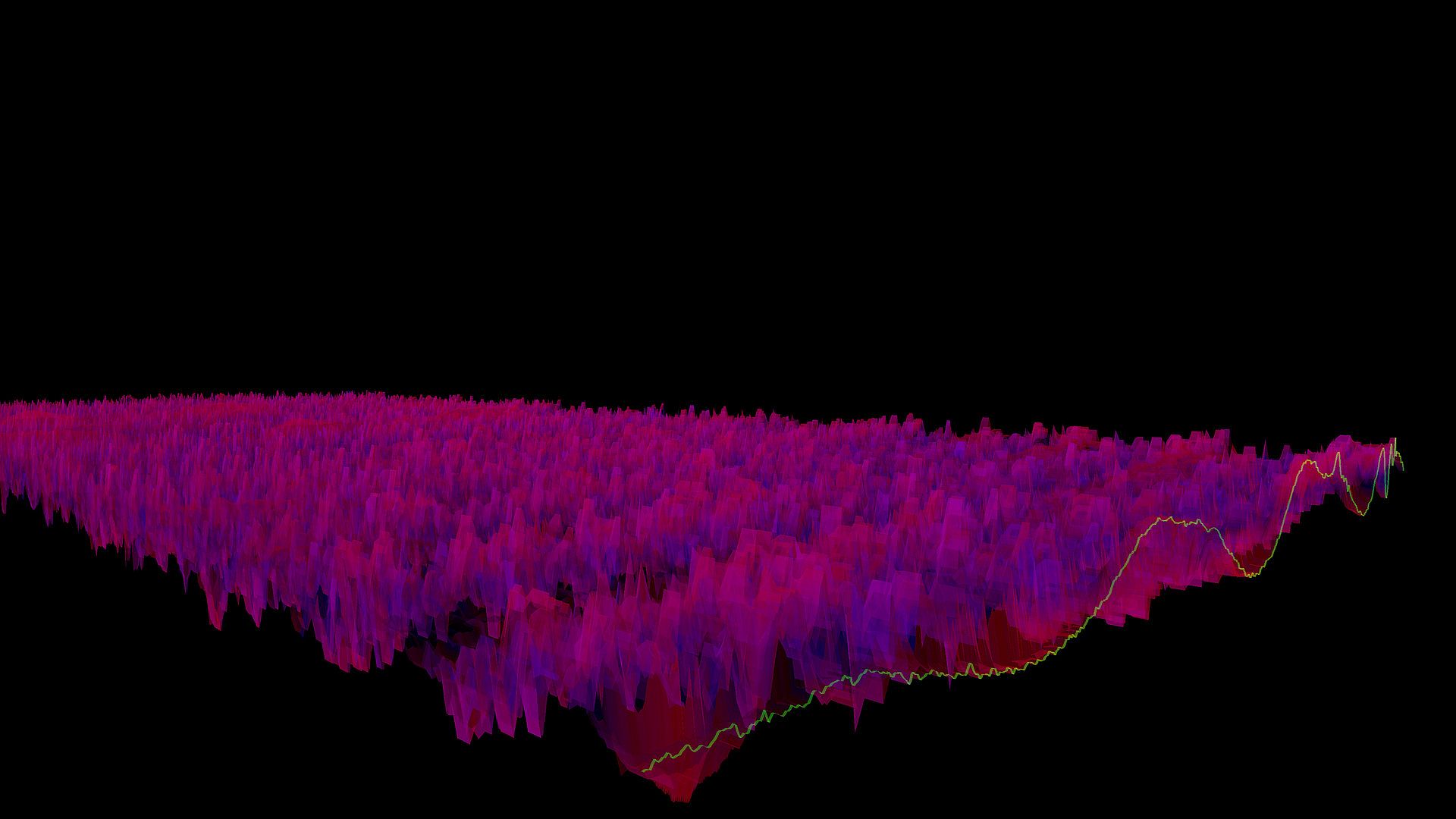
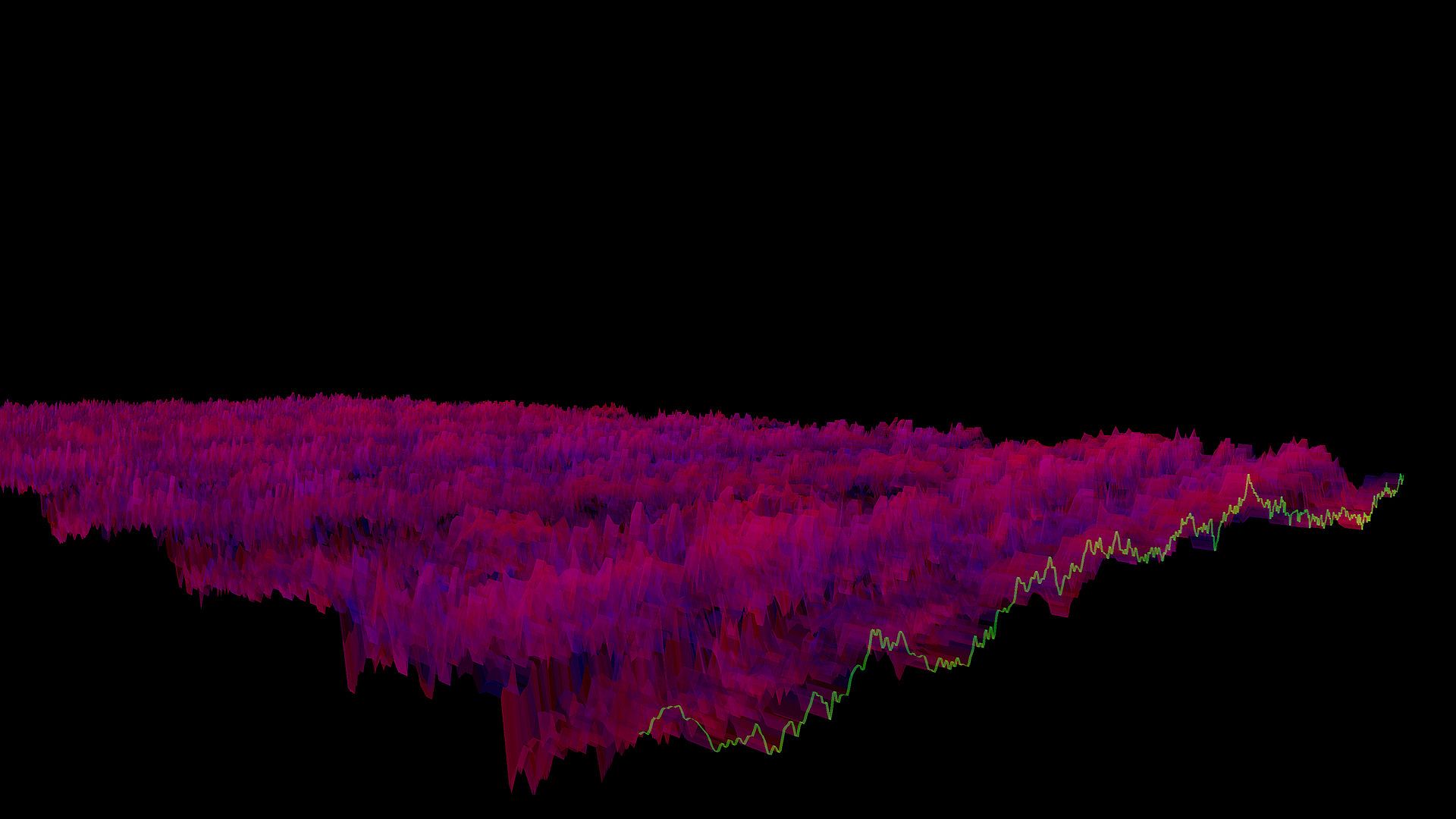
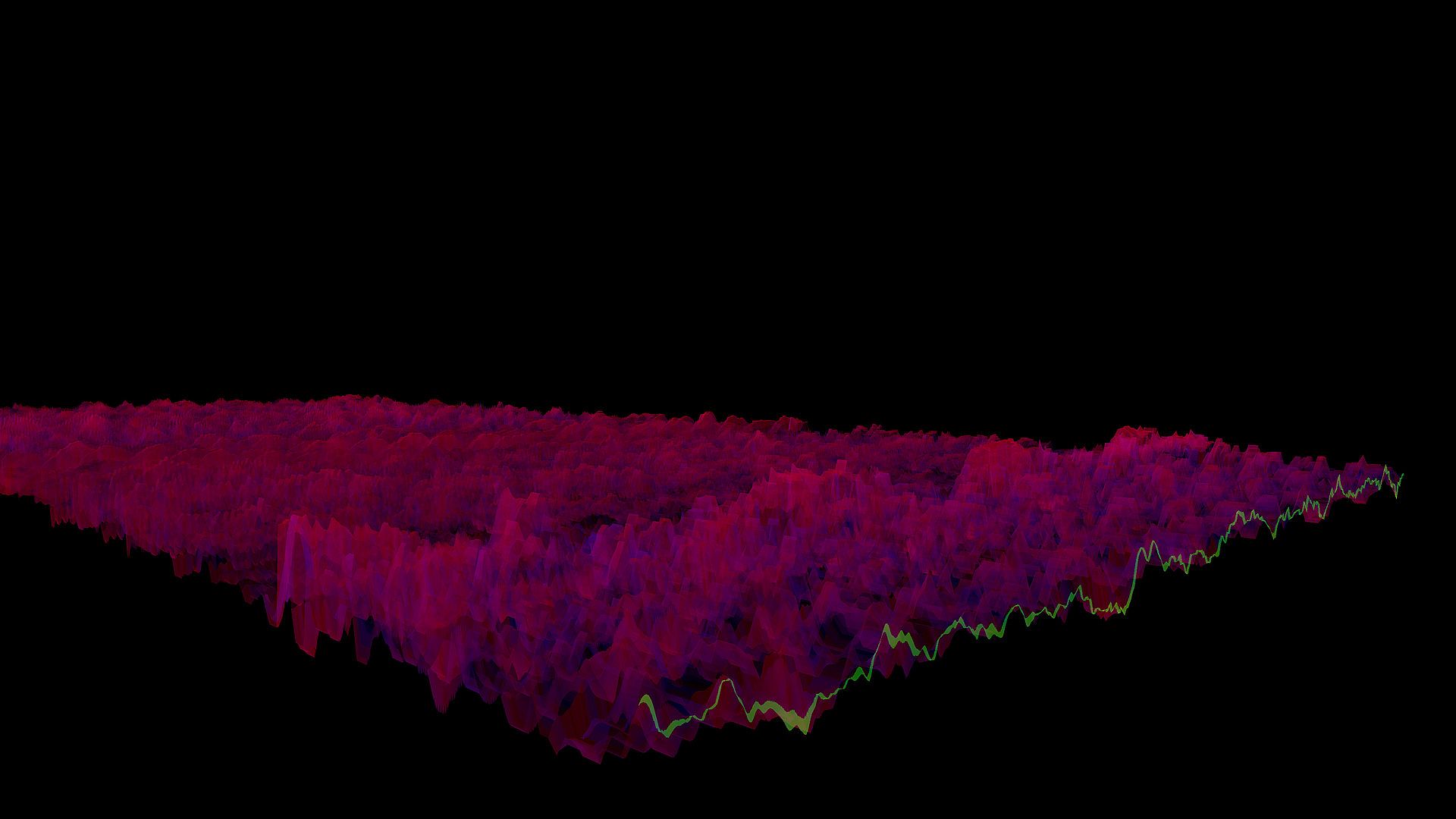
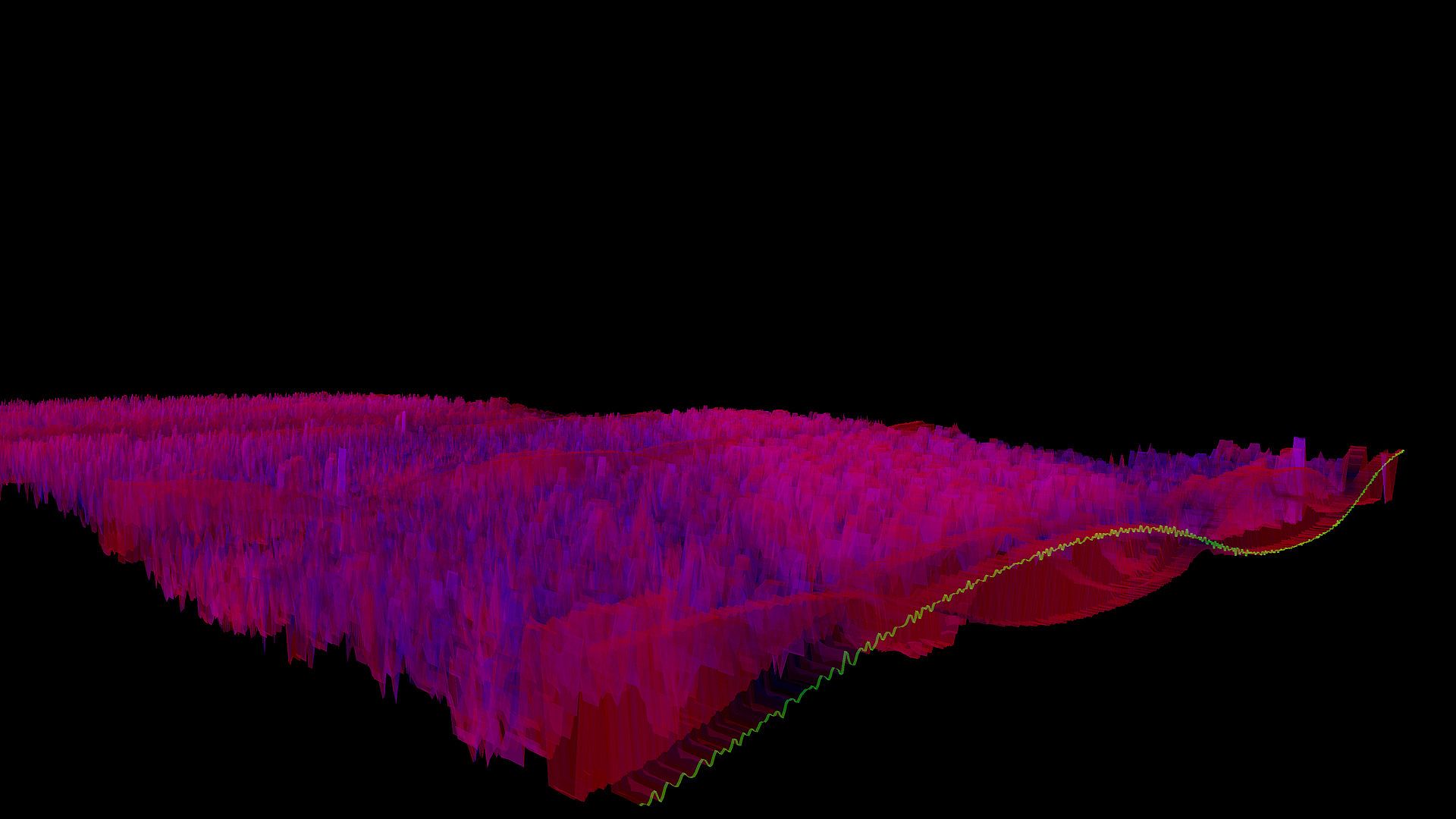
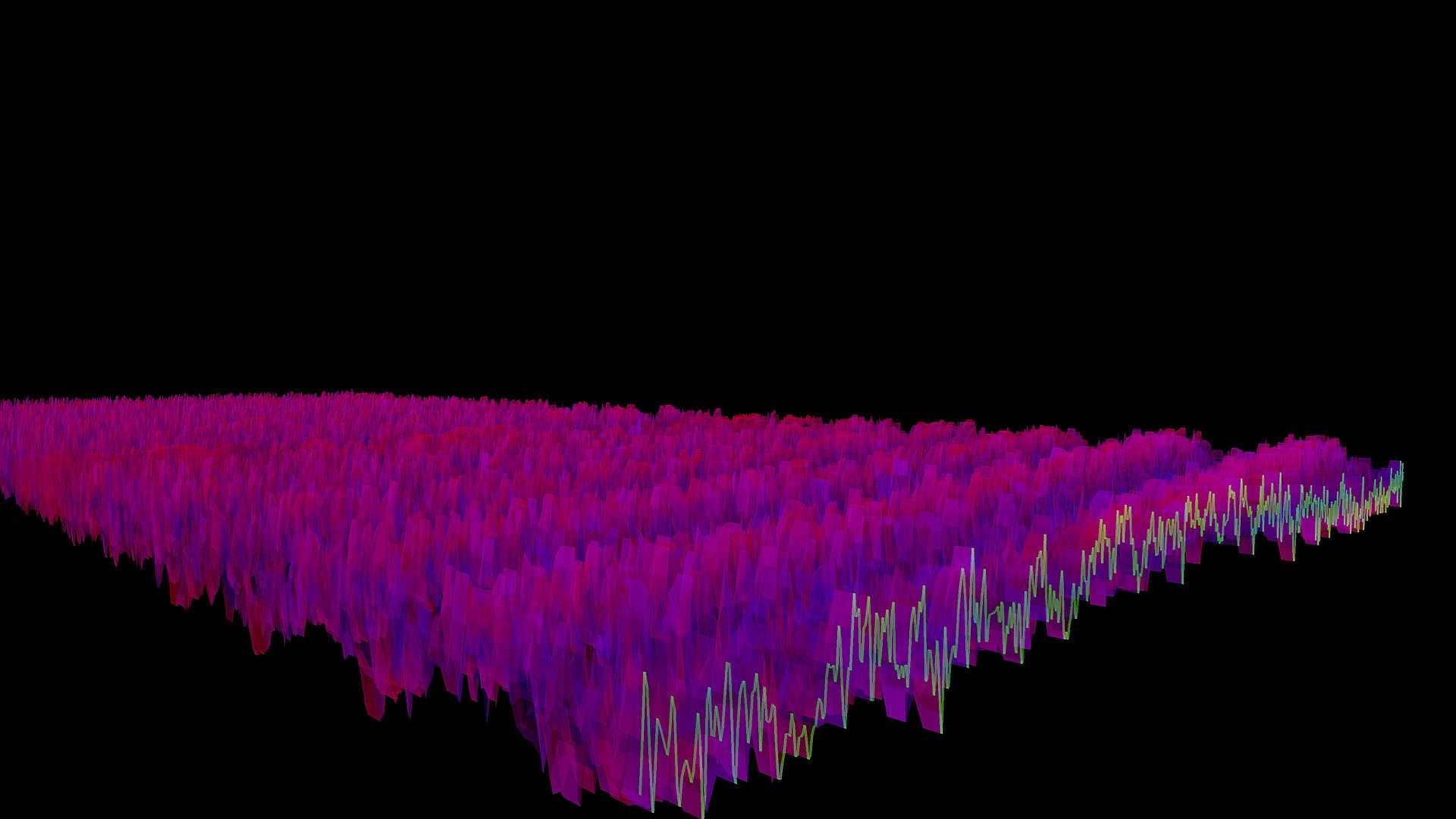
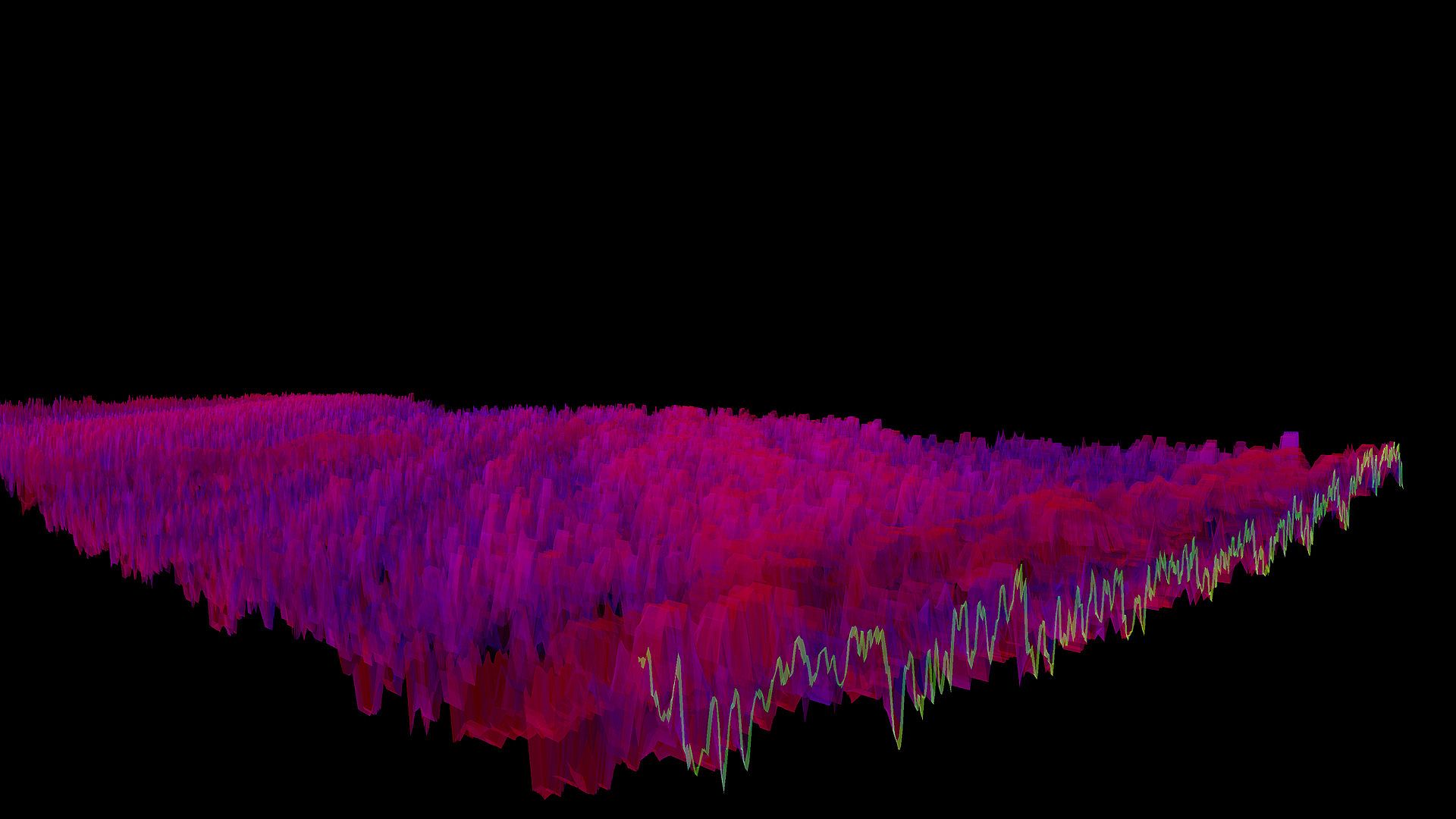
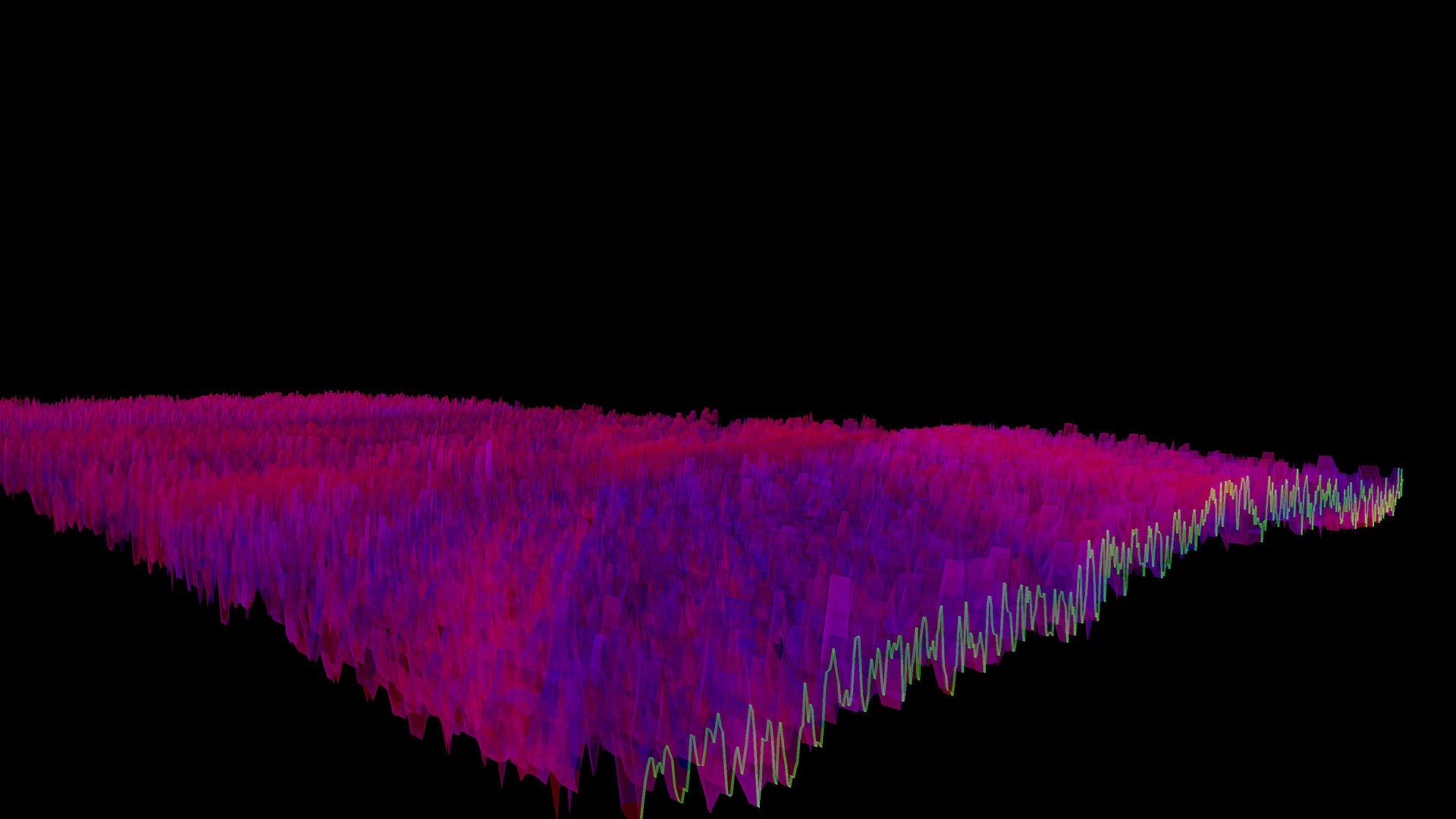
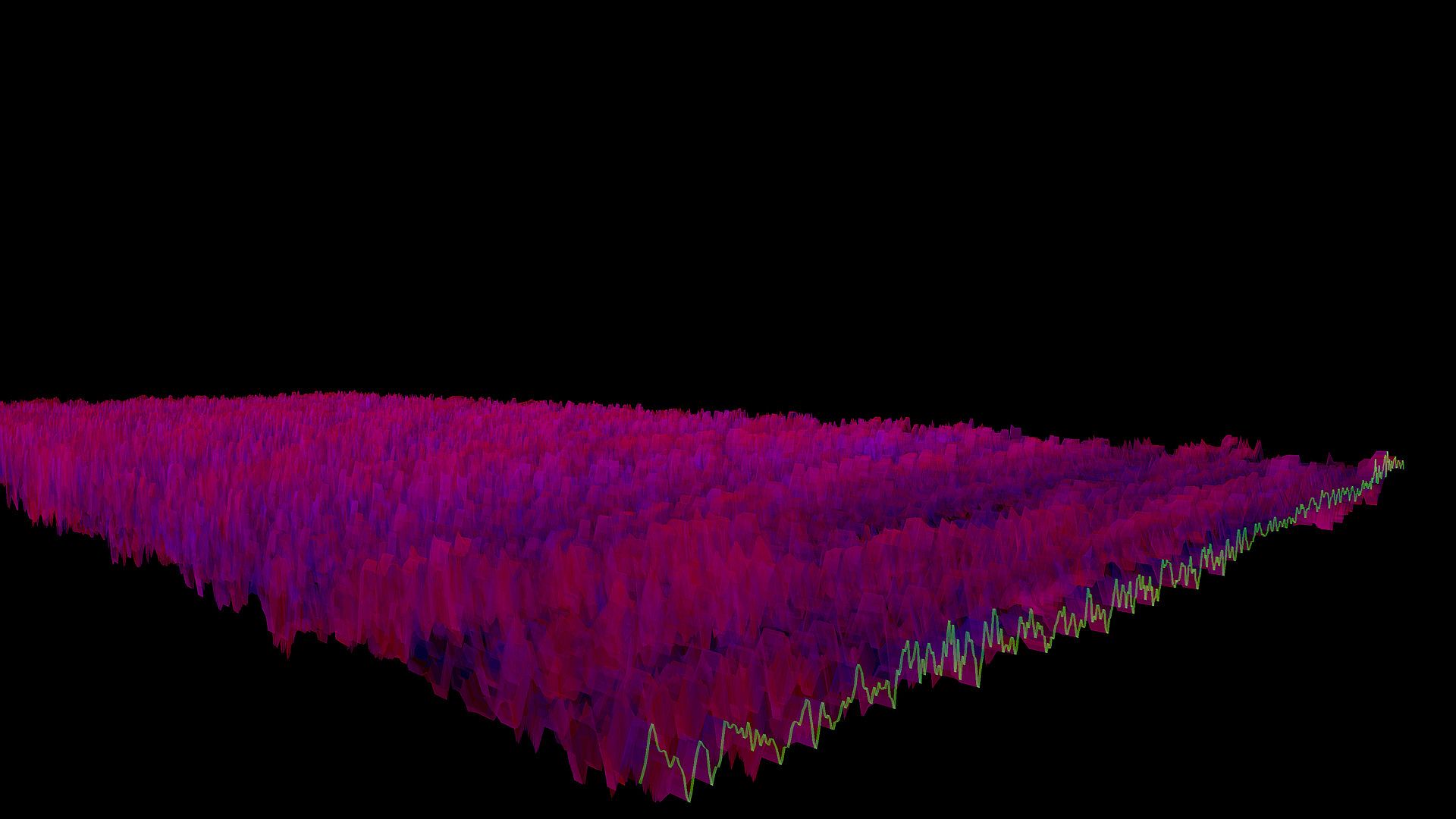
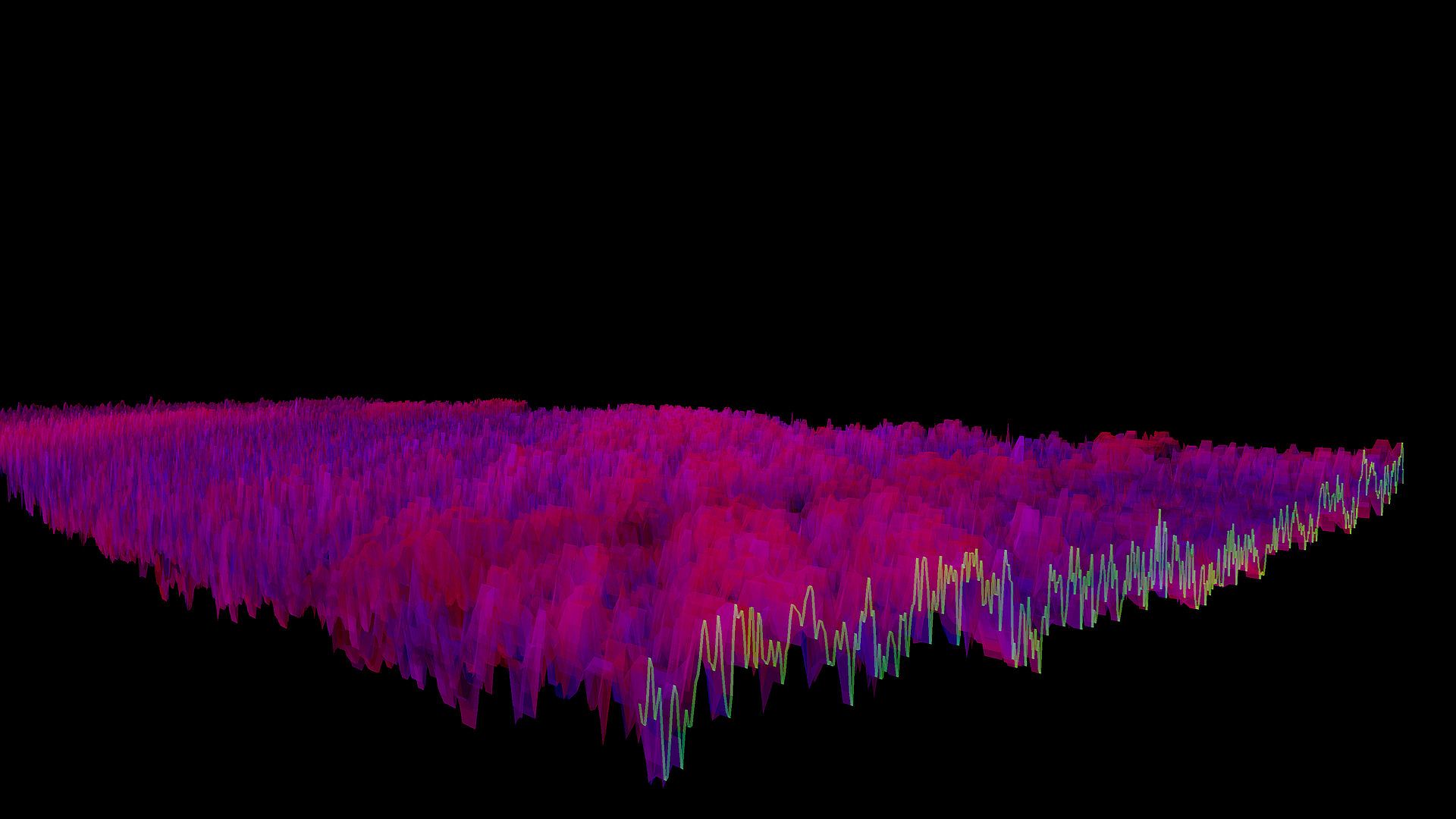
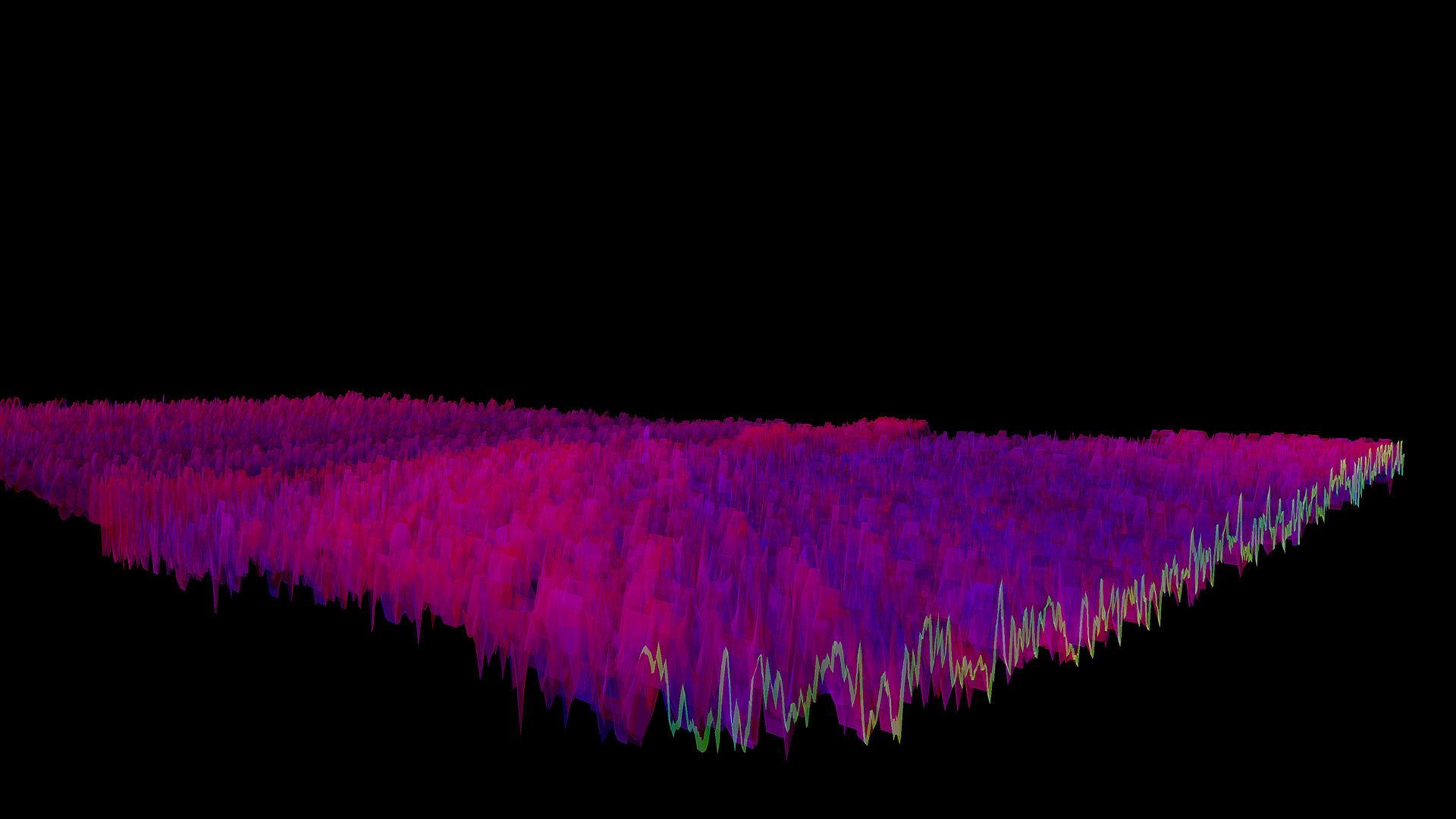
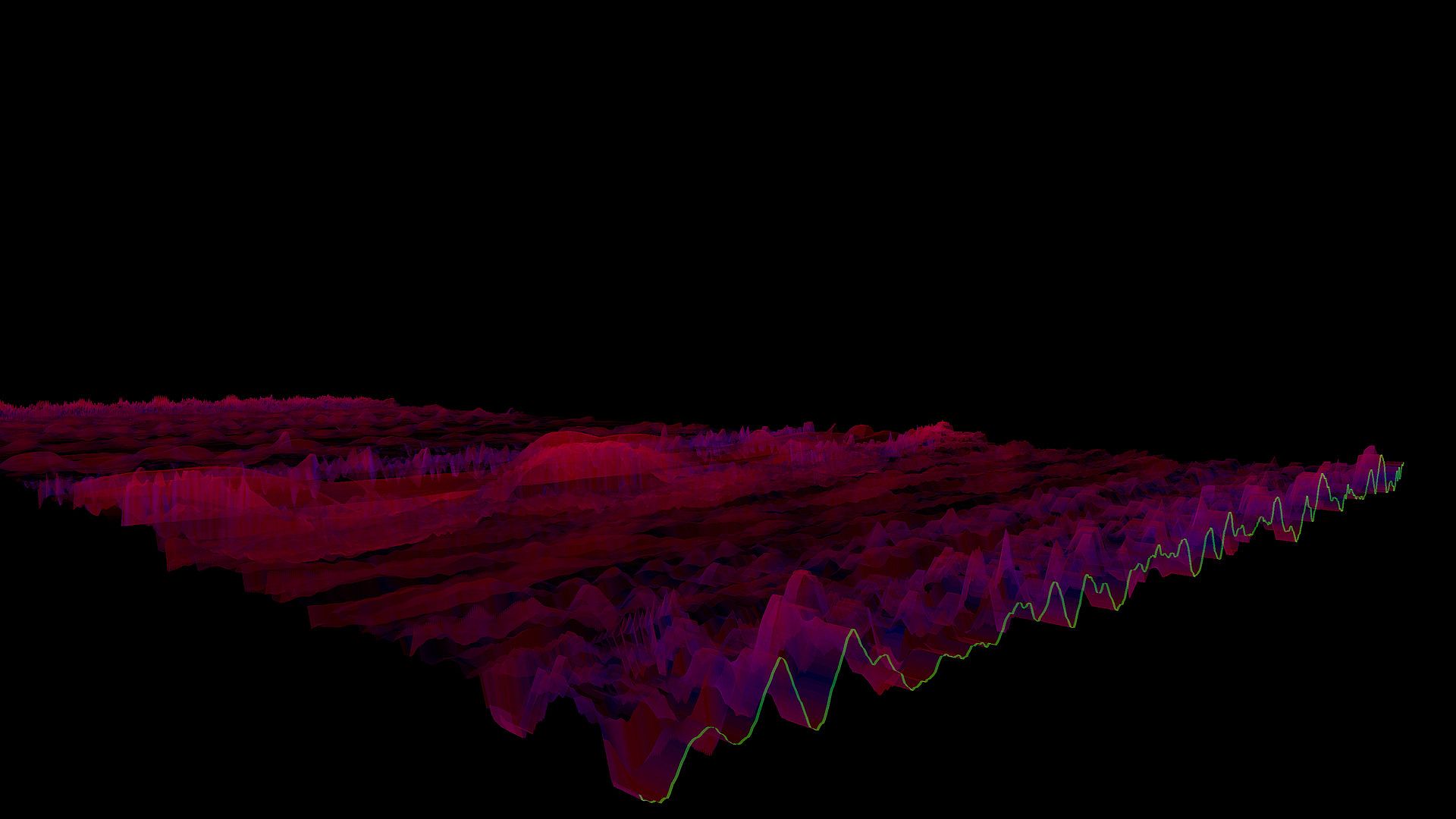
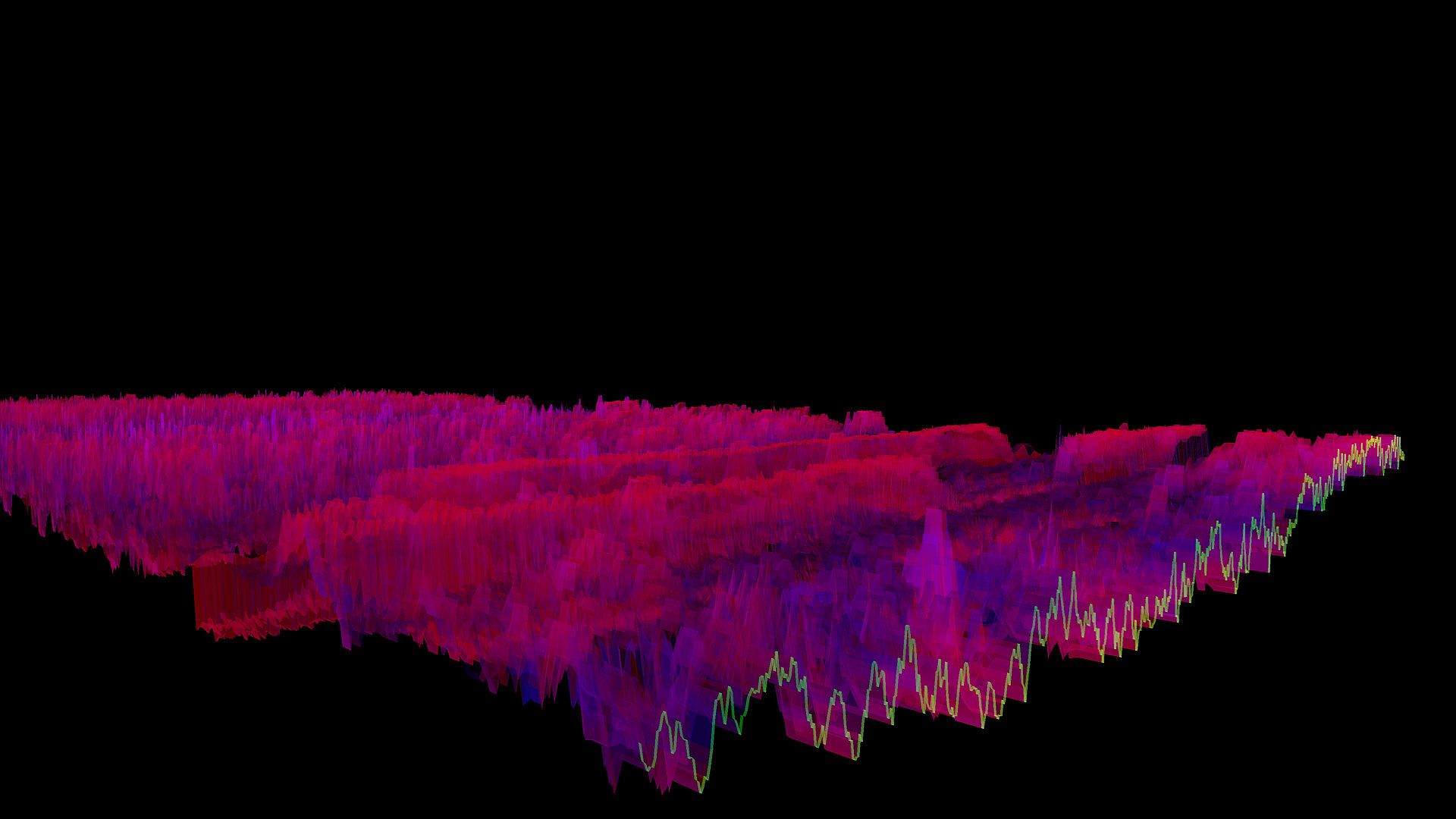
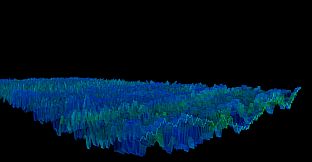
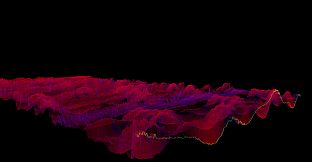
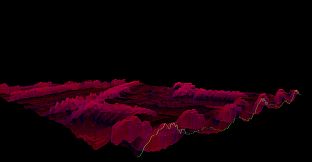
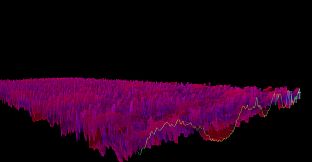
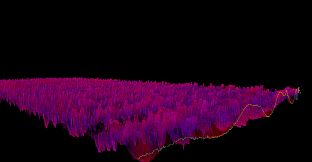
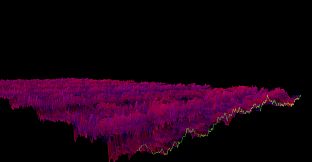
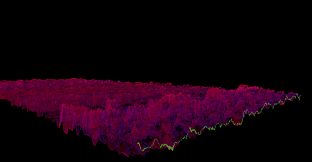
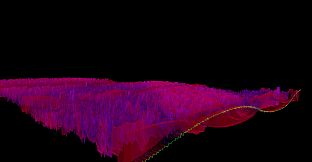
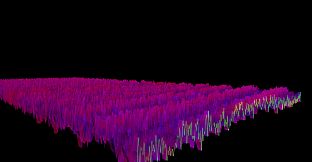
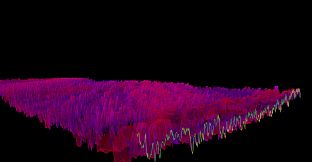
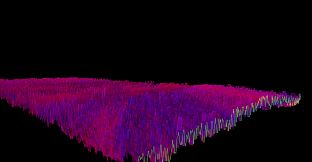
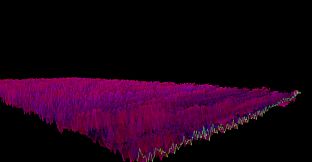
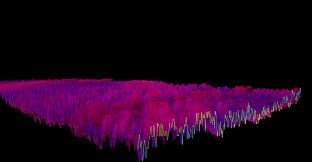
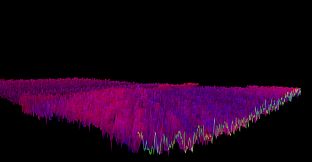
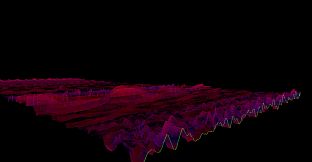
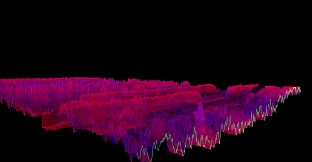
The Bonk'd Audio Visualizer is a 3D audio visualizer written in C/C++ with Vulkan, designed for Linux first, Windows second. It is designed to be lightweight, fast, and low latency. Future planned features include:

-Desktop background rendering
-Customizable colors (can be customized with command line options right now)
-Customizable speed (can be customized with command line options right now)
-Customizable wave heights/sample rate/sample size (also customizable via command line options right now)

Stretch goals depending on reception:

-VR
-Control of viewport
-Gamification of some sort
Usage
Simply start Bonk'd Audio Visualizer and start playing your favorite music and enjoy! Fruther configuration can be changed with launch options, explained in the Manual.txt included with game files, soon to be available through a configuration file, and then potentially a UI to change things live. Hit escape to close the program.
Notes
If you're running on Linux by default the application uses PipeWire, an option to use straight ALSA is available with -alsa in the launch options, it presently connects to the mic instead of the default output device, a fix is in the works. Testing was completed on Fedora 36, but any linux with Pipewire and proper Vulkan drivers should work with the default settings just fine.

Many features are available through launch parameters, customization of the rendering, swapping starting monitors, switching audio interface, and forcing usage of integrated or dedicated GPUs are just a few of the available options through launch parameters. These features are being moved into a config file, and then later into a GUI application, but have been provided as launch options to give access to them as early as possible.

For convenience, the launch parameters are listed below, and are included in the Manual.txt in the software installation.

Available options:

Option syntax >>>> description
-wh (integer) >>>>> set wave height, default is 25
-a (real number) >>>>> set alpha (transparency) default 0.25
-mt (integer) >>>> set move time default 6
-alsa >>>>> use ALSA instead of PipeWire (linux only)
-window >>>>> run windowed instead of fullscreen
-fi >>>>> force use of integrated GPU*
-fd >>>>> force use of dedicated GPU*
-debug >>>>>> print debug output to bav_log.log
-display >>>>> set which display to render to (fullscreen only)


*Steam appears to "hide" GPUs from Vulkan when multiple GPUs are present on a machine. You can run the program from command line/terminal with the force parameters and they will function as expected, but through Steam you may run into trouble with them. There may be ways to circumvent this with environment variables or how you run steam, but I've not found a surefire way to do so, ymmv.

Trailer music graciously provided by NCS, link to song:
Interfaccia:
English
Audio:
English
Sottotitoli:
English
Steam:
Overwhelmingly Negative (9)

Requisiti di sistema

Minimo:

  • Sistema operativo: Windows 10
  • Processore: AMD Ryzen 1700
  • Memoria: 300 MB RAM
  • Grafica: R9 280X
  • Archiviazione: 10 MB available space

Consigliato:

  • Sistema operativo: Windows 10
  • Processore: AMD Ryzen 1700
  • Memoria: 300 MB RAM
  • Grafica: R9 280X
  • Archiviazione: 10 MB available space

Minimo:

  • Sistema operativo: Linux with Pipewire (Fedora, partially Ubuntu) and Vulkan Drivers
  • Processore: AMD Ryzen 1600
  • Memoria: 200 MB RAM
  • Grafica: R9 280
  • Archiviazione: 10 MB available space
  • Note aggiuntive: ALSA can be used instead of Pipewire with the -alsa option, presently it connects to the mic instead of the default output device, this is being worked on

Consigliato:

  • Sistema operativo: Linux with Pipewire (Fedora, partially Ubuntu) and Vulkan Drivers
  • Processore: AMD Ryzen 1600
  • Memoria: 200 MB RAM
  • Grafica: R9 280
  • Archiviazione: 10 MB available space
  • Note aggiuntive: ALSA can be used instead of Pipewire with the -alsa option, presently it connects to the mic instead of the default output device, this is being worked on

Storico prezzi

Minimo storico
Keyshop
-
-
-
Store ufficiali
-
-
-

FAQ

8 domande

Prima di cercare una CD Key Bonk'd Audio Visualizer economica, dai un'occhiata alle info essenziali. Sviluppato da Bonk'd Industries. Pubblicato da Bonk'd Industries. Data di uscita su PC: 16 giu 2022. Generi: Indie, Casual. Categorie: Family Sharing, Single-player. Recensioni di Bonk'd Audio Visualizer: Recensioni Steam: 9 user reviews for this game.

Q Posso giocare a Bonk'd Audio Visualizer su Steam Deck?

. La compatibilità Steam Deck di Bonk'd Audio Visualizer è Verified. Significa che il gioco si avvia subito, mostra i controlli corretti e offre prestazioni stabili - Bonk'd Audio Visualizer gira perfettamente su Steam Deck.

. Esiste una versione Steam di Bonk'd Audio Visualizer. Scegli un'offerta con tag Steam Key su XD.deals, riscattala nel client desktop e gioca a Bonk'd Audio Visualizer su Steam PC.

Sì. Dopo aver riscattato la chiave Steam, puoi avviare Bonk'd Audio Visualizer in Modalità Offline su Steam. I salvataggi si sincronizzeranno quando tornerai online.

, puoi acquistare una Steam Key di Bonk'd Audio Visualizer direttamente su Steam. Su XD.deals aggregiamo tutte le offerte DRM Steam disponibili così puoi confrontare le offerte Steam economiche di Bonk'd Audio Visualizer in un unico posto.

Trovi ogni sconto e offerta attiva per Bonk'd Audio Visualizer qui su XD.deals. Il nostro tracker elenca attualmente 1 offerte da store ufficiali e 0 offerte da keyshop. Controlla la tabella sopra per il prezzo più basso, confrontalo con il minimo storico e imposta un avviso per non perdere il prossimo calo.

Con XD.deals i gamer PC vedono subito dove comprare una chiave Steam Bonk'd Audio Visualizer PC economica. Il nostro motore di comparazione in tempo reale e il database coupon tracciano store ufficiali e keyshop affidabili così non devi farlo tu. In questo momento rileviamo 1 offerte attive tra store e keyshop.

. Esiste una pagina ufficiale Steam per Bonk'd Audio Visualizer, quindi puoi comprare Bonk'd Audio Visualizer su Steam oppure prendere una Steam Key PC di Bonk'd Audio Visualizer su XD.deals e riscattarla subito.

No - XD.deals non è uno store. Siamo un servizio di comparazione prezzi che traccia le migliori offerte per Bonk'd Audio Visualizer tra store ufficiali e keyshop verificati. Clicca "Vai allo store" accanto all'offerta scelta e verrai reindirizzato al sito del rivenditore per completare l'acquisto e ricevere lì la chiave.

Vuoi comprare al momento giusto? Imposta un avviso prezzo su XD.deals e prendi una chiave Steam Bonk'd Audio Visualizer scontata quando raggiunge il prossimo minimo storico.

Crea avviso