







in progress...

Compra Reality Mixer - Mixed Reality for VR headsets PC

Dove comprare la chiave Steam Reality Mixer - Mixed Reality for VR headsets PC più economica? Confronta i prezzi da 1 store e scegli la soluzione migliore tra 1 offerte su XD.deals. Al momento il prezzo PC più basso per Reality Mixer - Mixed Reality for VR headsets nei keyshop è su 9,99 € (0% di sconto).

Uscita: 01 feb 2024
Sviluppatore: Reality Inside Ltd.
Steam:
Mostly Positive (81)
Keyshops
Non disponibile
Compra nello store ufficiale:
9,99 €
Compra nei keyshop:
Vedi storico prezzi

Store ufficiali (1)

DRM:
Steam
Steam
Steam
Reality Mixer - Mixed Reality for VR headsets
Windows
+1
15sett fa
DRM:
Steam
Steam
9,99 €

Info su Reality Mixer - Mixed Reality for VR headsets

Reality Mixer - Mixed Reality for VR headsets - info sul gioco

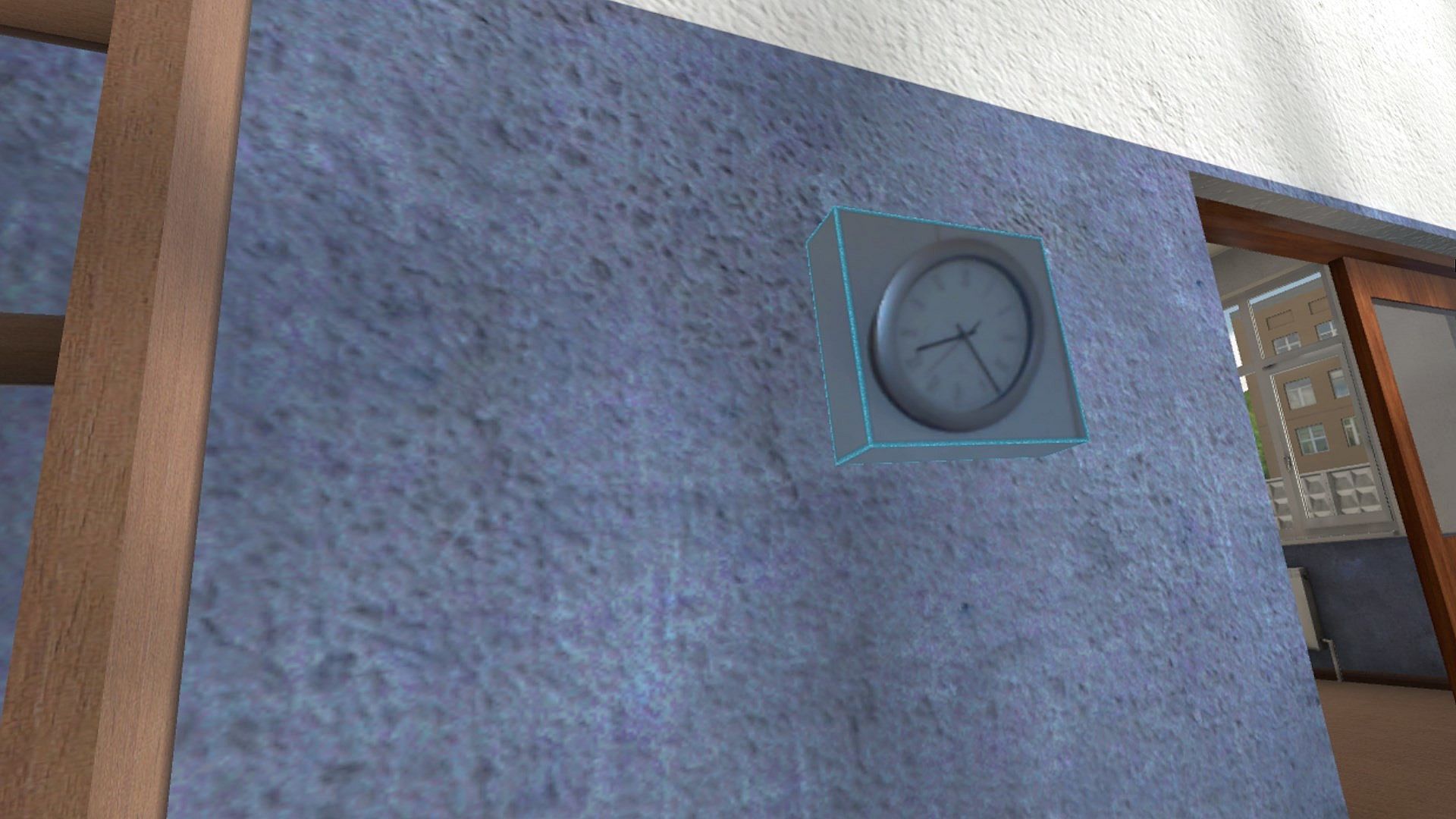
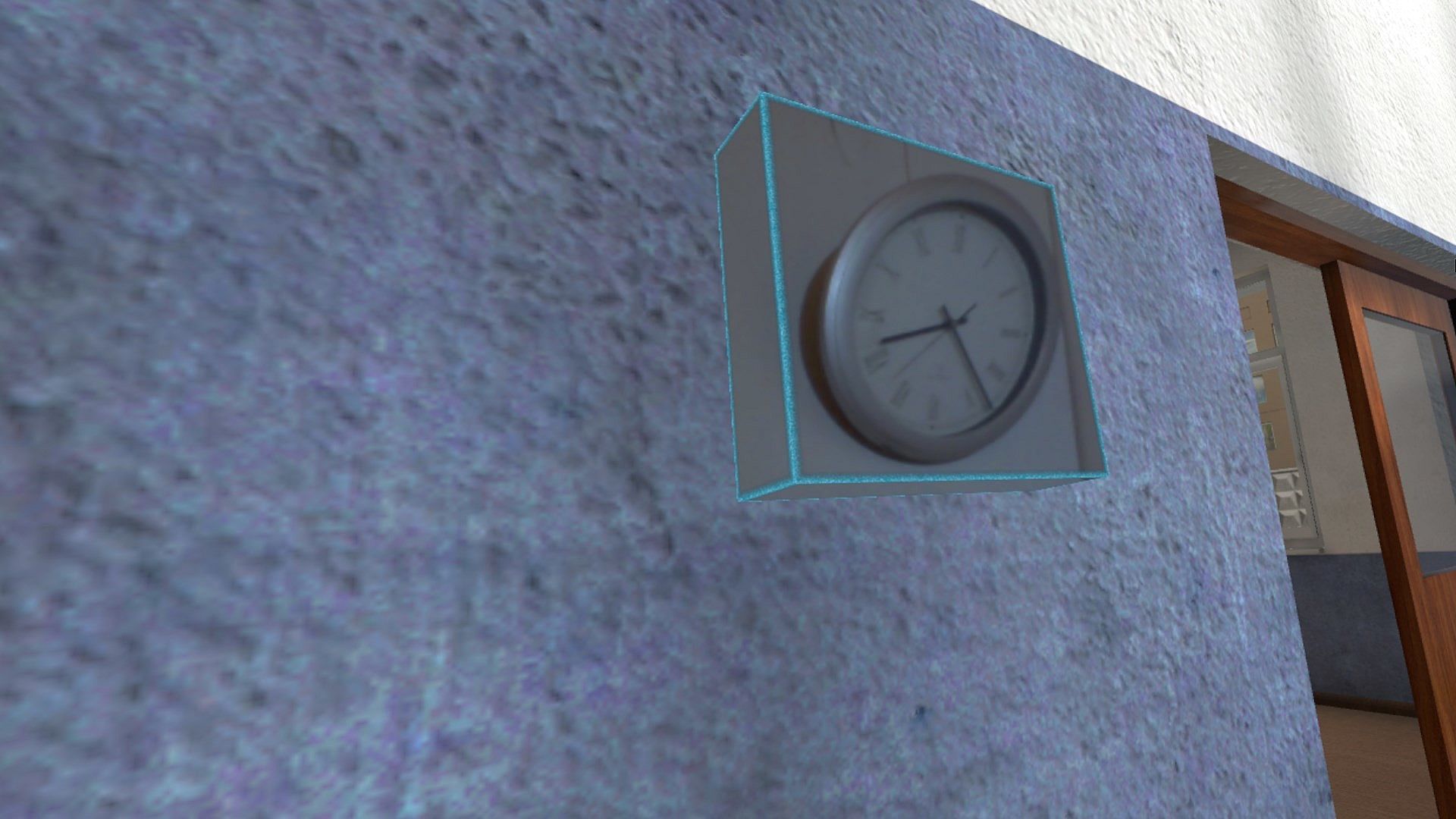
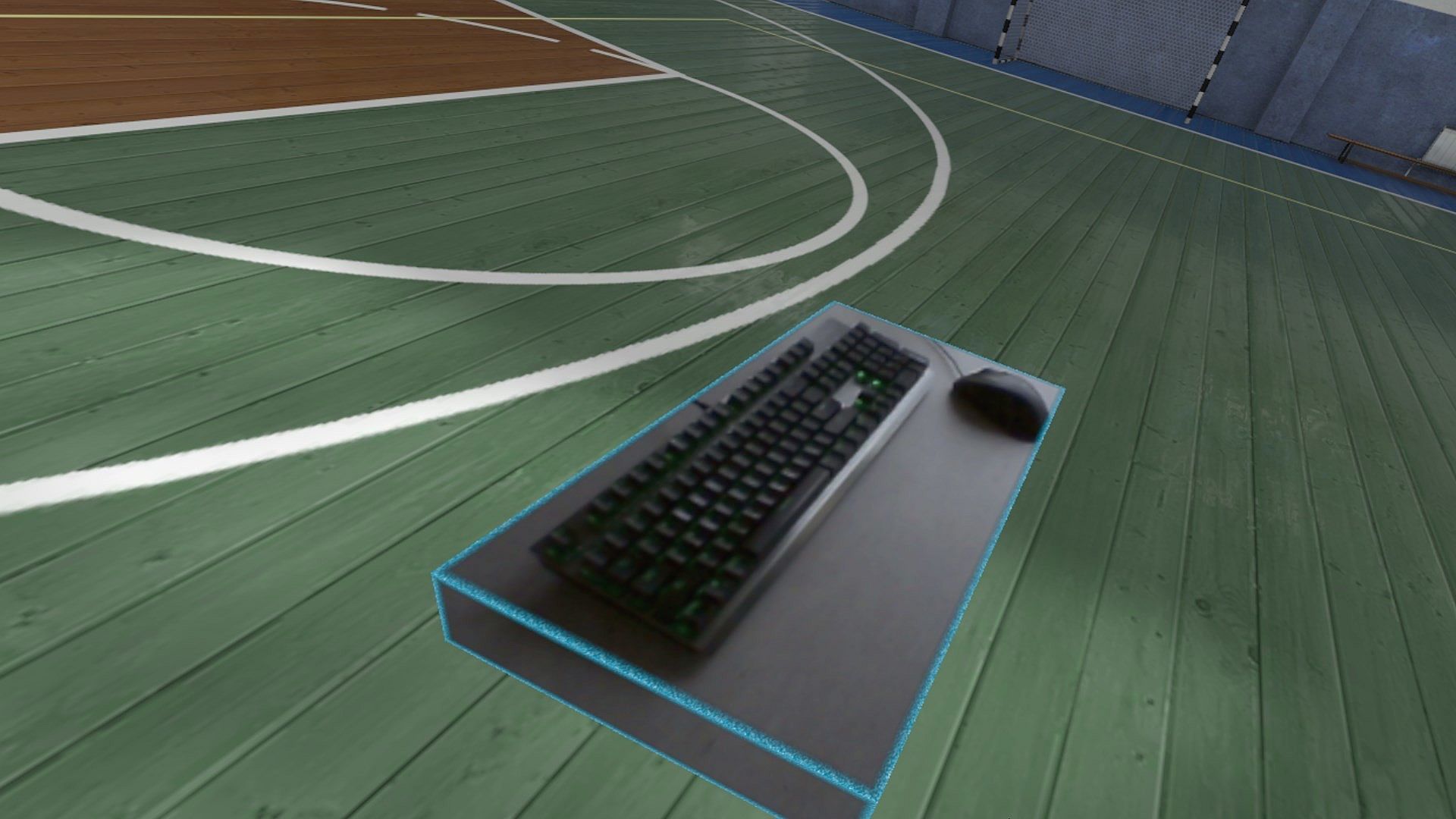
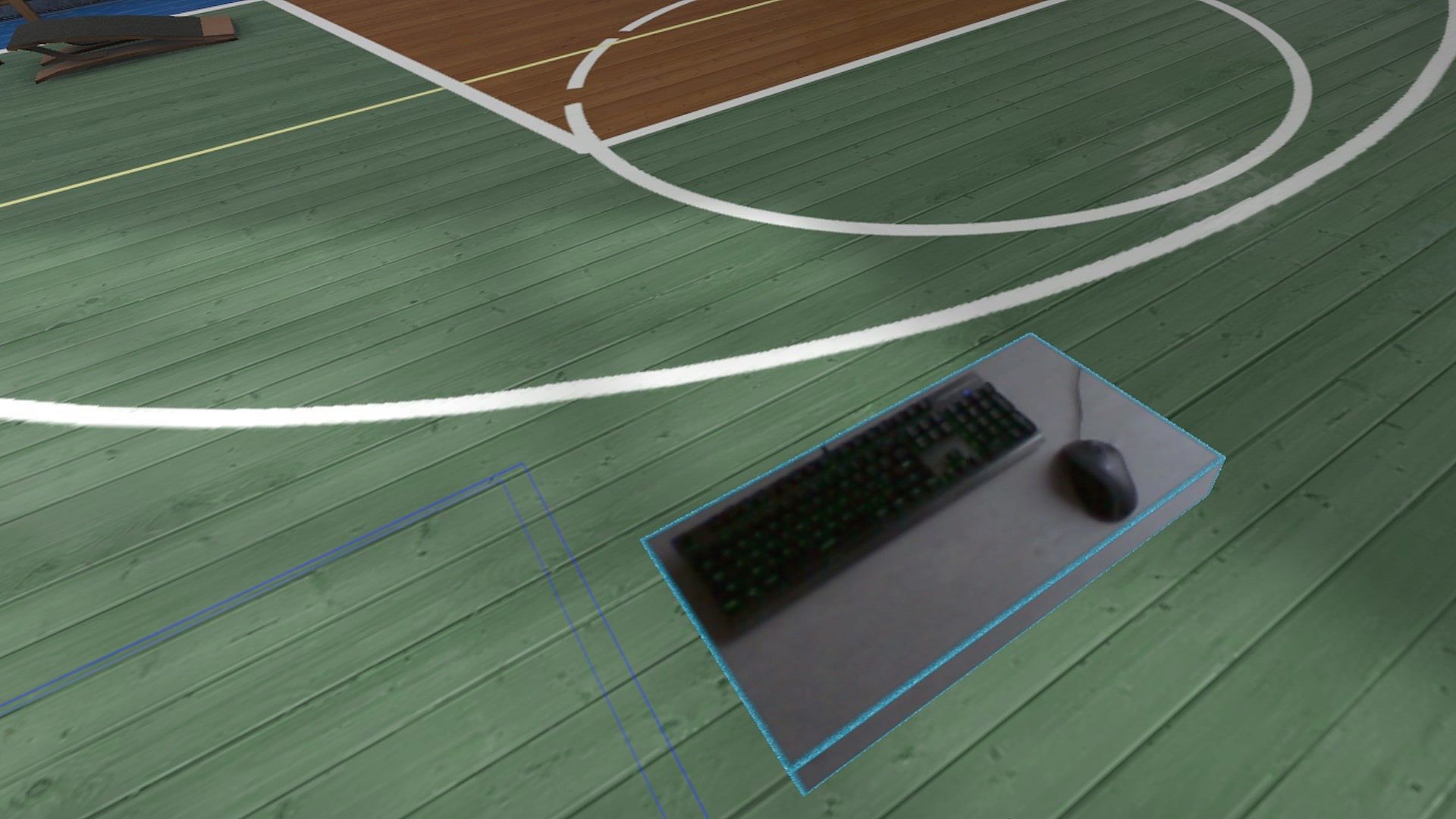
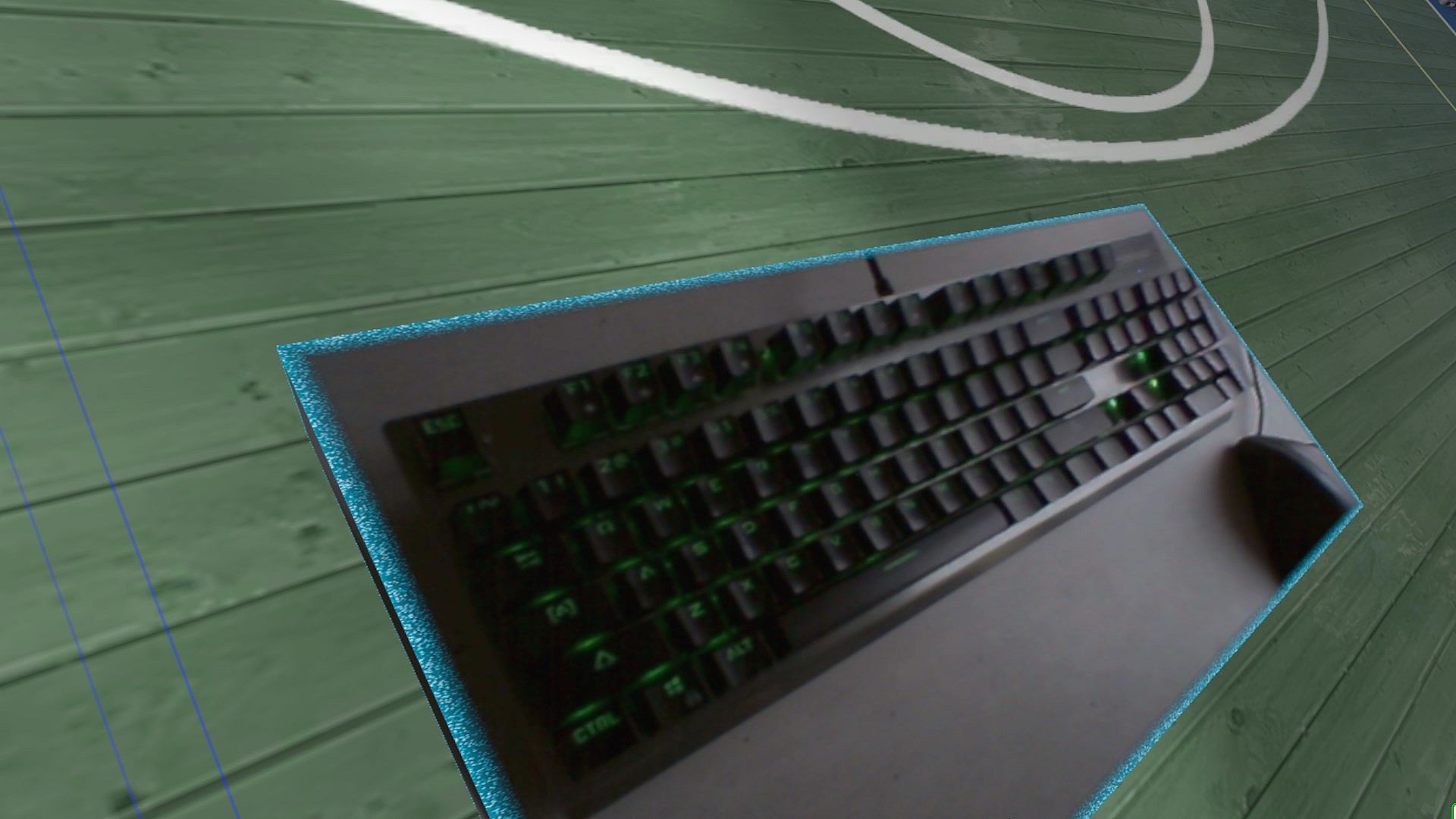
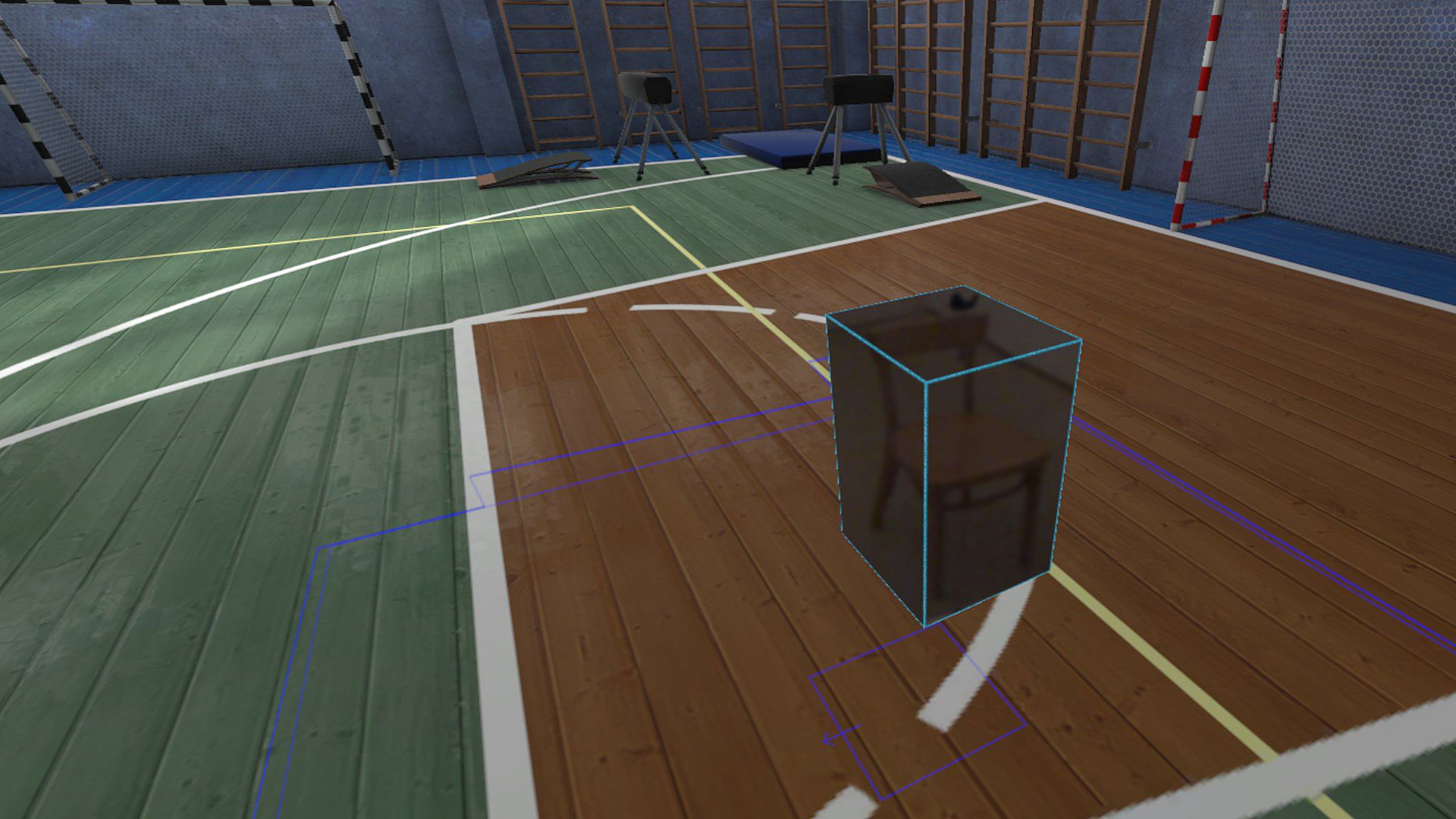
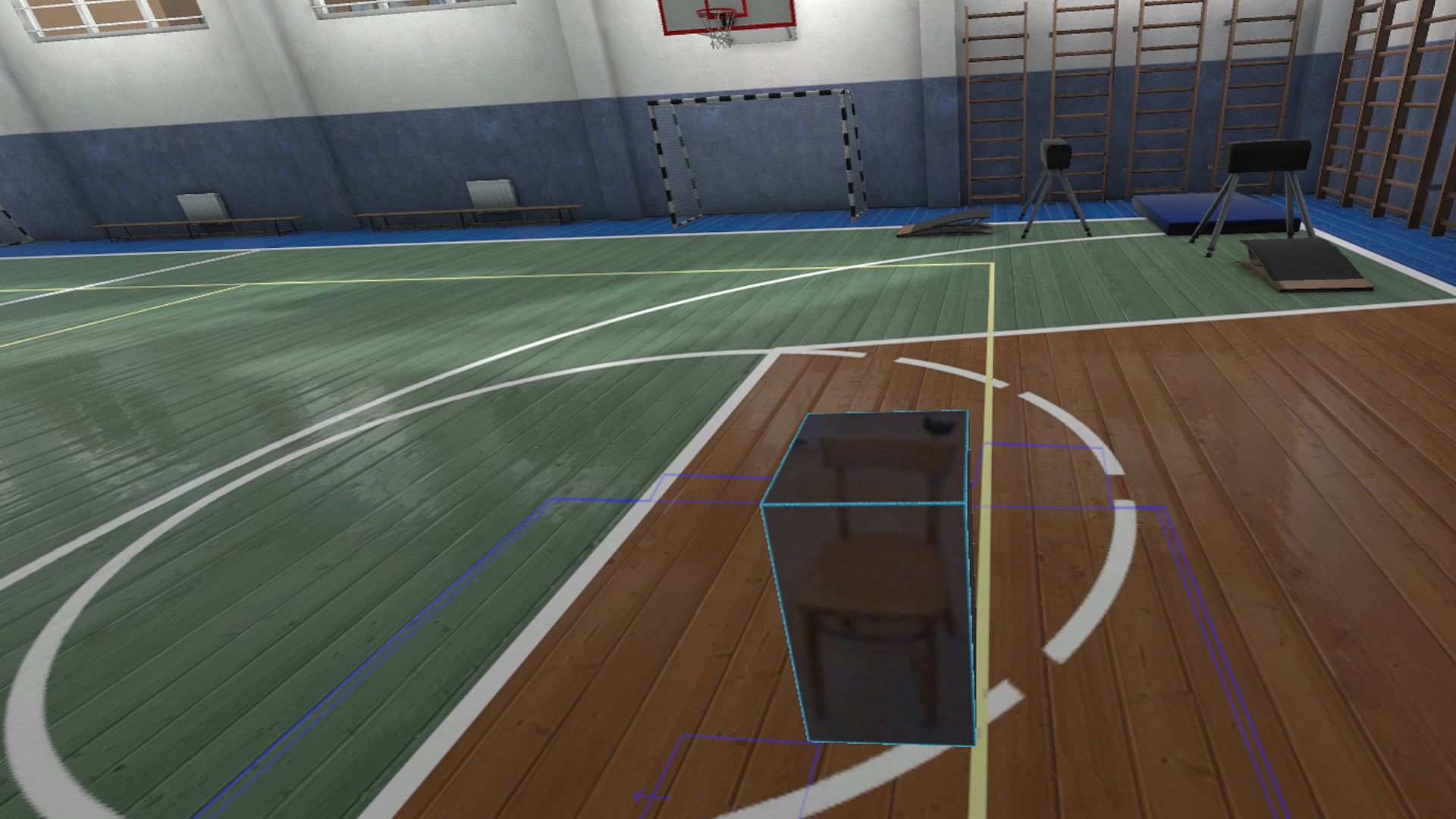
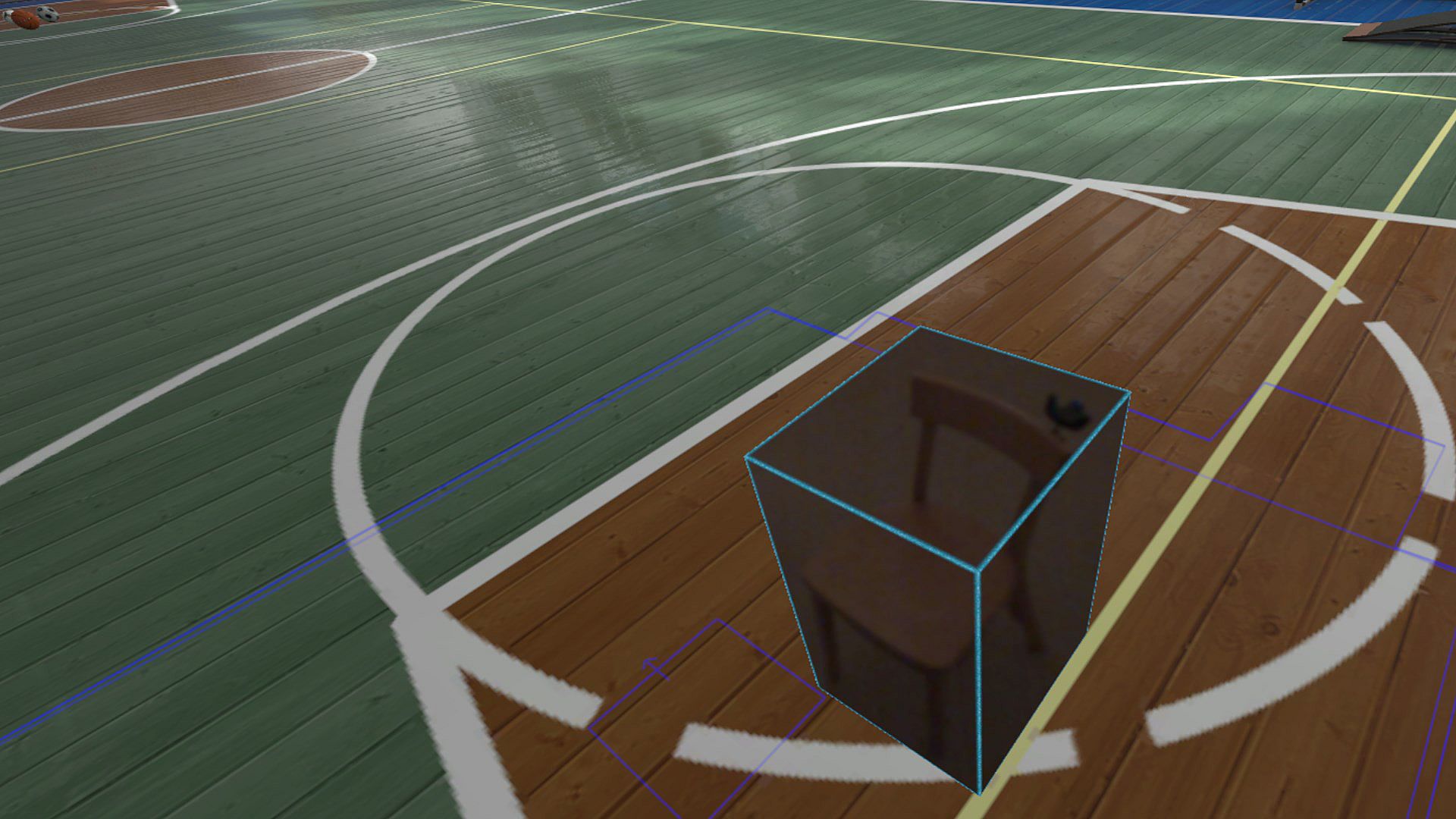
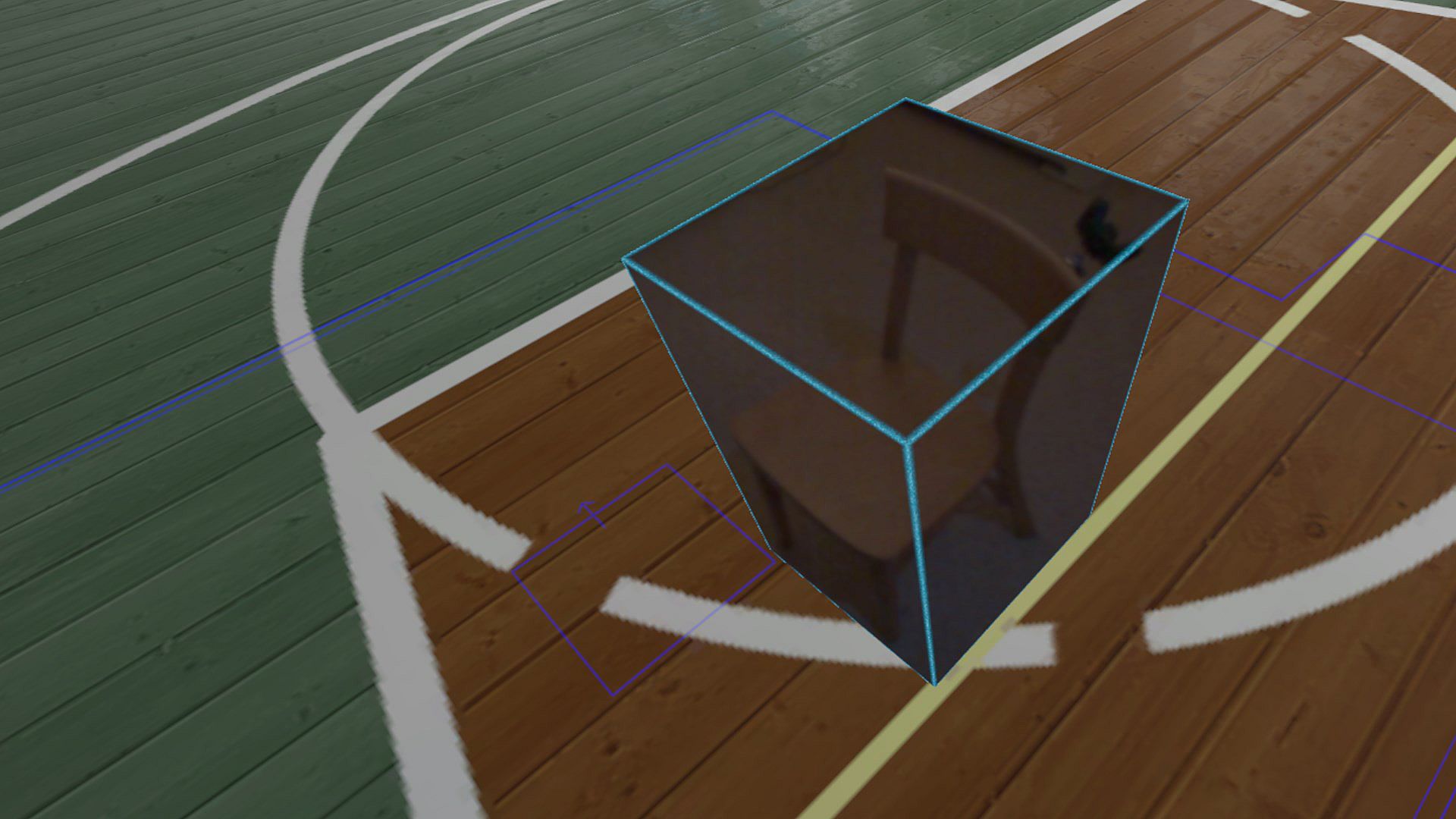
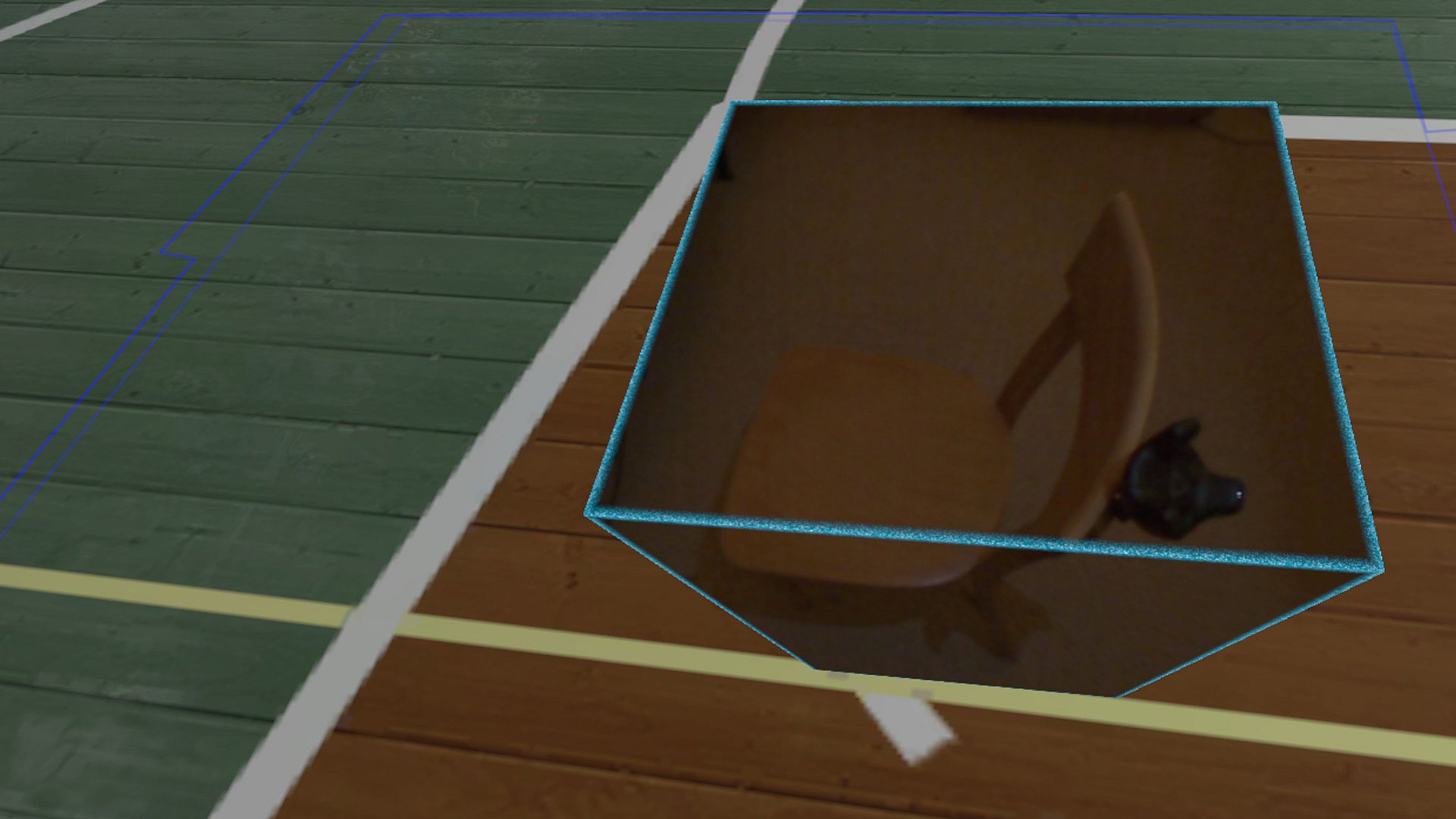
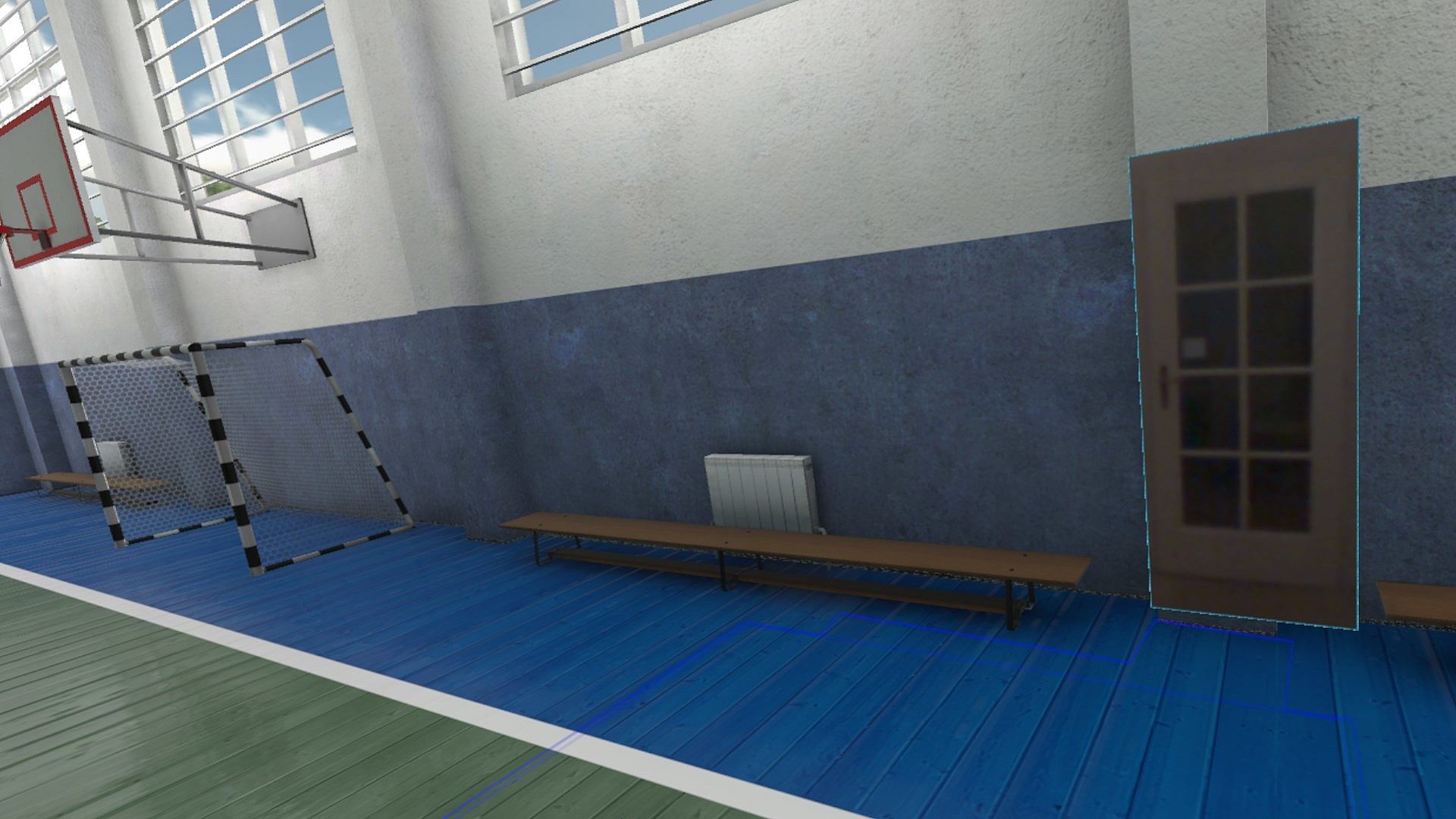
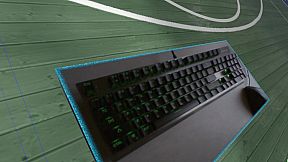
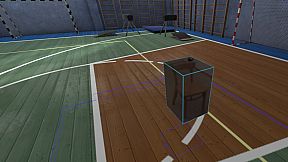
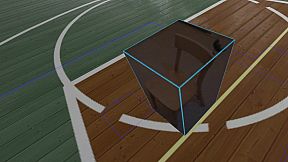
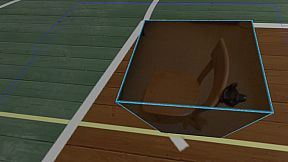
Reality Mixer lets you bring real objects into VR. It uses the cameras on the headset to show a real object and its surroundings in the current VR environment. It can be used at the same time as other VR software and games.

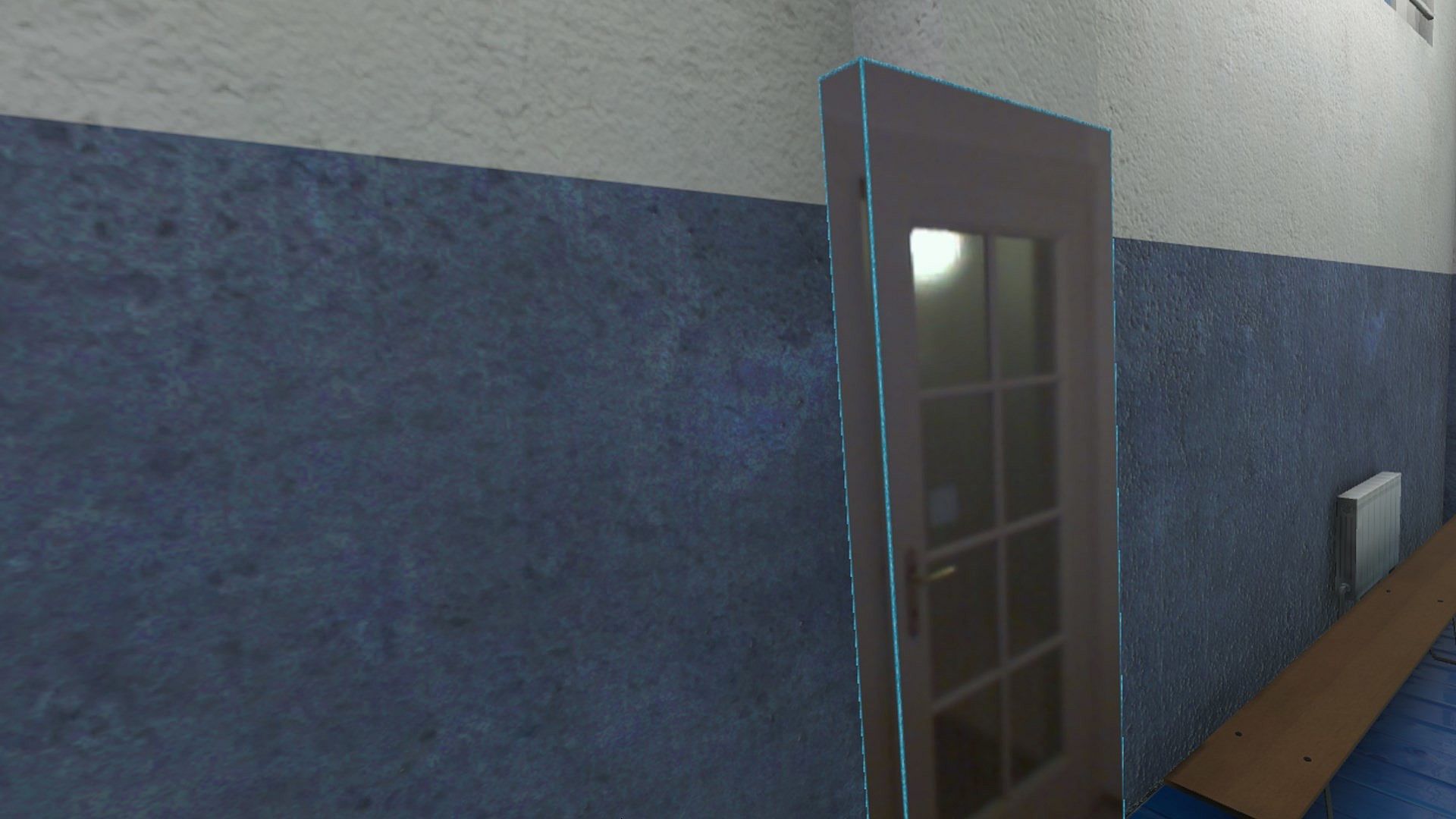
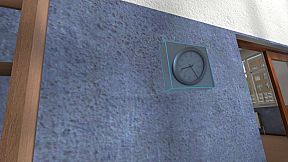
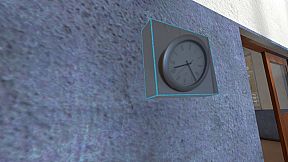
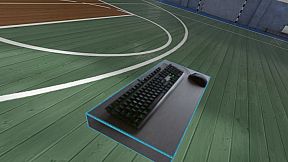
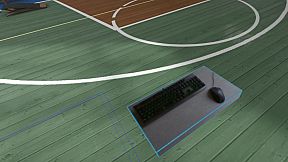
Think of objects like keyboard & mouse, a racing wheel, HOTAS, a clock on the wall, a drink on your desk, a phone, a tablet, a chair, etc. Also larger real objects can be used. Like the door to your room, so you can see who comes in, or the couch with your friends.

Bringing real objects into a virtual environment is known as 'Augmented Virtuality'.
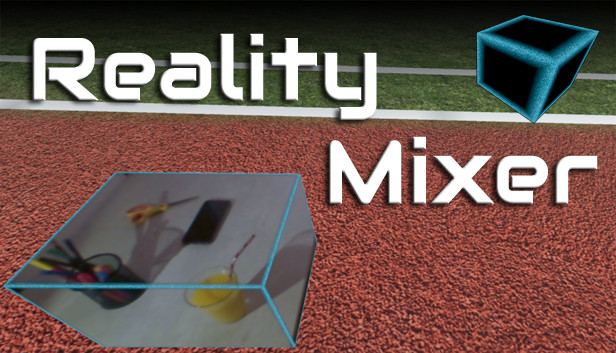
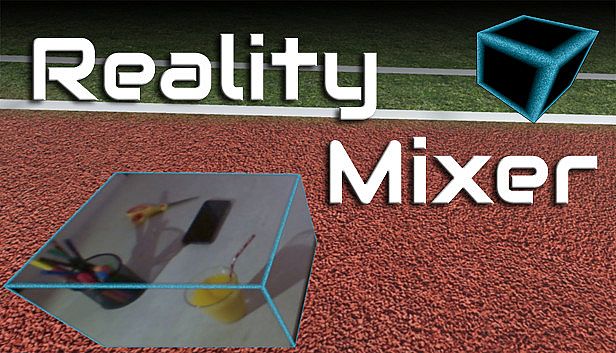
Reality Mixer creates 'boxes of reality' which are shown in VR.
Apart from these 'camera boxes' the app also provides a mixed reality Cockpit for use with simracing and flight simulators, a Floor Viewer to quickly see the real floor around your feet and a Lap Viewer for use with seated experiences such as Big Screen. Lap Viewer can be used for quick glances at a normal (untracked) keyboard on your lap.

If you have a Vive or Tundra Tracker, you can attach a camera box to it so the tracked object will be visible wherever it is in your play area.

The real objects (and their immediate surroundings) don't have to be visible all the time. There are three activation methods:
  • Activate by Proximity: Objects (camera boxes) will fade out when you are too far away. This fade out distance can be set by yourself.
  • Activate by Gaze Angle: Look straight at a camera box to make it visible. Use this activation method with seated games where you have things on a table next to your seat. The activation angle and optional activation delay can be configured. Using an activation delay means you have to look at the object for a second before it starts to show itself, to prevent accidental activation. Floor Viewer and Lap Viewer both use Gaze Angle Activation by default, but can also use Proximity or ButtonPress activation.
  • Activate by Button Press: Press a keyboard, mouse, gamepad, HOTAS or racing wheel button to turn on/off a camera box.
When an object is not visible, it will not use any resources.

If you have an Elgato Stream Deck, or if you use Touch Portal on your phone or tablet, you can use it in VR with Reality Mixer.

Chroma keying (green screen) makes the background of the objects transparent so the VR world shows through. This can be useful for objects such as a racing wheel and HOTAS.
Instructions
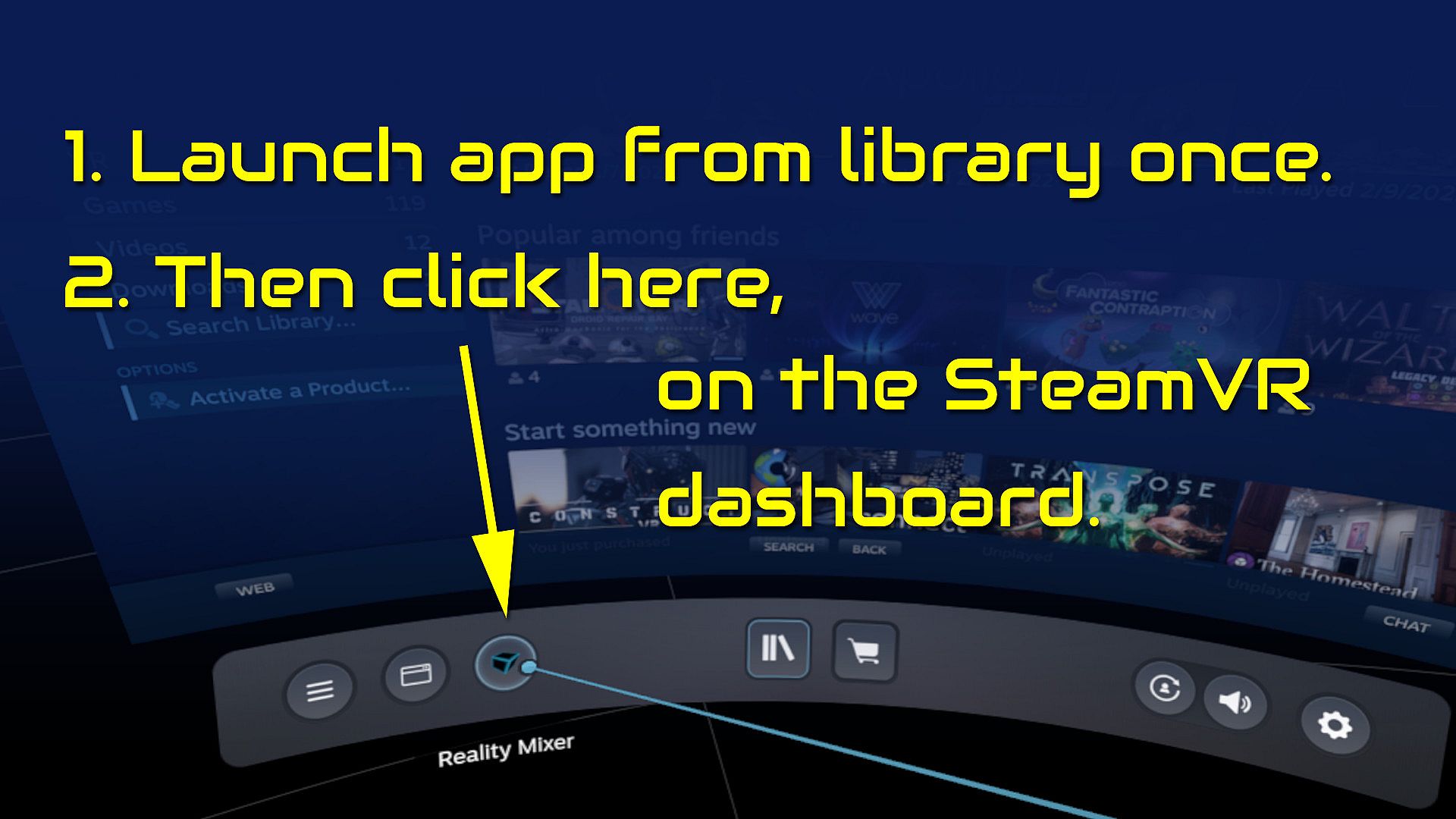
  • Start the app once from your Steam Library. It will auto-launch with SteamVR next time.
  • Open the SteamVR dashboard.
  • Click the icon for the Reality Mixer app. See image below.
  • Follow instructions on screen.
  • If you use it on a Quest, Pico or Vive XR Elite, you need to turn on passthrough in the Virtual Desktop app on your Quest/Pico/Vive XRE.
Compatibility
Reality Mixer is currently compatible with the VR headsets listed here.
  • Valve Index
  • Meta Quest 2 and 3, when used in combination with the Virtual Desktop app on the Quest
  • HP G2 (v1 and v2)
  • all first generation Windows Mixed Reality (WMR) headsets
  • HTC Vive (the original Vive)
  • HTC Vive Pro (version 1 and 2)
  • HTC Vive XR Elite, when used in combination with the Virtual Desktop app on the XR Elite
  • Pico 4, when used in combination with the Virtual Desktop app on the Pico 4
Extra features in development
  • External (USB) camera support
  • ChromaKey updates
  • Extra activation options
  • Circular passthrough shape

If you want to keep an eye on new features, switch to the beta branch of the app in your Steam Library. This is free, no code needed.

Steam:
Mostly Positive (81)

Storico prezzi

Minimo storico
Keyshop
-
-
-
Store ufficiali
-
-
-

FAQ

8 domande

Prima di cercare una CD Key Reality Mixer - Mixed Reality for VR headsets economica, dai unocchiata alle info essenziali. Sviluppato da Reality Inside Ltd.. Pubblicato da Reality Inside Ltd.. Data di uscita su PC: 01 feb 2024. Generi: Utilities. Categorie: Tracked Controller Support, VR Only. Recensioni di Reality Mixer - Mixed Reality for VR headsets: Recensioni Steam: 79% of the 81 user reviews for this game are positive.

Q Posso giocare a Reality Mixer - Mixed Reality for VR headsets su Steam Deck?

Sì. La compatibilità Steam Deck di Reality Mixer - Mixed Reality for VR headsets è Verified. Significa che il gioco si avvia subito, mostra i controlli corretti e offre prestazioni stabili — Reality Mixer - Mixed Reality for VR headsets gira perfettamente su Steam Deck.

Sì. Esiste una versione Steam di Reality Mixer - Mixed Reality for VR headsets. Scegli un’offerta con tag Steam Key su XD.deals, riscattala nel client desktop e gioca a Reality Mixer - Mixed Reality for VR headsets su Steam PC.

Sì. Dopo aver riscattato la chiave Steam, puoi avviare Reality Mixer - Mixed Reality for VR headsets in Modalità Offline su Steam. I salvataggi si sincronizzeranno quando tornerai online.

Sì, puoi acquistare una Steam Key di Reality Mixer - Mixed Reality for VR headsets direttamente su Steam. Su XD.deals aggregiamo tutte le offerte DRM Steam disponibili così puoi confrontare le offerte Steam economiche di Reality Mixer - Mixed Reality for VR headsets in un unico posto.

Trovi ogni sconto e offerta attiva per Reality Mixer - Mixed Reality for VR headsets qui su XD.deals. Il nostro tracker elenca attualmente 1 offerte da store ufficiali e 0 offerte da keyshop. Controlla la tabella sopra per il prezzo piĂą basso, confrontalo con il minimo storico e imposta un avviso per non perdere il prossimo calo.

Con XD.deals i gamer PC vedono subito dove comprare una chiave Steam Reality Mixer - Mixed Reality for VR headsets PC economica. Il nostro motore di comparazione in tempo reale e il database coupon tracciano store ufficiali e keyshop affidabili così non devi farlo tu. In questo momento rileviamo 1 offerte attive tra store e keyshop.

Sì. Esiste una pagina ufficiale Steam per Reality Mixer - Mixed Reality for VR headsets, quindi puoi comprare Reality Mixer - Mixed Reality for VR headsets su Steam oppure prendere una Steam Key PC di Reality Mixer - Mixed Reality for VR headsets su XD.deals e riscattarla subito.

No — XD.deals non è uno store. Siamo un servizio di comparazione prezzi che traccia le migliori offerte per Reality Mixer - Mixed Reality for VR headsets tra store ufficiali e keyshop verificati. Clicca “Vai allo store” accanto all’offerta scelta e verrai reindirizzato al sito del rivenditore per completare l’acquisto e ricevere lì la chiave.

Vuoi comprare al momento giusto? Imposta un avviso prezzo su XD.deals e prendi una chiave Steam Reality Mixer - Mixed Reality for VR headsets scontata quando raggiunge il prossimo minimo storico.

Crea avviso