









in progress...

Reality Mixer - Mixed Reality for VR headsets PC kaufen

Wo kannst du den günstigsten Reality Mixer - Mixed Reality for VR headsets Steam-Key für PC kaufen? Vergleiche Preise aus 1 Shops und finde unter 1 Angeboten auf XD Deals die beste Option. Aktuell liegt der niedrigste Reality Mixer - Mixed Reality for VR headsets PC Preis im Keyshop bei 9,99 € (0% Rabatt).

Veröffentlichung: 01 Feb. 2024
Entwickler: Reality Inside Ltd.
Steam:
Mostly Positive (81)
Keyshops
Nicht verfĂĽgbar
Im offiziellen Store kaufen:
9,99 €
Im Keyshop kaufen:
Preisverlauf anzeigen

Offizielle Shops (1)

DRM:
Steam
Steam
Steam
Reality Mixer - Mixed Reality for VR headsets
Windows
+1
vor 15W
DRM:
Steam
Steam
9,99 €

Ăśber Reality Mixer - Mixed Reality for VR headsets

Reality Mixer - Mixed Reality for VR headsets - Spielbeschreibung

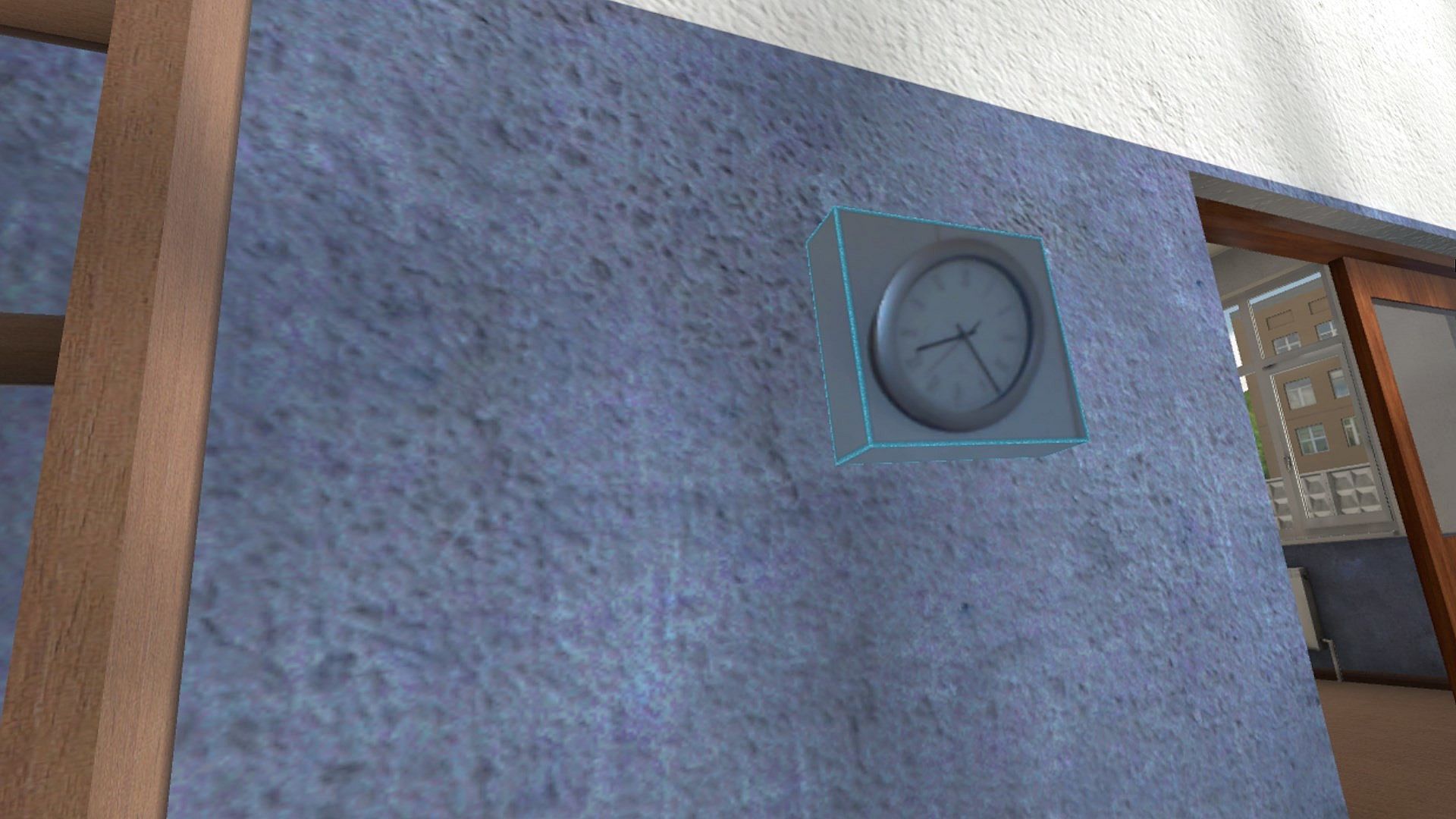
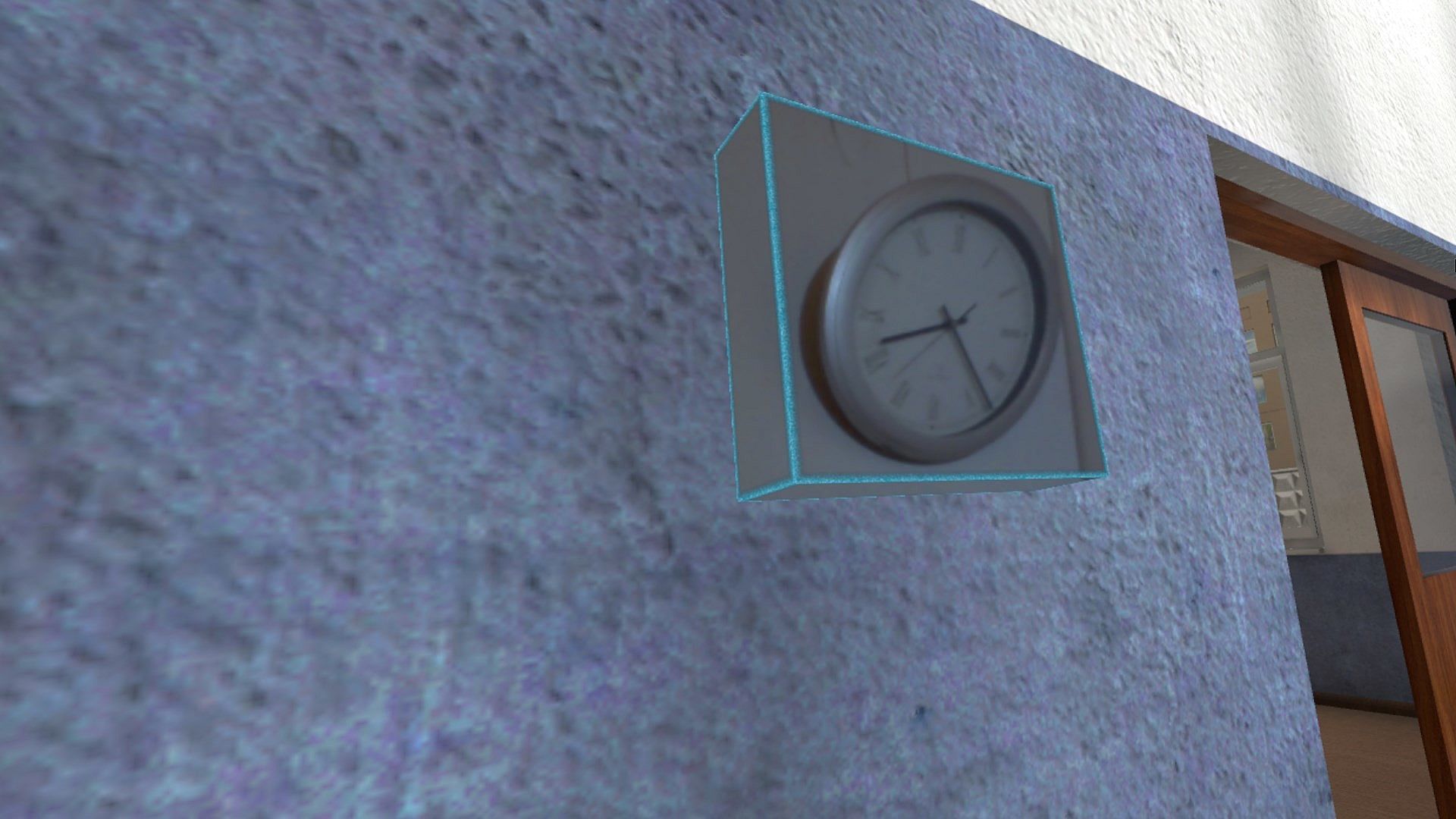
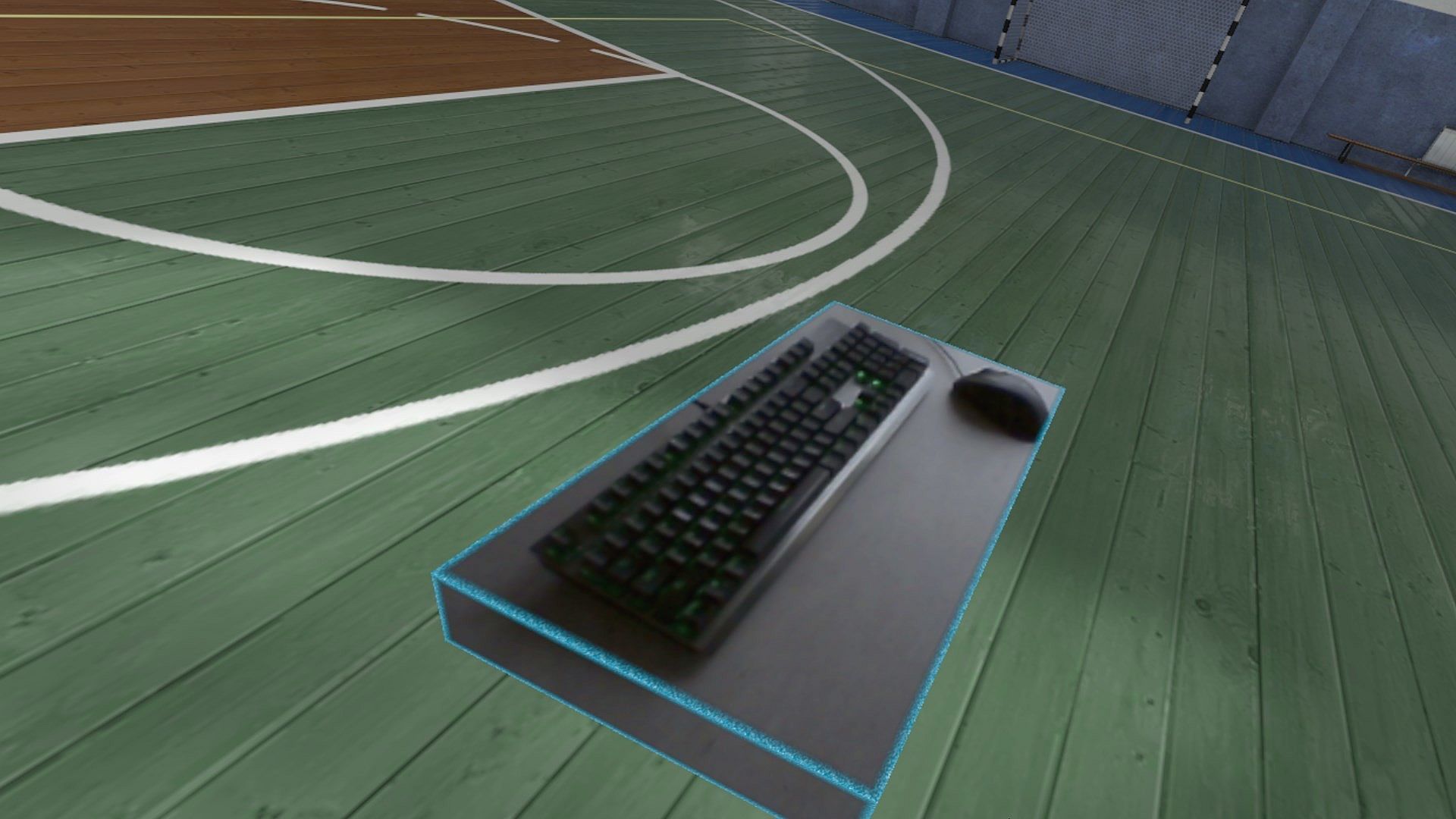
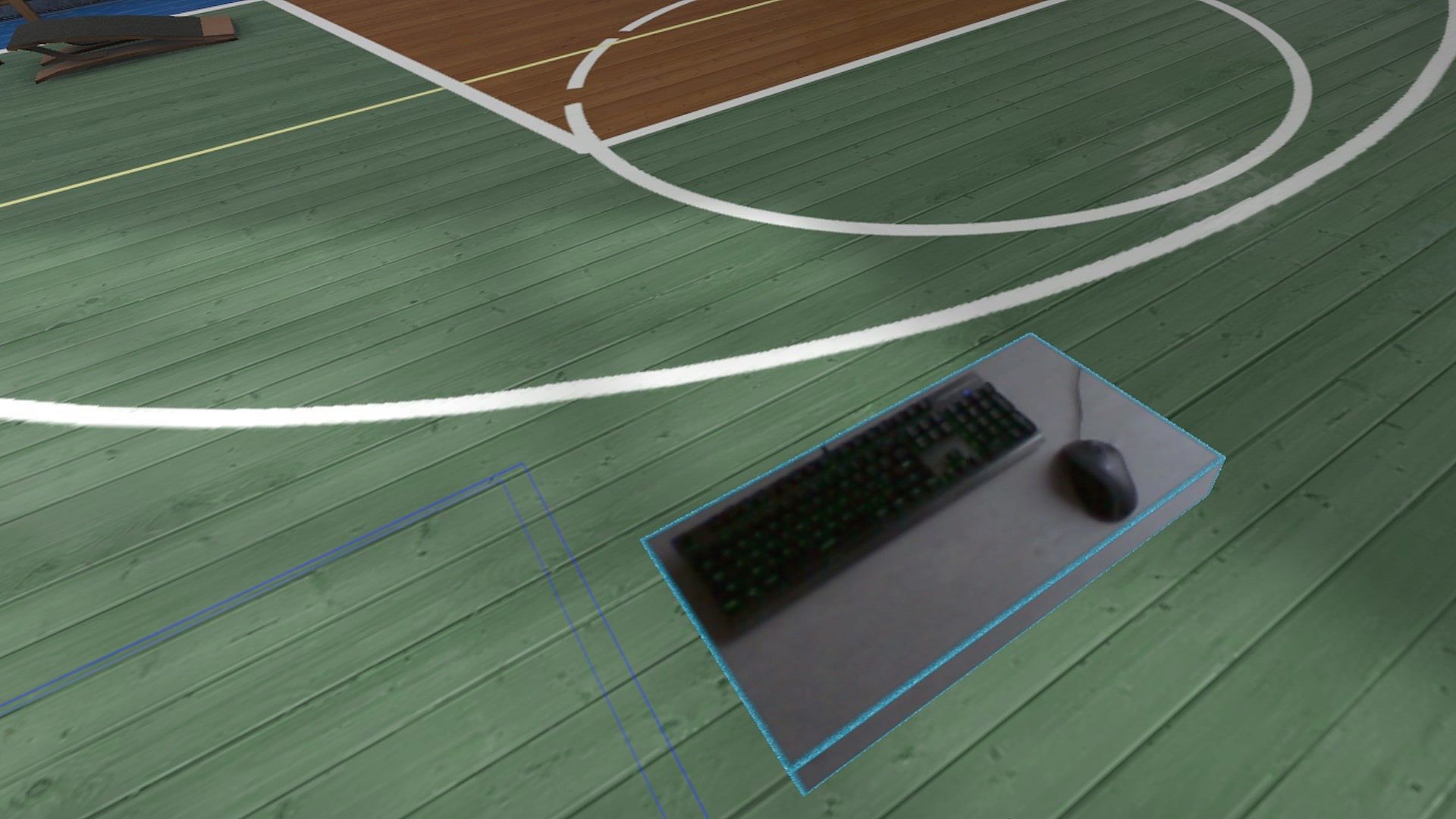
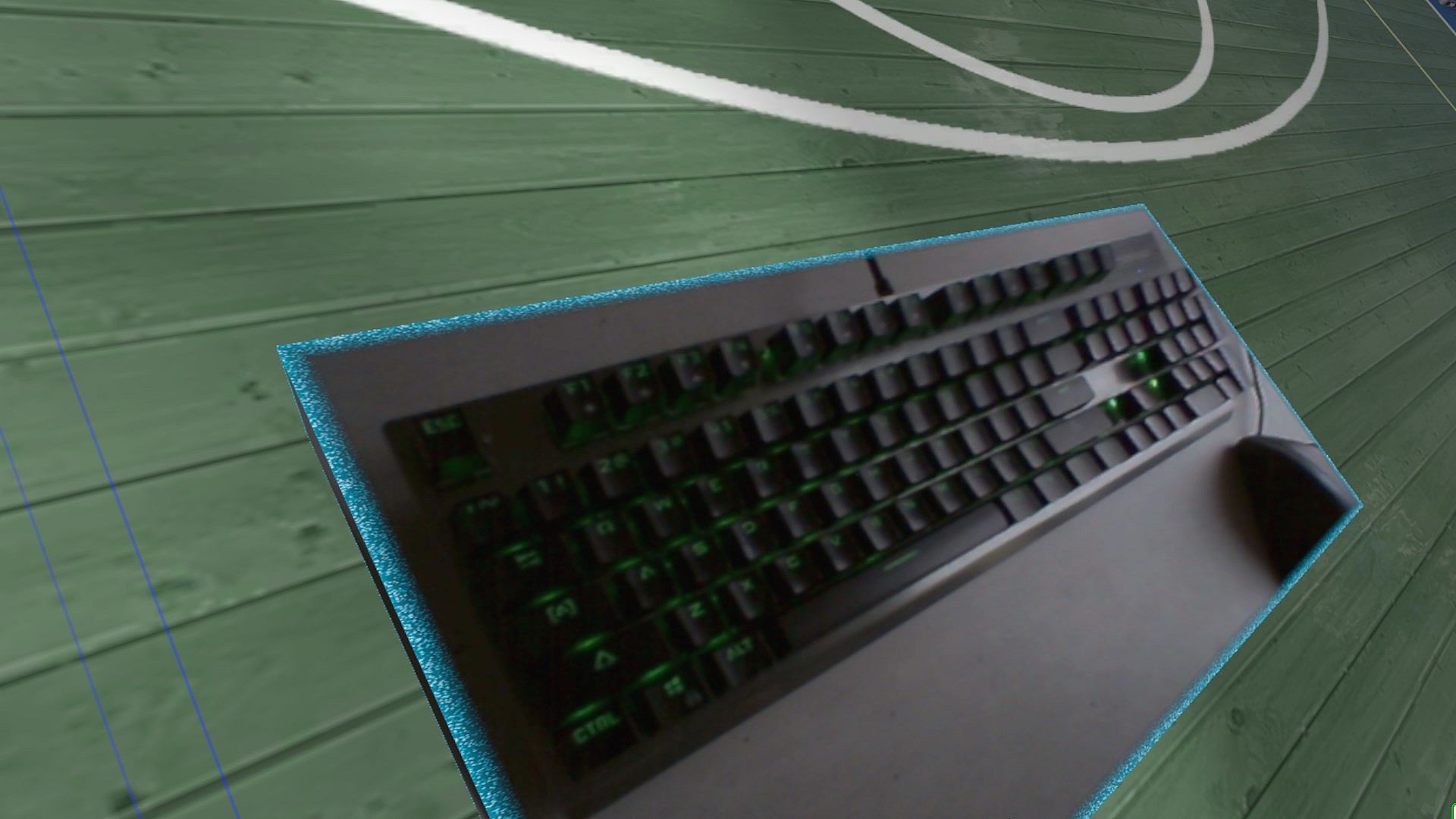
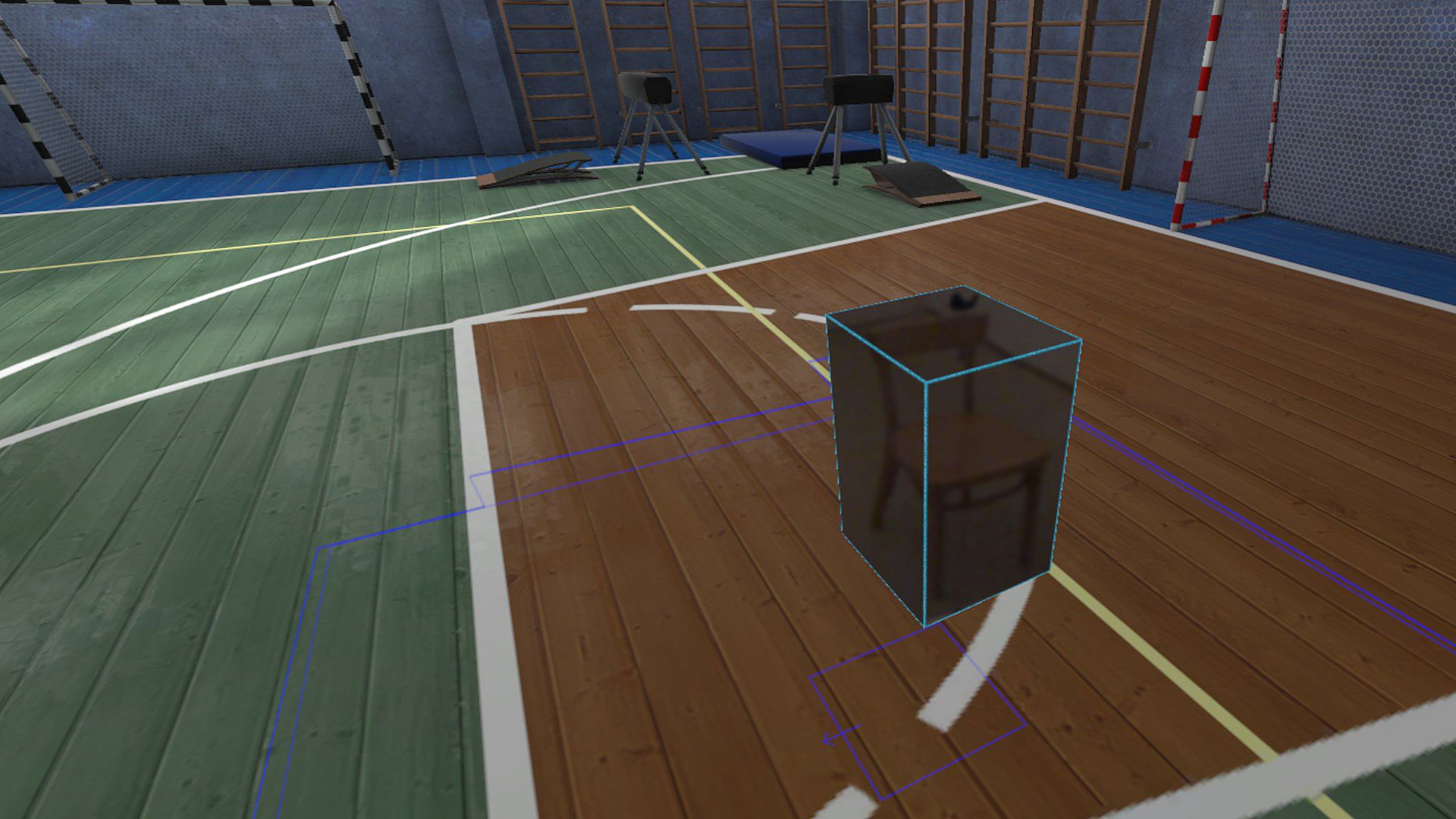
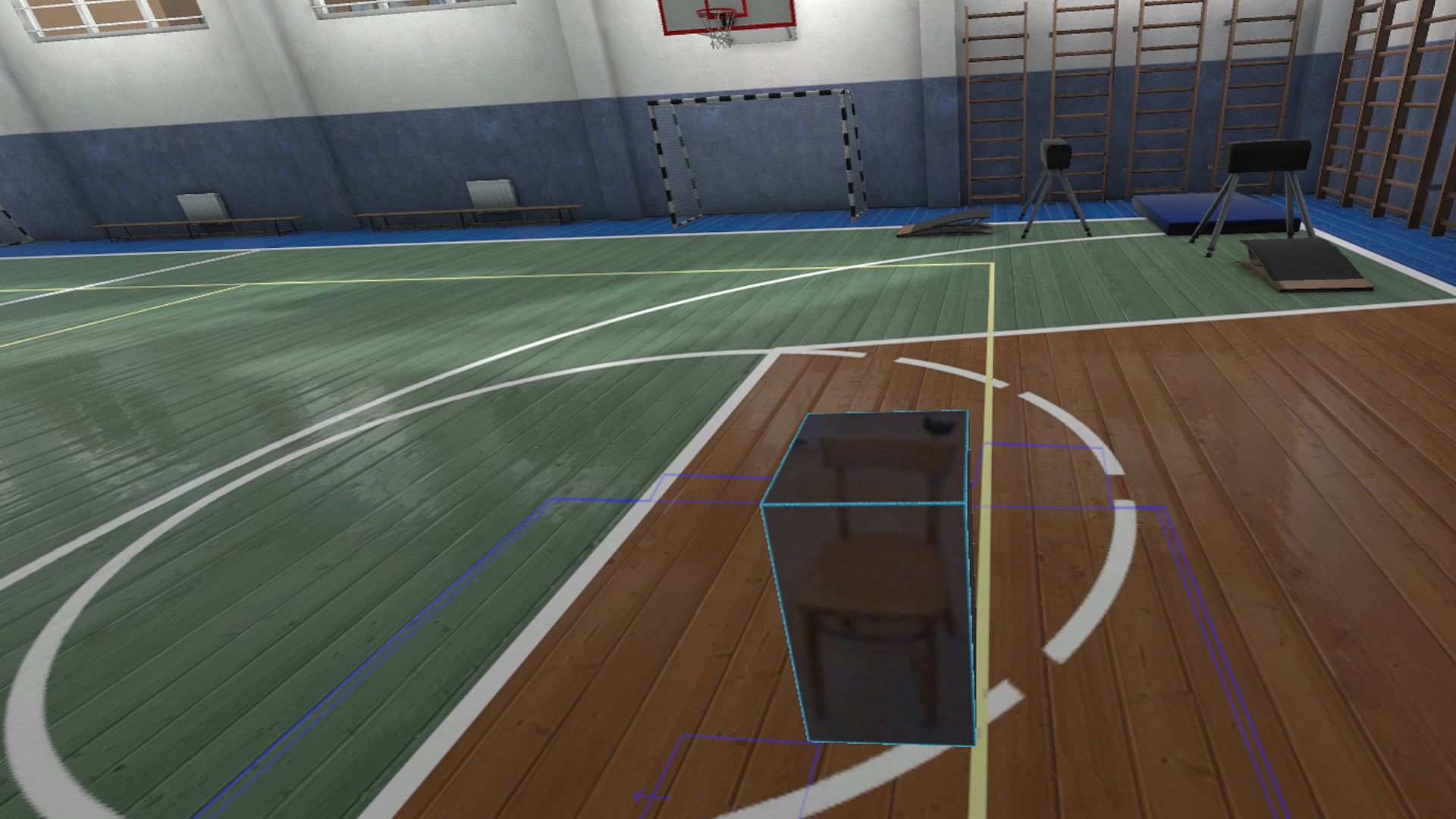
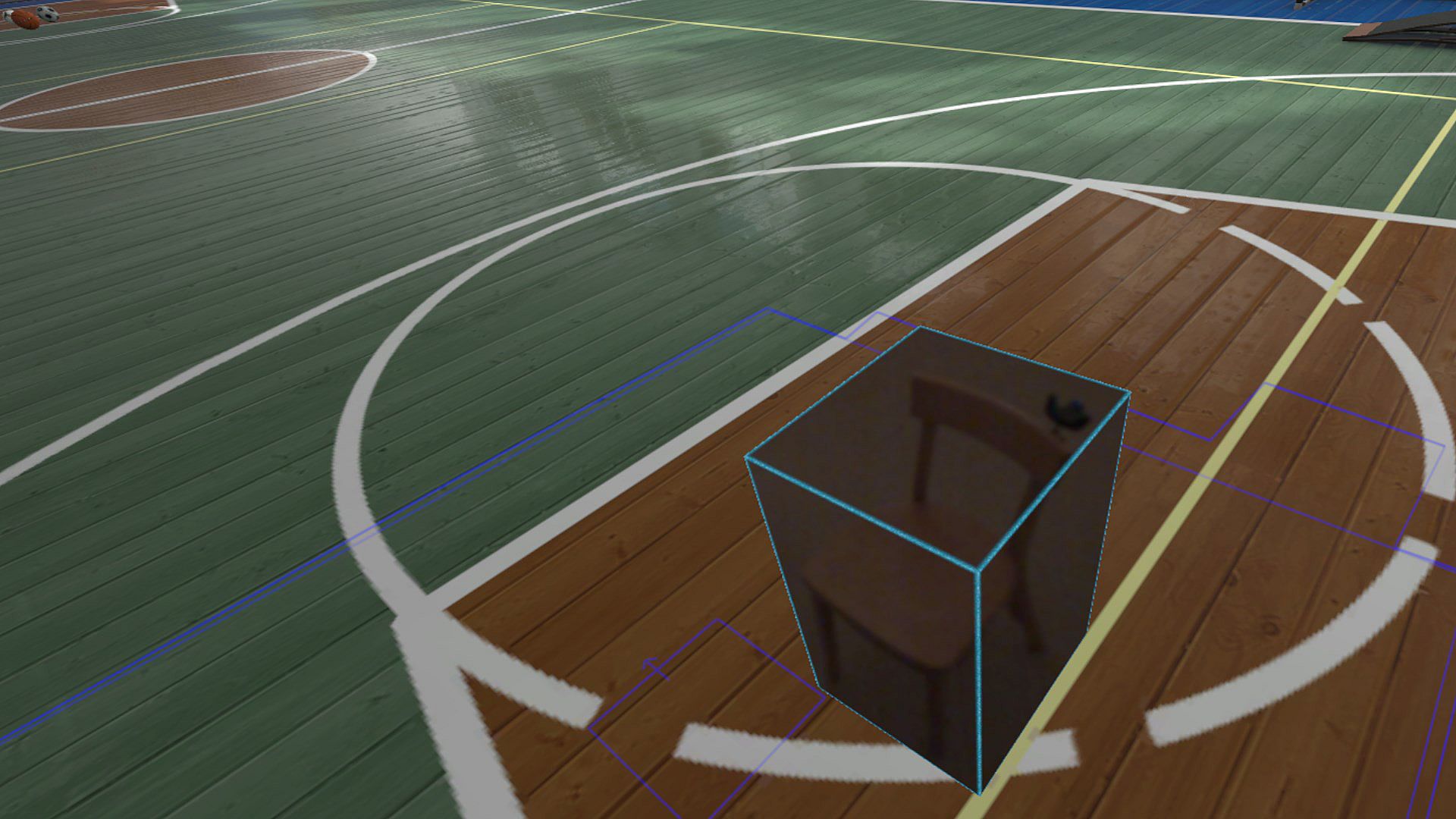
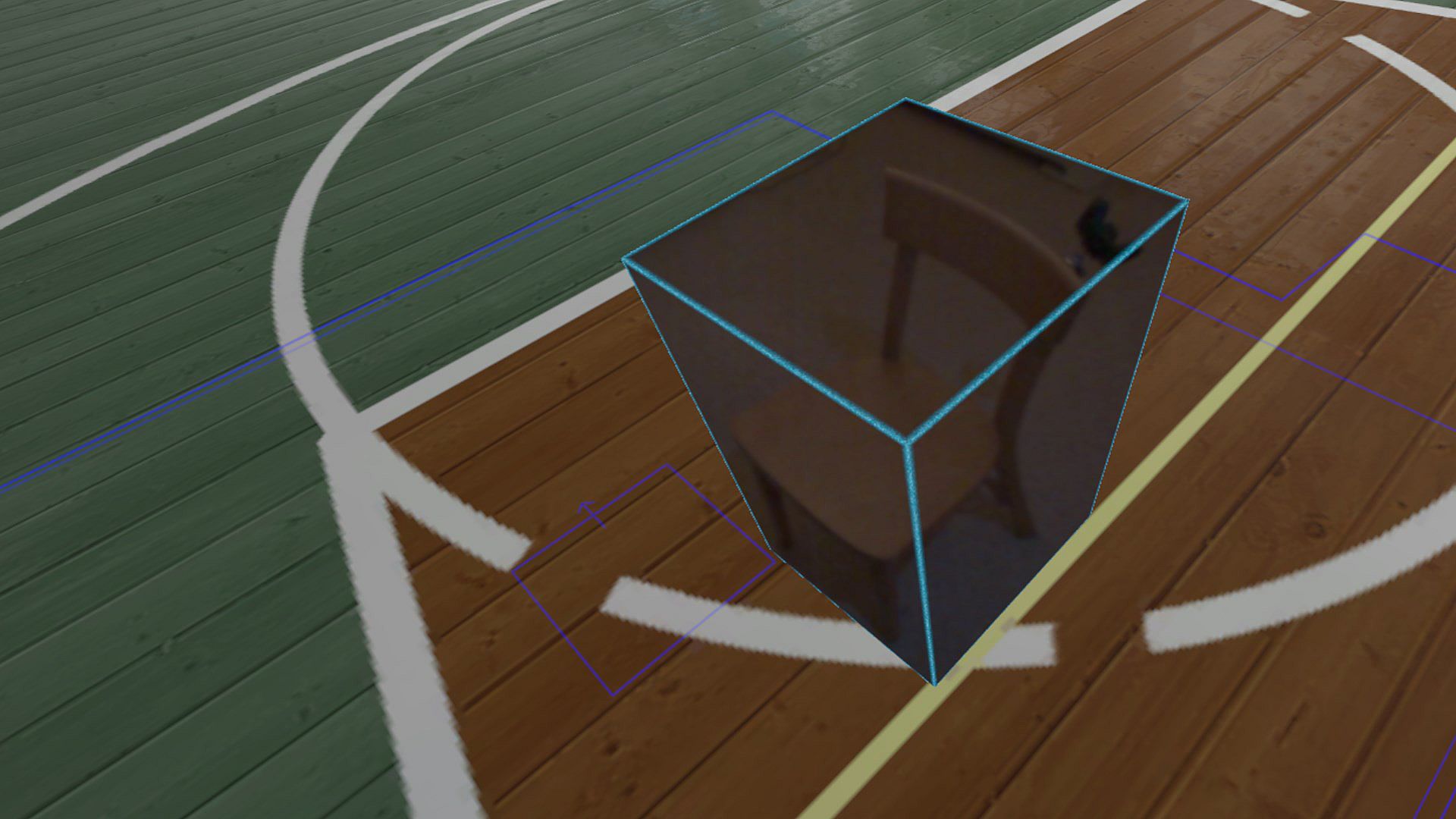
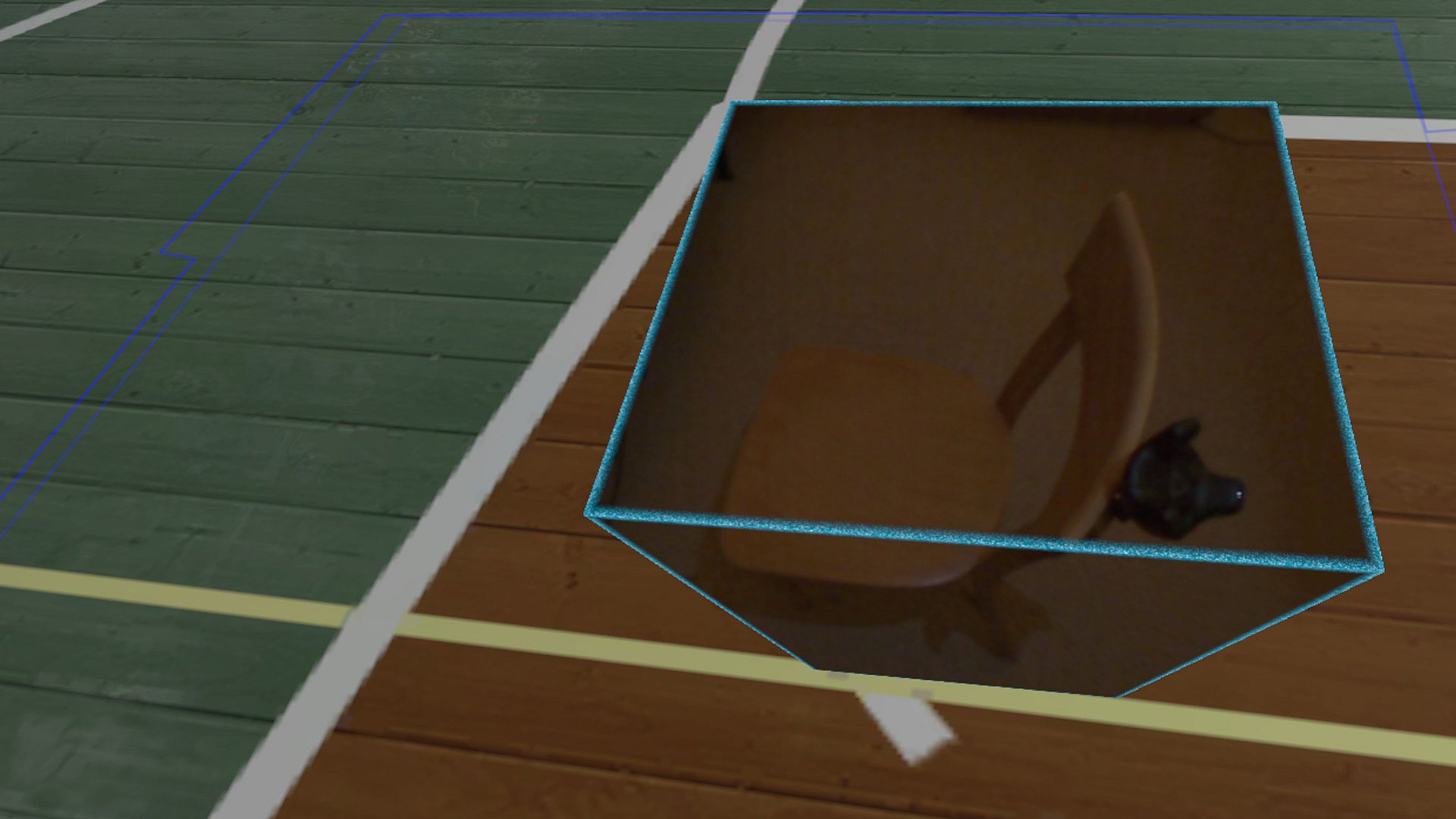
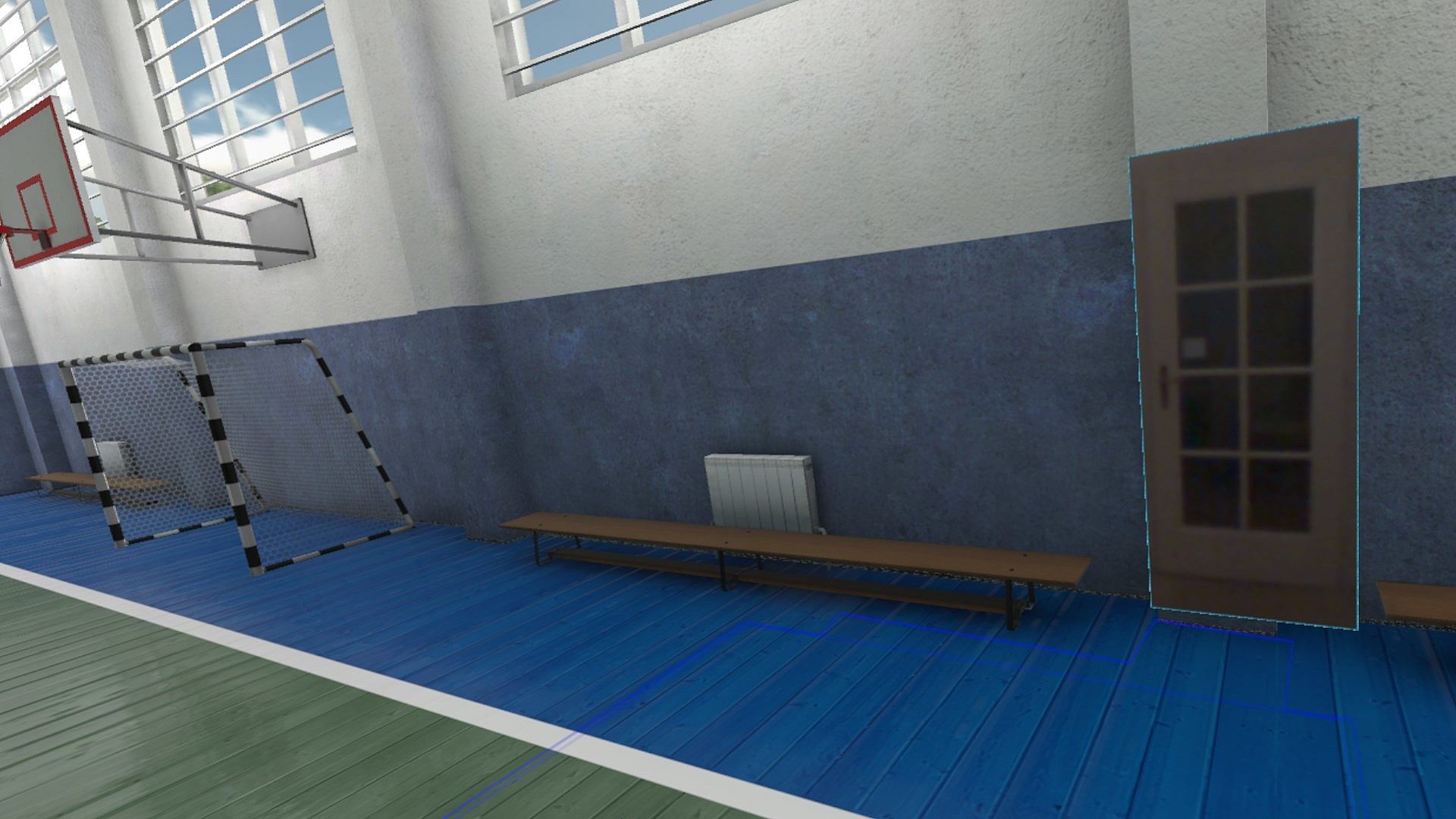
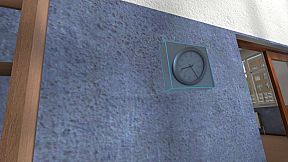
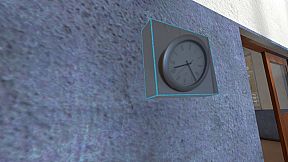
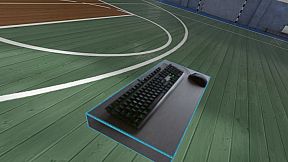
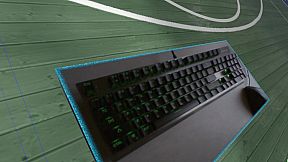
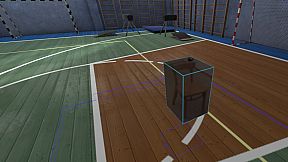
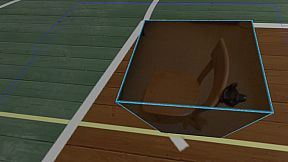
Reality Mixer lets you bring real objects into VR. It uses the cameras on the headset to show a real object and its surroundings in the current VR environment. It can be used at the same time as other VR software and games.

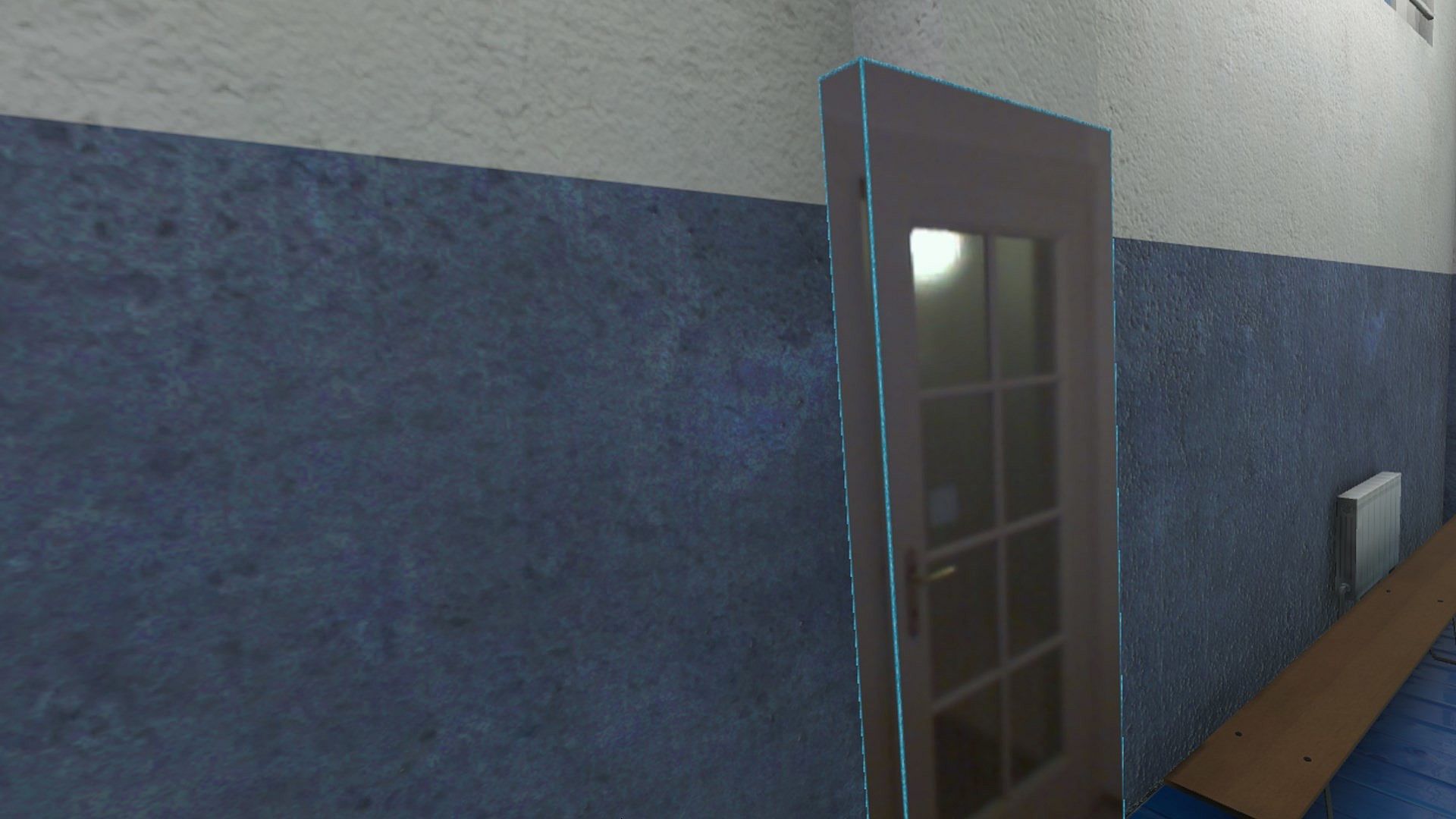
Think of objects like keyboard & mouse, a racing wheel, HOTAS, a clock on the wall, a drink on your desk, a phone, a tablet, a chair, etc. Also larger real objects can be used. Like the door to your room, so you can see who comes in, or the couch with your friends.

Bringing real objects into a virtual environment is known as 'Augmented Virtuality'.
Reality Mixer creates 'boxes of reality' which are shown in VR.
Apart from these 'camera boxes' the app also provides a mixed reality Cockpit for use with simracing and flight simulators, a Floor Viewer to quickly see the real floor around your feet and a Lap Viewer for use with seated experiences such as Big Screen. Lap Viewer can be used for quick glances at a normal (untracked) keyboard on your lap.

If you have a Vive or Tundra Tracker, you can attach a camera box to it so the tracked object will be visible wherever it is in your play area.

The real objects (and their immediate surroundings) don't have to be visible all the time. There are three activation methods:
  • Activate by Proximity: Objects (camera boxes) will fade out when you are too far away. This fade out distance can be set by yourself.
  • Activate by Gaze Angle: Look straight at a camera box to make it visible. Use this activation method with seated games where you have things on a table next to your seat. The activation angle and optional activation delay can be configured. Using an activation delay means you have to look at the object for a second before it starts to show itself, to prevent accidental activation. Floor Viewer and Lap Viewer both use Gaze Angle Activation by default, but can also use Proximity or ButtonPress activation.
  • Activate by Button Press: Press a keyboard, mouse, gamepad, HOTAS or racing wheel button to turn on/off a camera box.
When an object is not visible, it will not use any resources.

If you have an Elgato Stream Deck, or if you use Touch Portal on your phone or tablet, you can use it in VR with Reality Mixer.

Chroma keying (green screen) makes the background of the objects transparent so the VR world shows through. This can be useful for objects such as a racing wheel and HOTAS.
Instructions
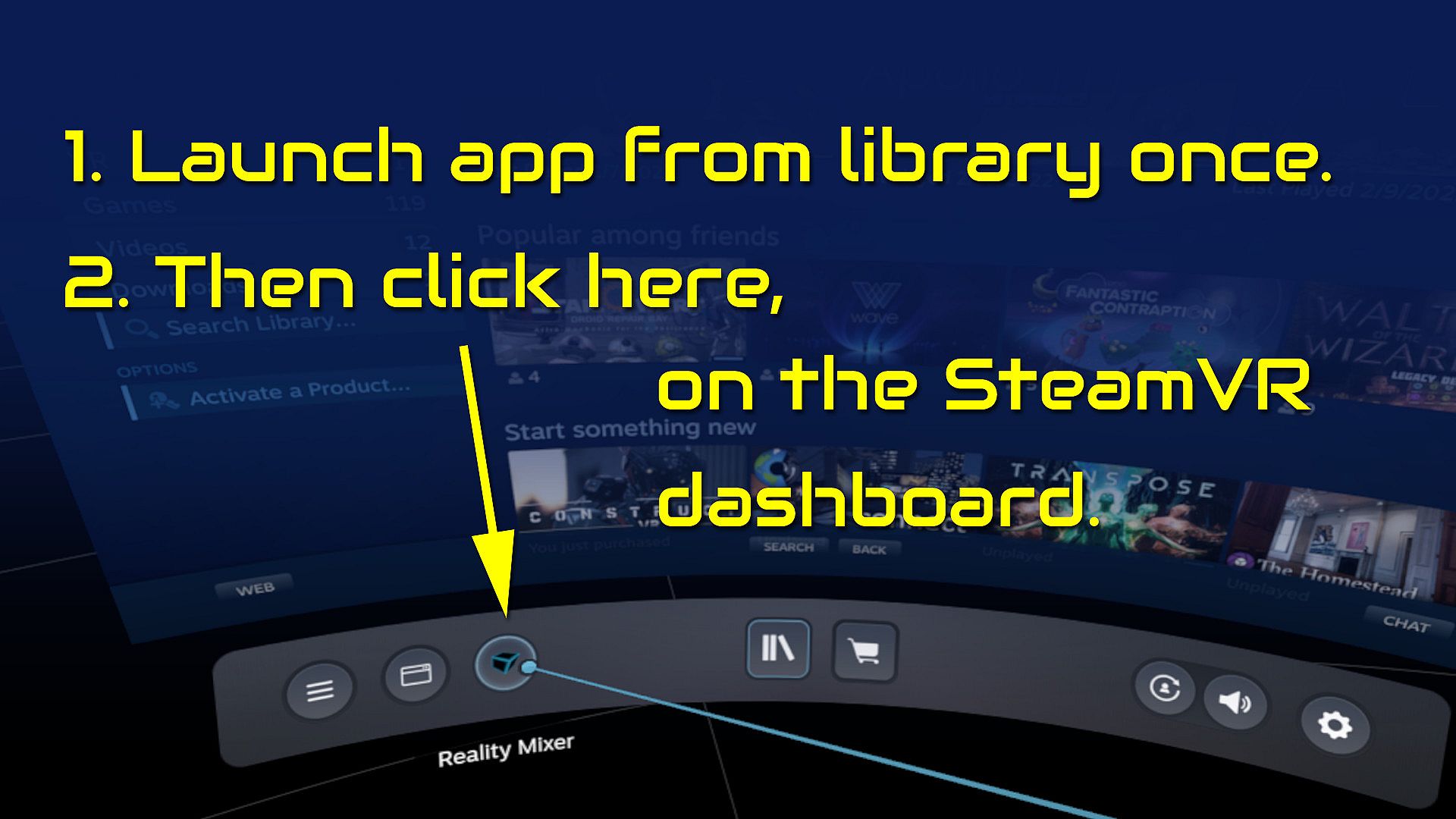
  • Start the app once from your Steam Library. It will auto-launch with SteamVR next time.
  • Open the SteamVR dashboard.
  • Click the icon for the Reality Mixer app. See image below.
  • Follow instructions on screen.
  • If you use it on a Quest, Pico or Vive XR Elite, you need to turn on passthrough in the Virtual Desktop app on your Quest/Pico/Vive XRE.
Compatibility
Reality Mixer is currently compatible with the VR headsets listed here.
  • Valve Index
  • Meta Quest 2 and 3, when used in combination with the Virtual Desktop app on the Quest
  • HP G2 (v1 and v2)
  • all first generation Windows Mixed Reality (WMR) headsets
  • HTC Vive (the original Vive)
  • HTC Vive Pro (version 1 and 2)
  • HTC Vive XR Elite, when used in combination with the Virtual Desktop app on the XR Elite
  • Pico 4, when used in combination with the Virtual Desktop app on the Pico 4
Extra features in development
  • External (USB) camera support
  • ChromaKey updates
  • Extra activation options
  • Circular passthrough shape

If you want to keep an eye on new features, switch to the beta branch of the app in your Steam Library. This is free, no code needed.

Steam:
Mostly Positive (81)

Preisverlauf

Historical low
Keyshops
-
-
-
Official Stores
-
-
-

FAQ

8 Fragen

Bevor du nach einem günstigen Reality Mixer - Mixed Reality for VR headsets CD Key suchst, wirf einen Blick auf die wichtigsten Fakten. Entwickelt von Reality Inside Ltd.. Veröffentlicht von Reality Inside Ltd.. PC Release-Datum: 01 Feb. 2024. Genres: Utilities. Kategorien: Tracked Controller Support, VR Only. Reality Mixer - Mixed Reality for VR headsets Bewertungen: Steam Rezensionen: 79% of the 81 user reviews for this game are positive.

Q Kann ich Reality Mixer - Mixed Reality for VR headsets auf dem Steam Deck spielen?

Ja. Reality Mixer - Mixed Reality for VR headsets ist für Steam Deck verifiziert. Das Spiel startet ohne Anpassungen, zeigt korrekte Controller-Glyphen und läuft stabil - Reality Mixer - Mixed Reality for VR headsets funktioniert perfekt auf dem Steam Deck.

Ja. Es gibt eine Steam-Version von Reality Mixer - Mixed Reality for VR headsets. Wähle ein Angebot mit dem Tag Steam Key auf XD.deals, aktiviere es im Steam-Client und spiele Reality Mixer - Mixed Reality for VR headsets auf deinem PC.

Ja. Nachdem du deinen Steam Key eingelöst hast, kannst du Reality Mixer - Mixed Reality for VR headsets im Offline-Modus von Steam starten. Deine Spielstände synchronisieren sich, sobald du wieder online bist.

Ja, du kannst einen Reality Mixer - Mixed Reality for VR headsets Steam Key direkt im Steam Store kaufen. Auf XD.deals listen wir alle verfĂĽgbaren Steam-DRM-Angebote, damit du gĂĽnstige Reality Mixer - Mixed Reality for VR headsets Steam Deals auf einen Blick vergleichen kannst.

Alle aktuellen Sales und Rabatte fĂĽr Reality Mixer - Mixed Reality for VR headsets findest du hier bei XD.deals. Unser Preis-Tracker listet derzeit 1 Angebote aus offiziellen Shops und 0 Deals aus Keyshops. Sieh oben nach dem niedrigsten Preis, vergleiche ihn mit dem historischen Tiefstpreis des Spiels und setze einen Preisalarm, damit du keinen Preissturz verpasst.

Mit XD.deals sehen PC-Spieler sofort, wo sie einen günstigen Reality Mixer - Mixed Reality for VR headsets PC Steam Key kaufen können. Unsere Preisvergleichs-Engine in Echtzeit und unsere kuratierte Gutscheindatenbank überwachen jeden offiziellen Shop und vertrauenswürdigen Keyshop. Aktuell erkennen wir dieses Spiel in 1 Live-Angeboten von Shops und Keyshops.

Ja. Eine offizielle Reality Mixer - Mixed Reality for VR headsets Steam-Seite ist online, sodass du Reality Mixer - Mixed Reality for VR headsets auf Steam kaufen oder jeden Reality Mixer - Mixed Reality for VR headsets PC Steam Key auf XD.deals erwerben und sofort einlösen kannst.

Nein - XD.deals ist kein Shop. Wir sind ein Preisvergleichs-Service, der die besten Angebote für Reality Mixer - Mixed Reality for VR headsets aus offiziellen Shops und verifizierten Keyshops verfolgt. Klicke 'Jetzt kaufen' neben dem gewünschten Deal, um zum Händler zu wechseln und dort den Key zu erhalten.

Bereit zum Zocken? Setze einen Preisalarm auf XD.deals und sichere dir einen reduzierten Reality Mixer - Mixed Reality for VR headsets Steam Key, sobald er sein nächstes Allzeit-Tief erreicht.

Create Alert