


Acheter Reality Mixer - Mixed Reality for VR headsets PC

Où acheter la clé Steam Reality Mixer - Mixed Reality for VR headsets PC la moins chère ? Vérifiez et comparez les prix de 1 boutiques pour trouver l’option la meilleure et la moins chère parmi 1 offres sur XD.deals. Actuellement, le prix Reality Mixer - Mixed Reality for VR headsets PC le plus bas sur les keyshops est disponible sur 9,99 € (0% de réduction).

Date de sortie : 01 févr. 2024
Éditeur : Reality Inside Ltd.
Développeur : Reality Inside Ltd.
Steam:
Mostly Positive (81)
Keyshops
Indisponible
Acheter sur une boutique officielle :
9,99 €
Acheter sur les keyshops :
Voir l’historique des prix

Boutiques officielles (1)

DRM:
Steam
Steam
Steam
Reality Mixer - Mixed Reality for VR headsets
Windows
+1
il y a 15sem
DRM:
Steam
Steam
9,99 €

Ă€ propos de Reality Mixer - Mixed Reality for VR headsets

Reality Mixer - Mixed Reality for VR headsets - Ă  propos du jeu

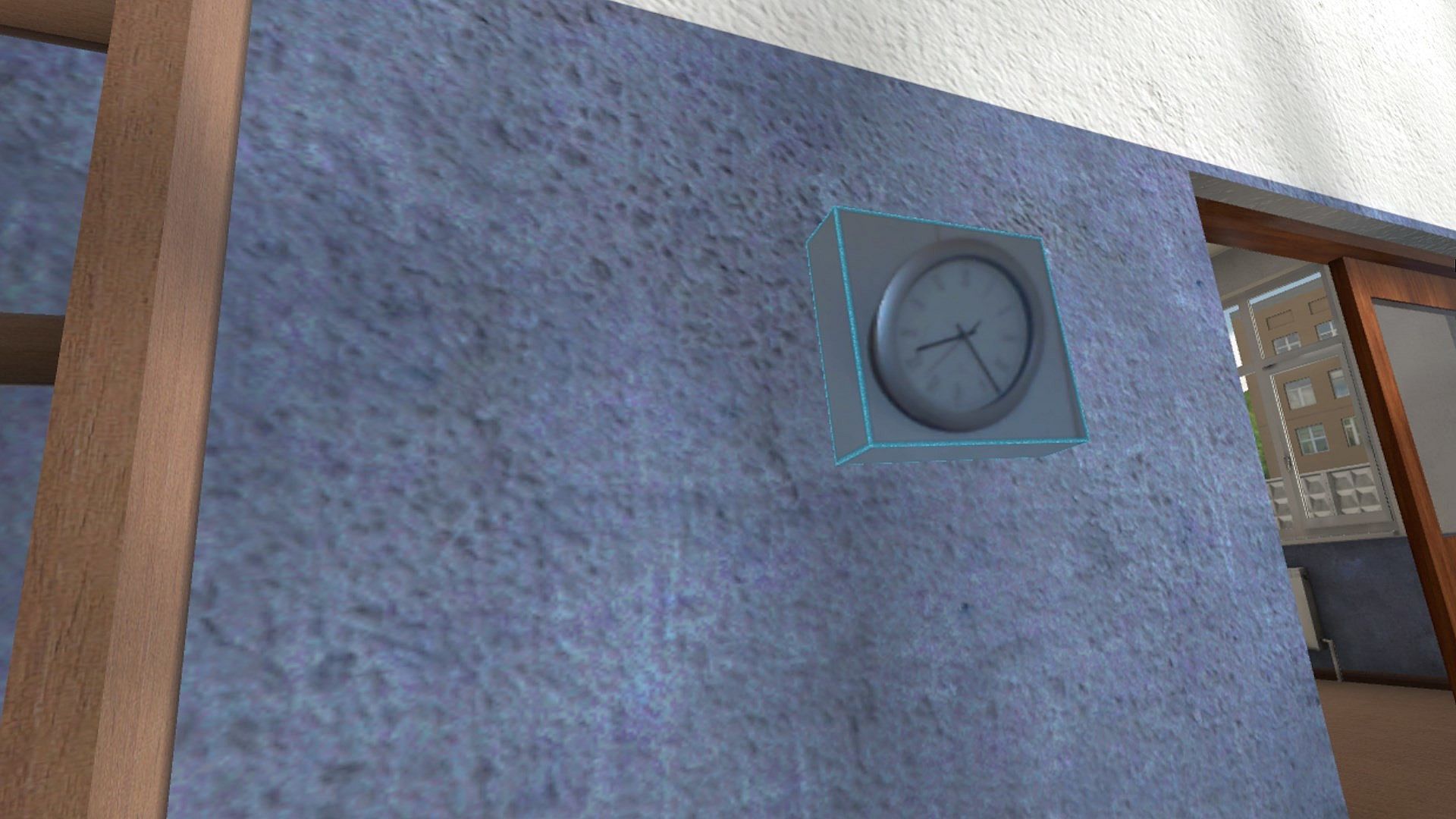
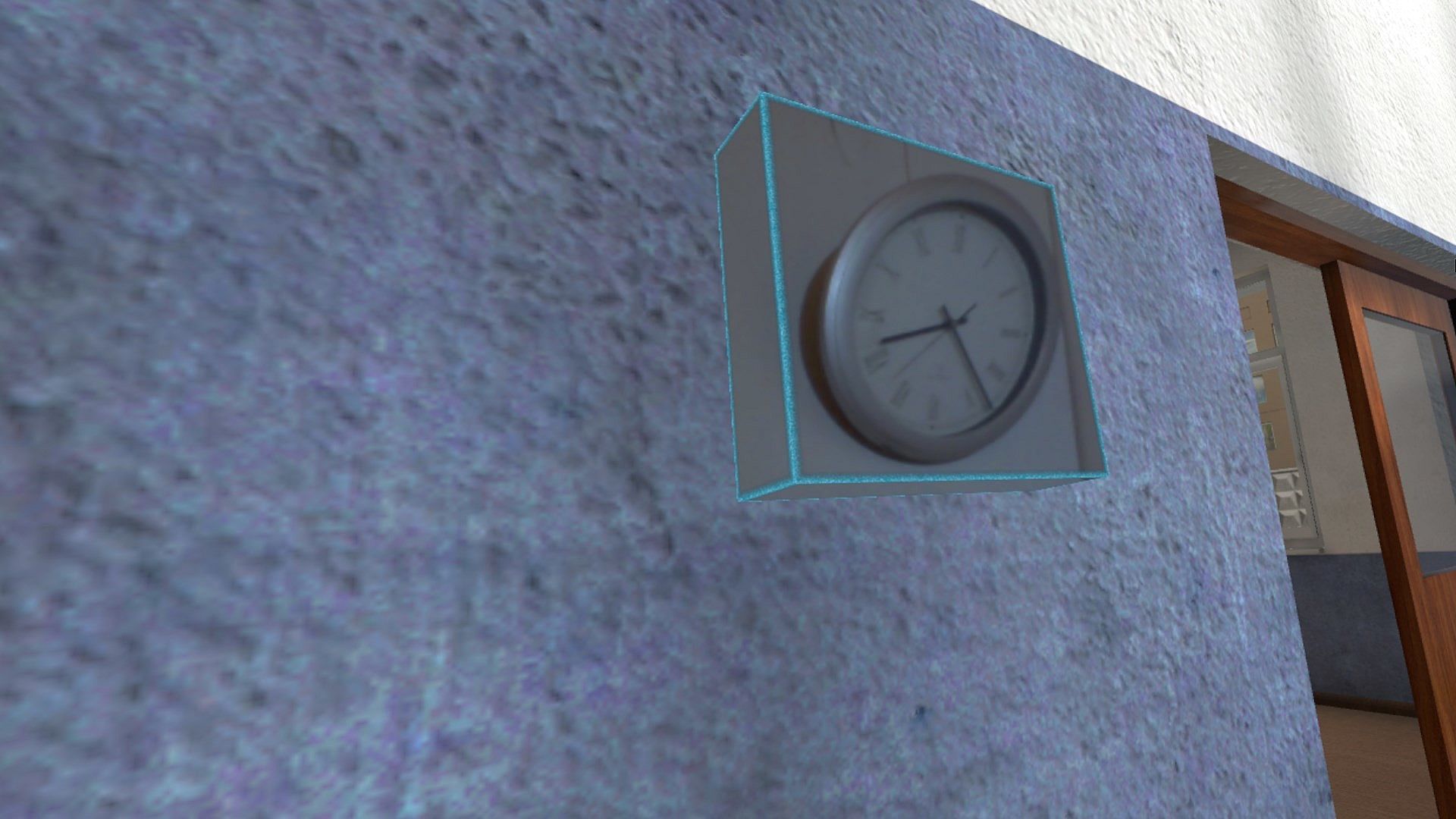
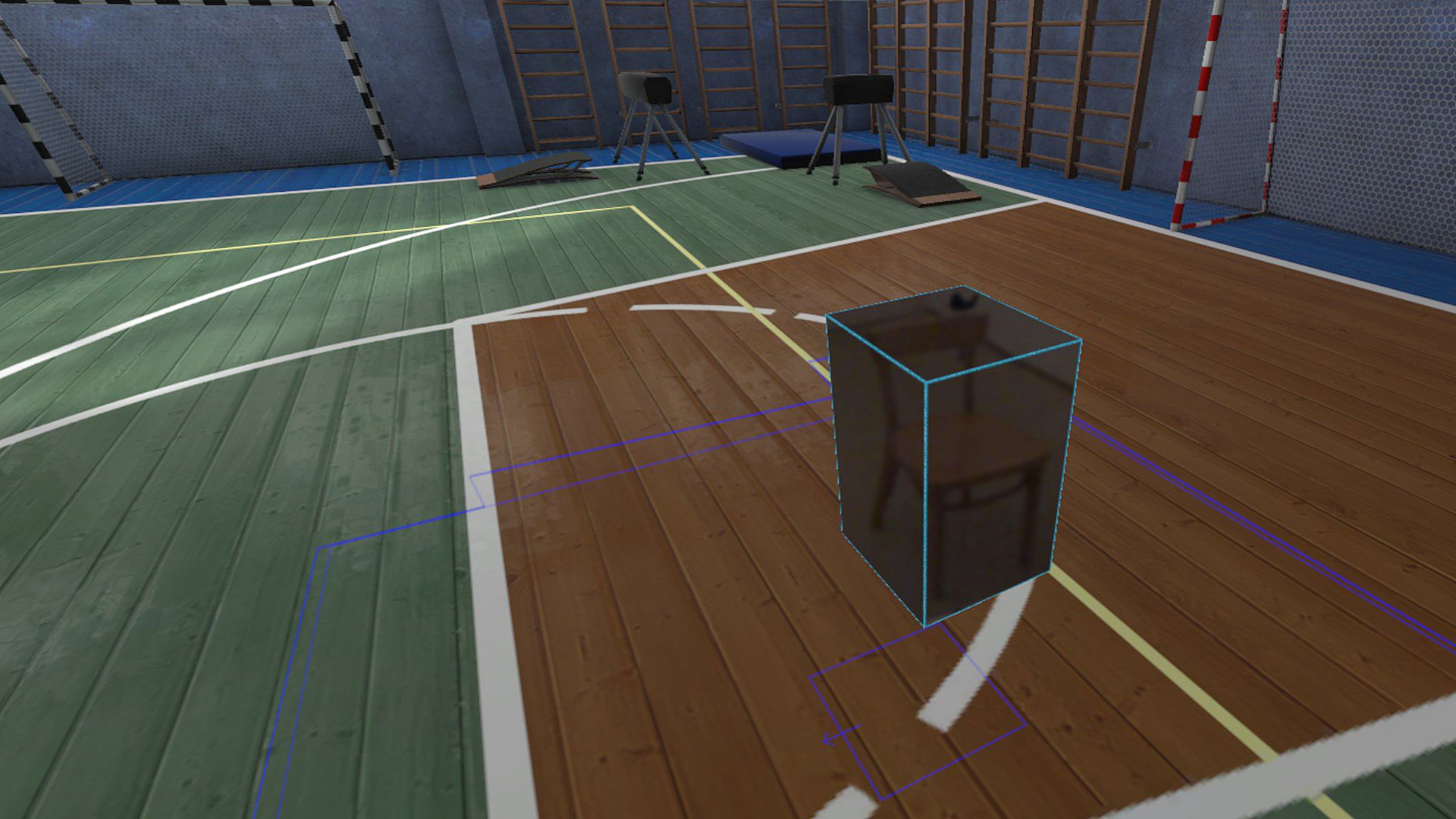
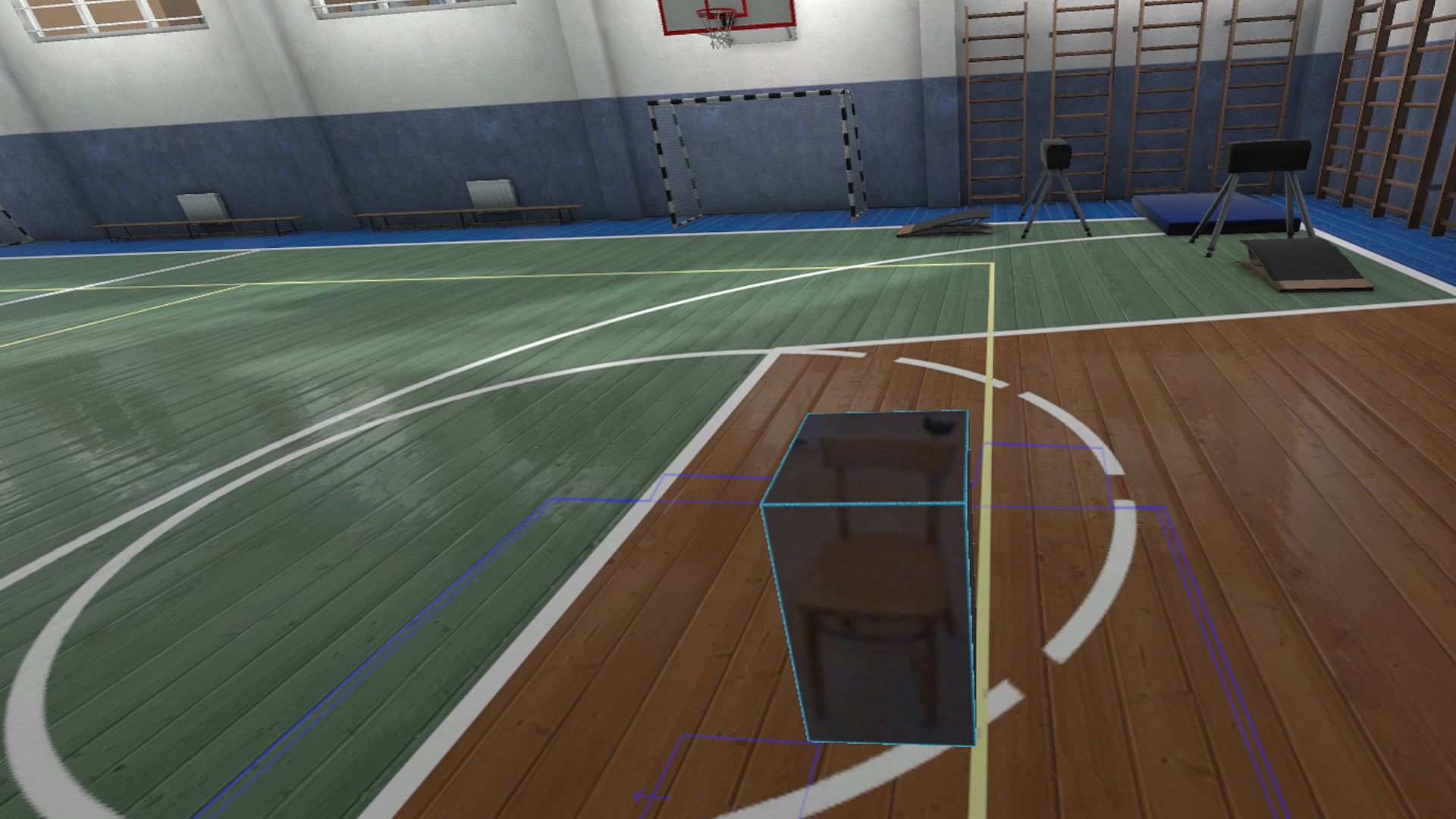
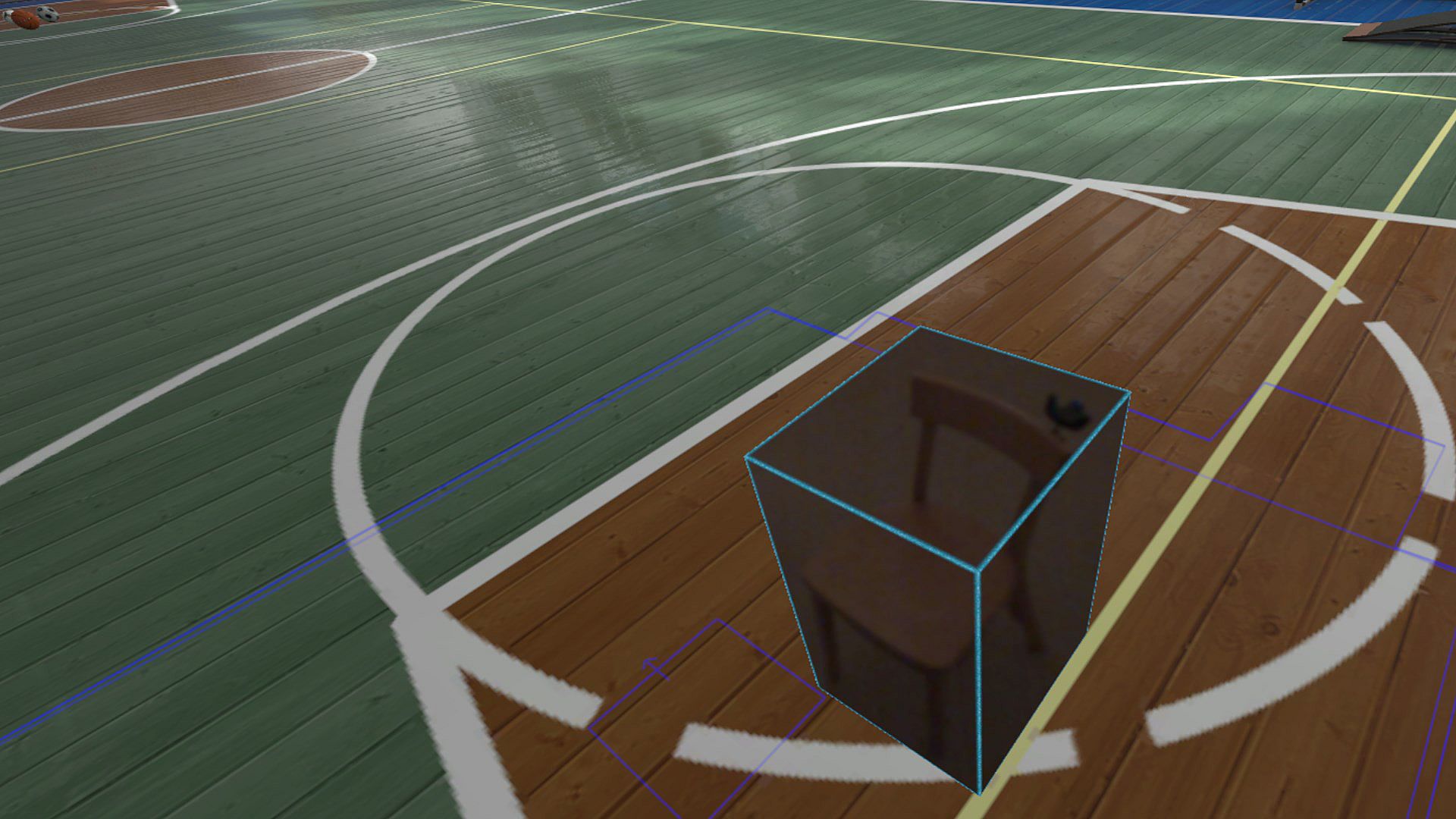
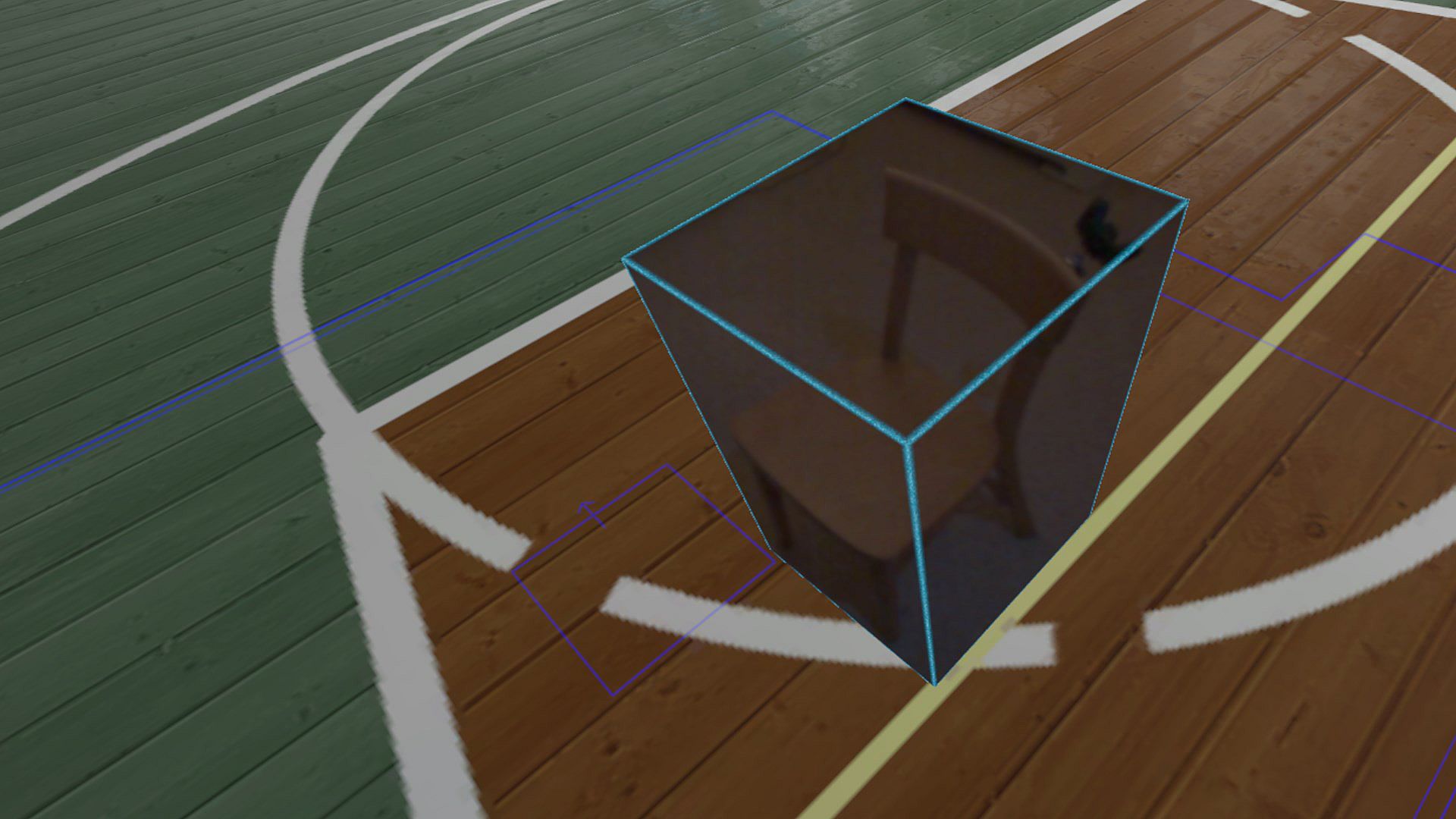
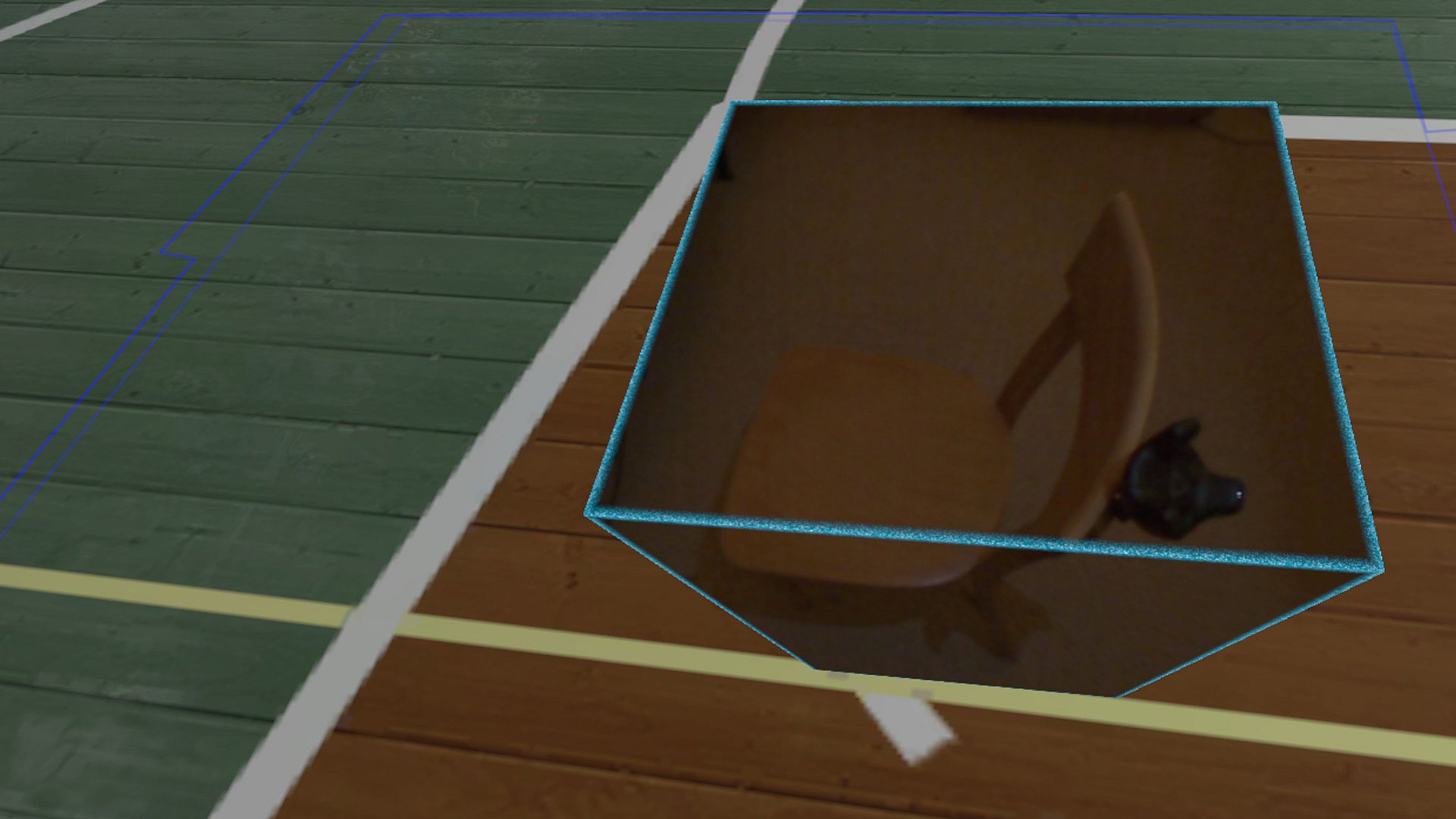
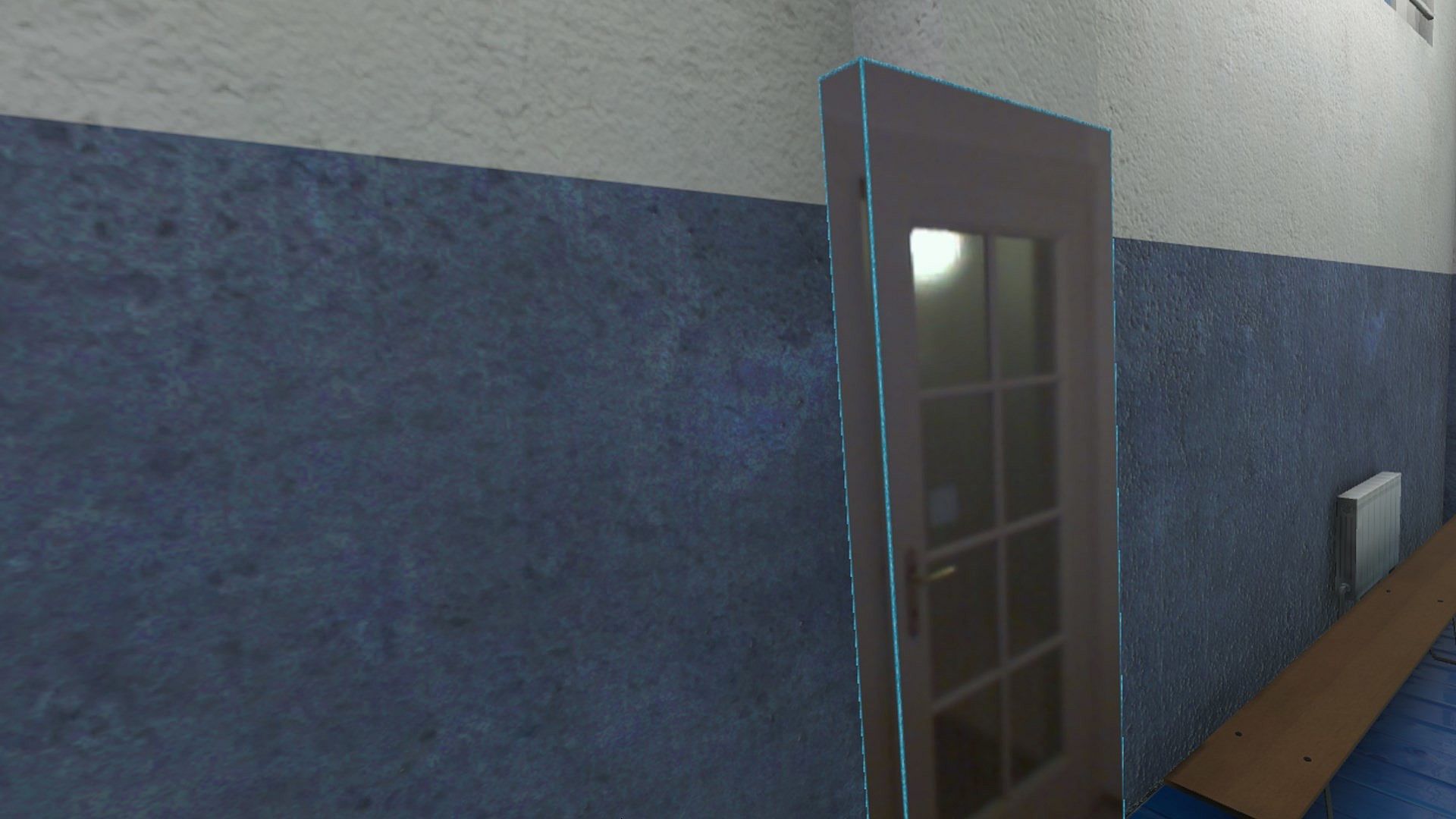
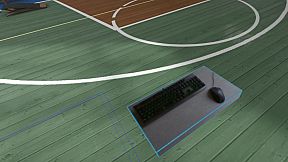
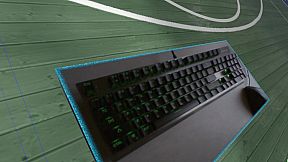
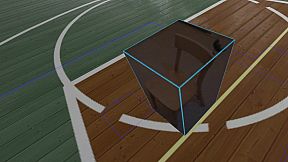
Reality Mixer lets you bring real objects into VR. It uses the cameras on the headset to show a real object and its surroundings in the current VR environment. It can be used at the same time as other VR software and games.

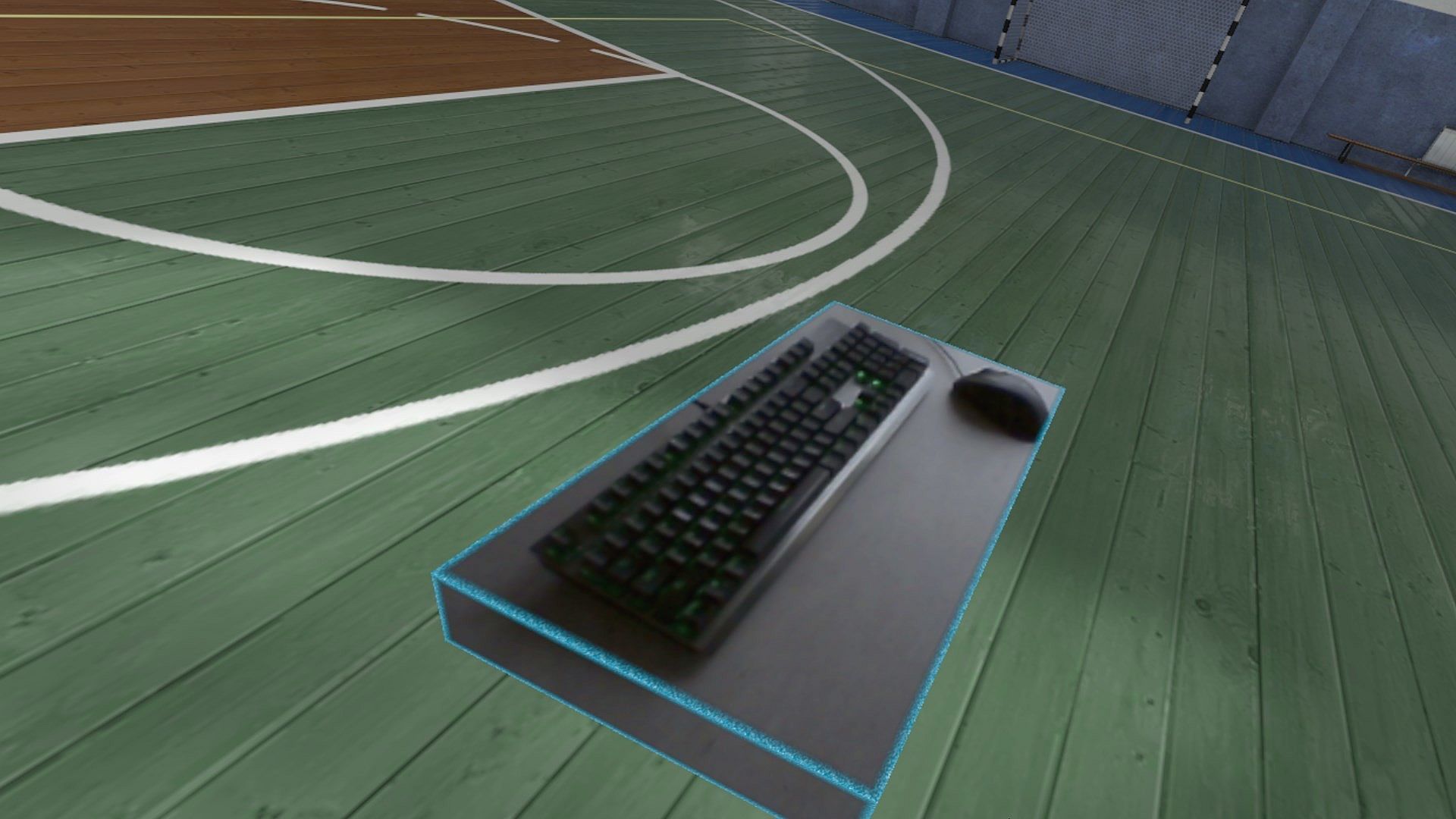
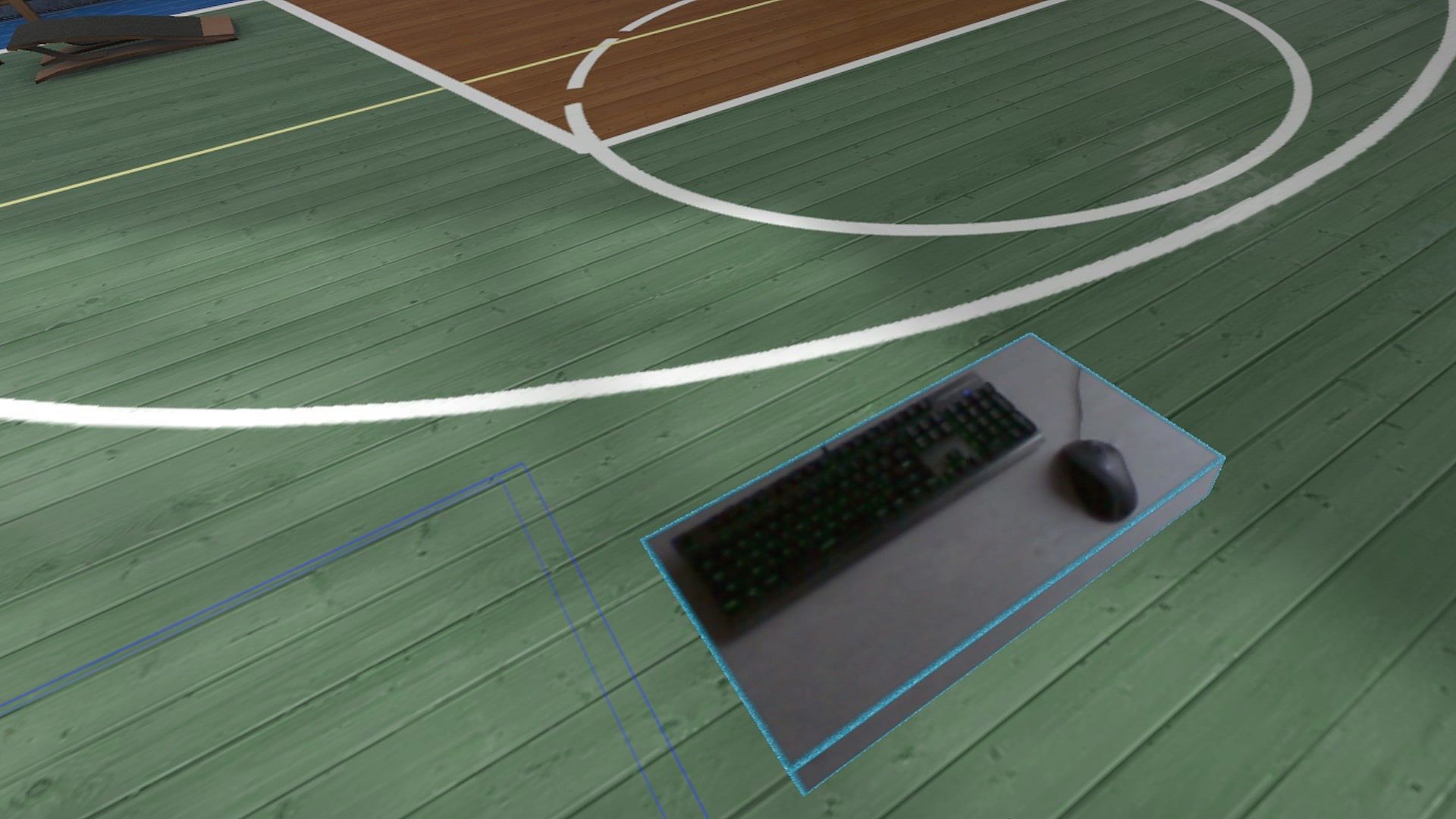
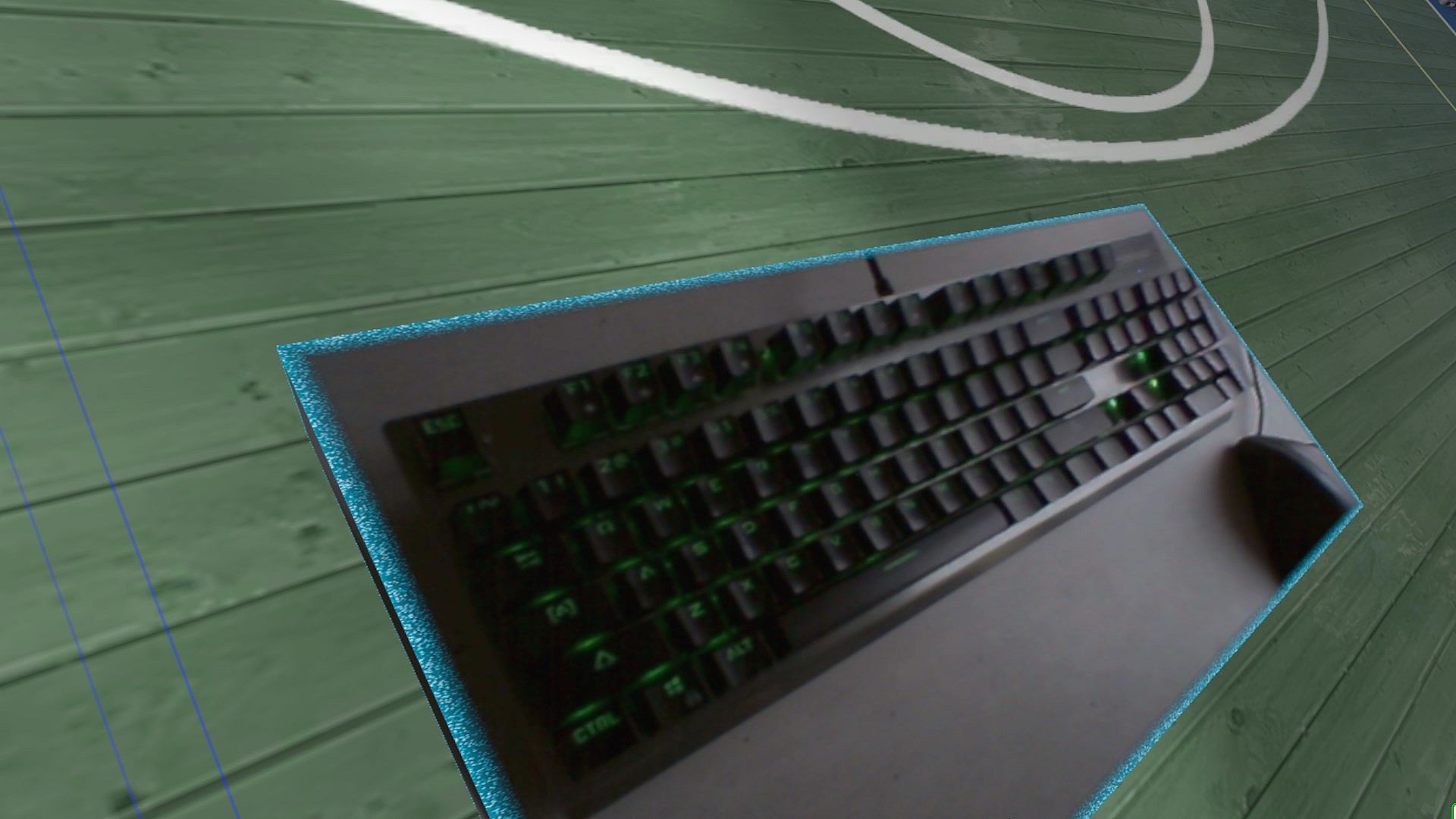
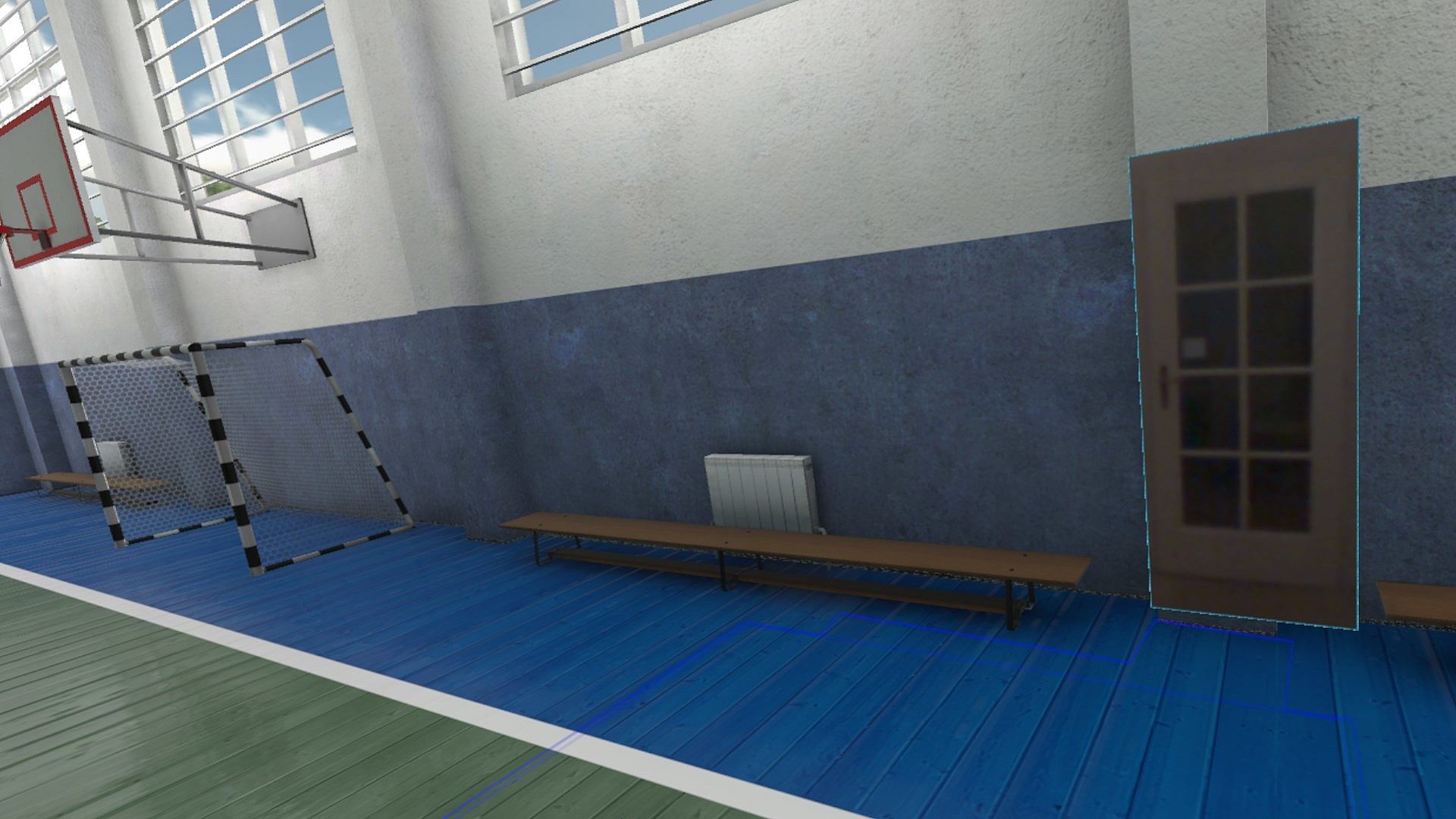
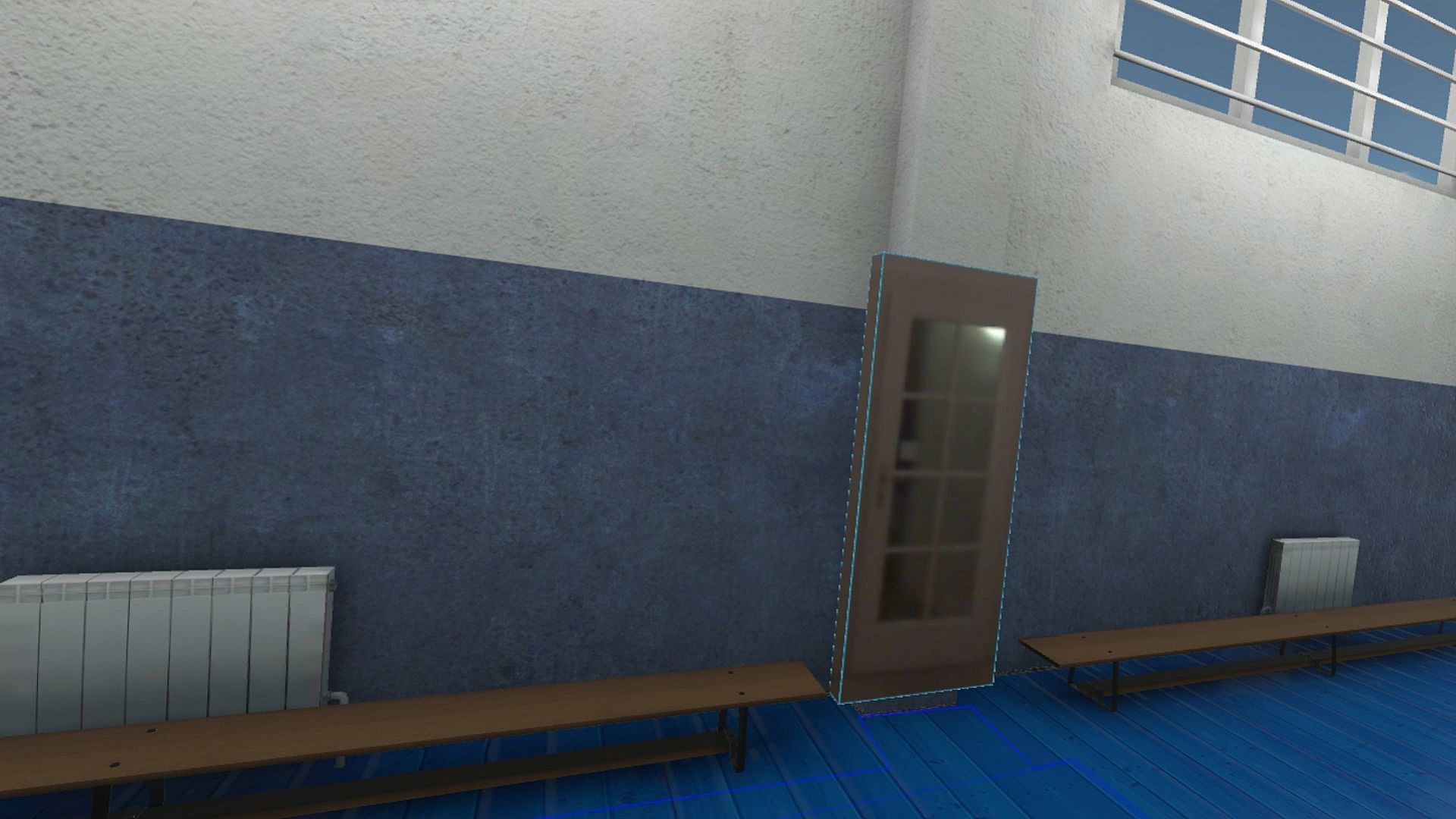
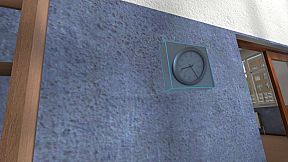
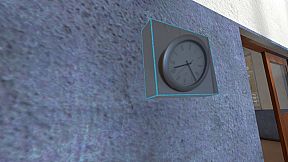
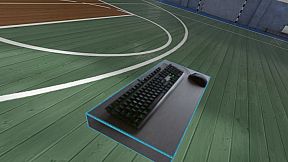
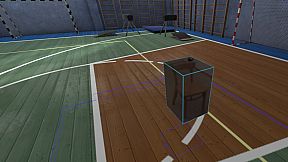
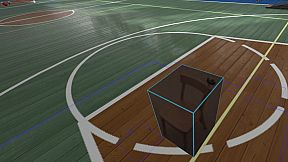
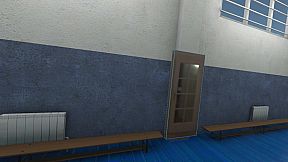
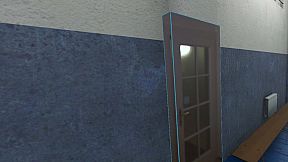
Think of objects like keyboard & mouse, a racing wheel, HOTAS, a clock on the wall, a drink on your desk, a phone, a tablet, a chair, etc. Also larger real objects can be used. Like the door to your room, so you can see who comes in, or the couch with your friends.

Bringing real objects into a virtual environment is known as 'Augmented Virtuality'.
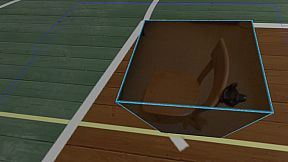
Reality Mixer creates 'boxes of reality' which are shown in VR.
Apart from these 'camera boxes' the app also provides a mixed reality Cockpit for use with simracing and flight simulators, a Floor Viewer to quickly see the real floor around your feet and a Lap Viewer for use with seated experiences such as Big Screen. Lap Viewer can be used for quick glances at a normal (untracked) keyboard on your lap.

If you have a Vive or Tundra Tracker, you can attach a camera box to it so the tracked object will be visible wherever it is in your play area.

The real objects (and their immediate surroundings) don't have to be visible all the time. There are three activation methods:
  • Activate by Proximity: Objects (camera boxes) will fade out when you are too far away. This fade out distance can be set by yourself.
  • Activate by Gaze Angle: Look straight at a camera box to make it visible. Use this activation method with seated games where you have things on a table next to your seat. The activation angle and optional activation delay can be configured. Using an activation delay means you have to look at the object for a second before it starts to show itself, to prevent accidental activation. Floor Viewer and Lap Viewer both use Gaze Angle Activation by default, but can also use Proximity or ButtonPress activation.
  • Activate by Button Press: Press a keyboard, mouse, gamepad, HOTAS or racing wheel button to turn on/off a camera box.
When an object is not visible, it will not use any resources.

If you have an Elgato Stream Deck, or if you use Touch Portal on your phone or tablet, you can use it in VR with Reality Mixer.

Chroma keying (green screen) makes the background of the objects transparent so the VR world shows through. This can be useful for objects such as a racing wheel and HOTAS.
Instructions
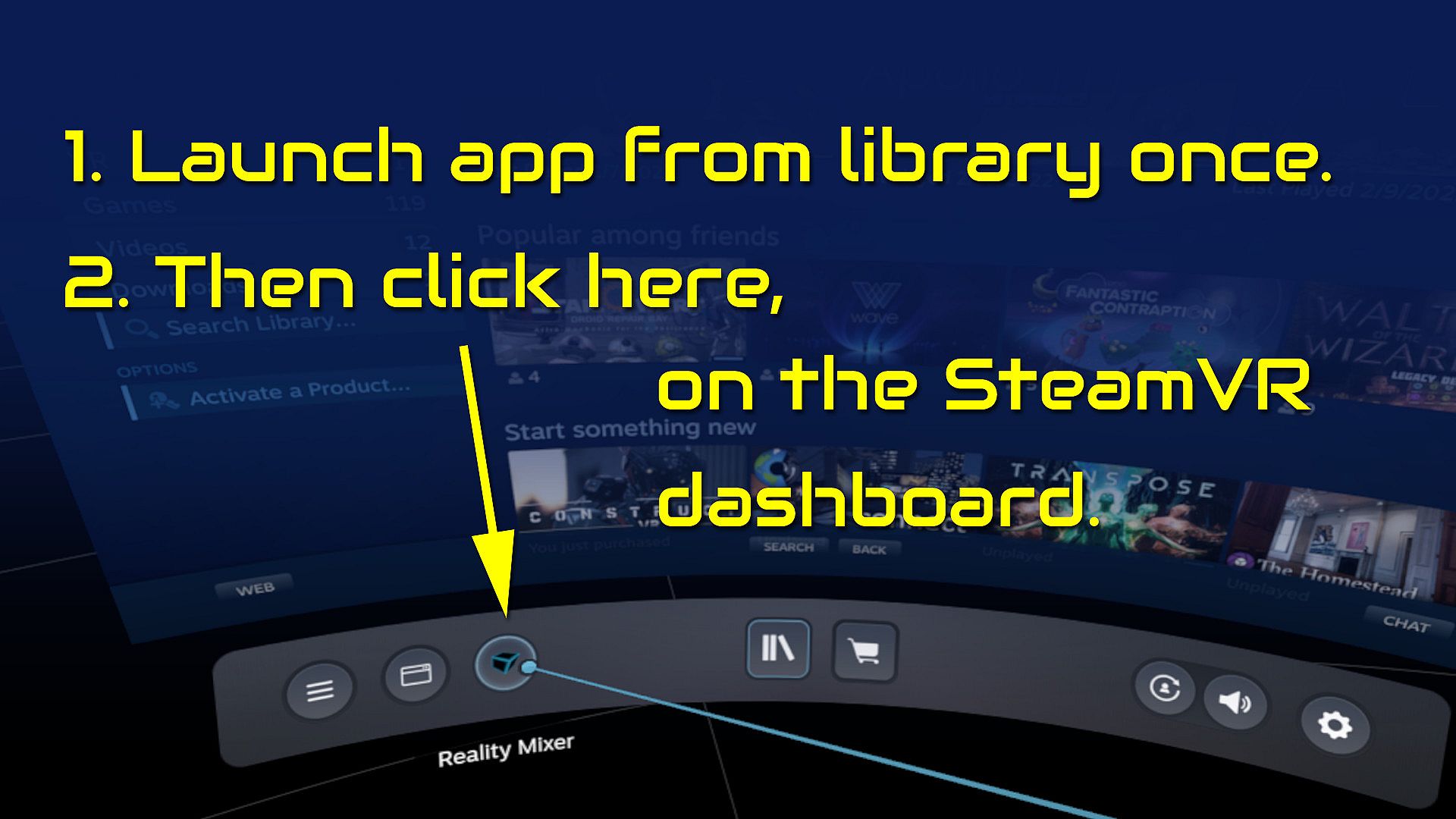
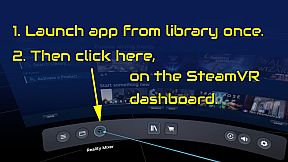
  • Start the app once from your Steam Library. It will auto-launch with SteamVR next time.
  • Open the SteamVR dashboard.
  • Click the icon for the Reality Mixer app. See image below.
  • Follow instructions on screen.
  • If you use it on a Quest, Pico or Vive XR Elite, you need to turn on passthrough in the Virtual Desktop app on your Quest/Pico/Vive XRE.
Compatibility
Reality Mixer is currently compatible with the VR headsets listed here.
  • Valve Index
  • Meta Quest 2 and 3, when used in combination with the Virtual Desktop app on the Quest
  • HP G2 (v1 and v2)
  • all first generation Windows Mixed Reality (WMR) headsets
  • HTC Vive (the original Vive)
  • HTC Vive Pro (version 1 and 2)
  • HTC Vive XR Elite, when used in combination with the Virtual Desktop app on the XR Elite
  • Pico 4, when used in combination with the Virtual Desktop app on the Pico 4
Extra features in development
  • External (USB) camera support
  • ChromaKey updates
  • Extra activation options
  • Circular passthrough shape

If you want to keep an eye on new features, switch to the beta branch of the app in your Steam Library. This is free, no code needed.

Steam:
Mostly Positive (81)

Historique des prix

Plus bas historique
Keyshops
-
-
-
Boutiques officielles
-
-
-

FAQ

8 questions

Avant de commencer à chercher une clé CD Reality Mixer - Mixed Reality for VR headsets pas chère, prenez un moment pour vérifier lessentiel. Développé par Reality Inside Ltd.. Publié par Reality Inside Ltd.. Date de sortie PC : 01 févr. 2024. Genres : Utilities. Catégories : Tracked Controller Support, VR Only. Avis sur Reality Mixer - Mixed Reality for VR headsets : Avis Steam : 79% of the 81 user reviews for this game are positive.

Q Puis-je jouer Ă  Reality Mixer - Mixed Reality for VR headsets sur Steam Deck ?

Oui. La compatibilité Steam Deck de Reality Mixer - Mixed Reality for VR headsets est vérifiée. Cela signifie que le jeu se lance immédiatement, affiche les bons pictogrammes de manette et offre des performances stables — Reality Mixer - Mixed Reality for VR headsets fonctionne parfaitement sur Steam Deck.

Oui. Une version Steam de Reality Mixer - Mixed Reality for VR headsets existe. Choisissez n’importe quelle offre marquée Clé Steam sur XD.deals, activez-la dans le client desktop et jouez à Reality Mixer - Mixed Reality for VR headsets sur Steam PC.

Oui. Une fois votre clé Steam activée, vous pouvez lancer Reality Mixer - Mixed Reality for VR headsets en mode hors ligne via Steam. Vos sauvegardes se synchroniseront la prochaine fois que vous serez en ligne.

Oui, vous pouvez acheter une clé Steam Reality Mixer - Mixed Reality for VR headsets directement sur le Steam Store. Sur XD.deals, nous agrégeons toutes les offres Steam DRM disponibles afin que vous puissiez comparer les bons plans Steam Reality Mixer - Mixed Reality for VR headsets pas chers au même endroit.

Vous trouverez chaque promo & réduction Reality Mixer - Mixed Reality for VR headsets en cours ici sur XD.deals. Notre suivi de prix liste actuellement 1 offres de boutiques officielles et 0 offres de keyshops. Consultez le tableau ci-dessus pour le prix le plus bas, comparez avec le plus bas historique et créez une alerte pour ne jamais manquer la prochaine baisse.

Avec XD.deals, les joueurs PC voient instantanément où acheter une clé Steam Reality Mixer - Mixed Reality for VR headsets PC pas chère. Notre moteur de comparaison en temps réel et notre base de coupons sélectionnés suivent chaque boutique officielle et keyshop fiable — vous n’avez rien à faire. En ce moment, nous détectons ce jeu dans 1 offres en direct de boutiques et de keyshops.

Oui. Une page officielle Steam pour Reality Mixer - Mixed Reality for VR headsets est disponible, donc vous pouvez acheter Reality Mixer - Mixed Reality for VR headsets sur Steam ou acheter une clé Steam Reality Mixer - Mixed Reality for VR headsets PC sur XD.deals et l’activer instantanément.

Non — XD.deals n’est pas une boutique. Nous sommes un service de comparaison de prix qui suit les meilleures offres pour Reality Mixer - Mixed Reality for VR headsets sur les boutiques officielles et les keyshops vérifiés. Cliquez sur « Acheter maintenant » à côté de l’offre souhaitée, et vous serez redirigé(e) vers le site du vendeur pour finaliser l’achat et recevoir la clé.

Prêt(e) à vous lancer ? Créez une alerte de prix sur XD Deals et récupérez une clé Steam Reality Mixer - Mixed Reality for VR headsets en promo dès qu’elle atteint son prochain plus bas historique.

Créer une alerte