

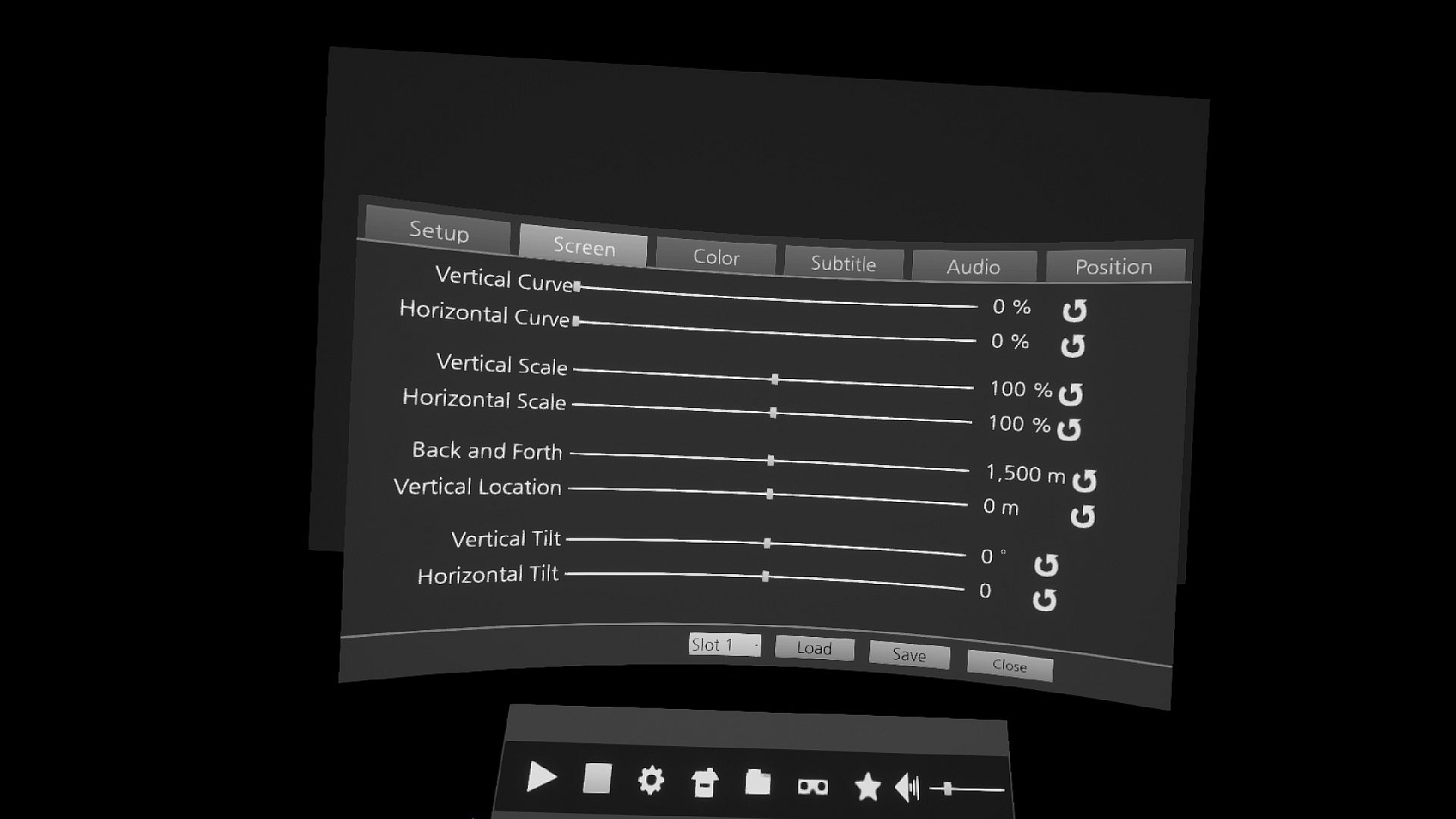
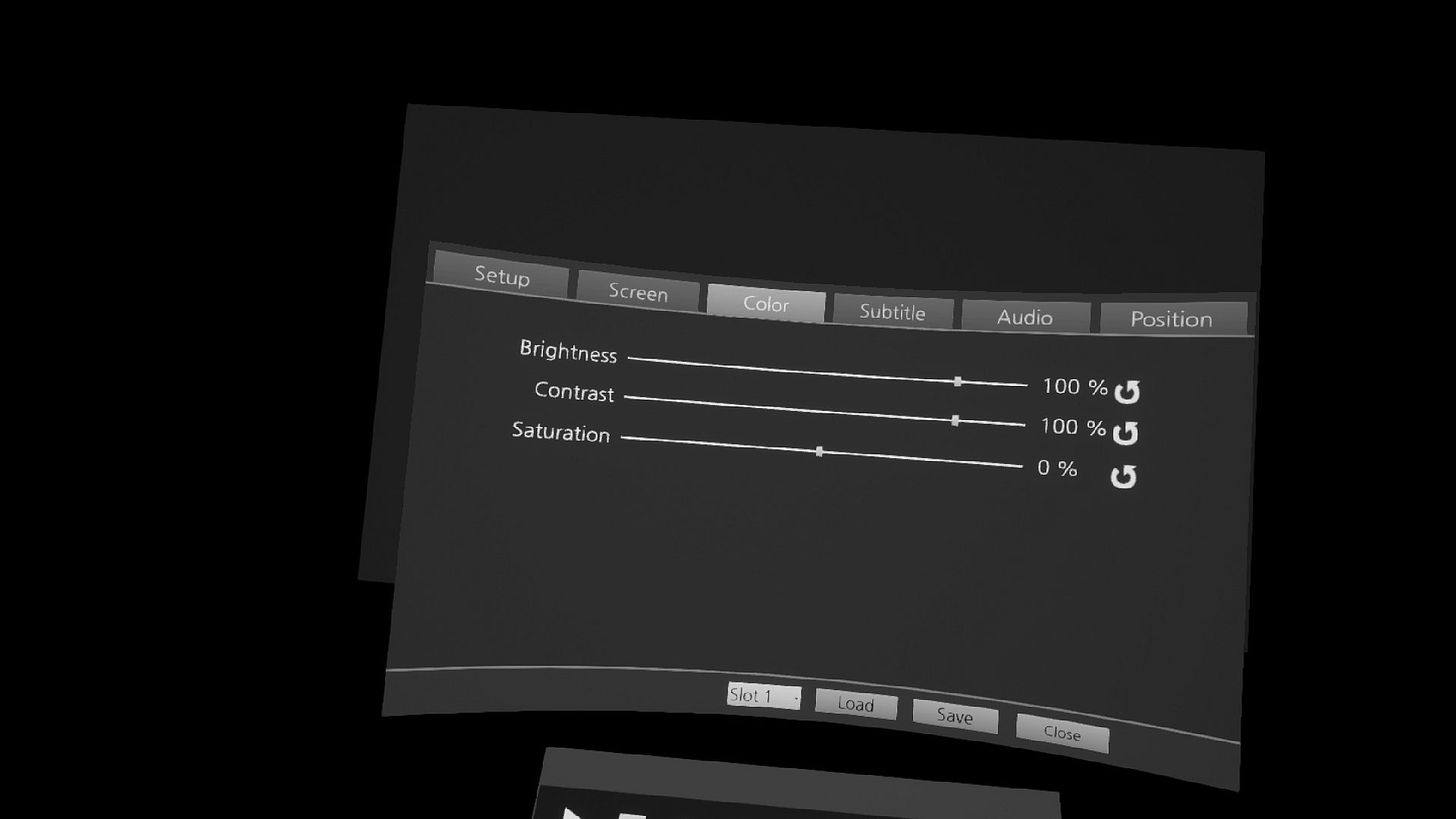
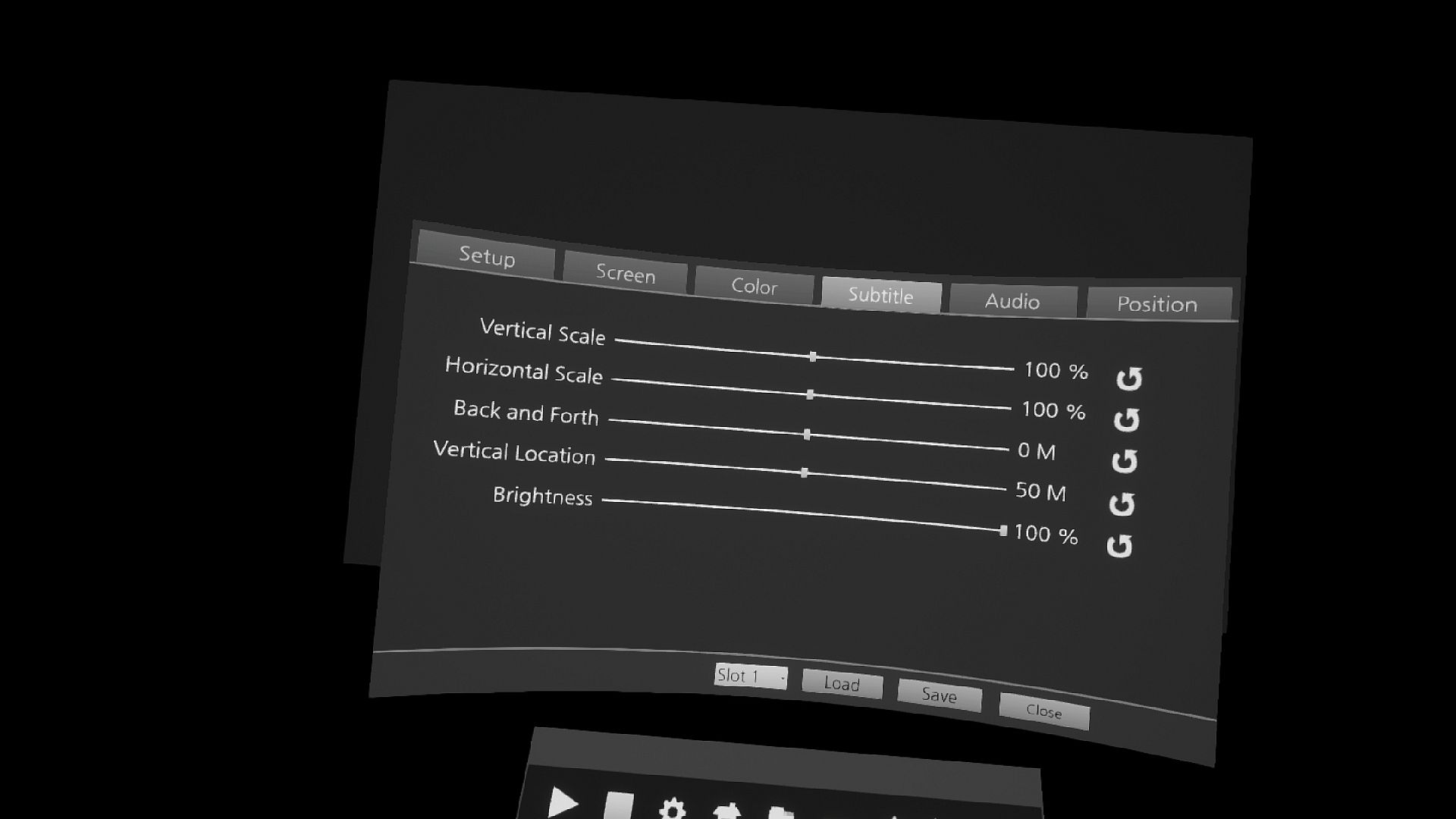
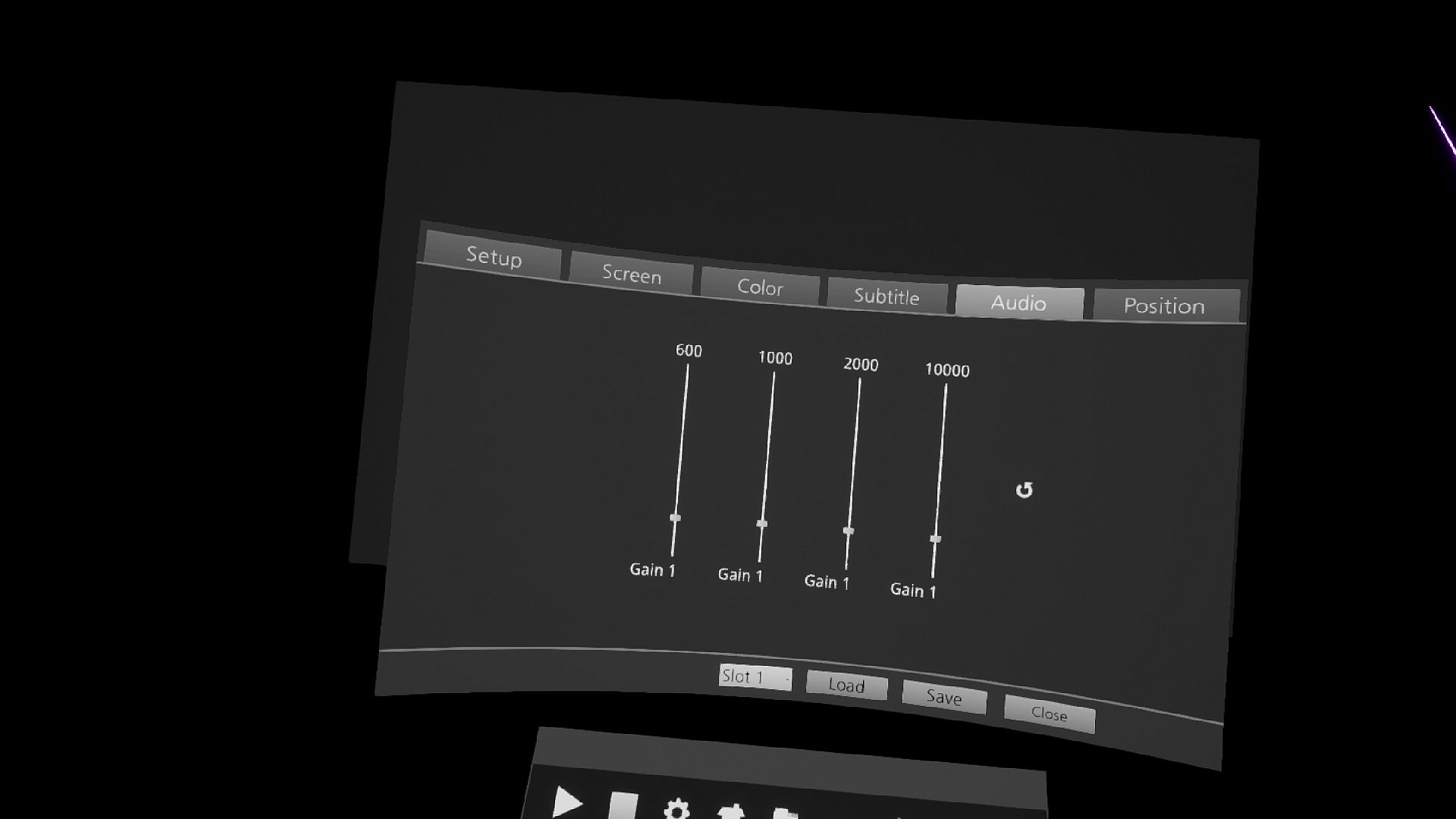
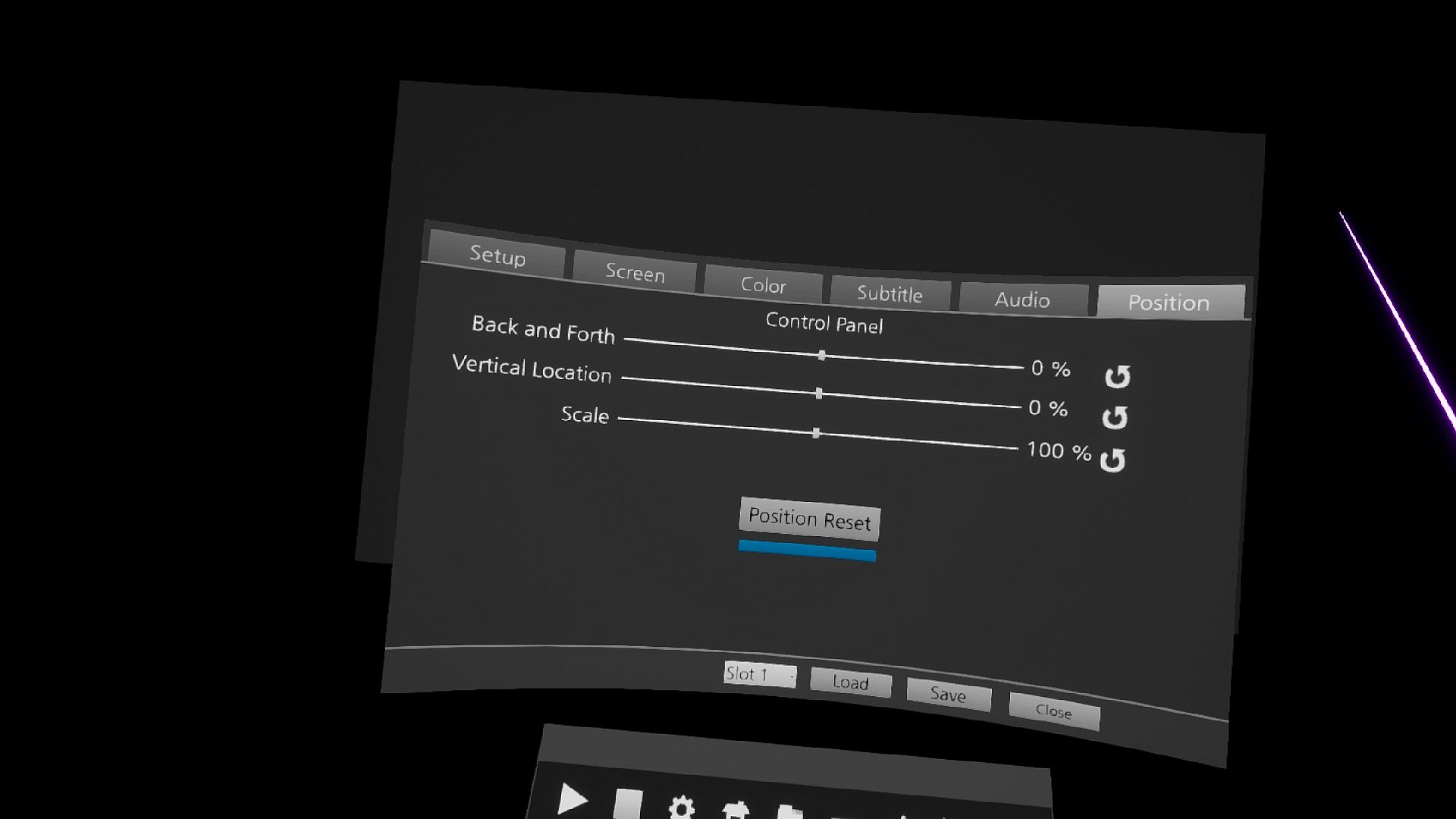
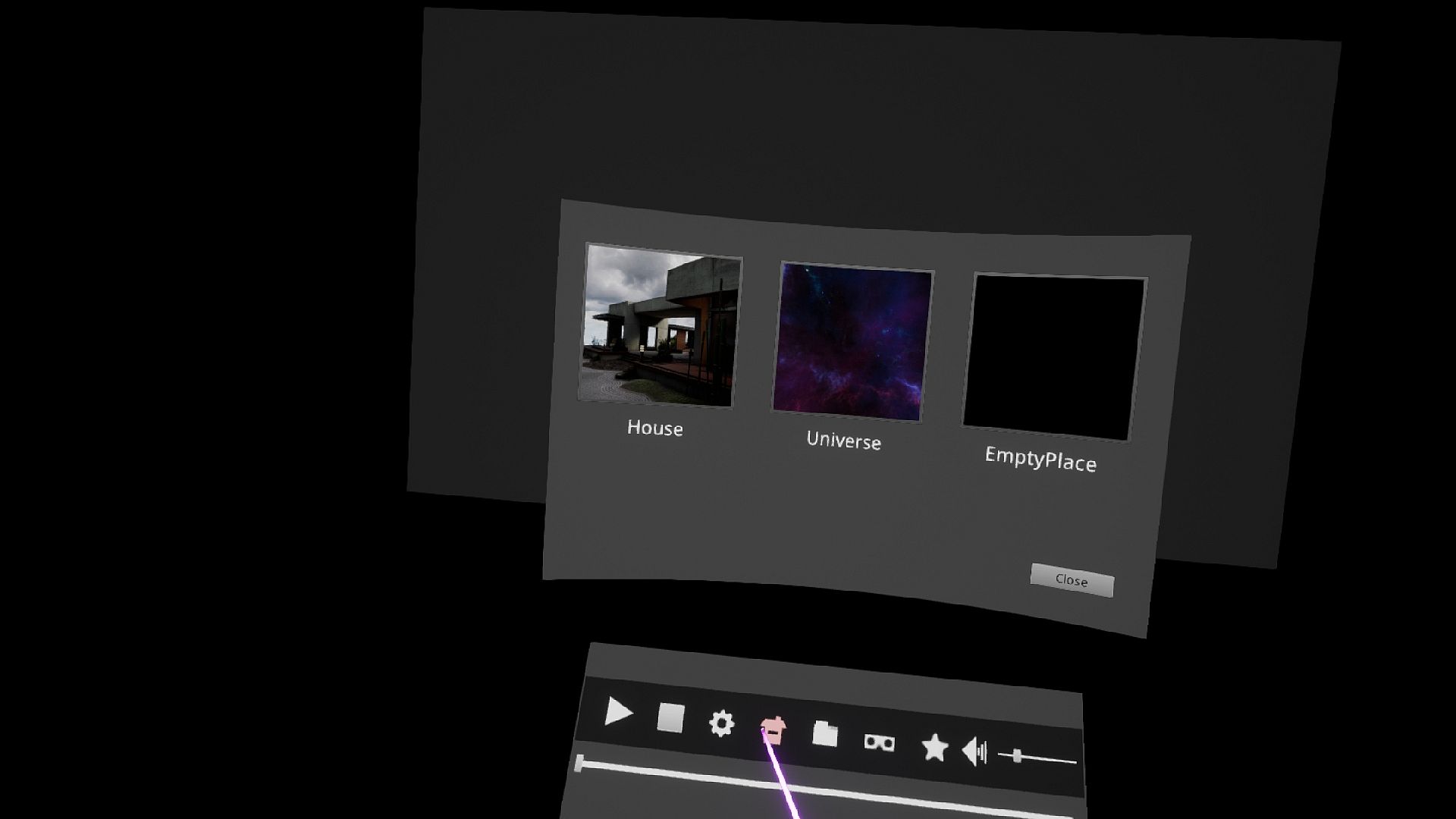
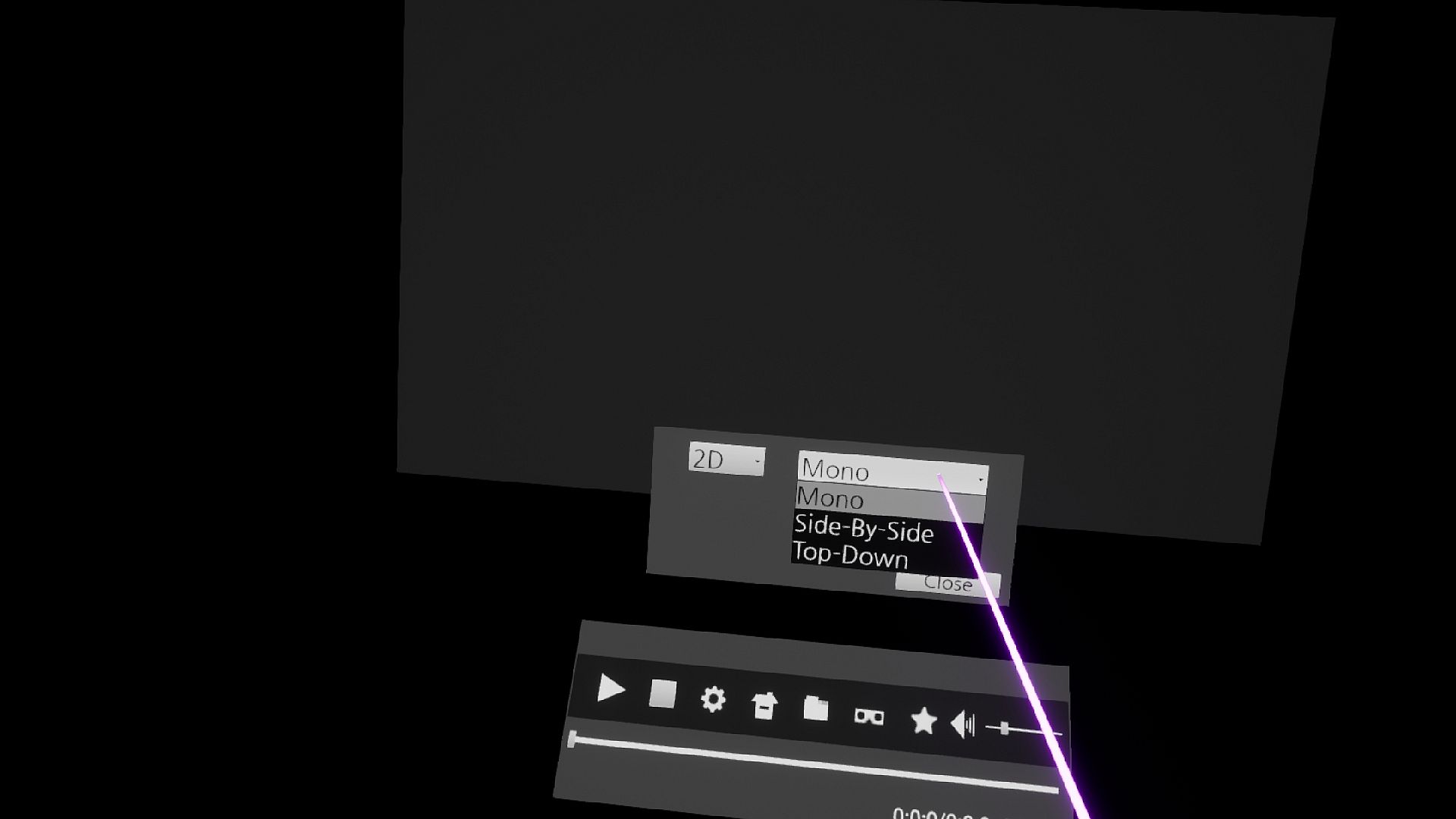
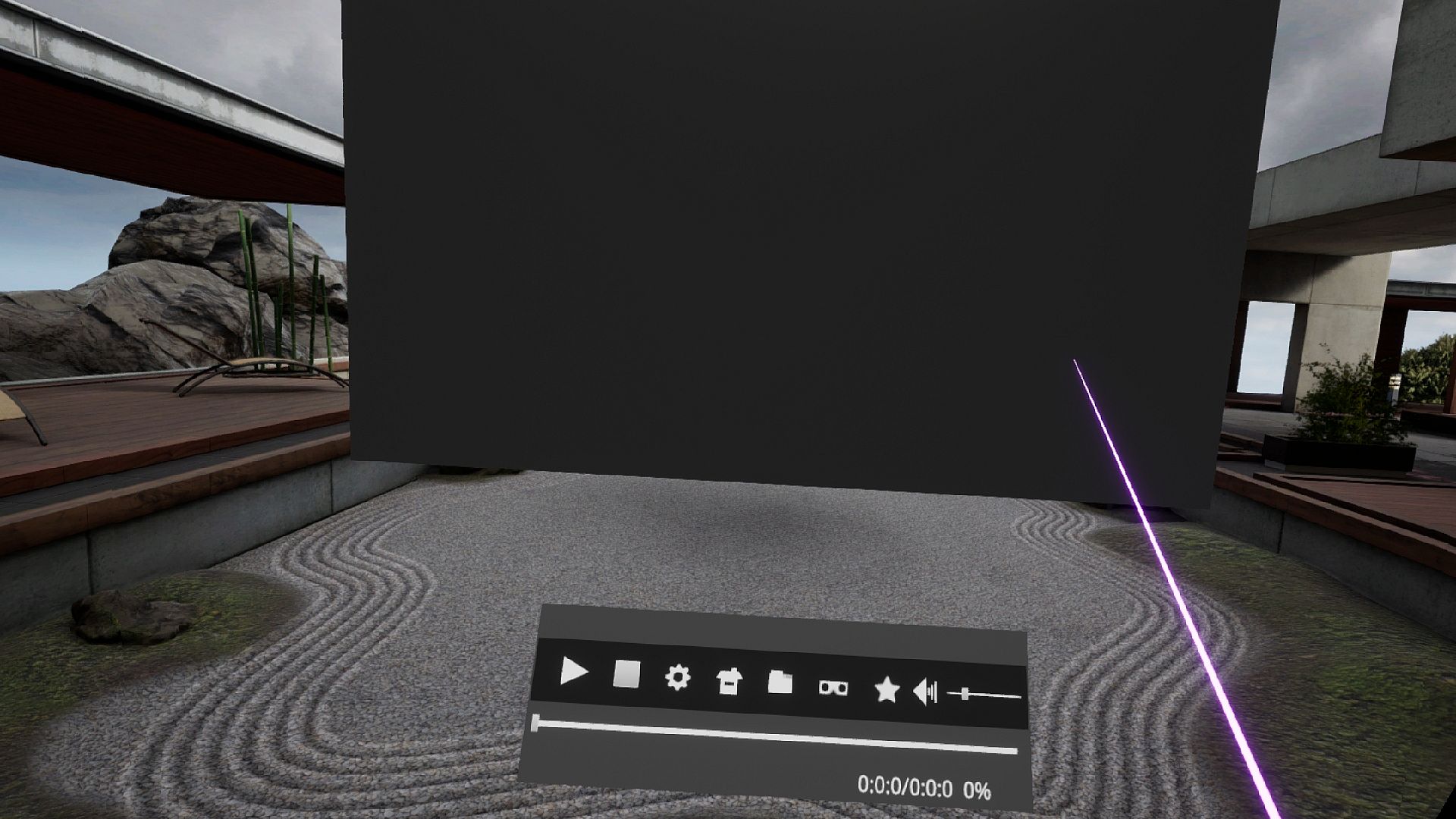
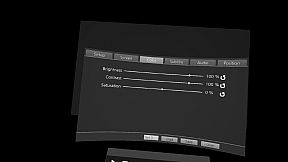
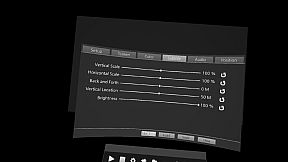
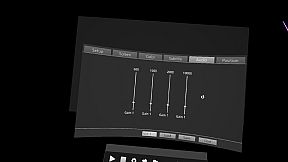
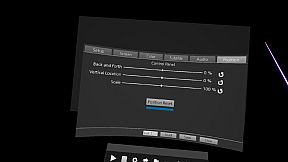
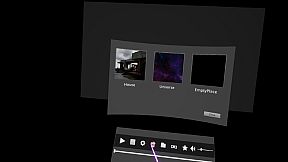
Experience high-performance VR playback with files exceeding 4K resolution, including QUHD at 7680 × 4320 on powerful GPUs. This utility handles 2D, 3D, 180°, and 360° videos, plus stereoscopic images in side-by-side or top-down formats. Adjust screen size, position, color, subtitles, equalizer sound, anti-aliasing, and up-scaling for smooth operation via mouse, keyboard, or VR controllers.
Bookmark files and folders for quick access, explore media with built-in support, and create folder shortcuts. Play diverse formats like .mp4, .mkv, .avi, and subtitles in .srt or .smi, with automatic matching for English-named files. VR video production enthusiasts with high-end PC setups gain precise control and theater-like viewing, even bypassing circular chaperone bounds when seated.
A high-performance VR media player that can play media files greater than 4K.
If you have a high-performance GPU, you can play files with a QUHD (7680 × 4320) resolution.
I thought a lot about VR for convenient operation.
If there's anything uncomfortable, please leave a message on the bulletin board and I'll check it out.
Features include:
1. Support for GPU hardware-accelerated video decode (.mkv does not support GPU hardware-accelerated)
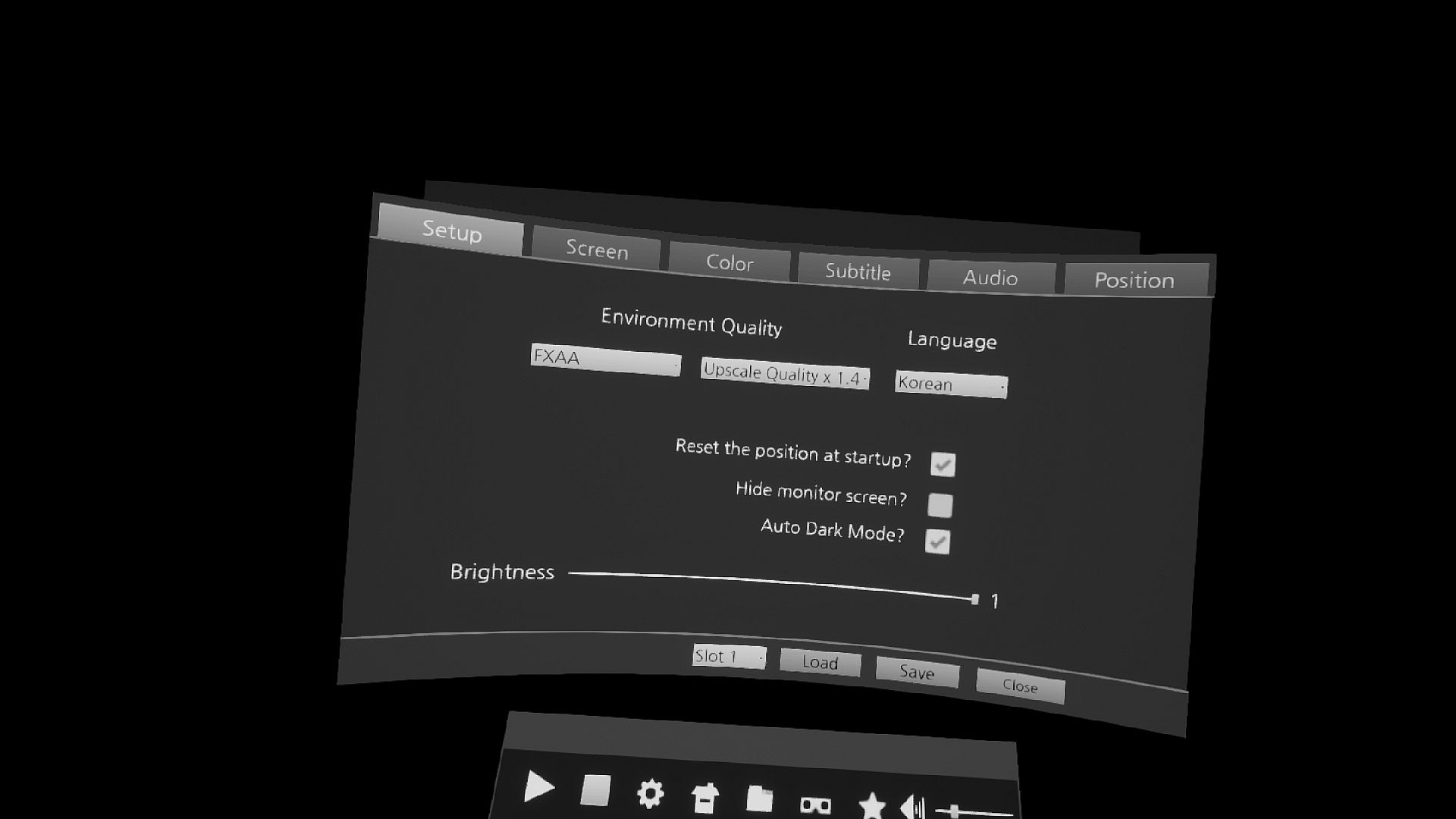
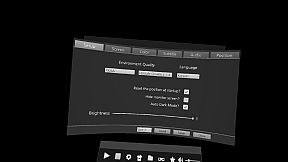
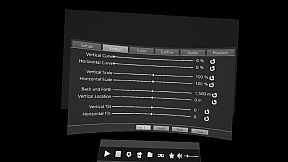
2. Control screen size and location and color
3. Control the size and location of subtitles
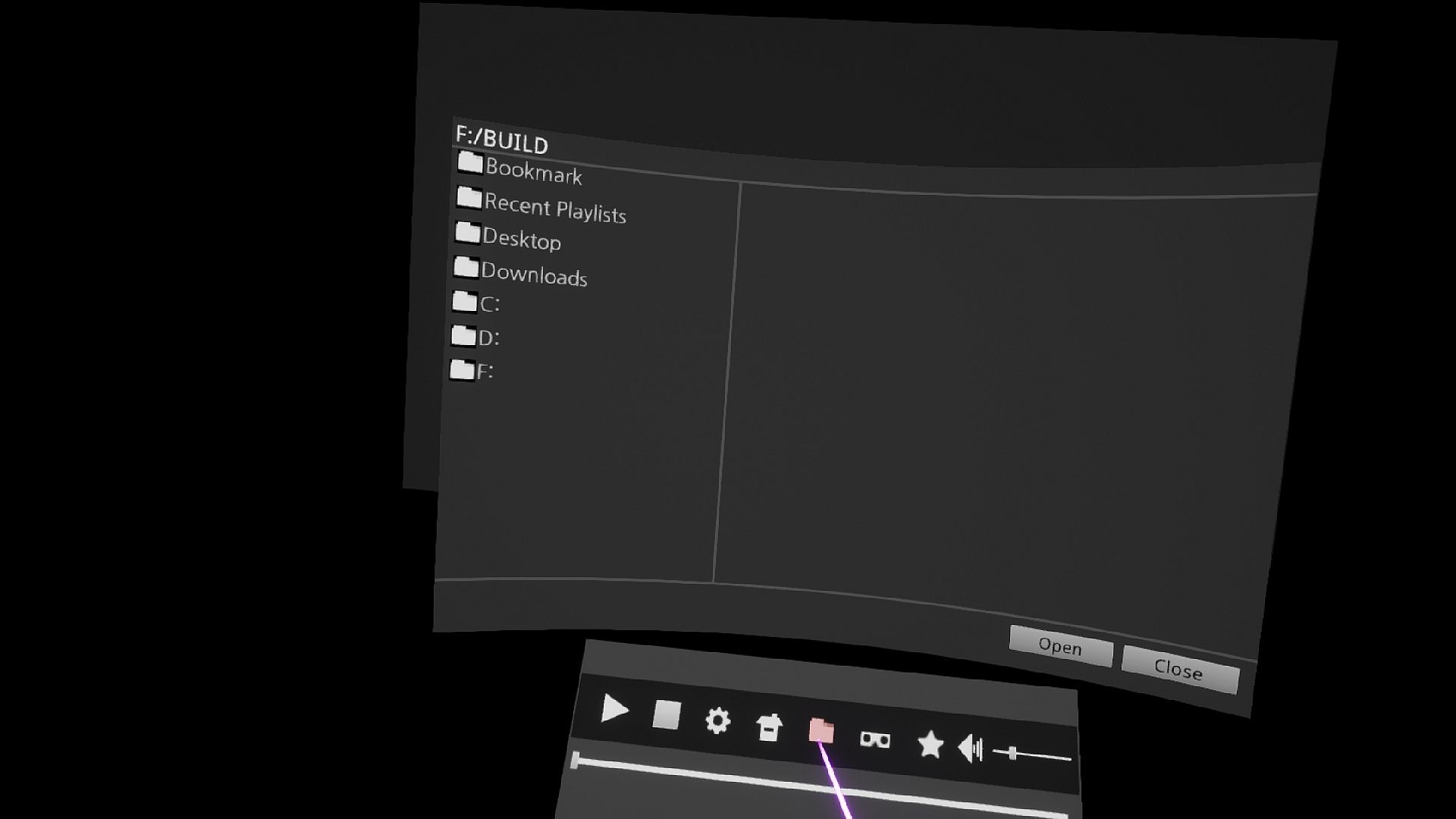
4. File bookmark
5. Folder bookmark
6. Equalizer Control Sound
7. Reset Control Panel Position
8. Anti-aliasing Control
9. Control Up-Scaling Adjustments
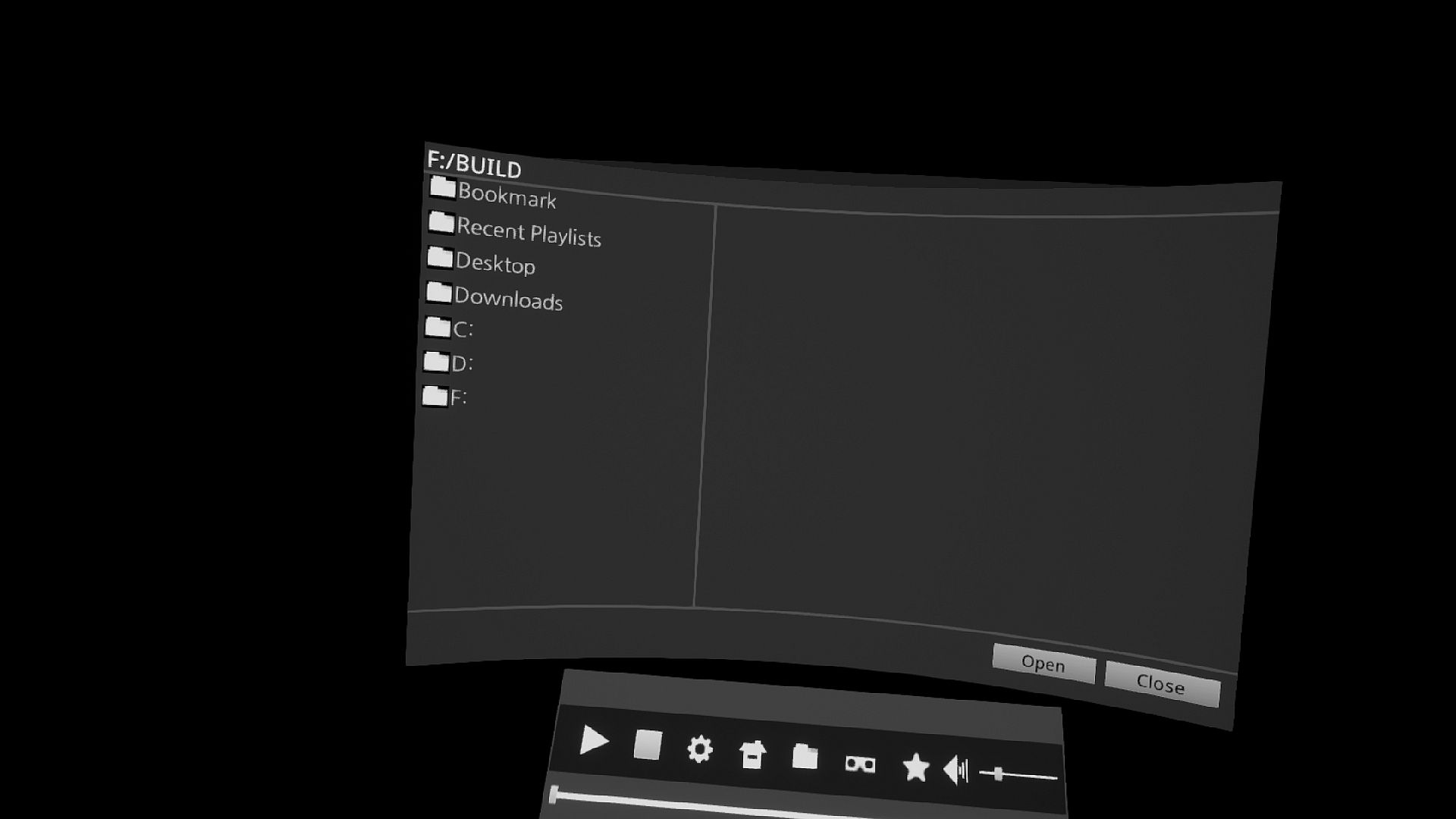
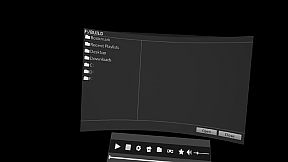
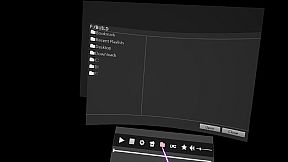
10. Explorer Support Files
11. Supports keyboard input
12. VR Controller Input Support
Media features include:
1. 2D, 3D, 180°, 360° video support.
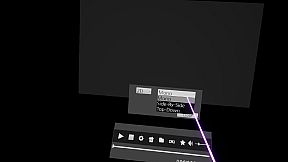
2. 3D Stereoscopic image Side-By-Side, Top-Down support.
3. Supports UHD 3840 × 2160, QUHD 7680 × 4320 video.
4. Supports .3g2 .3gp .3gp2 .3gpp .ac3 .aif .aifc .aiff .amr .au .avi .bwf .caf .cdda
.m4a .mp4v .mov .mp3 .mp4 .qt .sdv .snd .wav .wave formats
5. Support for .Srt .Smi subtitles
(cautions related to subtitles)
If the folder path and file name are not English, the subtitle file can not be read. Always run in English.
If the name of the subtitle file is the same as the name of the media file, the subtitle is recognized automatically.
When a subtitle file is run, it automatically plays the media if there is a media file with the same name.
Input guide
Mouse input support
Keyboard Input
Space Bar: Stop/Play Video
Directional keys left and right =Back/forward of the image
Up and down the arrow
VR Controller
Pad Left and Right = Back/forward of the image
Up and down the pad=Small/Large, Scrollup/down in File Explorer
Trigger = Click/Hide Menu
FolderHow to Create Shortcuts
When you click the folder icon in the File Explorer, the folder shortcut icon is added.
Updated in the future
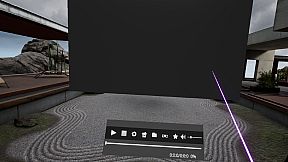
theater background
YouTube 2D, 3D, 180°, 360° video support.
known issue
chaperone is an internal function of the StramVR.
Internal access is not available at this time for safety reasons.
Other existing VR programs were developed with the old version of Openvr SDK and removed the chaperone.
However, it is not possible to remove the chaperone at this time.
However, there is a way to bypass the circular chaperone while sitting down.
The contents are as follows.
Run the setup in SteamVR.
In the Developer entry, click the Quick Adjust button in Room and Tracking .
The circular chaperone is then changed to a boxed chaperone and the circular chaperone is invisible.