

ShareX PC kaufen

ShareX ist kostenlos spielbar! Lade es auf Steam herunter und spiele sofort los.

Veröffentlichung: 02 Okt. 2015
Steam:
Overwhelmingly Positive (8k)
Official
Nicht verfügbar
Keyshops
Nicht verfügbar
Im offiziellen Store kaufen:
Nicht verfügbar
Im Keyshop kaufen:
Nicht verfügbar

Noch keine Angebote. Wir informieren dich, sobald neue Preise verfügbar sind.

Create Alert Create deal Alert

Über ShareX

ShareX - Spielbeschreibung
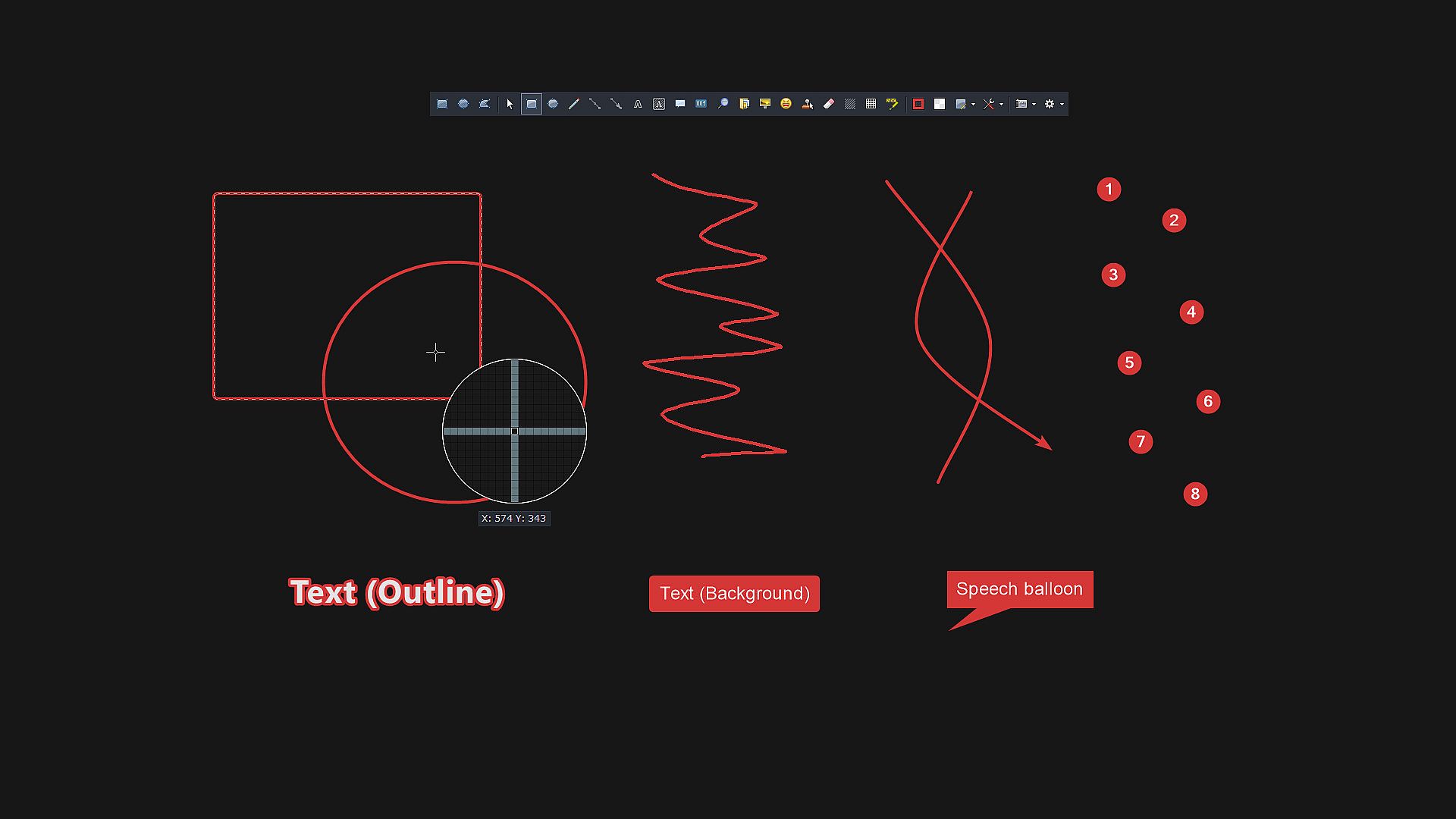
Mit ShareX, einem kostenlosen Open-Source-Tool für den PC, fangen Sie Bildschirmbereiche ein oder zeichnen Videos auf und teilen Inhalte per Hotkey blitzschnell. Wählen Sie aus Varianten wie Vollbild, aktivem Fenster, Regionenauswahl, Scroll-Capture oder OCR-Textauszug, ergänzt durch Aktionen wie Effekte hinzufügen, Anmerkungen, Speichern oder Hochladen an über 80 Ziele. Workflows erlauben maßgeschneiderte Hotkeys für Nachbearbeitung und Uploads, etwa URL-Verkürzung oder QR-Code-Erzeugung. Laden Sie Dateien, Ordner oder Clipboard-Inhalte per Drag-and-Drop, Watch-Folders oder Shell-Menüs hoch, gefolgt von Automatisierungen wie Pfad kopieren oder Explorer öffnen. Integrierte Tools übernehmen Color Picking, Bildzusammenfügen, Hashing, FTP-Uploads und vieles mehr. Content Creator und Power-User optimieren ihre Abläufe mit diesen präzisen Funktionen für Screen Capture und Sharing.

ShareX is a free and open source program that lets you capture or record any area of your screen and share it with a single press of a key. It also allows uploading images, text or other types of files to over 80 supported destinations you can choose from.

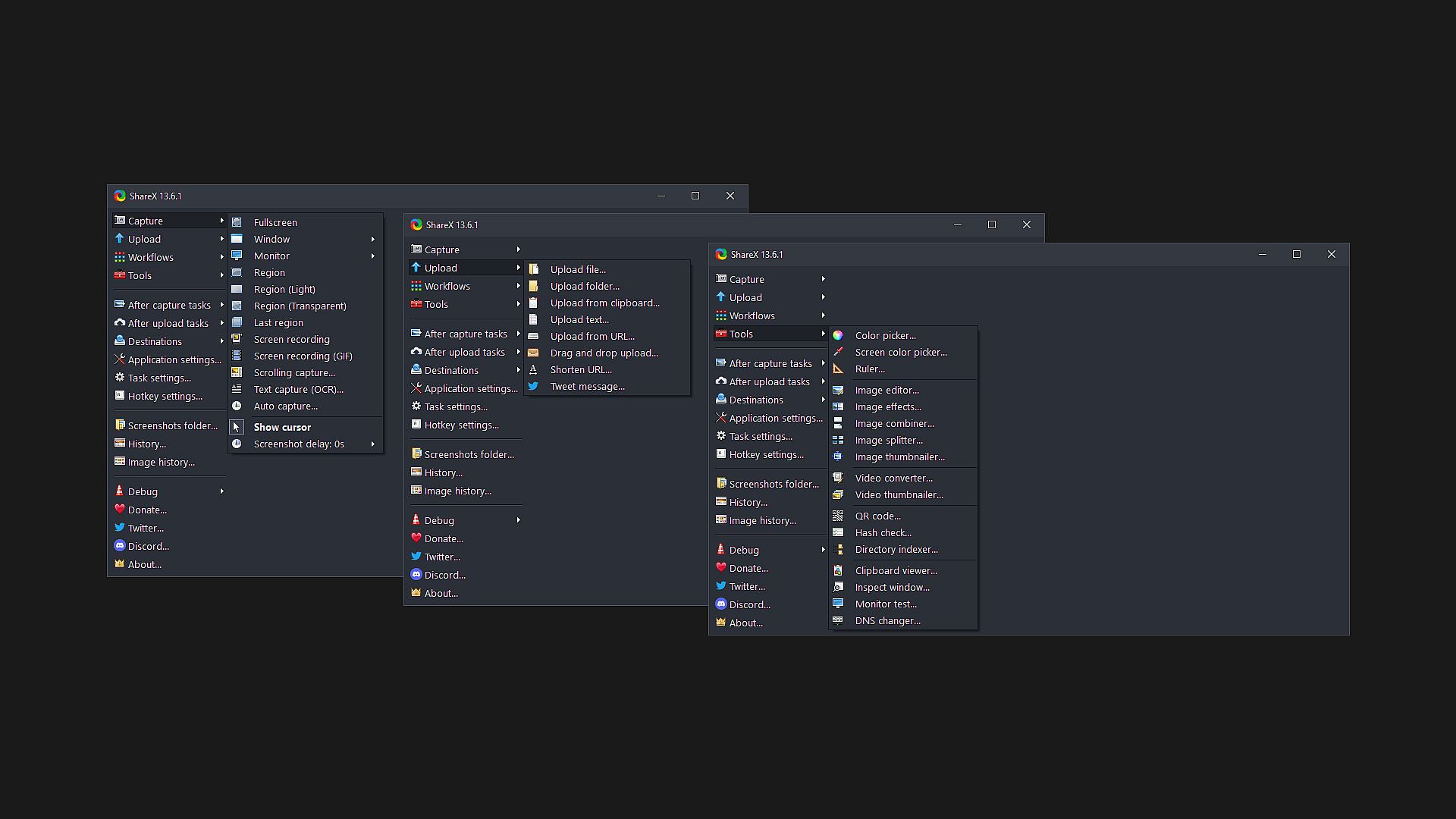
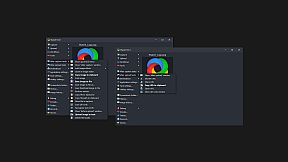
ShareX supports many ways to capture or record your screen. The main capture methods are:

  • Fullscreen
  • Active window
  • Active monitor
  • Window menu
  • Monitor menu
  • Region
  • Region (Light)
  • Region (Transparent)
  • Last region
  • Custom region
  • Screen recording
  • Screen recording (GIF)
  • Scrolling capture
  • Webpage capture
  • Text capture (OCR)
  • Auto capture

There are many configurable screen capture settings such as showing the cursor, transparent window capture, delayed capture, multiple region selection with different shapes, etc.

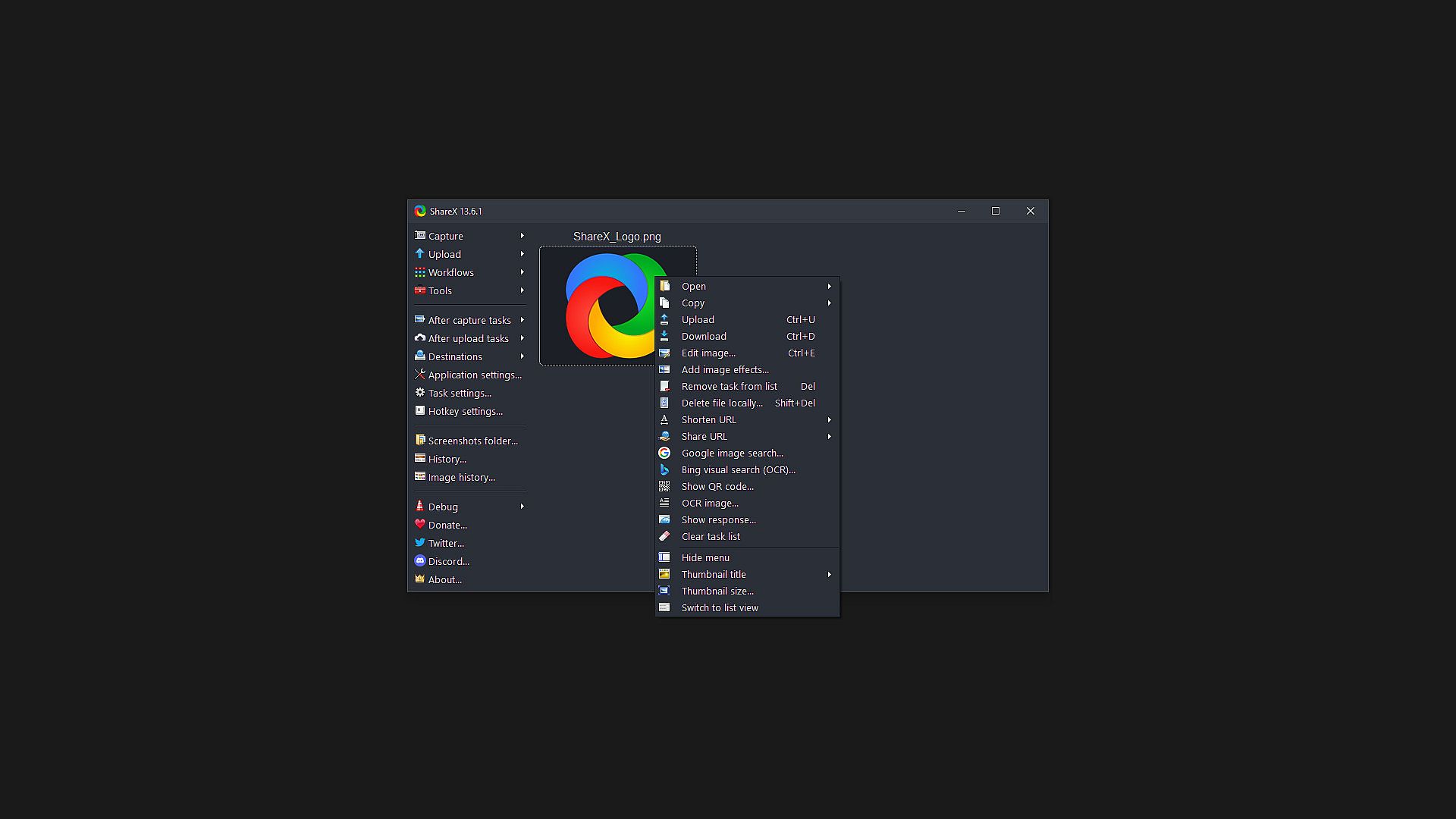
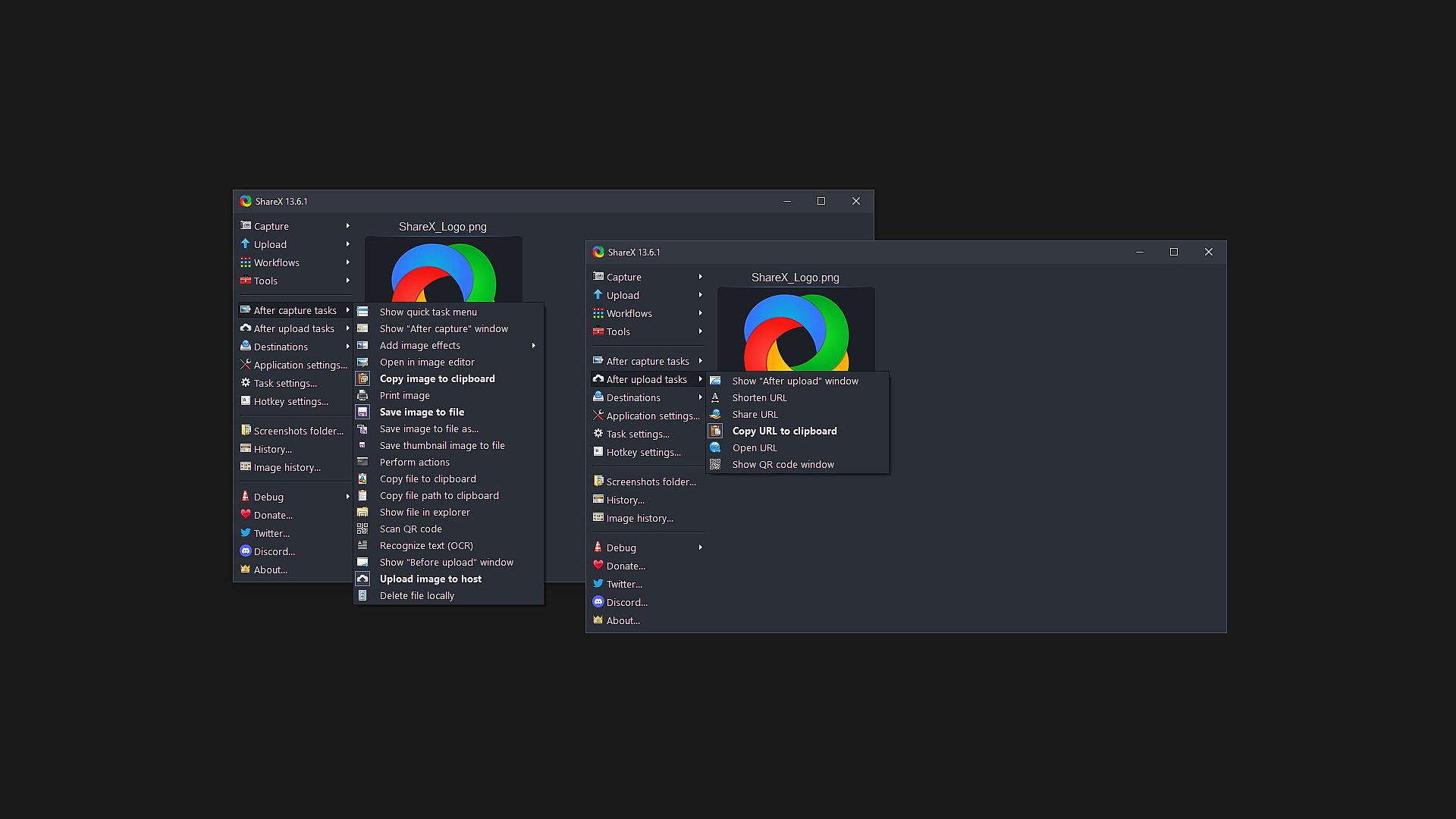
After the capture the following automated tasks can be executed:

  • Show quick task menu
  • Show "After capture" window
  • Add image effects / watermark
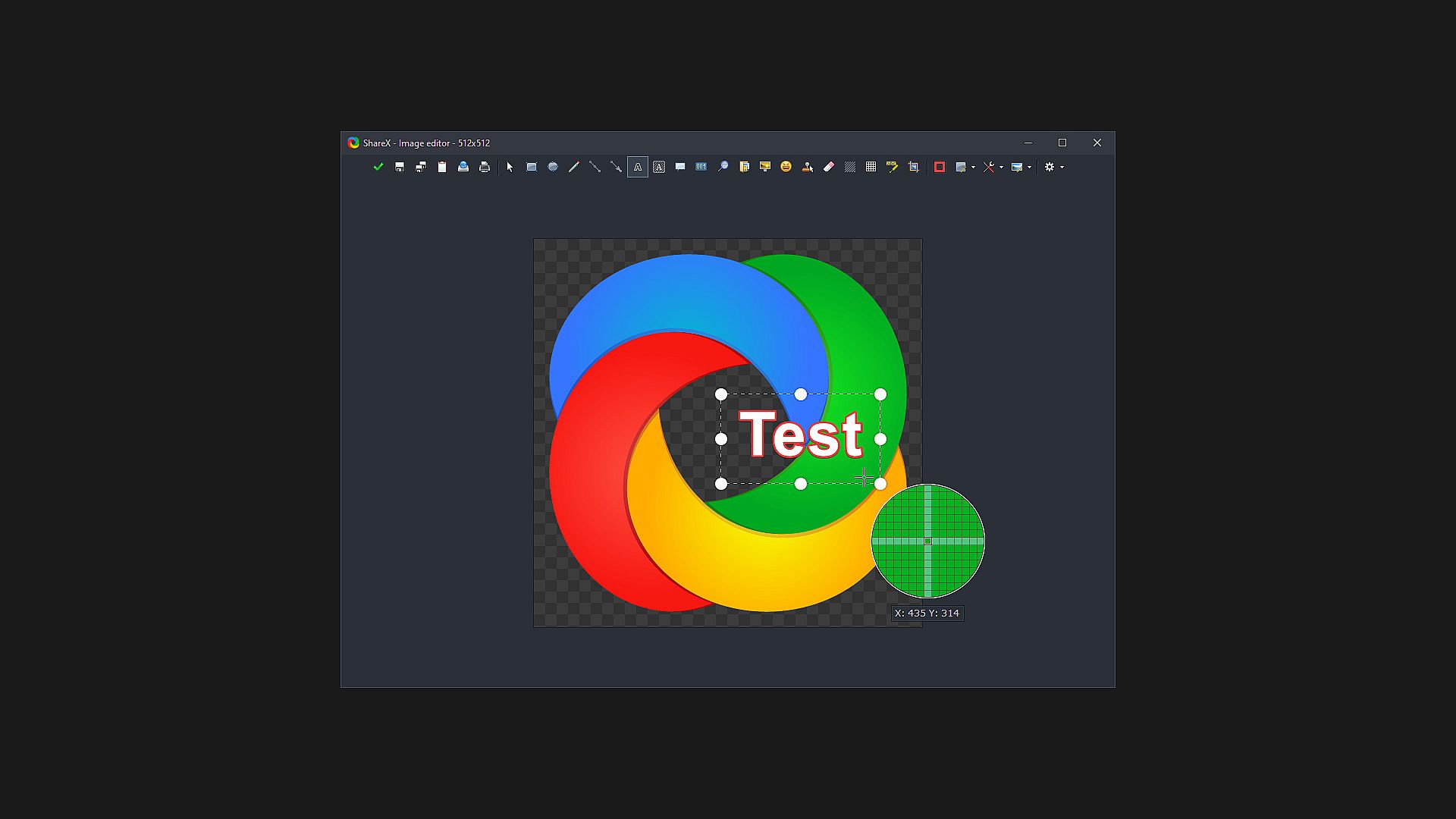
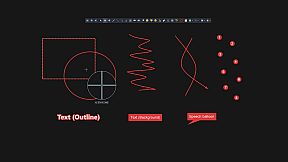
  • Annotate image
  • Copy image to clipboard
  • Print image
  • Save image to file
  • Save image to file as...
  • Save thumbnail image to file
  • Perform actions
  • Copy file to clipboard
  • Copy file path to clipboard
  • Show file in explorer
  • Recognize text (OCR)
  • Show "Before upload" window
  • Upload image to host
  • Delete file locally

For example, the captured image can be opened in image editor and after that, the image can be automatically saved to the hard disk and uploaded to your destination of choice.

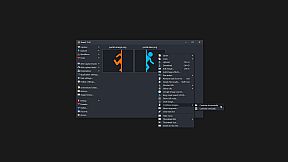
ShareX allows you to upload any type of files with these methods:

  • Upload file
  • Upload folder
  • Upload from clipboard
  • Upload from URL
  • Drag and drop upload
  • Upload from Windows shell context menu
  • Upload from Windows send to menu
  • Watch folder

After the upload, any of the following automated tasks can be executed:

  • Show "After upload" window
  • Shorten URL
  • Share URL
  • Copy URL to clipboard
  • Open URL
  • Show QR code window

For example, the uploaded image URL can be automatically shortened using one of the 15 URL shortener services and the shortened URL can be copied to the clipboard.

ShareX also comes with a few simple productivity tools:

  • Color picker
  • Screen color picker
  • Annotate image
  • Image effects
  • Hash check
  • DNS changer
  • QR code
  • Ruler
  • Directory indexer
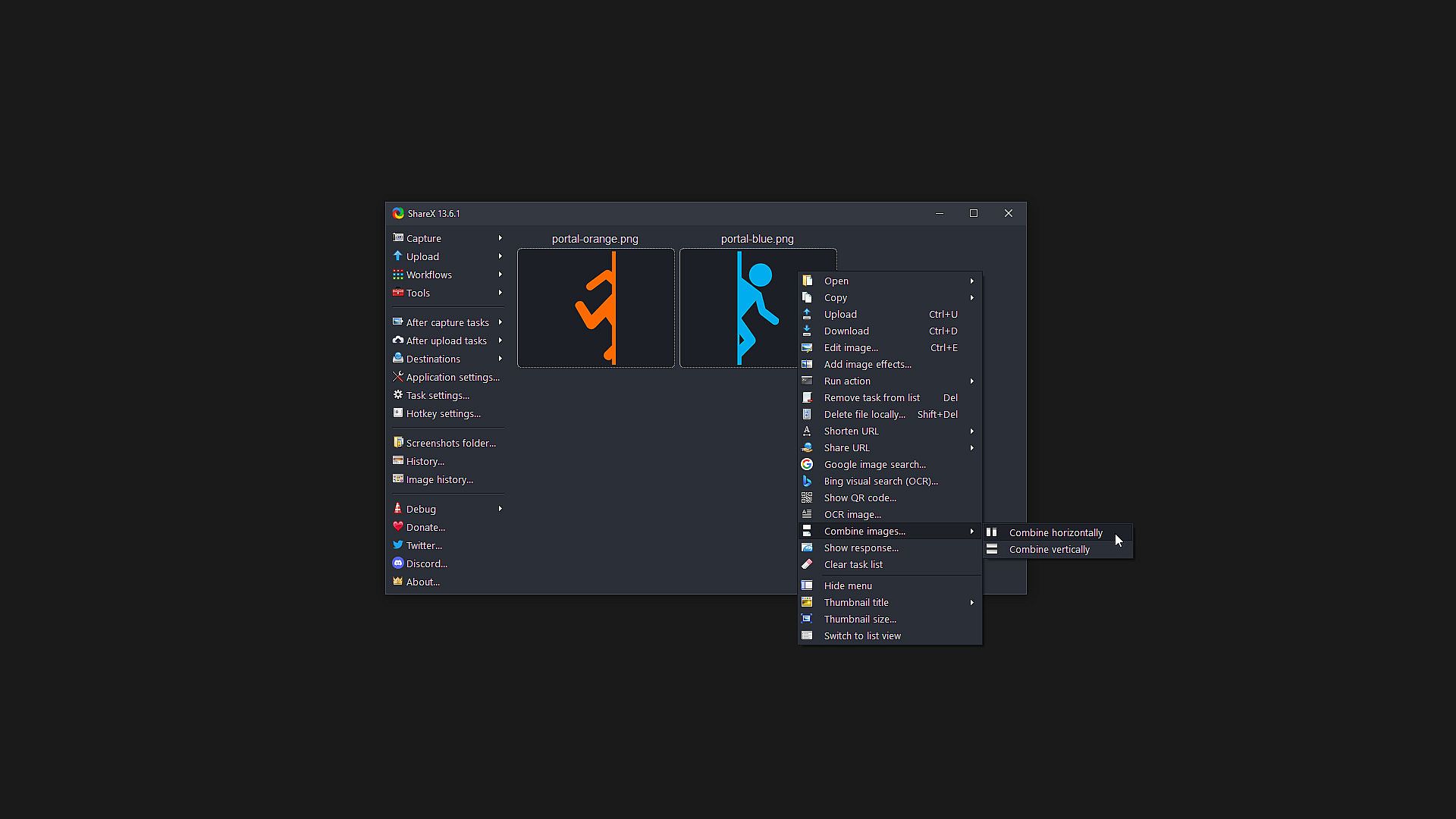
  • Image combiner
  • Image thumbnailer
  • Video thumbnailer
  • FTP client
  • Tweet message
  • Monitor test

ShareX has an advanced hotkey system which allows you to use any of these capture methods, upload options or tools with their own task settings. These are called "Workflows". Workflows allow each hotkey to have its own after capture tasks, after upload tasks, destination etc. For example, you can set your screen recording hotkey to upload to a specific destination, bypassing the default destination. This way, only videos will be uploaded to this configured file destination.

Altersfreigabe

Keine Angabe
Steam:
Overwhelmingly Positive (8k)
Historisches Tief
Preisverlauf von offiziellen Shops
-
-
-
Preisverlauf von Keyshops
-
-
-

FAQ

8 Fragen

Bevor du nach einem günstigen ShareX Key suchst, prüfe die wichtigsten Fakten. Entwickelt von ShareX Team. Veröffentlicht von ShareX Team. PC Release-Datum: 02 Okt. 2015. Genres: Free To Play, Utilities, Audio Production, Video Production, Design & Illustration, Web Publishing, Photo Editing.

Q

Wo kann ich einen günstigen ShareX Steam Key kaufen?

ShareX ist kostenlos spielbar! Lade es auf Steam herunter und spiele sofort los.

ShareX ist auf Steam komplett kostenlos. Kein Kauf nötig - einfach herunterladen und spielen. Wenn du nach Premium-DLC oder In-Game-Items suchst, prüfe die Angebotstabelle oben.

Unser Preistracker deckt sowohl offizielle Händler als auch Key-Marktplätze ab, sodass du ShareX im Angebot auch außerhalb saisonaler Aktionen finden kannst. Wir erkennen derzeit 0 aktive Angebote von offiziellen Shops und Keyshops. Prüfe die Tabelle oben, vergleiche mit dem historischen Tief und setze einen Alarm, damit du den nächsten Preissturz nicht verpasst.

Laut unseren Daten ist ShareX derzeit nicht auf GeForce NOW verfügbar. Du musst es lokal auf deinem PC ausführen. Stöbre durch Spiele, die auf GeForce NOW verfügbar sind.

Ja. ShareX hat eine offizielle Steam-Shop-Seite, aber wir tracken derzeit keine Drittanbieter-Angebote mit Steam-DRM. Schau später nochmal vorbei oder setze einen Preisalarm.

Ja. ShareX ist Steam Deck Verified - es startet ohne Anpassungen, zeigt korrekte Controller-Symbole und läuft stabil. ShareX funktioniert perfekt auf dem Steam Deck.

ShareX scheint derzeit nicht im PC Game Pass, bei EA Play, Ubisoft+ oder einem anderen PC-Abonnement verfügbar zu sein. Deine einzige Option ist der Kauf - nutze XD.deals, um den besten Preis zu finden.

Nein - XD.deals ist kein Shop. Wir sind ein Preisvergleich, der die besten ShareX-Deals bei offiziellen Shops und verifizierten Keyshops verfolgt. Klicke neben einem Angebot auf "Zum Shop" und du wirst zur Webseite des Händlers weitergeleitet, um deinen Kauf abzuschließen.

Zum besten Zeitpunkt kaufen? Setze einen Preisalarm auf XD.deals und werde benachrichtigt, wenn ShareX sein nächstes historisches Tief erreicht.

Alarm erstellen
Tritt unserem Discord bei
Erhalte Hilfe von der Community und bleibe über Angebote informiert
Preisalarme einrichten
Erhalte E-Mail-Benachrichtigungen wenn Preise fallen
Kostenloses Konto erstellen
Schalte Wunschlisten, Preisalarme und Steam-Sync frei