

Buy ShareX PC

ShareX is free to play! Download it on Steam and start playing instantly.

Release: 02 Oct 2015
Steam:
Overwhelmingly Positive (8k)
Official
Unavailable
Keyshops
Unavailable
Buy in Official Store:
Unavailable
Buy in Keyshops:
Unavailable

No entries, but don''t worry, we will inform you once the new offer appears.

Create Alert Create deal Alert

About ShareX

ShareX - about the game
Capture any screen area or record videos with ShareX, a free open-source utility for PC that shares content instantly via hotkey. Choose from methods like fullscreen, active window, region selection, scrolling capture, or OCR text grabs, then apply tasks such as adding effects, annotating, saving, or uploading to over 80 destinations. Workflows let you customize hotkeys for specific after-capture and upload actions, like shortening URLs or generating QR codes. Upload files, folders, or clipboard content through drag-and-drop, watch folders, or shell menus, followed by automated steps like copying paths or opening in explorer. Built-in tools handle color picking, image combining, hashing, FTP transfers, and more. Content creators and power users streamline workflows with these precise screen capture and sharing features.

ShareX is a free and open source program that lets you capture or record any area of your screen and share it with a single press of a key. It also allows uploading images, text or other types of files to over 80 supported destinations you can choose from.

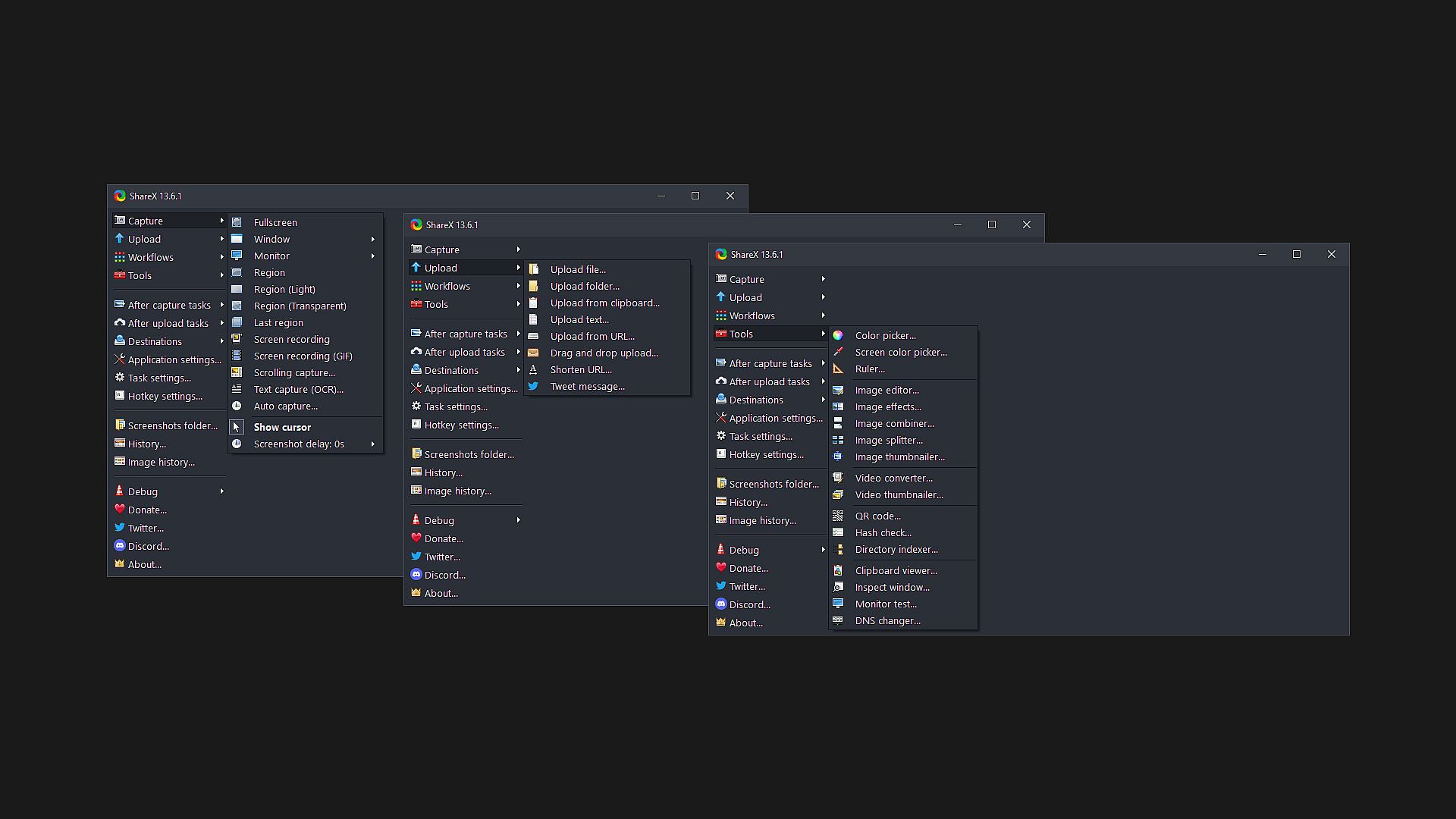
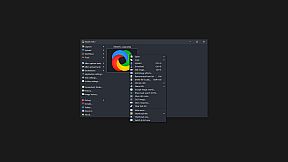
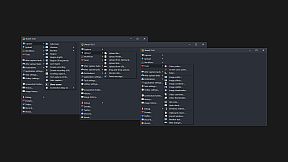
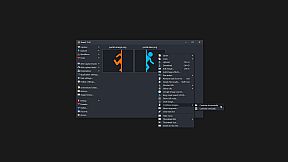
ShareX supports many ways to capture or record your screen. The main capture methods are:

  • Fullscreen
  • Active window
  • Active monitor
  • Window menu
  • Monitor menu
  • Region
  • Region (Light)
  • Region (Transparent)
  • Last region
  • Custom region
  • Screen recording
  • Screen recording (GIF)
  • Scrolling capture
  • Webpage capture
  • Text capture (OCR)
  • Auto capture

There are many configurable screen capture settings such as showing the cursor, transparent window capture, delayed capture, multiple region selection with different shapes, etc.

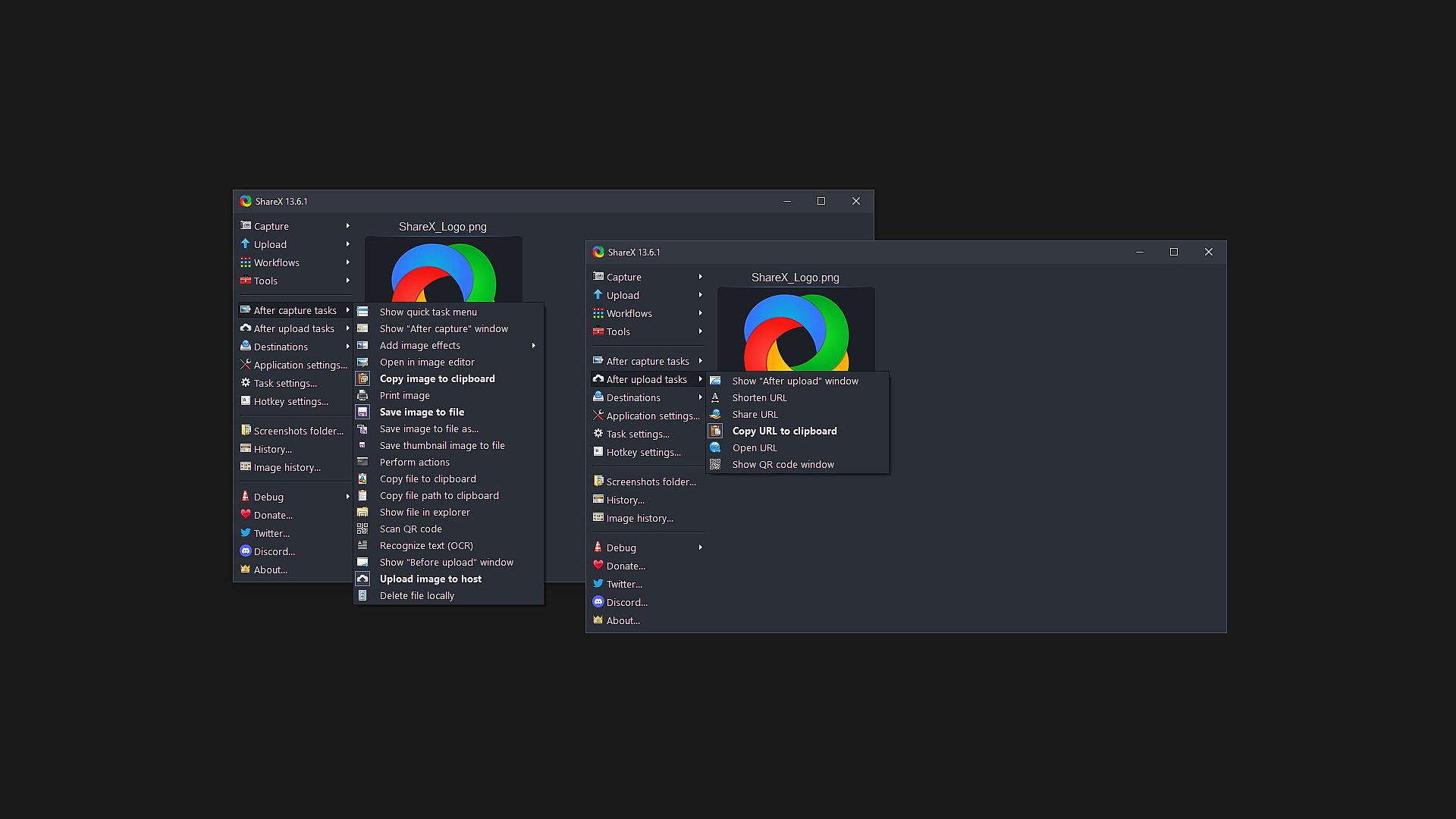
After the capture the following automated tasks can be executed:

  • Show quick task menu
  • Show "After capture" window
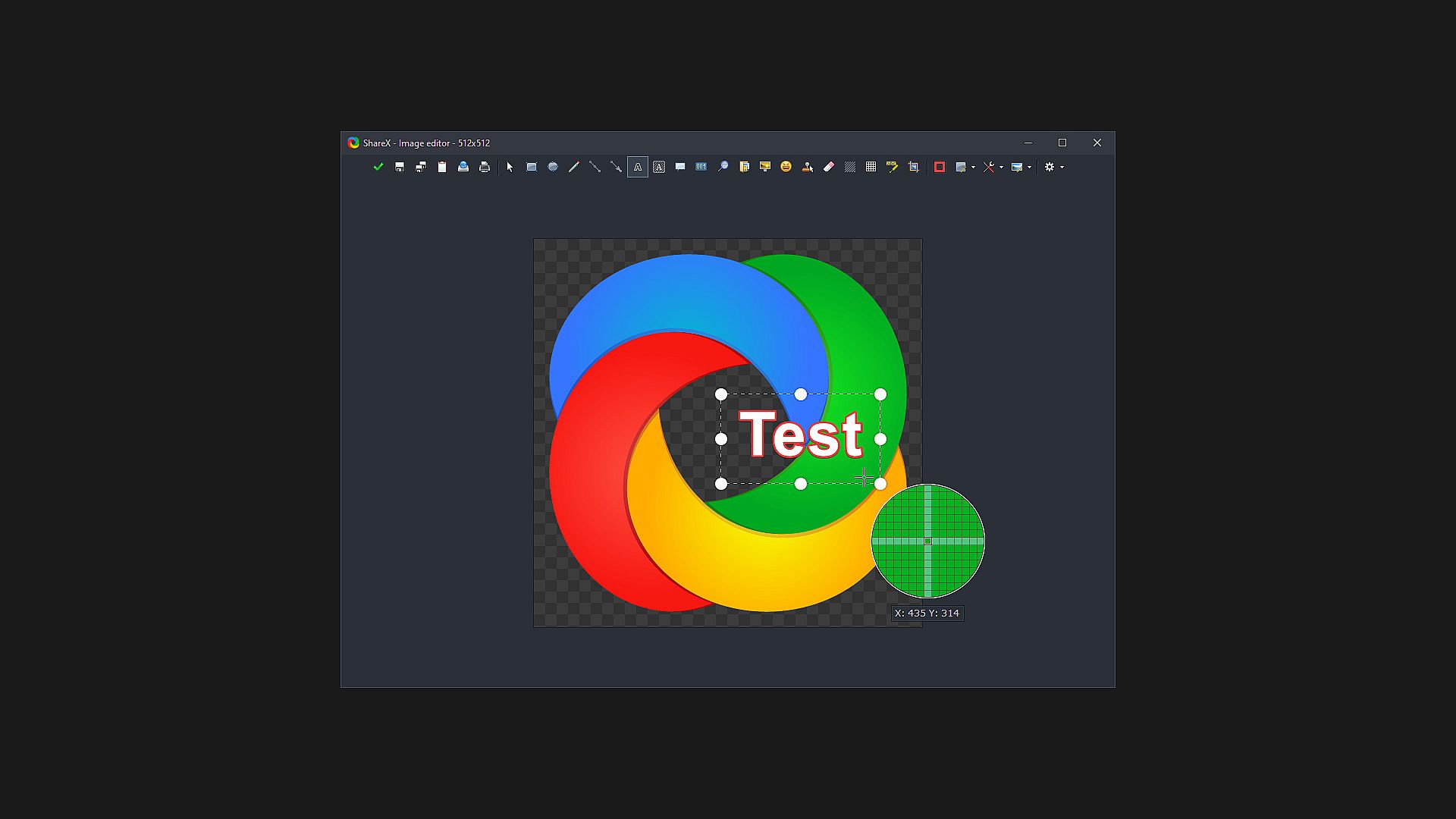
  • Add image effects / watermark
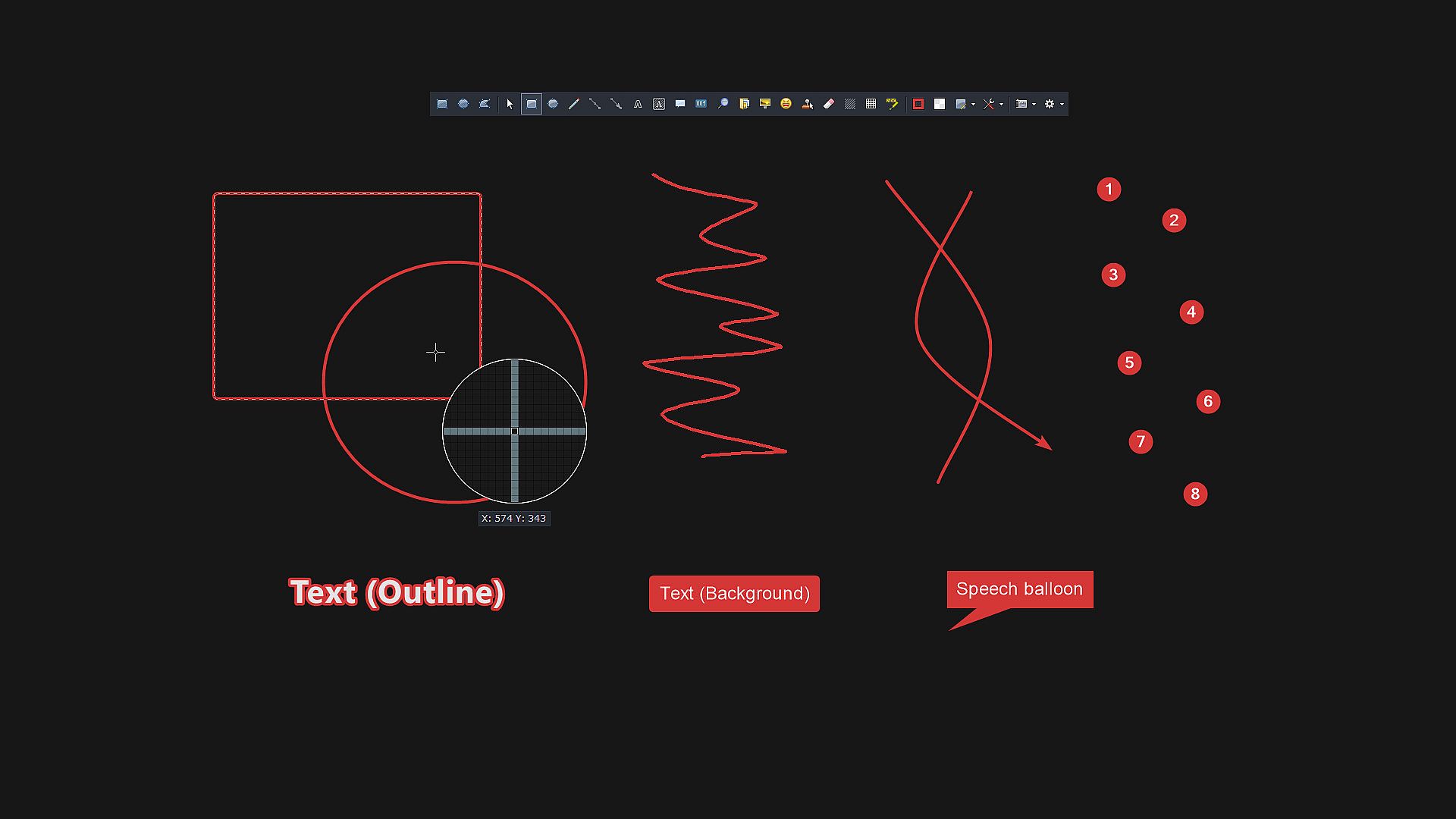
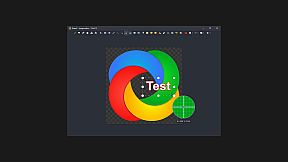
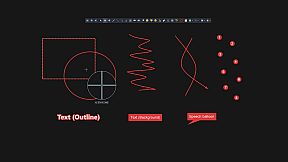
  • Annotate image
  • Copy image to clipboard
  • Print image
  • Save image to file
  • Save image to file as...
  • Save thumbnail image to file
  • Perform actions
  • Copy file to clipboard
  • Copy file path to clipboard
  • Show file in explorer
  • Recognize text (OCR)
  • Show "Before upload" window
  • Upload image to host
  • Delete file locally

For example, the captured image can be opened in image editor and after that, the image can be automatically saved to the hard disk and uploaded to your destination of choice.

ShareX allows you to upload any type of files with these methods:

  • Upload file
  • Upload folder
  • Upload from clipboard
  • Upload from URL
  • Drag and drop upload
  • Upload from Windows shell context menu
  • Upload from Windows send to menu
  • Watch folder

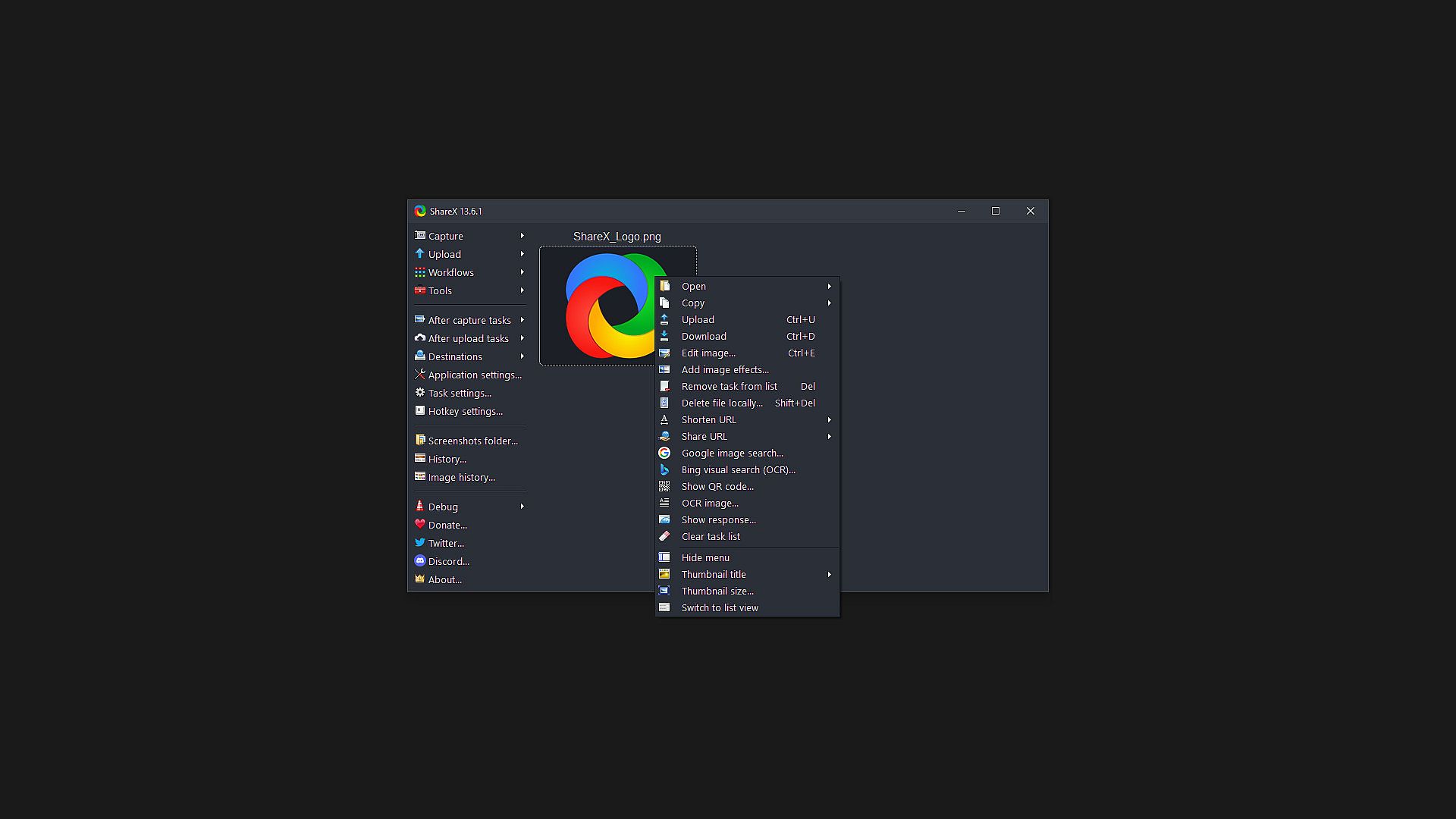
After the upload, any of the following automated tasks can be executed:

  • Show "After upload" window
  • Shorten URL
  • Share URL
  • Copy URL to clipboard
  • Open URL
  • Show QR code window

For example, the uploaded image URL can be automatically shortened using one of the 15 URL shortener services and the shortened URL can be copied to the clipboard.

ShareX also comes with a few simple productivity tools:

  • Color picker
  • Screen color picker
  • Annotate image
  • Image effects
  • Hash check
  • DNS changer
  • QR code
  • Ruler
  • Directory indexer
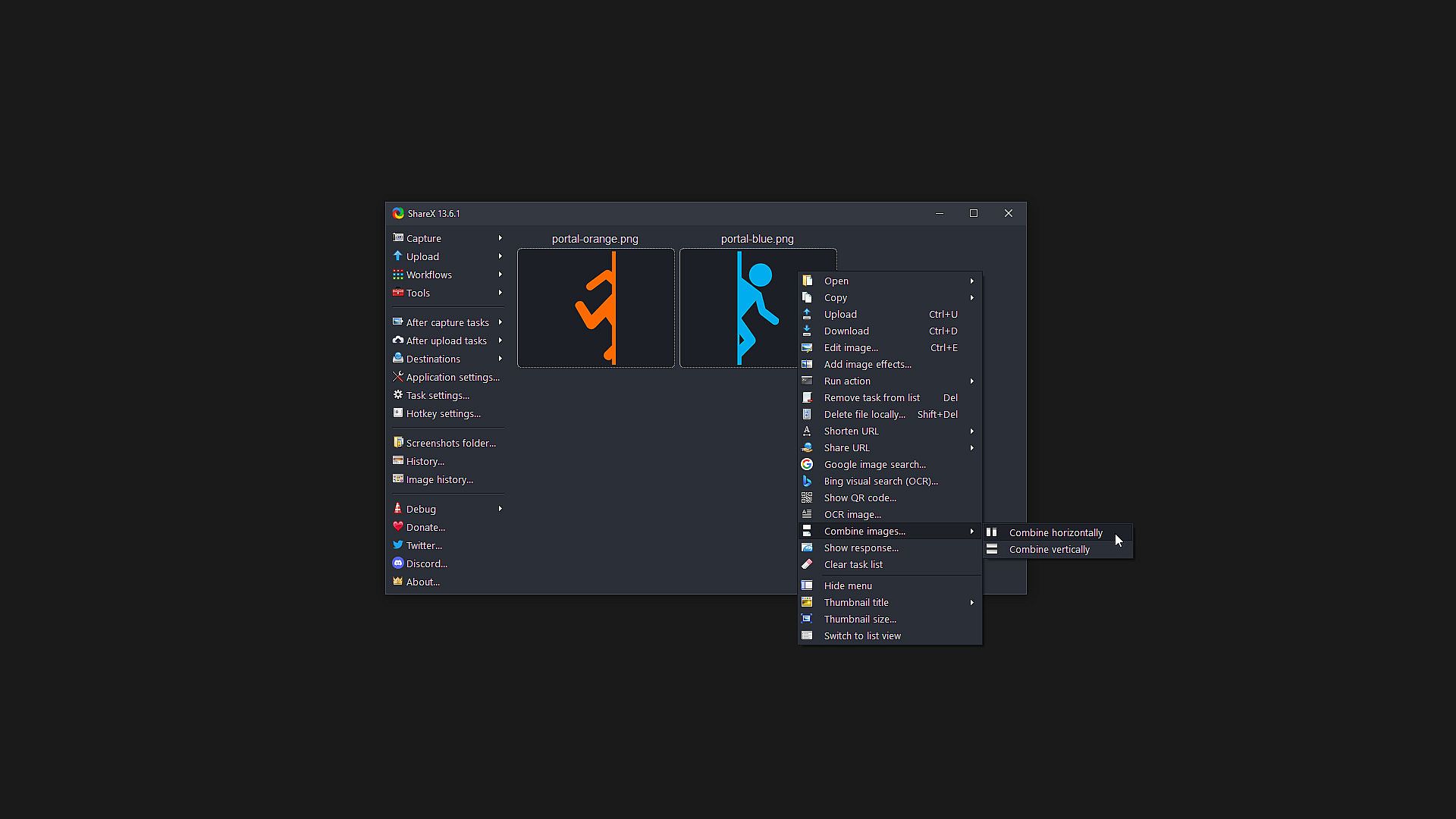
  • Image combiner
  • Image thumbnailer
  • Video thumbnailer
  • FTP client
  • Tweet message
  • Monitor test

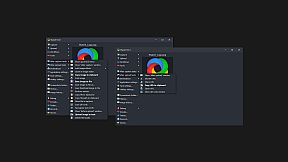
ShareX has an advanced hotkey system which allows you to use any of these capture methods, upload options or tools with their own task settings. These are called "Workflows". Workflows allow each hotkey to have its own after capture tasks, after upload tasks, destination etc. For example, you can set your screen recording hotkey to upload to a specific destination, bypassing the default destination. This way, only videos will be uploaded to this configured file destination.


Age rating

Unavailable
Steam:
Overwhelmingly Positive (8k)
Historical low
Price history from official stores
-
-
-
Price history from keyshops
-
-
-

FAQ

8 questions

Before you start looking for a cheap ShareX key, check the essentials. Developed by ShareX Team. Published by ShareX Team. PC released date: 02 Oct 2015. Genres: Free To Play, Utilities, Audio Production, Video Production, Design & Illustration, Web Publishing, Photo Editing.

Q

Where to buy a cheap ShareX Steam key?

ShareX is free to play! Download it on Steam and start playing instantly.

ShareX is completely free on Steam. No purchase needed - just download and play. If you are looking for premium DLC or in-game items, check the offers table above.

Our price tracker covers both official retailers and key marketplaces, so you can find ShareX on sale even outside seasonal promotions. We currently detect 0 active offers from official stores and keyshops. Check the table above, compare against the historical low, and set an alert so you never miss the next price drop.

Based on our data, ShareX is not currently available on GeForce NOW. You will need to run it locally on your PC. Browse games available on GeForce NOW.

Yes. ShareX has an official page on the Steam Store, but we currently don't track any third-party offers with Steam DRM. Check back later or set a price alert.

Yes. ShareX is Steam Deck Verified - it launches out-of-the-box, displays correct controller glyphs and runs stable. ShareX works perfectly on Steam Deck.

ShareX does not appear to be available on PC Game Pass, EA Play, Ubisoft+ or any other PC subscription service at this time. Your only option is purchasing the game - use XD.deals to find the best price.

No - XD.deals is not a store. We are a price-comparison service that tracks the best ShareX deals across official stores and verified keyshops. Click "Go to Store" next to any offer and you will be redirected to the retailer's website to complete your purchase.

Want to buy at the best moment? Set a price alert on XD.deals and get notified when ShareX hits its next historical low.

Create Alert
Join our Discord
Get instant help from our community and stay updated on the latest deals
Set Price Alerts
Get notified by email when game prices drop to your target
Create Free Account
Unlock wishlists, price alerts, and Steam sync