

Compra ShareX PC

ShareX e gratuito! Scaricalo su Steam e inizia a giocare subito.

Uscita: 02 ott 2015
Steam:
Overwhelmingly Positive (8k)
Official
Non disponibile
Keyshops
Non disponibile
Compra nello store ufficiale:
Non disponibile
Compra nei keyshop:
Non disponibile

Nessuna offerta al momento, ma non preoccuparti: ti informeremo quando ne comparirà una nuova.

Create Alert Create deal Alert

Info su ShareX

ShareX - info sul gioco
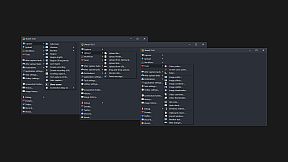
Cattura qualsiasi area dello schermo o registra video con ShareX, utility gratuita e open-source per PC che condivide i contenuti all'istante tramite hotkey. Scegli tra modalità come fullscreen, finestra attiva, selezione regione, scrolling capture o estrazione testo OCR, quindi applica operazioni come effetti, annotazioni, salvataggio o upload su oltre 80 destinazioni. I workflow ti permettono di personalizzare hotkey per azioni post-cattura e upload specifiche, come accorciare URL o generare QR code. Carica file, cartelle o contenuti dalla clipboard con drag-and-drop, cartelle monitorate o menu shell, seguite da passaggi automatici come copia percorsi o apertura in explorer. Gli strumenti integrati gestiscono color picker, combinazione immagini, hashing, trasferimenti FTP e altro ancora. Content creator e power user ottimizzano i flussi di lavoro grazie a queste funzioni precise di screen capture e condivisione.

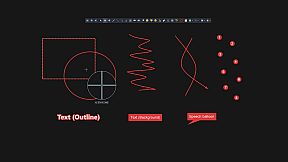
ShareX is a free and open source program that lets you capture or record any area of your screen and share it with a single press of a key. It also allows uploading images, text or other types of files to over 80 supported destinations you can choose from.

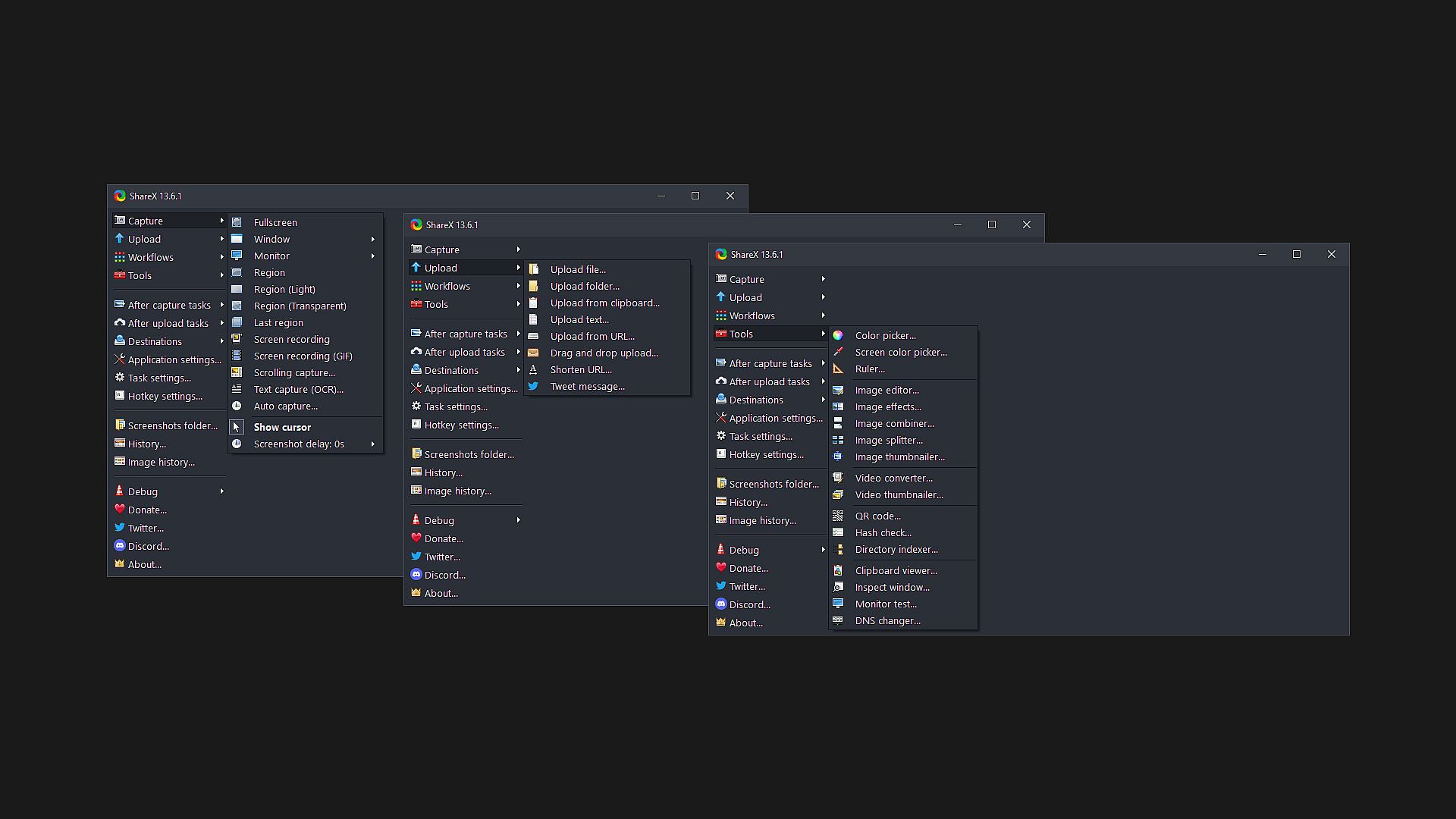
ShareX supports many ways to capture or record your screen. The main capture methods are:

  • Fullscreen
  • Active window
  • Active monitor
  • Window menu
  • Monitor menu
  • Region
  • Region (Light)
  • Region (Transparent)
  • Last region
  • Custom region
  • Screen recording
  • Screen recording (GIF)
  • Scrolling capture
  • Webpage capture
  • Text capture (OCR)
  • Auto capture

There are many configurable screen capture settings such as showing the cursor, transparent window capture, delayed capture, multiple region selection with different shapes, etc.

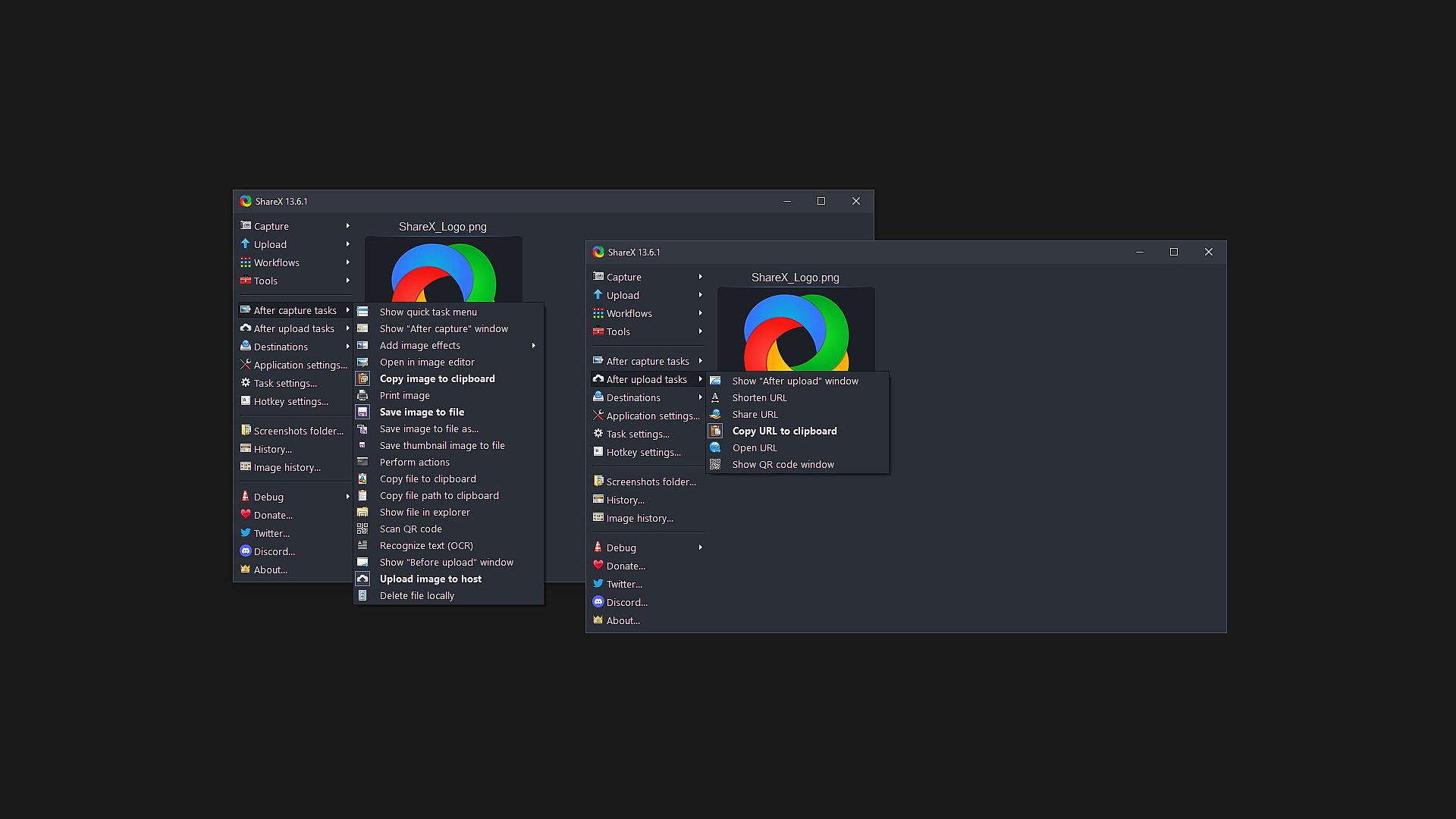
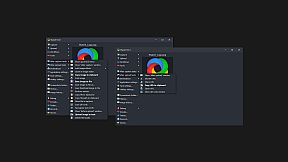
After the capture the following automated tasks can be executed:

  • Show quick task menu
  • Show "After capture" window
  • Add image effects / watermark
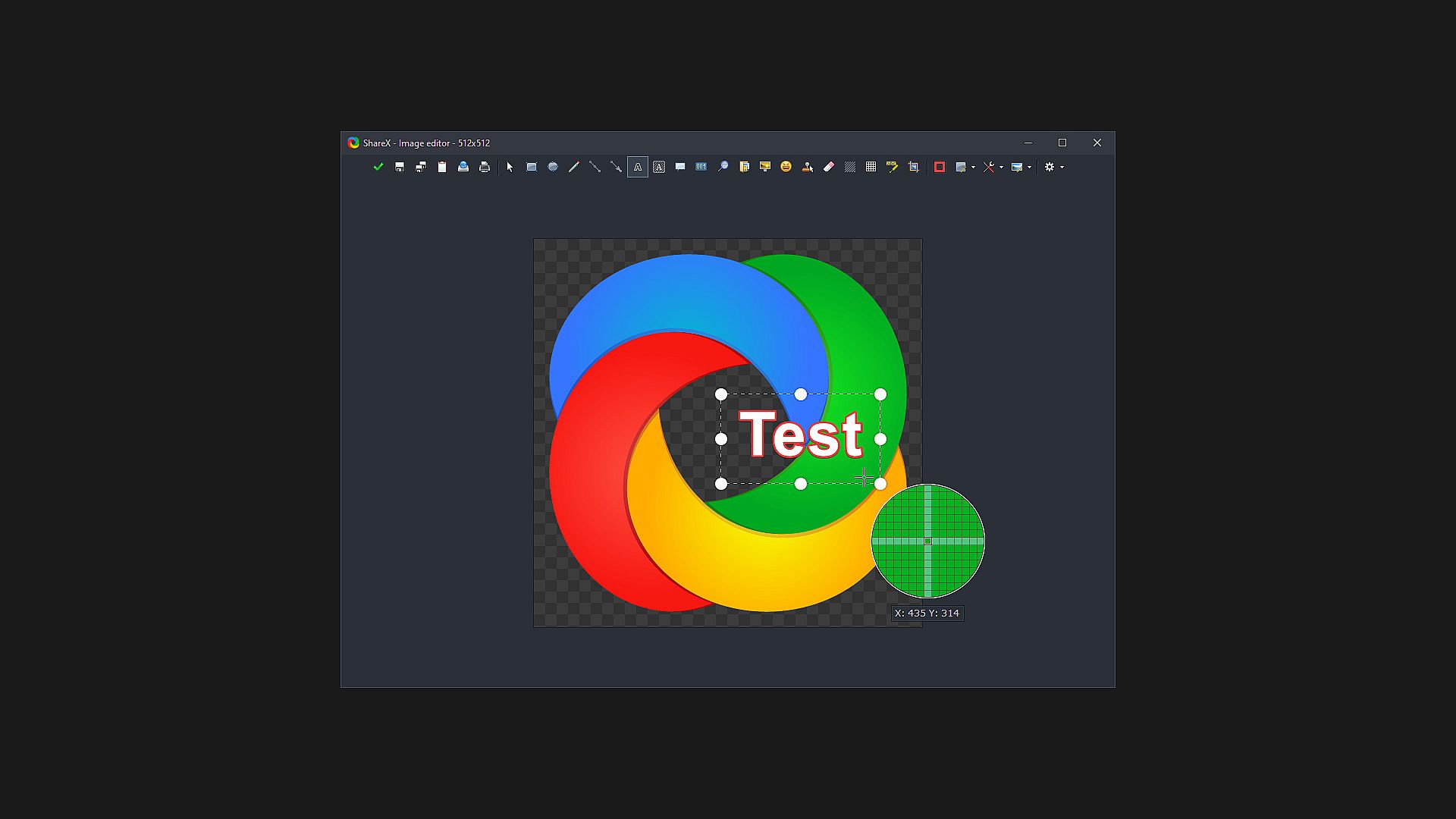
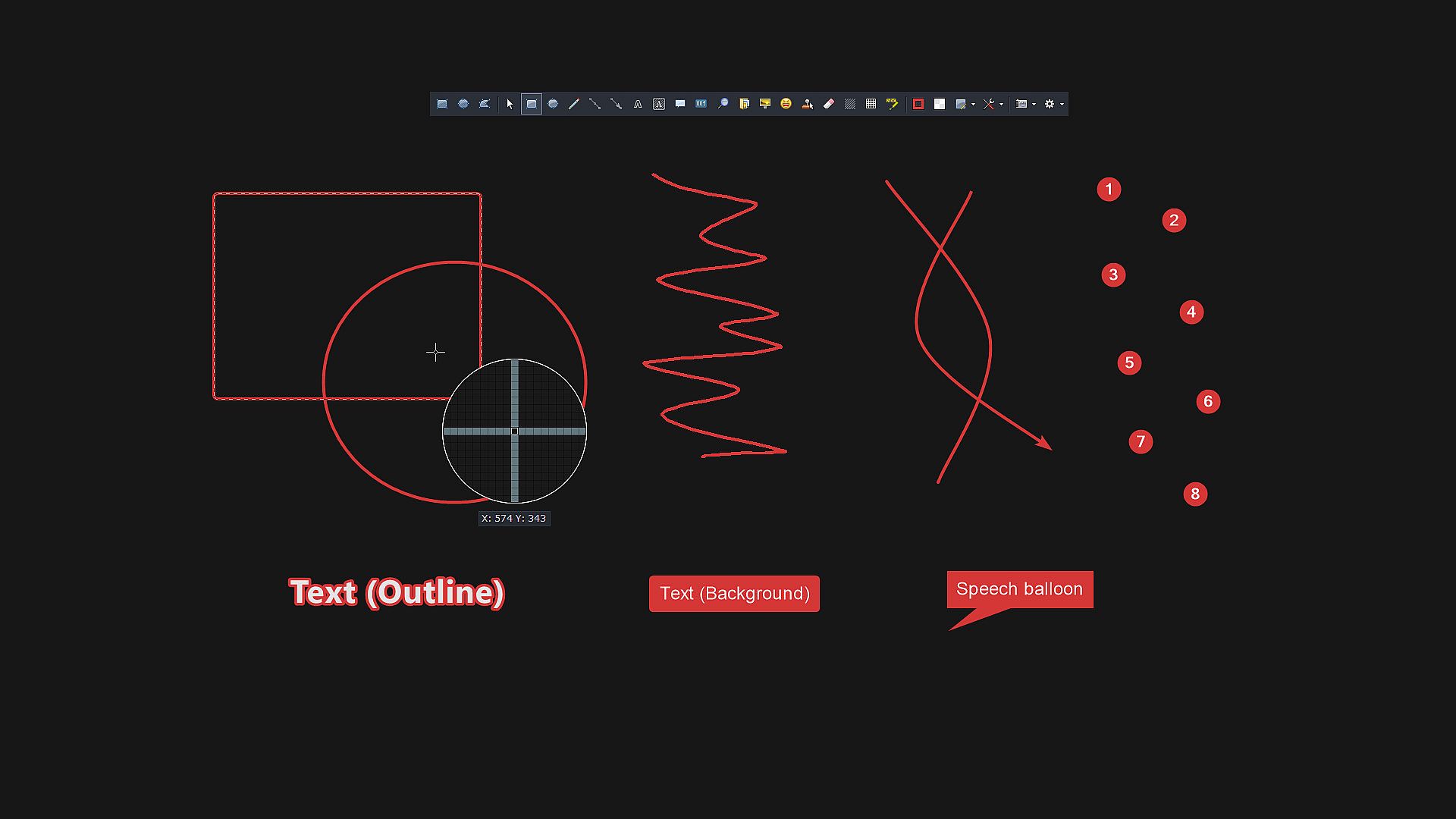
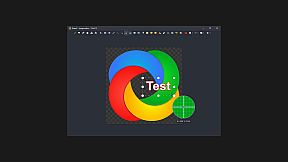
  • Annotate image
  • Copy image to clipboard
  • Print image
  • Save image to file
  • Save image to file as...
  • Save thumbnail image to file
  • Perform actions
  • Copy file to clipboard
  • Copy file path to clipboard
  • Show file in explorer
  • Recognize text (OCR)
  • Show "Before upload" window
  • Upload image to host
  • Delete file locally

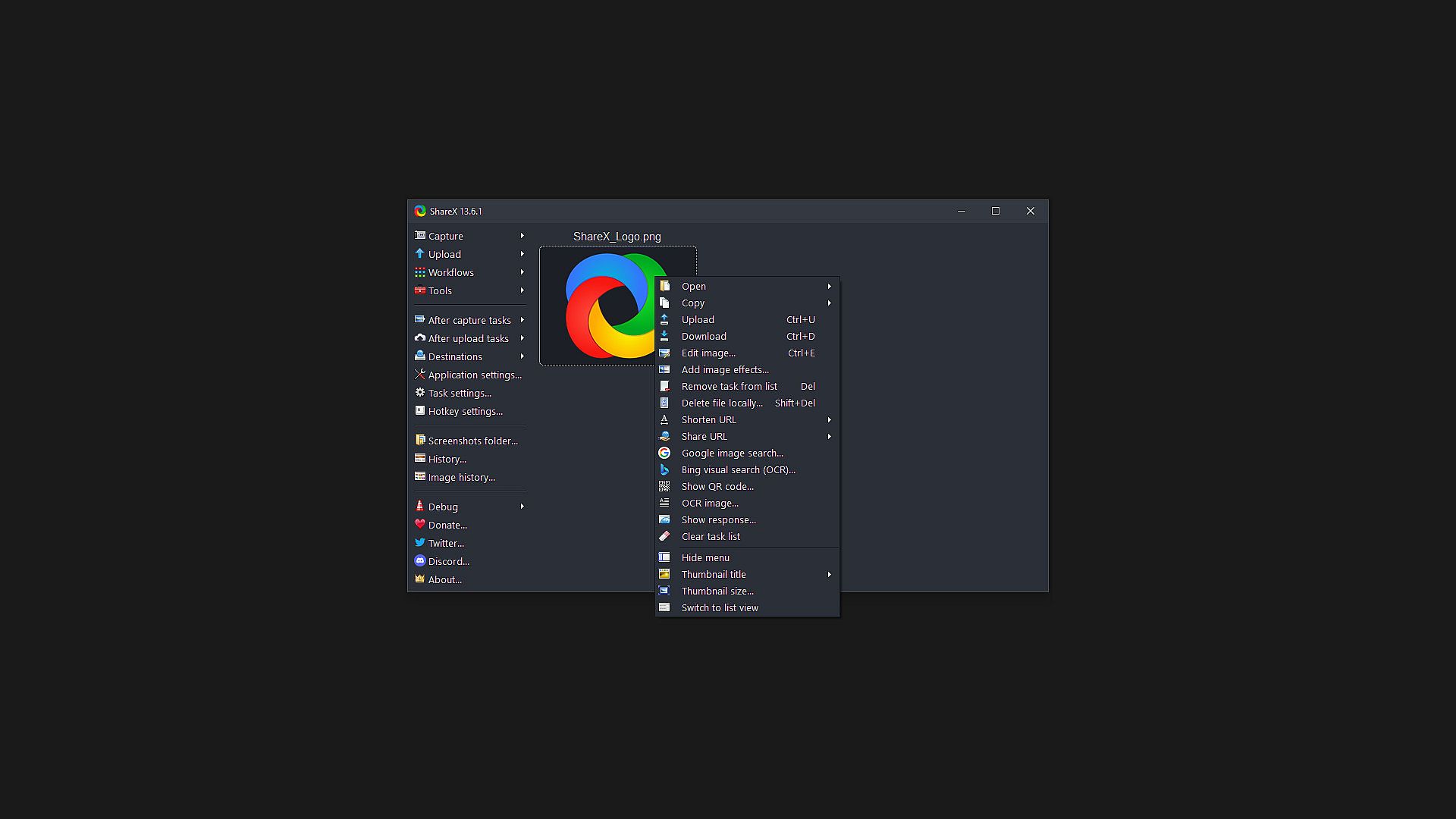
For example, the captured image can be opened in image editor and after that, the image can be automatically saved to the hard disk and uploaded to your destination of choice.

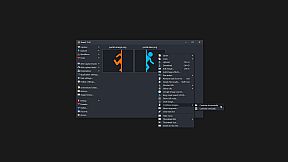
ShareX allows you to upload any type of files with these methods:

  • Upload file
  • Upload folder
  • Upload from clipboard
  • Upload from URL
  • Drag and drop upload
  • Upload from Windows shell context menu
  • Upload from Windows send to menu
  • Watch folder

After the upload, any of the following automated tasks can be executed:

  • Show "After upload" window
  • Shorten URL
  • Share URL
  • Copy URL to clipboard
  • Open URL
  • Show QR code window

For example, the uploaded image URL can be automatically shortened using one of the 15 URL shortener services and the shortened URL can be copied to the clipboard.

ShareX also comes with a few simple productivity tools:

  • Color picker
  • Screen color picker
  • Annotate image
  • Image effects
  • Hash check
  • DNS changer
  • QR code
  • Ruler
  • Directory indexer
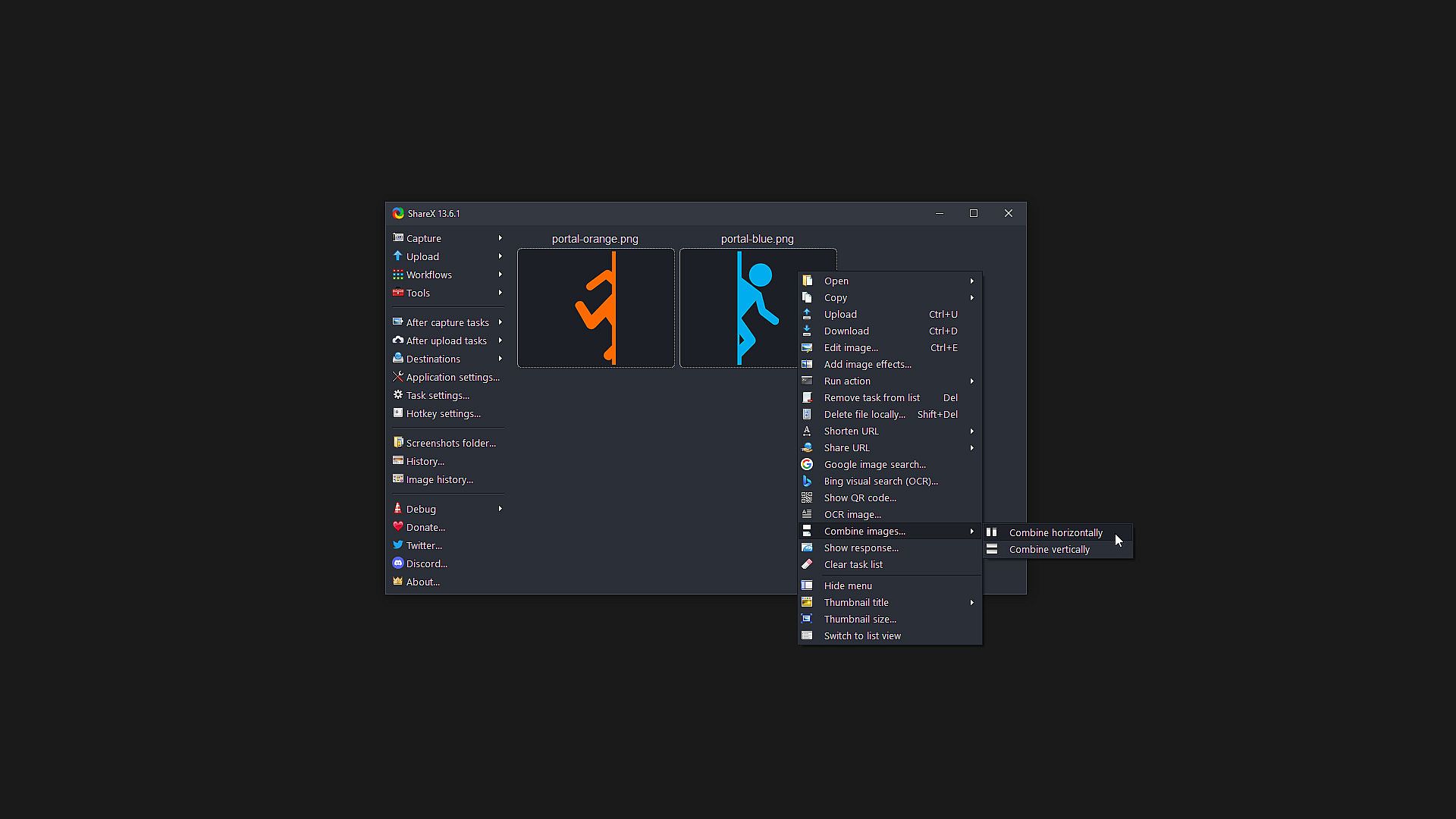
  • Image combiner
  • Image thumbnailer
  • Video thumbnailer
  • FTP client
  • Tweet message
  • Monitor test

ShareX has an advanced hotkey system which allows you to use any of these capture methods, upload options or tools with their own task settings. These are called "Workflows". Workflows allow each hotkey to have its own after capture tasks, after upload tasks, destination etc. For example, you can set your screen recording hotkey to upload to a specific destination, bypassing the default destination. This way, only videos will be uploaded to this configured file destination.

Classificazione per età

Non disponibile
Steam:
Overwhelmingly Positive (8k)
Minimo storico
Storico prezzi dei negozi ufficiali
-
-
-
Storico prezzi dei keyshop
-
-
-

FAQ

8 domande

Prima di cercare una chiave economica di ShareX, controlla le informazioni essenziali. Sviluppato da ShareX Team. Pubblicato da ShareX Team. Data di uscita su PC: 02 ott 2015. Generi: Free To Play, Utilities, Audio Production, Video Production, Design & Illustration, Web Publishing, Photo Editing.

Q

Dove comprare una chiave Steam di ShareX a poco?

ShareX e gratuito! Scaricalo su Steam e inizia a giocare subito.

ShareX è completamente gratuito su Steam. Nessun acquisto necessario - basta scaricarlo e giocare. Se cerchi DLC premium o oggetti di gioco, controlla la tabella delle offerte qui sopra.

Il nostro tracker dei prezzi copre sia i rivenditori ufficiali che i marketplace di chiavi, così puoi trovare ShareX in offerta anche al di fuori delle promozioni stagionali. Al momento rileviamo 0 offerte attive da store ufficiali e keyshop. Controlla la tabella qui sopra, confronta con il minimo storico e imposta un avviso per non perdere il prossimo calo di prezzo.

Secondo i nostri dati, ShareX non è attualmente disponibile su GeForce NOW. Dovrai eseguirlo localmente sul tuo PC. Sfoglia i giochi disponibili su GeForce NOW.

. ShareX ha una pagina ufficiale su Steam, ma al momento non tracciamo offerte di terze parti con DRM Steam. Ricontrolla più tardi o imposta un avviso di prezzo.

. ShareX è verificato per Steam Deck - si avvia senza configurazione, mostra i tasti corretti del controller e funziona in modo stabile. ShareX funziona perfettamente su Steam Deck.

ShareX non sembra essere disponibile su PC Game Pass, EA Play, Ubisoft+ o altri servizi in abbonamento per PC al momento. L'unica opzione è acquistare il gioco - usa XD.deals per trovare il prezzo migliore.

No - XD.deals non è un negozio. Siamo un comparatore di prezzi che traccia le migliori offerte per ShareX tra store ufficiali e keyshop verificati. Clicca "Vai al negozio" accanto a qualsiasi offerta e verrai reindirizzato al sito del rivenditore per completare l'acquisto.

Vuoi comprare al momento migliore? Imposta un avviso di prezzo su XD.deals e ricevi una notifica quando ShareX raggiunge il suo prossimo minimo storico.

Crea avviso
Unisciti al nostro Discord
Ottieni aiuto immediato dalla community e resta aggiornato sulle offerte
Imposta avvisi di prezzo
Ricevi notifiche via email quando i prezzi scendono al tuo target
Crea un account gratuito
Sblocca wishlist, avvisi di prezzo e sincronizzazione Steam