








in progress...

Buy Zoom Player : Steam Edition PC

Where can you buy cheapest Zoom Player : Steam Edition PC Steam key? Check and compare prices from 1 stores to locate the best and the cheapest option for you among 1 offers featured on XD.deals. Now the lowest Zoom Player : Steam Edition PC price on keyshops can be obtained on C$38.99 (50% off).

Release: 04 Apr. 2014
Steam:
Mixed (56)
Keyshops
Unavailable
Buy in Official Store:
-50%
C$38.99
Buy in Keyshops:
See price history

Official Stores (1)

DRM:
Steam
Steam
Steam
Zoom Player : Steam Edition
Windows
+1
51w ago
DRM:
Steam
Steam
C$77.99 C$38.99
Historical Low Deal
Historical low
-50%

About Zoom Player : Steam Edition

Zoom Player : Steam Edition - about the game

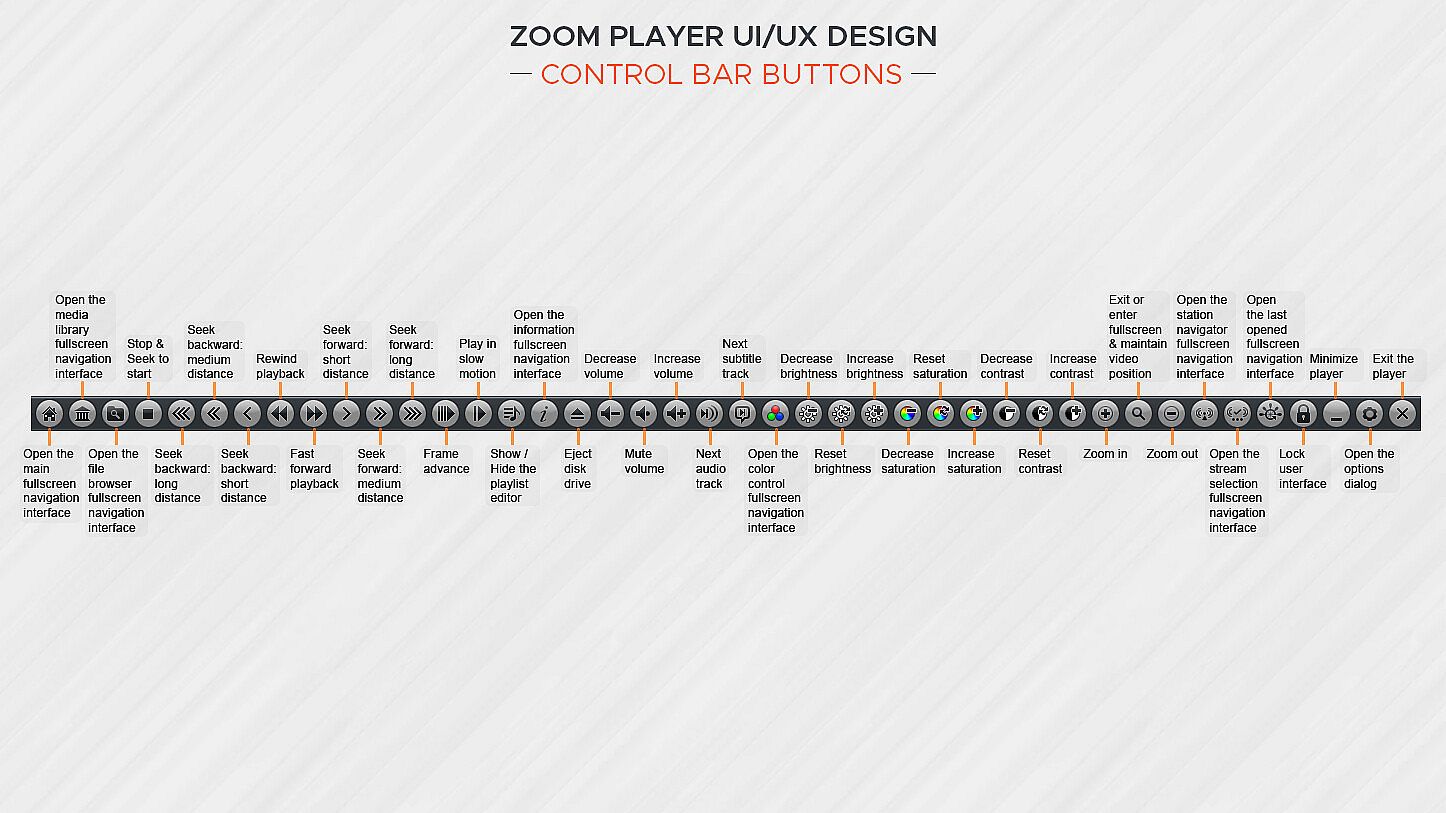
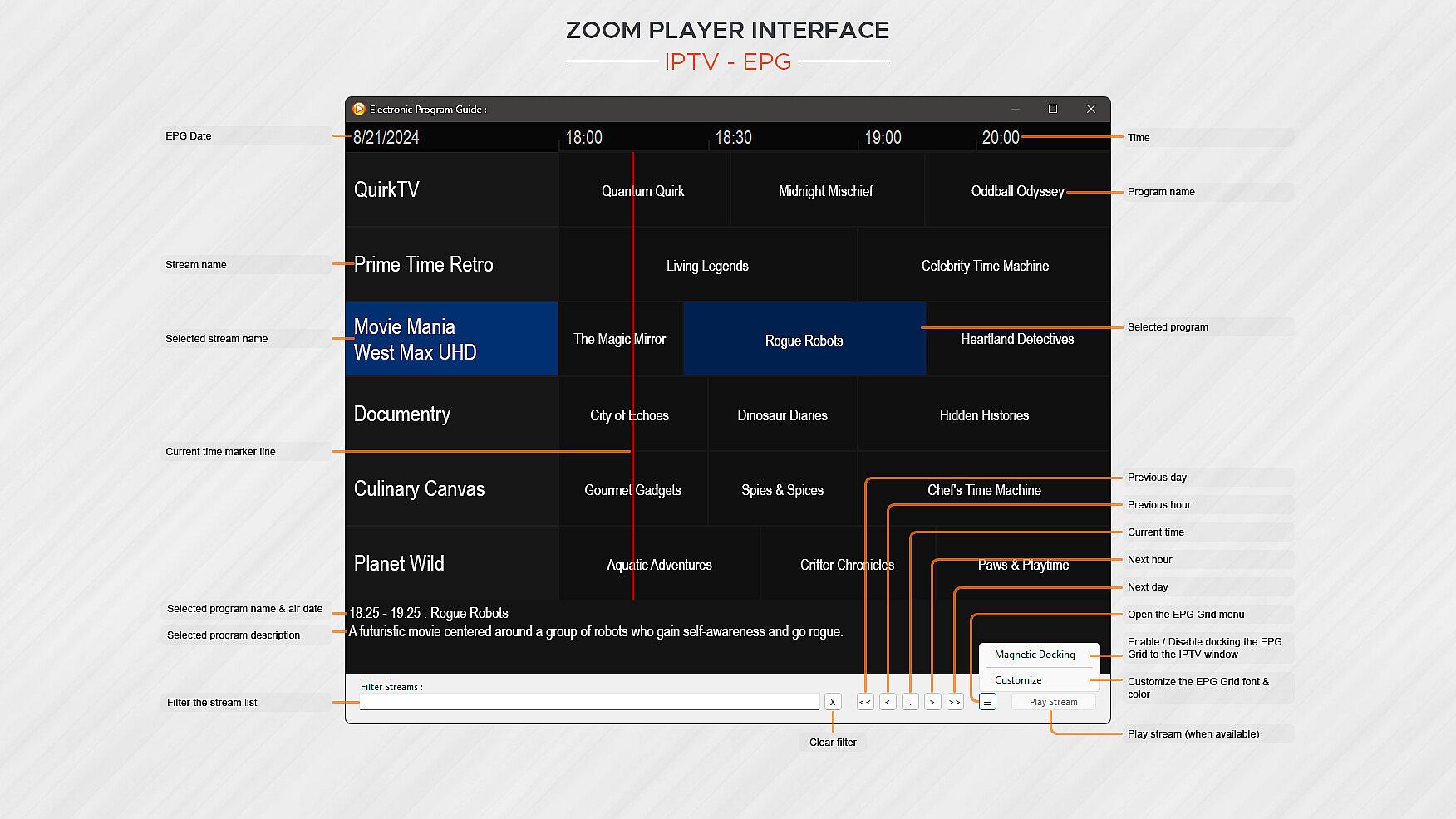
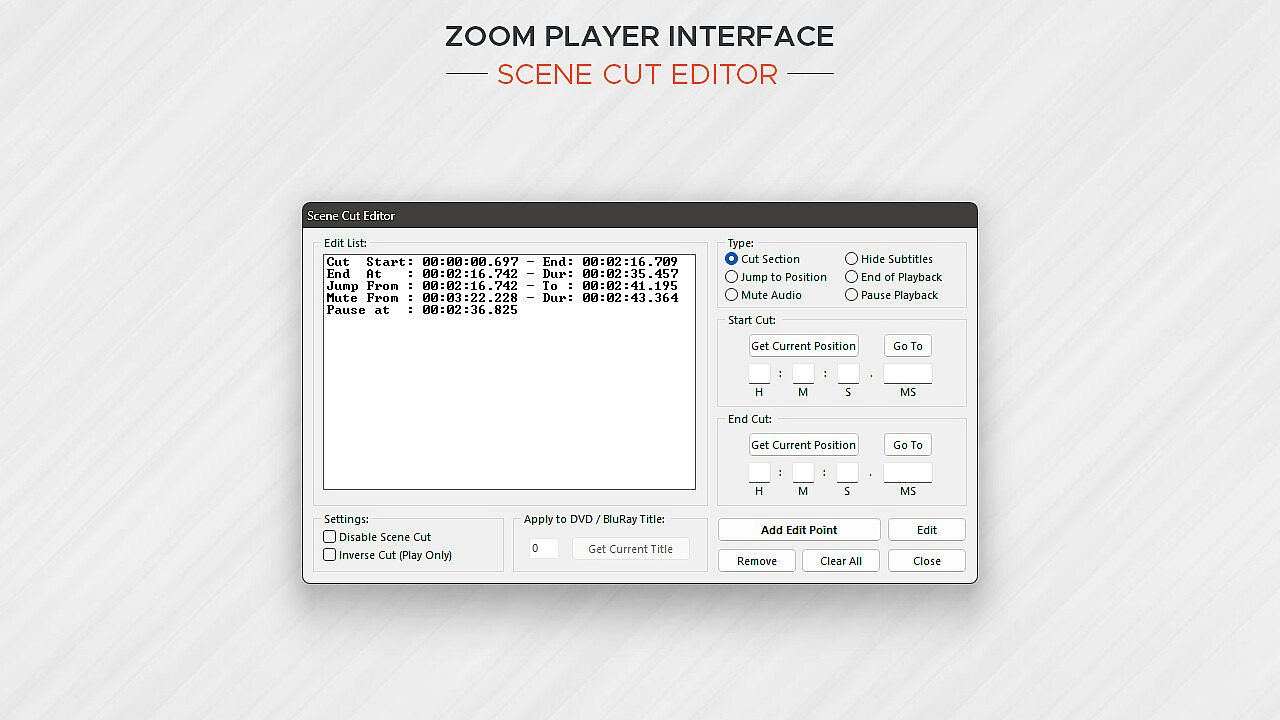
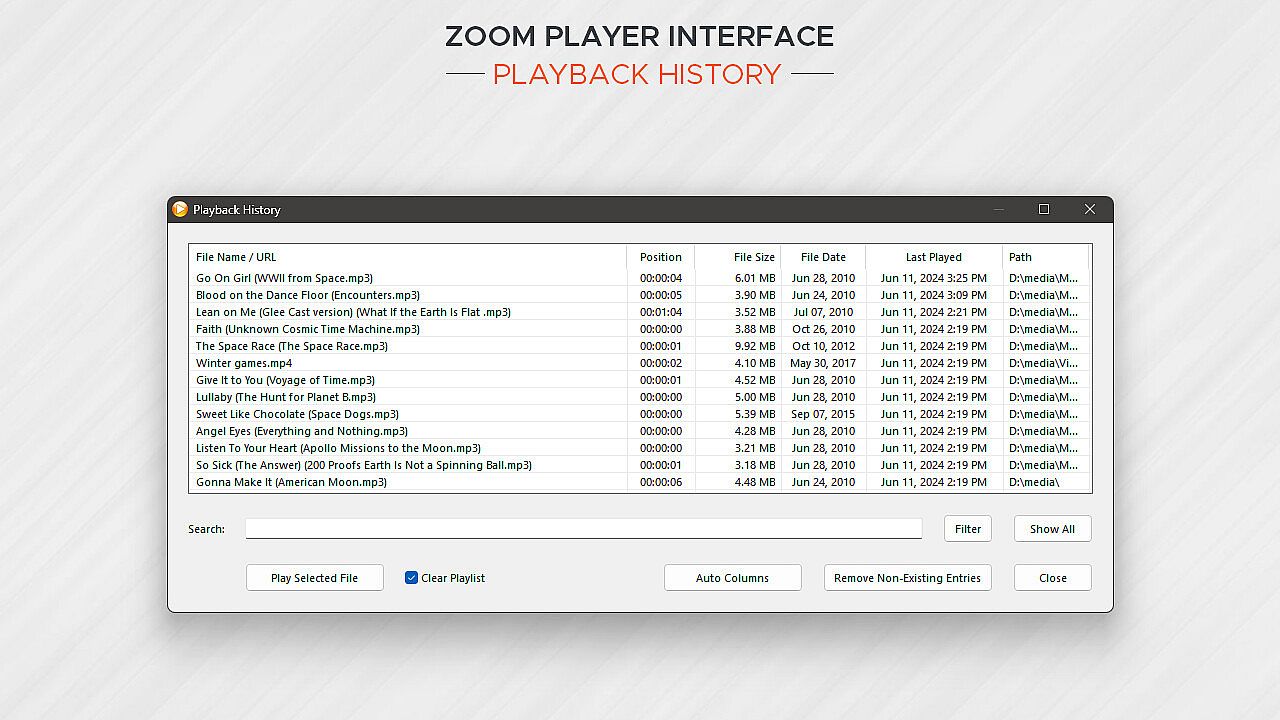
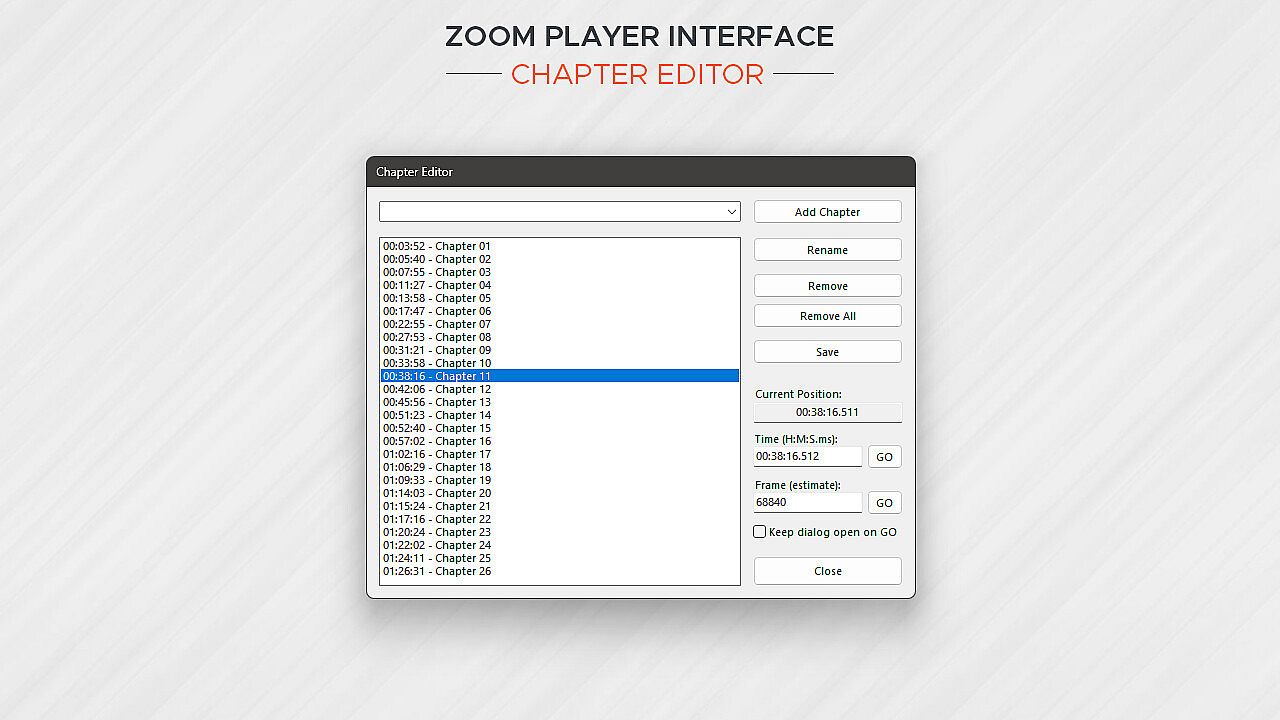
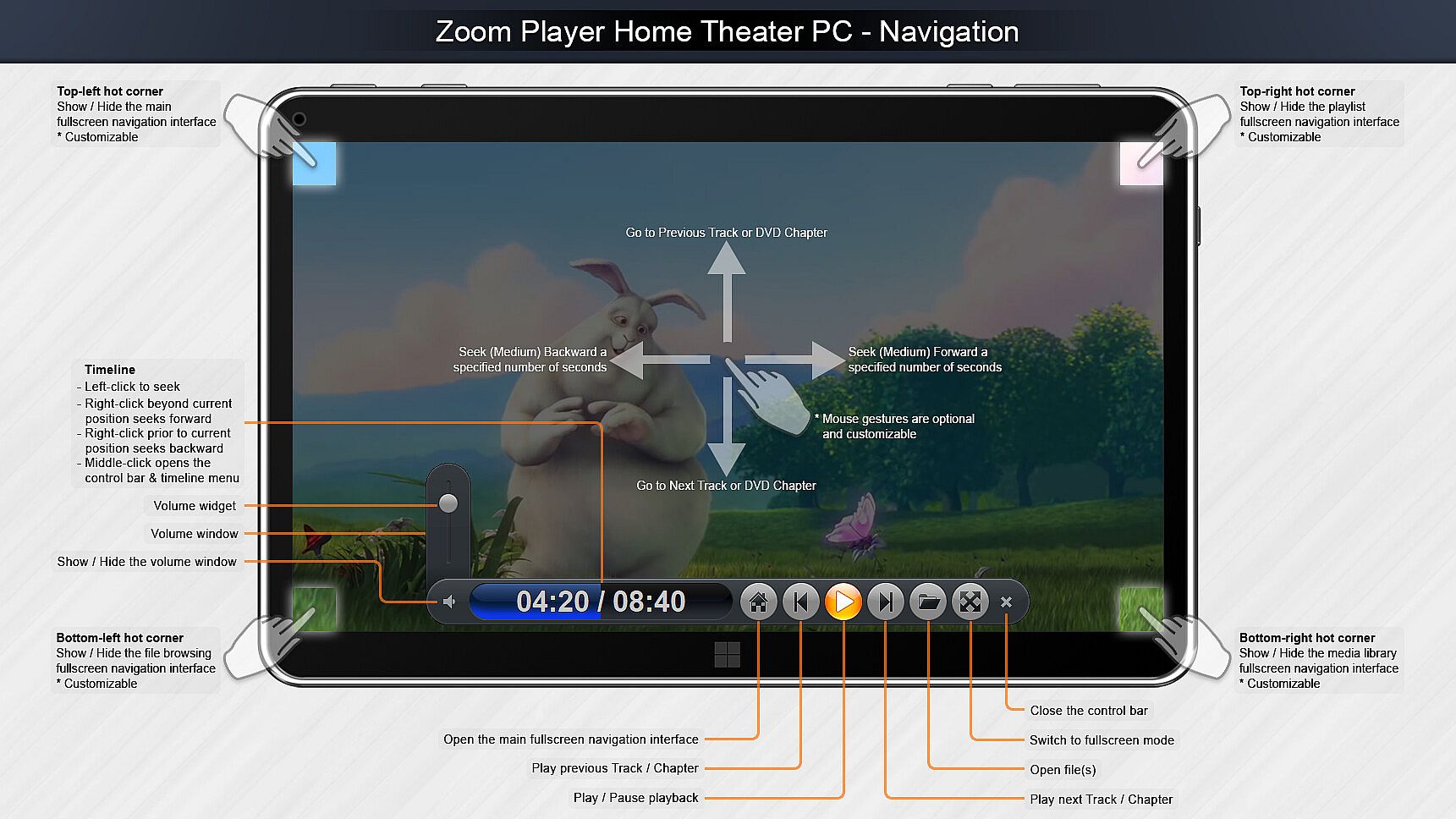
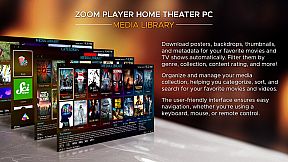
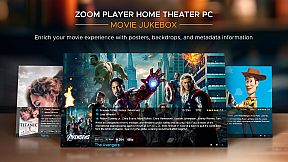
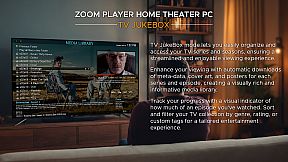
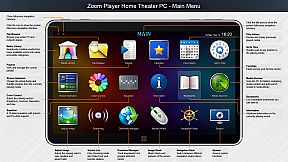
Zoom Player delivers a versatile media player and home theater setup for Windows PC, built around customizable user interfaces and playback tweaking. It taps top decoding tech like DirectShow, FFMPEG, LAV Filters, libVLC, and Chromium to handle diverse formats at peak hardware quality. Control options span remote apps, Xbox controllers, keyboards, mice, PowerShell scripts, TCP/IP, and web browsers, with every input fully remappable. Users craft on-screen elements like buttons, volume bars, and timelines by adjusting size, color, and transparency for any display size. Home theater tools include a media library with TV and movie jukebox modes showing backdrops, posters, and metadata. Streaming covers IPTV, YouTube channels, and servers like PLEX, Emby, and Jellyfin, perfect for media enthusiasts seeking precise control and organization.

Zoom Player represents my life-long quest as an indie developer to craft the most versatile media player and Home Theater experience for Windows.

What makes Zoom Player the best overall media player? It's the user interface, viewing experience and tweaking options. Lots and lots of tweaking options, tailoring the playback experience to your personal preferences without bloating up or slowing down.

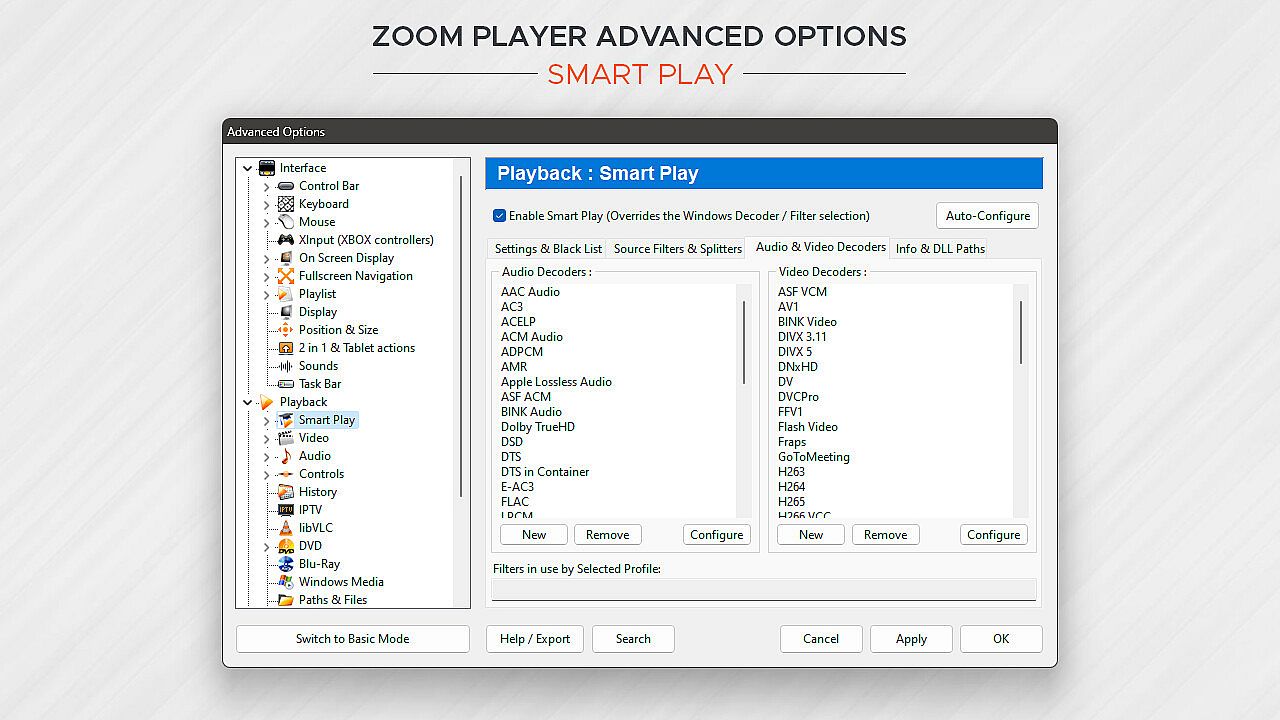
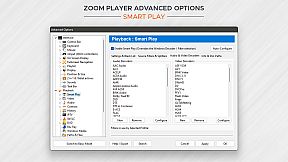
Under the hood, Zoom Player uses the best audio/video decoding and rendering technologies available to get the job done. Whether it's Microsoft DirectShow framework, the FFMPEG project, LAV Filters, libVLC or the Chromium browser, Zoom Player uses the best playback engine for the task. The flexibility of picking the right media engine for the task means that pretty much every media format can play at the highest quality your hardware can muster. And if it doesn't, I will do my best to resolve any issues in the discussions area.

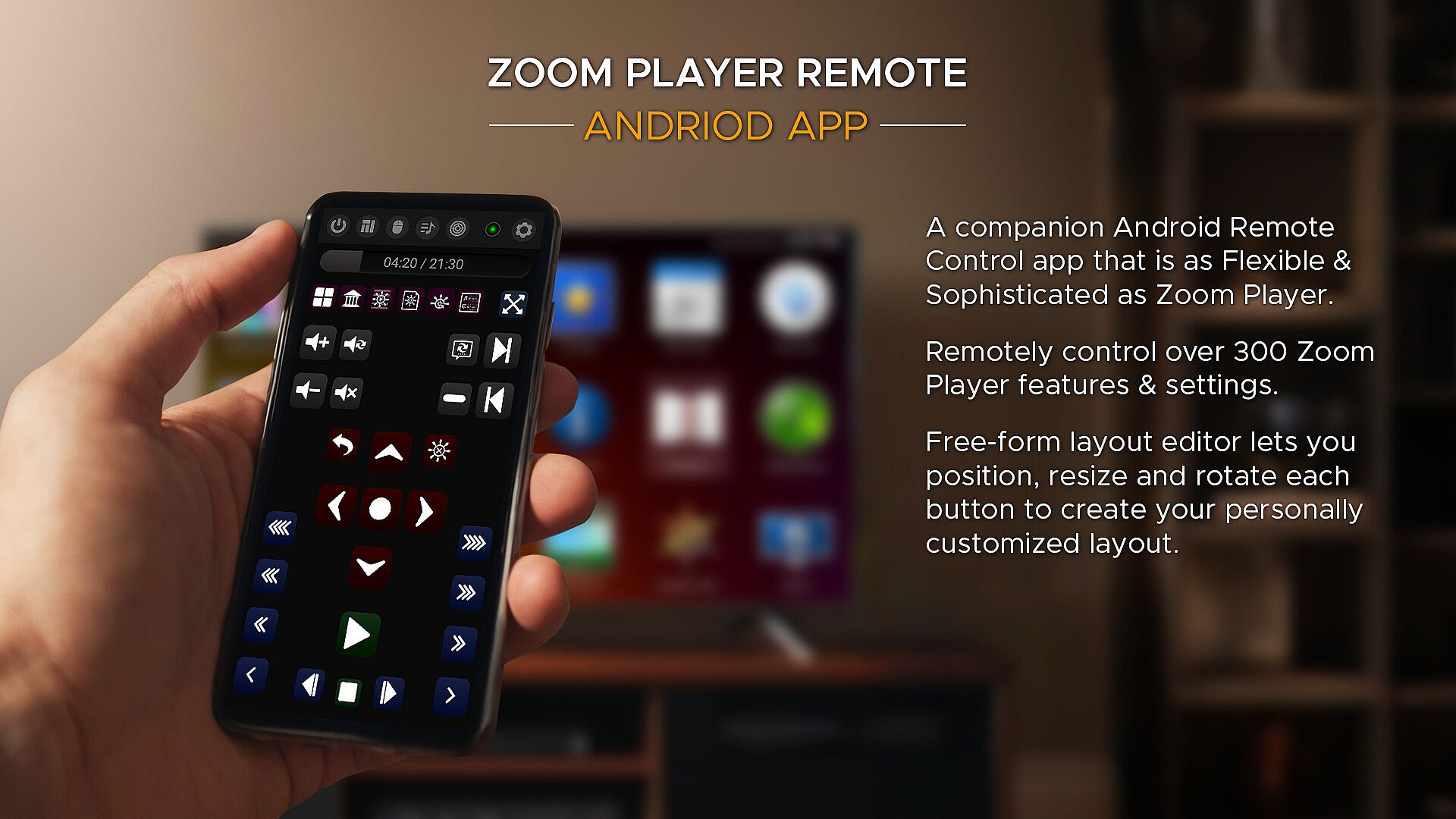
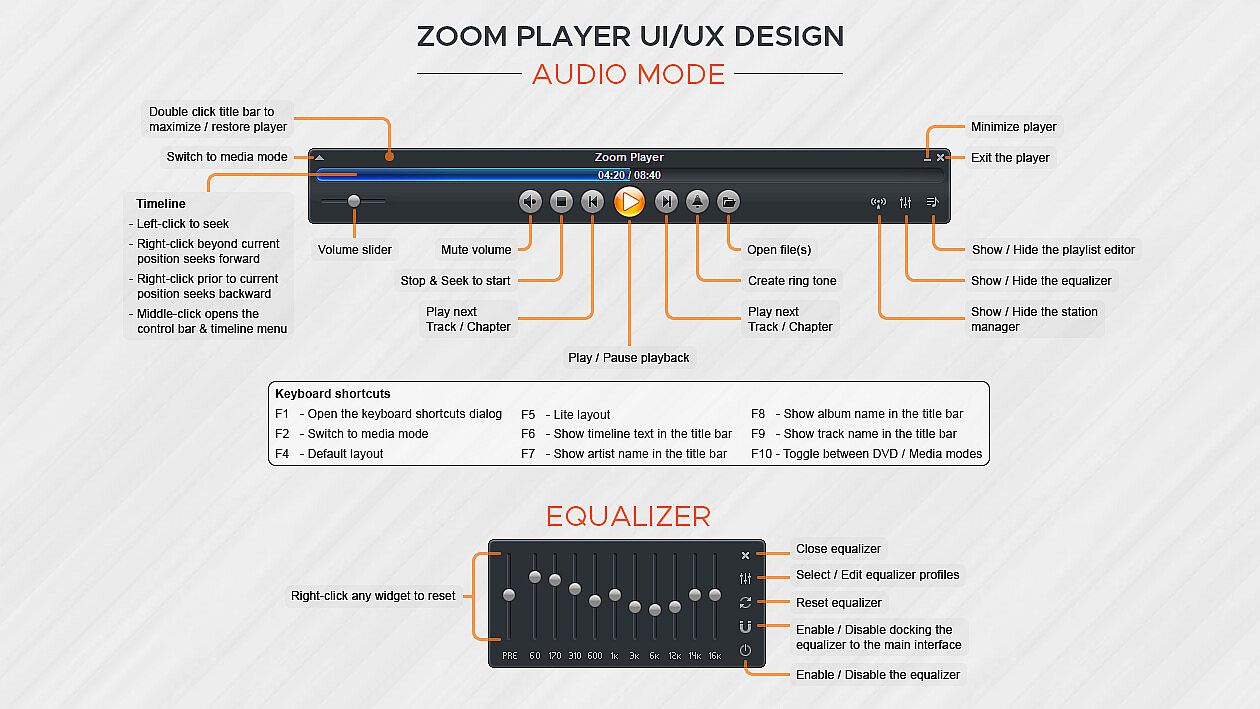
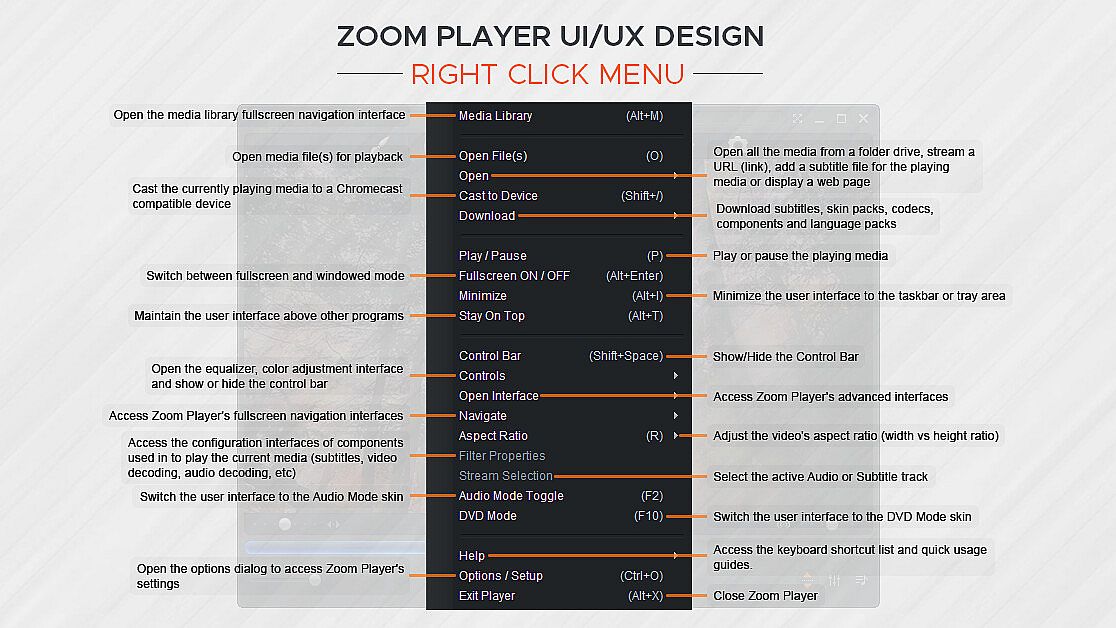
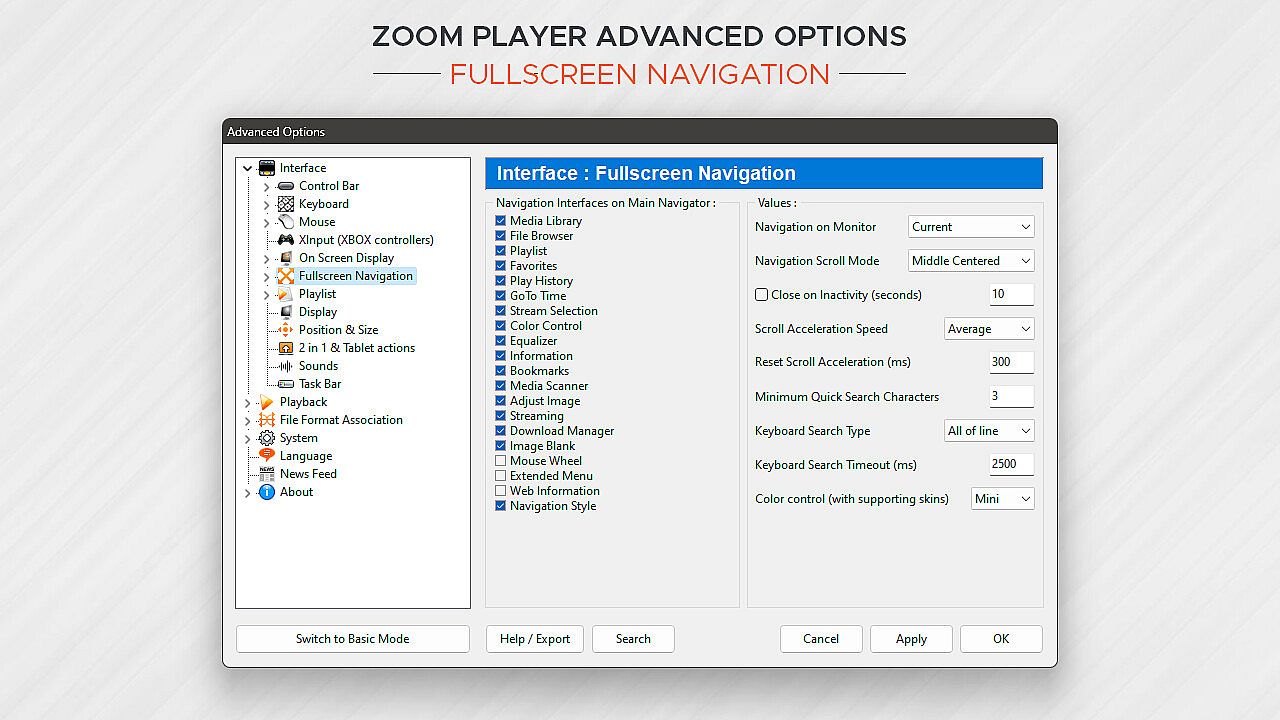
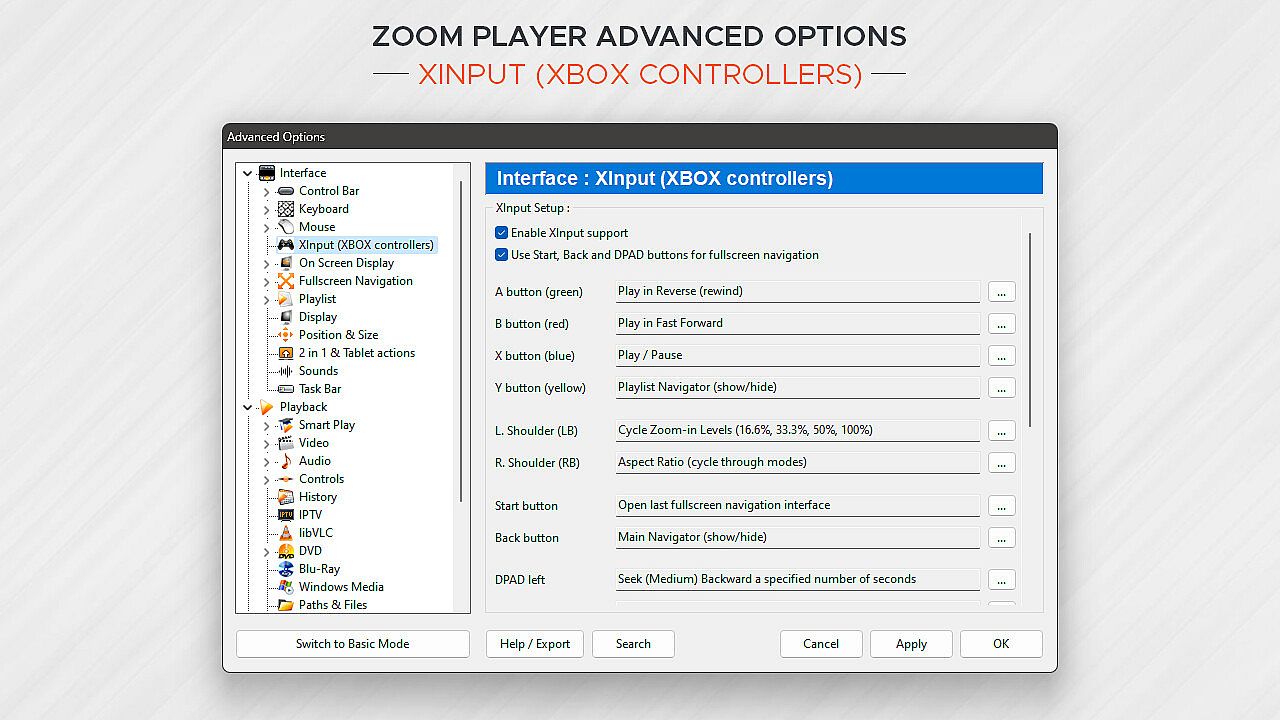
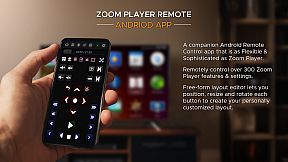
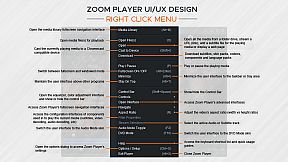
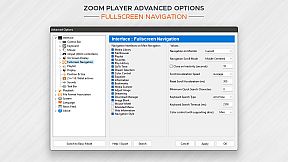
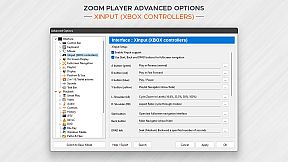
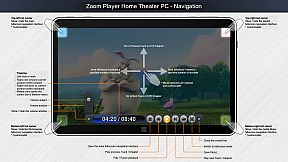
What about Control? If you're scared by long lists, skip to the next paragraph, otherwise know that Zoom Player can be controlled with a Remote Control app; a physical Remote Control; an XBOX controller; a mouse; the keyboard; using a PowerShell Script; Home Automation apps; over TCP/IP; WinAPI; through the Command line; and even with a web browser. Sorry for the long list, but the level of control and attention to detail I designed into Zoom Player is unmatched! Every key, click, swipe, roll and button can be customized to your preferences.

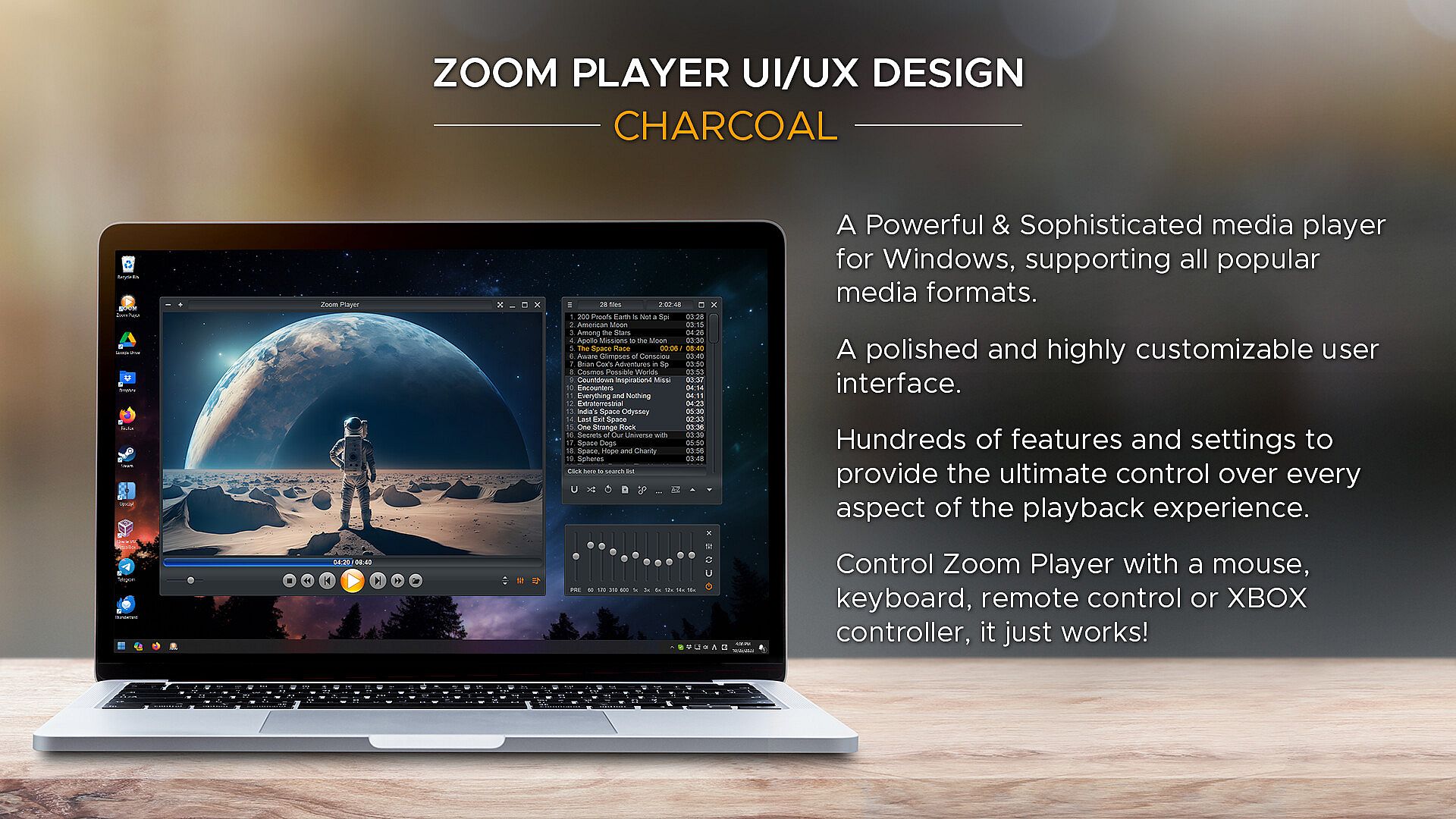
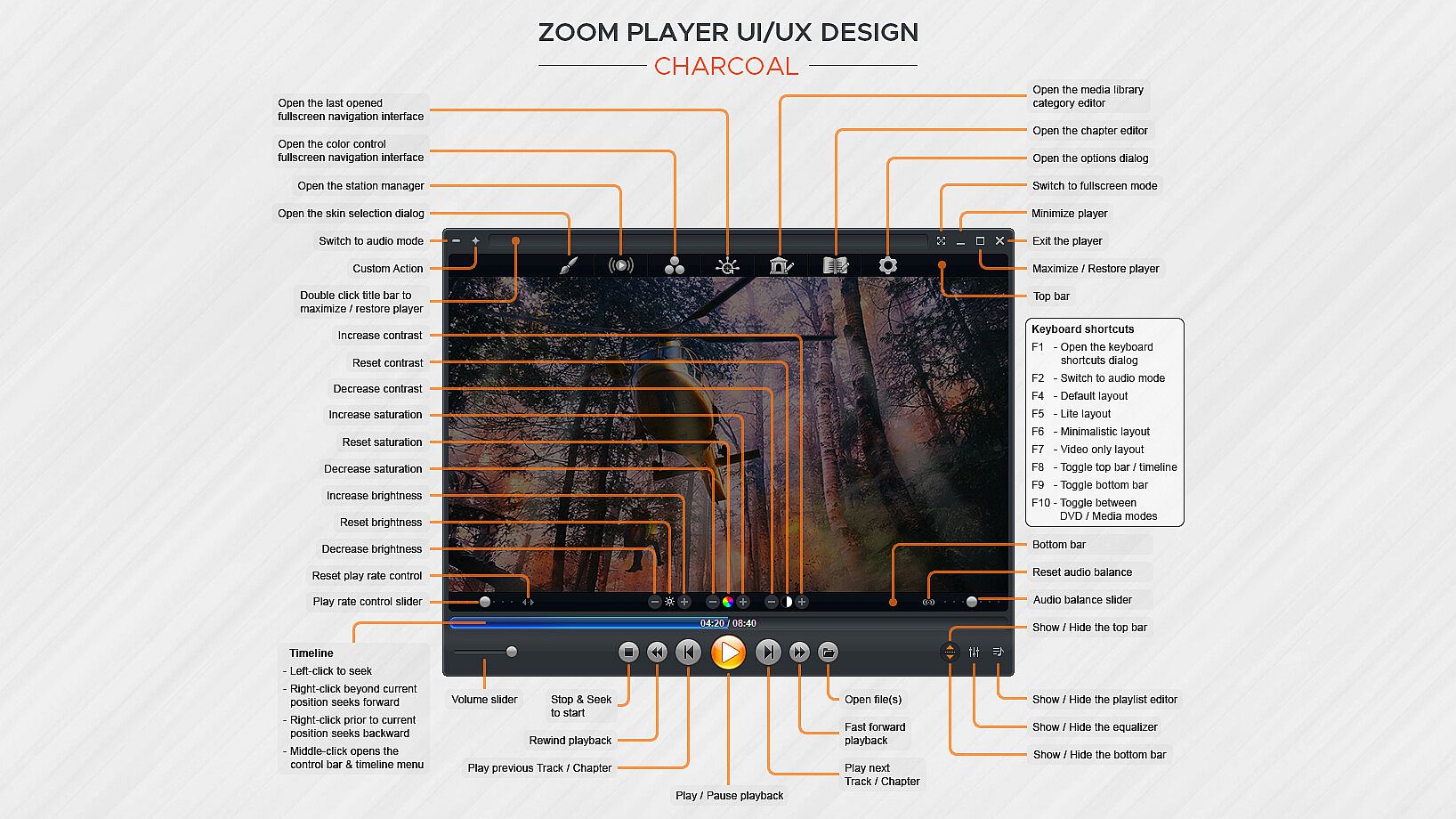
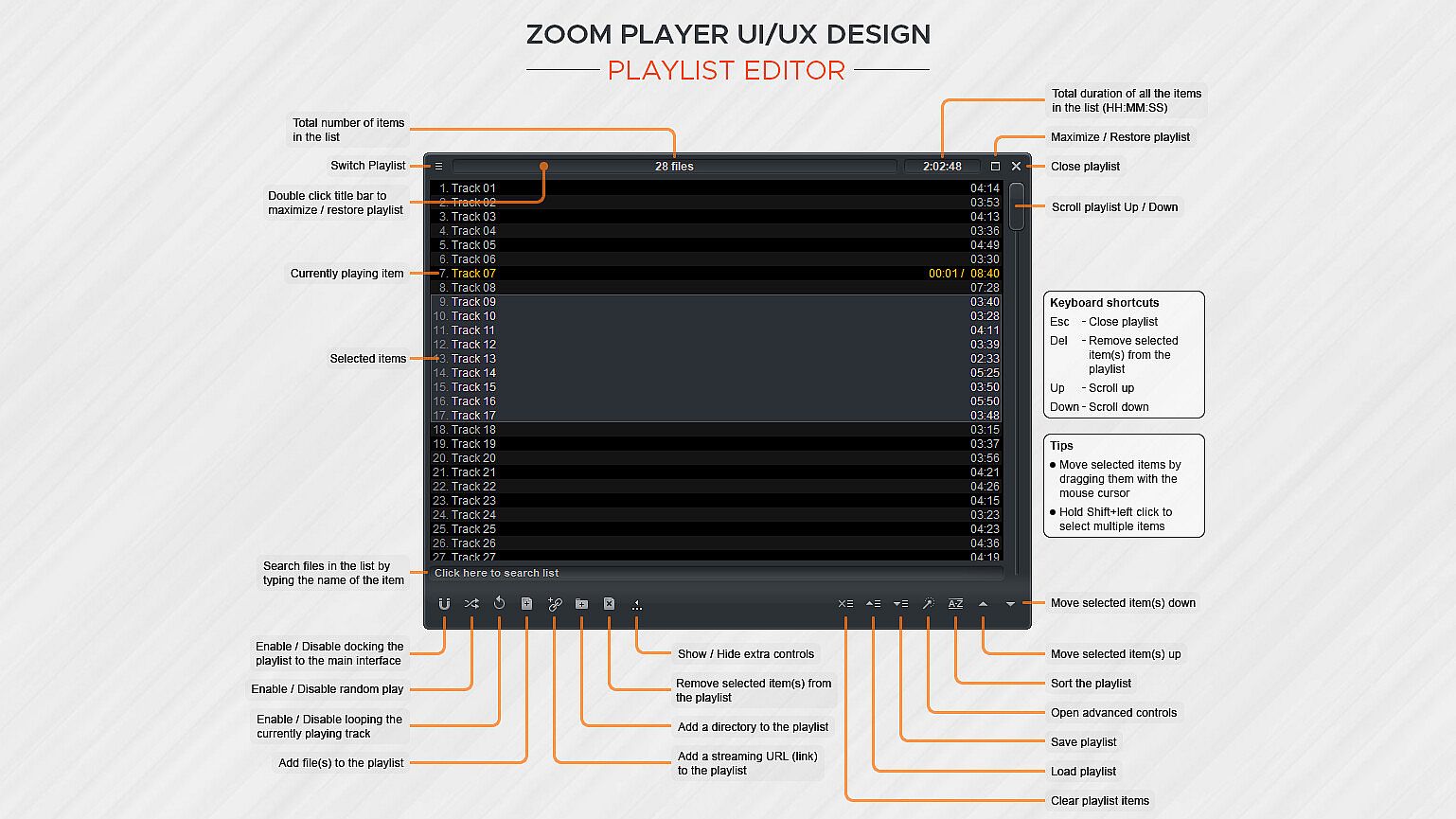
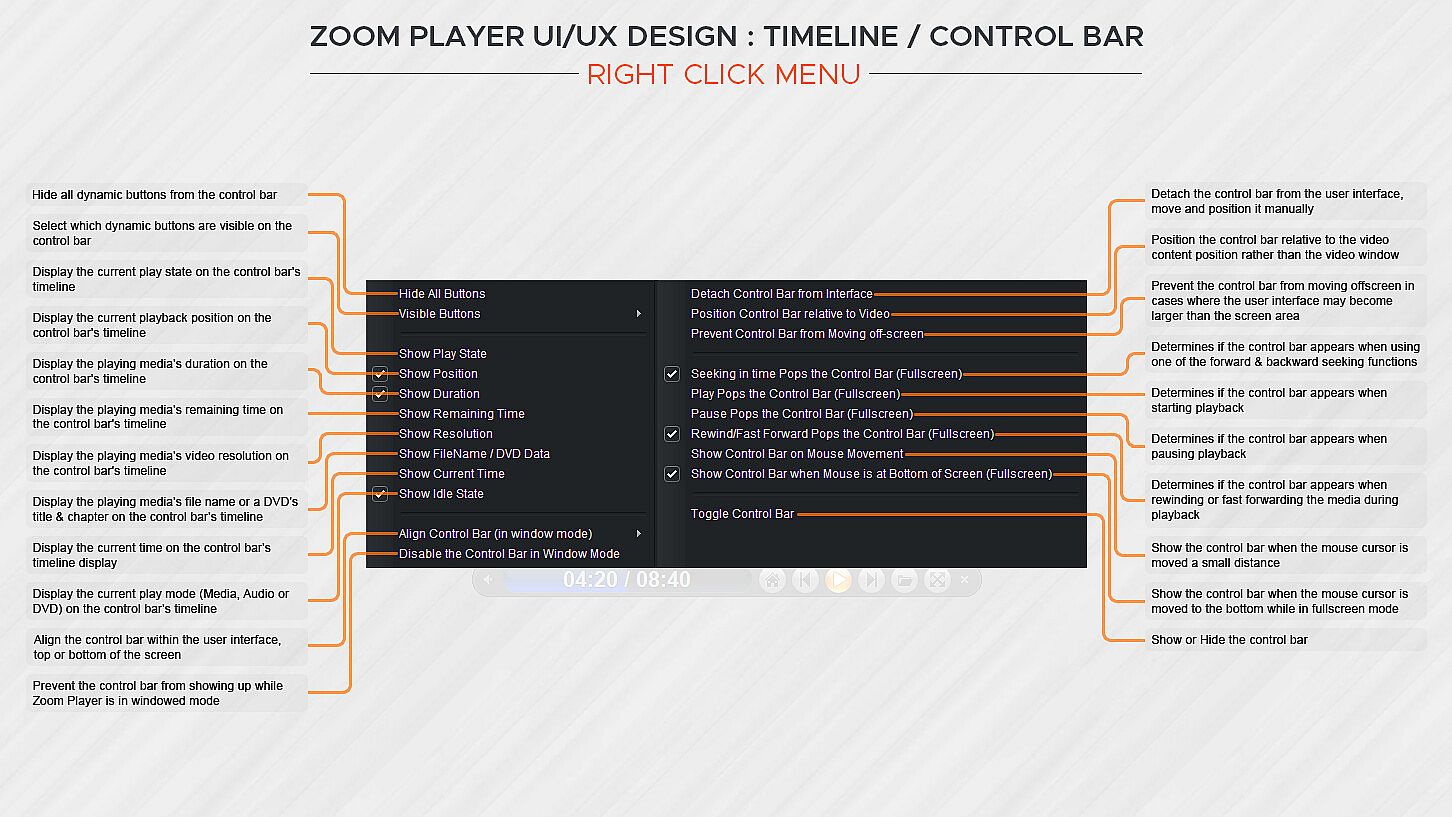
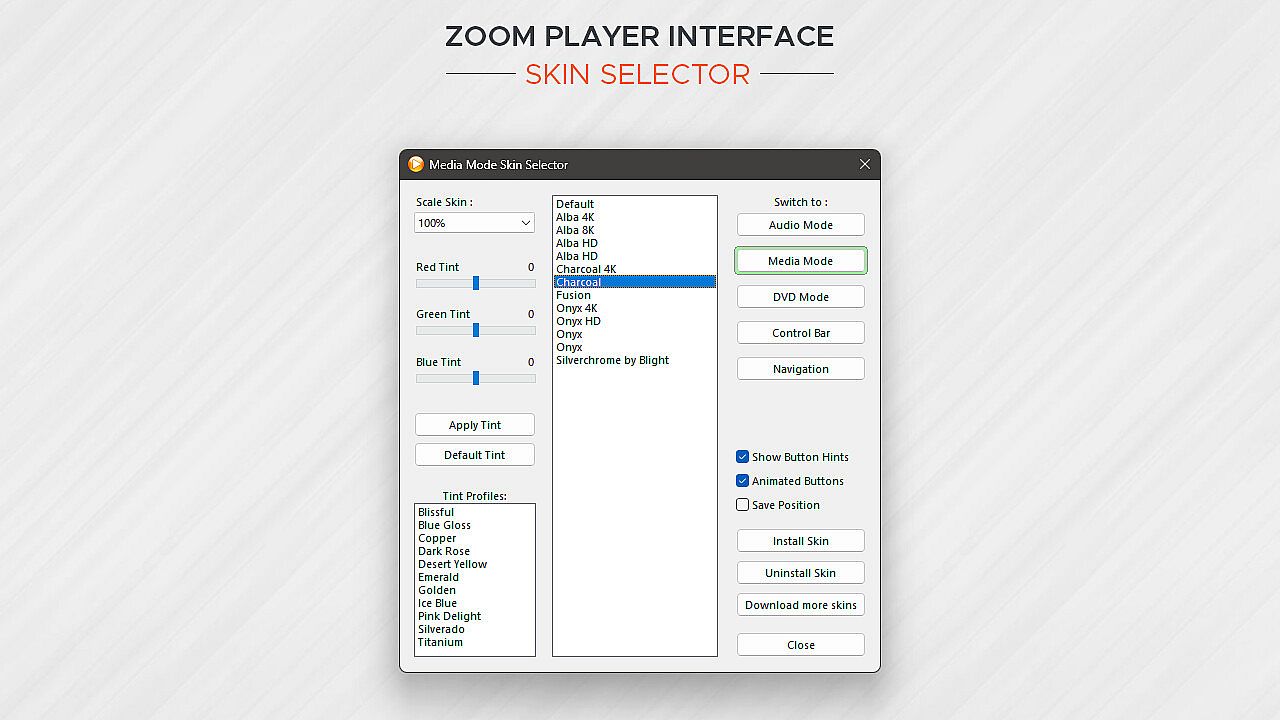
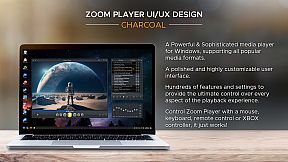
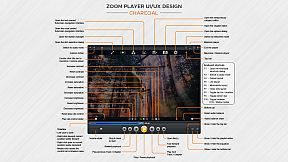
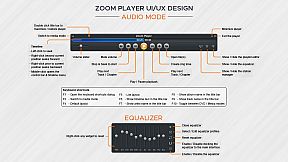
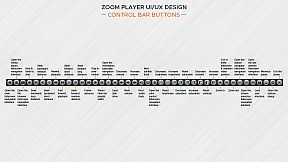
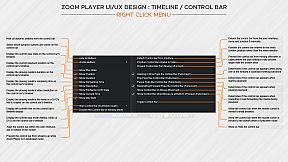
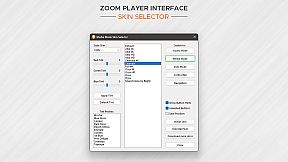
How does Zoom Player look? Amazing. The screenshots only tell half the story. With Zoom Player's powerful control overlay customization features, you can easily pick and choose which user interface elements appear on screen (buttons, volume bar, timeline bar, title text, etc), their size, color, transparency and much more.

Zoom Player's user interface is designed to look good on any display, regardless of the screen size or resolution and is ideal for the visually impaired. You no longer need to be an artist or coder to craft a beautiful user interface tailored to your exact requirements, you can do it yourself with a few simple clicks.

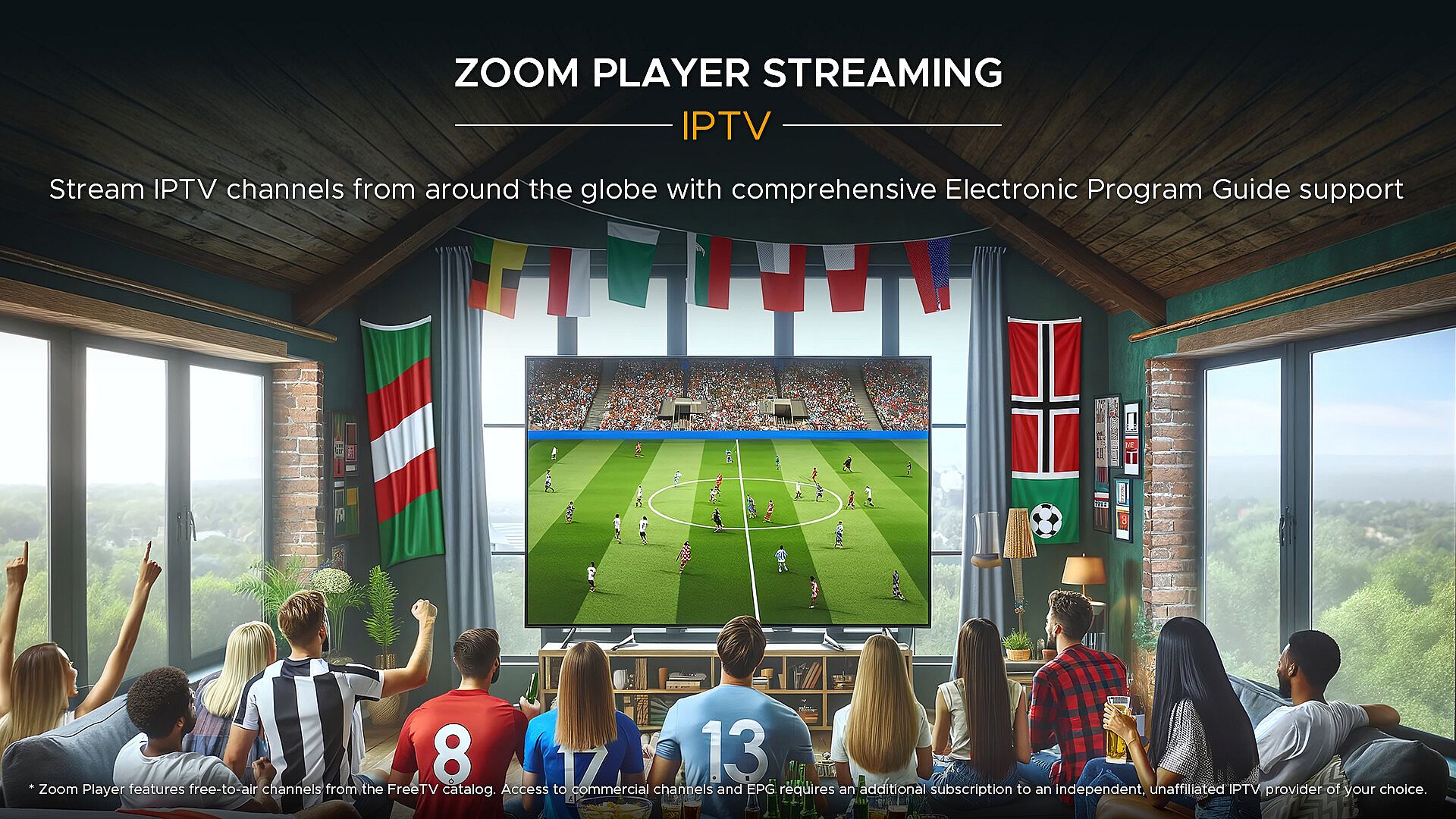
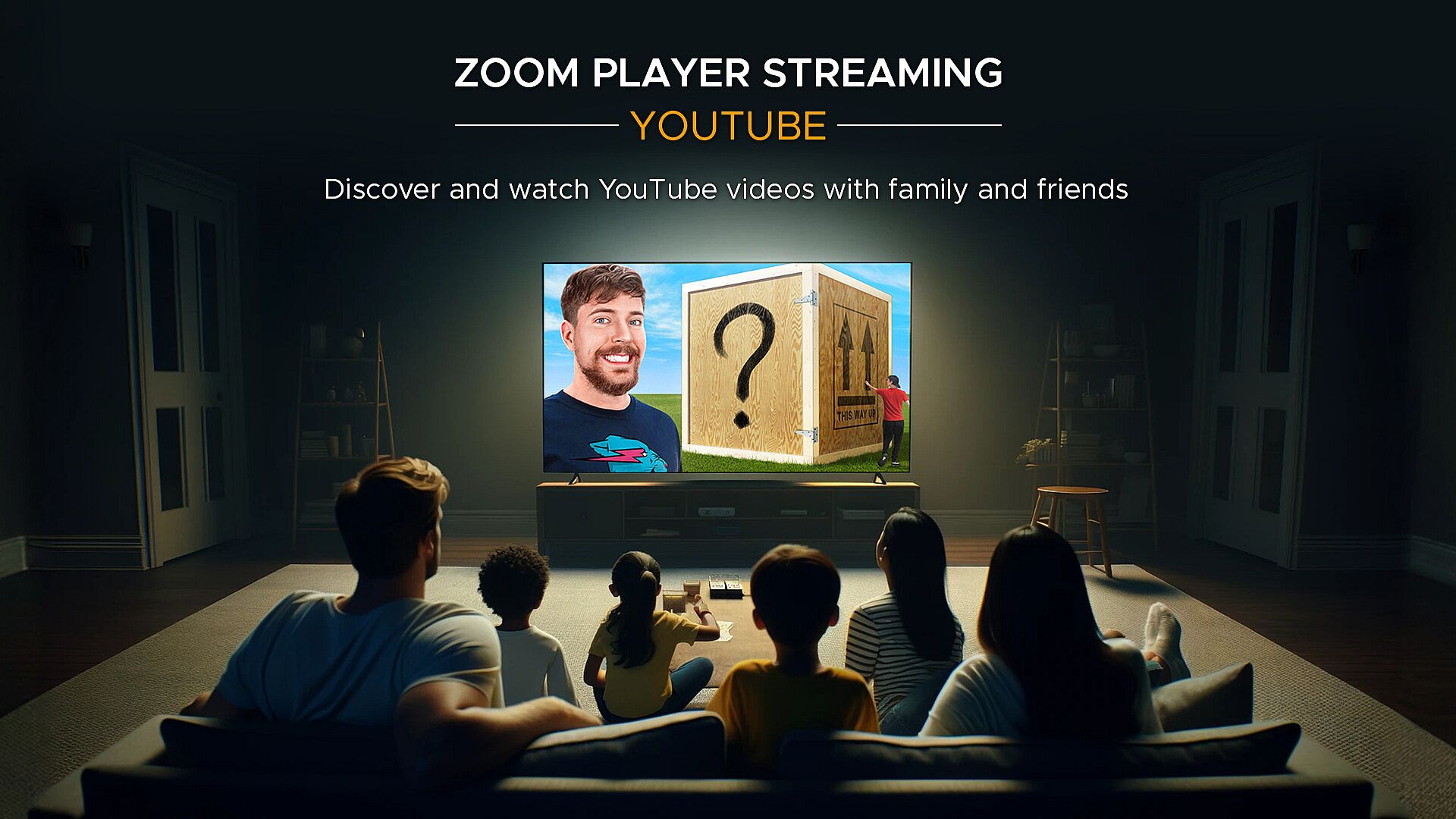
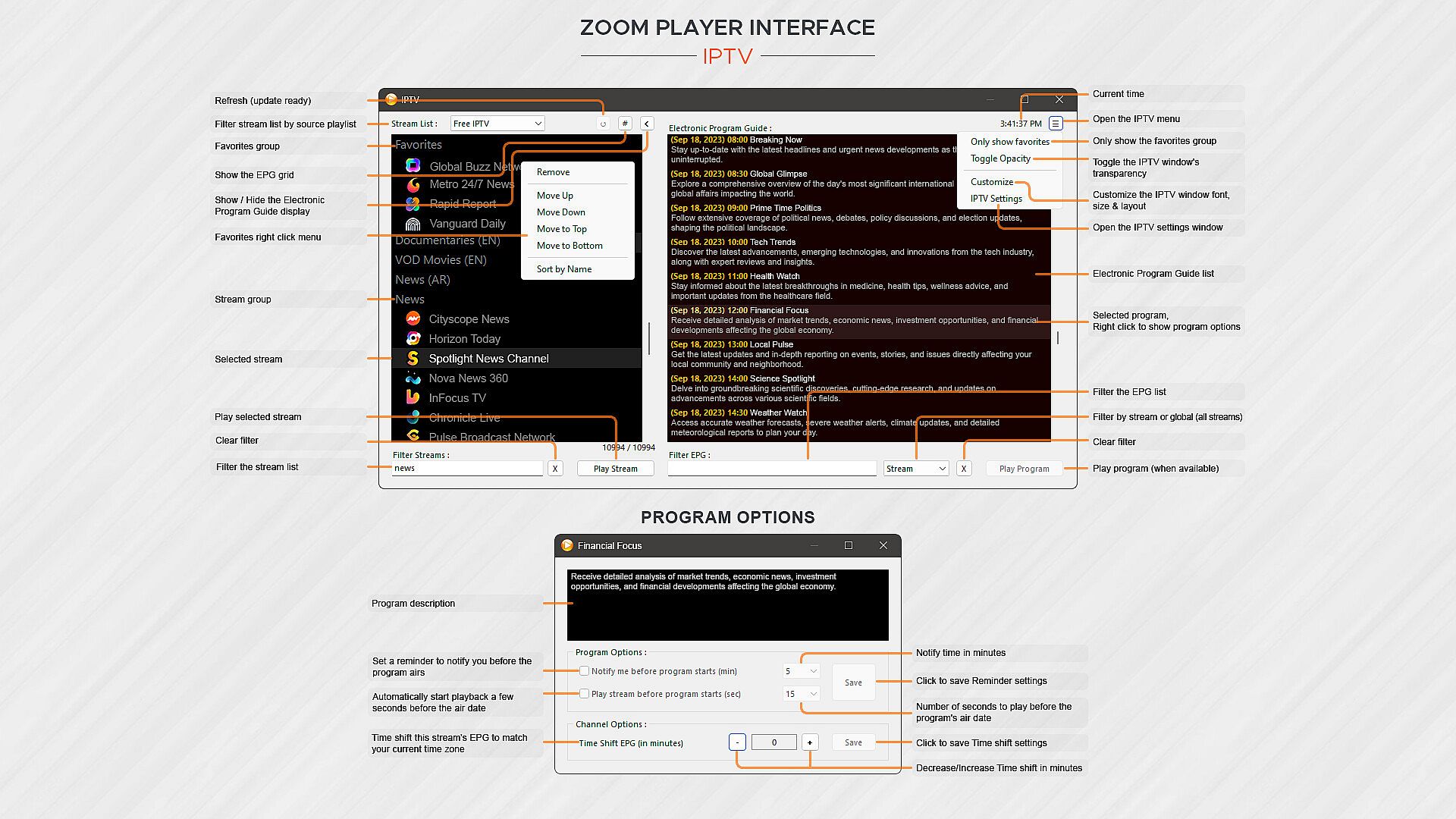
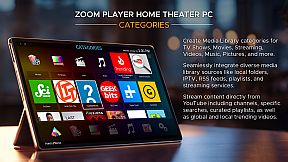
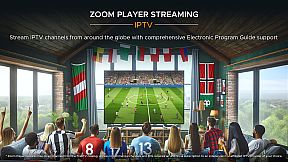
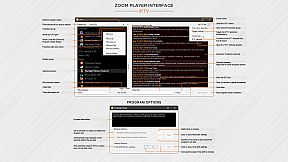
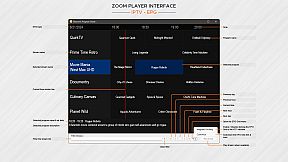
What about Streaming? Zoom Player has the best IPTV implementation on Windows, providing access to live TV from across the world (caveat below). YouTube channels, trends, searches and playlists can be added into the Media Library with ease. Stream content from multiple media servers such as PLEX, Emby and Jellyfin. Other streaming sites either work automatically or can be supported through 3rd party plug-ins.

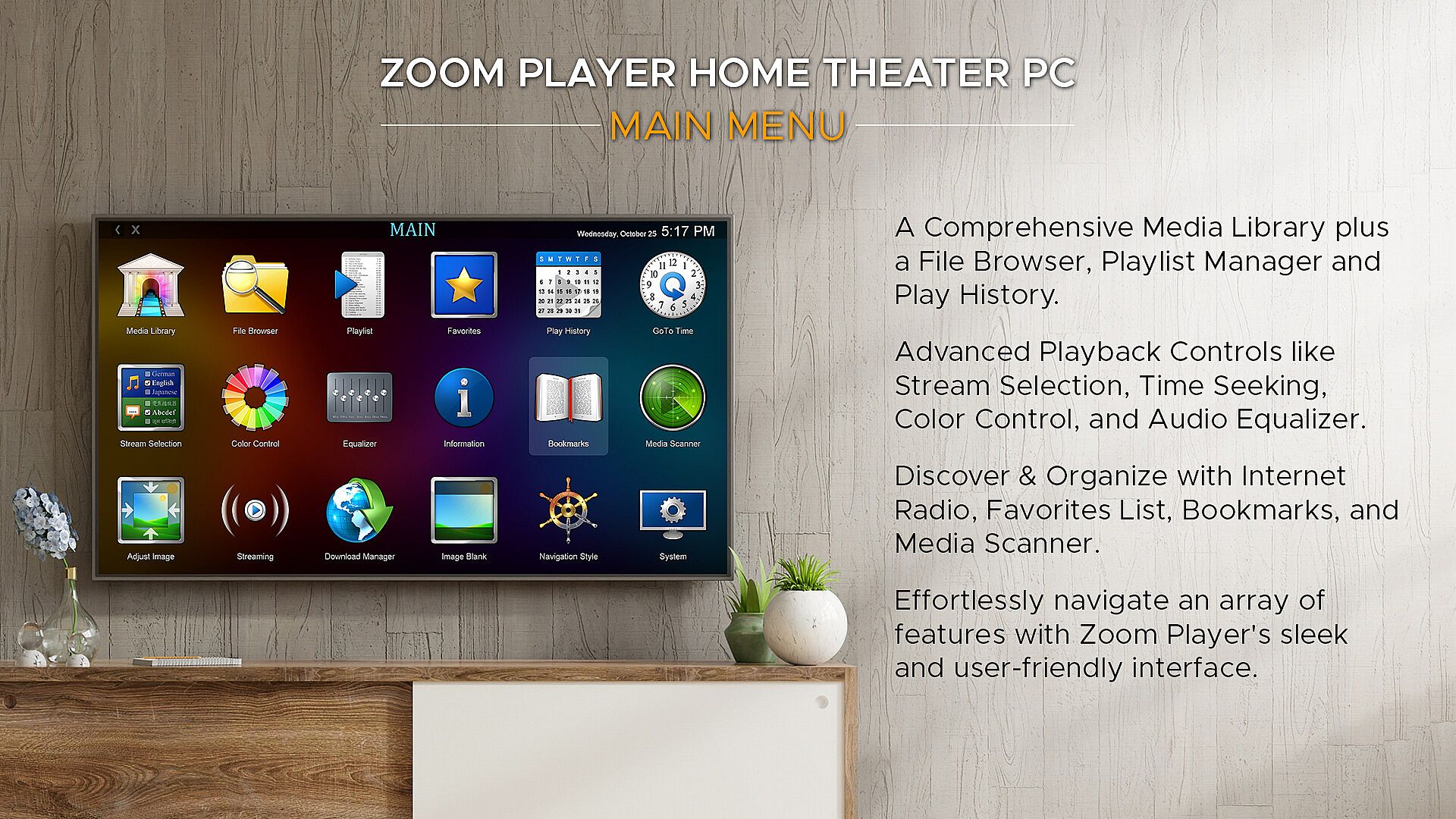
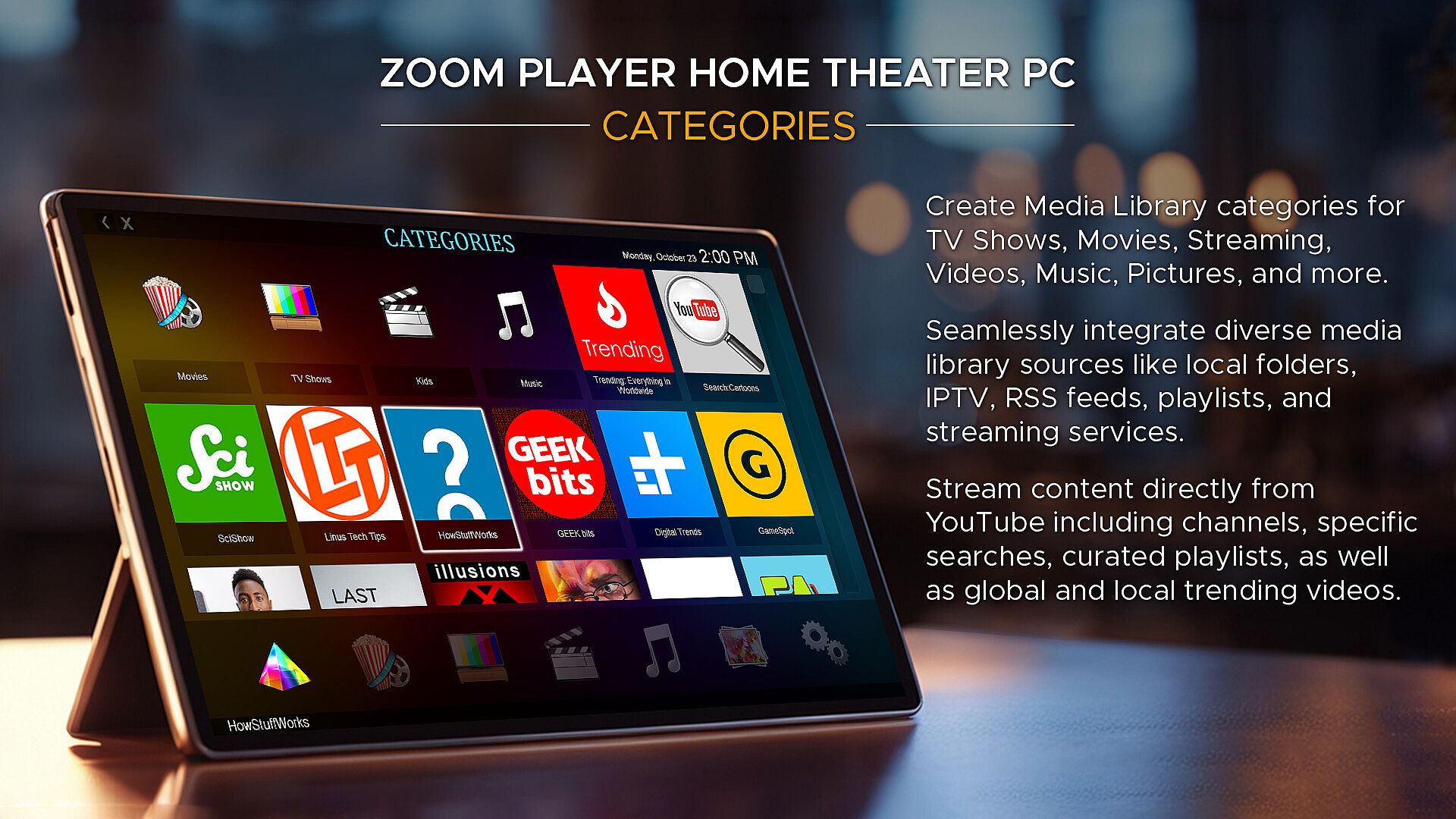
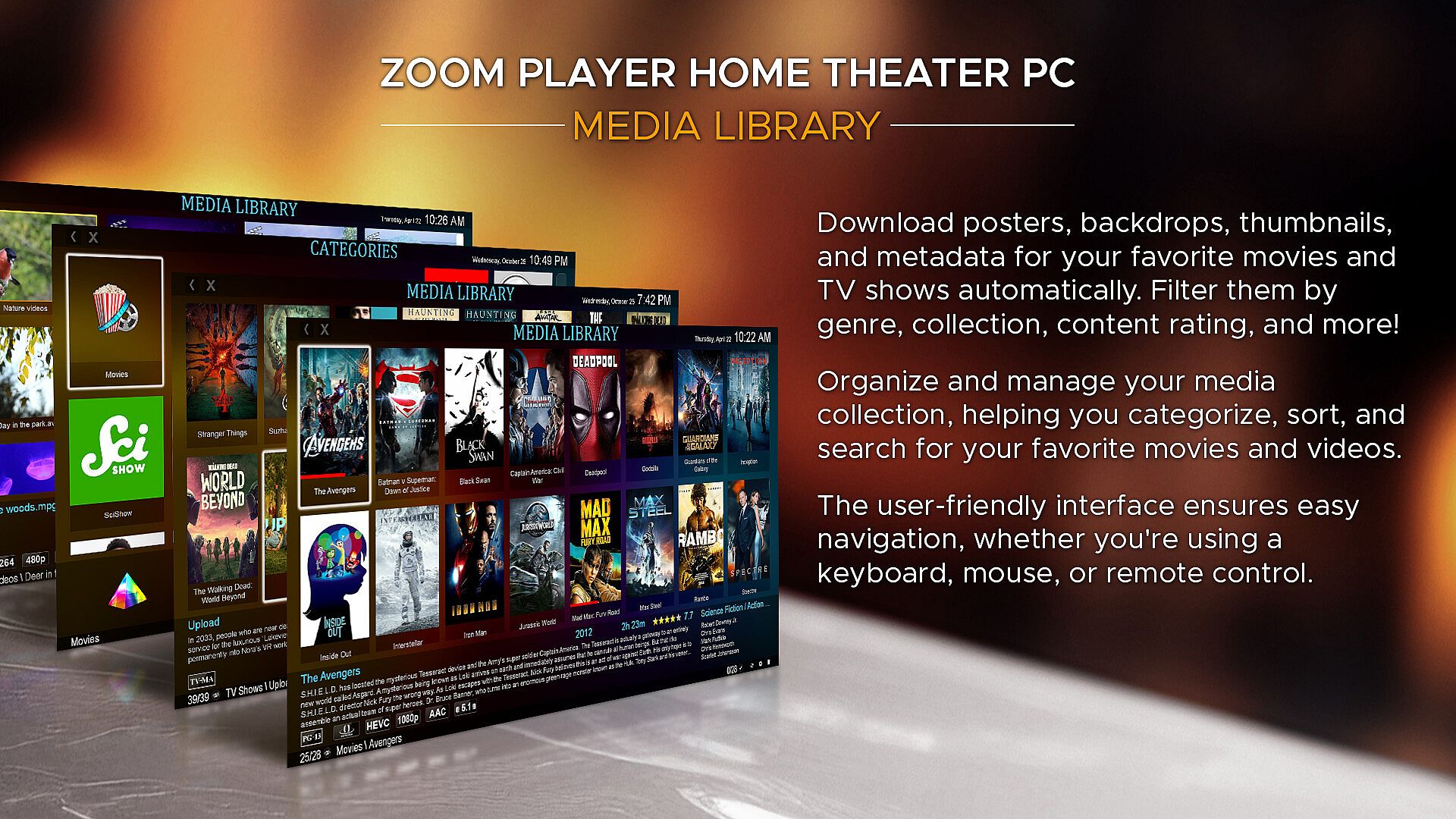
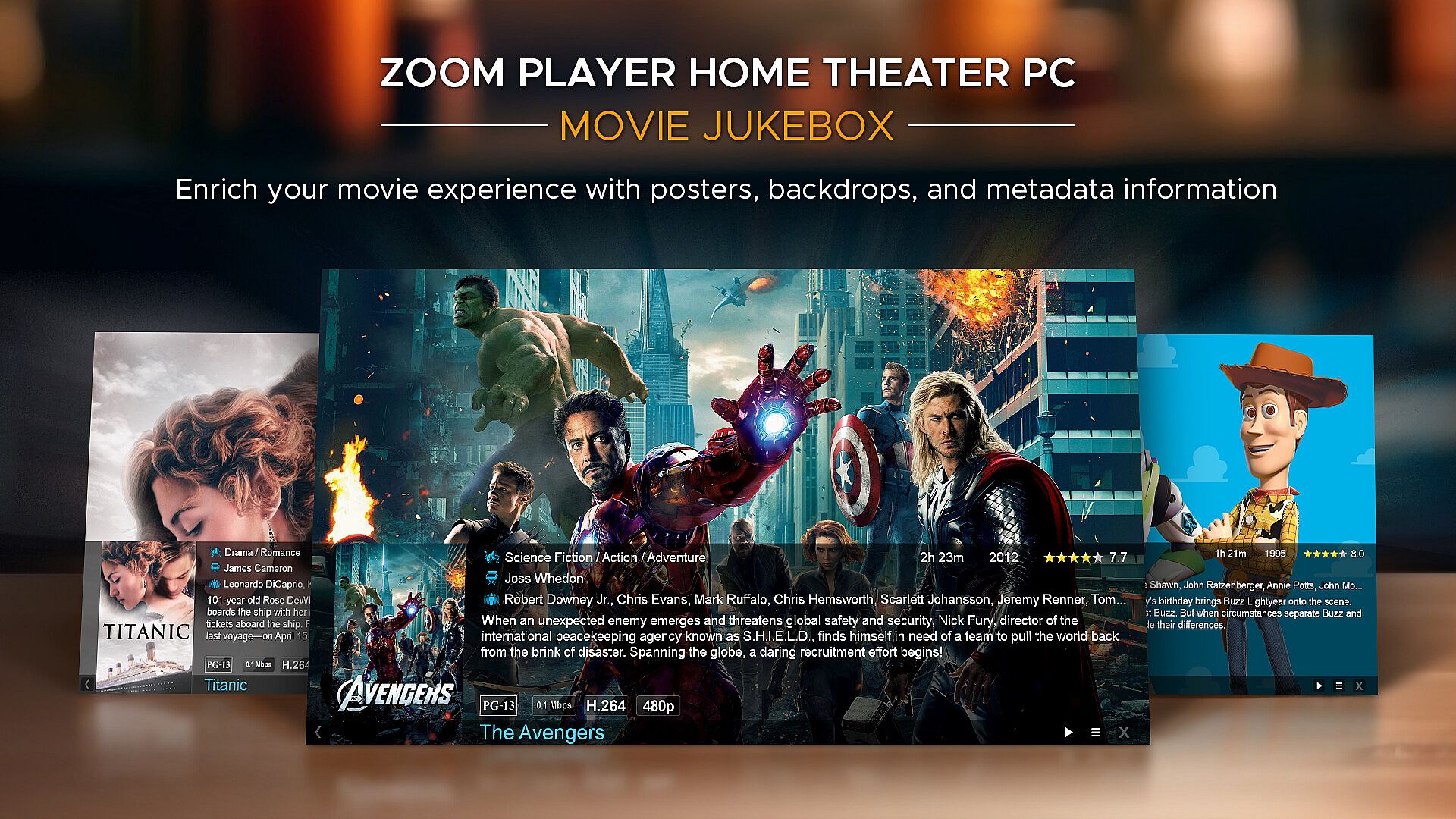
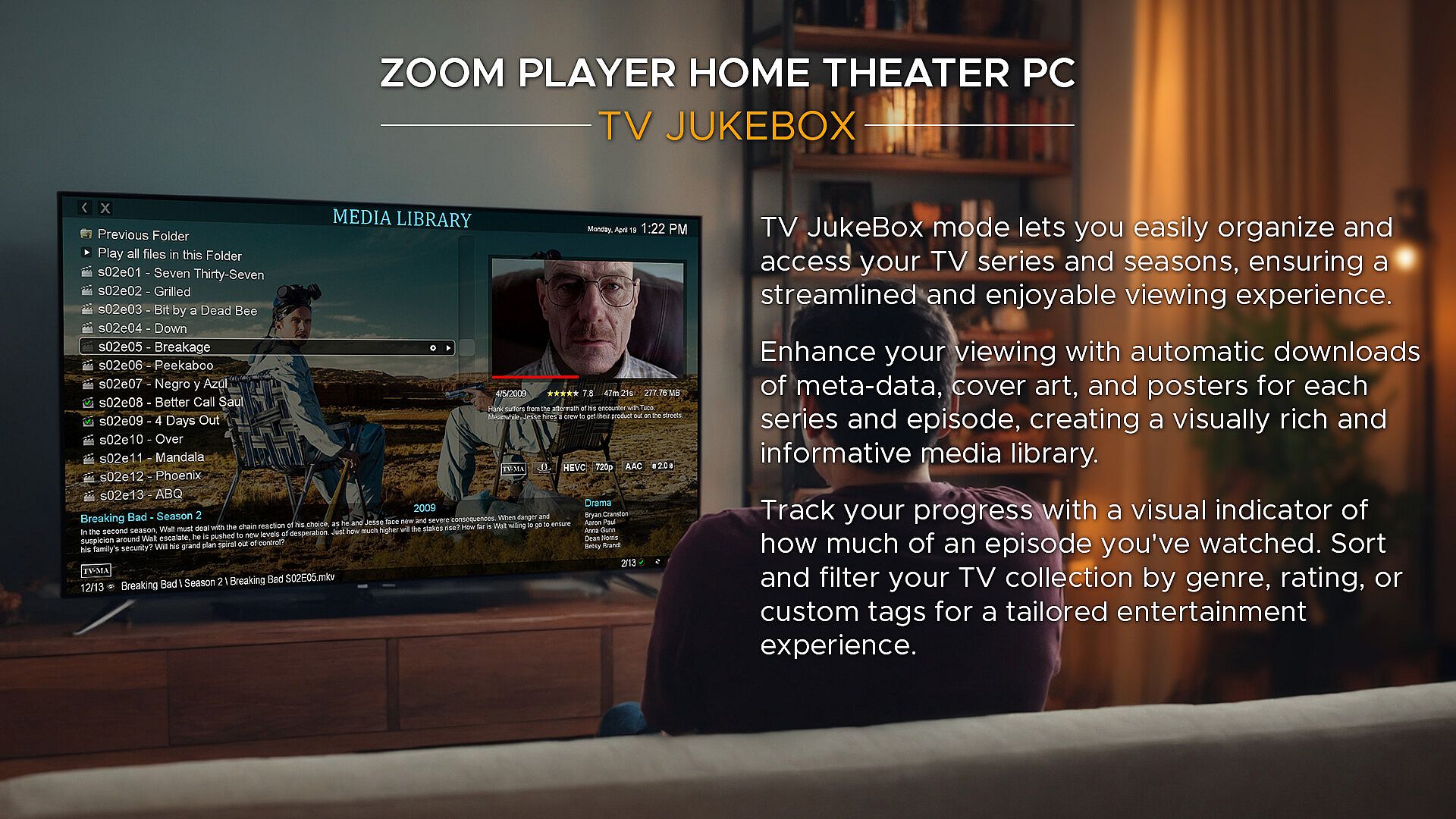
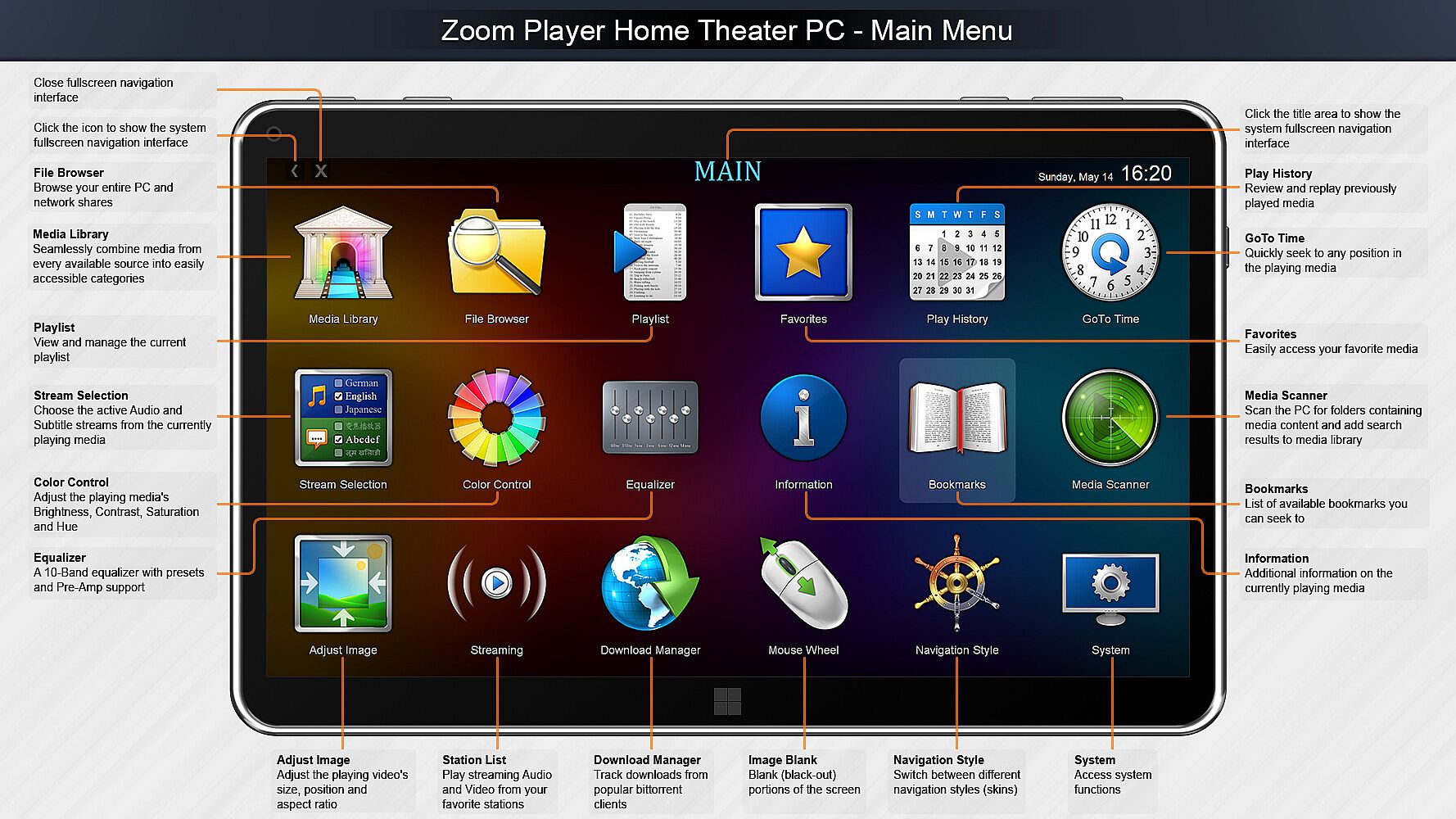
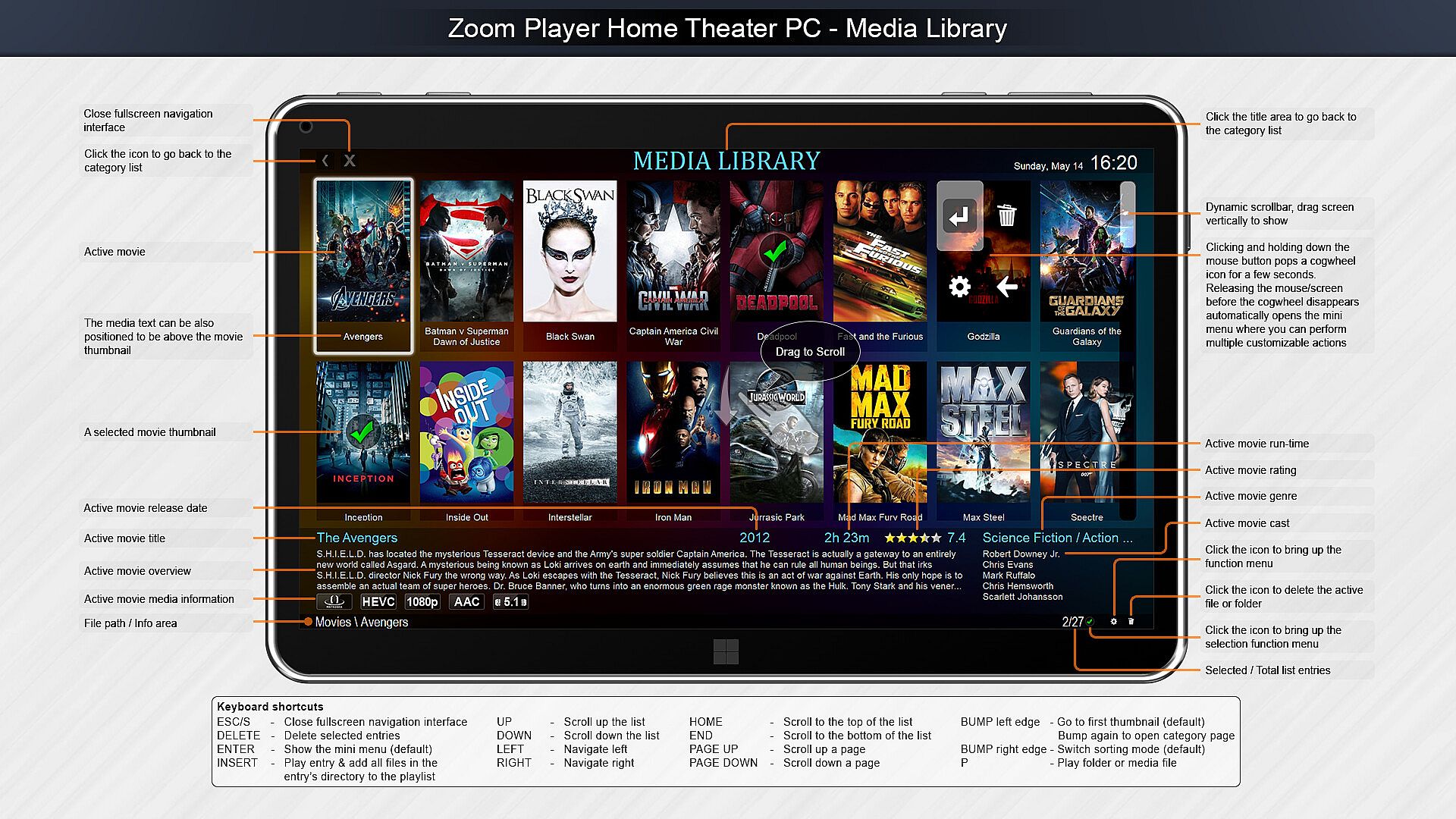
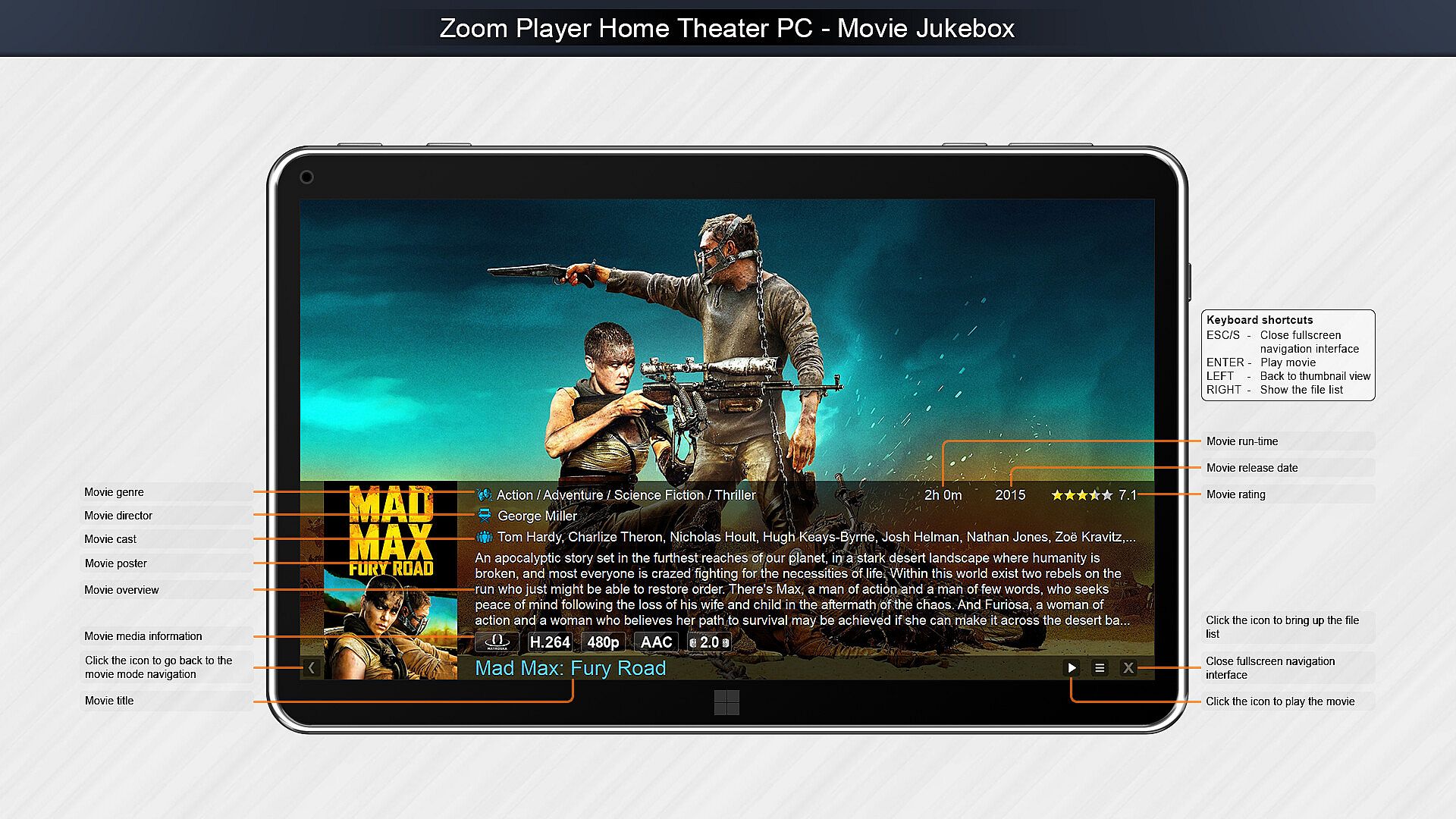
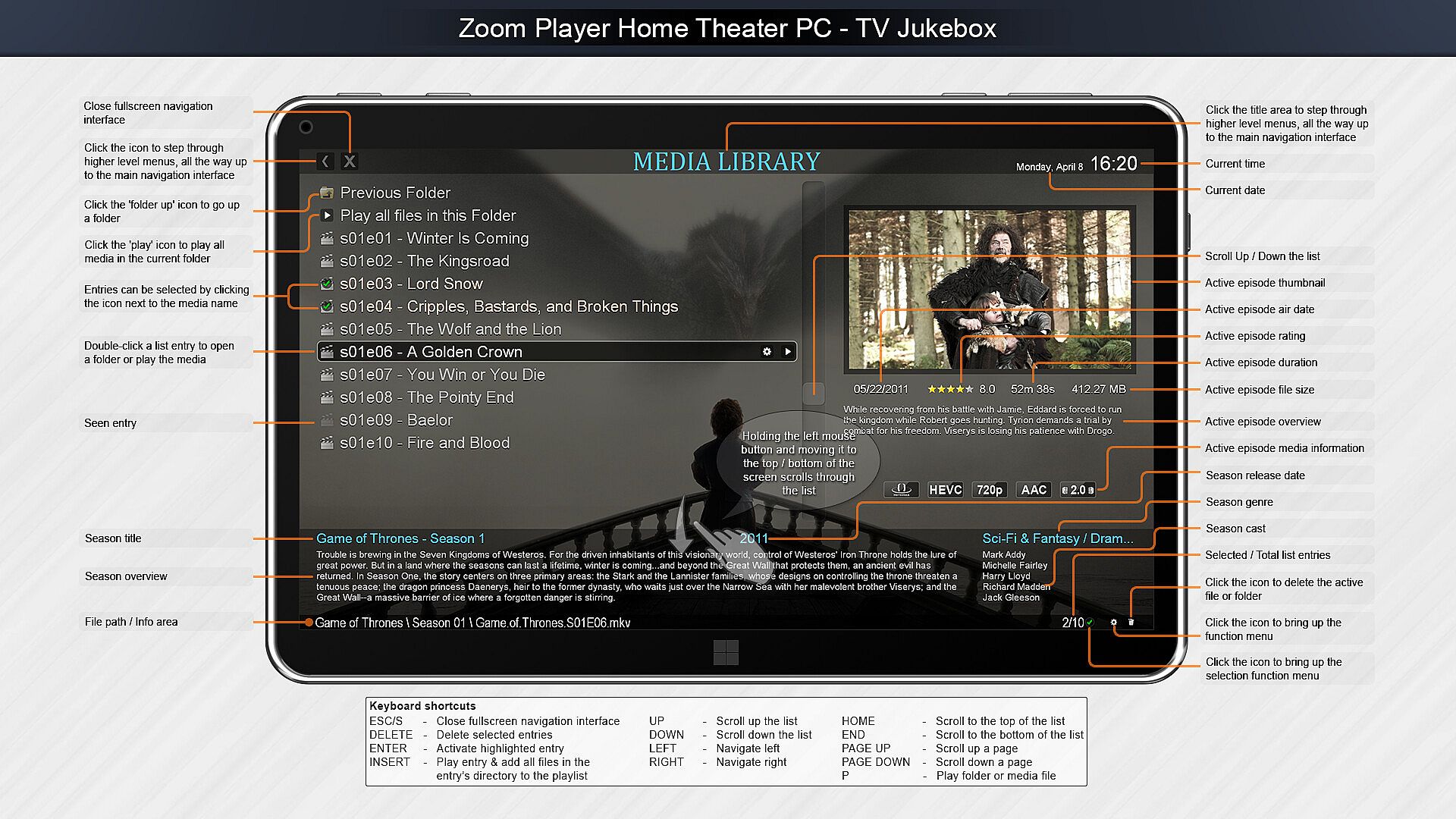
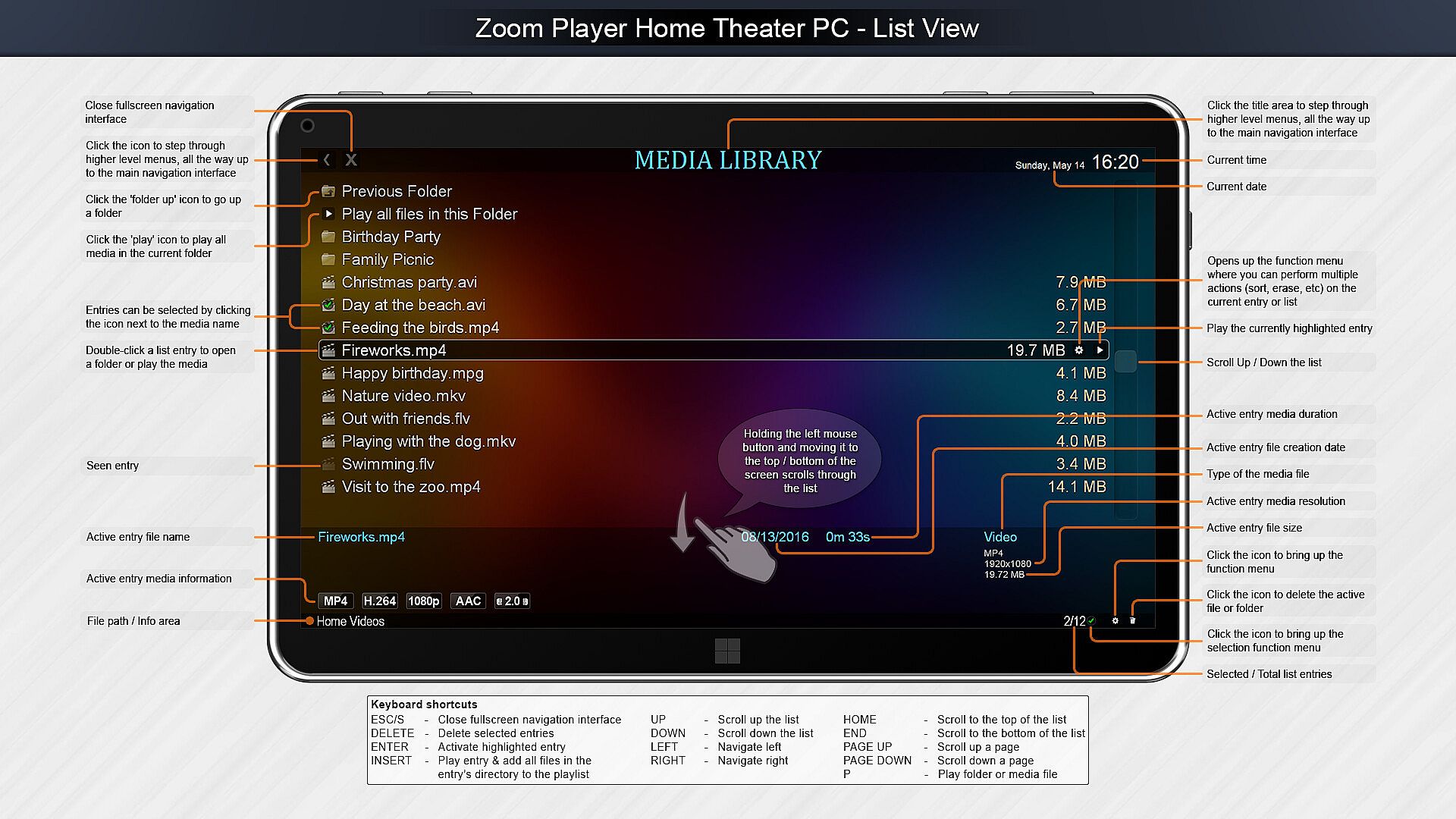
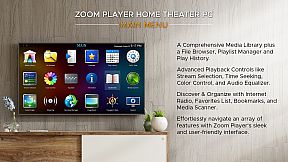
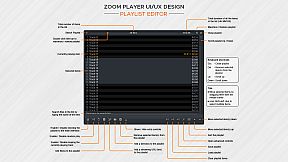
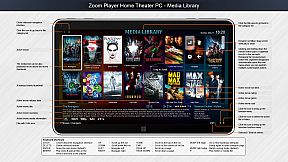
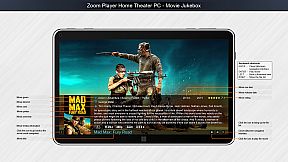
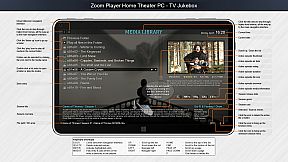
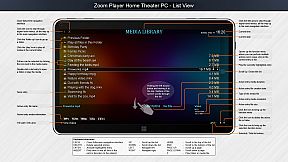
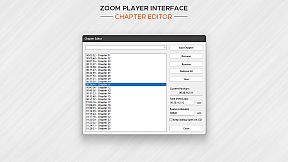
Home Theater? Zoom Player includes an extensive list of Home Theater features backed up by a powerful media library that can help organize your collection and content sources (see screenshots), including a TV and Movie JukeBox modes that displays Backdrop and Poster images along with meta-data such as description, actors, genre, content-rating, etc.

Support? The quick usage guides are the first line of support, clear and concise. Next I wrote the most in-depth documentation for a media player, ever. Every checkbox or setting is explained in great detail. I personally provide support and take requests on Zoom Player's reddit community and review the Steam discussion area often. Every question is answered respectfully and thoughtfully. Did you come up with a cool new feature you would like me to add? Let me know and I'll see if I can get it done.

Caveats:
  • Some of the Steam reviews are old and do not really represent Zoom Player's current potential, please try the demo version and see for yourself.

  • HDR playback requires that the Video Renderer is set to either MadVR or MPC-VR. You may need to configure the selected video renderer with your choice of HDR settings.

  • BluRay playback only works on decrypted content, encrypted discs will not play.

  • To play BluRay discs with menus, you need to install libVLC and the JAVA runtime engine (Zoom Player v19 required).

  • DVD playback works but it's dependent on Microsoft's Framework which can have issues on some systems. Most issues are easily resolved by switching the audio/video decoders used for DVD, but if you are having issues, create a post on the discussions area and I will help you resolve it.

  • Zoom Player implements the IPTV playback standard but I did not include any commercial content. To access commercial IPTV, you must purchase a subscription from an IPTV service provider of your choice. I don't have a recommendation.

Age rating

Unavailable
Steam:
Mixed (56)
Historical low
Price history from official stores
-
-
-
Price history from keyshops
-
-
-
Join our Discord
Get instant help from our community and stay updated on the latest deals
Set Price Alerts
Get notified by email when game prices drop to your target
Create Free Account
Unlock wishlists, price alerts, and Steam sync

FAQ

8 questions

Before you start looking for a cheap Zoom Player : Steam Edition CD Key, take a moment to check the essentials. Developed by Inmatrix LTD. Published by Inmatrix LTD. PC released date: 04 Apr. 2014. Genres: Utilities, Audio Production, Video Production. Categories: Partial Controller Support. Zoom Player : Steam Edition reviews: Steam reviews: 69% of the 56 user reviews for this game are positive.

Q Can I play Zoom Player : Steam Edition on Steam Deck?

Yes. Zoom Player : Steam Edition Steam Deck compatibility is Verified. That means the game boots out-of-the-box, shows correct controller glyphs and delivers stable performance - Zoom Player : Steam Edition runs perfectly on Steam Deck.

Yes. A Zoom Player : Steam Edition Steam version exists. Pick any offer tagged Steam Key on XD.deals, redeem it in the desktop client, and play Zoom Player : Steam Edition on Steam PC.

Yes. Once your Steam key is redeemed, you can launch Zoom Player : Steam Edition in Offline Mode via Steam. Your save files will sync the next time you go online.

Yes, you can buy a Zoom Player : Steam Edition Steam Key directly on the Steam Store. At XD.deals, we aggregate all available Steam DRM offers so you can compare cheap Zoom Player : Steam Edition steam deals in one place.

You'll find every live sale & discount for Zoom Player : Steam Edition right here on XD.deals. Our price tracker currently lists 1 official-store offers and 0 keyshop deals. Check the table above for the lowest price, compare against the game's historical low, and set a price alert so you never miss the next drop.

With XD.deals, PC gamers can instantly see where to buy a cheap Zoom Player : Steam Edition PC Steam key. Our real-time price-comparison engine and curated coupon database track every official store and trusted keyshop so you dont have to. Right now we detect this game in {1} live offers from stores and keyshops.

Yes. An official Zoom Player : Steam Edition Steam store page is live, so you can buy Zoom Player : Steam Edition on Steam or buy any Zoom Player : Steam Edition PC Steam Key on XD.deals and redeem it instantly.

No - XD.deals itself isn't a store. We're a price-comparison service that tracks the best offers for Zoom Player : Steam Edition across official stores and verified keyshops. Click "Shop Now" next to the deal you want, and you'll be redirected to the retailer's website to complete your purchase and receive the key there.

Best prices for Zoom Player : Steam Edition

1 Steam Steam Official
-50% C$38.99

Ready to ride? Set a price alert on XD Deals and grab a discounted Zoom Player : Steam Edition Steam key the moment it reaches its next historical low.

Create Alert