


in progress...

Buy MediBang Paint for Desktop PC

Where can you buy cheapest MediBang Paint for Desktop PC Steam key? Check and compare prices from 1 stores to locate the best and the cheapest option for you among 1 offers featured on XD.deals. Now the lowest MediBang Paint for Desktop PC price on keyshops can be obtained on C$45.49 (30% off).

Release: 31 Jul. 2023
Publisher: MediBang Inc.
Developer: MediBang Inc.
Steam:
Mixed (128)
Keyshops
Unavailable
Buy in Official Store:
-30%
C$45.49
Buy in Keyshops:
See price history

Official Stores (1)

DRM:
Steam
Steam
Steam
MediBang Paint for Desktop
Windows
+1
50w ago
DRM:
Steam
Steam
C$64.99 C$45.49
Historical Low Deal
Historical low
-30%

About MediBang Paint for Desktop

MediBang Paint for Desktop - about the game

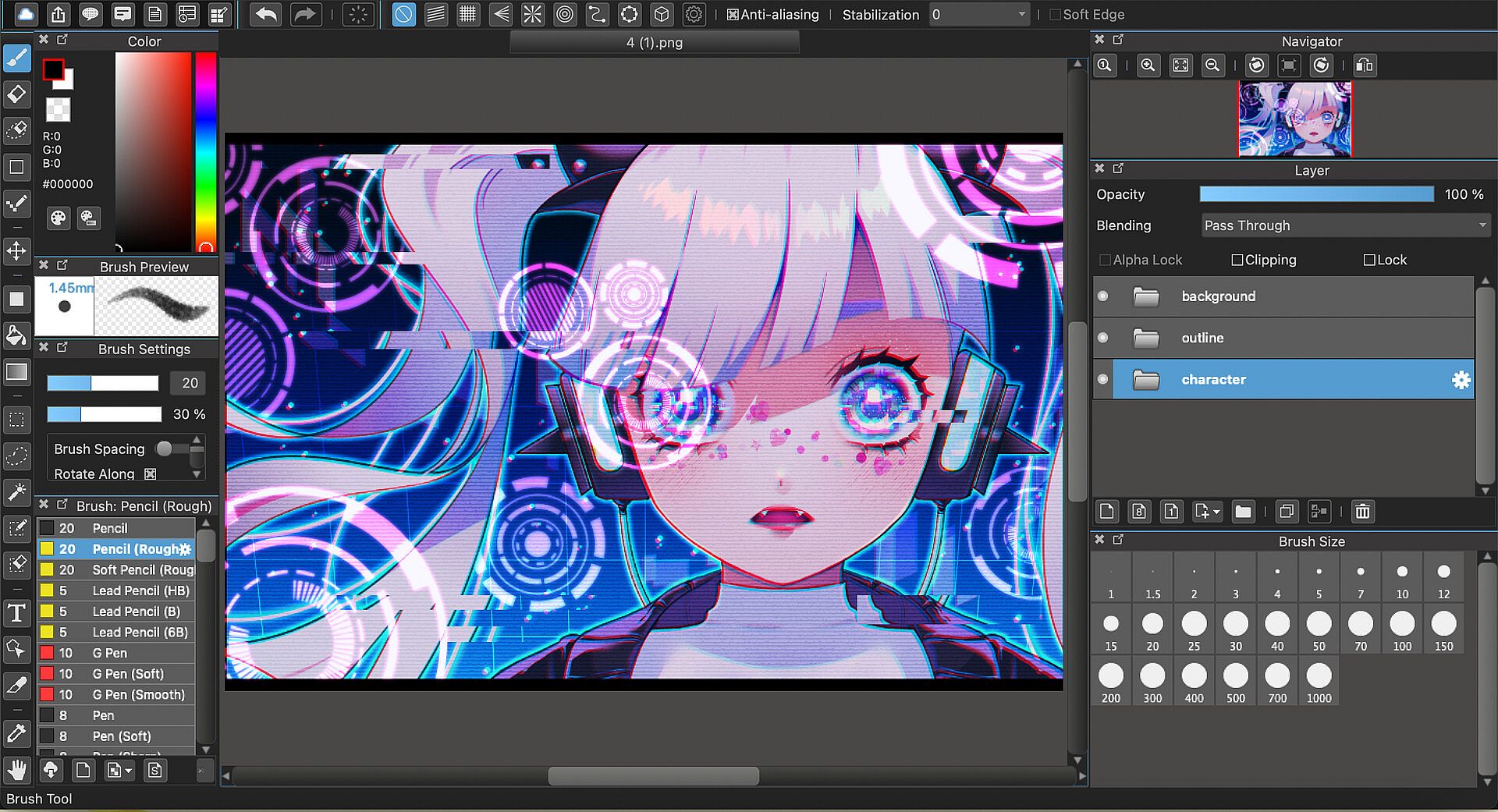
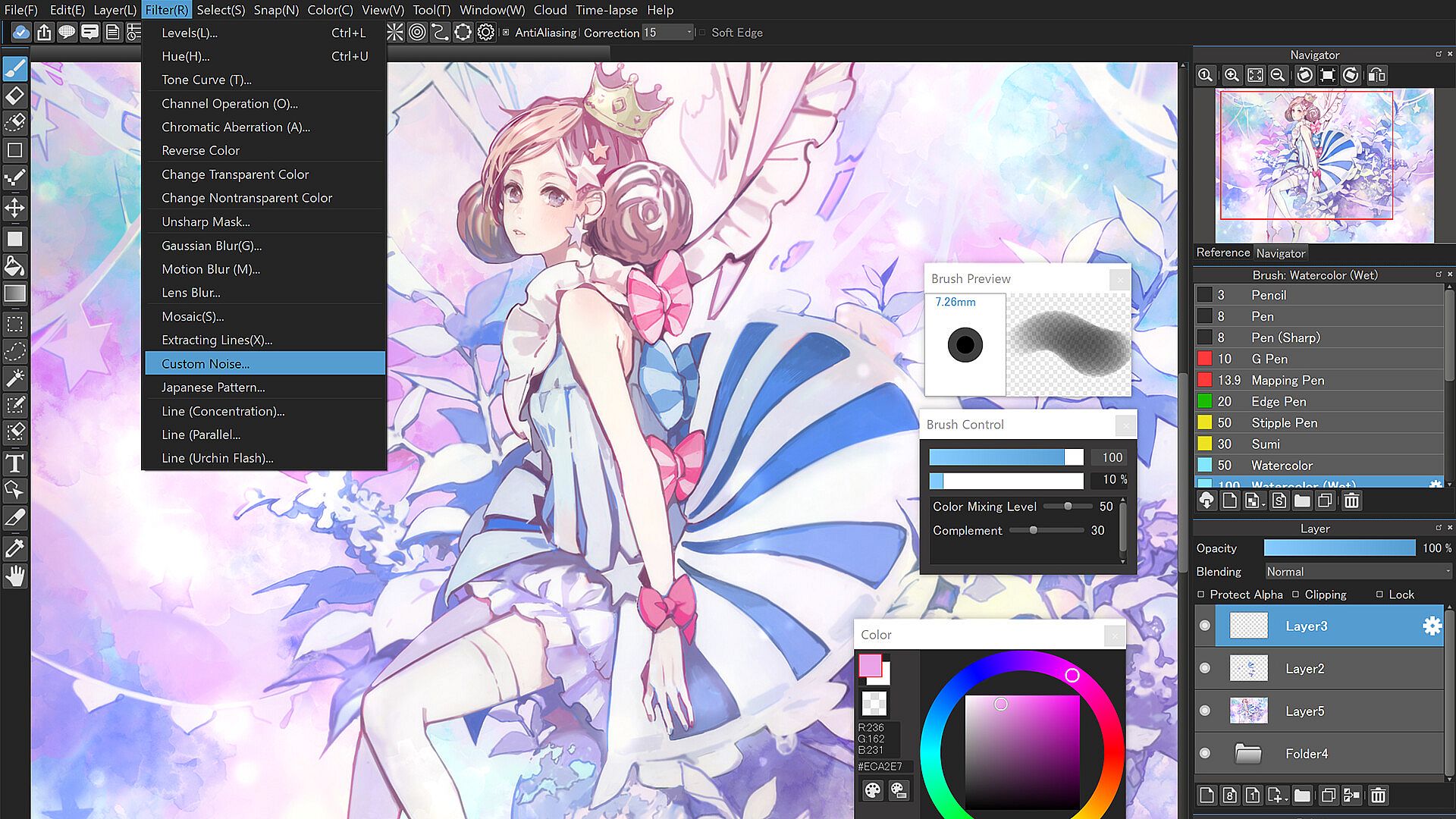
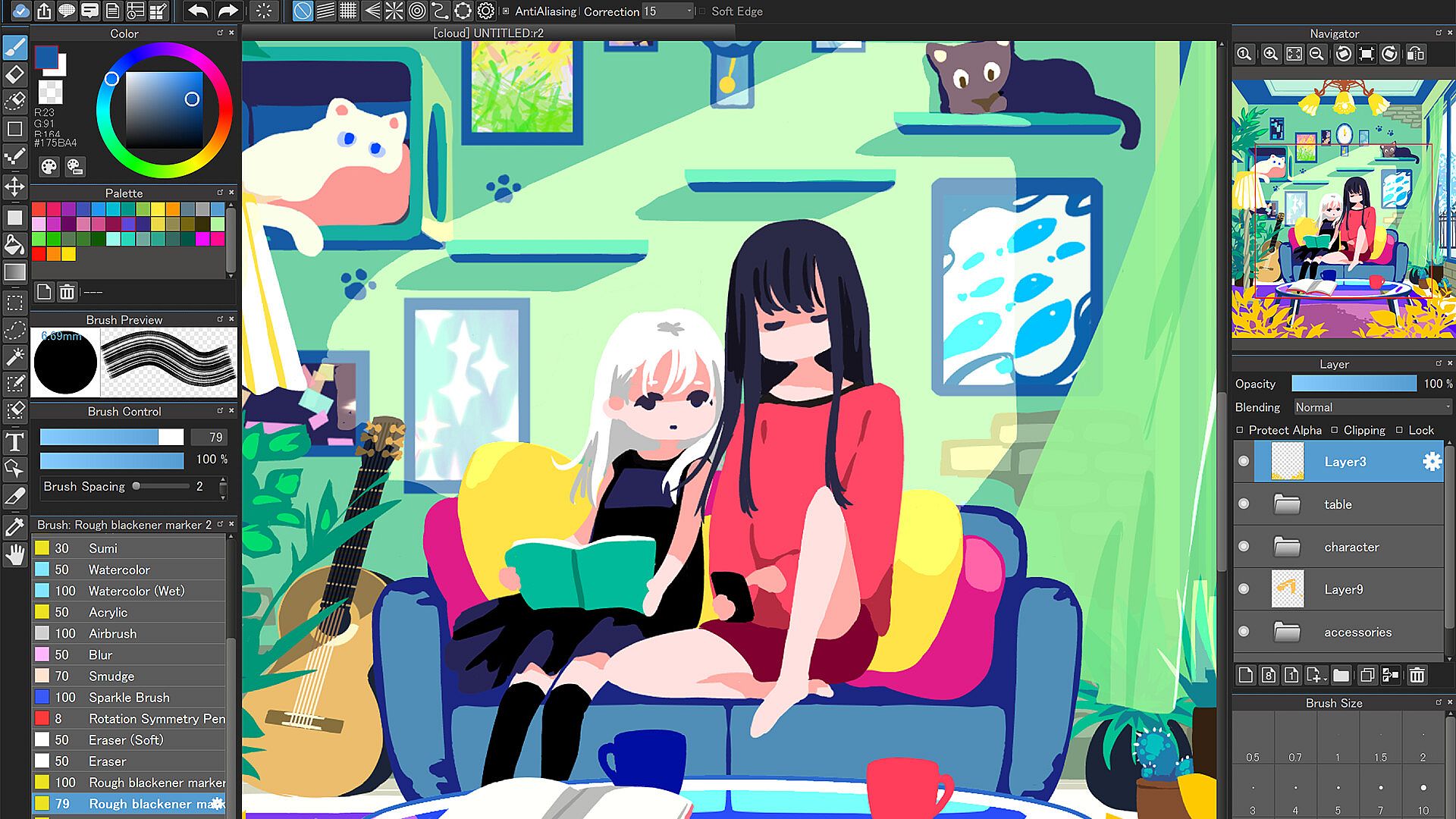
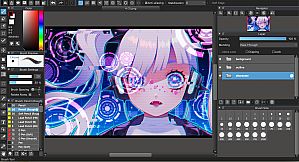
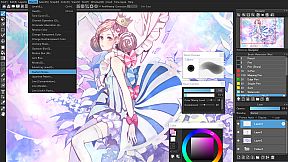
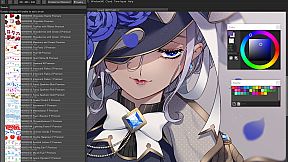
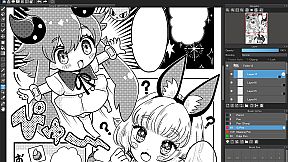
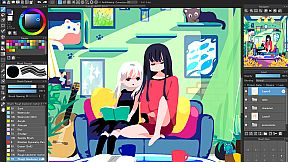
Draw with over 1,000 brushes, materials, screentones, and fonts in this design and illustration app for PC. Access gradient maps to shift artwork atmospheres, onion skin mode for smooth frame previews at different rates before MP4 export, and stabilizer tools that smooth out brush shakes. Perspective guides, rulers, free transform, and mesh transformation help structure complex pieces, while timelapse records your process for easy sharing. Work seamlessly across unlimited devices via cloud sync, or collaborate on shared canvases with friends in group projects. The simple interface keeps beginners focused and pros productive, with no pop-up ads or manual updates. Professional comic artists and hobbyists alike craft illustrations, animations, and comics using filters, backgrounds, and library resources.

“Draw Anywhere, With Anything.”

MediBang Paint is an art app with more than 100 million downloads in over 150 countries!

By downloading the for Desktop version of this beloved software, not only will you support the MediBang Paint developer team, you’ll get access to automatic updates, never deal with pop-up ads again, and be the first to receive new, MediBang Paint for Desktop features.

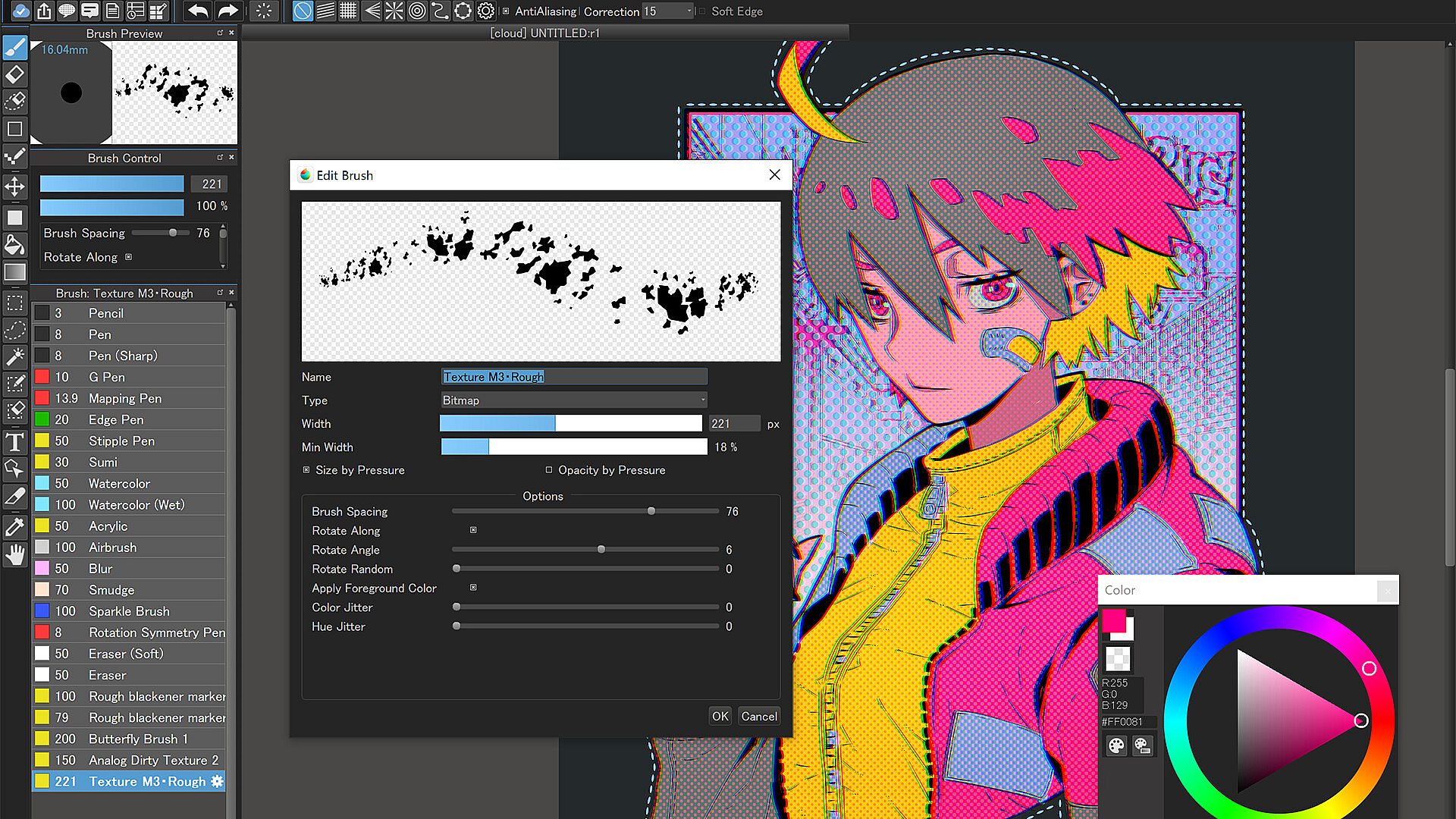
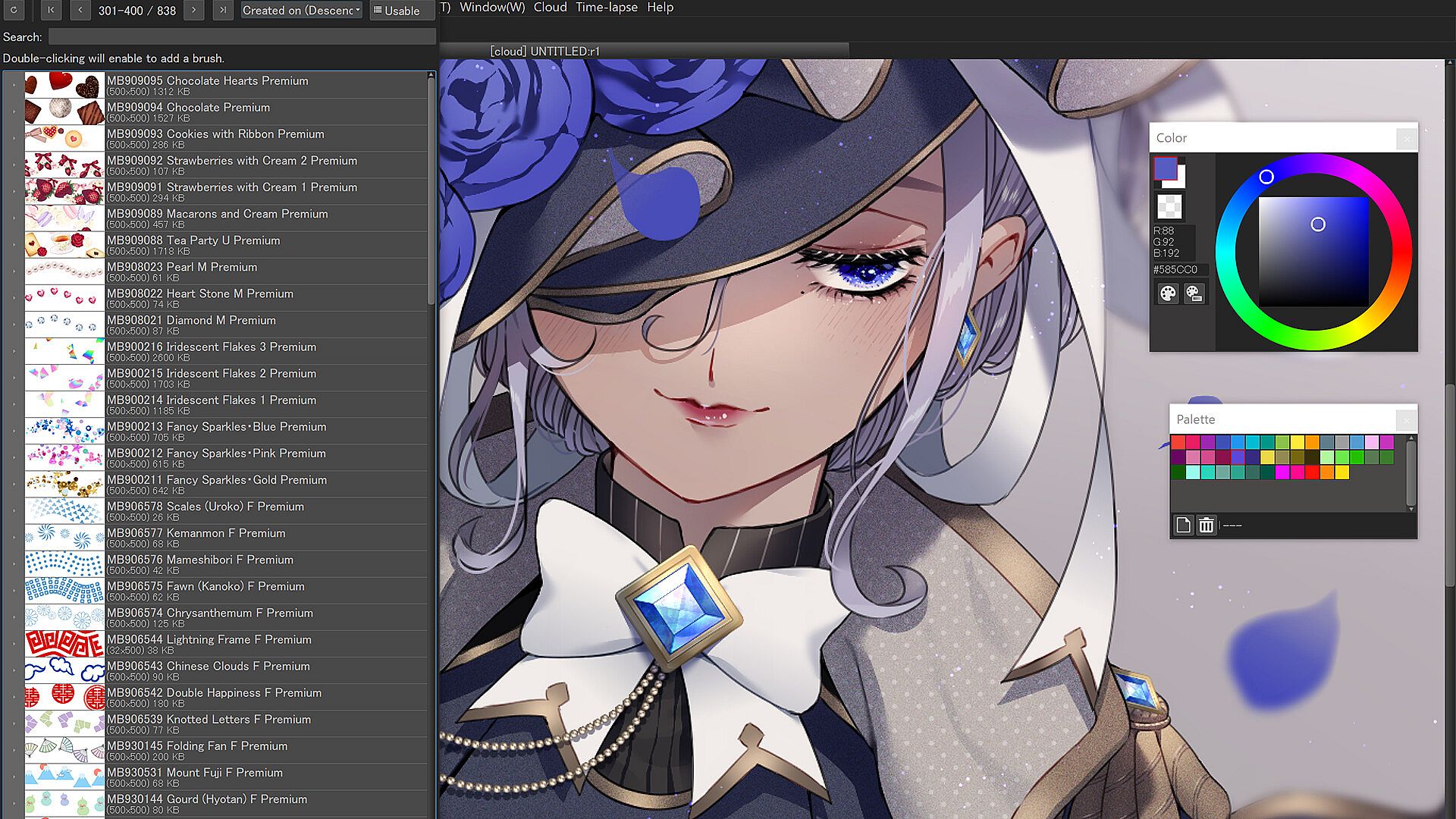
More than 1,000 kinds of brushes and materials
  • More than 1,000 brushes and materials that are usually exclusive to subscribers of MediBang Premium are available at no extra cost

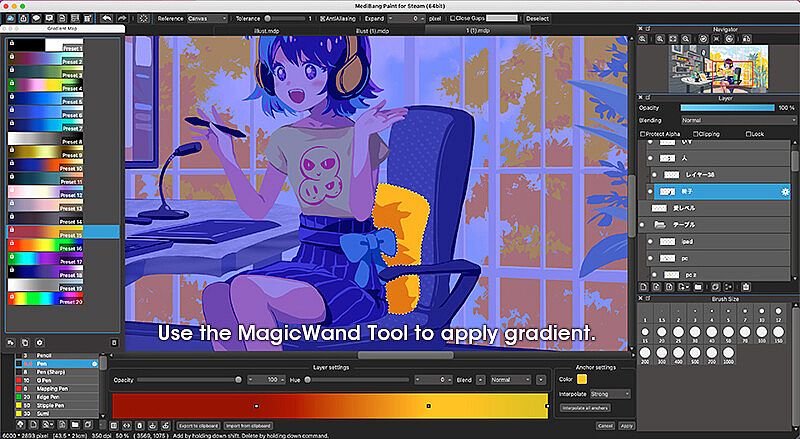
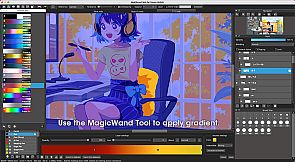
Gradient Map
  • Use these customizable presets to change the entire atmosphere of your art.

  • Enhance your coloring and even turn grayscale pieces full color using the Gradient Map function.

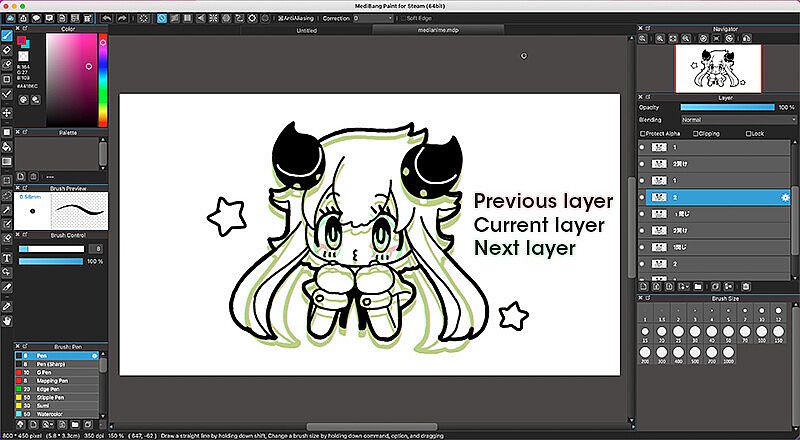
Onion Skin Mode
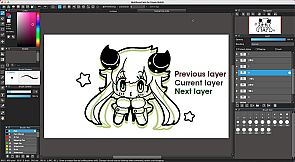
  • Use this convenient tool to see all your frames at once as you work on your project to ensure a seamless animation.

  • Preview in various frame rate options before exporting your set of layers into .mp4.

No Ads
  • No pop-up advertisements at the start-up of the software.

Automatic Updates
  • No need to manually update the software for every time.

Brushes, Screentones, Fonts, and more!
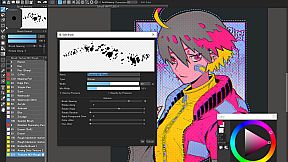
  • Enjoy drawing with over 180 editable brushes or even make your own.

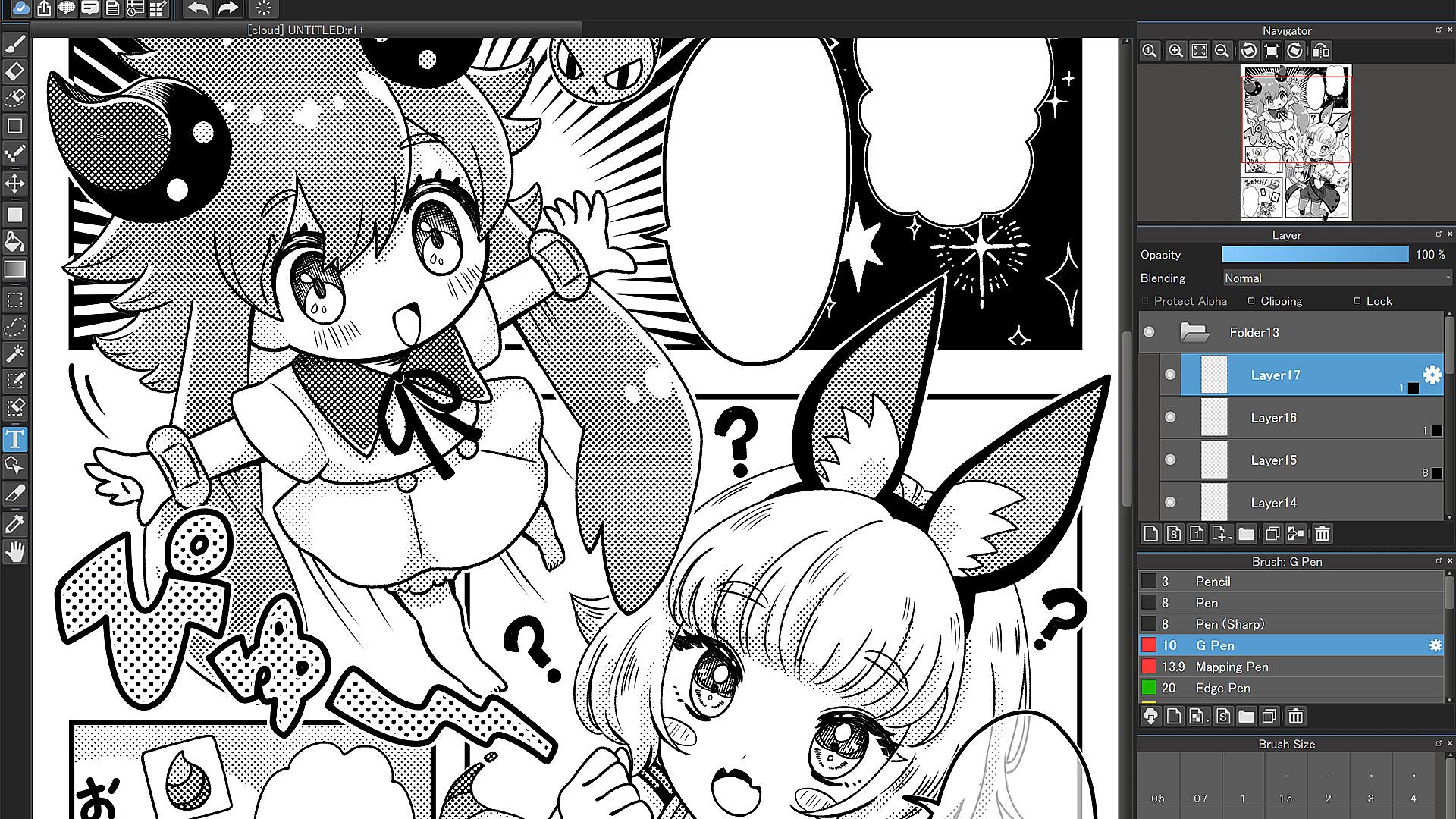
  • Make professional comics easily using any of MediBang’s 1000 screentones and 60 fonts available.

  • Use filters, share filter settings with other MediBang friends, use fun background brushes, and access more resources to give your art a special finish.

Tools Made for Everyone from Beginner to Pro!
  • Stabilizer: A natural-feeling stabilization tool that automatically fixes any shakes or wobbles in your brushwork as you draw.

  • Assistance Tools: A multitude of perspective guides and rulers to help you plan and structure complex illustrations. Never feel confused about vanishing points again thanks to these handy tools.

  • Intuitive Transformation: Free Transform to adjust your illustration as a whole, or tweak details using Mesh Transformation.

  • Timelapse: Easily activate from the menu tab and show off your art process when you’re done! Share your speedpaints on social media with #medibangpaint and #timelapse

  • Simple Interface: MediBang Paint for Desktop is a user-friendly painting app with a simple UI that lets you focus on making art over figuring out a complex interface. It won’t intimidate a beginner artist, and won’t distract a pro either!

Unlimited Device Usage
  • MediBang Paint for Desktop allows users to create across multiple platforms with no restriction on the number of devices registered to one account.

  • Want to switch between desktop and mobile devices? The cloud feature in MediBang Paint for Desktop lets you switch easily from drawing at home to drawing on the go.

Group Project: Keep Everyone on the Same Page
  • Draw on the same canvas with your friends! Join up to 3 teams and work together on a project, or just sketch for fun!

  • For professional comic artists, make it easier and more stress-free than ever for your team to complete pages faster together.

Further Support
  • Access our official website for step-by-step guide & illustration tutorials!

  • Check out our official YouTube channel updated twice a week!

  • Various templates and practice materials are available for free in the MediBang Library

Supported Formats
  • Supported formats: mdp (native file format*), png, jpg, bmp, gif, psd, tif, webp

*The mdp file format is also shared with Fire Alpaca and mdiapp+

*In order to use cloud features, users need to create a free MediBang account. Users will be required to accept a third-party End-User License Agreement by MediBang Inc. when creating a MediBang account.

*App performance may vary depending on the device’s condition.

Steam:
Mixed (128)

Price history

Historical low
Keyshops
-
-
-
Official Stores
-
-
-

FAQ

8 questions

Before you start looking for a cheap MediBang Paint for Desktop CD Key, take a moment to check the essentials. Developed by MediBang Inc.. Published by MediBang Inc.. PC released date: 31 Jul. 2023. Genres: Animation & Modeling, Design & Illustration, Photo Editing. MediBang Paint for Desktop reviews: Steam reviews: 64% of the 128 user reviews for this game are positive.

Q Can I play MediBang Paint for Desktop on Steam Deck?

No, not right now. Valve marks MediBang Paint for Desktop as Steam Deck Unsupported , so it won't launch via Proton at this time. Keep an eye on XD.deals - we track Proton breakthroughs and community fixes, and we'll flag it the moment there's a working way to play MediBang Paint for Desktop on Steam Deck.

Yes. A MediBang Paint for Desktop Steam version exists. Pick any offer tagged Steam Key on XD.deals, redeem it in the desktop client, and play MediBang Paint for Desktop on Steam PC.

Yes. Once your Steam key is redeemed, you can launch MediBang Paint for Desktop in Offline Mode via Steam. Your save files will sync the next time you go online.

Yes, you can buy a MediBang Paint for Desktop Steam Key directly on the Steam Store. At XD.deals, we aggregate all available Steam DRM offers so you can compare cheap MediBang Paint for Desktop steam deals in one place.

You'll find every live sale & discount for MediBang Paint for Desktop right here on XD.deals. Our price tracker currently lists 1 official-store offers and 0 keyshop deals. Check the table above for the lowest price, compare against the game's historical low, and set a price alert so you never miss the next drop.

With XD.deals, PC gamers can instantly see where to buy a cheap MediBang Paint for Desktop PC Steam key. Our real-time price-comparison engine and curated coupon database track every official store and trusted keyshop so you dont have to. Right now we detect this game in {1} live offers from stores and keyshops.

Yes. An official MediBang Paint for Desktop Steam store page is live, so you can buy MediBang Paint for Desktop on Steam or buy any MediBang Paint for Desktop PC Steam Key on XD.deals and redeem it instantly.

No - XD.deals itself isn't a store. We're a price-comparison service that tracks the best offers for MediBang Paint for Desktop across official stores and verified keyshops. Click "Shop Now" next to the deal you want, and you'll be redirected to the retailer's website to complete your purchase and receive the key there.

Ready to ride? Set a price alert on XD Deals and grab a discounted MediBang Paint for Desktop Steam key the moment it reaches its next historical low.

Create Alert