








in progress...

Buy McOsu PC

McOsu is free to play! Download it on Steam and start playing instantly. Looking for McOsu DLCs, in-game currency, or cosmetics? Compare 0 offers on XD.deals to find the best deals.

Release: 20 Mar. 2017
Metacritic:
tbd tbd
Steam:
Very Positive (6k)
Official
Unavailable
Keyshops
Unavailable
Buy in Official Store:
Unavailable
Buy in Keyshops:
Unavailable

No entries, but don''t worry, we will inform you once the new offer appears.

Create Alert Create deal Alert

About McOsu

McOsu - about the game

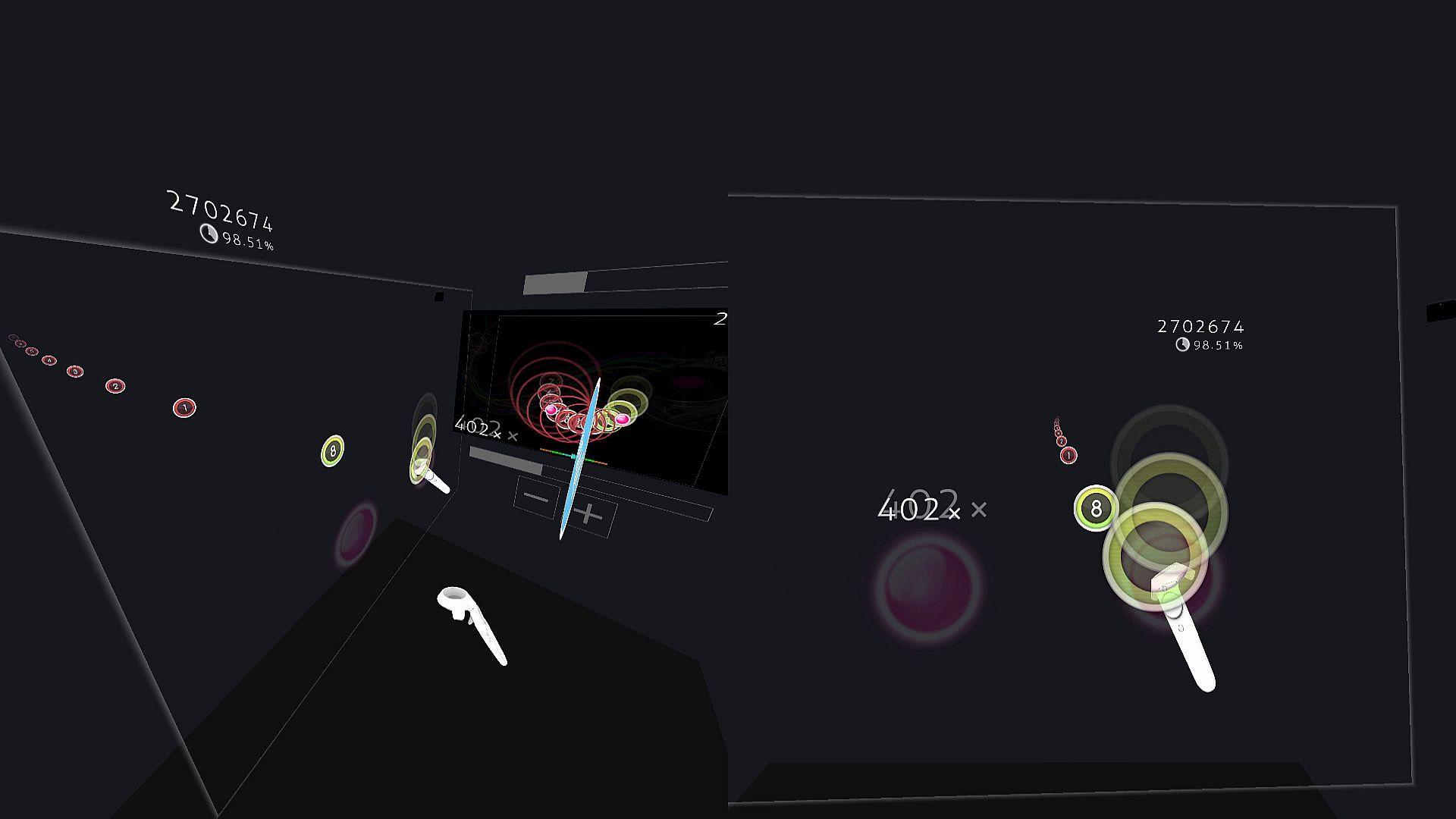
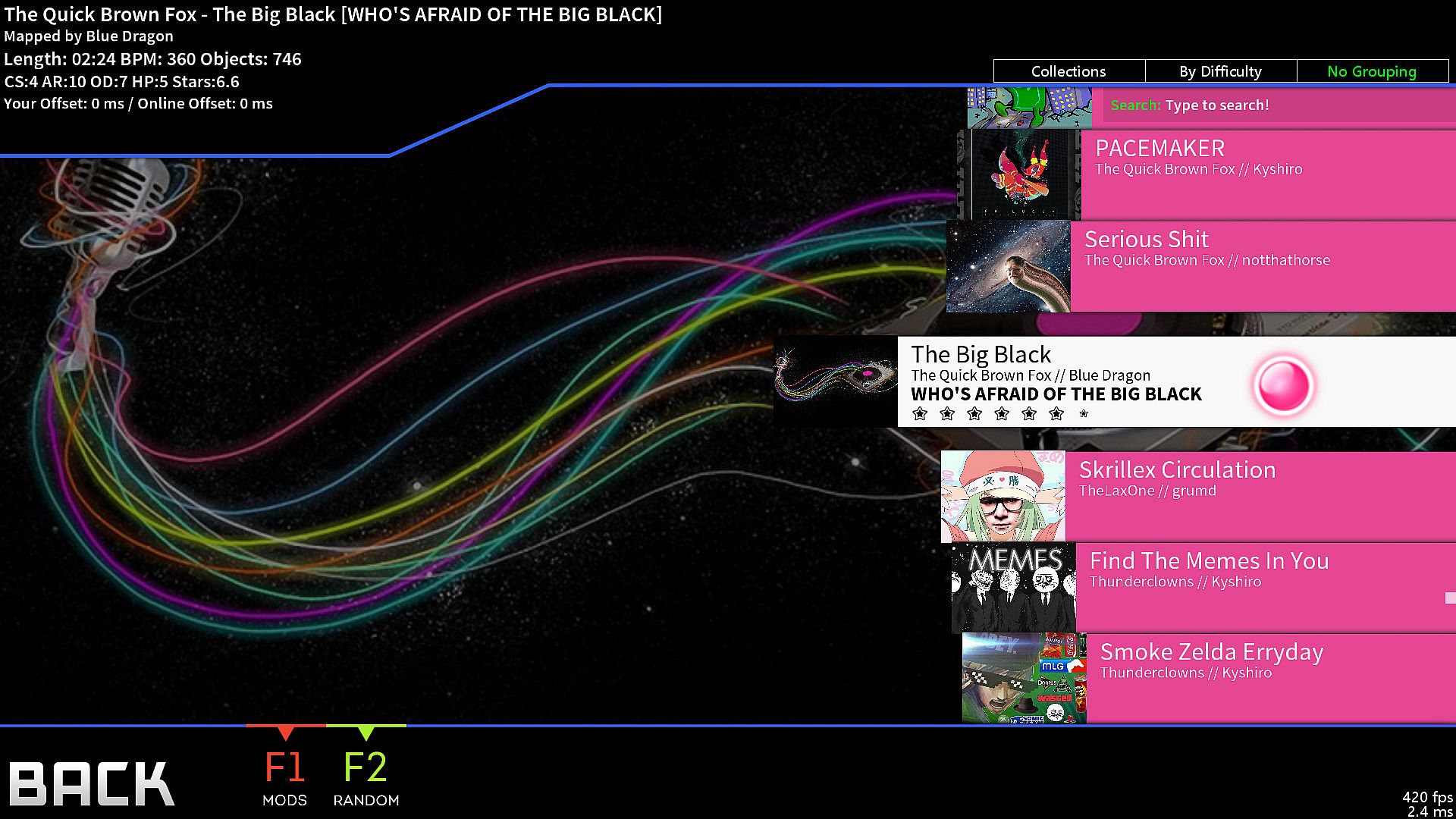
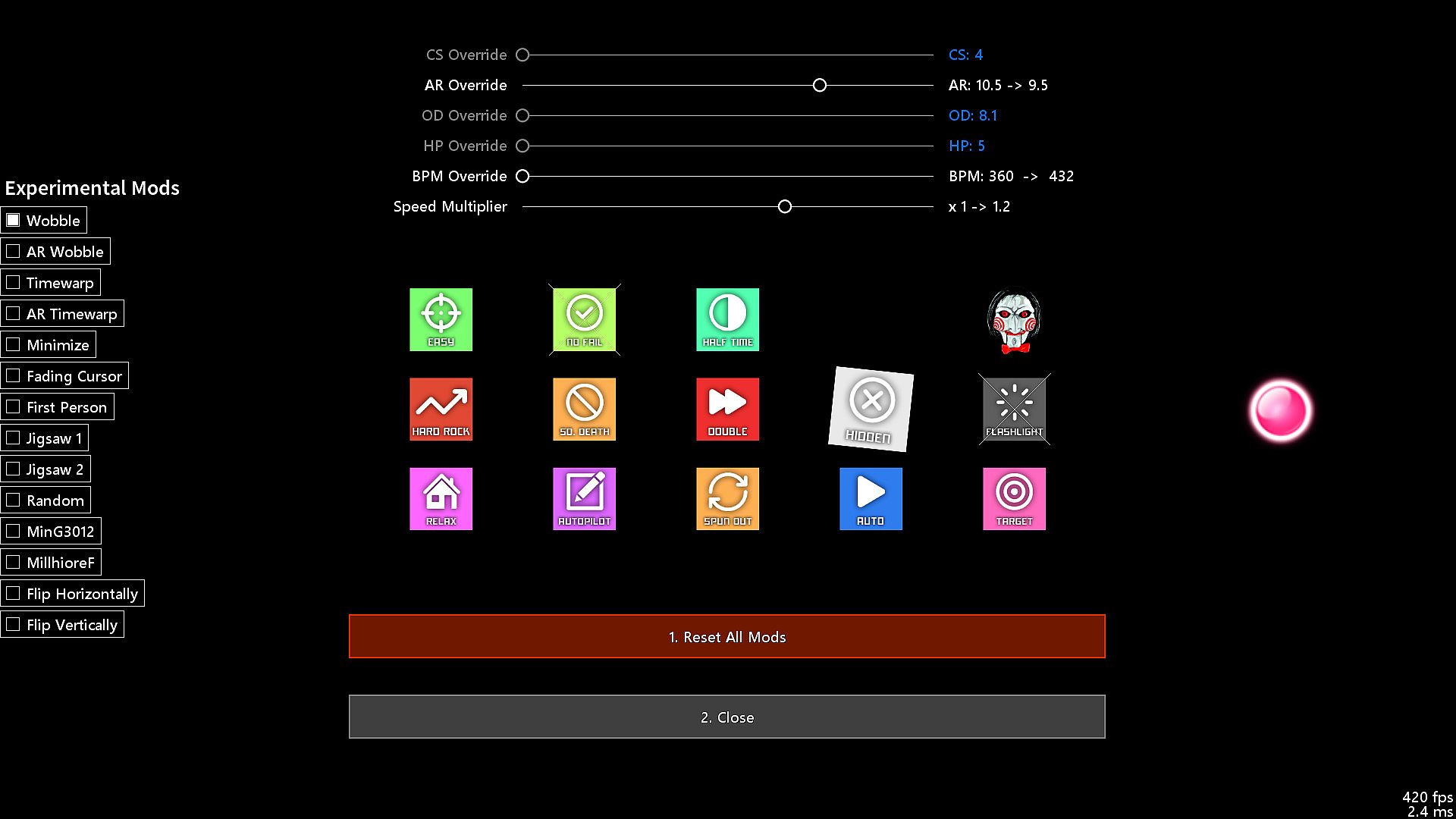
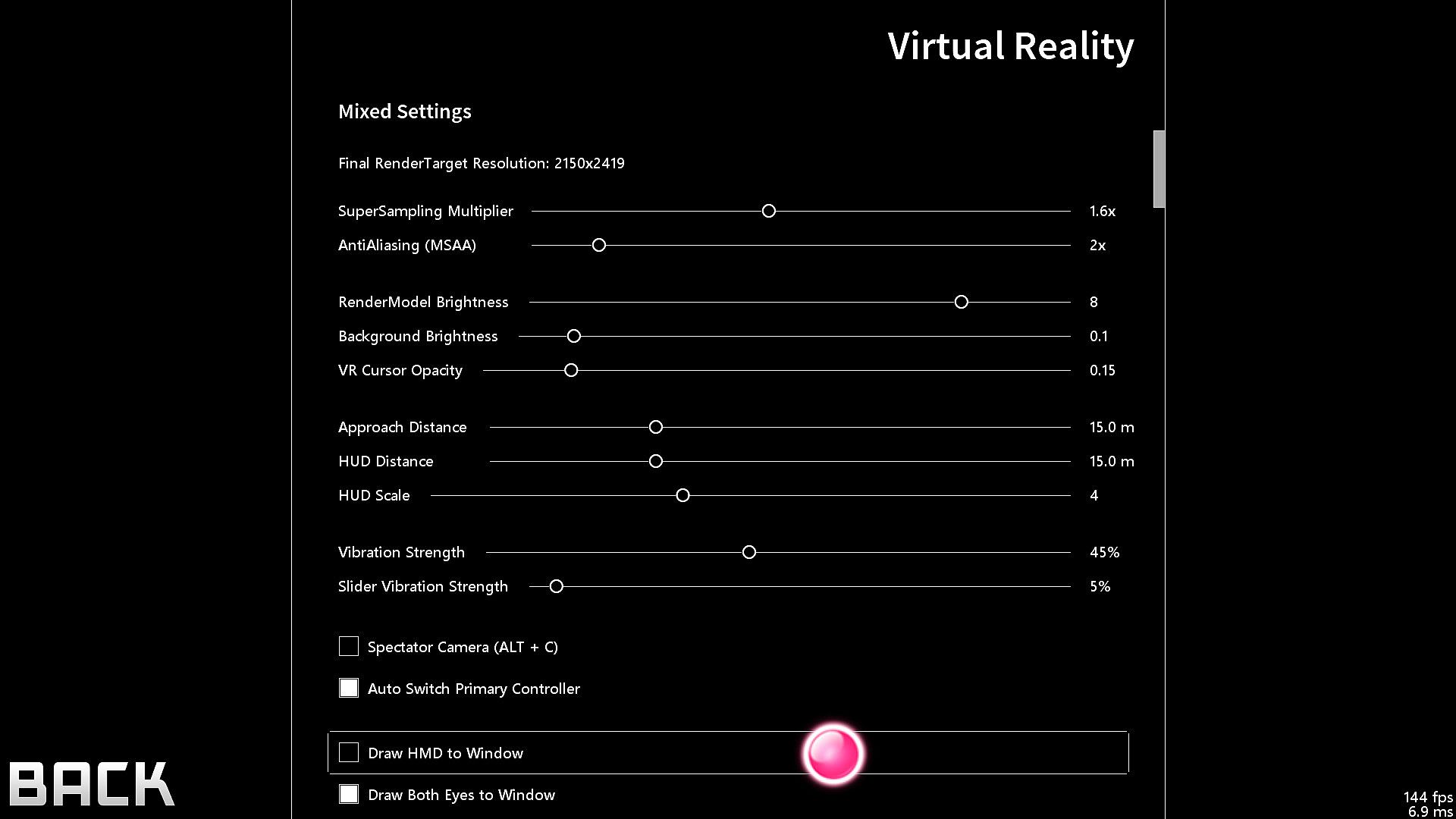
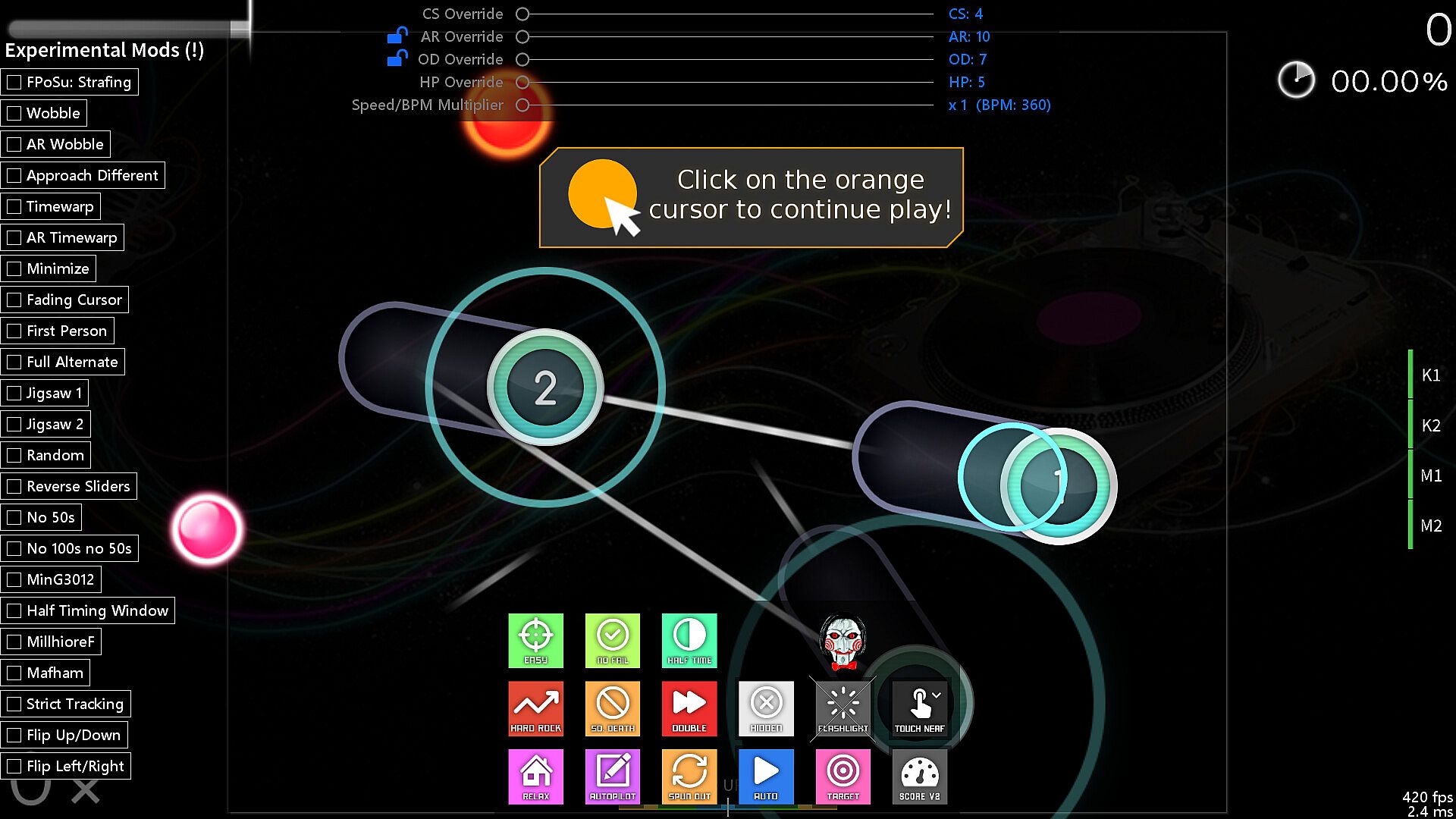
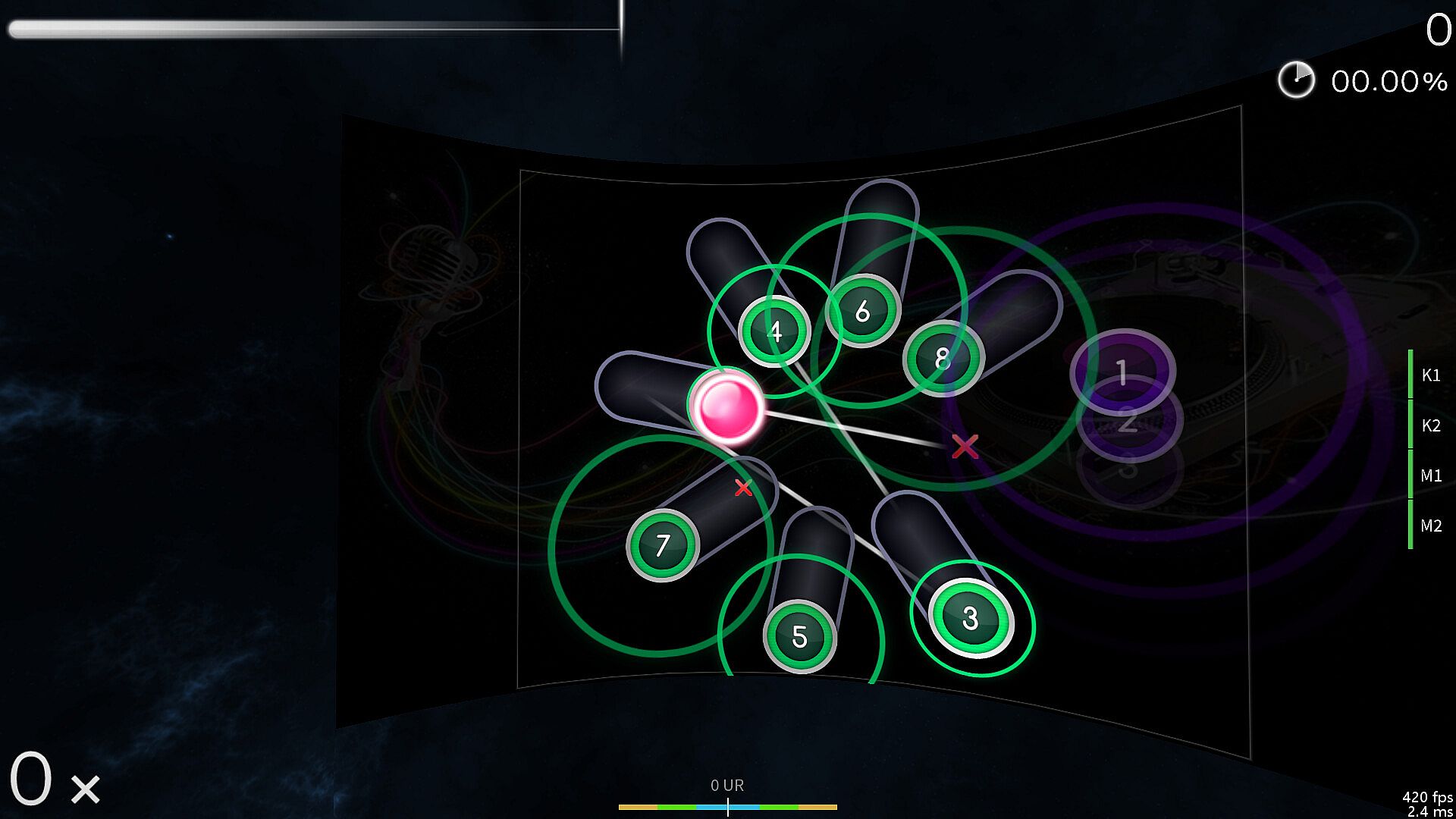
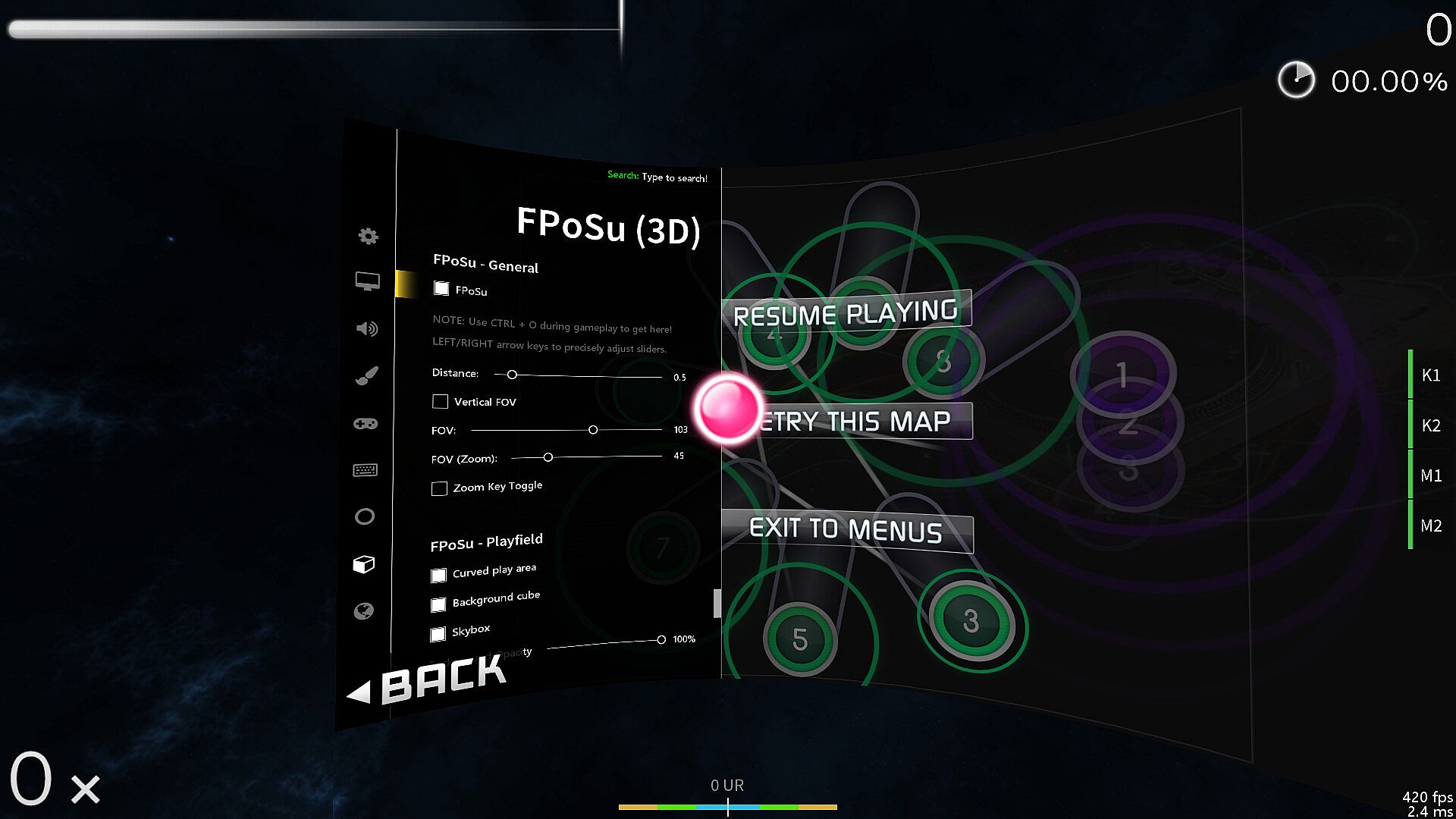
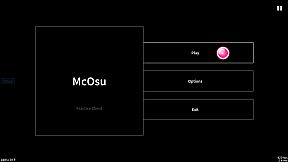
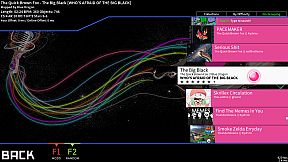
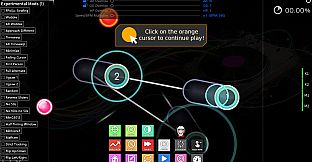
McOsu delivers a free open-source client for circle-clicking rhythm gameplay on osu!(standard) beatmaps. It sharpens practice sessions through beatmap overrides like approach rate, circle size, overall difficulty, and HP drain, plus a speed/BPM slider for precise scrubbing. Players tweak options mid-game with F1 or CTRL+O, experiment with mods such as wobble, jigsaw, or playfield flipping, and track live pp stats via built-in counters. This indie PC tool suits osu! veterans seeking advanced customization, including VR and first-person 3D modes, infinite offline profiles with pp ranking, and Steam Workshop integration. Novices should stick to the official game for tutorials and multiplayer.

McOsu is developed separately from and has no direct affiliation with osu! or ppy Pty Ltd.

McOsu is NOT osu!

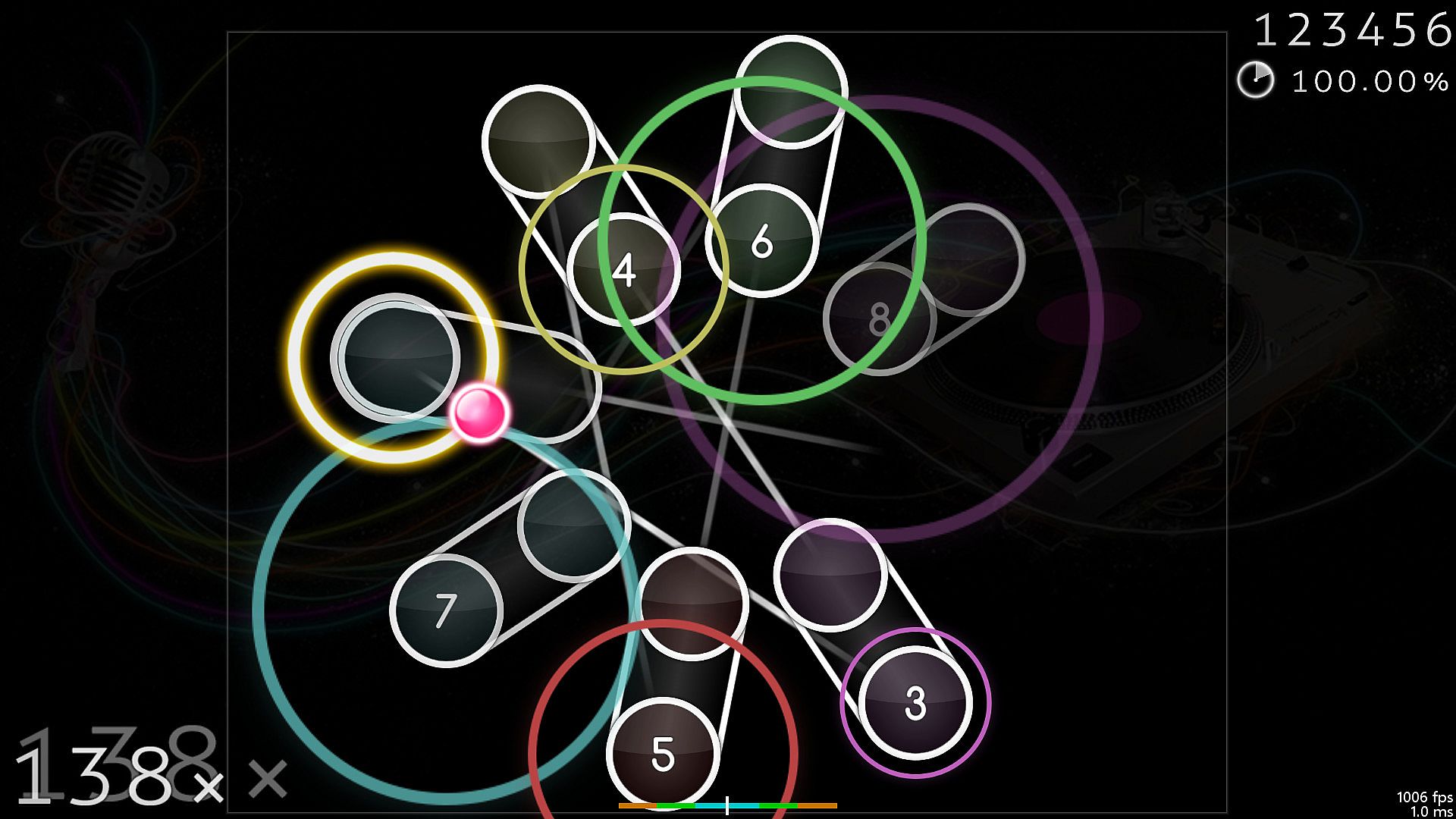
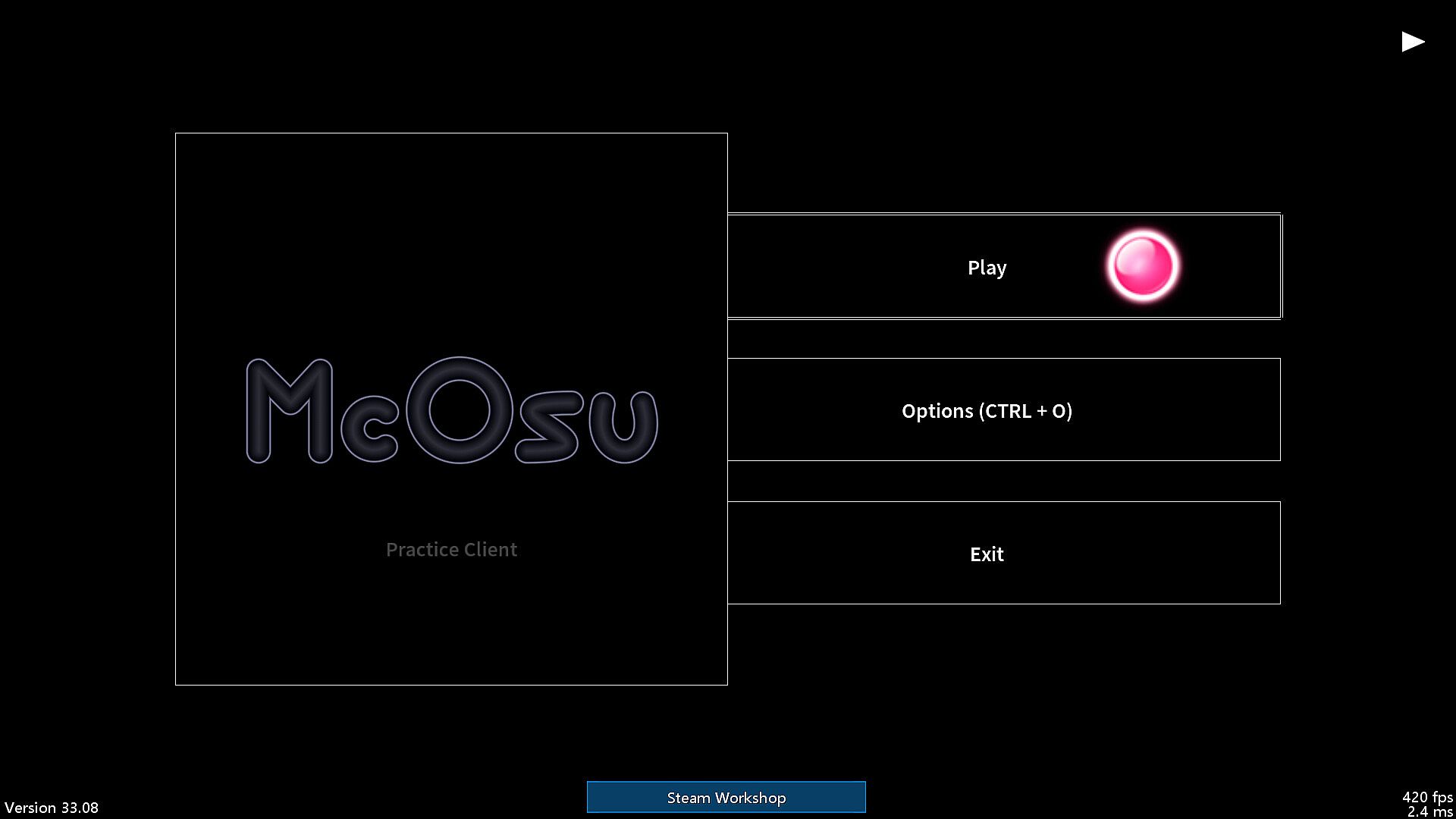
A free open-source circle-clicking rhythm game client for osu!(standard) beatmaps, with the main focus on making practicing easier and customizing gameplay.

It is primarily a practice client for getting better at the "official" game by having tools at your disposal that osu!(stable) does not provide for some reason, it's not supposed to be a perfect copy of osu! though it does get close enough where necessary.

If you have never played osu! before, then I do not recommend using this client (except for VR players + FPoSu players of course), because there are no gameplay tutorials to be found here (just google "osu!" and play the official game which is a lot more polished and has online rankings including multiplayer support etc.).

McOsu only supports osu!(standard) beatmaps, while diffs for other gamemodes like mania/taiko/ctb/etc. are simply invisible.

Features:
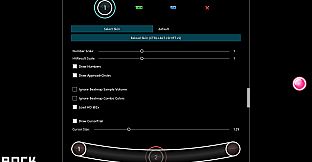
  • Unlimited Customizability (Options, Console Commands via SHIFT + F1)

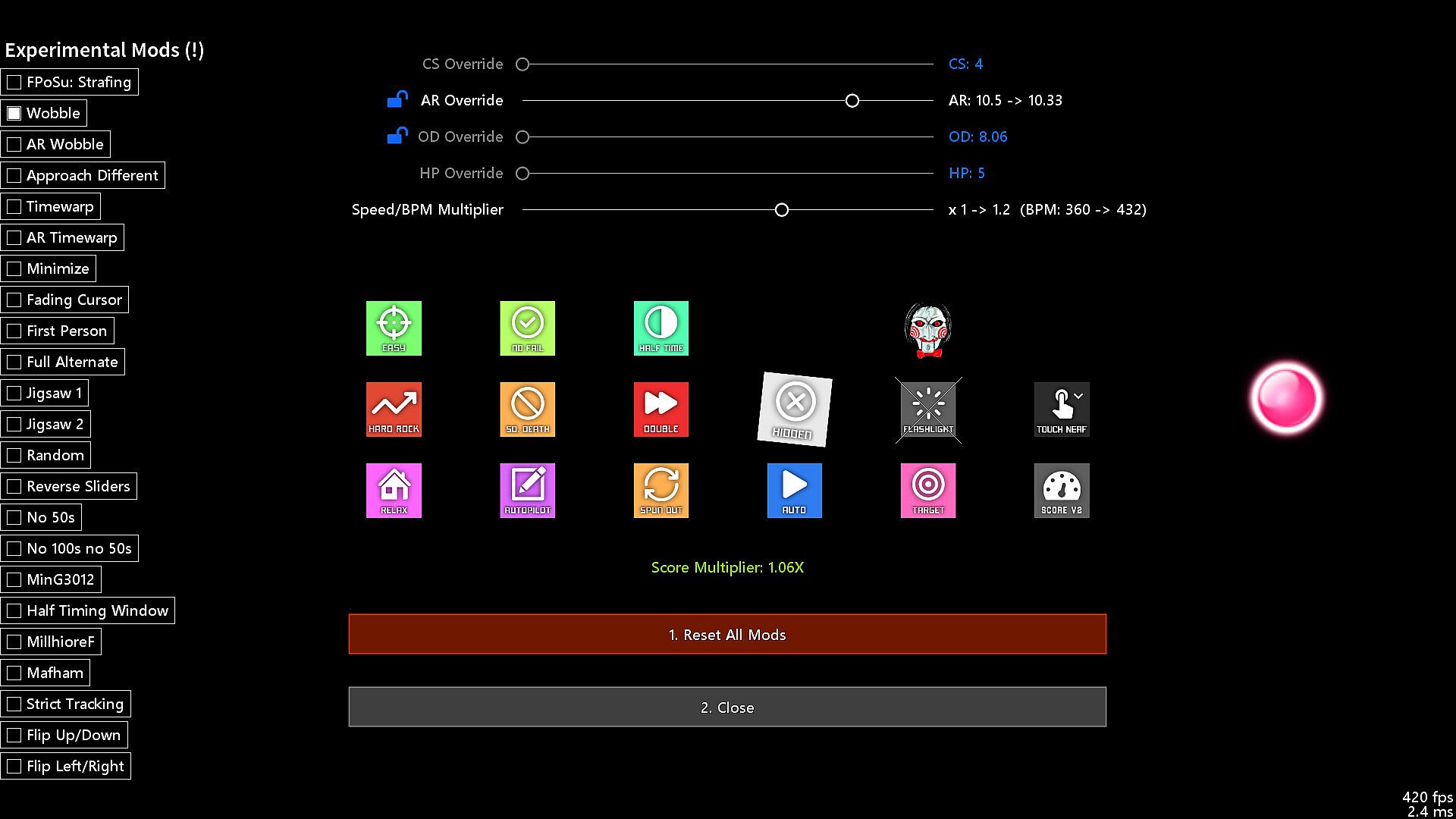
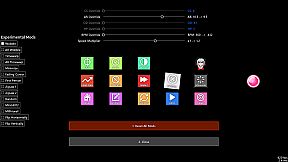
  • Beatmap Overrides (Approach Rate, Circle Size, Overall Difficulty, HP Drain)

  • Speed/BPM Slider

  • Scrubbing and Quicksave/load (SHIFT and F6/F7, rebindable, jump to any point in time of a beatmap)

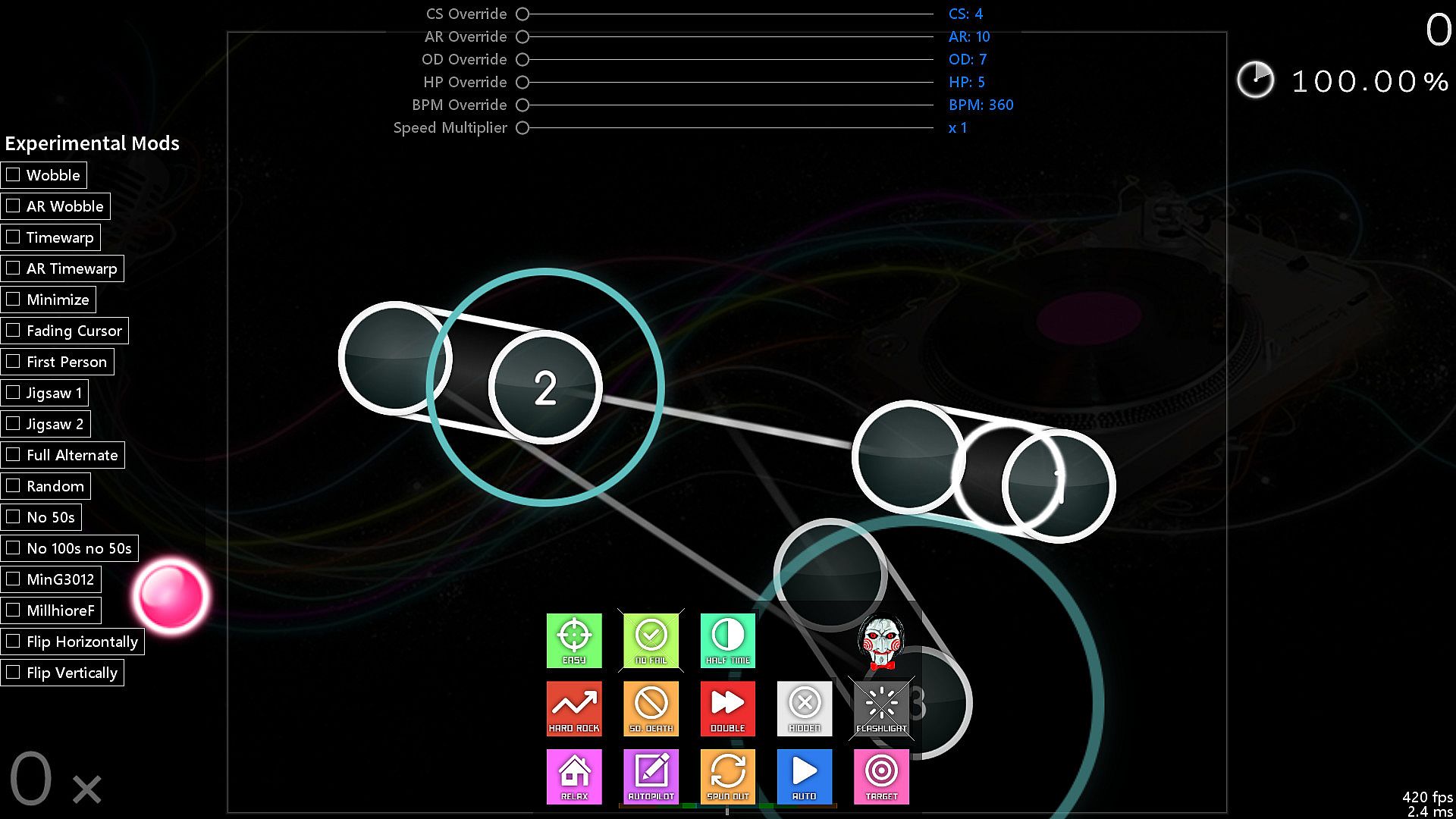
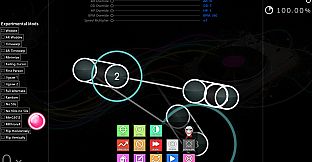
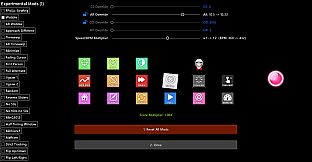
  • Experimental Mods (Wobble, Jigsaw, First Person, Playfield Flipping, Reverse Sliders, etc.)

  • Change mods and options while playing (F1 and CTRL + O)

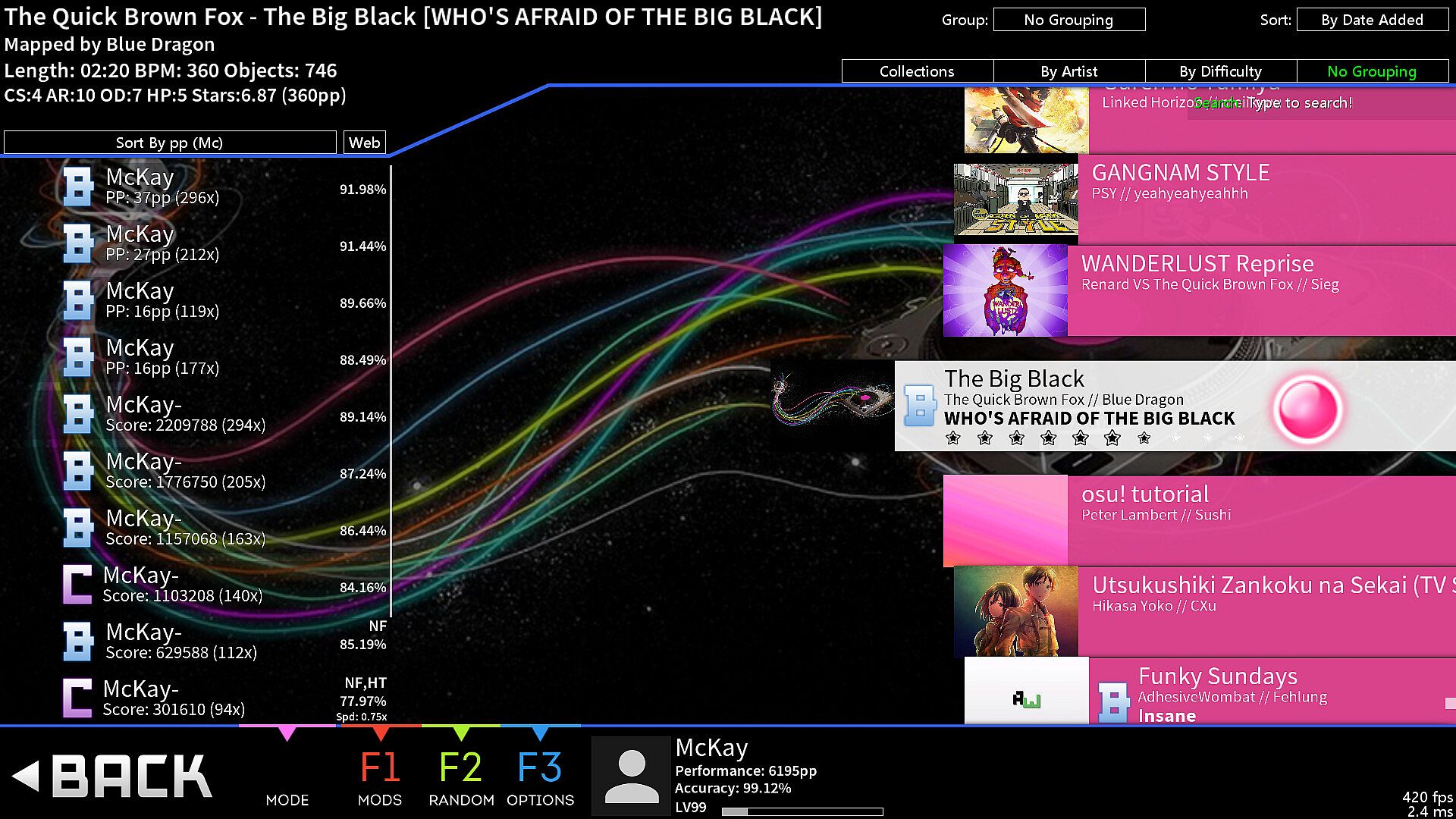
  • Built-in pp counter (live stats overlay + ranking screen)

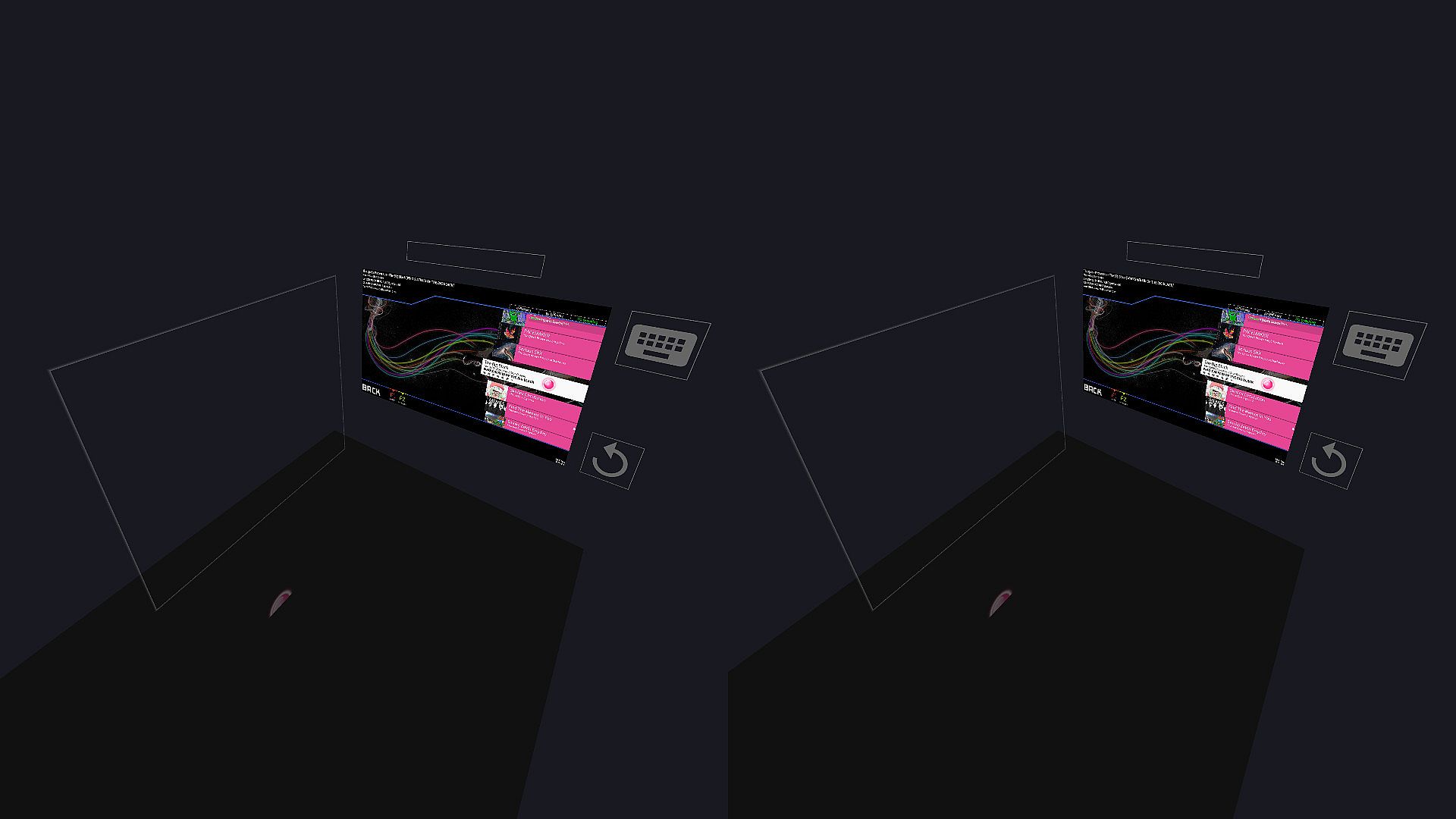
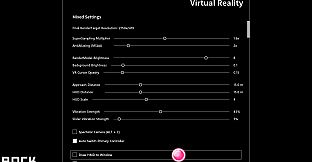
  • VR gamemode

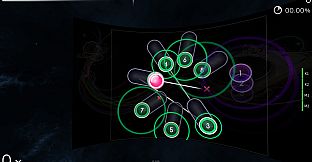
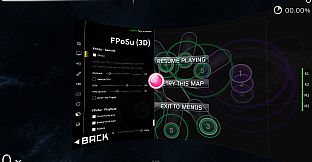
  • First-Person 3D gamemode (FPoSu)

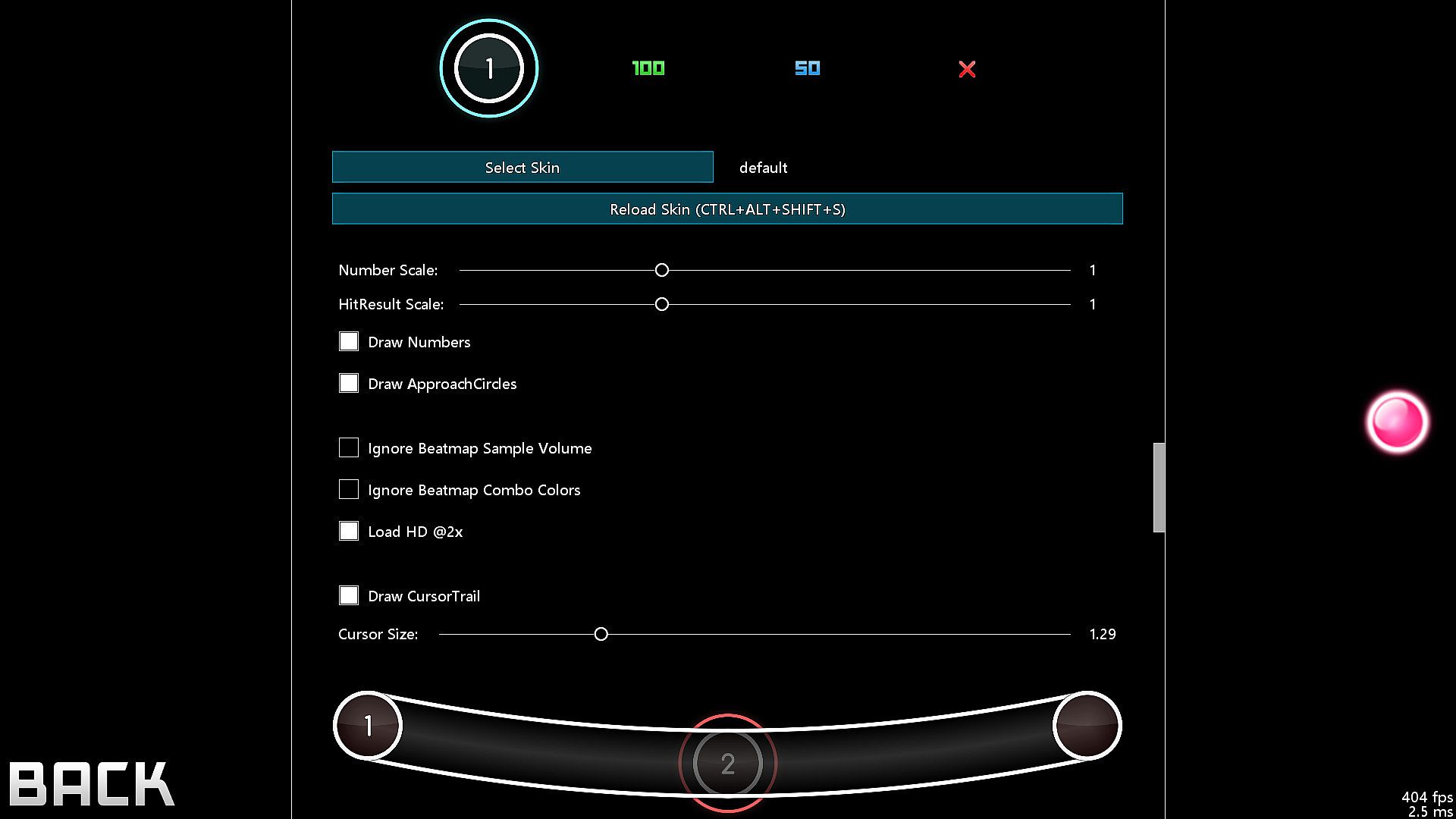
  • Steam Workshop support for skins

  • Infinite offline profiles with pp ranking

  • Customizable HP Drain + Notelock algorithms

Beatmaps
  • If you have osu!(stable) installed, then McOsu will load your beatmaps directly from the default osu!(stable) installation path, although custom paths are also possible

  • You can use McOsu without installing osu!(stable) (it is not recommended though), a guide on manual beatmap management is available in the Steam Community Guides

osu! VS McOsu

The intention of this game is neither to replace peppy's client, nor to split the community. McOsu was created partially out of frustration, because osu! is lacking many usability features vital to practicing effectively and efficiently. This is currently being rectified in the rewrite of osu! (called osu!lazer), which is an open-source project anyone can contribute to.

Holodance VS McOsu

While Holodance is focused on providing a full VR rhythm game experience with osu! beatmap compatibility as a sideproject, McOsu tries to bring pure osu! gameplay into Virtual Reality while staying as close to the original as possible.

As a wise man once said, "plz enjoy game".

-

If you want, you can help out with McOsu development on Github, or just take a look at the source code, as this is an open-source project.

-

Skin Credits:
  • ffffffffffffffffff - "- Jaret - Mish Mosh"

  • irrlux - "Talrava XIV"

  • HazrdMC - "Phaze"

  • Redon - "Aesthetic 1.3"

  • DarkSlayer000 - "xXx_SampleSkin_xXx v1.3"

  • Inori - "Stepmania"

  • taikuta - "Murakumo"

  • Easy - "Burning_Crow V2"

  • Icomoon

  • Freepik

Interface:
English

Age rating

Unavailable
Metacritic:
tbd tbd
Steam:
Very Positive (6k)

System requirements

Minimum:

  • Processor: IntelĀ® Coreā„¢ i5 or better
  • Memory: 2 GB RAM
  • Graphics: NVIDIA GeForceĀ® GTX 970 (for VR) / AMD Radeonā„¢ R9 290 or better (for VR)
  • Storage: 75 MB available space
  • Additional Notes: XAudio2 / DirectSound compatible; XAudio2 / DirectSound compatible

Recommended:

  • Processor: IntelĀ® Coreā„¢ i5 or better
  • Memory: 2 GB RAM
  • Graphics: NVIDIA GeForceĀ® GTX 970 (for VR) / AMD Radeonā„¢ R9 290 or better (for VR)
  • Storage: 75 MB available space
  • Additional Notes: XAudio2 / DirectSound compatible; XAudio2 / DirectSound compatible

Minimum:

  • OS: 64-bit
  • Processor: IntelĀ® Coreā„¢ i5 or better
  • Memory: 2 GB RAM
  • Graphics: OpenGL 3.0 compatible
  • Storage: 75 MB available space
  • Additional Notes: Any; Any

Recommended:

  • OS: 64-bit
  • Processor: IntelĀ® Coreā„¢ i5 or better
  • Memory: 2 GB RAM
  • Graphics: OpenGL 3.0 compatible
  • Storage: 75 MB available space
  • Additional Notes: Any; Any

Price history

Historical low
Keyshops
-
-
-
Official Stores
-
-
-
Join our Discord
Get instant help from our community and stay updated on the latest deals
Set Price Alerts
Get notified by email when game prices drop to your target
Create Free Account
Unlock wishlists, price alerts, and Steam sync

FAQ

8 questions

Before you start looking for a cheap McOsu CD Key, take a moment to check the essentials. Developed by McKay. Published by McKay. PC released date: 20 Mar. 2017. Genres: Indie. Categories: Steam Workshop, Single-player, Tracked Controller Support, VR Supported. McOsu reviews: Metascore: tbd. Metacritic users: tbd. Steam reviews: 88% of the 6,212 user reviews for this game are positive.

Q Can I play McOsu on Steam Deck?

No, not right now. Valve marks McOsu as Steam Deck Unsupported , so it won't launch via Proton at this time. Keep an eye on XD.deals - we track Proton breakthroughs and community fixes, and we'll flag it the moment there's a working way to play McOsu on Steam Deck.

Yes. A McOsu Steam version exists. Pick any offer tagged Steam Key on XD.deals, redeem it in the desktop client, and play McOsu on Steam PC.

Yes. Once your Steam key is redeemed, you can launch McOsu in Offline Mode via Steam. Your save files will sync the next time you go online.

Yes, you can buy a McOsu Steam Key directly on the Steam Store. At XD.deals, we aggregate all available Steam DRM offers so you can compare cheap McOsu steam deals in one place.

At the moment we don't have any live offers for McOsu - both official stores ({1}) and keyshops ({2}) show the game as sold out or temporarily unavailable…

With XD.deals, PC gamers can instantly see where to buy a cheap McOsu PC Steam key. Our real-time price-comparison engine and curated coupon database track every official store and trusted keyshop so you dont have to. Right now we detect this game in {1} live offers from stores and keyshops.

Not yet. There's no McOsu Steam listing right now, so you can't buy McOsu on Steam today. Instead, browse the other McOsu offers on XD.deals - official stores and keyshops often provide DRM-free or launcher-key versions you can play while waiting for a future Steam release.

No - XD.deals itself isn't a store. We're a price-comparison service that tracks the best offers for McOsu across official stores and verified keyshops. Click "Shop Now" next to the deal you want, and you'll be redirected to the retailer's website to complete your purchase and receive the key there.

Ready to ride? Set a price alert on XD Deals and grab a discounted McOsu Steam key the moment it reaches its next historical low.

Create Alert