

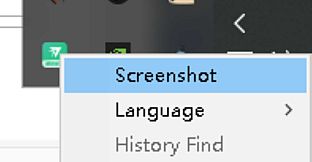
Solving the Problem: In our daily use of AI tools or webpages, we seemingly help AI companies train their data. More often than not, we need to save this information ourselves.
Take AI programming and AI image generation as examples. When I need to solve a problem, AI often fails to quickly and fully understand my intentions, and sometimes even forgets the instructions I gave earlier. In such cases, we have to rephrase the correct instructions or repeat the previous ones. If we do not "effectively save the conversation" from before, the result can be quite frustrating.
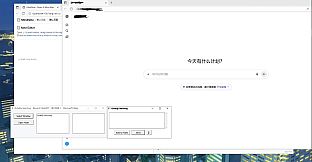
In this AI era, prompts—also known as conversations—are often more valuable than the results themselves. This tool helps users save "effective conversations" without the need for repetitive work. Users only need to type in the software’s input box, and the content will be entered into the AI tool and recorded automatically.
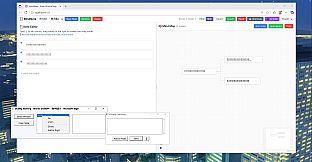
This is a computer-based office note-taking software designed to assist users in learning or using AI. It better helps users record AI conversations and build their own knowledge bases. It eliminates the need for dedicated recording tasks or repetitive work, as the recording is completed during each conversation.
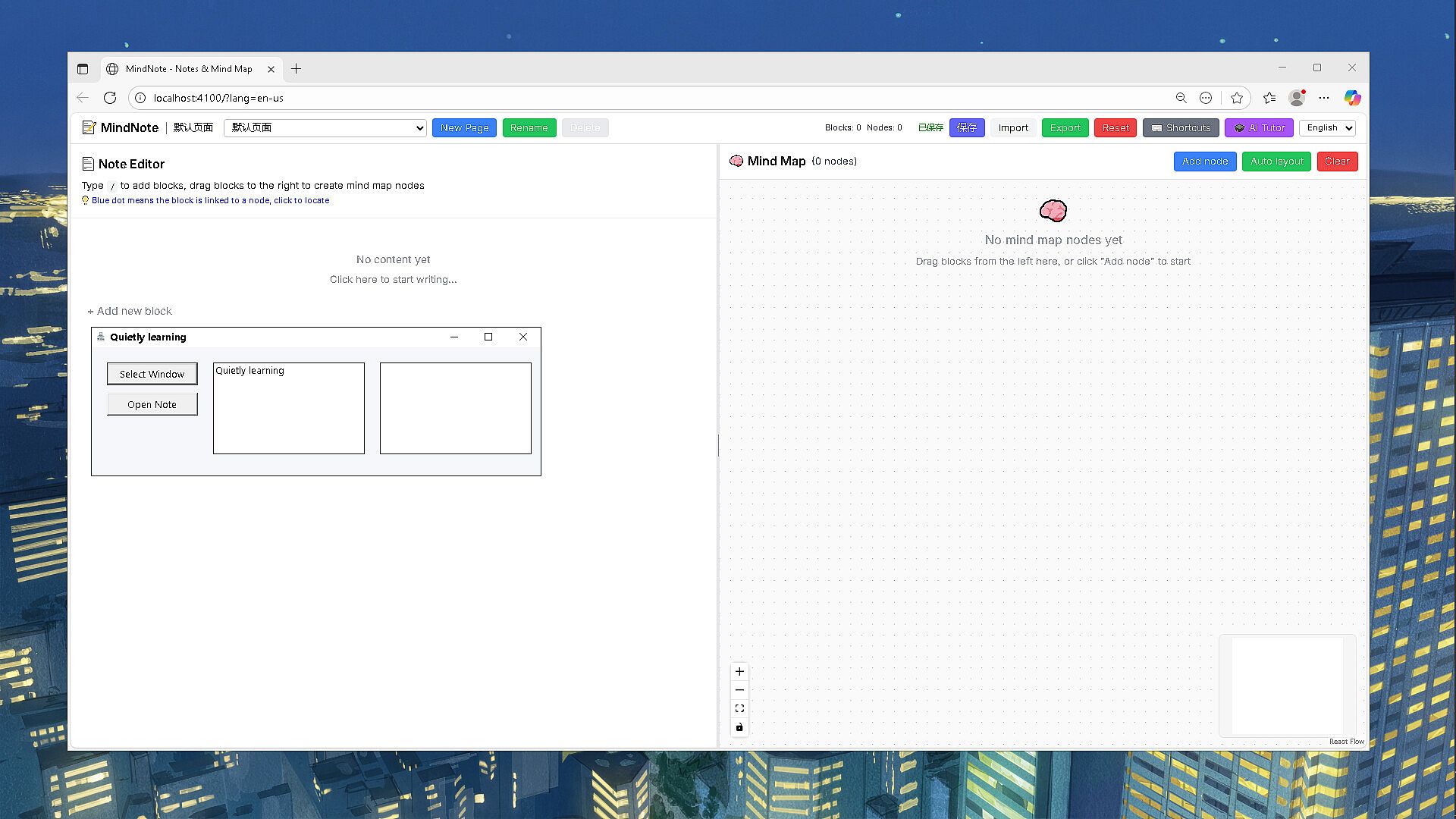
It is a hybrid tool combining note-taking software, an input box, and a clipboard.
The clipboard function helps users record frequently used prompts for quick access.
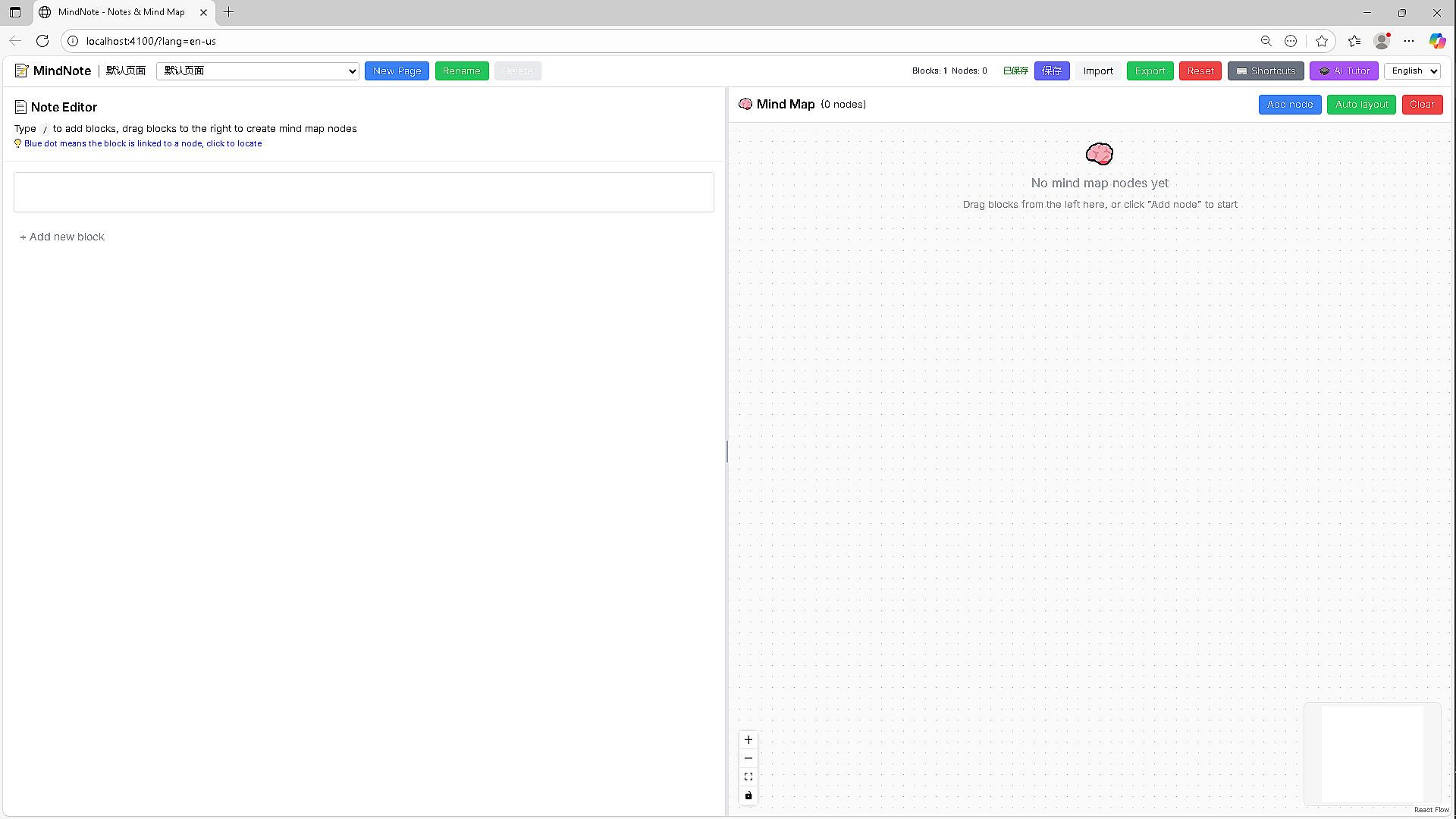
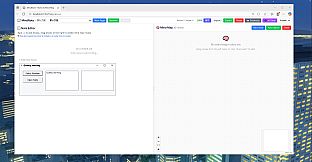
The note-taking software is Notion-like and consists of two main parts:
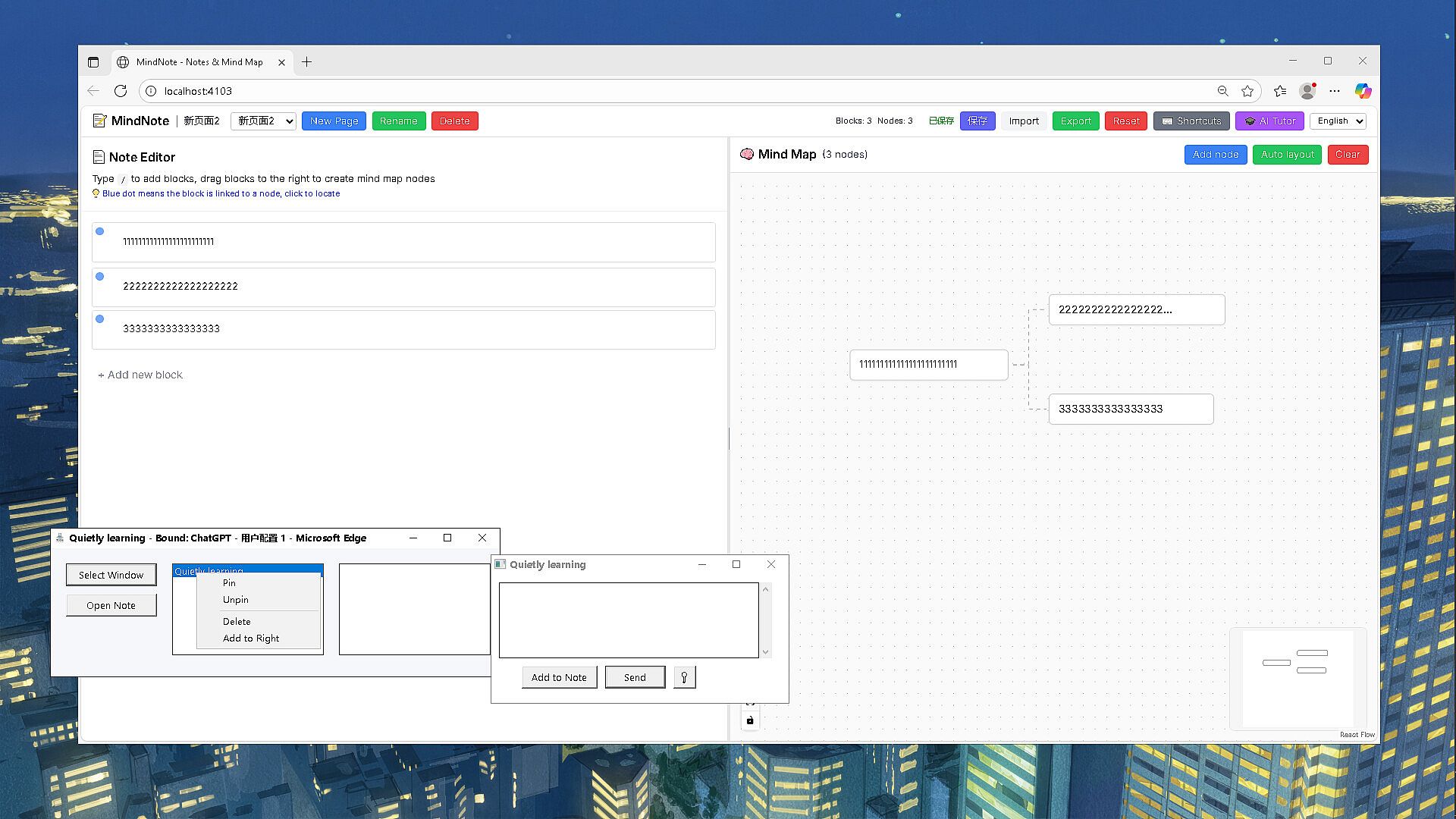
The recording section: It records each input in the form of "blocks," making it easy for users to review and edit later.
The mind map section: Users can build mind maps within the software using their notes. They can simply drag and drop note content to create mind maps. This software is also highly useful for breaking down articles and taking course notes.
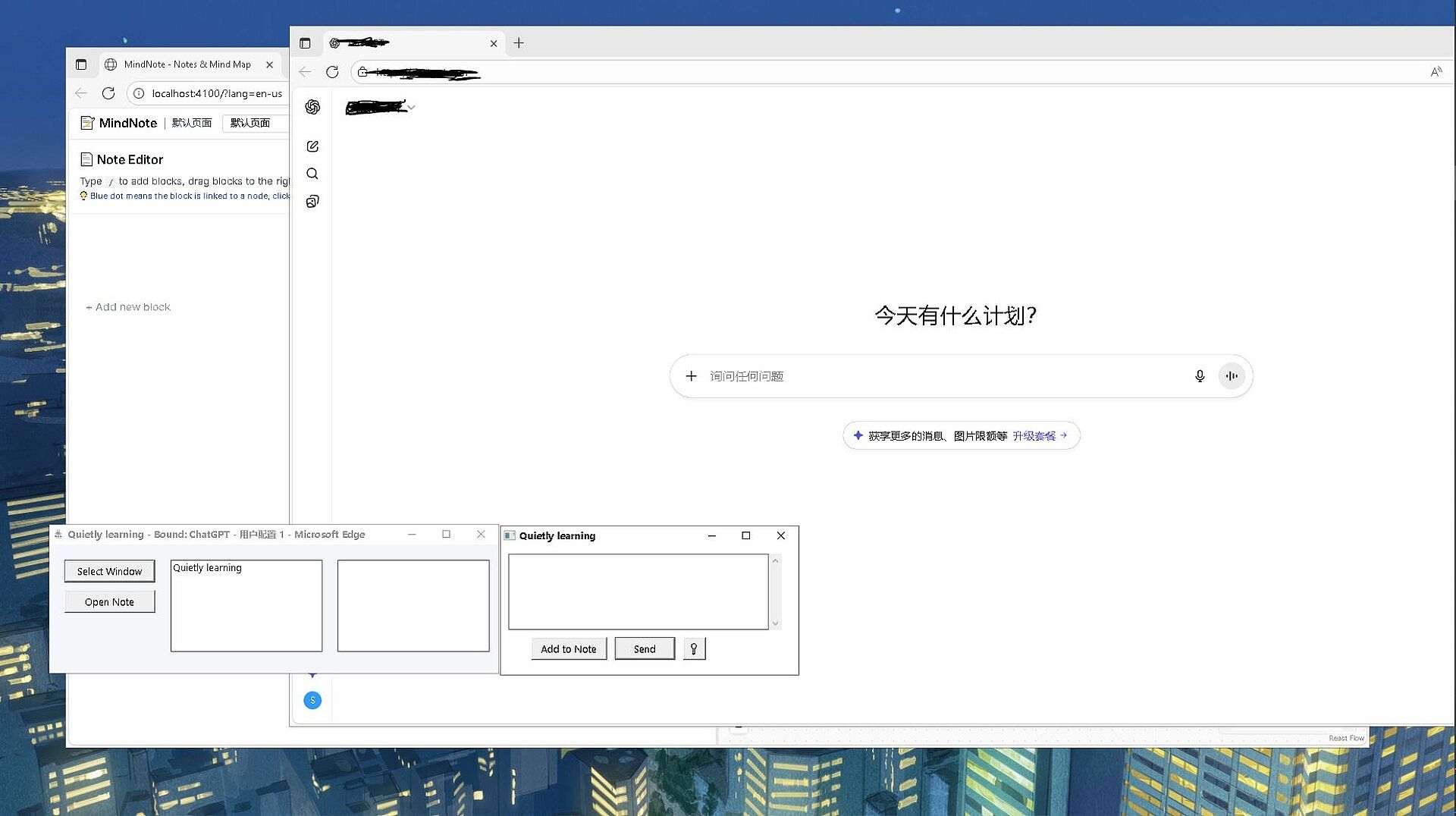
The input box replaces various input boxes of other tools. Although it is an external component, it truly achieves this replacement effect. Users only need to type "effective conversations" into this input box, while "ineffective conversations" can be entered into the original input boxes of other tools. The "Add to Notes" button allows users to select and record only the effective information from the conversation.
The clipboard adopts a dual-list box mode:
One list box is for frequently used prompt templates.
The other is for the daily clipboard.
These two lists do not interfere with each other but can be converted between each other. It is an indispensable tool for learning.
Regarding the auto-click function: Currently, AI generates content slowly, and we still need to manually confirm (by clicking) its outputs. For a single request, if we do not click to confirm, it often gets stuck multiple times. Users who want to "be lazy" while conversing with AI can use this function, which automatically clicks the confirmation button on their behalf.
These three components (note-taking software, input box, and clipboard) work as an integrated whole.
In the AI era, recording the effective conversations that helped us solve problems might just be our valuable asset!