














in progress...

Buy InCell VR PC

InCell VR is free to play! Download it on Steam and start playing instantly. Looking for InCell VR DLCs, in-game currency, or cosmetics? Compare 0 offers on XD.deals to find the best deals.

Release: 03 Sep. 2015
Publisher: Luden.io
Developer: Luden.io
Steam:
Mixed (285)
Official
Unavailable
Keyshops
Unavailable
Buy in Official Store:
Unavailable
Buy in Keyshops:
Unavailable

No entries, but don''t worry, we will inform you once the new offer appears.

Create Alert Create deal Alert

About InCell VR

InCell VR - about the game

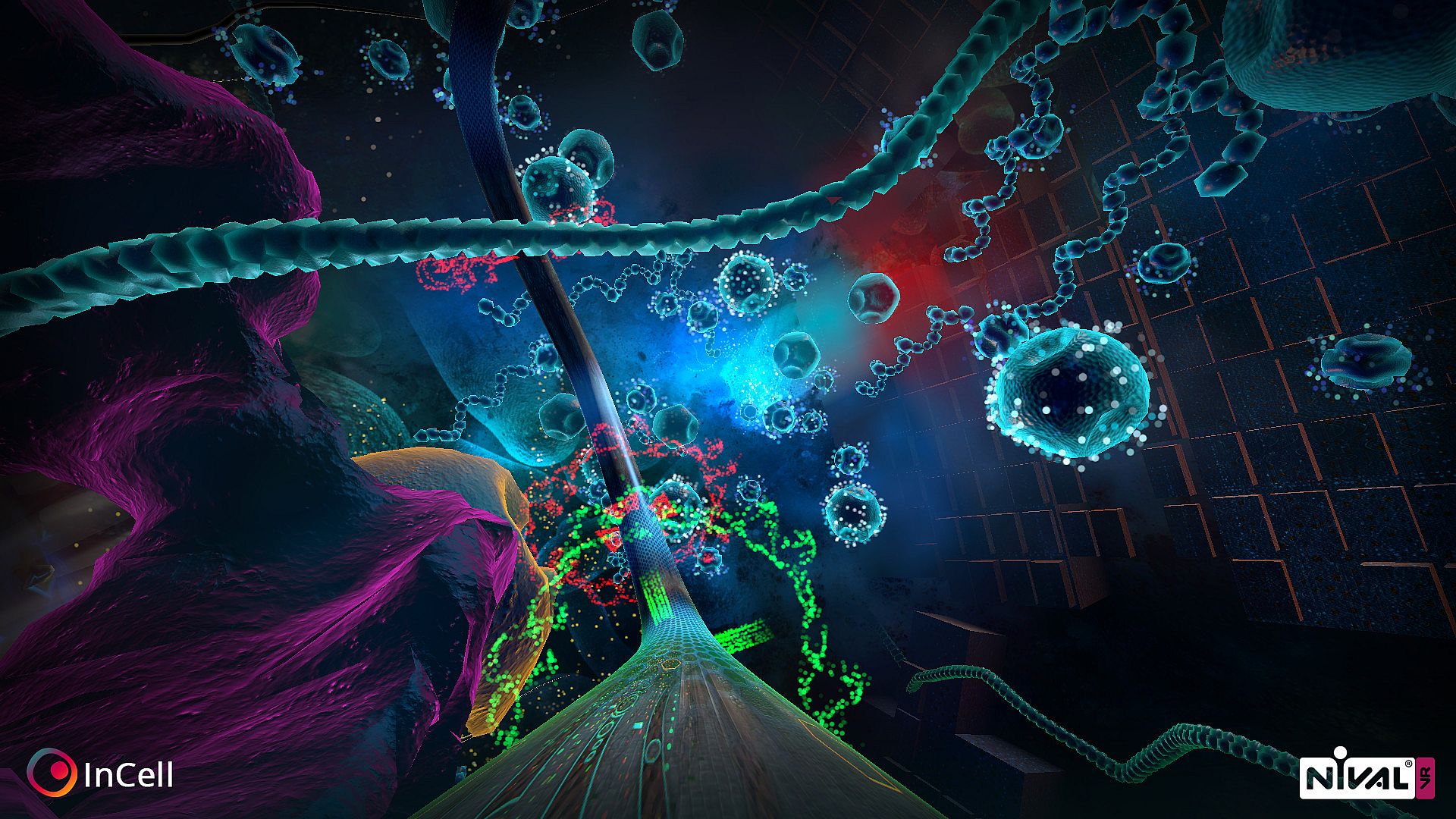
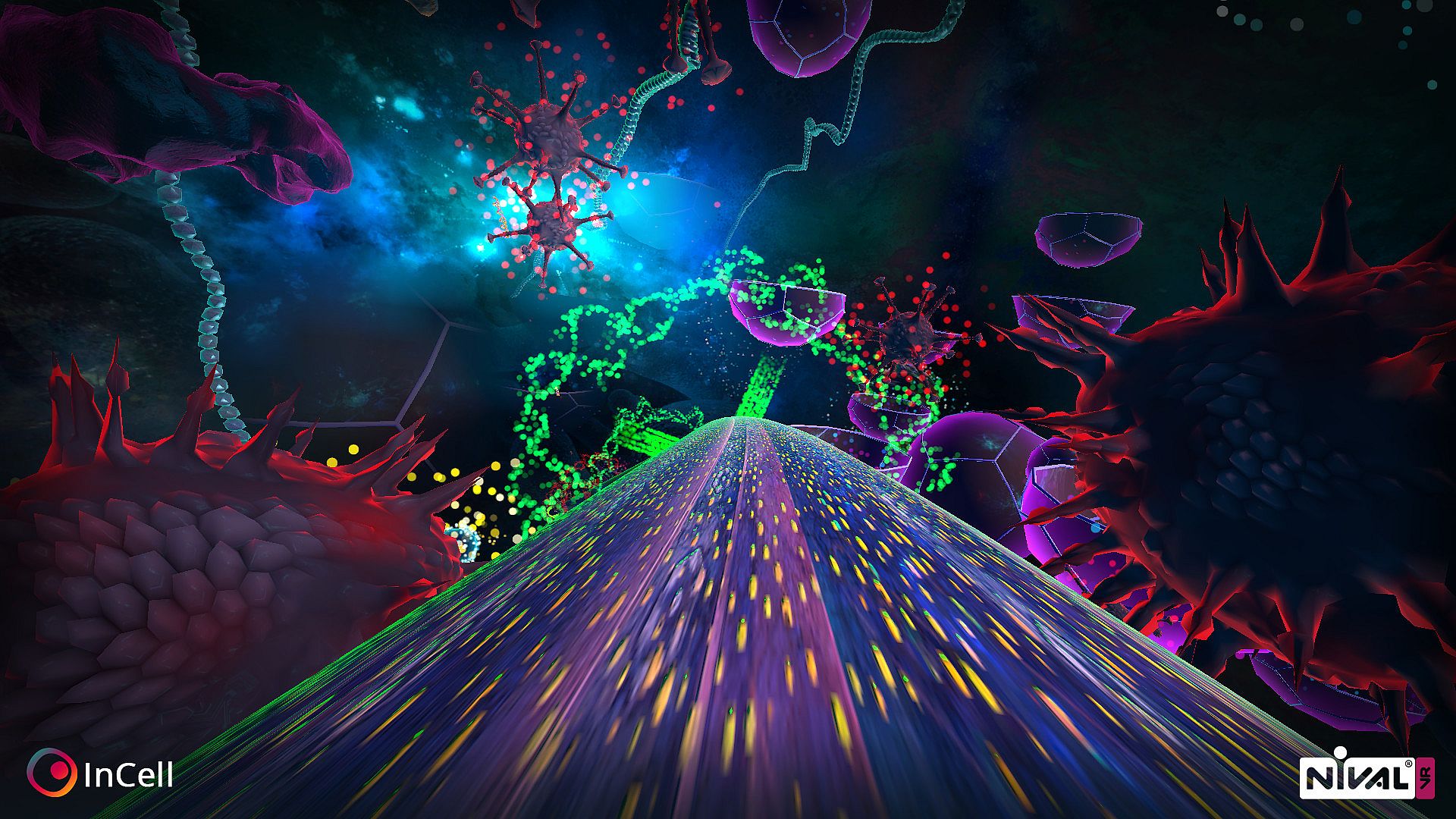
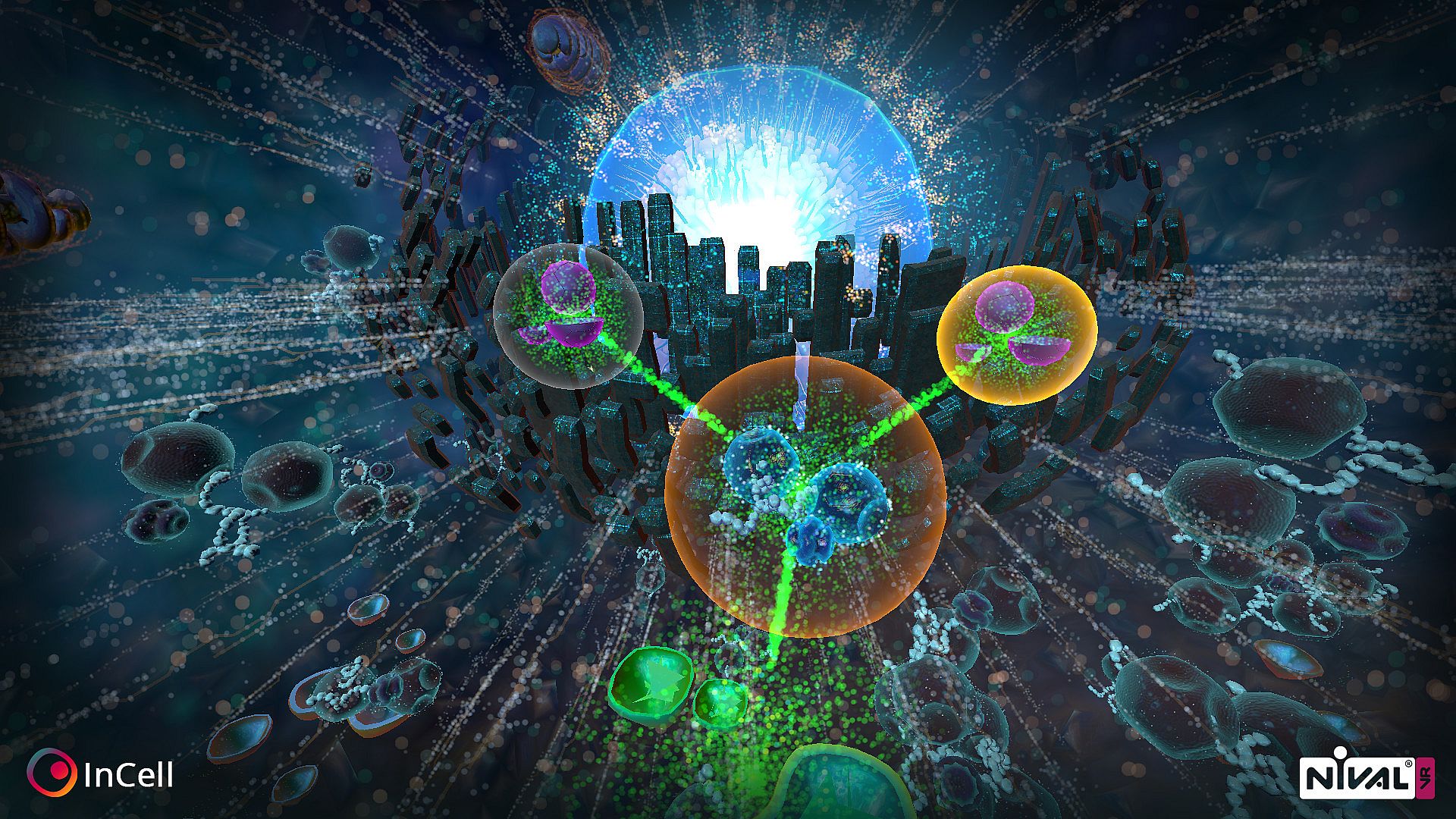
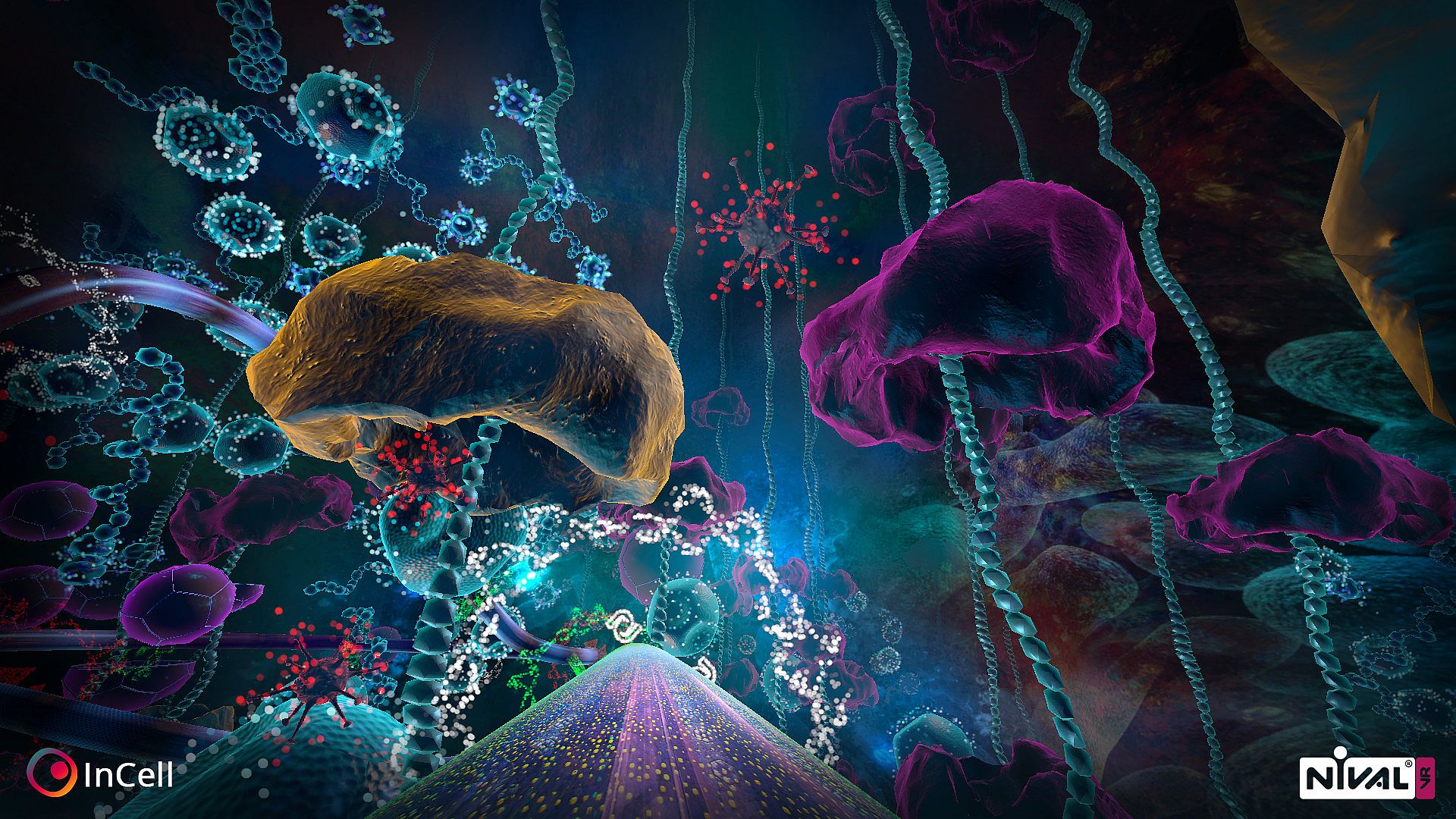
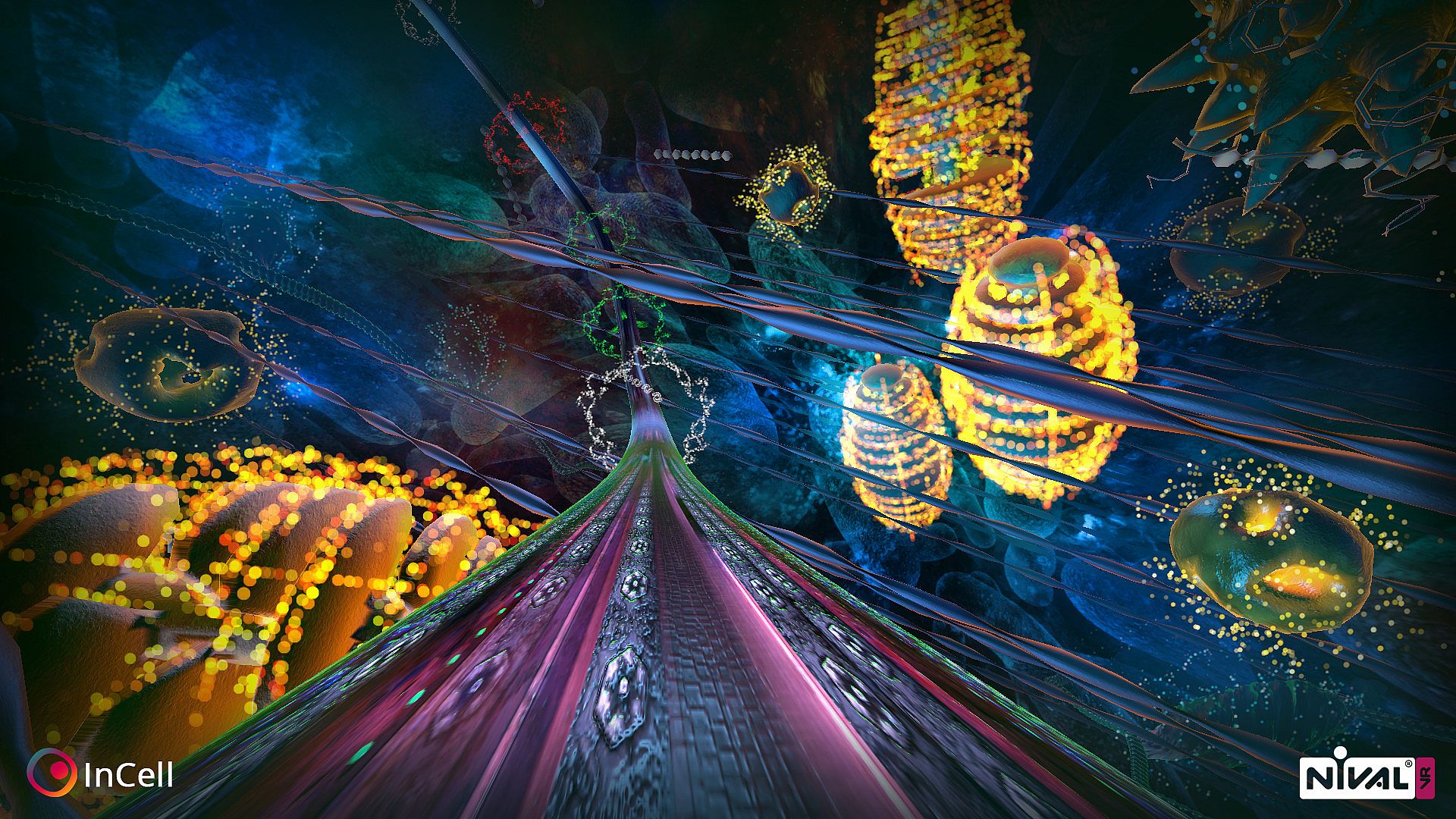
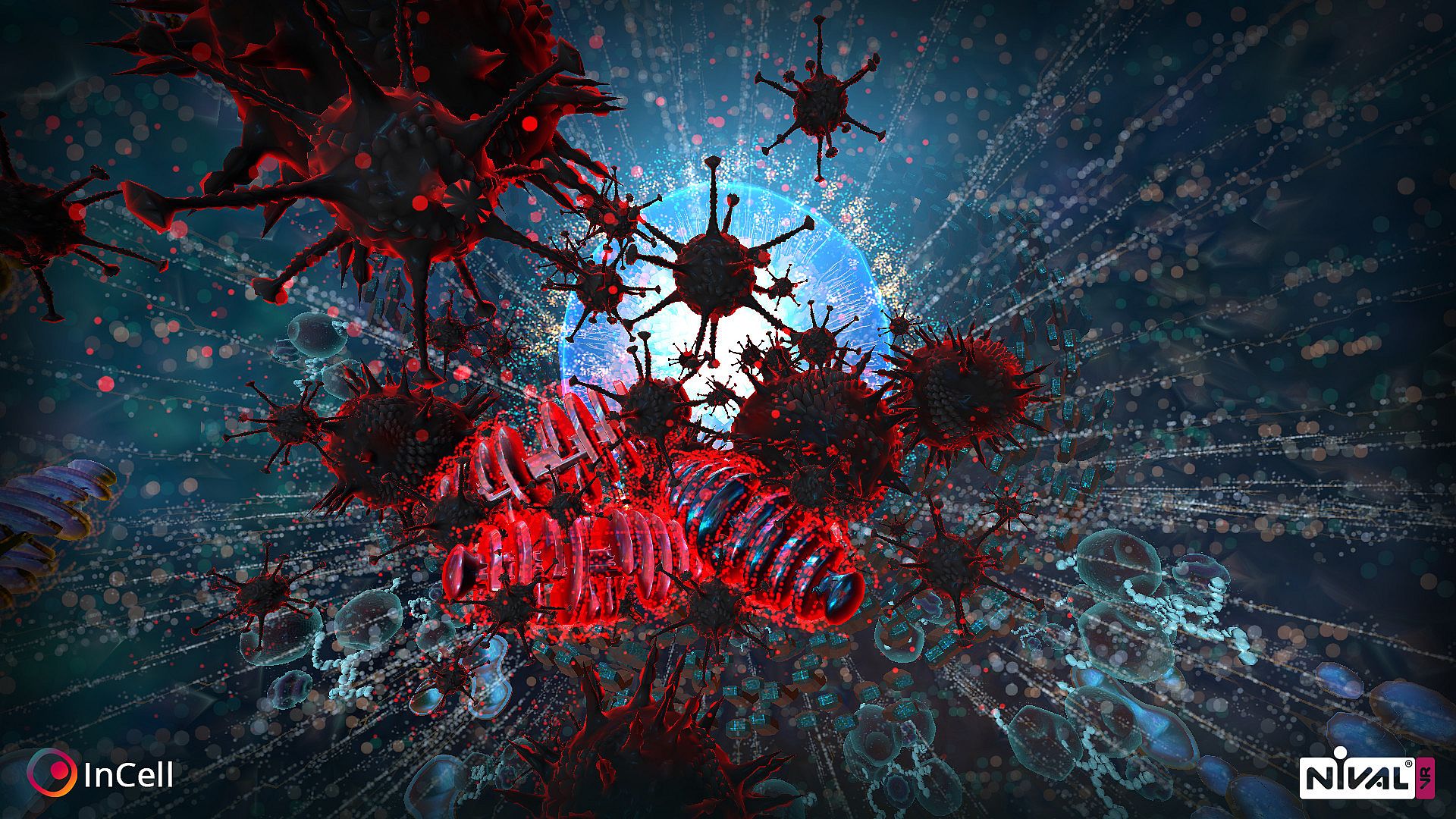
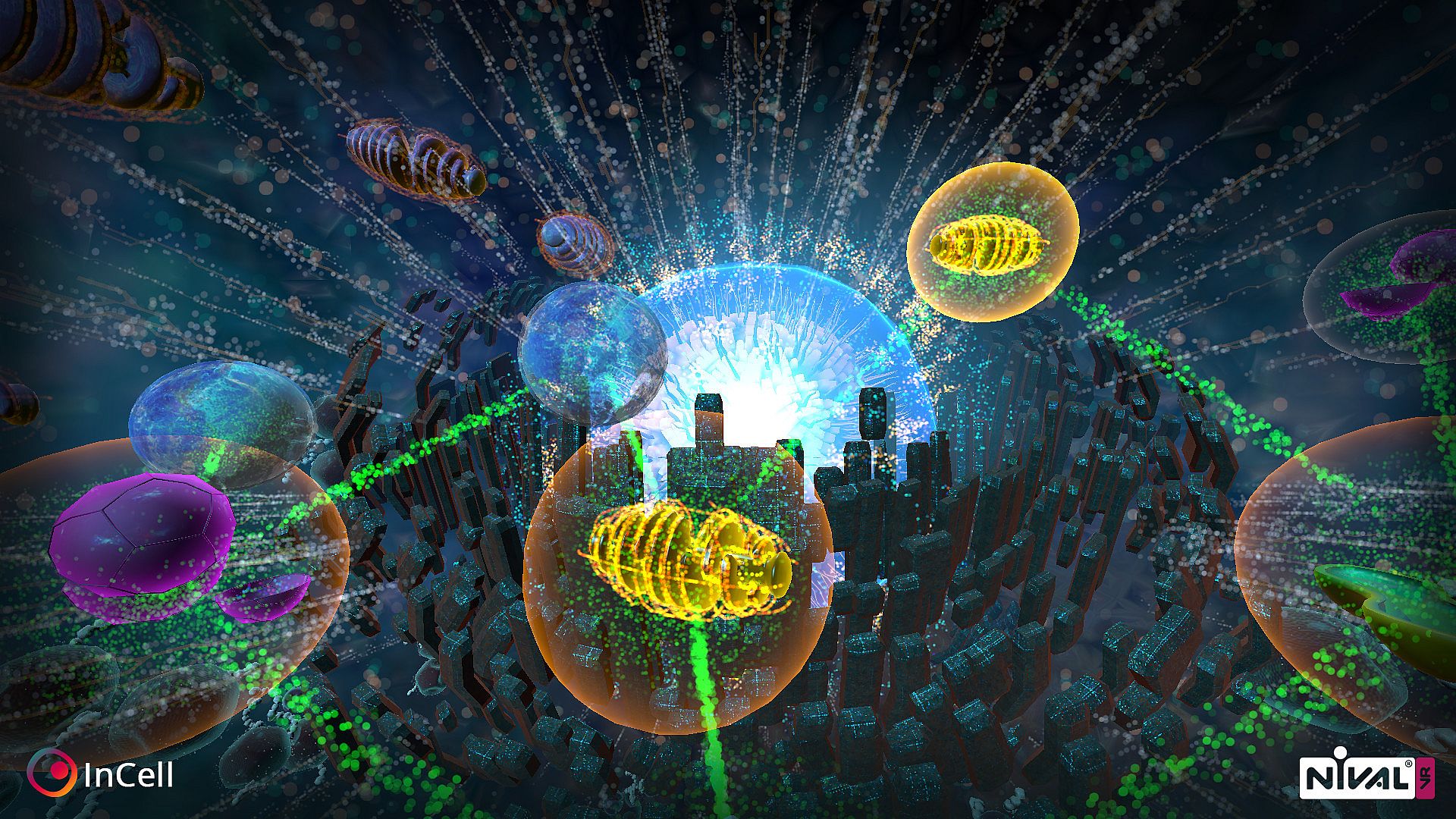
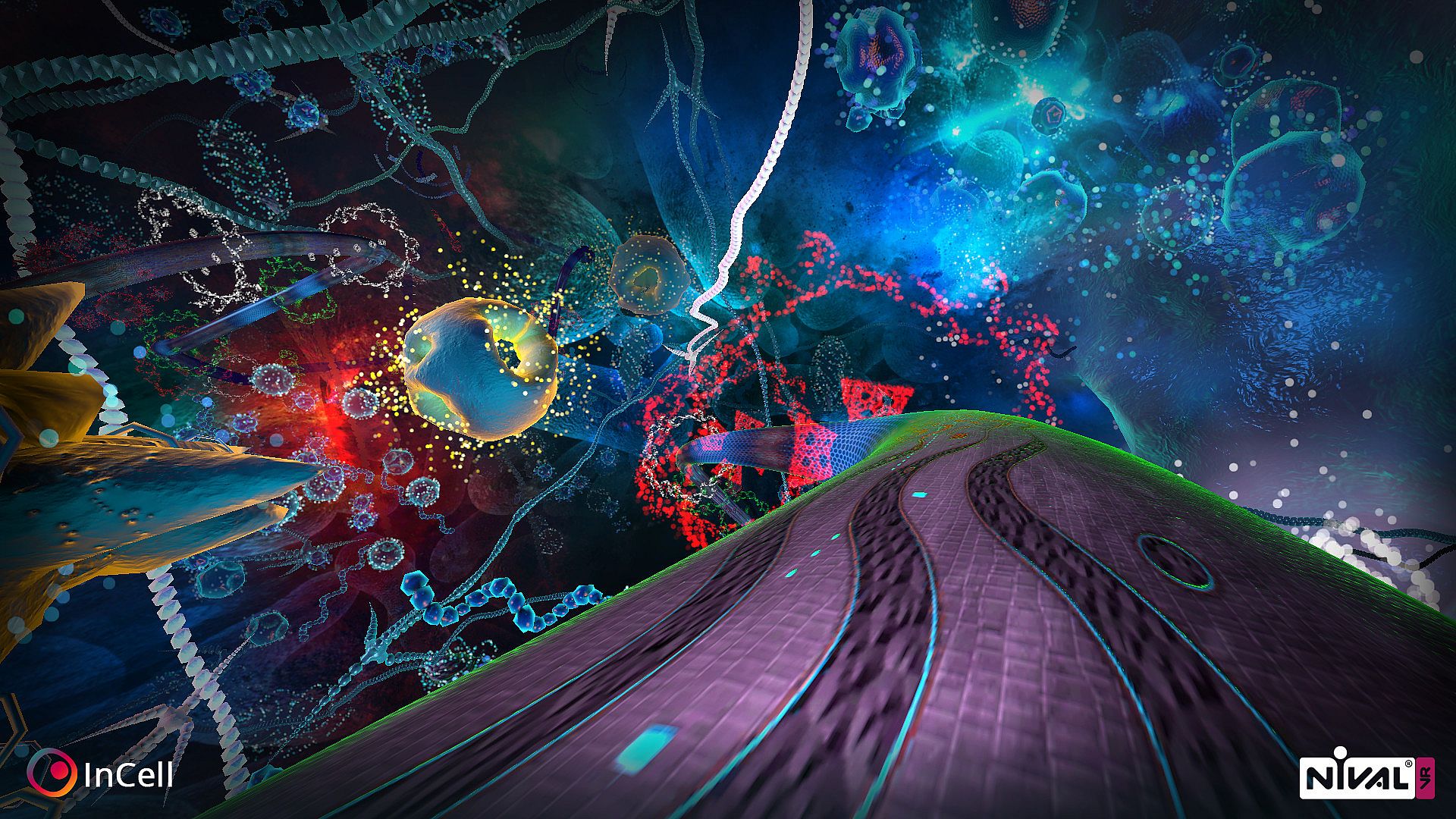
Race through a microworld inside a human cell in this action/racing game blended with strategy. Players navigate organelles to reach the nucleus, racing radially between them to cure volunteer Mrs. Jane Smith and win over skeptical robot assistant TMEAR07. Each organelle grants unique abilities that boost racing performance or shield the cell, while procedurally generated layouts keep runs fresh. Play with VR head movement, keyboard, or joystick on PC, with options to unlock tougher difficulties. Learn real cell structures and organelle roles as skills sharpen. This free-to-play indie title suits VR newcomers testing the waters or veterans chasing strategic racing challenges.

InCell is an action/racing game with a bit of strategy and science thrown into the mix in a rare and highly unusual microworld of the carefully recreated human cell. This is the right project to start your acquaintance with VR or receive new VR impressions. The game is focused on Virtual Reality but you can play just fine without a set.
Ready steady go!
Thanks to all robot-gods out there we will not take this journey alone -  our humble (with a tiny control-everyone mania) assistant is waiting for us (she is so sweet, isn’t she?). The Most Excellent Assistant Zero-Seven (she said that humans may refer to her simply as ‘Your Highness’). So the player’s task is to impress TMEAR07 with experiment on volunteer to unlock new healing technology for humanity. The problem is she doesn’t believe in that possibility because humans are simple and illogical (and she is genius… as always).


To cure our volunteer Mrs. Jane Smith and impress TMEAR07  players must select the right way through the objects (organelles) to the cell’s nucleus and do their best in innovative radial racings between selected objects. Each object provides unique abilities to improve racing params or to protect cell with different strategies.

How is it going inside the cell?
Getting closer to understanding cell structure and organelles functions (which are similar to the real functionality of the organelles) players will improve their skills and will have a chance to impress completely suspicious The Most Excellent Assistant Zero-Seven (who knows why is she so much aware of the other six Excellent Assistant Robots disassembling…).

One old and wise robot (he is still remember his 386 childhood) said that it’s a bad idea to make this kind of girl-robot sad…

Features
  • Playable with VR (control the movement with your head only, or use keyboard and joystick).
  • Solve the riddle of TMEAR07, find out why doesn’t she believe in the humanity (may be it is just robot’s bad today or some silicon stuff inside your PC makes she sad)?
  • With each new start the cell structure will be generated anew placing the organelles in different locations.
  • This game is a perfect opportunity to learn more about cell microstructure, different organelles and their roles in cell vital activity.
  • Unlock harder difficulties where the true challenge awaits.

Hot keys
  • Space - recenter camera position in VR mode
  • M - switch mirroring VR picture on monitor
  • Esc - pause and options menu
  • F5 - hide or show UI
  • F6 - hide or show bathyscaphe
  • F1 - graphics for recommended hardware
  • F2 - graphics for older hardware
  • F3 - decrease rotation speed (highly not recommended, only for experienced VR players)
  • F4 - increase rotation speed (highly not recommended, only for experienced VR players)
  • F7 - reset rotation speed to default
Known issues
  • VR on Linux is not yet implemented
  • If you are not using gamepad you may want to plug it off to switch game in mouse/keyboard control mode.

Interface:
English
Audio:
English
Subtitles:
English
Steam:
Mixed (285)

System requirements

Minimum:

  • Processor: Intel or AMD Dual-Core CPU with 2.8 GHz
  • Memory: 4 GB RAM
  • Graphics: No VR Mode: NVIDIA GeForce GTX 560 or AMD Radeon HD6900 | VR Mode: NVIDIA GeForce GTX 750 Ti or AMD Radeon R9 270 (FullHD resolution)
  • DirectX: Version 11
  • Storage: 1500 MB available space

Recommended:

  • Processor: Intel or AMD Dual-Core CPU with 2.8 GHz
  • Memory: 4 GB RAM
  • Graphics: No VR Mode: NVIDIA GeForce GTX 560 or AMD Radeon HD6900 | VR Mode: NVIDIA GeForce GTX 750 Ti or AMD Radeon R9 270 (FullHD resolution)
  • DirectX: Version 11
  • Storage: 1500 MB available space

Minimum:

  • OS: OS X Mountain Lion
  • Processor: Intel 2.7 GHz Dual-Core i5
  • Memory: 4 GB RAM
  • Graphics: No VR Mode: Laptop: NVIDIA GeForce GT 650M Desktop: NVIDIA GeForce GTX 560 or AMD Radeon HD6900 (FullHD resolution)
  • Storage: 1500 MB available space
  • Additional Notes: VR is not yet supported

Recommended:

  • OS: OS X Mountain Lion
  • Processor: Intel 2.7 GHz Dual-Core i5
  • Memory: 4 GB RAM
  • Graphics: No VR Mode: Laptop: NVIDIA GeForce GT 650M Desktop: NVIDIA GeForce GTX 560 or AMD Radeon HD6900 (FullHD resolution)
  • Storage: 1500 MB available space
  • Additional Notes: VR is not yet supported

Minimum:

  • OS: Ubuntu, SteamOS, Mint or equivalent
  • Processor: Intel or AMD Dual-Core CPU with 2.8 GHz
  • Memory: 4 GB RAM
  • Graphics: No VR Mode: Laptop: NVIDIA GeForce GT 650M Desktop: NVIDIA GeForce GTX 560 or AMD Radeon HD6900 (FullHD resolution) with at least GLSL 1.30 support
  • Storage: 1500 MB available space
  • Additional Notes: VR is not yet supported

Recommended:

  • OS: Ubuntu, SteamOS, Mint or equivalent
  • Processor: Intel or AMD Dual-Core CPU with 2.8 GHz
  • Memory: 4 GB RAM
  • Graphics: No VR Mode: Laptop: NVIDIA GeForce GT 650M Desktop: NVIDIA GeForce GTX 560 or AMD Radeon HD6900 (FullHD resolution) with at least GLSL 1.30 support
  • Storage: 1500 MB available space
  • Additional Notes: VR is not yet supported

Price history

Historical low
Keyshops
-
-
-
Official Stores
-
-
-

FAQ

8 questions

Before you start looking for a cheap InCell VR CD Key, take a moment to check the essentials. Developed by Luden.io. Published by Luden.io. PC released date: 03 Sep. 2015. Genres: Strategy, Free To Play, Indie, Racing. Categories: Single-player, Steam Achievements, Full controller support, VR Supported, VR Support. InCell VR reviews: Steam reviews: 69% of the 285 user reviews for this game are positive.

Q Can I play InCell VR on Steam Deck?

No, not right now. Valve marks InCell VR as Steam Deck Unsupported , so it won't launch via Proton at this time. Keep an eye on XD.deals - we track Proton breakthroughs and community fixes, and we'll flag it the moment there's a working way to play InCell VR on Steam Deck.

Yes. A InCell VR Steam version exists. Pick any offer tagged Steam Key on XD.deals, redeem it in the desktop client, and play InCell VR on Steam PC.

Yes. Once your Steam key is redeemed, you can launch InCell VR in Offline Mode via Steam. Your save files will sync the next time you go online.

Yes, you can buy a InCell VR Steam Key directly on the Steam Store. At XD.deals, we aggregate all available Steam DRM offers so you can compare cheap InCell VR steam deals in one place.

At the moment we don't have any live offers for InCell VR - both official stores ({1}) and keyshops ({2}) show the game as sold out or temporarily unavailable…

With XD.deals, PC gamers can instantly see where to buy a cheap InCell VR PC Steam key. Our real-time price-comparison engine and curated coupon database track every official store and trusted keyshop so you dont have to. Right now we detect this game in {1} live offers from stores and keyshops.

Not yet. There's no InCell VR Steam listing right now, so you can't buy InCell VR on Steam today. Instead, browse the other InCell VR offers on XD.deals - official stores and keyshops often provide DRM-free or launcher-key versions you can play while waiting for a future Steam release.

No - XD.deals itself isn't a store. We're a price-comparison service that tracks the best offers for InCell VR across official stores and verified keyshops. Click "Shop Now" next to the deal you want, and you'll be redirected to the retailer's website to complete your purchase and receive the key there.

Ready to ride? Set a price alert on XD Deals and grab a discounted InCell VR Steam key the moment it reaches its next historical low.

Create Alert