

in progress...

Buy HudSight - crosshair overlay PC

Interested in HudSight - crosshair overlay? We're tracking prices from trusted stores. Add HudSight - crosshair overlay to your wishlist and we'll notify you when deals become available.

Release: 05 Jan. 2021
Publisher: Eduard Kozadaev
Developer: Eduard Kozadaev
Steam:
Very Positive (4k)
Official
Unavailable
Keyshops
Unavailable
Buy in Official Store:
Unavailable
Buy in Keyshops:
Unavailable

No entries, but don''t worry, we will inform you once the new offer appears.

Create Alert Create deal Alert

About HudSight - crosshair overlay

HudSight - crosshair overlay - about the game

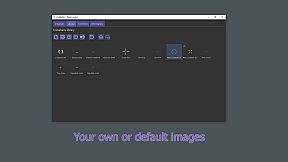
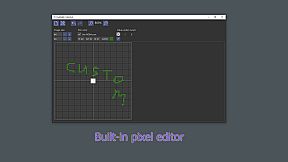
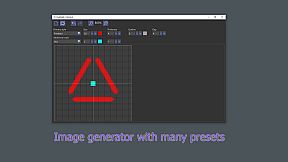
Overlay your custom crosshair on any PC game with HudSight, tackling full screen exclusive and windowed modes alike. Pick from pre-built images, craft unique designs in the crosshair generator by tweaking parameters, or draw in the raster image editor. Import images from your disk or grab community creations from the Steam Workshop, then switch between multiple crosshairs via key bindings while adjusting offset, scale, and tilt. This action utility employs hooks, Microsoft Game Bar extension, or Real Overlay rendering to work across DirectX 9-12, OpenGL, and Vulkan titles on Windows 10/11—handling both 32-bit and 64-bit games. Gamers gain low-lag overlays even where traditional tools fail, dodging anti-cheat issues. Video production pros and software trainees perfect their aim in competitive play or training sessions.

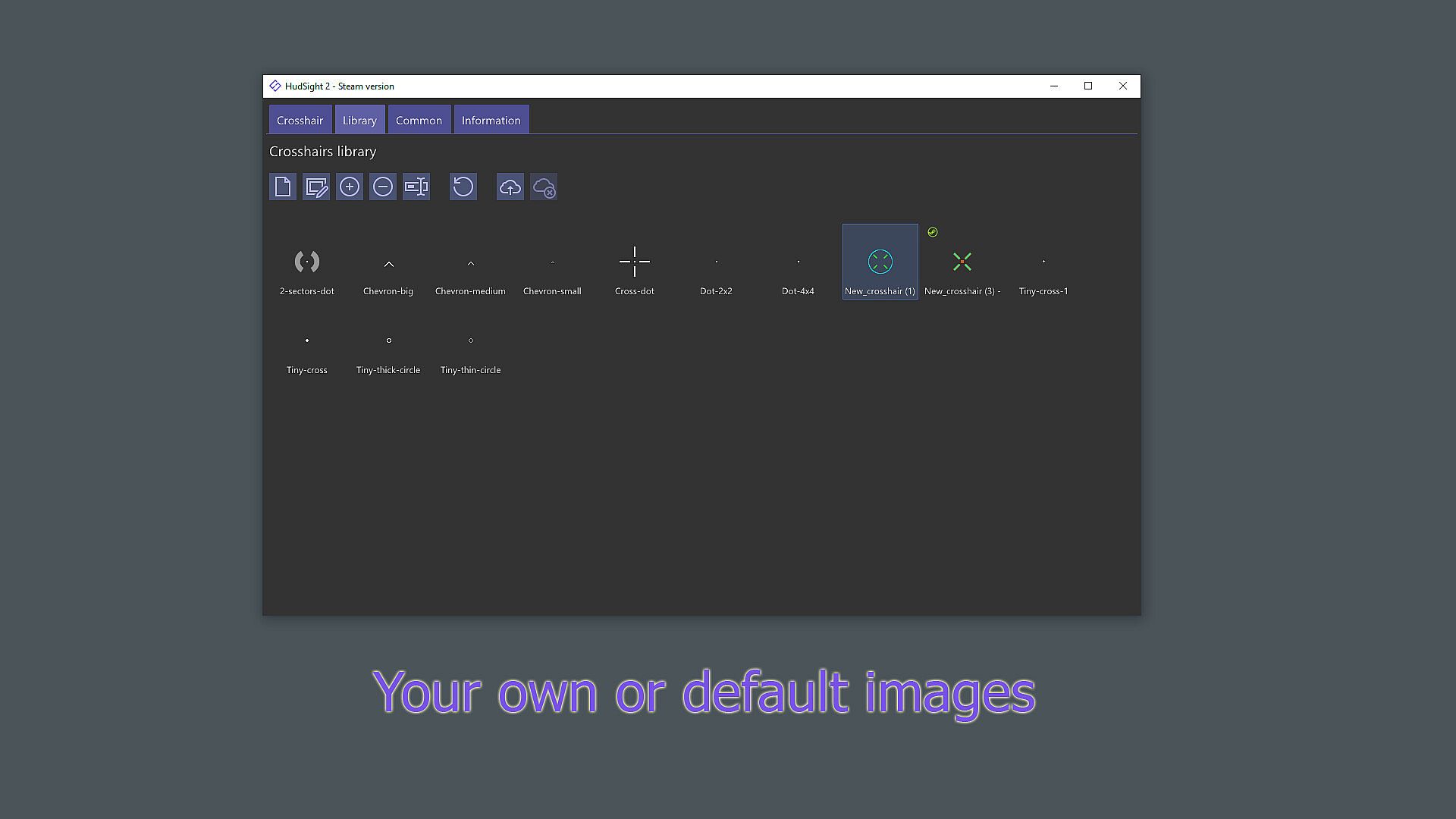
Add your crosshair to any game! You can use a crosshair from the set of pre-built images, create your own in our image editor or crosshair generator, or choose one of the crosshairs created by our community.

Features
  • Rendering | HudSight can use the traditional technique using Hooks, as well as secure ways via Microsoft Game Bar extension or our Real Overlay technique.

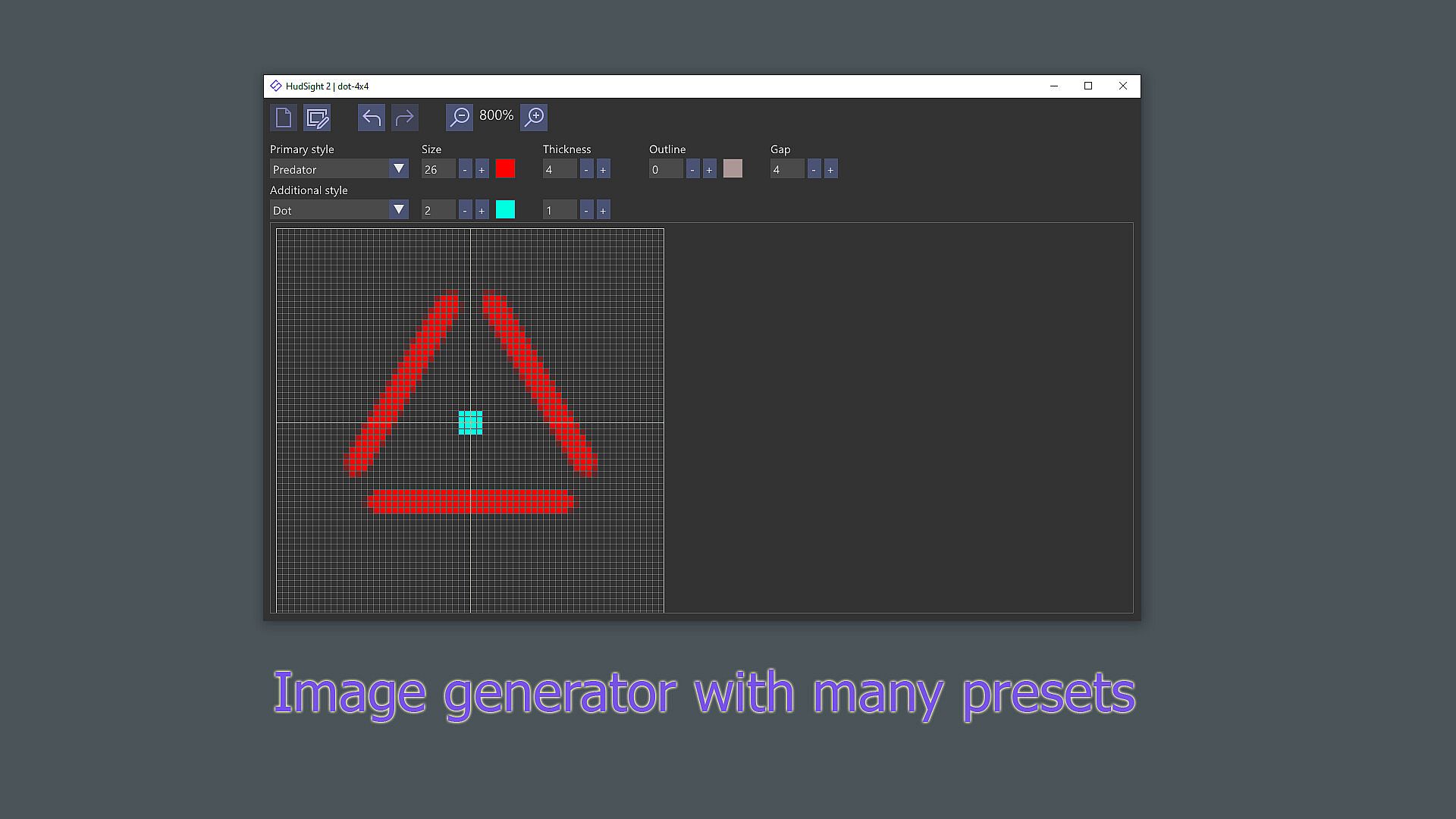
  • Generator | By adjusting various parameters in the crosshair generator you can quickly create your unique crosshair.

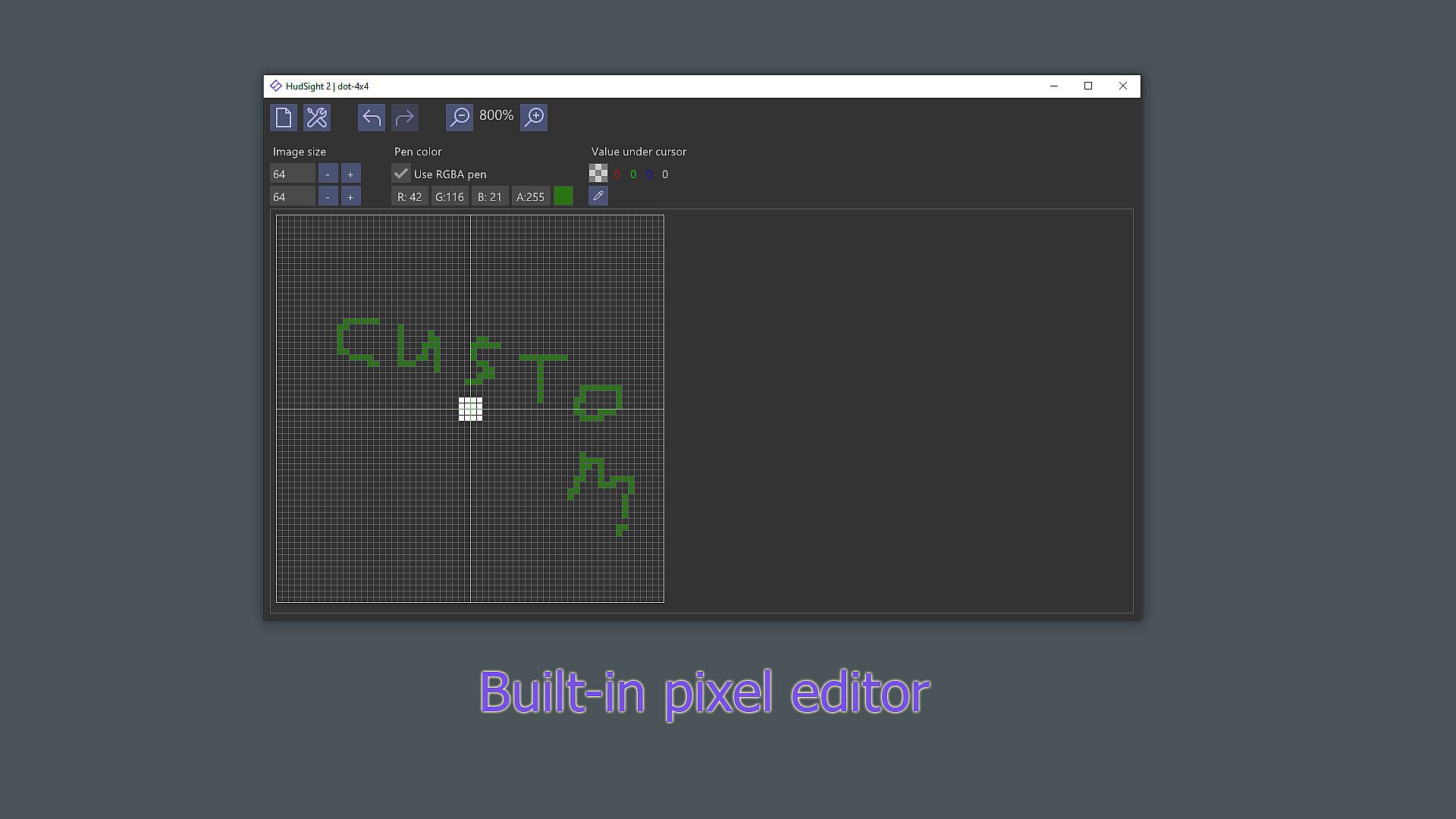
  • Image Editor | The raster (pixel) editor allows you to draw any unusual crosshair.

  • Images | Import any image from your disk to use as a crosshair.

  • Workshop | Use crosshairs created by the Steam community, or share your own.

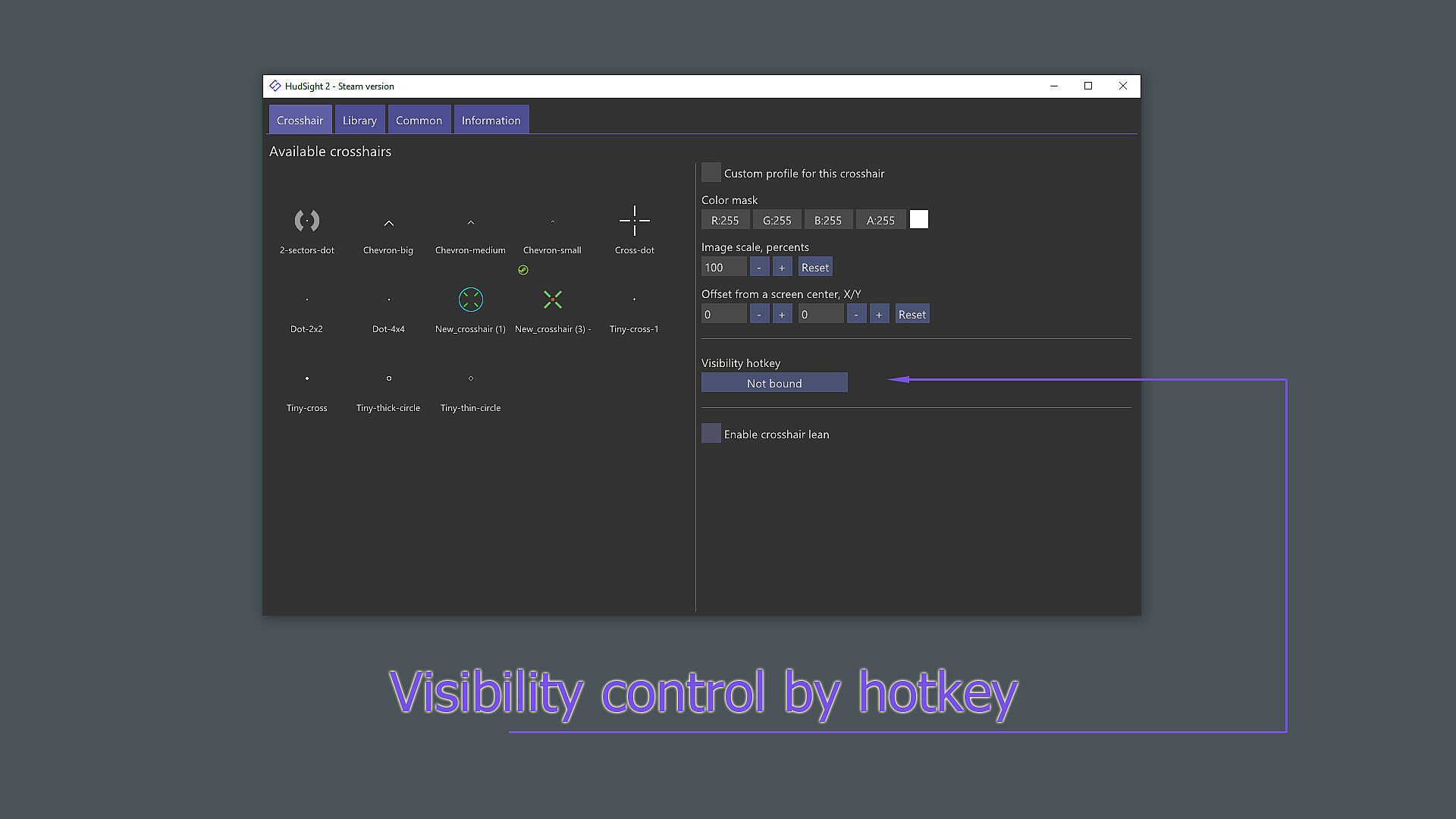
  • Multi-crosshair | Use key bindings for quick switching between crosshairs or toggling crosshair visibility.

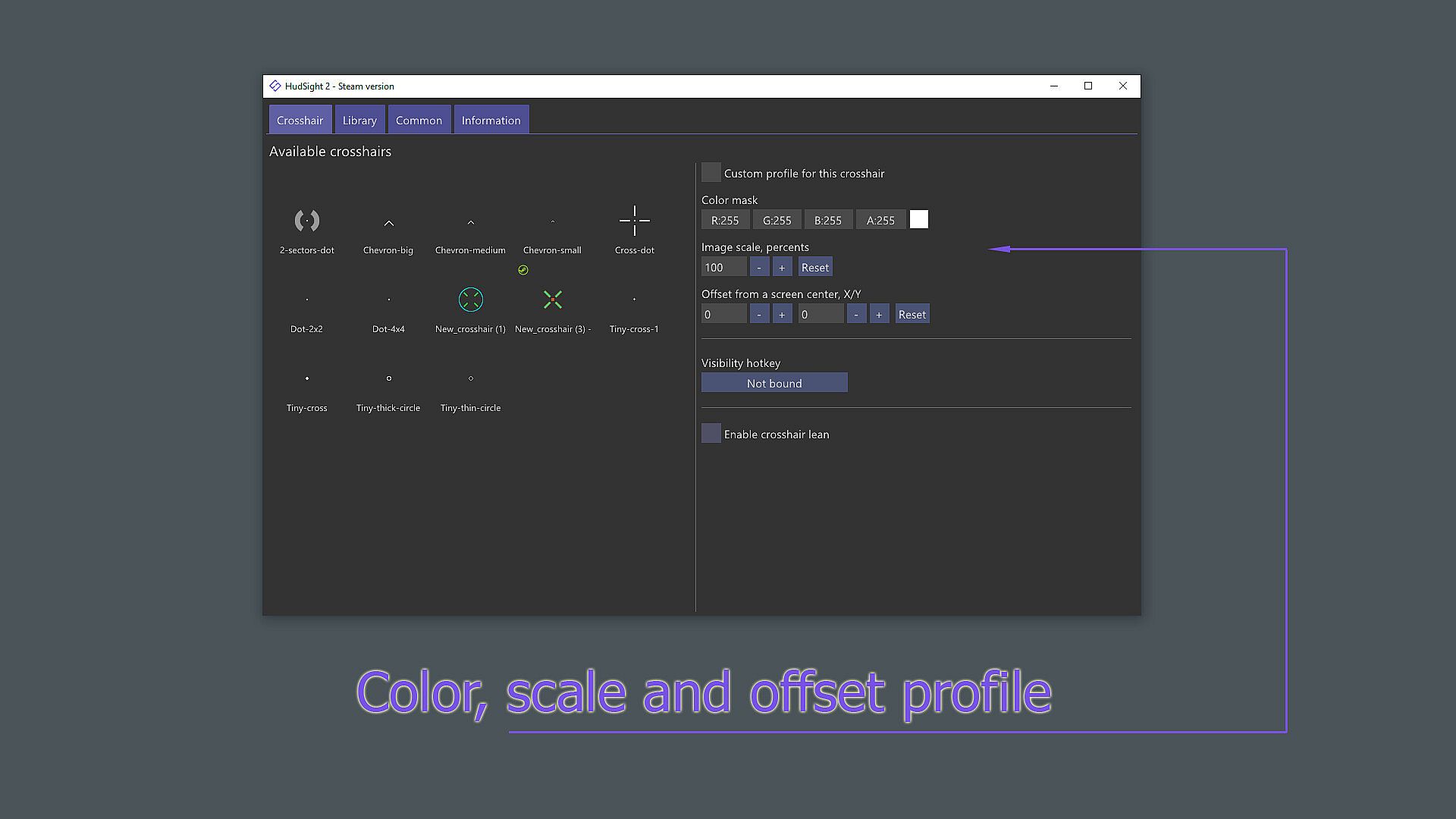
  • Offset, scale, lean | Set the offset relative to the center of the screen, as well as the scale or tilt for each crosshair.

Core feature of our software is a unique overlay rendering technique which is applicable both for full screen exclusive and windowed modes. Every gamer knows that playing in full screen mode offers maximum performance and minimal input lag. However, there is a problem with common "on top" overlay tools - they cannot work in the exclusive full screen mode. HudSight solves this problem by allowing you to add overlays even in full screen games!

Moreover HudSight has special overlay rendering ability using its own Microsoft Game Bar extension. This is more safe technique in the case of games (anti-cheats) that are too afraid of hooks. Don't you like Game Bar? Use our Real Overlay mode to draw overlays "as Game Bar" but without Game Bar.

HudSight supports games based on DirectX 9, 10, 11, 12, OpenGL and Vulkan graphics. 32 and 64-bits games are welcome on Windows 10/11.


Steam:
Very Positive (4k)

Price history

Historical low
Keyshops
-
-
-
Official Stores
-
-
-

FAQ

8 questions

Before you start looking for a cheap HudSight - crosshair overlay CD Key, take a moment to check the essentials. Developed by Eduard Kozadaev. Published by Eduard Kozadaev. PC released date: 05 Jan. 2021. Genres: Action, Utilities, Video Production, Education, Software Training. Categories: Steam Workshop, Steam Achievements. HudSight - crosshair overlay reviews: Steam reviews: 88% of the 4,370 user reviews for this game are positive.

Q Can I play HudSight - crosshair overlay on Steam Deck?

Yes. HudSight - crosshair overlay Steam Deck compatibility is Verified. That means the game boots out-of-the-box, shows correct controller glyphs and delivers stable performance - HudSight - crosshair overlay runs perfectly on Steam Deck.

Yes. A HudSight - crosshair overlay Steam version exists. Pick any offer tagged Steam Key on XD.deals, redeem it in the desktop client, and play HudSight - crosshair overlay on Steam PC.

Yes. Once your Steam key is redeemed, you can launch HudSight - crosshair overlay in Offline Mode via Steam. Your save files will sync the next time you go online.

Yes, you can buy a HudSight - crosshair overlay Steam Key directly on the Steam Store. At XD.deals, we aggregate all available Steam DRM offers so you can compare cheap HudSight - crosshair overlay steam deals in one place.

At the moment we don't have any live offers for HudSight - crosshair overlay - both official stores ({1}) and keyshops ({2}) show the game as sold out or temporarily unavailable…

With XD.deals, PC gamers can instantly see where to buy a cheap HudSight - crosshair overlay PC Steam key. Our real-time price-comparison engine and curated coupon database track every official store and trusted keyshop so you dont have to. Right now we detect this game in {1} live offers from stores and keyshops.

Not yet. There's no HudSight - crosshair overlay Steam listing right now, so you can't buy HudSight - crosshair overlay on Steam today. Instead, browse the other HudSight - crosshair overlay offers on XD.deals - official stores and keyshops often provide DRM-free or launcher-key versions you can play while waiting for a future Steam release.

No - XD.deals itself isn't a store. We're a price-comparison service that tracks the best offers for HudSight - crosshair overlay across official stores and verified keyshops. Click "Shop Now" next to the deal you want, and you'll be redirected to the retailer's website to complete your purchase and receive the key there.

Ready to ride? Set a price alert on XD Deals and grab a discounted HudSight - crosshair overlay Steam key the moment it reaches its next historical low.

Create Alert