

















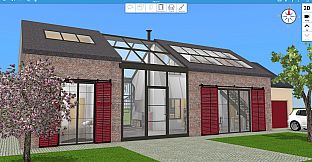
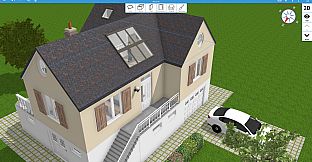
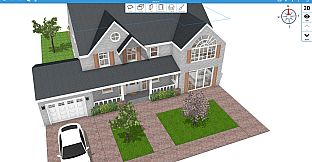
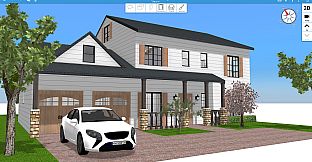
Home Design 3D is a simulation game focused on interior design and home building for PC players. It lets users create detailed floor plans, furnish spaces, and explore finished projects in real time without requiring an internet connection after initial setup.
Gameplay
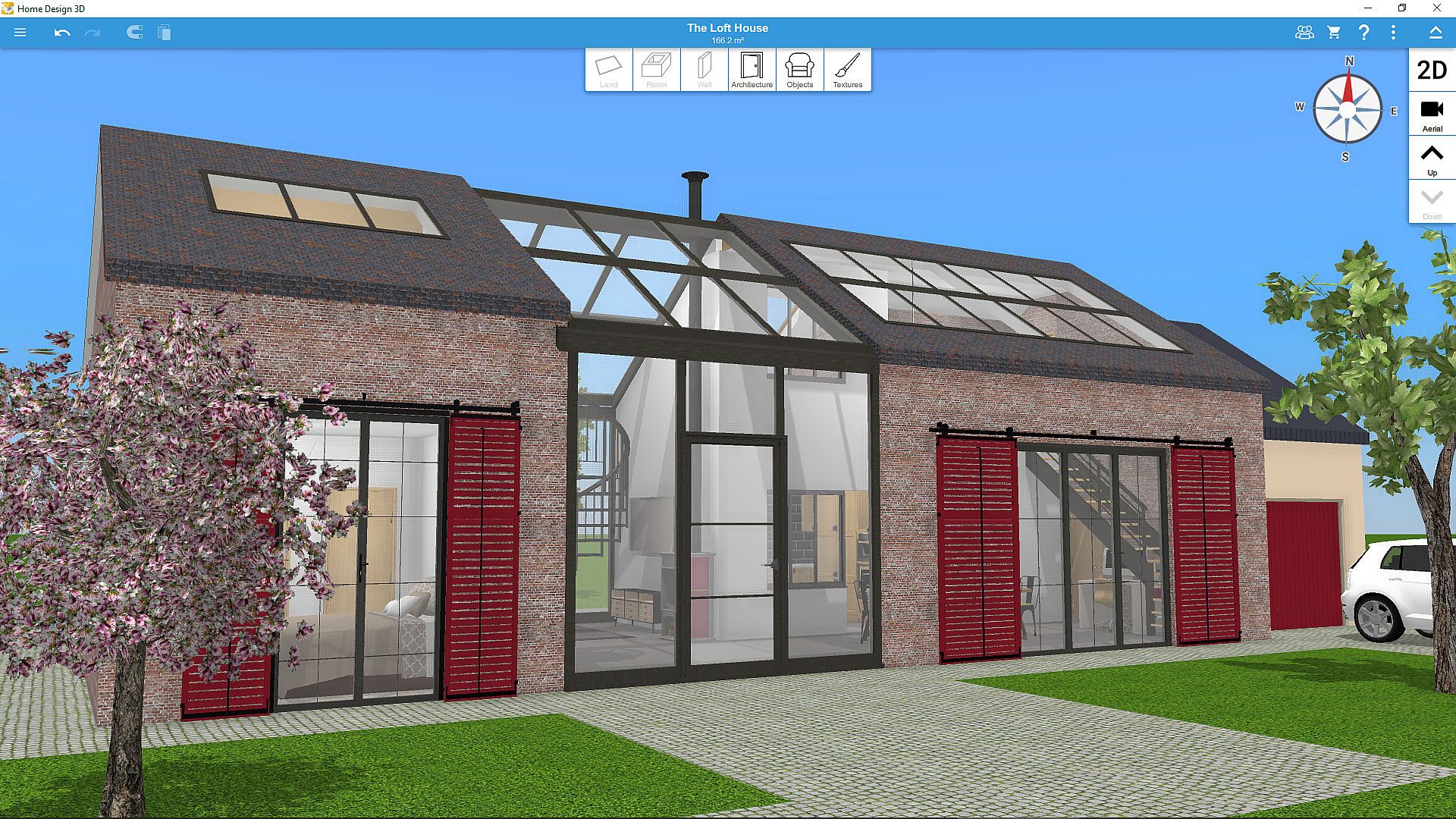
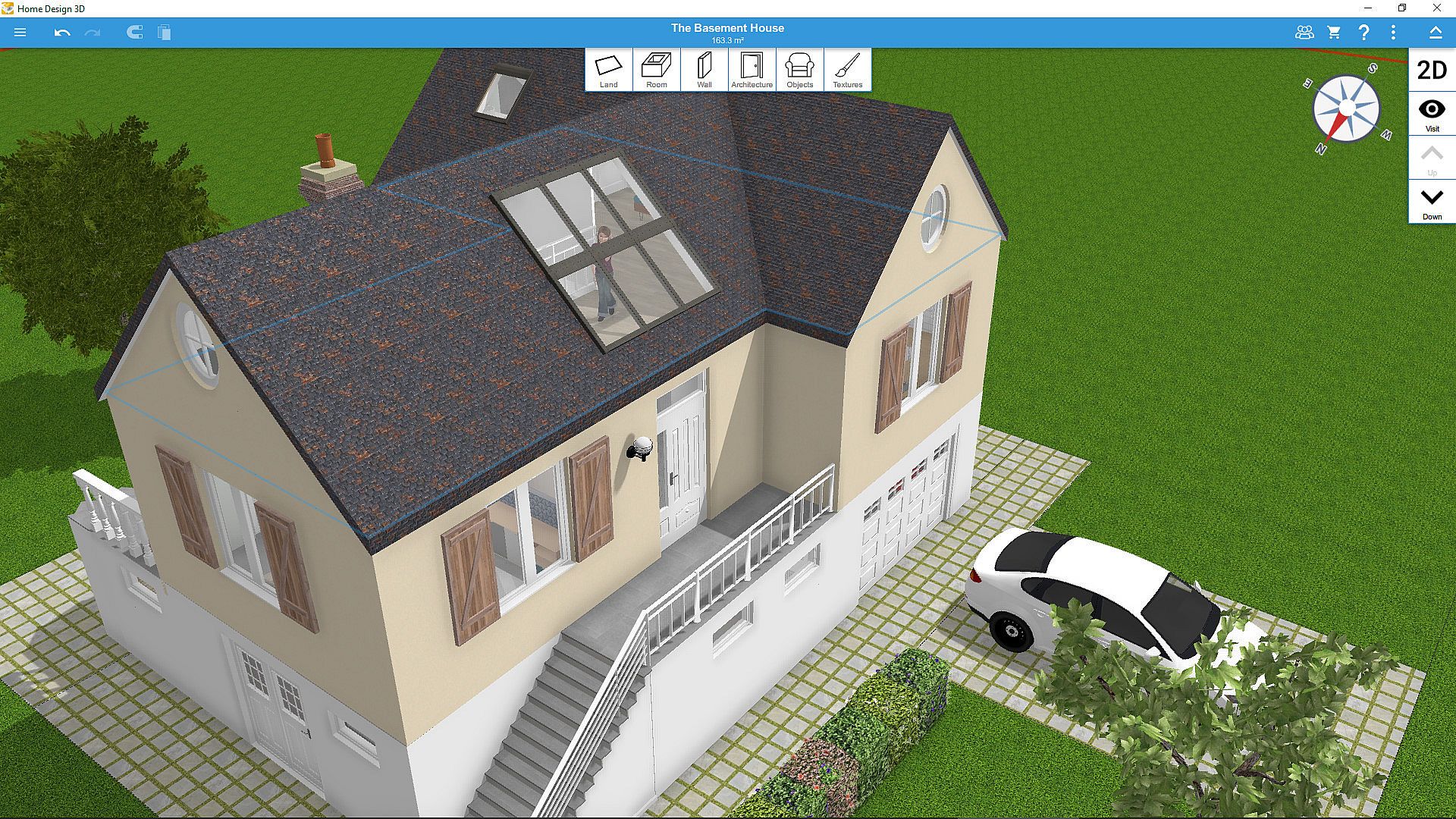
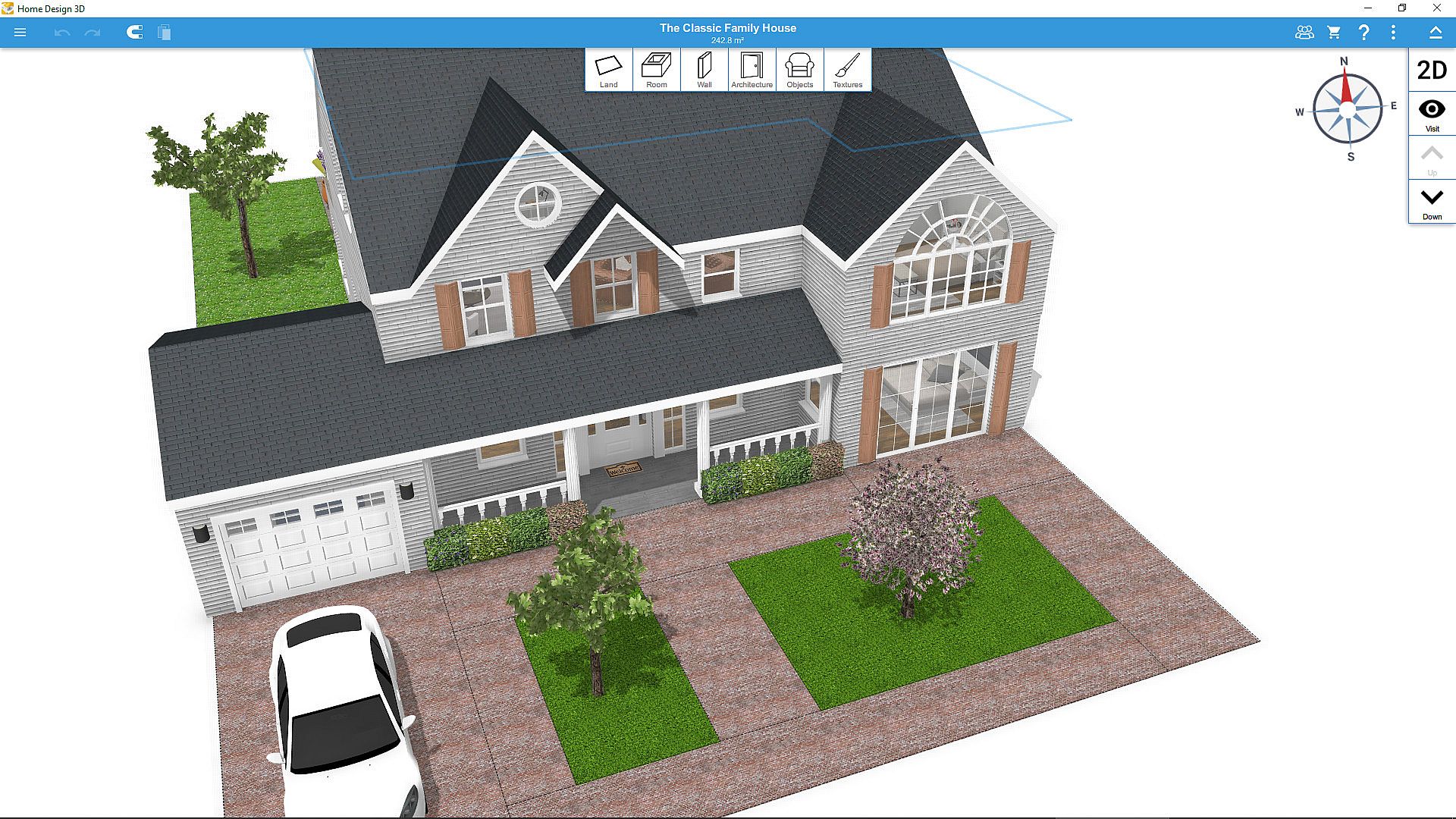
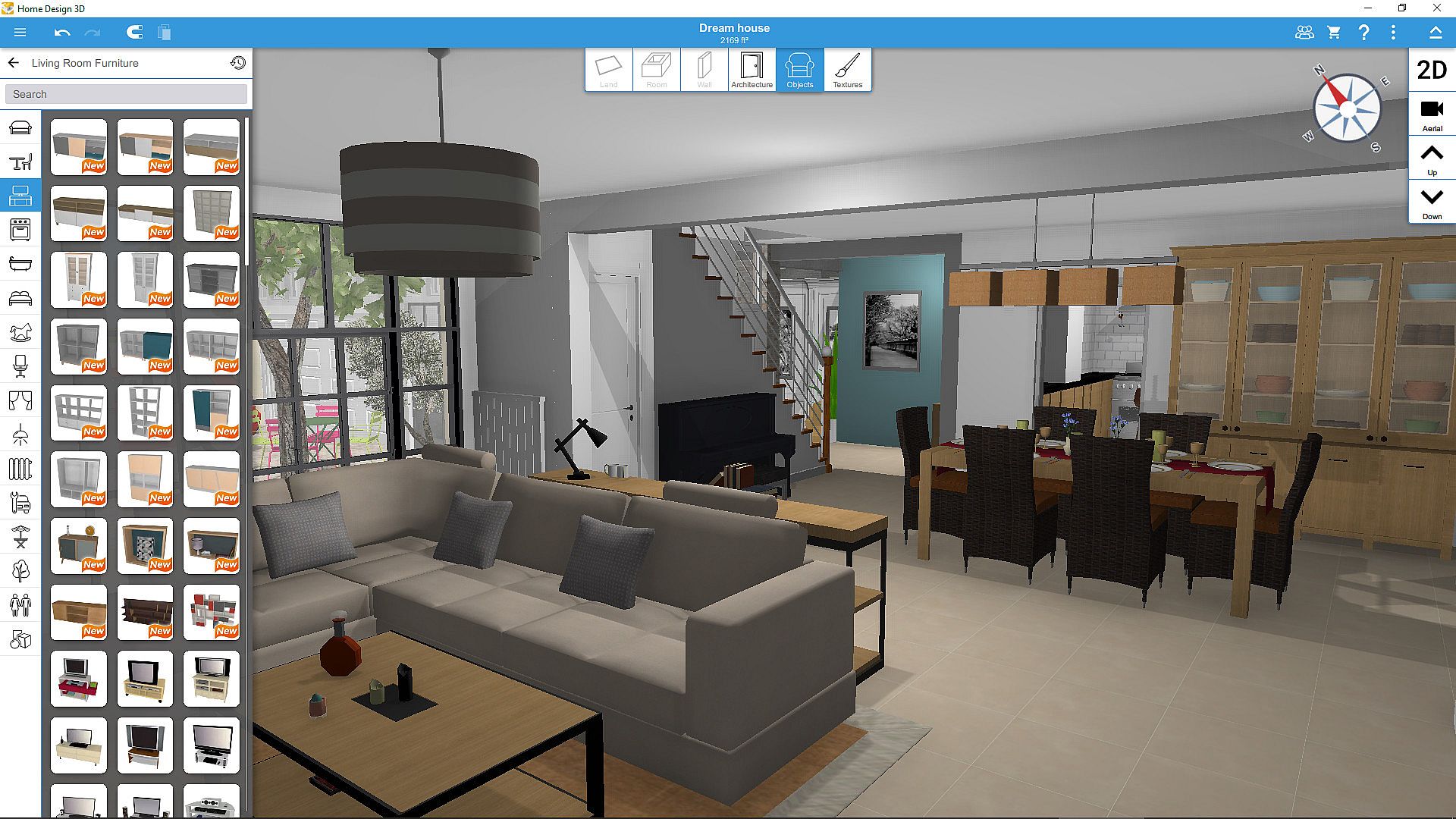
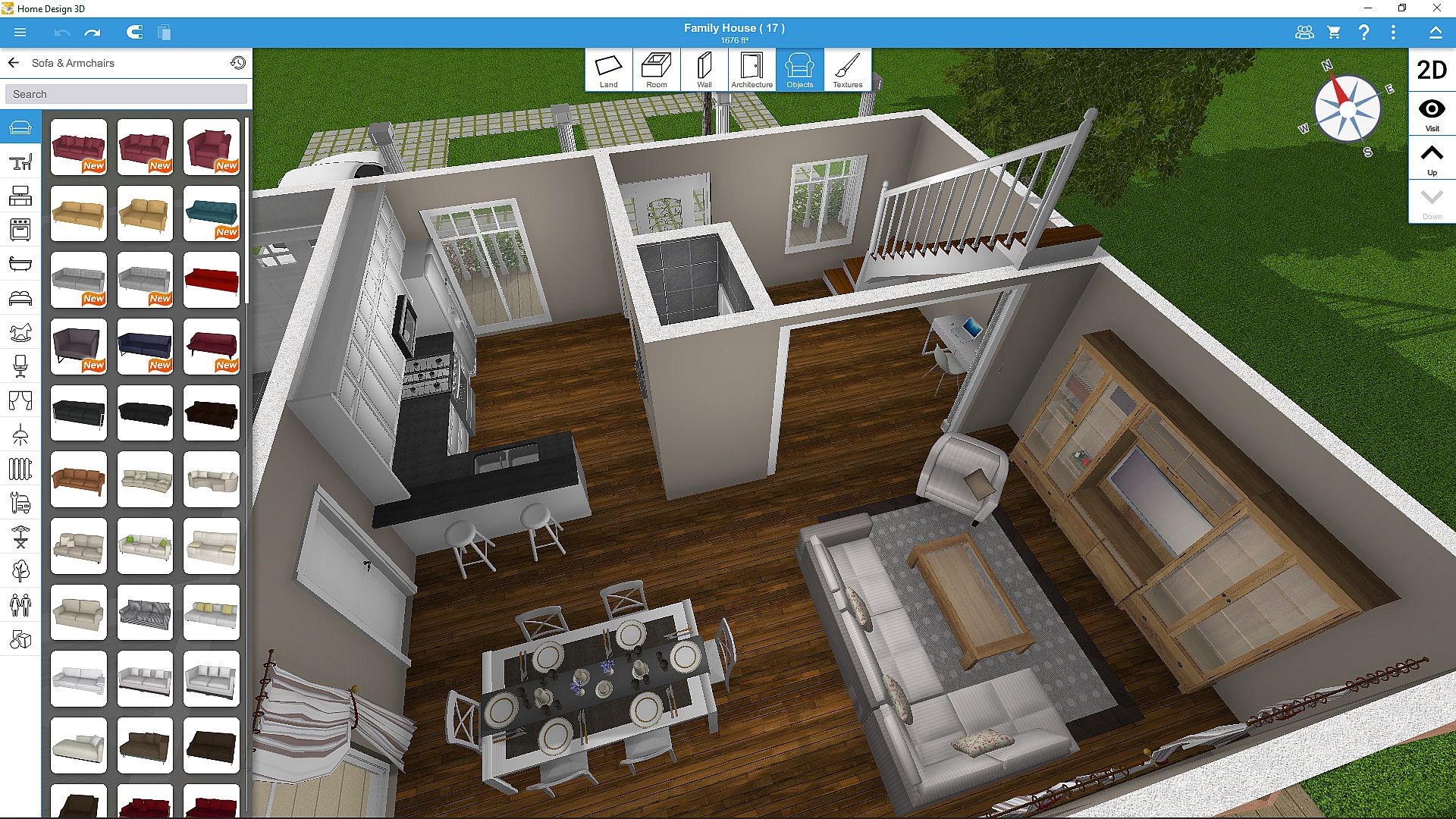
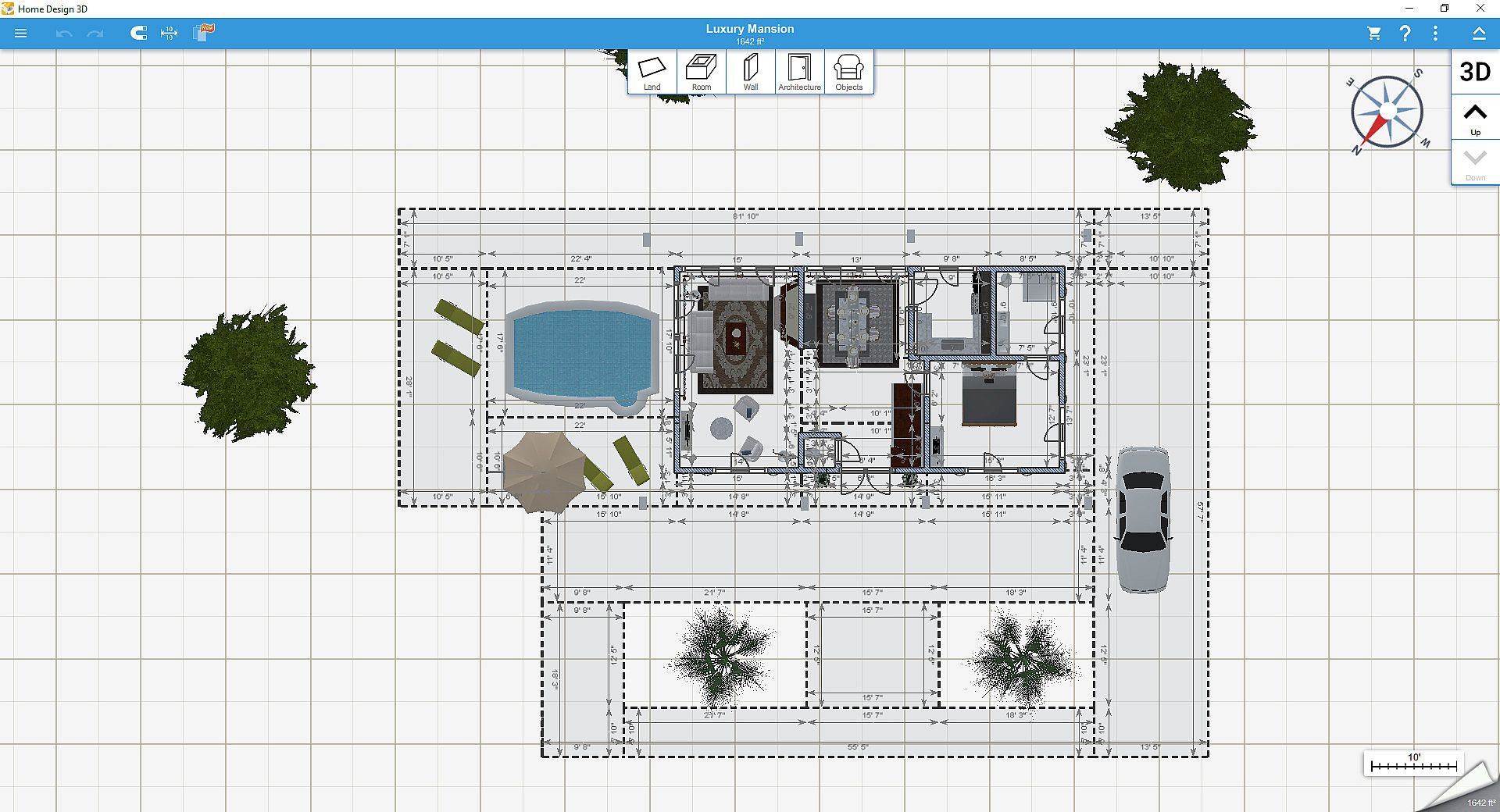
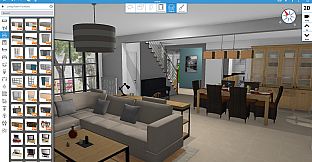
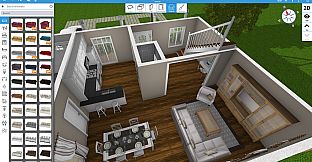
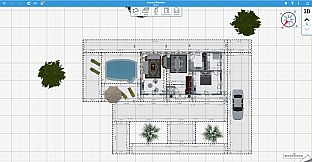
The core loop centers on building and customizing homes from the ground up. Players start by sketching rooms and walls in a combined 2D and 3D view, adjusting dimensions such as wall height and thickness. Doors, windows, and openings can be added and resized freely. Once the structure is in place, the focus shifts to placement of furniture and decor items drawn from a large library that includes thousands of objects and surface textures. Every element supports edits to size, color, position, and height, with copy and paste tools speeding up repetition. An eyedropper samples existing textures for quick matching, while users can also import personal images to use as custom materials on any surface.
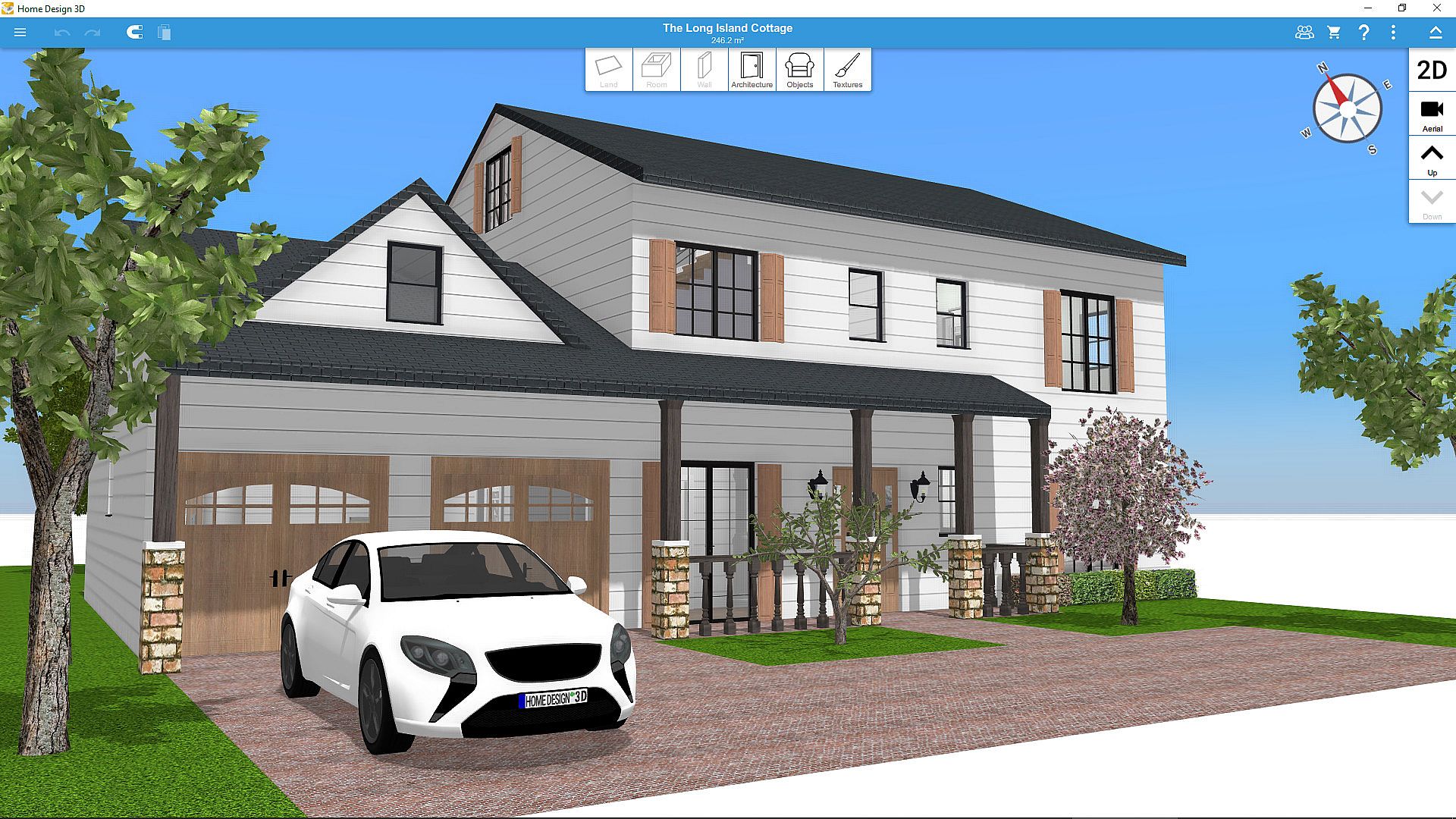
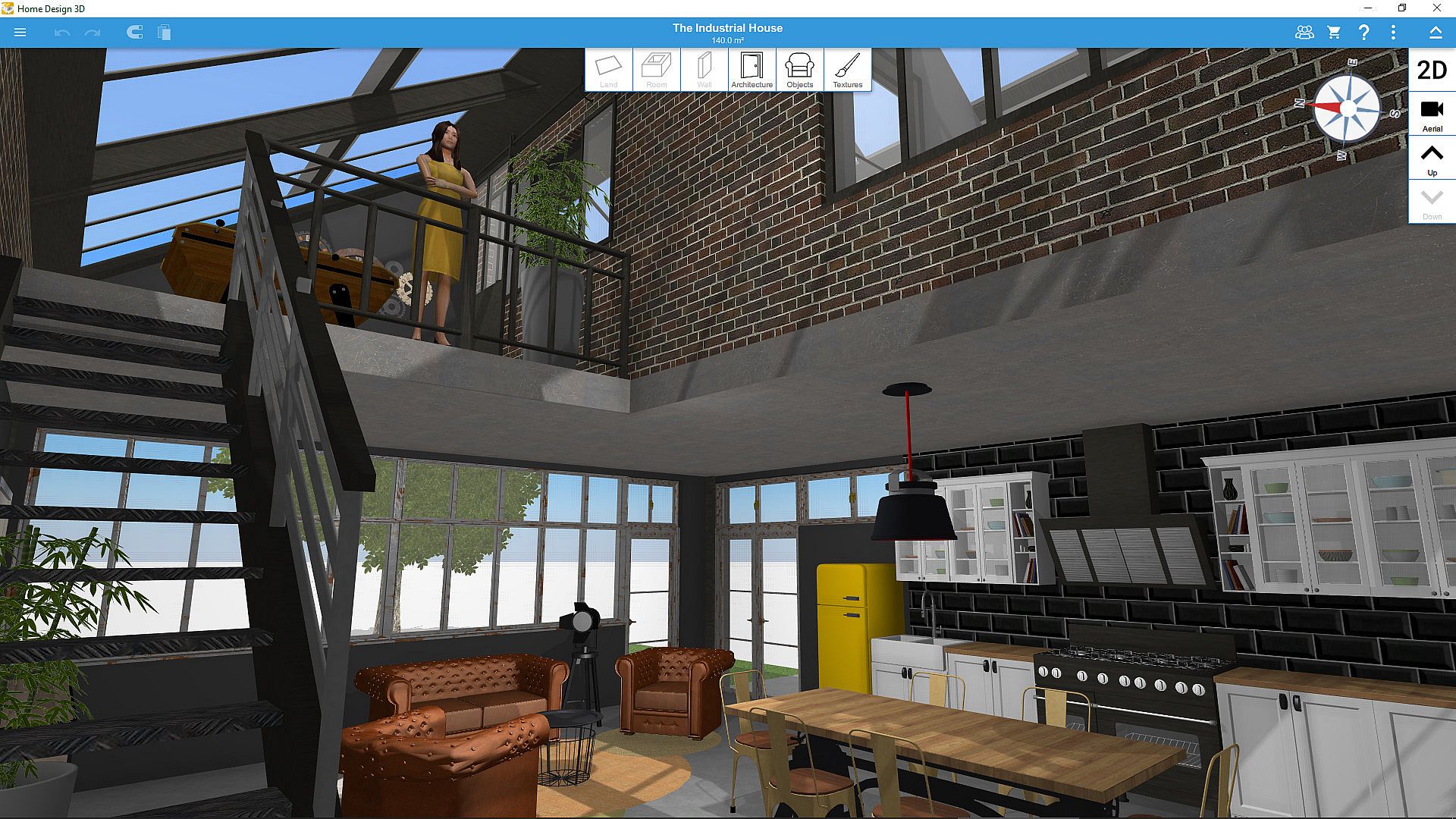
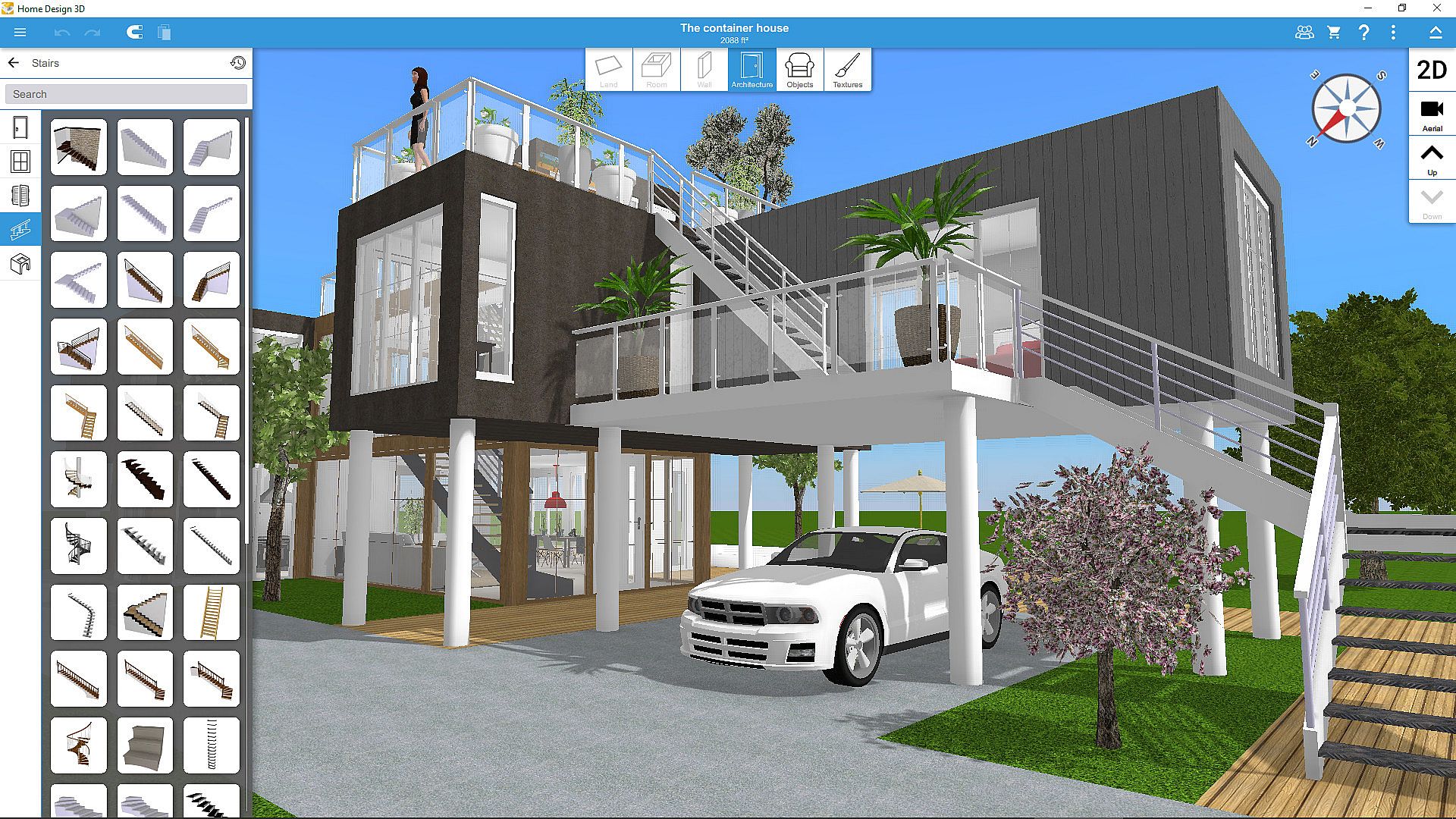
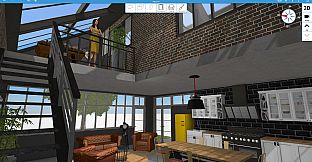
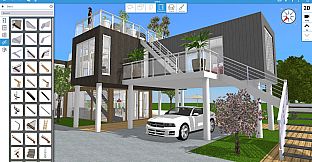
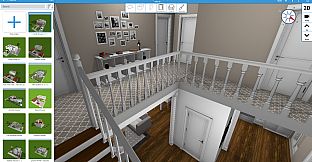
Real time 3D navigation follows, allowing free movement through the completed interior and exterior spaces. Lighting changes between day and night cycles, and a built in compass indicates sun position at different hours. Multi story construction is supported, with the Gold Plus edition removing limits on the number of floors based on available hardware.
Game Modes
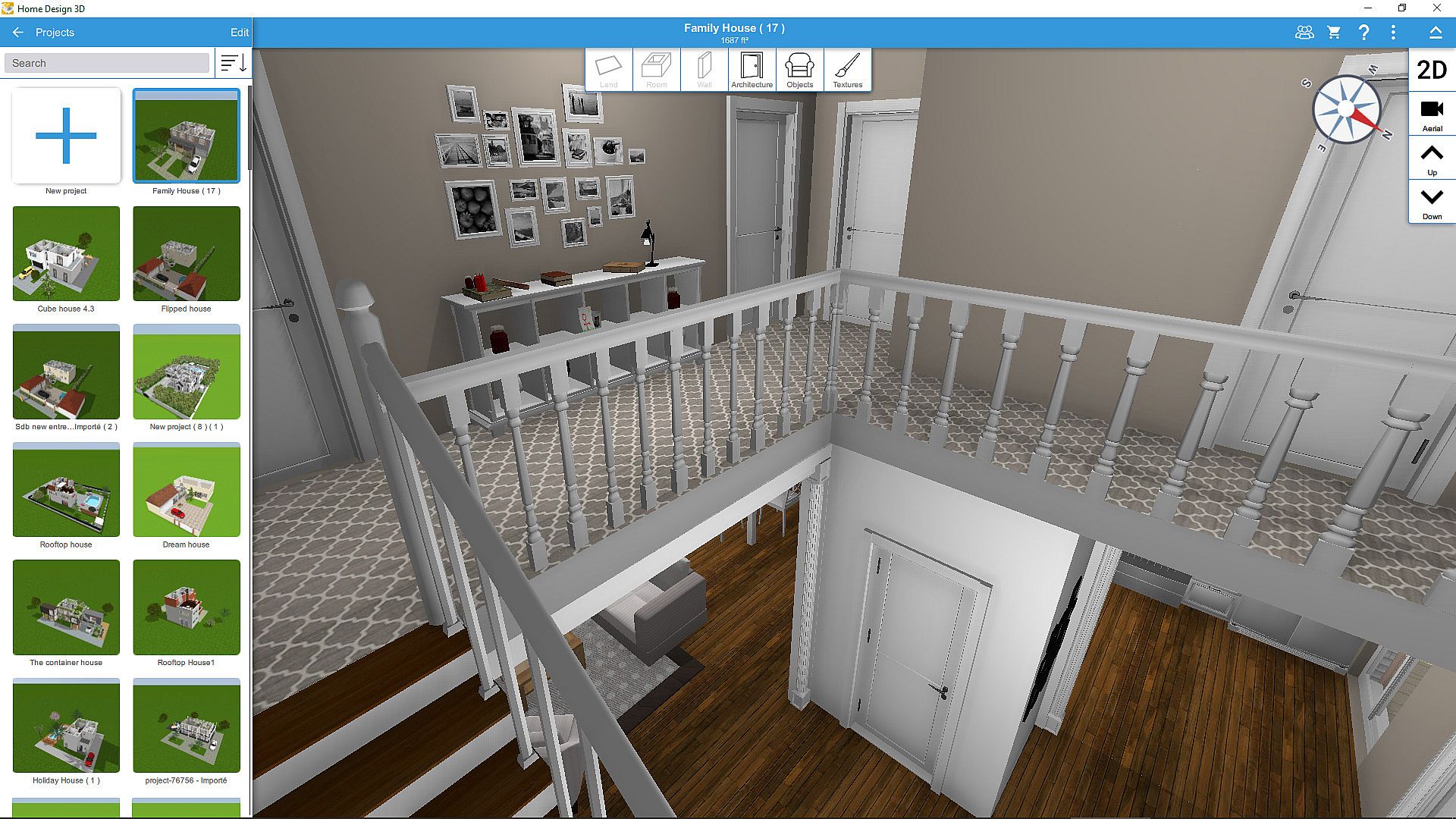
The experience divides into distinct creative phases rather than competitive modes. Floor plan creation handles structural layout with precise 2D drafting tools that update instantly in 3D. Decoration mode provides the full catalog of items and textures for indoor and outdoor areas, including options to duplicate objects or undo changes at any step. Visualization mode switches to first person walkthroughs with adjustable time of day and neighborhood views. Import and export functions act as a separate workflow for loading blueprints as reference layers or transferring projects across devices.
A community gallery serves as an additional discovery layer where finished designs can be browsed, downloaded, or uploaded for others to use as starting points. Local autosave keeps progress secure without external storage.
Recent Updates and Features
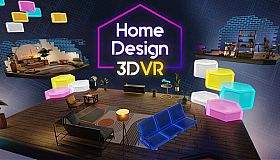
A recent content addition introduced dormer windows along with more than 600 new textures for greater variety in roof designs and surface finishes. VR export capability allows completed projects to be viewed in virtual reality headsets, expanding the visualization options beyond standard screen display. Cross platform compatibility remains a key strength, letting users continue work started on PC with mobile or tablet versions of the same files.
Tutorials in illustrated and video formats guide new users through each phase, while the overall interface emphasizes intuitive controls that require no prior design experience.
Community and Sharing
The title maintains an active user base exceeding 90 million worldwide. Projects can be shared directly through email or cloud services such as Dropbox and OneDrive. The in app gallery encourages browsing and remixing community creations, turning individual builds into collective resources. This sharing system supports both personal experimentation and collaborative inspiration without any multiplayer interaction required.
Is It Worth Playing?
Home Design 3D suits players who enjoy methodical creative work in a simulation format. Its strength lies in the straightforward progression from empty lot to fully decorated multi level home, backed by frequent texture and feature additions such as the latest dormer and VR options. The absence of online requirements and the presence of cross platform saving make it accessible for extended sessions on a single device. Those seeking a focused interior design tool with strong visualization tools will find consistent value in its workflow, while users looking for action or social elements may prefer other genres. The Gold Plus upgrade expands floor limits for larger projects, providing a clear path for deeper engagement once the base mechanics are mastered.