
Buy DIY - CAD Designer PC Key

Interested in DIY - CAD Designer? We're tracking prices from trusted stores. Add DIY - CAD Designer to your wishlist and we'll notify you when deals become available.

Steam:
Mostly Negative (13)
Official
Unavailable
Keyshops
Unavailable
Buy in Official Store:
Unavailable
Buy in Keyshops:
Unavailable

No entries, but don't worry, we will inform you once the new offer appears.

Create Alert Create deal Alert

About DIY - CAD Designer

DIY - CAD Designer - about the game
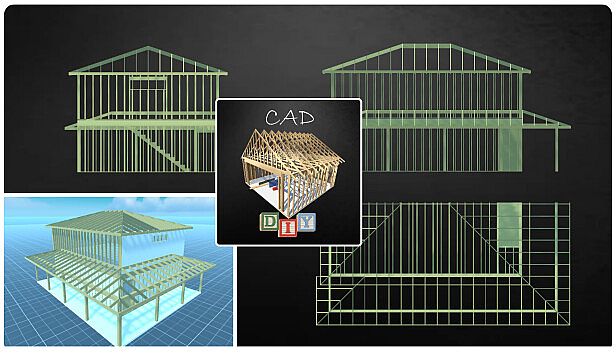
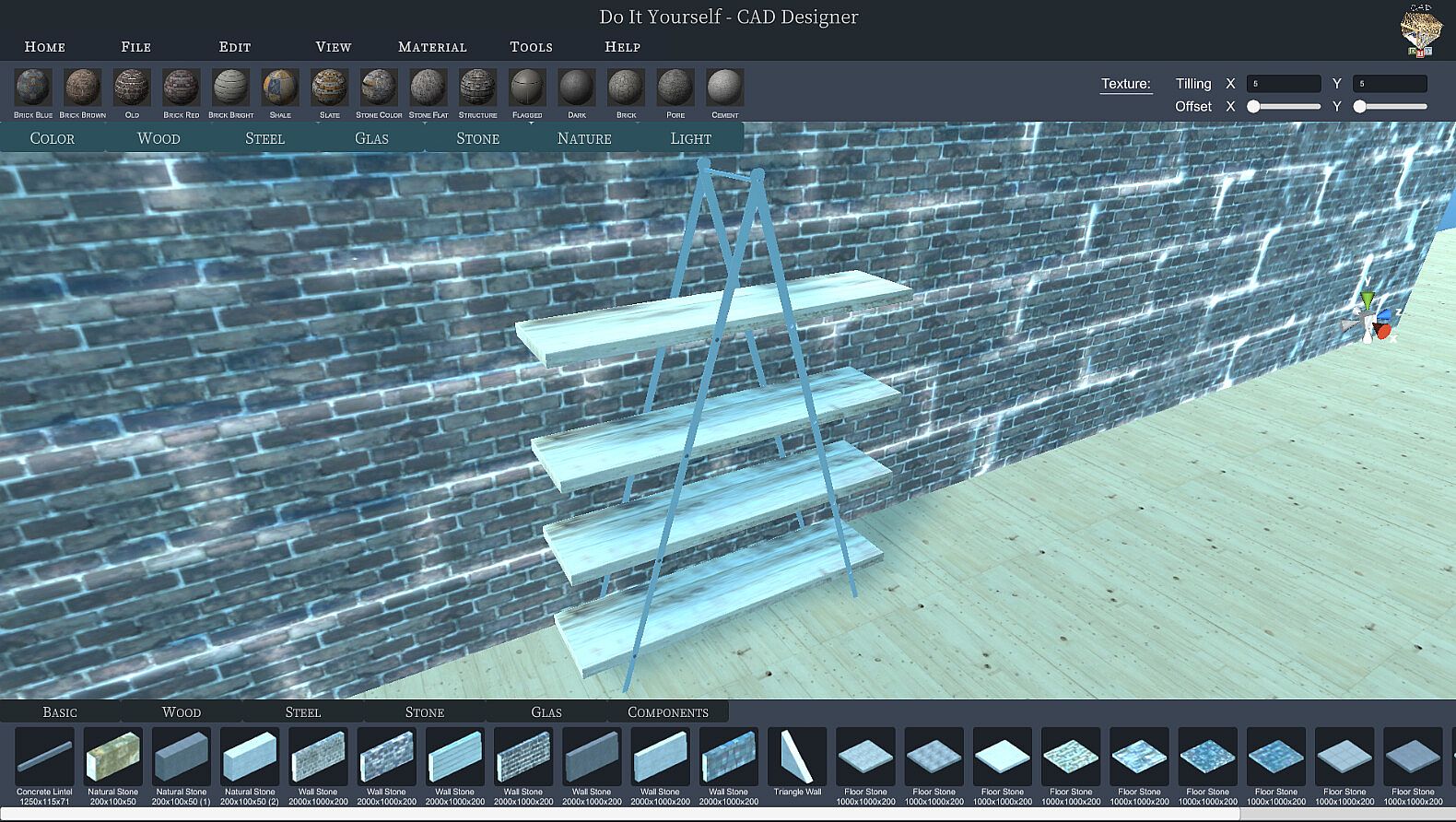
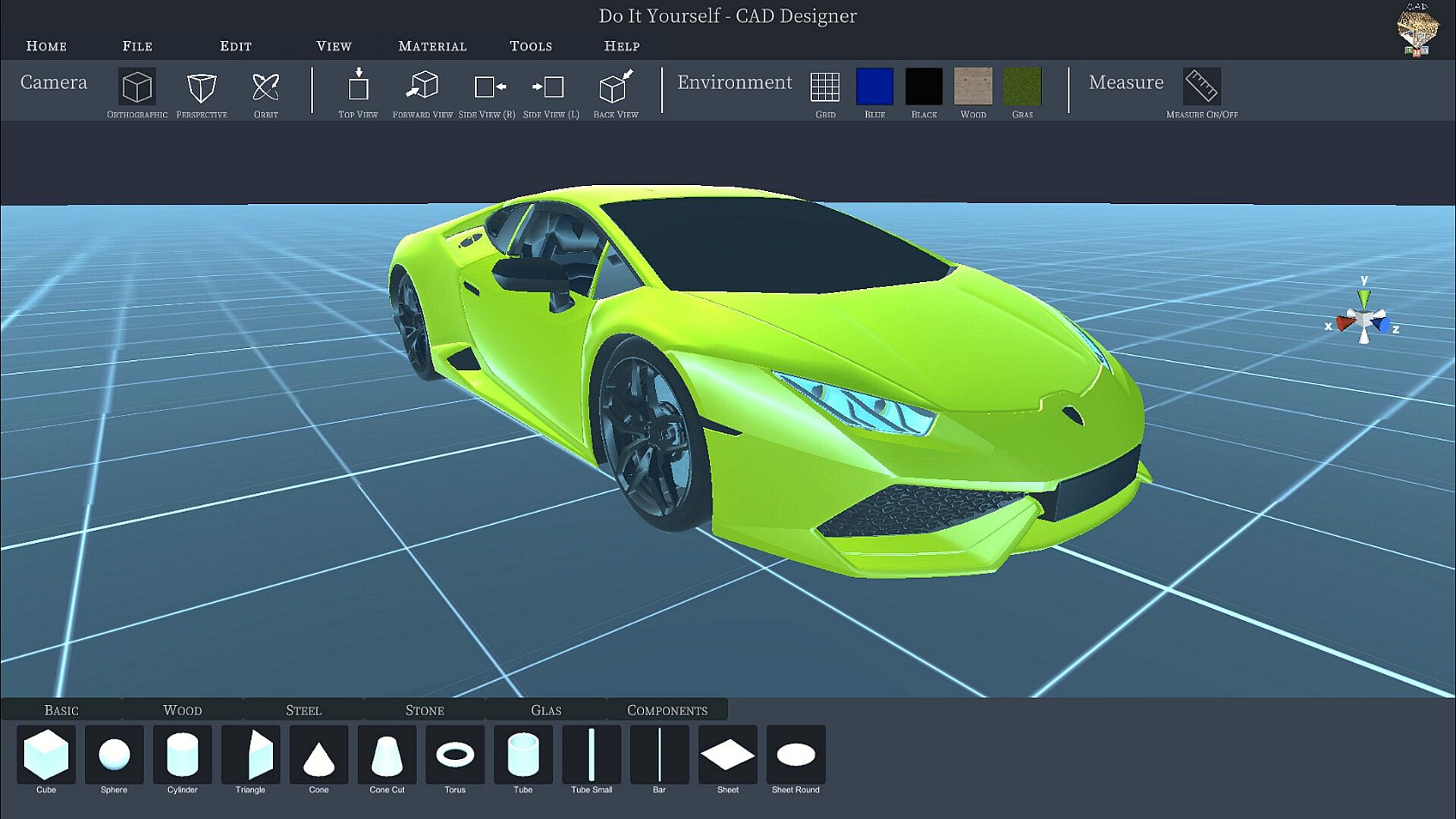
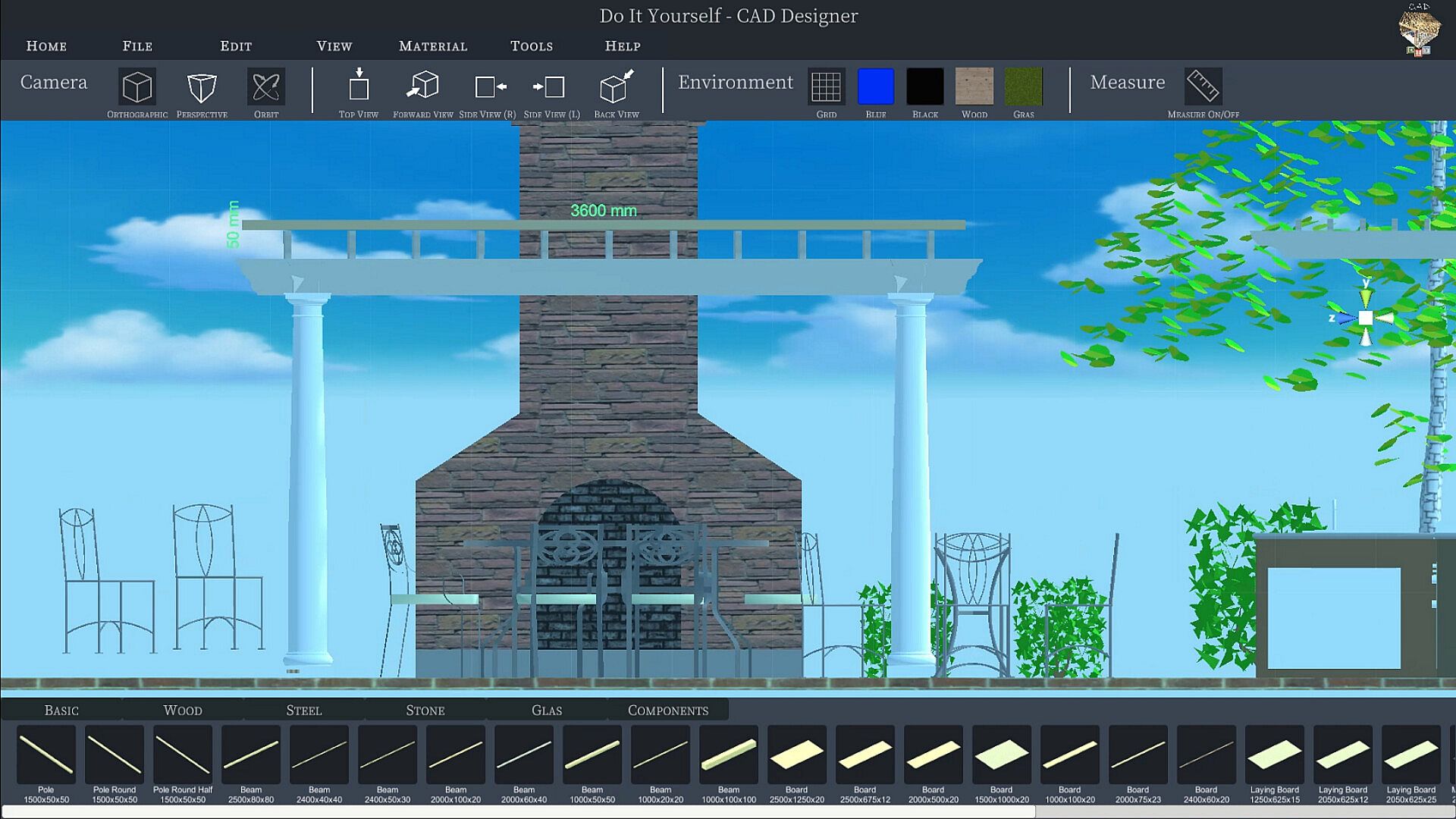
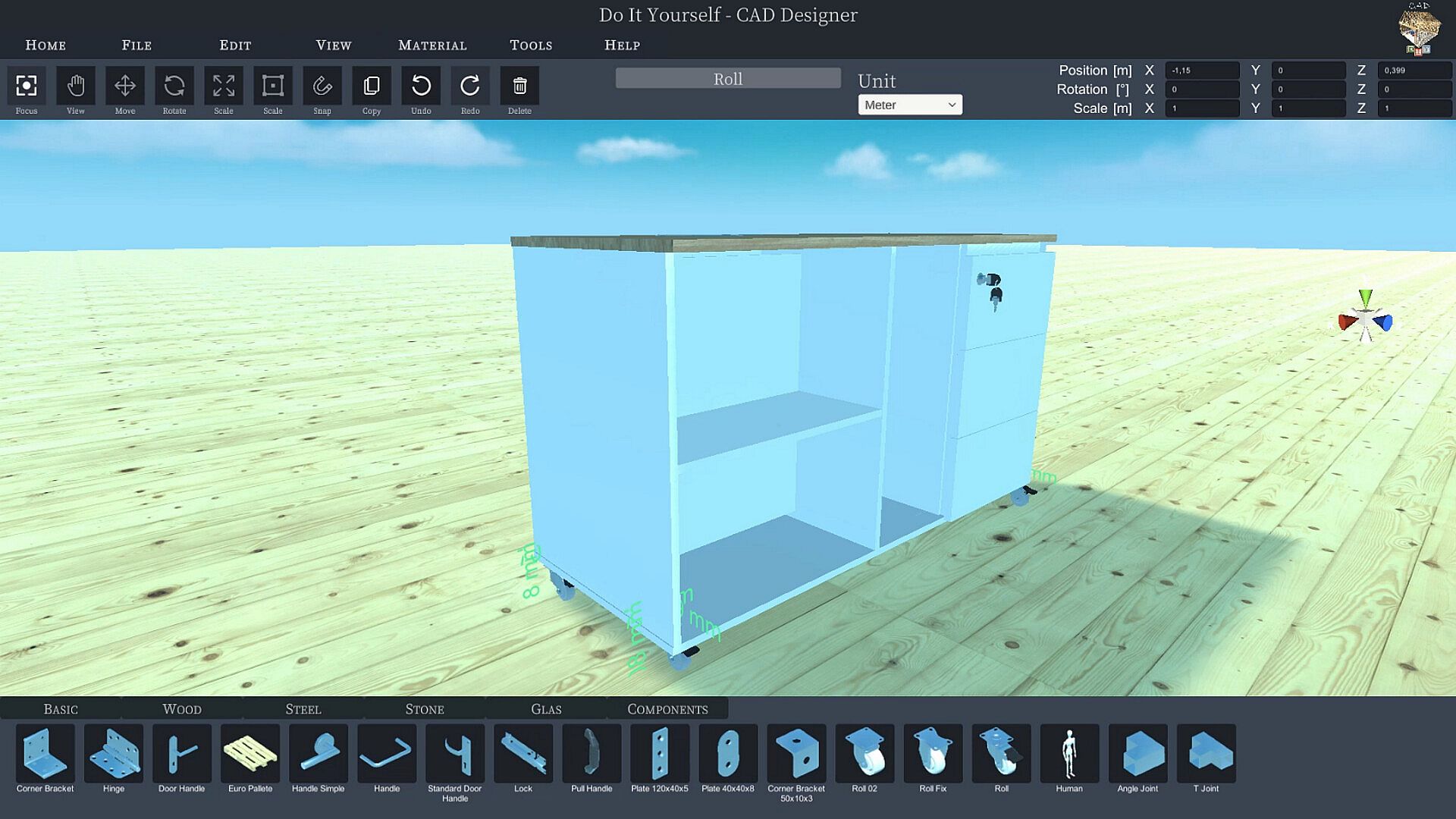
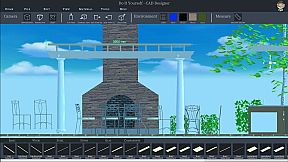
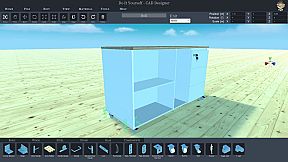
Plan your DIY home projects in 3D with intuitive drag-and-drop tools. DIY CAD Designer lets you build tables, canopies, or cupboards using libraries of wooden beams, boards, sheets, rods, and more from base, wood, metal, glass, stone, and components collections. Import models in FBX, OBJ, GLTF2, STL, PLY, or 3MF formats to enhance your designs. Edit components by rotating, scaling, positioning, or copying them, with options for imperial or metric measurements. Switch between orthogonal and perspective views, including quick top, front, or side angles, and use 3D dimensioning for precise details. Capture high-resolution photos to share your realistic renders, complete with varied materials and colors-perfect for hands-on crafters planning real-world builds on PC.

Do you have an idea, would you like to do some handicrafts yourself? You are planning a do-it-yourself project in your own home, maybe you want to build your own table, a canopy or a cupboard? But are you still looking for suitable software to plan your project and draw it beforehand, preferably in 3D?

Then DIY CAD Designer is just right for you!

Download DIY CAD Designer today and implement your project in a playful way.

DIY CAD Designer has numerous libraries so you can easily drag and drop wooden beams, boards, sheets, rods and much more into your 3D scene to construct your project.

You can also use the importer to import models from other programs to use in your project.
With DIY CAD Designer you can import the following formats:

- FBX
- OBJ
- GLTF2
- STL
- PLY
- 3MF

Numerous libraries make your work easier. DIY CAD Designer contains the following component libraries:

- Base
- Wood
- Metal
- Glass
- Stone
- Components

There are also numerous materials and colors that will help you to implement your planning realistically.

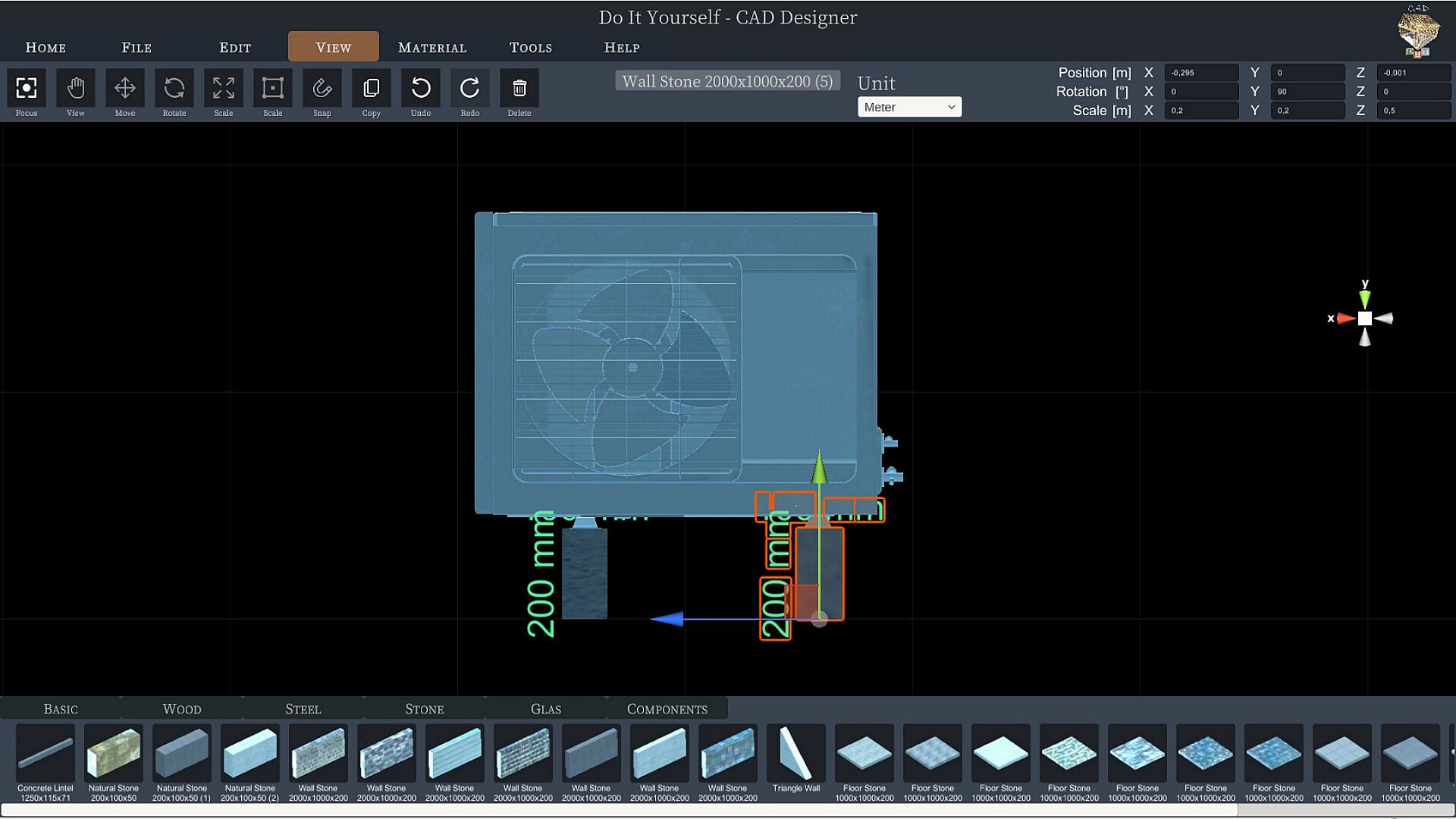
You can change components quickly and easily with the editing functions.
Rotate, scale, position or copy your components.
Choose between imperial [ft] or metric [m] system of measurement.
You can change your view at the push of a button, whether orthogonal or perspective, depending on the application.
Fast viewing angles such as top view, front view or side view are also possible.
With the 3D dimensioning system, you can very quickly read all the information you want from your construction.
With the photo function, you can create and share high-resolution images of your project.

So what are you waiting for?

Download DIY CAD Designer now and take full advantage!

I wish you lots of fun with DIY CAD Designer!

Interface:
ArabicCzechGermanGreekEnglishSpanish - SpainFrenchHungarianItalianJapaneseKoreanDutchPolishPortuguese - PortugalRomanianRussianSwedishThaiTurkishUkrainianVietnameseSimplified Chinese

Age rating

Unavailable
Steam:
Mostly Negative (13)

Minimum:

  • Processor: Intel® Core™ / AMD Ryzen™
  • Memory: 6 GB RAM
  • Graphics: Intel HD 5000 / GeForce GTX 480 / Radeon HD 5450

Minimum:

  • OS: Mac OS X Leopard
  • Processor: Intel 5 or equivalent
  • Memory: 6 GB RAM
  • Graphics: Intel HD Graphics
Historical low
Price history from official stores
-
-
-
Price history from keyshops
-
-
-

FAQ

8 questions

Before you start looking for a cheap DIY - CAD Designer PC key, check the essentials. Developed by Sebastian Kemper. Published by Sebastian Kemper. PC released date: 04 Feb. 2023. Genres: Simulation, Animation & Modeling, Design & Illustration.

Q

Where to buy a cheap DIY - CAD Designer Steam key or CD key?

There are currently no active offers for DIY - CAD Designer. Set a price alert on XD.deals and we will notify you the moment a deal becomes available.

We don't have a current Steam Store price for DIY - CAD Designer. The game may be temporarily unavailable or not yet listed on Steam.

Our price tracker covers both official retailers and key marketplaces, so you can find DIY - CAD Designer on sale even outside seasonal promotions. We currently detect 0 active offers from official stores and keyshops. Check the table above, compare against the historical low, and set an alert so you never miss the next price drop.

Based on our data, DIY - CAD Designer is not currently available on GeForce NOW. You will need to run it locally on your PC. Browse games available on GeForce NOW.

Yes. DIY - CAD Designer has an official page on the Steam Store, but we currently don't track any third-party offers with Steam DRM. Check back later or set a price alert.

Not at this time. Valve marks DIY - CAD Designer as Unsupported on Steam Deck. Keep an eye on XD.deals - we track Proton updates and community fixes. Browse games that are Steam Deck Verified or Steam Deck Playable.

DIY - CAD Designer does not appear to be available on PC Game Pass, EA Play, Ubisoft+ or any other PC subscription service at this time. Your only option is purchasing the game - use XD.deals to find the best price.

No - XD.deals is not a store. We are a price-comparison service that tracks the best DIY - CAD Designer deals across official stores and verified keyshops. Click "Go to Store" next to any offer and you will be redirected to the retailer's website to complete your purchase.

Want to buy at the best moment? Set a price alert on XD.deals and get notified when DIY - CAD Designer hits its next historical low.

Create Alert
Join our Discord
Get instant help from our community and stay updated on the latest deals
Set Price Alerts
Get notified by email when game prices drop to your target
Create Free Account
Unlock wishlists, price alerts, and Steam sync