


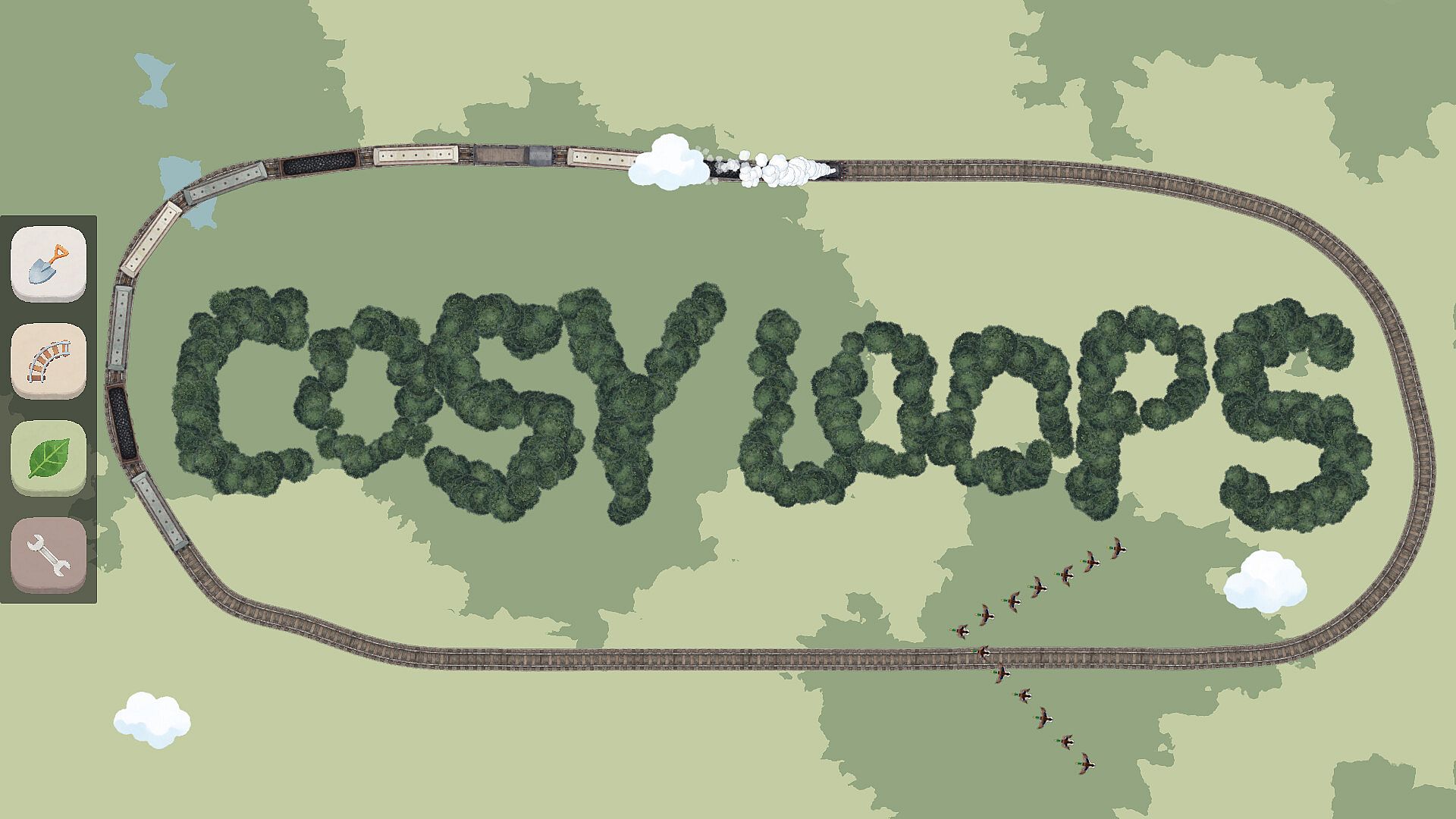
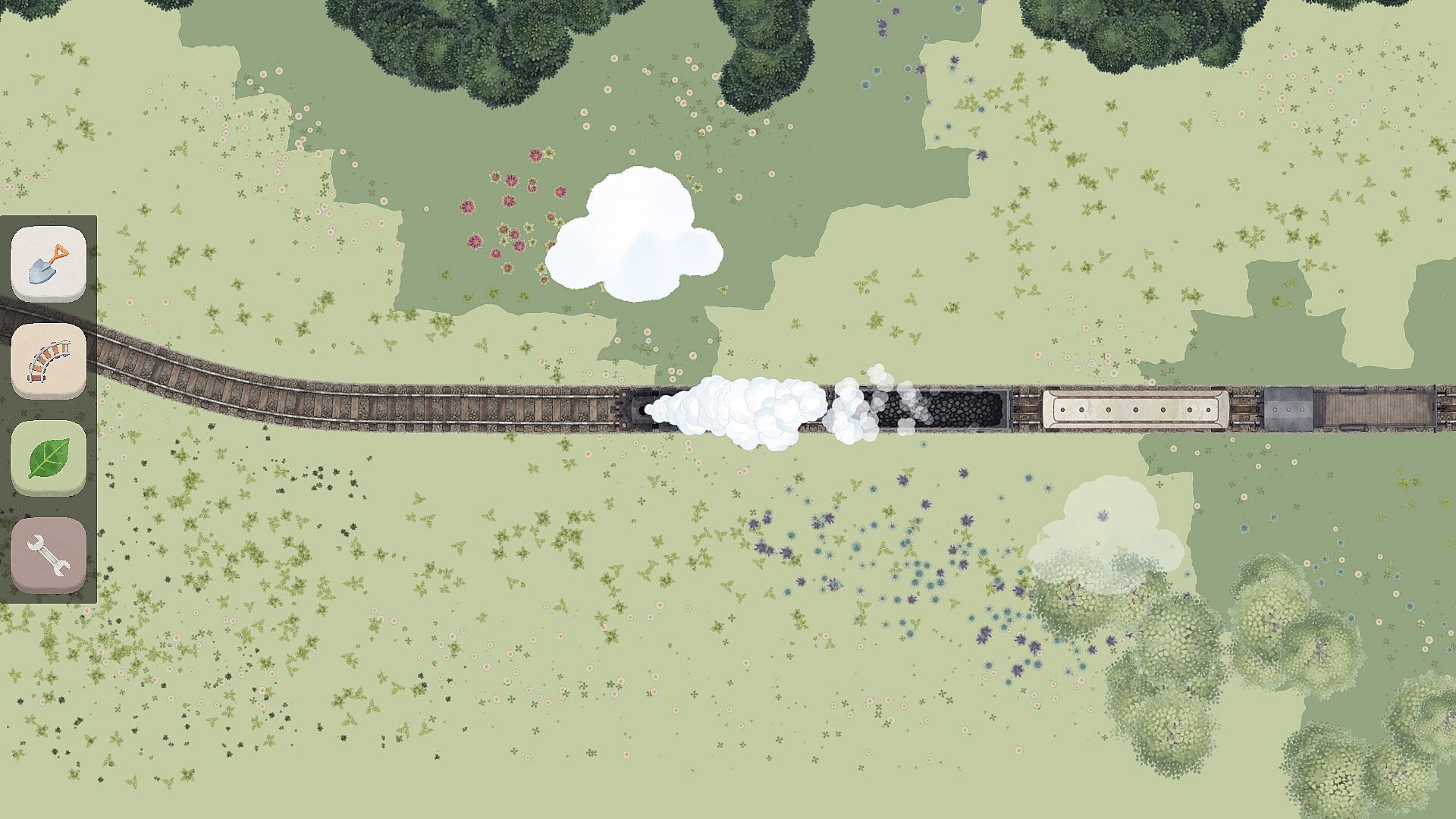

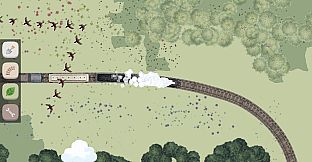
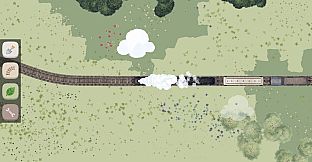

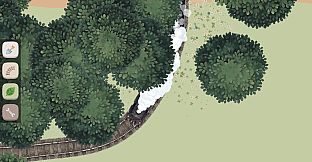
Cosy Loops is an indie casual simulation game for PC that centers on a simple yet engaging creative process. Players use the mouse to shape natural environments and guide a train along custom routes, all while enjoying a peaceful atmosphere built around nature and sound.
Gameplay
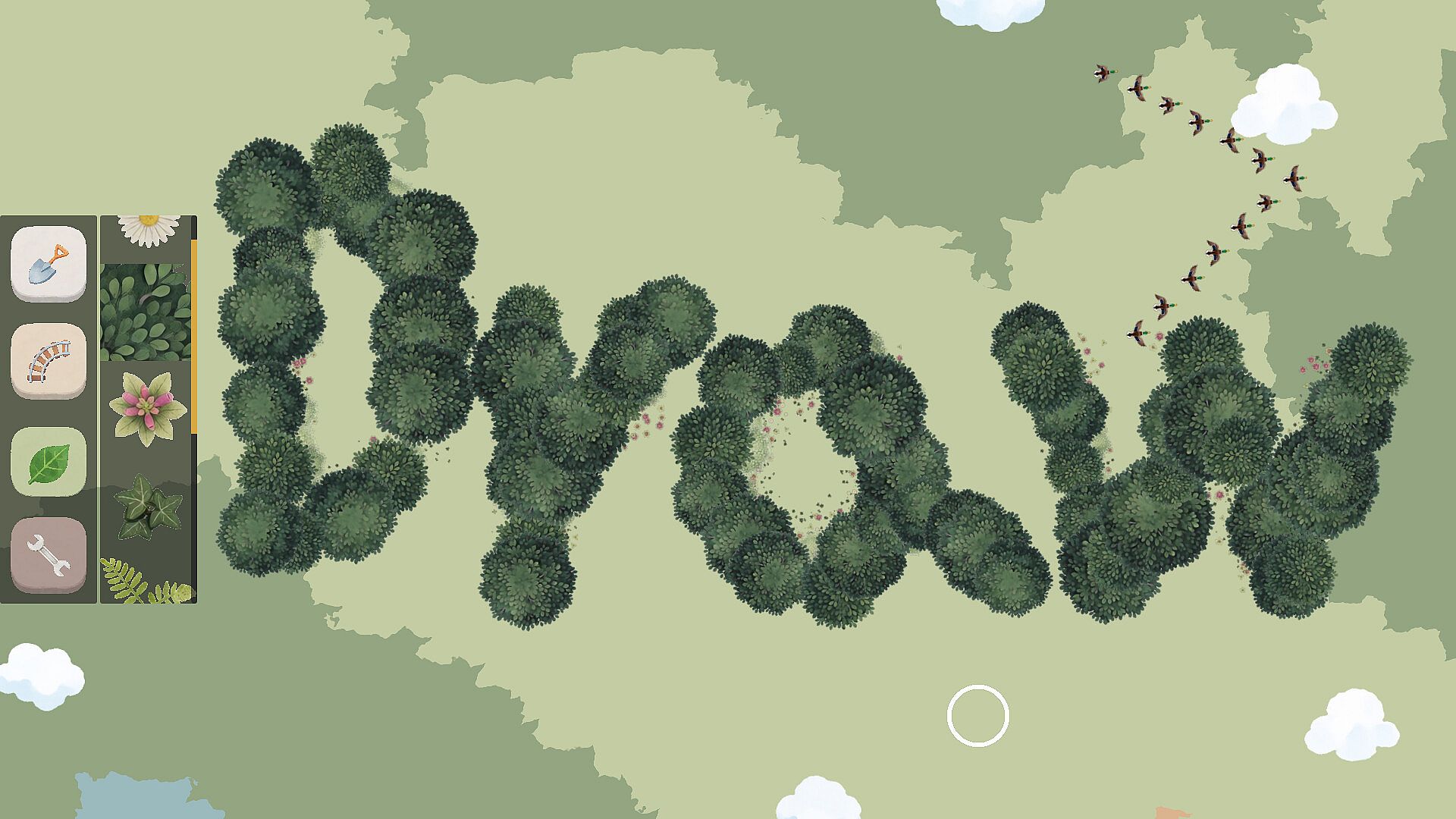
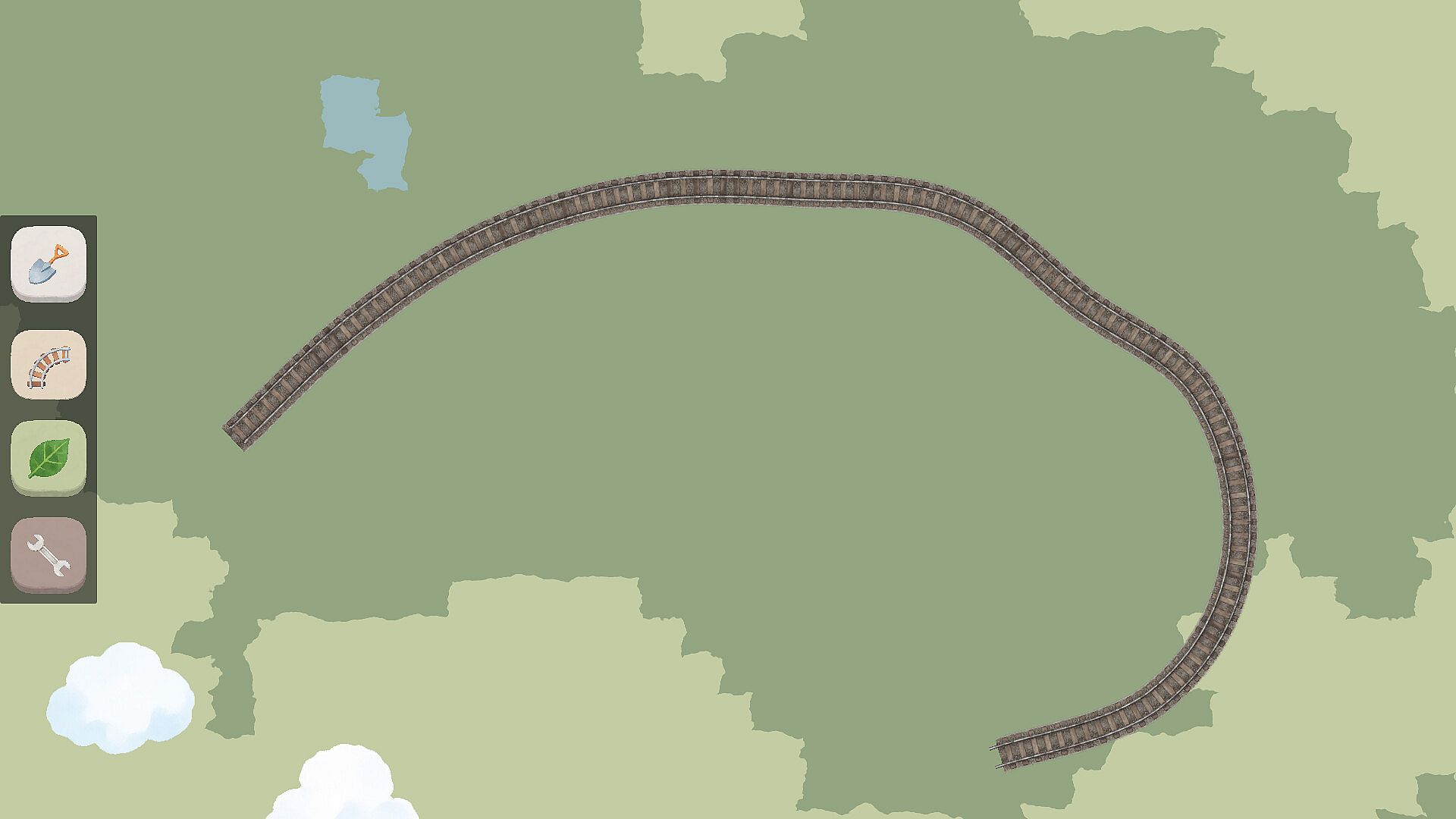
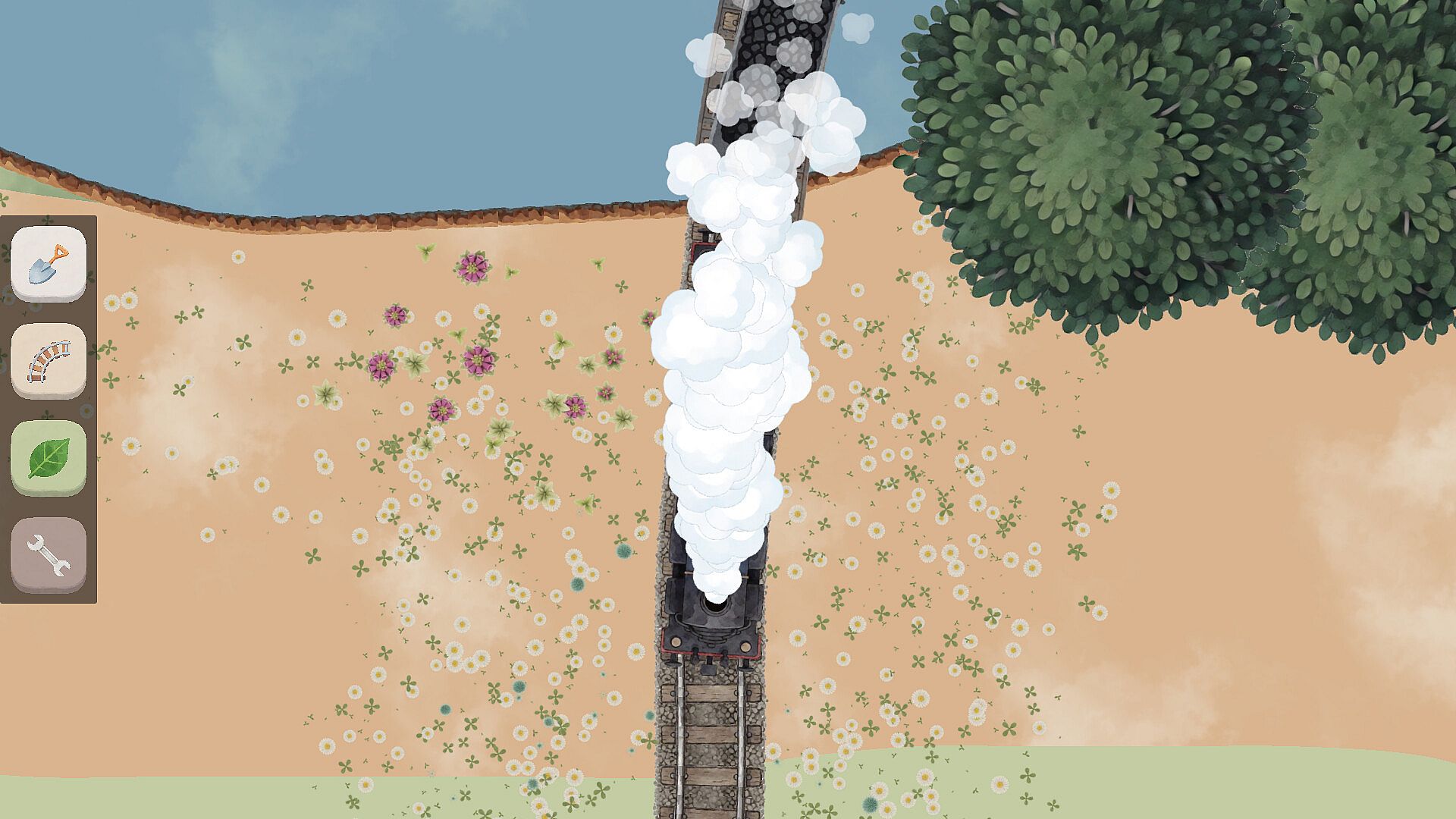
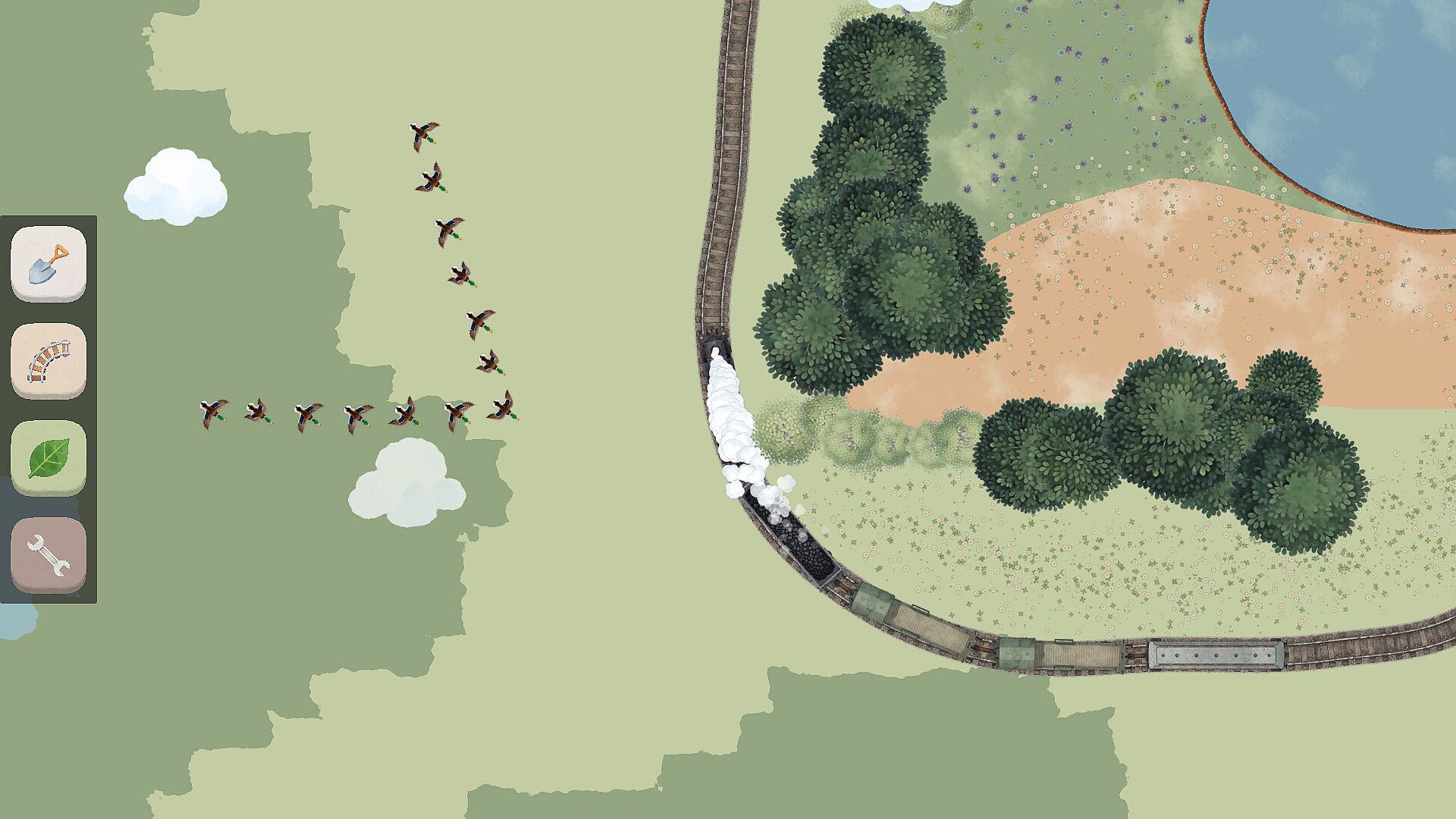
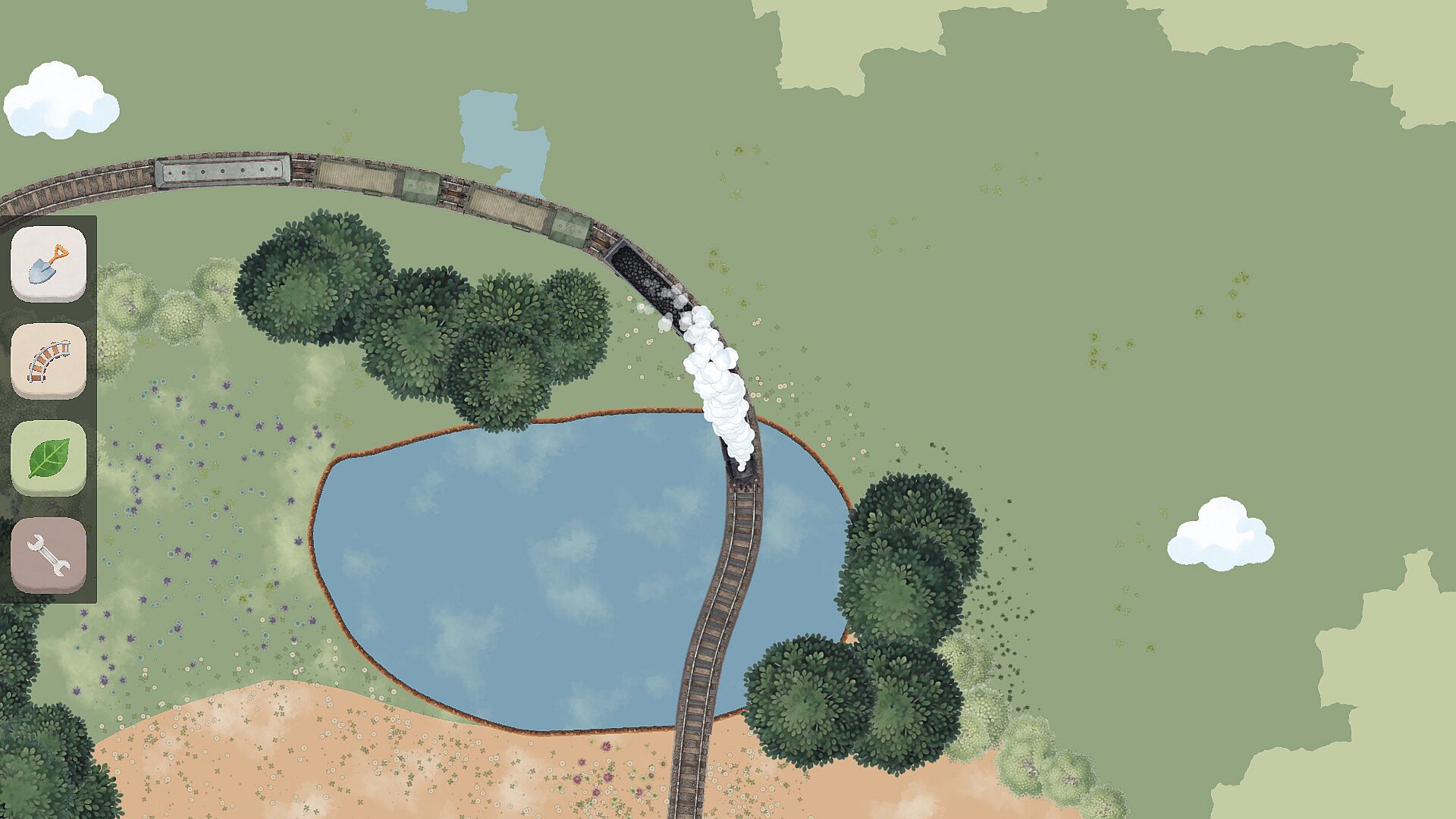
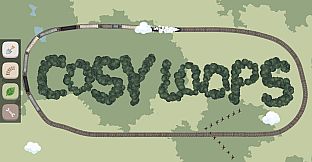
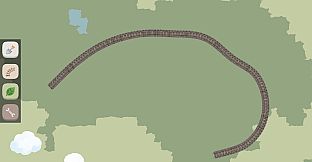
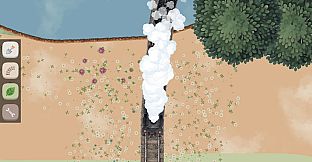
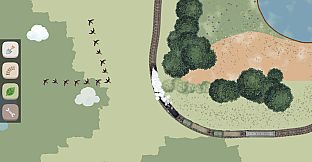
The core experience revolves around drawing directly on the screen with mouse clicks. Terrain options include pond areas, open lawn spaces, and muddy ground patches that players can place to build out the landscape. An infinitely drawable route lets users extend the track as far as they like, creating winding paths that the train follows through the scene. Various flowers, grasses, and trees can be added to fill out the environment and give each creation a distinct look.
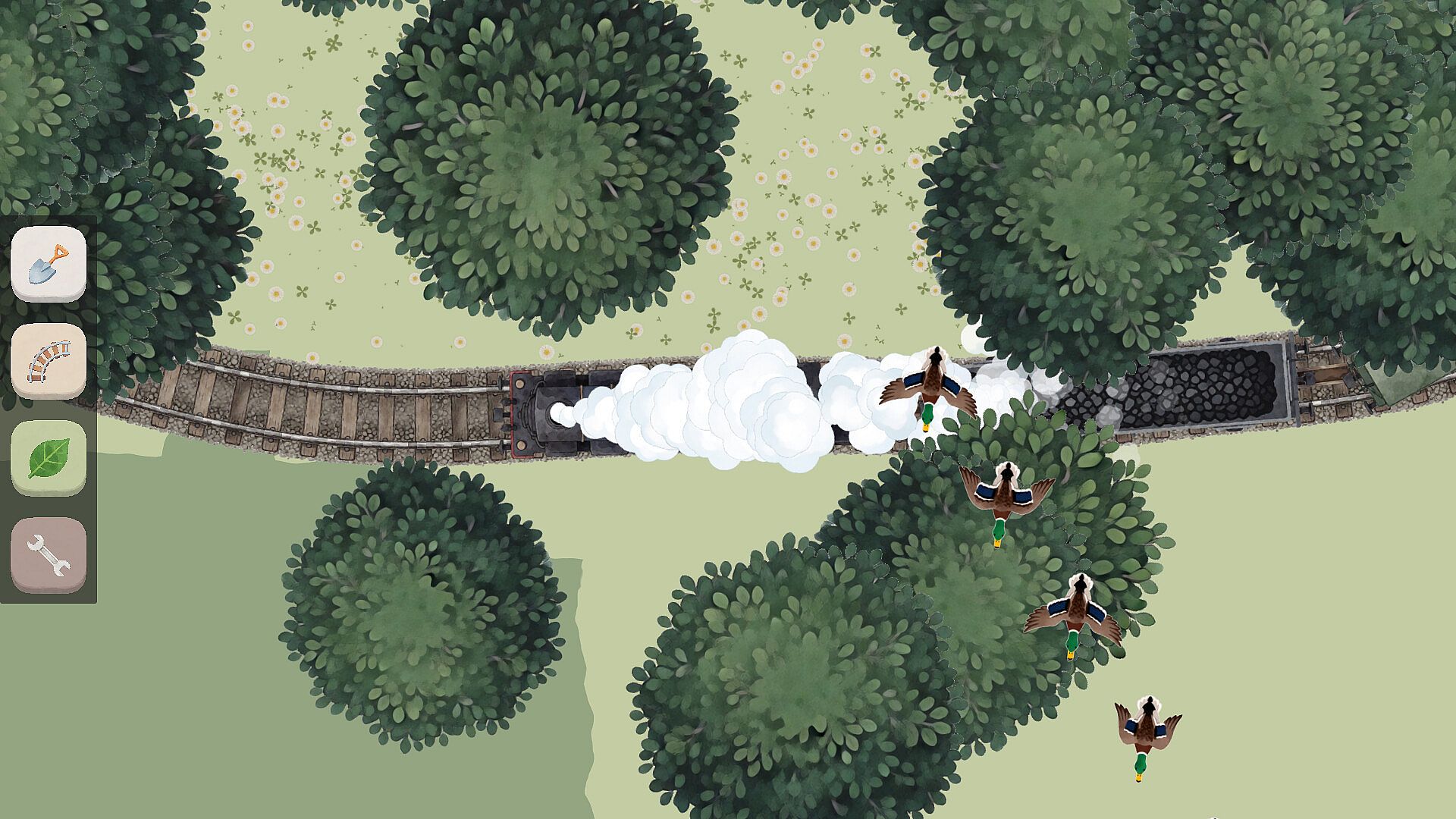
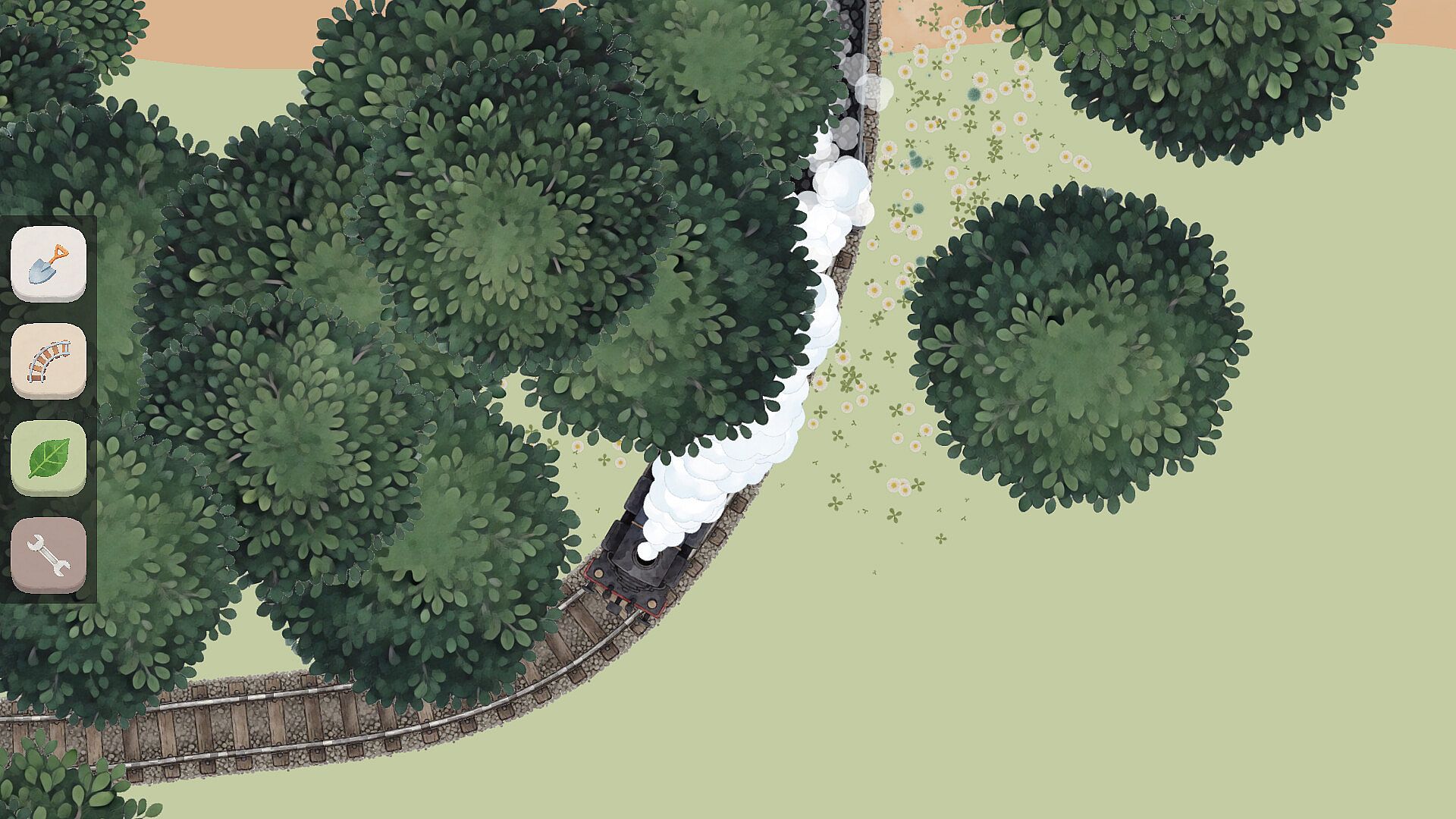
Controls stay minimal throughout. Everything happens through straightforward mouse interactions, with no complex menus or button combinations required. Players can zoom in and out freely to work on fine details or get an overview of the full layout. A camera system follows the train automatically as it moves along the route, allowing close observation of how the drawn elements interact with the moving vehicle and the surrounding nature.
Game Modes
Cosy Loops focuses on a single, open-ended creative session rather than structured modes. The main activity involves building and refining a scene in real time, with the train traveling the drawn route to showcase the results. There are no separate competitive or story-driven modes; the emphasis stays on freeform drawing and exploration of the environment at a relaxed pace.
Players can restart or adjust elements at any point, experimenting with different terrain combinations and plant placements to see how they affect the train's journey. The process supports repeated sessions where new routes and layouts can be tested without restrictions.
Audio and Customization
Background music plays a central role in setting the tone. The game includes a selection of healing tracks that loop gently during play. Users also have the option to load their own music folder, replacing the default sounds with personal choices for a more tailored experience. This flexibility lets the audio match individual preferences while the train moves through the created landscape.
Sound design stays subtle and supportive, enhancing the visual elements without overpowering them. The combination of custom routes, terrain, and music creates varied atmospheres across different play sessions.
Visual Exploration
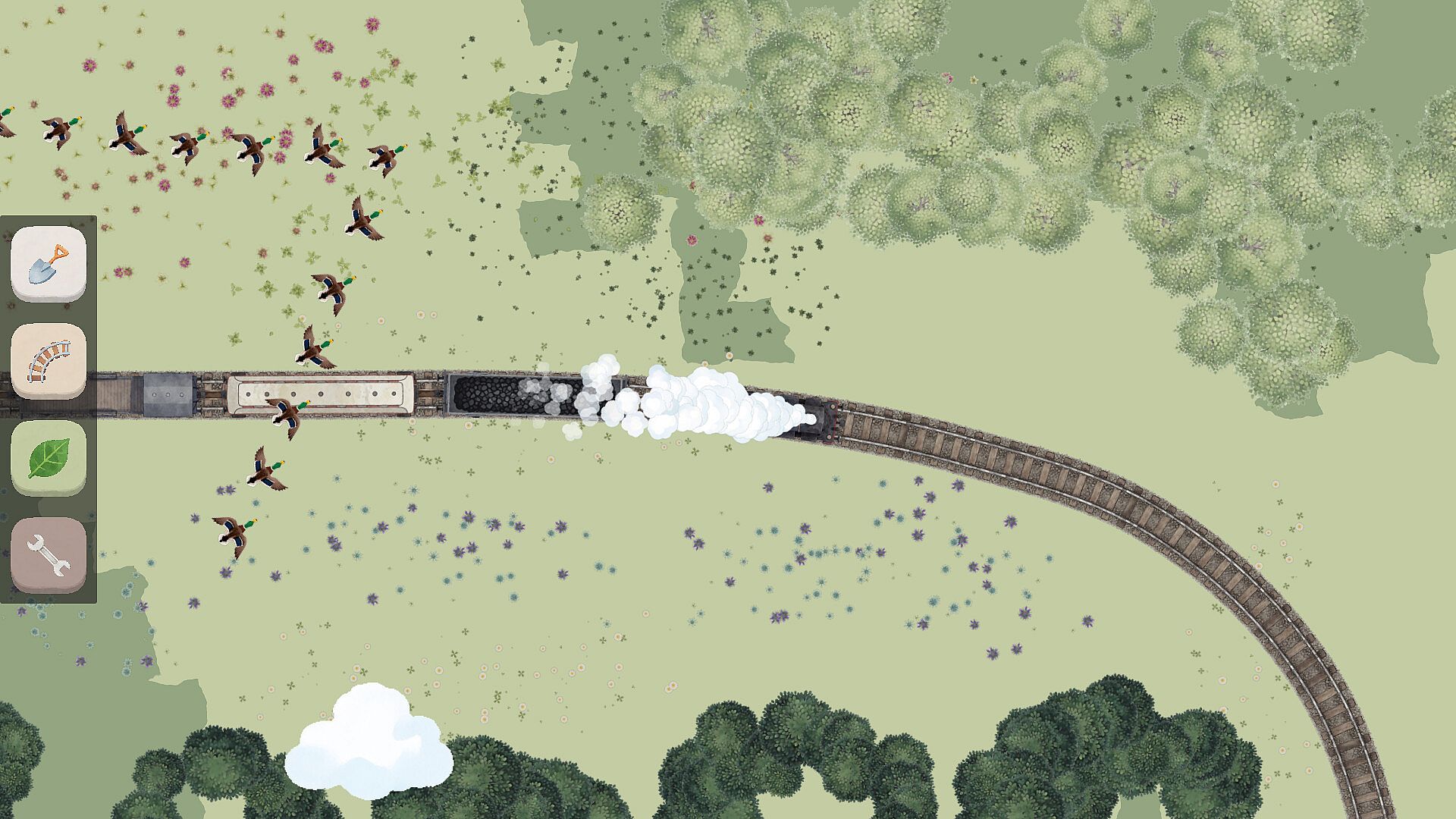
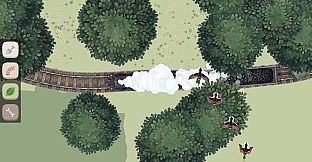
Once a route is drawn, the camera follow feature turns the experience into a guided tour of the scene. Players watch the train navigate the custom path, passing through ponds, lawns, and muddy sections dotted with flowers, grasses, and trees. Zoom controls make it easy to inspect details up close or pull back for a wider view of the full composition.
The simple graphics focus on natural elements and smooth movement, keeping attention on the creative output rather than complex visuals. Each session produces a unique miniature world that feels personal because of the direct mouse-based construction.
Is It Worth Playing?
Cosy Loops suits players who enjoy low-pressure creative activities and relaxing simulation experiences. The mouse-only controls and straightforward drawing tools make it accessible for anyone looking to unwind without learning steep mechanics. Those who appreciate building scenes at their own pace and watching a simple train journey unfold will find the core loop satisfying.
The option to use personal music adds replay value for repeated sessions, while the infinite route drawing supports ongoing experimentation. It appeals most to fans of casual indie titles that prioritize calm creativity over goals or challenges. If the described style matches what you seek in a PC simulation game, it offers a straightforward way to spend time shaping and observing peaceful environments.