

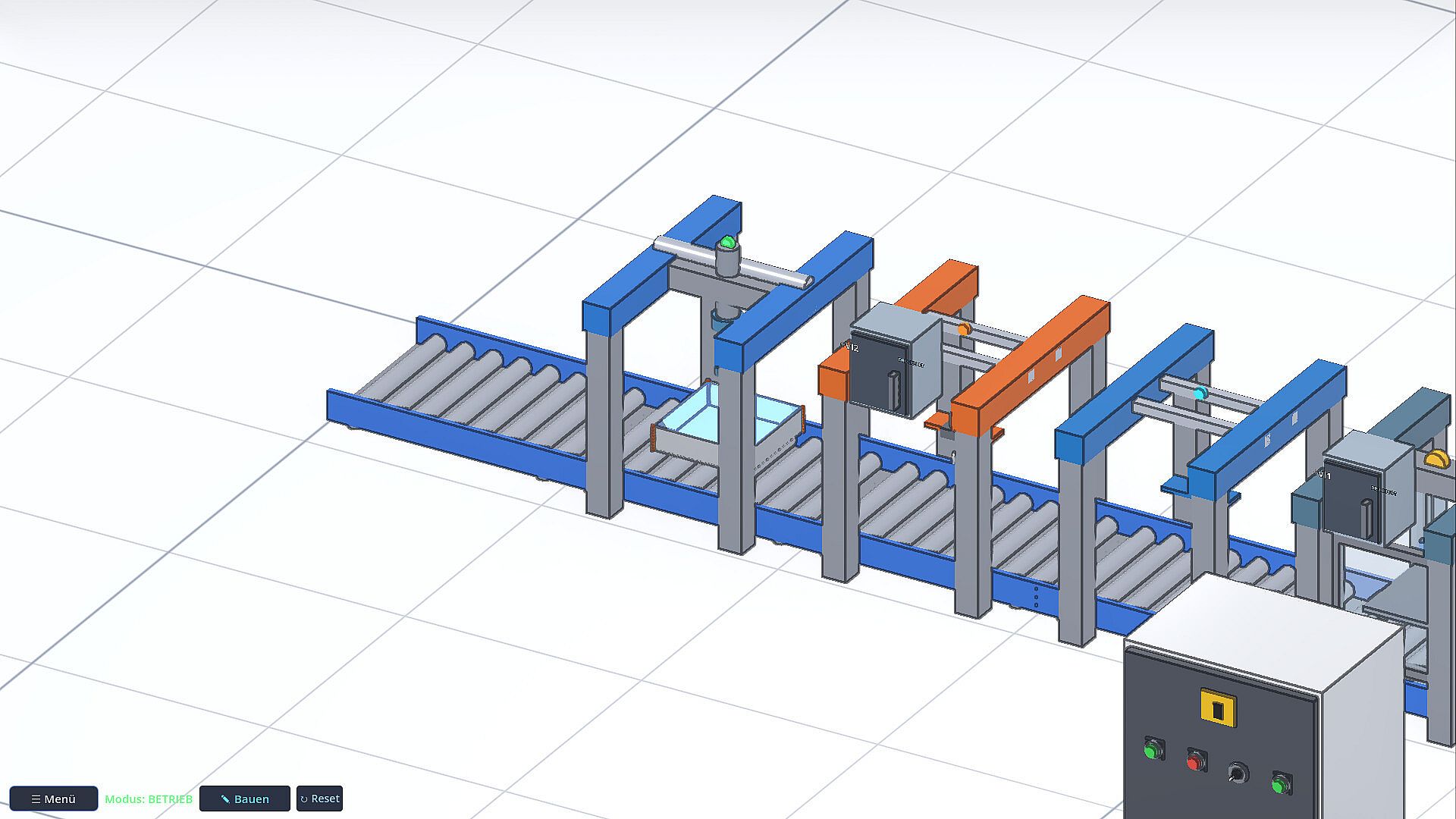
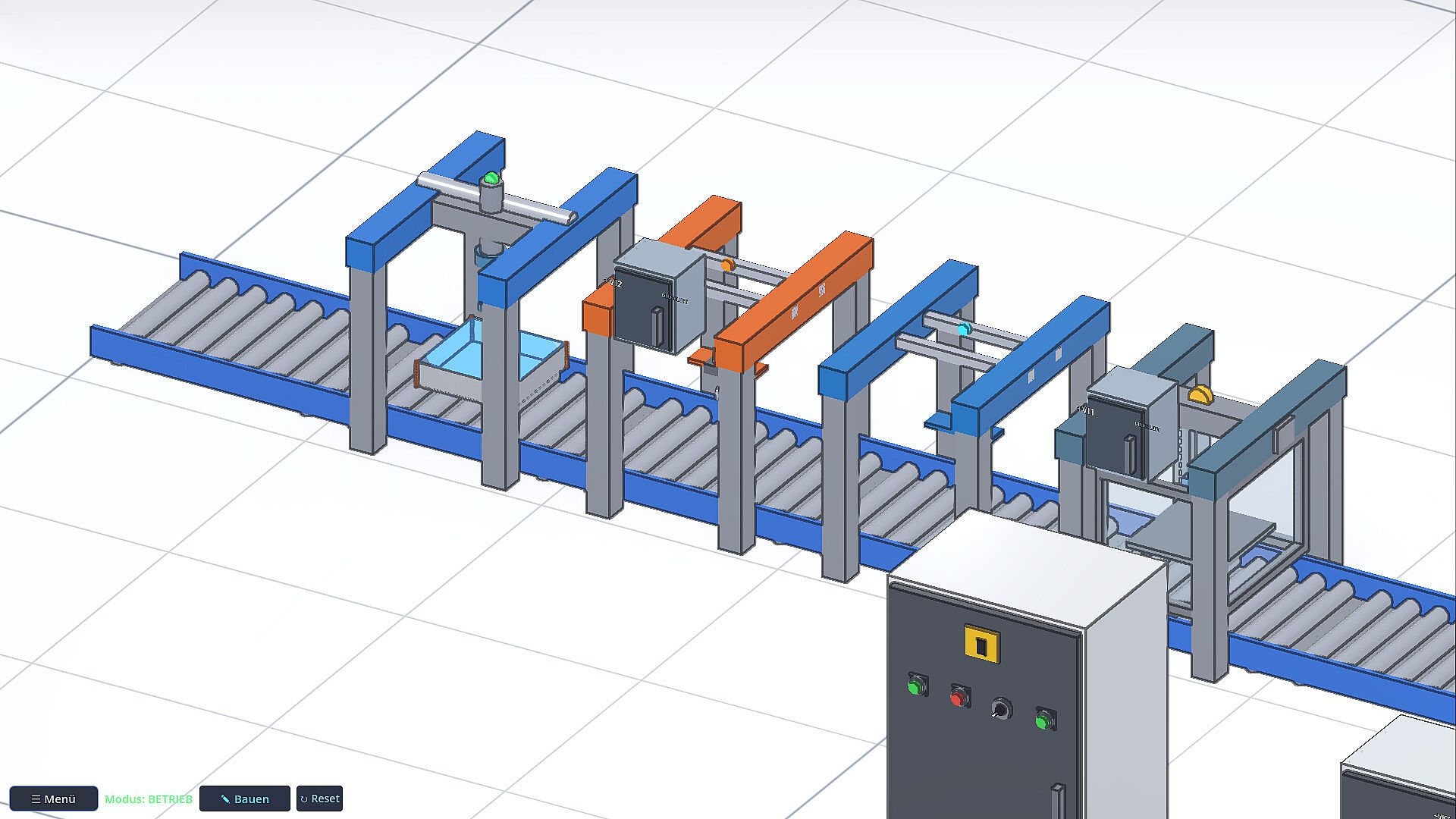
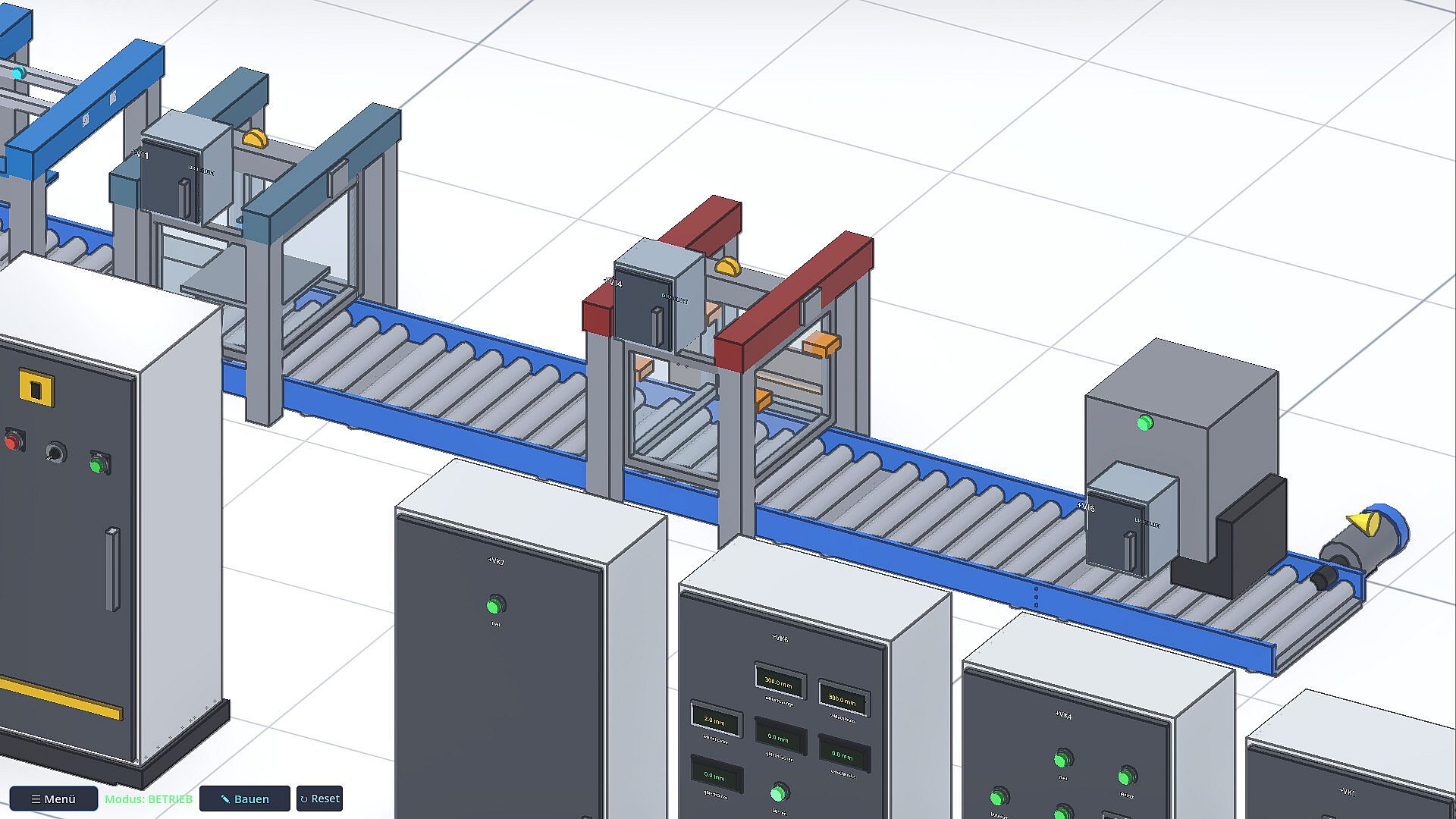
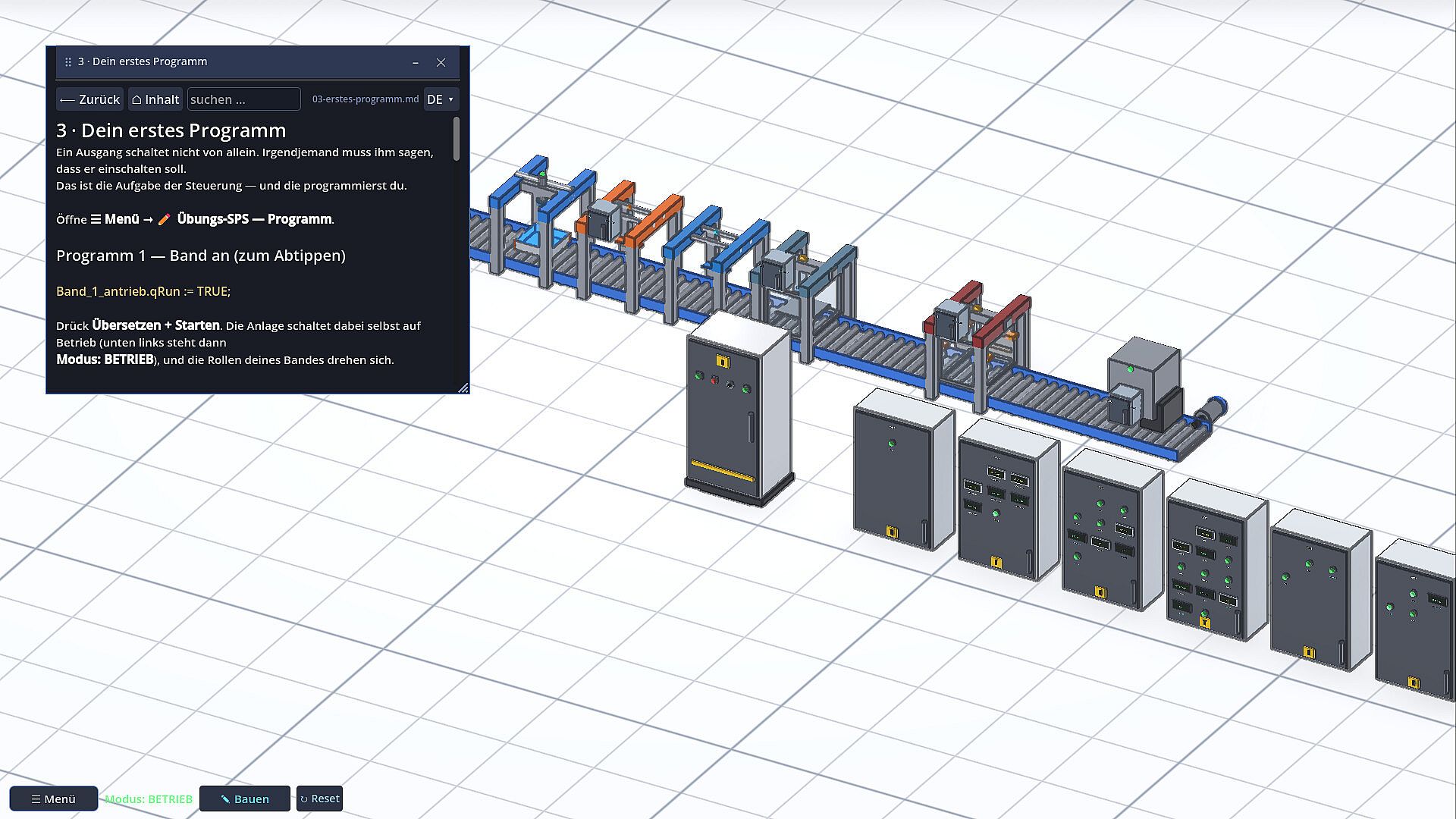
Baukiste is an indie simulation game in Early Access on PC that teaches PLC programming and industrial automation through hands-on plant construction and control logic. Players assemble conveyors, motors, sensors, and stations into functional systems, then write the code that operates them in a realistic physics environment.
Gameplay
The core loop centers on building industrial setups and programming their behavior. Hardware elements respond only to signals from the player's code, with no shortcuts or predefined outcomes. A metal sheet bends into a tub only when the correct sequence runs, a workpiece advances solely while the belt operates, and sensors report actual positions or states. This setup reveals programming errors immediately through visible results on the assembly line.
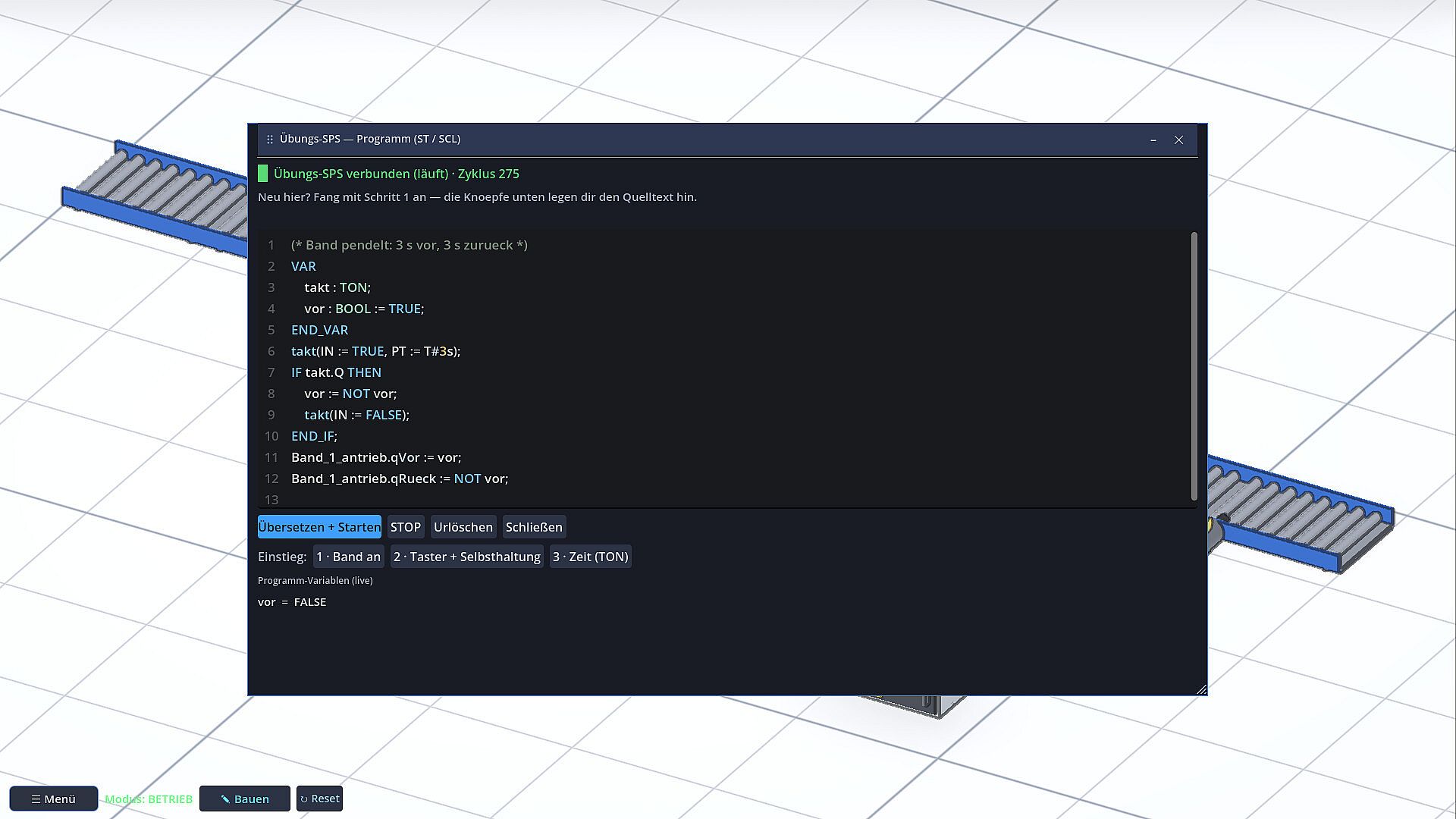
Programming takes place in Structured Text and SCL directly inside the game, complete with live variable monitoring and starter examples. The built-in simulator handles basic training, while options exist to connect external controllers. CODESYS integrates via Modbus TCP with a provided project template, and Siemens setups link through S7-PLCSIM Advanced alongside a step-by-step guide for TIA Portal users. Every device functions as a file describing signals, mounting points, and schematics, allowing import, sharing, and library management.
Physics operates without simplification. Actuators move components only when commanded, sensors feed real data back, and processes like filling or pressing follow physical rules. The included handbook walks through initial setups, motor control, first programs, and hardware connections, explaining each step and its purpose.
Game Modes
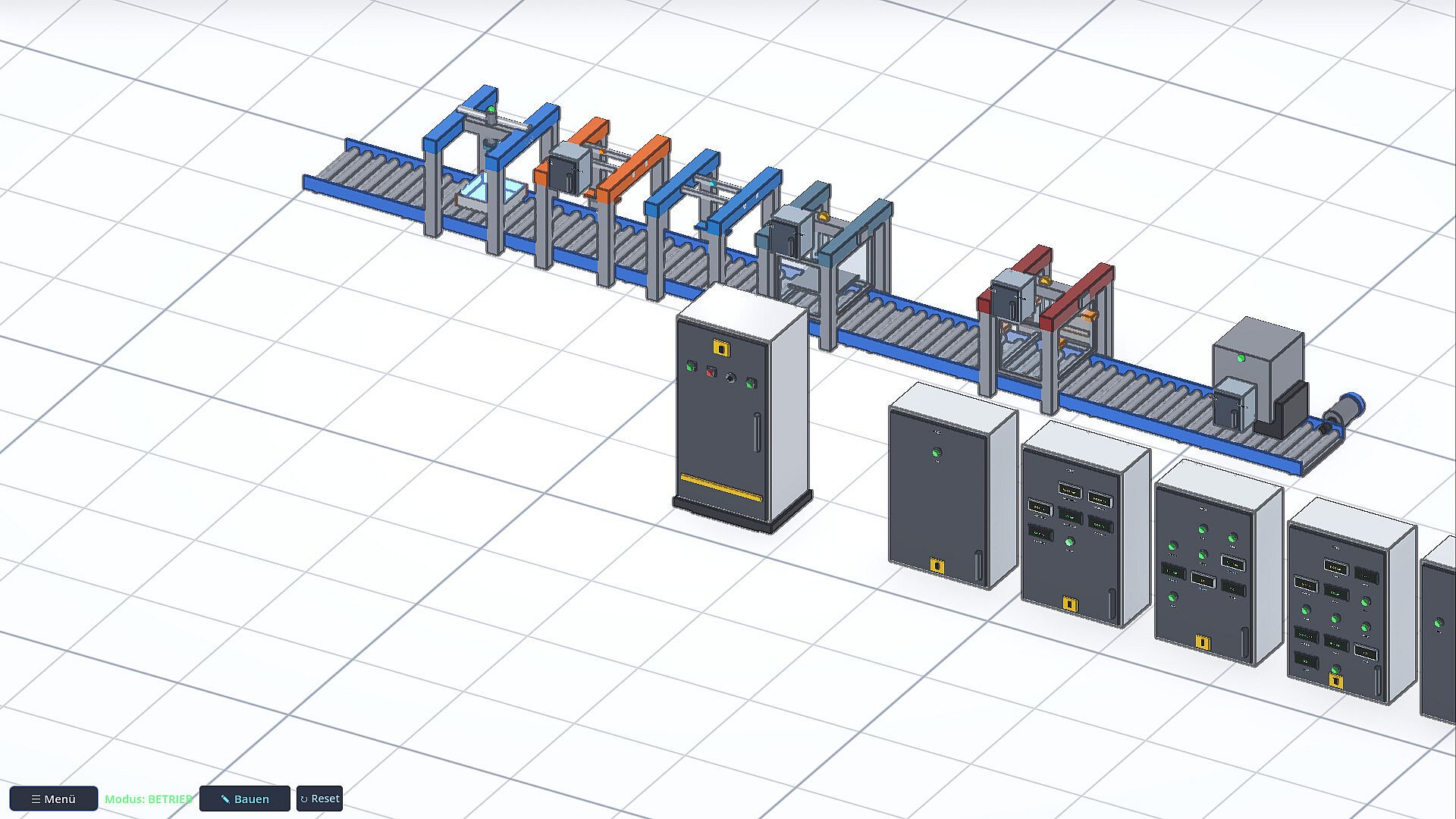
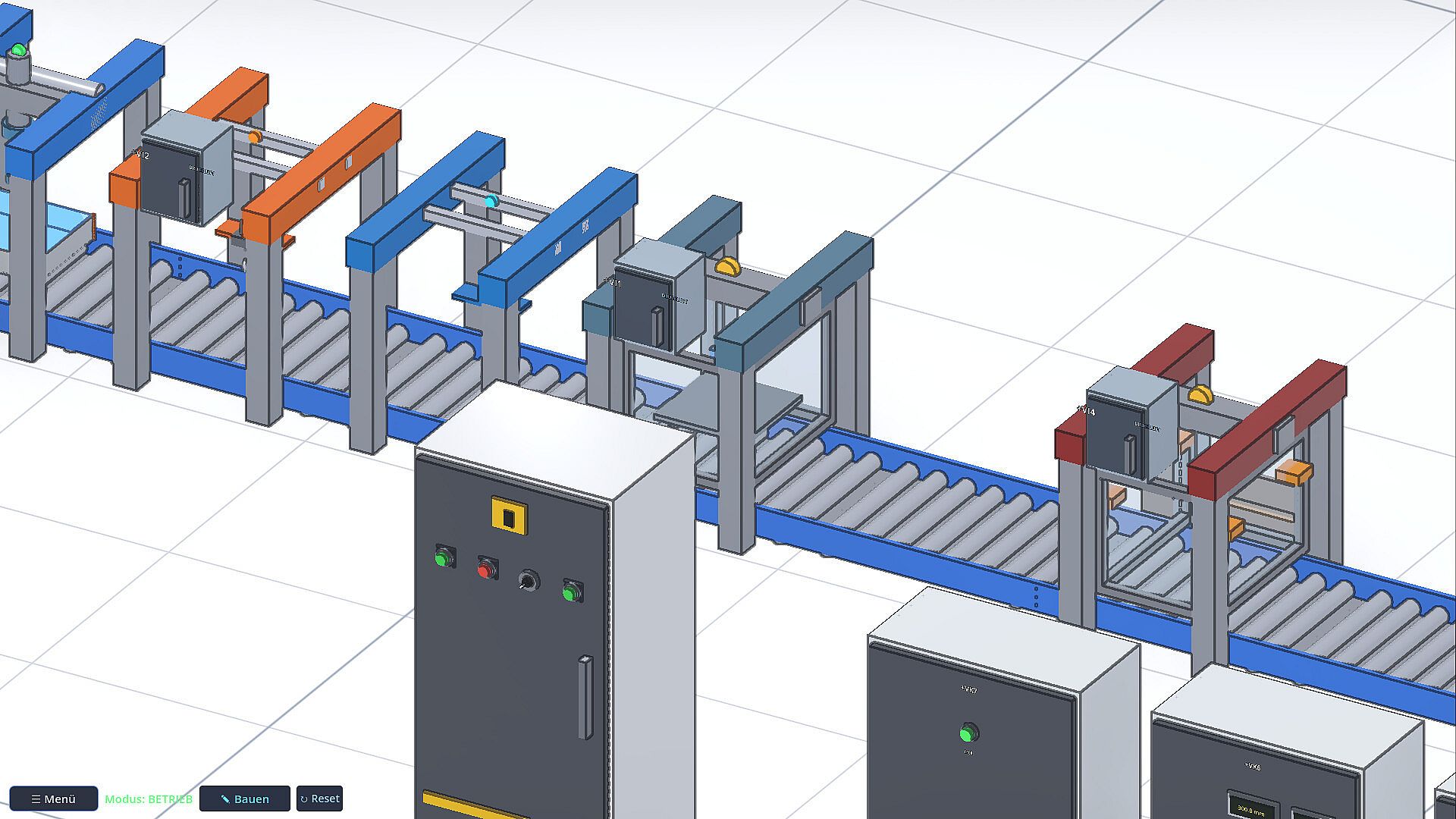
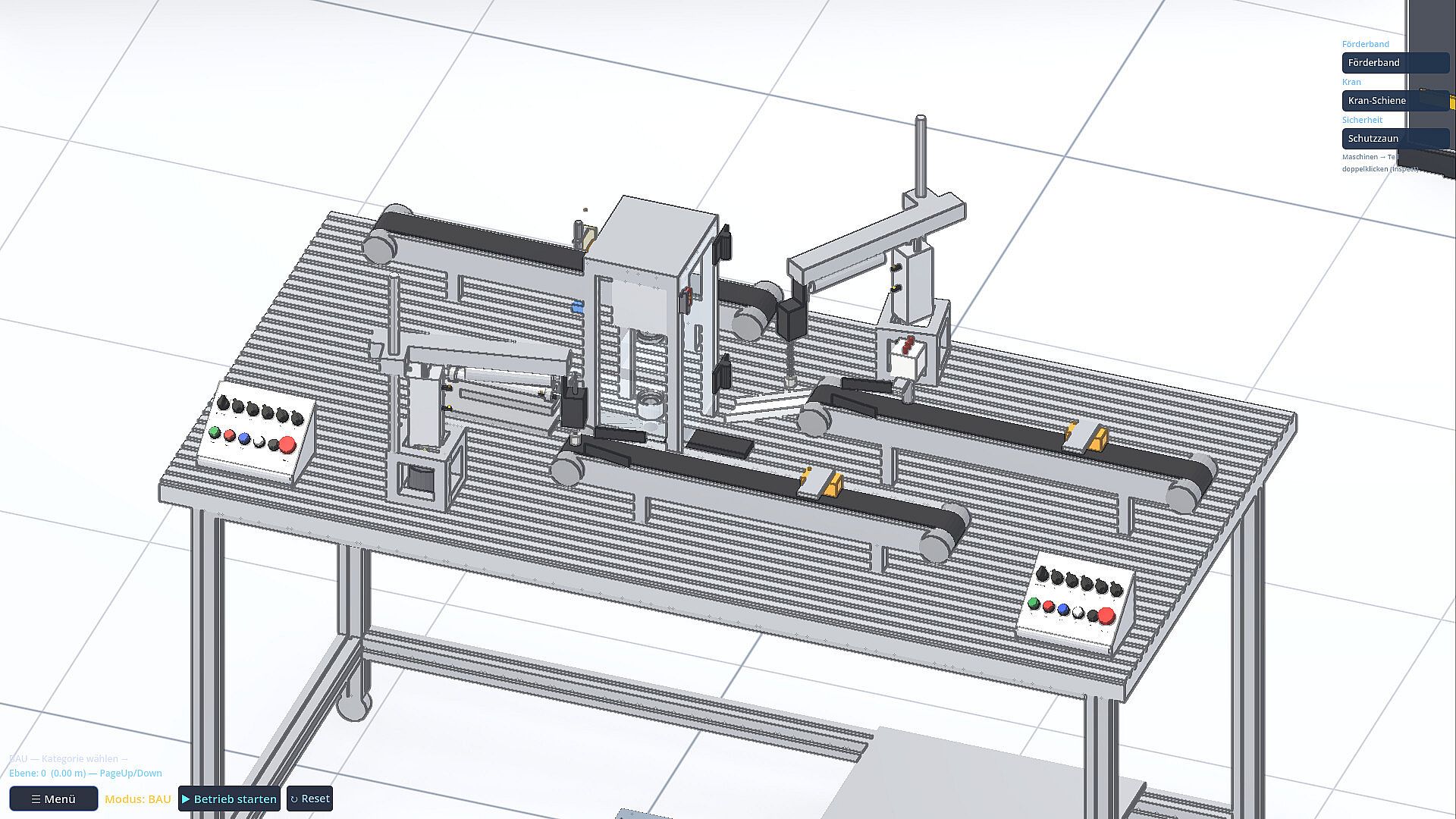
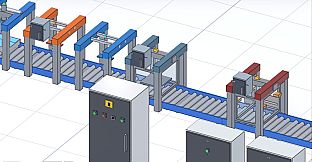
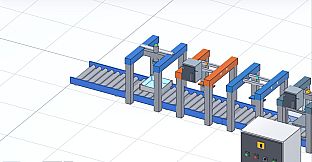
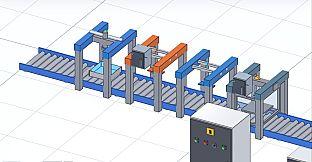
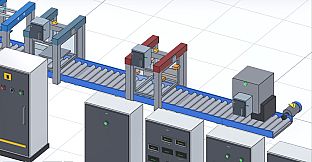
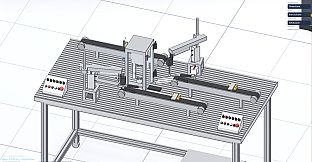
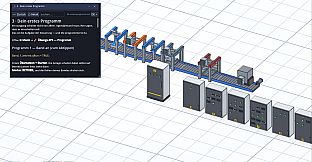
Baukiste emphasizes a single-player training experience rather than separate named modes. The primary activity involves constructing plants from modular components and developing control programs that make them operate. A complete button-press example comes ready in the mod menu, featuring three conveyors, two suction grippers, a slide with die positions, the press station, and operator panels equipped with mode selectors, start, stop, quit, and emergency stop functions. Raw parts feed in via dedicated outputs, end positions and optical sensors track progress, and two pressing strokes convert materials into finished buttons.
Users can expand this foundation by importing or creating additional devices. The development area supports building custom components from blocks or through external AI assistance, testing them on a rig, and storing results in a personal library. This section remains in active development and already functions for basic tasks, though full features continue to evolve. Integration with a user's own AI account allows description of tasks for plant setup, signal explanation, or program suggestions, with all verification occurring in the running simulation.
Learning and Integration Features
The game bridges automation concepts with practical coding by requiring users to define exactly what happens in each scenario. Signals carry addresses that match real industrial standards, and the simulation reports outcomes honestly without assuming correct logic. Device creation happens either manually through file descriptions or via AI prompts on the player's own account, keeping the interface disabled by default for local access only.
Support for real hardware extends the training value. Those with access to CODESYS or Siemens environments can run the same programs against the simulated plant or transfer logic to physical controllers. The handbook covers progression from basic conveyors to full integration, ensuring each concept builds on the last with clear technical rationale.
Is It Worth Playing?
Baukiste suits anyone seeking to learn PLC programming and industrial automation without requiring physical equipment in a workshop or basement. The Early Access version contains the described building tools, programming environment, ready example plant, handbook, and hardware connection options. The development area for custom devices operates in its current state while further work continues.
Player interest aligns with those exploring automation careers or hobbies, as the simulation provides immediate visual feedback on code performance and supports progression to real controllers. The focus remains on user-written logic driving all actions, making it a direct practice environment rather than a guided tutorial package. Those matching this profile will find the current build delivers the core training ground experience outlined in the game materials.