


Organize. Perfect. Inspire.
Organize your collection by what, when or where. Edit and add jaw-dropping effects with ease. Then share your best with friends, family and the world through the ACDSee Online cloud, Facebook, Twitter, and e-mail. So simple to use. Yet so amazing the results. Take your photos further than you ever dreamed possible with ACDSee 15.
Key Features
Managing
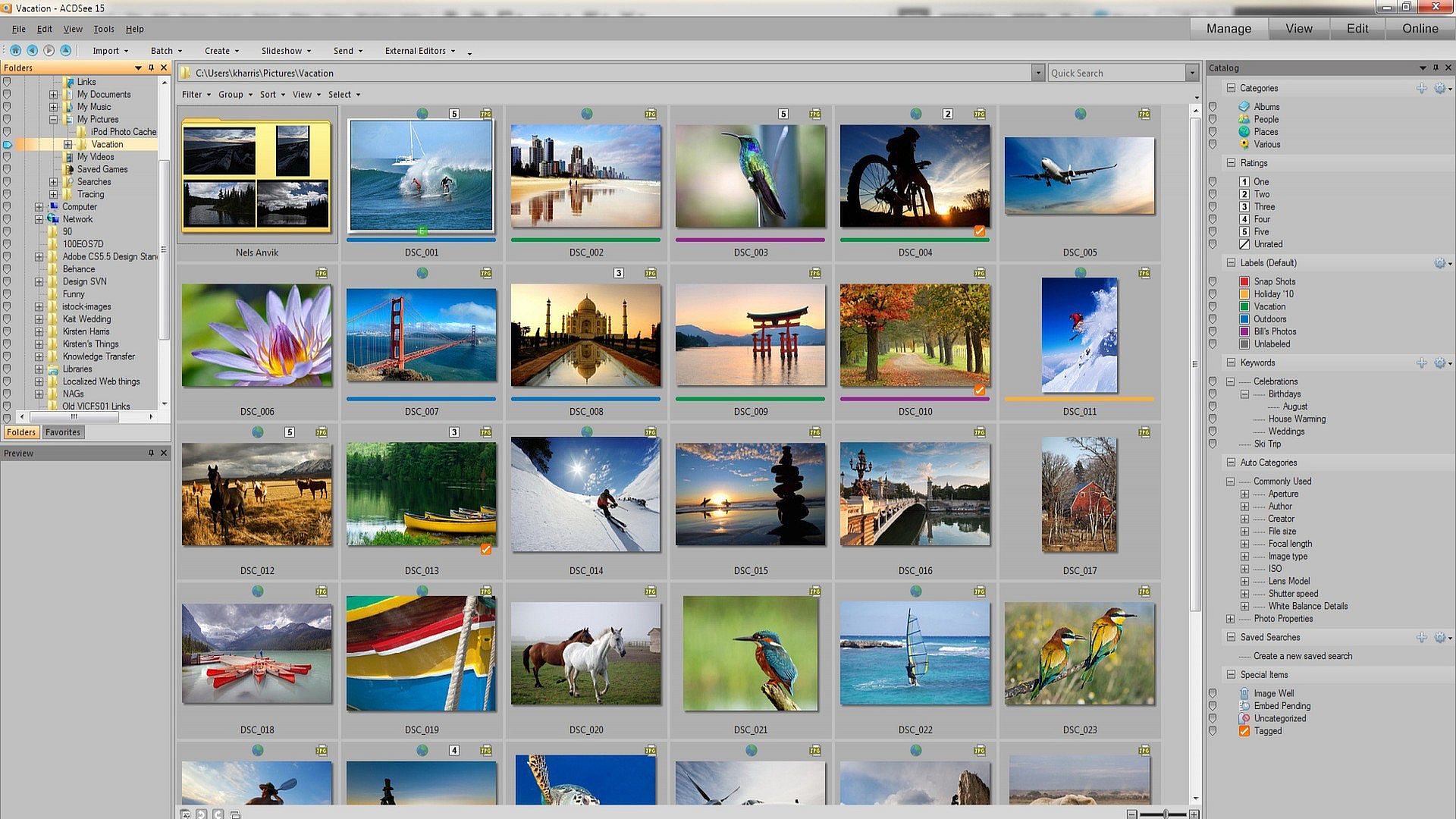
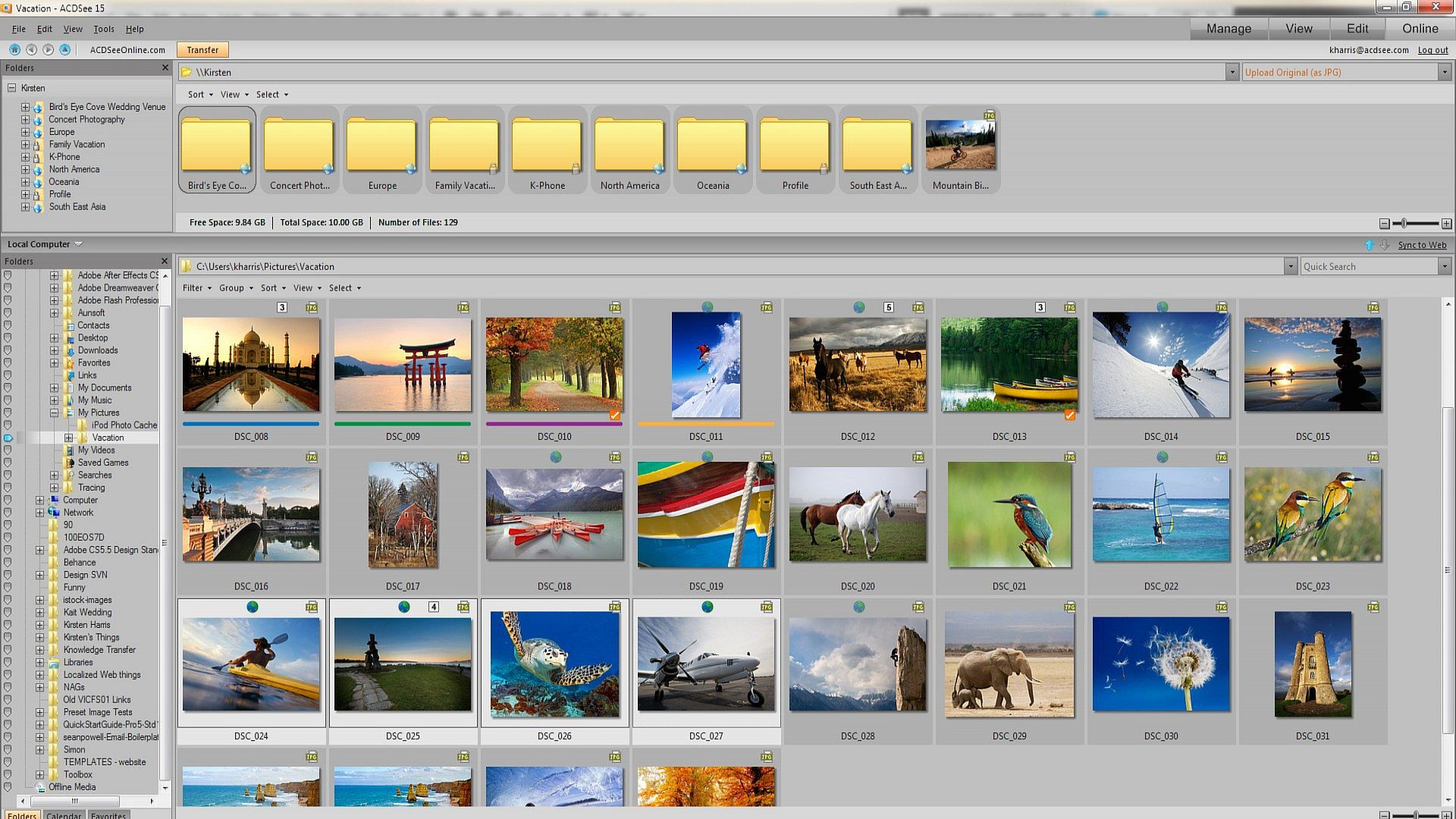
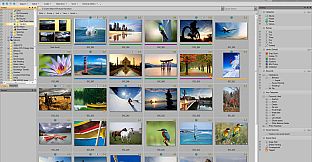
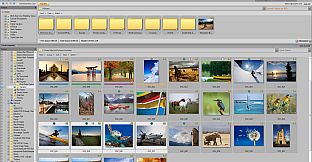
Make ACDSee 15 your one-stop central for your growing collection. Manage your shots the way that works best for you and never lose track of another photo again, even if you have thousands on your computer.
Browse fast
There's no need to import your photos into a separate library. Browse your collection right away, in real time. Sort by date, event, edited state, or other criteria for super-fast scanning.
Organize your way
Create categories, add hierarchical keywords, and rate your photos. Tag images and assign color labels with one click and bring them all together for further editing or sharing. You can even organize your photos as you import them from your camera or storage device
Meaningful metadata
Sort your files by camera information, and edit EXIF and IPTC metadata on the fly with ease. Customize the metadata panel to reveal only the details that matter most to you.
Organize by location
Find and organize your photos by location with Map view and geotagging support. Instantly view the location of images from GPS-enabled cameras, or quickly add the information yourself. To view all the photos you shot somewhere, simply zoom in on the map and click the marker.
Find anything
Find any photo fast, even that one shot you need among thousands. Enter phrases like “ski trip” or “birthday party”, search only specific folders, narrow it down by your camera's file information, or find that one special image with the Quick Search bar. Build detailed searches and save them for ongoing use.
Manage everything
Bring together over 100 file types into one convenient place. View, manage and get extensive format support for your photos, audio and video clips including BMP, GIF, JPG, PNG, PSD, MP3, MPEG, TIFF, WAV and many others.
Back 'em up
Keep copies of your photos in case your computer should fail. Synchronize your folders with an external hard drive or networked drive, or directly to the ACDSee Online cloud. Back up your photos and database information to CD, DVD and Blu-Ray, and schedule automatic backups and reminders for the ultimate peace of mind.
View
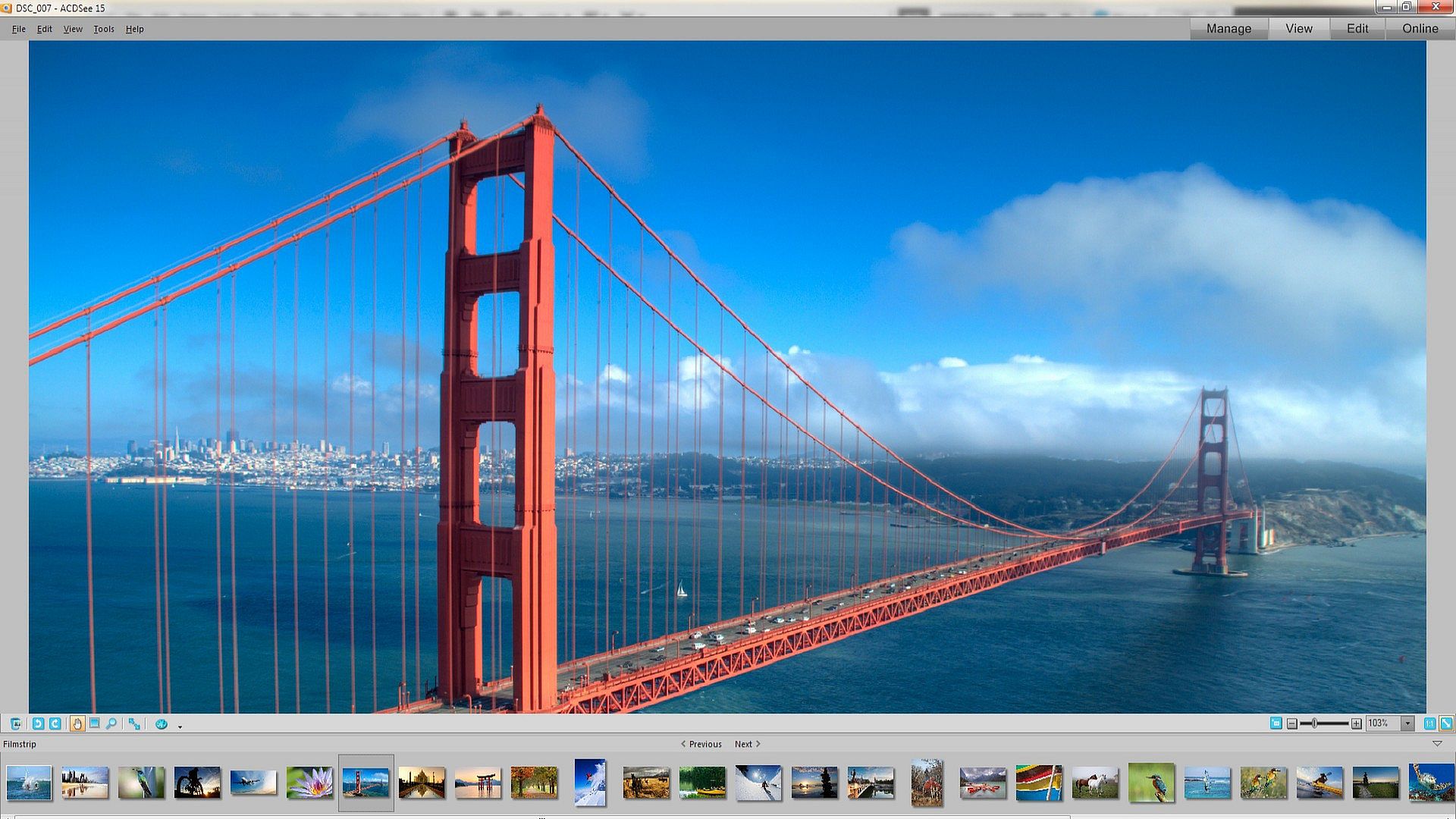
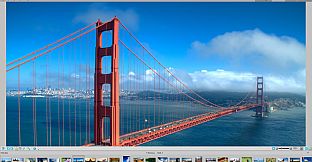
Put ACDSee's legendary viewing speed to work for you, so you can spend more time enjoying your photos instead of waiting for them to open. Check out your latest shots, zoom in on the details, and enjoy full-size, fully dazzling views. Any way you look at it, ACDSee 15 works fast.
Get your fill
View your photo and absolutely nothing else. In full-screen mode everything is hidden so you can focus on the photo at hand. Easily go to the next photo by pressing the spacebar. Set full-screen viewing as your default so you always get the big picture.
Choose your view
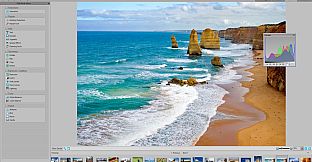
Study any area of your photo in closer detail with the Magnifying Glass and Navigator. ACDSee can also display the histogram, along with helpful file information, alongside any photo you're viewing.
Create instant slide shows
Create a quick slide show preview of a group of photos, or all the photos in a folder. Manually or automatically advance through your show, and adjust timing settings to your preferred pace.
View them in the RAW
View RAW files from all the major camera manufacturers. Similar to a photo negative, a RAW image is undeveloped so ACDSee displays a JPEG preview of the file. You can then convert it to other file formats, like JPEG, TIFF or PNG.
Color management
Photos that are in a color space outside of sRGB are correctly color managed, so what you see on your screen is more true to hue.
Edit
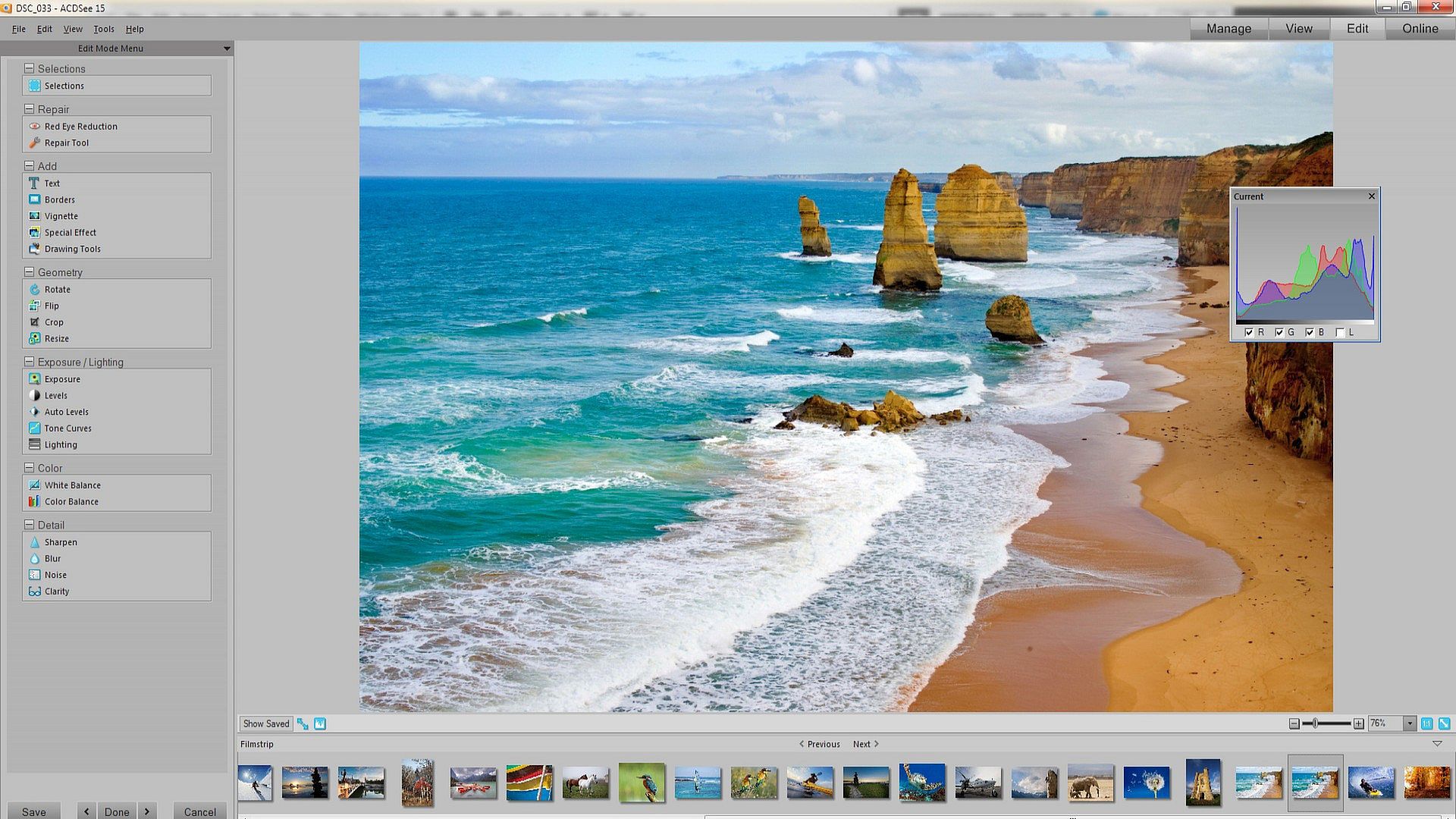
Make your best look even better. Experiment with easy-to-use editing tools that deliver amazingly professional results. Your originals are always saved, so you can start over again anytime.
Easily brush on edits
Want to soften only a face and not the entire photo? The Edit Brush makes it super easy and fast to apply any editing effect to a specific part of your photo. Correct exposure, change the color, adjust details, or add a special effect. Choose your brush size and the amount of feathering to help you achieve exactly the look you want.
Blur smartly
Use the Smart Blur filter to blur areas of little or no detail while still maintaining the sharpness and important details of your photo. Try it as a creative effect or to reduce the noise in your photo for a smoother, less grainy look.
Improved noise reduction
Don't delete those grainy, high ISO photos. Save them with ACDSee's improved noise reduction controls for smoother and more natural results, while saving as much edge detail as possible.
Perfect those pixels
The enhanced Red Eye Reduction tool allows you to adjust the color and intensity for a more natural look. Plus magically erase flaws, blemishes and other unwanted objects with the Photo Repair tool’s powerful Heal and Clone options.
Achieve the best light and color
Rescue photos that are too light or too dark with the Lighting tool, powered by ACDSee’s patented LCE (Lighting and Contrast Enhancement) technology. Instantly lighten shadows and reduce highlights in one click, or adjust individual sliders to fine tune every aspect. Change the tonal range, white balance, and color balance of your photos with easy-to-use adjustment tools.
Clarity editing tool
Add a little extra definition or add a soft, dreamy effect. The new Clarity tool targets the mid-tones of your photos, without affecting the highlights or shadow areas.
Make moments magical
Choose from more than 20 special effect filters including the Collage effect to creatively display your photo in a collage of prints; Lomo effect for an edgy, retro feel; and Orton Effect to give an ethereal, pastel-like touch to your portraits and landscapes.
Frame your memories
Add a border, vignette or text to your favorite photos. Customize the color, texture and thickness to suit your shot. You can also blur or raise the edges, and add a drop shadow to perfectly complement the mood and atmosphere of your photo.
Mark it up
Grab the Pencil tool to draw freehand, or add lines, curves, shapes and drawing effects to call attention to specific parts of a photo.
Share
With ACDSee there are so many ways to share your memories. Whether you prefer to print, burn, upload or e-mail, ACDSee 15 makes it easy to inspire friends, family and the world.
Share socially
E-mail photos, post to Facebook, and share a link to your albums on Twitter, without leaving ACDSee.
Send to the cloud
Simply drop files directly from ACDSee 15 to your free account on the ACDSee Online cloud. Use it to store and backup your photos, or create albums to share with friends and family, or the world. Your contacts can even download your images at full size. Plus easily share photos via Facebook and Twitter. All your ACDSee Online photos are protected by Amazon Web Services™, which also backs up Amazon.com and Amazon’s sites around the world.
Your ad-free ACDSee Online account includes 10 GB of storage space* for free. Need more space? No problem. You can upgrade to 25 GB of annual storage space anytime.
*Terms and conditions apply.
Store and share on the go
Use ACDSee Online's free iPhone & iPad app to automatically send your photos to your ACDSee Online cloud space. Access and browse your entire ACDSee Online library on your iPad and iPhone. Never be caught without a picture of your family and friends, your pet or your amazing vacation again.
E-mail with ease
E-mail photos without leaving ACDSee, with automatic resizing and convenient file conversion. Send your shots via Gmail™, Yahoo! or your desktop e-mail program.
Print smart
Take the guesswork out of home or office photo printing. ACDSee works within your print margins and helps you print multiple photos on a single page, fill an entire page, and create contact sheets. Add captions, and file properties, database information, and metadata to your page headers and footers.
Inspire the world
Create slide shows and screensavers of your favorite photos for sharing with friends and family, or showcasing on your own website. Create PDFs, HTML albums, or combine images into a Microsoft Office PowerPoint ® presentation or PDF slide show.
Optimize for FTP
Conveniently optimize and upload images to web spaces you manage through FTP, without ever having to leave ACDSee.