
Comprar MapHub PC Key

Interessado em MapHub? Estamos a acompanhar preços de lojas de confiança. Adicione MapHub à sua lista de desejos e notificá-lo-emos quando surgirem ofertas.

Lançamento: 11 jul. 2024
Steam:
Overwhelmingly Negative (1)
Official
Indisponível
Keyshops
Indisponível
Comprar em Loja Oficial:
Indisponível
Comprar em Keyshops:
Indisponível

Sem entradas, mas não se preocupe, iremos informá-lo assim que surgir uma nova oferta.

Create Alert Create deal Alert

Sobre MapHub

MapHub - sobre o jogo
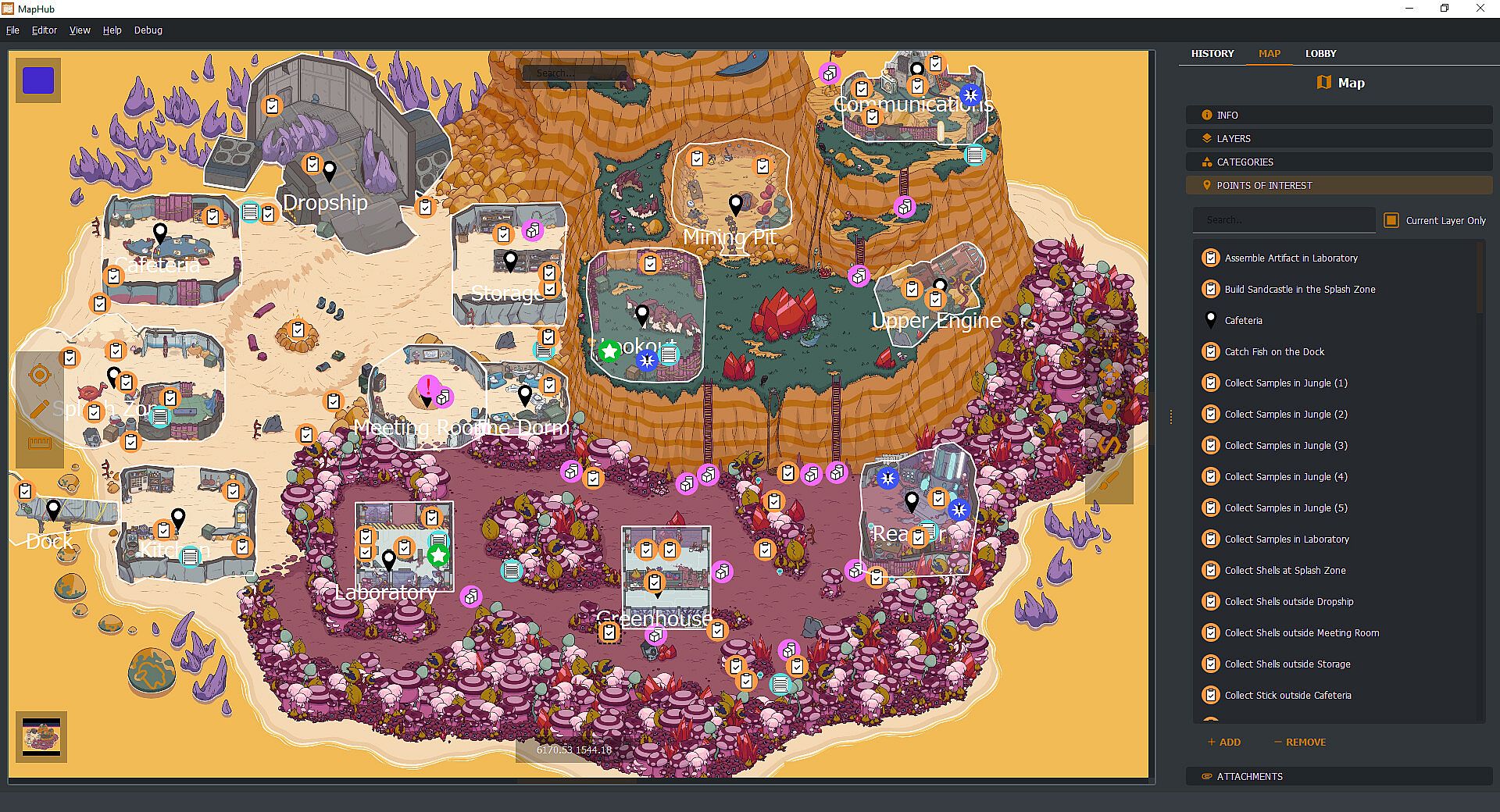
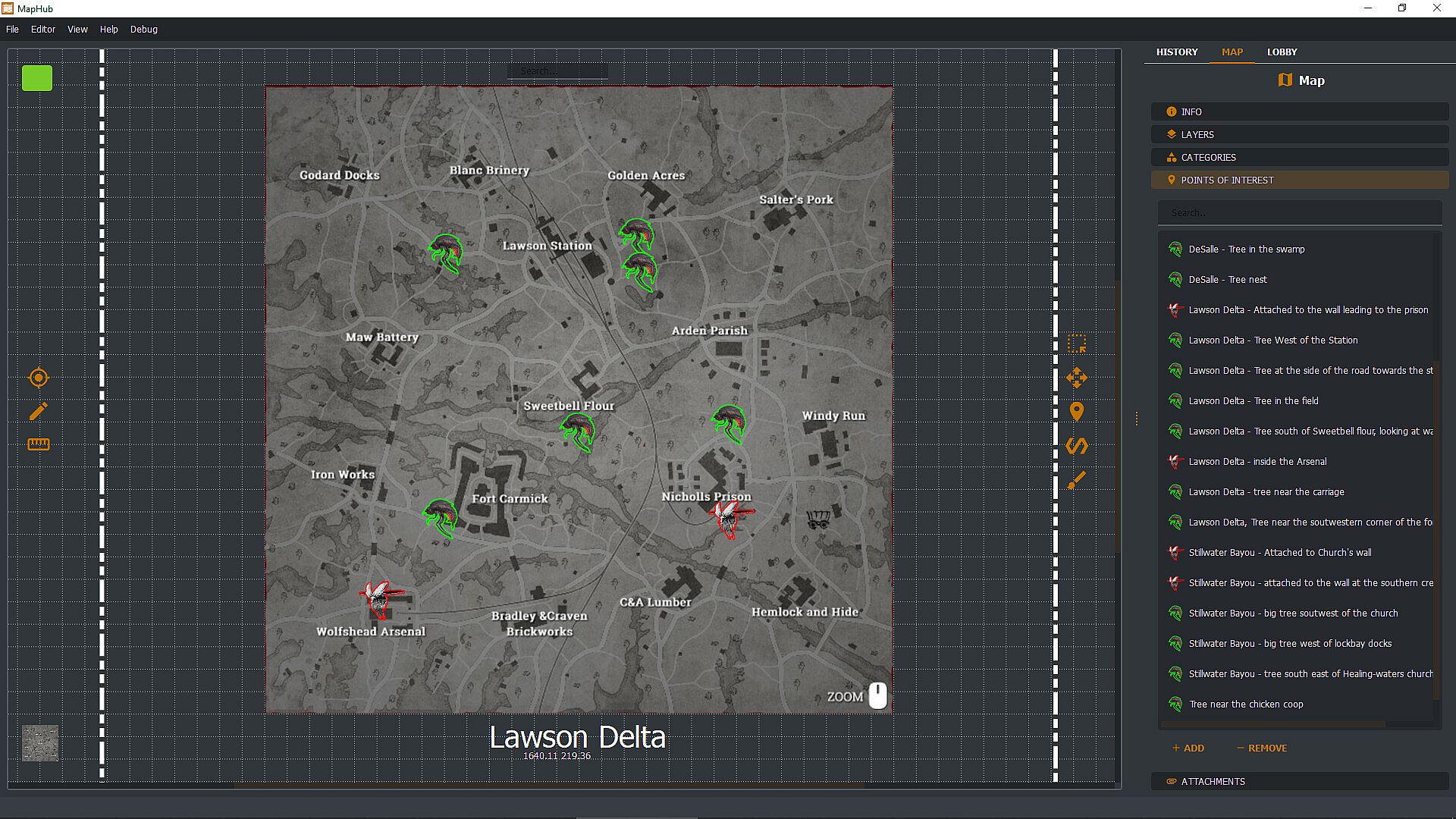
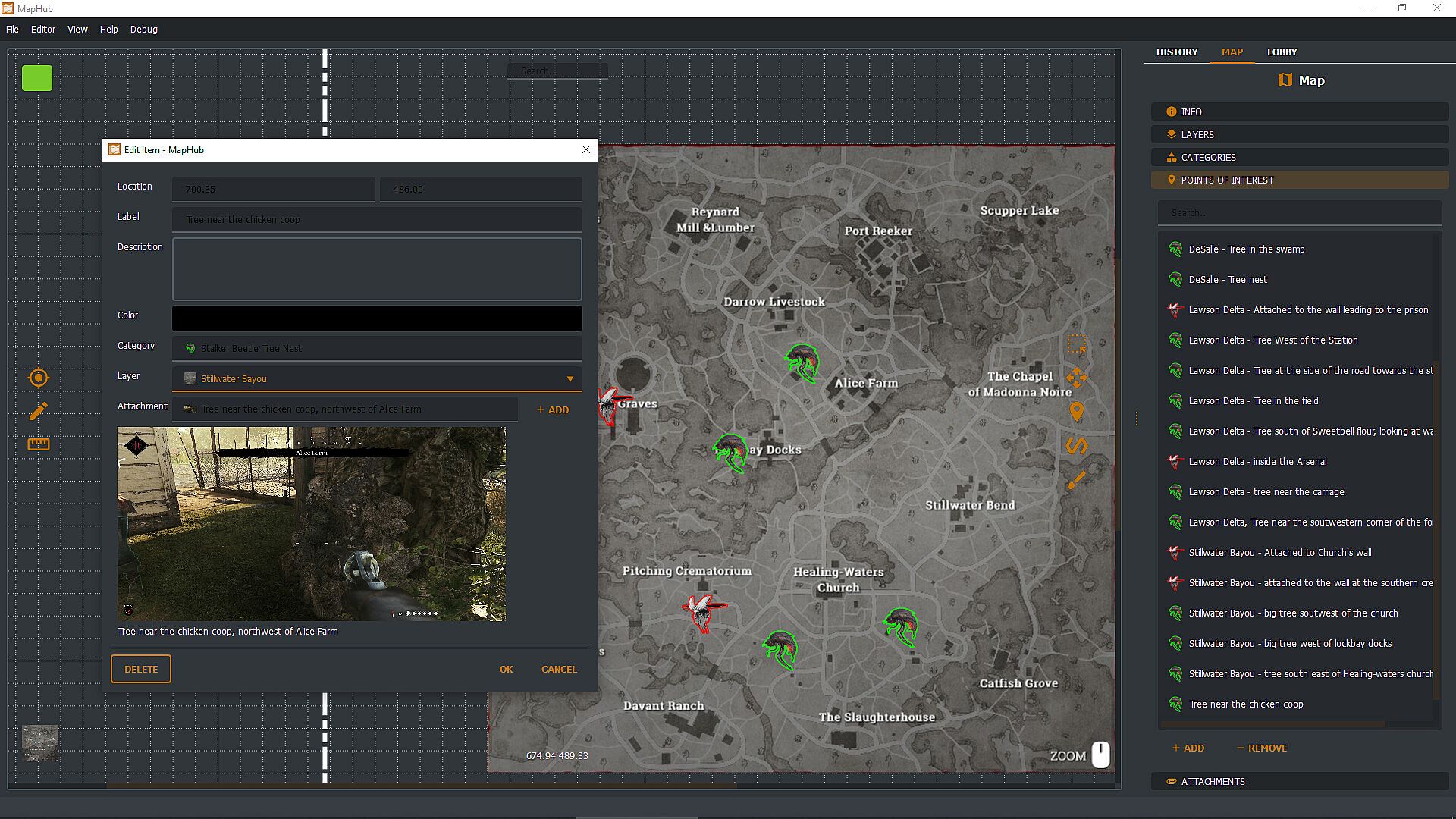
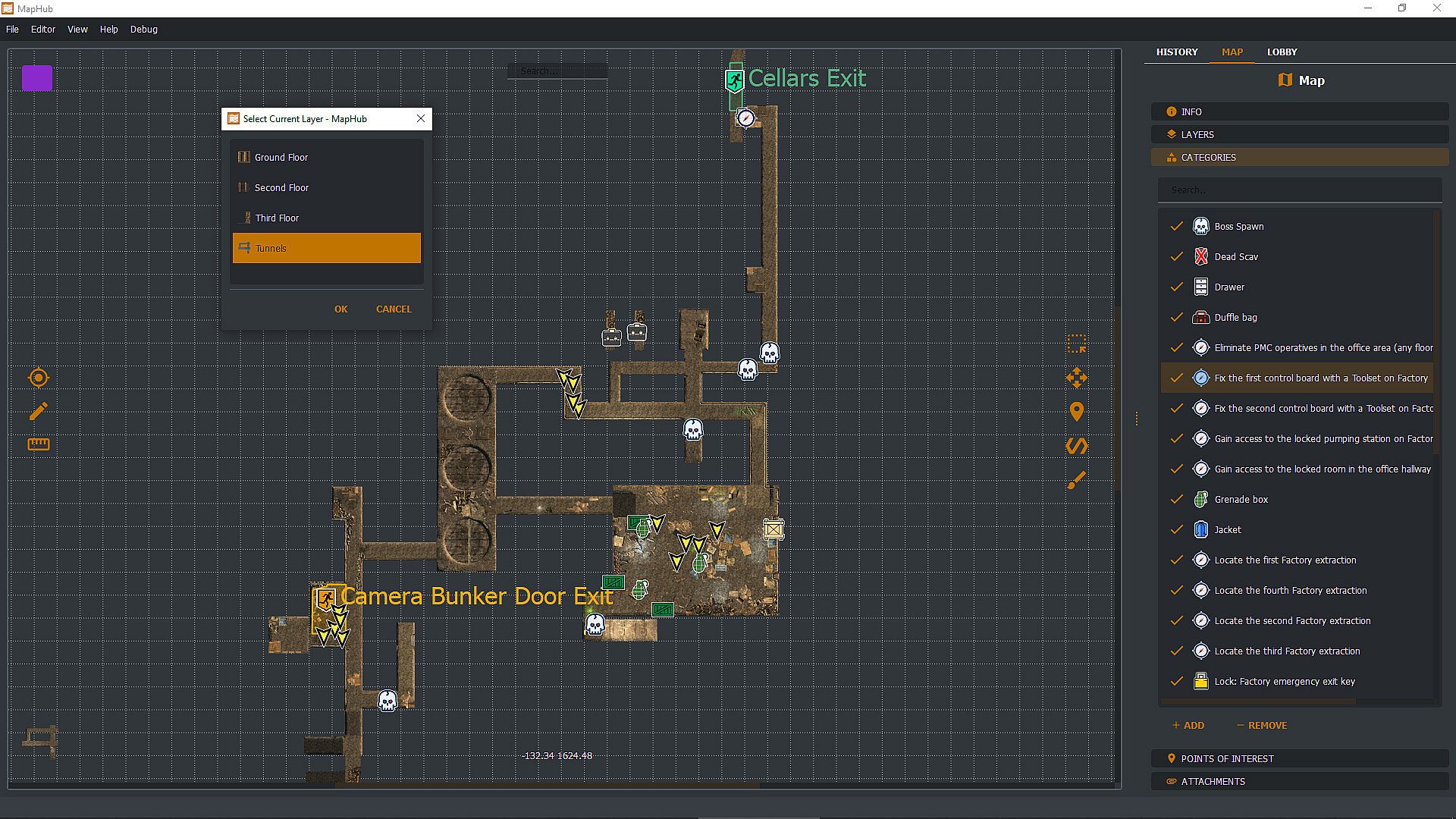
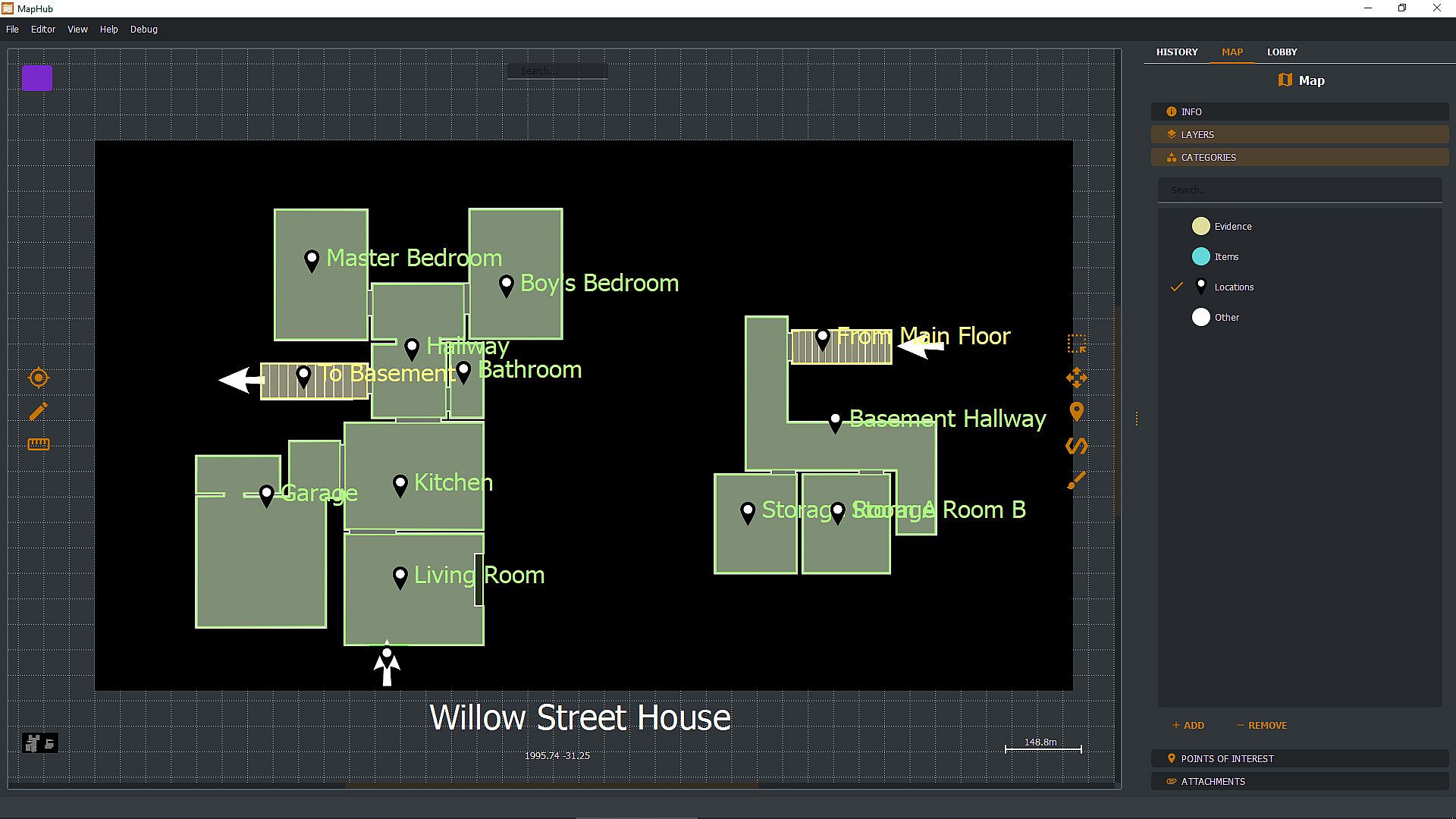
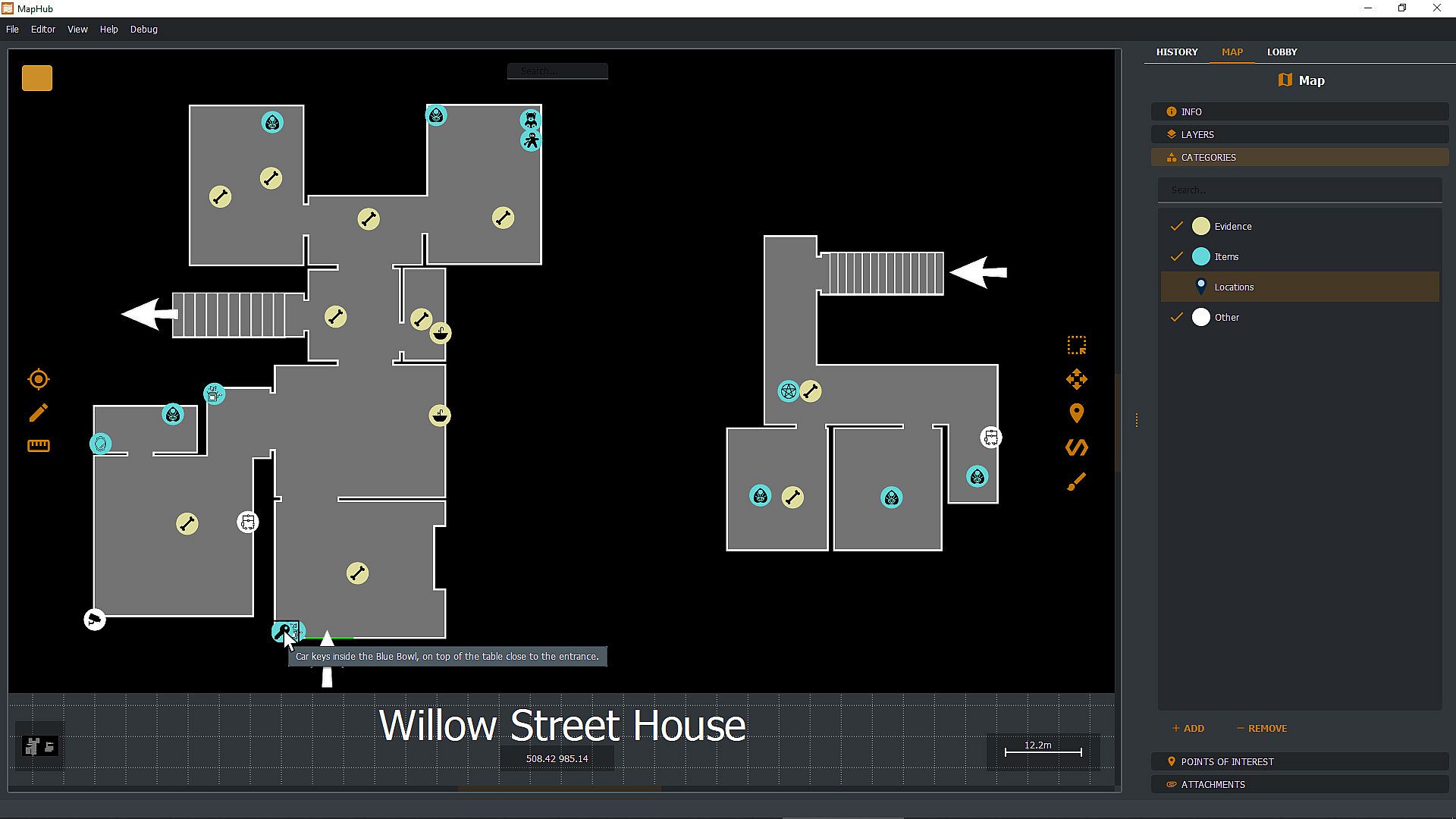
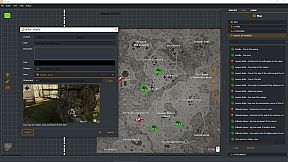
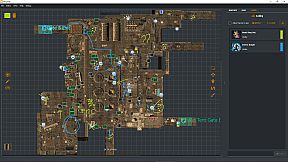
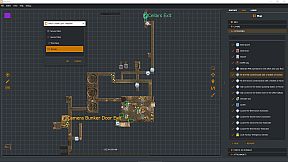
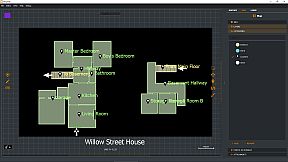
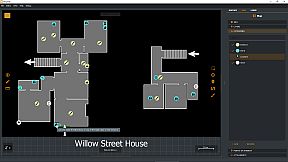
Create custom loot maps in MapHub by marking key points of interest, organizing categories, attaching screenshots, and tracking quests. Share your maps via native Steam Workshop support or browse community creations, all within a gamer-focused app. Invite Steam friends to the lobby for chat coordination and shared drawing tools to pinpoint loot spots effortlessly. Pull up maps on a second monitor or overlay them on borderless windowed games with a hotkey-ideal for dual setups. Keep maps private, friends-only, or public with automatic Steam cloud sync for seamless access across PCs. This one-time purchase utility suits multiplayer gamers who collaborate on maps without subscriptions or curated content.

With MapHub, you can create your own lootmaps with key points of interest, categories, screenshot attachments, and quest tracking and join a new and exciting community!

MapHub has been built with native Steam Workshop Support and Steam Social Features: this means that you can share your maps with the community or browse maps made by other players, all from the comfort of an application designed for gamers, by gamers.

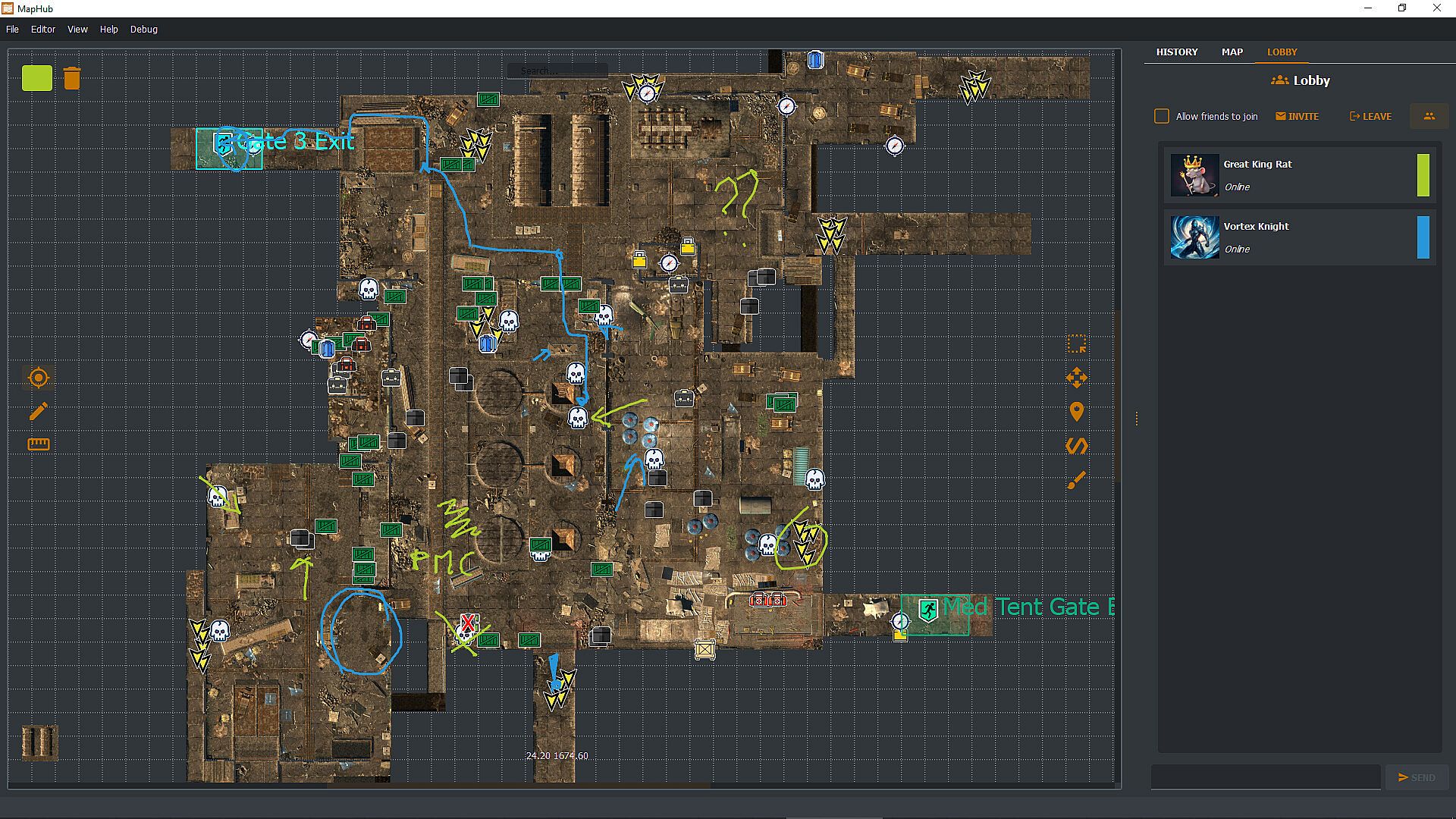
Invite your Steam friends into the MapHub lobby: coordinate with a built-in chat and shared drawing tools. Yes, your friends will draw something inappropriate, but it will be much easier to tell them where the loot is rather than screaming "There! There!" over and over. And you can draw something inappropriate too!

MapHub works better with a dual-monitor setup—one for your game, one for MapHub. However, you can also pull up and overlay any map on any other game (as long as the game is not using fullscreen mode) with a quick and simple hotkey press.
Frequently Asked Questions

Q: Is this a subscription service?
A: No! You buy a license for MapHub once, and it's yours forever. No strings attached.

Q: Do you provide curated maps?
A: No, we provide a general-purpose tool and a platform for the community to collaborate. While we have uploaded a few demo samples on the Steam Workshop, these are not part of the product itself but rather demos to get the community started. You're buying a software license, not any map or map service.

Q: Can I draw map tiles or icons inside MapHub?
A: No, you'll need to bring in such assets from a different source. You can import them as JPGs or PNGs or use our in-application tool to generate icons (but not tilemaps) from emojis or text.

Q: Can I keep my maps private, or will they be automatically published in the Steam Workshop?
A: You can set the visibility of your maps to Private, Friends Only, or Public. MapHub will automatically sync the content to Steam's cloud, so you don't have to worry about losing your work when you move from one PC to another. That said, you can, of course, choose to keep all your maps private.

Q: Does MapHub's overlay work with fullscreen games?
A: A game can LOOK fullscreen, but internally, it might be using the "real" fullscreen mode offered by the Windows Operating System, or it might "fake it" using a borderless window mode. MapHub's overlay will work only in the latter case: without getting too technical, taking over draw calls of another executable might be considered a cheat by some anti-cheating software, and for this reason, our philosophy is to be unobtrusive, so a "real" fullscreen overlay won't work. MapHub doesn't give you any unfair advantage, as you can alt-tab or use a second monitor to view any map without MapHub. The drawback is that we cannot offer you an overlay over fullscreen games. MapHub works better on a dual-screen setup or by simply alt-tabbing a borderless windowed game. Always check your game's options to see if they offer a borderless windowed mode—most of them do.

Q: Can MapHub work without Steam?
A: No, the nature of the Steam Workshop API and Steam Lobby makes MapHub a Steam exclusive. We do not have plans to make a version stripped of such features.
Interface:
GermanEnglishSpanish - SpainFrenchItalianJapanesePortuguese - PortugalPortuguese - BrazilRussianUkrainian

Classificação etária

Indisponível
Steam:
Overwhelmingly Negative (1)

Mínimo:

  • SO: Windows 10 64 bit
  • Processador: If you can run windows you can run MapHub
  • Gráficos: Overlay requires borderless window mode.

Recomendado:

  • SO: Windows 11 64bit
  • Processador: If you can run windows you can run MapHub
  • Gráficos: Overlay requires borderless window mode.
Mínimo histórico
Histórico de preços das lojas oficiais
-
-
-
Histórico de preços dos keyshops
-
-
-

FAQ

8 perguntas

Antes de procurar uma chave PC barata de MapHub, confira o essencial. Desenvolvido por Evolved Labs. Publicado por Evolved Labs. Data de lançamento PC: 11 jul. 2024. Géneros: Early Access, Utilities. Categorias: Steam Workshop.

Q

Onde comprar uma chave Steam ou CD Key barata de MapHub?

Nao existem ofertas ativas para MapHub de momento. Defina um alerta de preco no XD.deals e avisaremos assim que uma oferta estiver disponivel.

Nao temos um preco atual do Steam Store para MapHub. O jogo pode estar temporariamente indisponivel ou ainda nao listado no Steam.

O nosso rastreador de precos abrange tanto lojas oficiais como keyshops, para que possa encontrar MapHub em promocao mesmo fora das campanhas sazonais. Detetamos atualmente 0 ofertas ativas de lojas oficiais e keyshops. Consulte a tabela acima, compare com o minimo historico e defina um alerta para nunca perder a proxima descida de preco.

Com base nos nossos dados, MapHub nao esta atualmente disponivel no GeForce NOW. Precisara de o executar localmente no seu PC. Consulte os jogos disponiveis no GeForce NOW.

Sim. MapHub tem uma pagina oficial no Steam, mas atualmente nao temos ofertas de terceiros com DRM Steam. Volte mais tarde ou defina um alerta de preco.

Nao neste momento. A Valve marca MapHub como Nao Suportado no Steam Deck. Fique atento ao XD.deals - acompanhamos atualizacoes do Proton e correcoes da comunidade. Consulte os jogos Steam Deck Verified ou Steam Deck Playable.

MapHub nao parece estar disponivel no PC Game Pass, EA Play, Ubisoft+ ou qualquer outro servico de assinatura para PC neste momento. A unica opcao e comprar o jogo - use o XD.deals para encontrar o melhor preco.

Nao - o XD.deals nao e uma loja. Somos um servico de comparacao de precos que acompanha as melhores ofertas de MapHub em lojas oficiais e keyshops verificadas. Clique em "Ir para a loja" junto a qualquer oferta e sera redirecionado para o site do vendedor para concluir a compra.

Quer comprar no melhor momento? Defina um alerta de preco no XD.deals e seja notificado quando MapHub atingir o seu proximo minimo historico.

Criar Alerta
Junte-se ao nosso Discord
Obtenha ajuda instantânea da nossa comunidade e mantenha-se atualizado sobre as últimas ofertas
Definir Alertas de Preço
Seja notificado por email quando os preços dos jogos baixarem para o seu objetivo
Criar Conta Gratuita
Desbloqueie listas de desejos, alertas de preço e sincronização Steam