
Buy MapHub PC Key

Interested in MapHub? We're tracking prices from trusted stores. Add MapHub to your wishlist and we'll notify you when deals become available.

Release: 11 July 2024
Steam:
Overwhelmingly Negative (1)
Official
Unavailable
Keyshops
Unavailable
Buy in Official Store:
Unavailable
Buy in Keyshops:
Unavailable

No entries, but don't worry, we will inform you once the new offer appears.

Create Alert Create deal Alert

About MapHub

MapHub - about the game
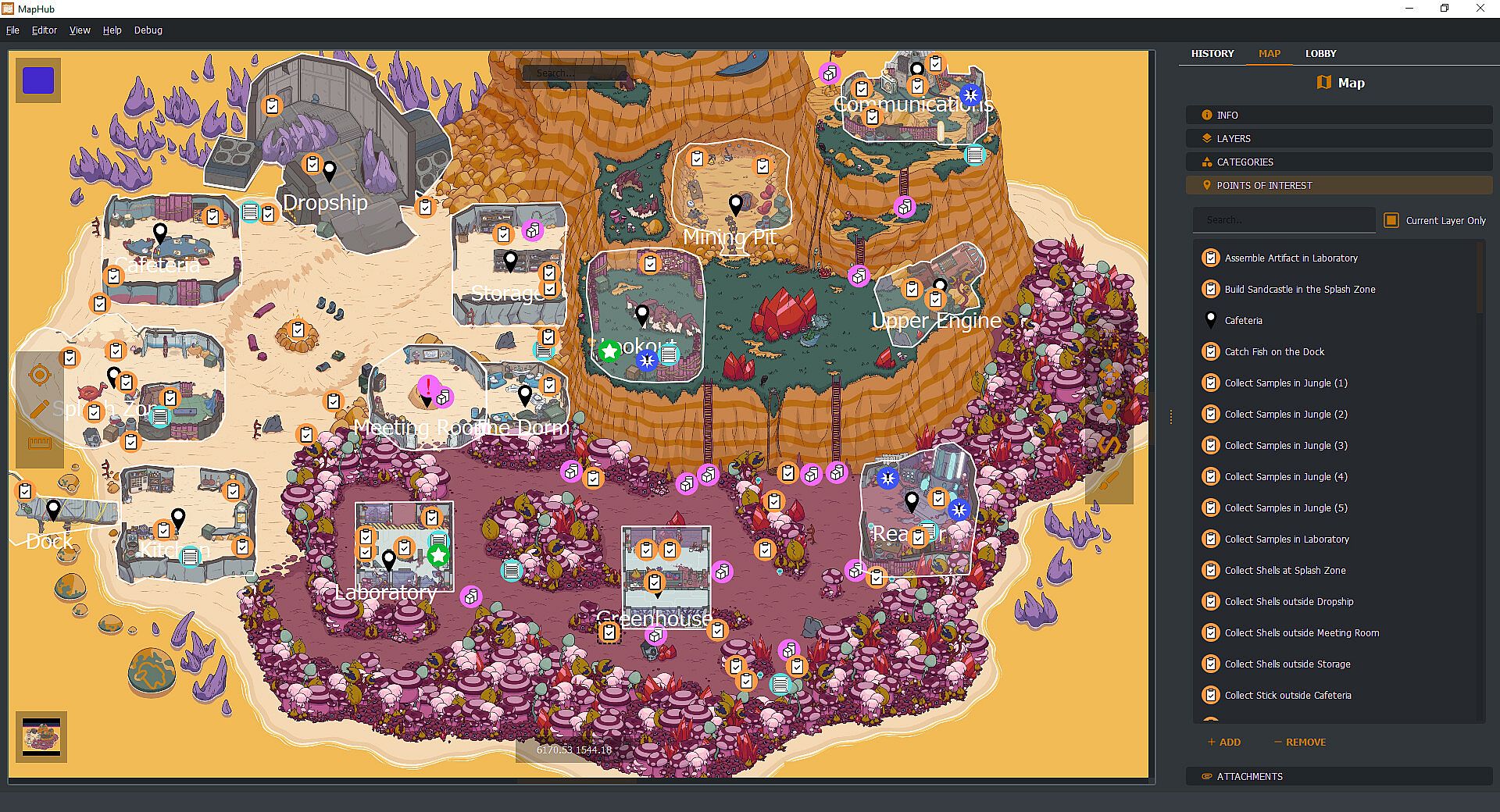
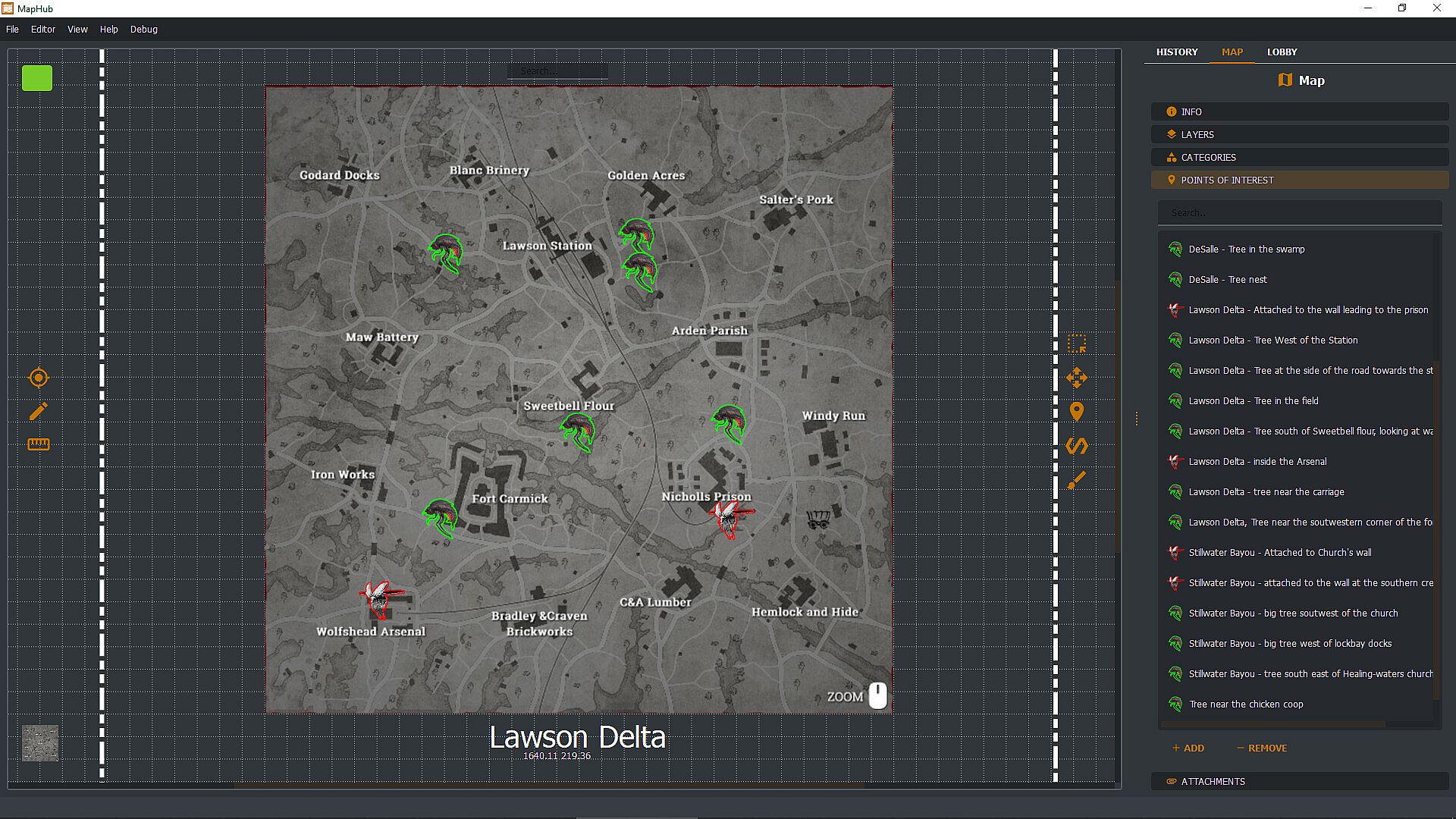
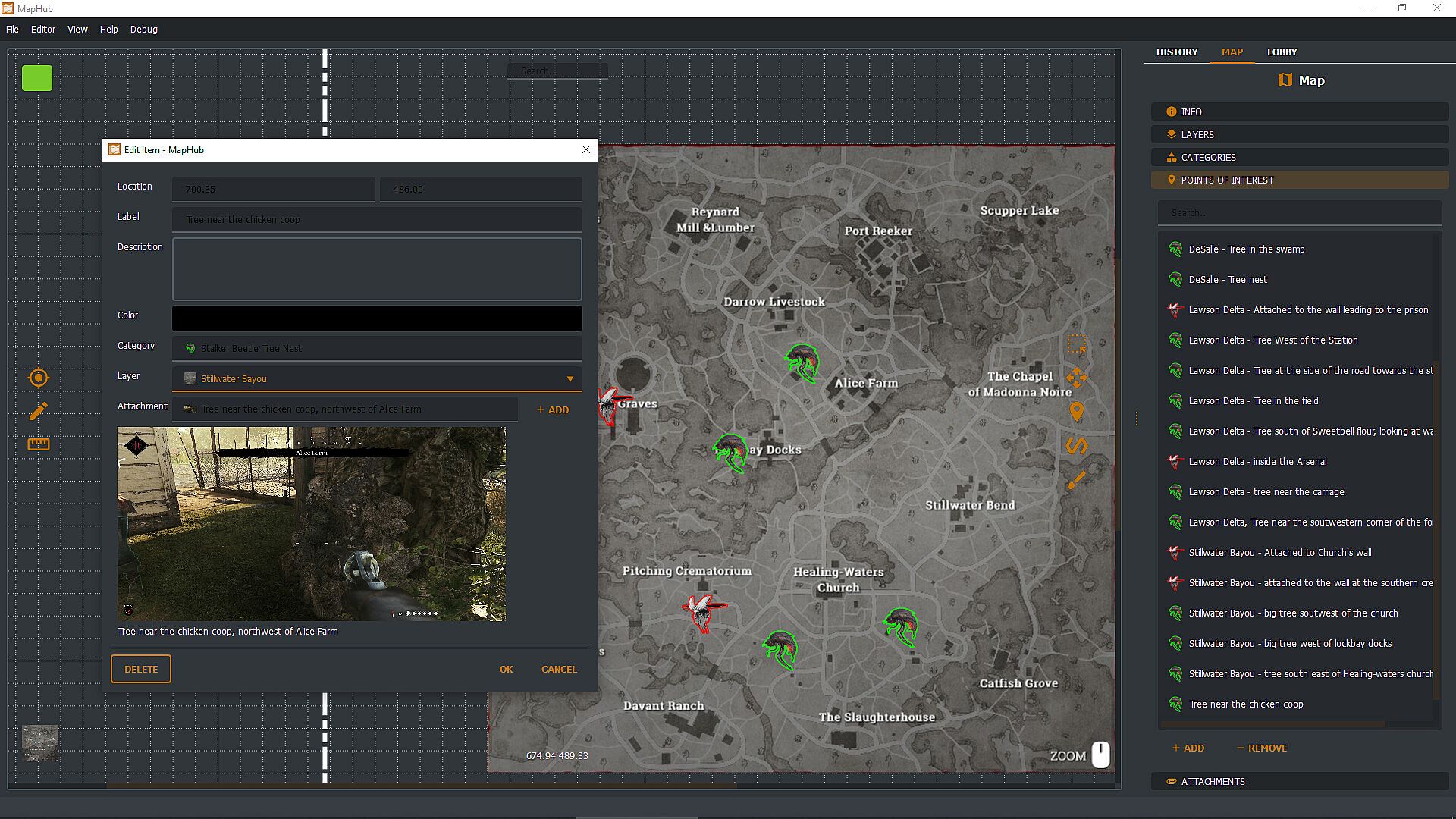
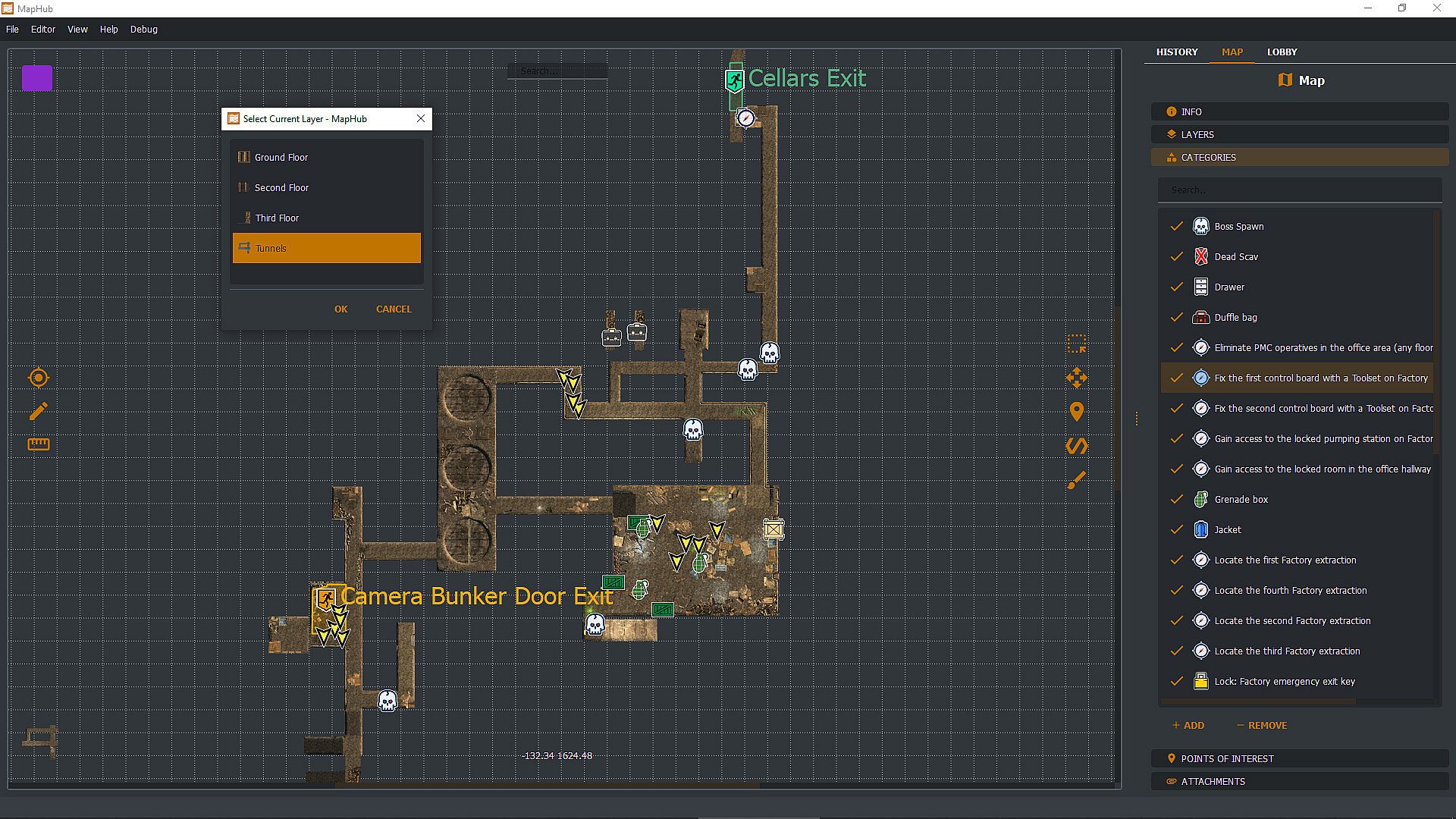
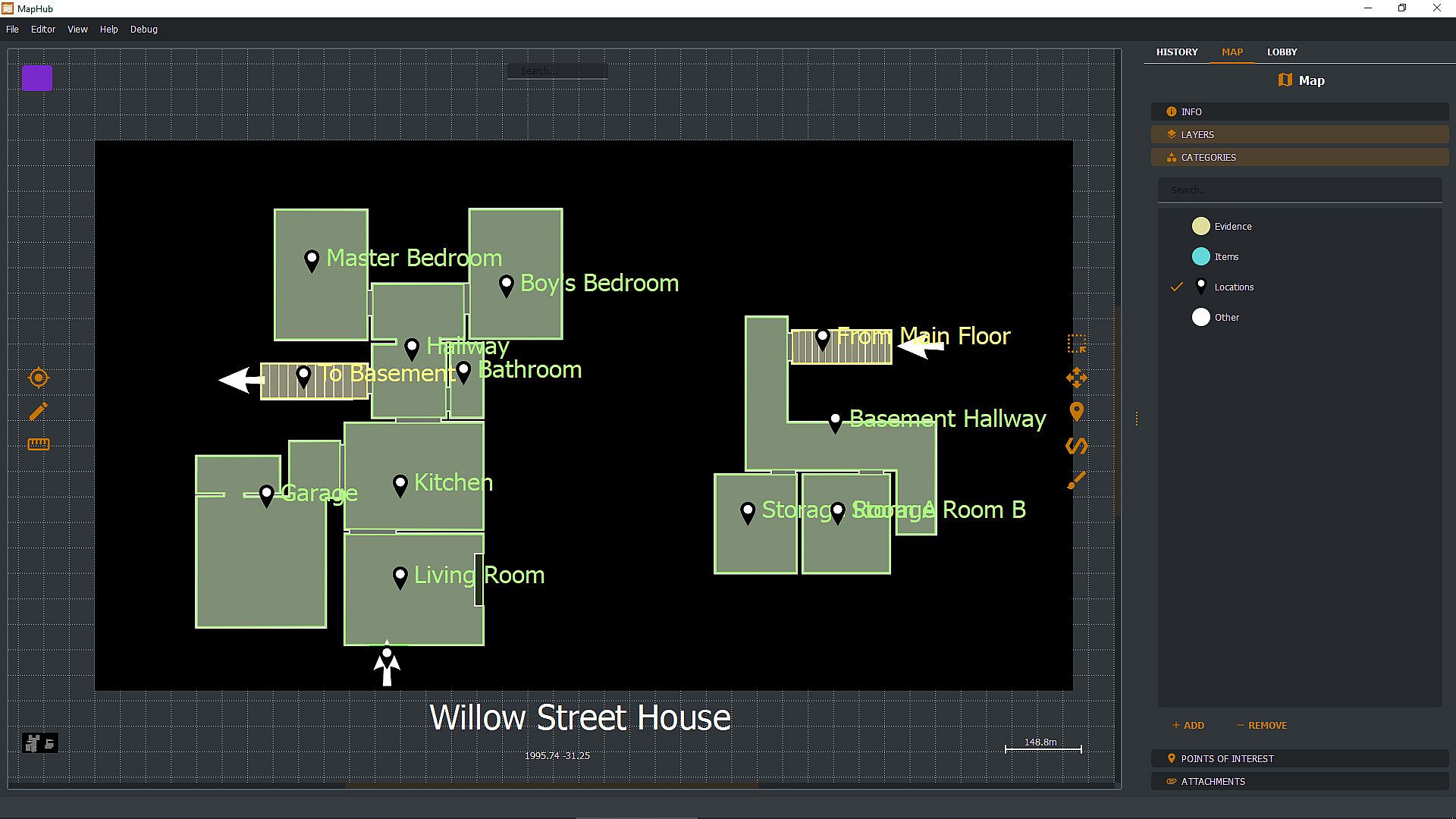
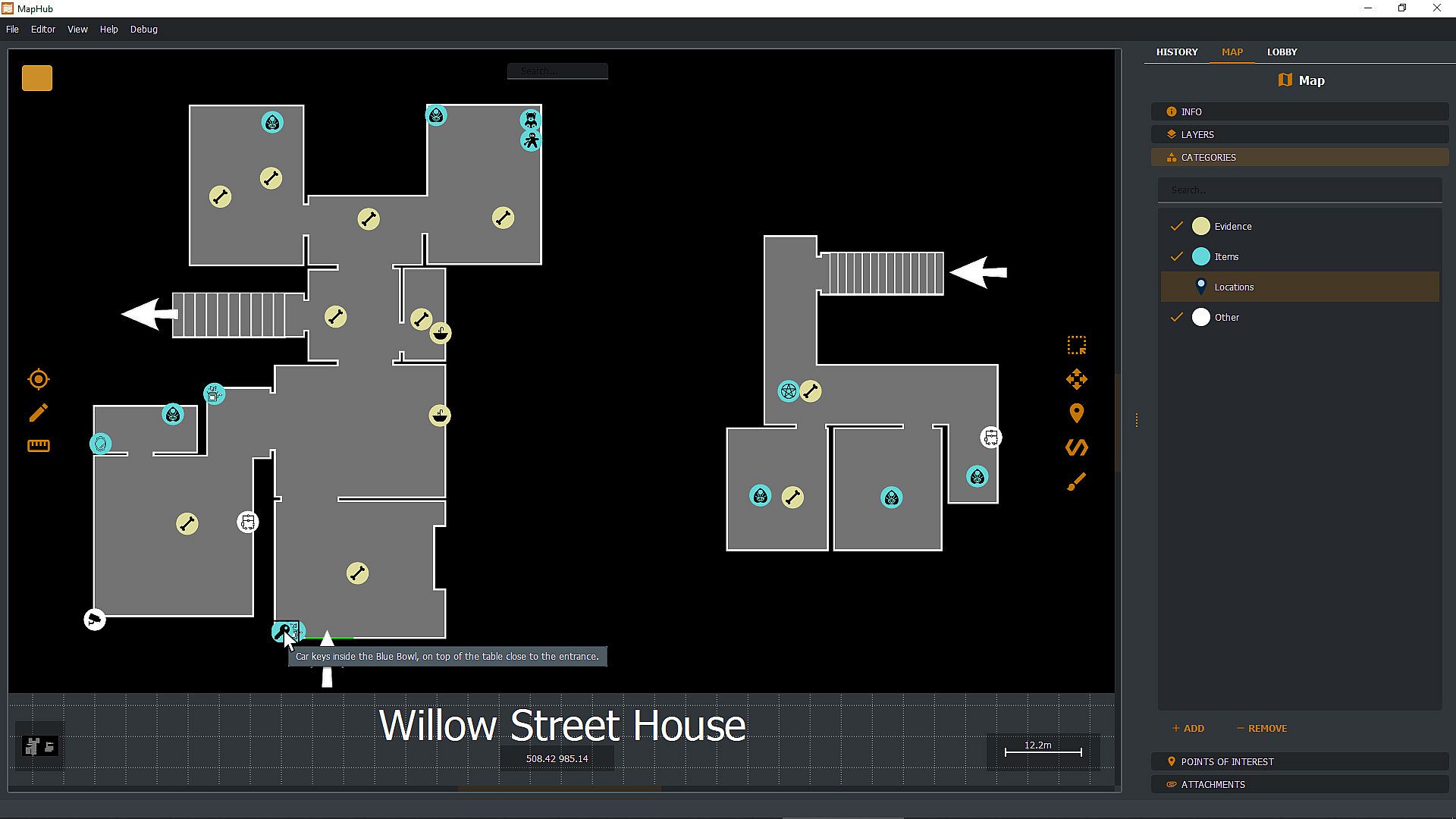
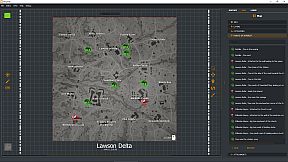
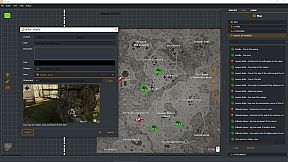
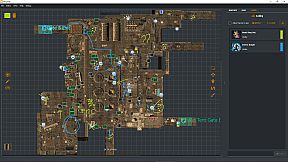
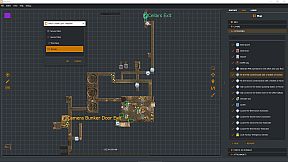
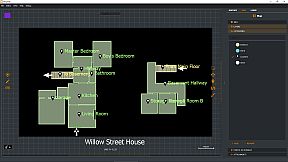
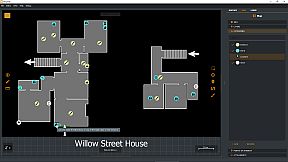
Create custom loot maps in MapHub by marking key points of interest, organizing categories, attaching screenshots, and tracking quests. Share your maps via native Steam Workshop support or browse community creations, all within a gamer-focused app. Invite Steam friends to the lobby for chat coordination and shared drawing tools to pinpoint loot spots effortlessly. Pull up maps on a second monitor or overlay them on borderless windowed games with a hotkey-ideal for dual setups. Keep maps private, friends-only, or public with automatic Steam cloud sync for seamless access across PCs. This one-time purchase utility suits multiplayer gamers who collaborate on maps without subscriptions or curated content.

With MapHub, you can create your own lootmaps with key points of interest, categories, screenshot attachments, and quest tracking and join a new and exciting community!

MapHub has been built with native Steam Workshop Support and Steam Social Features: this means that you can share your maps with the community or browse maps made by other players, all from the comfort of an application designed for gamers, by gamers.

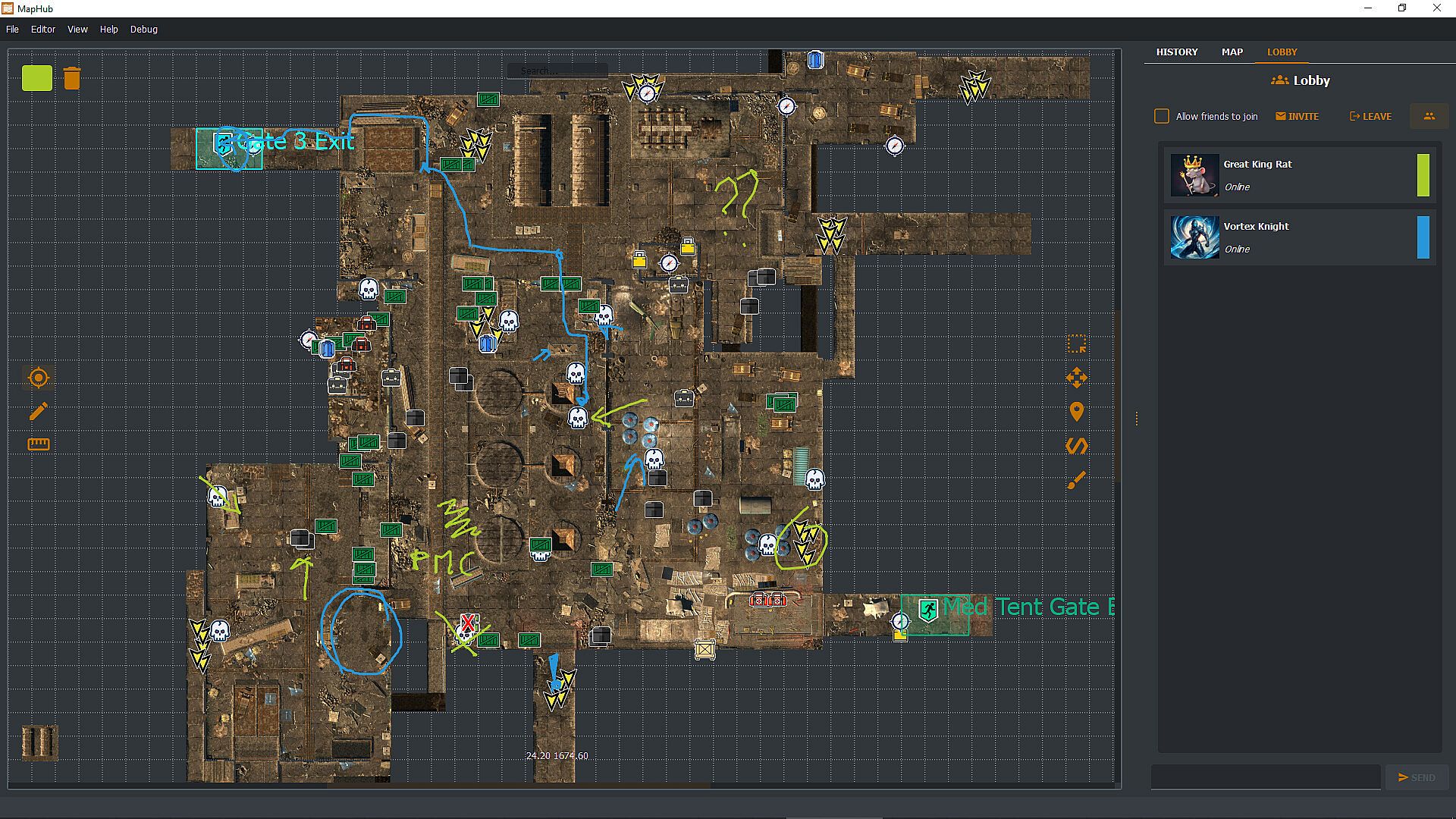
Invite your Steam friends into the MapHub lobby: coordinate with a built-in chat and shared drawing tools. Yes, your friends will draw something inappropriate, but it will be much easier to tell them where the loot is rather than screaming "There! There!" over and over. And you can draw something inappropriate too!

MapHub works better with a dual-monitor setup—one for your game, one for MapHub. However, you can also pull up and overlay any map on any other game (as long as the game is not using fullscreen mode) with a quick and simple hotkey press.
Frequently Asked Questions

Q: Is this a subscription service?
A: No! You buy a license for MapHub once, and it's yours forever. No strings attached.

Q: Do you provide curated maps?
A: No, we provide a general-purpose tool and a platform for the community to collaborate. While we have uploaded a few demo samples on the Steam Workshop, these are not part of the product itself but rather demos to get the community started. You're buying a software license, not any map or map service.

Q: Can I draw map tiles or icons inside MapHub?
A: No, you'll need to bring in such assets from a different source. You can import them as JPGs or PNGs or use our in-application tool to generate icons (but not tilemaps) from emojis or text.

Q: Can I keep my maps private, or will they be automatically published in the Steam Workshop?
A: You can set the visibility of your maps to Private, Friends Only, or Public. MapHub will automatically sync the content to Steam's cloud, so you don't have to worry about losing your work when you move from one PC to another. That said, you can, of course, choose to keep all your maps private.

Q: Does MapHub's overlay work with fullscreen games?
A: A game can LOOK fullscreen, but internally, it might be using the "real" fullscreen mode offered by the Windows Operating System, or it might "fake it" using a borderless window mode. MapHub's overlay will work only in the latter case: without getting too technical, taking over draw calls of another executable might be considered a cheat by some anti-cheating software, and for this reason, our philosophy is to be unobtrusive, so a "real" fullscreen overlay won't work. MapHub doesn't give you any unfair advantage, as you can alt-tab or use a second monitor to view any map without MapHub. The drawback is that we cannot offer you an overlay over fullscreen games. MapHub works better on a dual-screen setup or by simply alt-tabbing a borderless windowed game. Always check your game's options to see if they offer a borderless windowed mode—most of them do.

Q: Can MapHub work without Steam?
A: No, the nature of the Steam Workshop API and Steam Lobby makes MapHub a Steam exclusive. We do not have plans to make a version stripped of such features.
Interface:
GermanEnglishSpanish - SpainFrenchItalianJapanesePortuguese - PortugalPortuguese - BrazilRussianUkrainian

Age rating

Unavailable
Steam:
Overwhelmingly Negative (1)

Minimum:

  • OS: Windows 10 64 bit
  • Processor: If you can run windows you can run MapHub
  • Graphics: Overlay requires borderless window mode.

Recommended:

  • OS: Windows 11 64bit
  • Processor: If you can run windows you can run MapHub
  • Graphics: Overlay requires borderless window mode.
Historical low
Price history from official stores
-
-
-
Price history from keyshops
-
-
-

FAQ

8 questions

Before you start looking for a cheap MapHub PC key, check the essentials. Developed by Evolved Labs. Published by Evolved Labs. PC released date: 11 July 2024. Genres: Early Access, Utilities. Categories: Steam Workshop.

Q

Where to buy a cheap MapHub Steam key or CD key?

There are currently no active offers for MapHub. Set a price alert on XD.deals and we will notify you the moment a deal becomes available.

We don't have a current Steam Store price for MapHub. The game may be temporarily unavailable or not yet listed on Steam.

Our price tracker covers both official retailers and key marketplaces, so you can find MapHub on sale even outside seasonal promotions. We currently detect 0 active offers from official stores and keyshops. Check the table above, compare against the historical low, and set an alert so you never miss the next price drop.

Based on our data, MapHub is not currently available on GeForce NOW. You will need to run it locally on your PC. Browse games available on GeForce NOW.

Yes. MapHub has an official page on the Steam Store, but we currently don't track any third-party offers with Steam DRM. Check back later or set a price alert.

Not at this time. Valve marks MapHub as Unsupported on Steam Deck. Keep an eye on XD.deals - we track Proton updates and community fixes. Browse games that are Steam Deck Verified or Steam Deck Playable.

MapHub does not appear to be available on PC Game Pass, EA Play, Ubisoft+ or any other PC subscription service at this time. Your only option is purchasing the game - use XD.deals to find the best price.

No - XD.deals is not a store. We are a price-comparison service that tracks the best MapHub deals across official stores and verified keyshops. Click "Go to Store" next to any offer and you will be redirected to the retailer's website to complete your purchase.

Want to buy at the best moment? Set a price alert on XD.deals and get notified when MapHub hits its next historical low.

Create Alert
Join our Discord
Get instant help from our community and stay updated on the latest deals
Set Price Alerts
Get notified by email when game prices drop to your target
Create Free Account
Unlock wishlists, price alerts, and Steam sync