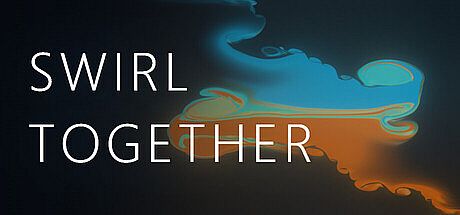




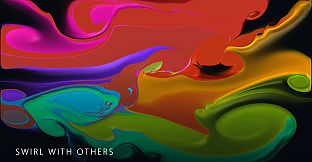
Swirl Together stands out as a simulation game centered on collaborative digital painting. Players work together or alone on a shared canvas, experimenting with colors, textures, and motion in a sandbox environment designed for creative expression rather than competition or narrative progression.
Gameplay
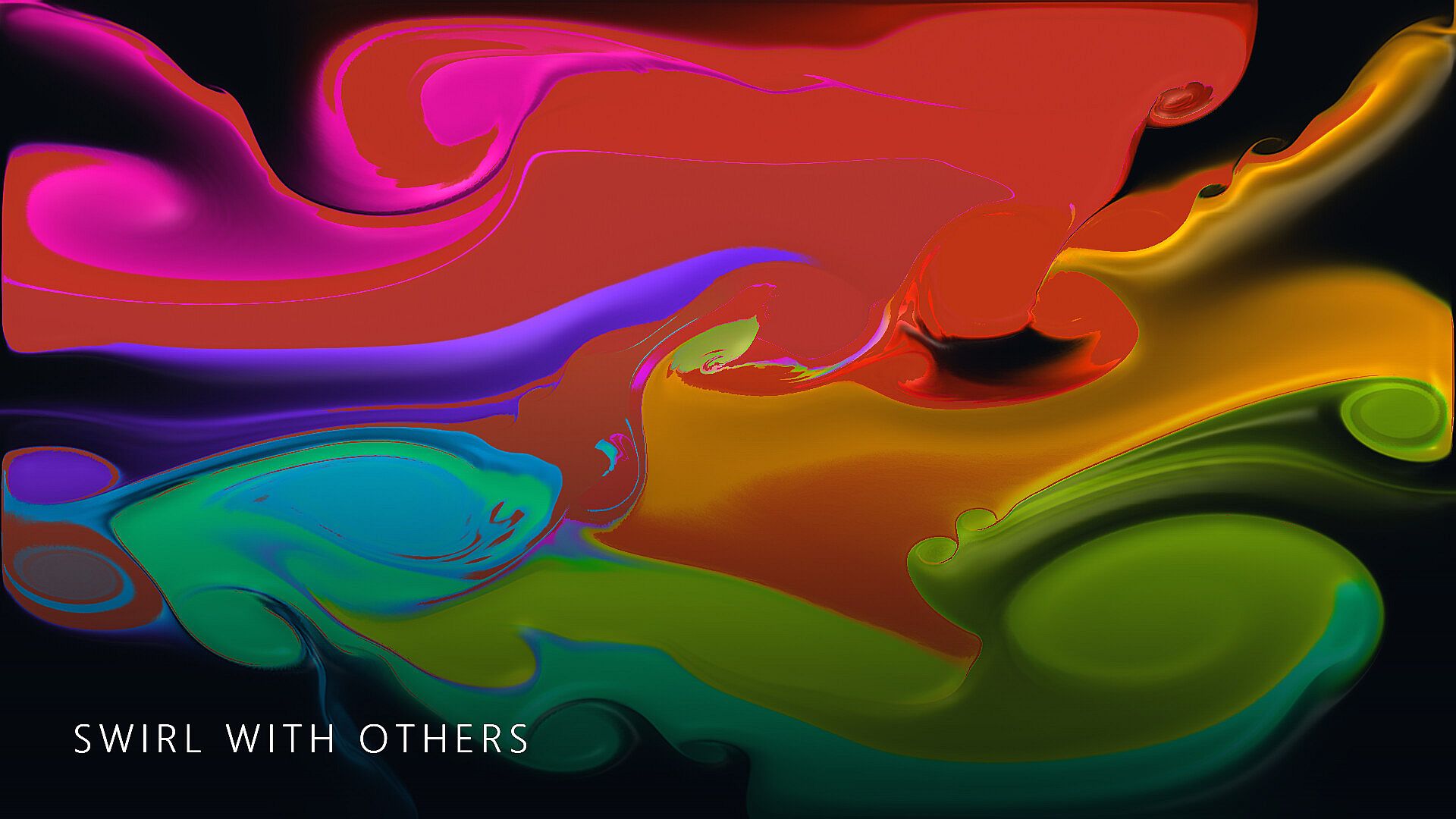
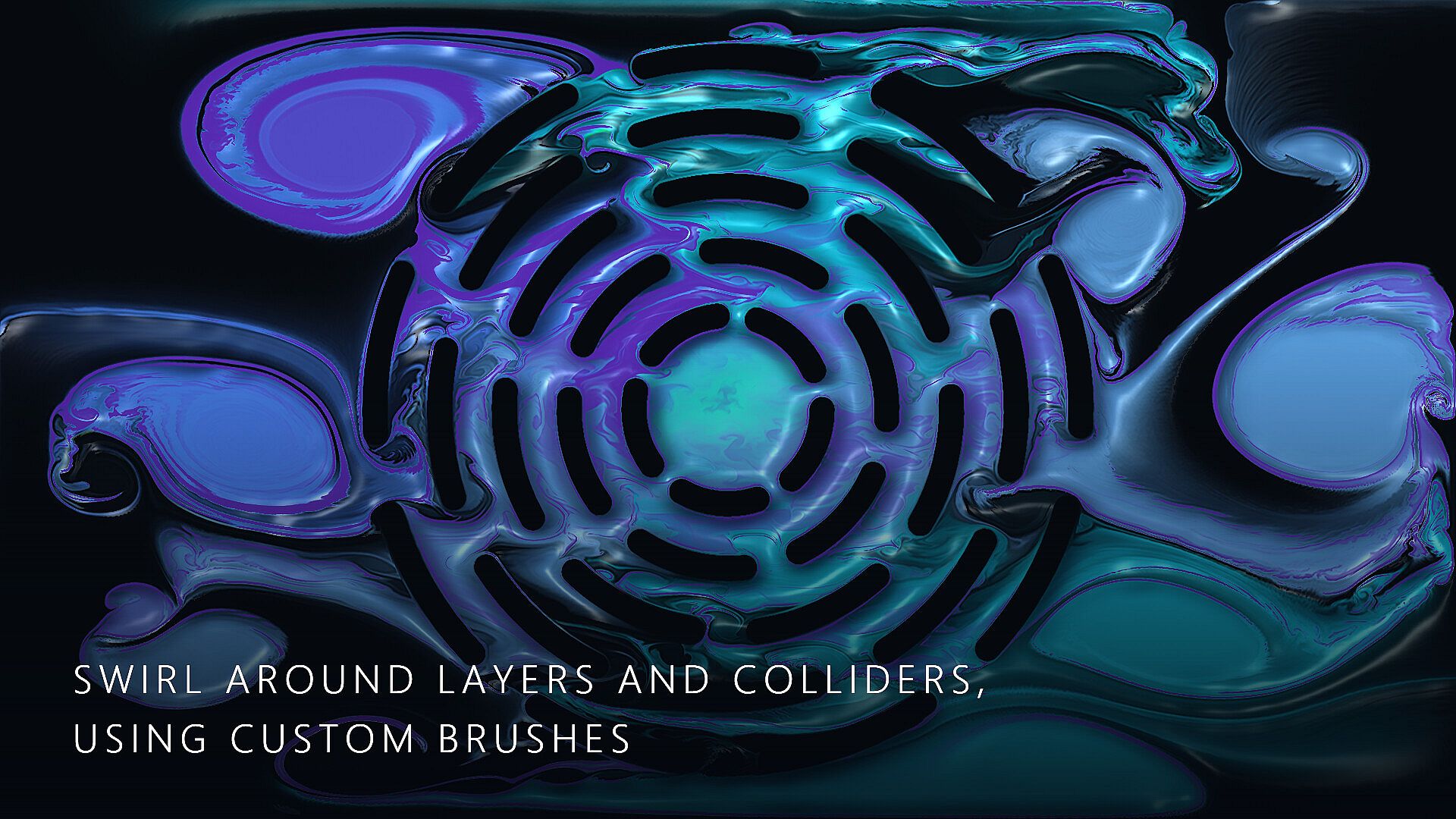
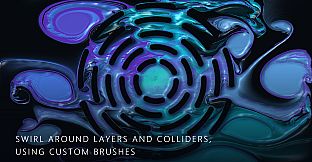
The core loop revolves around applying paint to a canvas using different materials that behave according to their properties. Fluid paint spreads and moves freely, wet paint settles and dries over time, and thick paint builds up in layers that create physical depth. These materials interact through a collider system that respects object boundaries and a layering system that allows elements to stack or blend in controlled ways.
Brush customization forms a key part of the experience. Users import images to create custom brush tips, then apply masking tools powered by local models that segment and isolate areas automatically. Once brushes are set, additional effects come into play through color shifting that alters hues dynamically, along with glow, relief, and gloss options that add visual dimension without requiring separate tools.
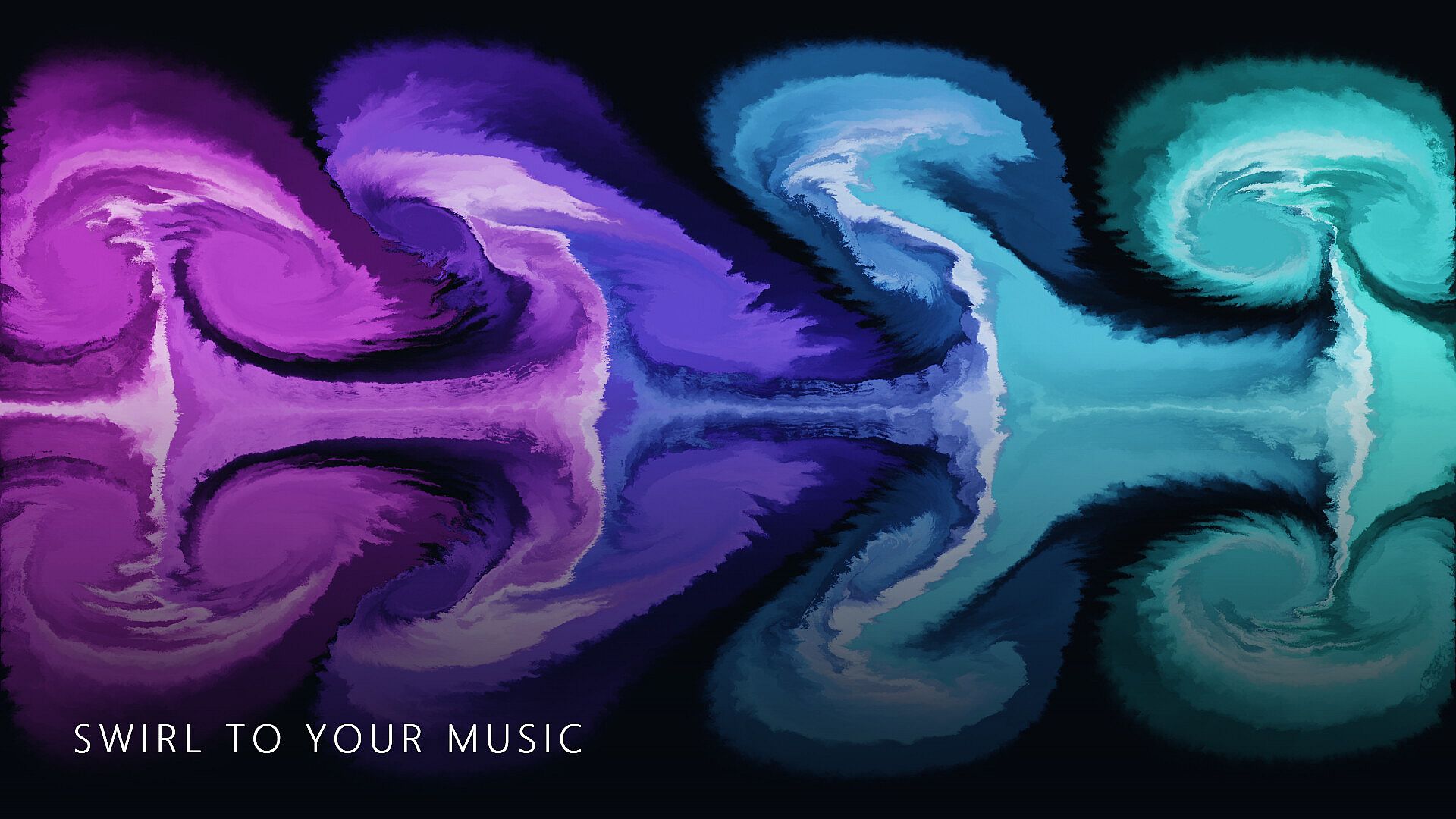
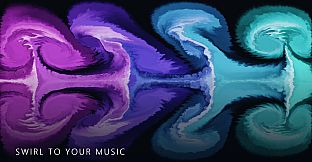
An audio integration layer ties sound directly into the painting process. The system accepts input from a microphone for real-time influence, routes audio from speakers, or processes an uploaded music file to affect brush behavior or canvas elements. Export functions support saving progress as video files, animated GIFs, static images, or sequential PNG frames, while the canvas itself can be stored for later sessions.
Game Modes
Cooperative sessions allow two to eight participants to paint simultaneously on the same canvas, with changes from each user appearing in real time for the group. Solo play removes the multiplayer element but retains full access to all tools and materials in an open sandbox format.
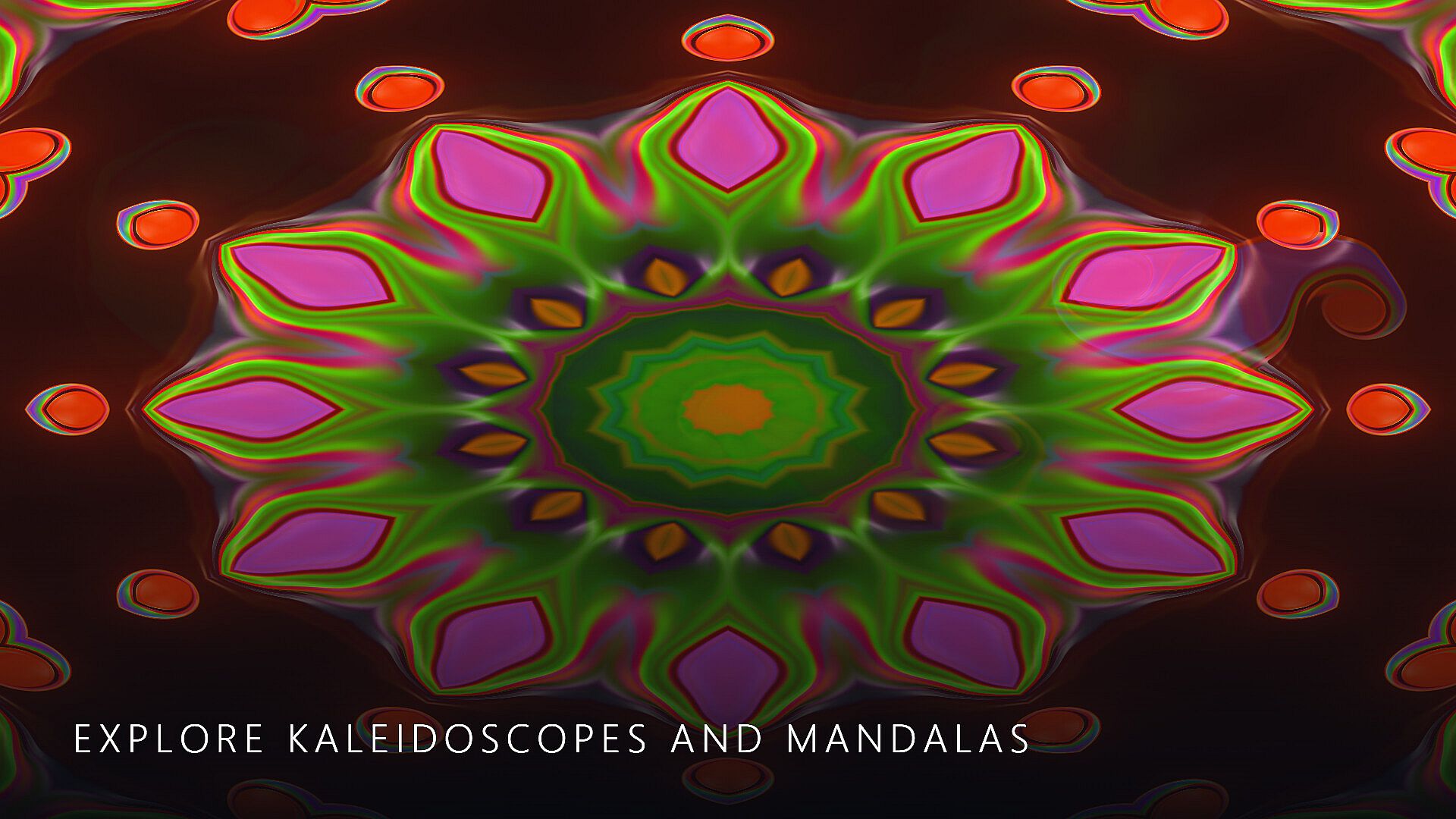
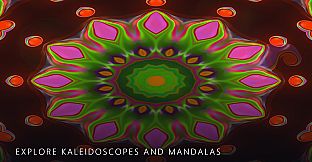
Specialized modes introduce symmetry and repetition. Kaleidoscope mode generates mirrored patterns across multiple axes, while Mandala mode focuses on radial recursion that builds intricate circular designs from simple strokes. These modes operate alongside the base painting tools and can be toggled during a session.
Presets capture specific brush settings, material combinations, and effect configurations. These files save locally and transfer between users, enabling consistent starting points or shared creative templates across different canvases.
Creative Tools and Systems
The masking and segmentation features rely on on-device models that process images without external dependencies. This setup supports precise isolation of areas for targeted painting or effects application. The collider system extends beyond basic boundaries to handle complex interactions between paint layers and custom elements.
Layer management allows users to organize elements by depth and order, with adjustments possible at any stage. Combined with the three paint materials, this creates opportunities for textures that evolve as wet layers dry or thick applications accumulate.
Is It Worth Playing?
Swirl Together appeals directly to individuals seeking a focused creative simulation that emphasizes collaboration and technical painting mechanics. The verified feature set supports extended sessions of experimentation, whether in solo mode for personal projects or group sessions where multiple inputs shape a single outcome.
Those who value tools for symmetry, audio-reactive elements, and export flexibility will find the systems align with iterative artistic workflows. The absence of competitive structures or progression gates keeps the emphasis on open-ended creation, making it suitable for players who prefer sandbox-style exploration over structured challenges.
With its emphasis on material simulation and shared canvas access, the game suits artists, designers, or hobbyists interested in digital painting that incorporates physics-like behaviors and group input. Solo users retain complete functionality, while groups benefit from synchronized contributions that produce results distinct from individual efforts.