











PlayStatus - Media & Controller Battery Overlay PC

Gdzie znaleźć najlepszą ofertę na PlayStatus - Media & Controller Battery Overlay na PC (Steam)? Porównaj ceny z 1 sklepów i wybierz najlepszą opcję spośród 1 ofert dostępnych na XD.deals. Obecnie najniższa cena PlayStatus - Media & Controller Battery Overlay na PC w keyshopach jest na 22,99 zł (0% taniej).

Premiera: 02 lut 2024
Wydawca: CKProductions
Developer: CKProductions
Steam:
Mixed (24)
Keyshops
Brak dostępności
Kup w oficjalnym sklepie:
22,99 zł
Kup w keyshopach:
Zobacz historię cen

Sklepy oficjalne (1)

DRM:
Steam
Steam
Steam
PlayStatus - Media & Controller Battery Overlay
Windows
14tyg temu
DRM:
Steam
Steam
22,99 zł

O PlayStatus - Media & Controller Battery Overlay

PlayStatus - Media & Controller Battery Overlay - o grze

Stay on Top of Your Game with Smart Controller Monitoring

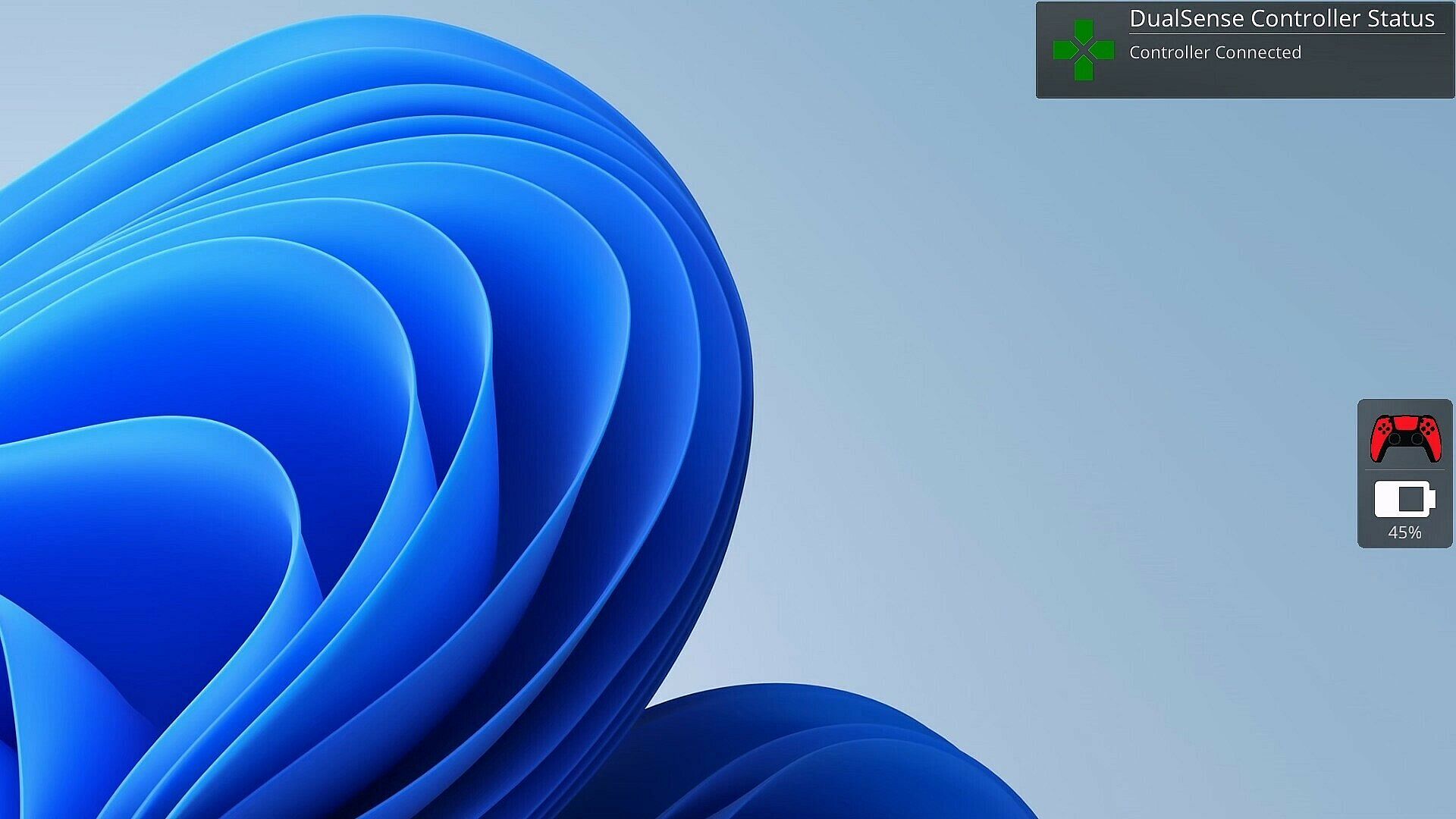
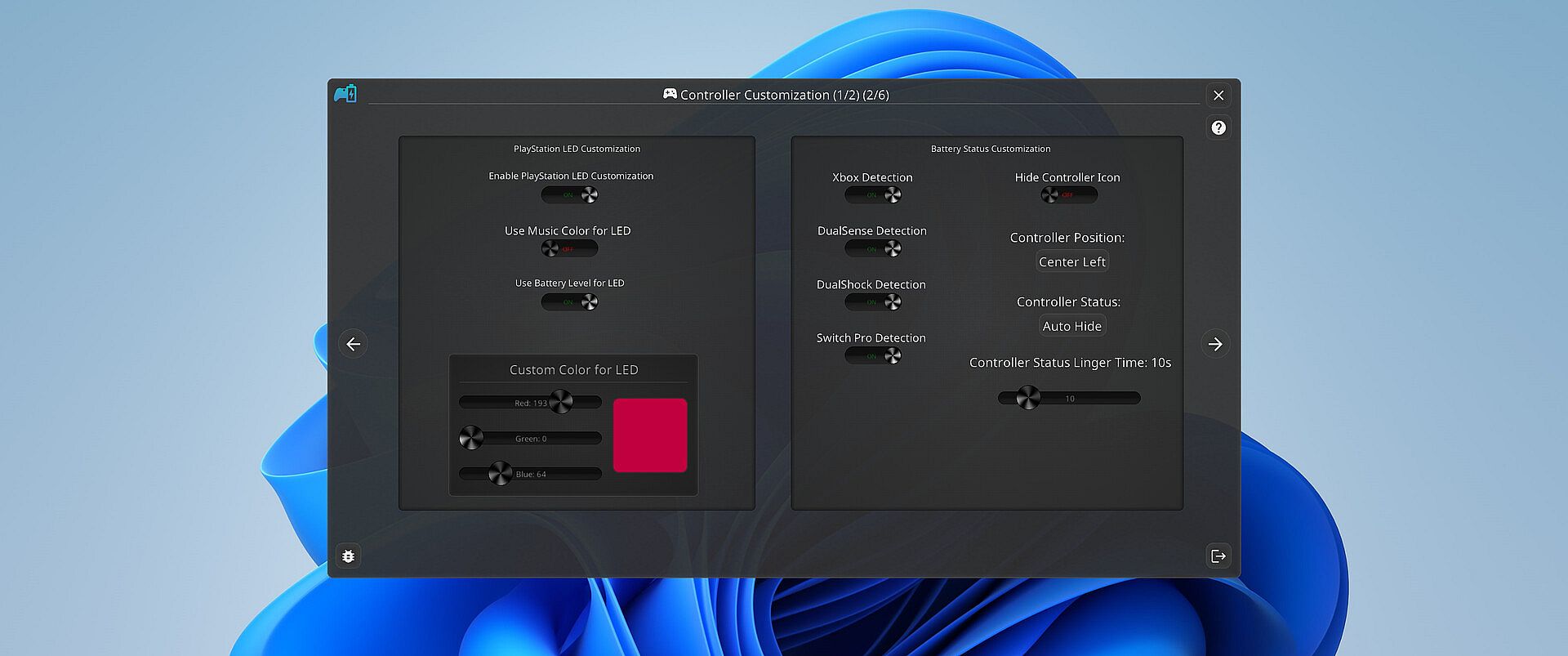
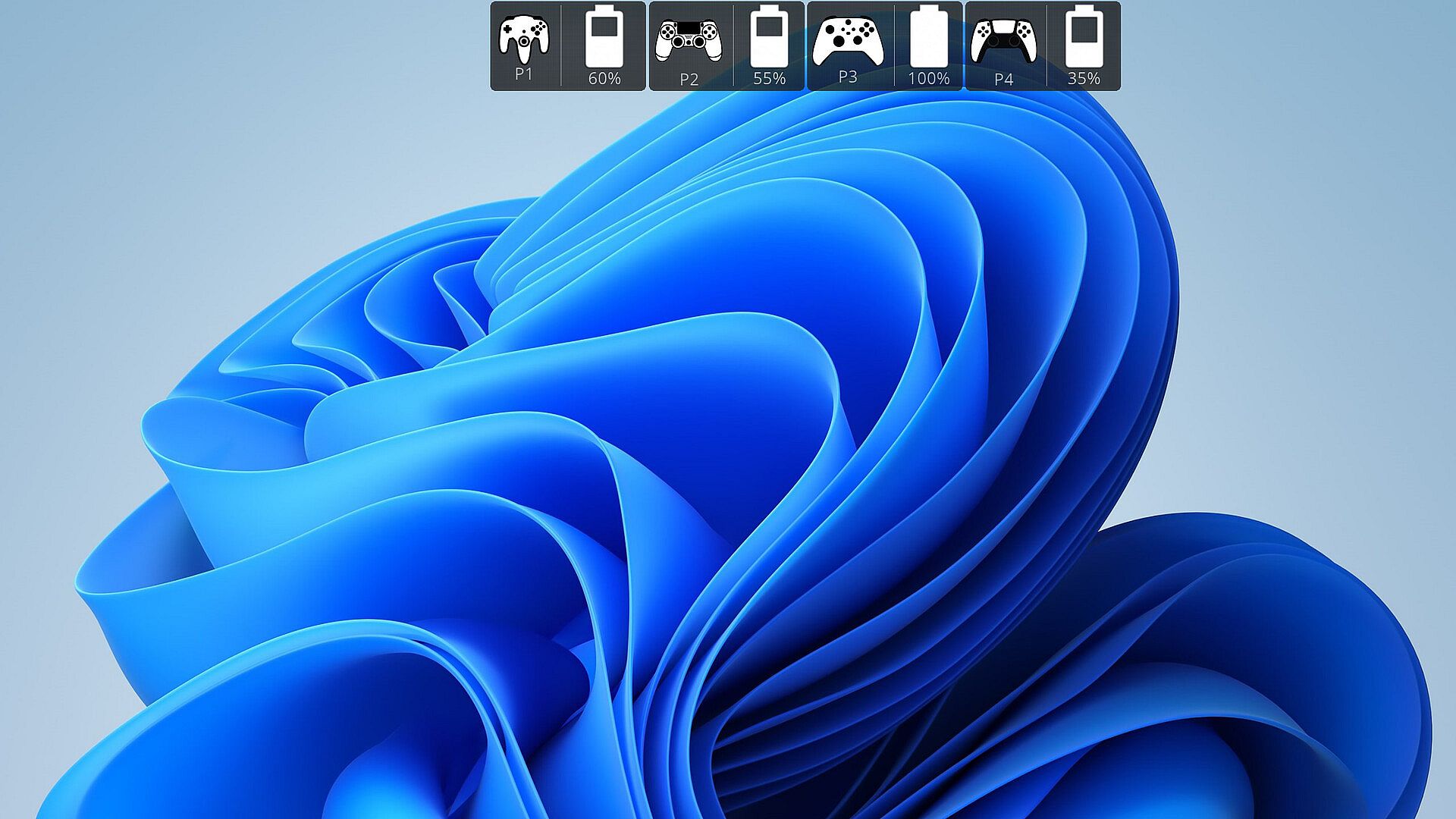
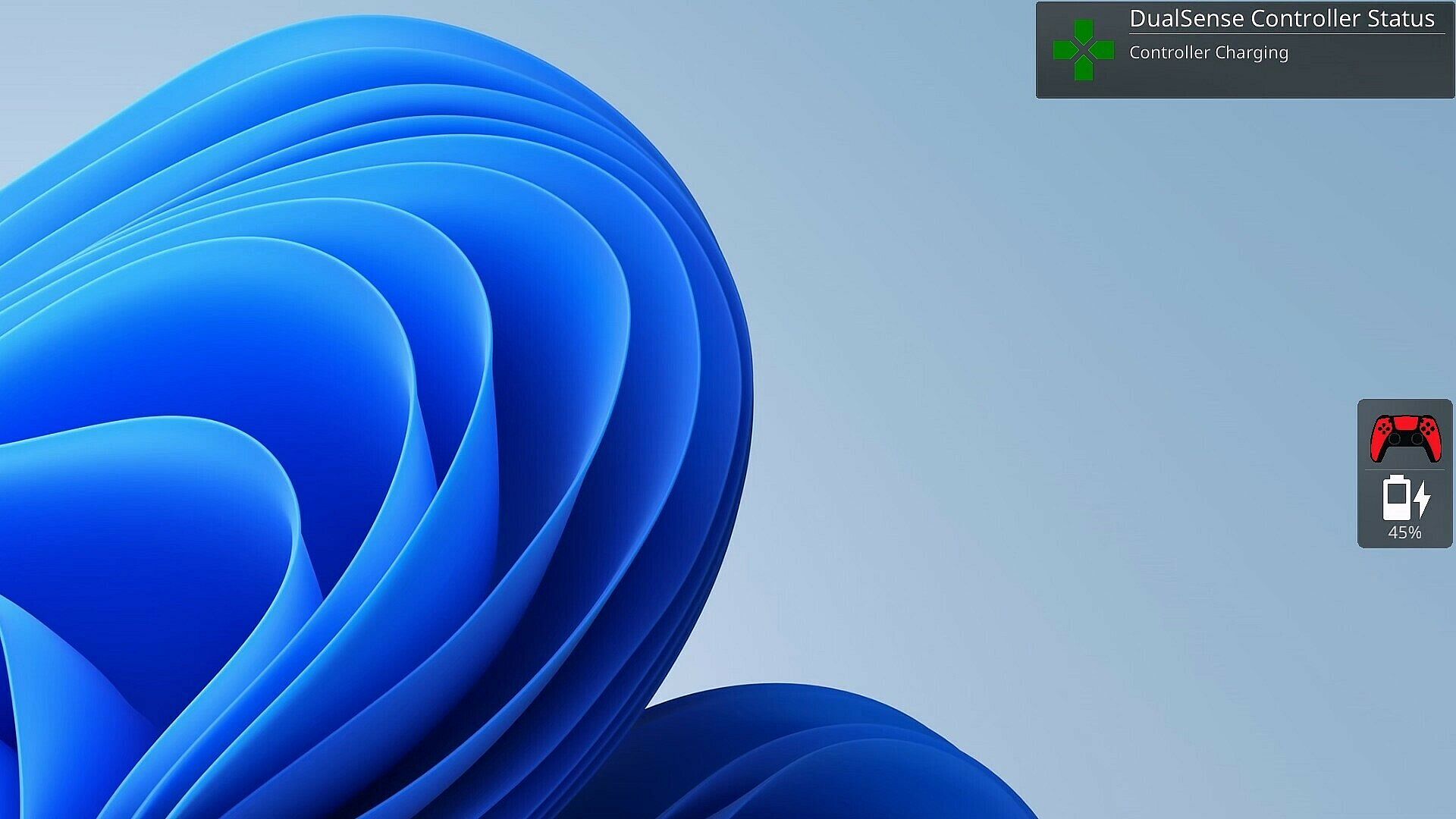
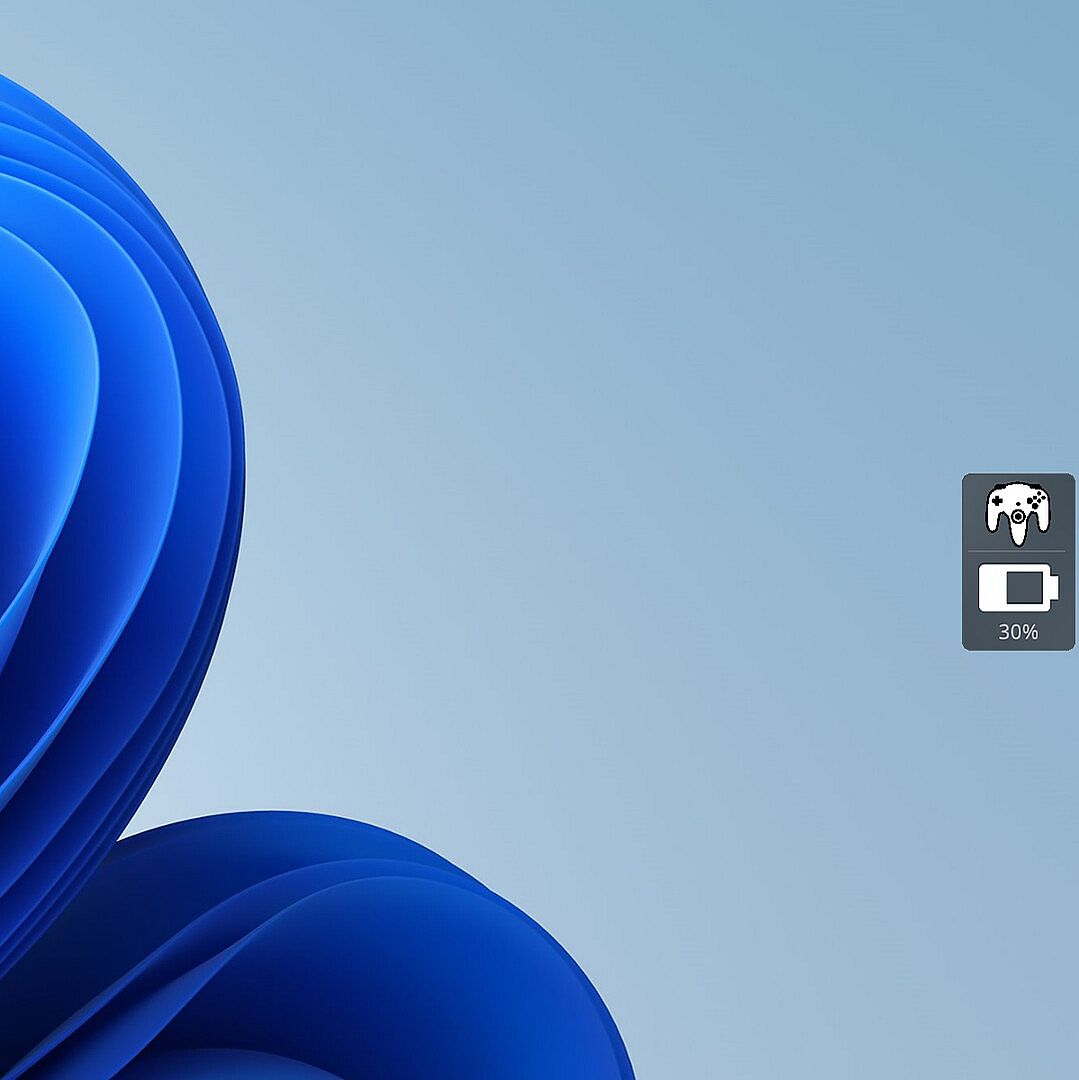
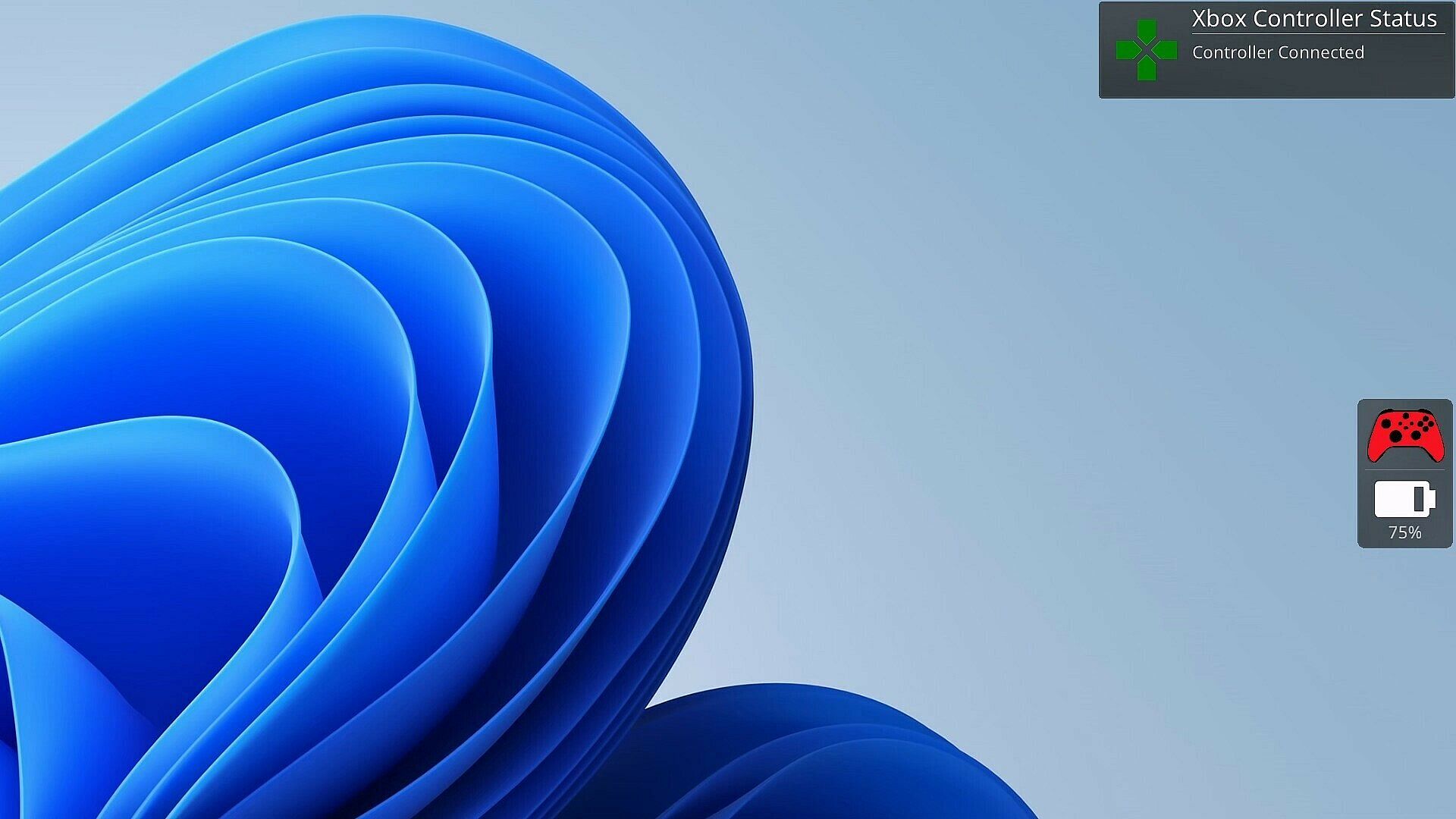
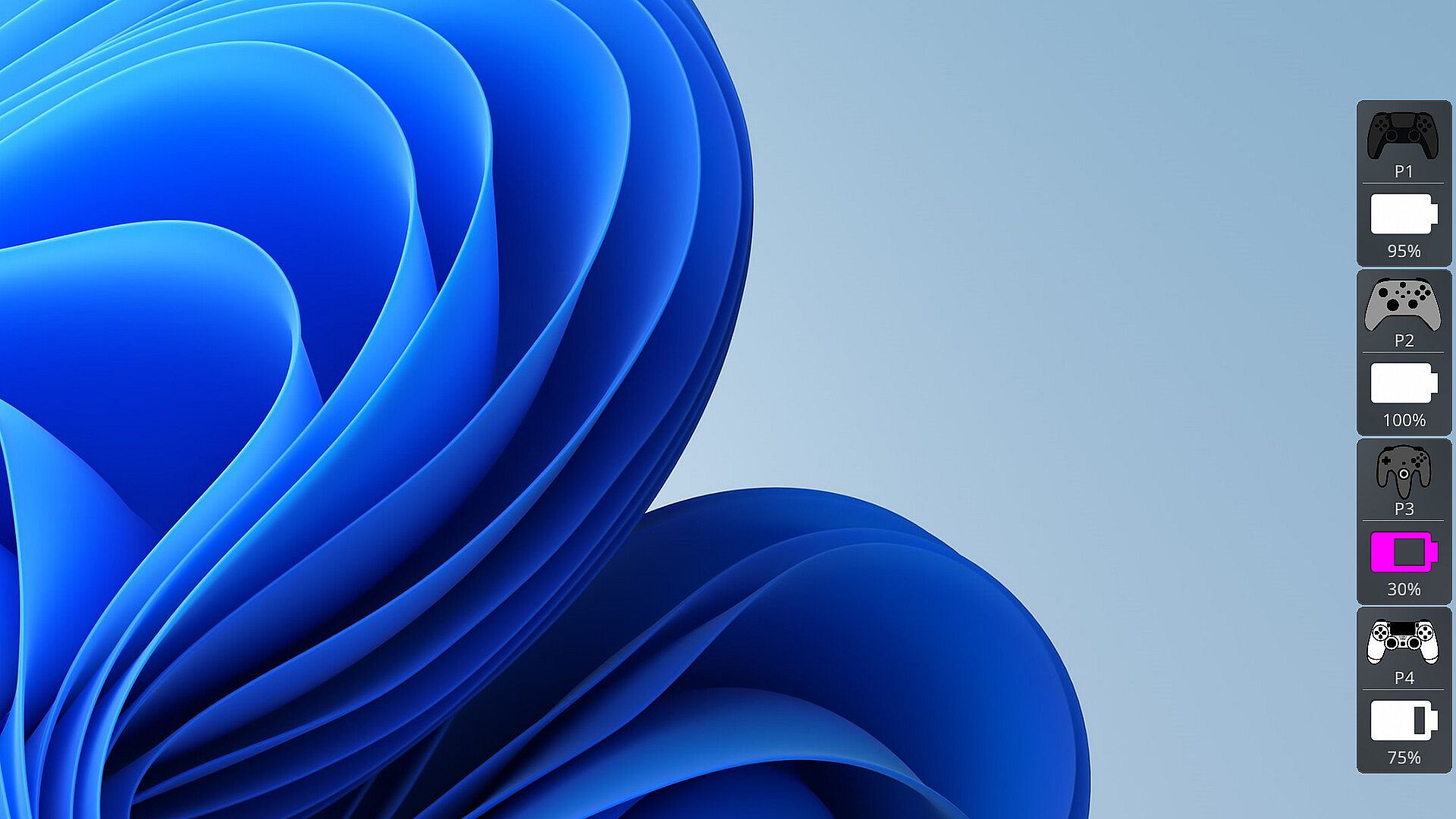
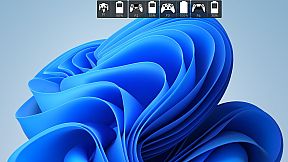
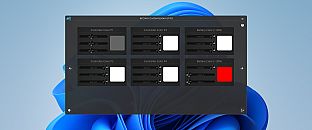
As a gamer, there's nothing worse than your controller dying at a critical moment. PlayStatus is here to ensure that never happens. Whether you're using a Dual Sense, Xbox or Nintendo Switch Pro controller, PlayStatus diligently tracks your controller's battery life, delivering real-time updates on battery changes. It alerts you when your controller starts charging or discharging, allowing you to stay immersed in your game without any unpleasant surprises. Not only that, but when you are playing with others, PlayStatus will also keep track of those controllers as well (given they're supported)!

Important Information for Best Experience

  • Compatibility Notice: PlayStatus does **NOT work on Steam Deck or any Linux distribution using Proton.

  • Unsupported Hardware: Xbox Wireless Adapter and other USB controller adapters are not supported. Connect controllers via Windows Bluetooth settings.

  • Windowed Borderless Mode Required: PlayStatus works only in windowed borderless mode, not in exclusive fullscreen.

Enhance Your Gaming Sessions with Seamless Music Integration

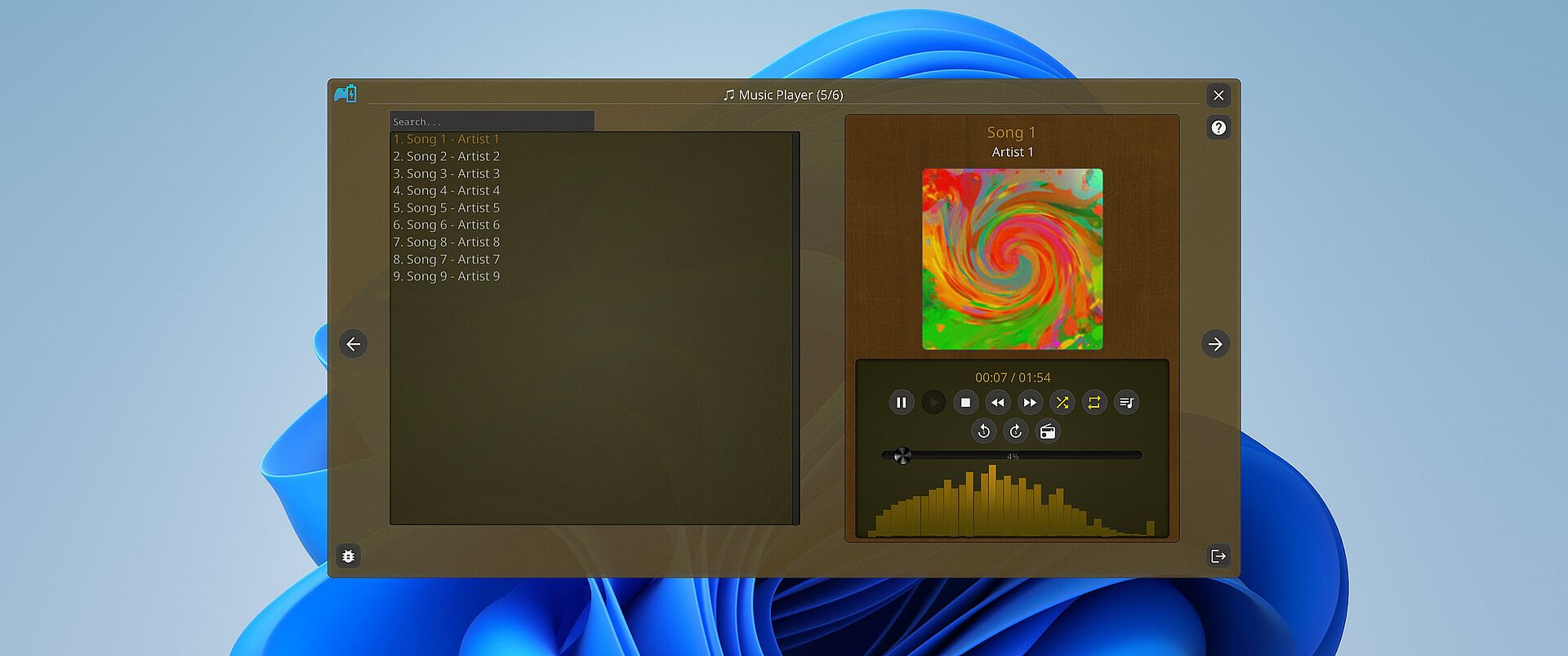
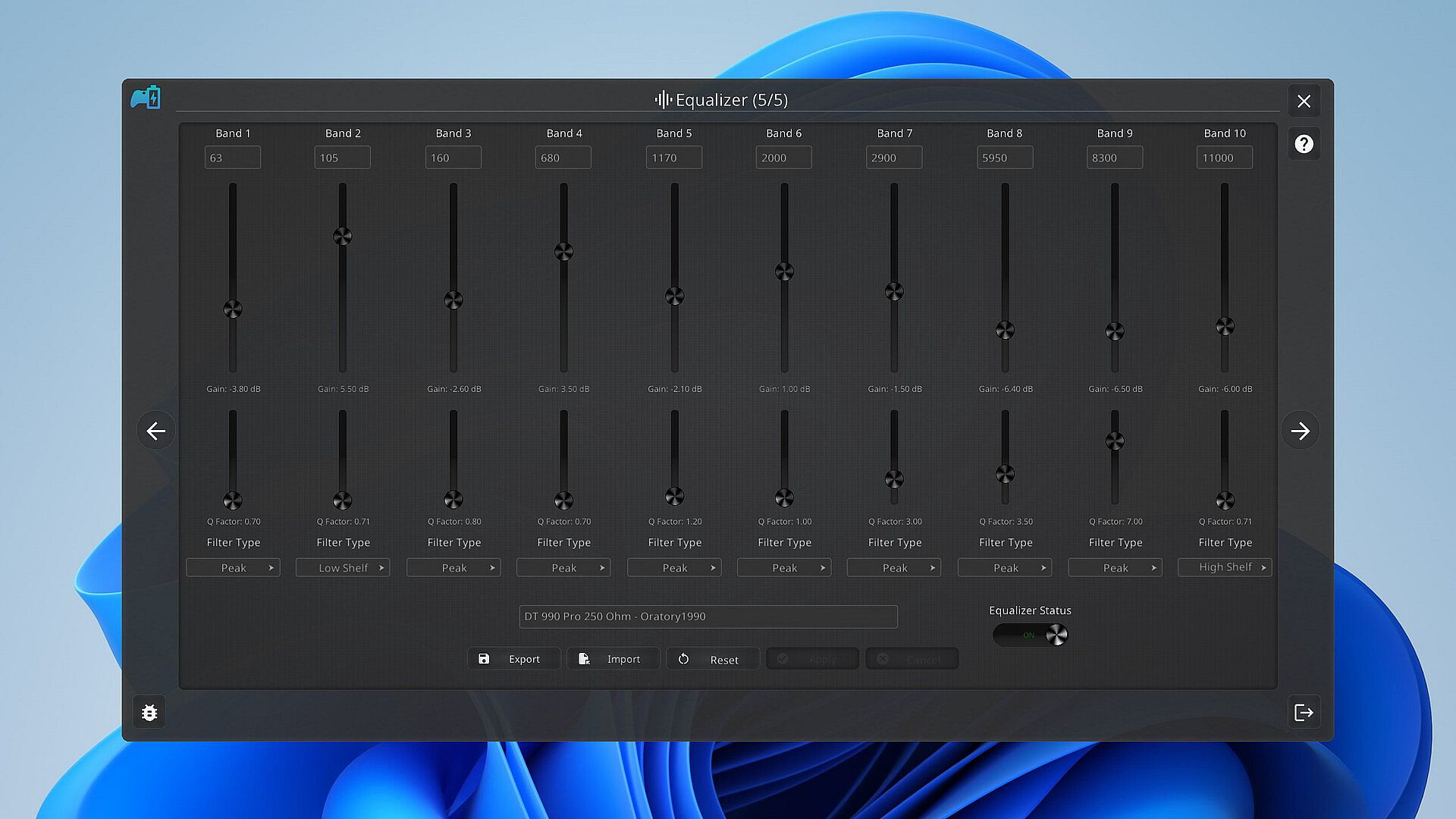
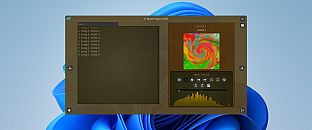
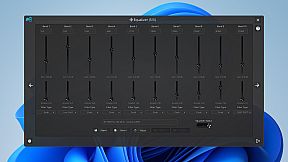
Music is the heartbeat of a great gaming session. PlayStatus features a built-in media player that can provide real-time audio visualizations and low latency audio playback! You can look forward to playing flac, ogg, m4a, mp3, or wav files with custom EQ profiles which can allow for the perfect sound for your specific audio setup.

Xbox 360 & DualShock 4 Controller Emulation

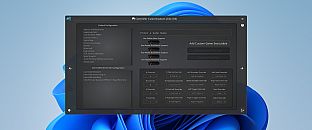
PlayStatus also offers a fully functional controller emulation system, including controller mappings and full rumble support*!

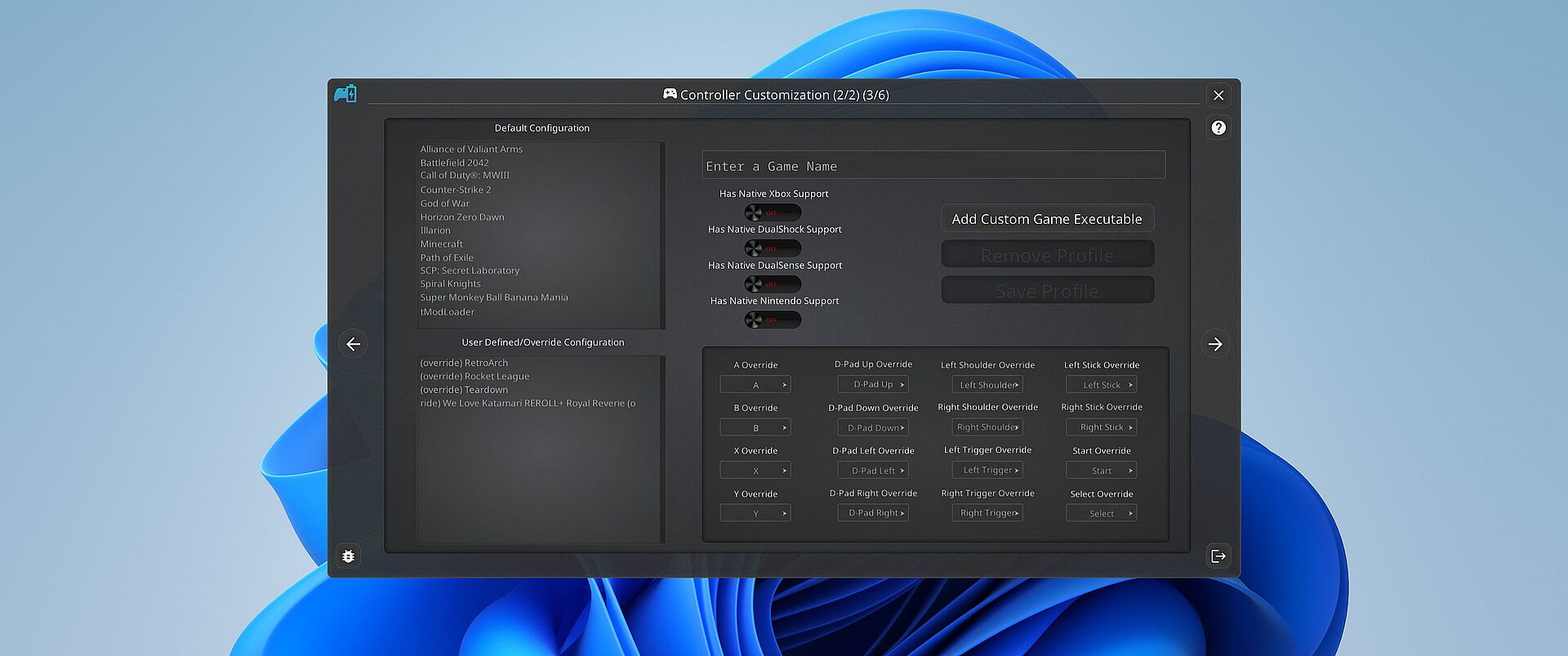
This means, if a game only supports DualShock 4 controllers, but you have an Xbox controller, PlayStatus will emulate a DualShock 4 controller for you, so you can continue to game on, no matter what controllers it supports.

PlayStatus will also optionally auto detect when games have launched, and can apply certain game mappings based on the game.

*(only for Xbox 360 controller emulation).

Why PlayStatus is a Game-Changer for You

Designed with gamers in mind, PlayStatus solves a common yet overlooked problem: the hassle of checking your controller’s battery life. Its intuitive overlay is perfect for those who play in borderless windowed mode, offering non-intrusive, real-time updates. This is all done with safety and convenience in mind; PlayStatus is completely self-contained, meaning that no Anti-Cheat or game will have any problem with PlayStatus running in the background!

Moreover, if you’re a music aficionado, you'll appreciate the ease of viewing your music without having to switch screens or pause your game. And for those who prefer a more focused gaming experience, the option to disable notifications is just a click away.

Supported Controllers

PlayStatus supports the following controllers:

  • Xbox Series or Xbox One S Wireless Controllers connected via Windows Bluetooth Settings.

  • Dual Sense controllers (DualSense Edge is experimental)

  • Dual Shock 4 controllers

  • Nintendo Switch Pro, SNES & N64 Controllers

PlayStatus will be unable to report correct battery/connection information if you are using any sort of controller emulator dongle, like a 8BitDo, or a Microsoft Xbox Wireless Adapter. Along with that, it is very important to follow the in-app instructions for set-up.

OS Support

PlayStatus supports Windows ONLY. Running via Proton, or any type of compatibility layer, will NOT work. This includes Steam Deck. Please see the System Requirements section for more information.

Language Support

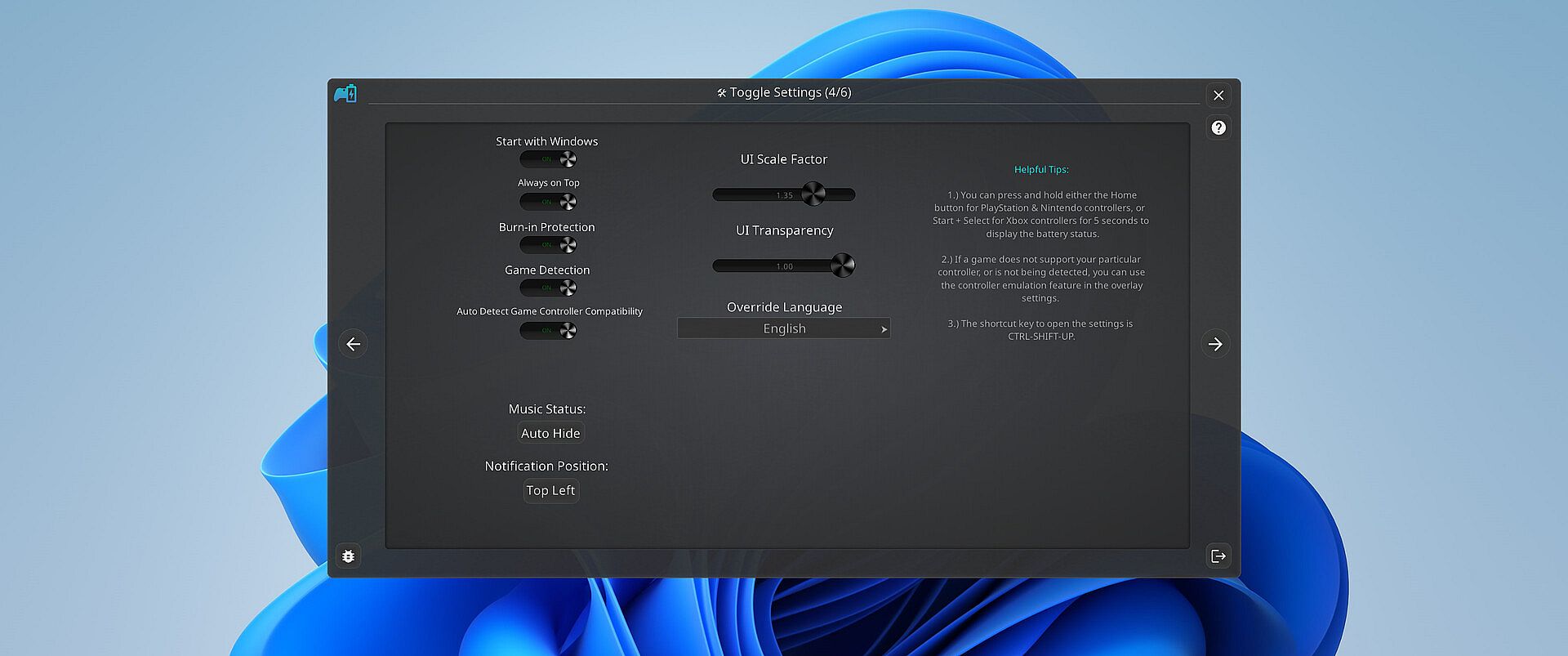
PlayStatus supports multiple languages other than English. Other languages that are supported include Spanish (Spain), German, French, Italian, Japanese, Russian, and Simplified Chinese. More languages will be added in the future if needed/requested.

Steam:
Mixed (24)

Historia cen

Historycznie najniższa cena
Keyshopy
-
-
-
Sklepy oficjalne
-
-
-

FAQ

8 pytań

Zanim zaczniesz szukać taniego klucza PlayStatus - Media & Controller Battery Overlay (CD Key), sprawdź najważniejsze informacje. Twórcy: CKProductions. Wydawca: CKProductions. Data premiery na PC: 02 lut 2024. Gatunki: Indie, Utilities. Kategorie: Full controller support, Steam Cloud. Recenzje PlayStatus - Media & Controller Battery Overlay: Recenzje Steam: 62% of the 24 user reviews for this game are positive.

Q Czy PlayStatus - Media & Controller Battery Overlay działa na Steam Decku?

Nie, na ten moment. Valve oznacza PlayStatus - Media & Controller Battery Overlay jako Unsupported, więc gra nie uruchamia się przez Proton. Śledź XD.deals — monitorujemy postępy Protona i społecznościowe obejścia, a gdy pojawi się działające rozwiązanie, oznaczymy możliwość uruchomienia PlayStatus - Media & Controller Battery Overlay na Steam Decku.

Tak. Istnieje wersja PlayStatus - Media & Controller Battery Overlay na Steam. Wybierz ofertę oznaczoną jako Steam Key na XD.deals, aktywuj ją w kliencie Steam i graj w PlayStatus - Media & Controller Battery Overlay na PC.

Tak. Po aktywacji klucza Steam możesz uruchomić PlayStatus - Media & Controller Battery Overlay w trybie Offline w Steam. Zapisy zsynchronizują się przy następnym połączeniu z internetem.

Tak, możesz kupić klucz Steam do PlayStatus - Media & Controller Battery Overlay bezpośrednio w sklepie Steam. W XD.deals zbieramy wszystkie oferty z DRM Steam, abyś mógł porównać tanie promocje na PlayStatus - Media & Controller Battery Overlay na Steam w jednym miejscu.

Wszystkie aktywne promocje i zniżki na PlayStatus - Media & Controller Battery Overlay znajdziesz tutaj, na XD.deals. Nasz tracker pokazuje obecnie 1 ofert z oficjalnych sklepów oraz 0 ofert z keyshopów. Sprawdź tabelę powyżej, zobacz najniższą cenę, porównaj z historycznie najniższą ceną i ustaw alert, aby nie przegapić kolejnego spadku.

Dzięki XD.deals gracze PC mogą od razu sprawdzić, gdzie kupić tani klucz PlayStatus - Media & Controller Battery Overlay na PC (Steam). Nasz silnik porównujący ceny w czasie rzeczywistym oraz baza kuponów śledzą oficjalne sklepy i zaufane keyshopy, żebyś nie musiał. Obecnie wykrywamy 1 aktywnych ofert z oficjalnych sklepów i keyshopów.

Tak. Oficjalna strona PlayStatus - Media & Controller Battery Overlay na Steam jest dostępna, więc możesz kupić PlayStatus - Media & Controller Battery Overlay na Steam albo wybrać klucz Steam do PlayStatus - Media & Controller Battery Overlay na PC na XD.deals i aktywować go od razu.

Nie — XD.deals nie jest sklepem. Jesteśmy porównywarką cen, która śledzi najlepsze oferty na PlayStatus - Media & Controller Battery Overlay w oficjalnych sklepach i zweryfikowanych keyshopach. Kliknij „Przejdź do sklepu” przy wybranej ofercie, a przekierujemy Cię na stronę sprzedawcy, gdzie dokończysz zakup i odbierzesz klucz.

Chcesz kupić w najlepszym momencie? Ustaw alert cenowy na XD.deals i otrzymaj powiadomienie, gdy PlayStatus - Media & Controller Battery Overlay ponownie osiągnie historycznie najniższą cenę.

Utwórz alert