











in progress...

PlayStatus - Media & Controller Battery Overlay PC kaufen

Wo kannst du den günstigsten PlayStatus - Media & Controller Battery Overlay Steam-Key für PC kaufen? Vergleiche Preise aus 1 Shops und finde unter 1 Angeboten auf XD Deals die beste Option. Aktuell liegt der niedrigste PlayStatus - Media & Controller Battery Overlay PC Preis im Keyshop bei 4,99 € (0% Rabatt).

Veröffentlichung: 02 Feb. 2024
Publisher: CKProductions
Entwickler: CKProductions
Steam:
Mixed (24)
Keyshops
Nicht verfĂĽgbar
Im offiziellen Store kaufen:
4,99 €
Im Keyshop kaufen:
Preisverlauf anzeigen

Offizielle Shops (1)

DRM:
Steam
Steam
Steam
PlayStatus - Media & Controller Battery Overlay
Windows
vor 14W
DRM:
Steam
Steam
4,99 €

Ăśber PlayStatus - Media & Controller Battery Overlay

PlayStatus - Media & Controller Battery Overlay - Spielbeschreibung

Stay on Top of Your Game with Smart Controller Monitoring

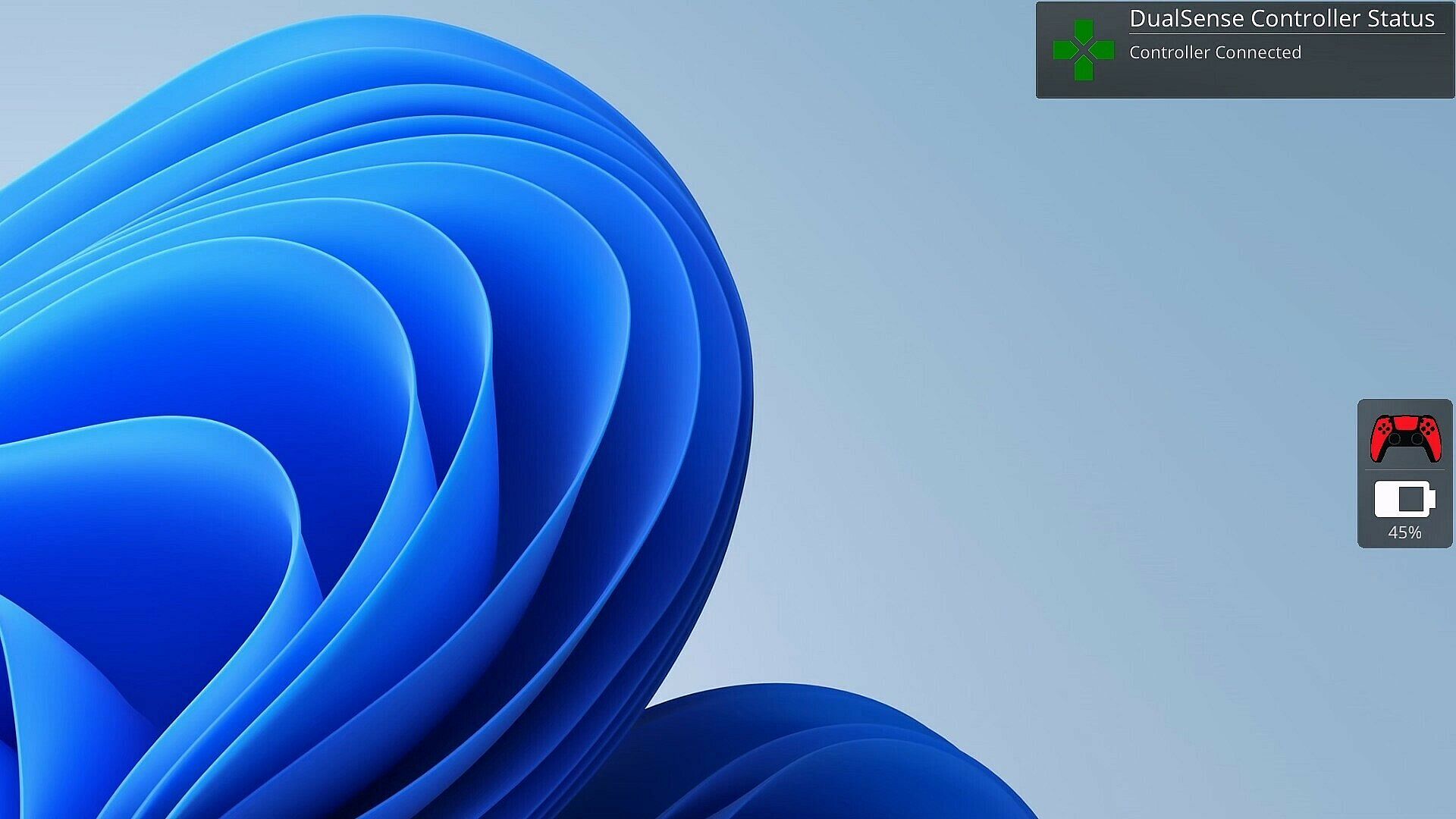
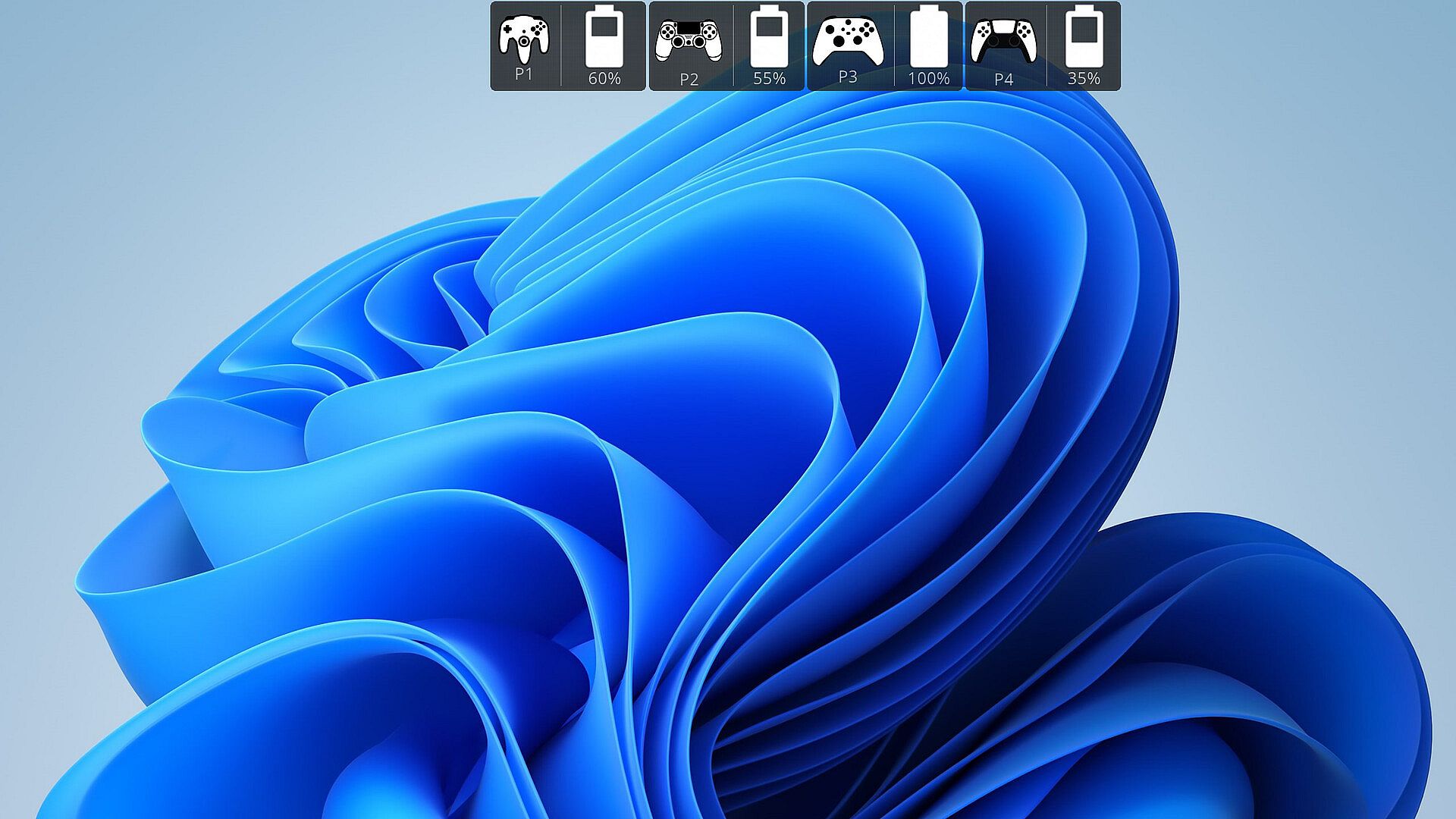
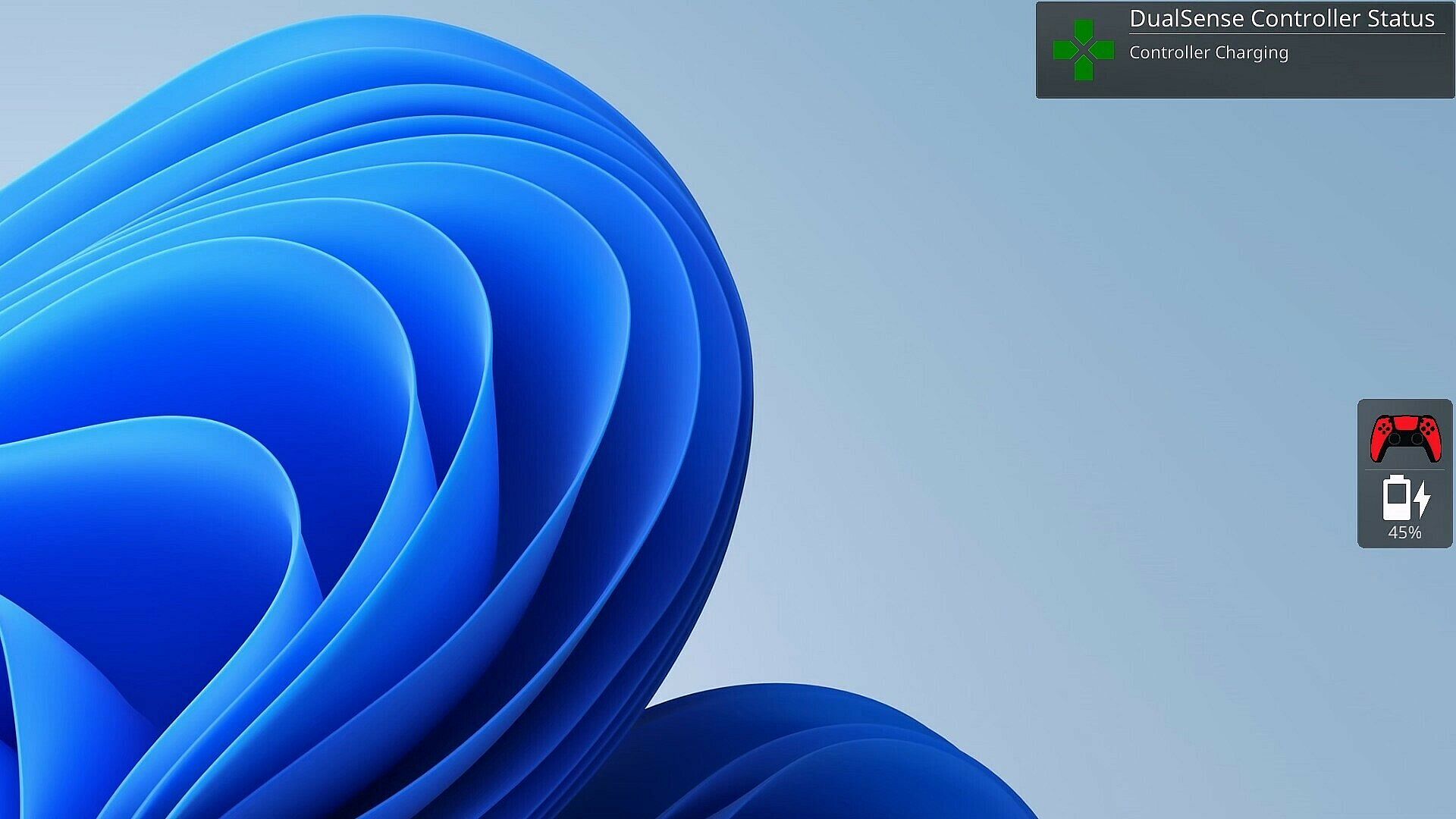
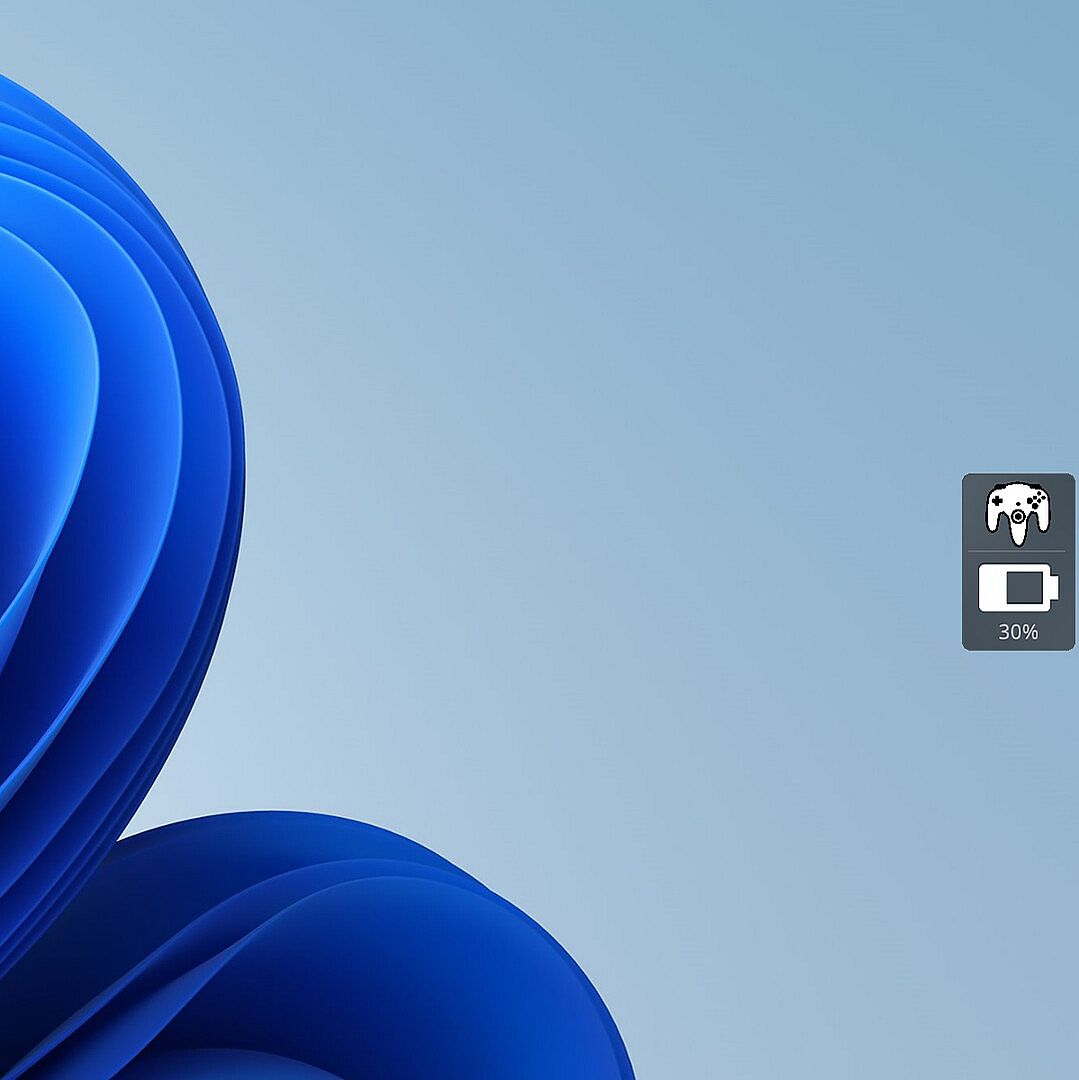
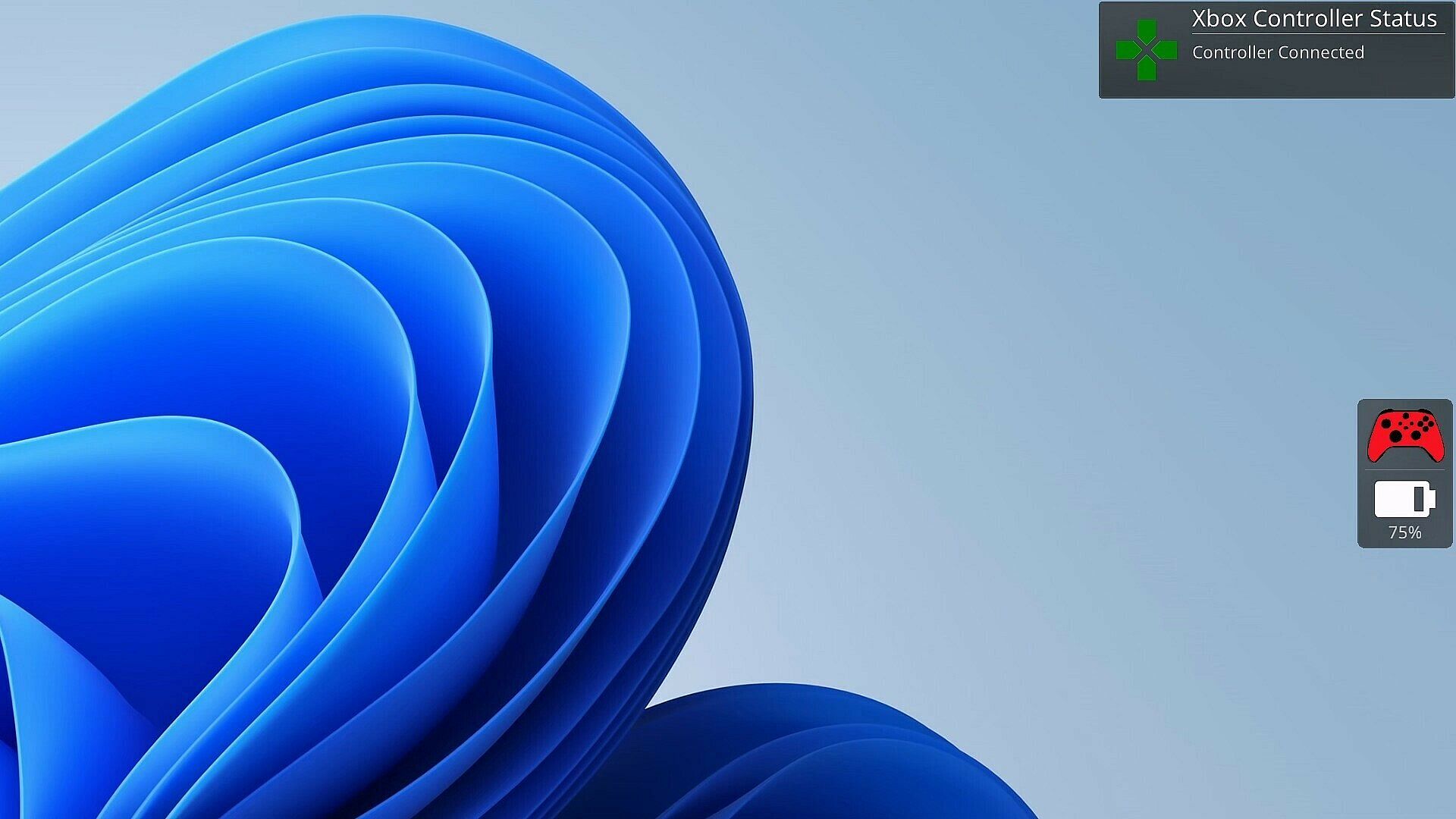
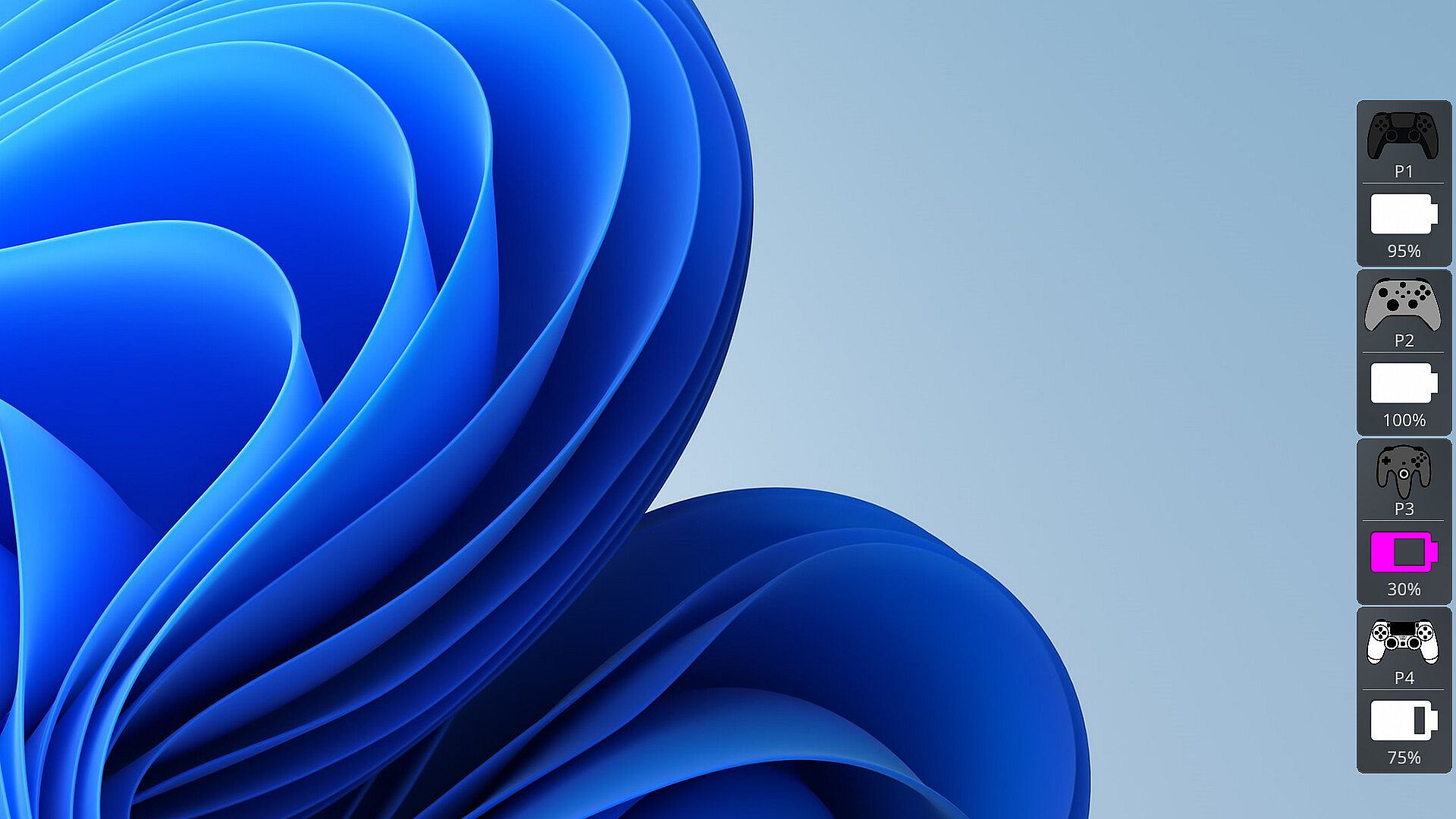
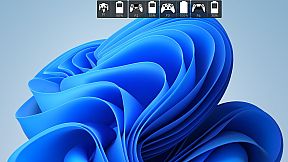
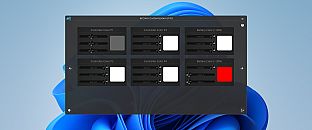
As a gamer, there's nothing worse than your controller dying at a critical moment. PlayStatus is here to ensure that never happens. Whether you're using a Dual Sense, Xbox or Nintendo Switch Pro controller, PlayStatus diligently tracks your controller's battery life, delivering real-time updates on battery changes. It alerts you when your controller starts charging or discharging, allowing you to stay immersed in your game without any unpleasant surprises. Not only that, but when you are playing with others, PlayStatus will also keep track of those controllers as well (given they're supported)!

Important Information for Best Experience

  • Compatibility Notice: PlayStatus does **NOT work on Steam Deck or any Linux distribution using Proton.

  • Unsupported Hardware: Xbox Wireless Adapter and other USB controller adapters are not supported. Connect controllers via Windows Bluetooth settings.

  • Windowed Borderless Mode Required: PlayStatus works only in windowed borderless mode, not in exclusive fullscreen.

Enhance Your Gaming Sessions with Seamless Music Integration

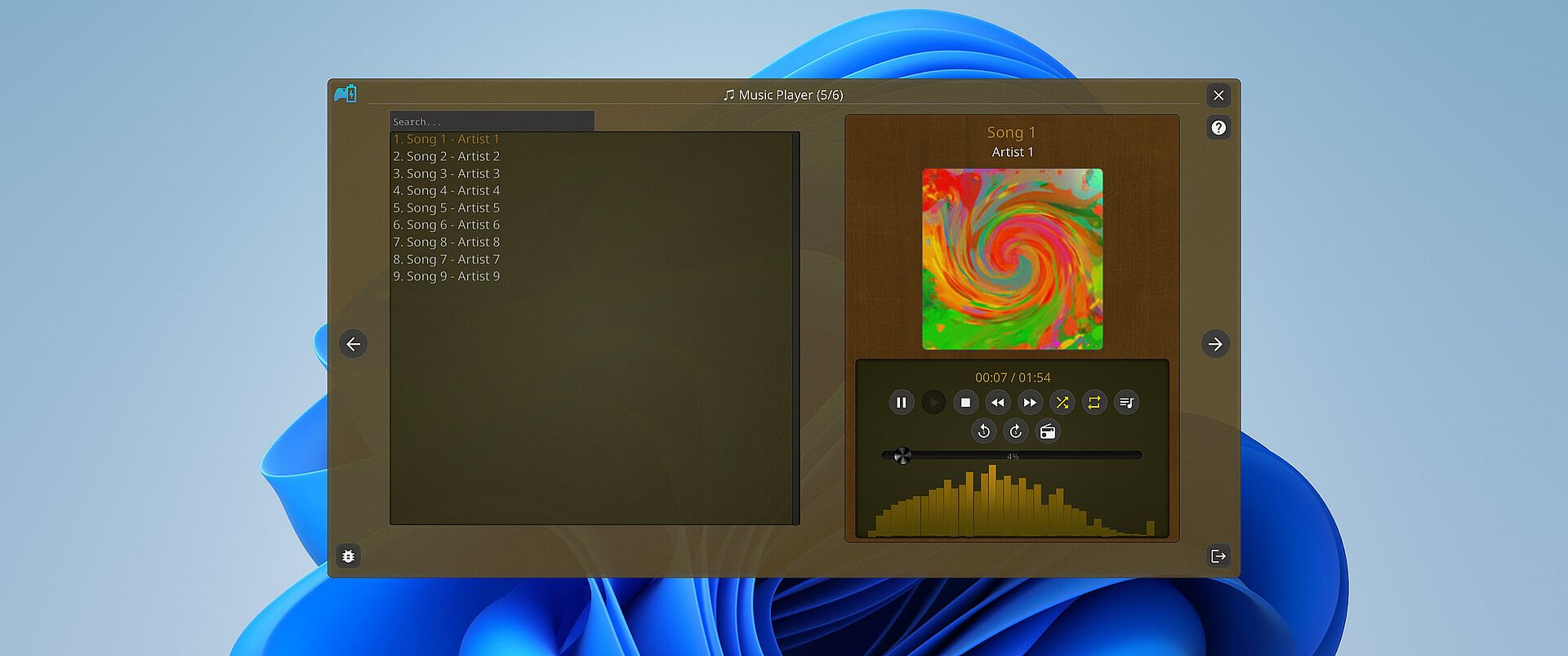
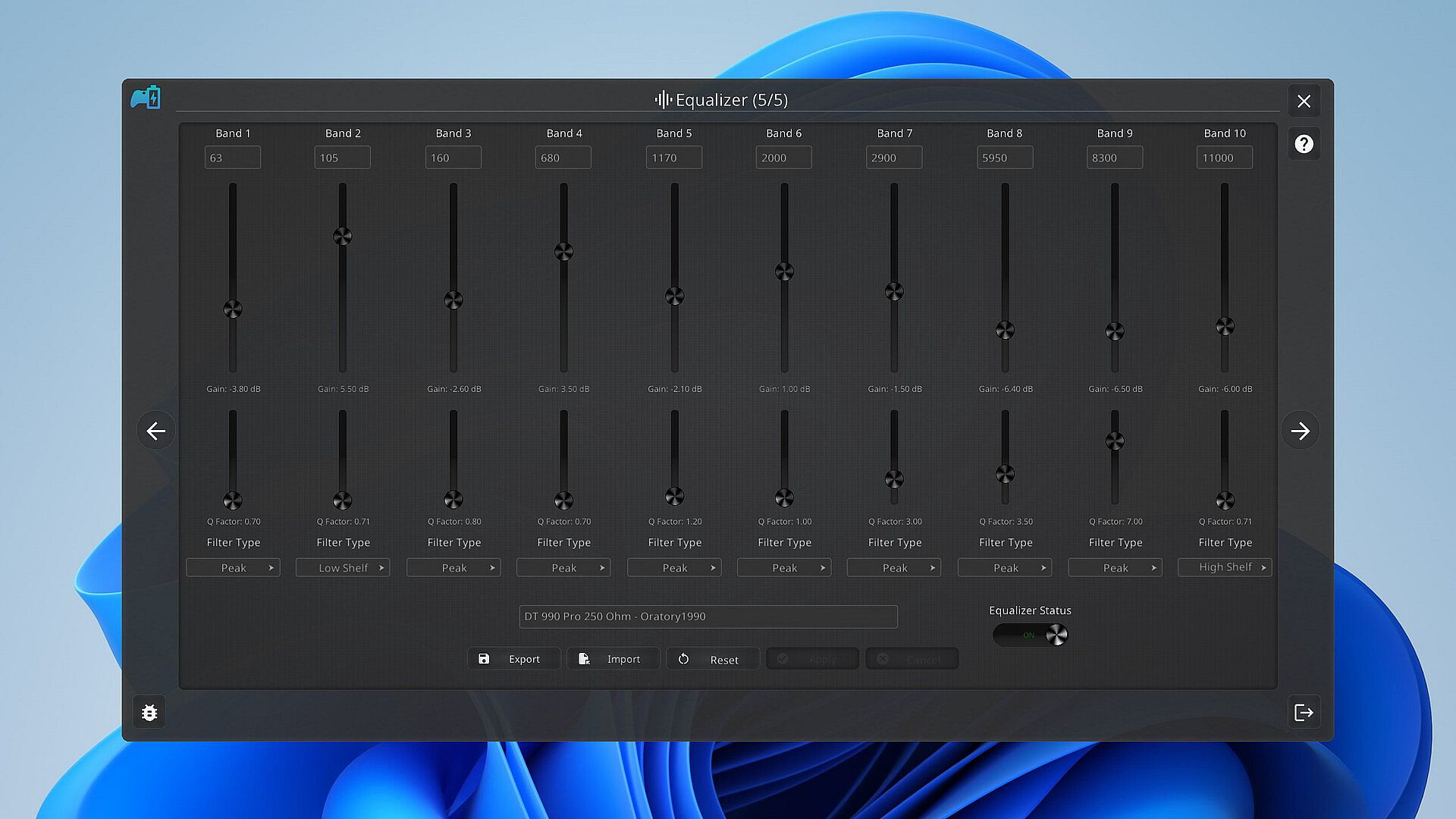
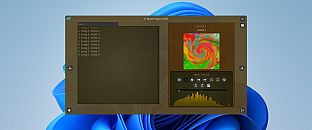
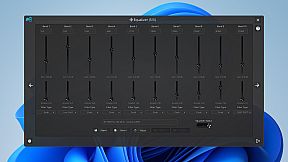
Music is the heartbeat of a great gaming session. PlayStatus features a built-in media player that can provide real-time audio visualizations and low latency audio playback! You can look forward to playing flac, ogg, m4a, mp3, or wav files with custom EQ profiles which can allow for the perfect sound for your specific audio setup.

Xbox 360 & DualShock 4 Controller Emulation

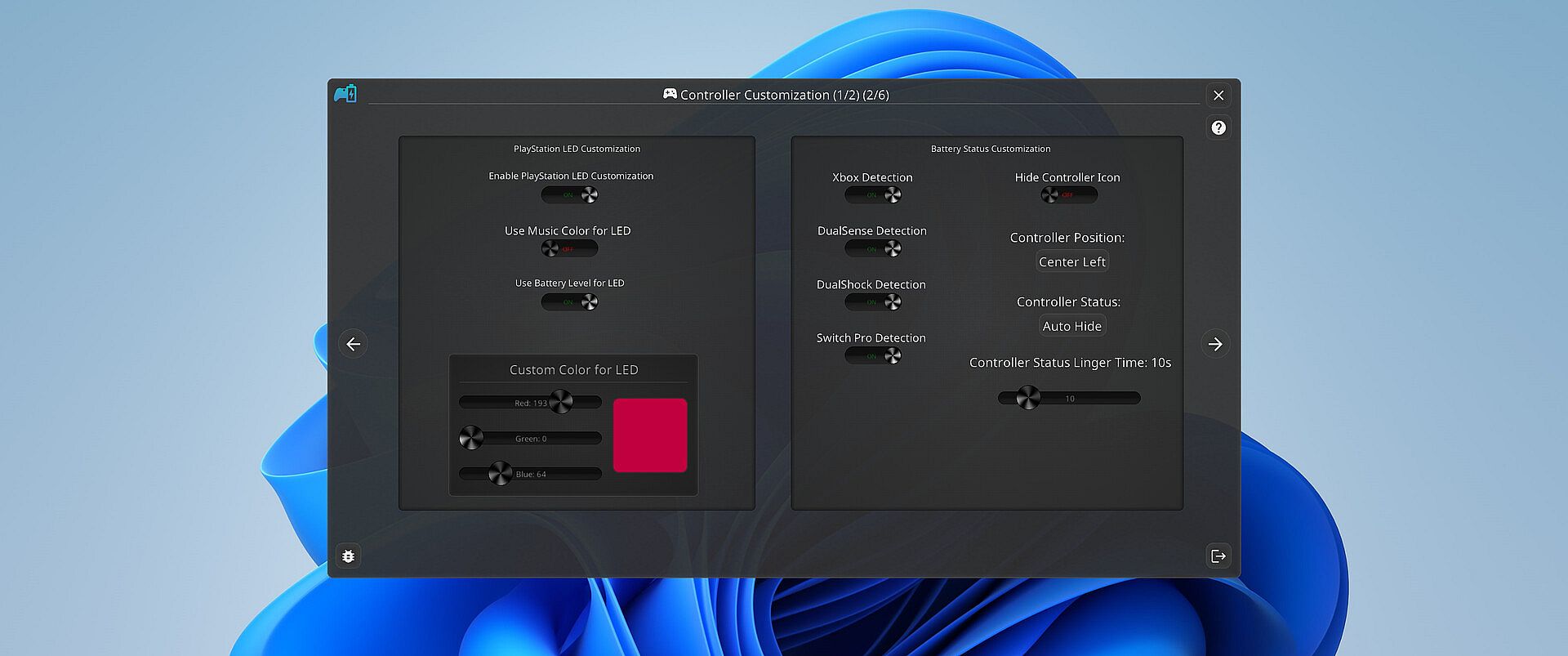
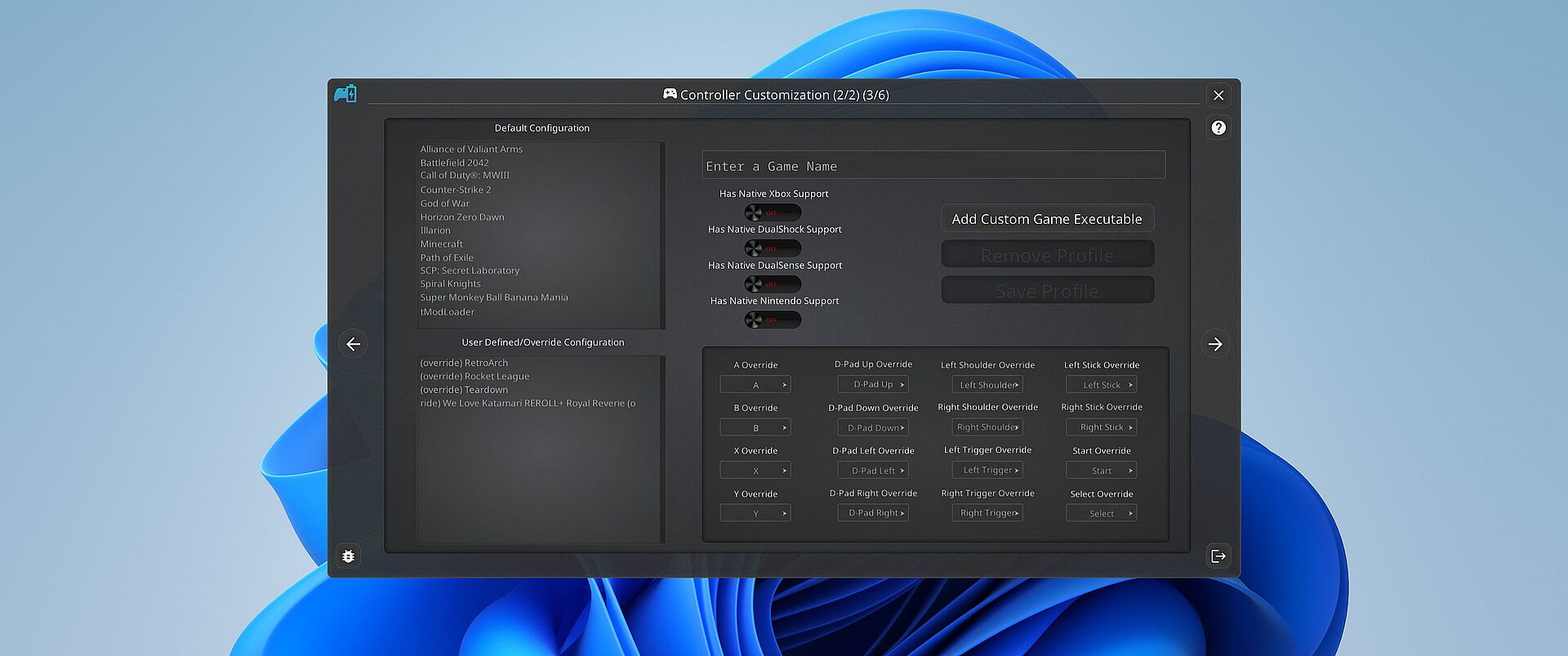
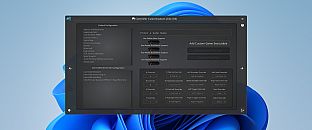
PlayStatus also offers a fully functional controller emulation system, including controller mappings and full rumble support*!

This means, if a game only supports DualShock 4 controllers, but you have an Xbox controller, PlayStatus will emulate a DualShock 4 controller for you, so you can continue to game on, no matter what controllers it supports.

PlayStatus will also optionally auto detect when games have launched, and can apply certain game mappings based on the game.

*(only for Xbox 360 controller emulation).

Why PlayStatus is a Game-Changer for You

Designed with gamers in mind, PlayStatus solves a common yet overlooked problem: the hassle of checking your controller’s battery life. Its intuitive overlay is perfect for those who play in borderless windowed mode, offering non-intrusive, real-time updates. This is all done with safety and convenience in mind; PlayStatus is completely self-contained, meaning that no Anti-Cheat or game will have any problem with PlayStatus running in the background!

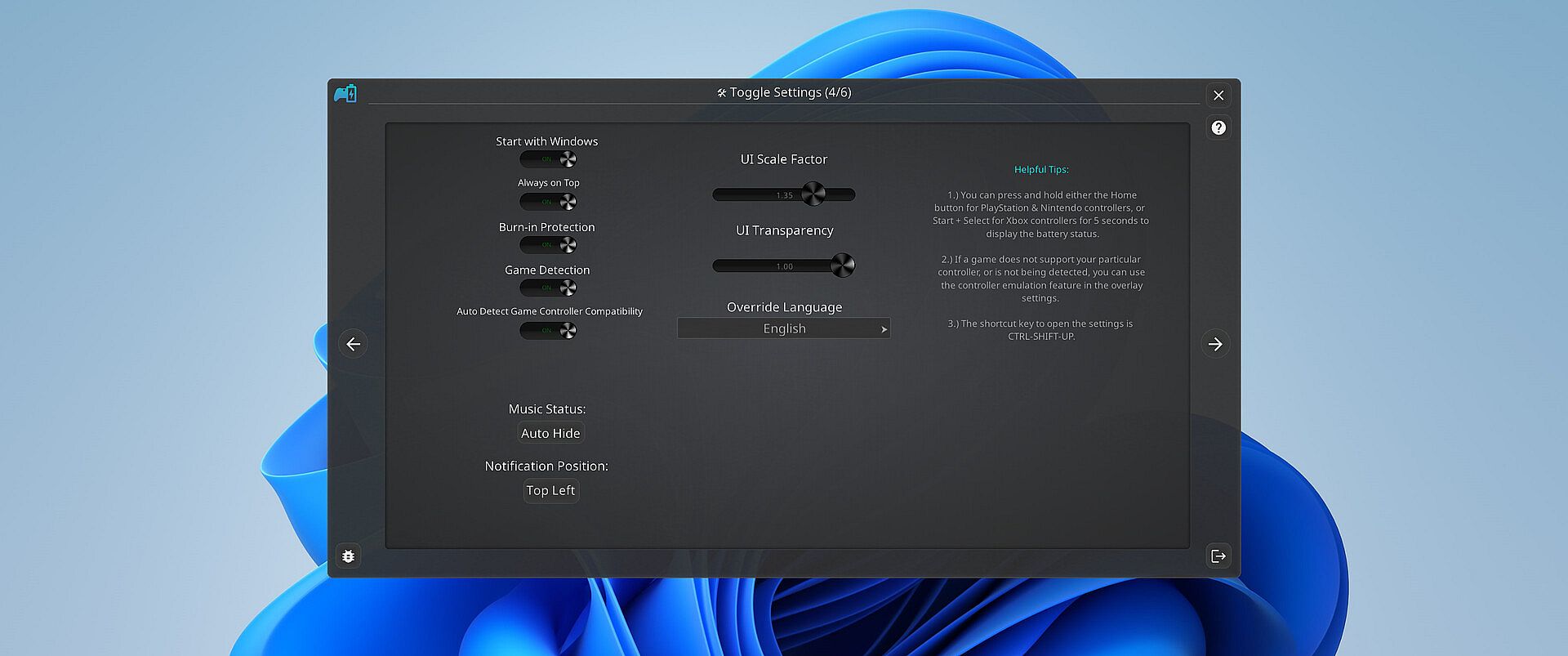
Moreover, if you’re a music aficionado, you'll appreciate the ease of viewing your music without having to switch screens or pause your game. And for those who prefer a more focused gaming experience, the option to disable notifications is just a click away.

Supported Controllers

PlayStatus supports the following controllers:

  • Xbox Series or Xbox One S Wireless Controllers connected via Windows Bluetooth Settings.

  • Dual Sense controllers (DualSense Edge is experimental)

  • Dual Shock 4 controllers

  • Nintendo Switch Pro, SNES & N64 Controllers

PlayStatus will be unable to report correct battery/connection information if you are using any sort of controller emulator dongle, like a 8BitDo, or a Microsoft Xbox Wireless Adapter. Along with that, it is very important to follow the in-app instructions for set-up.

OS Support

PlayStatus supports Windows ONLY. Running via Proton, or any type of compatibility layer, will NOT work. This includes Steam Deck. Please see the System Requirements section for more information.

Language Support

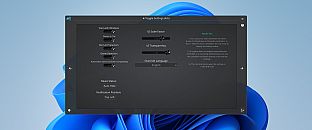
PlayStatus supports multiple languages other than English. Other languages that are supported include Spanish (Spain), German, French, Italian, Japanese, Russian, and Simplified Chinese. More languages will be added in the future if needed/requested.

Steam:
Mixed (24)

Preisverlauf

Historical low
Keyshops
-
-
-
Official Stores
-
-
-

FAQ

8 Fragen

Bevor du nach einem günstigen PlayStatus - Media & Controller Battery Overlay CD Key suchst, wirf einen Blick auf die wichtigsten Fakten. Entwickelt von CKProductions. Veröffentlicht von CKProductions. PC Release-Datum: 02 Feb. 2024. Genres: Indie, Utilities. Kategorien: Full controller support, Steam Cloud. PlayStatus - Media & Controller Battery Overlay Bewertungen: Steam Rezensionen: 62% of the 24 user reviews for this game are positive.

Q Kann ich PlayStatus - Media & Controller Battery Overlay auf dem Steam Deck spielen?

Nein, derzeit nicht. Valve kennzeichnet PlayStatus - Media & Controller Battery Overlay als nicht unterstĂĽtzt auf dem Steam Deck. Es startet aktuell nicht ĂĽber Proton. Behalte XD.deals im Blick - wir melden dir sofort, wenn ein Weg gefunden ist, PlayStatus - Media & Controller Battery Overlay auf dem Steam Deck zu spielen.

Ja. Es gibt eine Steam-Version von PlayStatus - Media & Controller Battery Overlay. Wähle ein Angebot mit dem Tag Steam Key auf XD.deals, aktiviere es im Steam-Client und spiele PlayStatus - Media & Controller Battery Overlay auf deinem PC.

Ja. Nachdem du deinen Steam Key eingelöst hast, kannst du PlayStatus - Media & Controller Battery Overlay im Offline-Modus von Steam starten. Deine Spielstände synchronisieren sich, sobald du wieder online bist.

Ja, du kannst einen PlayStatus - Media & Controller Battery Overlay Steam Key direkt im Steam Store kaufen. Auf XD.deals listen wir alle verfĂĽgbaren Steam-DRM-Angebote, damit du gĂĽnstige PlayStatus - Media & Controller Battery Overlay Steam Deals auf einen Blick vergleichen kannst.

Alle aktuellen Sales und Rabatte fĂĽr PlayStatus - Media & Controller Battery Overlay findest du hier bei XD.deals. Unser Preis-Tracker listet derzeit 1 Angebote aus offiziellen Shops und 0 Deals aus Keyshops. Sieh oben nach dem niedrigsten Preis, vergleiche ihn mit dem historischen Tiefstpreis des Spiels und setze einen Preisalarm, damit du keinen Preissturz verpasst.

Mit XD.deals sehen PC-Spieler sofort, wo sie einen günstigen PlayStatus - Media & Controller Battery Overlay PC Steam Key kaufen können. Unsere Preisvergleichs-Engine in Echtzeit und unsere kuratierte Gutscheindatenbank überwachen jeden offiziellen Shop und vertrauenswürdigen Keyshop. Aktuell erkennen wir dieses Spiel in 1 Live-Angeboten von Shops und Keyshops.

Ja. Eine offizielle PlayStatus - Media & Controller Battery Overlay Steam-Seite ist online, sodass du PlayStatus - Media & Controller Battery Overlay auf Steam kaufen oder jeden PlayStatus - Media & Controller Battery Overlay PC Steam Key auf XD.deals erwerben und sofort einlösen kannst.

Nein - XD.deals ist kein Shop. Wir sind ein Preisvergleichs-Service, der die besten Angebote für PlayStatus - Media & Controller Battery Overlay aus offiziellen Shops und verifizierten Keyshops verfolgt. Klicke 'Jetzt kaufen' neben dem gewünschten Deal, um zum Händler zu wechseln und dort den Key zu erhalten.

Bereit zum Zocken? Setze einen Preisalarm auf XD.deals und sichere dir einen reduzierten PlayStatus - Media & Controller Battery Overlay Steam Key, sobald er sein nächstes Allzeit-Tief erreicht.

Create Alert