
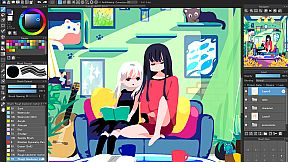
MediBang Paint for Desktop PC

Gdzie znaleźć najlepszą ofertę na MediBang Paint for Desktop na PC (Steam)? Porównaj ceny z 1 sklepów i wybierz najlepszą opcję spośród 1 ofert dostępnych na XD.deals. Obecnie najniższa cena MediBang Paint for Desktop na PC w keyshopach jest na 162,39 zł (30% taniej).

Premiera: 31 lip 2023
Wydawca: MediBang Inc.
Developer: MediBang Inc.
Steam:
Mixed (128)
Keyshops
Brak dostępności
Kup w oficjalnym sklepie:
-30%
162,39 zł
Kup w keyshopach:
Zobacz historię cen

Sklepy oficjalne (1)

DRM:
Steam
Steam
Steam
MediBang Paint for Desktop
Windows
+1
50tyg temu
DRM:
Steam
Steam
231,99 zł 162,39 zł
Historical Low Deal
Historical low
-30%

O MediBang Paint for Desktop

MediBang Paint for Desktop - o grze

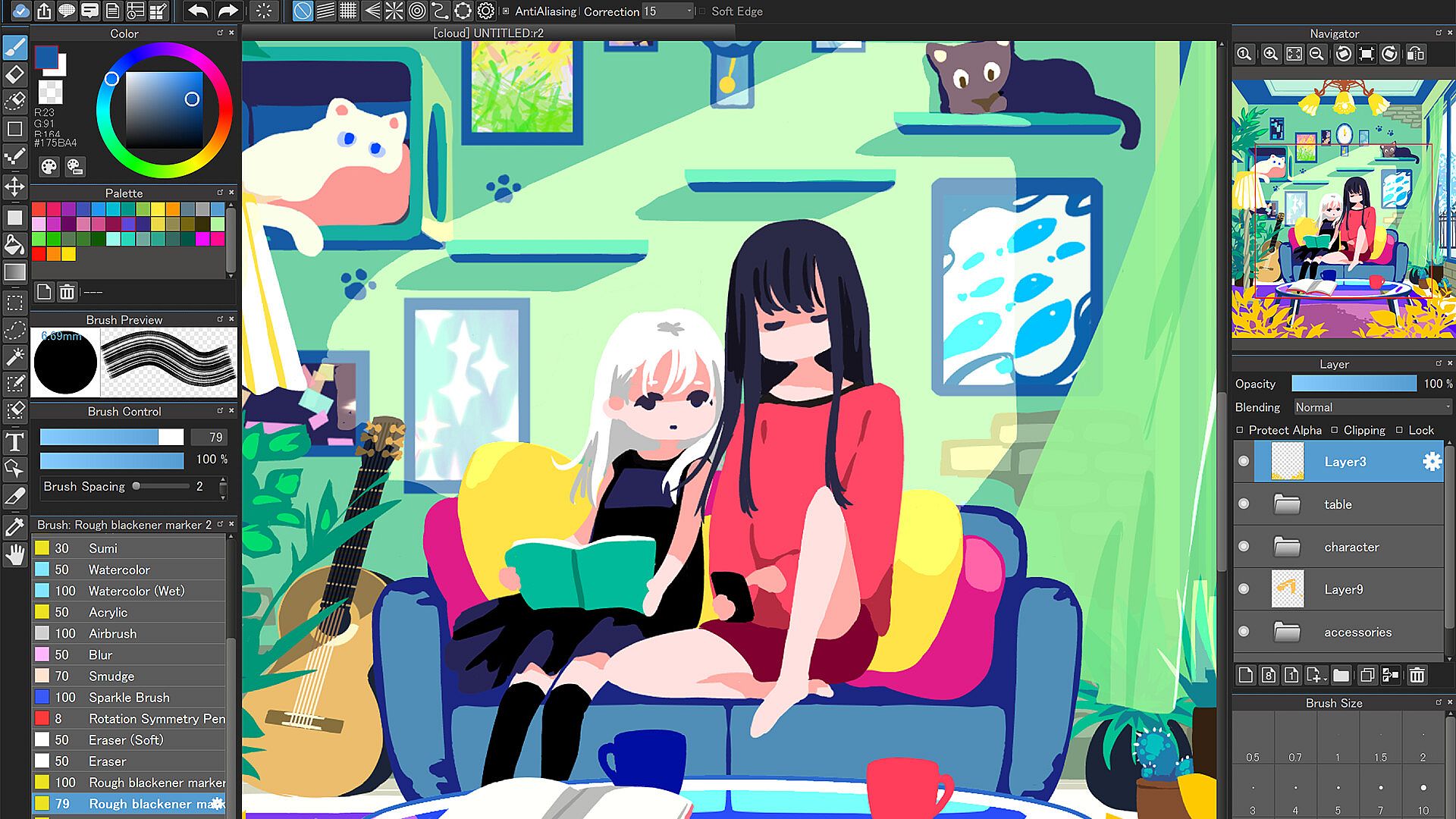
Draw with over 1,000 brushes, materials, screentones, and fonts in this design and illustration app for PC. Access gradient maps to shift artwork atmospheres, onion skin mode for smooth frame previews at different rates before MP4 export, and stabilizer tools that smooth out brush shakes. Perspective guides, rulers, free transform, and mesh transformation help structure complex pieces, while timelapse records your process for easy sharing. Work seamlessly across unlimited devices via cloud sync, or collaborate on shared canvases with friends in group projects. The simple interface keeps beginners focused and pros productive, with no pop-up ads or manual updates. Professional comic artists and hobbyists alike craft illustrations, animations, and comics using filters, backgrounds, and library resources.

“Draw Anywhere, With Anything.”

MediBang Paint is an art app with more than 100 million downloads in over 150 countries!

By downloading the for Desktop version of this beloved software, not only will you support the MediBang Paint developer team, you’ll get access to automatic updates, never deal with pop-up ads again, and be the first to receive new, MediBang Paint for Desktop features.

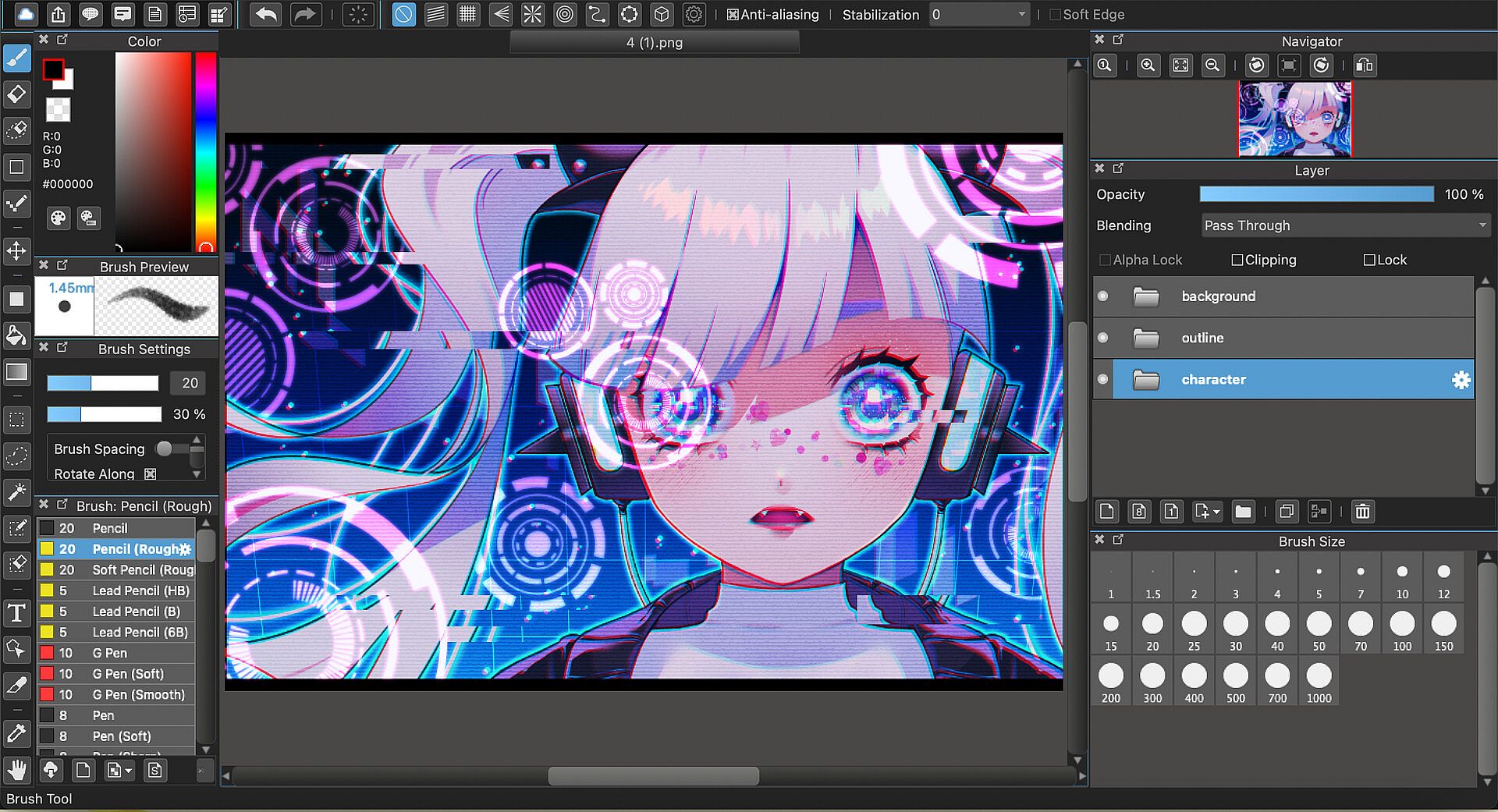
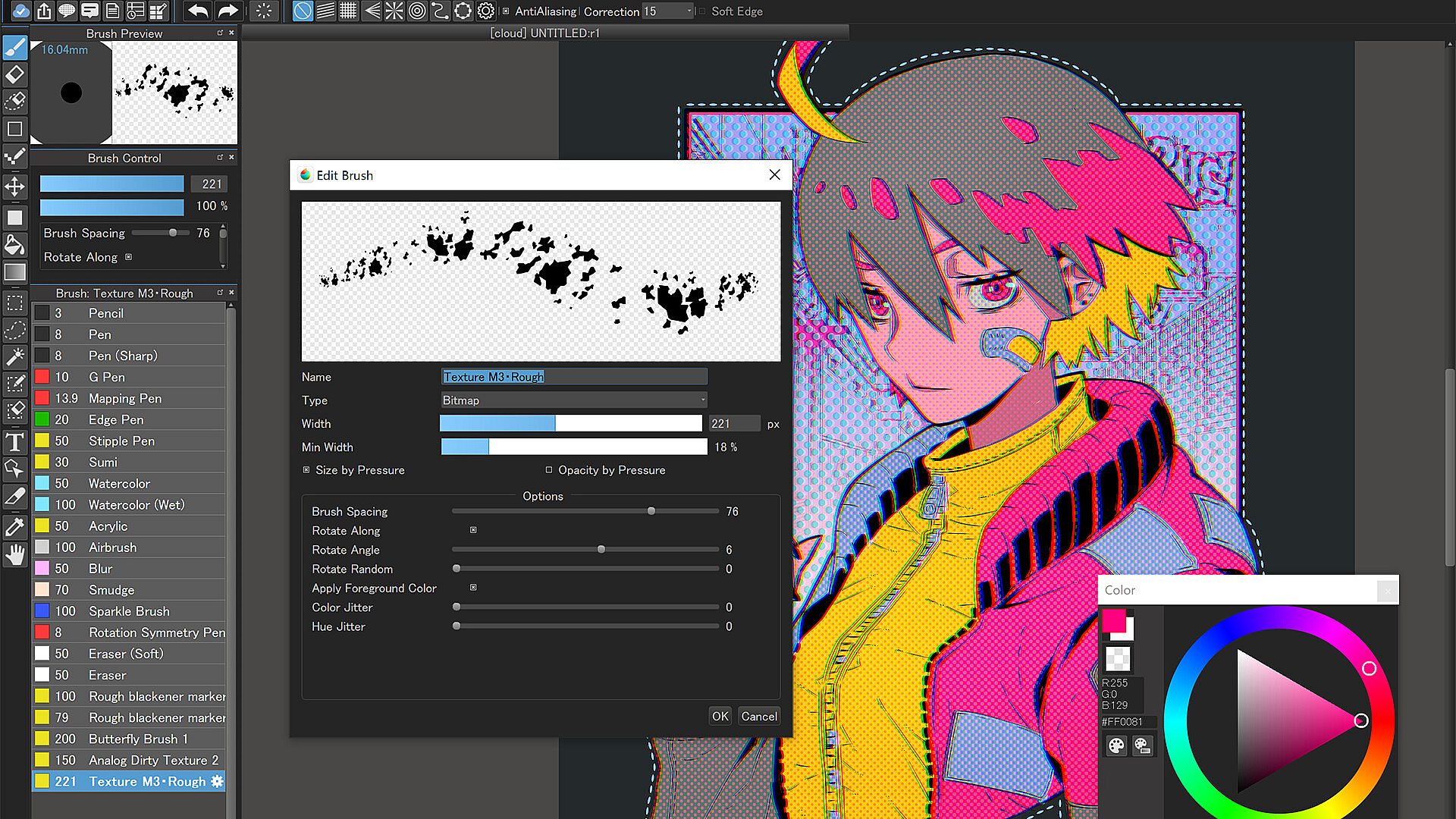
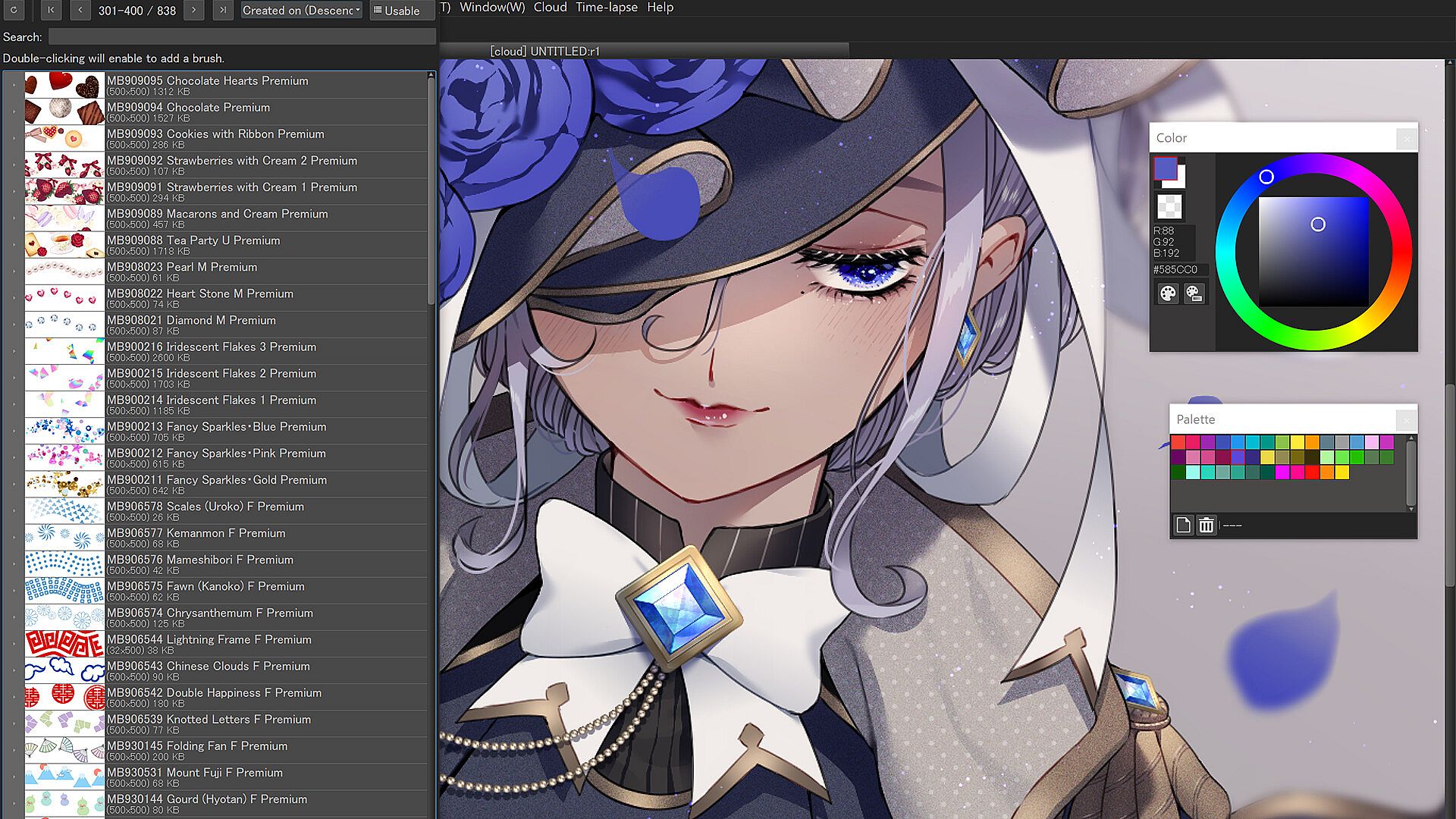
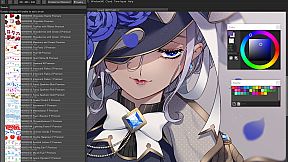
More than 1,000 kinds of brushes and materials
  • More than 1,000 brushes and materials that are usually exclusive to subscribers of MediBang Premium are available at no extra cost

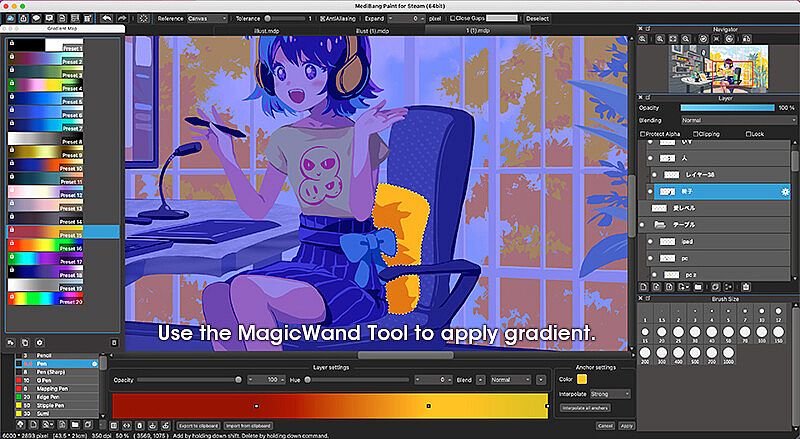
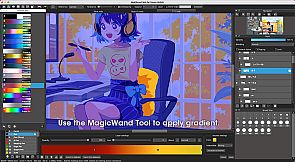
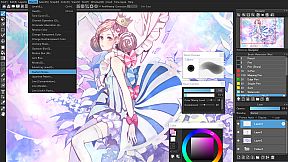
Gradient Map
  • Use these customizable presets to change the entire atmosphere of your art.

  • Enhance your coloring and even turn grayscale pieces full color using the Gradient Map function.

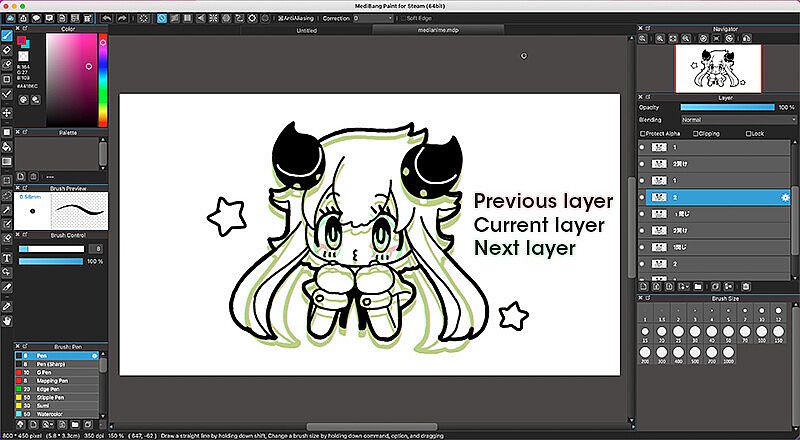
Onion Skin Mode
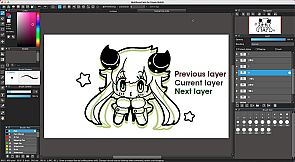
  • Use this convenient tool to see all your frames at once as you work on your project to ensure a seamless animation.

  • Preview in various frame rate options before exporting your set of layers into .mp4.

No Ads
  • No pop-up advertisements at the start-up of the software.

Automatic Updates
  • No need to manually update the software for every time.

Brushes, Screentones, Fonts, and more!
  • Enjoy drawing with over 180 editable brushes or even make your own.

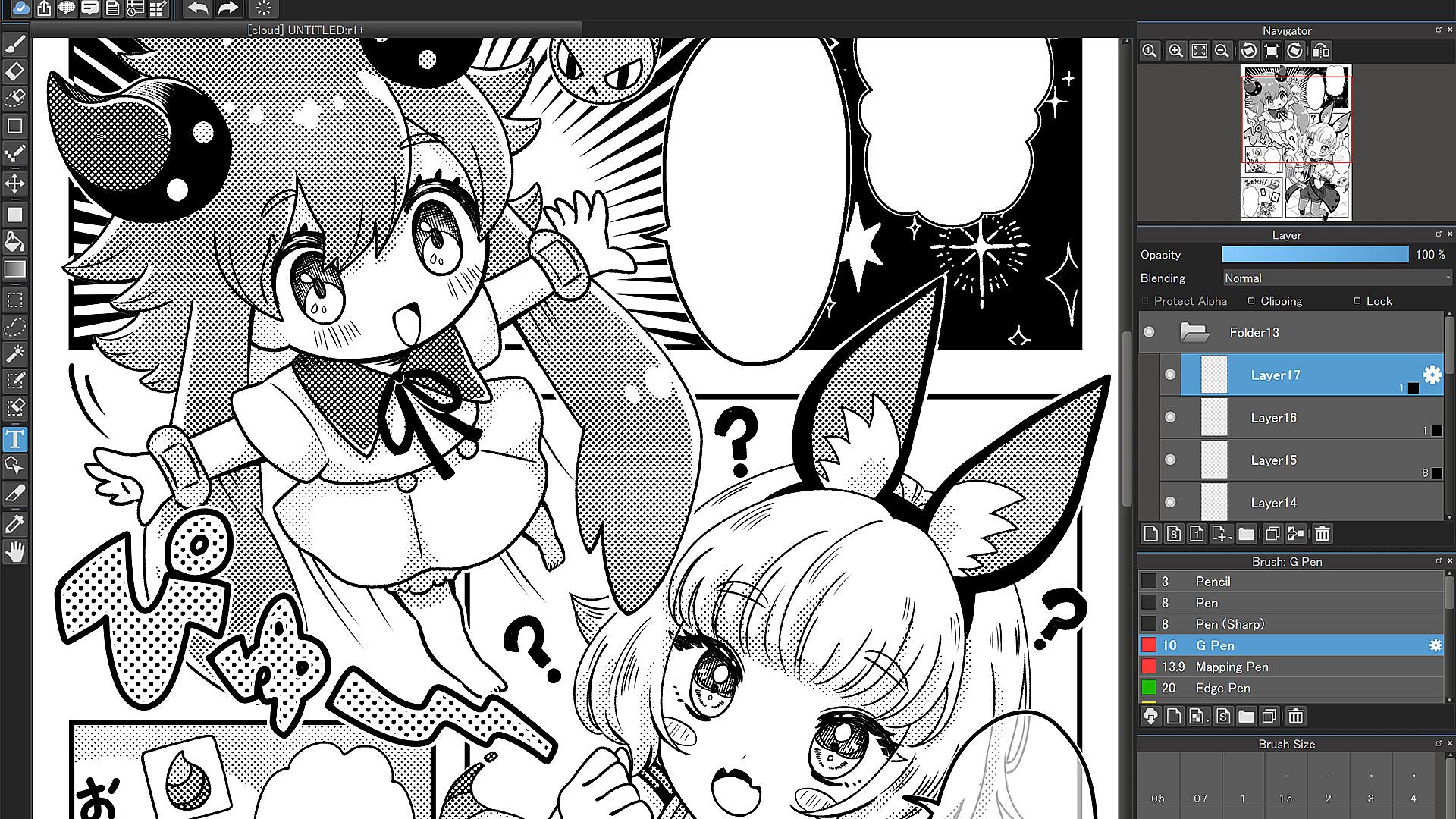
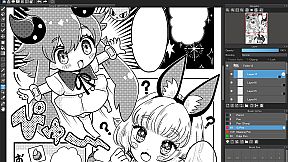
  • Make professional comics easily using any of MediBang’s 1000 screentones and 60 fonts available.

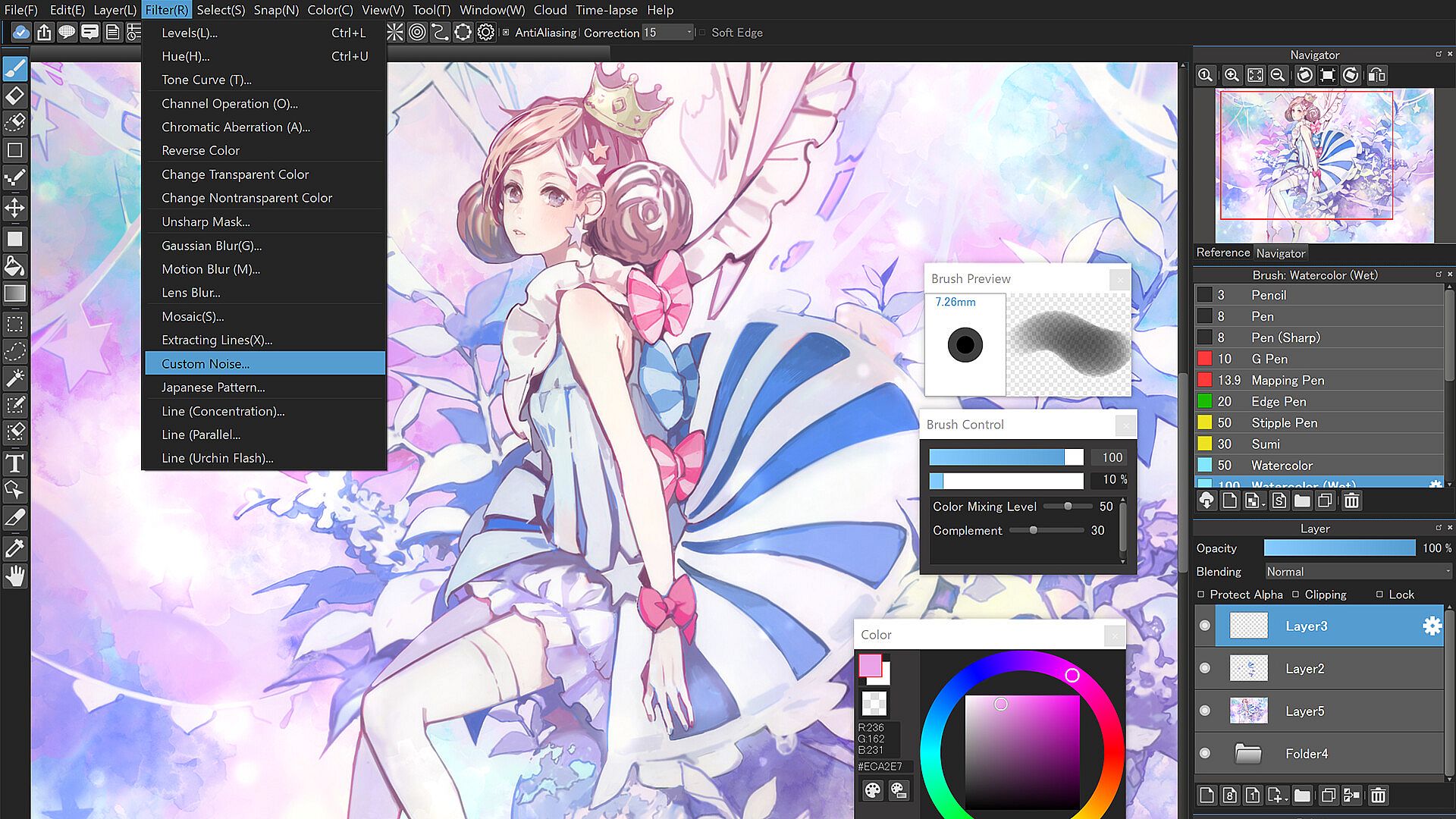
  • Use filters, share filter settings with other MediBang friends, use fun background brushes, and access more resources to give your art a special finish.

Tools Made for Everyone from Beginner to Pro!
  • Stabilizer: A natural-feeling stabilization tool that automatically fixes any shakes or wobbles in your brushwork as you draw.

  • Assistance Tools: A multitude of perspective guides and rulers to help you plan and structure complex illustrations. Never feel confused about vanishing points again thanks to these handy tools.

  • Intuitive Transformation: Free Transform to adjust your illustration as a whole, or tweak details using Mesh Transformation.

  • Timelapse: Easily activate from the menu tab and show off your art process when you’re done! Share your speedpaints on social media with #medibangpaint and #timelapse

  • Simple Interface: MediBang Paint for Desktop is a user-friendly painting app with a simple UI that lets you focus on making art over figuring out a complex interface. It won’t intimidate a beginner artist, and won’t distract a pro either!

Unlimited Device Usage
  • MediBang Paint for Desktop allows users to create across multiple platforms with no restriction on the number of devices registered to one account.

  • Want to switch between desktop and mobile devices? The cloud feature in MediBang Paint for Desktop lets you switch easily from drawing at home to drawing on the go.

Group Project: Keep Everyone on the Same Page
  • Draw on the same canvas with your friends! Join up to 3 teams and work together on a project, or just sketch for fun!

  • For professional comic artists, make it easier and more stress-free than ever for your team to complete pages faster together.

Further Support
  • Access our official website for step-by-step guide & illustration tutorials!

  • Check out our official YouTube channel updated twice a week!

  • Various templates and practice materials are available for free in the MediBang Library

Supported Formats
  • Supported formats: mdp (native file format*), png, jpg, bmp, gif, psd, tif, webp

*The mdp file format is also shared with Fire Alpaca and mdiapp+

*In order to use cloud features, users need to create a free MediBang account. Users will be required to accept a third-party End-User License Agreement by MediBang Inc. when creating a MediBang account.

*App performance may vary depending on the device’s condition.

Steam:
Mixed (128)

Historia cen

Historycznie najniższa cena
Keyshopy
-
-
-
Sklepy oficjalne
-
-
-

FAQ

8 pytań

Zanim zaczniesz szukać taniego klucza MediBang Paint for Desktop (CD Key), sprawdź najważniejsze informacje. Twórcy: MediBang Inc.. Wydawca: MediBang Inc.. Data premiery na PC: 31 lip 2023. Gatunki: Animation & Modeling, Design & Illustration, Photo Editing. Recenzje MediBang Paint for Desktop: Recenzje Steam: 64% of the 128 user reviews for this game are positive.

Q Czy MediBang Paint for Desktop działa na Steam Decku?

Nie, na ten moment. Valve oznacza MediBang Paint for Desktop jako Unsupported, więc gra nie uruchamia się przez Proton. Śledź XD.deals - monitorujemy postępy Protona i społecznościowe obejścia, a gdy pojawi się działające rozwiązanie, oznaczymy możliwość uruchomienia MediBang Paint for Desktop na Steam Decku.

Tak. Istnieje wersja MediBang Paint for Desktop na Steam. Wybierz ofertę oznaczoną jako Steam Key na XD.deals, aktywuj ją w kliencie Steam i graj w MediBang Paint for Desktop na PC.

Tak. Po aktywacji klucza Steam możesz uruchomić MediBang Paint for Desktop w trybie Offline w Steam. Zapisy zsynchronizują się przy następnym połączeniu z internetem.

Tak, możesz kupić klucz Steam do MediBang Paint for Desktop bezpośrednio w sklepie Steam. W XD.deals zbieramy wszystkie oferty z DRM Steam, abyś mógł porównać tanie promocje na MediBang Paint for Desktop na Steam w jednym miejscu.

Wszystkie aktywne promocje i zniżki na MediBang Paint for Desktop znajdziesz tutaj, na XD.deals. Nasz tracker pokazuje obecnie 1 ofert z oficjalnych sklepów oraz 0 ofert z keyshopów. Sprawdź tabelę powyżej, zobacz najniższą cenę, porównaj z historycznie najniższą ceną i ustaw alert, aby nie przegapić kolejnego spadku.

Dzięki XD.deals gracze PC mogą od razu sprawdzić, gdzie kupić tani klucz MediBang Paint for Desktop na PC (Steam). Nasz silnik porównujący ceny w czasie rzeczywistym oraz baza kuponów śledzą oficjalne sklepy i zaufane keyshopy, żebyś nie musiał. Obecnie wykrywamy 1 aktywnych ofert z oficjalnych sklepów i keyshopów.

Tak. Oficjalna strona MediBang Paint for Desktop na Steam jest dostępna, więc możesz kupić MediBang Paint for Desktop na Steam albo wybrać klucz Steam do MediBang Paint for Desktop na PC na XD.deals i aktywować go od razu.

Nie - XD.deals nie jest sklepem. Jesteśmy porównywarką cen, która śledzi najlepsze oferty na MediBang Paint for Desktop w oficjalnych sklepach i zweryfikowanych keyshopach. Kliknij "Przejdź do sklepu" przy wybranej ofercie, a przekierujemy Cię na stronę sprzedawcy, gdzie dokończysz zakup i odbierzesz klucz.

Chcesz kupić w najlepszym momencie? Ustaw alert cenowy na XD.deals i otrzymaj powiadomienie, gdy MediBang Paint for Desktop ponownie osiągnie historycznie najniższą cenę.

Utwórz alert