

in progress...

Compra MediBang Paint for Desktop PC

Dove comprare la chiave Steam MediBang Paint for Desktop PC più economica? Confronta i prezzi da 1 store e scegli la soluzione migliore tra 1 offerte su XD.deals. Al momento il prezzo PC più basso per MediBang Paint for Desktop nei keyshop è su 34,29 € (30% di sconto).

Uscita: 31 lug 2023
Publisher: MediBang Inc.
Sviluppatore: MediBang Inc.
Steam:
Mixed (128)
Keyshops
Non disponibile
Compra nello store ufficiale:
-30%
34,29 €
Compra nei keyshop:
Vedi storico prezzi

Store ufficiali (1)

DRM:
Steam
Steam
Steam
MediBang Paint for Desktop
Windows
+1
50sett fa
DRM:
Steam
Steam
48,99 € 34,29 €
Historical Low Deal
Historical low
-30%

Info su MediBang Paint for Desktop

MediBang Paint for Desktop - info sul gioco

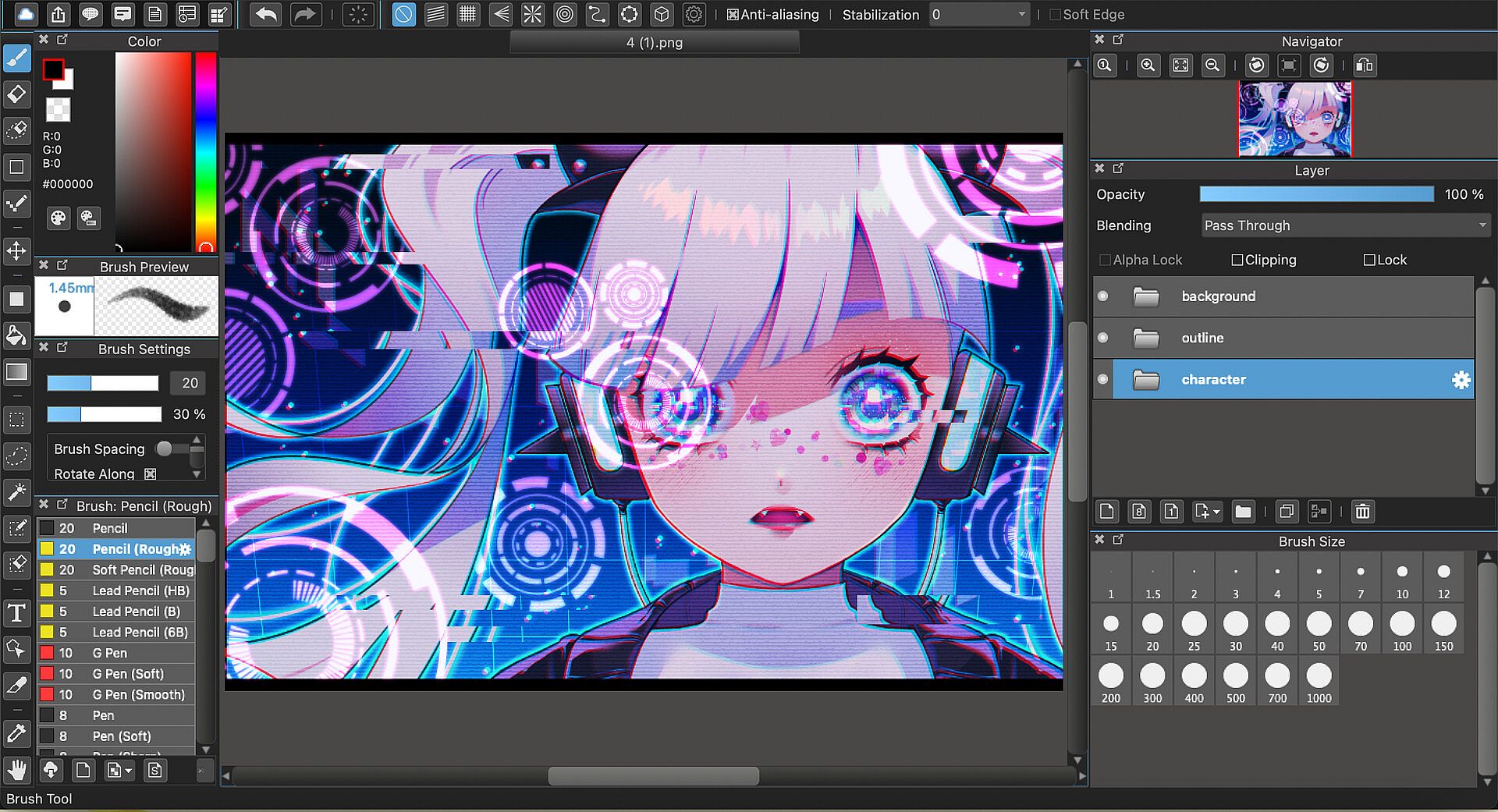
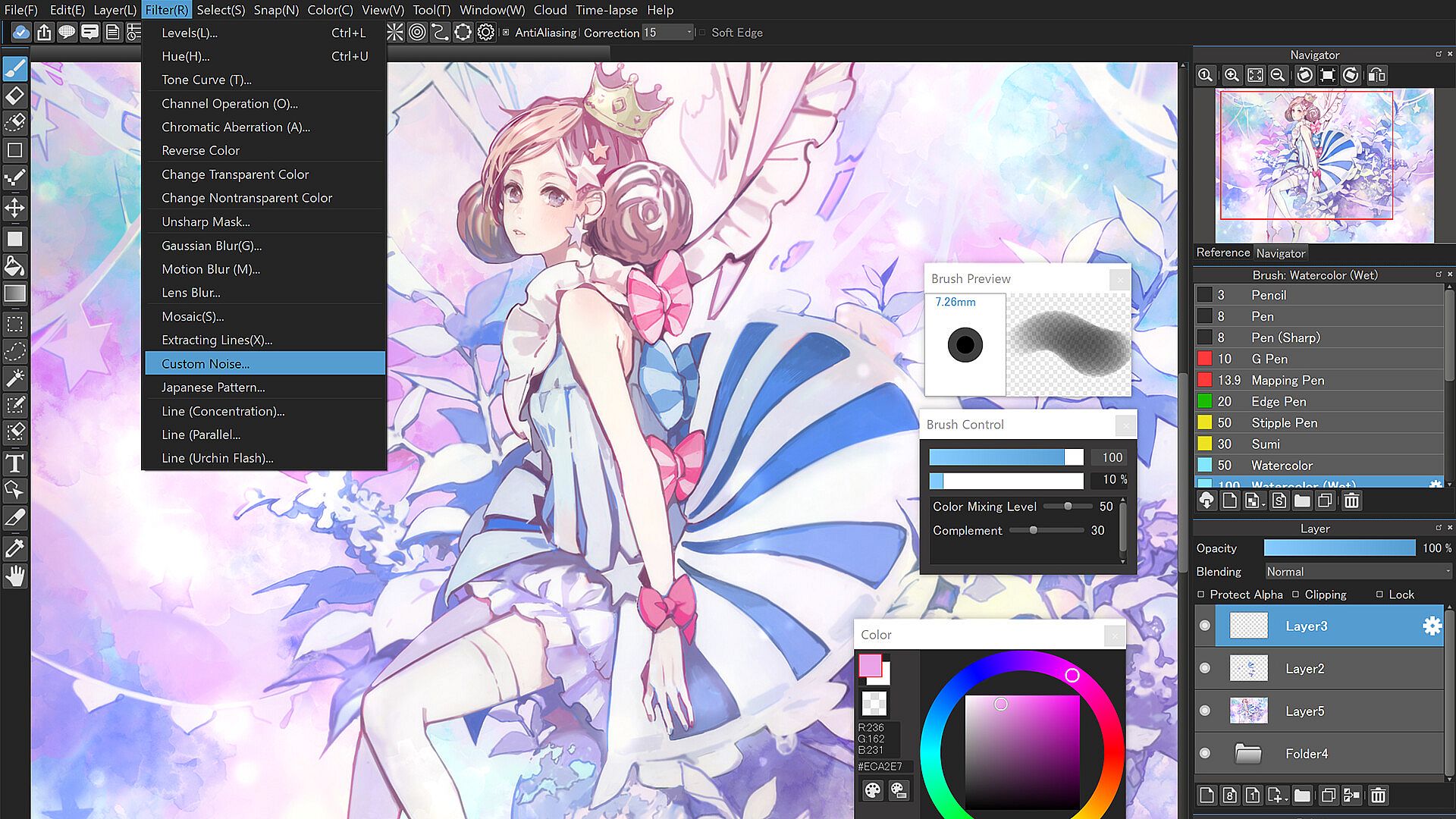
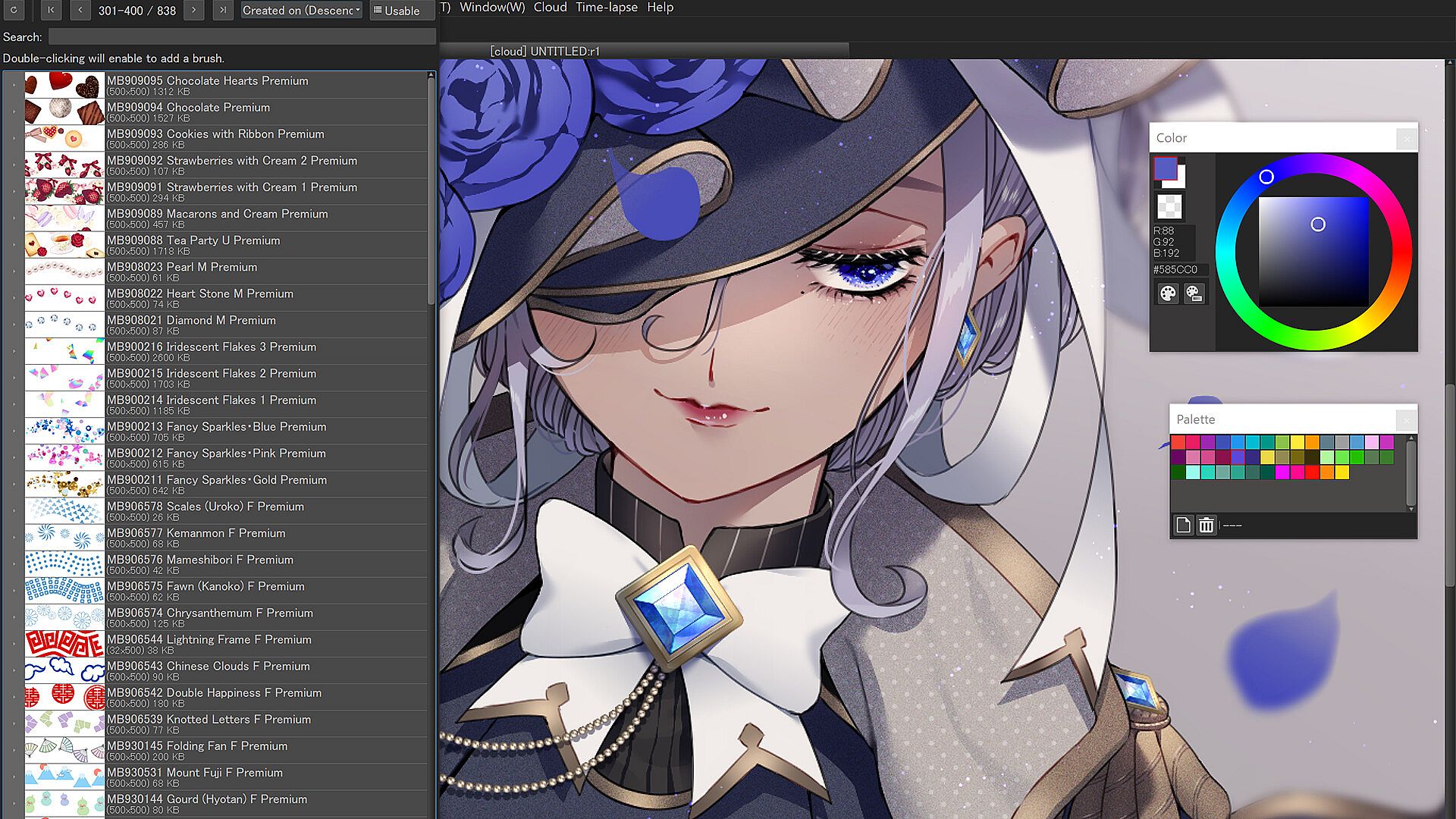
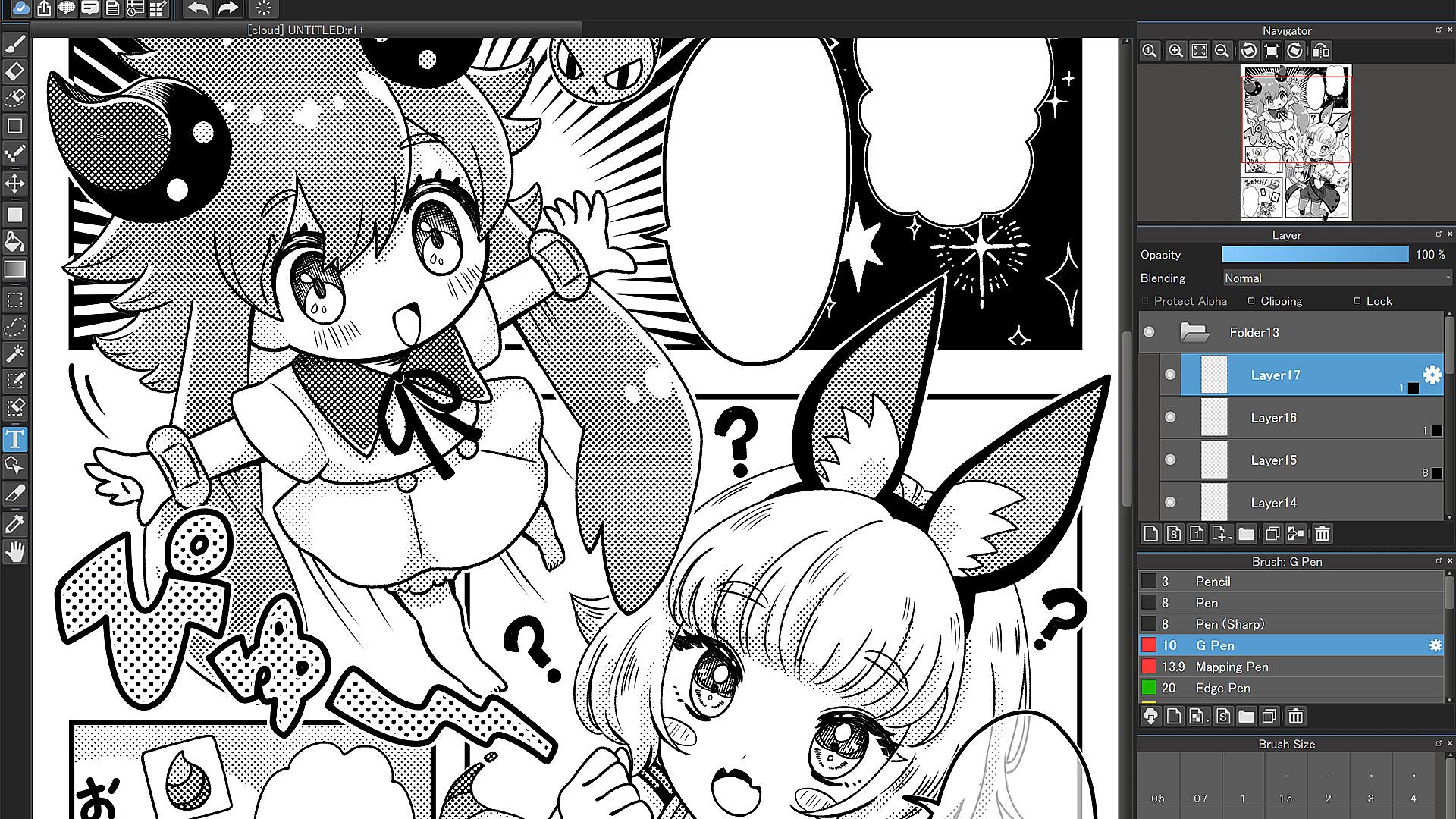
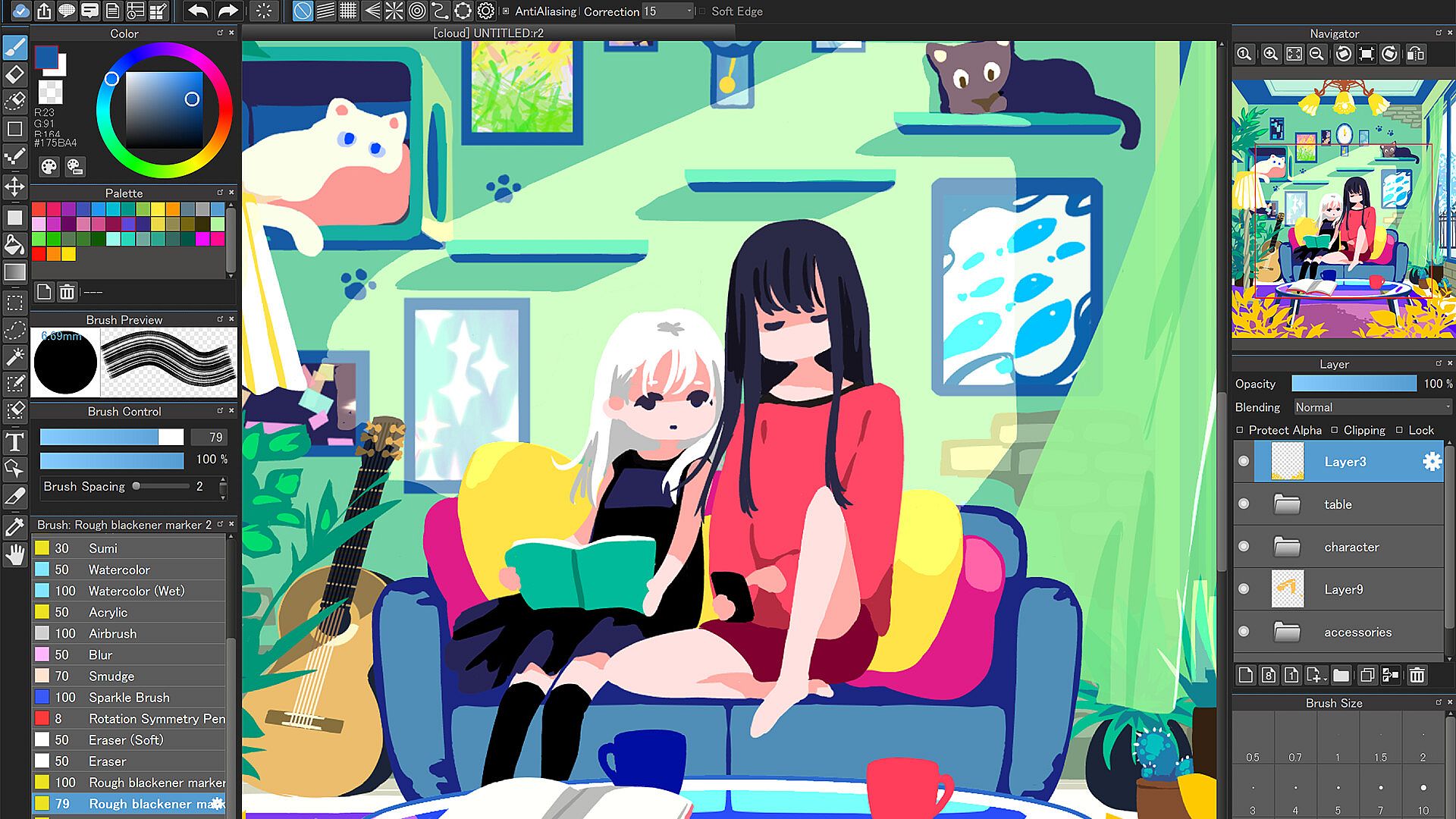
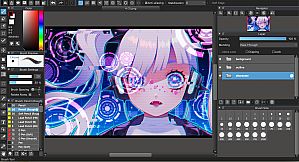
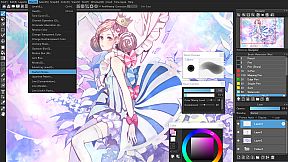
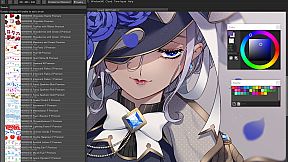
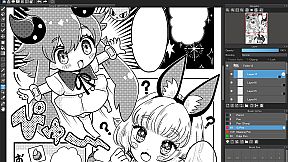
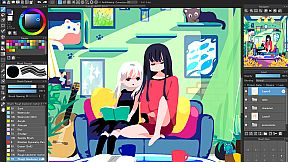
Draw with over 1,000 brushes, materials, screentones, and fonts in this design and illustration app for PC. Access gradient maps to shift artwork atmospheres, onion skin mode for smooth frame previews at different rates before MP4 export, and stabilizer tools that smooth out brush shakes. Perspective guides, rulers, free transform, and mesh transformation help structure complex pieces, while timelapse records your process for easy sharing. Work seamlessly across unlimited devices via cloud sync, or collaborate on shared canvases with friends in group projects. The simple interface keeps beginners focused and pros productive, with no pop-up ads or manual updates. Professional comic artists and hobbyists alike craft illustrations, animations, and comics using filters, backgrounds, and library resources.

“Draw Anywhere, With Anything.”

MediBang Paint is an art app with more than 100 million downloads in over 150 countries!

By downloading the for Desktop version of this beloved software, not only will you support the MediBang Paint developer team, you’ll get access to automatic updates, never deal with pop-up ads again, and be the first to receive new, MediBang Paint for Desktop features.

More than 1,000 kinds of brushes and materials
  • More than 1,000 brushes and materials that are usually exclusive to subscribers of MediBang Premium are available at no extra cost

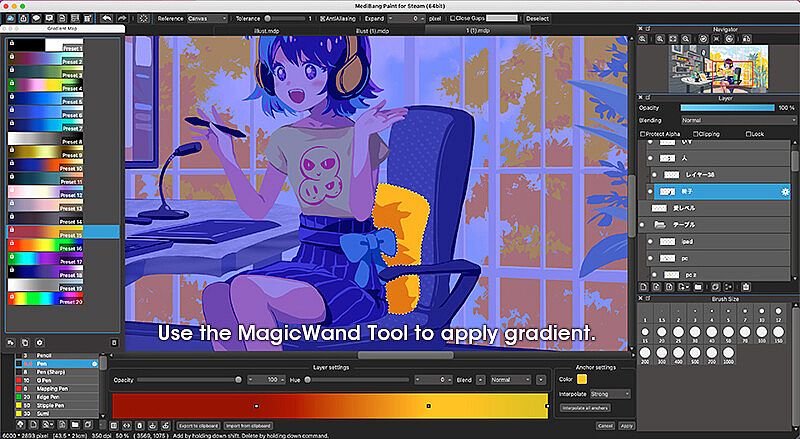
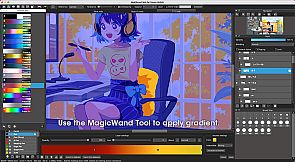
Gradient Map
  • Use these customizable presets to change the entire atmosphere of your art.

  • Enhance your coloring and even turn grayscale pieces full color using the Gradient Map function.

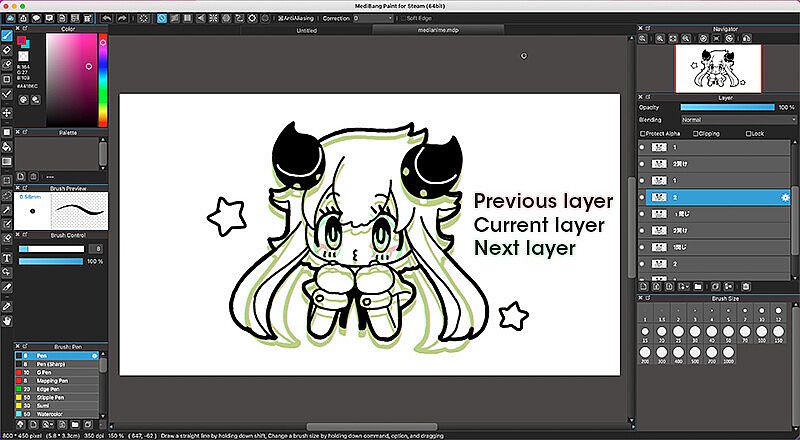
Onion Skin Mode
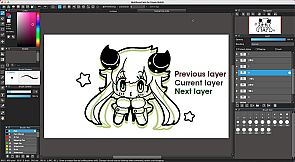
  • Use this convenient tool to see all your frames at once as you work on your project to ensure a seamless animation.

  • Preview in various frame rate options before exporting your set of layers into .mp4.

No Ads
  • No pop-up advertisements at the start-up of the software.

Automatic Updates
  • No need to manually update the software for every time.

Brushes, Screentones, Fonts, and more!
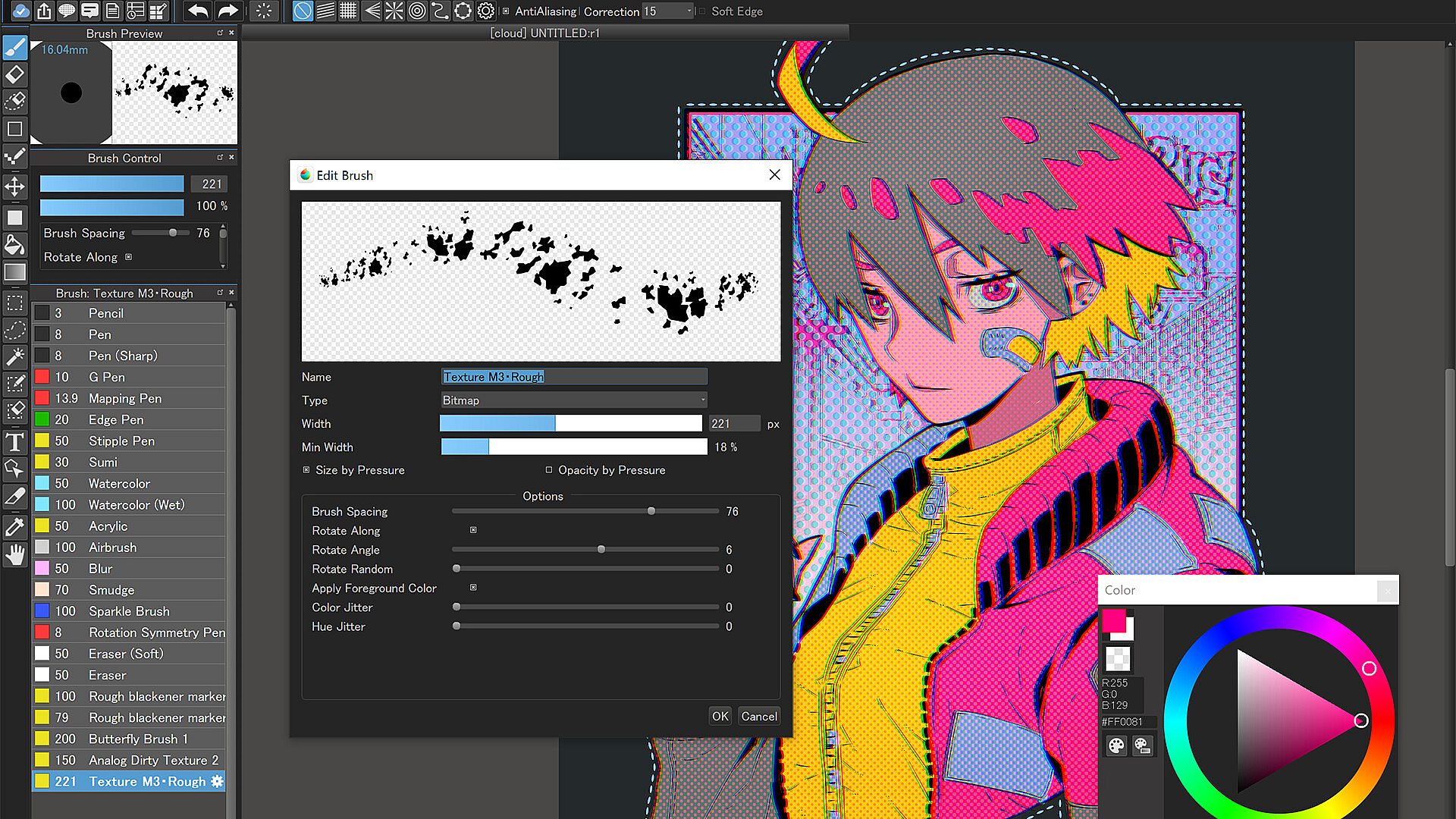
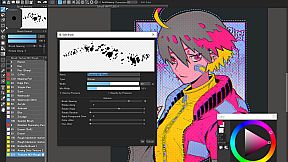
  • Enjoy drawing with over 180 editable brushes or even make your own.

  • Make professional comics easily using any of MediBang’s 1000 screentones and 60 fonts available.

  • Use filters, share filter settings with other MediBang friends, use fun background brushes, and access more resources to give your art a special finish.

Tools Made for Everyone from Beginner to Pro!
  • Stabilizer: A natural-feeling stabilization tool that automatically fixes any shakes or wobbles in your brushwork as you draw.

  • Assistance Tools: A multitude of perspective guides and rulers to help you plan and structure complex illustrations. Never feel confused about vanishing points again thanks to these handy tools.

  • Intuitive Transformation: Free Transform to adjust your illustration as a whole, or tweak details using Mesh Transformation.

  • Timelapse: Easily activate from the menu tab and show off your art process when you’re done! Share your speedpaints on social media with #medibangpaint and #timelapse

  • Simple Interface: MediBang Paint for Desktop is a user-friendly painting app with a simple UI that lets you focus on making art over figuring out a complex interface. It won’t intimidate a beginner artist, and won’t distract a pro either!

Unlimited Device Usage
  • MediBang Paint for Desktop allows users to create across multiple platforms with no restriction on the number of devices registered to one account.

  • Want to switch between desktop and mobile devices? The cloud feature in MediBang Paint for Desktop lets you switch easily from drawing at home to drawing on the go.

Group Project: Keep Everyone on the Same Page
  • Draw on the same canvas with your friends! Join up to 3 teams and work together on a project, or just sketch for fun!

  • For professional comic artists, make it easier and more stress-free than ever for your team to complete pages faster together.

Further Support
  • Access our official website for step-by-step guide & illustration tutorials!

  • Check out our official YouTube channel updated twice a week!

  • Various templates and practice materials are available for free in the MediBang Library

Supported Formats
  • Supported formats: mdp (native file format*), png, jpg, bmp, gif, psd, tif, webp

*The mdp file format is also shared with Fire Alpaca and mdiapp+

*In order to use cloud features, users need to create a free MediBang account. Users will be required to accept a third-party End-User License Agreement by MediBang Inc. when creating a MediBang account.

*App performance may vary depending on the device’s condition.

Steam:
Mixed (128)

Storico prezzi

Minimo storico
Keyshop
-
-
-
Store ufficiali
-
-
-

FAQ

8 domande

Prima di cercare una CD Key MediBang Paint for Desktop economica, dai un'occhiata alle info essenziali. Sviluppato da MediBang Inc.. Pubblicato da MediBang Inc.. Data di uscita su PC: 31 lug 2023. Generi: Animation & Modeling, Design & Illustration, Photo Editing. Recensioni di MediBang Paint for Desktop: Recensioni Steam: 64% of the 128 user reviews for this game are positive.

Q Posso giocare a MediBang Paint for Desktop su Steam Deck?

No, al momento. Valve indica MediBang Paint for Desktop come Unsupported, quindi non si avvia via Proton. Tieni d'occhio XD.deals: tracciamo progressi di Proton e fix della community e lo segnaleremo appena sarĂ  possibile giocare a MediBang Paint for Desktop su Steam Deck.

Sì. Esiste una versione Steam di MediBang Paint for Desktop. Scegli un'offerta con tag Steam Key su XD.deals, riscattala nel client desktop e gioca a MediBang Paint for Desktop su Steam PC.

Sì. Dopo aver riscattato la chiave Steam, puoi avviare MediBang Paint for Desktop in Modalità Offline su Steam. I salvataggi si sincronizzeranno quando tornerai online.

Sì, puoi acquistare una Steam Key di MediBang Paint for Desktop direttamente su Steam. Su XD.deals aggregiamo tutte le offerte DRM Steam disponibili così puoi confrontare le offerte Steam economiche di MediBang Paint for Desktop in un unico posto.

Trovi ogni sconto e offerta attiva per MediBang Paint for Desktop qui su XD.deals. Il nostro tracker elenca attualmente 1 offerte da store ufficiali e 0 offerte da keyshop. Controlla la tabella sopra per il prezzo piĂą basso, confrontalo con il minimo storico e imposta un avviso per non perdere il prossimo calo.

Con XD.deals i gamer PC vedono subito dove comprare una chiave Steam MediBang Paint for Desktop PC economica. Il nostro motore di comparazione in tempo reale e il database coupon tracciano store ufficiali e keyshop affidabili così non devi farlo tu. In questo momento rileviamo 1 offerte attive tra store e keyshop.

Sì. Esiste una pagina ufficiale Steam per MediBang Paint for Desktop, quindi puoi comprare MediBang Paint for Desktop su Steam oppure prendere una Steam Key PC di MediBang Paint for Desktop su XD.deals e riscattarla subito.

No - XD.deals non è uno store. Siamo un servizio di comparazione prezzi che traccia le migliori offerte per MediBang Paint for Desktop tra store ufficiali e keyshop verificati. Clicca "Vai allo store" accanto all'offerta scelta e verrai reindirizzato al sito del rivenditore per completare l'acquisto e ricevere lì la chiave.

Vuoi comprare al momento giusto? Imposta un avviso prezzo su XD.deals e prendi una chiave Steam MediBang Paint for Desktop scontata quando raggiunge il prossimo minimo storico.

Crea avviso