Livestreaming Online
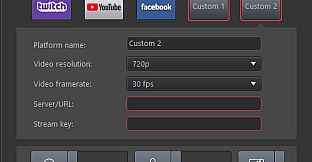
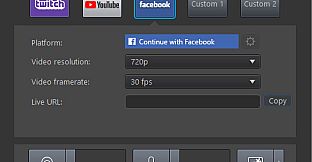
Start creating content that engages with your followers on Twitch, YouTube or Facebook.Integrate webcam commentary into livestreams with additional overlay objects.



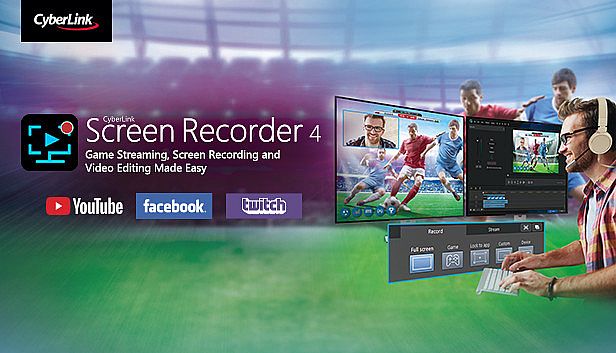
Gdzie znaleźć najlepszą ofertę na Cyberlink Screen Recorder 4 - Record your games, RPG, car game, shooting gameplay - Game Recording and Streaming Software na PC (Steam)? Porównaj ceny z 1 sklepów i wybierz najlepszą opcję spośród 1 ofert dostępnych na XD.deals. Obecnie najniższa cena Cyberlink Screen Recorder 4 - Record your games, RPG, car game, shooting gameplay - Game Recording and Streaming Software na PC w keyshopach jest na 179,99 zł (0% taniej).



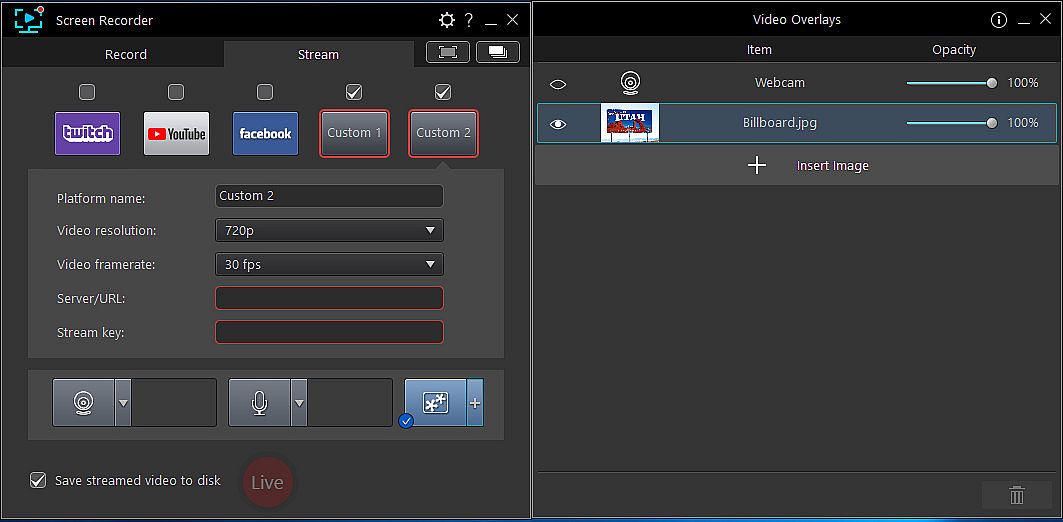
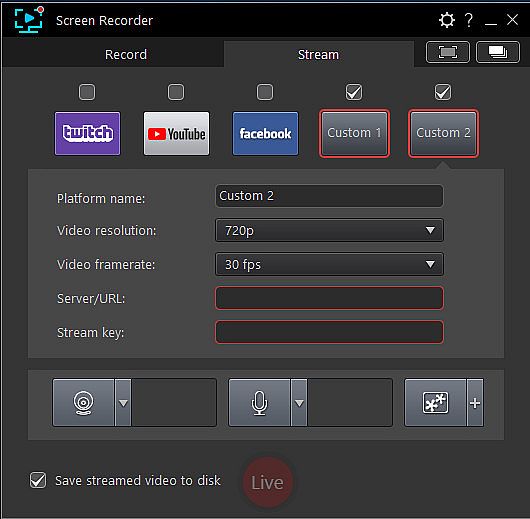
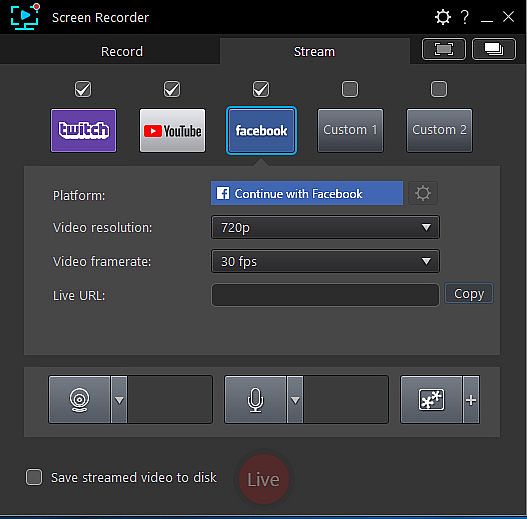
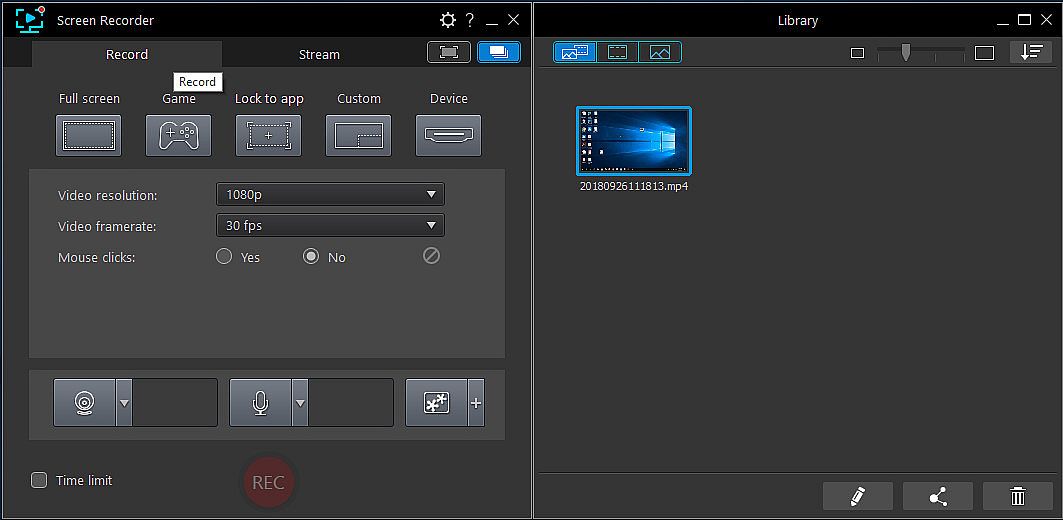
Zanim zaczniesz szukać taniego klucza Cyberlink Screen Recorder 4 - Record your games, RPG, car game, shooting gameplay - Game Recording and Streaming Software (CD Key), sprawdź najważniejsze informacje. Twórcy: CyberLink. Wydawca: Deep Silver. Data premiery na PC: 27 lis 2018. Gatunki: Utilities, Audio Production, Video Production, Design & Illustration. Recenzje Cyberlink Screen Recorder 4 - Record your games, RPG, car game, shooting gameplay - Game Recording and Streaming Software: Recenzje Steam: 65% of the 26 user reviews for this game are positive.
Nie, na ten moment. Valve oznacza Cyberlink Screen Recorder 4 - Record your games, RPG, car game, shooting gameplay - Game Recording and Streaming Software jako Unsupported, więc gra nie uruchamia się przez Proton. Śledź XD.deals - monitorujemy postępy Protona i społecznościowe obejścia, a gdy pojawi się działające rozwiązanie, oznaczymy możliwość uruchomienia Cyberlink Screen Recorder 4 - Record your games, RPG, car game, shooting gameplay - Game Recording and Streaming Software na Steam Decku.
Tak. Istnieje wersja Cyberlink Screen Recorder 4 - Record your games, RPG, car game, shooting gameplay - Game Recording and Streaming Software na Steam. Wybierz ofertę oznaczoną jako Steam Key na XD.deals, aktywuj ją w kliencie Steam i graj w Cyberlink Screen Recorder 4 - Record your games, RPG, car game, shooting gameplay - Game Recording and Streaming Software na PC.
Tak. Po aktywacji klucza Steam możesz uruchomić Cyberlink Screen Recorder 4 - Record your games, RPG, car game, shooting gameplay - Game Recording and Streaming Software w trybie Offline w Steam. Zapisy zsynchronizują się przy następnym połączeniu z internetem.
Tak, możesz kupić klucz Steam do Cyberlink Screen Recorder 4 - Record your games, RPG, car game, shooting gameplay - Game Recording and Streaming Software bezpośrednio w sklepie Steam. W XD.deals zbieramy wszystkie oferty z DRM Steam, abyś mógł porównać tanie promocje na Cyberlink Screen Recorder 4 - Record your games, RPG, car game, shooting gameplay - Game Recording and Streaming Software na Steam w jednym miejscu.
Wszystkie aktywne promocje i zniżki na Cyberlink Screen Recorder 4 - Record your games, RPG, car game, shooting gameplay - Game Recording and Streaming Software znajdziesz tutaj, na XD.deals. Nasz tracker pokazuje obecnie 1 ofert z oficjalnych sklepów oraz 0 ofert z keyshopów. Sprawdź tabelę powyżej, zobacz najniższą cenę, porównaj z historycznie najniższą ceną i ustaw alert, aby nie przegapić kolejnego spadku.
Dzięki XD.deals gracze PC mogą od razu sprawdzić, gdzie kupić tani klucz Cyberlink Screen Recorder 4 - Record your games, RPG, car game, shooting gameplay - Game Recording and Streaming Software na PC (Steam). Nasz silnik porównujący ceny w czasie rzeczywistym oraz baza kuponów śledzą oficjalne sklepy i zaufane keyshopy, żebyś nie musiał. Obecnie wykrywamy 1 aktywnych ofert z oficjalnych sklepów i keyshopów.
Tak. Oficjalna strona Cyberlink Screen Recorder 4 - Record your games, RPG, car game, shooting gameplay - Game Recording and Streaming Software na Steam jest dostępna, więc możesz kupić Cyberlink Screen Recorder 4 - Record your games, RPG, car game, shooting gameplay - Game Recording and Streaming Software na Steam albo wybrać klucz Steam do Cyberlink Screen Recorder 4 - Record your games, RPG, car game, shooting gameplay - Game Recording and Streaming Software na PC na XD.deals i aktywować go od razu.
Nie - XD.deals nie jest sklepem. Jesteśmy porównywarką cen, która śledzi najlepsze oferty na Cyberlink Screen Recorder 4 - Record your games, RPG, car game, shooting gameplay - Game Recording and Streaming Software w oficjalnych sklepach i zweryfikowanych keyshopach. Kliknij "Przejdź do sklepu" przy wybranej ofercie, a przekierujemy Cię na stronę sprzedawcy, gdzie dokończysz zakup i odbierzesz klucz.
Chcesz kupić w najlepszym momencie? Ustaw alert cenowy na XD.deals i otrzymaj powiadomienie, gdy Cyberlink Screen Recorder 4 - Record your games, RPG, car game, shooting gameplay - Game Recording and Streaming Software ponownie osiągnie historycznie najniższą cenę.
Utwórz alert