Livestreaming Online
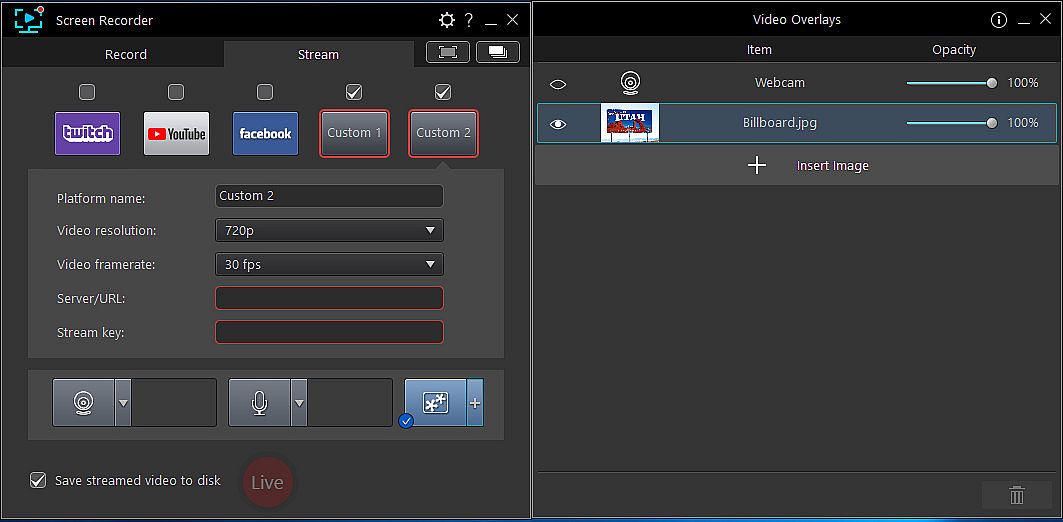
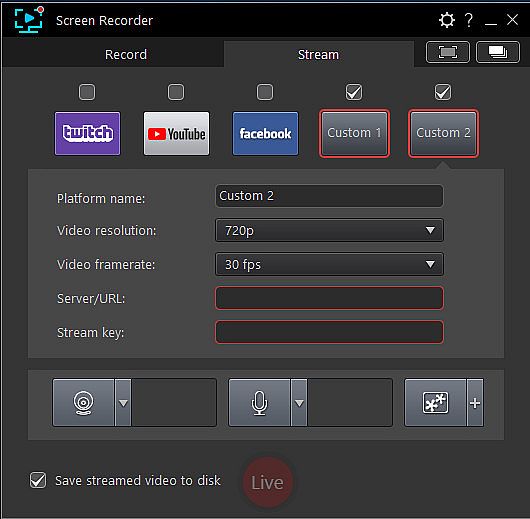
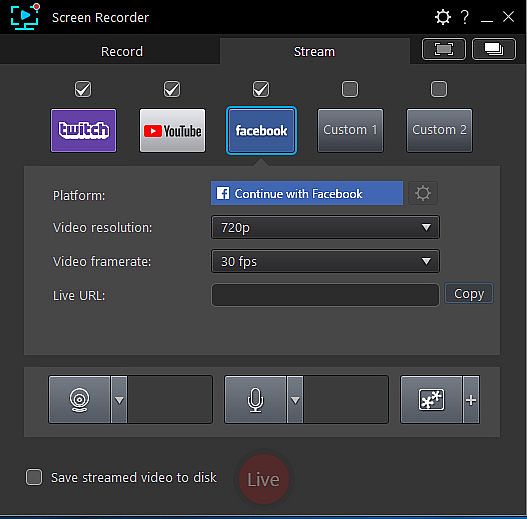
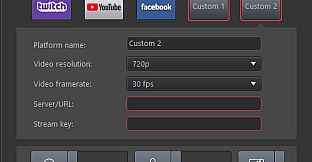
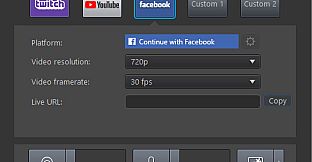
Start creating content that engages with your followers on Twitch, YouTube or Facebook.Integrate webcam commentary into livestreams with additional overlay objects.



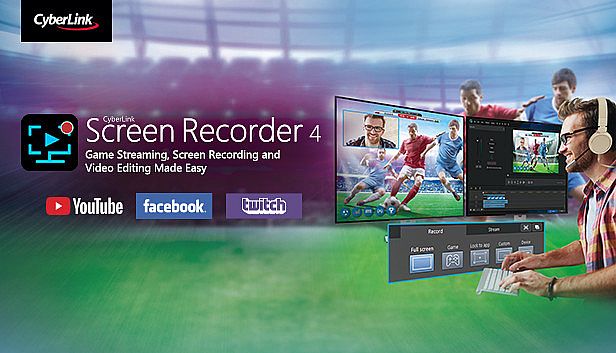
Dove comprare la chiave Steam Cyberlink Screen Recorder 4 - Record your games, RPG, car game, shooting gameplay - Game Recording and Streaming Software PC più economica? Confronta i prezzi da 1 store e scegli la soluzione migliore tra 1 offerte su XD.deals. Al momento il prezzo PC più basso per Cyberlink Screen Recorder 4 - Record your games, RPG, car game, shooting gameplay - Game Recording and Streaming Software nei keyshop è su 49,99 € (0% di sconto).



Prima di cercare una CD Key Cyberlink Screen Recorder 4 - Record your games, RPG, car game, shooting gameplay - Game Recording and Streaming Software economica, dai un'occhiata alle info essenziali. Sviluppato da CyberLink. Pubblicato da Deep Silver. Data di uscita su PC: 27 nov 2018. Generi: Utilities, Audio Production, Video Production, Design & Illustration. Recensioni di Cyberlink Screen Recorder 4 - Record your games, RPG, car game, shooting gameplay - Game Recording and Streaming Software: Recensioni Steam: 65% of the 26 user reviews for this game are positive.
No, al momento. Valve indica Cyberlink Screen Recorder 4 - Record your games, RPG, car game, shooting gameplay - Game Recording and Streaming Software come Unsupported, quindi non si avvia via Proton. Tieni d'occhio XD.deals: tracciamo progressi di Proton e fix della community e lo segnaleremo appena sarà possibile giocare a Cyberlink Screen Recorder 4 - Record your games, RPG, car game, shooting gameplay - Game Recording and Streaming Software su Steam Deck.
Sì. Esiste una versione Steam di Cyberlink Screen Recorder 4 - Record your games, RPG, car game, shooting gameplay - Game Recording and Streaming Software. Scegli un'offerta con tag Steam Key su XD.deals, riscattala nel client desktop e gioca a Cyberlink Screen Recorder 4 - Record your games, RPG, car game, shooting gameplay - Game Recording and Streaming Software su Steam PC.
Sì. Dopo aver riscattato la chiave Steam, puoi avviare Cyberlink Screen Recorder 4 - Record your games, RPG, car game, shooting gameplay - Game Recording and Streaming Software in Modalità Offline su Steam. I salvataggi si sincronizzeranno quando tornerai online.
Sì, puoi acquistare una Steam Key di Cyberlink Screen Recorder 4 - Record your games, RPG, car game, shooting gameplay - Game Recording and Streaming Software direttamente su Steam. Su XD.deals aggregiamo tutte le offerte DRM Steam disponibili così puoi confrontare le offerte Steam economiche di Cyberlink Screen Recorder 4 - Record your games, RPG, car game, shooting gameplay - Game Recording and Streaming Software in un unico posto.
Trovi ogni sconto e offerta attiva per Cyberlink Screen Recorder 4 - Record your games, RPG, car game, shooting gameplay - Game Recording and Streaming Software qui su XD.deals. Il nostro tracker elenca attualmente 1 offerte da store ufficiali e 0 offerte da keyshop. Controlla la tabella sopra per il prezzo più basso, confrontalo con il minimo storico e imposta un avviso per non perdere il prossimo calo.
Con XD.deals i gamer PC vedono subito dove comprare una chiave Steam Cyberlink Screen Recorder 4 - Record your games, RPG, car game, shooting gameplay - Game Recording and Streaming Software PC economica. Il nostro motore di comparazione in tempo reale e il database coupon tracciano store ufficiali e keyshop affidabili così non devi farlo tu. In questo momento rileviamo 1 offerte attive tra store e keyshop.
Sì. Esiste una pagina ufficiale Steam per Cyberlink Screen Recorder 4 - Record your games, RPG, car game, shooting gameplay - Game Recording and Streaming Software, quindi puoi comprare Cyberlink Screen Recorder 4 - Record your games, RPG, car game, shooting gameplay - Game Recording and Streaming Software su Steam oppure prendere una Steam Key PC di Cyberlink Screen Recorder 4 - Record your games, RPG, car game, shooting gameplay - Game Recording and Streaming Software su XD.deals e riscattarla subito.
No - XD.deals non è uno store. Siamo un servizio di comparazione prezzi che traccia le migliori offerte per Cyberlink Screen Recorder 4 - Record your games, RPG, car game, shooting gameplay - Game Recording and Streaming Software tra store ufficiali e keyshop verificati. Clicca "Vai allo store" accanto all'offerta scelta e verrai reindirizzato al sito del rivenditore per completare l'acquisto e ricevere lì la chiave.
Vuoi comprare al momento giusto? Imposta un avviso prezzo su XD.deals e prendi una chiave Steam Cyberlink Screen Recorder 4 - Record your games, RPG, car game, shooting gameplay - Game Recording and Streaming Software scontata quando raggiunge il prossimo minimo storico.
Crea avviso