



Blueprint Word: Classroom PC

Na dzień 24 mar 2026, najtanszy klucz do Blueprint Word: Classroom kosztuje 1,03 zł w GameBoost. XD.deals porownuje ceny z 4 sklepow w 4 ofertach. W keyshopach najnizsza cena to 1,03 zł (84% taniej), a w oficjalnych sklepach od 7,19 zł (0% taniej). Dane od XD.deals.

Premiera: 05 gru 2018
Metacritic:
tbd tbd
Steam:
Overwhelmingly Negative (7)
Kup w oficjalnym sklepie:
7,19 zł
Kup w keyshopach:
-84%
1,03 zł
Zobacz historię cen

Sklepy oficjalne (1)

DRM:
Steam
Steam
Steam
Blueprint Word: Classroom
Windows
1l temu
DRM:
Steam
Steam
7,19 zł

Keyshopy (3)

DRM:
Steam
Steam
GameBoost
Blueprint Word: Classroom
Windows
2h temu
GameBoost
6,79 zł 1,03 zł
-84%
Kinguin
Blueprint Word: Classroom Steam CD Key
Windows
22h temu
DRM:
Steam
Kinguin
6,82 zł 1,06 zł
-84%
-8% with XD8DEALScopy
Eneba
Blueprint Word: Classroom (PC) Steam Key GLOBAL
Windows
20h temu
DRM:
Steam
Eneba
6,82 zł 1,62 zł
-76%
-10% with XDD10copy
-10% with XDD10copy

O Blueprint Word: Classroom

Blueprint Word: Classroom - o grze
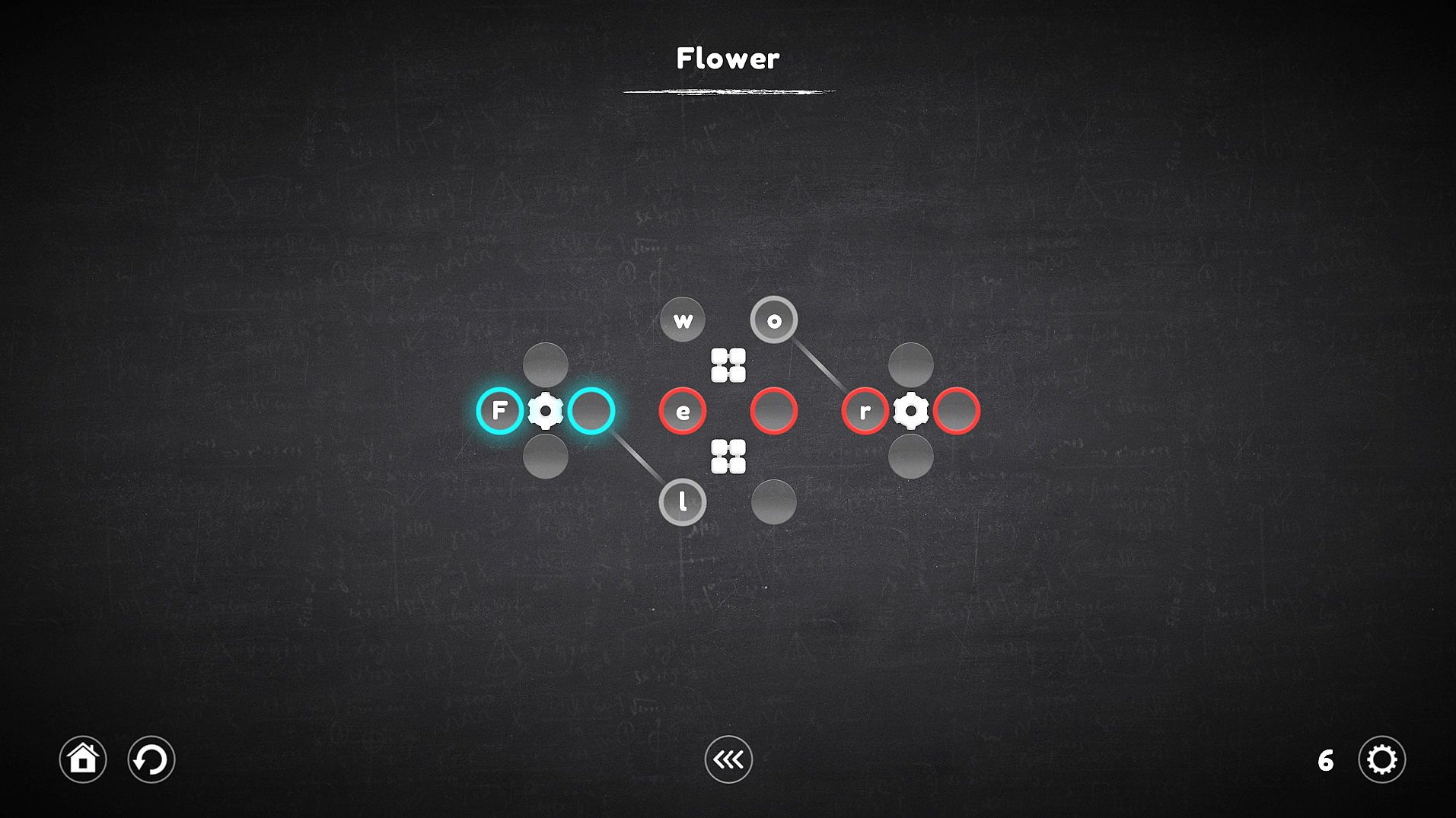
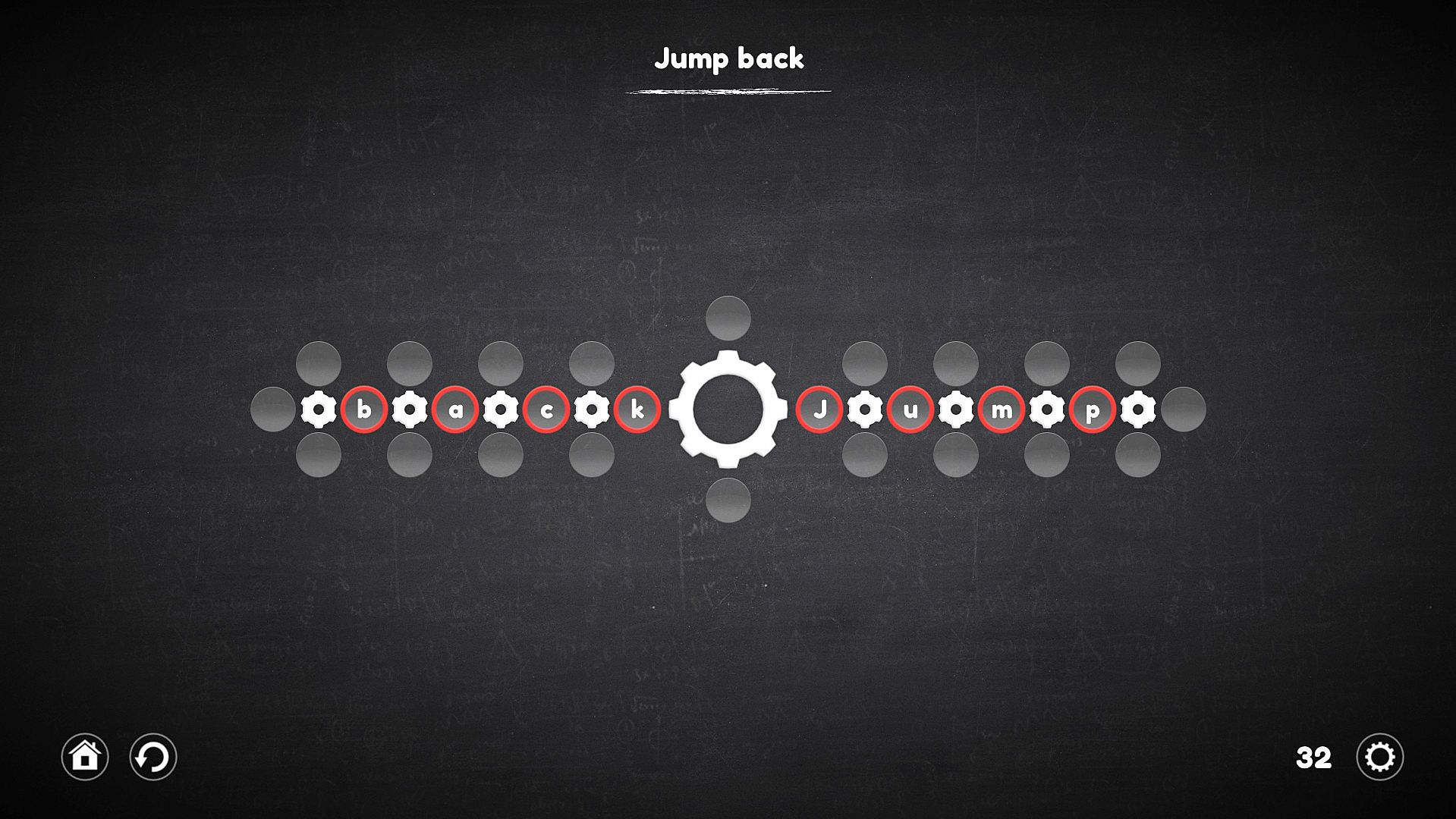
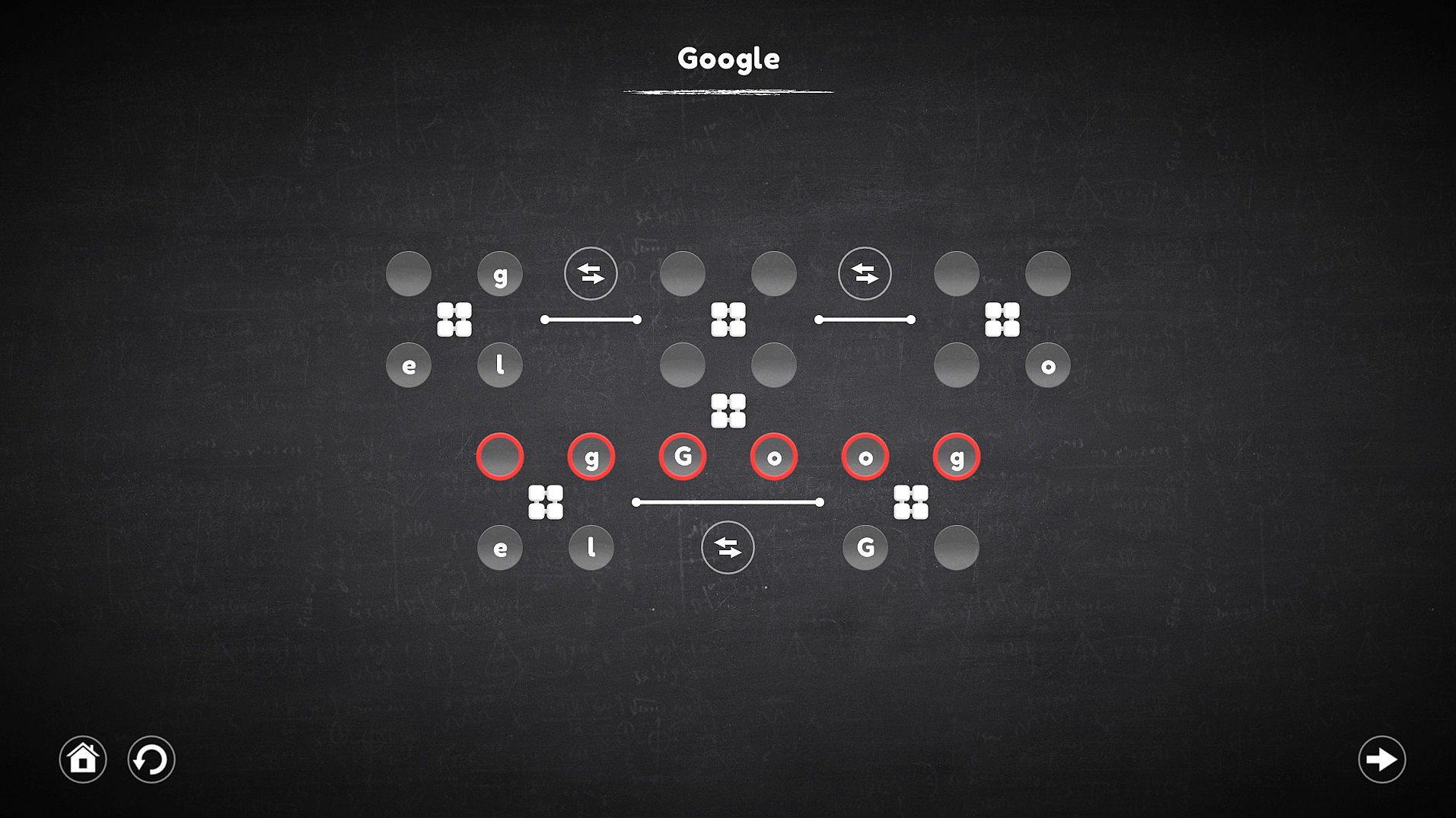
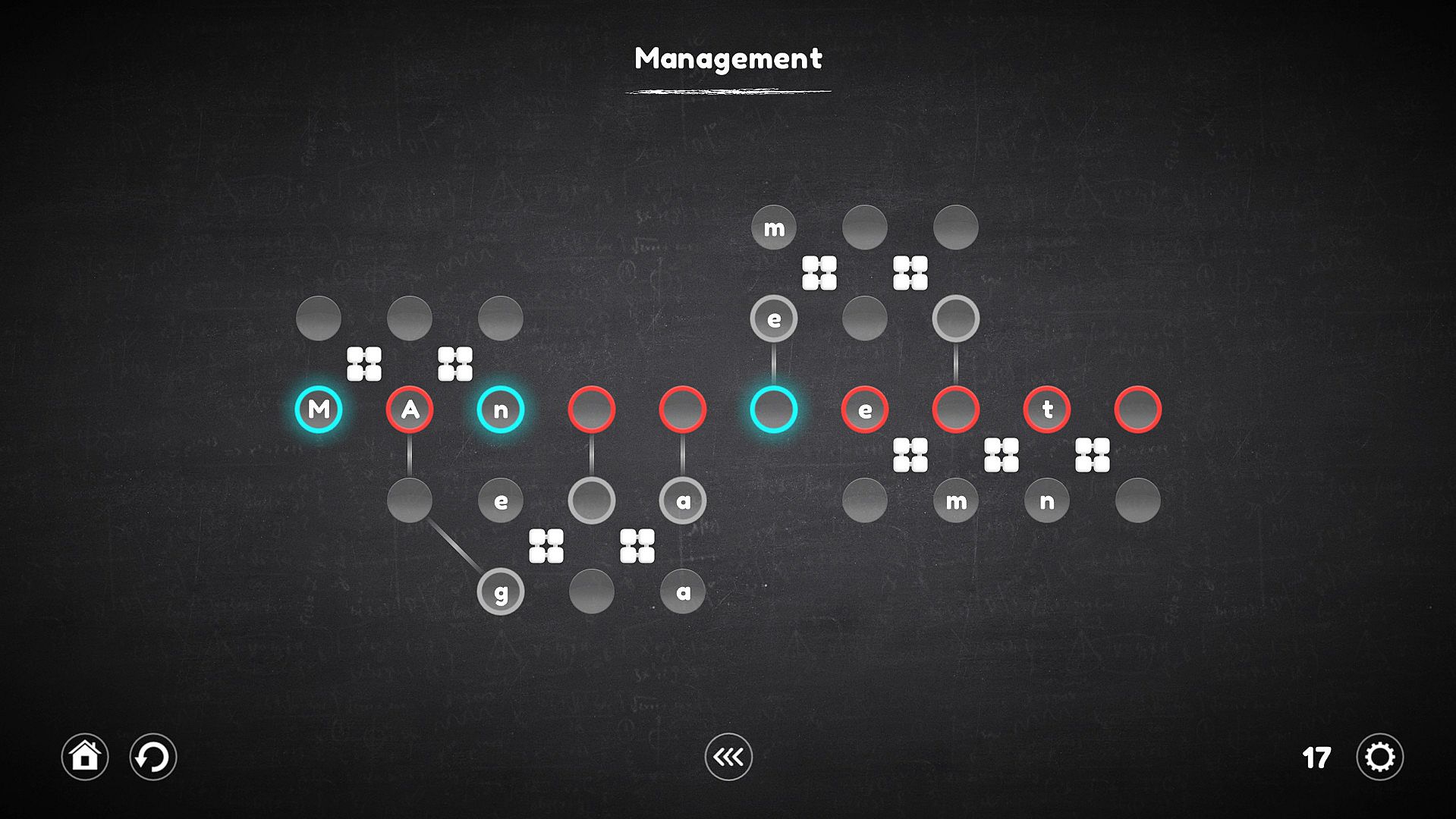
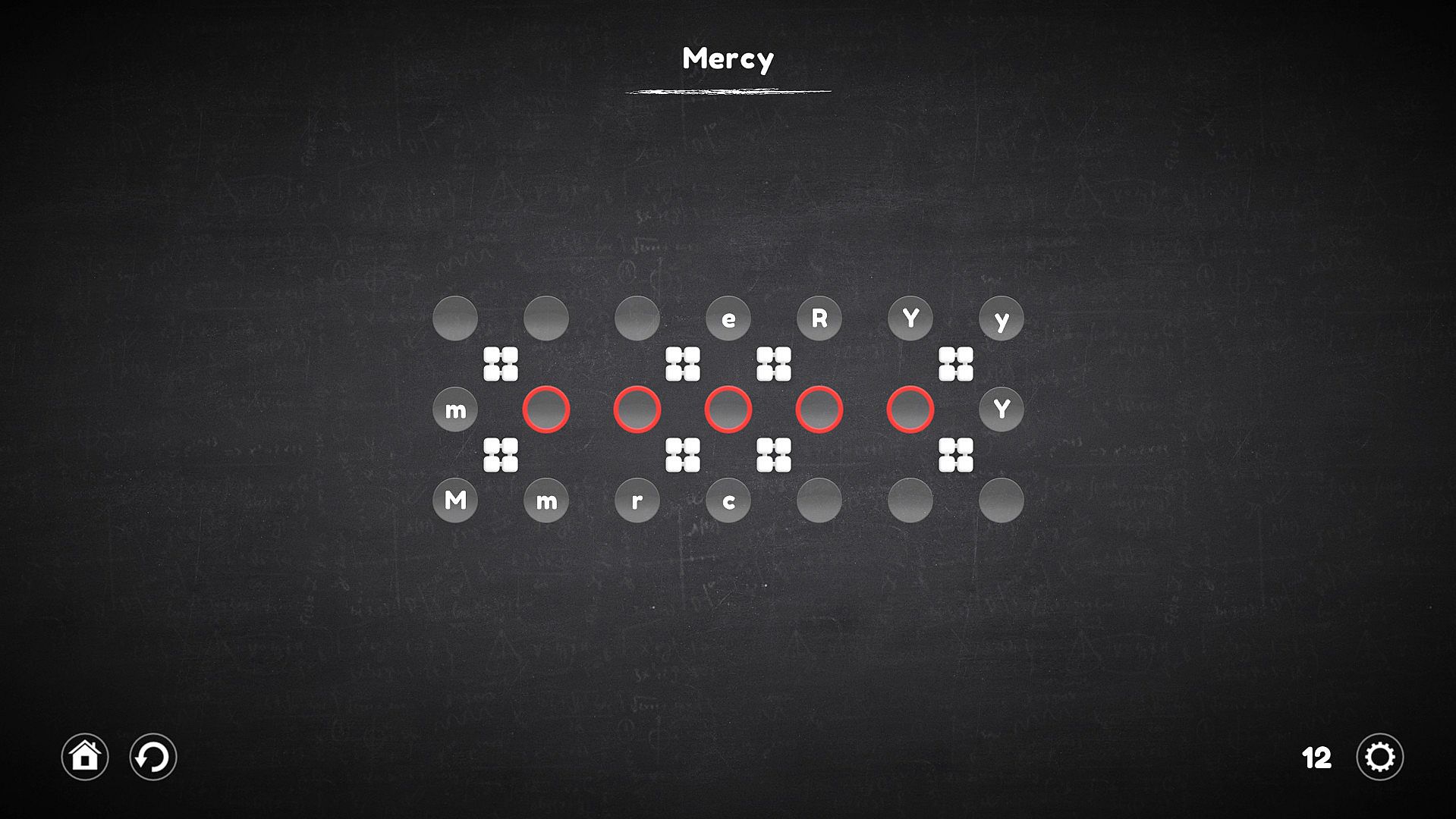
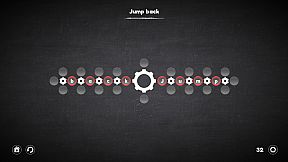
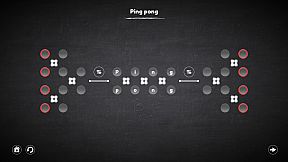
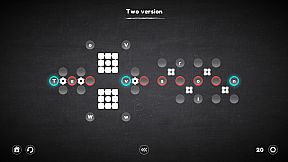
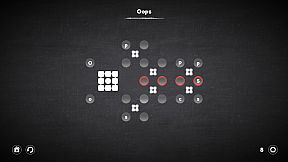
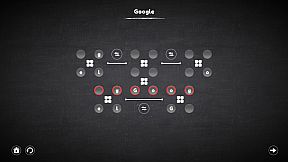
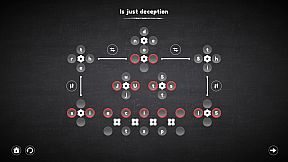
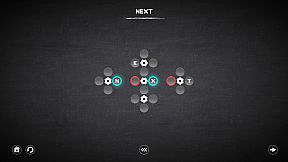
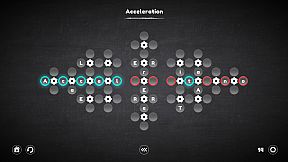
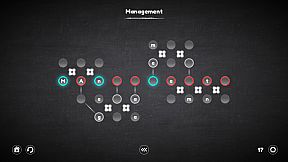
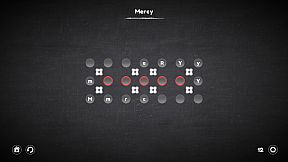
Assemble words and sentences from letters tied to clever mechanisms in this indie casual puzzle game. Players grab the correct letters or symbols, slot them into cells, and manipulate gears, rotators, connectors, and replacers to beat each level. Gears spin nearby cells clockwise or counterclockwise, rotators shift them linearly like a Rubik's Cube, connectors link distant letters to targets, and replacers swap mechanisms entirely. Over 120 unique levels across four categories build in complexity, mixing mechanism types for fresh challenges. Choose beginner or advanced difficulty, rewind mistakes, or skip tough puzzles to return later. Casual players and series fans alike enjoy the smoother controls and thoughtful innovations.

The goal of each level is to assemble a word or even a whole sentence from letters that are part of certain mechanisms and are controlled by them. Pick up the right letters or symbols, insert into the cells, adapt to difficult conditions and do not fall into deception. Try - It's Easy!

Regarding the innovations: The game is a big work on the mistakes of the last part of the series. Therefore, it has become much more convenient and easier to play.
Key Features

  • Play as convenient: The game has 2 levels of difficulty, one is suitable for beginners and does not require much effort from the player, the second is suitable for those who are familiar with Blueprint Word.
  • Too difficult for me: Do not know how to solve the puzzle? You can skip the level and try to pass it later.
  • Everyone is mistaken: I lost several moves because of an error - just wind the mechanisms a few steps back.
  • Over 120 levels.
  • 4 new types of mechanisms.
  • Improved gameplay.

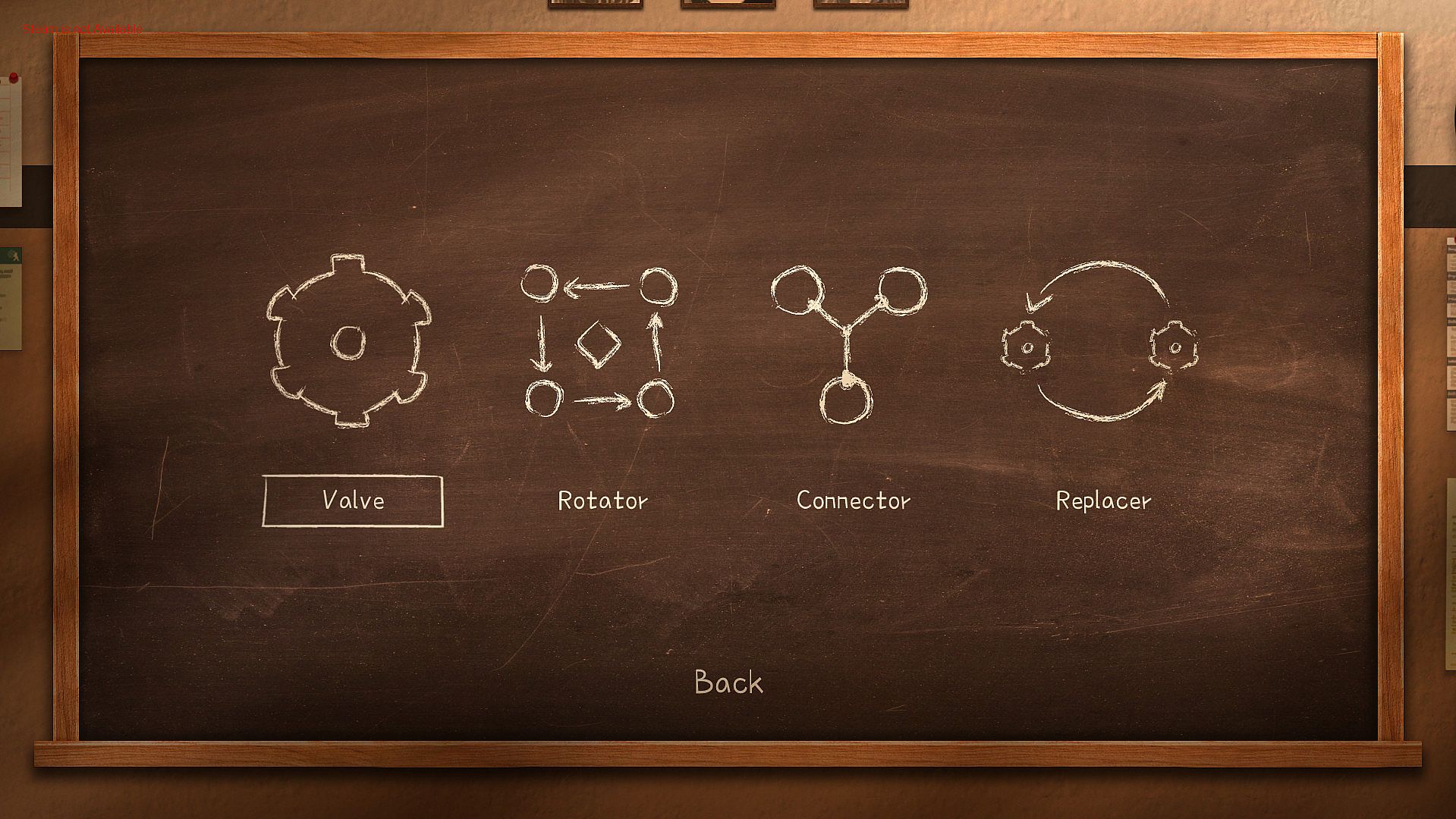
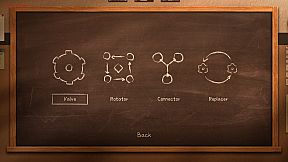
The game has four categories of levels, each of which involves the use of certain mechanisms. The very first of them is the usual gear, which remained unchanged, the other three are completely new.


Each category contains 30 unique levels, and the levels can combine the mechanisms from the previous categories.
"Valve"


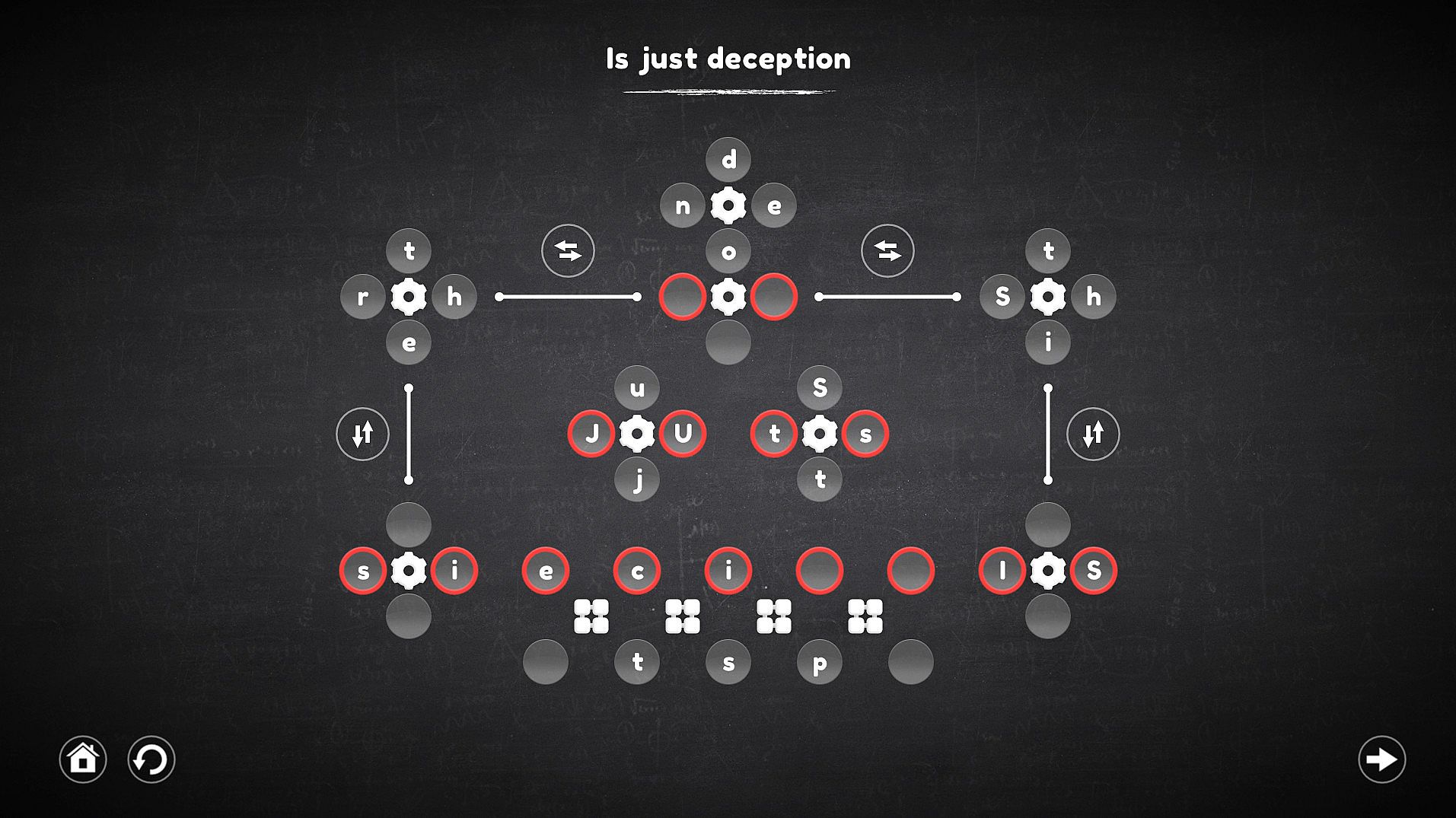
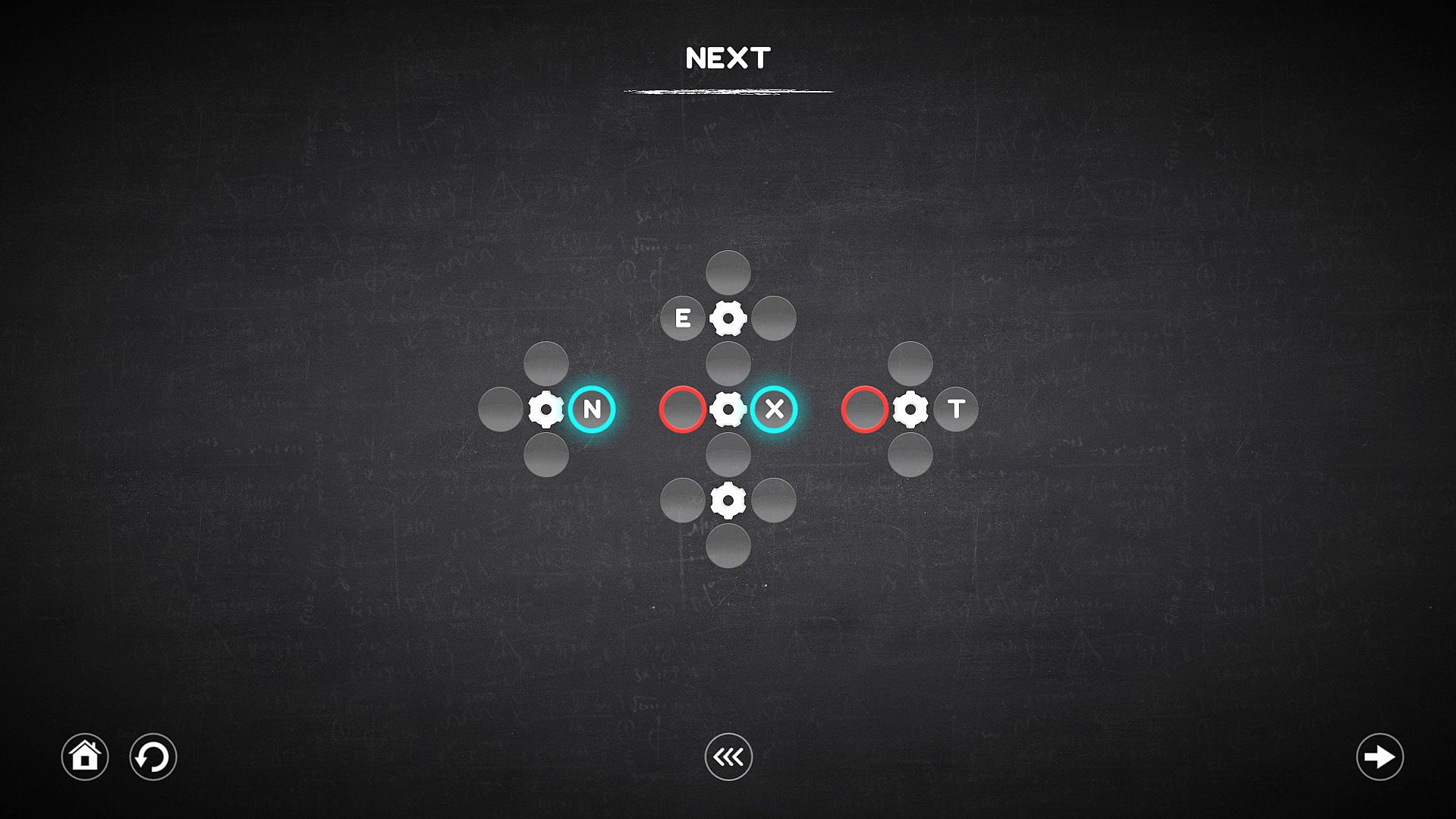
Using the gear allows you to rotate all the nearest cells around it, both clockwise and counterclockwise. It is important to understand that all cells are not part of the gears before they are activated, this means that the cells located next to one gear (for example, left or right) can take part in the rotation of the other, which in fact allows you to move the cells to the right places.
"Rotator"


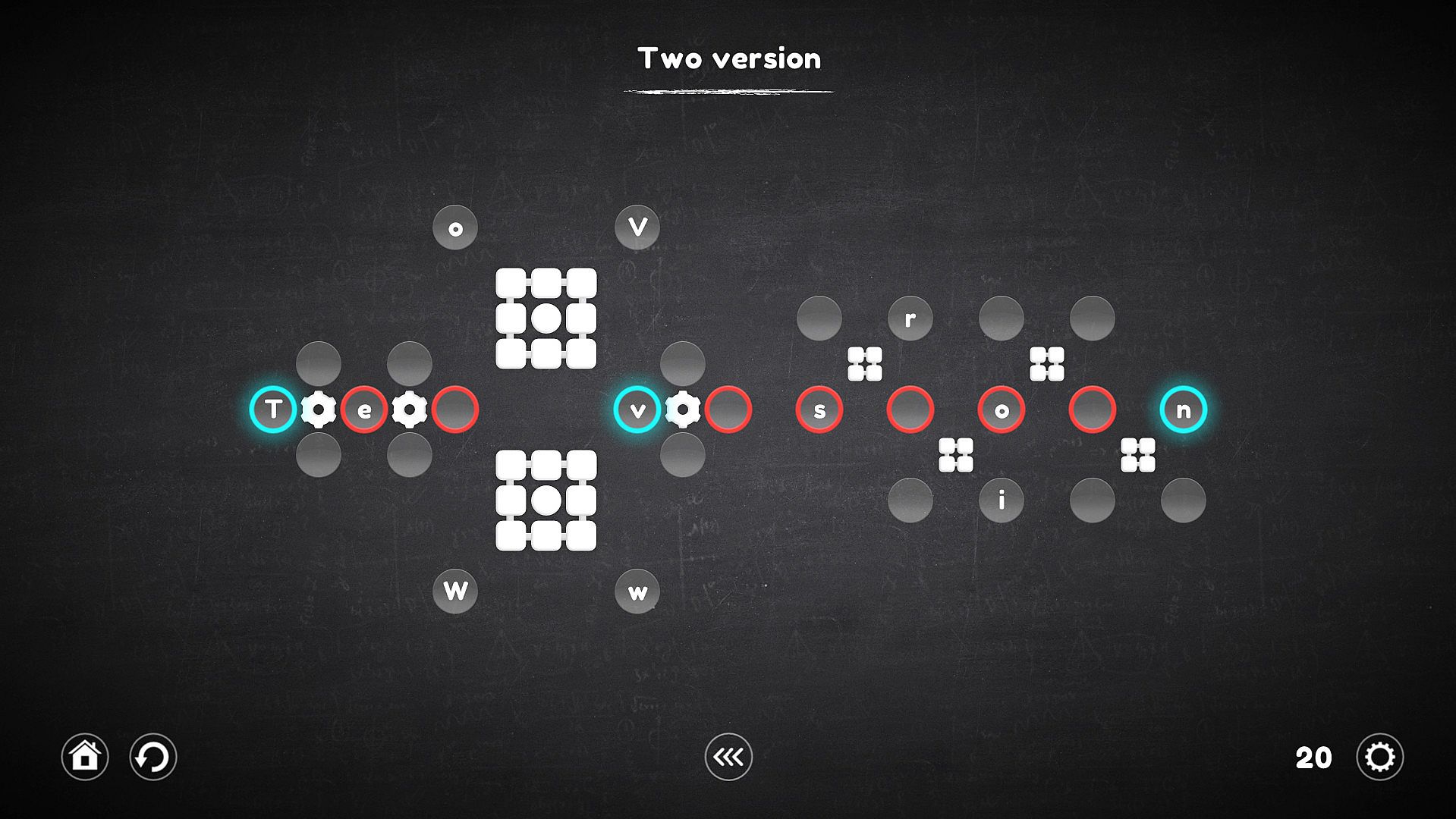
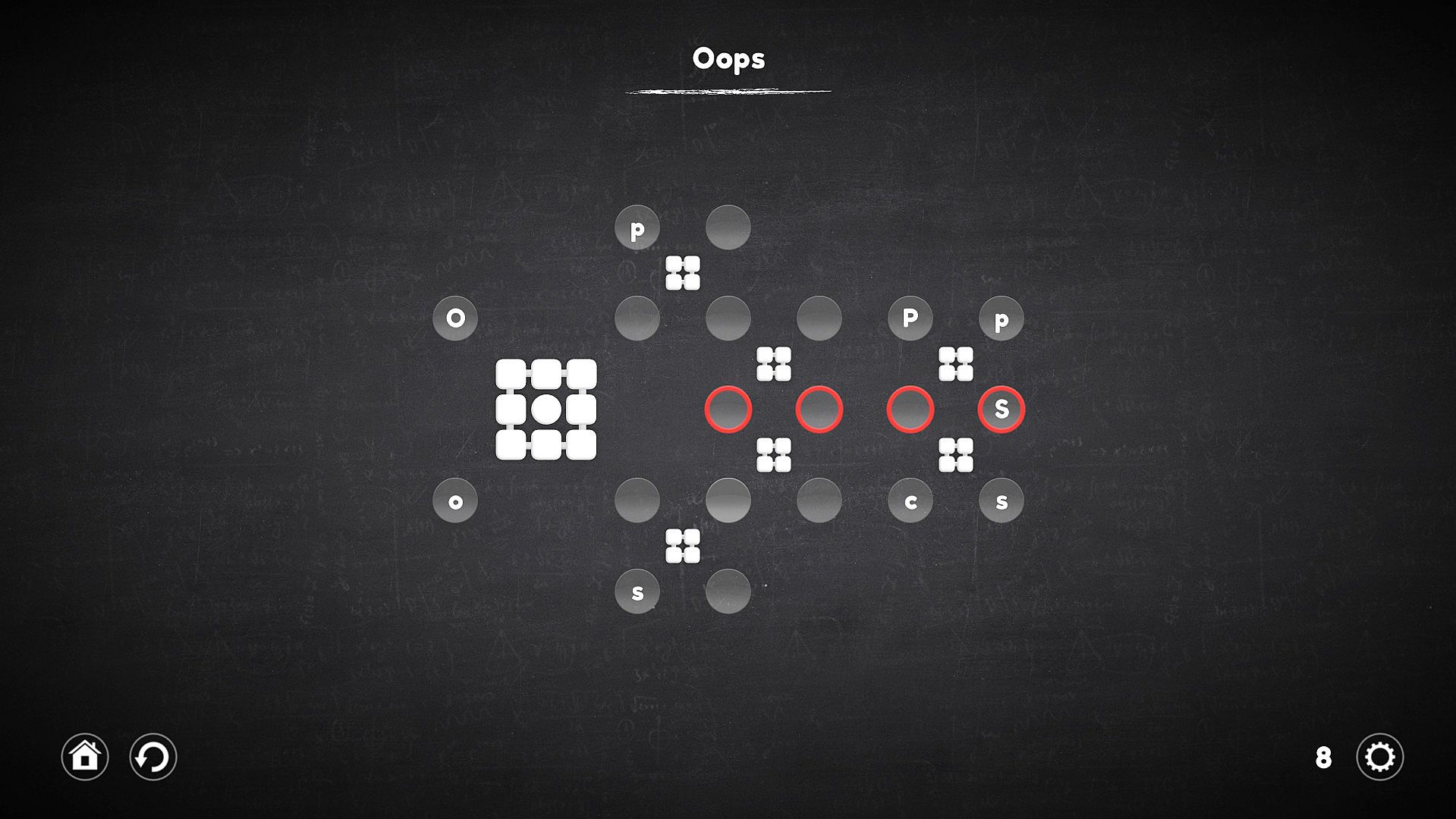
A rotator is a kind of gear, but it works a little differently. His work is reminiscent of the Rubik's Cube, all the cells nearest to him rotate not in a circle, but linearly, which complicates the process, but allows the cells to be moved in a slightly different way.
"Connector"


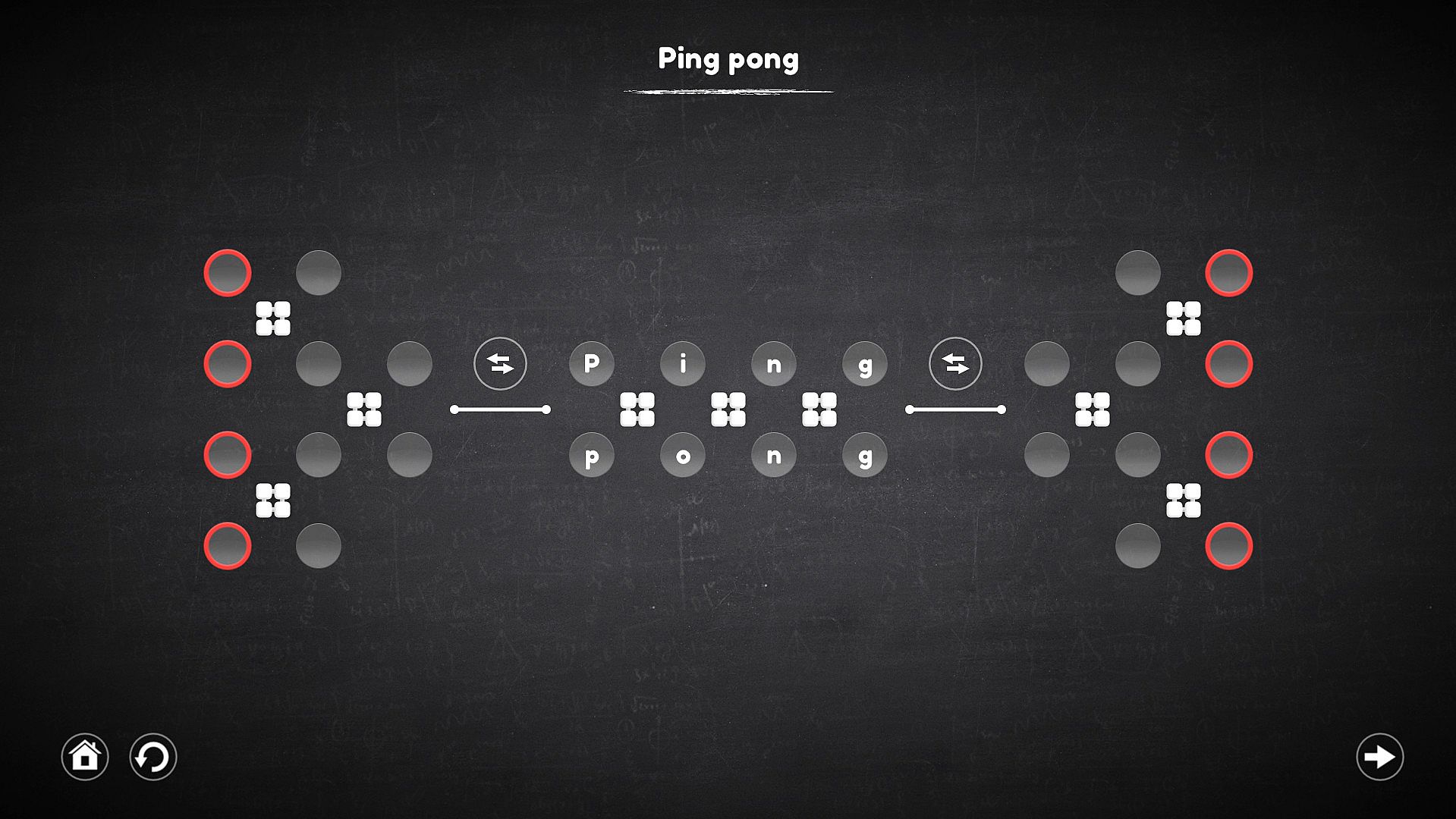
The connector is not a mechanism on which you can act, but it forms a connection between the cells in which the characters are located, with the target cell, which allows you to select the desired character in places inaccessible to the mechanisms.
"Replacer"


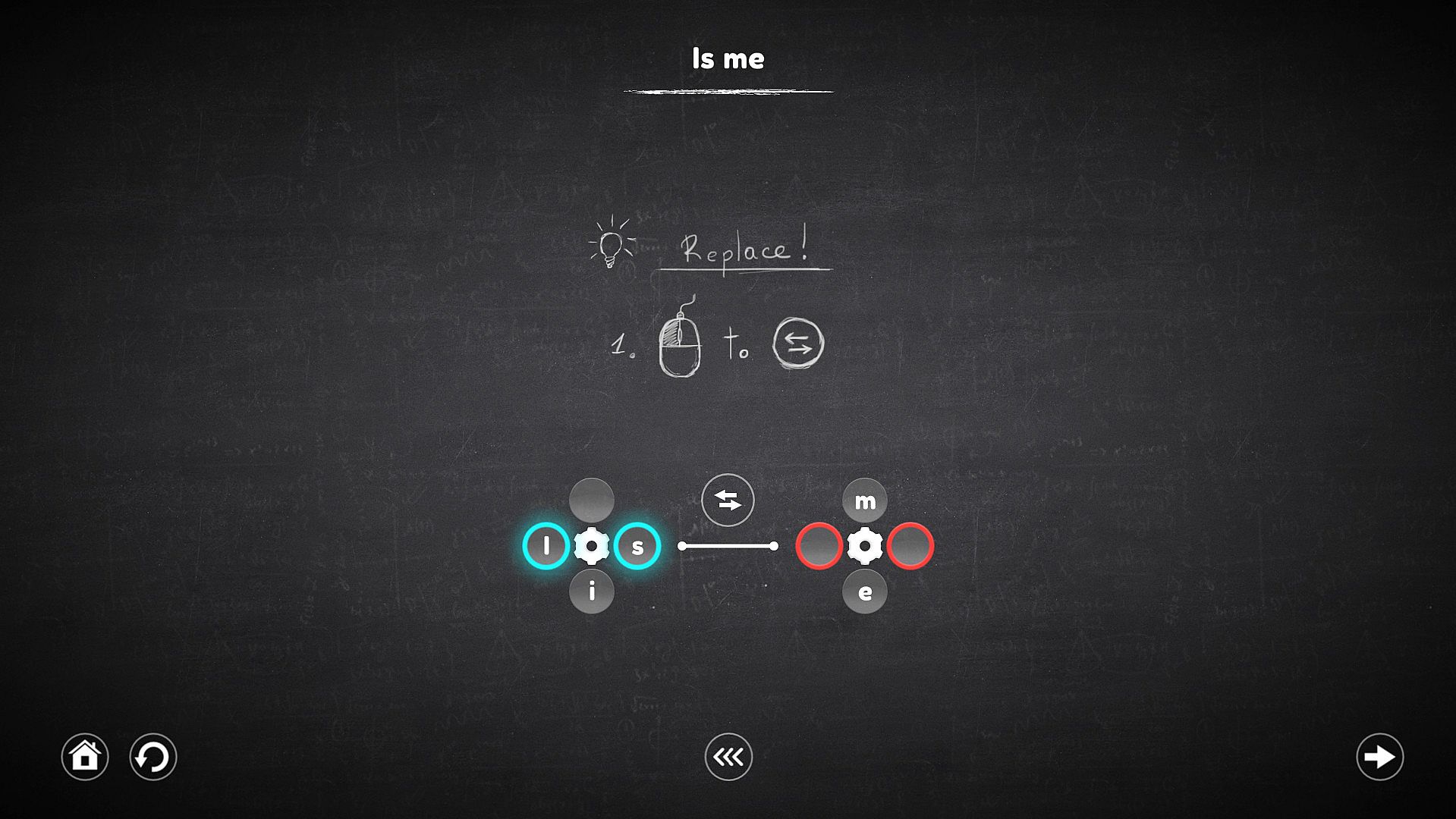
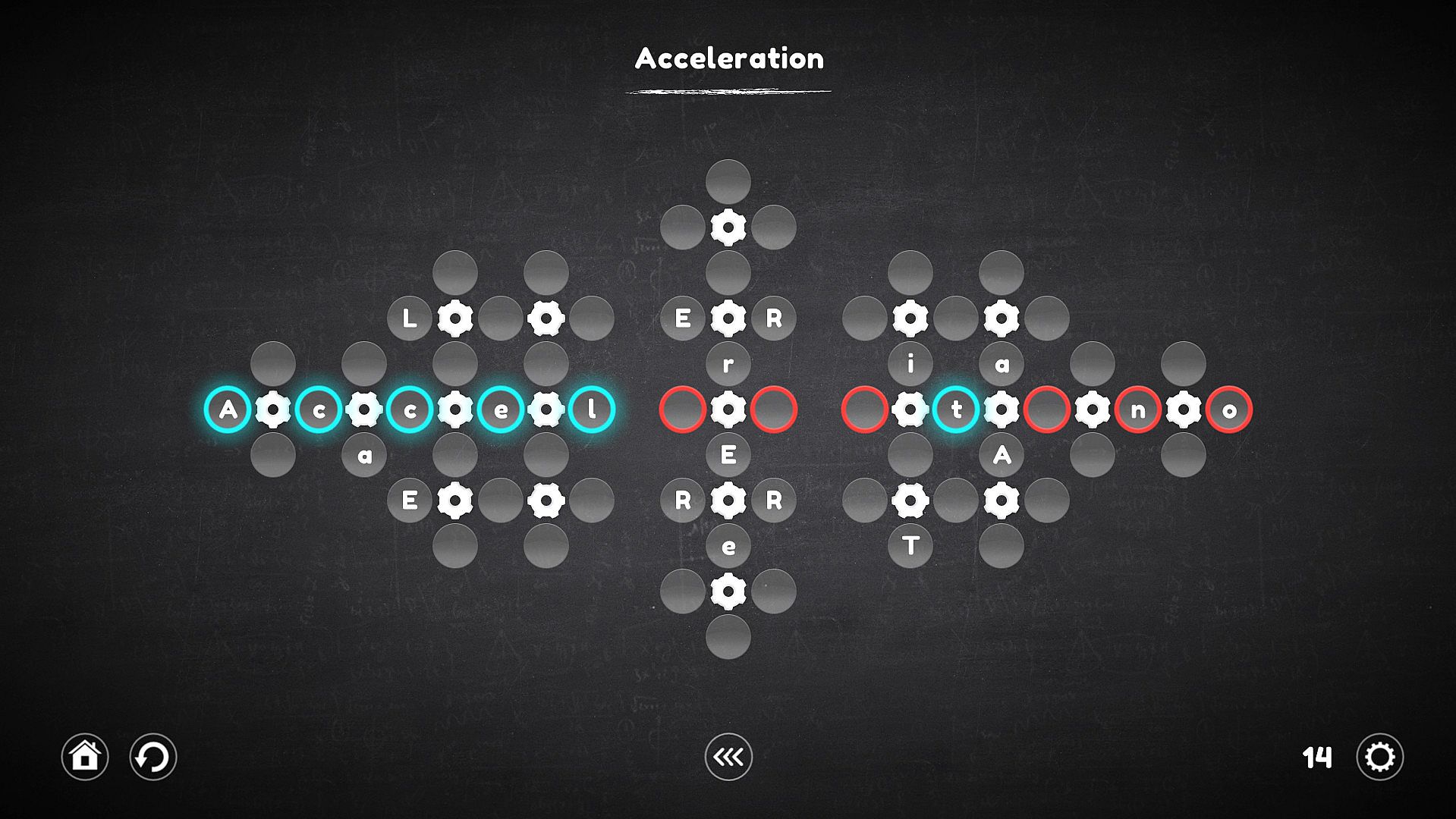
This mechanism no longer works with cells, but with mechanisms. When it is activated, it replace the mechanisms that it intersects, and the cells attached to them also move along with these mechanisms.

Interfejs:
English
Napisy:
English

Klasyfikacja wiekowa

Brak informacji
Metacritic:
tbd tbd
Steam:
Overwhelmingly Negative (7)

Minimalne:

  • Procesor: 2.0GHz processor or faster
  • Pamięć: 1 GB RAM
  • Grafika: Intel HD Graphics
  • DirectX: Version 9.0
  • Dysk: 180 MB available space

Zalecane:

  • Procesor: 2.0GHz processor or faster
  • Pamięć: 2 GB RAM
  • Grafika: NVIDIA or AMD dedicated graphics with 512MB VRAM
  • DirectX: Version 9.0
  • Dysk: 180 MB available space
Historycznie najniższa cena
Historia cen ze sklepów oficjalnych
-
-
-
Historia cen z keyshopów
-
-
-
Dołącz do Discorda
Uzyskaj szybką pomoc od społeczności i bądź na bieżąco z promocjami
Ustaw alerty cenowe
Otrzymuj powiadomienia e-mail, gdy cena gry spadnie do Twojego poziomu
Załóż darmowe konto
Odblokuj wishlisty, alerty cenowe i synchronizację ze Steam

FAQ

8 pytań

Zanim zaczniesz szukać taniego klucza Blueprint Word: Classroom (CD Key), sprawdź najważniejsze informacje. Twórcy: Shard Real. Wydawca: Shard Real. Data premiery na PC: 05 gru 2018. Gatunki: Indie, Casual. Kategorie: Family Sharing, Single-player, Steam Achievements, Steam Cloud. Recenzje Blueprint Word: Classroom: Metascore: tbd. Użytkownicy Metacritic: tbd. Recenzje Steam: 7 user reviews for this game.

Q Czy Blueprint Word: Classroom działa na Steam Decku?

Nie, na ten moment. Valve oznacza Blueprint Word: Classroom jako Unsupported, więc gra nie uruchamia się przez Proton. Śledź XD.deals - monitorujemy postępy Protona i społecznościowe obejścia, a gdy pojawi się działające rozwiązanie, oznaczymy możliwość uruchomienia Blueprint Word: Classroom na Steam Decku.

Tak. Istnieje wersja Blueprint Word: Classroom na Steam. Wybierz ofertę oznaczoną jako Steam Key na XD.deals, aktywuj ją w kliencie Steam i graj w Blueprint Word: Classroom na PC.

Tak. Po aktywacji klucza Steam możesz uruchomić Blueprint Word: Classroom w trybie Offline w Steam. Zapisy zsynchronizują się przy następnym połączeniu z internetem.

Tak, możesz kupić klucz Steam do Blueprint Word: Classroom bezpośrednio w sklepie Steam. W XD.deals zbieramy wszystkie oferty z DRM Steam, abyś mógł porównać tanie promocje na Blueprint Word: Classroom na Steam w jednym miejscu.

Wszystkie aktywne promocje i zniżki na Blueprint Word: Classroom znajdziesz tutaj, na XD.deals. Nasz tracker pokazuje obecnie 1 ofert z oficjalnych sklepów oraz 3 ofert z keyshopów. Sprawdź tabelę powyżej, zobacz najniższą cenę, porównaj z historycznie najniższą ceną i ustaw alert, aby nie przegapić kolejnego spadku.

Dzięki XD.deals gracze PC mogą od razu sprawdzić, gdzie kupić tani klucz Blueprint Word: Classroom na PC (Steam). Nasz silnik porównujący ceny w czasie rzeczywistym oraz baza kuponów śledzą oficjalne sklepy i zaufane keyshopy, żebyś nie musiał. Obecnie wykrywamy 4 aktywnych ofert z oficjalnych sklepów i keyshopów.

Tak. Oficjalna strona Blueprint Word: Classroom na Steam jest dostępna, więc możesz kupić Blueprint Word: Classroom na Steam albo wybrać klucz Steam do Blueprint Word: Classroom na PC na XD.deals i aktywować go od razu.

Nie - XD.deals nie jest sklepem. Jesteśmy porównywarką cen, która śledzi najlepsze oferty na Blueprint Word: Classroom w oficjalnych sklepach i zweryfikowanych keyshopach. Kliknij "Przejdź do sklepu" przy wybranej ofercie, a przekierujemy Cię na stronę sprzedawcy, gdzie dokończysz zakup i odbierzesz klucz.

Najlepsze ceny za Blueprint Word: Classroom

1 GameBoost GameBoost Keyshop
-84% 1,03 zł
2 Kinguin Kinguin Keyshop
-84% 1,06 zł
3 Eneba Eneba Keyshop
-76% 1,62 zł
4 Steam Steam Official
7,19 zł

Chcesz kupić w najlepszym momencie? Ustaw alert cenowy na XD.deals i otrzymaj powiadomienie, gdy Blueprint Word: Classroom ponownie osiągnie historycznie najniższą cenę.

Utwórz alert